




Apple releases macOS 27 public beta featuring design upgrades and new features
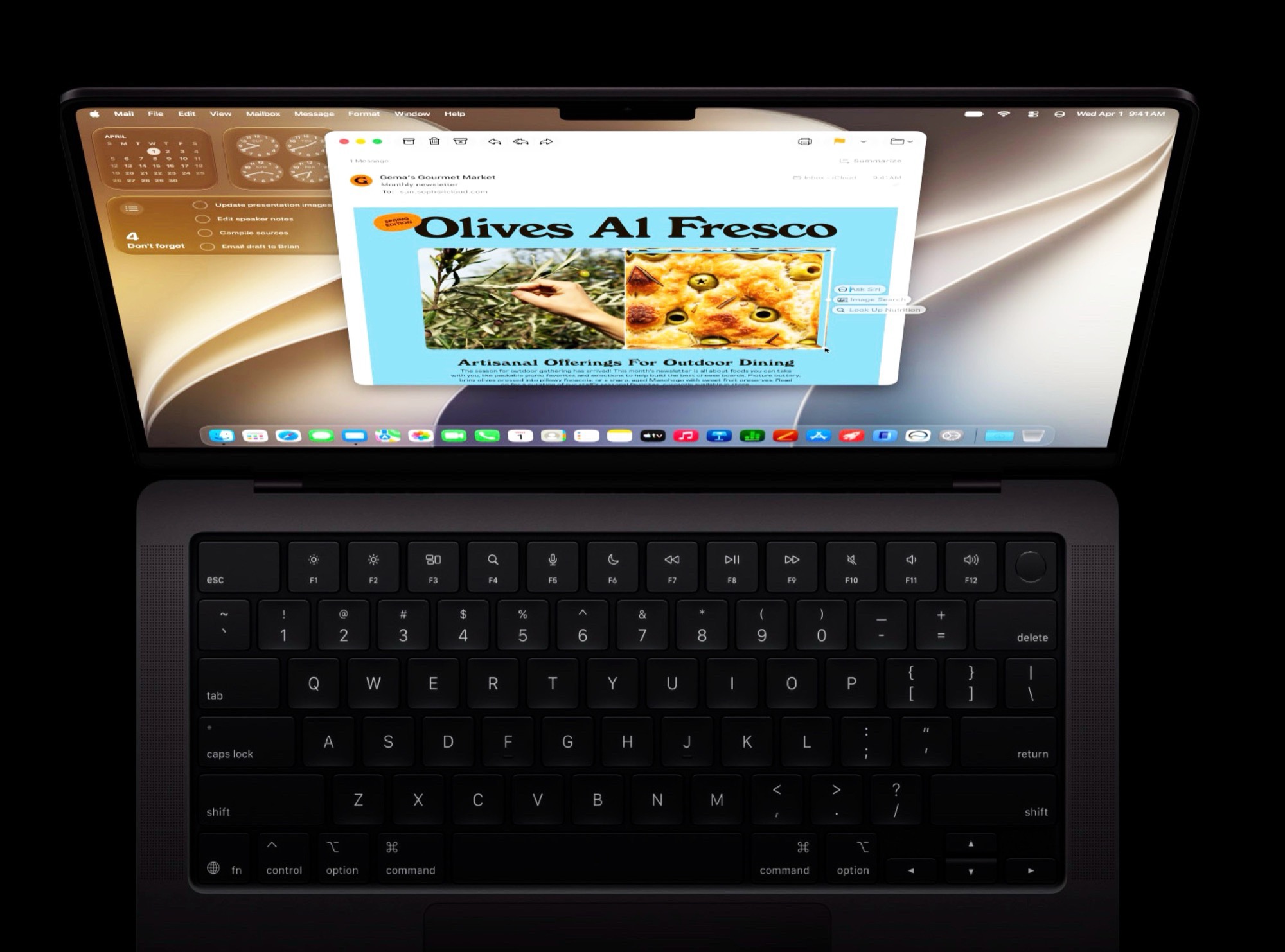
Coinciding with the release of the first public beta version of iOS 27, Apple also released a beta version of macOS 27 Golden Gate. To install the operating system update, all you need to do is register for free with the Apple Beta Software Program. Afterward, the beta version can be selected, downloaded, and installed in System Settings under General → Software Update → Beta Updates.
Before installing a beta version, it is strongly recommended to create a full backup of all data stored on your Mac, as critical software errors cannot be ruled out. macOS 27 Golden Gate was announced at WWDC in early June and was available as a beta version for software developers shortly thereafter. The final version is expected to launch around September or October.

macOS 27 is compatible only with Macs that use an Apple ARM chip, not with models that have an Intel processor. The operating system update brings improvements that should benefit all users, such as faster data transfers via AirDrop, improved search functionality in Apple’s Mail app, and numerous design enhancements, ranging from more consistent toolbars to the ability to adjust the transparency of Liquid Glass.
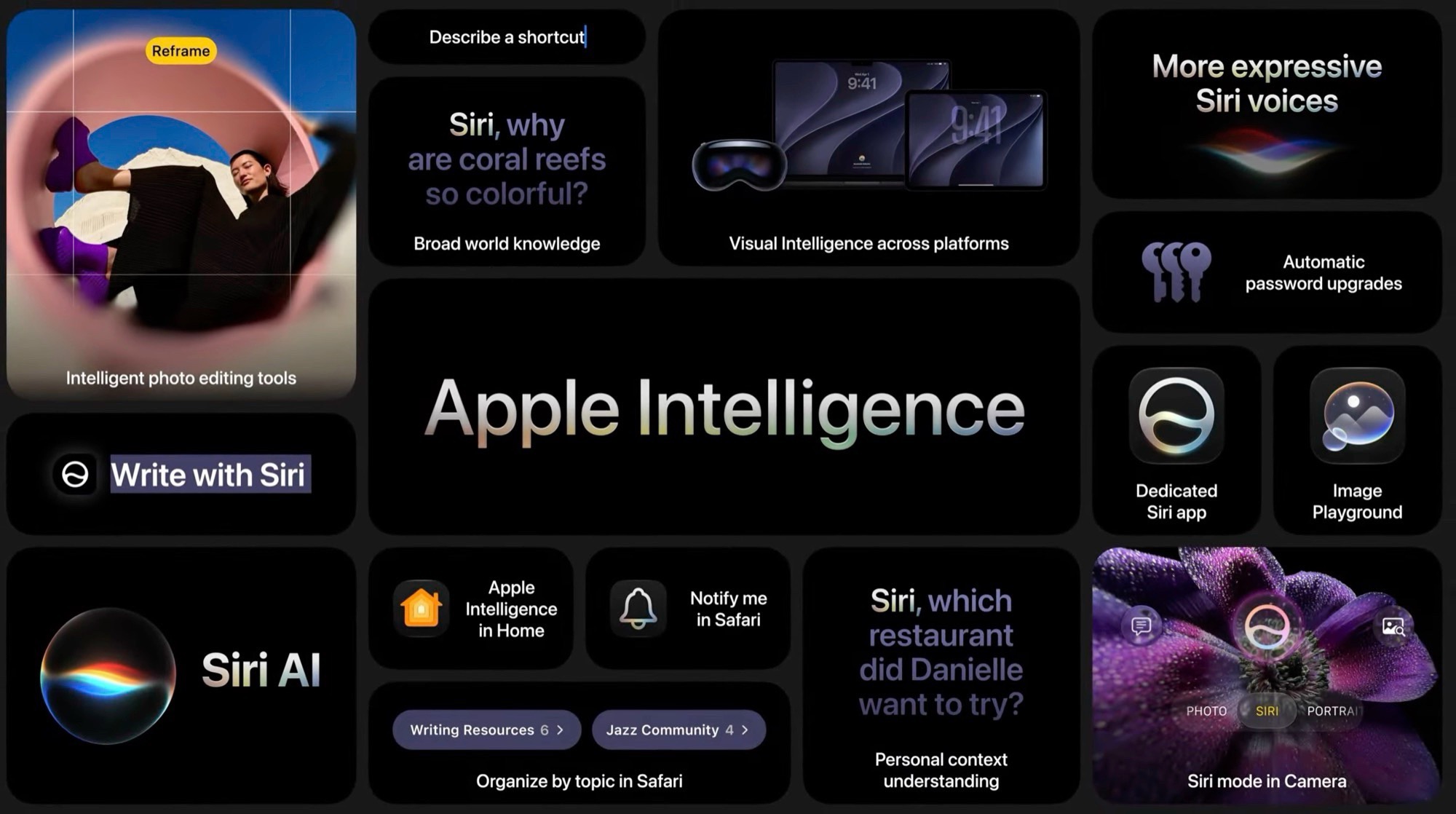
However, the most significant new feature is Siri AI, as Apple’s long-standing voice assistant in macOS 27 is based on a large language model and therefore resembles ChatGPT more than older versions of Siri. Thanks to deep integration into the operating system, Siri AI is designed not only to answer questions, but also to adjust system settings. Apple Intelligence can now also generate images or even Safari browser extensions. More details on macOS 27 can be found in our launch coverage.
Source(s)
 Add as a preferred source on Google


