




Apple Watch: watchOS 27 public beta with Siri AI and design updates now available
Along with the public beta of iOS 27 and macOS 27 Golden Gate, Apple has also released the first public beta version of watchOS 27. Anyone who wants to try out the smartwatch operating system before the final version launches this fall must first sign up for the Apple Beta Software Program and update an iPhone to the iOS 27 Public Beta.
Afterward, the watchOS 27 Public Beta can be selected, downloaded, and installed in the Watch app on the iPhone under the "My Watch" tab in General → Software Update → Beta Updates. However, watchOS 27 is compatible with significantly fewer Apple Watch models than watchOS 26. If you want to try out the operating system update, you’ll need an Apple Watch Series 9 or later, an Apple Watch Ultra 2 or later, or an Apple Watch SE 3 ($245 on Amazon).
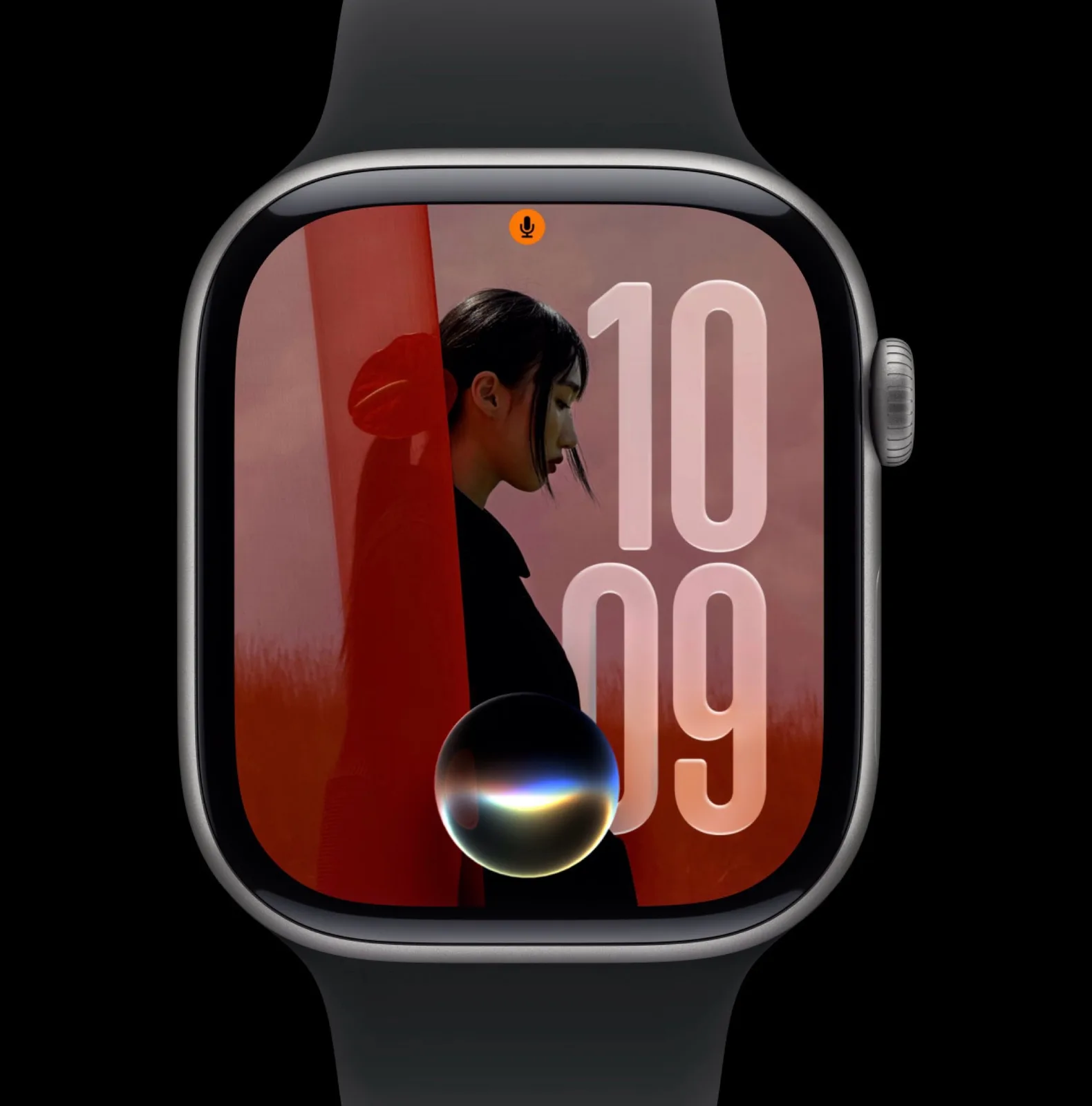
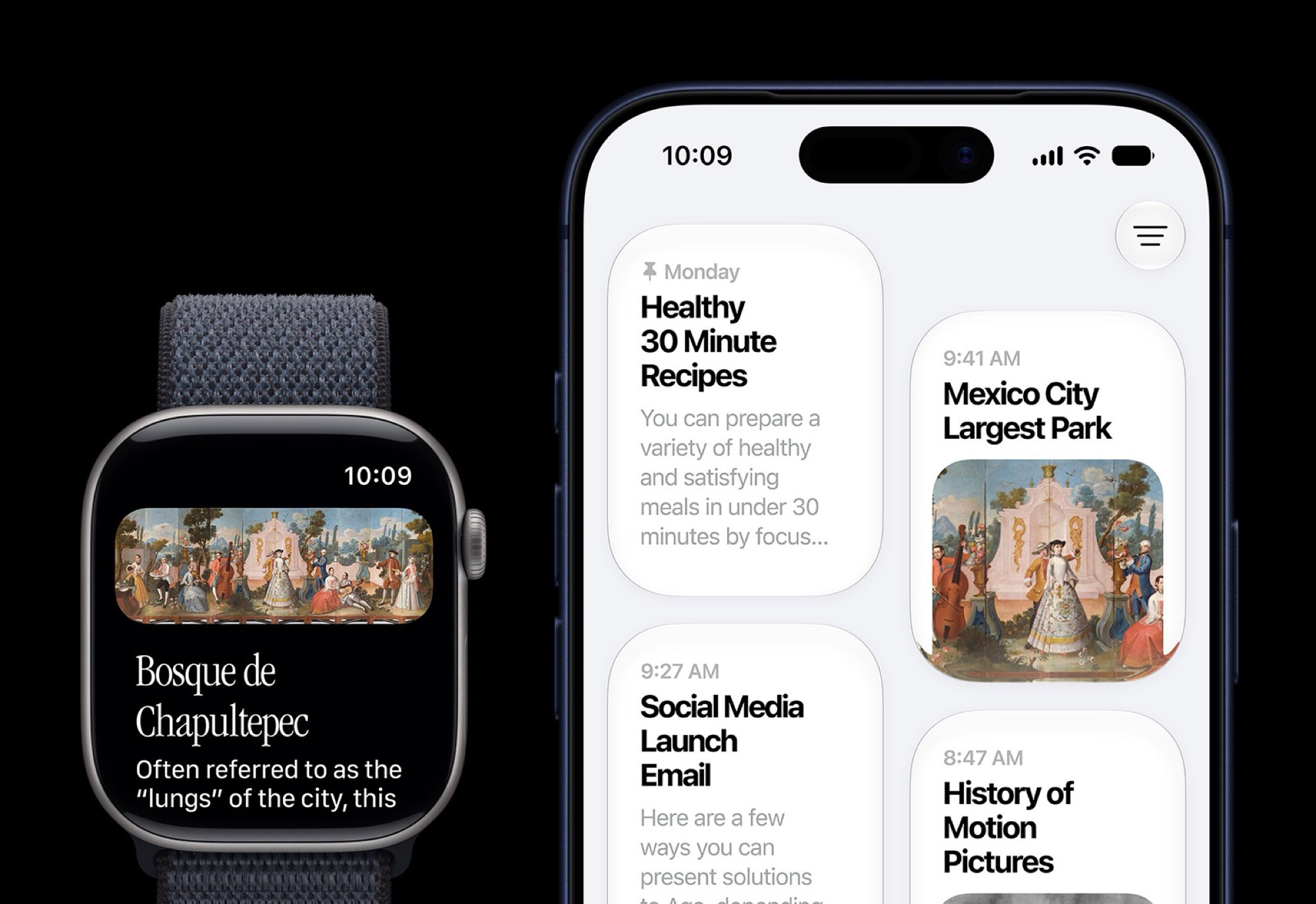
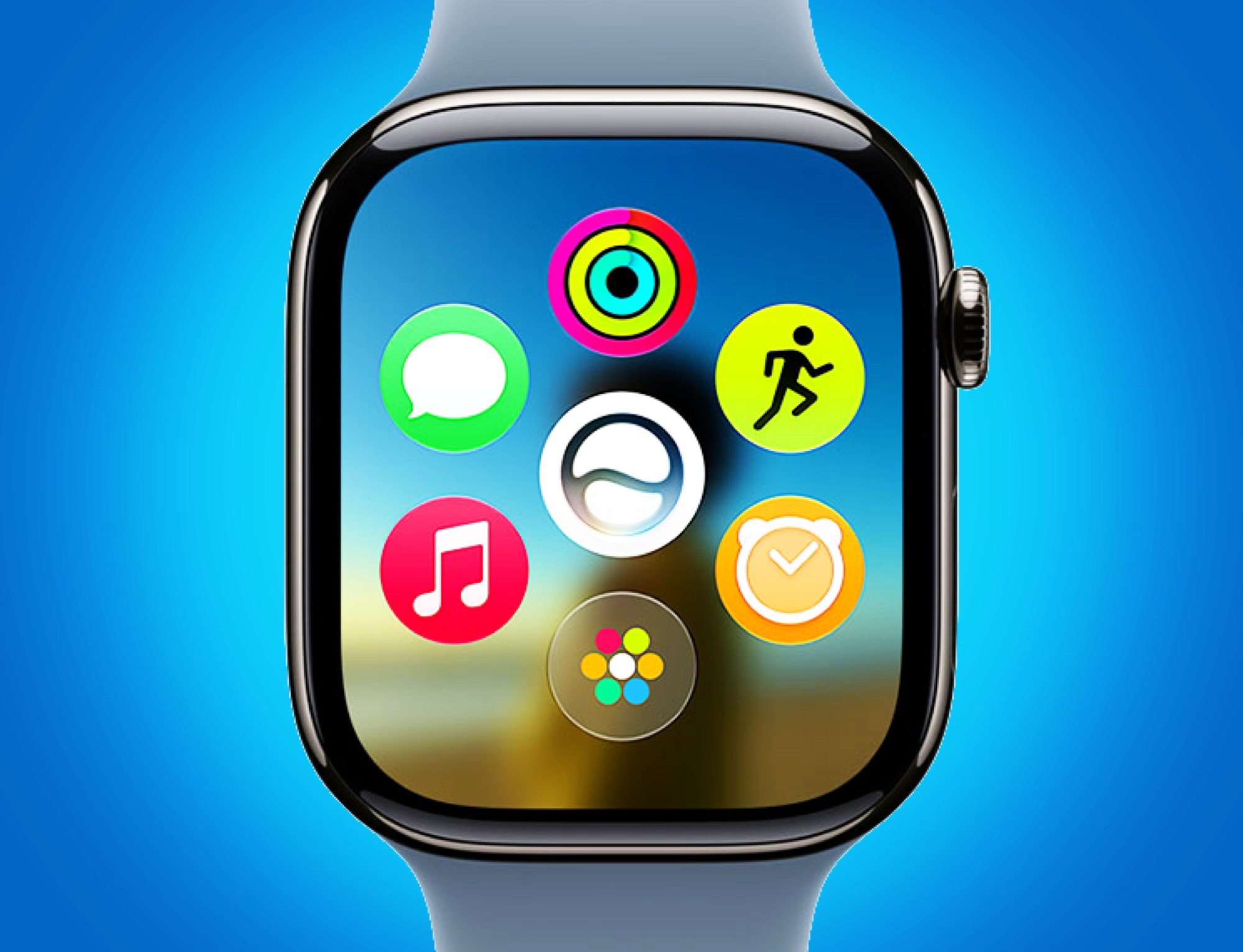
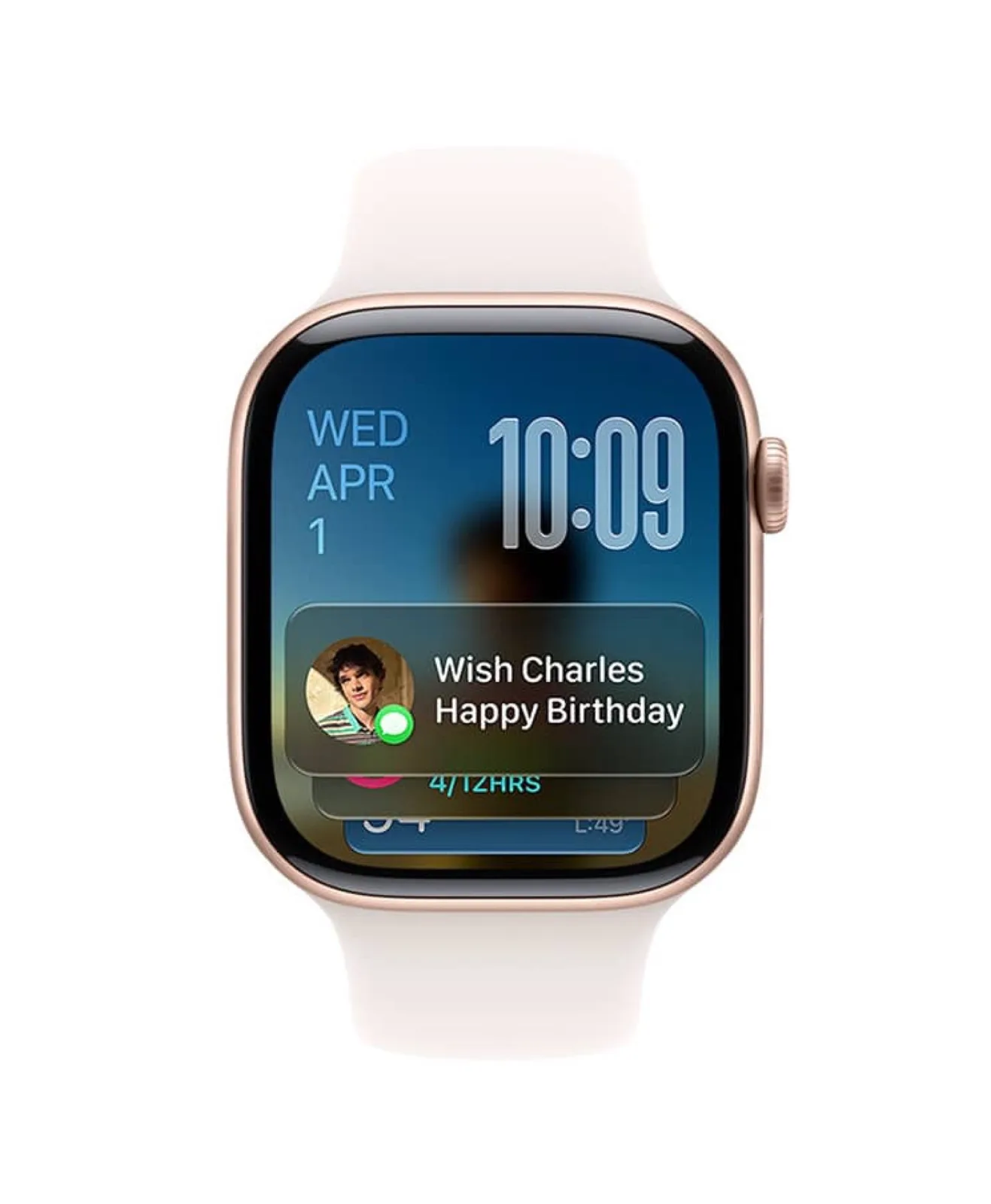
watchOS 27 is designed primarily to make the Apple Watch smarter. This starts with the home screen, which now displays the brand-new Siri AI app in the center, with six recently used apps arranged in a ring around it. After the update, the Smart Stack can also display information such as ongoing Siri conversations or the location of parked vehicles.
A tap gesture, where you tap your thumb and index finger together, lets you scroll through the Smart Stack. In watchOS 27, Siri AI is also a standalone app on the Apple Watch, allowing you to view and resume past conversations. The voice assistant is now implemented as an AI chatbot and is designed to answer questions similarly to ChatGPT, though Siri AI can also start navigation, play music, or send a text message.

Source(s)
 Add as a preferred source on Google


