




Apple iOS 27: the new bank scam defense ships switched off
Apple shipped a protection with iOS 27 that targets the one scam two-factor authentication cannot stop. It is called Impersonation Risk Detection, and it arrives switched off. The release landed on Sept. 14, and EU iPhone owners already ran into the limits on Siri AI.
Apple's own support document is blunt about the setup. An attacker poses as a bank, a government agency or someone you trust, then pressures you into a payment or a change to your account. Traditional security measures "can't always detect this kind of scam," Apple writes, because "you're taking the action, even though you've been tricked or pressured." We covered the same gap in August with the stolen session cookie, and the cloned voice on the phone belongs to the same family.
What the iPhone weighs
The feature reads the situation rather than a phone number. A supported app can request a risk assessment when you start a payment or change a password. The iPhone analyzes interaction patterns, timing, context and basic sensor data, and that analysis stays on the device. The app gets back one of three levels, unknown, medium or high. Apple says it never analyzes the content of your Photos, Messages or Mail. The app decides what to do with the level, and Apple has no say in that decision.
Where to find the setting
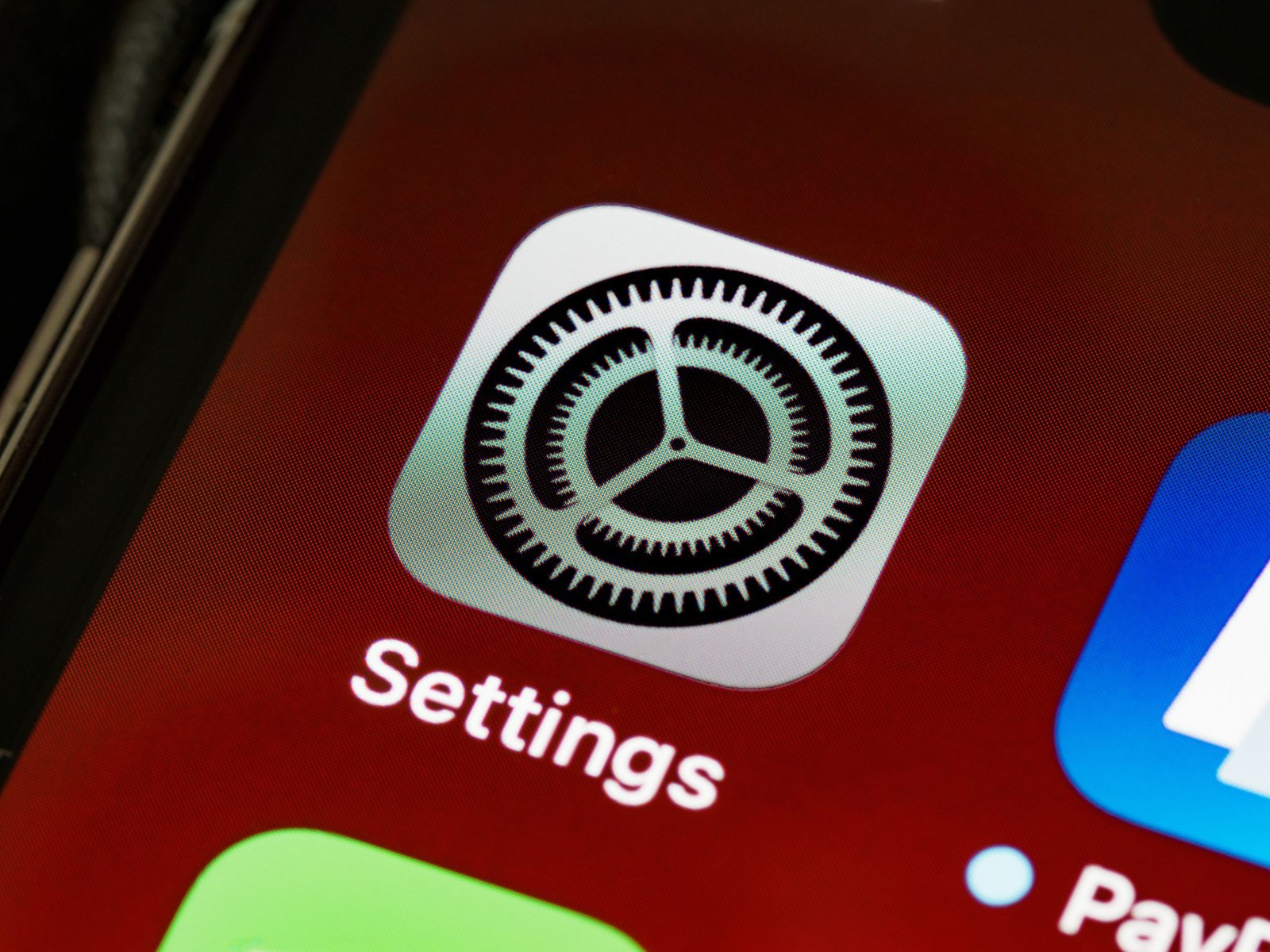
Open Settings, tap Privacy & Security, scroll down to Impersonation Risk Detection and turn on Share with App Developers. Apple notes that you may need to sign in to the App Store with your Apple Account first. Changes to this setting can take up to 24 hours to take effect, which is deliberate. Anyone who pushes you to switch the protection off mid-call gets nothing right away.
Apple names the limit itself
The detection only works in apps that have built it in, and Apple has not published a list of them. You can flip the switch and still have no idea whether your bank, your payment service or your wallet ever asks. The settings page fills a Recent Activity section once apps start requesting assessments, showing which app asked and what triggered the request. That is the only way to find out at this stage.
Turning it on costs you two minutes and very little else, because the app receives a level and no raw data. The protection only matters once banks and payment services adopt it. It is groundwork, not something you can rely on today.
Source(s)
 Add as a preferred source on Google


