




CheckMag | Android adaptive icons are still wildly inconsistent, thankfully this icon pack has nearly every icon covered
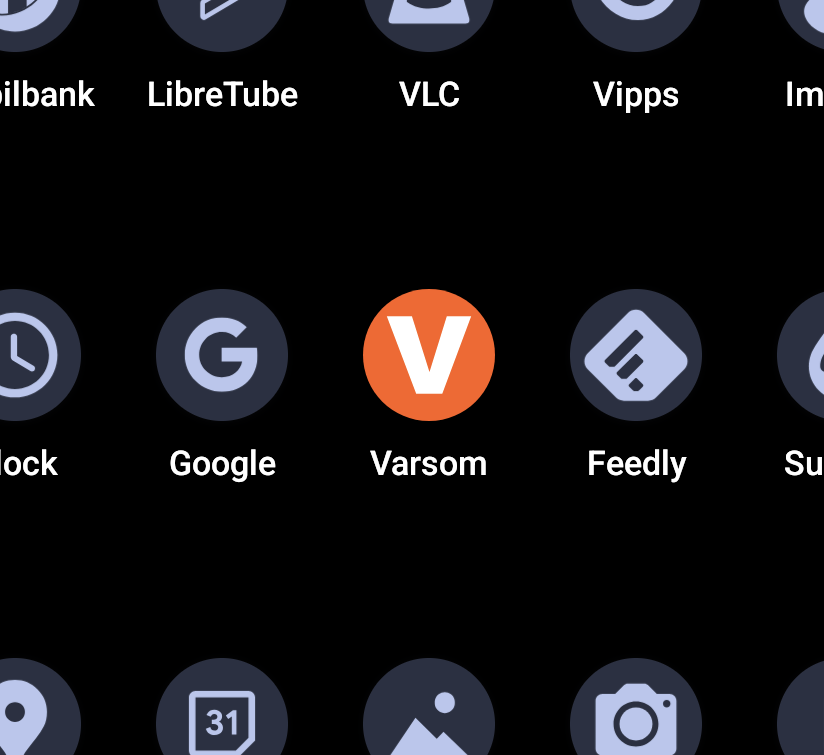
Whether you're a fan of iOS liquid glass or not, the one thing it has got going for it is icon theming. Regardless of the app, 100% of them will get themed, giving a uniform and consistent look to your home screen.
The idea was originally implemented with the Pixel Launcher, installed by default on Pixel phones (10 Pro currently available on Amazon with 22% off). However, ever since the feature was introduced with Android 12 in 2021, nearly 5 years later Adaptive icons are still incapable of theming your entire home screen.
It's not entirely Google's fault, as it's up to the developer of each app to include a themed icon. However, when trying to make use of the feature, it can be frustrating when an app you want on your home screen looks out of place when almost every other icon is themed. QPR2 attempts to rectify this by offering "tinted" icons, however these tints just make all your icons look monotone, and are still inverted in colour when compared with properly themed icons.
The other aspect is that adaptive icons only work with the Pixel launcher. If you don't have a Pixel, or don't want to use their launcher on your own Pixel, your options might be limited.
Thankfully, if you want to get that themed look, there is a 3rd party icon pack that has nearly every icon covered, even those pesky localised apps. At $1.99 it's almost a no-brainer.
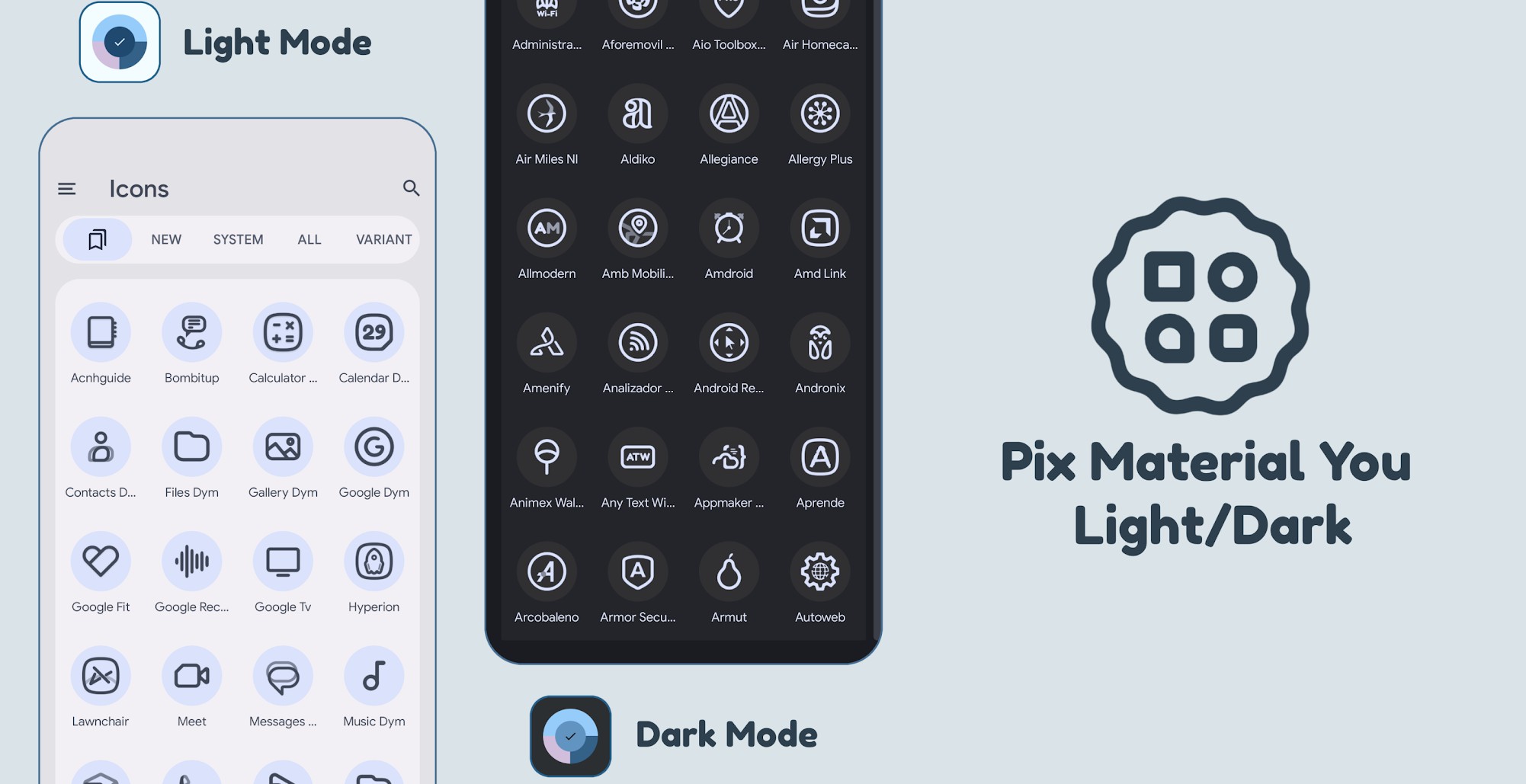
Pix Material You can be installed using almost any 3rd party launcher including Lawnchair, Octopi and Hyperion. If your launcher supports custom icon packs, you can use these icons.
The icon pack supports both light and dark themes, as well as dynamic colours, so when you set a custom wallpaper, the icons change colour to match the rest of the system accents.
With more than 19,000 icons, there is a good possibility that every one of your apps are covered. If not, there are so few that don't get themed, choosing a manual icon for the one or two outliers isn't much of a chore.
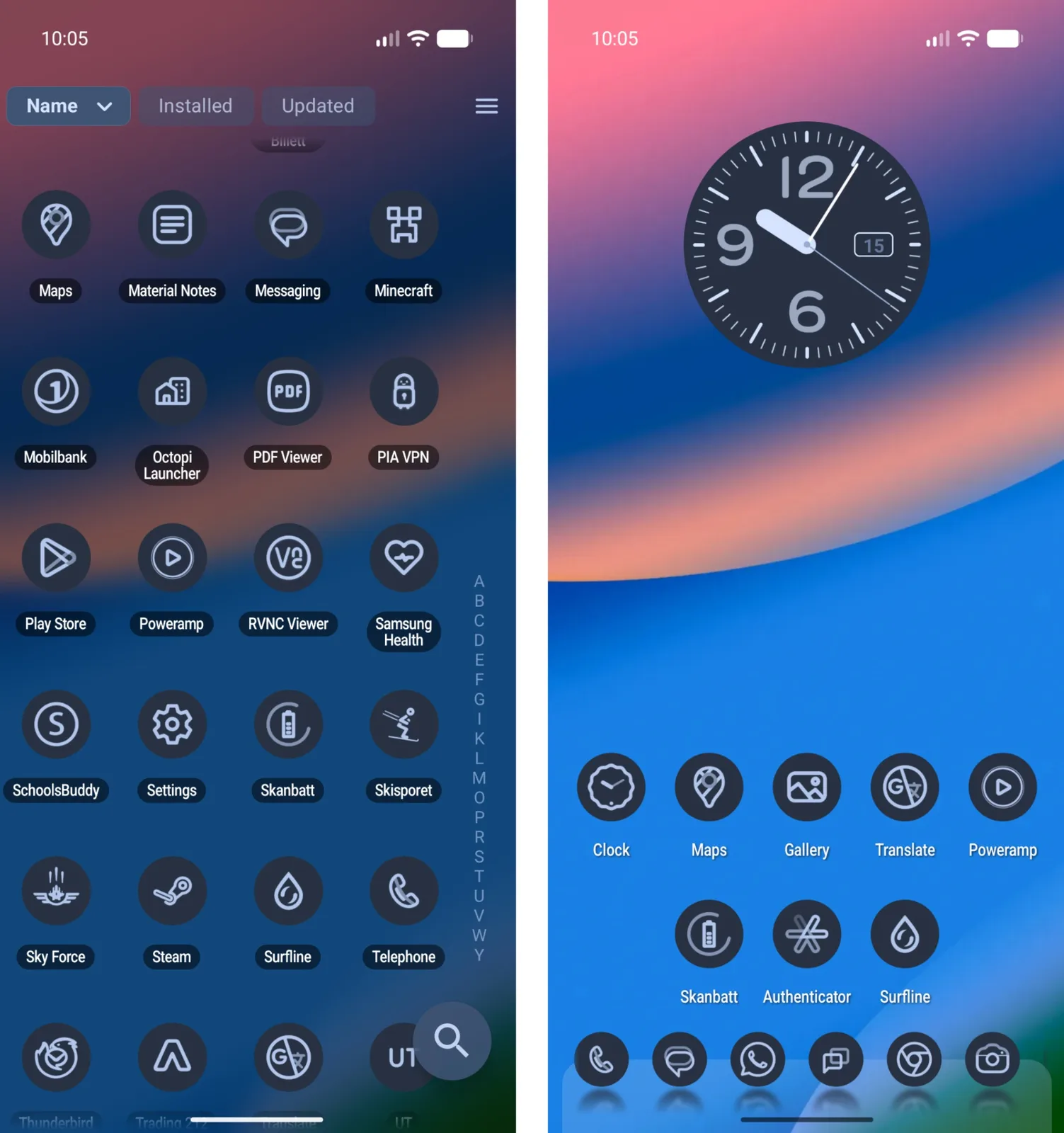
There are also a range of widgets, including clocks, dates and weather, that perfectly match the icons, allowing you to create a consistent and beautiful home screen.
There are plenty of reasons why you might want to move away from the native Pixel launcher, whether it's the persistent search box, lack of support for even the company's own foldable devices, or the ability to add custom icons.
If you are looking for any level of customisation, the native Pixel launcher probably won't cut it, but a custom launcher with Pix Material You, is one of the few solutions that can truly give you that consistent home screen.
 Add as a preferred source on Google


