Acebeam UC3A hands-on: Pocket-sized flashlight with big features
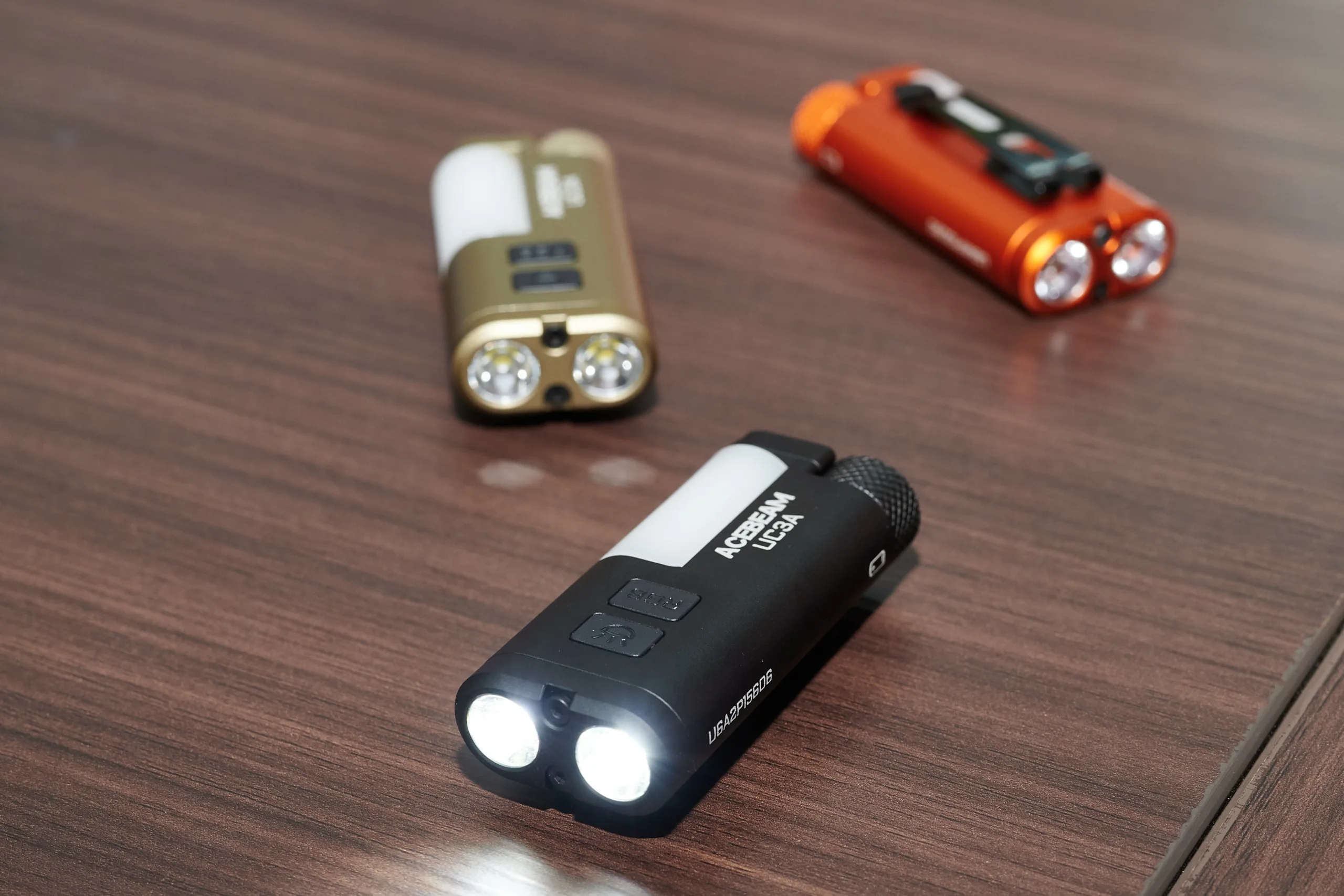
Followng Computex in Taipei, we had the opportunity to visit Acebeam in Shenzhen. There, we were able to try out not only the new Acebeam K1, but also other flashlights. Our main focus was on the UC3A, a tiny flashlight that offers a wide range of features. At just 65 grams, it's barely noticeable as an everyday carry (EDC) device. And yet it features a replaceable battery.
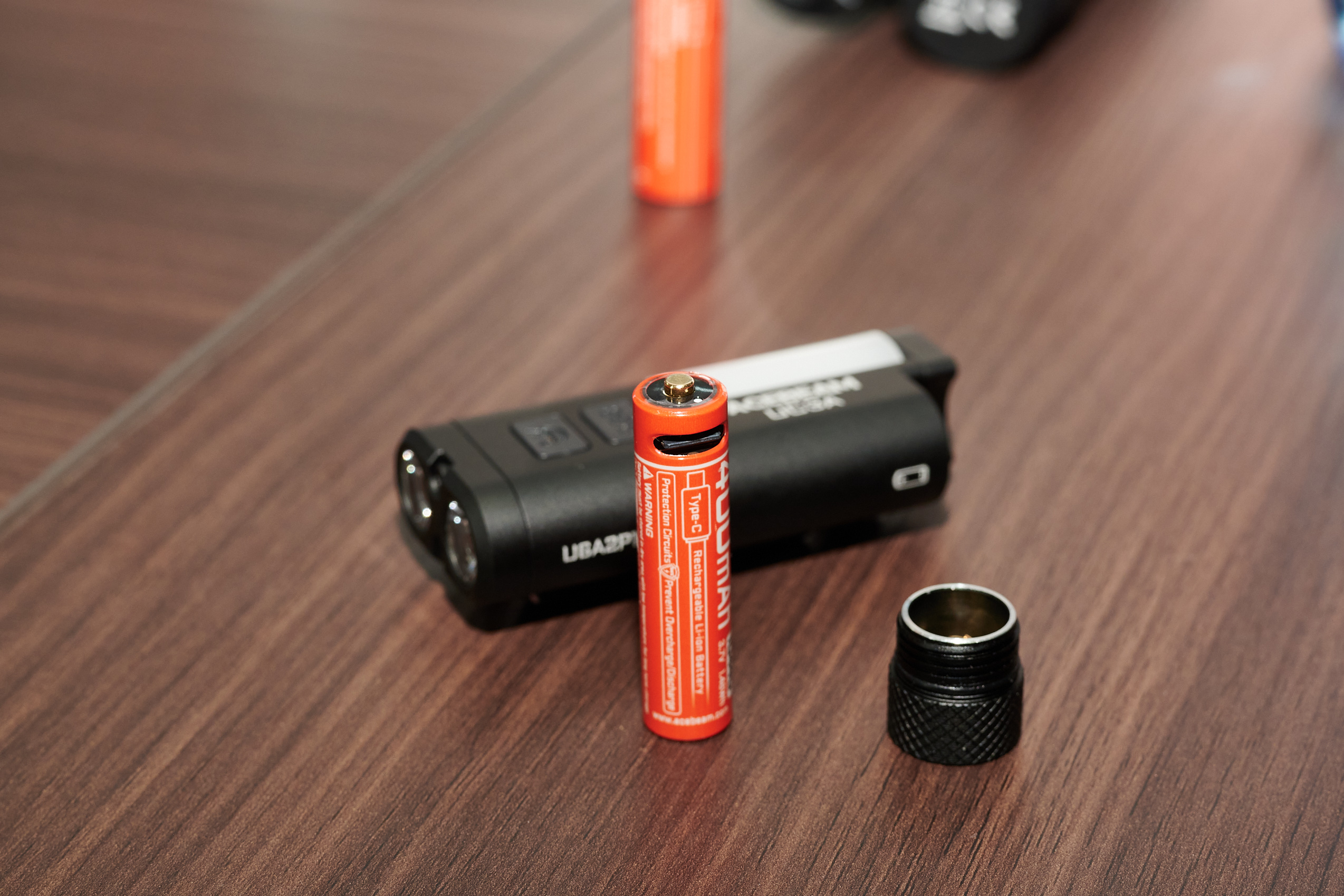
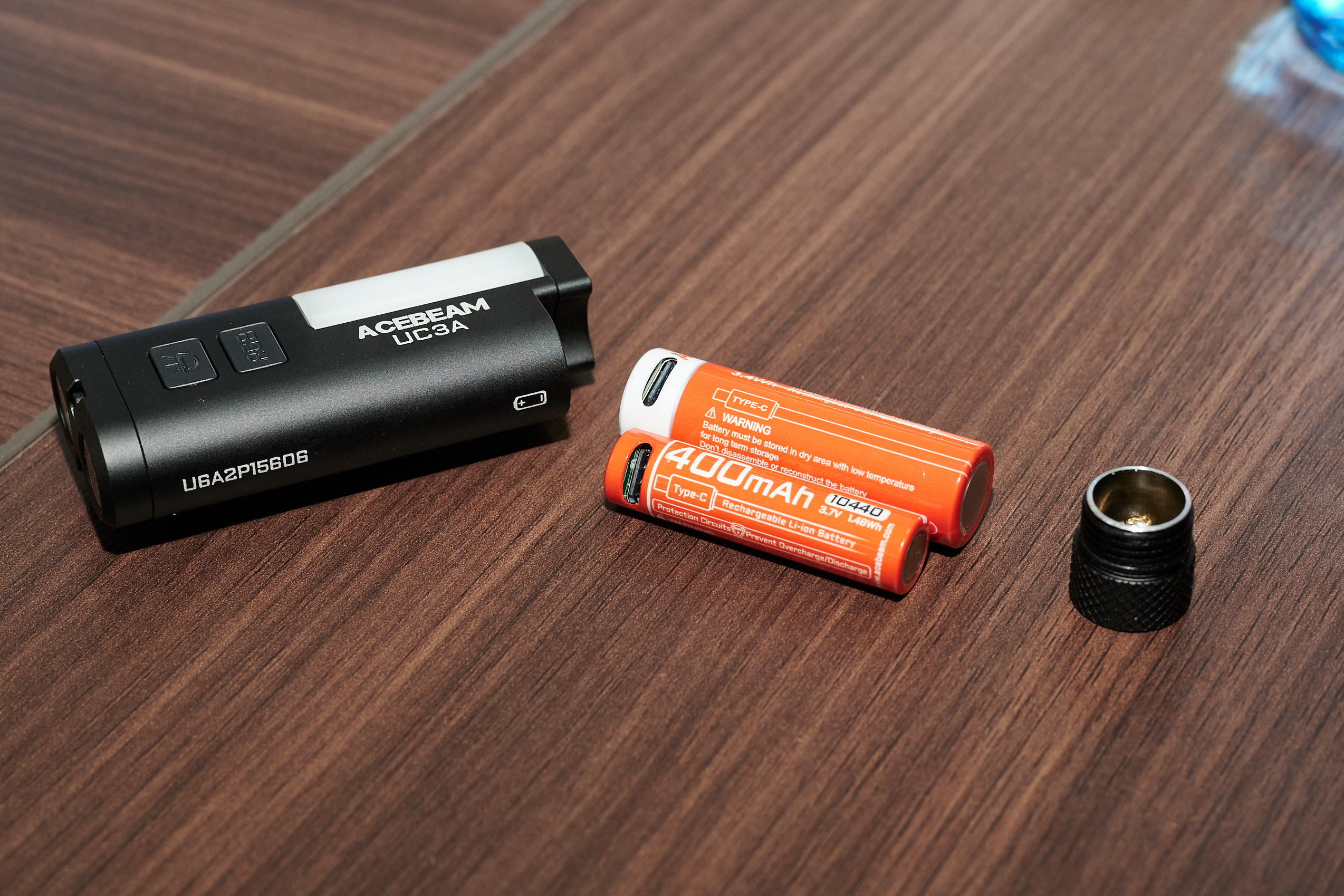
Acebeam uses a AAA-sized lithium-ion battery, or more precisely, a 10440 cylindrical cell. This secondary cell has a USB-C port, which is rather tightly integrated into the cell. We have only been familiar with larger AA-format batteries with USB-C up to now. This design is both an advantage and a disadvantage. The downside is that, to charge the cell, it must be removed from the flashlight. On the other hand, spare cells make it easy to carry a backup. However, the single cell is not yet available for purchase. The flashlight also supports standard AAA-format primary batteries, though we were unable to test this feature.
At 1.5 watt-hours, the UC3A’s battery is quite small, which we noticed during a hands-on test, as one of the flashlights no longer had a full charge and was visibly dimmer than the model with a full battery. This allows you to indirectly gauge the battery’s status, since this compact model doesn’t have a battery indicator.
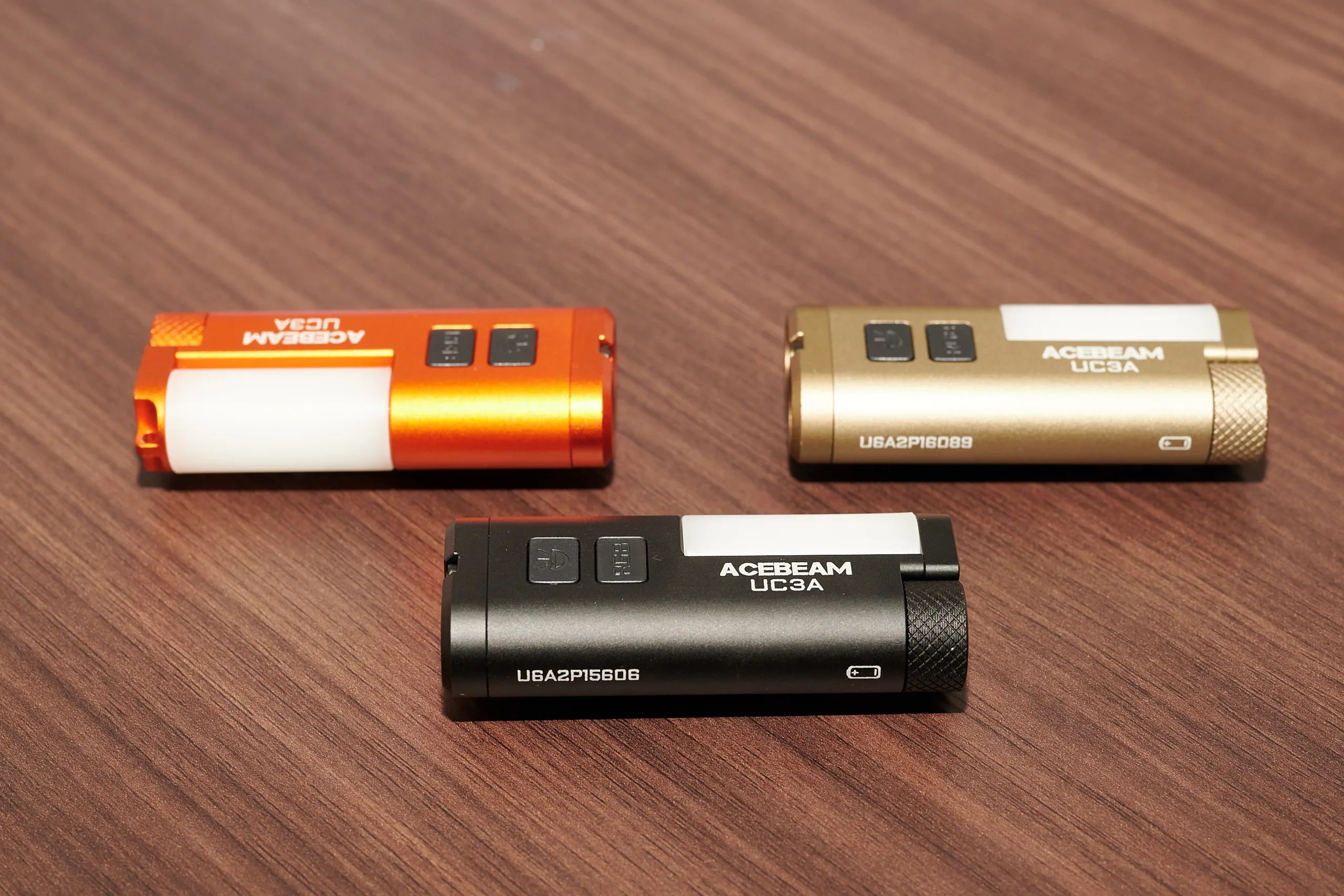
Operating the flashlight using the two buttons is pleasantly straightforward. The first button controls the main forward light. Holding this button down while switching the flashlight on activates the moonlight mode. A single press starts both front lights in the normal medium mode. Holding this button down cycles through three modes, but not moonlight mode.
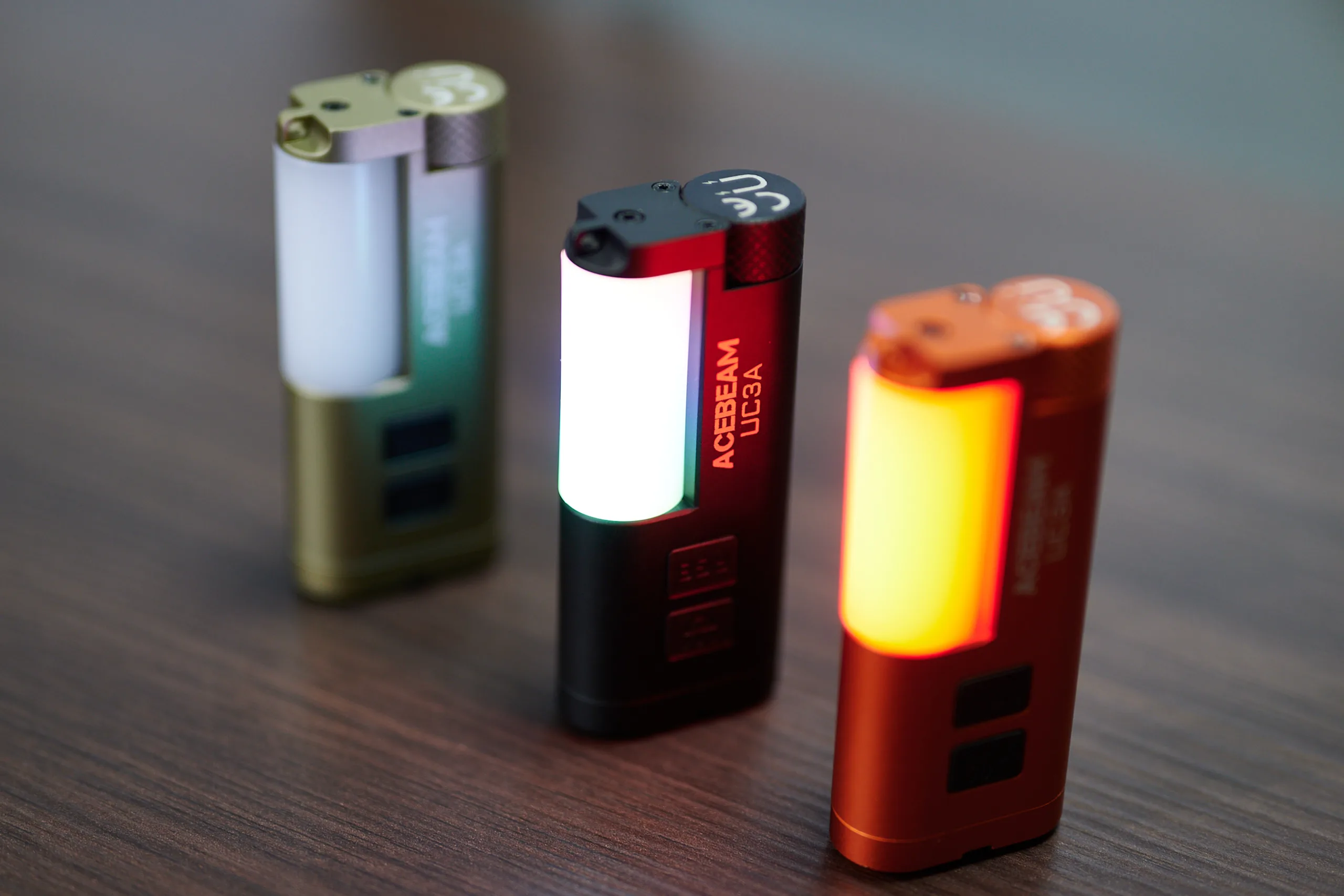
The second button controls the sidelight, which took some getting used to. The white light is operated the same way as the main light, but there are only two brightness levels. However, other colors can also be selected. After switching the light on, you need to double-click the second button to cycle through red, green and blue, each of which also has a flashing mode. There's also a police flashing mode with alternating red and blue flashing for those who like that sort of thing. The final mode is a rainbow animation.
The side light of the Acebeam UC3A
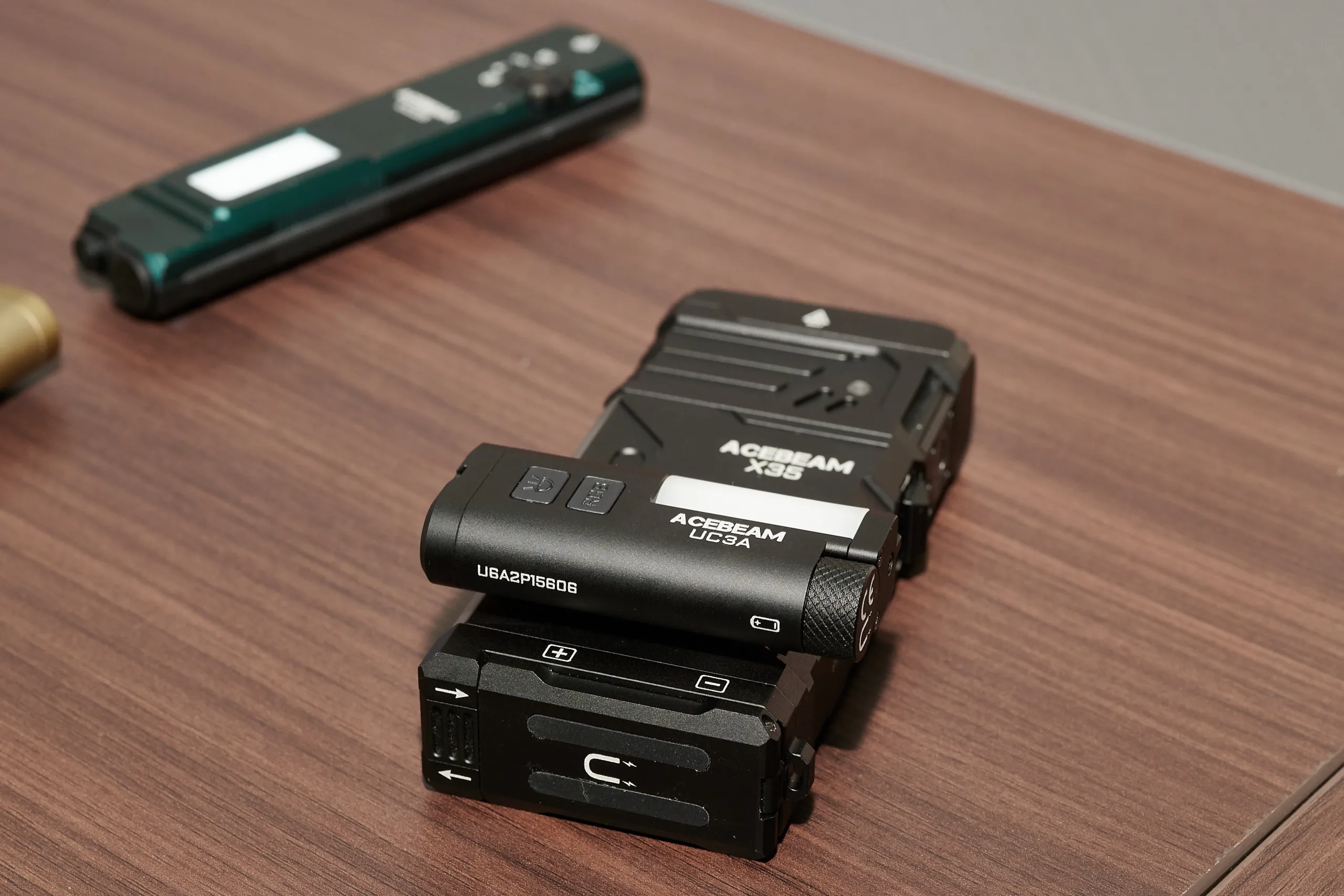
The side light serves two functions. Firstly, it acts as a warning or attention light, attaching to a backpack, belt or cap with the clip. Secondly, the white version functions as an ambient light. The strong magnetic back panel is particularly well-suited for this purpose. In our opinion, this also makes the flashlight a great tool for DIY projects inside a PC case. We’ve previously used Nitecore’s LA10 or Fenix’s CL09 for this purpose. However, those are purely lanterns, whereas the UC3A also functions as a flashlight while being of a similar size and having better usability.
Interestingly, there are several development generations between the UC3A and the CL09/LA10, and neither has received a successor.
Overall, we liked the UC3A. it isn't a powerhouse due to its size, but it's bright enough for everyday use as a flashlight. This also applies to the sidelight. The two white light settings are sufficient: one for dim environments and one for situations with a bit more ambient light.
What the flashlight doesn't do well is reproduce the blue light on the sidelight. The color rendering appears muddy and tends towards purple. We certainly wouldn't use that color. On the other hand, the rainbow effect is quite nice. There are enough LEDs for the animation. The red and green lights met our expectations. The only thing missing is a yellow warning light, which the flashlight can simulate via the rainbow effect, but unfortunately, it cannot be selected as a single light.
All in all, however, the UC3A offers a decent range of features in a compact package, making it ideal to carry with you everywhere.
Acebeam is currently selling the flashlight at Amazon for $40, available in orange, black or green. Acebeam also gave us a promo code: 4TBZINQJ, which should further reduce the price of the flashlight at checkout. However, we don't know how long this code is valid or if is available for every Amazon customer.
Source(s)
Acebeam
 Add as a preferred source on Google