Review Toshiba Qosmio F30-147 Notebook
Couch potato: If in the office, or in the bed room or away, the personal multimedia center is always present as Toshiba Qosmio F30. It is equipped with an analog/digital TV tuner and excellent Harman/Kardon speakers and provides one with the pleasure of location-independent TV and HiFi.

Case
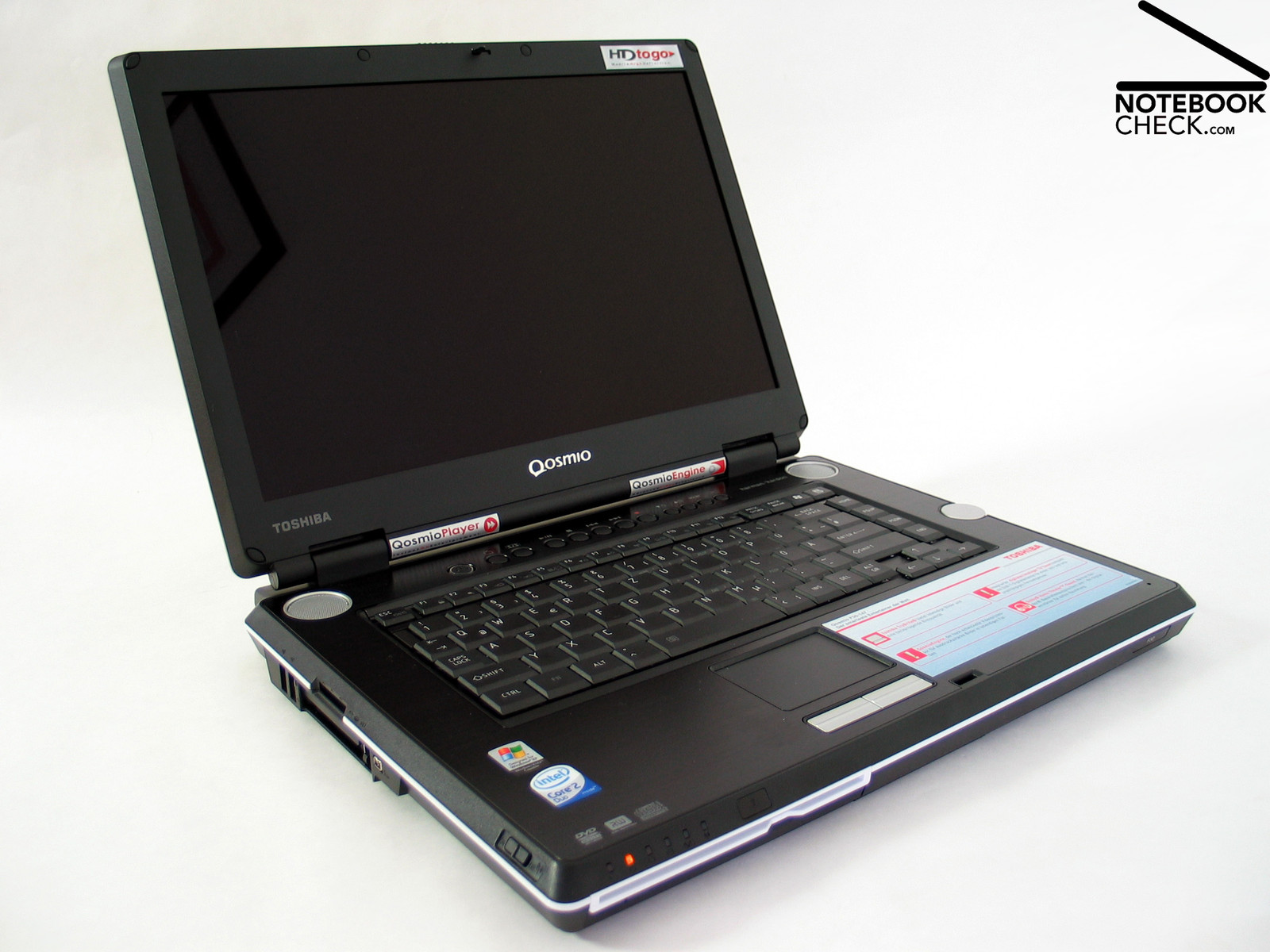
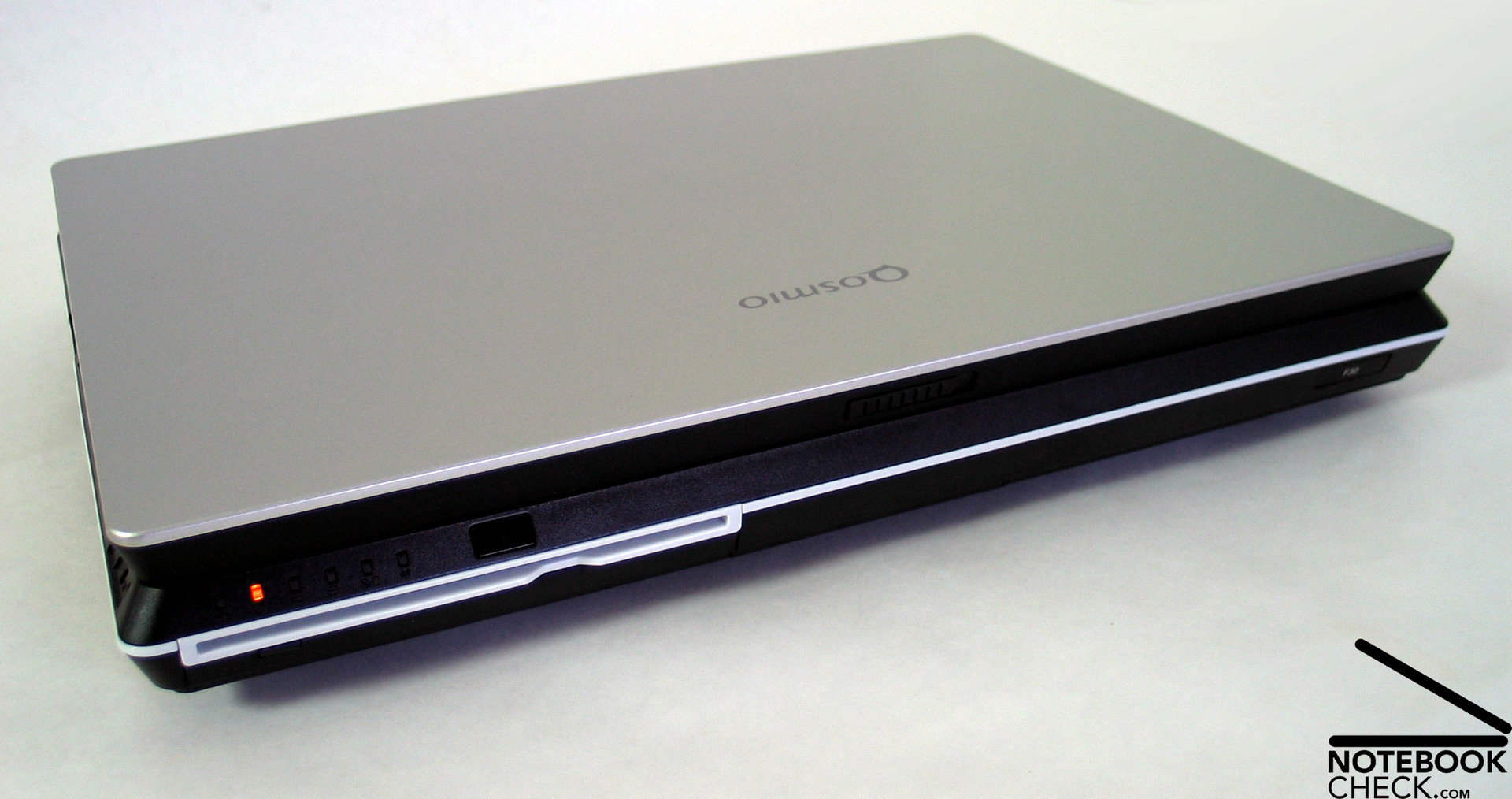
The Toshiba Qosmio F30 is the current 15 inch version of the Qosmio series. As its big brother (Toshiba Qosmio G30 reviewed by us), also the F30 has a relative huge case, which convinces through good workmanship.
The design is nearly atypical for Toshiba, because gentle and pleasing forms normally dominate. On the contrary, The Qosmio has linear and geometric forms and an absolutely plane surface. In tandem with the relative huge height, this design has rather negative affects on the ergonomics, especially when writing etc.
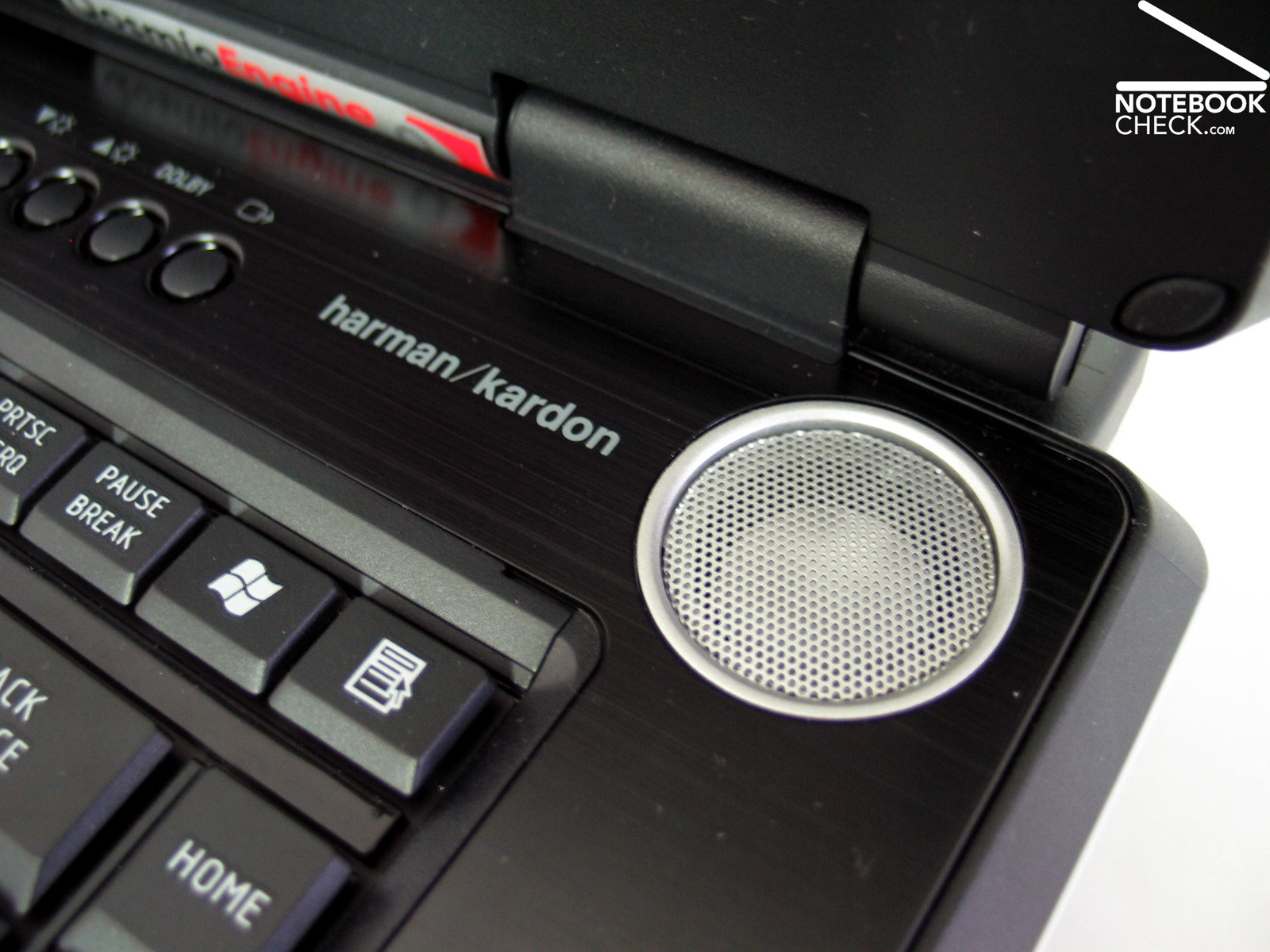
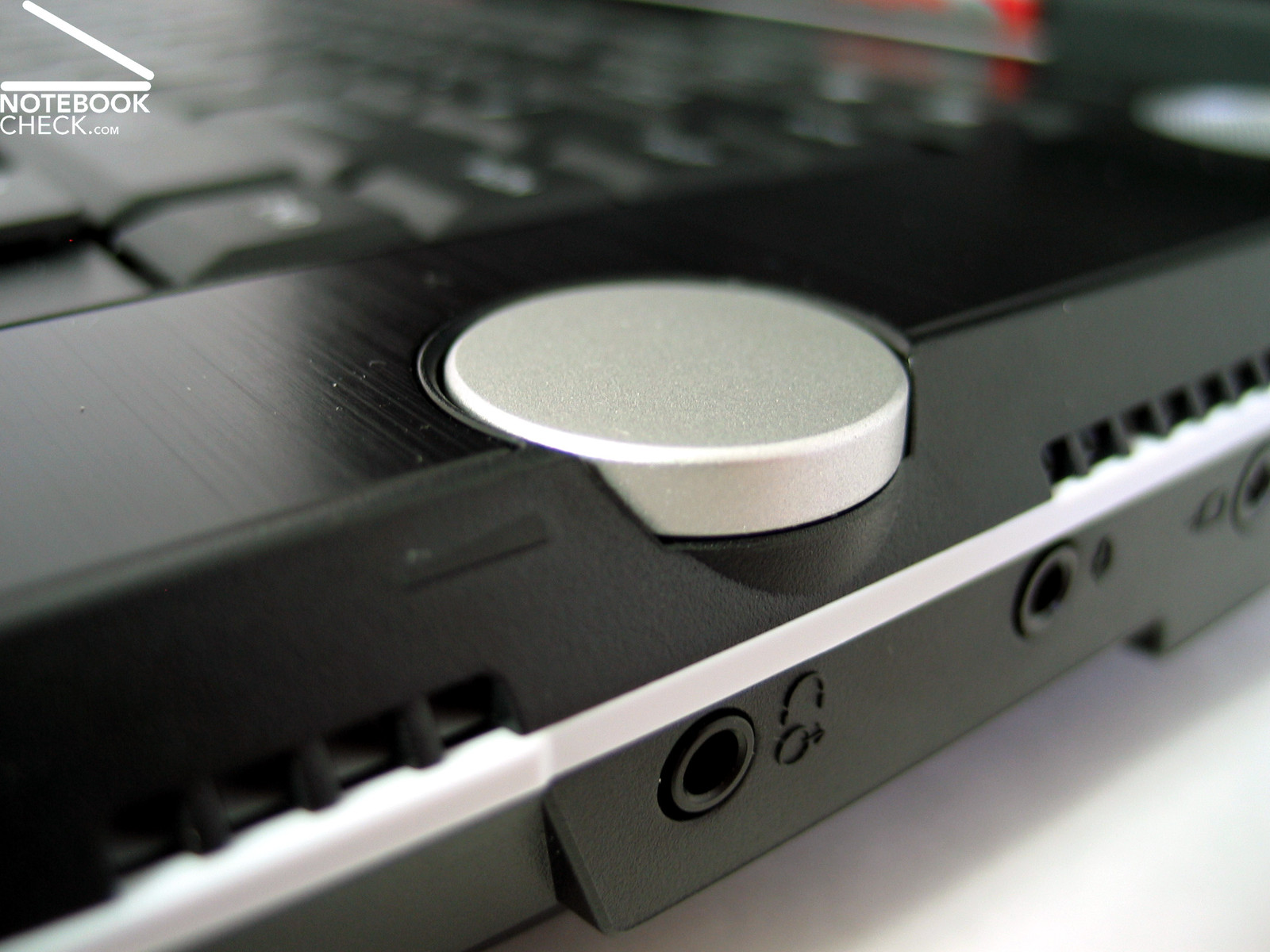
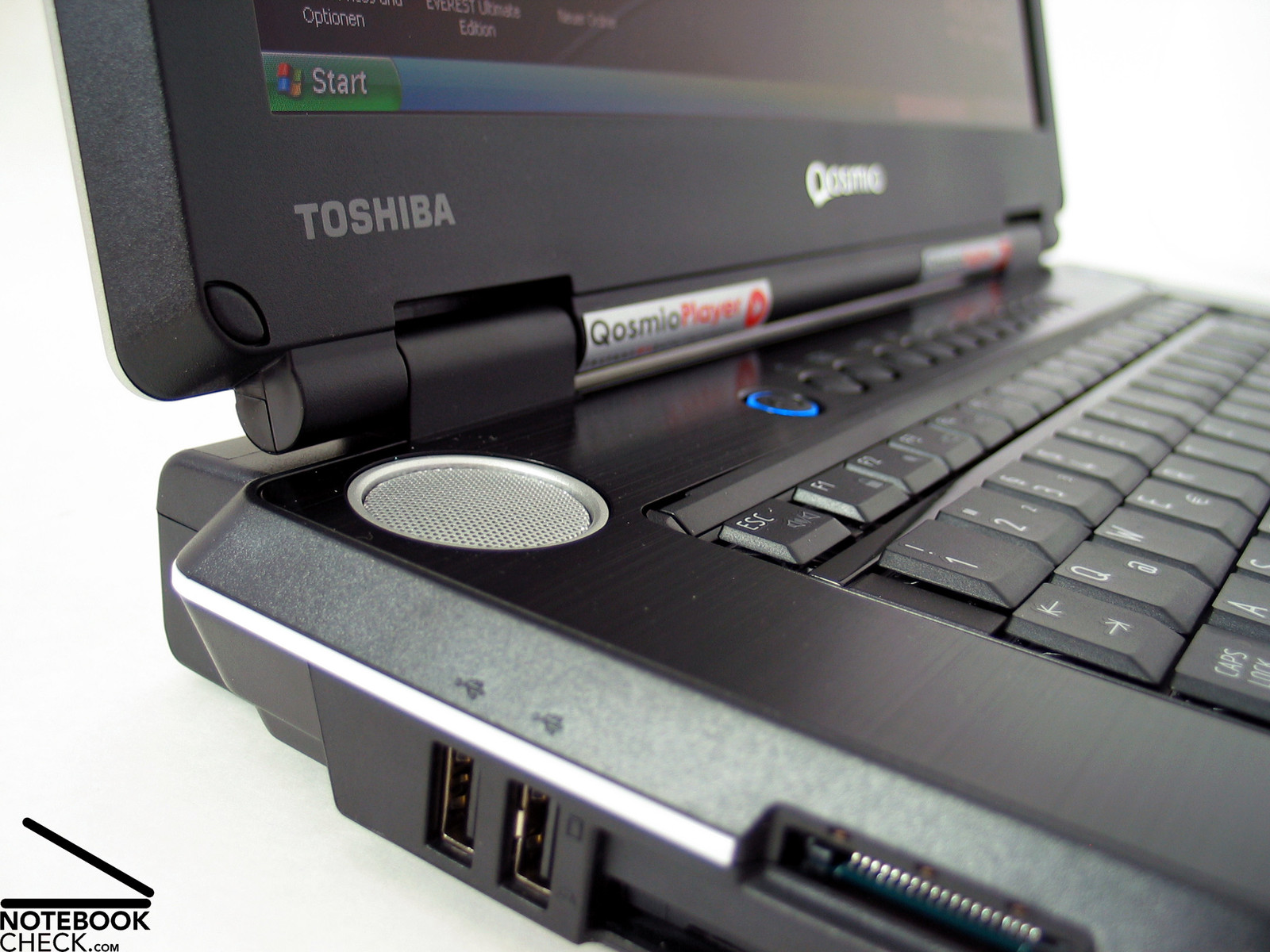
Further design characteristics are the Harman/Kardon speakers, which are placed left and right of the keyboard, the stretched bar for the media keys, the aluminium molding in between and the silver volume control at the right outer edge.
Unfortunately, a graphical feedback is missing for the volume control as well as for adapting the display's brightness.
The notebook is despite of its high weight of 4 kg, relatively flexural rigid. Only if one picks up the Qosmio F30 at the front region, one can hear it creak. The display is relative big and moderate flexural rigid.
The display's hinges are of sufficient size and can be adjusted with adequate power. Thereby, one can observe a slight see-saw of the display.
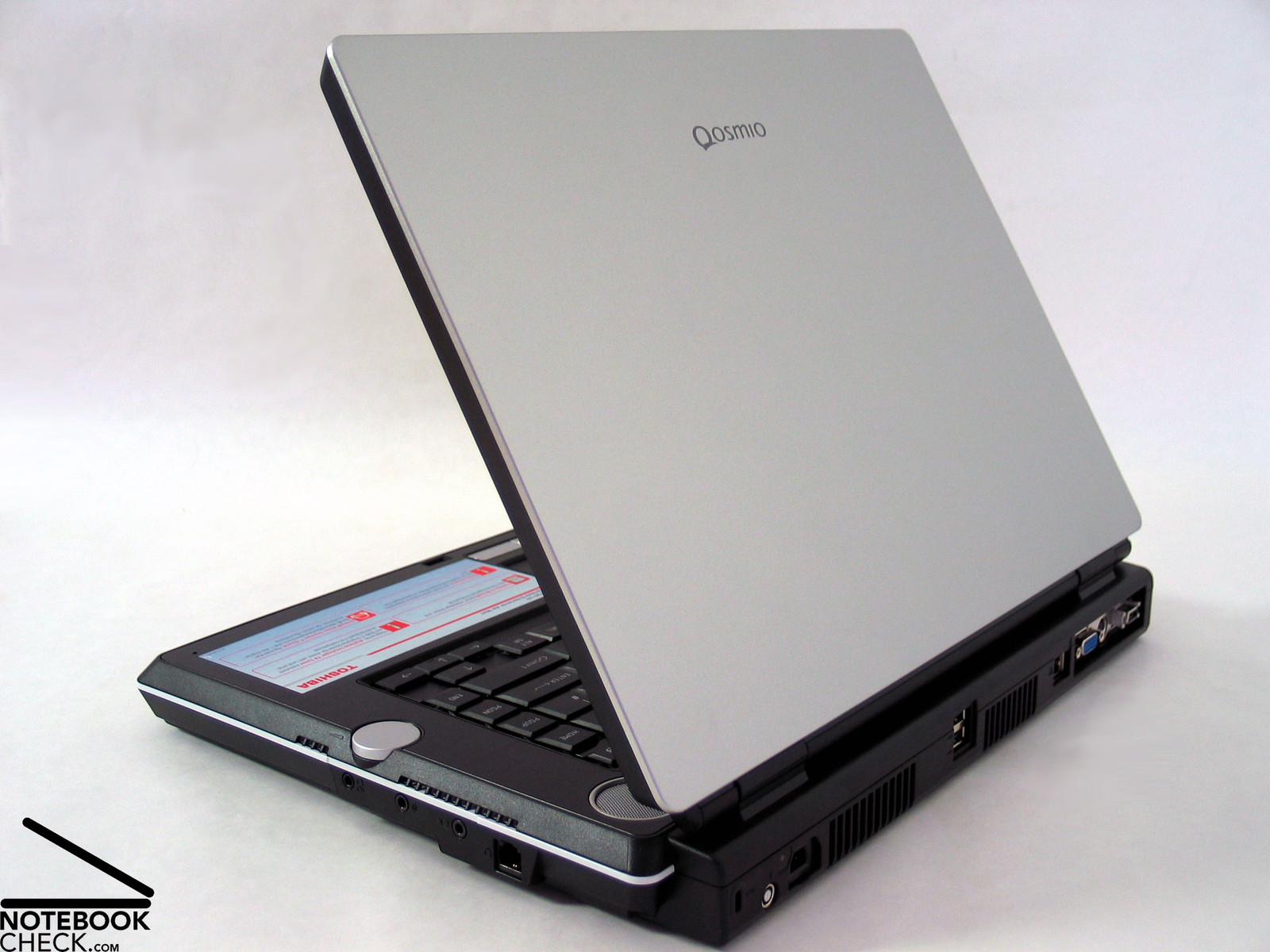
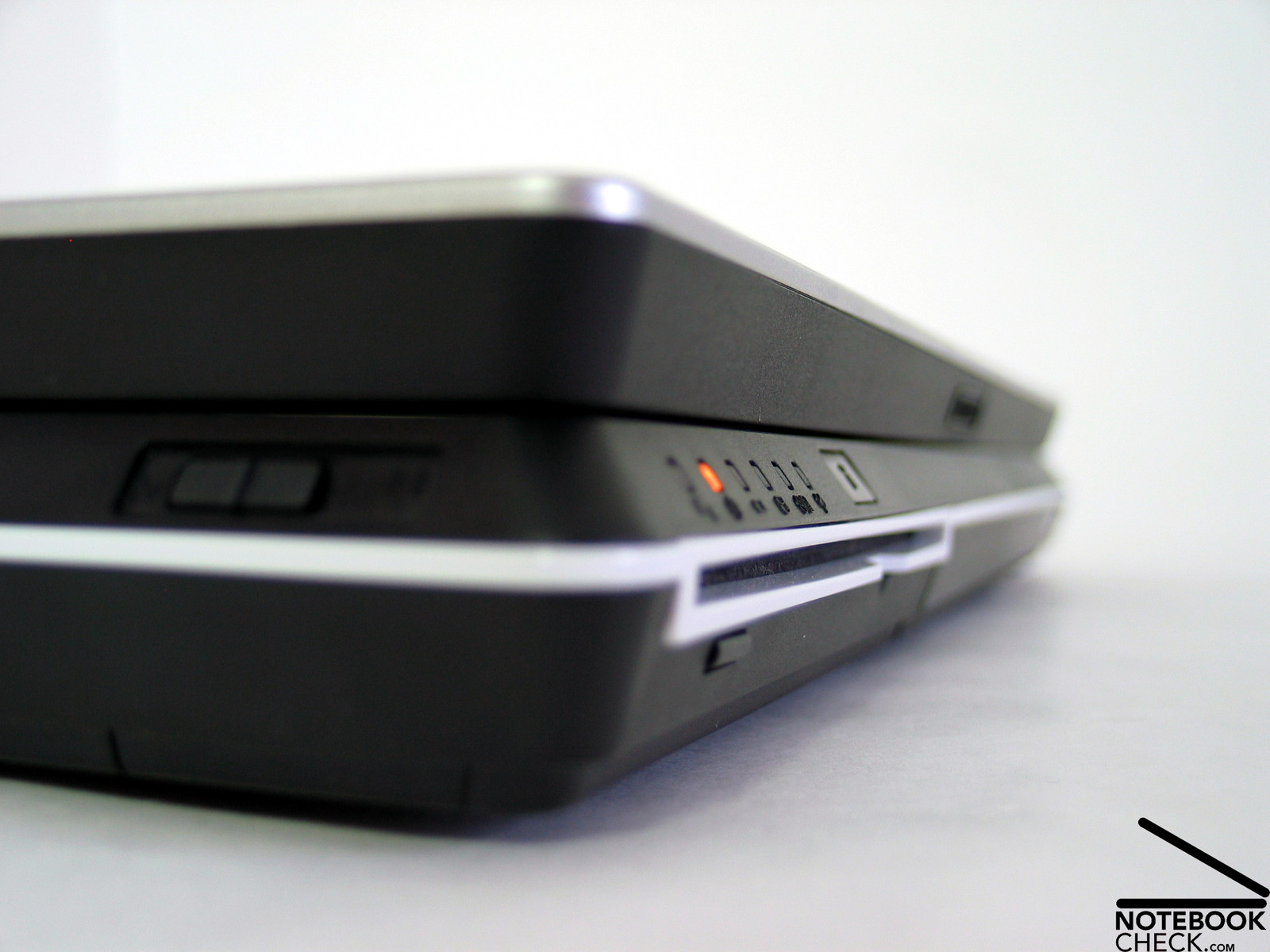
Although it was obviously designed for operation at the desk, it is equipped with a single transport hook, which holds the display in closed position at the center, but allows a clear wobbling at the right and the left edge.
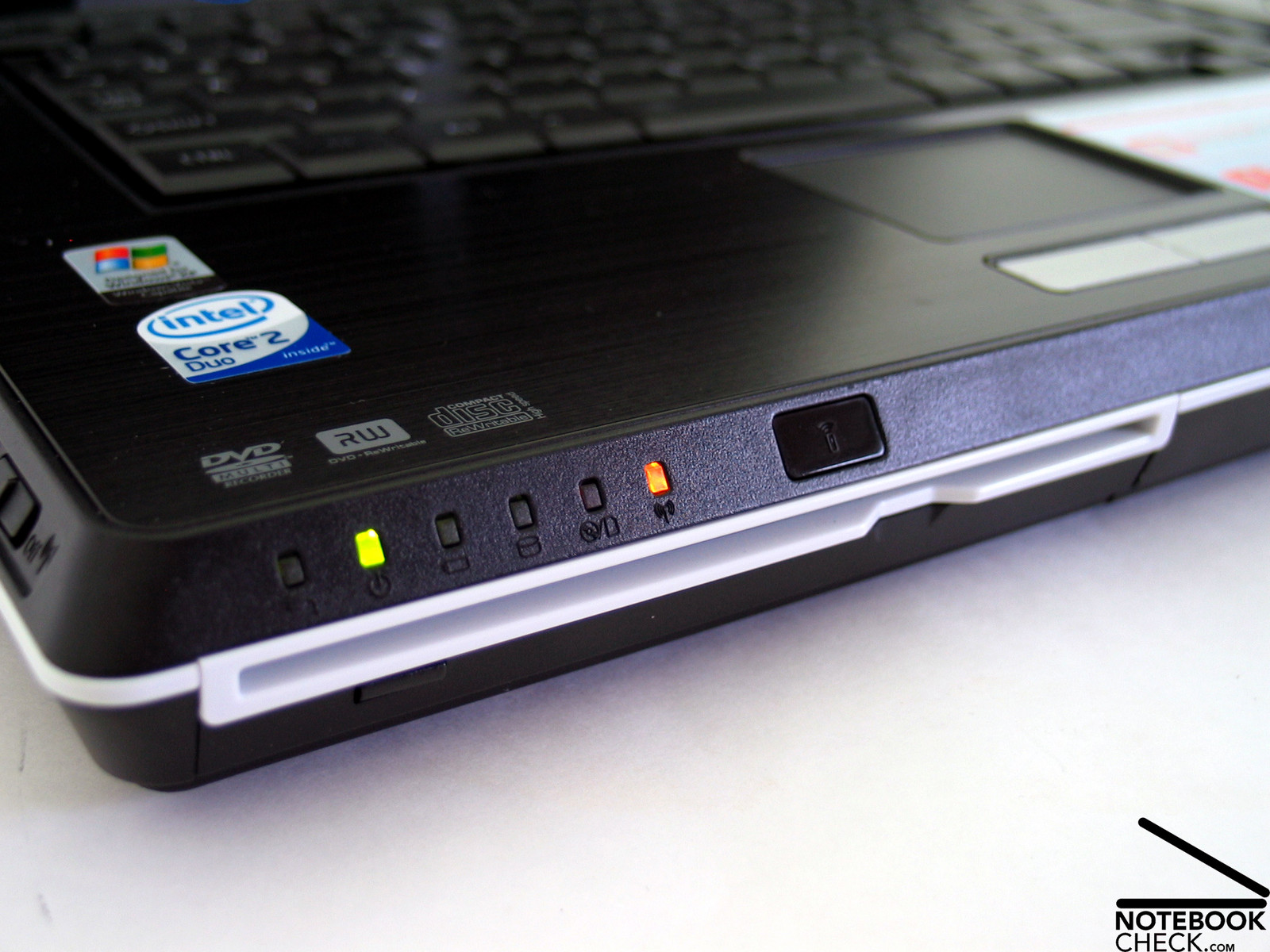
A stylish slot-in DVD drive is placed at the front side of the Toshiba F30. It does not have a drawer, instead it mounts the CDs and DVDs similar like a car radio. Furthermore, there is an infrared receiver at the front edge, which can be used to remote control the Qosmio with the provided remote control.
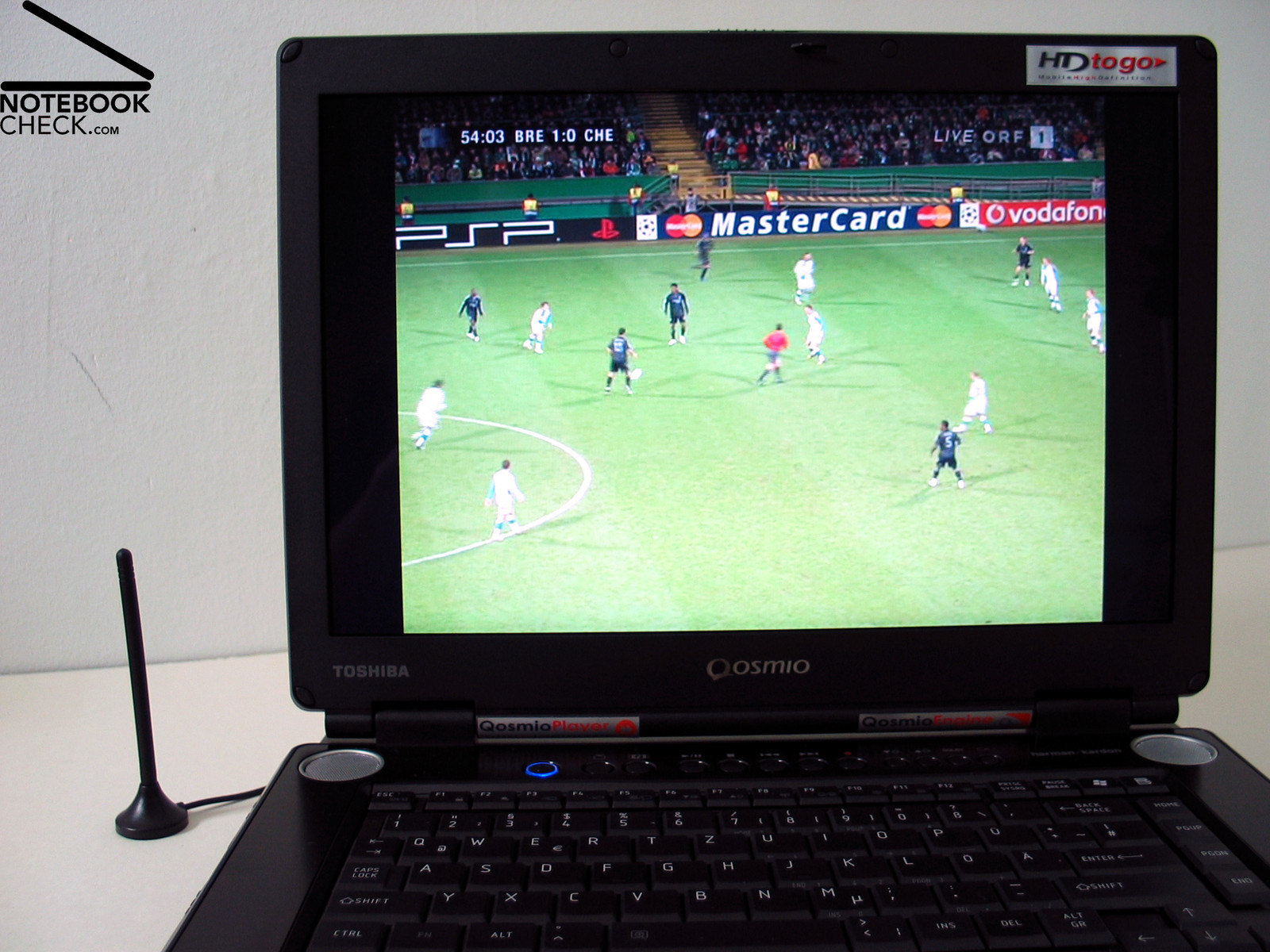
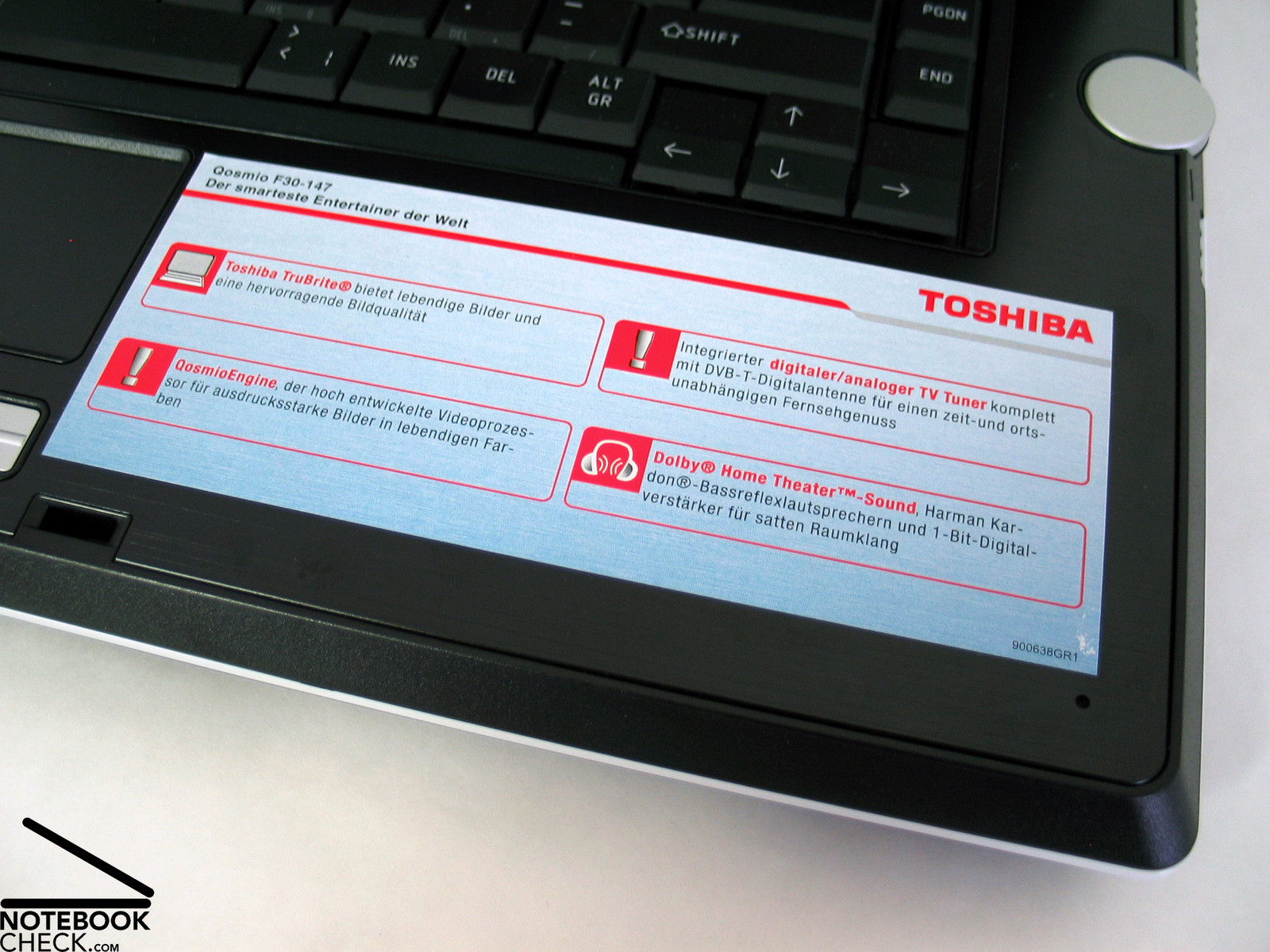
The Qosmio F30 is equipped with and integrated analog/dvb-t tuner, which can be used together with the provided aerial to turn the notebook into a TV instantly. During our review, we found some digital sender instantly (location: Vienna). The quality of the pictures was passable.
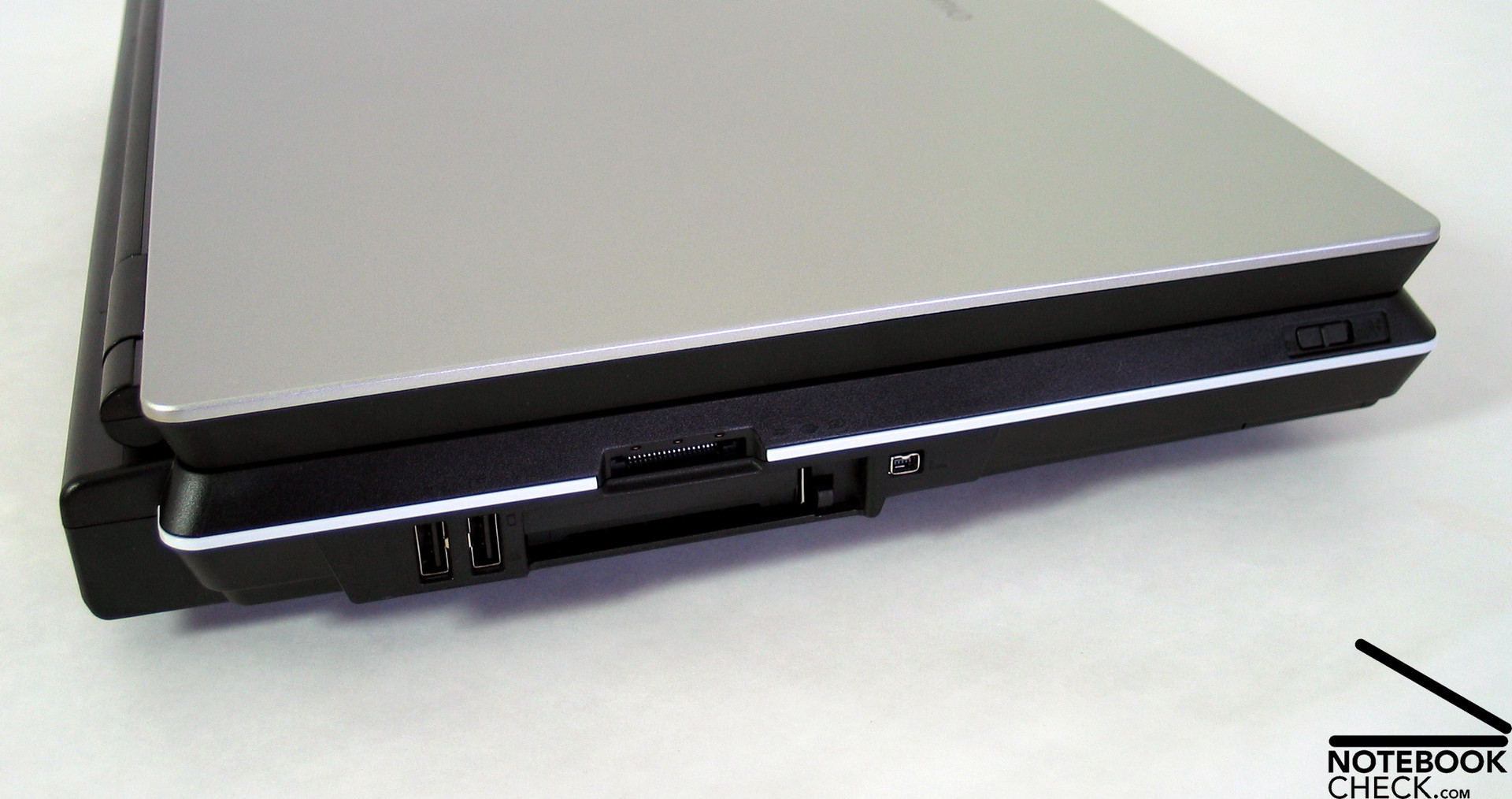
Left, there is a switch for deactivating the WLAN sender, a firewire port, a PCcard slot, 2 USB 2.0 ports and a 5in1 Cardreader.
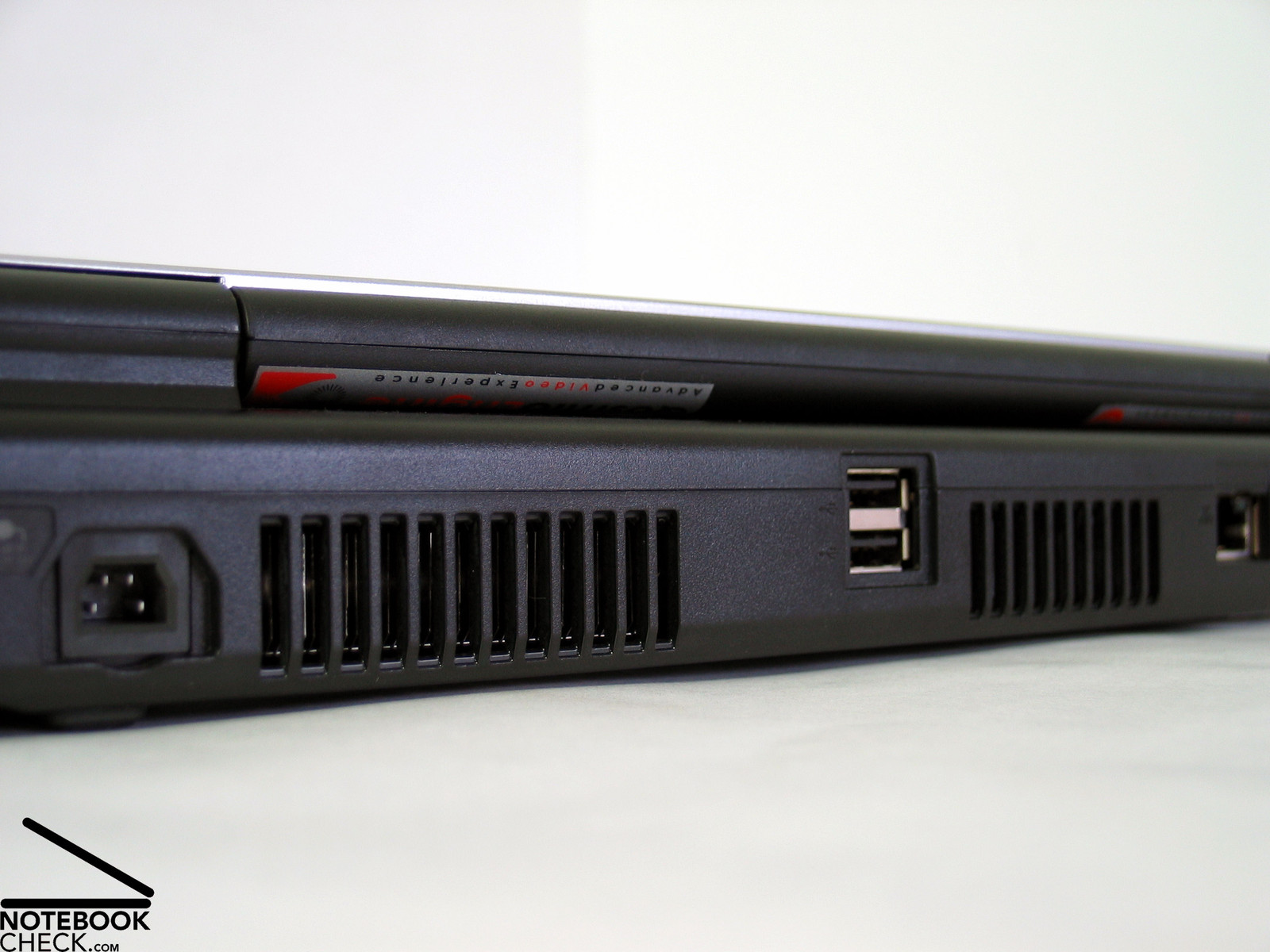
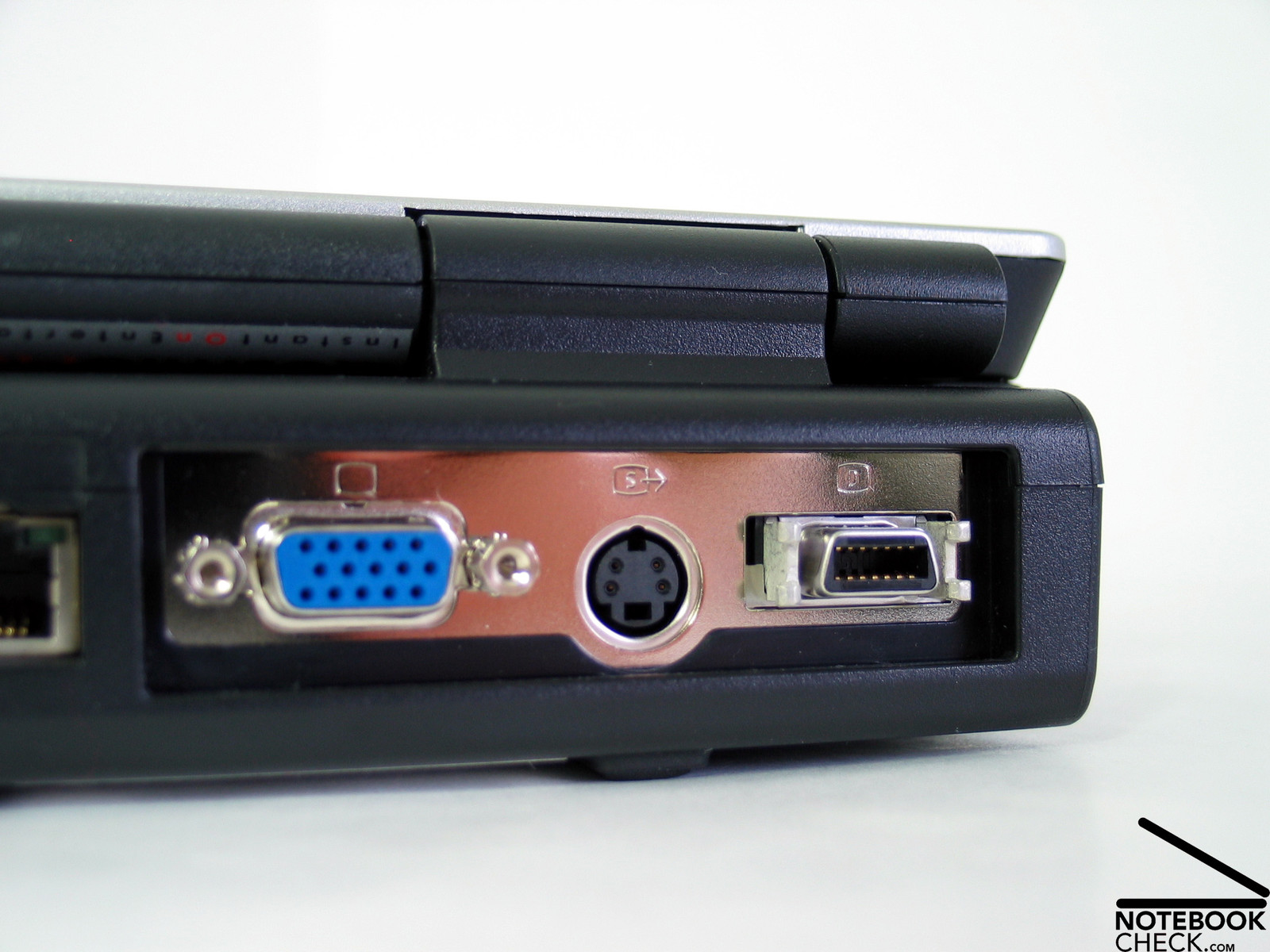
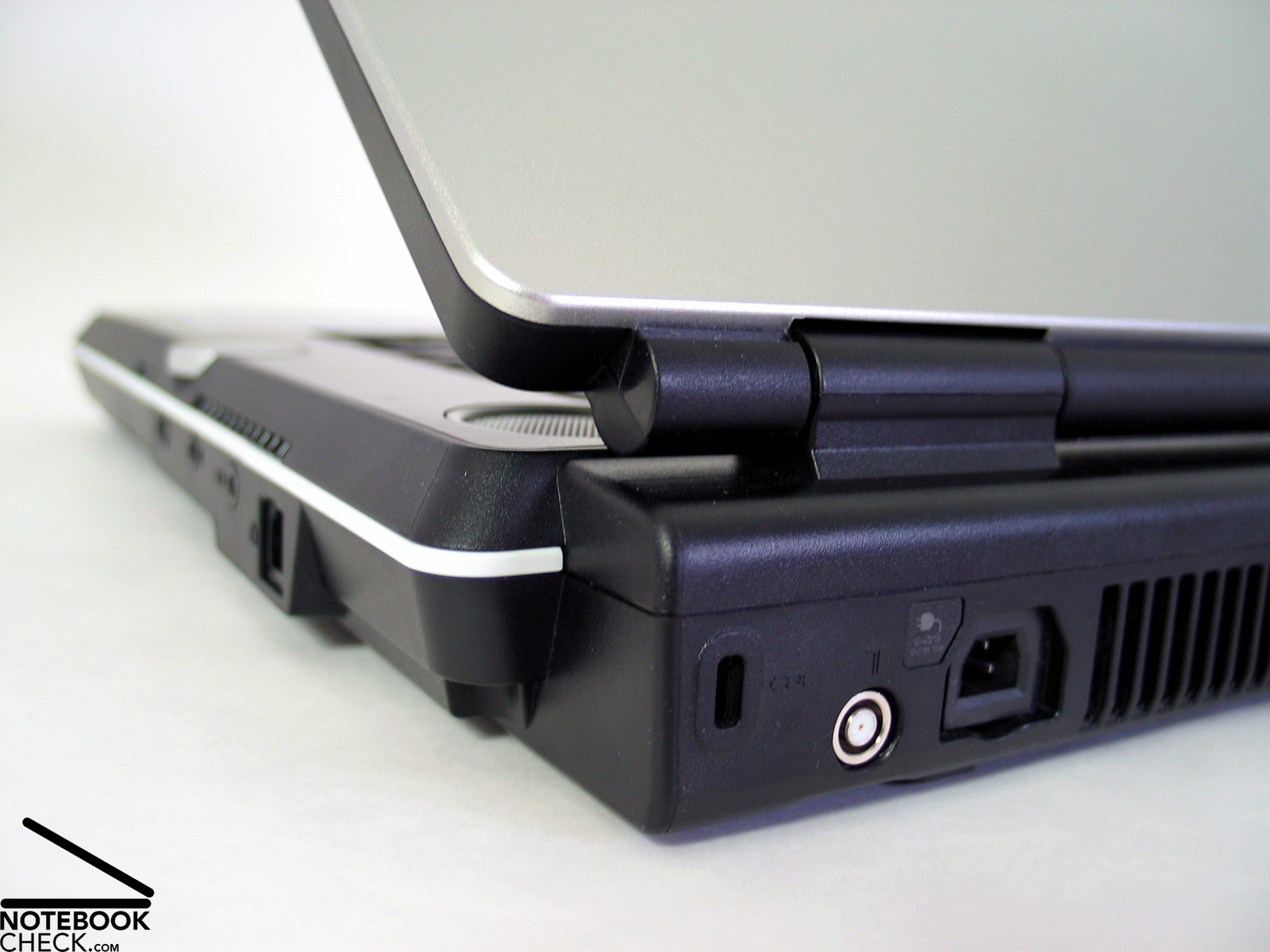
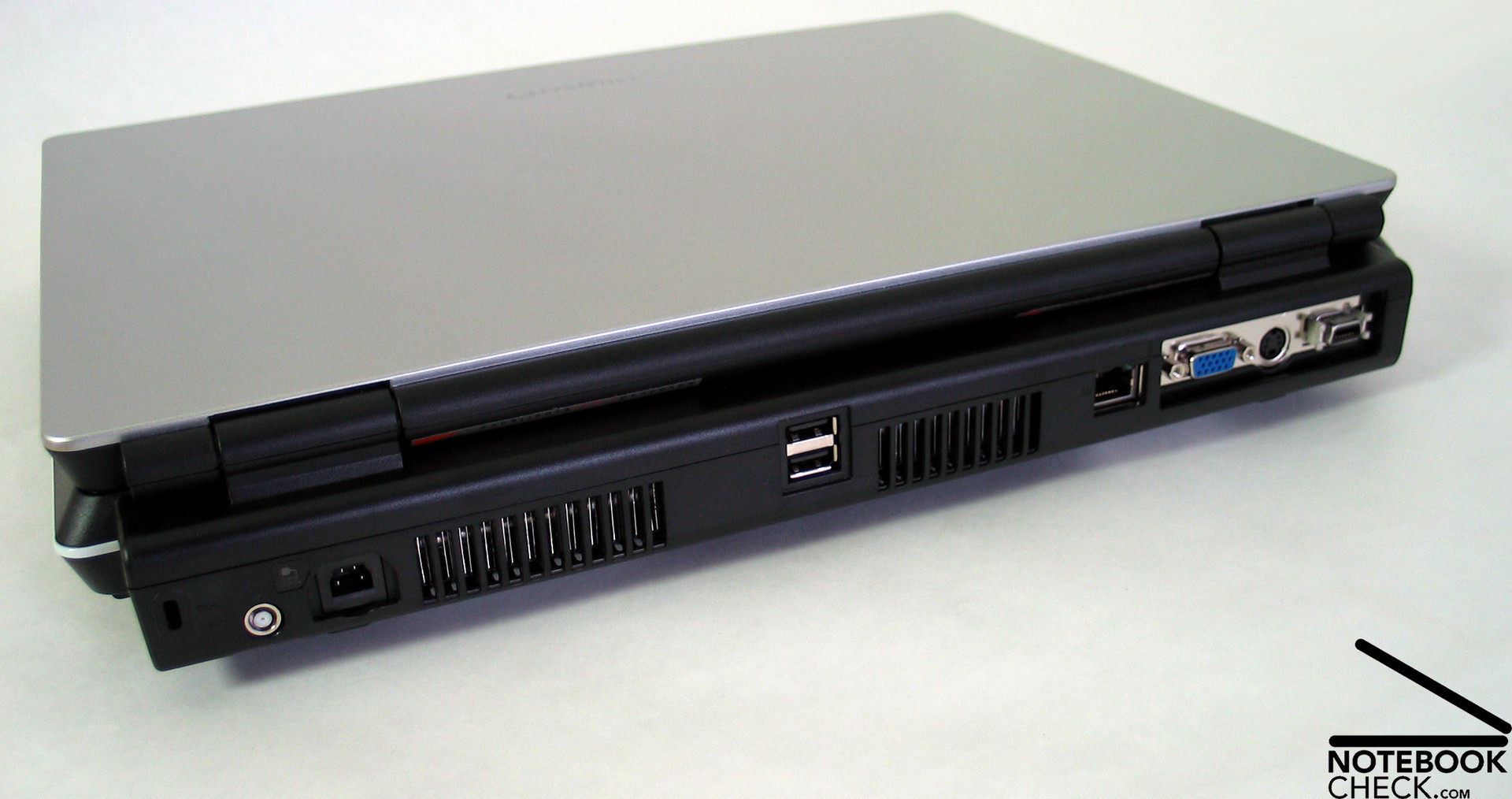
At the back side are VGA-Out, S-Video Out and a digital video out (Scart Adapter is provided), which is convenient for the use at a desk. Furthermore, there are the power connector, the Kensington Lock, an aerial connector, 2 further USB 2.0 ports and the LAN port.
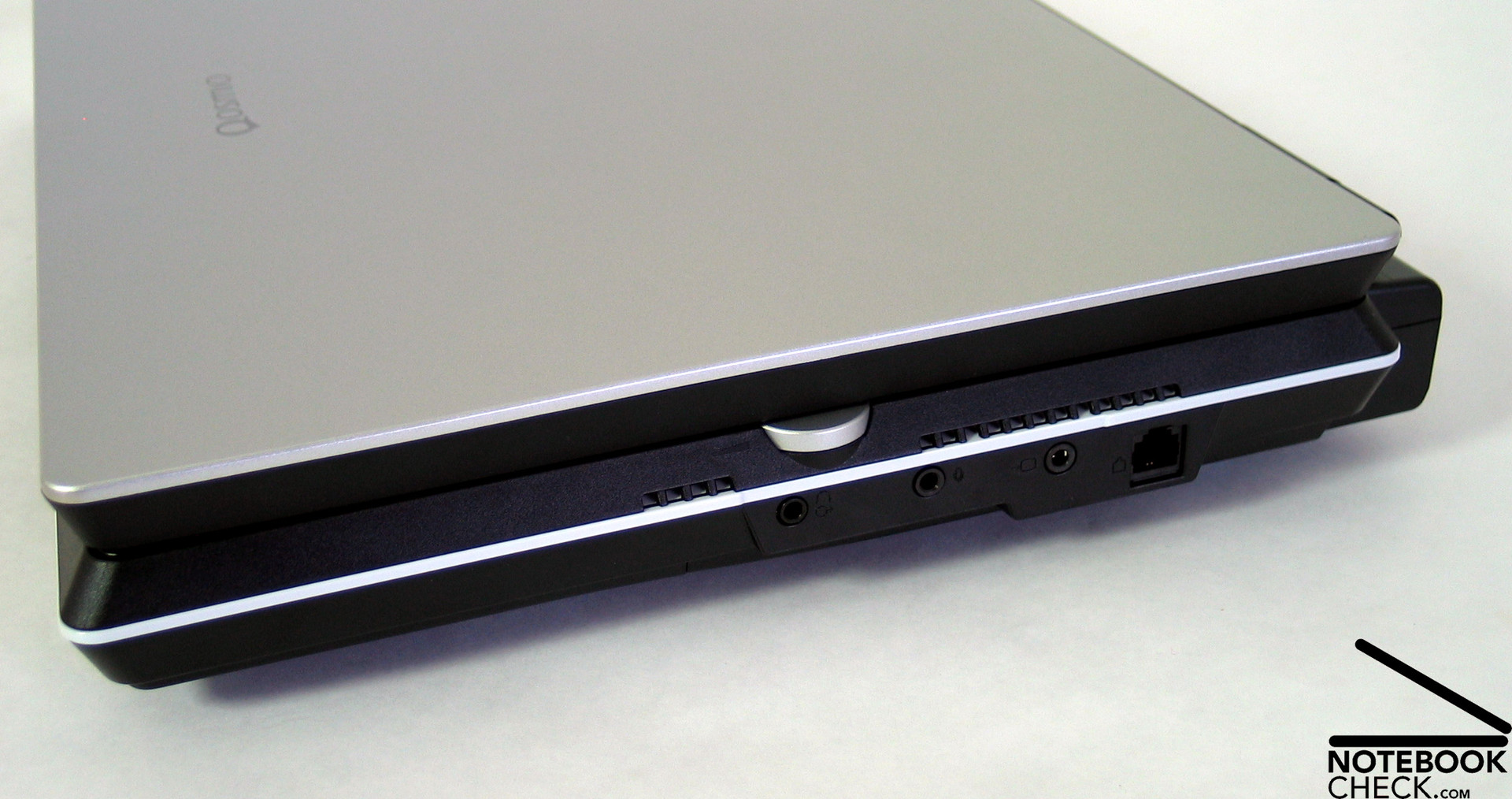
The right side of the case keeps the audio ports (headset, S/PDIF and microphone), an AV in and a modem port.
The order of the ports suggests that the Toshiba Qosmio F30 is thought to be used at a fixed location, which allows to integrate the notebook into an existing HiFi and multimedia equipment.
Input Devices
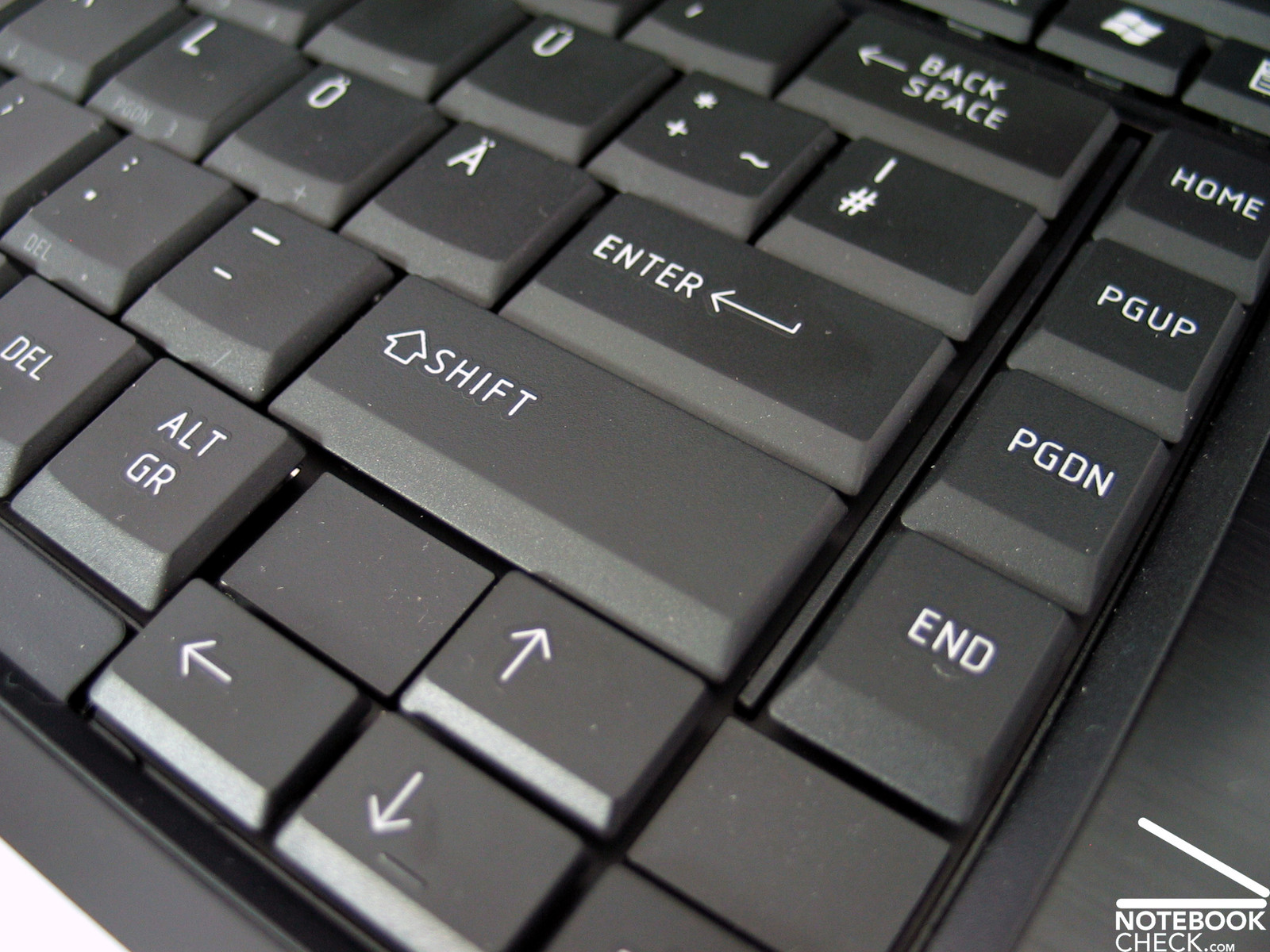
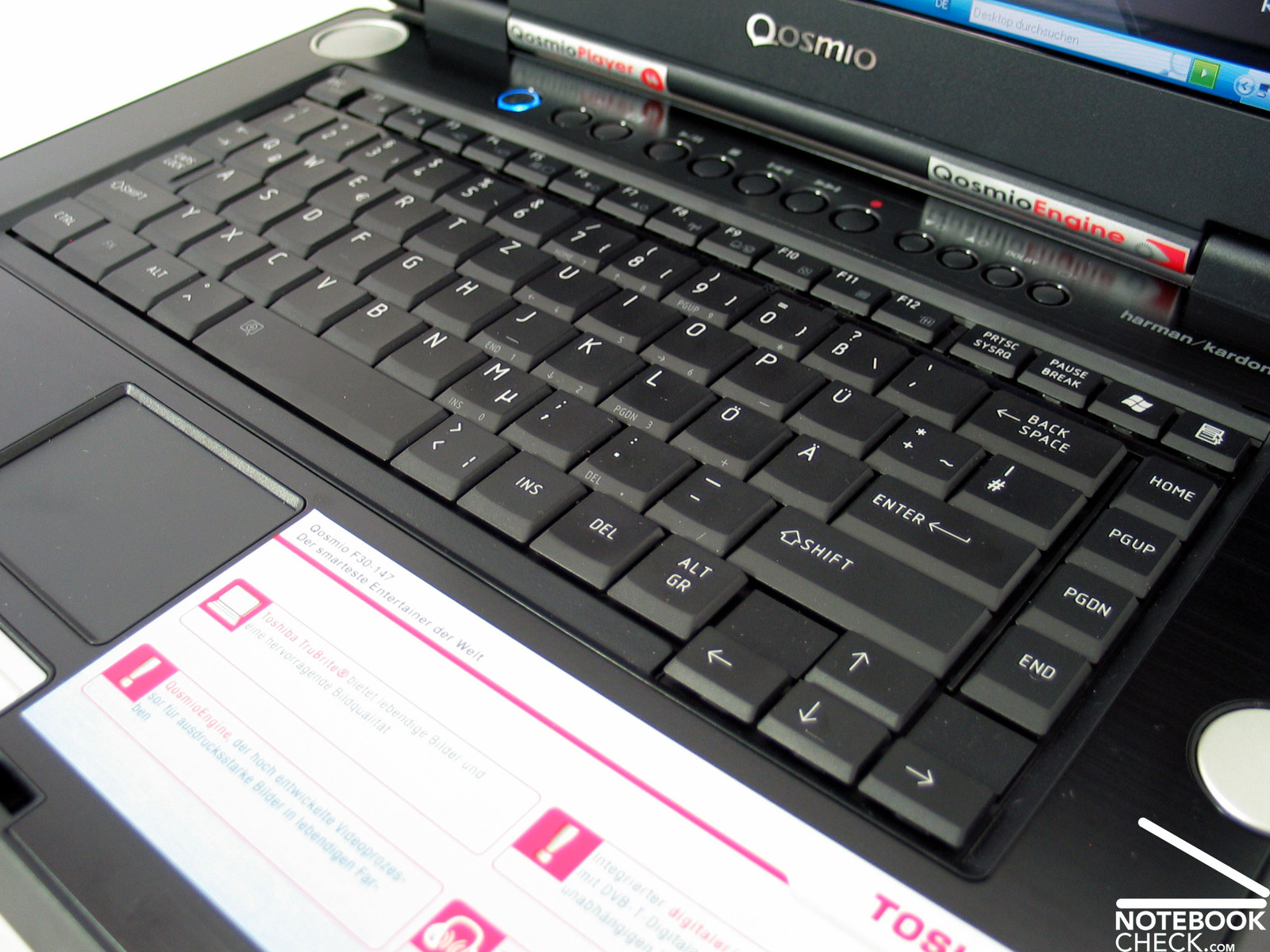
On the one hand Qosmio's keyboard is very clear, because groups of keys have been moved away from other keys and were grouped together. On the other hand one needs to search for some keys at the beginning.
E.g the [^/°] key is left beside the space bar and the [</>], [INS] and [DEL] keys are right beside the space bar. Additionally, one needs to adapt to the size of some keys. [TAB], [CAPSLOCK] and also the space bar are rather small.
Nevertheless, it is very comfortable to write with this keyboard - once one has adapted. We liked the typing feeling, which is soft and of low pressure resistance. Even the noise emissions were very low.
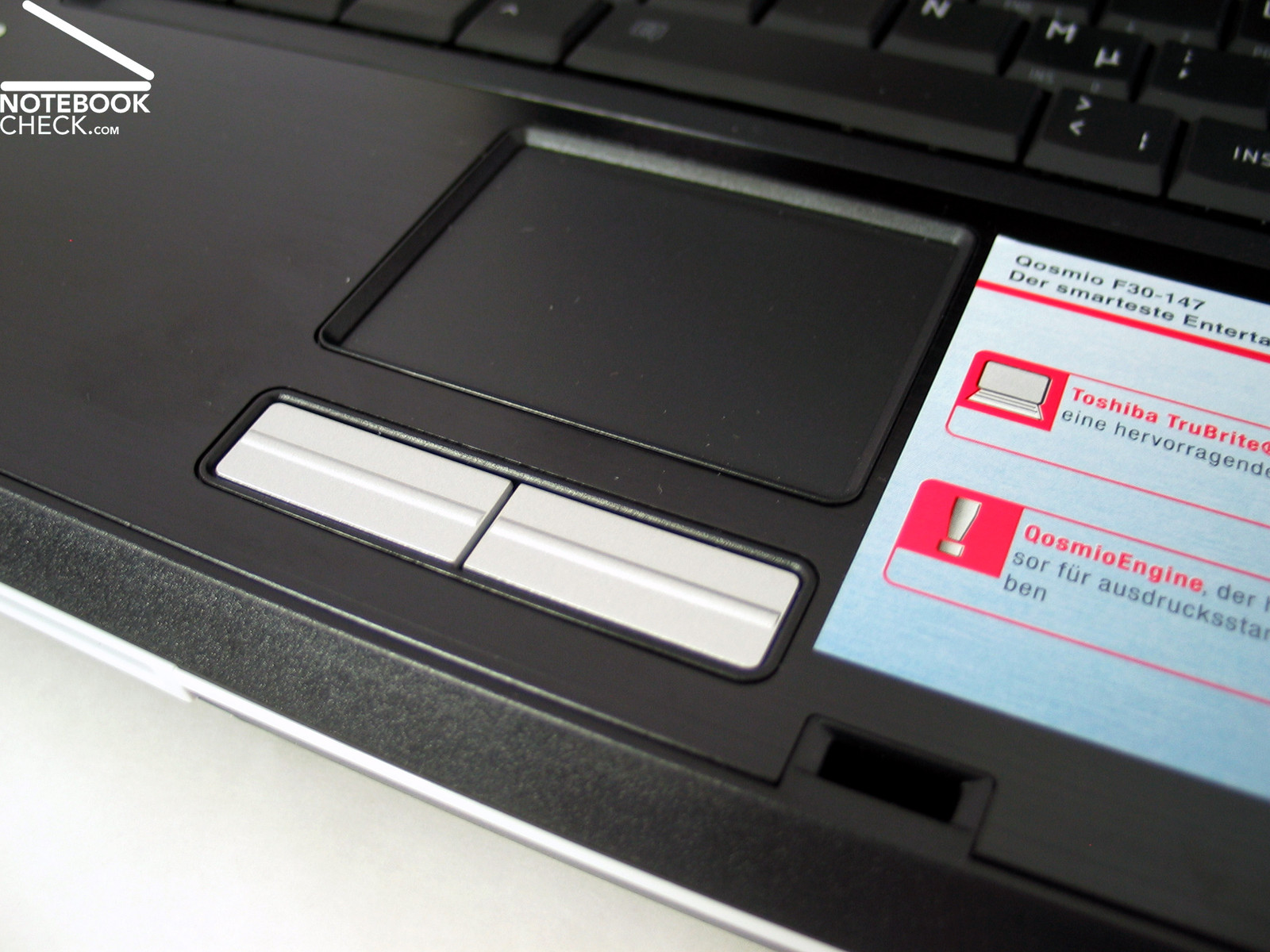
The touch pad was, regarding response time and precision, without any complain. The pad is slightly sunk, which might well disturb, because one hits ones fingers at the surrounding edge time and again.
Also both buttons are sunk a little to much in the case and are therefore difficult to use. The resistance of both buttons could be a little lower. The clicking noise of the buttons is shrill, annoying and clearly too loud.
Display
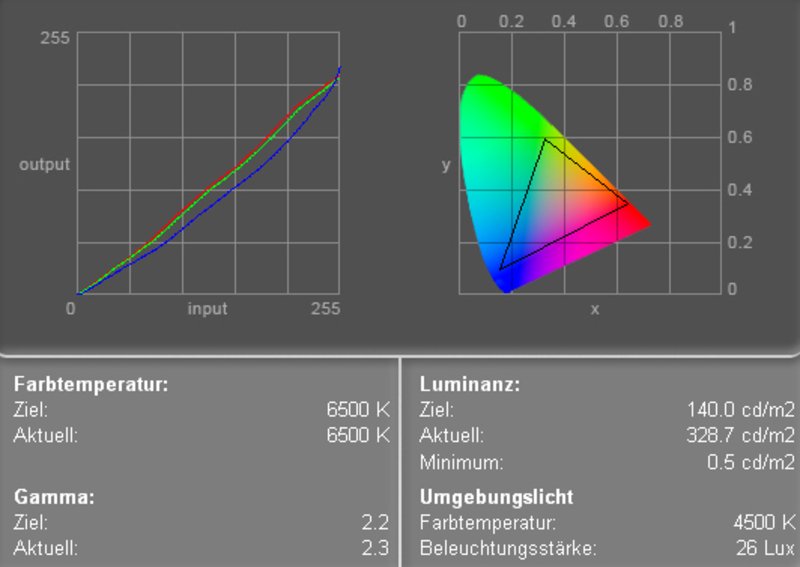
The Toshiba Qosmio F30's display is equipped with an reflecting 15.4 inch WXGA "TrueLife" Display, which has a maximum resolution of 1280x800 pixels in 16:10 format. Subjectively the display is very bright and has a very good contrast. We measured a maximum value of very good 337.0 cd/m². The illumination of the display is 71.8 %, which is clearly below-average.
By means of the color diagram, one can detect that the blue curve deviates a little more from the ideal, but also the red and the green curve deviate clearly from the ideal. This leads to warm color.
| |||||||||||||||||||||||||
Brightness Distribution: 72 %
Contrast: 660:1 (Black: 0.5 cd/m²)
Bezüglich des Kontrastes des Displays kann man dem Qosmio F30 ebenfalls ein gutes Zeugnis ausstellen. Der gemessene Schwarzwert betrug 0.5 cd/m² was einen ausgezeichneten maximal möglichen Kontrast von 674:1 bedingt.
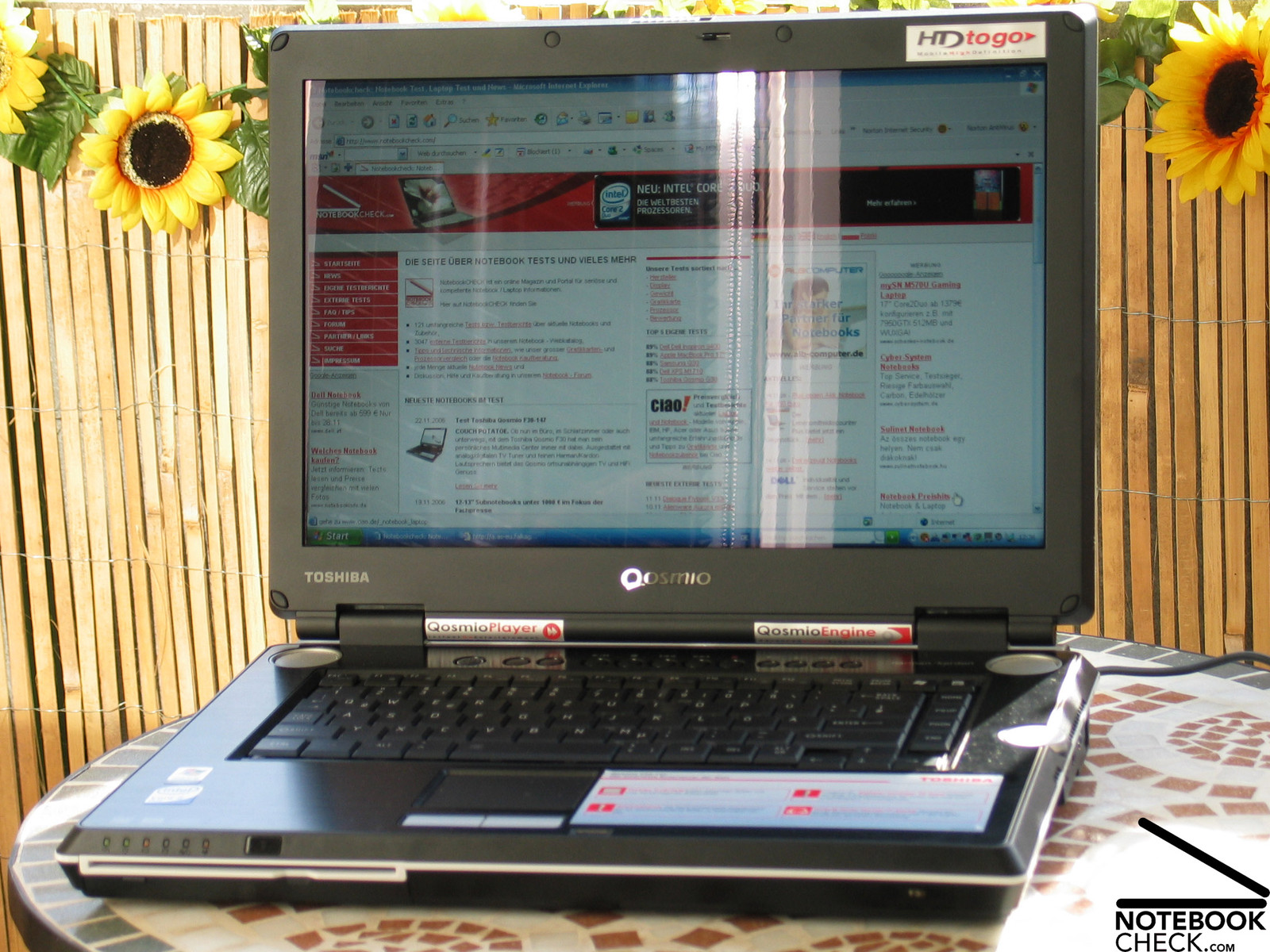
Outdoors the display clearly reflects as do also many other displays with reflecting surface. The good brightness ensures that the displayed pictures can be recognized even in very bright environments. Still, the F30 is better used indoors.
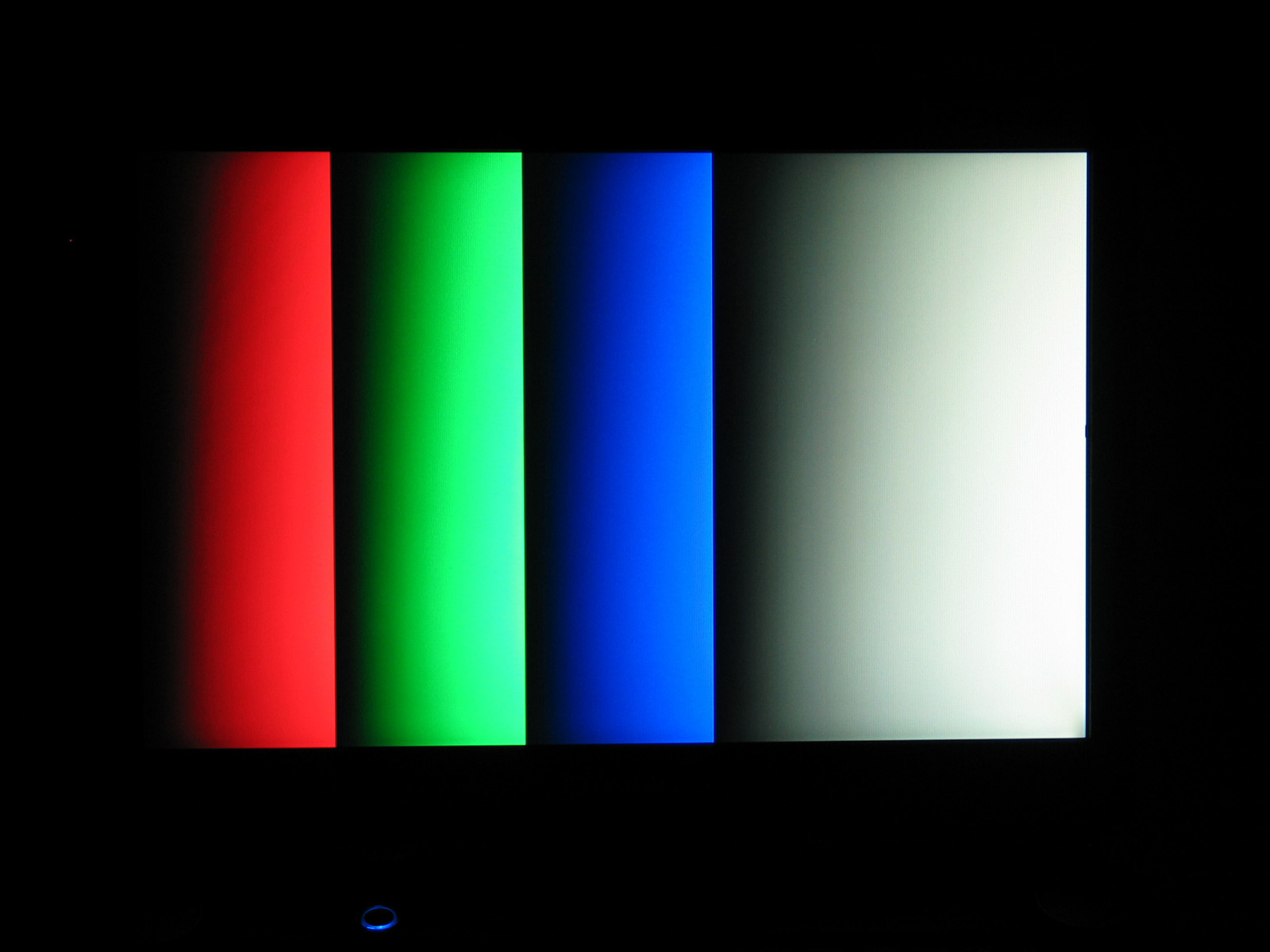
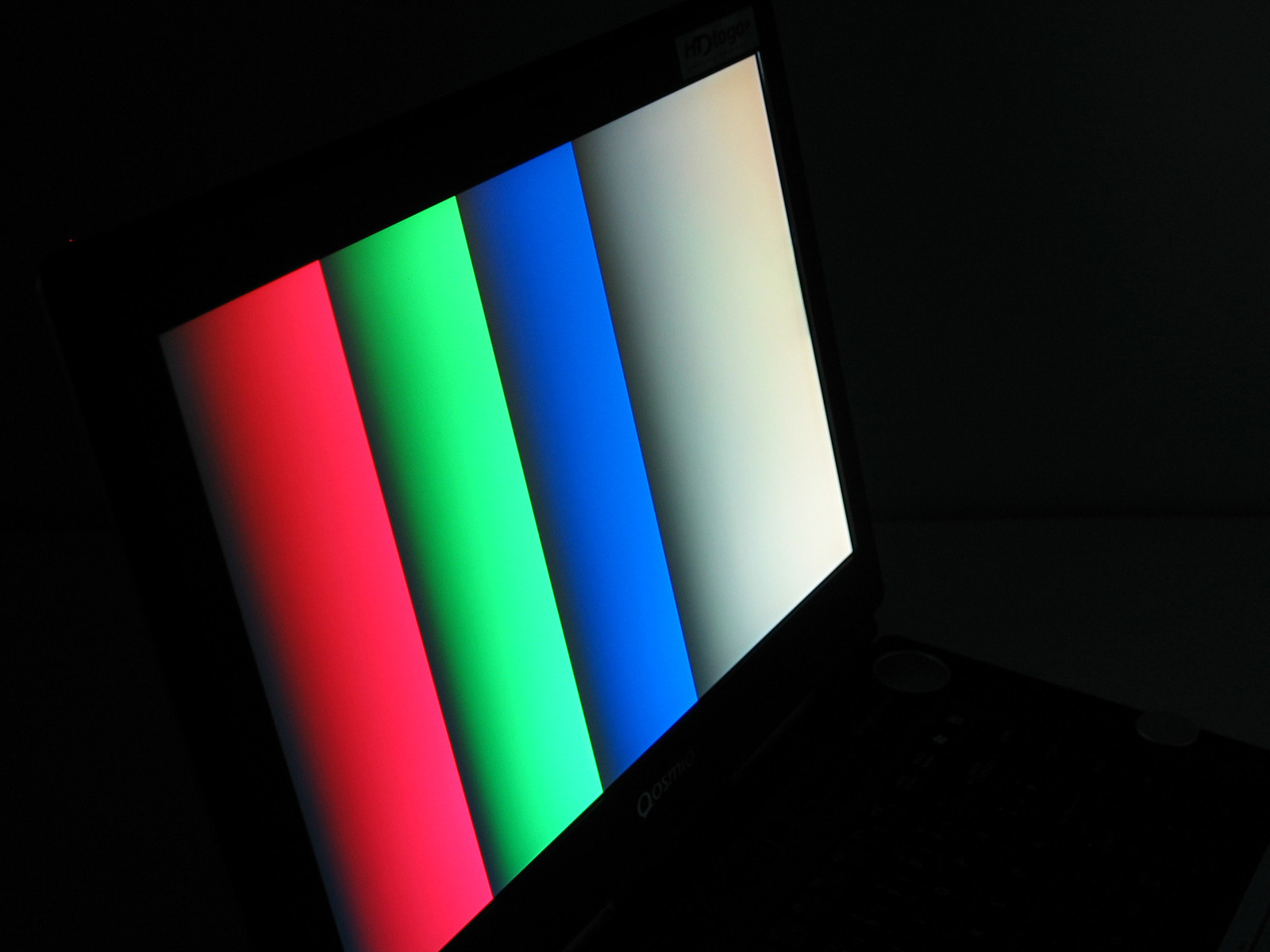
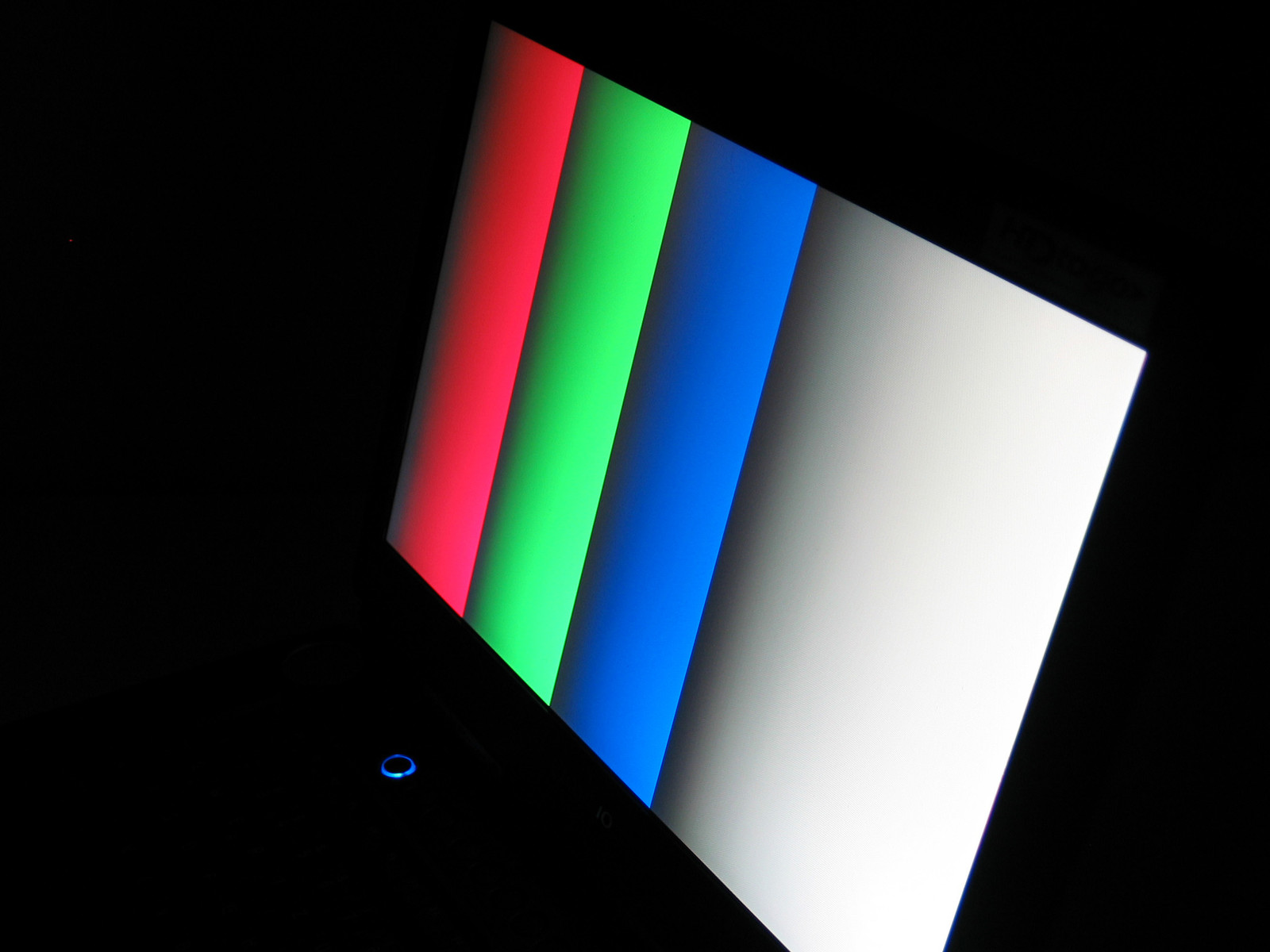
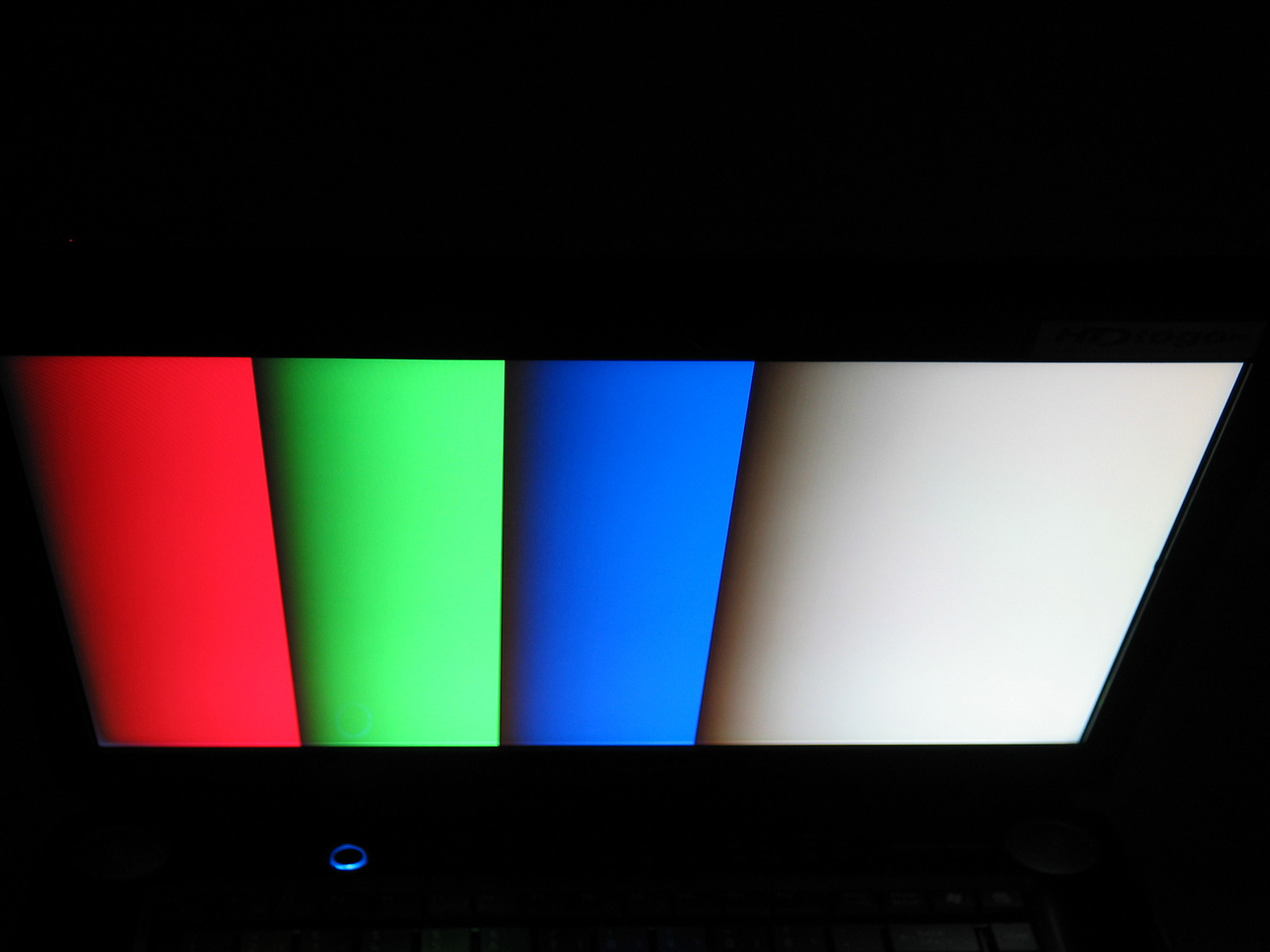
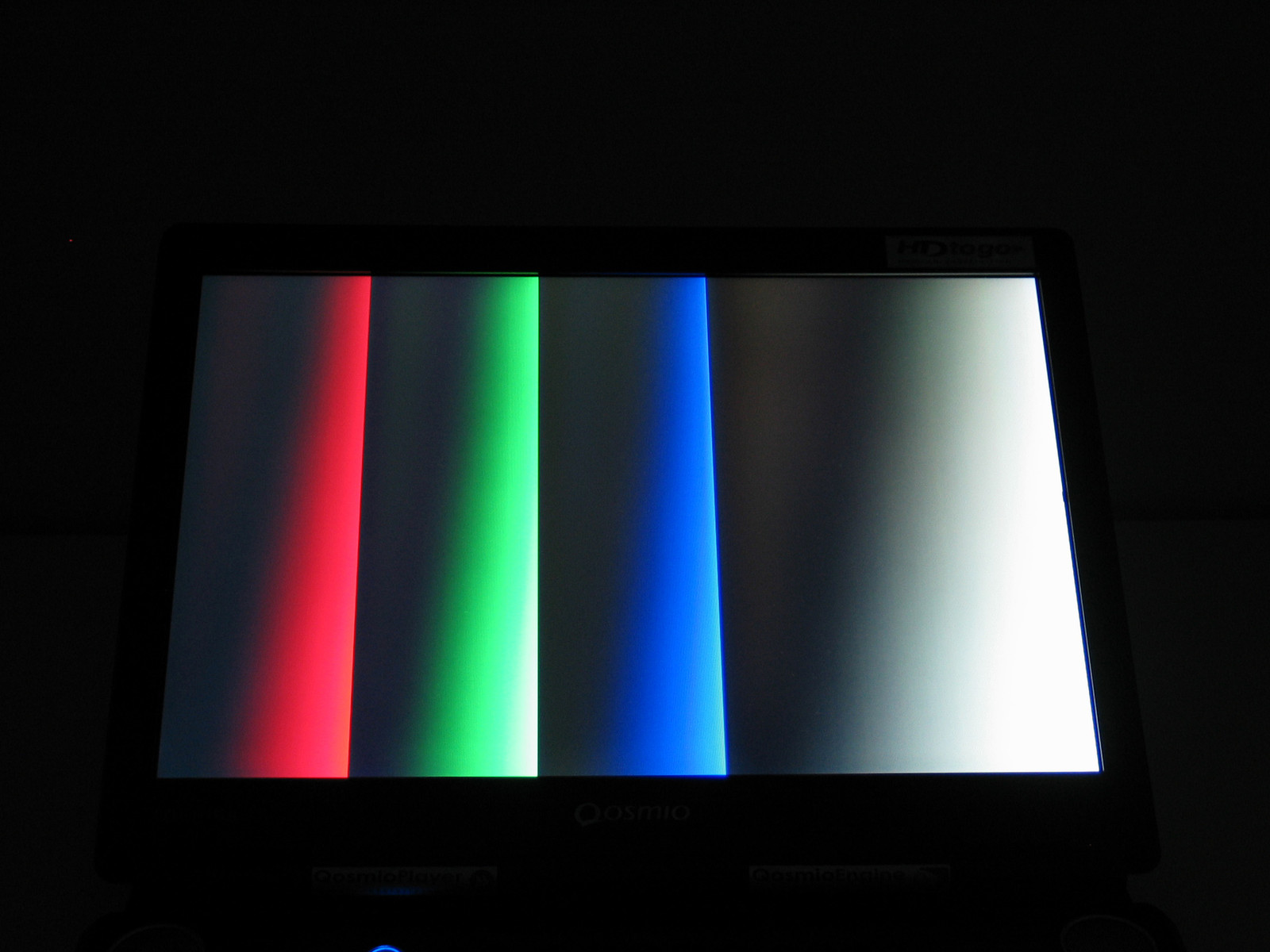
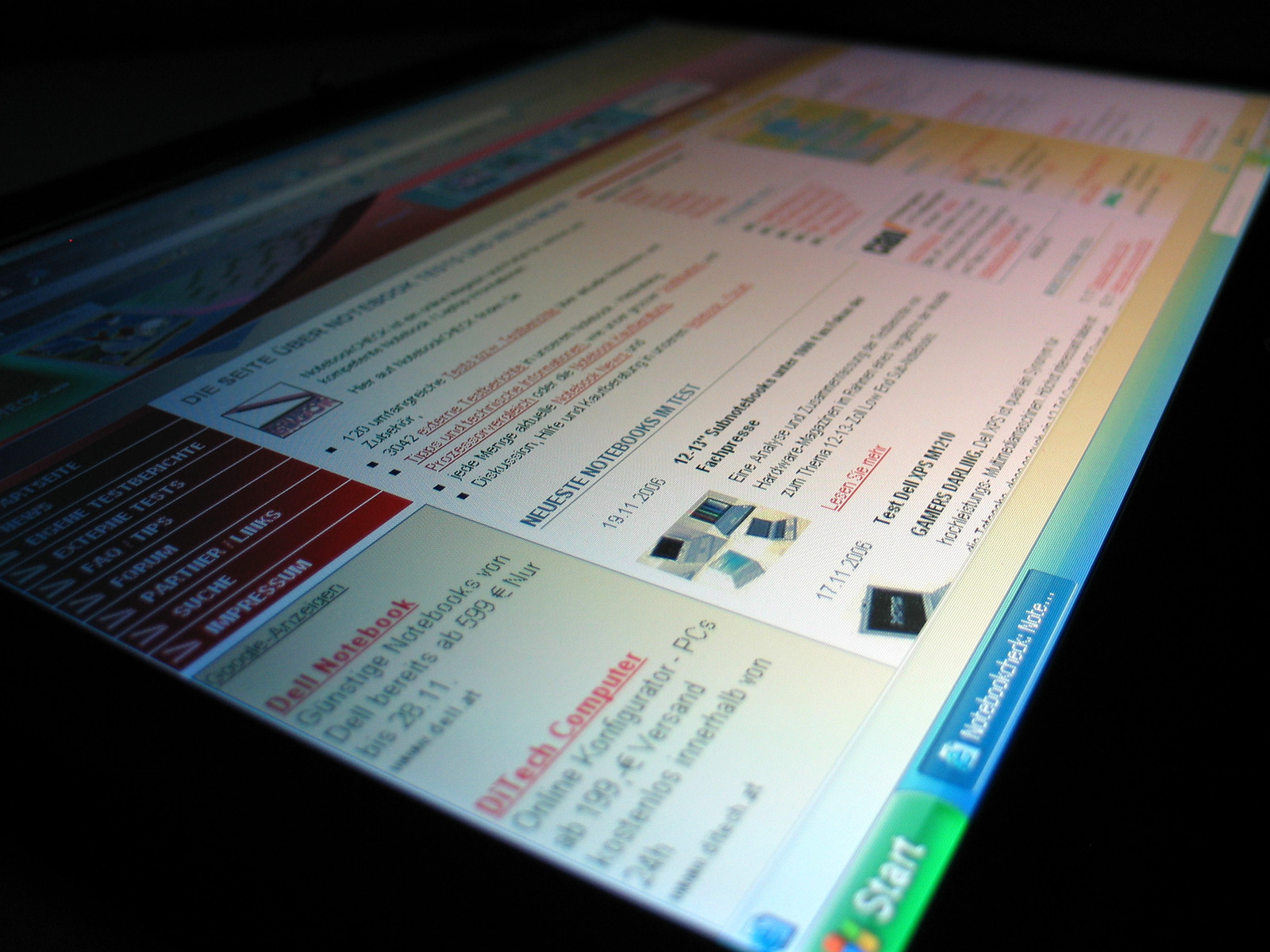
We were very pleased by the notebook's stability to the vantage point. Horizontally as also vertically, there are nearly no impairing changes of the displayed images. Vertically, the display gets slightly darker or slightly brighter at very acute angles. However, the display's contents keep always legible.

Performance
Toshiba's Qosmio F30 is equipped with a high performance Core 2 Duo T7200 CPU with 2.0 GHz and a NVIDIA Geforce Go 7600 video card. Although this video solution is of grade 2 in our comparison of mobile video cards, the notebook had excellent benchmark results.
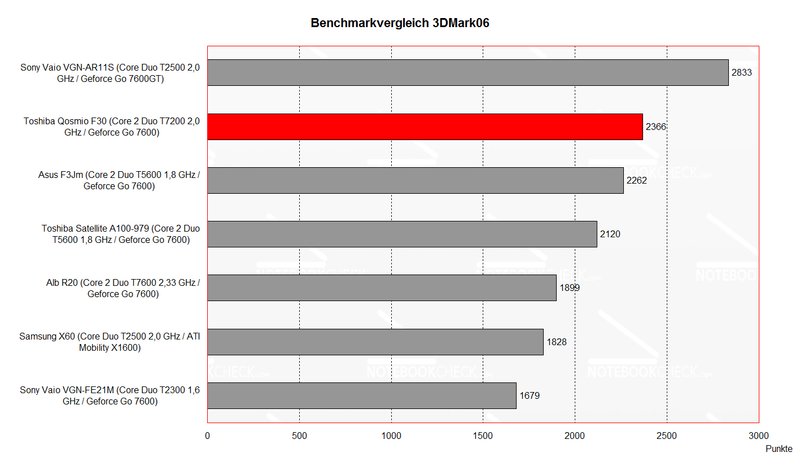
The Geforce 7600 (GPU Takt: 450 MHz, RAM Takt: 400 MHz) won clearly against all notebooks with similar hardware equipment in the benchmark test of 3D Performance. Only a 7600 GT wins clearly against a 7600.
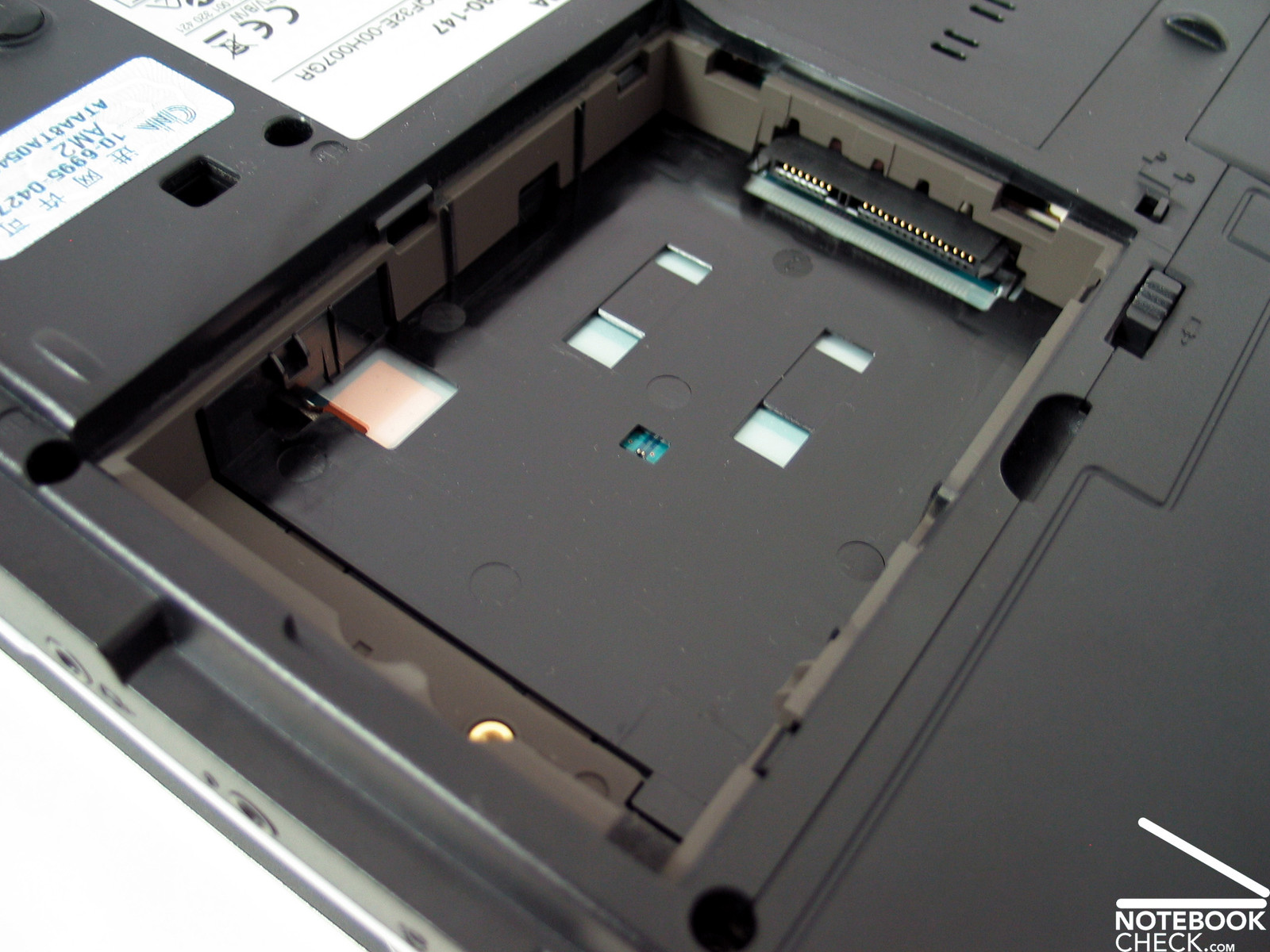
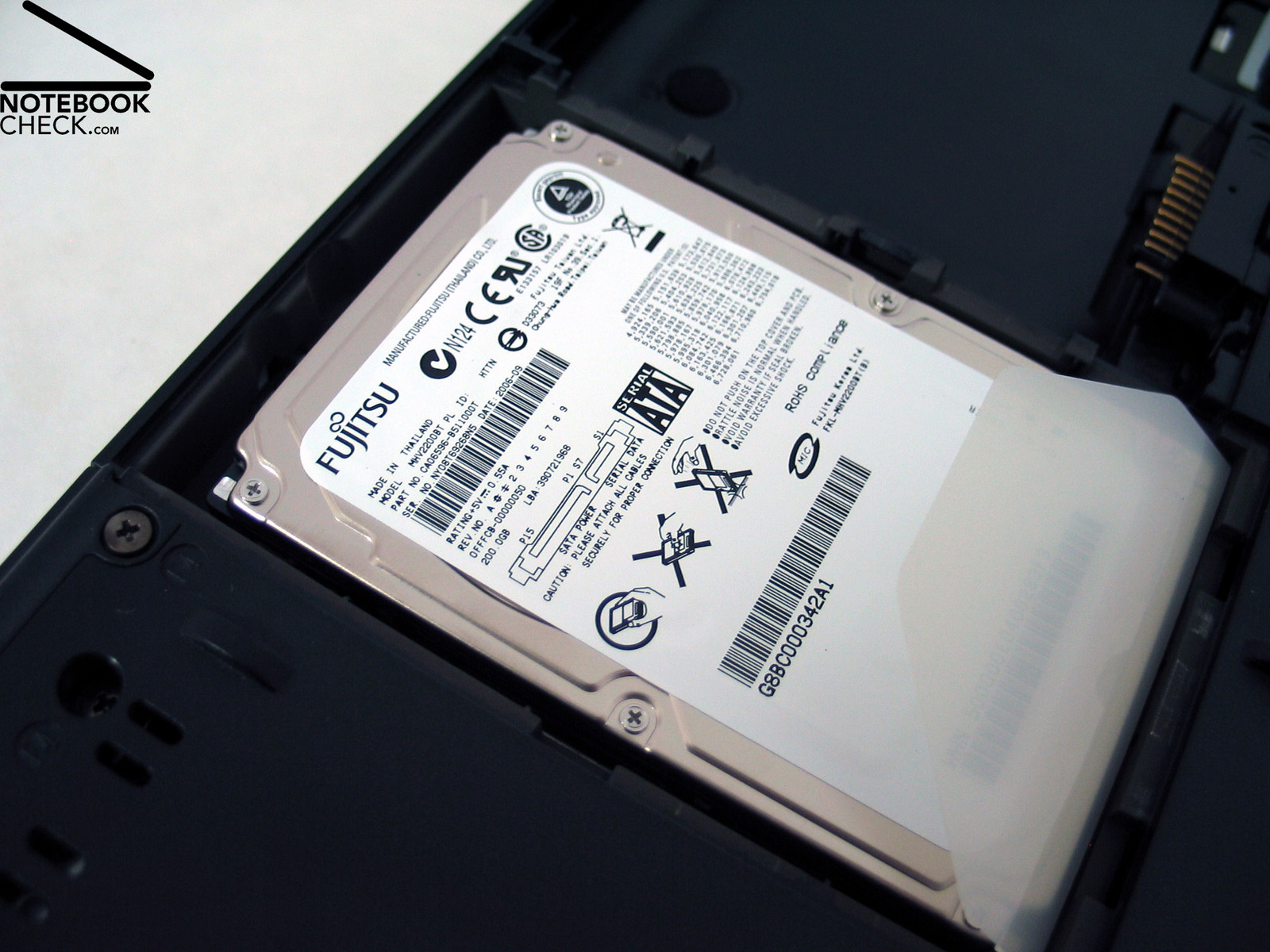
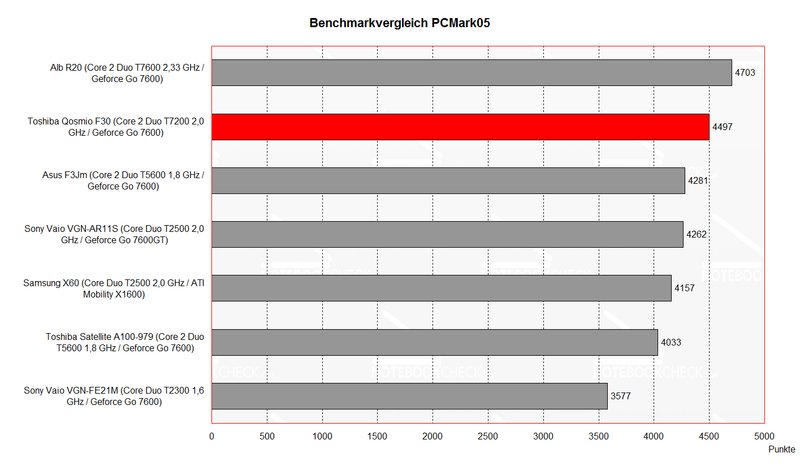
Even in office operation the notebook had very good benchmark results. The Core 2 Duo CPU with 2.0 GHz should be sufficient current and future requirements (Vista). Additionally, the F30 is equipped with a 200 GB Fujitsu MHV2200BT hard disk and an easily accessible second slot for installation of a second 2.5“ hard disk. So the notebook can have a total storage volume of 400 GB (Raid 0), if e.g. another 200 GB hard disk is added. Alternatively the existing hard disk can be mirrored and the data security enhanced (Raid 1).
We observed slightly above-average (longer) access times of the 200 GB hard disk by means of HDTune, a hard disk benchmark test. This is because of a slightly slower rotation speed of 4200 revs.
Further information about the video card can be found here or in our comparison of mobile video cards. Detailed information about the Core 2 Duo T7200 CPU can be found here.
Please also look at our benchmark list of mobile processors or at our benchmark list of mobile video cards, in order to compare this notebook to other configurations.
| 3DMark 2001SE Standard | 23455 points | |
| 3DMark 03 Standard | 9515 points | |
| 3DMark 05 Standard | 4024 points | |
| 3DMark 06 Score Unknown Setting | 2366 points | |
Help | ||
| PCMark 04 Standard | 6606 points | |
| PCMark 05 Standard | 4497 points | |
Help | ||

Emissions
Loudness
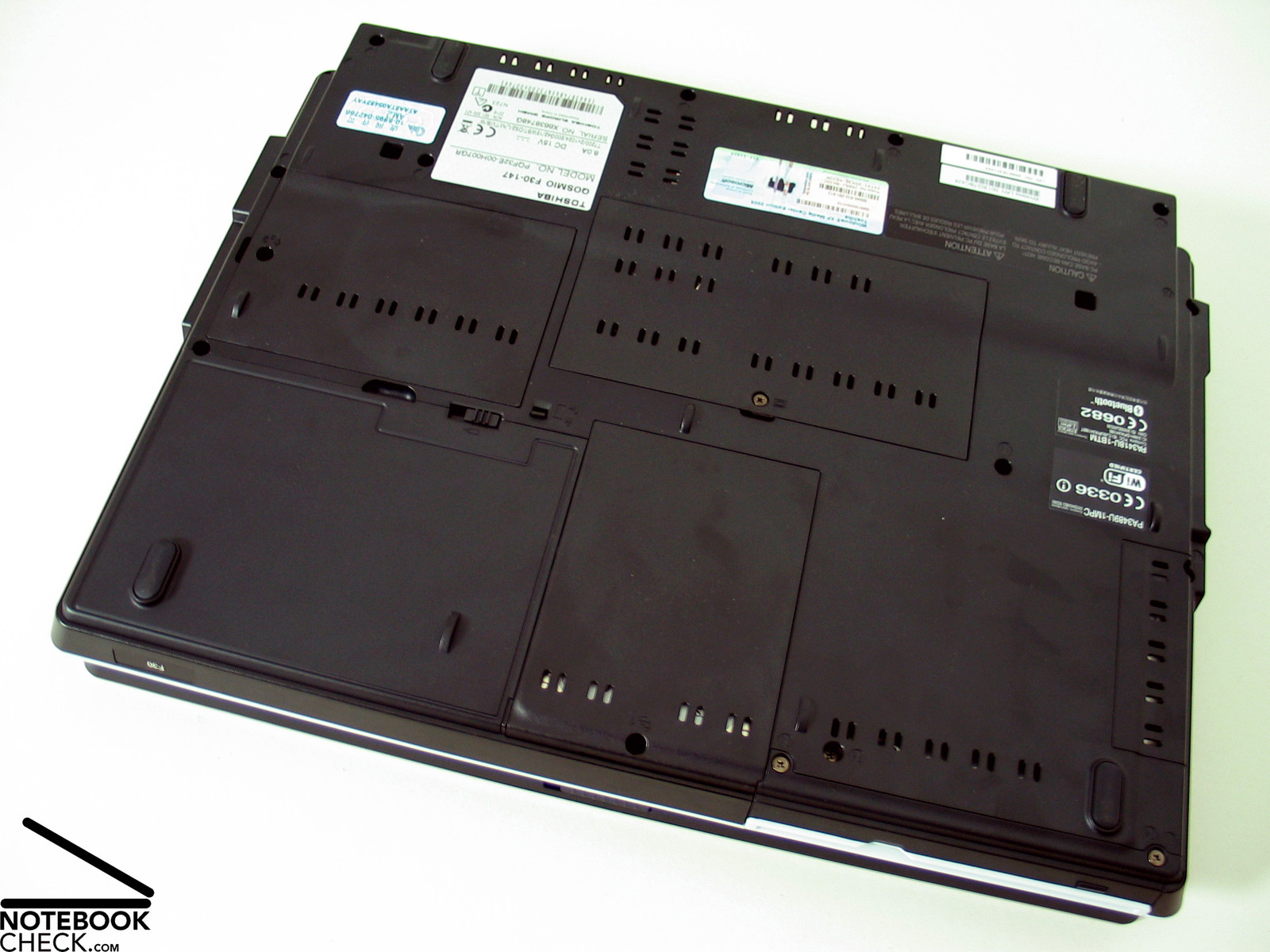
There are two reasons which lead to low emissions: First of all, the relative big height of the notebook, which allows a good air circulation inside the notebook. The second reason is the heavily perforated bottom side of the base unit, which allows an extensive aeration of the notebook, which in turn avoids possible heat accumulations or hot spots.
At the beginning the fans were deactivated during operation. Even under load the fans stayed qualm for a long time, they are turned on as soon as the case gets slightly warmer (even in idle mode). However, even if the fans run, the emissions are not annoying at 33.3 db.
Noise level
| Idle |
| 31.6 / 33.3 / 33.3 dB(A) |
| HDD |
| 32.7 dB(A) |
| DVD |
| 39.1 / dB(A) |
| Load |
| 0 / 36.5 dB(A) |
 | ||
30 dB silent 40 dB(A) audible 50 dB(A) loud |
||
min:  , med: , med:  , max: , max:  (15 cm distance) (15 cm distance) | ||
Temperature
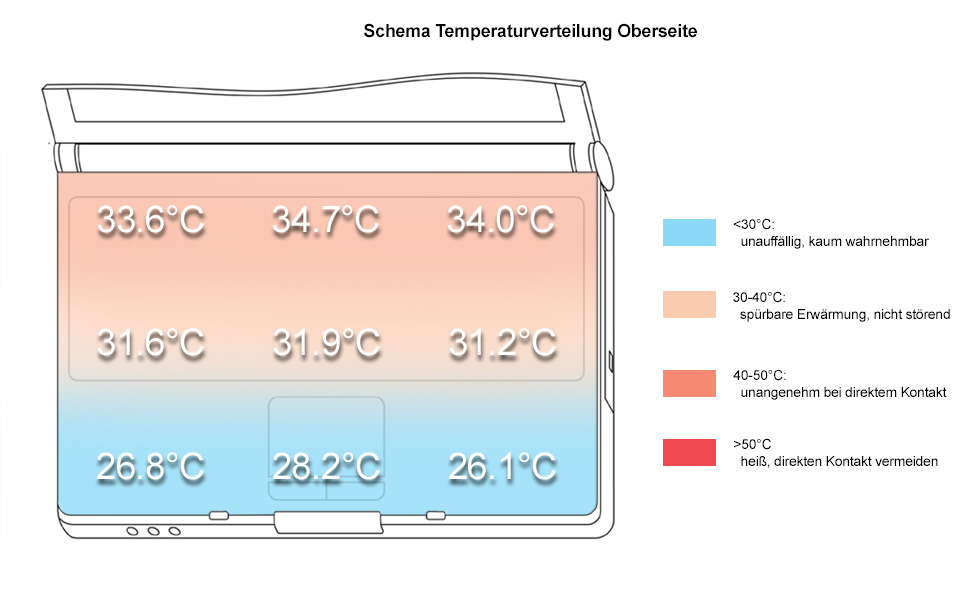
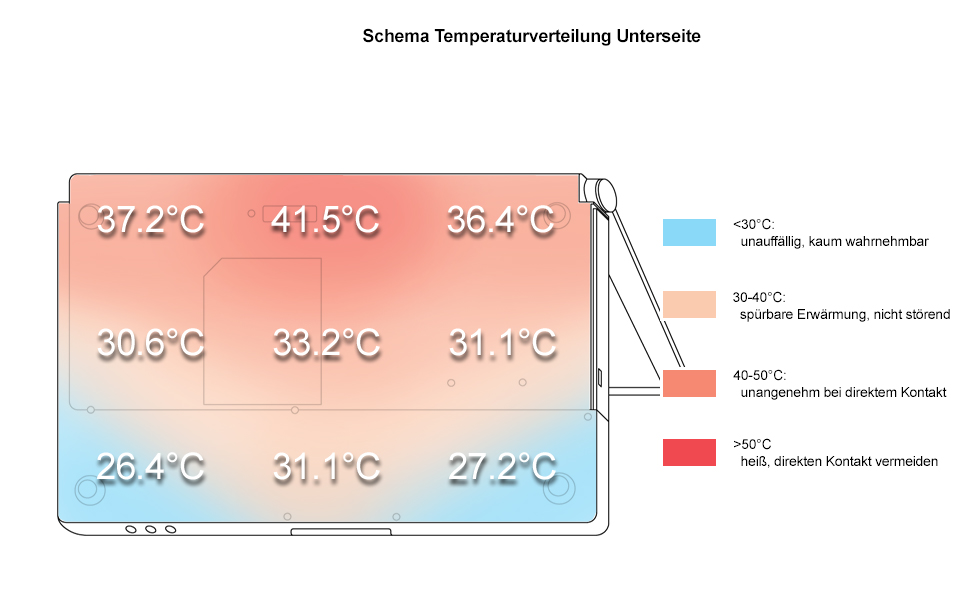
Similarly to the loudness are the surface temperatures of the notebook. The surface temperatures are distributed evenly by the aluminum inside the notebook. The maximum temperatures at the top side are about 34.7°C (which is nearly not worth mentioning). The bottom side gets slightly warmer and reaches a maximum of 41.5°C, which is harmless too.
Upper side
palmwrist: 28.8°C max: 34.7°C avg: 30.9°C
Bottom side
max: 41.5°C avg: 32.7°C
Speakers
It's always a pleasure for us, if a notebook is equipped with high quality speakers. In contrary to other manufacturer even of multimedia notebooks, which argue that external speakers can be (and will be) plugged anyway, Toshiba acts fortunately differently.
Harman/Kardon speakers convince through full sound and an excellent maximum volume. However, we could observe that they overmodulate at 90% of the maximum volume.
Battery Runtime
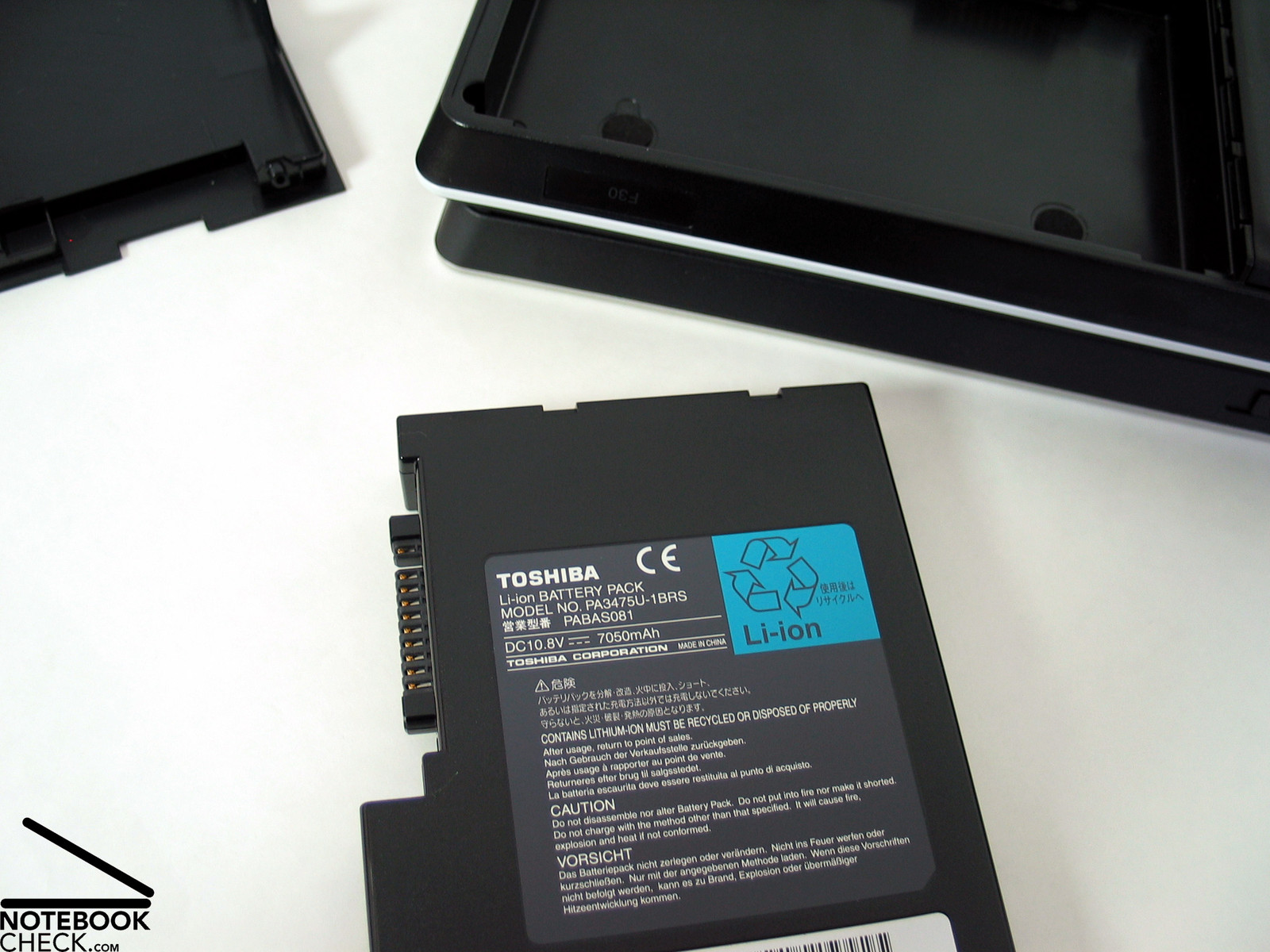
Against our expectations we measured a convenient battery runtime during our reviews. Under load the battery runtime is about 1.5 hours. Without load and everything configured for power saving the battery runtime of the 7050 mAh battery is above 3 hours. It should be even possible to watch a movie (a DVD) with a playtime of about 2 hours.
Energy demand
Without load (Idle), min. brightness, without WLAN: 32.4 Watt
+ max. brightness: 41.7 Watt
+ WLAN: 43.7 Watt
Full load (+WLAN, max brightness): max. 71.6 Watt
Verdict
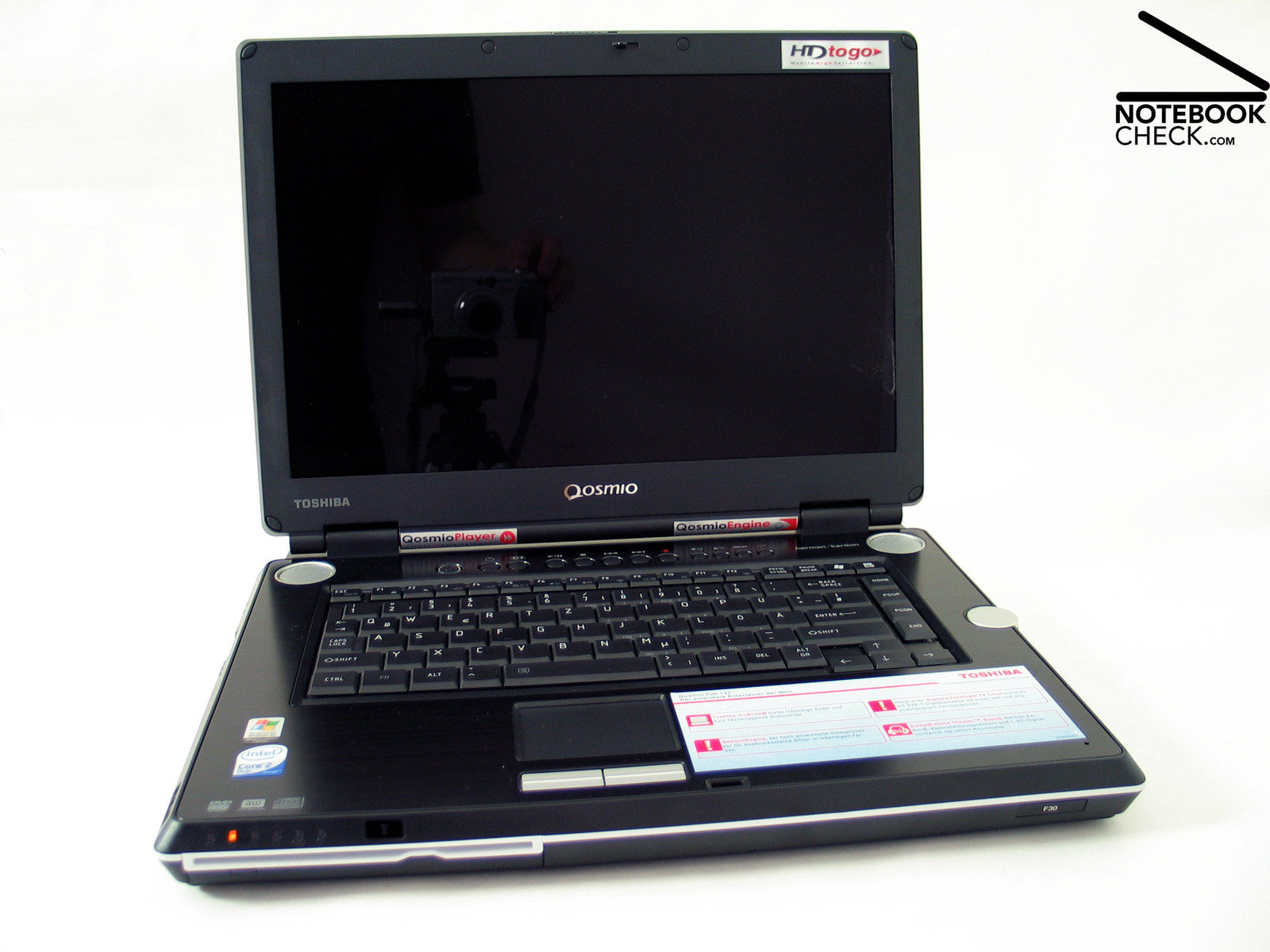
Toshiba's Qosmio F30 is rightly called a multimedia notebook. All important aspects were without objections.
Besides its good workmanship and the high quality of its case, the F30 convinces through its interfaces and their order. Its total weight of 4.0 kg and its big dimensions, especially its huge height of 52 mm, limit the F30's mobility and have also negative impacts on the ergonomics.
The display convinced nearly in all aspects: a very good brightness and an excellent contrast, as well an excellent stability to the vantage point. However, the calculated illumination was not really excellent, but this was not so important, because of the display's good brightness.
Toshiba Qosmio F30's performance is convenient, although it comes only with a middle class video card. Compared to other similar equipped notebooks of the same class, the Qosmio is nearly always top.
We were even more pleased by its low temperature and noise emissions. Neither the surface temperature nor the maximum noise of the fans can be criticized.
The battery runtime is convenient and should be sufficient for a DTR. F30's mobility is not more than moderate.
 Add as a preferred source on Google