Review Toshiba Qosmio G30
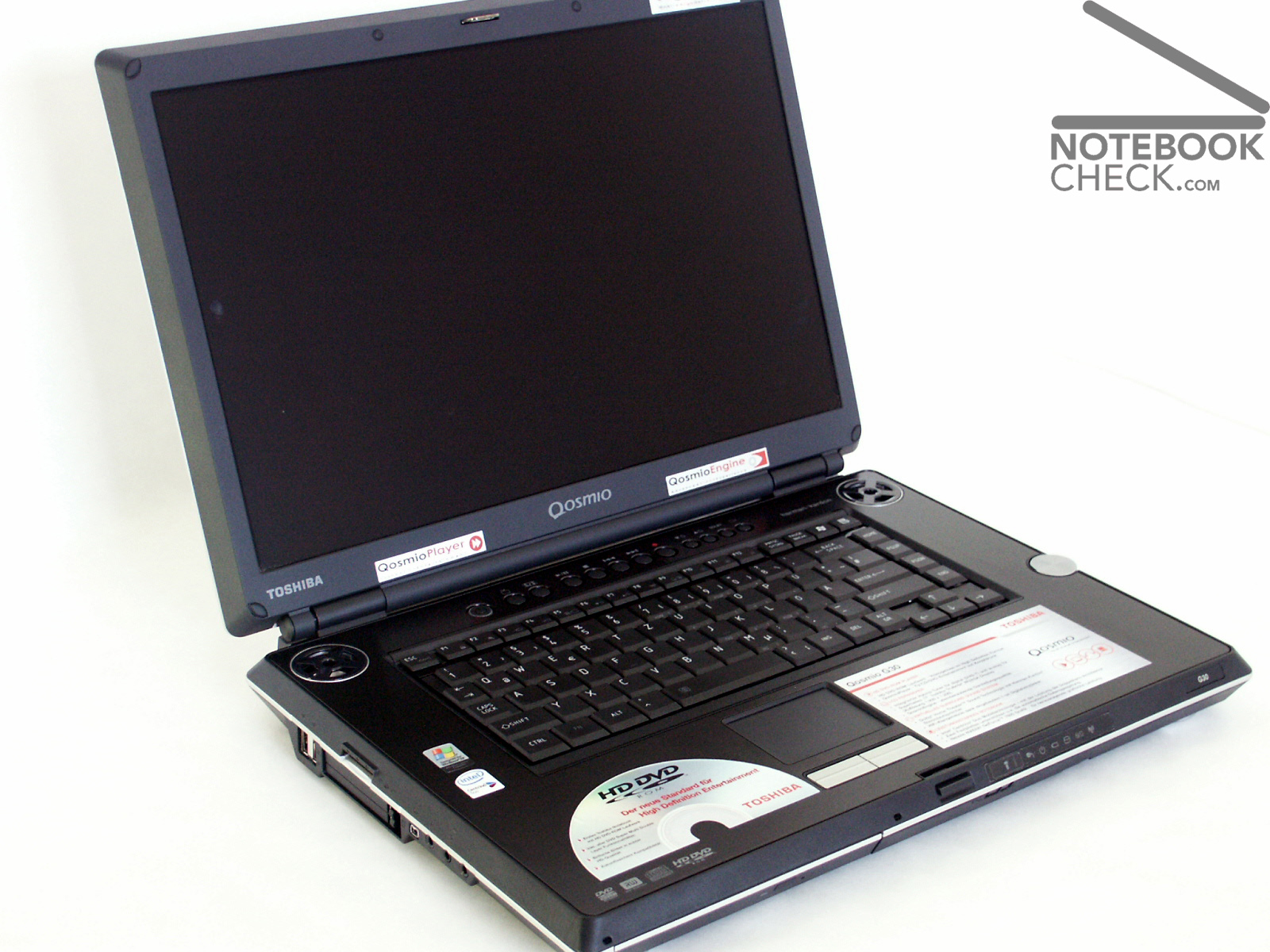
HD capable LCD TV, DVB t tuner, Dolby Home theatre, Harman/Kardon boxes, HD DVD drive assembly and besides a gaming computer. This sounds like high end equipment of a modern living room is now realized in a laptop: in the Toshiba Qosmio G30.
Case
Like already the Qosmio F20, also the Toshiba Qosmio G30 is perfectly processed. Particularly the top side of the laptop proves particularly stable against pressure due to a large aluminum part, which covers the entire keyboard.
In addition the area in front of the keyboard remains always cool or lukewarm because of the outstanding heat transporting of the aluminium.
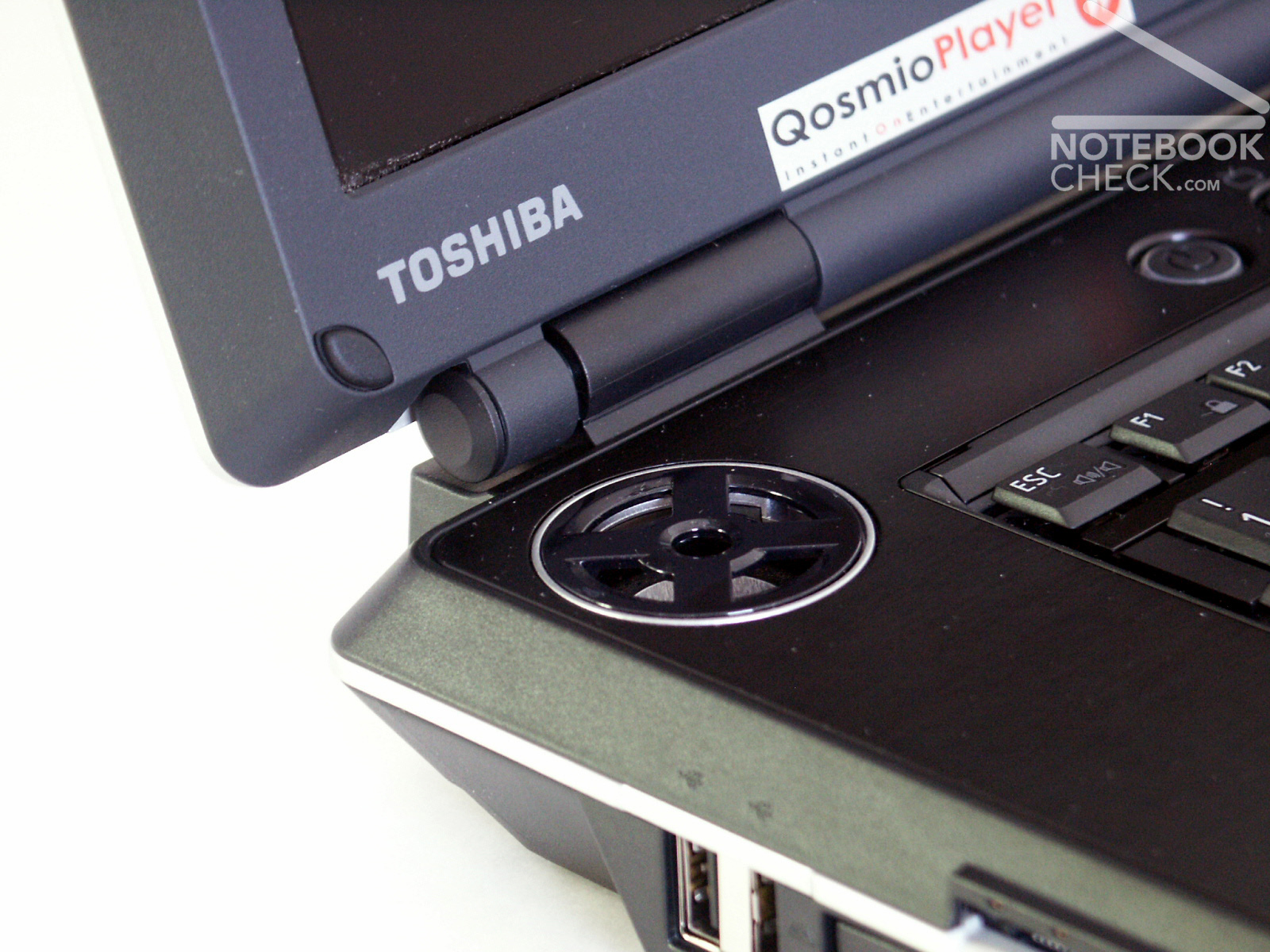
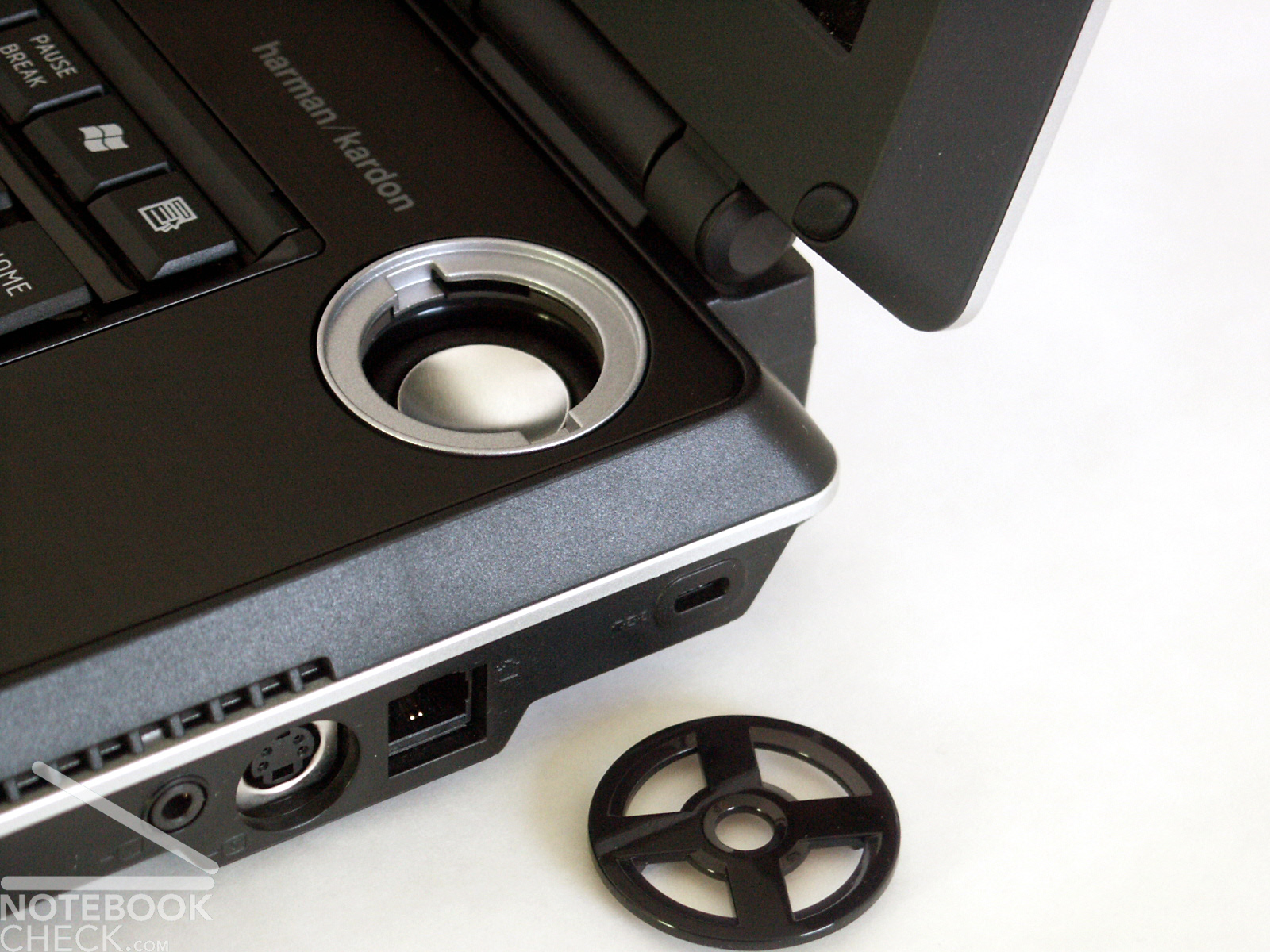
Again very concisely is the appearance of the two Harman/Kardon boxes, on the left and on the right above the keyboard. The cover of the boxes is quite open in contrast to the Qosmio F20 and also can be removed, e.g when dirt penetrates in the noble diaphragms.
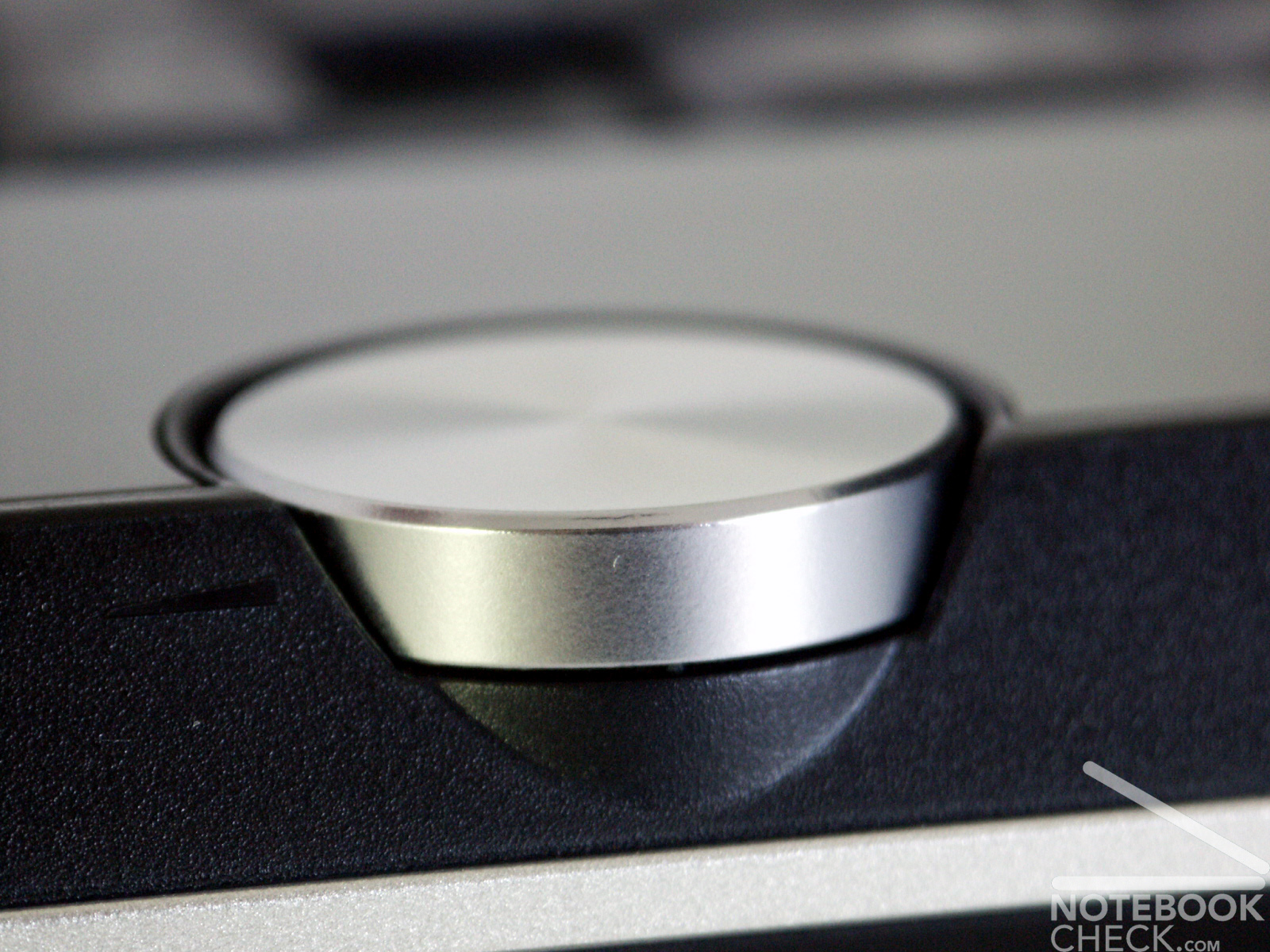
Right beside the keyboard the wheel for the volume adjusting is positioned, which is typical for Toshiba.
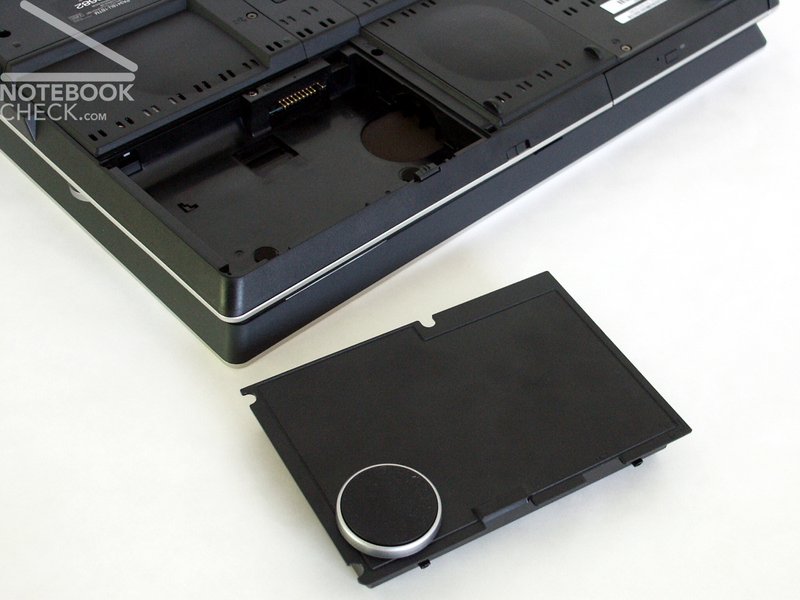
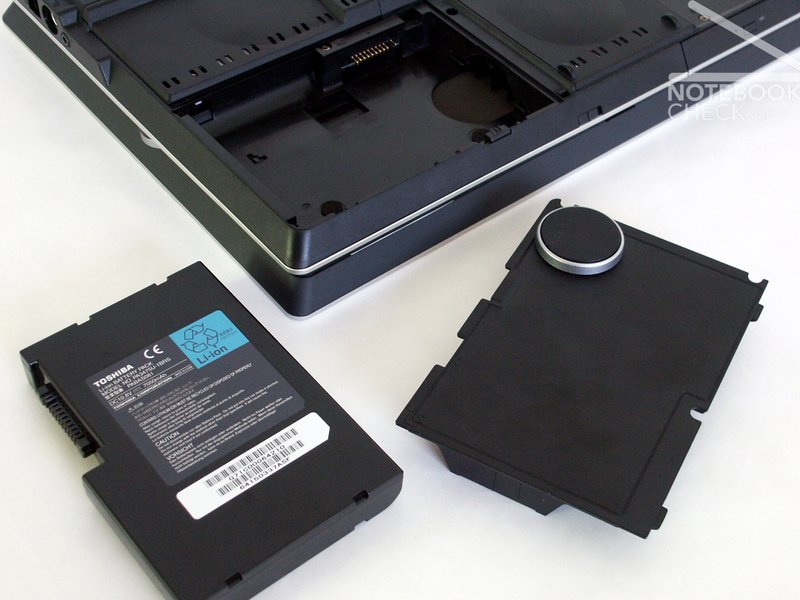
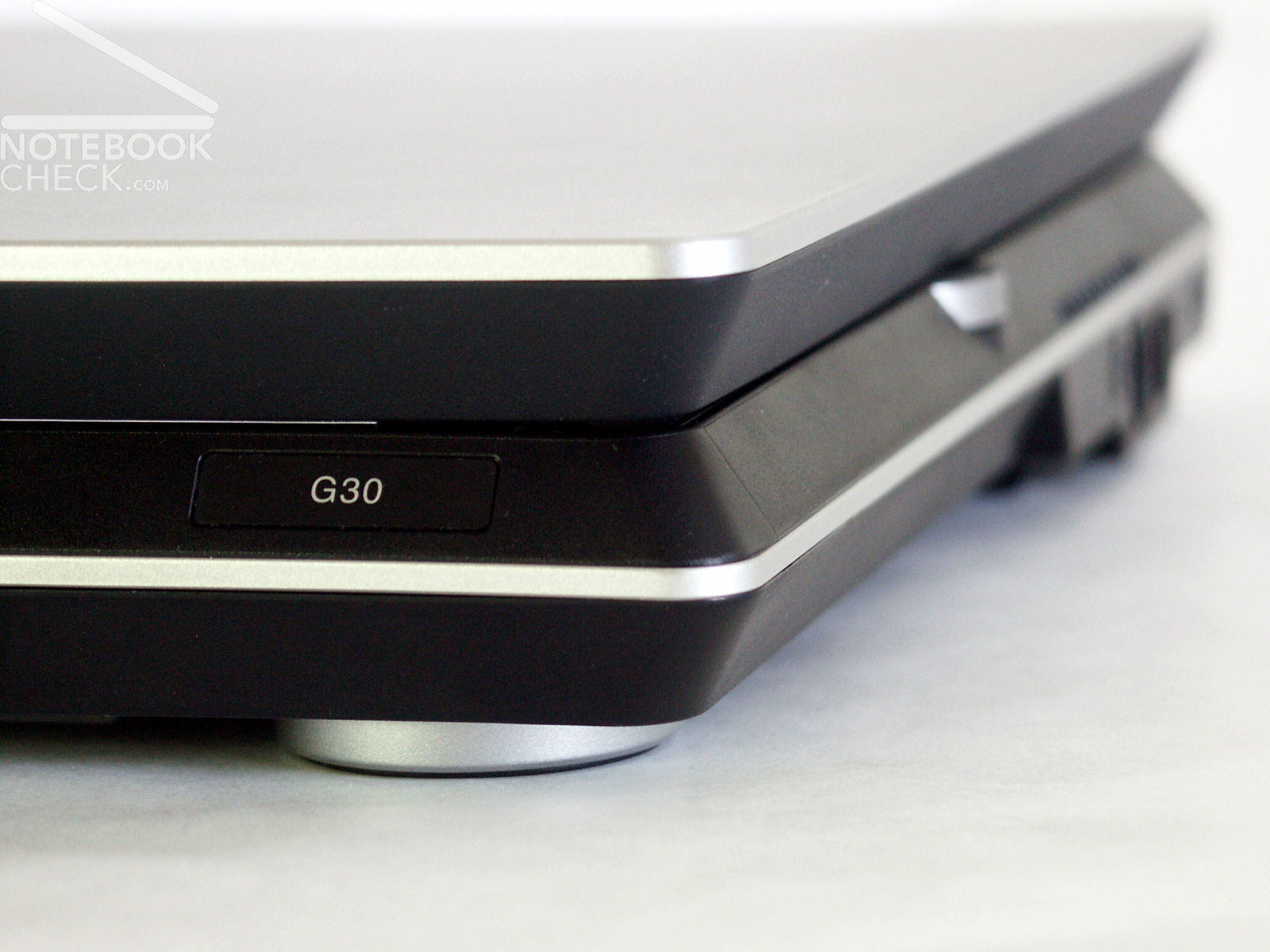
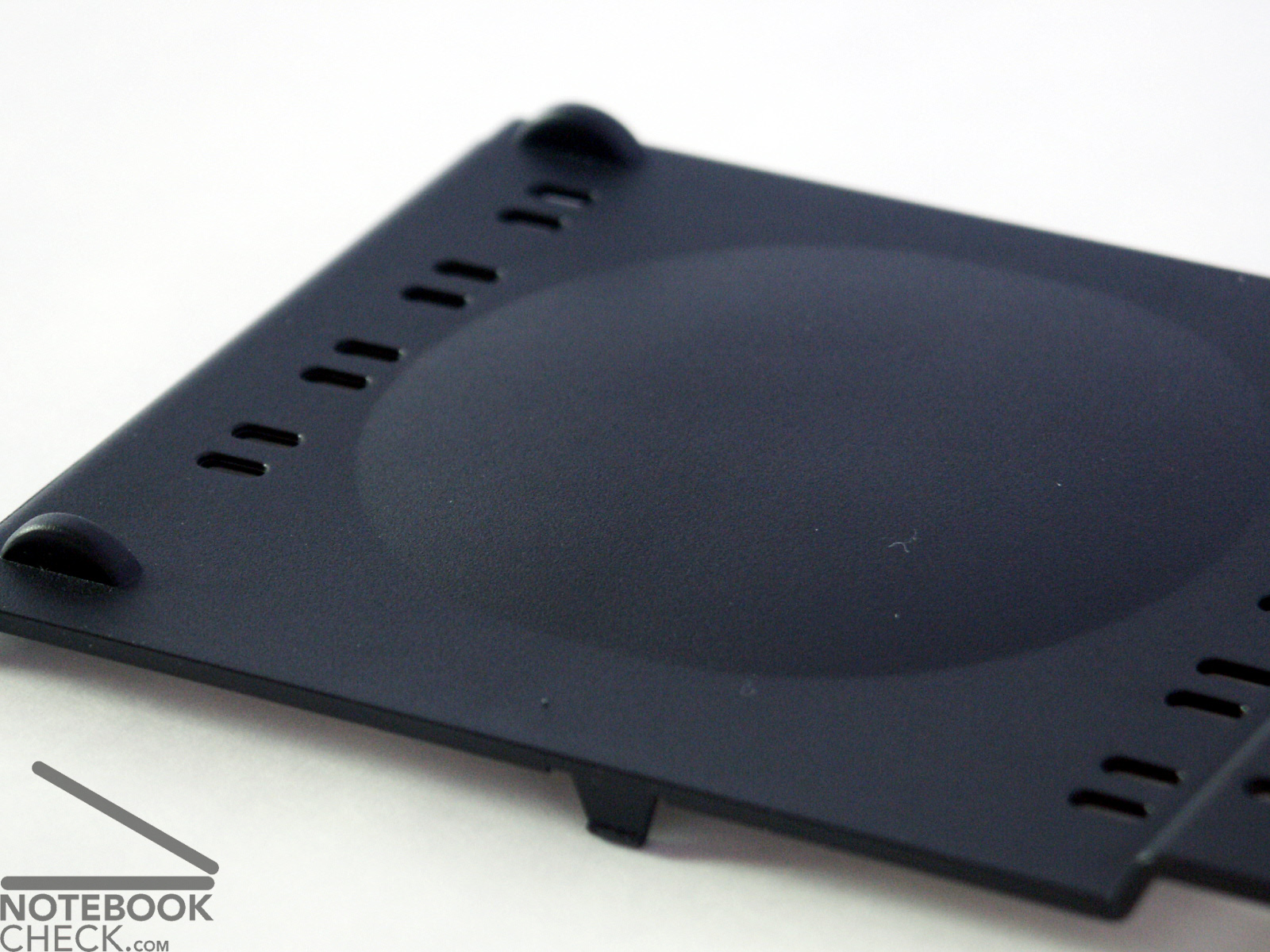
The battery with a capacity of 7050 mAh is attached below the front of the notebook at the right side. A foot is on the battery case. If the battery is removed, the cover with the foot remains at the laptop. So an operation without battery is no problem for the stability. (see the image at the right side)
The display is characterised by a special rigidity against flexing. The hinges could not really convince. They permitted a severe wobbling of the display. Whether they can keep the display safe even over longer time is not sure.
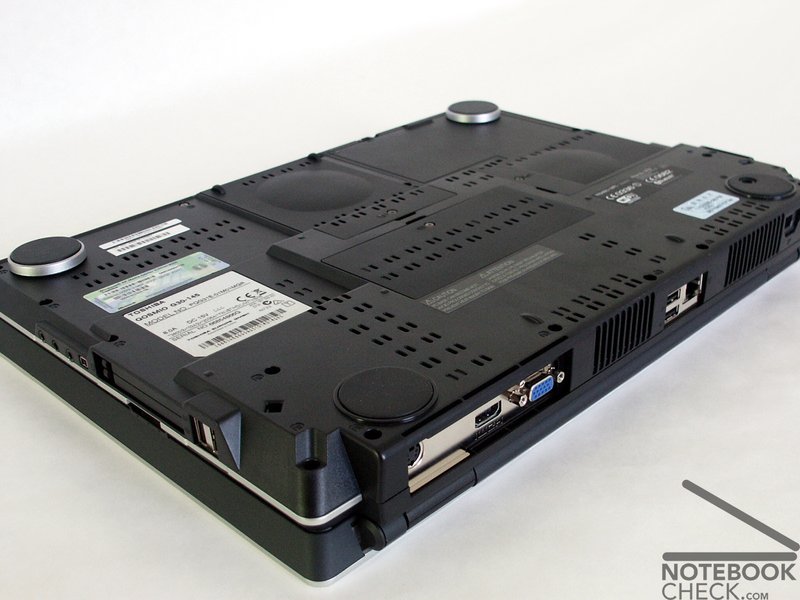
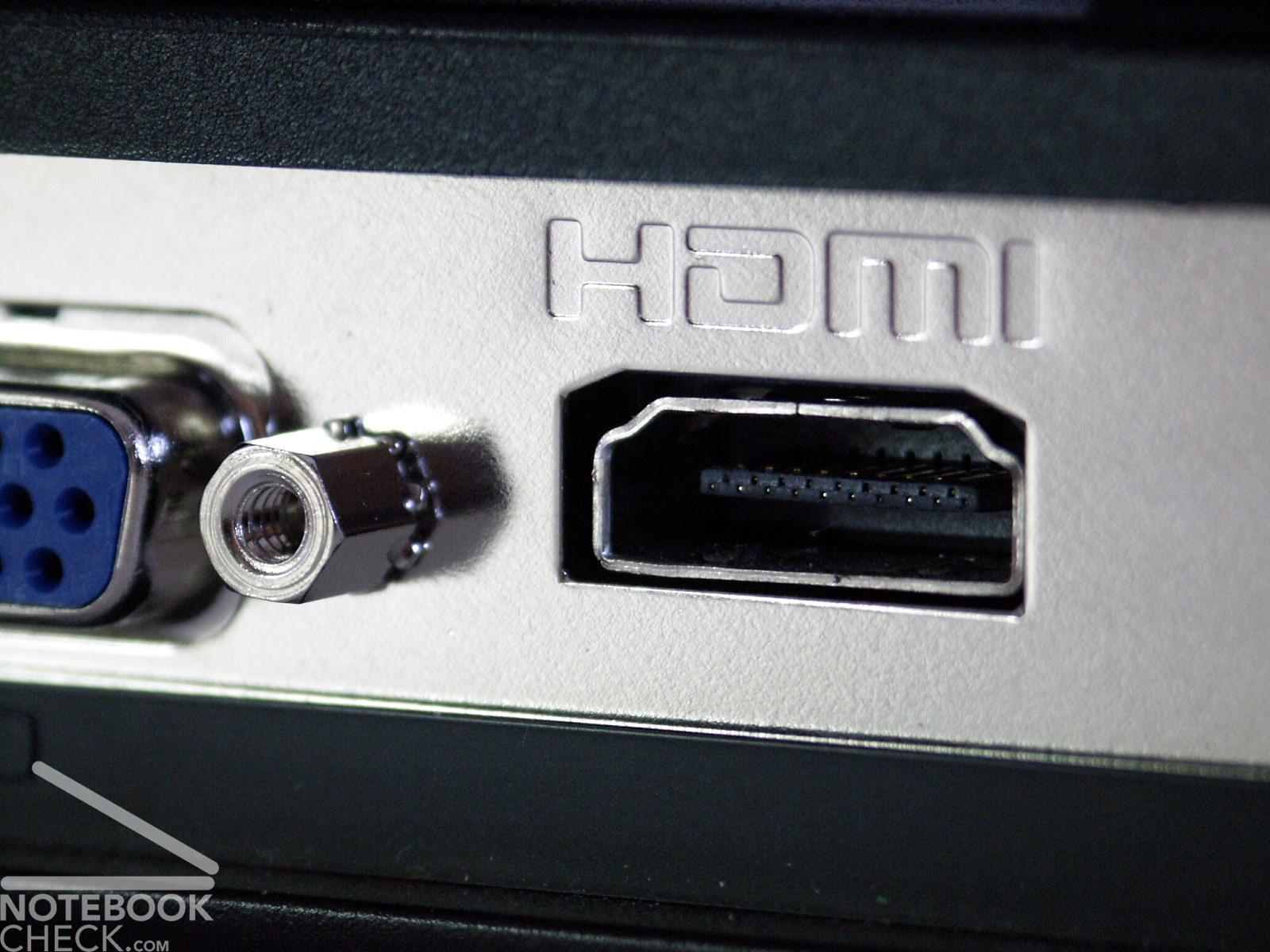
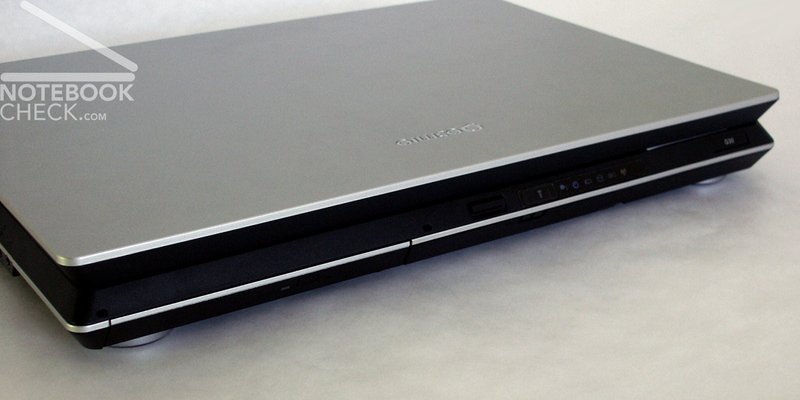
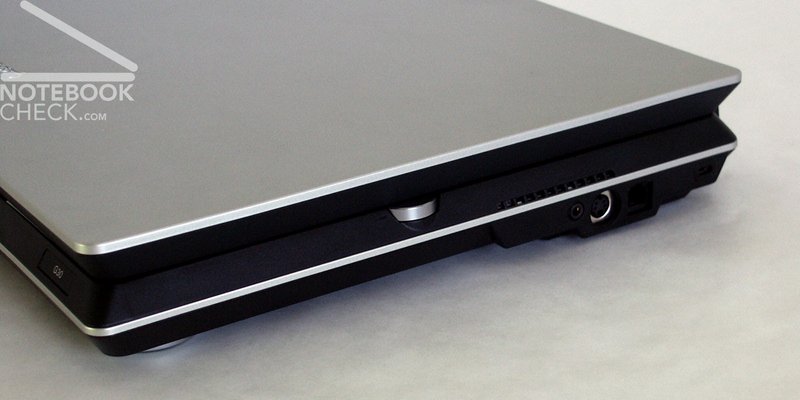
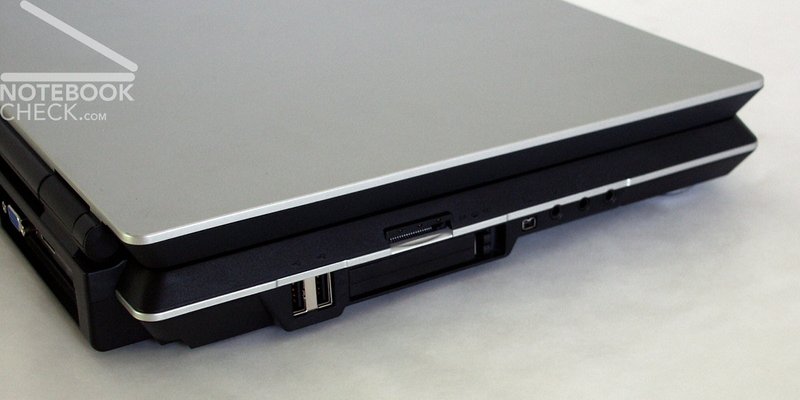
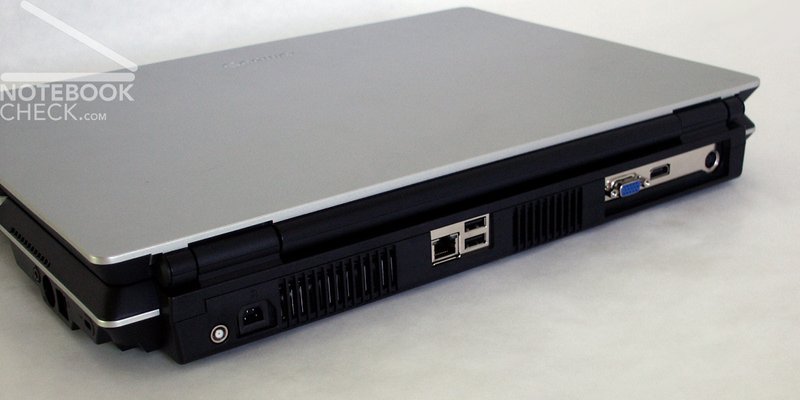
The connections are mainly at the back or on the right or left side in the rear This is suitable for a desktop replacement. Instead of a DVI-D connection a HDMI exit is offered.
Input Devices
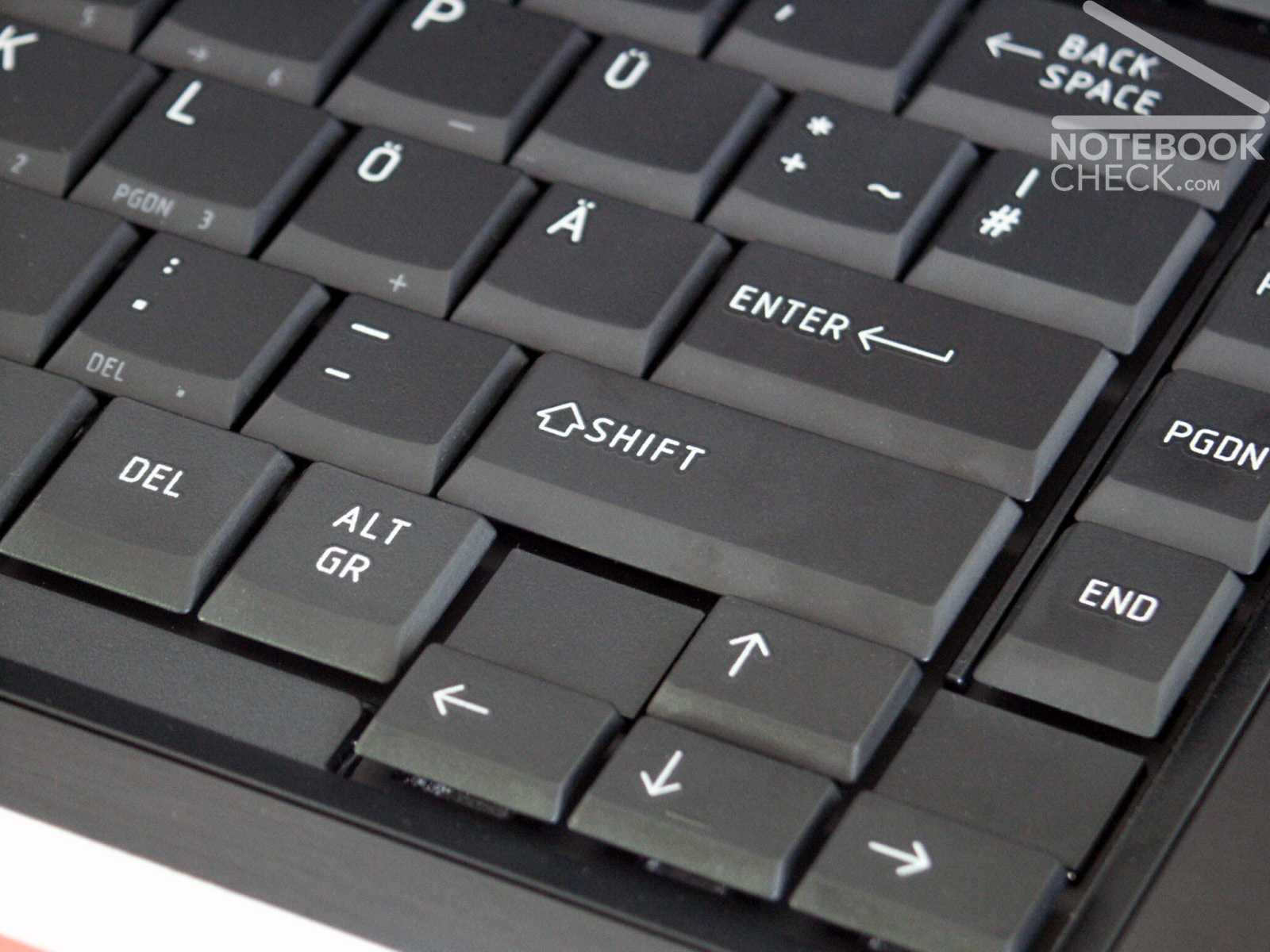
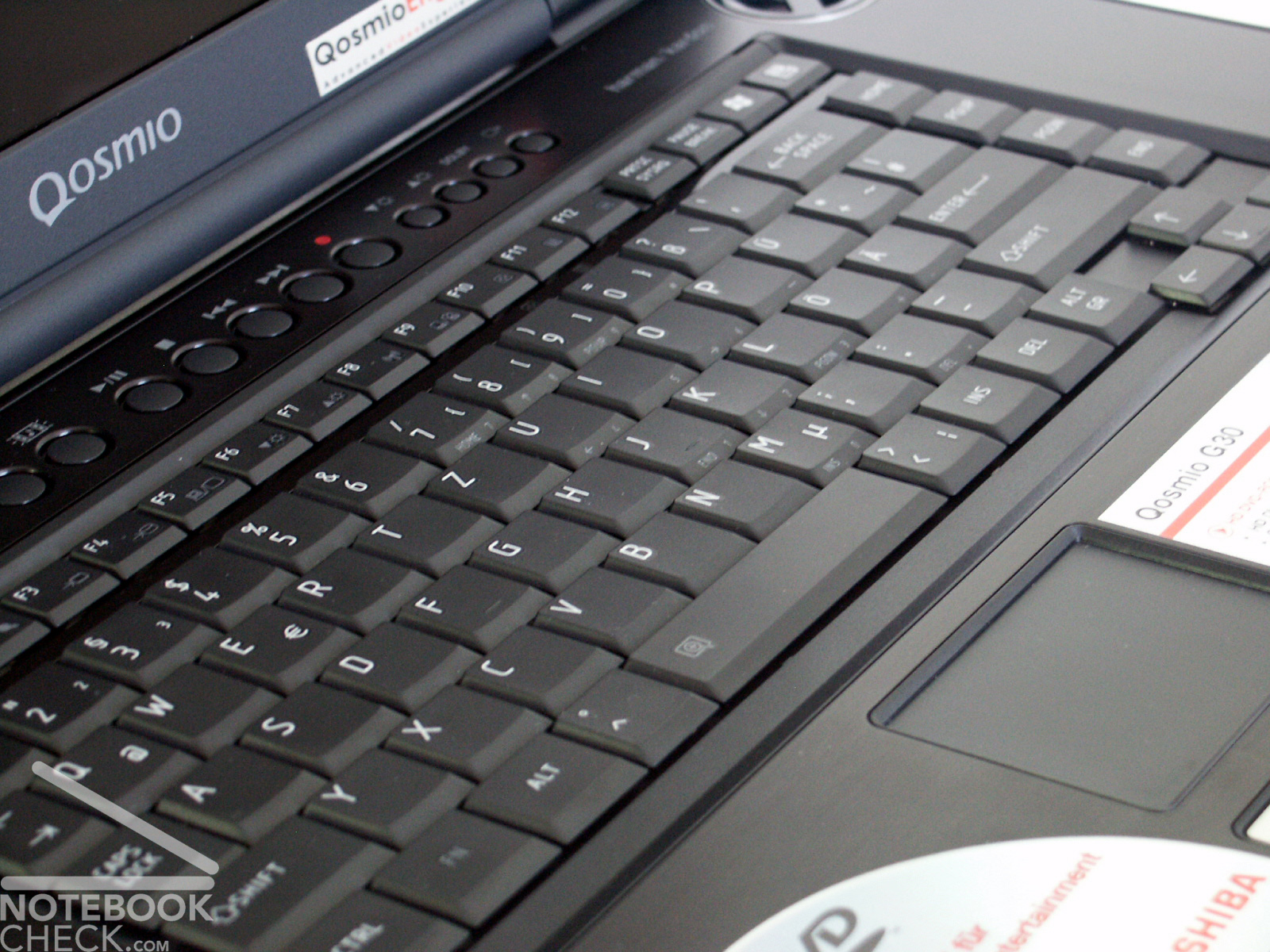
The keys failed are somewhat sharp-edged, which can be felt clearly during writing. In addition some keys (Tab, Space and Enter) are rather small, which sometimes causes wrong tapping.
Also the position of the Enter key, right beside the space bar, is somewhat habituation needy. However the Windows key is positioned on the top at the right side.
The tapping feeling of all keys is very pleasant. They can be pressed easily but have a clear pressure point.
Somewhat unpleasant is the height chassis unit. When tapping particularly the left hand can scrubble in the range of the wrist, since a small burr surrounds the case. This lack of processing can be repaired with a nail file or with fine sandpaper within a short time.
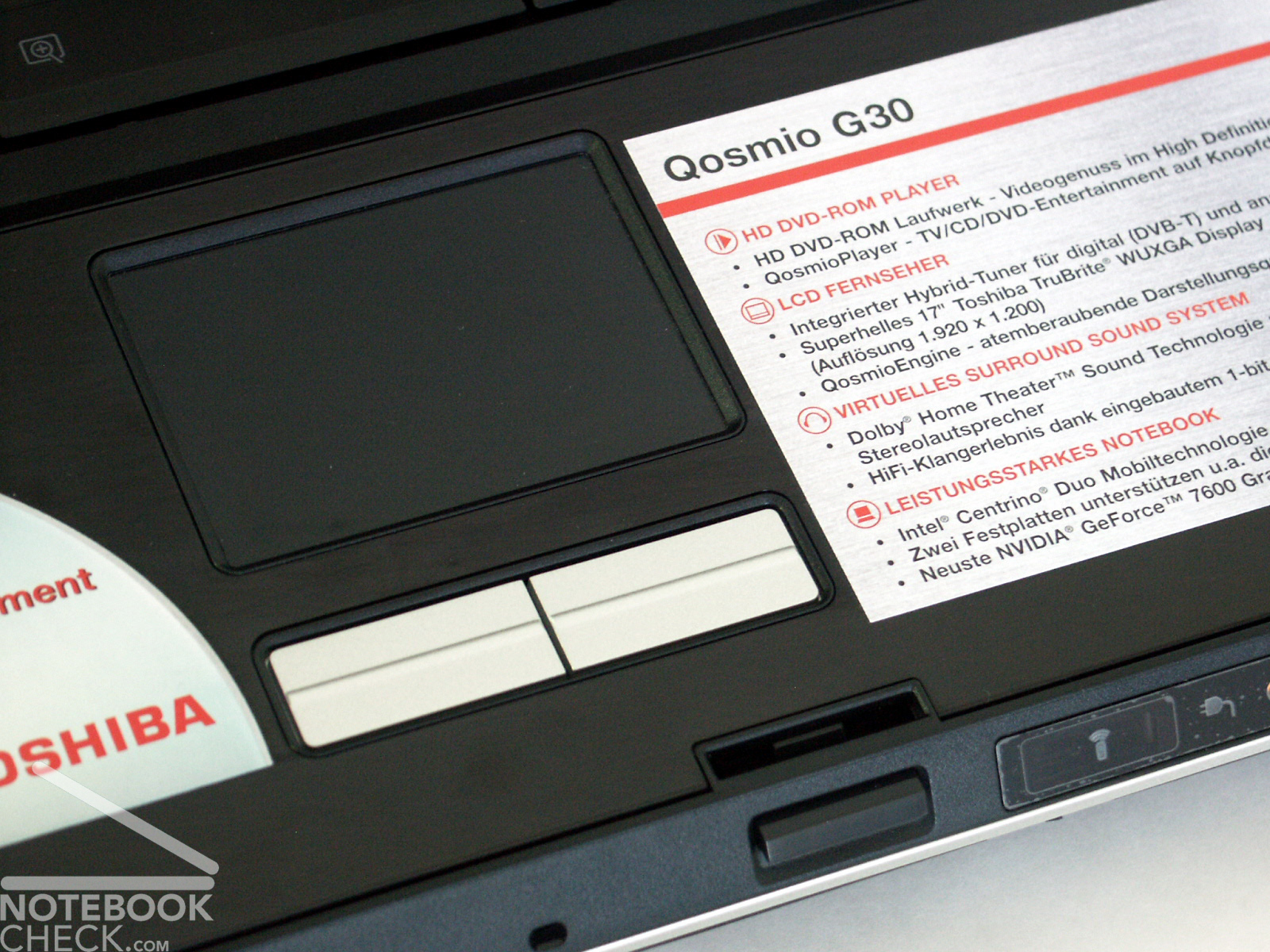
The Touchpad remains without objections. The pertinent keys can be handled with appropriate force and can be perceived by clearly distinguishable clicking noises.
Display
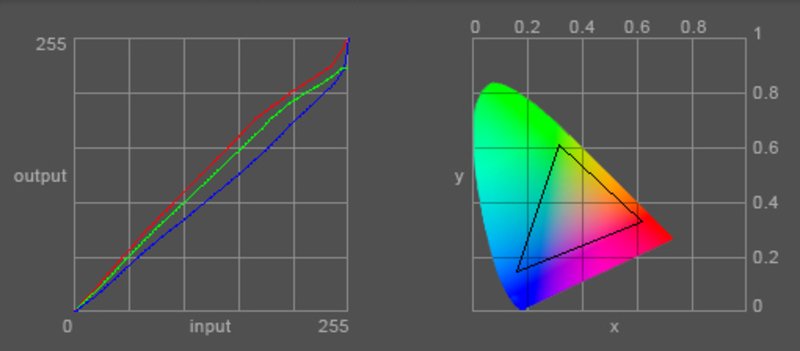
Without any doubt the HD-TV suited 17 inch WUXGA "TruBrite" display with a 1920x1200 pixel resolution is one of the highlights of this notebook. Reasons are also a maximum brightness of 262.1 cd/m² and a brightness distribution of good 82.4%.
In the Pixperan readability test level 7 could be achieved. Also respective the creation of cloudy streaks resulted well with the Qosmio G30.
| |||||||||||||||||||||||||
Brightness Distribution: 81 %
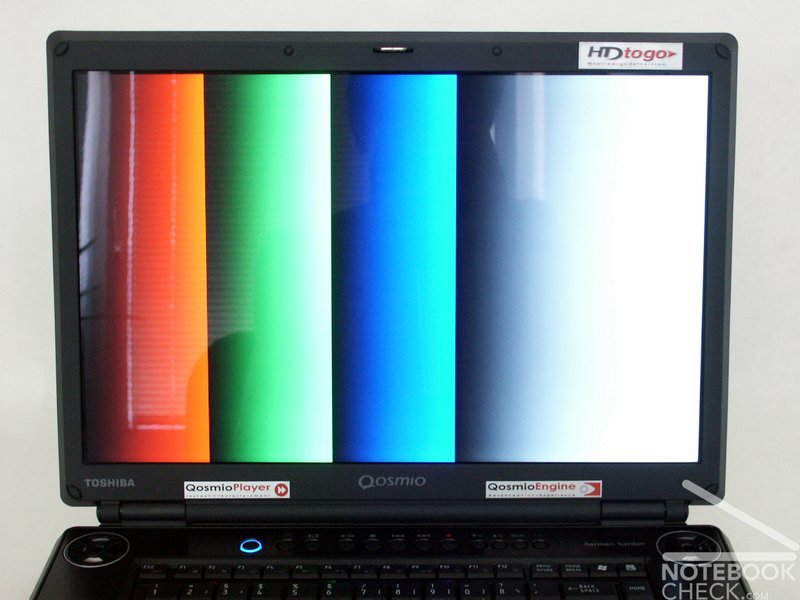
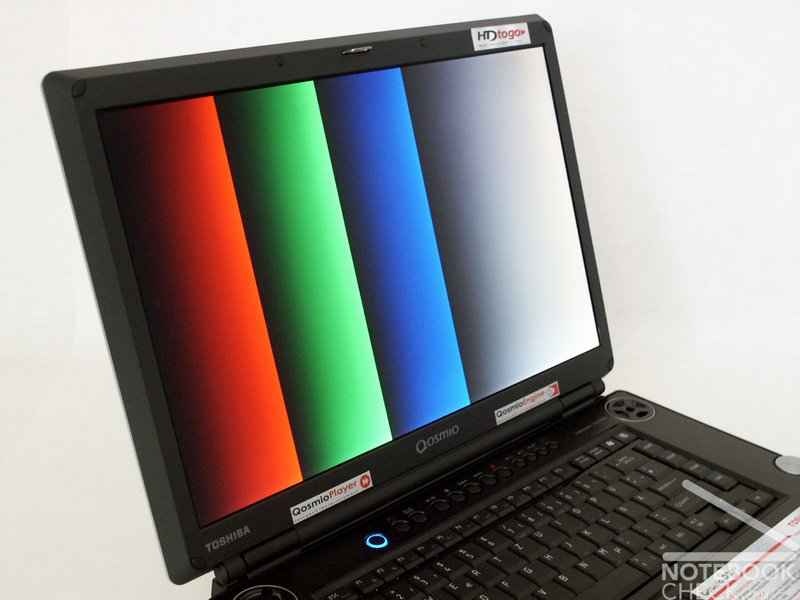
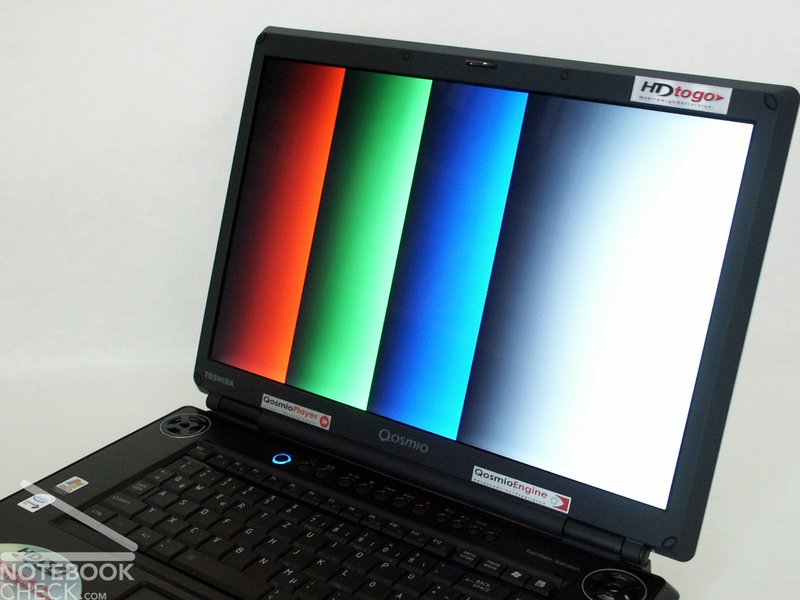
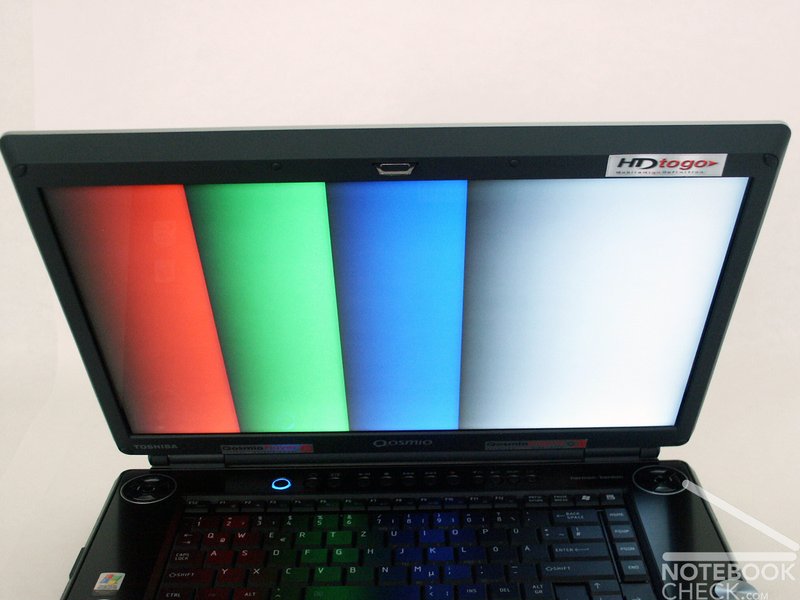
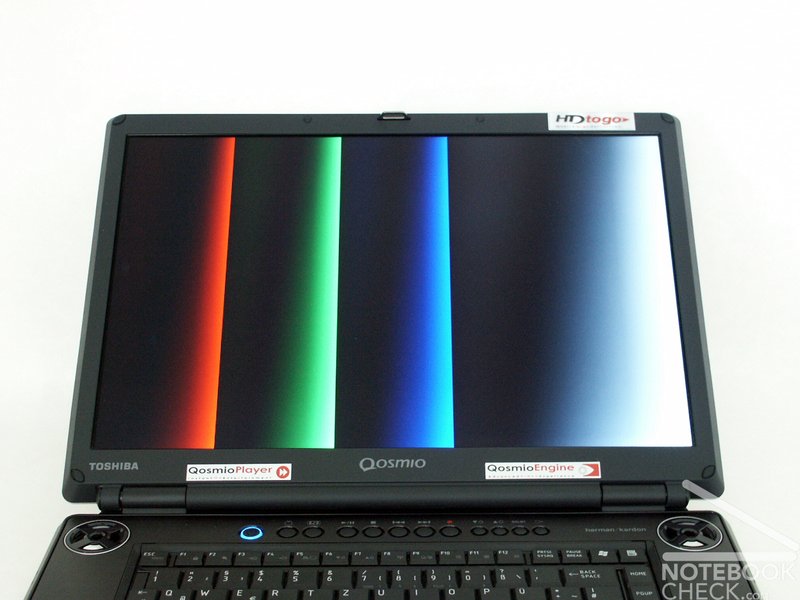
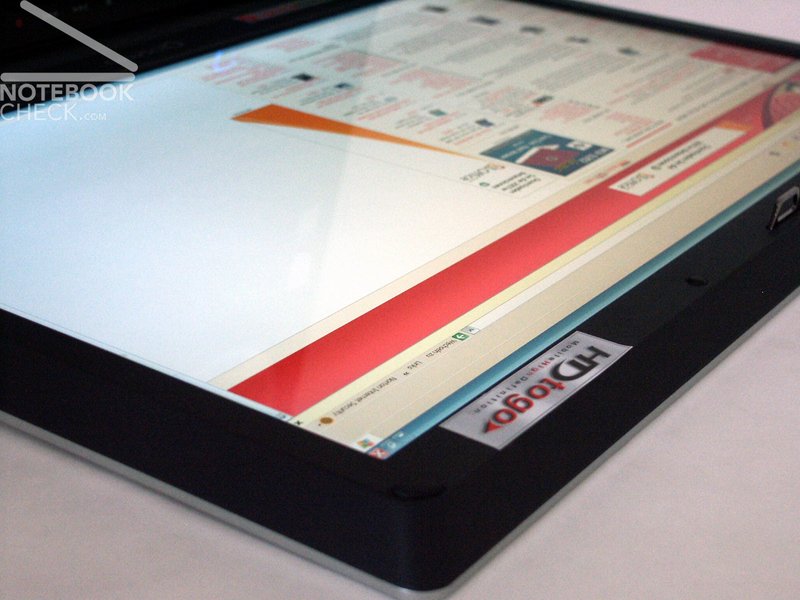
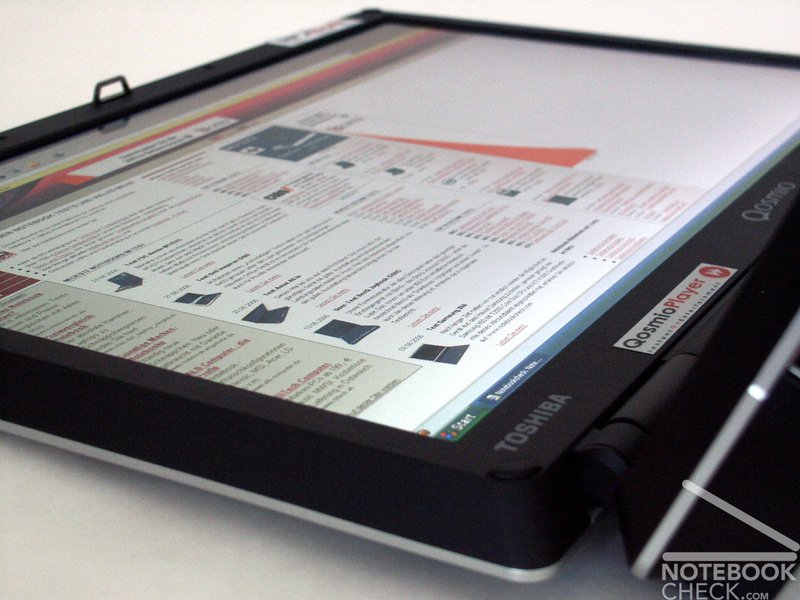
Although the used display is a reflecting panel, the mirroring remains quite bearable. No doubt, the horizontal stability of viewing angles can be rated with very good. In the vertical range strong deviations from the ideal viewing angle may cause clarifications/darkening. Nevertheless also within the vertical range: very good.

Performance
With the NVIDIA Geforce Go 7600 a video adapter of the 2. class of our comparison of mobile video cards was implemented. So a video card with high performance, but not high end is inserted in the Qosmio G30. Additionally with the Core Duo T2600 a mobile processor with the - yet - highest performance is packed into the laptop.
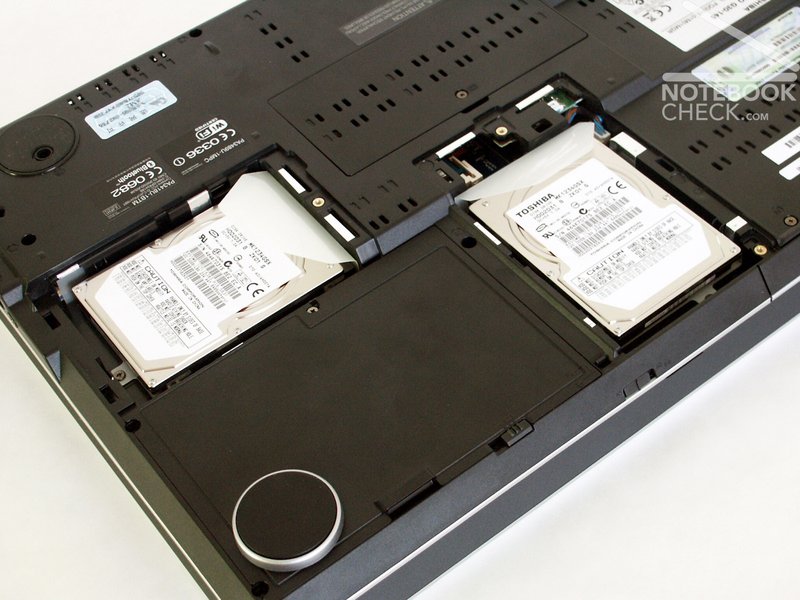
Furthermore altogether 2GB RAM of modules (533 MHz) are implemented and two 120 GB hard disks (RAID is possible) are integrated.
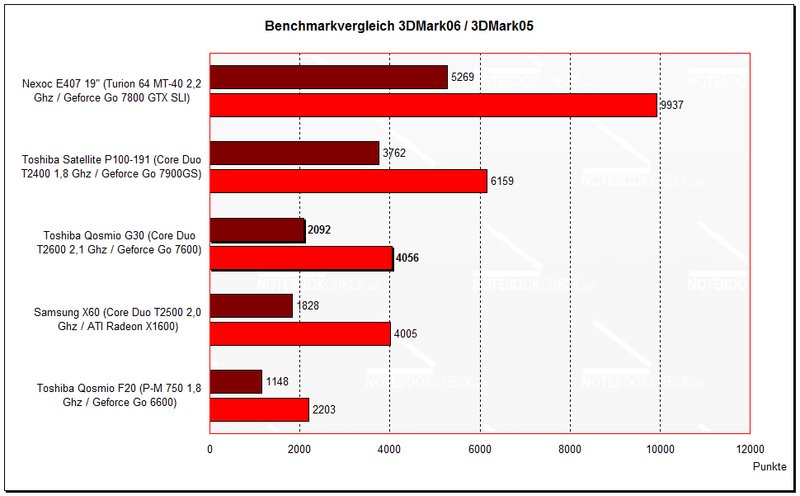
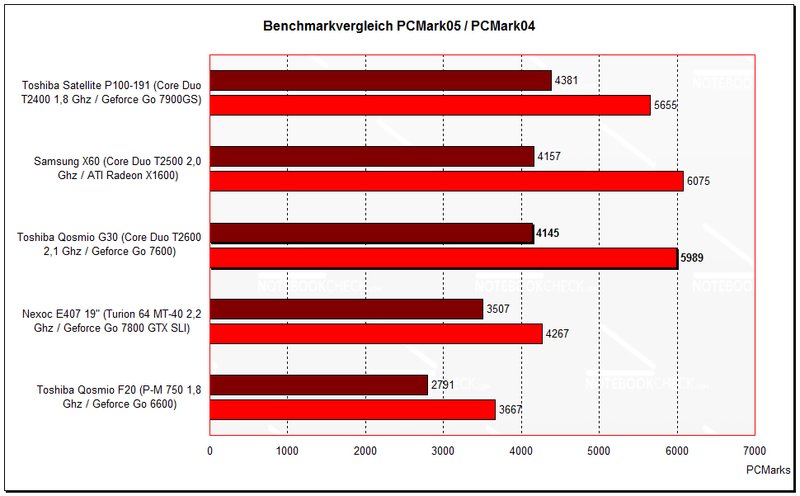
Altogether this is a laptop with very high performance, which excels particularly with the multimedia tasks. By the mean of the benchmark comparison can be recognized, that the Geforce 7600 is in about on a level with the ATI X1600.
| 3DMark 2001SE Standard | 21450 points | |
| 3DMark 03 Standard | 9384 points | |
| 3DMark 05 Standard | 4056 points | |
| 3DMark 06 Score Unknown Setting | 2092 points | |
Help | ||
| PCMark 04 Standard | 5989 points | |
| PCMark 05 Standard | 4145 points | |
Help | ||

Emissions
Warmth
As already mentioned, the top side also after extensive gaming sessions remains without considerable heating up. At the bottom in some areas somewhat higher temperatures may arise. Since however this is a desktop replacement, which anyway probably exclusively is used upon the desk, this heating up can be neglected throughout.
Top Side
area in front of the keyboard max.: 29.4 °C
max.: 37.7 °C
average: 33.5 °CBottom
max.: 42.1 °C
Durchschnitt: 35.7 °C
Volume
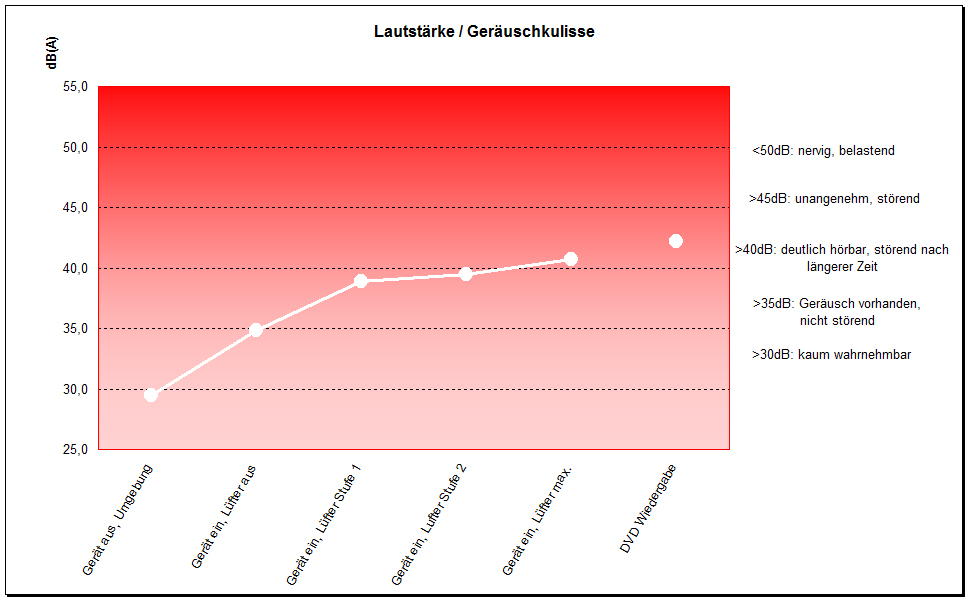
The operation of the Qosmio G30 constantly is accompanied by a noise level of approximately 34,8 dB (also without load). This is clearly perceptible, but not necessarily disturbing. Under load the fan winds up over several levels to maximally 40,7 dB. Between that levels still another level could be measured with 39.5 dB. A remaining on this level is possible for longer periode.
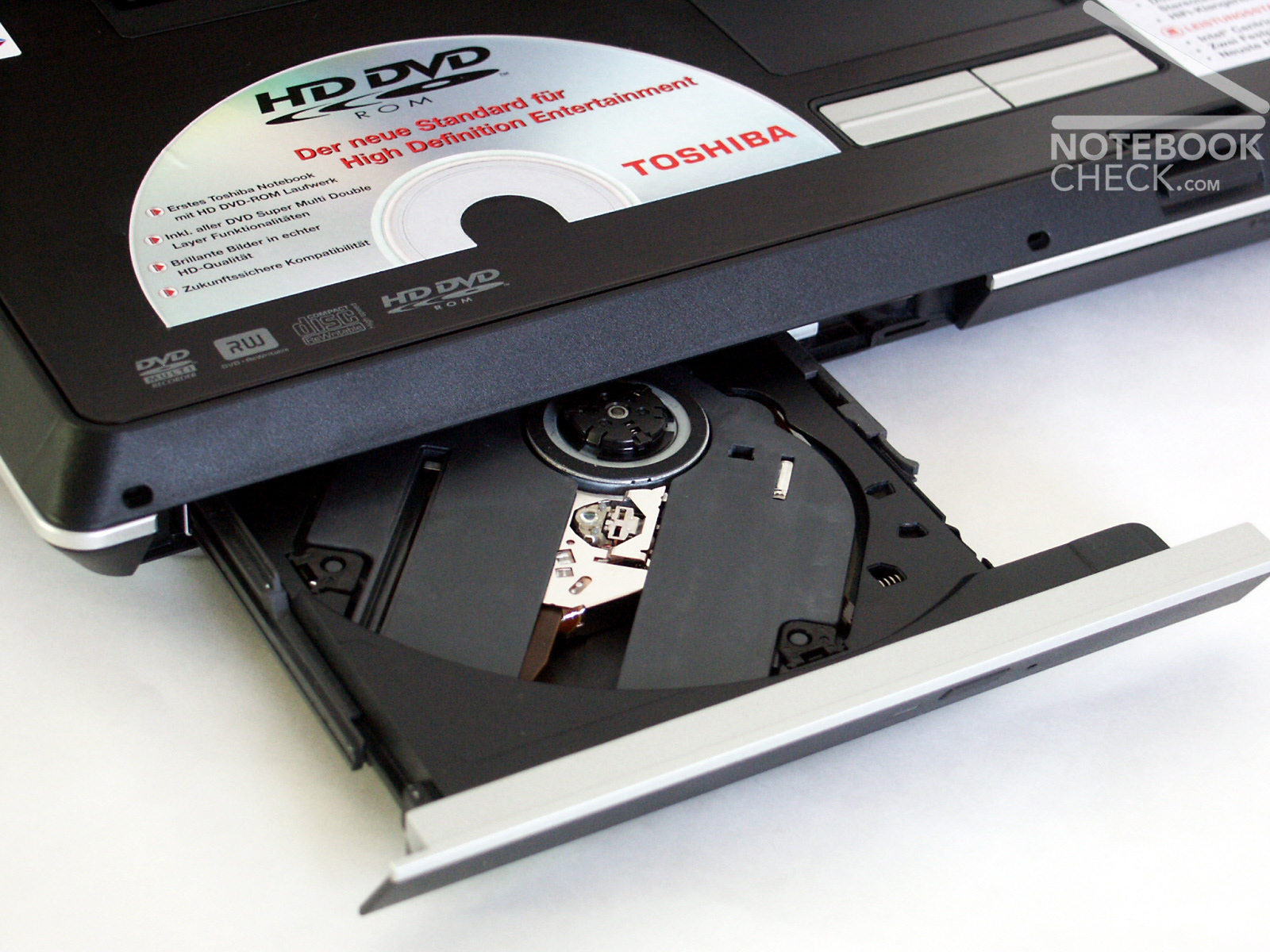
The HD-DVD drive assembly announced itself with inescapably audible 42,1 dB, which could not not be reduced with the installed "drive accoustic silencer" software.
Battery Runtime
Quite acceptable battery runtimes could be measured due to the giant 7050 mAh battery:
Battery Eater Readers Test – corresponds about the maximum runtime
(min. brightness, WLan off, current saving on)
achieved battery runtime: 3h 5min
Battery Eater Classic Test – corresponds about the minimum runtime
(alles max., WLan etc. on)
achieved battery runtime: 1h 30min
Current Consumption
minimum (all off or at minimum): 38.0 Watts
idle (max. brightness): 49.4 Watts
+ WLan: 50.1 Watts
maximum (load inkl. WLAN): 80.4 Watts
Verdict
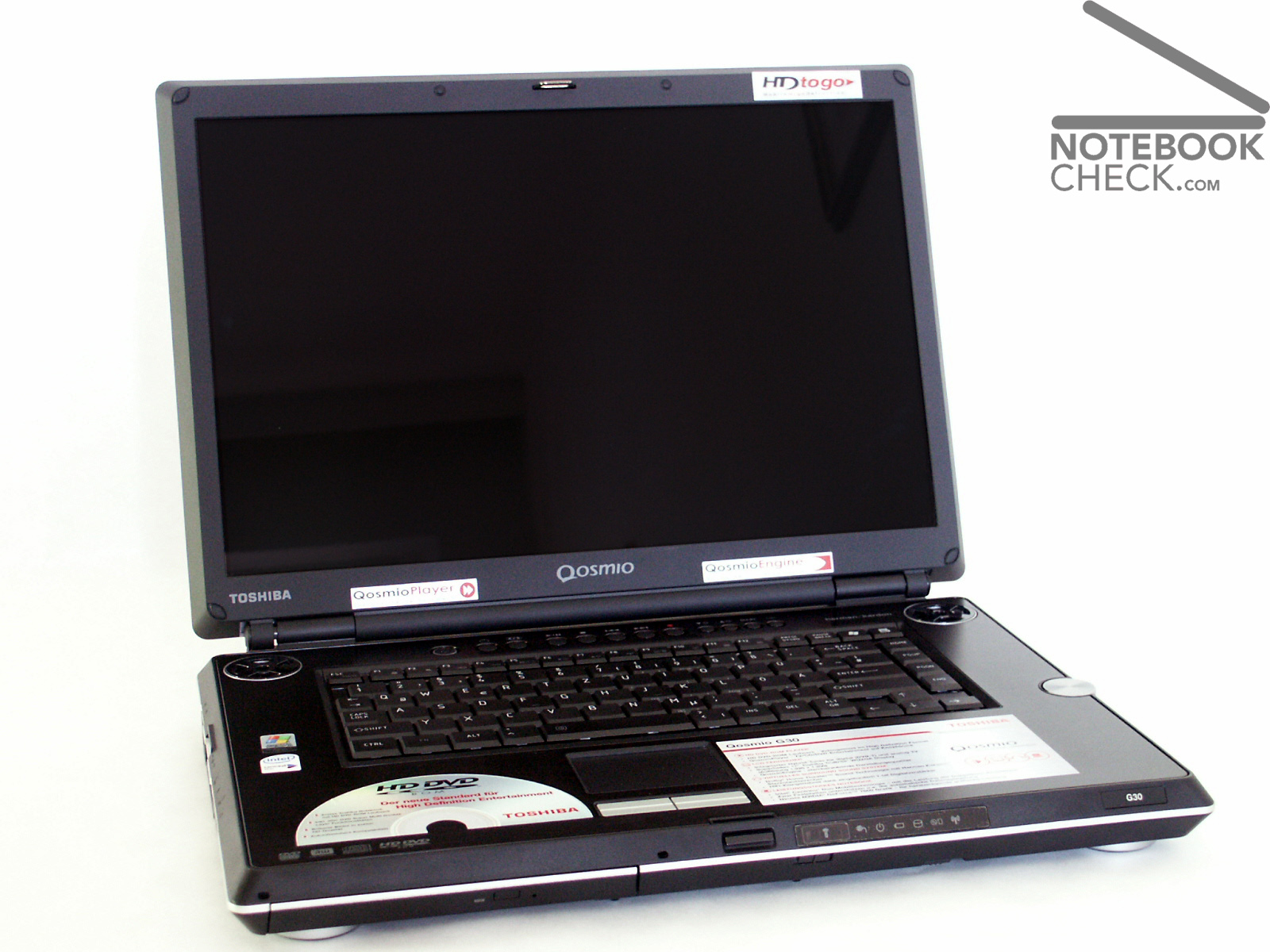
The Toshiba Qosmio G30 is the enhanced version of the Qosmio F20, which we already reviewed. Tuned in various regard:
Display: high resolution Toshiba TruBright display with very good stability with viewing angles.
Performance: T2600 Core Duo processor and Geforce Go 7600 video card for full multimedia power.
Drive assemblies: HD-DVD drive. Terribly expensive and hardly useful at the moment, nevertheless an investment in the future. Two 120 GB hard disks allow hard disk copying (RAID1) for data protection and/or faster access rates possible.
As usual in addition there are accessories plentifully such as a remote maintenance, antenna, adaptor cable etc.. We missed a demo DVD for a test of the HD-DVD drive, since still at the moment there are no data media available at the market.
For a lot of money one receives a solid multi-functional allround notebook, which is quite able to replace TV unit, recorder, hi-fi unit and satellite receiver.


 Add as a preferred