Deutsch
 Español
 Français
 Italiano
 Nederlands
 Polski
 Português
 Русский
 Türkçe
 Svenska
 Chinese
 Magyar
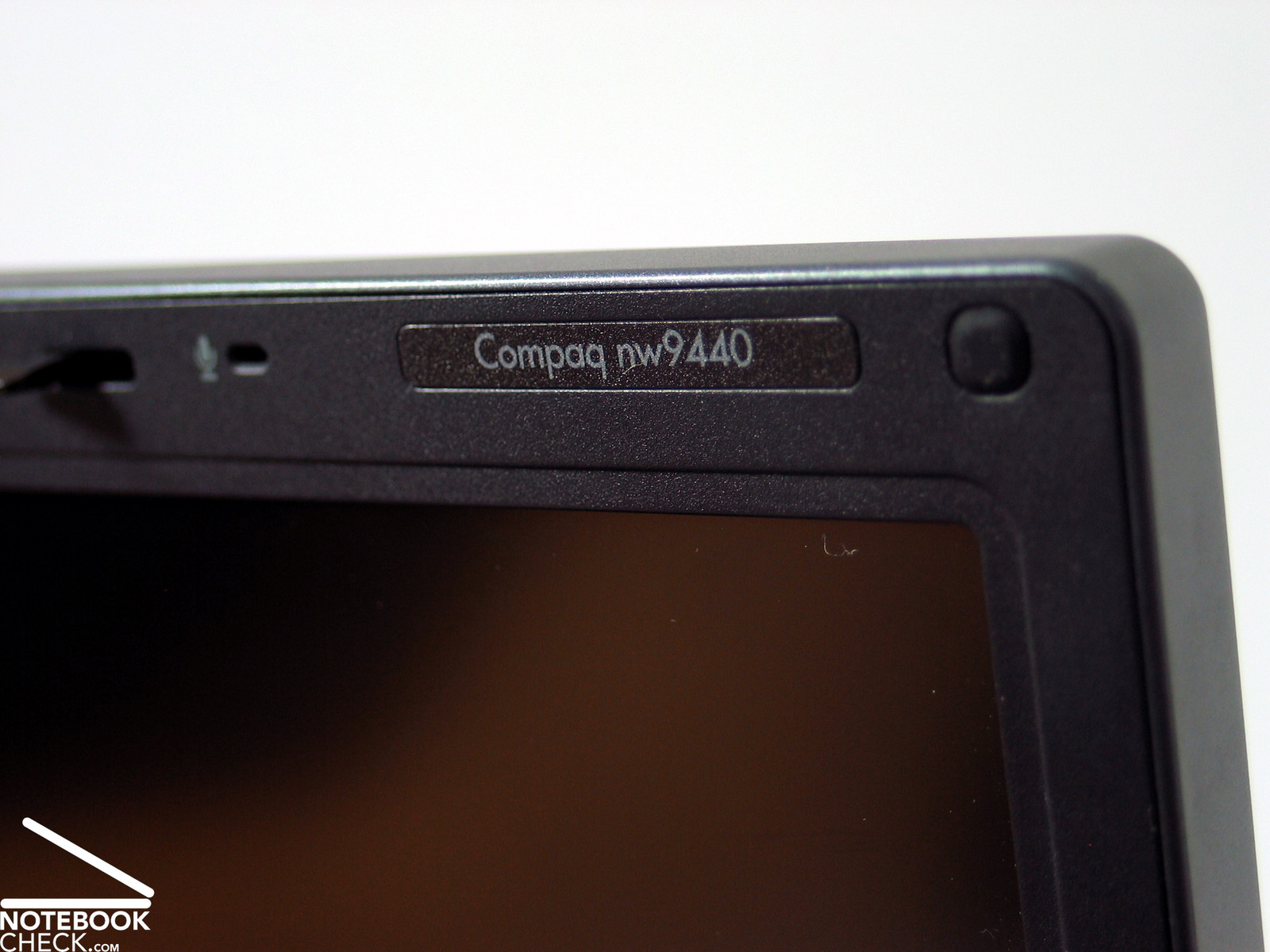
Test HP Compaq nw9440 Notebook
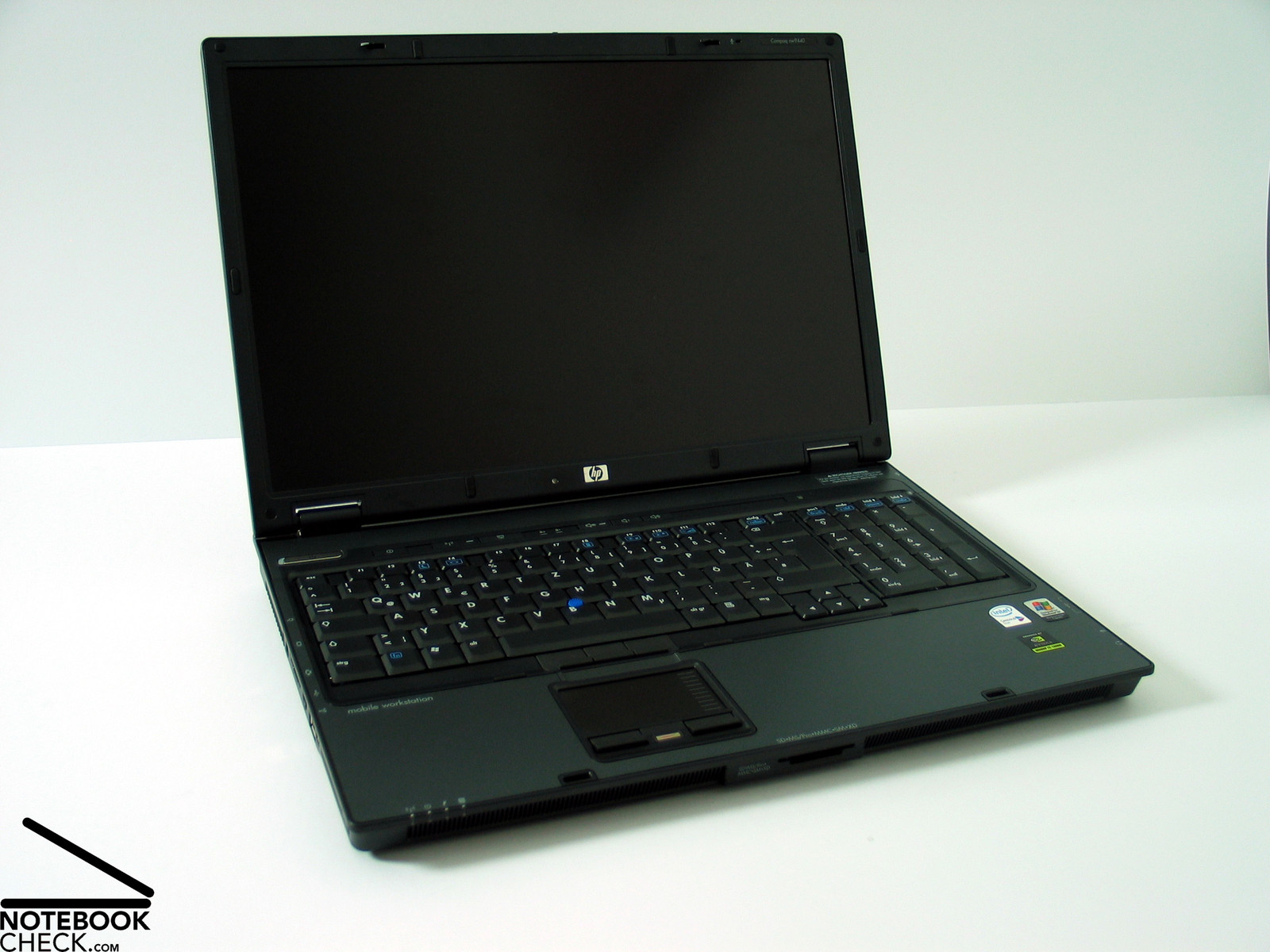
BIG Business. Sure, you are familiar with the following problem: You start lots of applications, among them possibly a graphical application with lots of toolboxes and the display gets so filled, that a clear view gets completely lost. This problem can be either resolved by an external monitor or by a HP Compaq nw9440 with powerful graphics and high-resolution, non-reflecting 17 inch display.
Case
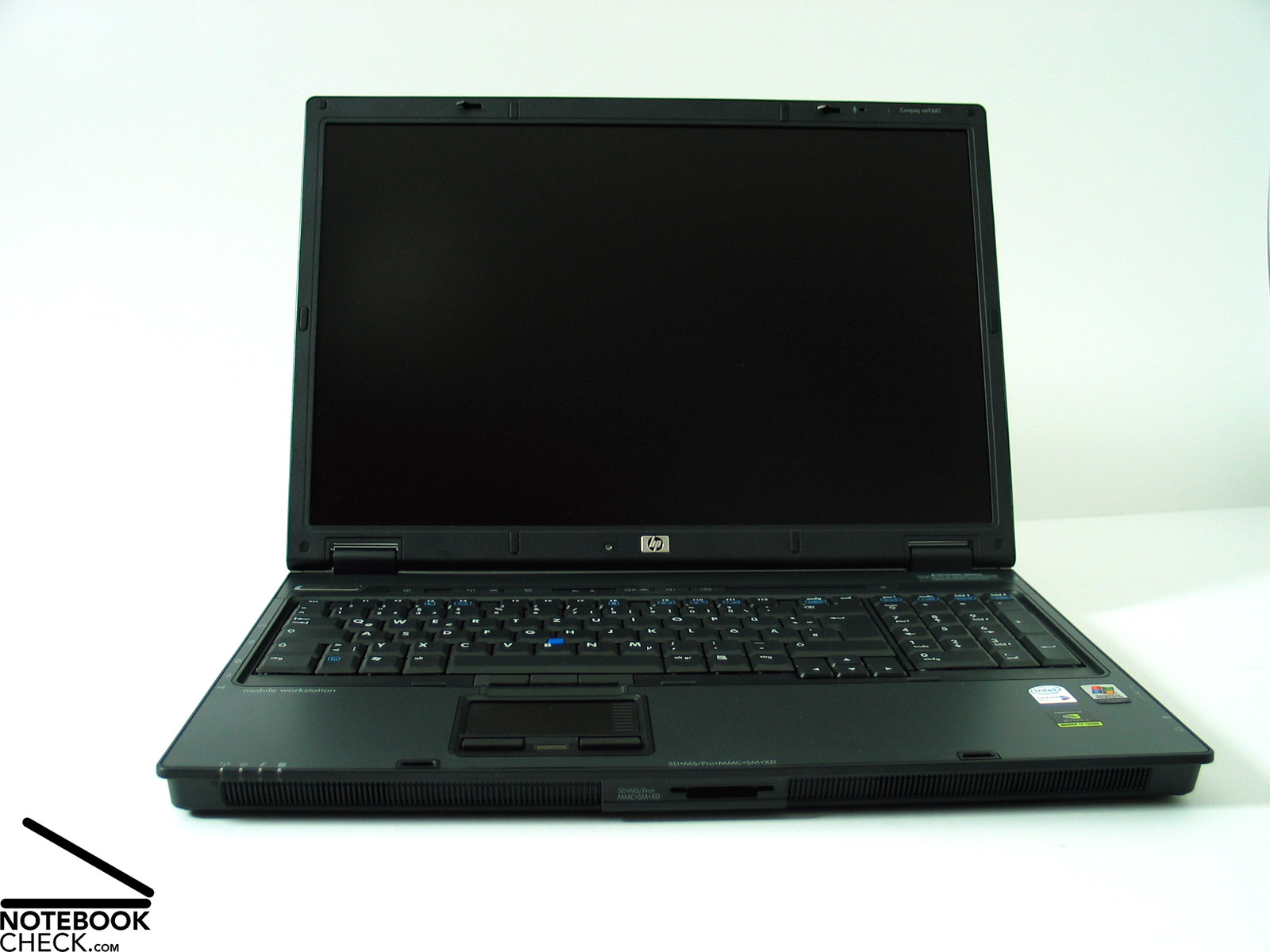
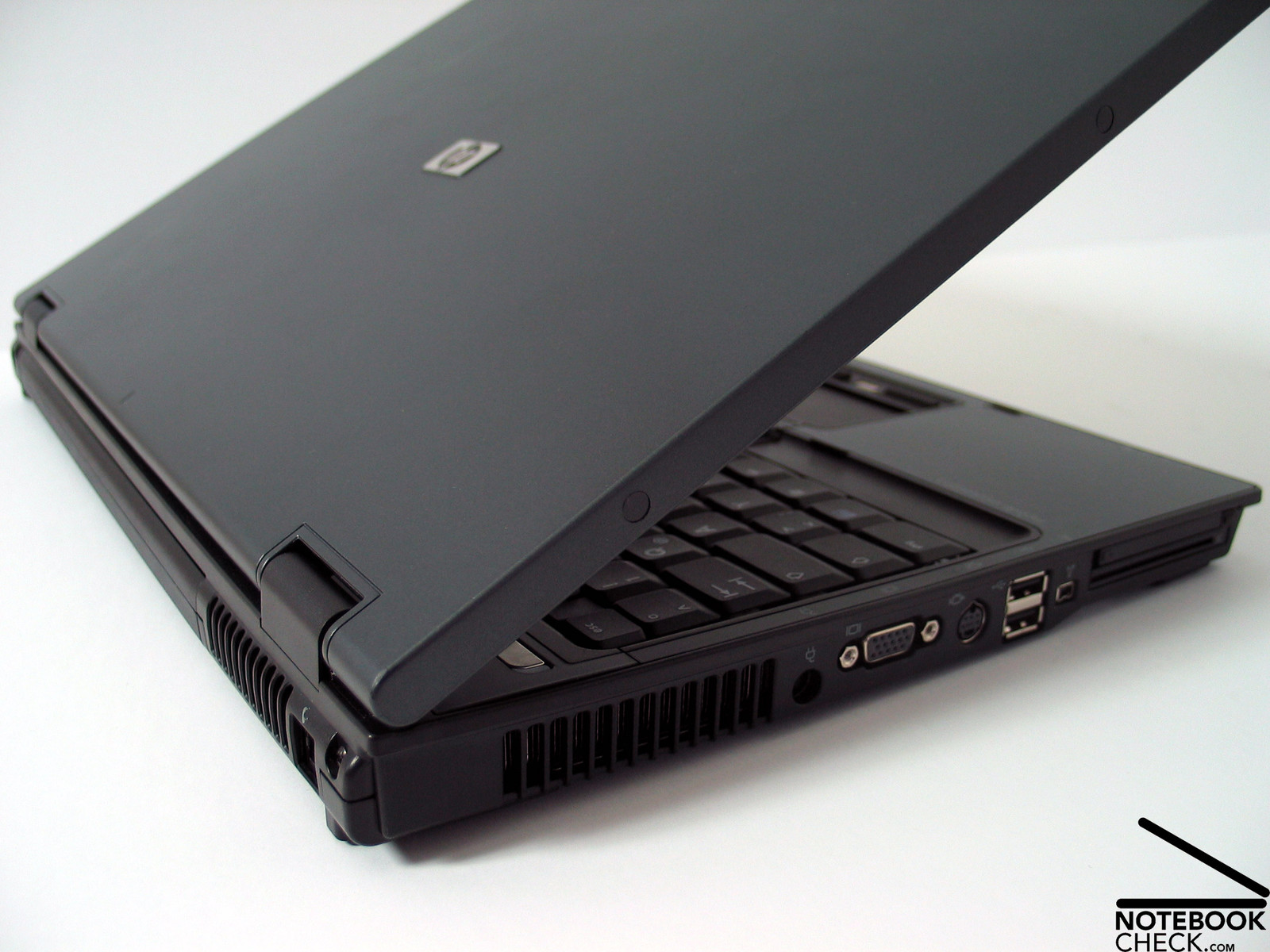
Not that long ago we reviewed the HP nc8430. The nw9440 is quasi the nc8430's big brother. It looks nearly alike, but regarding size and power it's mature.
The design could nearly be called understatement. The dark-gray and blue part for the hand balls is nearly a highlight. The rest is dominated by black and gray. No, wrong. The On/Off switch is silver and its form and those of the green indicator lamp are rather curved.
The notebook's workmanship is alright. Only high-quality materials were used, e.g., some magnesium parts (display, base unit) and specially coated parts for the hand ball's part. The surface feels excellent, and hints at the high price of the notebook.
However, the base unit's flexural rigidity is similar to those of the 15 inch version not completely convincing, but considering it is a 17 inch notebook with comparably lower height the nw9440 is alright. Very limited creaking noises can be observed.
The display is protected by a big magnesium part. Because of its big size, the display can, however, still be yielded a little bit in its center. But, one can't detect any changes on the display, therefore, it should be sufficiently protected.
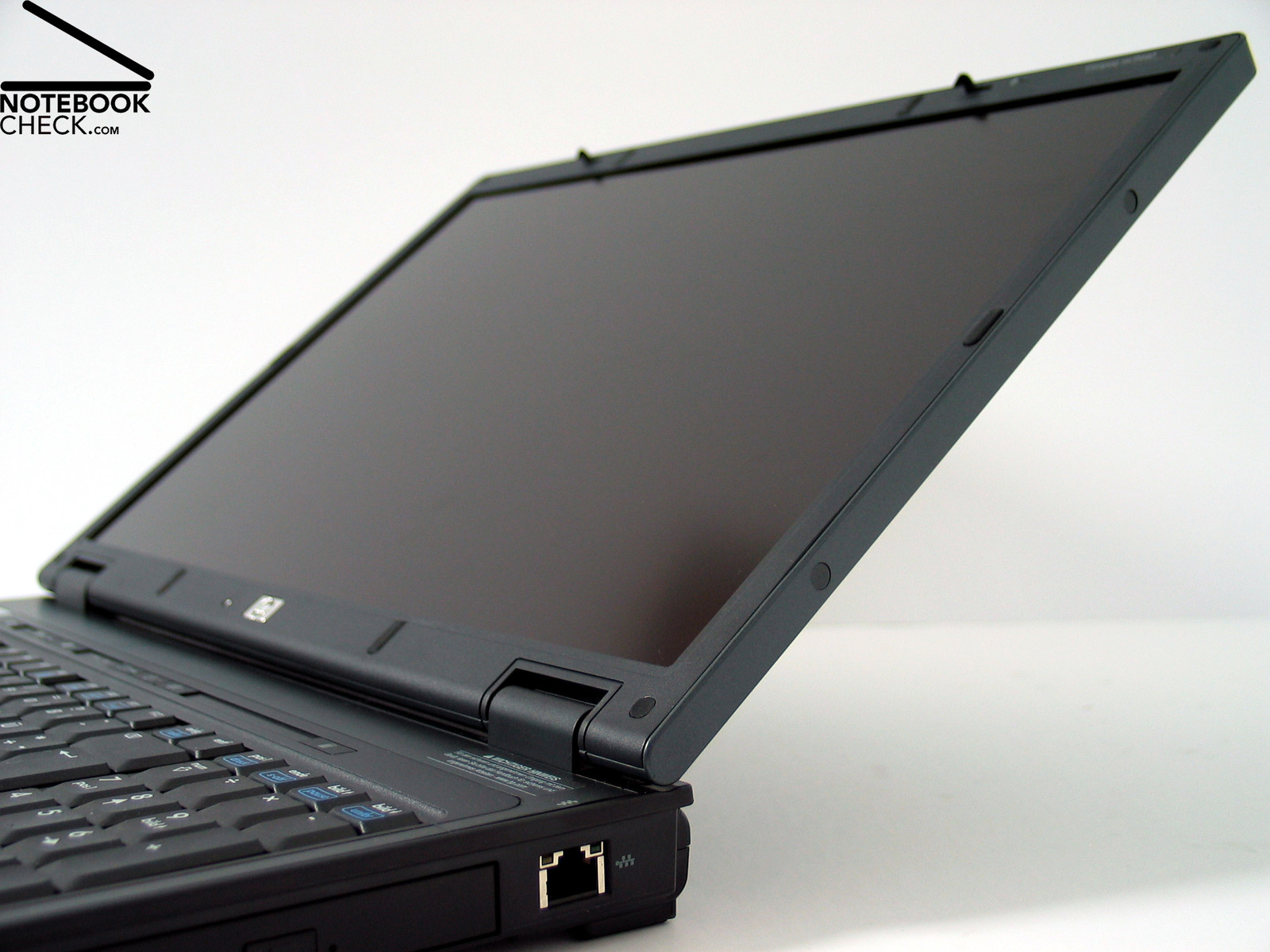
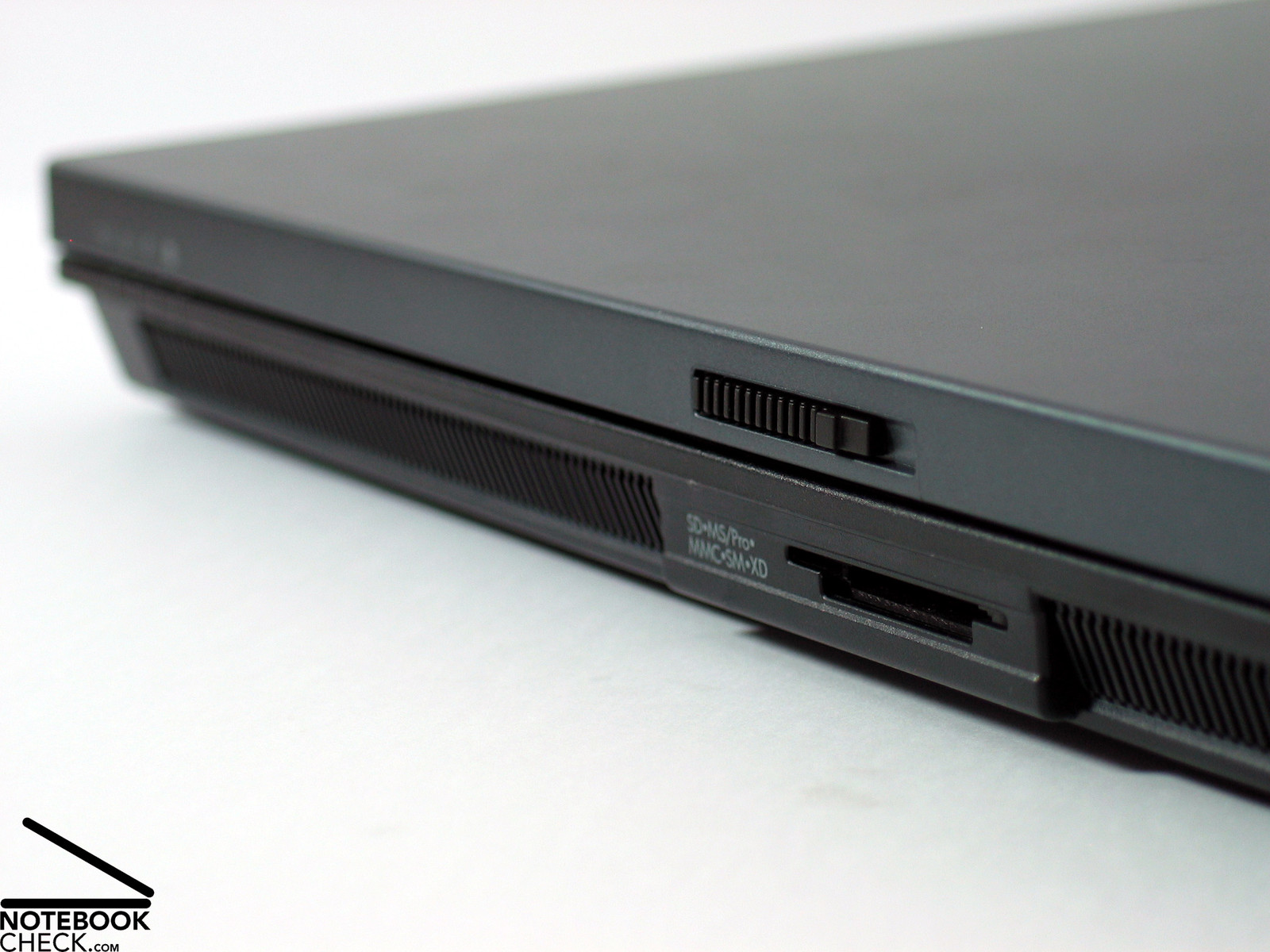
The hinges work properly. One can possibly discover a slight, inconspicuous see-saw. Both hooks lock precisely and keep the display securely locked. If you take a closer look at the upper side of the base unit, you will see some plastic bands at front edge of the keyboard. These should provide an additional protection in case of force against the closed display.
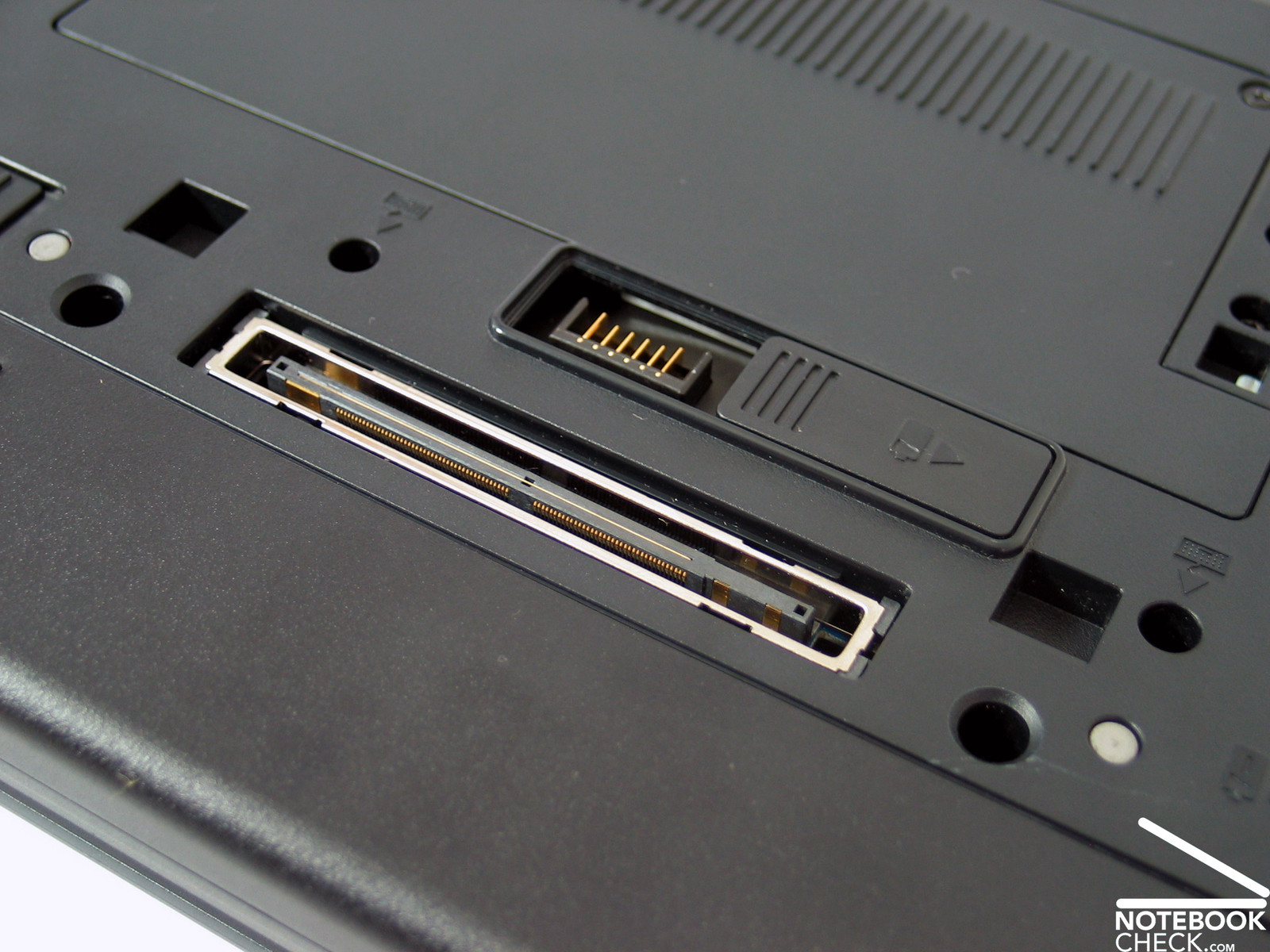
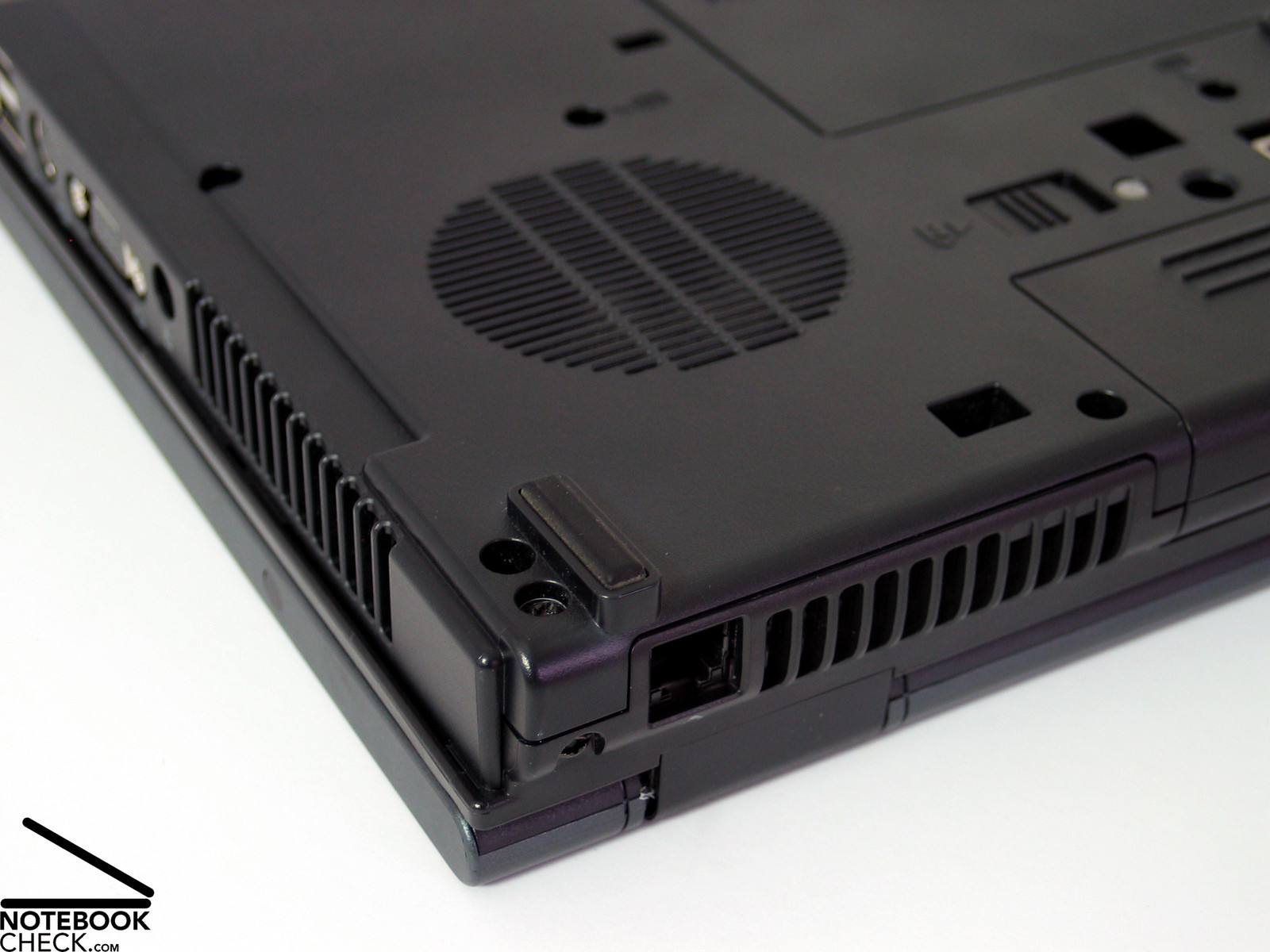
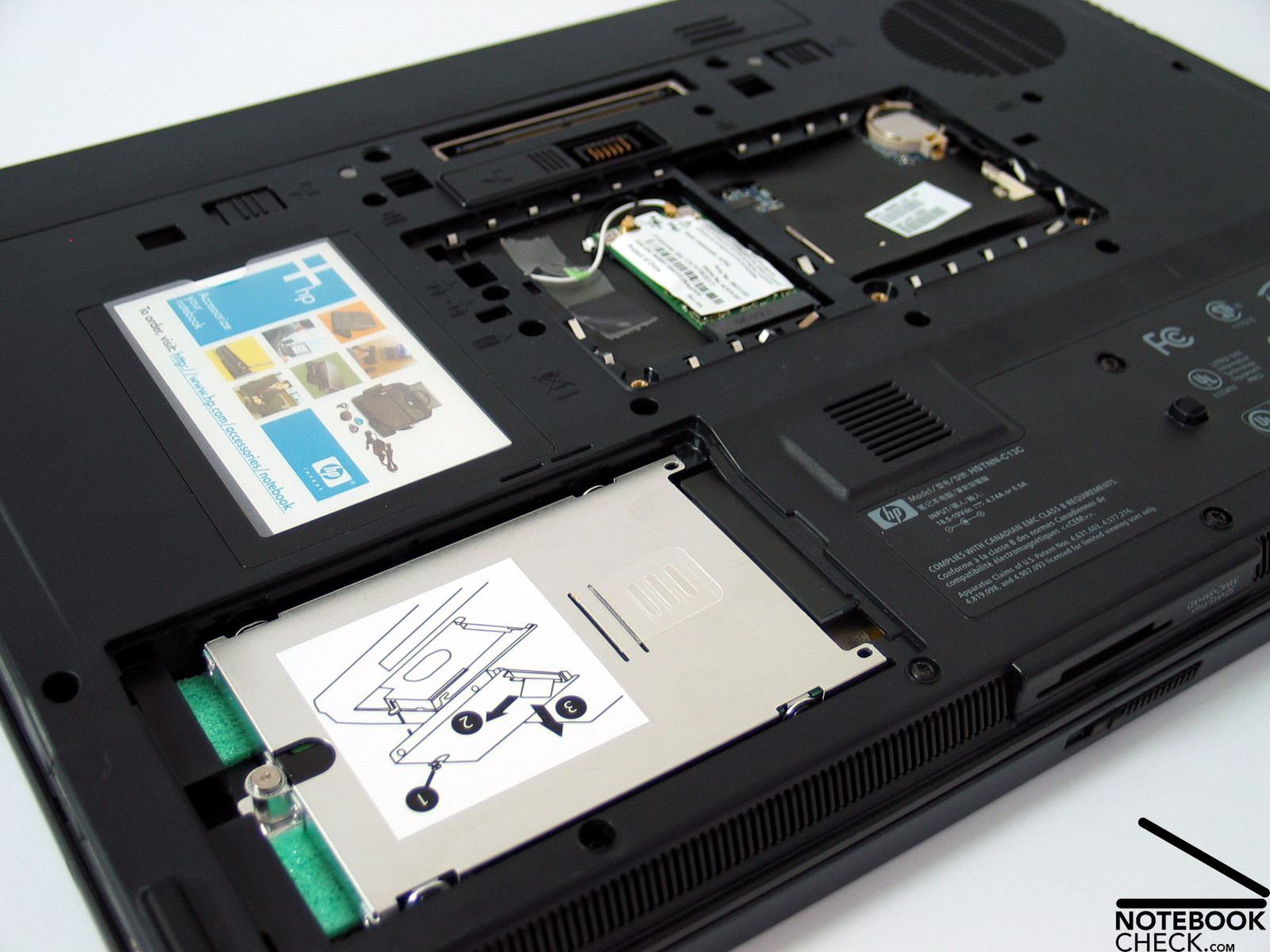
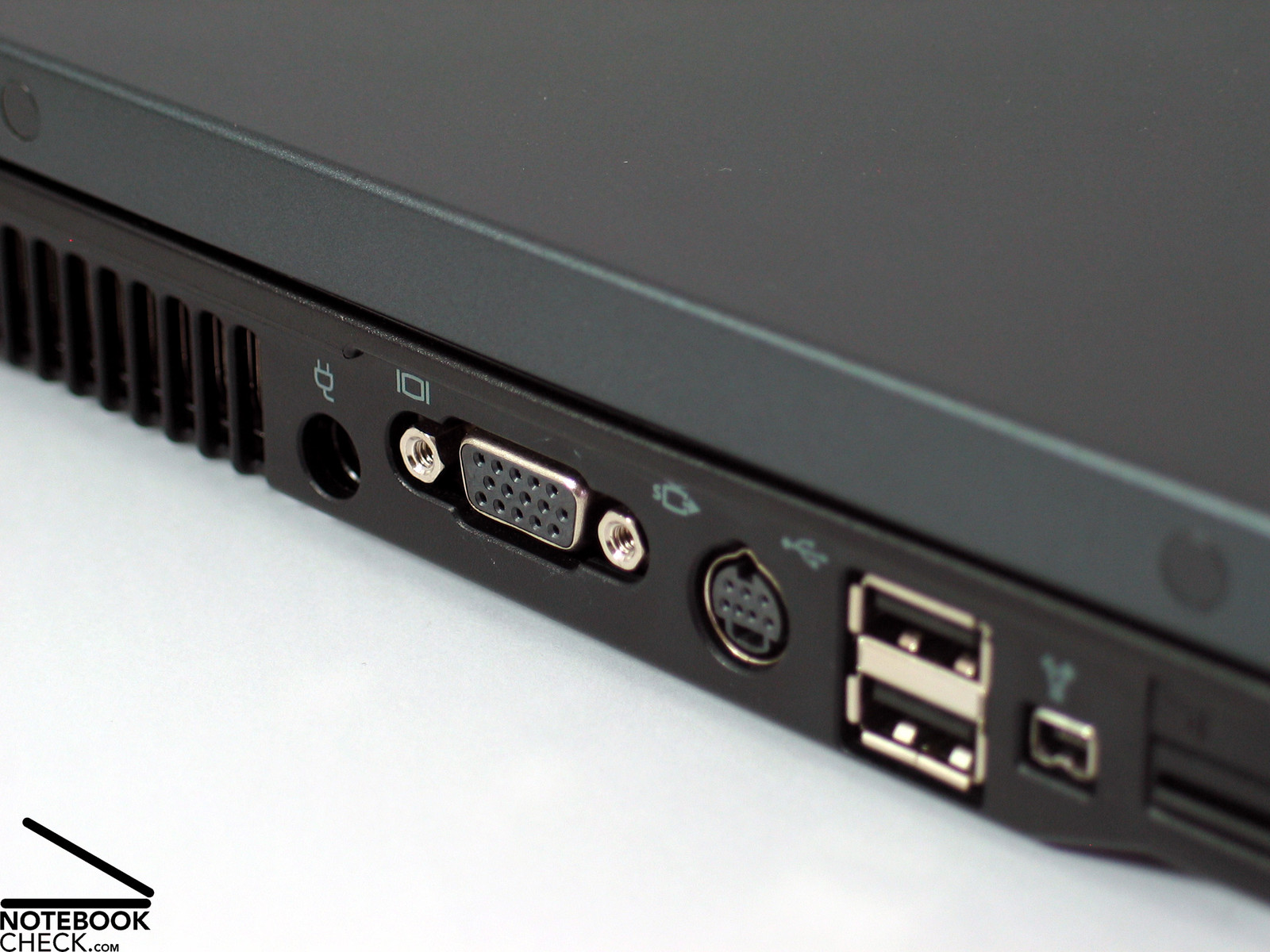
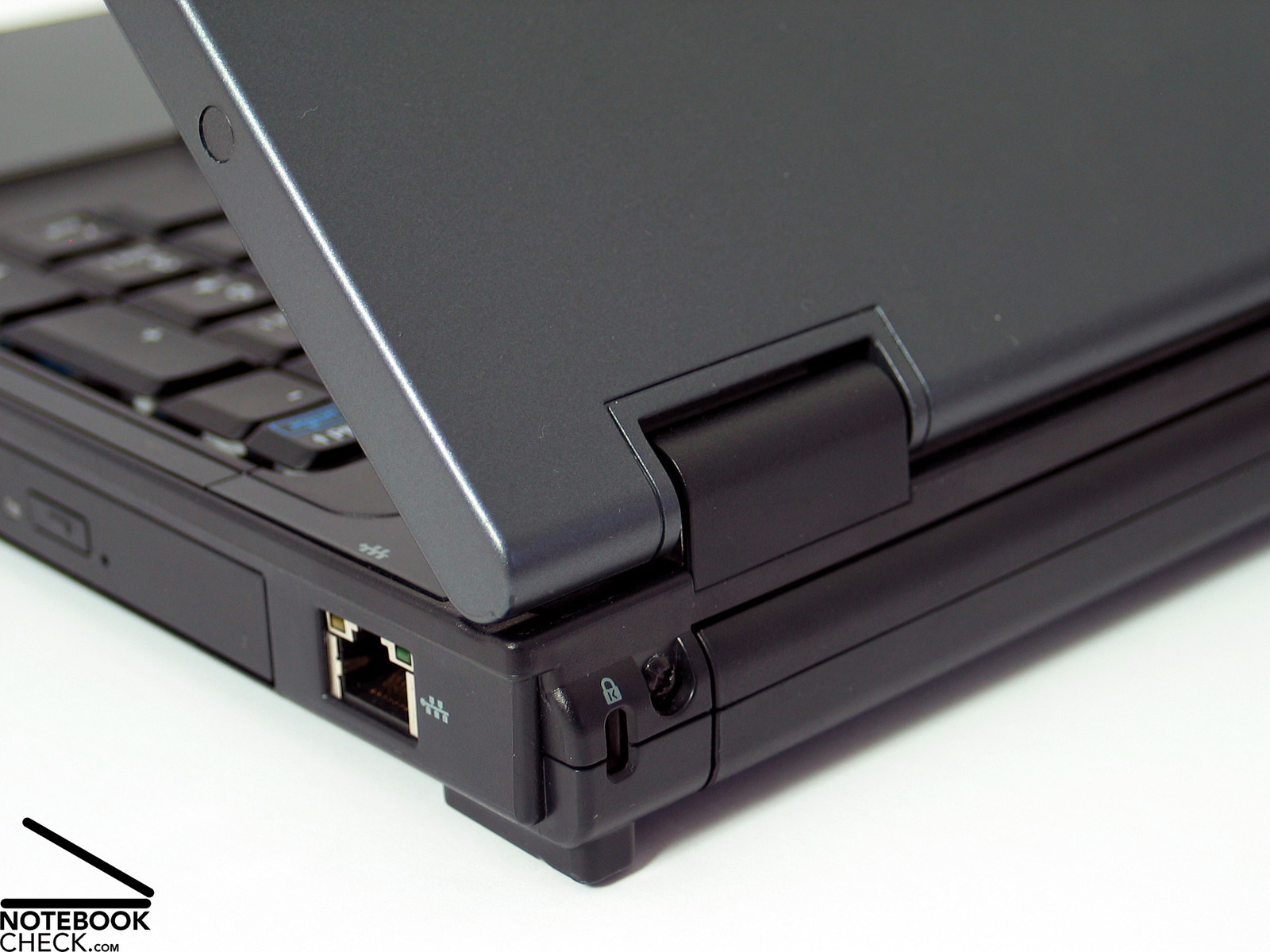
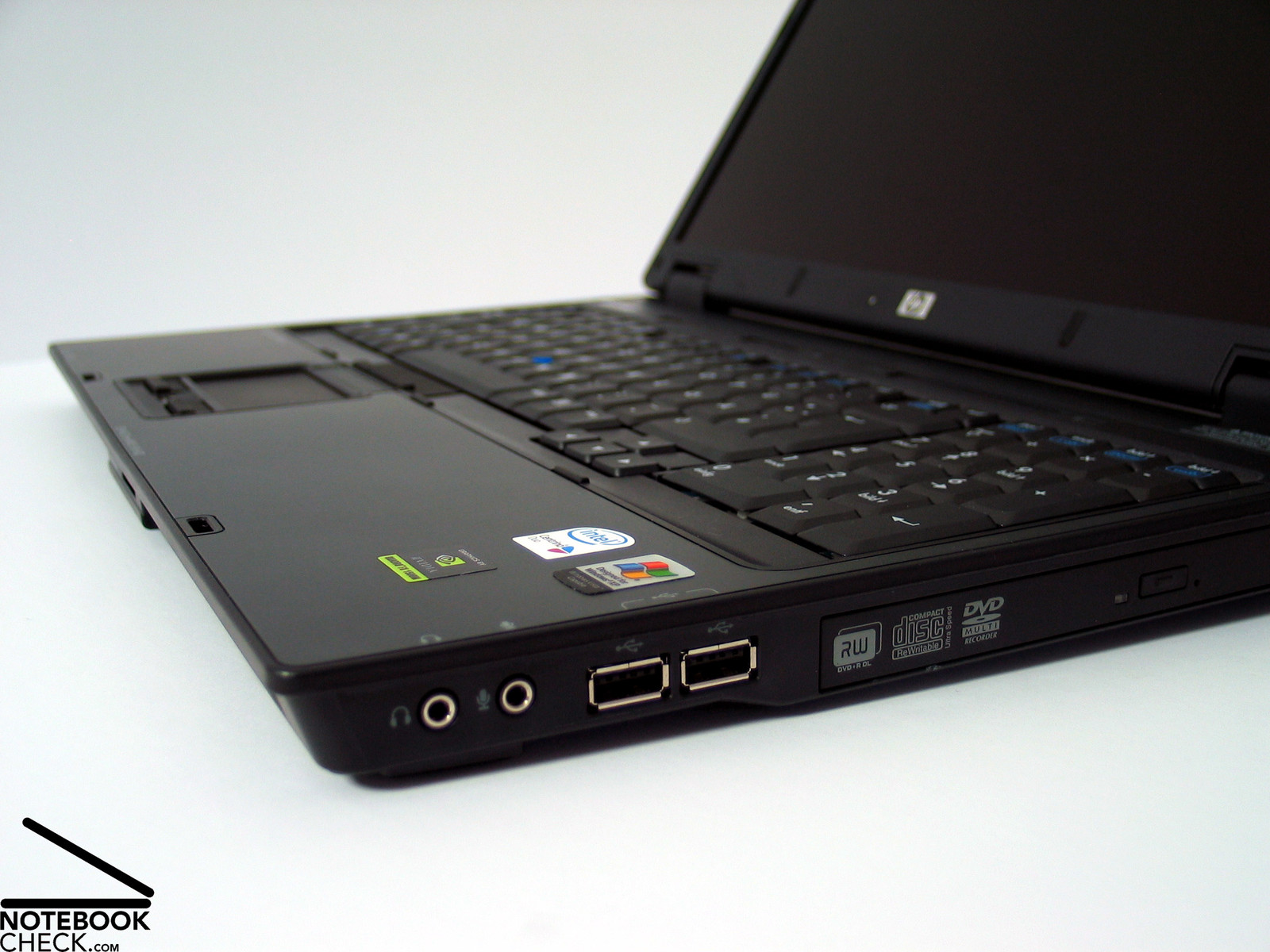
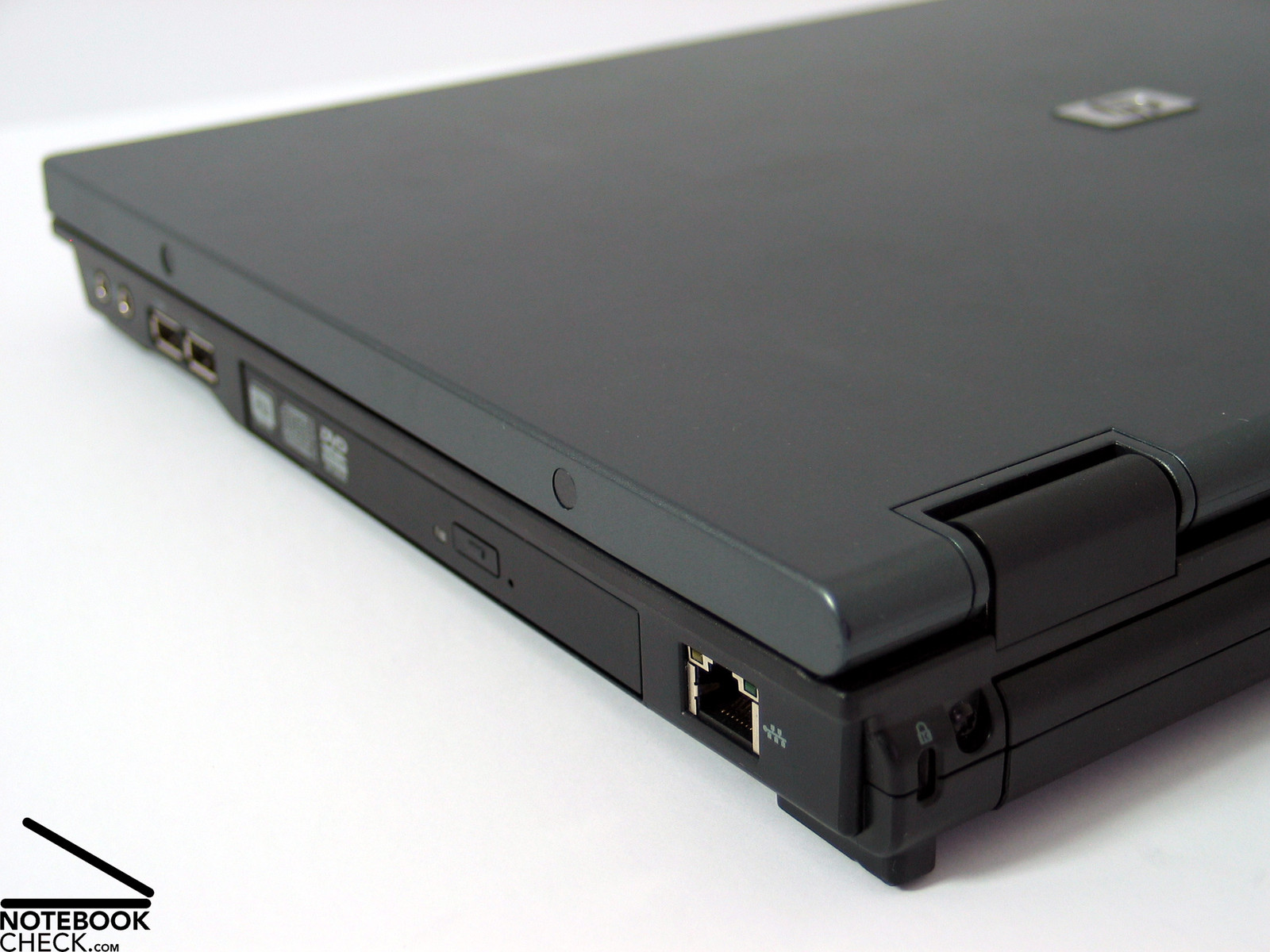
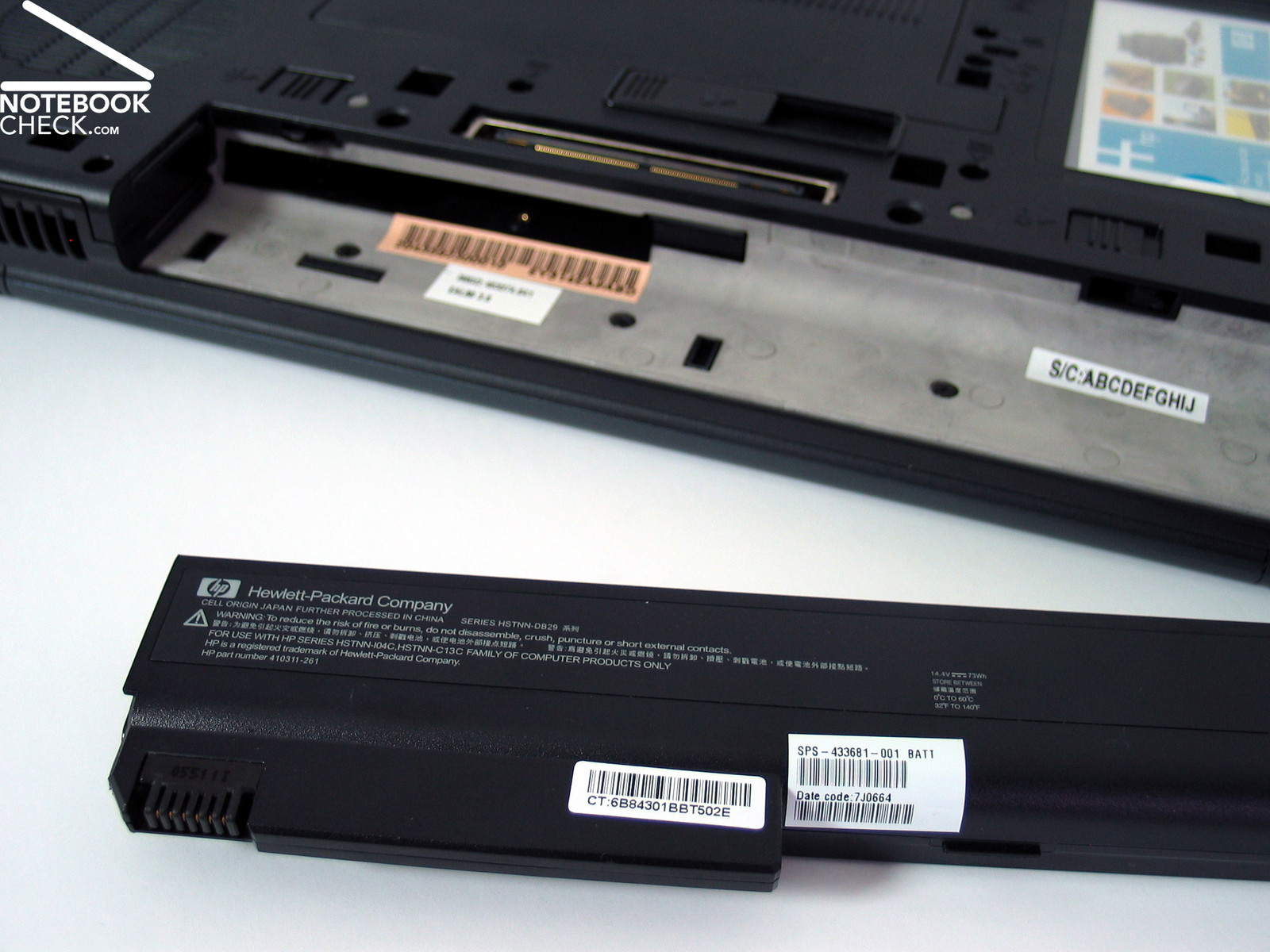
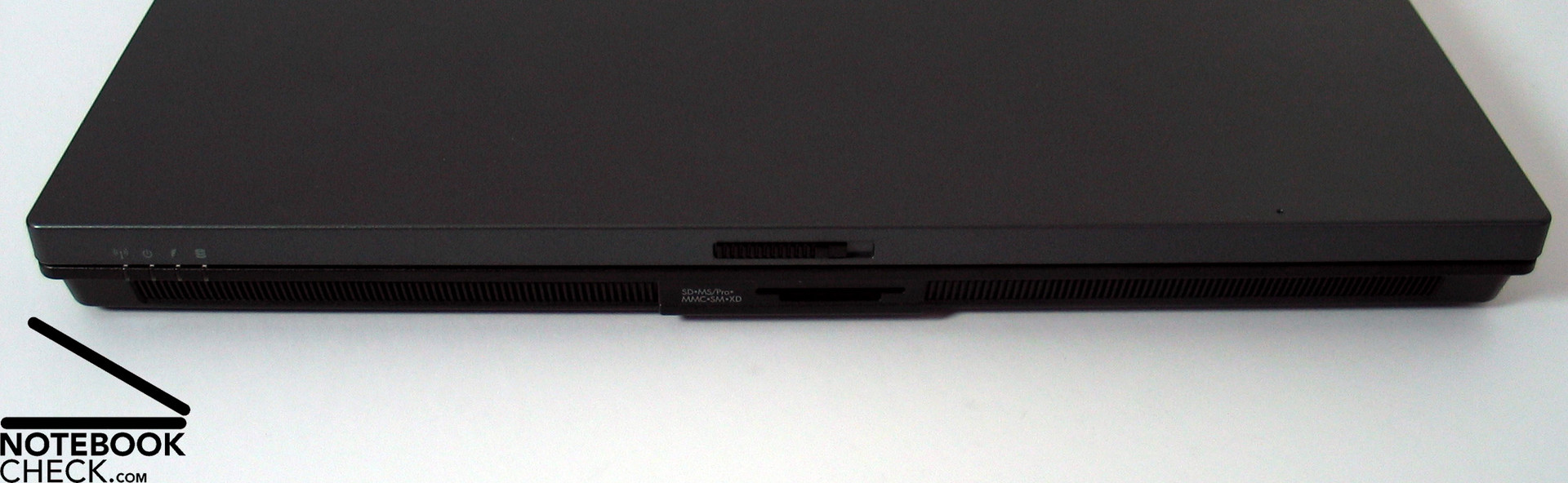
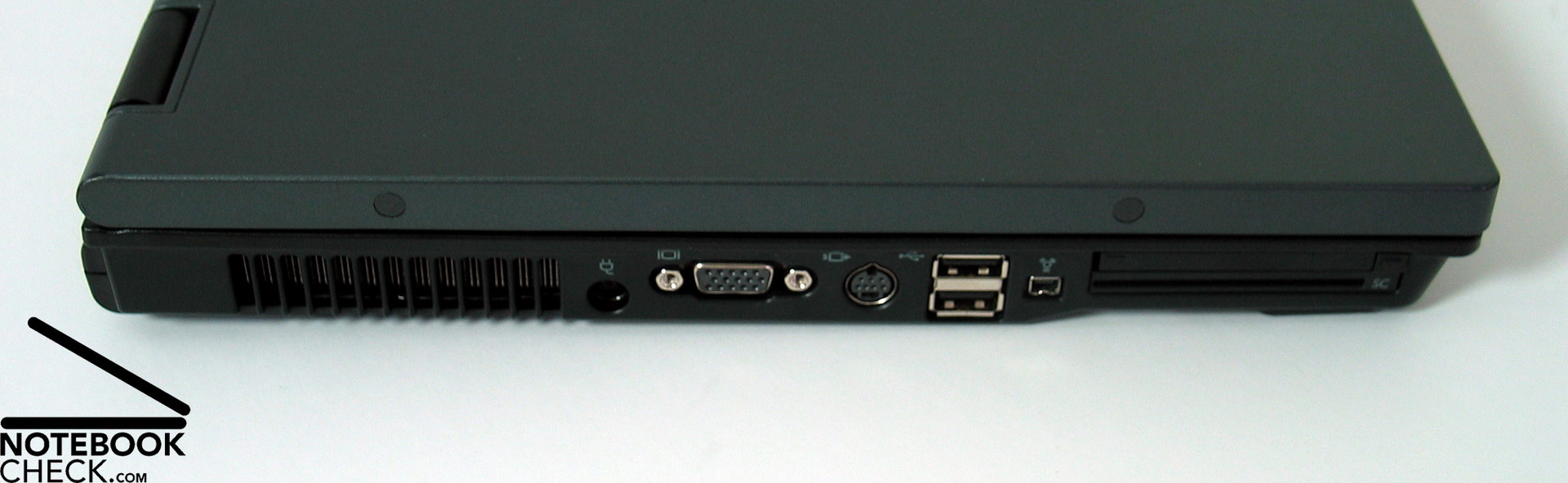
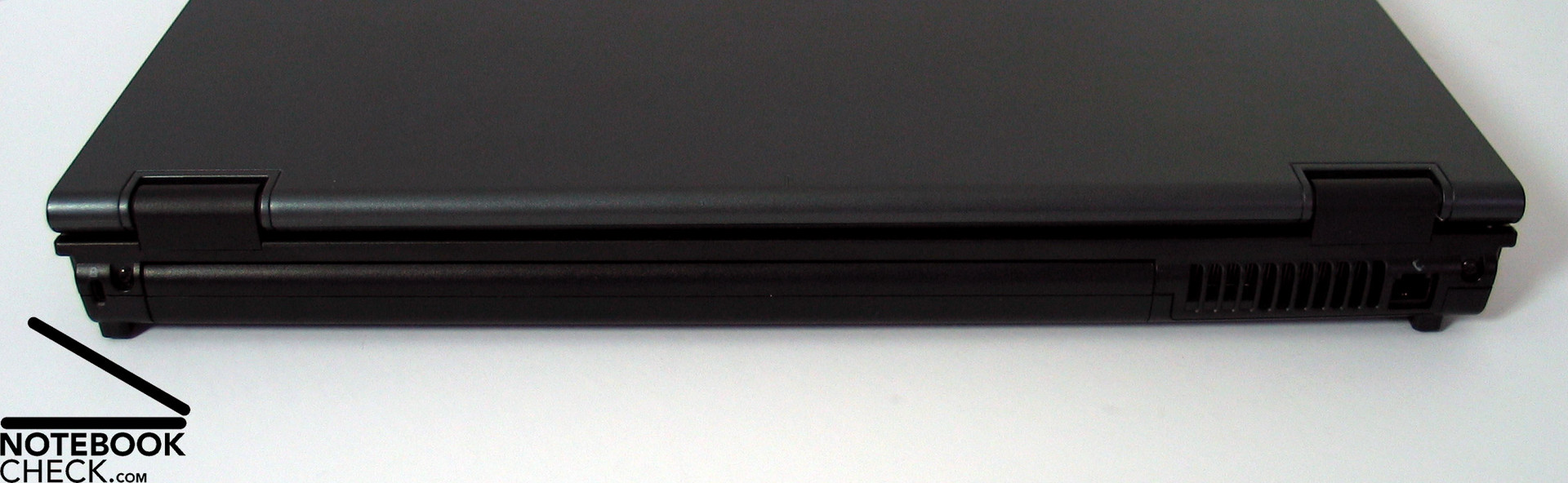
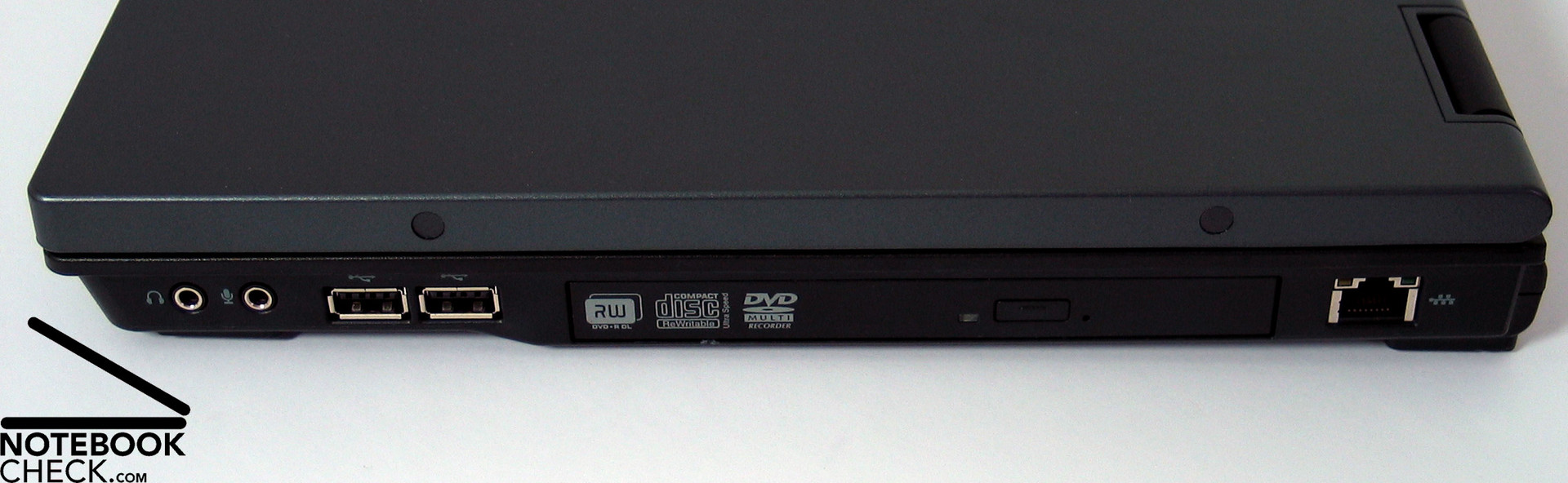
The interfaces are nearly all at the left and right side of the case, because a long battery pack takes up most of the place at the back side. While the right side is nearly identical to the one of the 15“ notebook, the ports of the left side were unfortunately moved nearer to the front, and at the same time the vent hole nearly to the back. All four available USB Ports are nearly at the front on both sides.
Input Devices
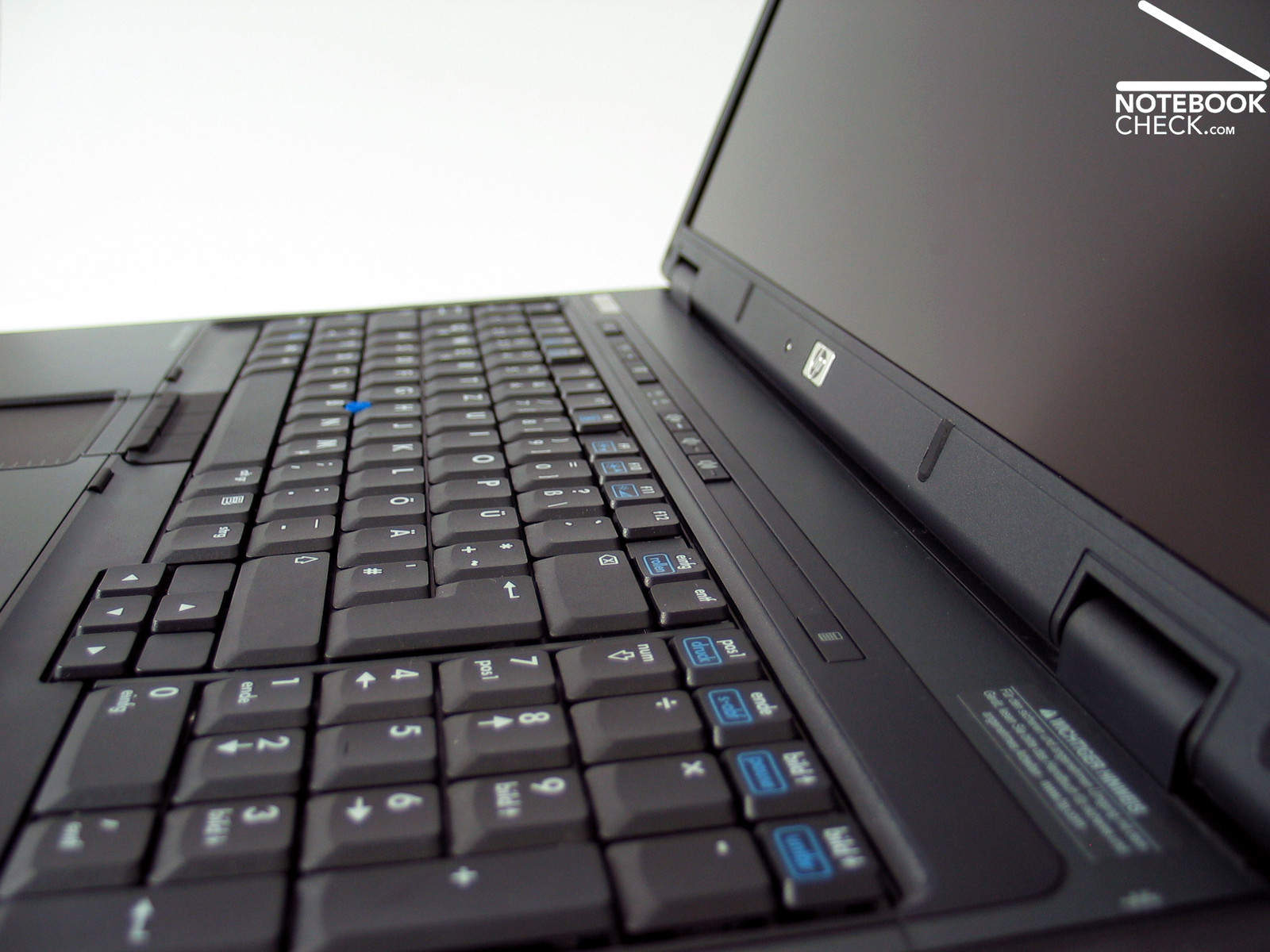
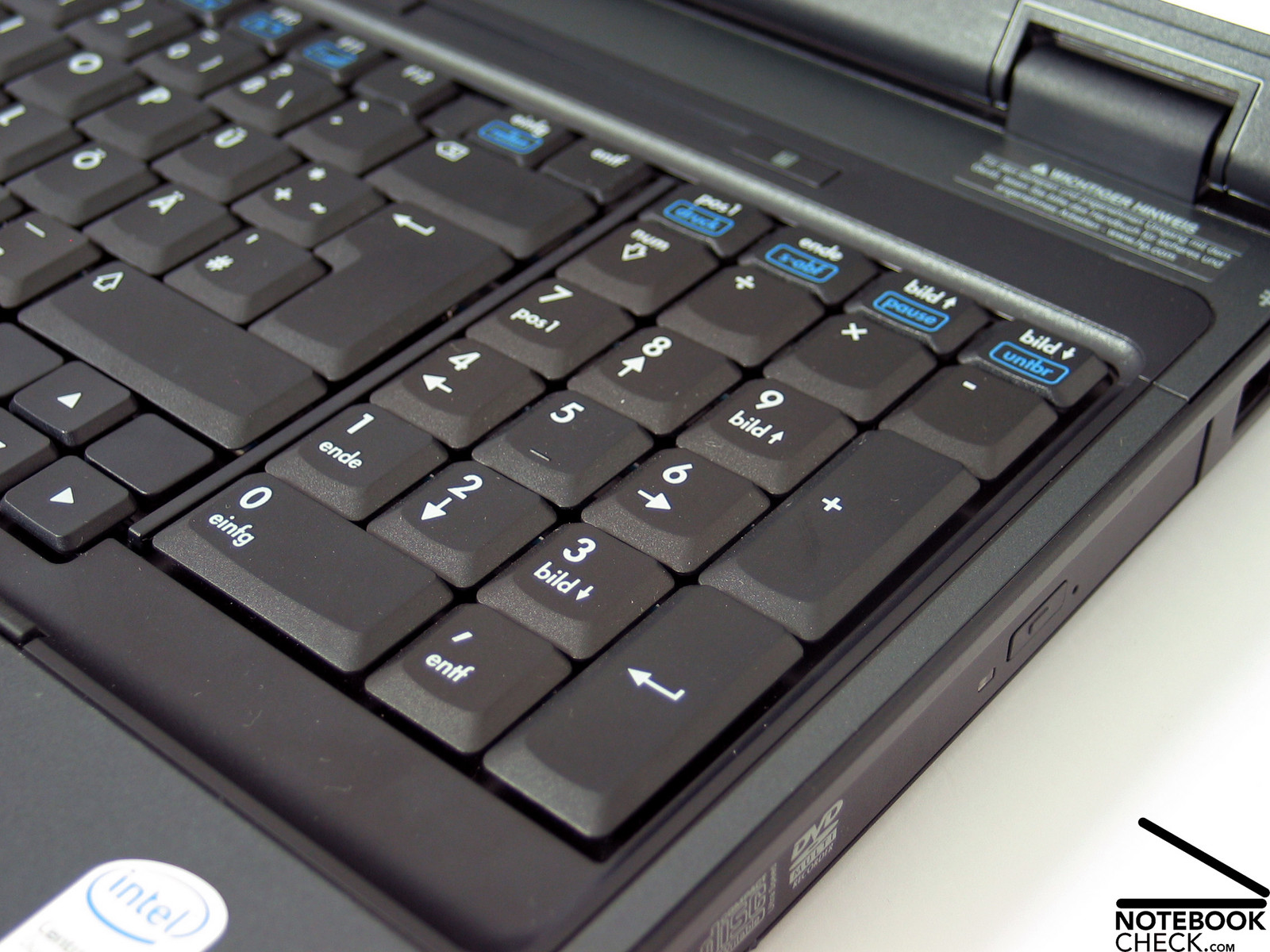
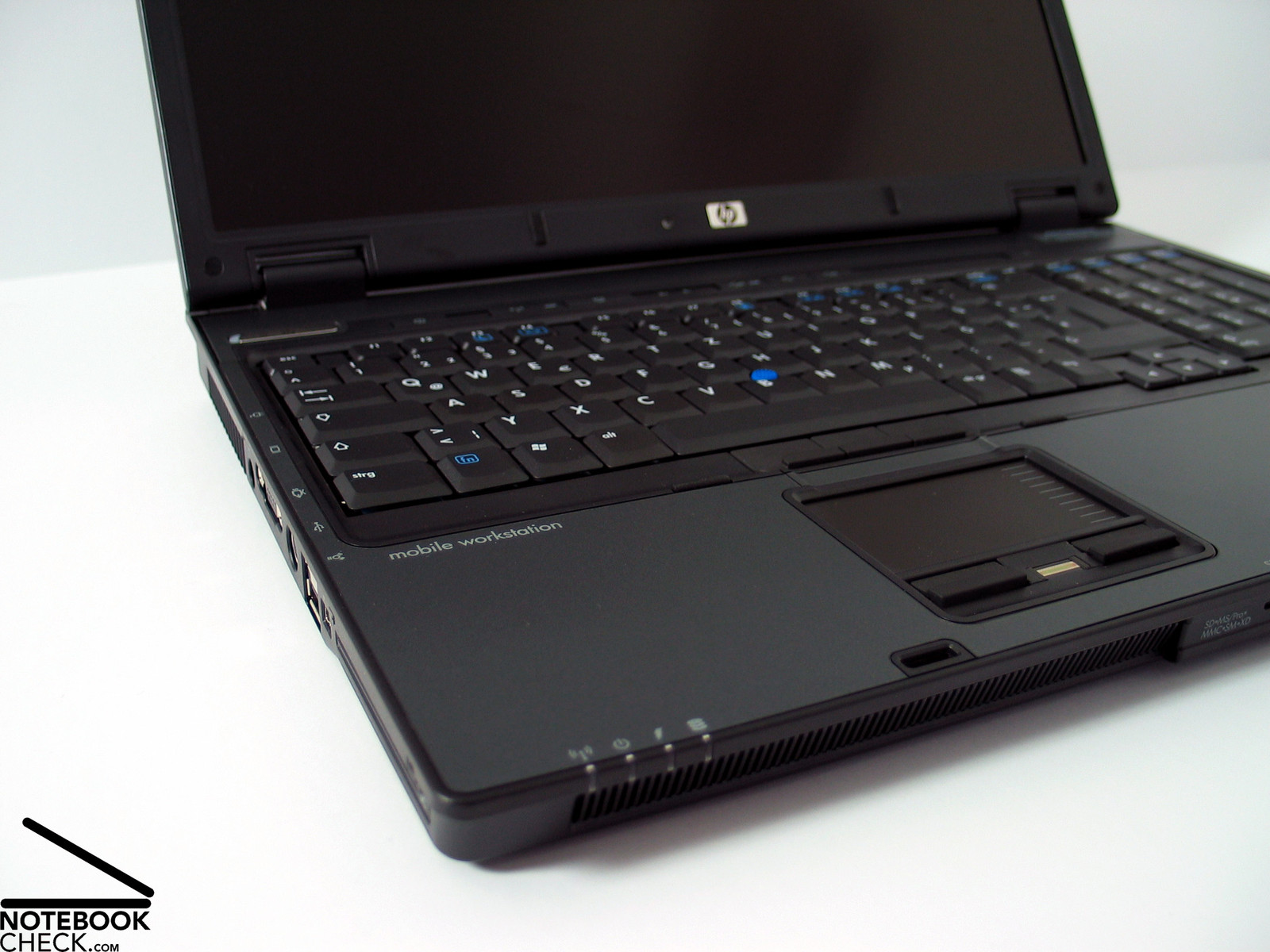
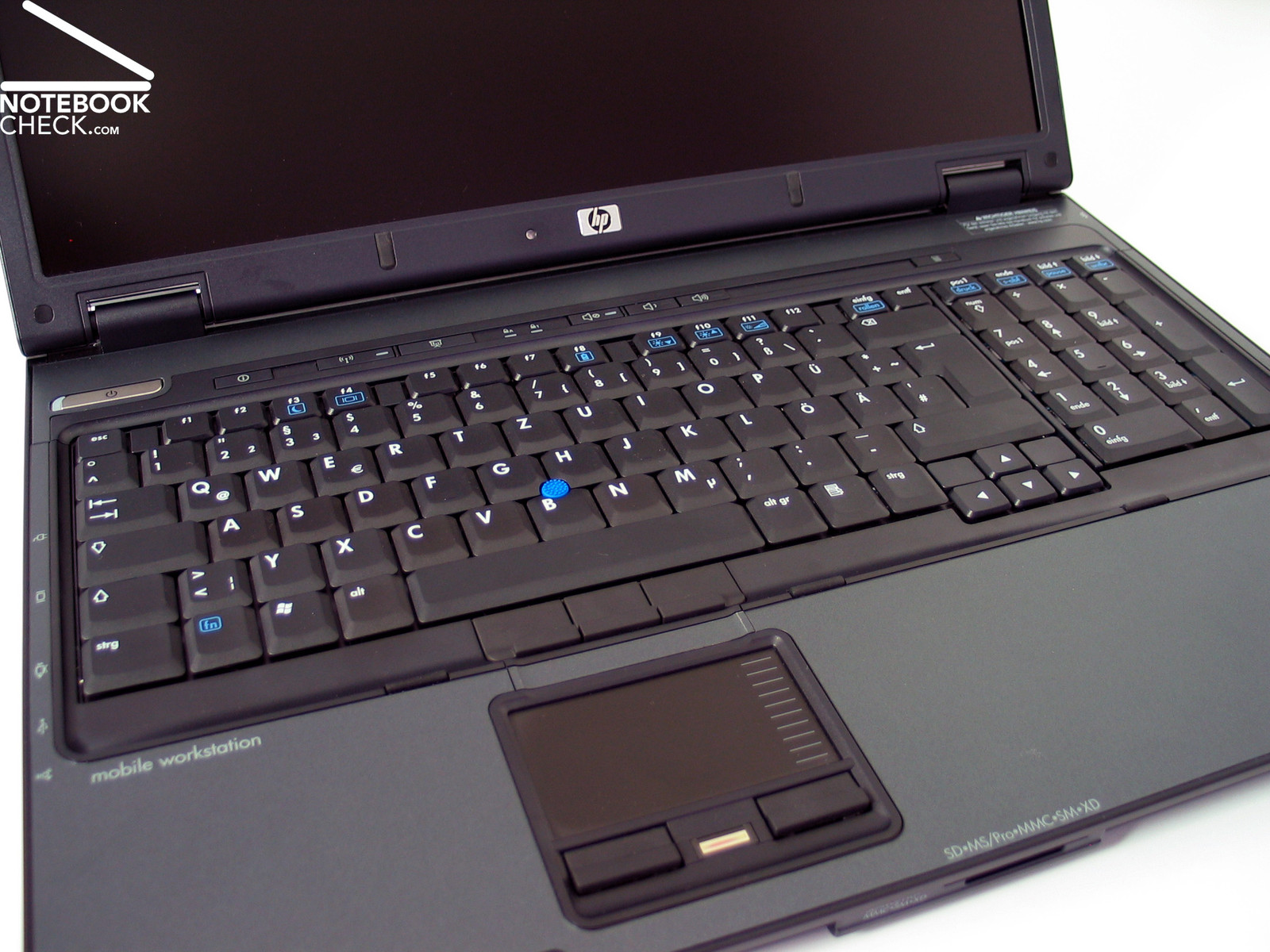
The HP Compaq nw9440 has, as pertains to a business notebook, a clear keyboard with comfortably big keys and additionally a separate number block. It's therefore alright even for CAD application with a huge number of shortcuts.
As already meantioned shortly the keyboard has user-friendly, big keys. An enter key, which extends over two rows is hereby a must-be as well as a sufficiently long space bar. A little smaller, but, still alright in use are the function and the cursor keys. They are a little separated so they are yet easier in use.
Typing is characterized by a jerky and clear point of pressure. I personally feel that the feedback could be somewhat softer, but that's a matter of taste. In the region of the numerical block you can possibly observe a slight deflection of the keyboard unit. The typing noise is a steady clicking noise when hitting a key.
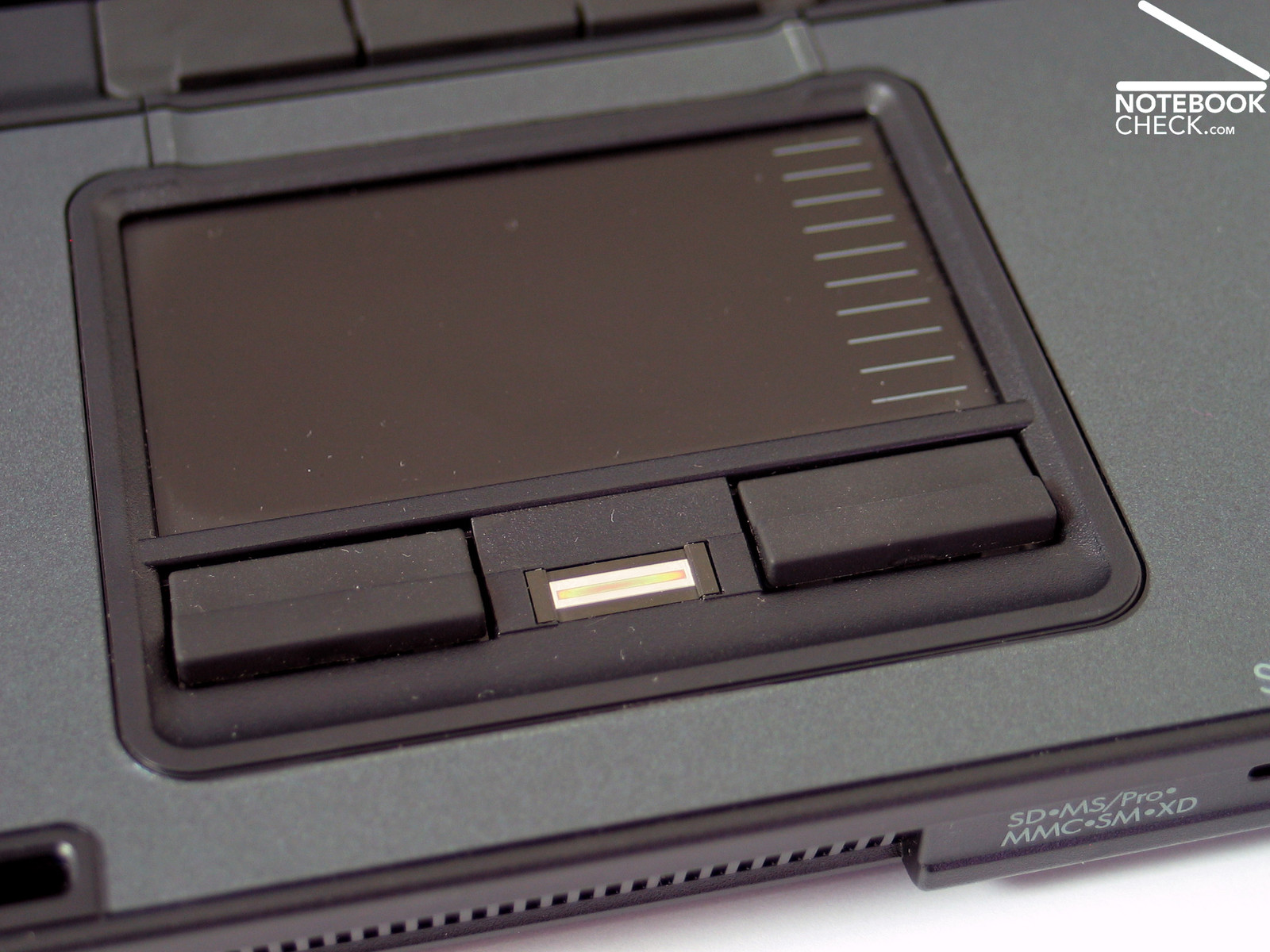
The Compaq nw9440 also has a touch pad / track point combination as a mobile mouse replacement. Touch pad as well as track point could convince us. Especially the buttons of both of them are very user-friendly, because the are soft during hitting and easily to reach. However, the track point's plastic top part could be formed more ergonomically.
At the upper edge of the keyboard the are a number of quick buttons, e.g., for volume control and, as a special highlight, a button for starting the Windows calculator!
Instead of the middle mouse button the notebook comes with a fingerprint reader.
Display
The HP Compaq nw9440 comes with a WUXGA wide screen display in format 16:10 with a maximum resolution of 1920x1200 pixels. This guarantees a maximum overview and a maximum desktop. Furthermore, the resolution of the display is very fine at 133 DPI and therefore also the fonts can be very small. At least the non-reflecting display surface makes working which is gentle for the eyes possible.
The measured maximum brightness was 138.4cd/m - a rather moderate value. Because the brightness declines at the left display edge, the illumination is rather below-average at 74.0%. Furthermore, there is a display option, which allows the display to automatically adapt to the brightness of the surrounding. We deactivated this option during our measurements.
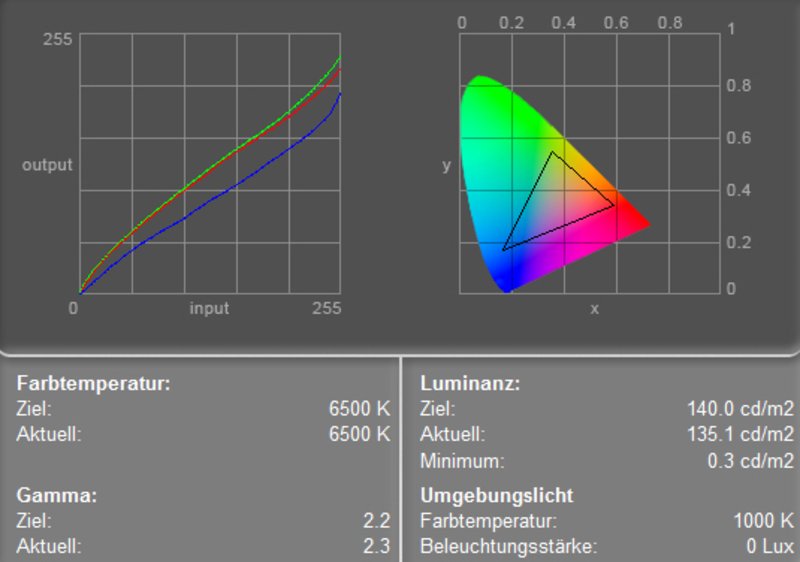
The display's measurement diagram indicates a clear, but usual deviation of the blue color curve, i.e. a lower representation of blue colors. This leads to warmer colors.
| |||||||||||||||||||||||||
Brightness Distribution: 74 %
Contrast: 461:1 (Black: 0.3 cd/m²)
The display reaches an excellent result regarding its contrast. A very low black value of 0.3cd/m² leads to a maximum contrast ratio of up to 461:1.
The display reached grade 6 in the Pixperan test of legibility, this provides evidence for an average speed of reaction.
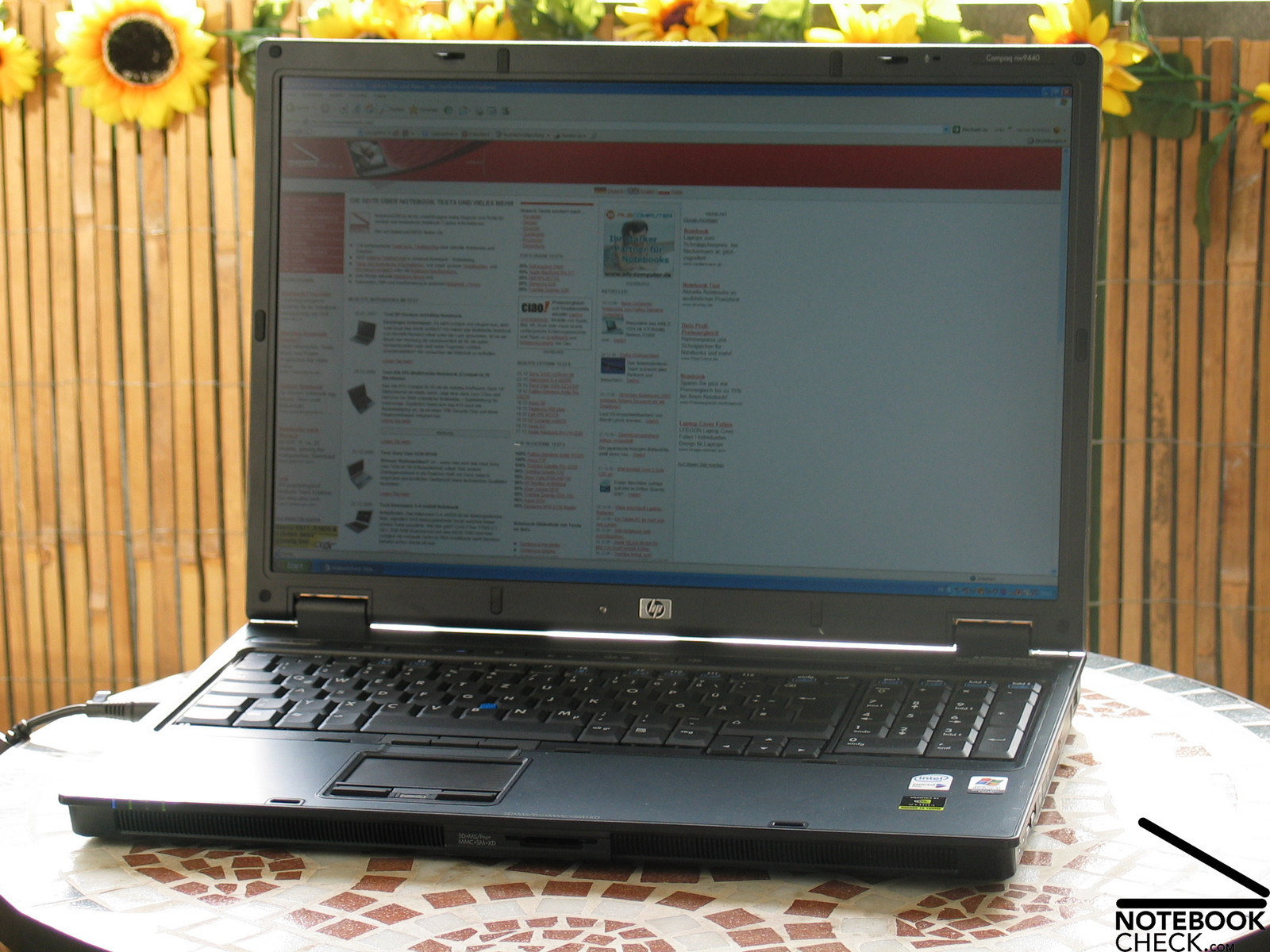
The display's matt surface prevents disturbing reflections, if the notebook is used outdoors. However, the brightness of the display seems to be too low, because the display's contents appear a little too dark. It should still be possible to work outdoors.
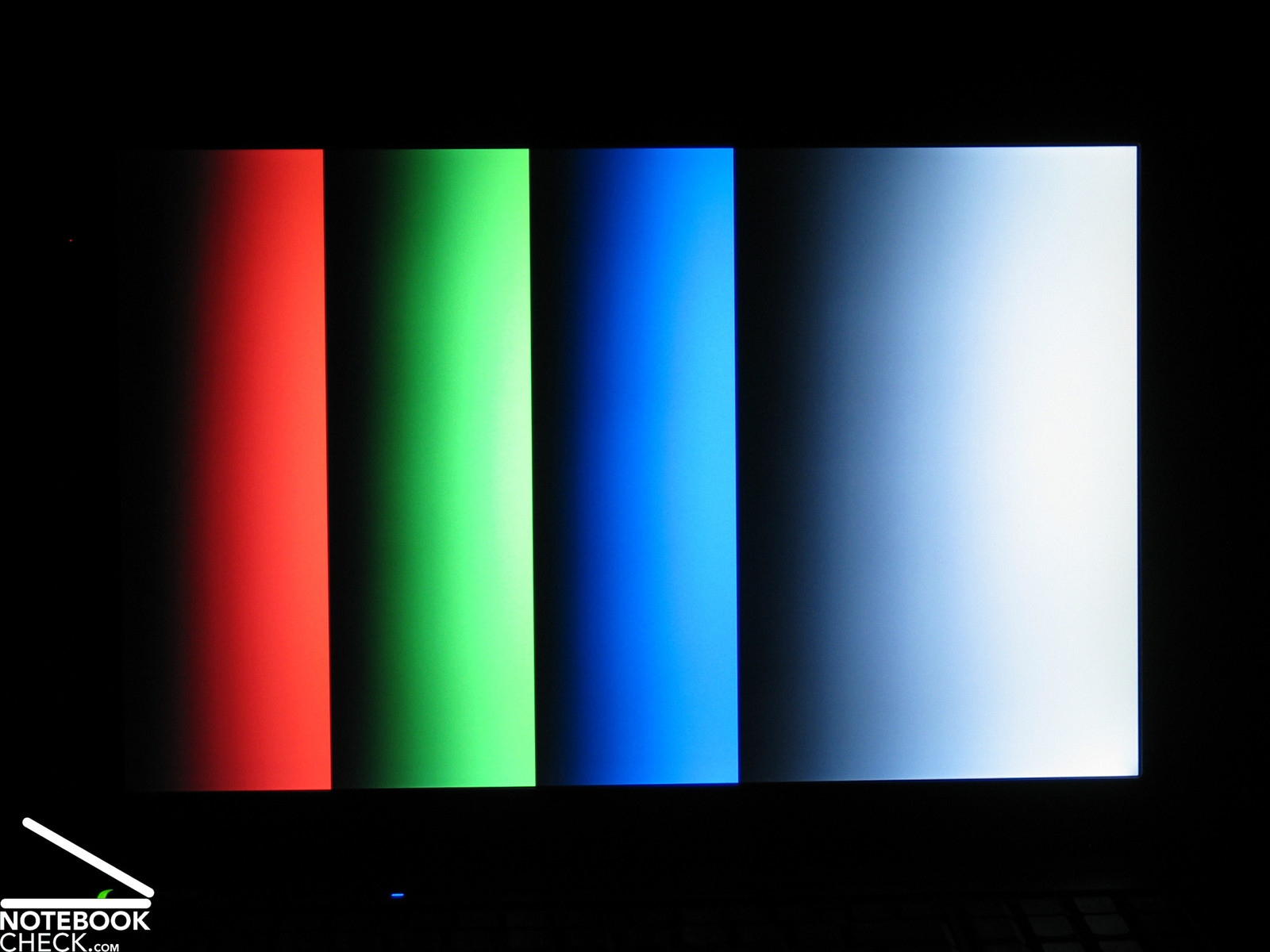
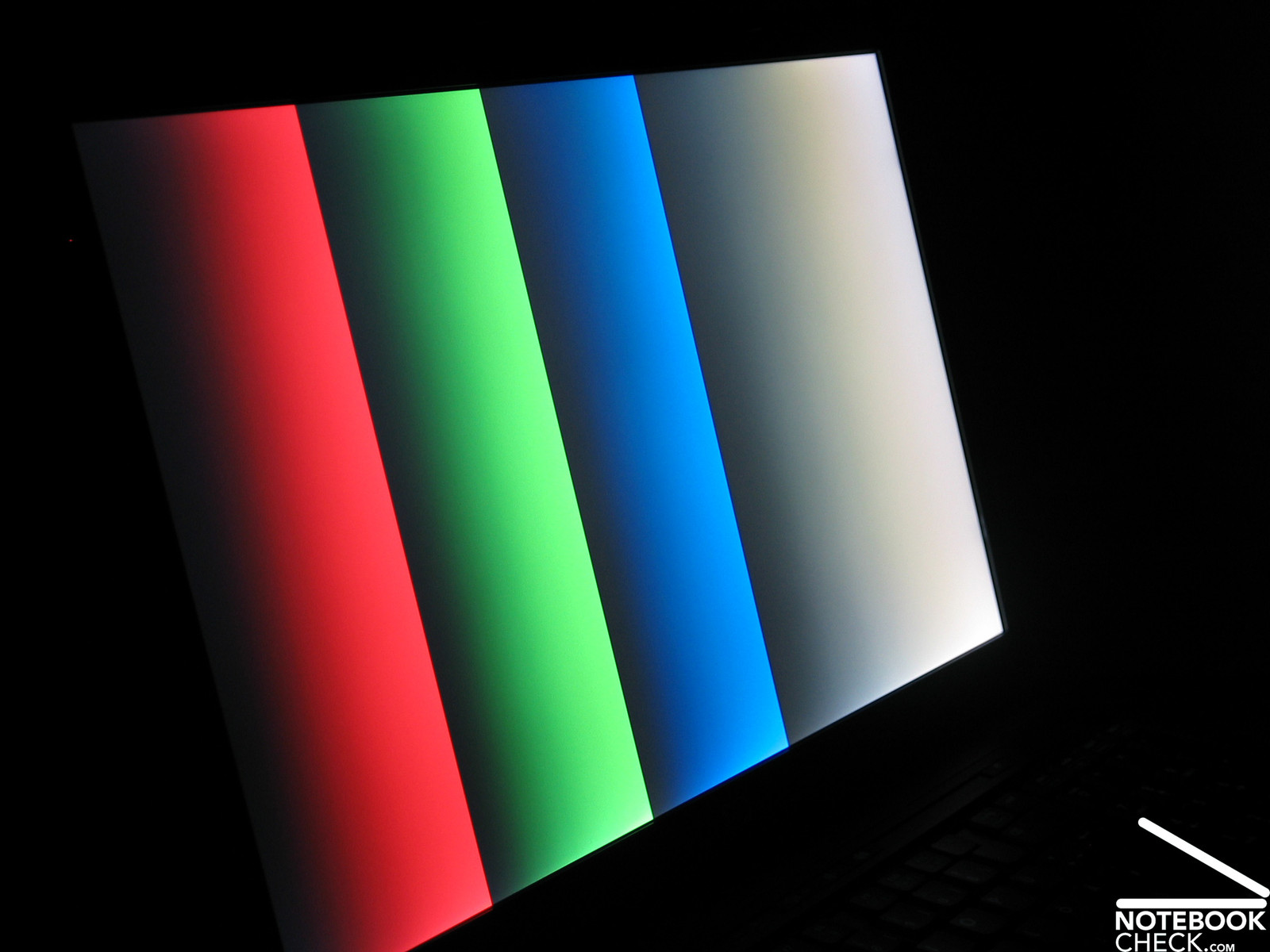
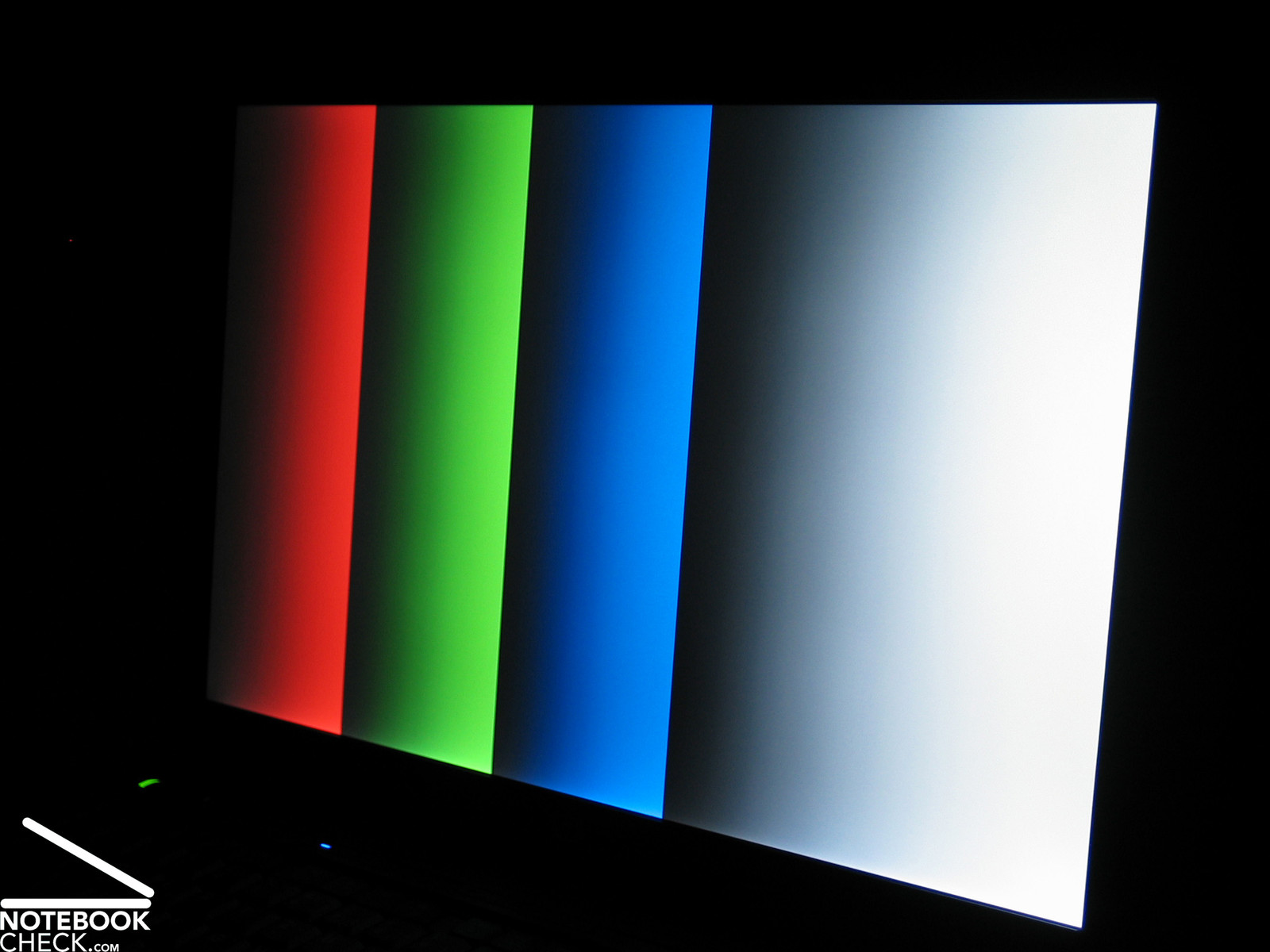
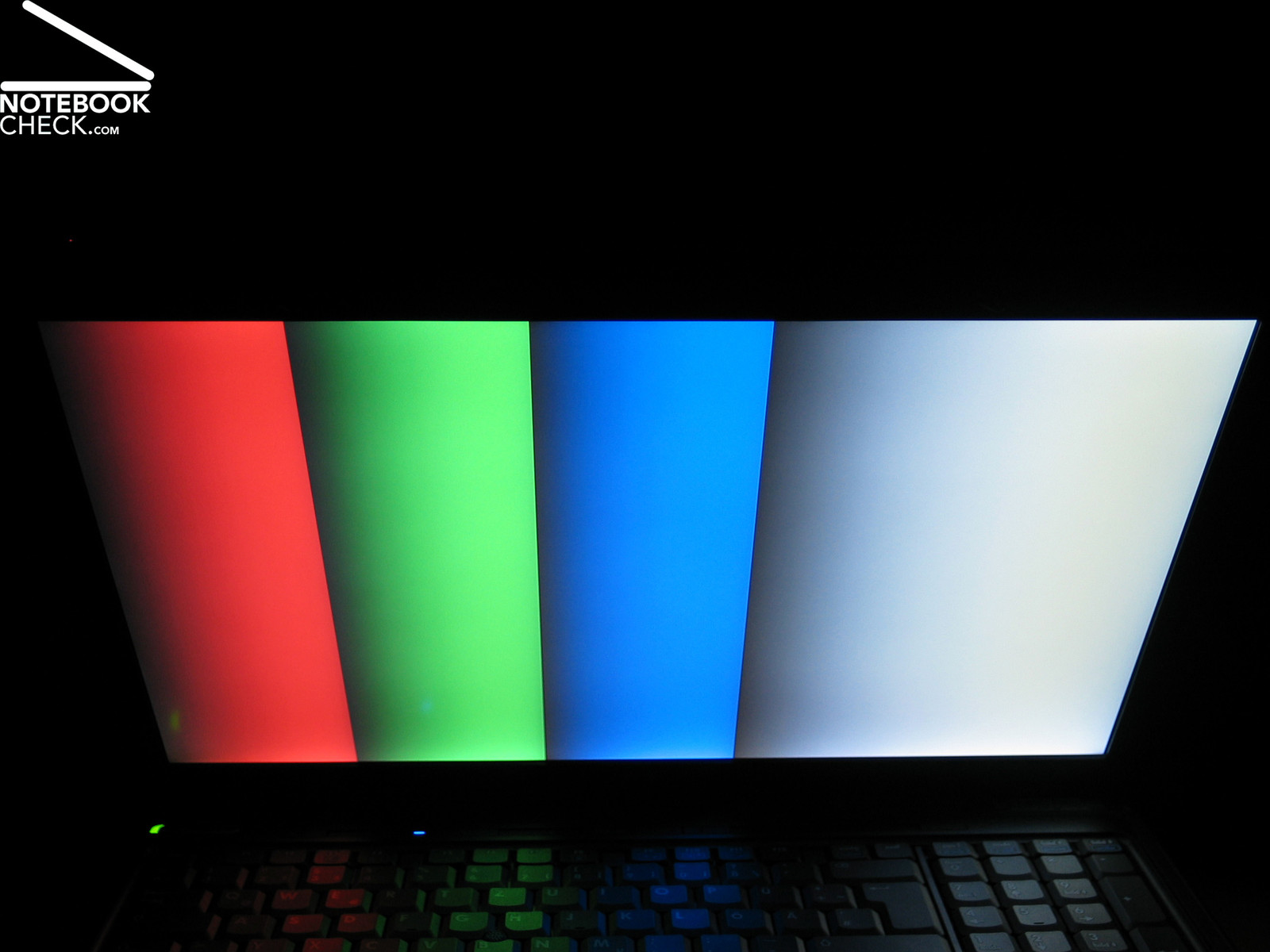
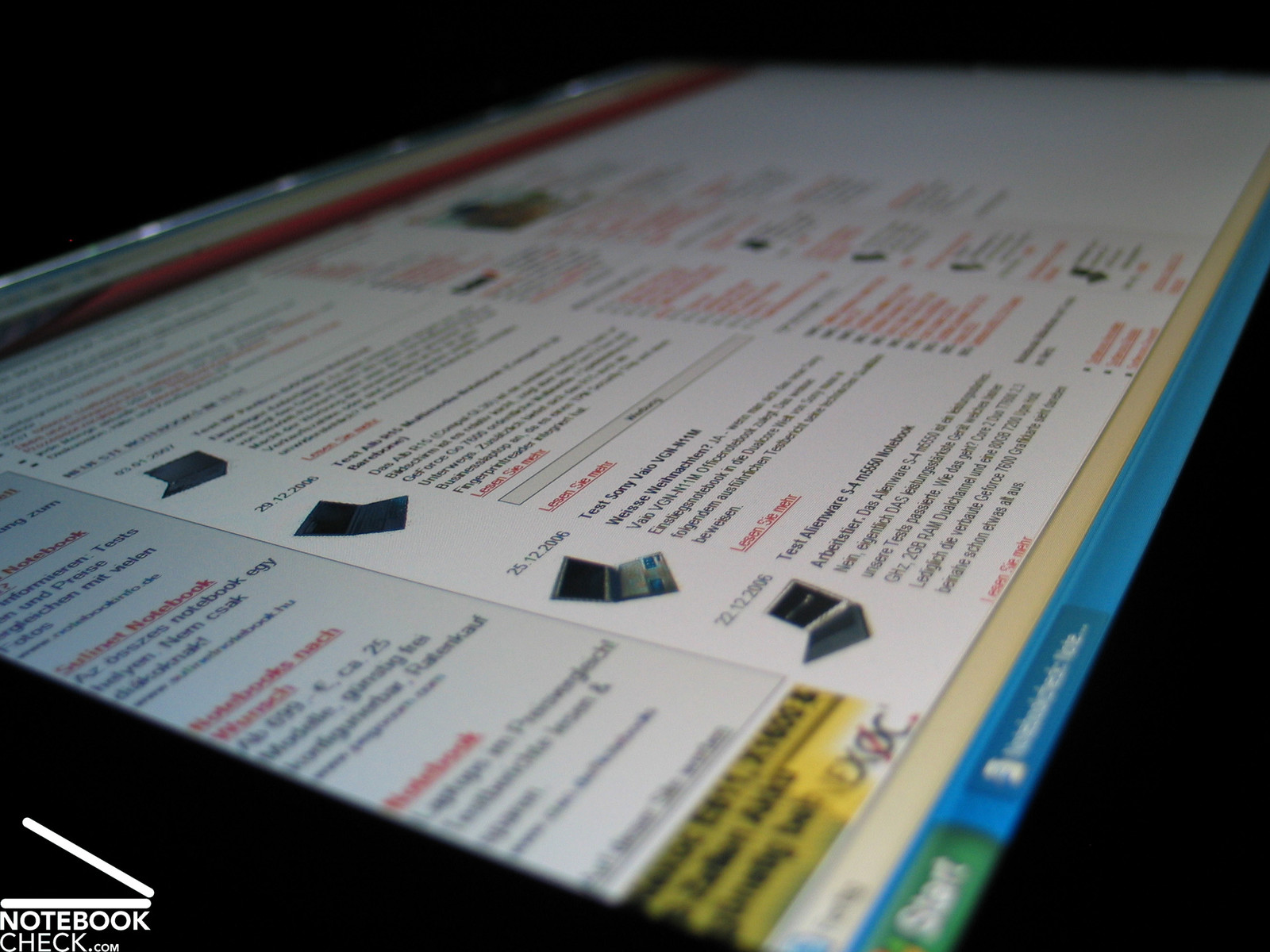
The possible vantage points are generous. However, vertically the display gets darker or brighter outside an adequate area of operation. This reduces the legibility outside the area of operation, because of a diminishing contrast. Horizontally, the stability to the vantage point is excellent.



Performance
The reviewed model of the Compaq nw9440 (EY314EA) was equipped with a T2600 Core Duo CPU with 2.16 GHz, which provides a lot of power. Besides the T2700 Core Duo model there is also a T7400 Core 2 Duo CPU model of this notebook available.
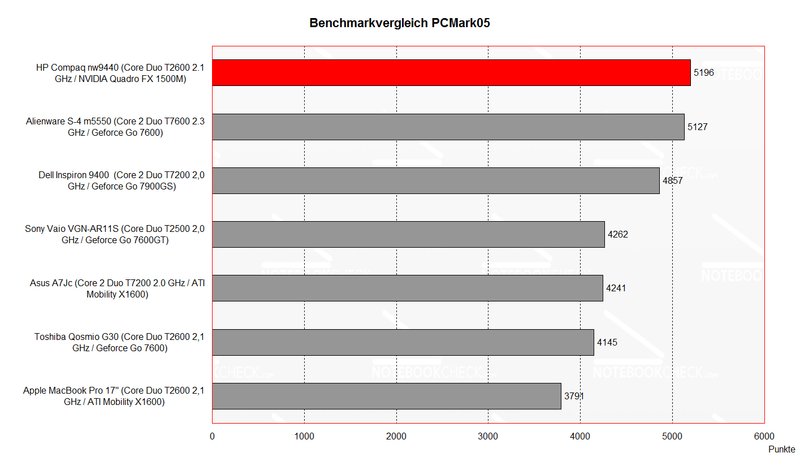
Although the reviewed model was the most powerful available model, the performance is still very impressing. The nw9440 reached outstanding 5196 points in the PCMark05 benchmark and is herewith at the top of the NBC-charts. The HP even outperforms the Alienware S-4 m5550 with Core 2 Duo T7600 CPU.
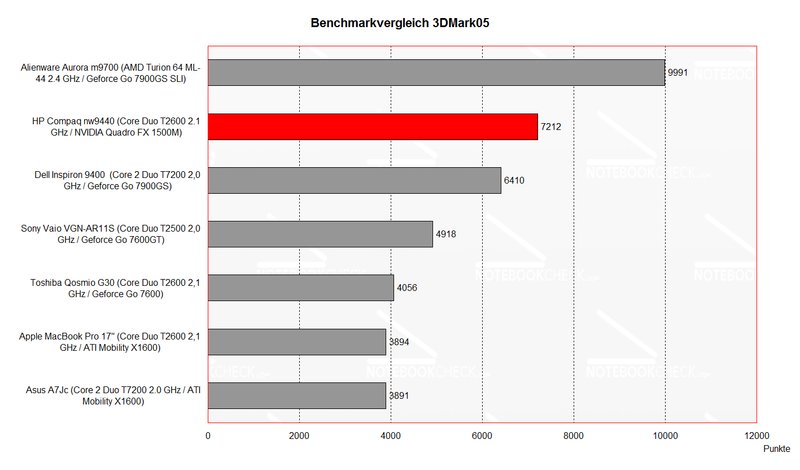
Similarly, the HP could nearly also achieve the same at the 3D benchmarks. With 7212 points at the 3DMark05 benchmark this business notebook exceeds the Dell Inspiron and also the Dell XPS. Only the Alienware Aurora m9700 with two Geforce 7900GS SLI video cards is a credit to the gaming notebook.
Should you like to play a brand new game besides three-dimensional architecture, animations and renderings, just do it. The HP Compaq nw9440 competes with nearly all recent gaming notebooks.
Furthermore, a fast 80GB hard disk with 7200 revs, good transfer rates and short access times does its job inside the notebook.
Further information about the video card can be found here or in our comparison of mobile video cards. Detailed information about the Core Duo CPU can be found here.
Please also look at our benchmark list of mobile processors or at our benchmark list of mobile video cards, in order to compare this notebook to other configurations.
| 3DMark 2001SE Standard | 26279 points | |
| 3DMark 03 Standard | 15916 points | |
| 3DMark 05 Standard | 7212 points | |
| 3DMark 06 Standard Score | 4074 points | |
Help | ||
| PCMark 04 Standard | 6331 points | |
| PCMark 05 Standard | 5196 points | |
Help | ||

Further reviewed:
Cinebench 2003
Rendering (Single) : 316 CB
Rendering (Multiple): 587 CB
Shading (CINEMA 4D): 363 CB-GFX
Shading (OpenGL Software Lighting): 1317 CB-GFX
Shading (OpenGL Hardware Lighting): 3189 CB-GFX
Emissions
Loudness
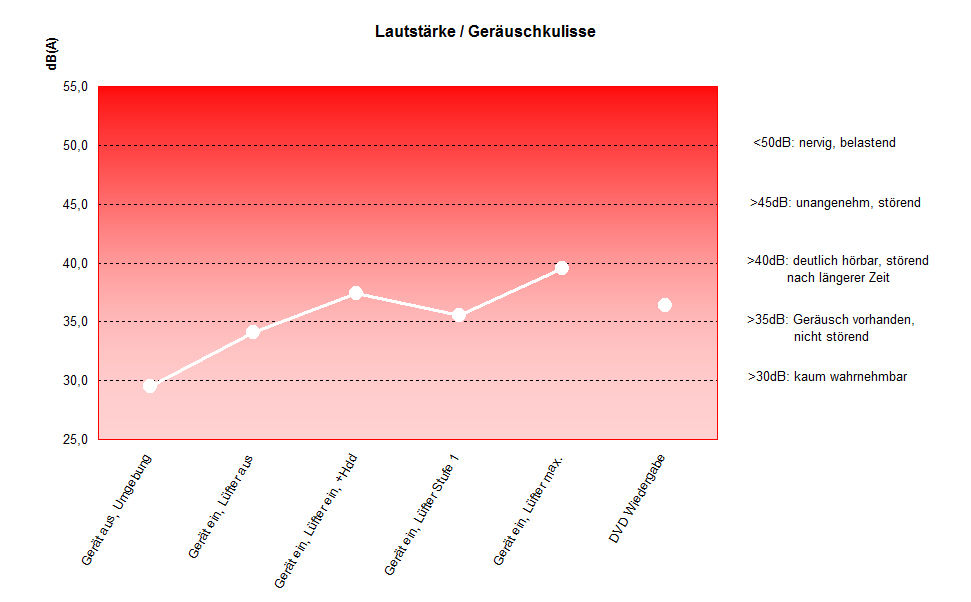
There are a lot of notebooks available with sufficient power. But its difficult to find ones which combine high-performance and low emissions. The HP Compaq nw9440 is one of those. In idle mode (without load) one can hardly hear it, because the measured noise is only about 34.1dB. Therefore, it can be used very well in quiet places. Even if one demands a maximum performance of the nw9440 it is still surprisingly quiet at 39.5dB.
Noise Level
| Idle |
| 34.1 / 39.5 / 37.4 dB(A) |
| HDD |
| 37.4 dB(A) |
| DVD |
| 36.4 / dB(A) |
| Load |
| 0 / 39.5 dB(A) |
 | ||
30 dB silent 40 dB(A) audible 50 dB(A) loud |
||
min:  , med: , med:  , max: , max:  (15 cm distance) (15 cm distance) | ||
Temperature
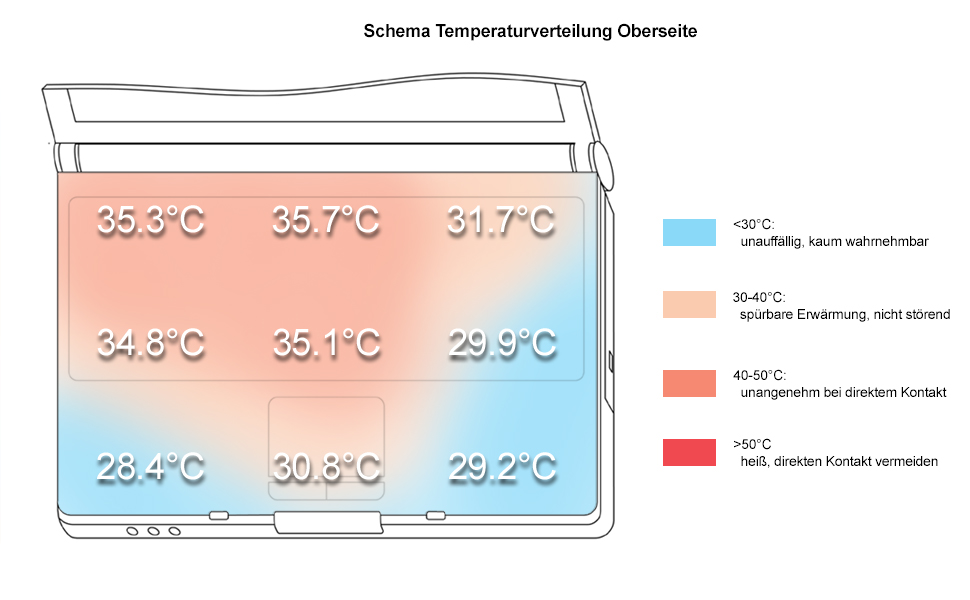
The surface temperature at the top side is alright. Although the temperature clearly increases, it does not cause any problems.
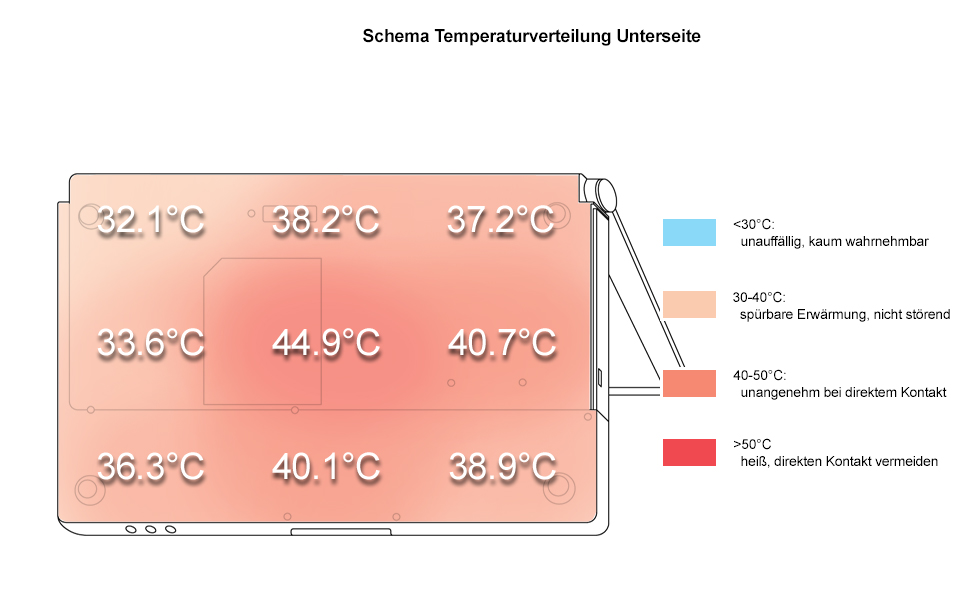
At the center of bottom side we measured the notebook's maximum temperature of 44.9°C. Considering that it is a high-performance desktop notebook, even this value is alright.
Upper side
palmwrist: 29.2°C max: 35.7°C avg: 32.3°C
Bottom side
max: 44.9°C avg: 38.0°C
Speakers
Both speakers are at the front edge and transmit sound through spacious slits towards the user. During our review the sound seemed a little reserved, but it could still convince, because of some basses.
Battery Runtime
Battery runtime is not really an important property of a desktop replacement notebook. However, the HP Compaq nw9440 is with a minimum of 1.5 hours and a maximum of 3.5 not so bad in it.
Energy demand
Without load (Idle), min. brightness, without WLAN: 37.0 Watt
+ max. brightness: 42.6 Watt
+ WLAN: 43.5 Watt
Full load (+WLAN, max. brightness): max. 90.3 Watt
Verdict
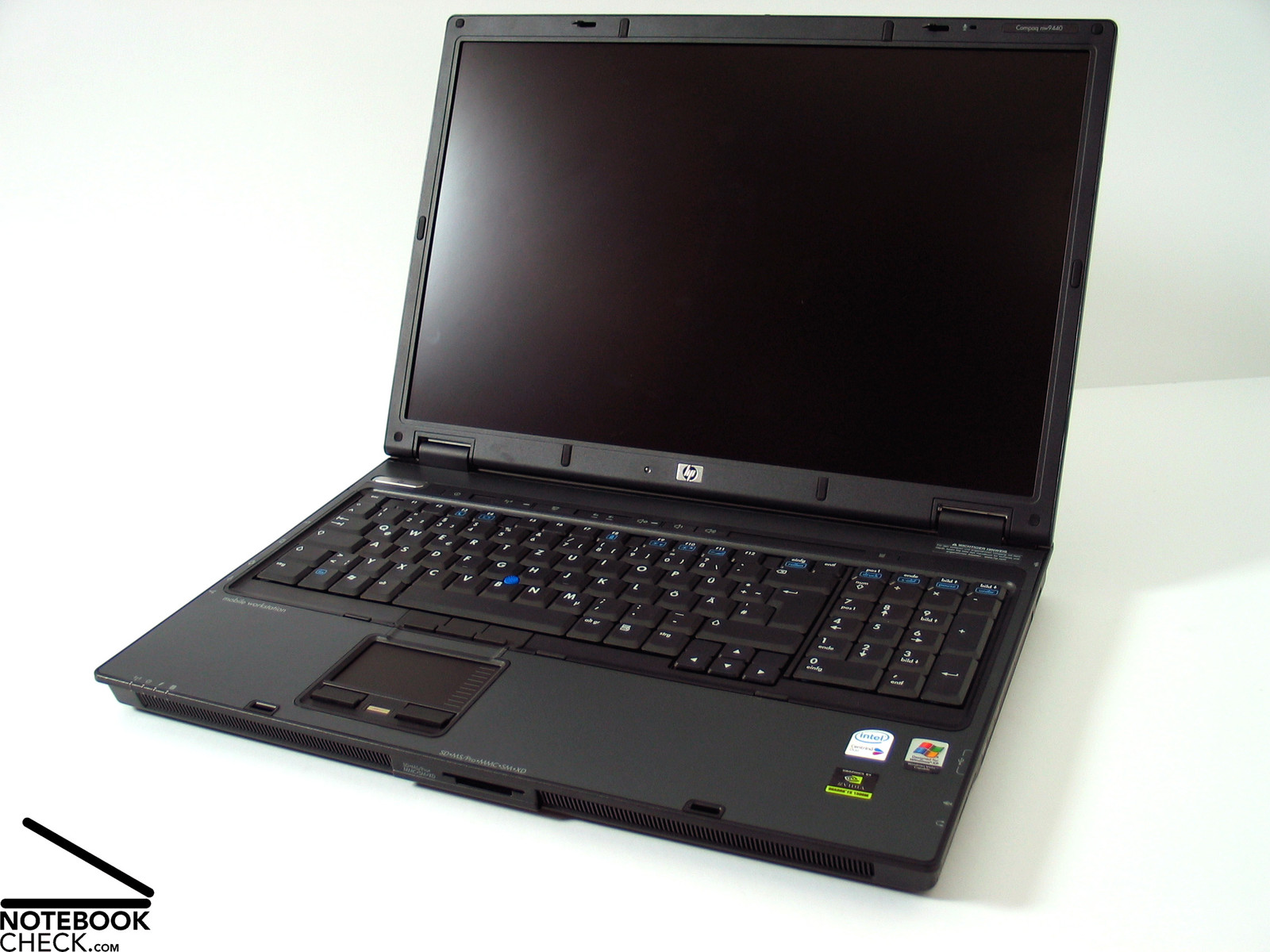
The HP Compaq nw9440 delighted our redaction. I would likely compare it with the S-class of Mercedes, e.g., S500 or even S600, which too does only look nice at the first glance. However, if one accelerates …
The workmanship is good and the used materials are of high-quality. It only could possibly be a little robuster. The placement of the interfaces is disadvantageous considering it is a DTR notebook. If one considers that the notebook is used most of the time at the desktop with peripherals permanently connected to it, interfaces at the back side would be more convinient.
There are hardly any weaknesses regarding the input devices. The keyboard is clearly structured, a separated numerical pad is provided and the touch pad is easy to use.
The display might be the main reason for some to buy exactly this notebook. Because it is non-reflecting and of high-resolution it is ideal for the daily work of architects and constructing engineers. Small improvements regarding brightness and illumination were still possible.
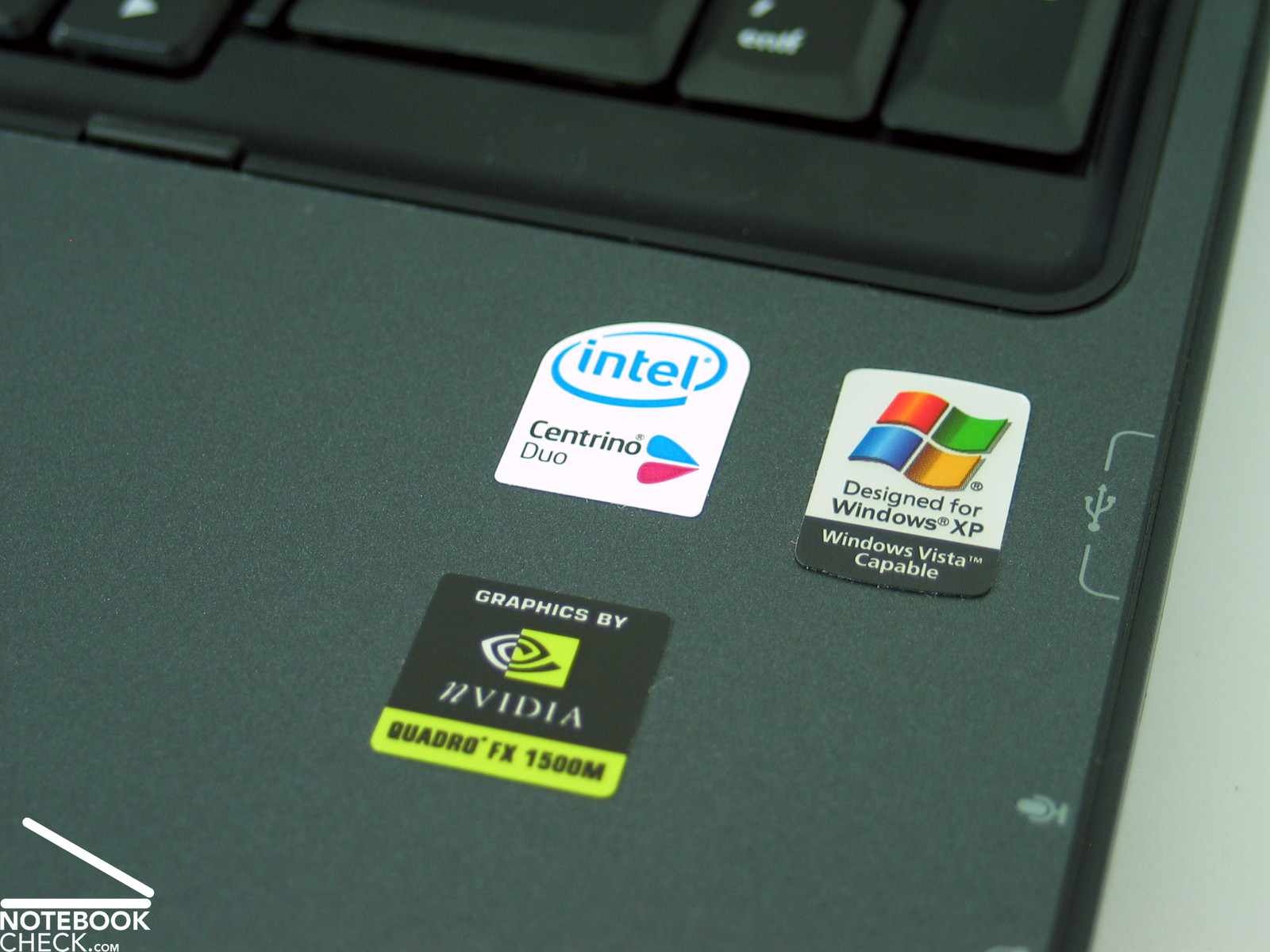
Also the performance is one of the notebook's pros. Especially the NVIDIA Quadro FX 1500M could achieve excellent results. Particularly designed for 3D CAD applications with special driver support, it also performs well at current games.
It's hardly believable, but the HP Compaq nw9440 combines high-performance and low emissions. Especially the low noise emissions convinced us.
Considering it is a DTR, the battery runtime is average. With optimized energy save options it should even be possible to work some hours unplugged.
In total the HP Compaq nw9440 reached 89% in our rating and belongs together with the Dell Inspiron 9400 and the Macbook Pro 17“ to the top of our top five notebooks.