Review Dell XPS M1710 Gaming-Notebook
Advertised as a gaming notebook, the Dell XPS M1710 with its high-resolved 17" screen, the fast Core Duo processor and GeForce Go 7900 GS must show in our test whether the promises are true.

Case
"Owing to its bold and sharp-edged design you always make a good figure with the M1710, in the game or on journeys."
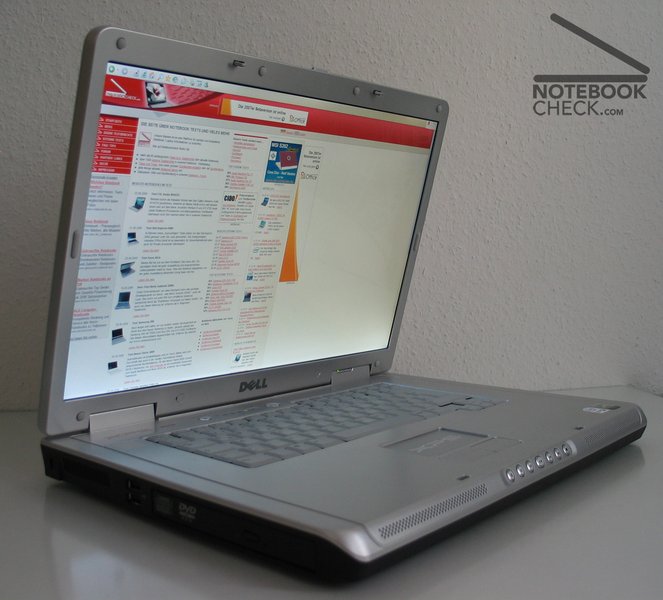
As far Dell states about the new M1710 laptop - and at least they are right with "boldly and sharp-edged". It is a laptop for technicians - design follows function.
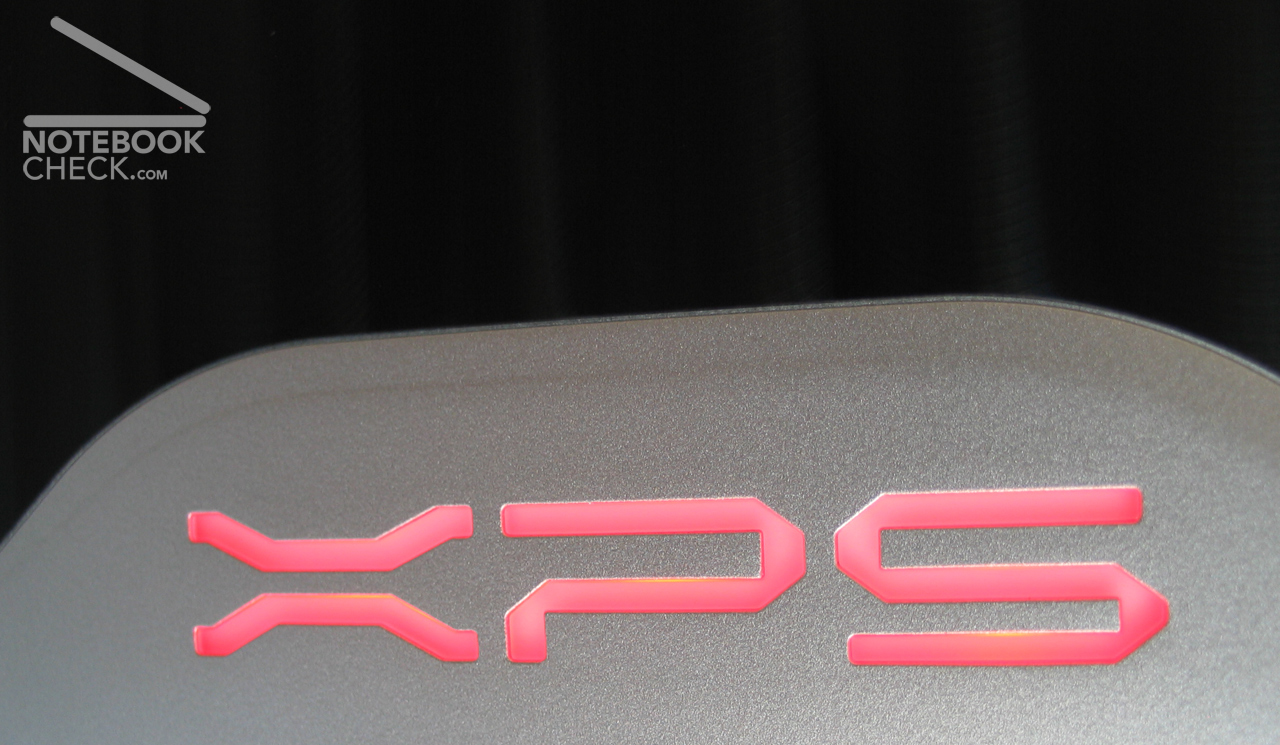
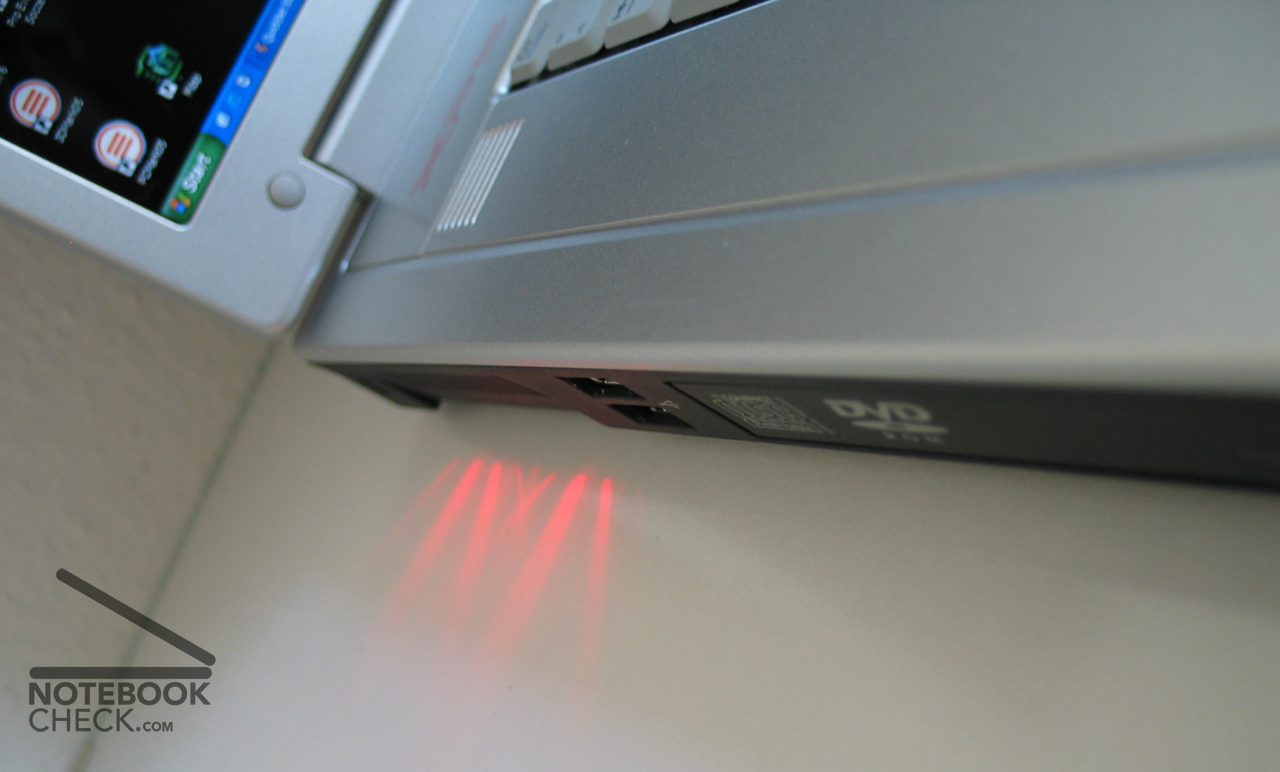
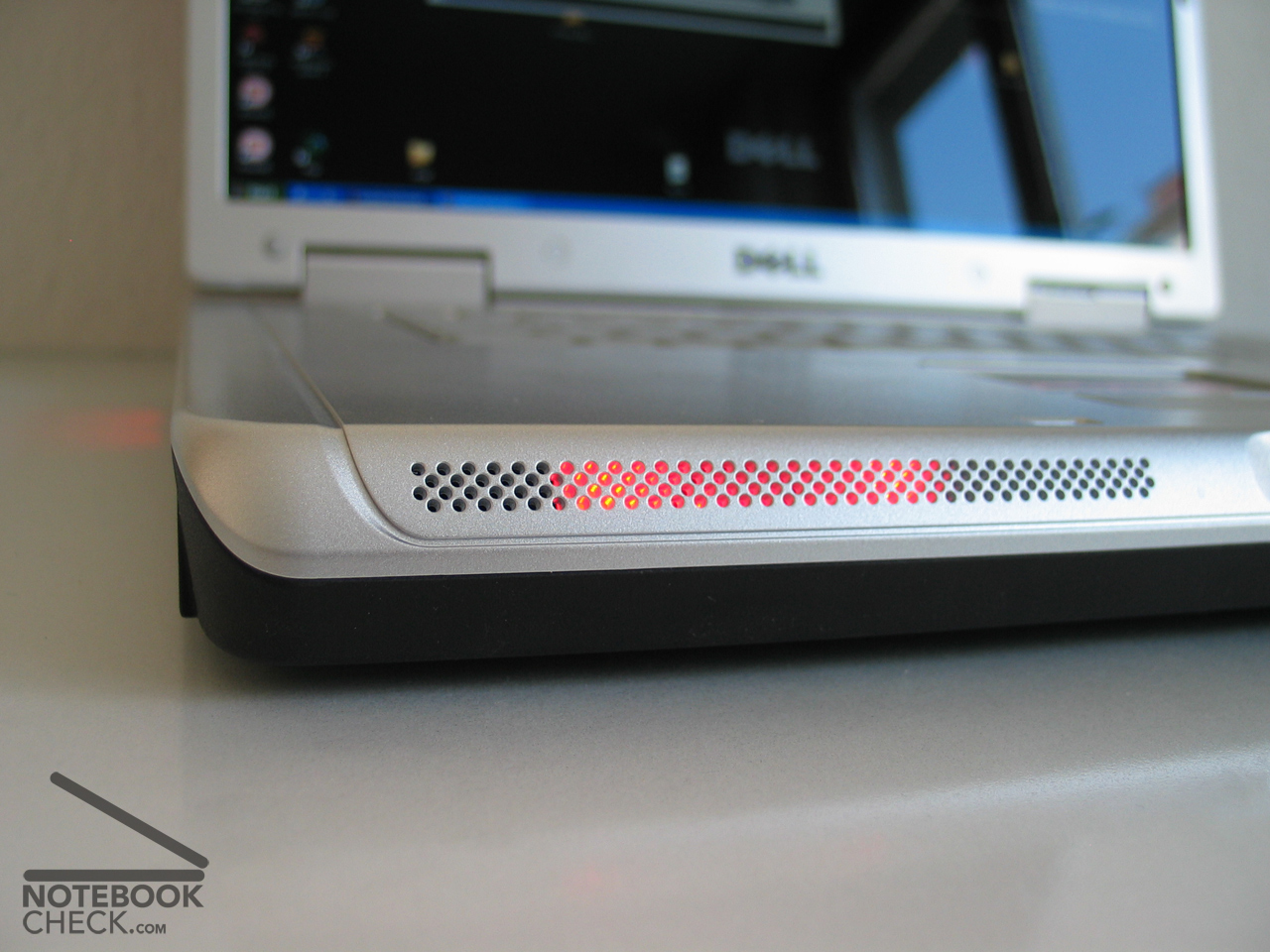
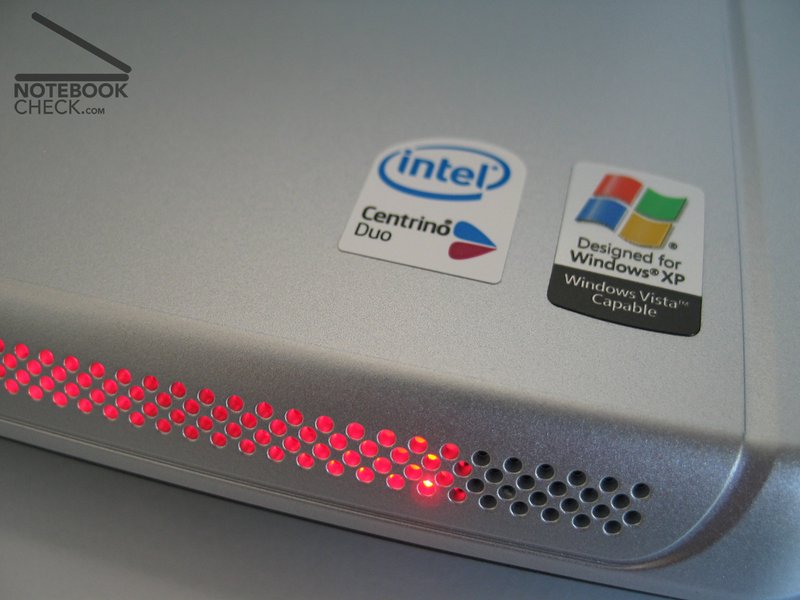
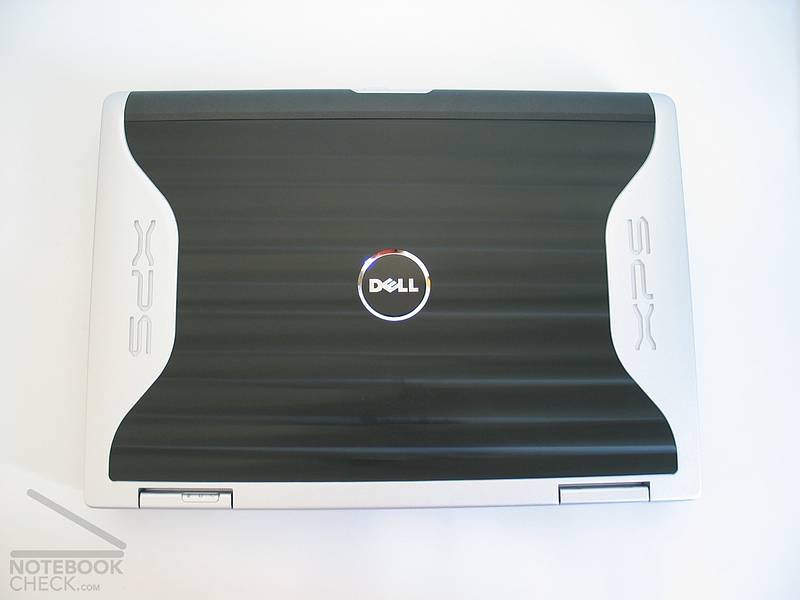
The back side of the display is the highlight of the durable laptop. Here the designers worked well. A bright XPS signature improves the metallic look of the cover. Additionally there are bright LEDS laterally at the ventilation openings and at the front, which one can adapt by a provided tool. In addition, they can be deactivated (read about the effects in the chapter battery runtime).
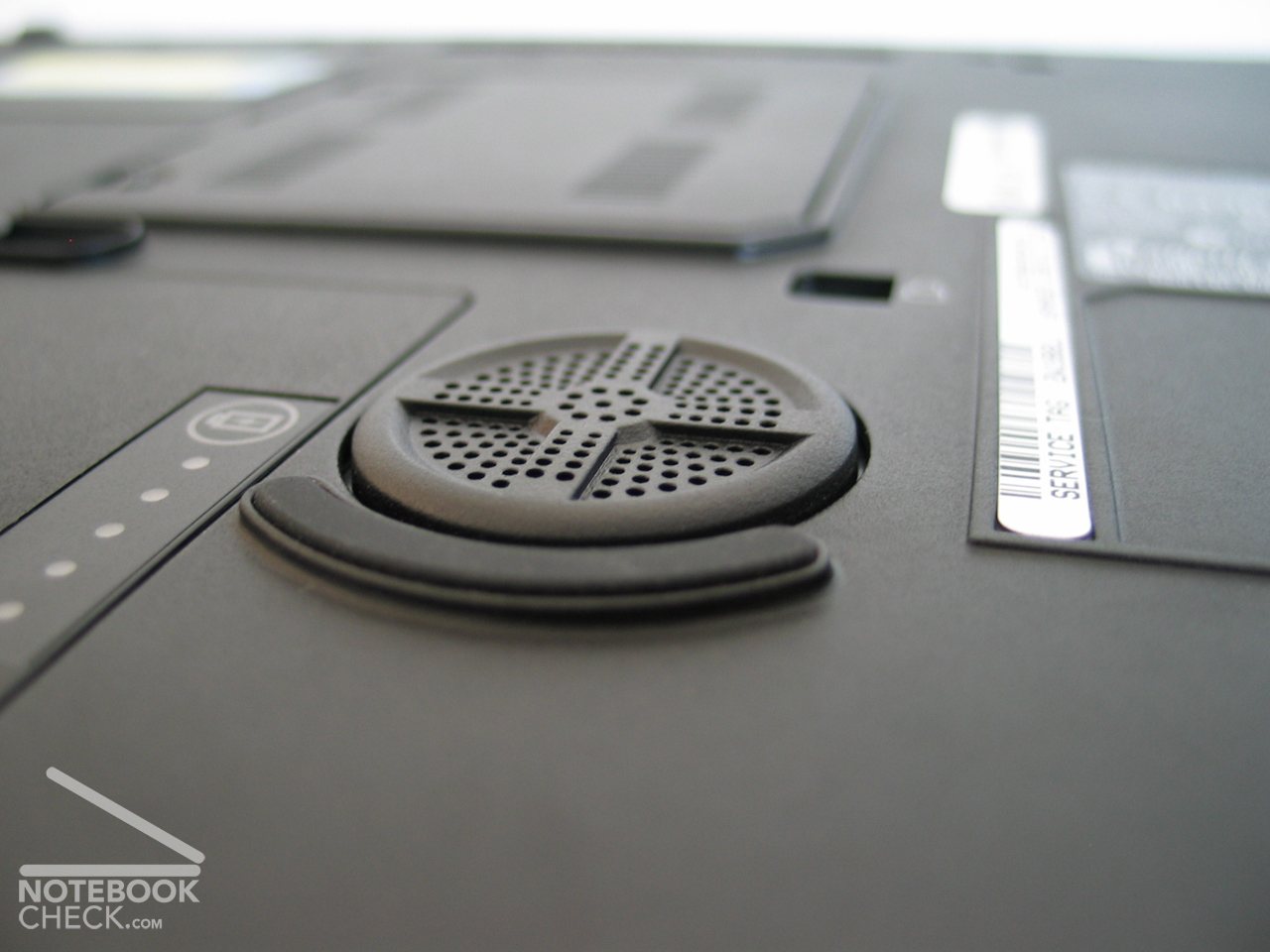
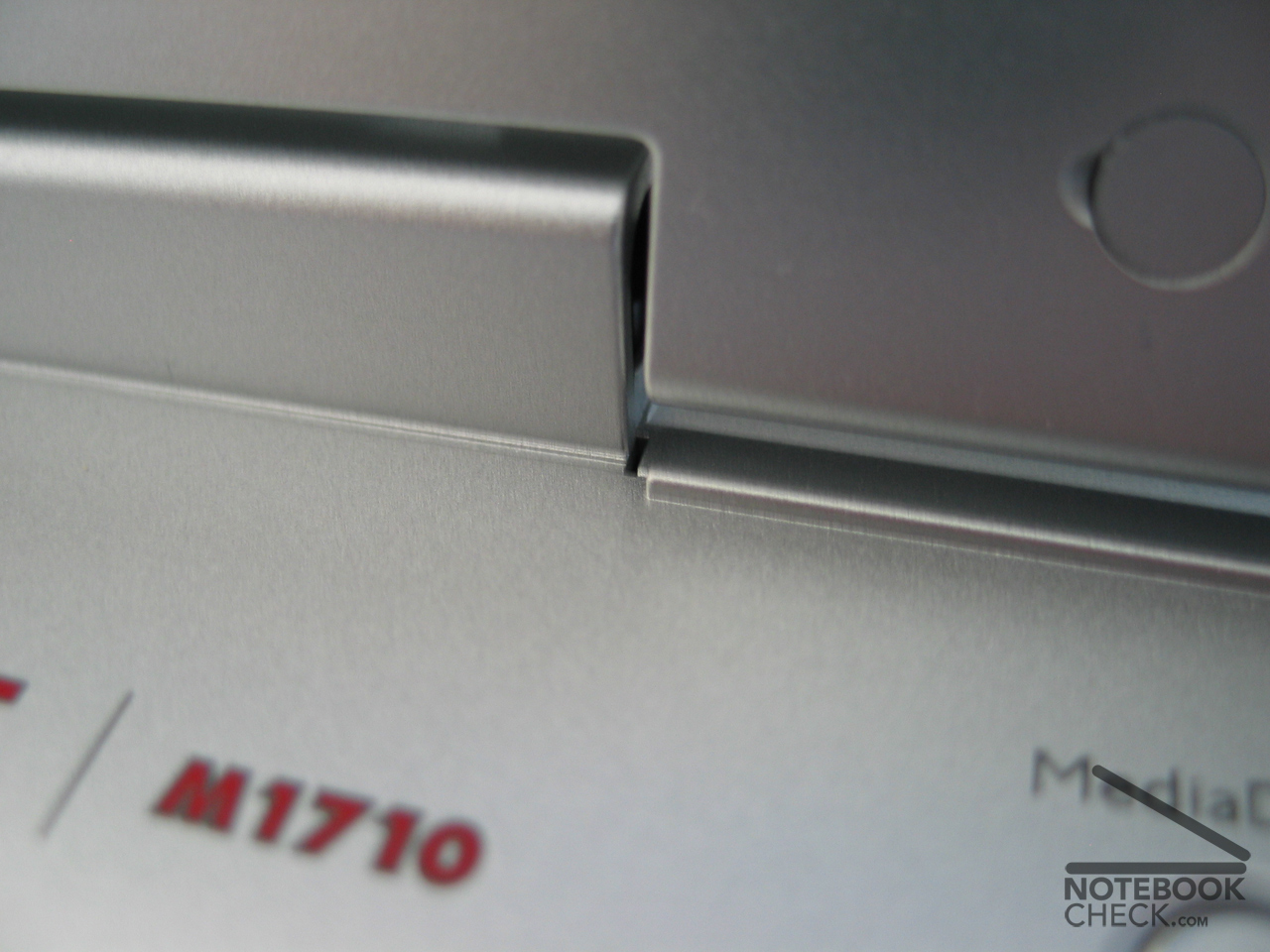
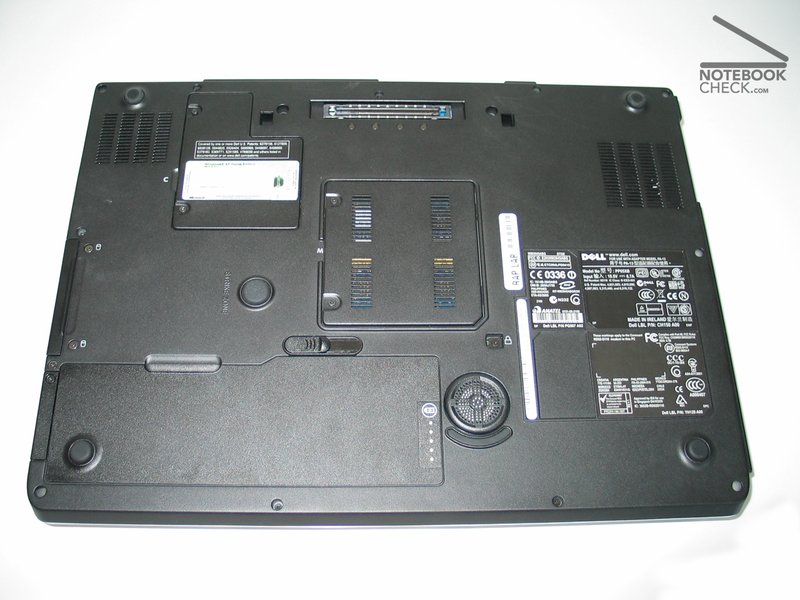
The case is properly finished. It makes a stable and durable impression and flexes only in that plastic areas above the keyboard noticeably. The chassis is remarkably high also when tapping (the lower arms rest upon the high edge, which however is well rounded off and thereby tapping is not unpleasant). With its measured 3,94 kg the weight does not belong to the Dell light-weight-notebooks. Nonetheless that is no disadvantage for a desktop replacement. The display hinges seem to be stable and keep the large 17" screen firm in each position. In the test the hinges crunched from time to time loudly, when the display has been open for a longer time. On the bottom the notebook stands stably on several bases, but one is applied on the distachable battery. Nevertheless the notebook remains still quite stable (with pressure on de right lower corner it wobbles).
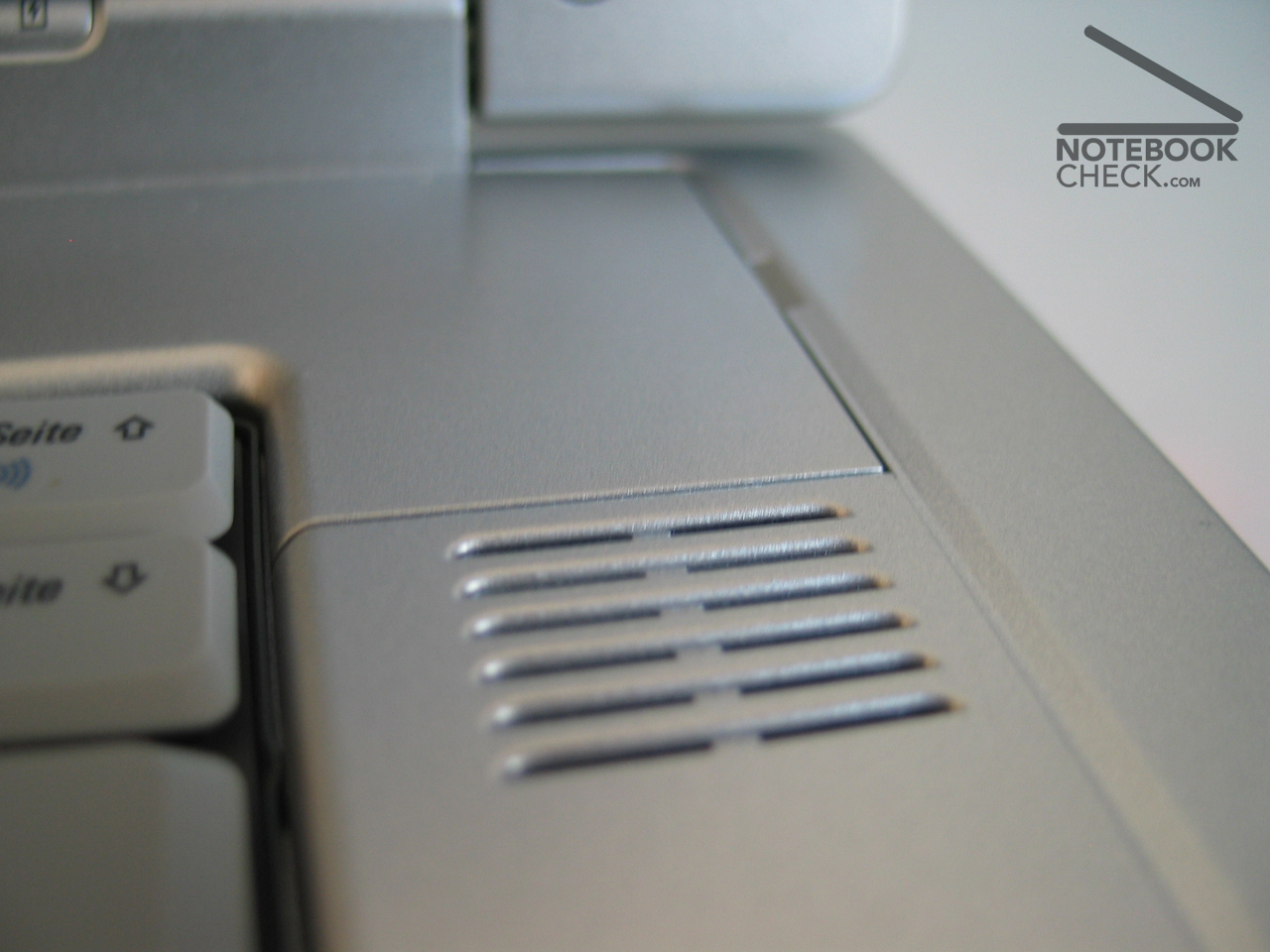
The implemented loudspeakers offer a responding sound for that size and owing to the small inserted subwoofers even a few basses.
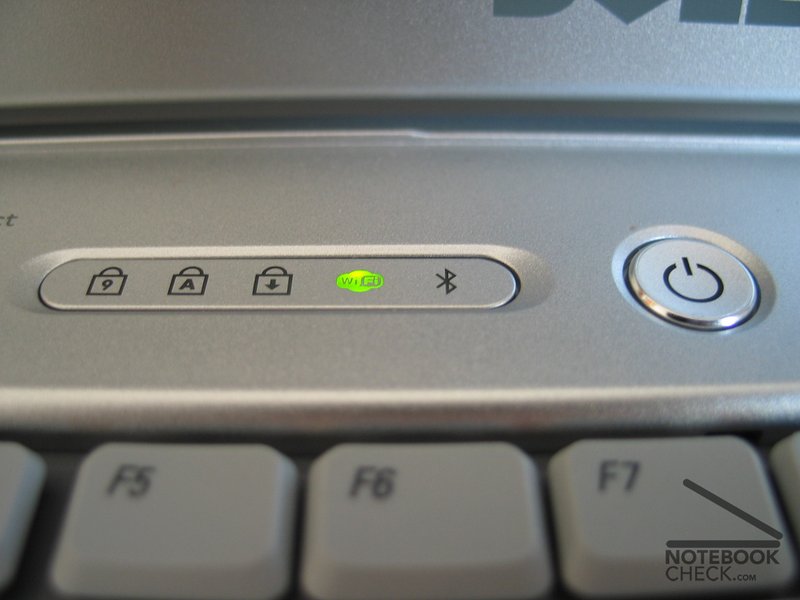
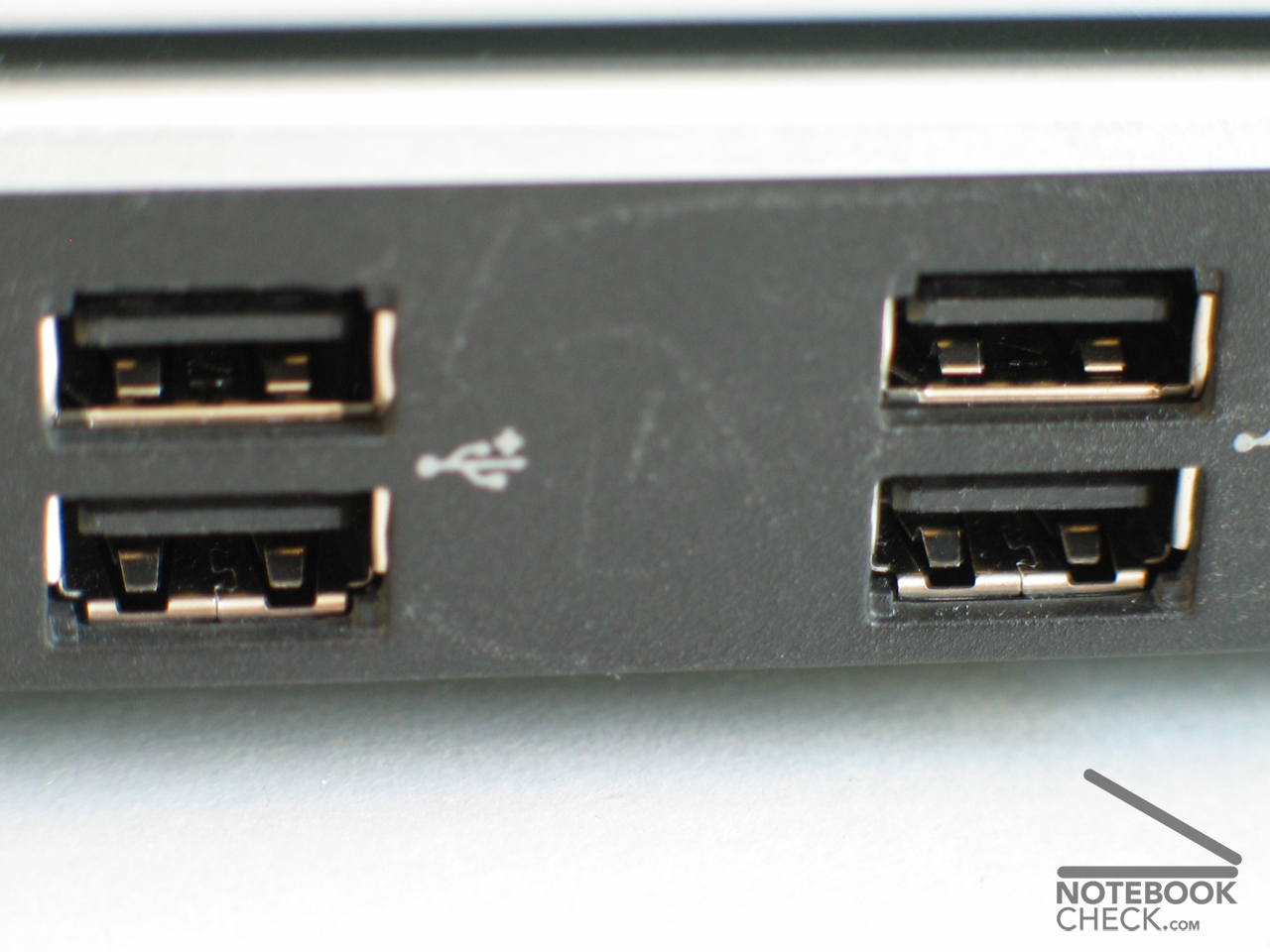
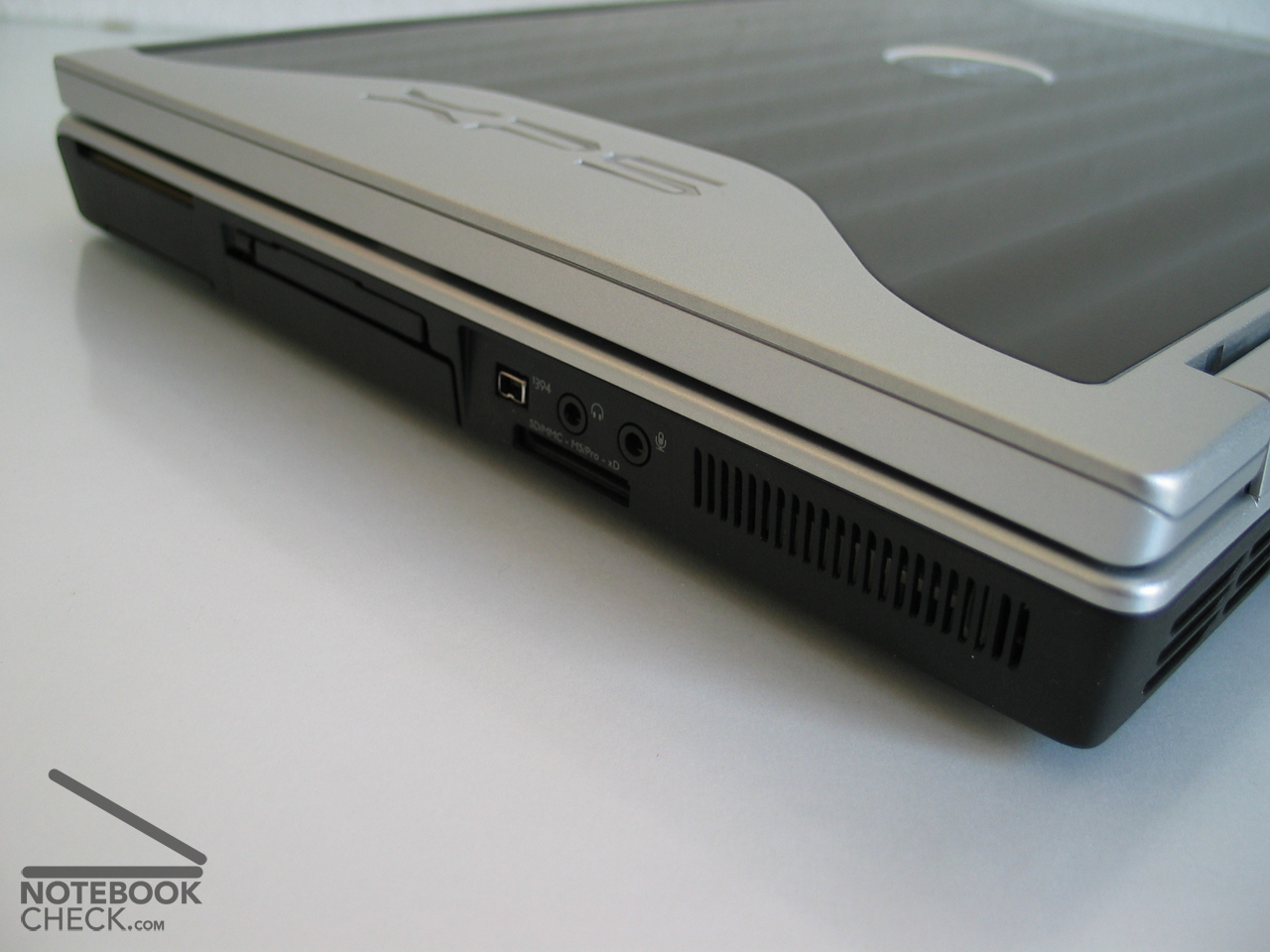
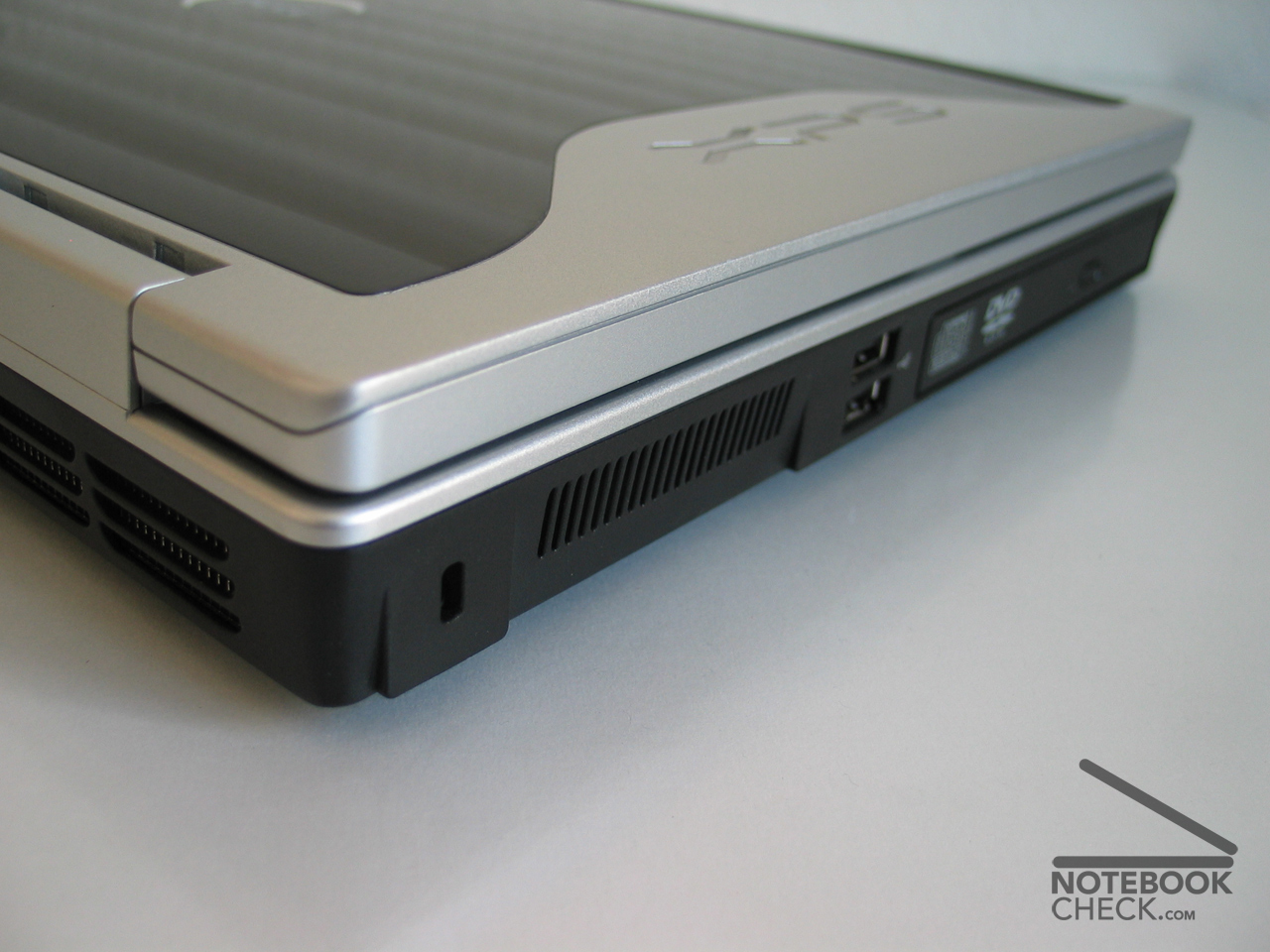
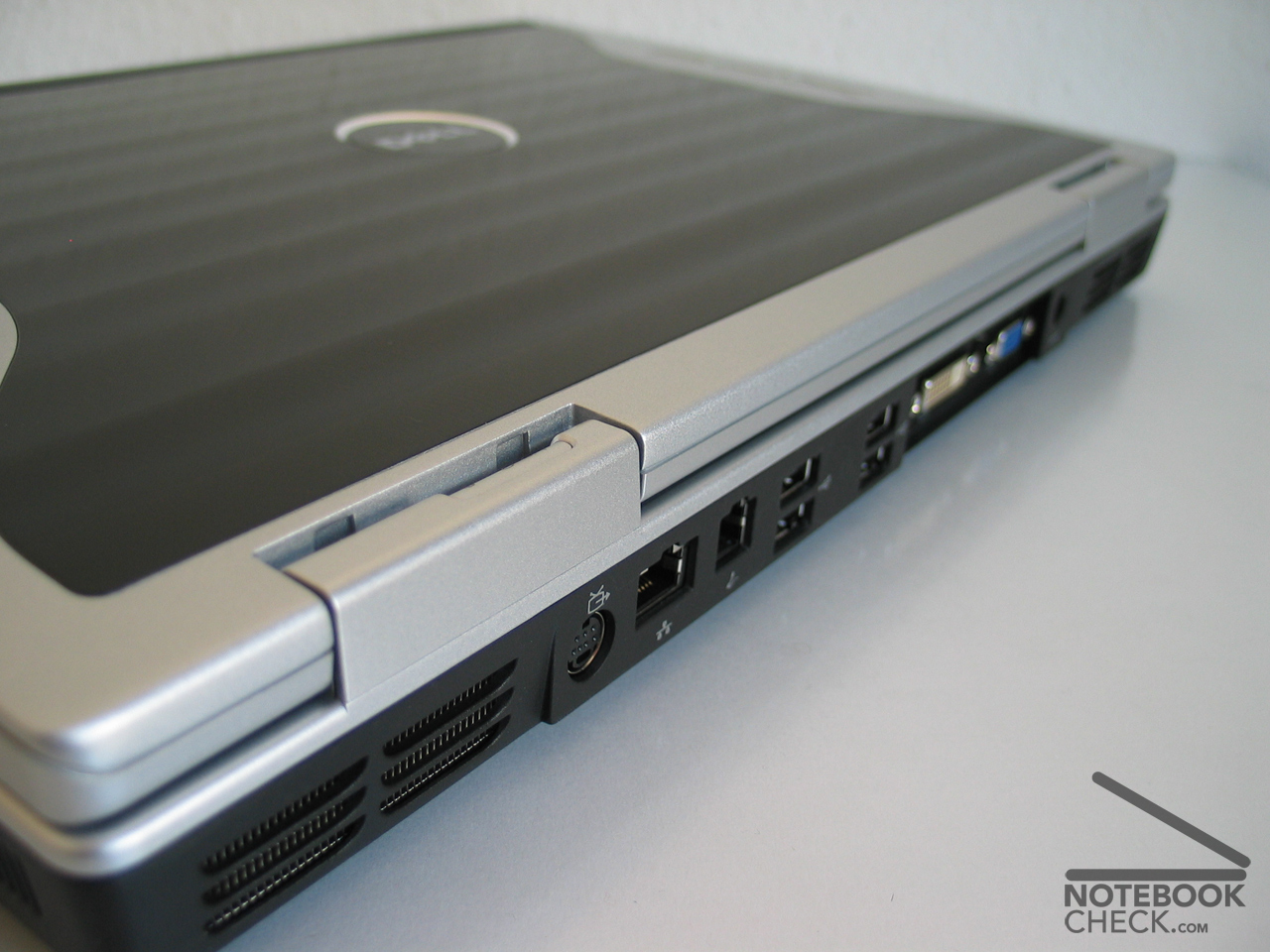
The interface equipment can be quite called sumptuous. DVI, Firewire and 6 USB connections are already rather good. Also the arrangement quite succeeded, since most of them are to be found in the back.
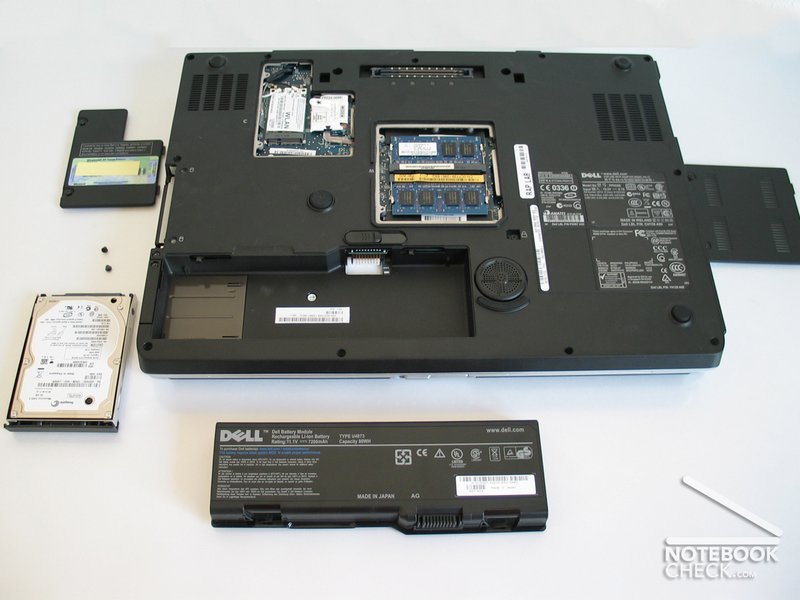
The provided printed manual is detailed (190 pages) and shows even the change of the most important hardware components.
Input Devices
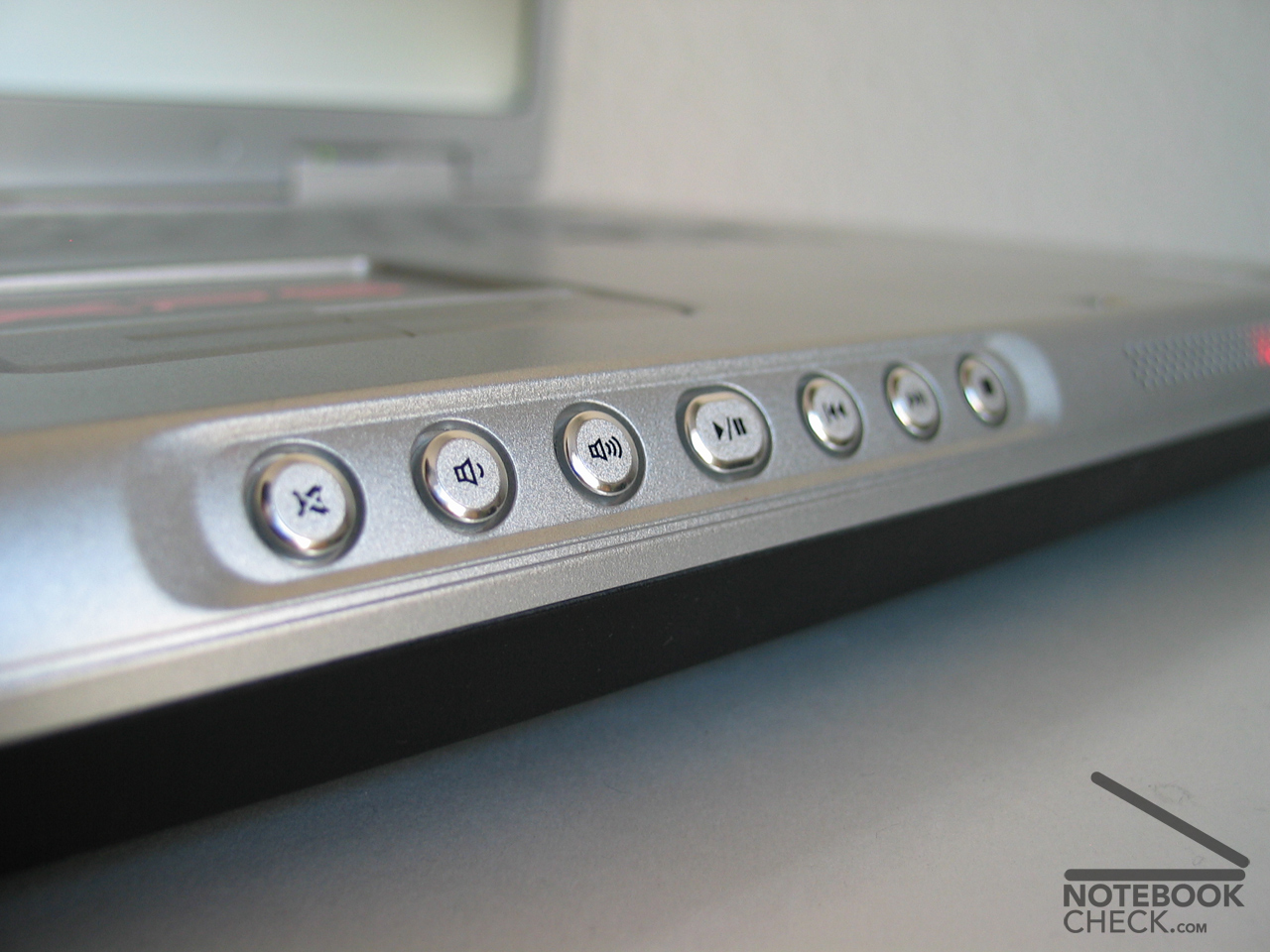
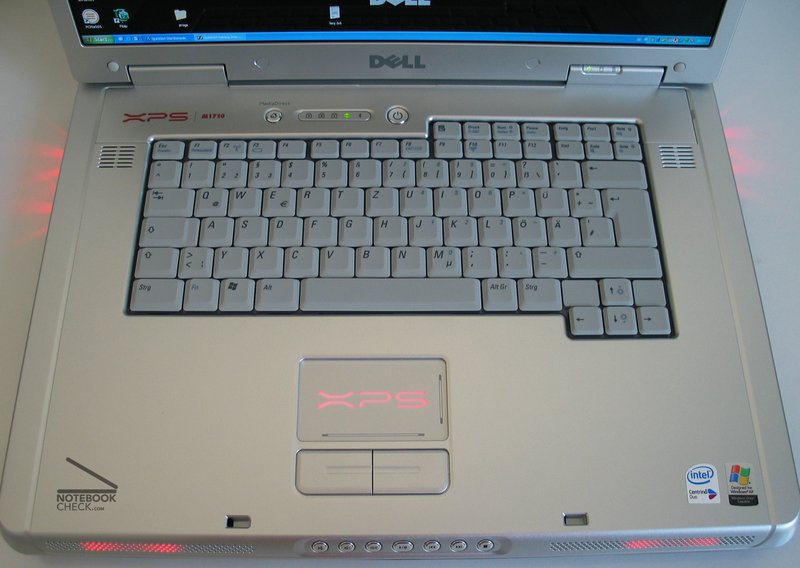
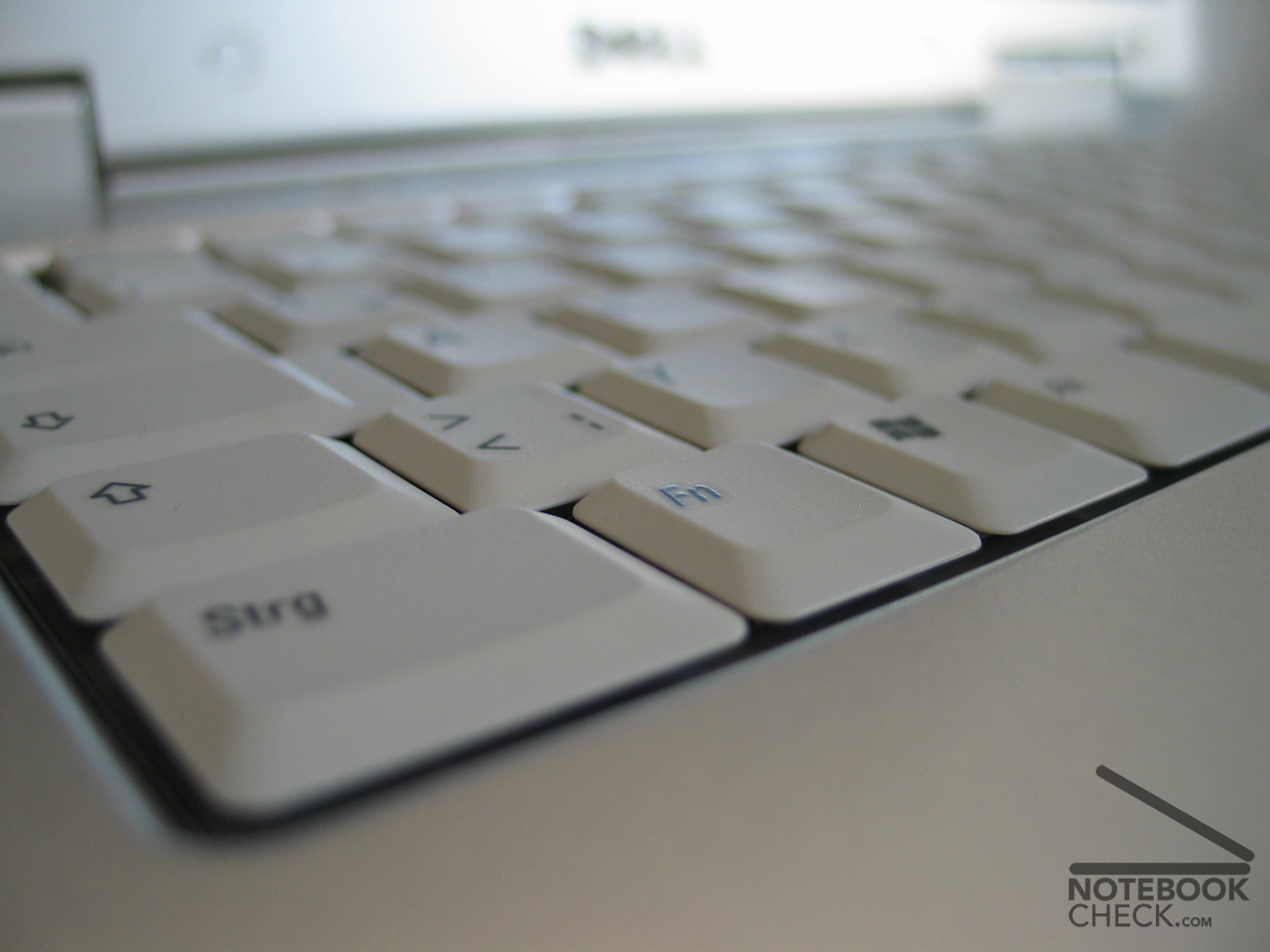
The implemented keyboard has a soft stopper and can be handled pleasantly. It offers normal large keys with a good layout (e.g. normal large enter key). Only the function and arrow keys are processed somewhat smaller. The high (however flattened) edge of the chassis is somewhat uncomfortable during longer writing. Additionally the XPS M1710 offers multimedia keys at the front.
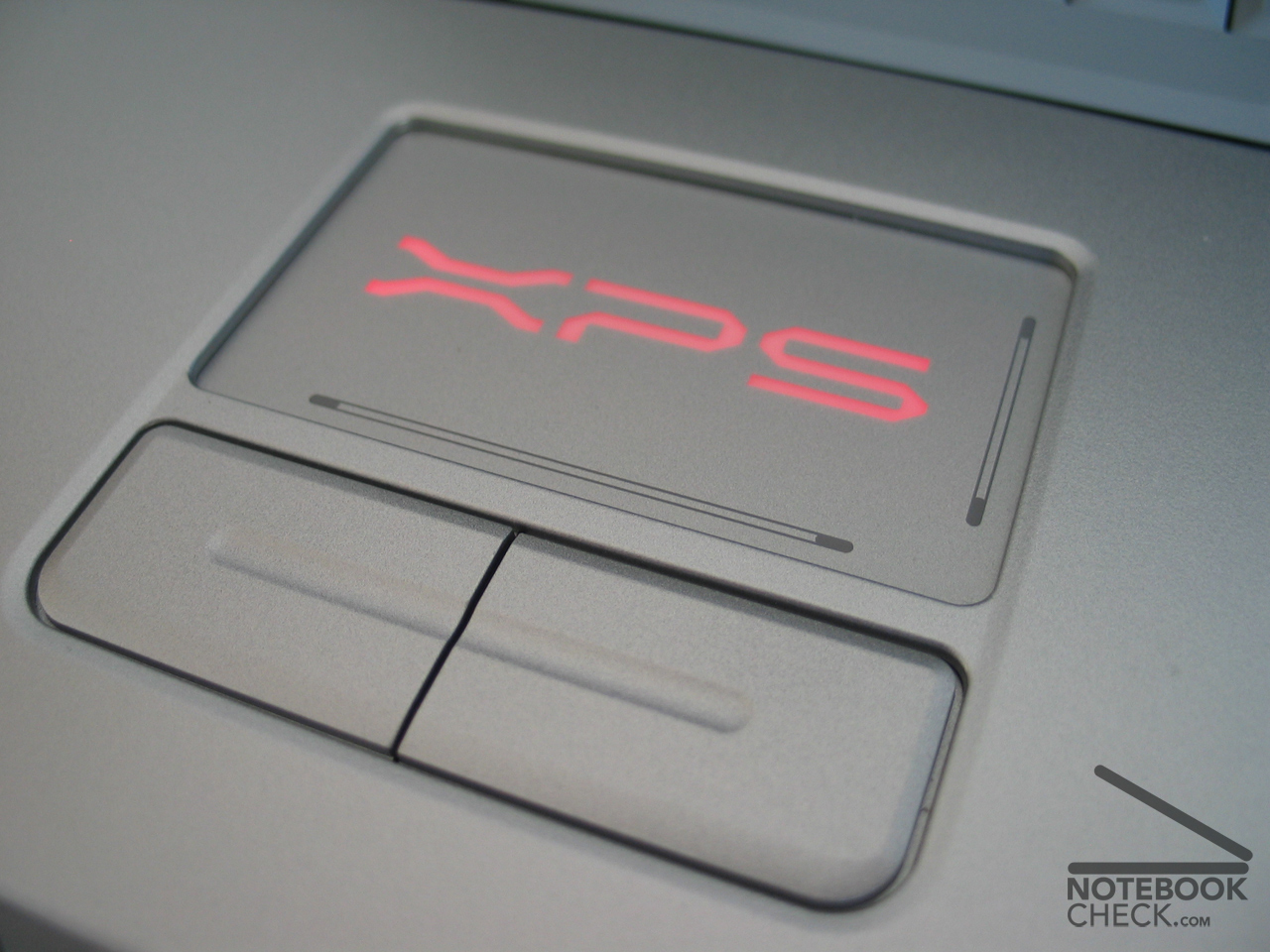
The touchpad in widescreen format (with bright XPS Logo) can be handled precisely as the large soft touchpad keys.
Display
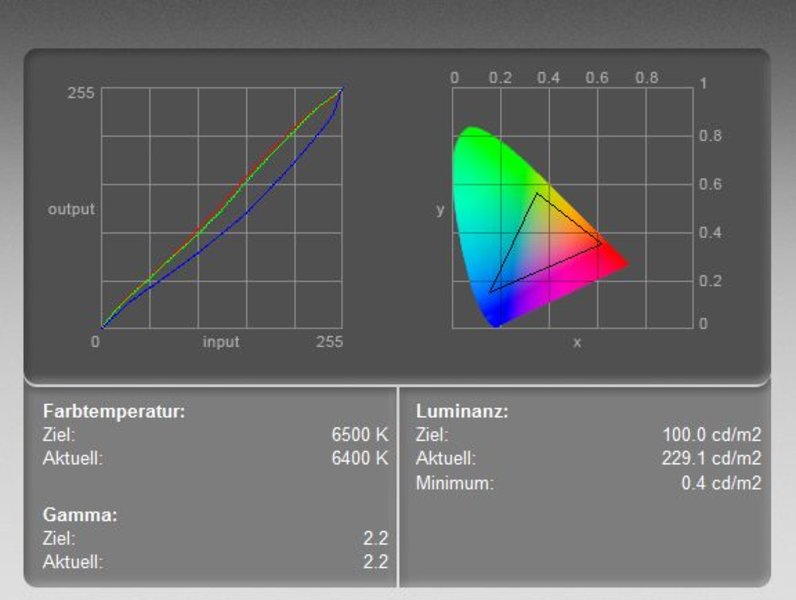
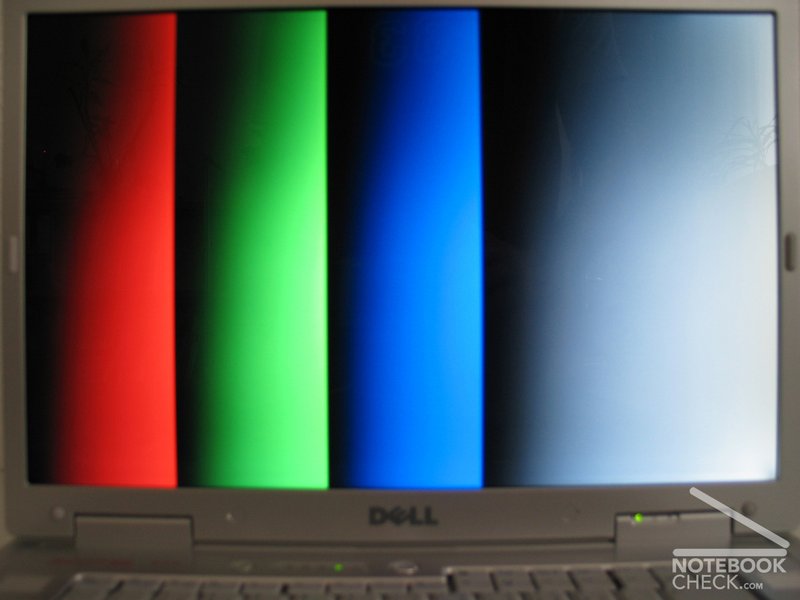
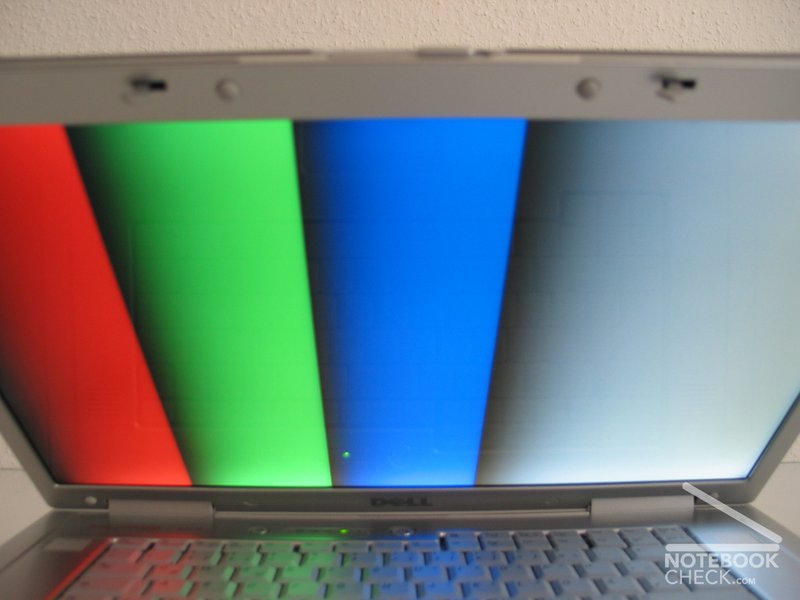
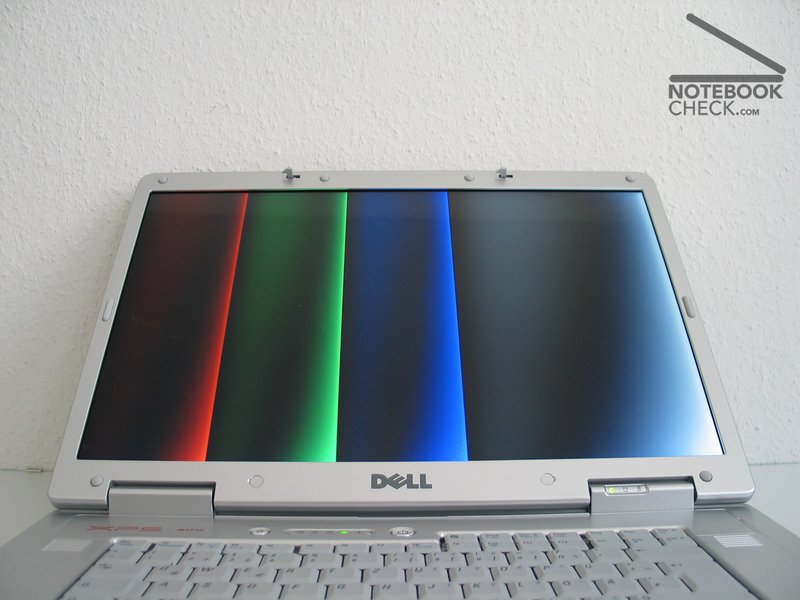
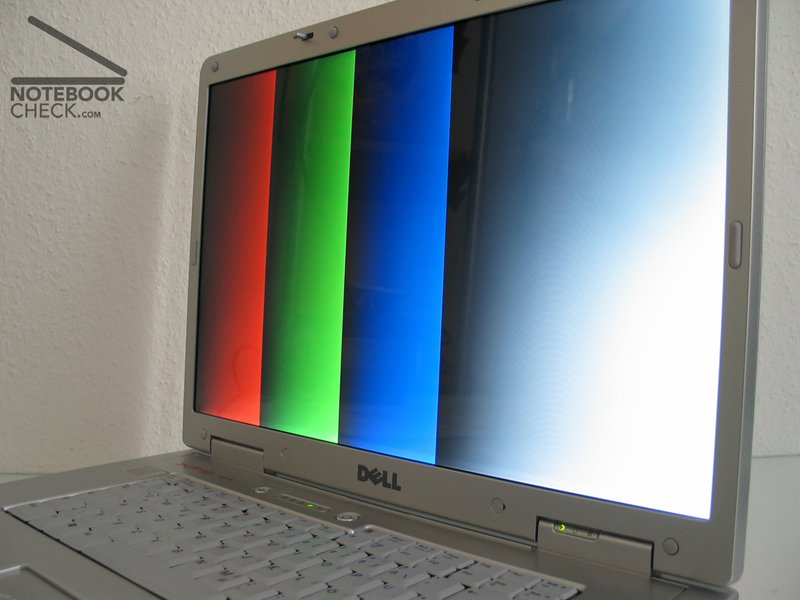
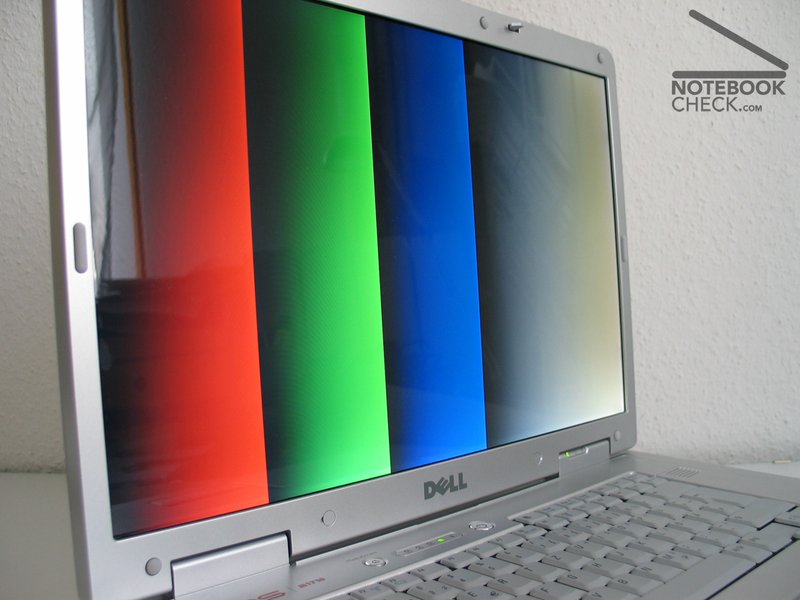
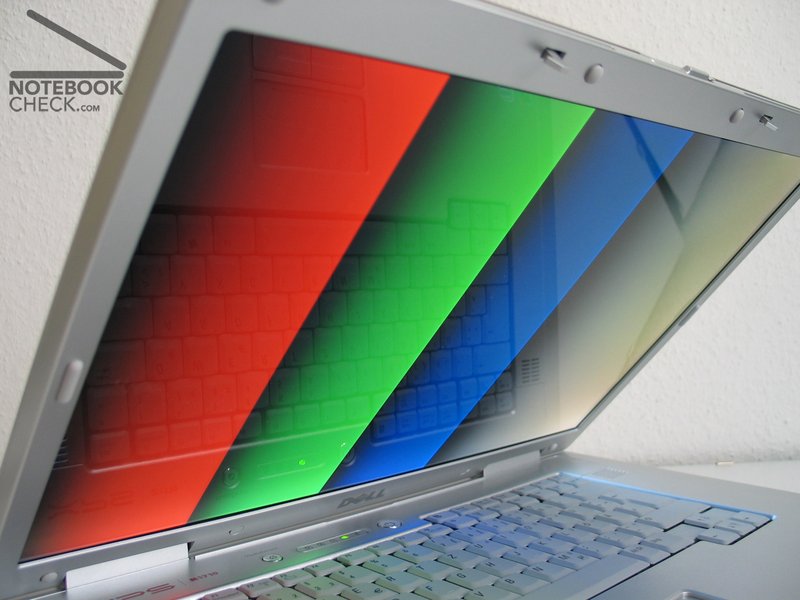
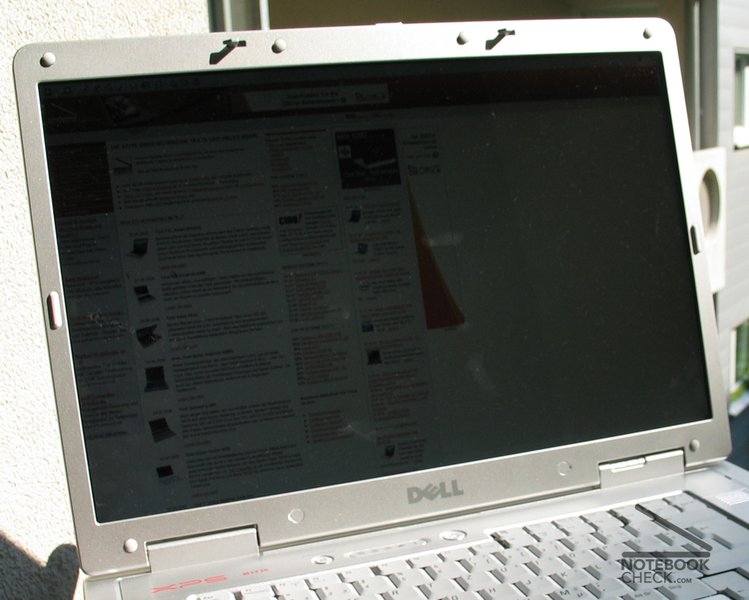
The reflecting 17 inch widescreen display pleases with deep colors and a good brightness of more than 200 cd/m². The maximum contrast of 572:1 (min. brightness to max. brightness) is an evidence this subjective impression. This becomes possible by a mirroring surface of the screen (not roughened up), which can lead to disturbing reflections. Dell calls that TrueLife.
The fine resolution of the 17 inch widescreen with the HD-suited resolution of 1920x1200 has advantages and disadvantages. The fine structures please when programming and during image editing. Unfortunately the Icons in Windows XP become already badly small and if one increases the DPI resolution in the Windows settings, then many menus become unpleasant (unfortunately Windows cannot scale well).
The illuminating of 71.5 % is rather below average, since the left upper corner in our test laptop was clearly weaker illuminated.
The stability of the viewing angles pleases. With lateral view the colors remain stable for a long time, but decrease fast as usual with a view from above and down.
| |||||||||||||||||||||||||
Brightness Distribution: 72 %
Contrast: 563:1 (Black: 0.4 cd/m²)

Performance
Since the Dell XPS M1710 desktop replacement notebook is praised as a gaming laptop, we looked eager for the first performance ratings. After numerous gaming tests we could confirm this. The Geforce 7900GS combined with a fast 2,0 GHz Core Duo accelerates the Dell notebook to a new test maximum output. Better results could only be expected of the 7900 GTX.
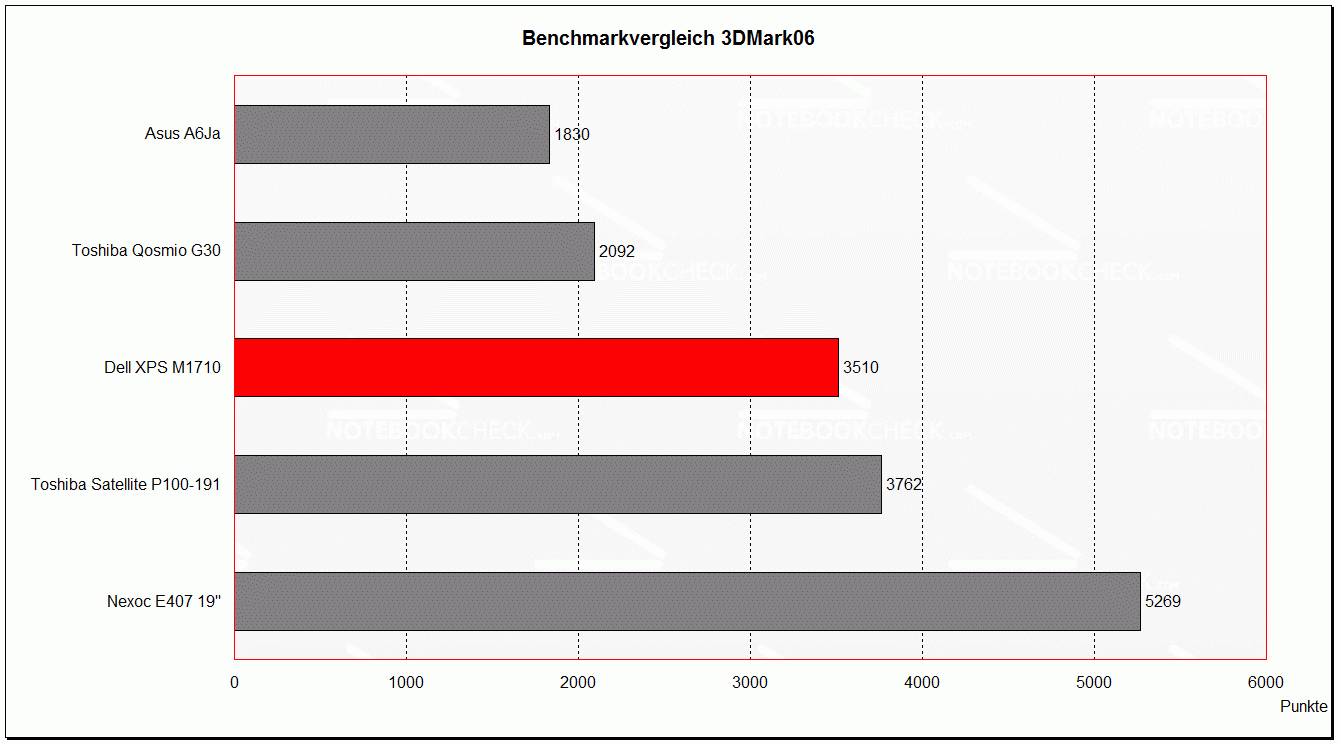
The 3DMark values are scarcely below those of the Toshiba Satellite P100-191. With Doom 3 the XPS M1710 achieved even new peak values in the test, however a strange break-down of the framerate with the setting "low" (smallest details in 640x480 resolution) was measured with repeated benchmarks. With Age of Empires 3 the XPS could represent in the test a multiplayer combat with all details on maximum settings in 1280x800 as the first laptop fluently. Only in large mass battles small interruptions occurred.
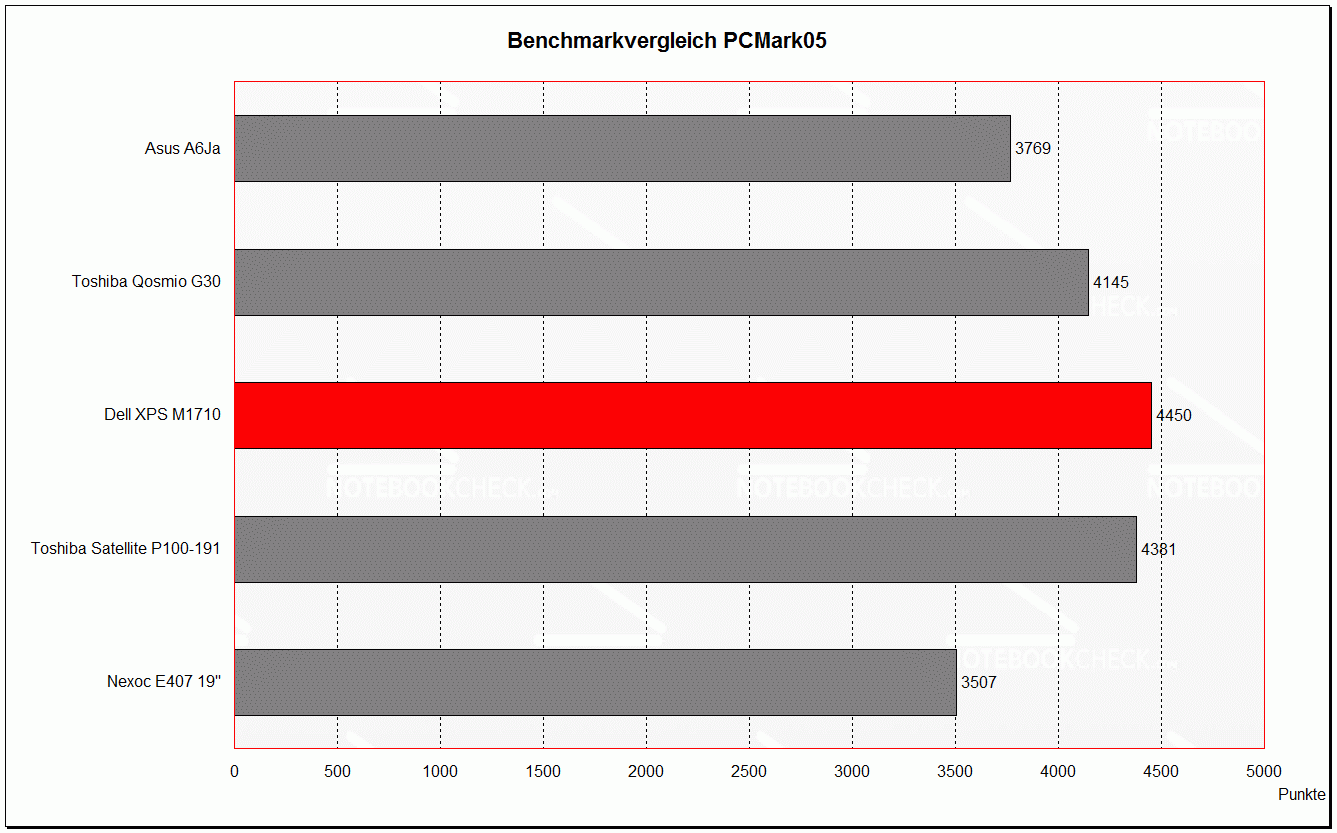
The office application performance was respectable, too. The PCMark05 achieved a new maximum value and shows that the Dell laptop is also suitable for fastidious applications.
| 3DMark 05 Standard | 6337 points | |
| 3DMark 06 Standard Score | 3510 points | |
Help | ||
| PCMark 05 Standard | 4450 points | |
Help | ||

Emissions
The constantly running fan remains accoustic inconspicuous with a quiet noise. Even under full load the noise becomes only a bit louder (max 36 dB) - not unpleasant. With longer load and 25°C ambient temperature, the fan switches to the highest level, which blows with 44.9 dB clearly audibly. Immediately after the end of the load the fan shifts back again.
The rattling of the implemented hard disk is clearly audible and over-sounds the relatively quiet fan with max 40 DB. Without fan (only short after switching on) we measured 33,3 dB (a quiet high frequency whining is audible).
Heat Development
The heat development remains within limits owing to the constantly running fan on the top side. However, the bottom heats up with up to 44°C quite much. Interestingly the temperature is similar with and without load. We could measure scarcely 2°C difference. The top side and in particular the areas in front of the keyboard remain always relatively cool. As this laptop is made for stationary use on the desktop the heat development is not a tragedy.
Upper side
palmwrist: 30°C max: 36°C avg: 32°C hotspot: rechte Seite der Tastatur
Bottom side
max: 44°C avg: 38°C hotspot: mittig
environment: 25
Battery Runtime
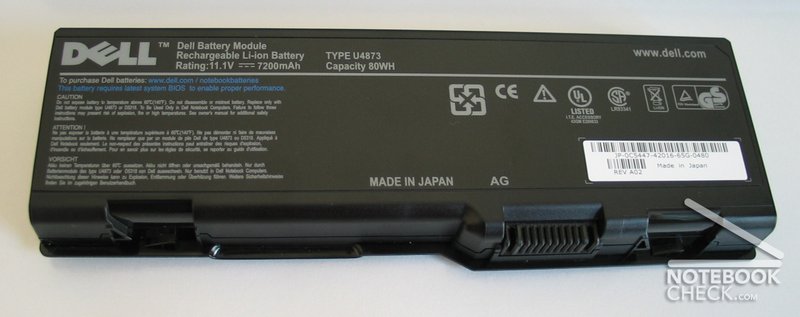
The battery runtime of the Dell XPS M1710 is exactly in the center of all notebooks tested by Notebookcheck. This owes the desktop replacement to the more economical GS variant of the 7900 video card and the Core Duo. Nevertheless 81 Watts maximum energy need is not few. Owing to the large battery the XPS wins clearly against the direct competitor Toshiba Satellite P100-191 (e.g. 188 to 145 minutes with the Reader Test). Here the measured values:
Batteryeater Reader (without LEDS, text reading with minimal brightness): 188 minutes (=3h 8min)
with LED illumination: 170 minutes (2h 50min)
Batteryeater Classic (full load with maximum brightness + WLAN): 82 minutes (=1h 22min)
Current Consumption
minimum (min. brightness, all off): 30,7 Watts
idle (max. brightness inkl. WLAN) 38.3 - 38.8 Watts (>40 Watts with harddisk access)
without WLAN 37.3 Watts
maximum (WLAN on, max. brightness, full load) up to 81 Watts (70 Watts at average)
Fazit
Our conclusion - Dell does not lie - the XPS M1710 is a good gaming notebook. The performance data and the good display make a pleasant game pleasure possible. Furthermore the good interface equipment and input devices contribute to the good impression.
Nevertheless the small monster from Dell can't be called mobile. A use at the lap is not really pleasant because of the size and the weight. Also carrying it a long time is fastiguing. However, who looks for a replacement for his desktop will probably find a suitable partner with the Dell XPS M1710.


 Add as a preferred