Test Toshiba Satellite P100-191
After the P100-102 we now had the opportunity to test the identically constructed Toshiba Satellite P100-191 with a Nvidia Geforce 7900 video card. Thereby articularly performance data of the graphics chip were of large interest.
NOTE: Since the Toshiba P100-191 is identically constructed like the P100-102, which already is tested by us, non specific illustrations and text passages are identical with this review.
Case
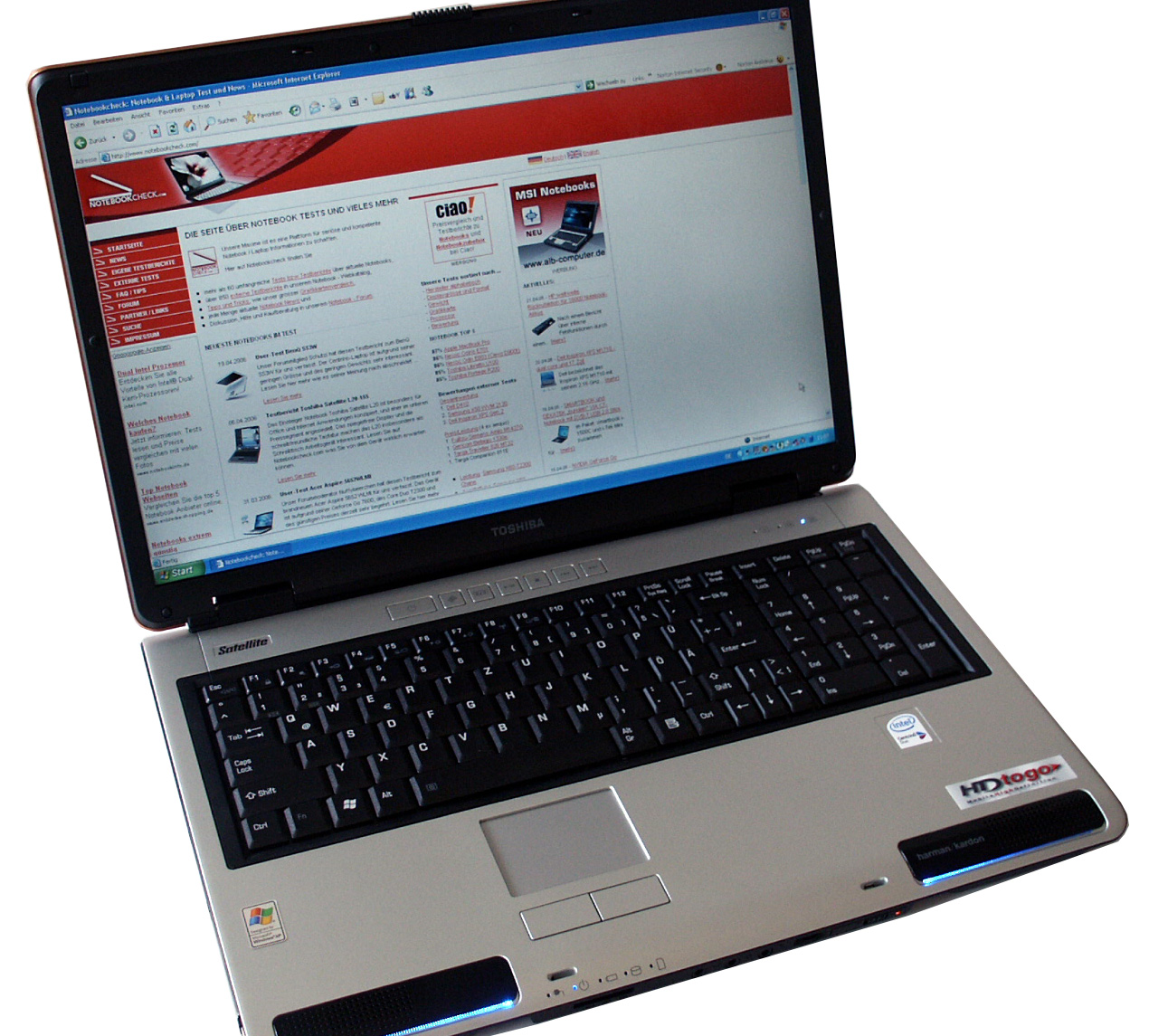
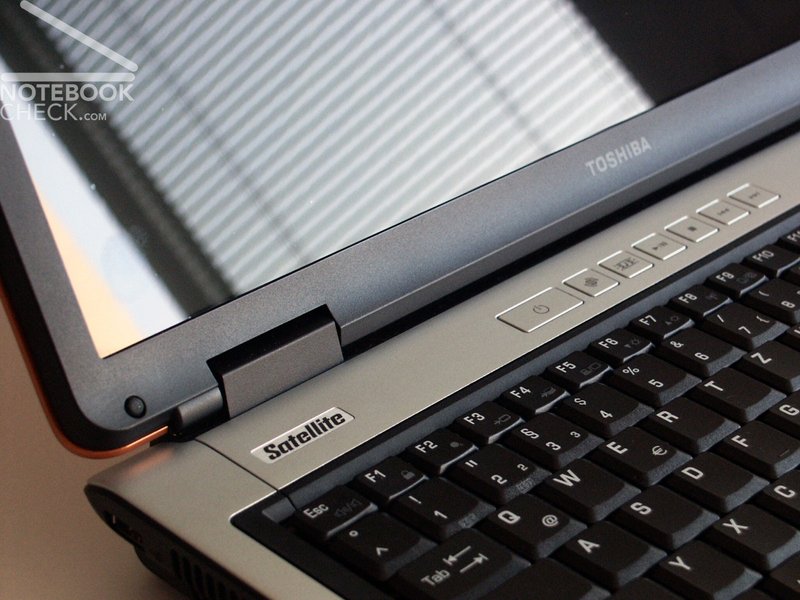
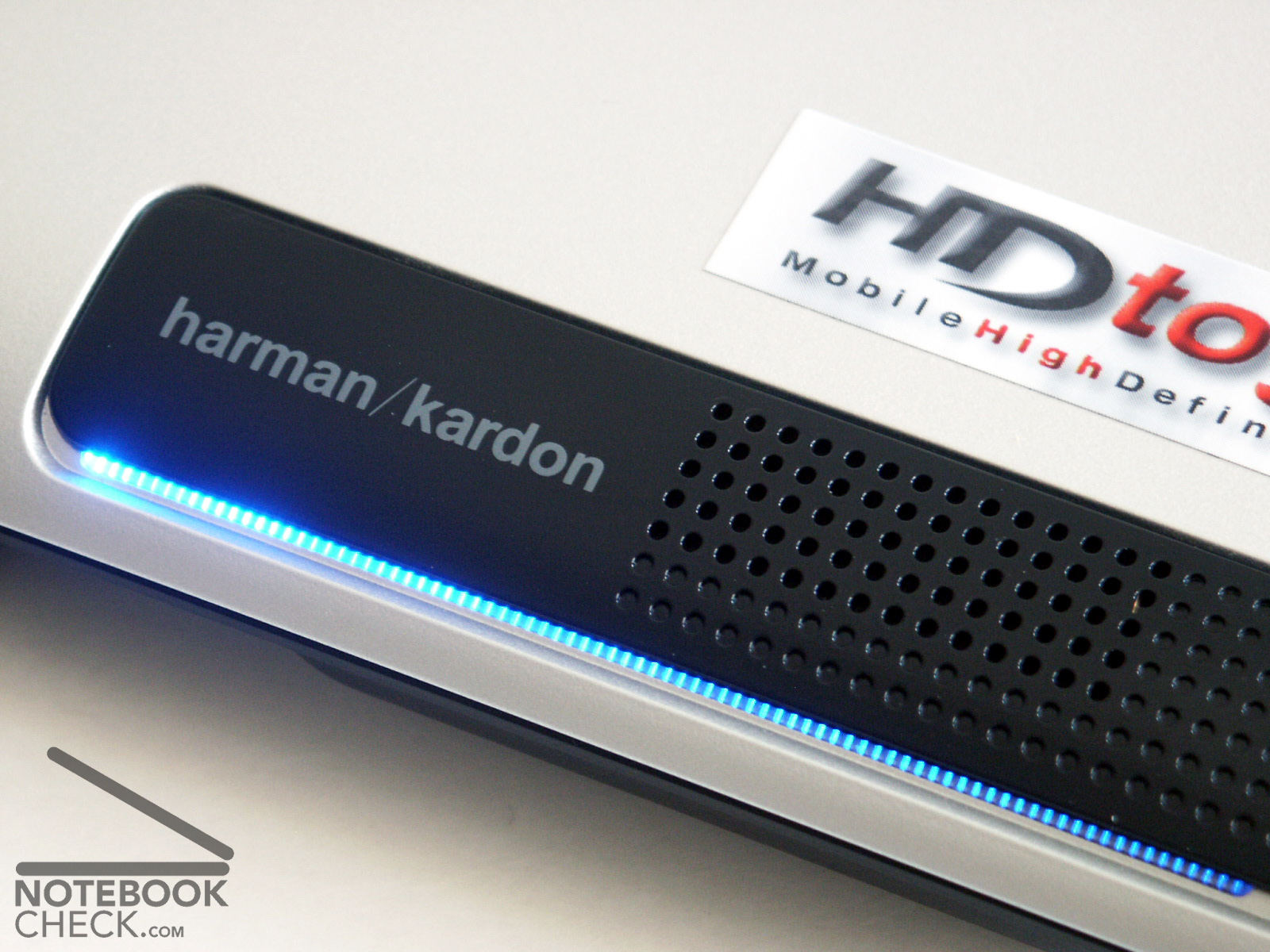
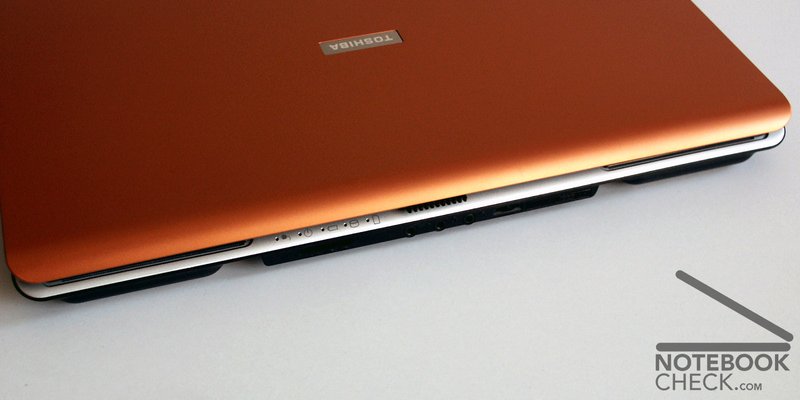
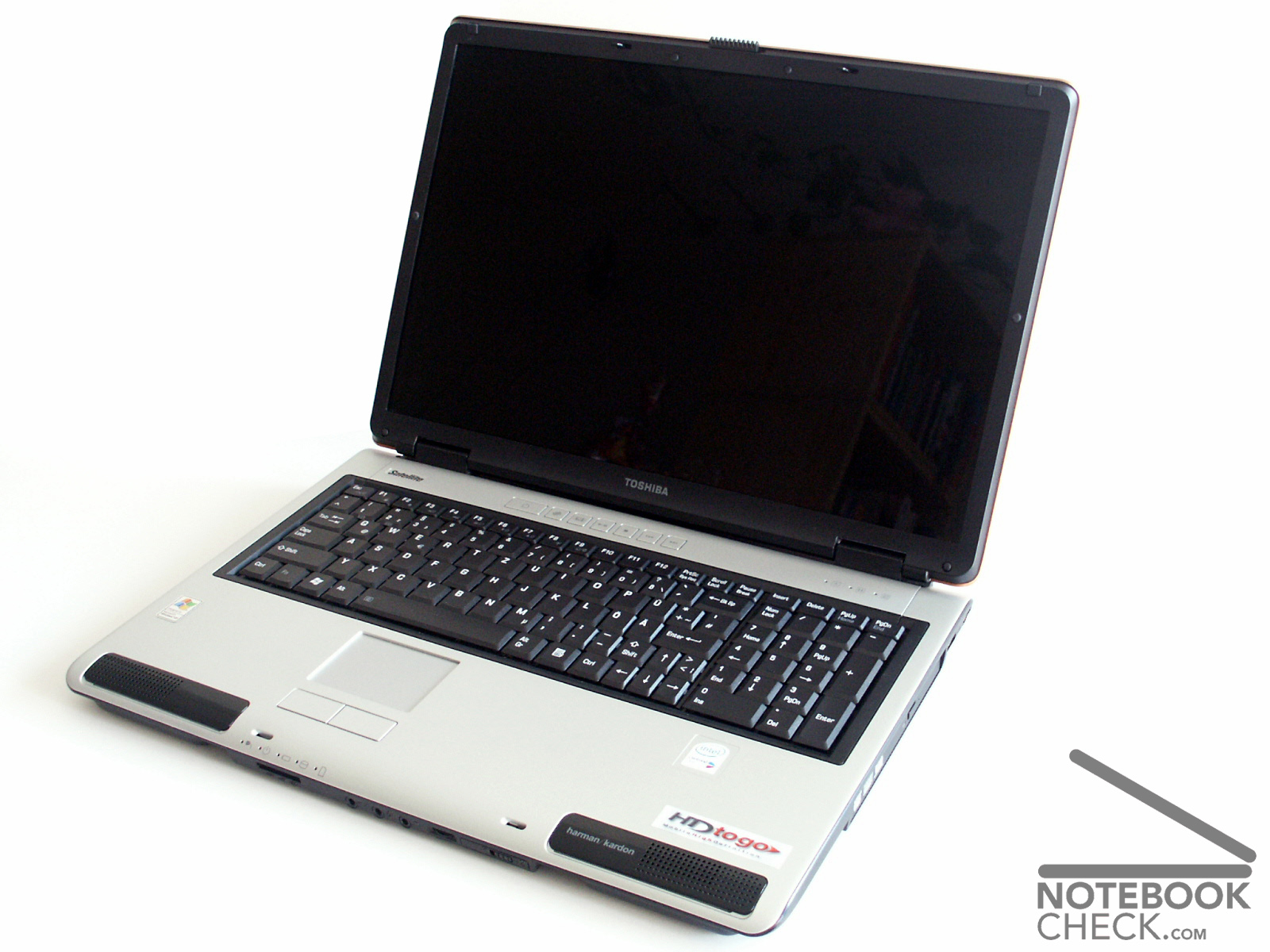
The design of the case is dominated by the typical Toshiba alignment. Particularly accentuated are the Harman/Kardon boxes at the front edge of the Satellite, which are impressively lit up by means of LED.
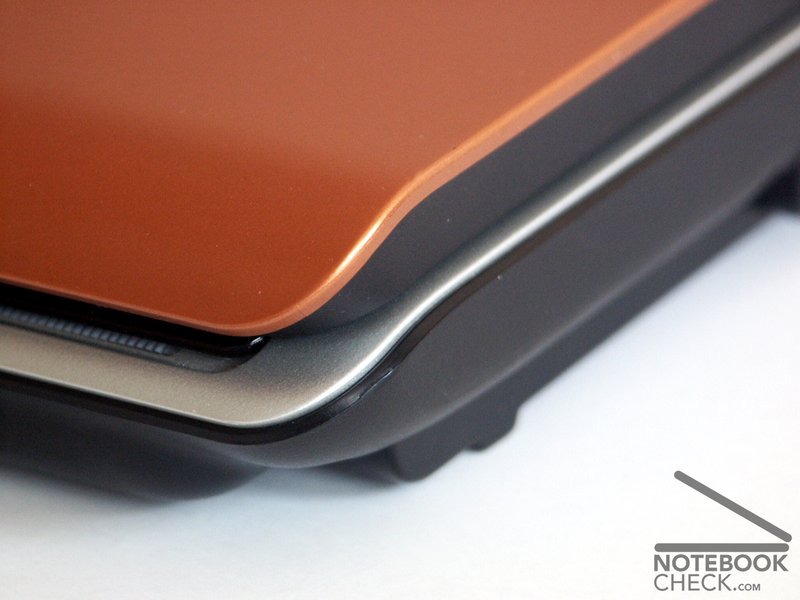
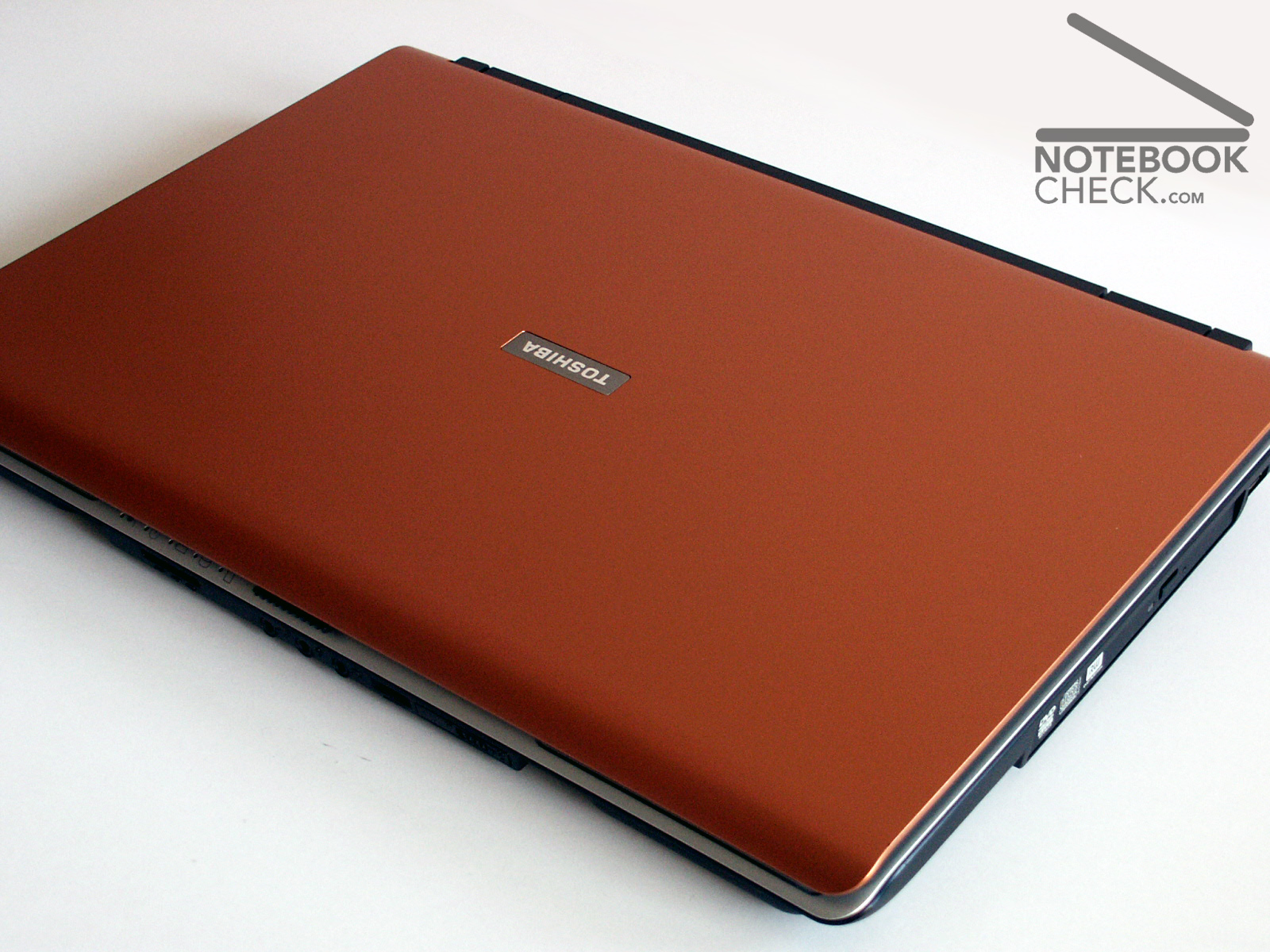
The laptop is coloured in silver and black. The display cover in orange/brass colour is a question of taste, I personally I think it's ok. The case is manufactured exclusively in plastic, which however throughout leaves a high-quality impression.
The workmanship is clean and remains without objections. Crunching or deformations with pressure on the case could not be determined.
Two not equal large gaps on the left and on the right side above the keyboard are a small fault.
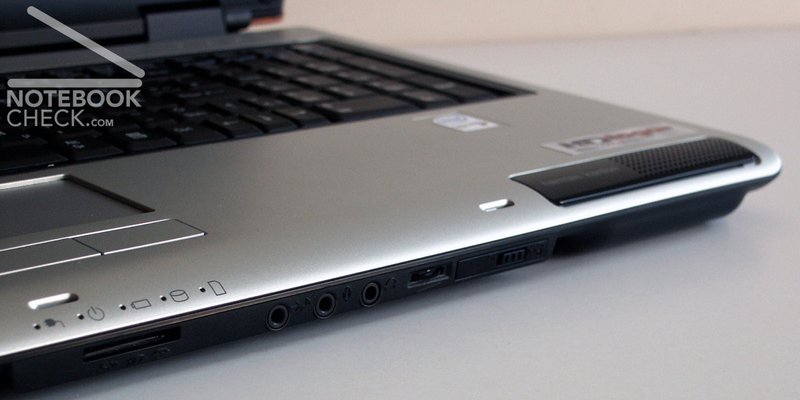
The P100 offers a volume regulation wheel and a somewhat wobbly WLAN switch at the front of the laptop.
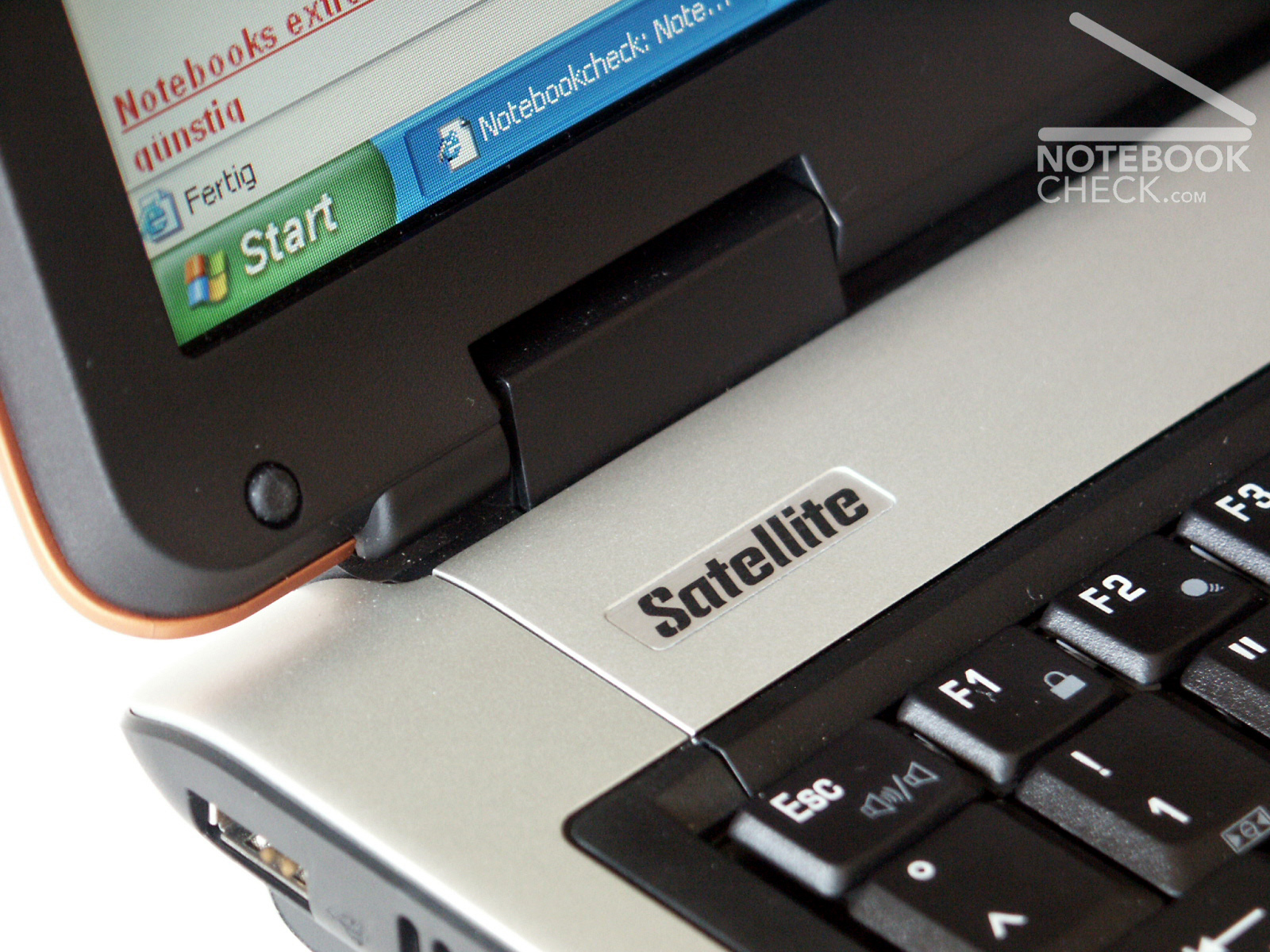
The double hook closure system works precisely and closes the display properly matching and can be handled user-friendly by a slidegate with a rough surface. The hinges permit a wobbling of the display. That's a negative aspect.
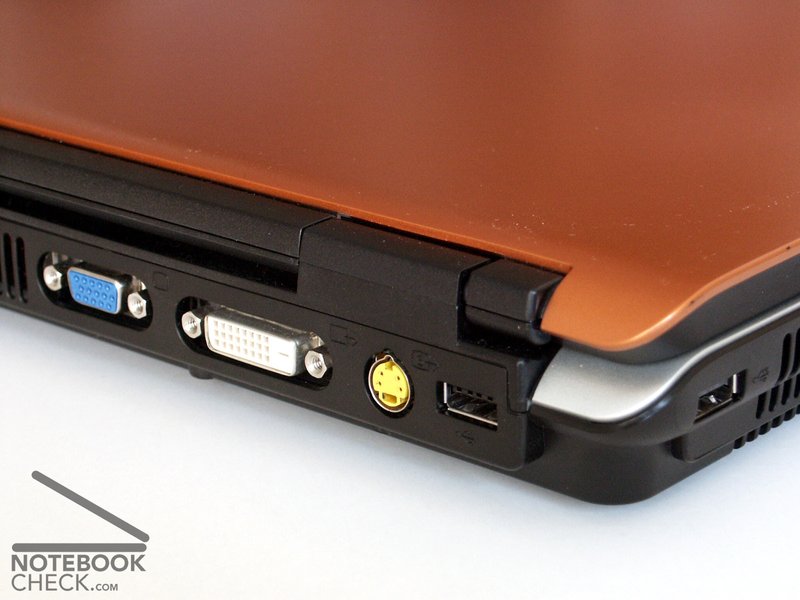
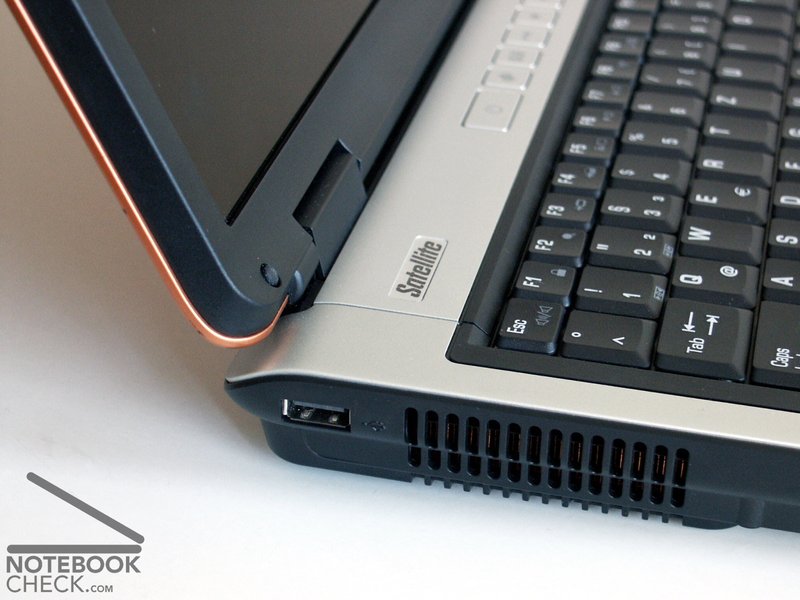
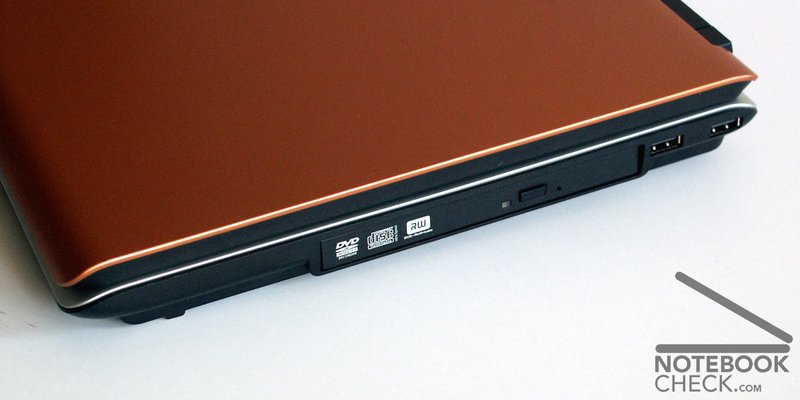
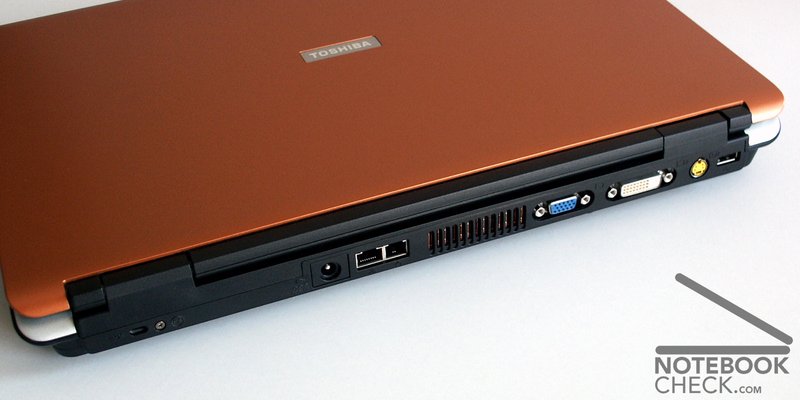
The offered connections, in particular the four USB 2.0 ports, are well distributed. All image output interfaces such as s-video, VGA out and DVI are placed intelligently at the back of the laptop. The audio ports are central at the front edge.
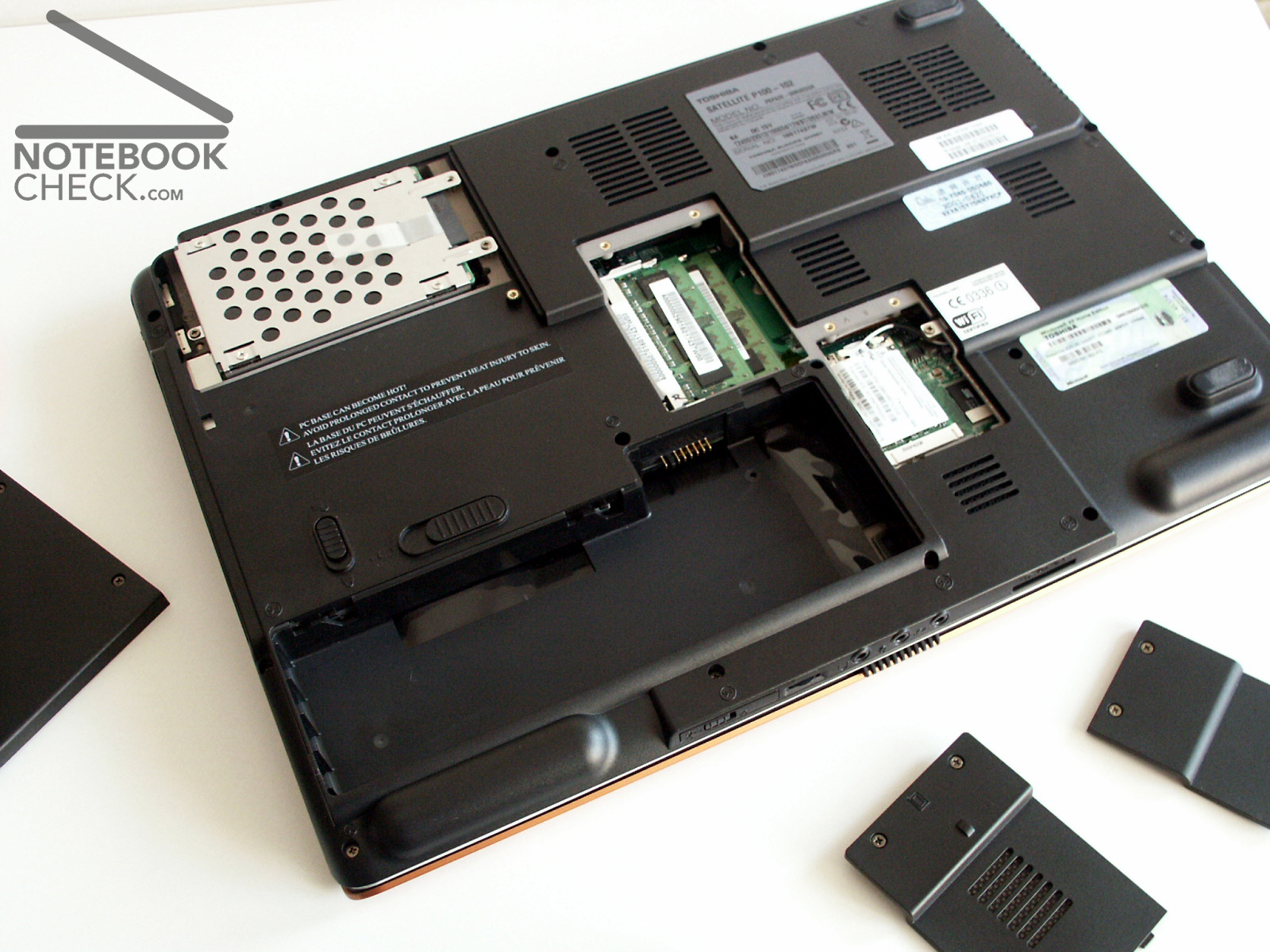
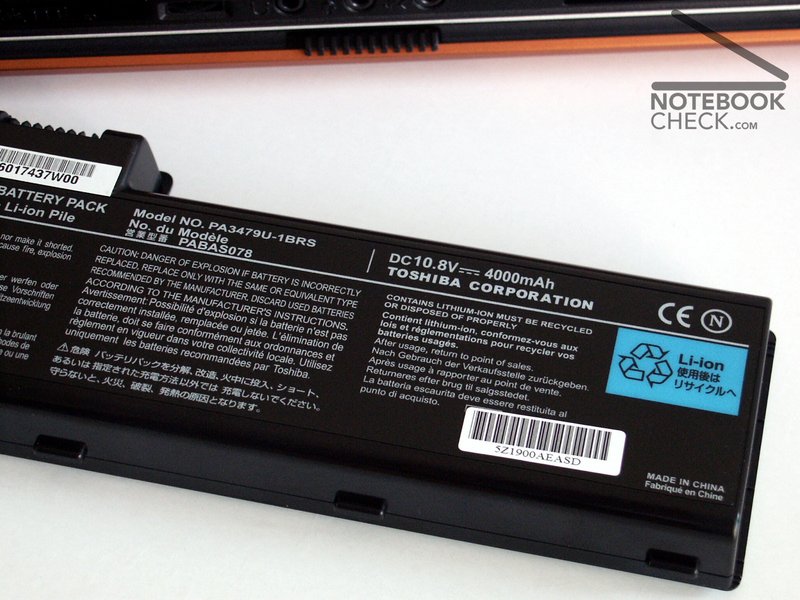
Further noticeable was the battery, which is provided with a foot. Once again this problem was solved by an additional plastic foot, which keeps the laptop safe in the balance during the operation without battery.

Input Devices
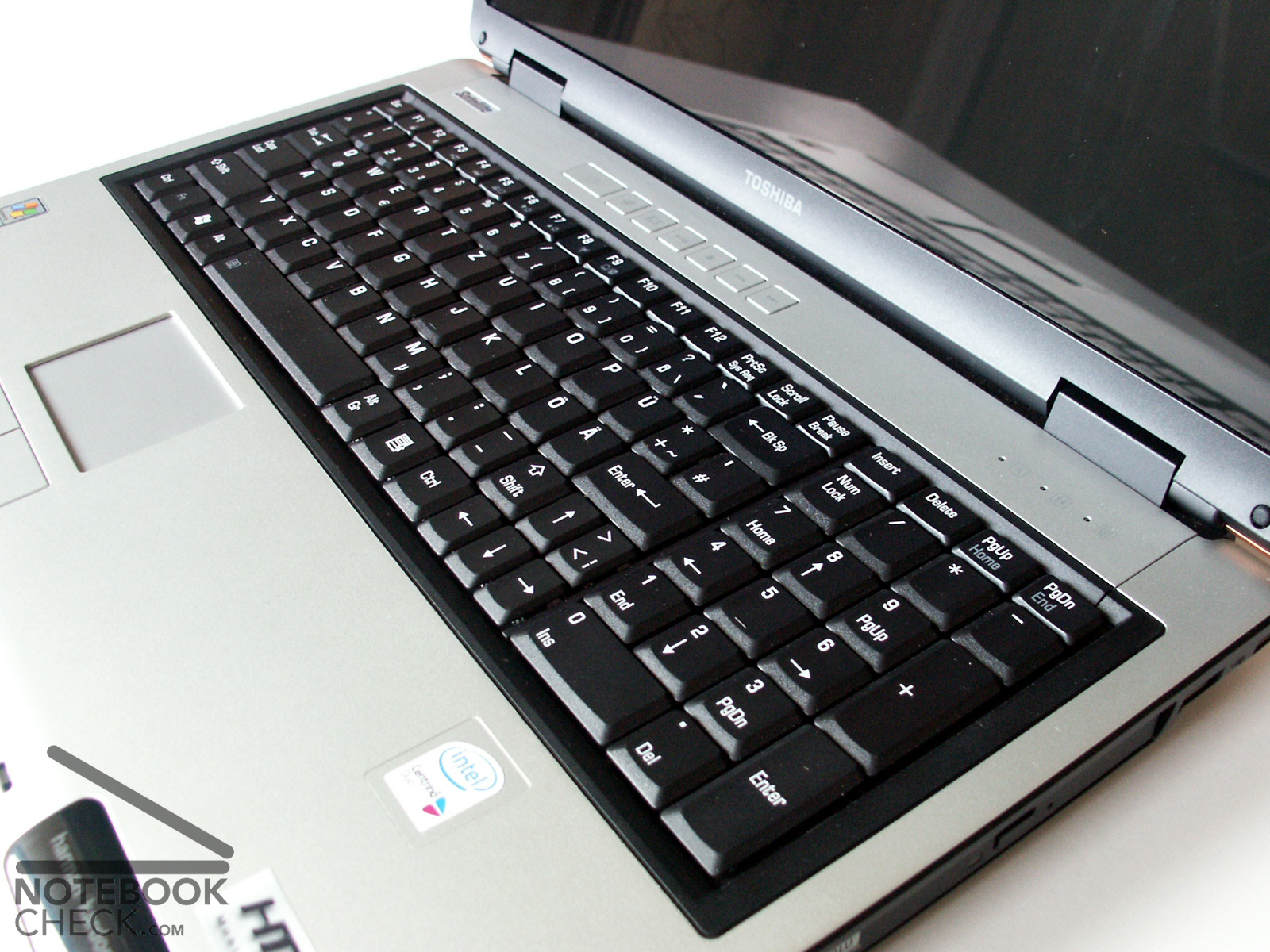
Due to the arrangement of a complete additional num-block the available surface of the 17 inch mobile computer is completely used. Unfortunately the keys at the right keyboard side (. - ä ö ü and cursor keys in the German keyboard order) were implemented quite narrowly and require exercise from the user to be hit exactly.
In principle the keyboard is well inserted in the chassis. In the area of the DVD drive assembly and/or the NUM block powerful pressure can cause few deformations.
The keys don't wobble, and also the pressure feeling is ok when tapping. Nevertheless we could observe - however rarely - that a letter was omitted when tapping.
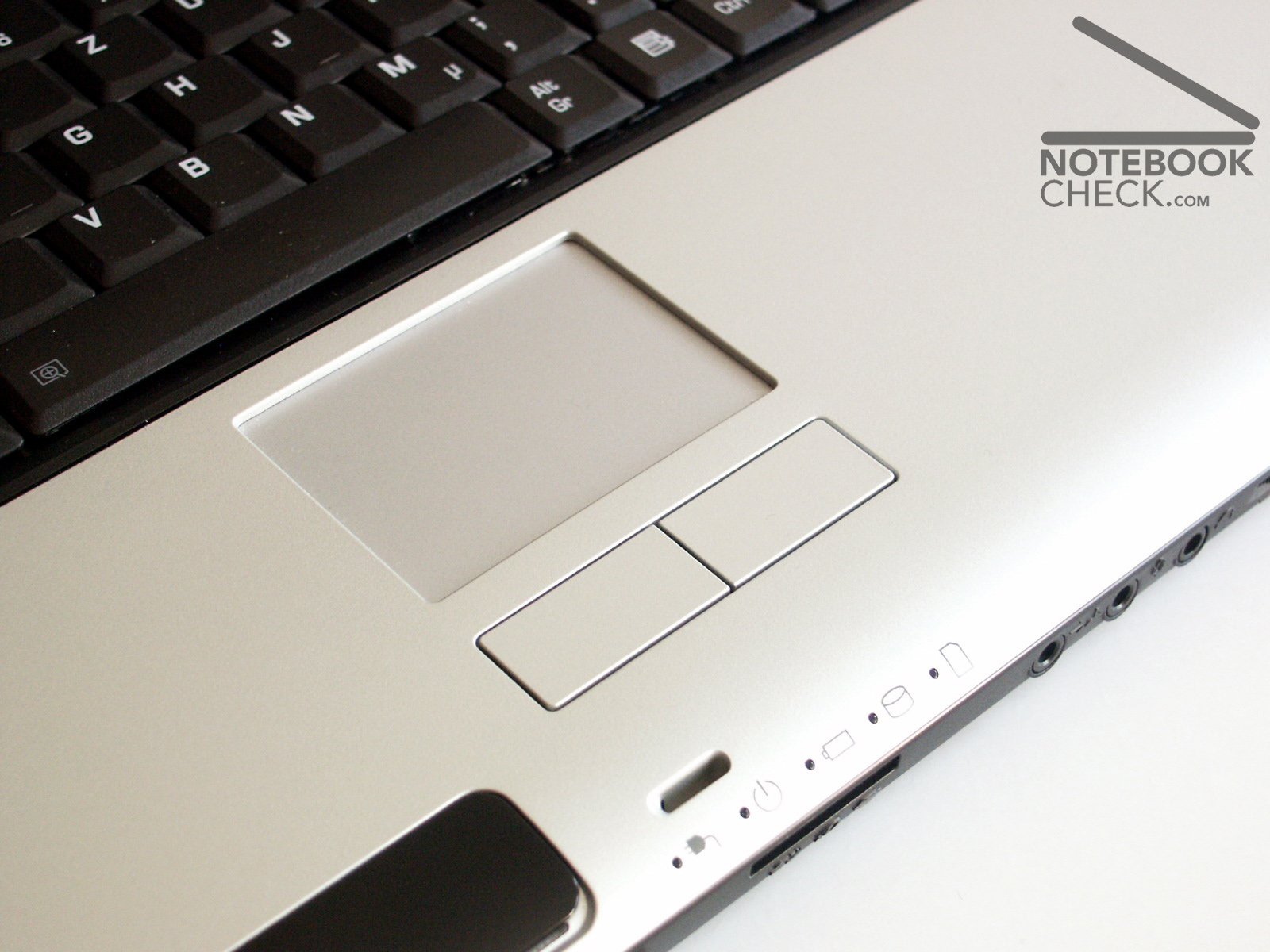
The touchpad responded well, and could be used precisely. Some habituation is needed when using the two associated keys, which, according to my opinion, need too much pressure to respond. Also the about 3 millimeter high frame border of the touchpad is irritating at the beginning.
As auxiliary keys there are a browser key and a mediaplayer key, as well as mediaplayer control keys offered, which can be configuated by means of enclosed software very easily.
Display
The display of the Satellite P100-191 fared in the test somewhat better than that one, which was implemented in the P100-102. Both, illuminating slightly above average with 82.5%, and the maximum brightness with 150.6 cd/m² are clearly better than with the P100-102.
Nevertheless, if these displays are constructed identically, then the difference might be found within certain existing production tolerances.
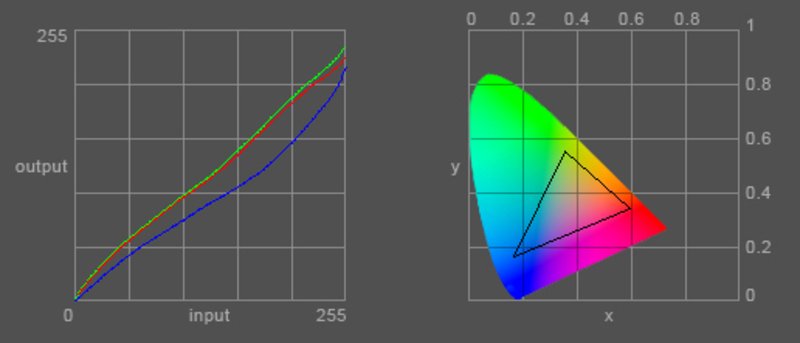
The diagram of the color representation shows a clear deviation of the blue curve with a resulting warm color reproduction of the display in contrast to the P100-102.
| |||||||||||||||||||||||||
Brightness Distribution: 82 %
Contrast: ∞:1 (Black: 0 cd/m²)
With the test of susceptibility for the creation of streaks by means of the Pixperan readability test we could not determine anything remarkable with reached level 6 as with the P100-102.
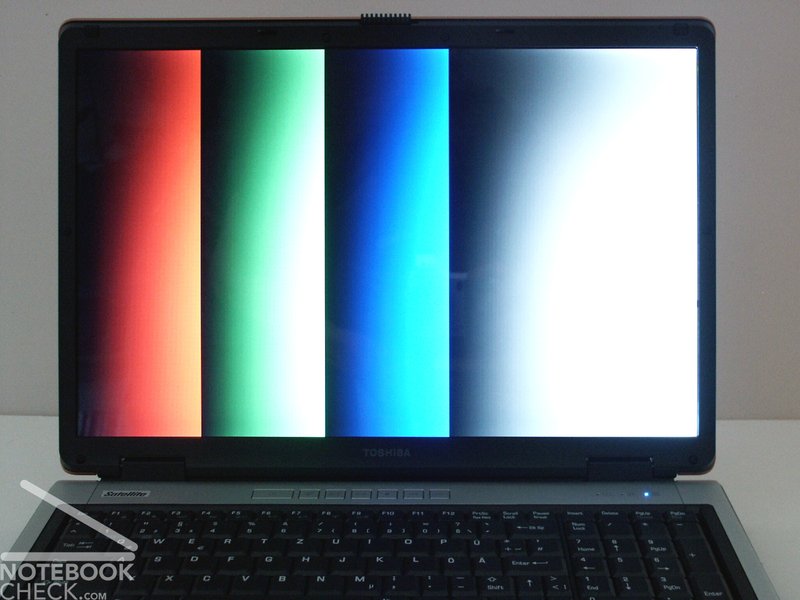
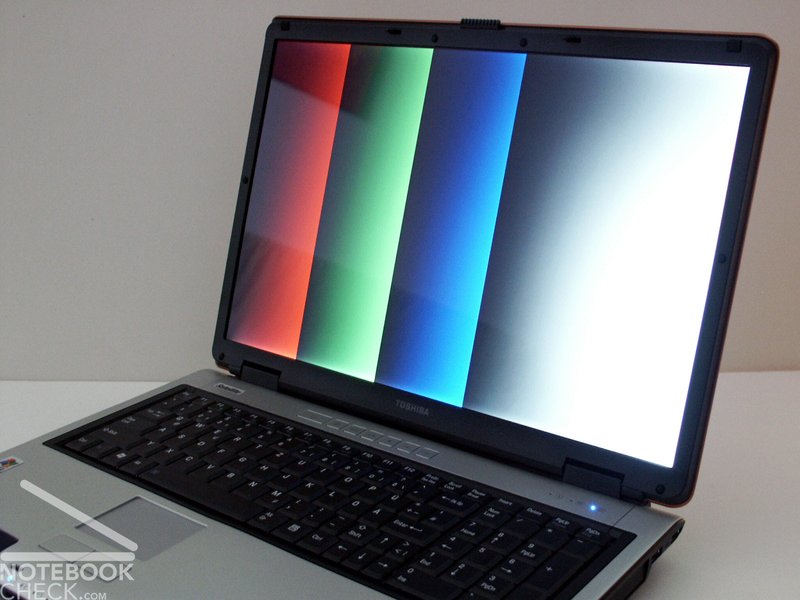
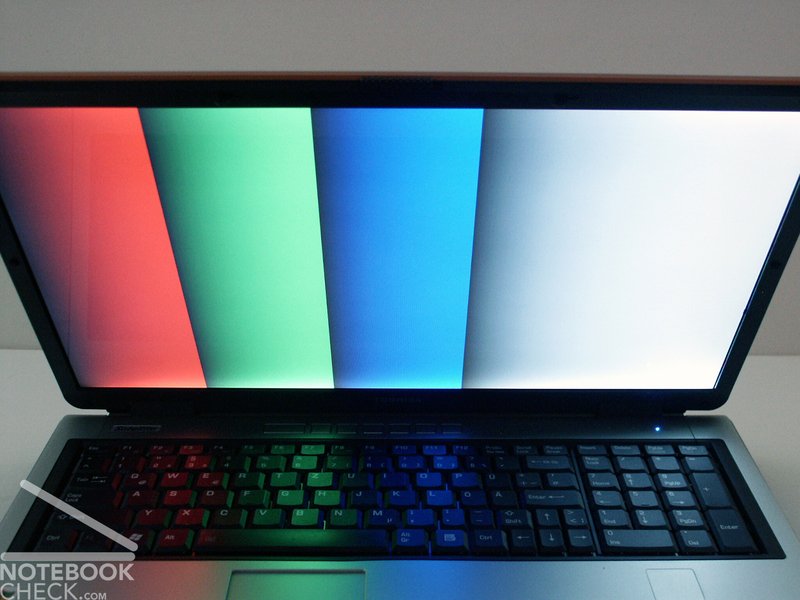
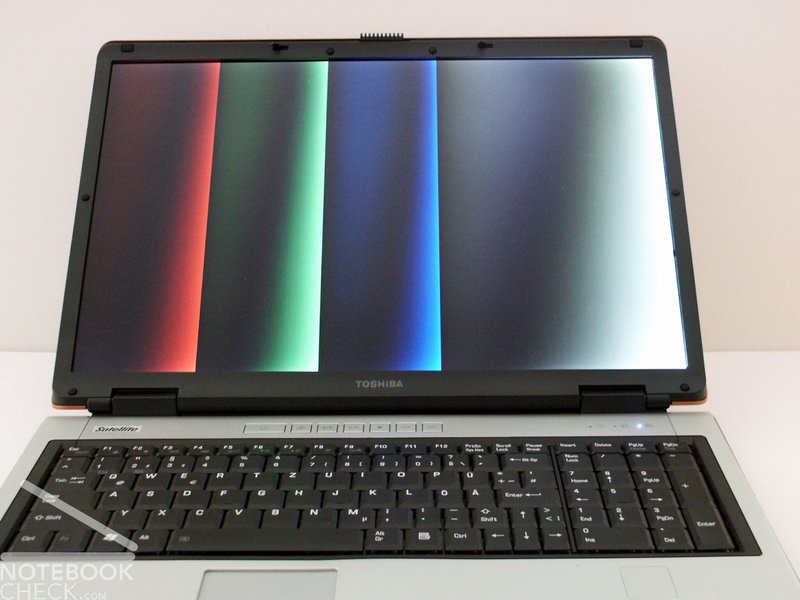
Basically, the display can be described as moderately point of view stable. Within the horizontal range the legibility is only limited by the arising reflections particularly with strong changes of the viewing angle. Vertically the image is clearly darkening when tilting the display to the back.


Performance
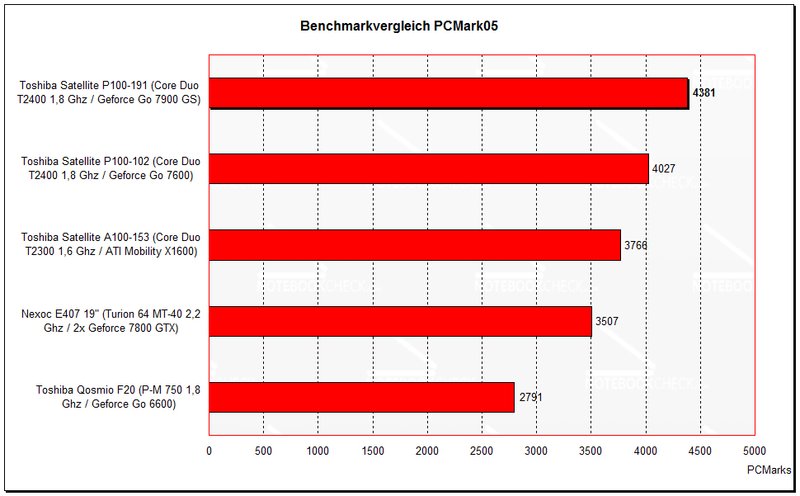
Especially with office application the Core Duo T2400 rules. With achieved 5655 PCMarks04 and 4381 PCMarks05 the Satellite P100-191 results clearly better than the P100-102 because of the more efficient video card.
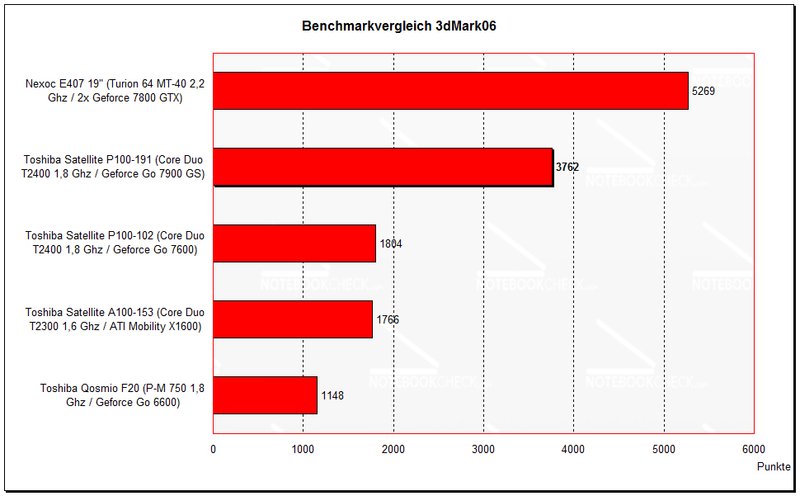
In the 3D segment there is an obvious advantage of performance compared with a Geforce 7600 or a Radeon X1600. Compared with all notebooks, which have been tested by us, only the Nexoc E407 SLI with two Geforce 7800 GTX video cards was better.
| 3DMark 2001SE Standard | 23627 points | |
| 3DMark 03 Standard | 13814 points | |
| 3DMark 05 Standard | 6159 points | |
| 3DMark 06 Score Unknown Setting | 3762 points | |
Help | ||
| PCMark 04 Standard | 5655 points | |
| PCMark 05 Standard | 4381 points | |
Help | ||

Emissions
Warmth
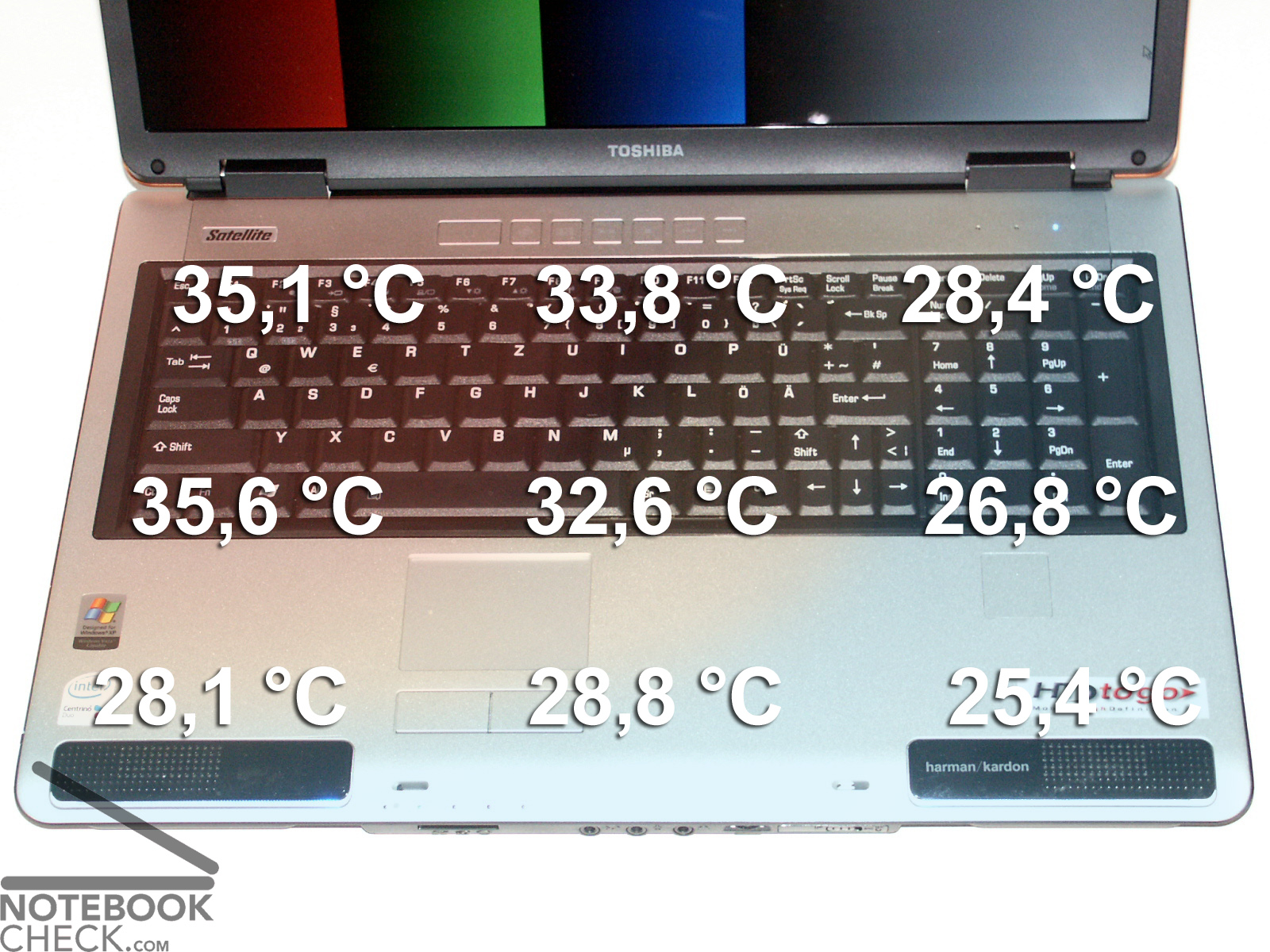
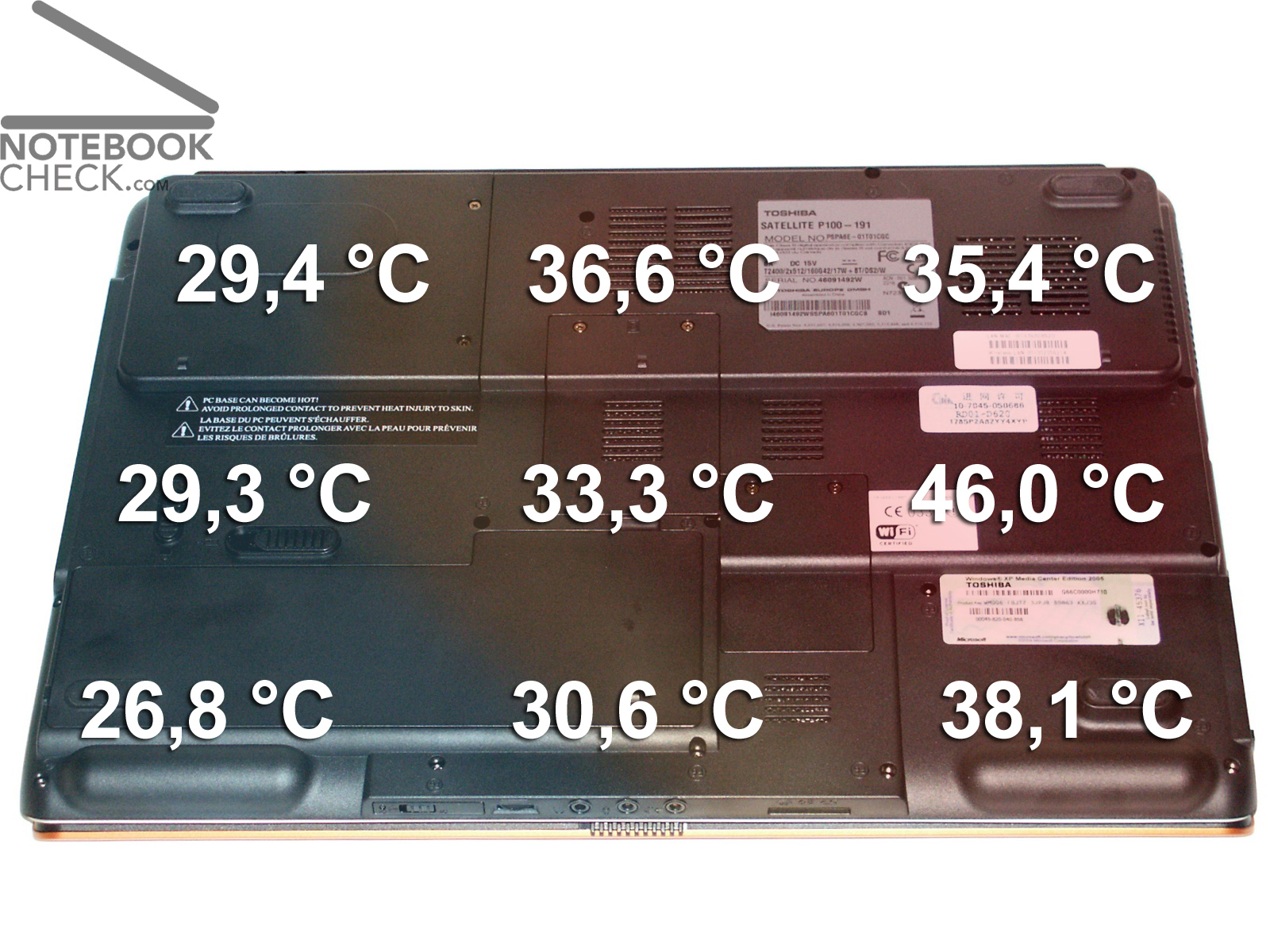
The P100-191 presents itself clearly warmer than the 102 version of the Satellite P100 in the test. Up to maximally 46.0°C could be measured at the bottom of the notebook. Due to the same implemented processor therefore above all this heating up can be attributed to the Geforce 7900 GS video card.
Volume
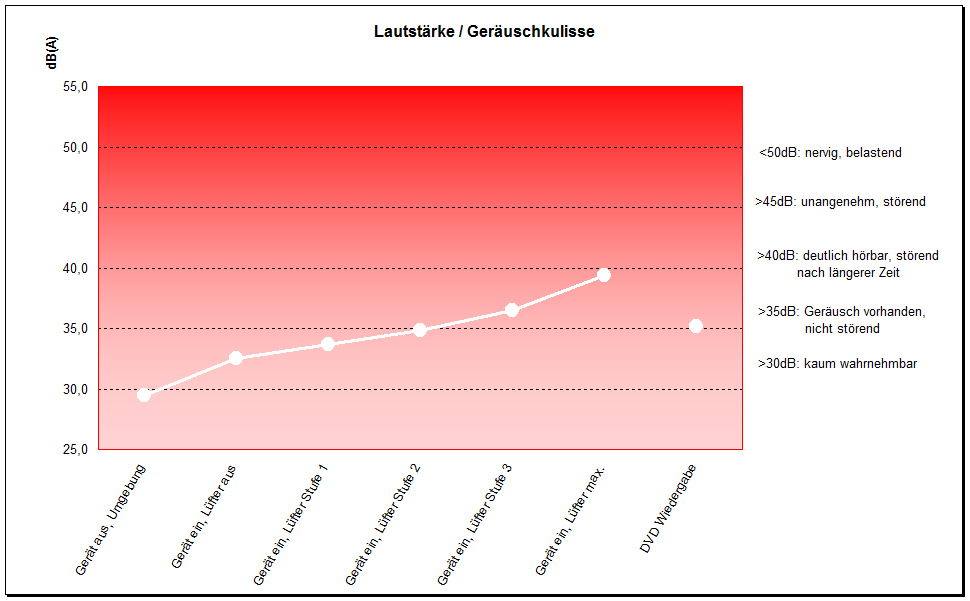
Also the noise emissions register an audible increase: The P100-102 was hardly audible in the idle operation, furthermore the P100-191 does not causes a disturbing noise (33.7 dB) with low load. However, even when limiting the video card to minimum performance the fan starts again and again.
Under load we could measure a maximum volume of 39.1 dB, which is more than acceptable considering the performance.
The DVD drive assembly remains acceptable with 35.2 dB during the playback.
Loudspeaker
The Satellite P100 is equipped with Harman/Kardon loudspeakers, which offer quite good sound. They cannot keep up with those of the Qosmio F20 (particularly within the low-frequency range), but they are very good compared with conventional speakers.
Some useres told about sound interruptions. We could not determine anything like that in the games, which we tested.
Battery Runtime
The Toshiba Satellite P100-191 is equipped with a battery with 4000 mAh capacity. Due to the performance-oriented hardware and 17 inch display the determined runtimes were not very good.
Battery Eater Readers test - corresponds about the maximum running time
(min. brightness, WLAN off, current savings functions)
achieved battery runtime: 2h 25min
Battery Eater Classic test - corresponds for instance to the minimum running time
(all max., WLAN etc.)
achieved battery runtime: 45min
WLan operation
(max. brightness, WLan on, current saving on)
achieved battery runtime: 1h 59min
DVD Wiedergabe
(max. brightness, WLan off, current saving on)
achieved battery runtime: 1h 50min
current consumption
minimum (all off or at minimum): 32,6 Watts
idle (max. brightness): 42,6 Watts
maximum (full load inkl. WLAN): 80,8 Watts
Verdict
The Toshiba Satellite P100-191 is a very compact multimedia notebook, which particularly can score in the gaming segment. The Geforce 7900 GS offers an outstanding performance.
Despite of the 17 inch display and a sumptuous hardware equipment the notebook remains with its 3.5 kg very mobile, and can be carried often, owing to a durable, compact construction.
The noise ambience is clearly perceptible at any time, but even with full load it remains tolerable.
Also the 17 inch display was a little bit better then with the tested P100-102. It is acceptable except an instability of the point of viewing angle.
Up to some small details, which perhaps disturb some people (smaller processing weaknesses, keyboard layout/numeric block, somewhat slower hard disk) the Toshiba P100-191 is a good laptop for the ambitious gamer.