Review HP Compaq nc8430 Notebook
Executive Assistant. The Hewlett-Packard Compaq nc8430 is a high-performance business notebook, which has besides calculation power also graphical power, because of its ATI X1600 video card. A non-reflecting display, first class input devices and a fingerprint reader complete the offer.
Case
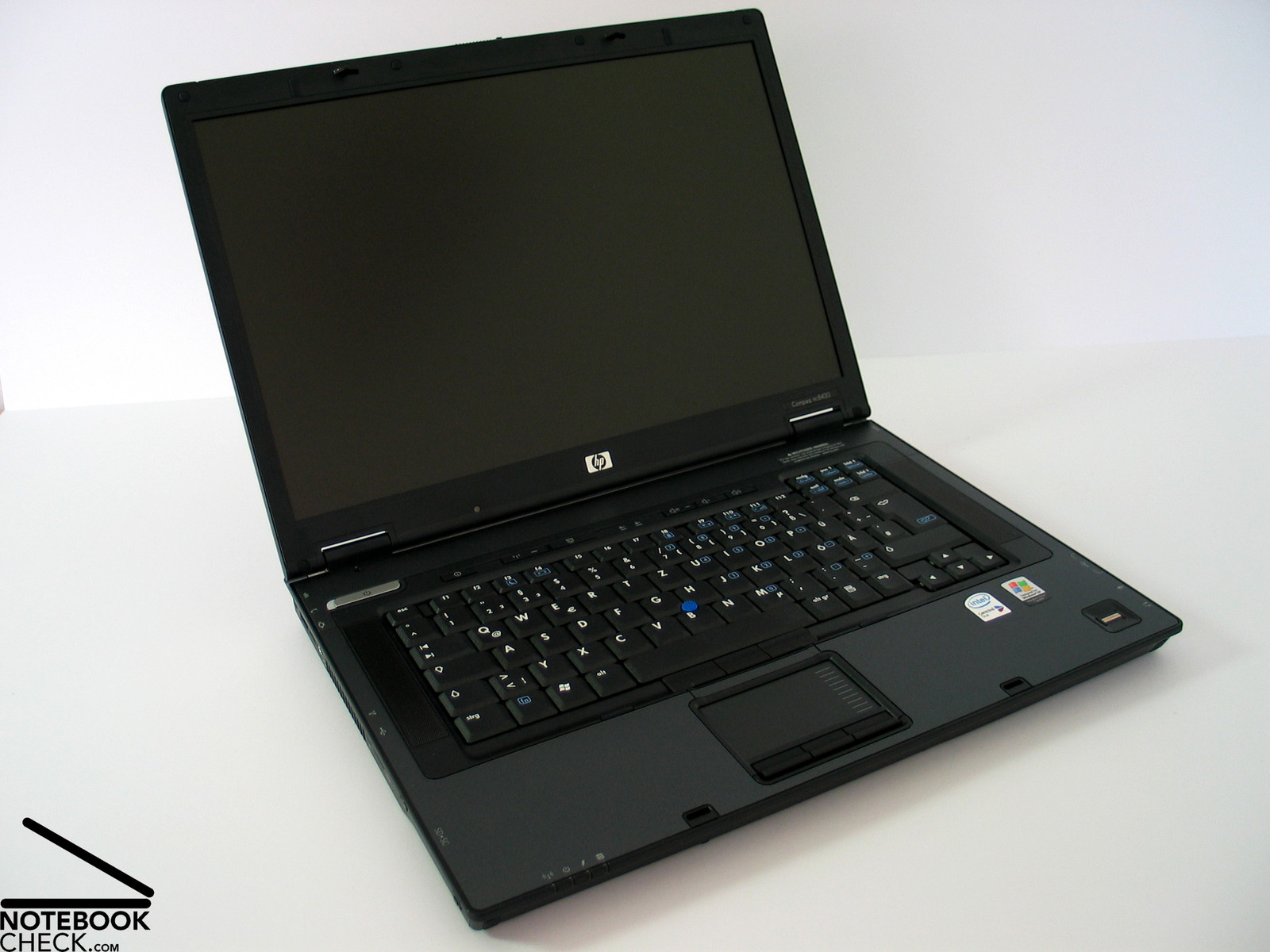
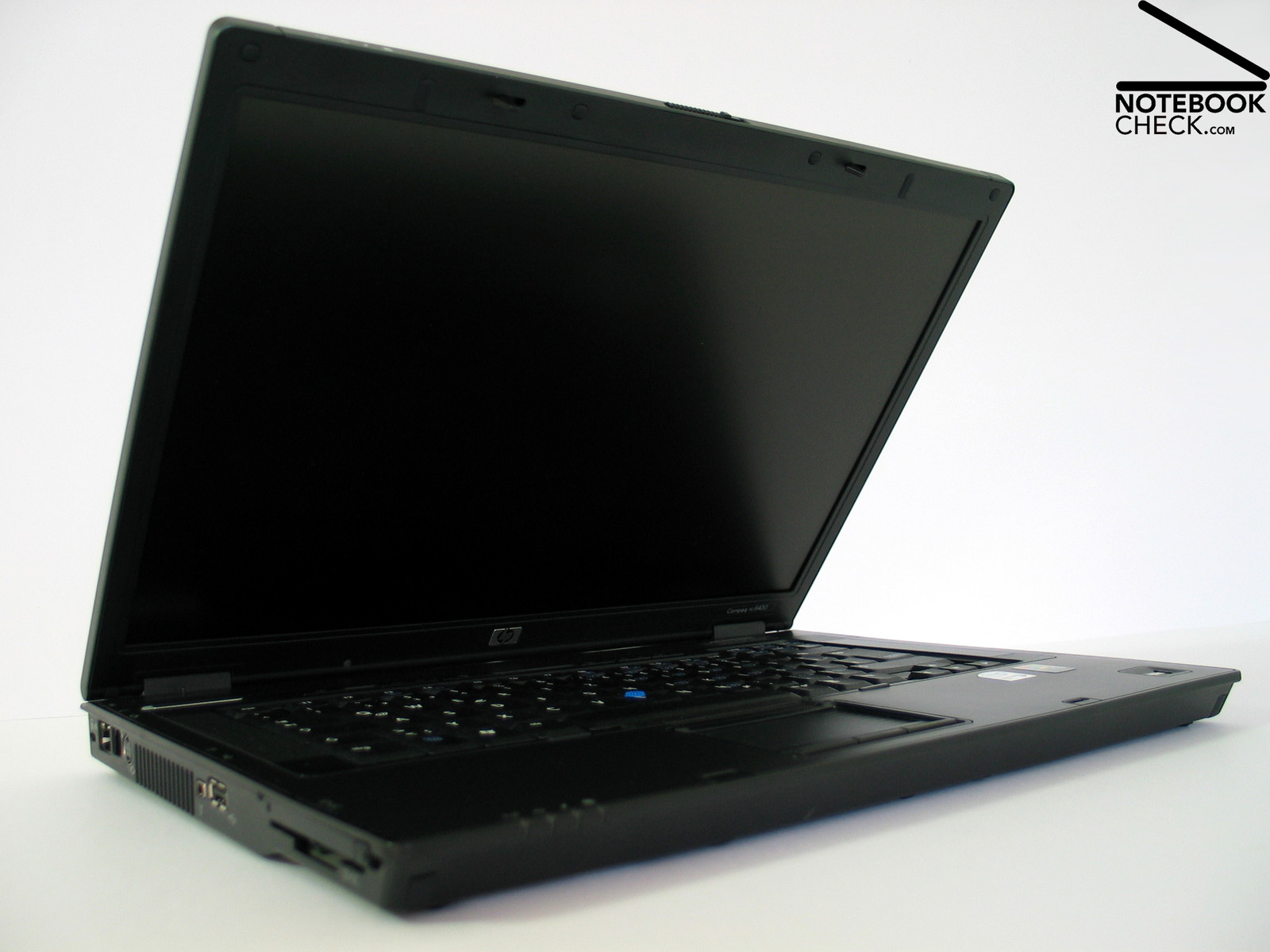
Somehow HP Compaq reminds me on the good old Thinkpad notebooks. However, I can't tell exactly why. Maybe because of the Trackpoint in the middle of the keyboard, which, however, is not red, but blue? Or perhaps, because of the serial port at the right side of the notebook?
Probably, because of its black in black design with black highlights...?
Joking aside, Compaq nc8430's design stresses its position in the notebook market: Videlicet, everywhere, where busy people wearing gray suits or black costumes work in big office buildings. Guessed right: Compaq is not only a business notebook, it also looks like one.
The notebook's surfaces feel first-class. A part of the case is out of magnesiumm alloy, which stands for highest stability, low weight, and additionally, feels good. A special coating method protects the region near the keyboard at the upper side of the notebook from scratches, and avoids fading of the imprinted symbols.
Under pressure the case can be slightly deformed and picking it up leads to slight, but existent creaking noises. The base unit's flexural rigidity has to be considered rather average.
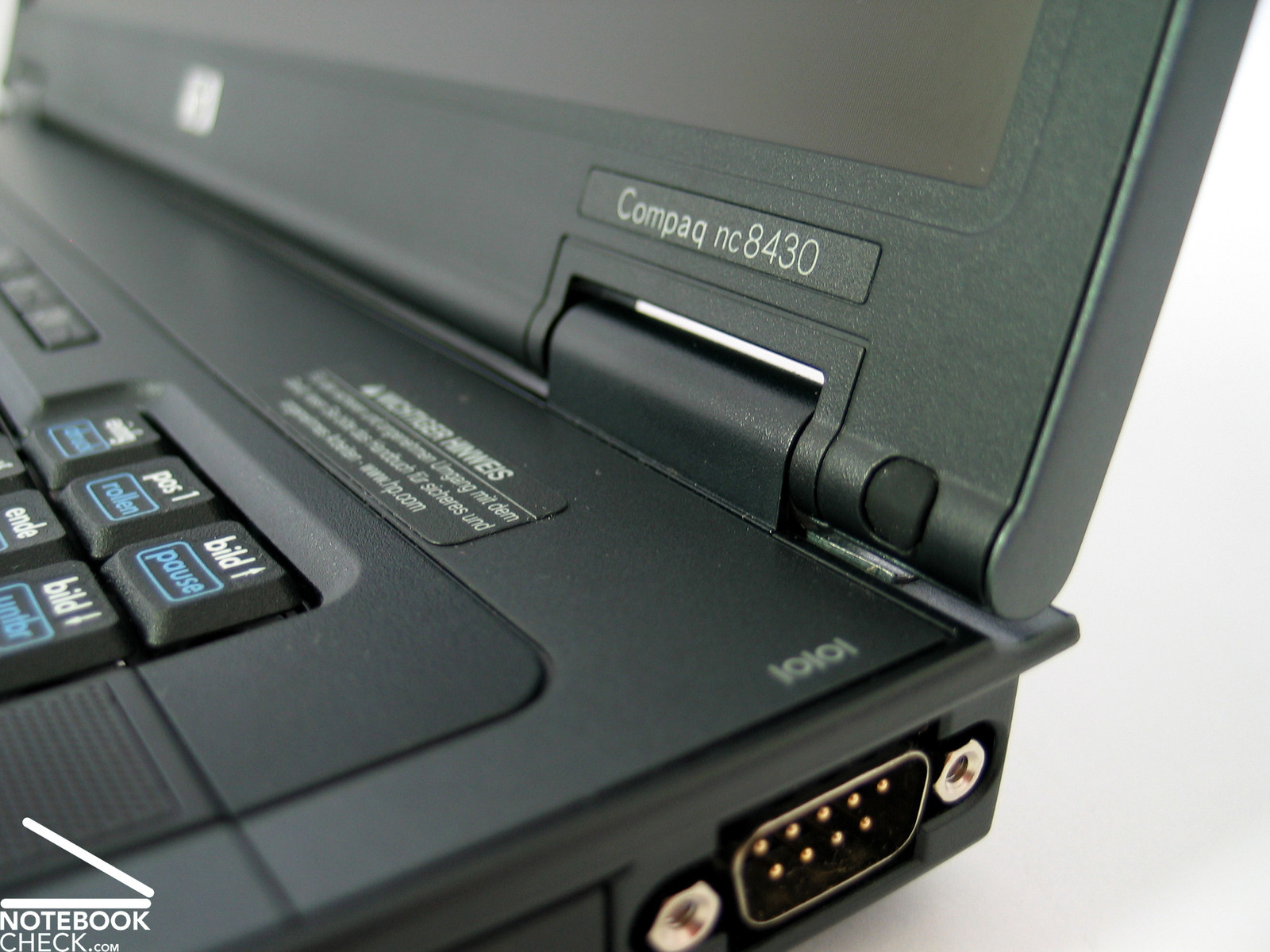
On the contrary, the display is of excellent rigidity, because of its magnesium cover. Furthermore, it is also especially pressure resistant. Even the hinges seem to be very robust, though there dimensions look rather small.
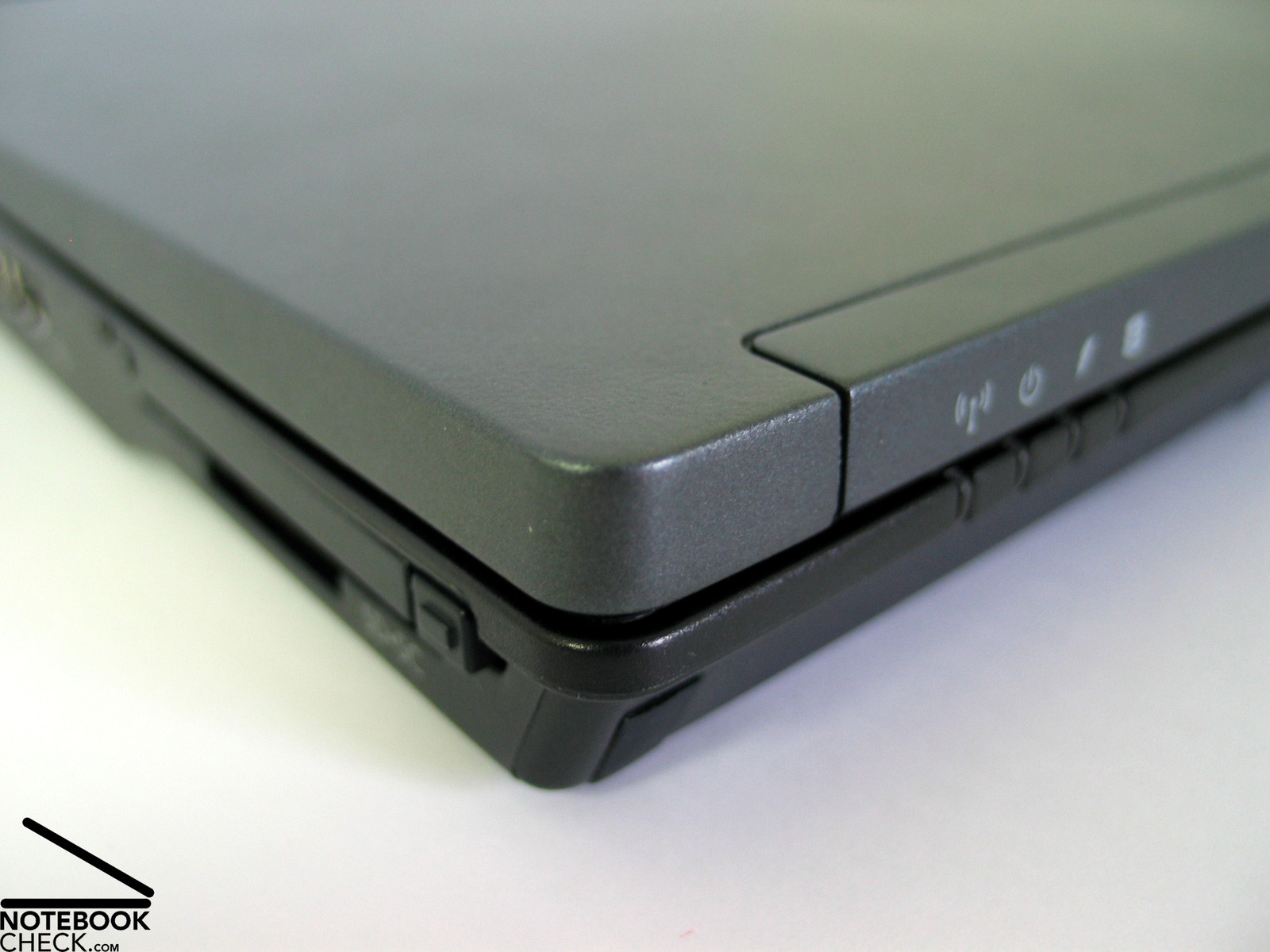
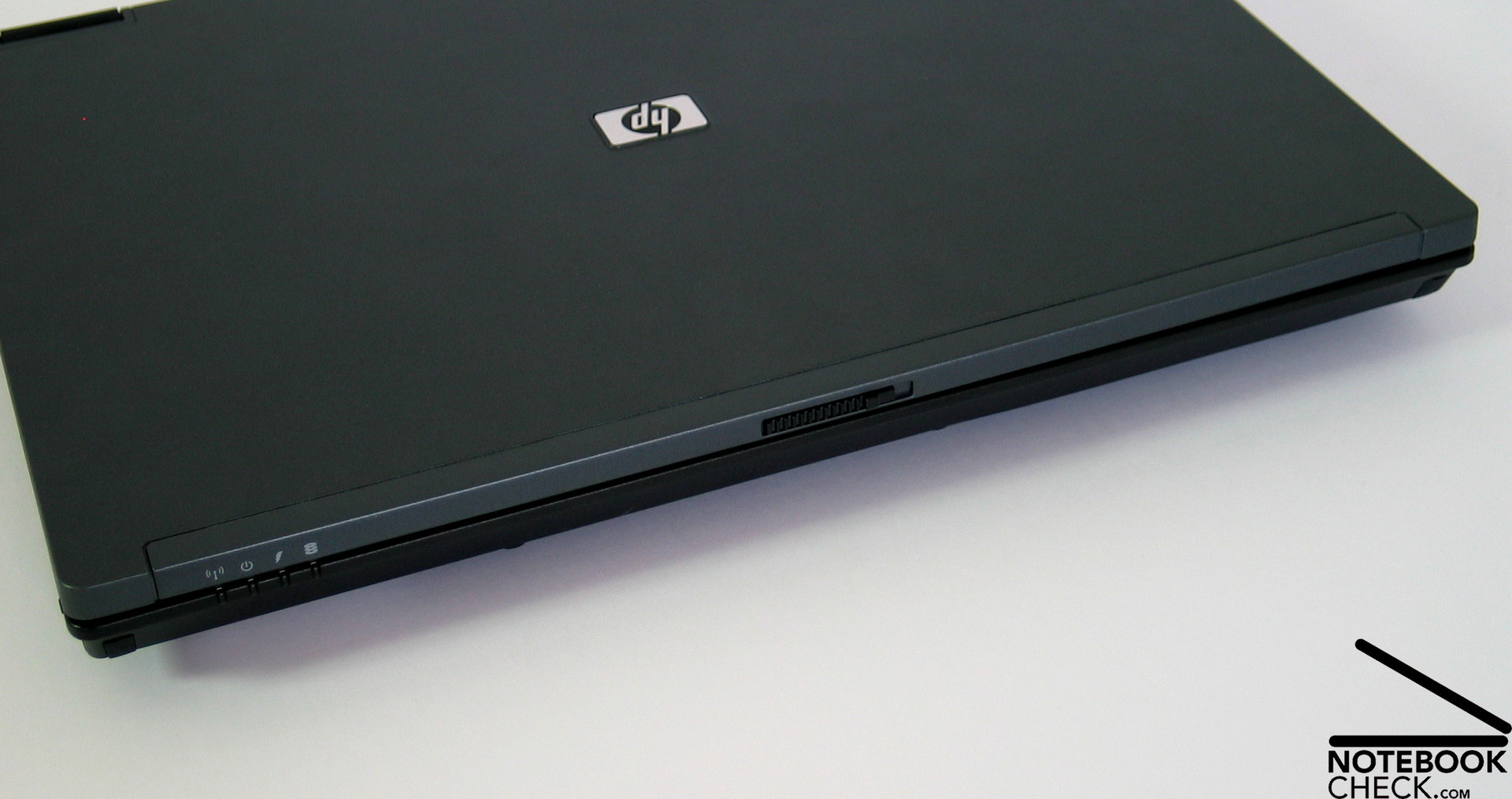
The angle of the display can be adjusted without noticeable see-saw. A ramshorn hook system keeps the displays securely and firmly closed.
Regarding its interfaces, HP Compaq nc8430's front edge is free of all ports.
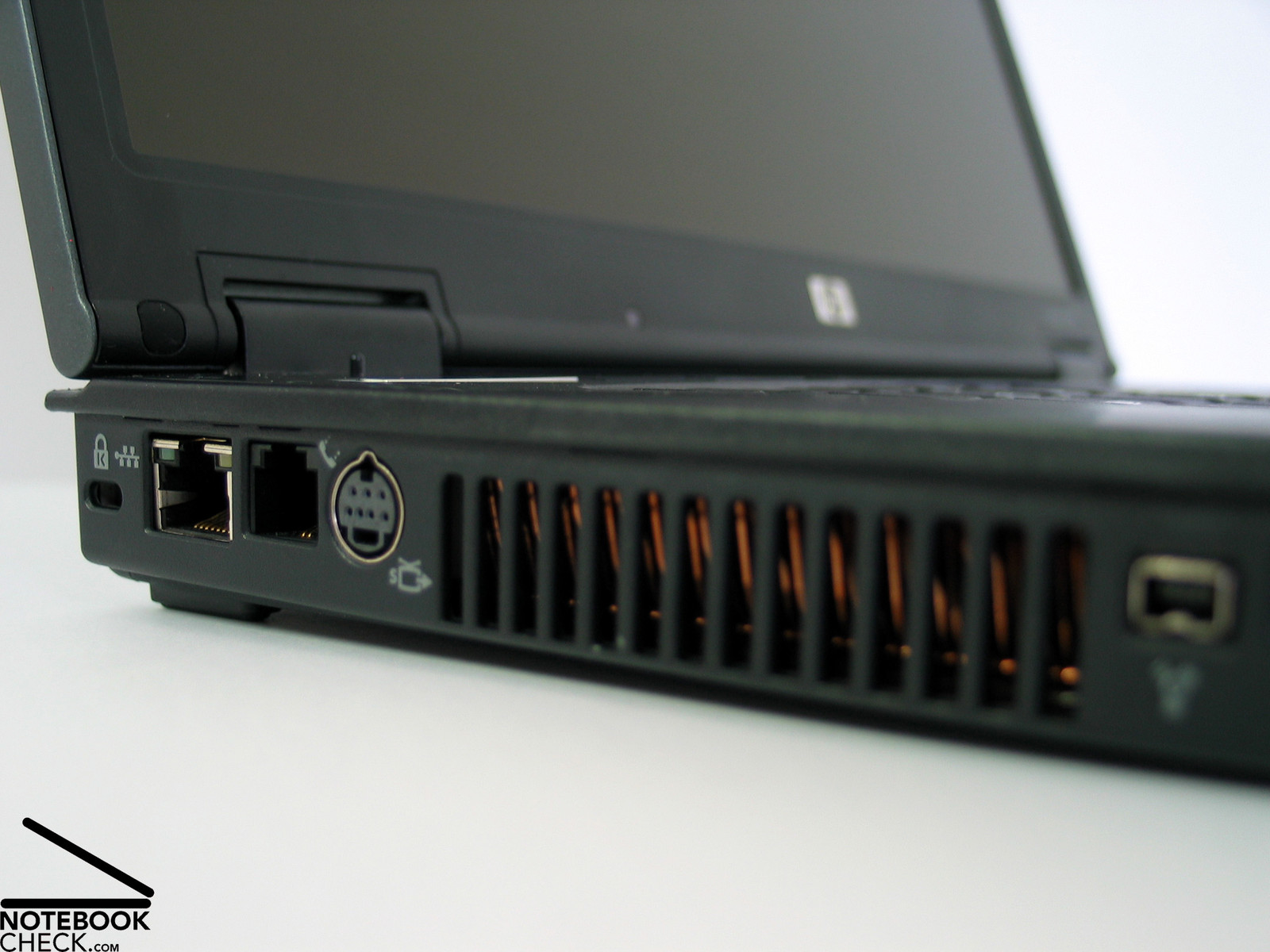
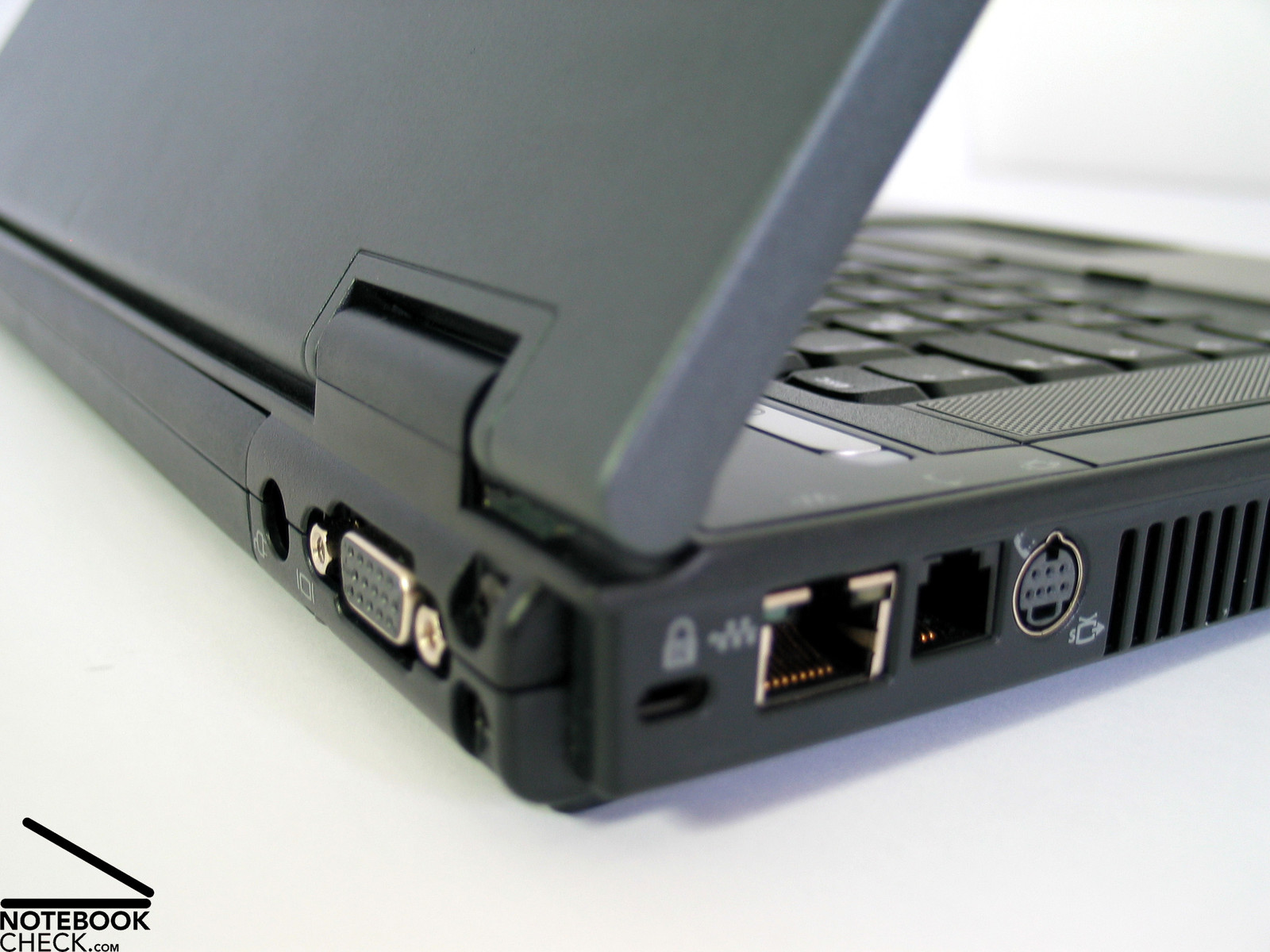
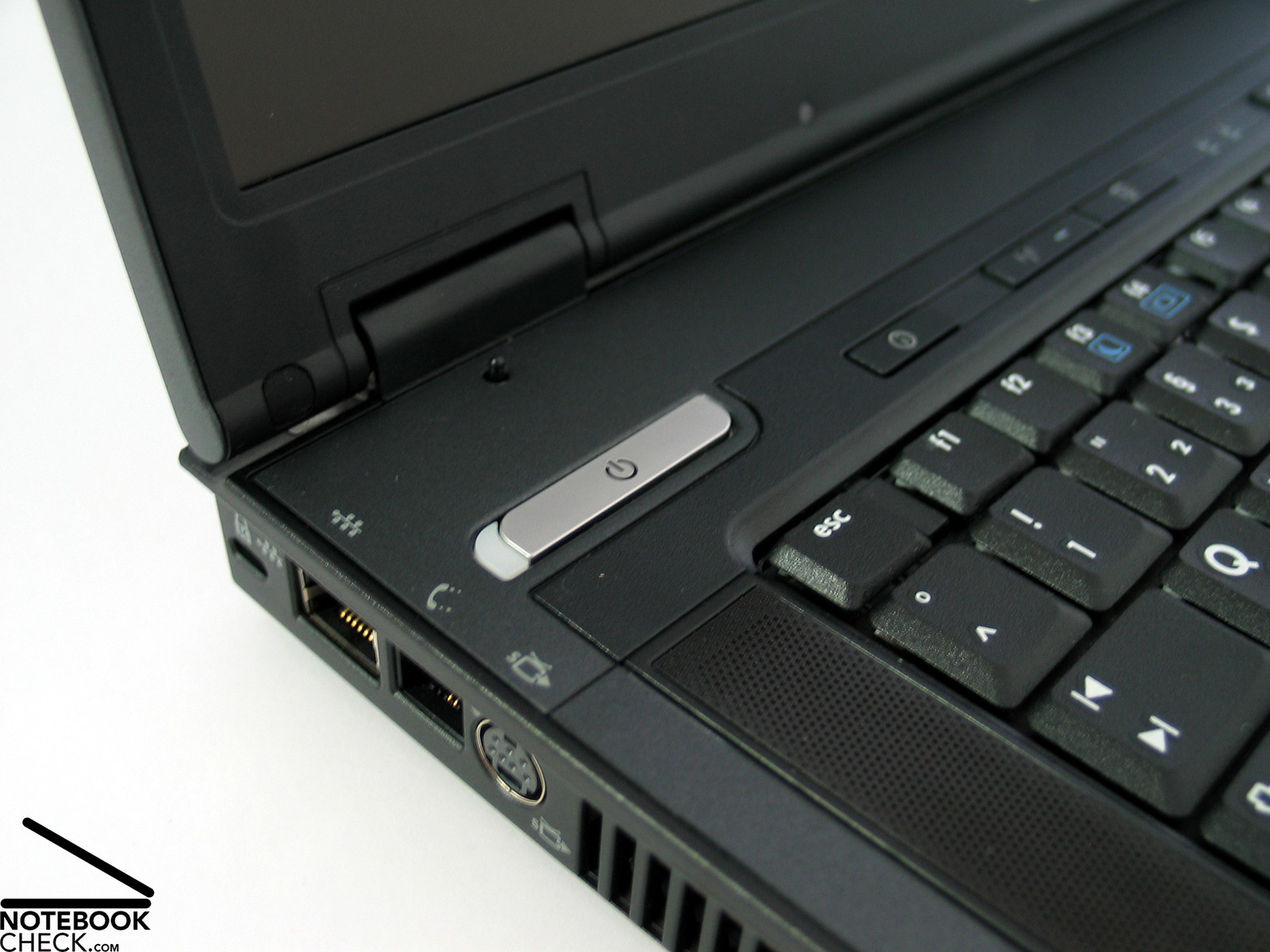
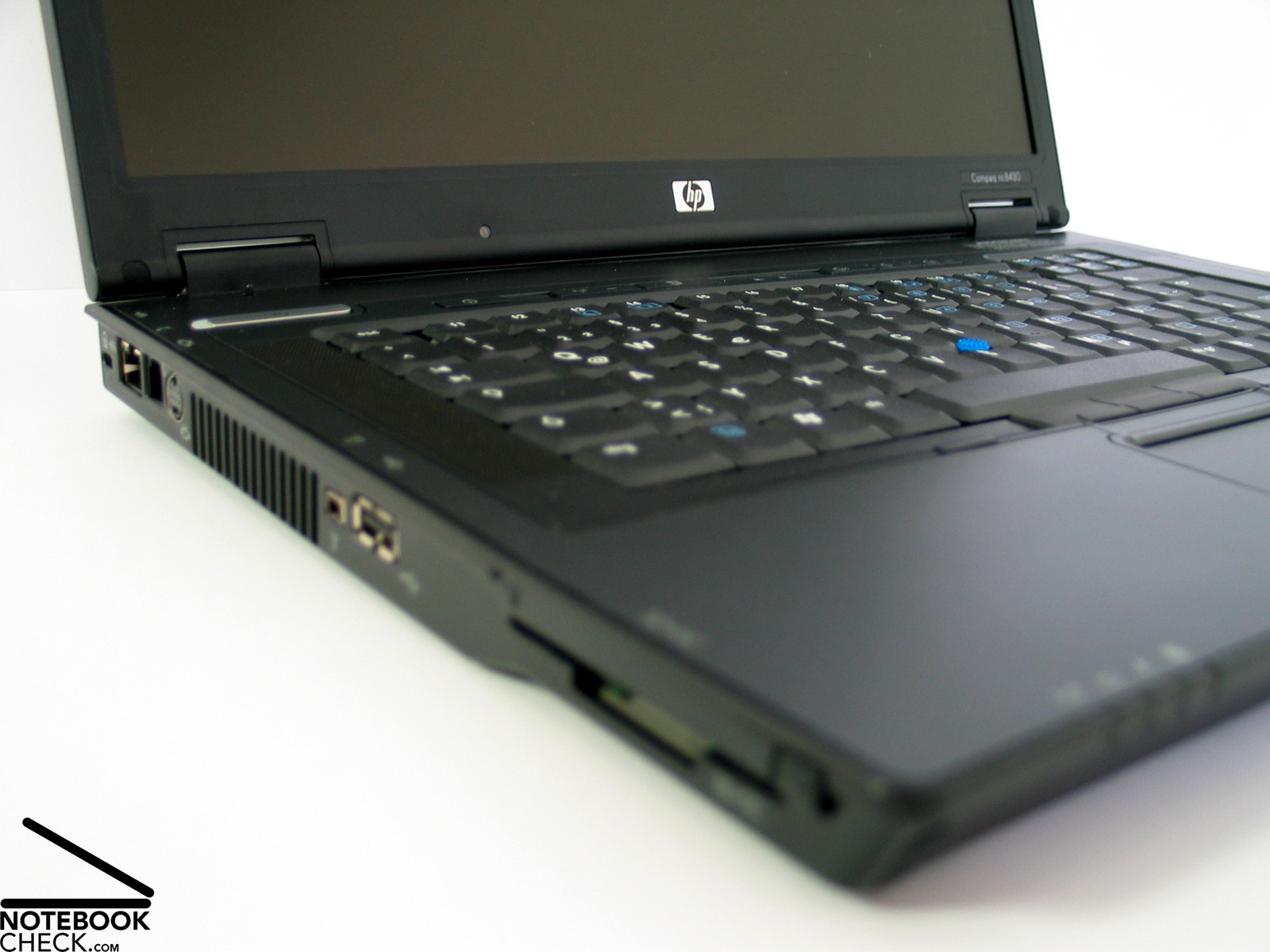
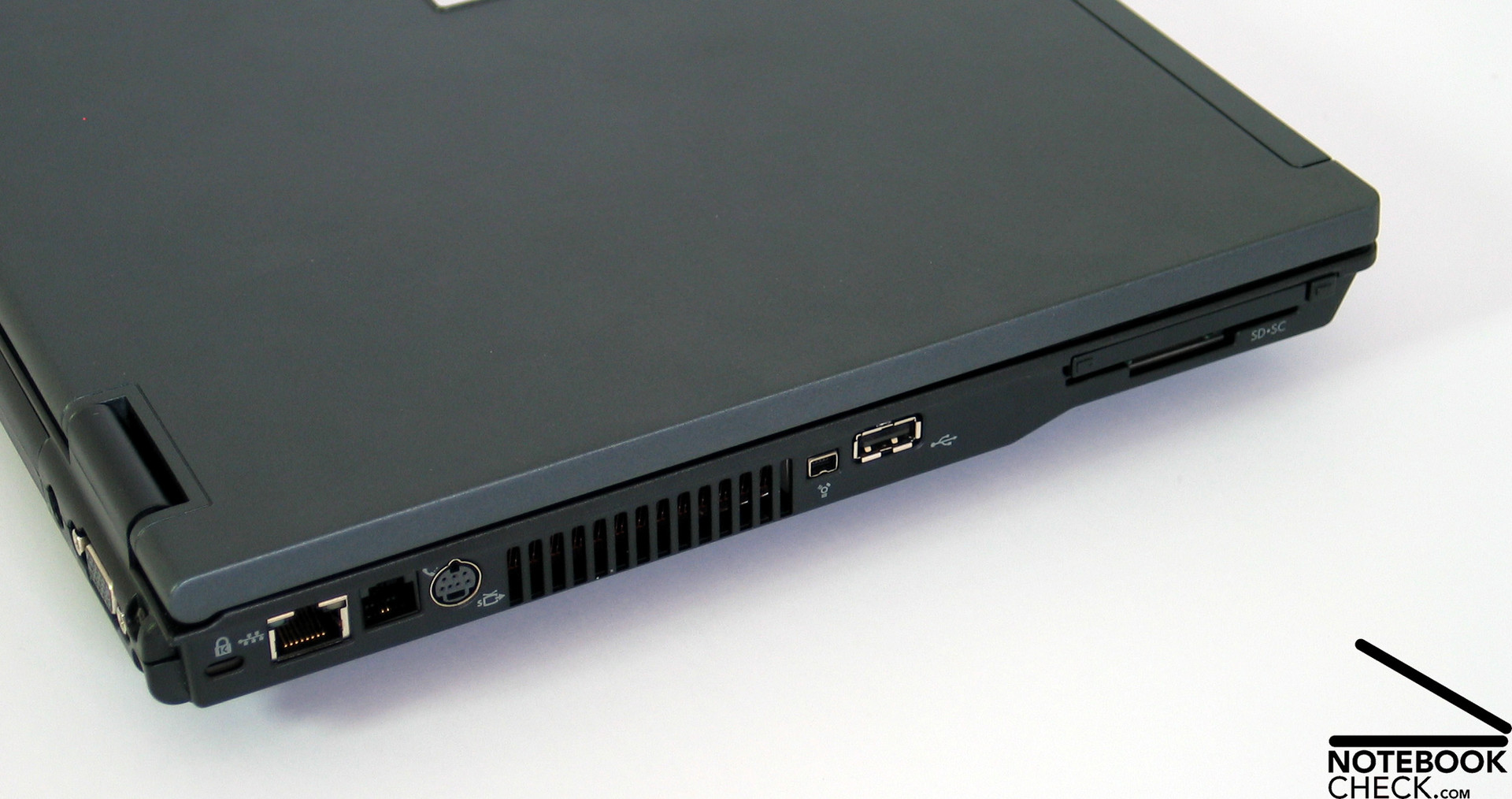
At the left side near the front there are a PCCard slot and a SmartCard/SDCard Reader. Behind them there are a USB 2.0 port, a Firewire port, the fan's vent hole, a S-Video port, RJ-11 and RJ-45 (Lan and Modem), as well as a Kensington Lock.
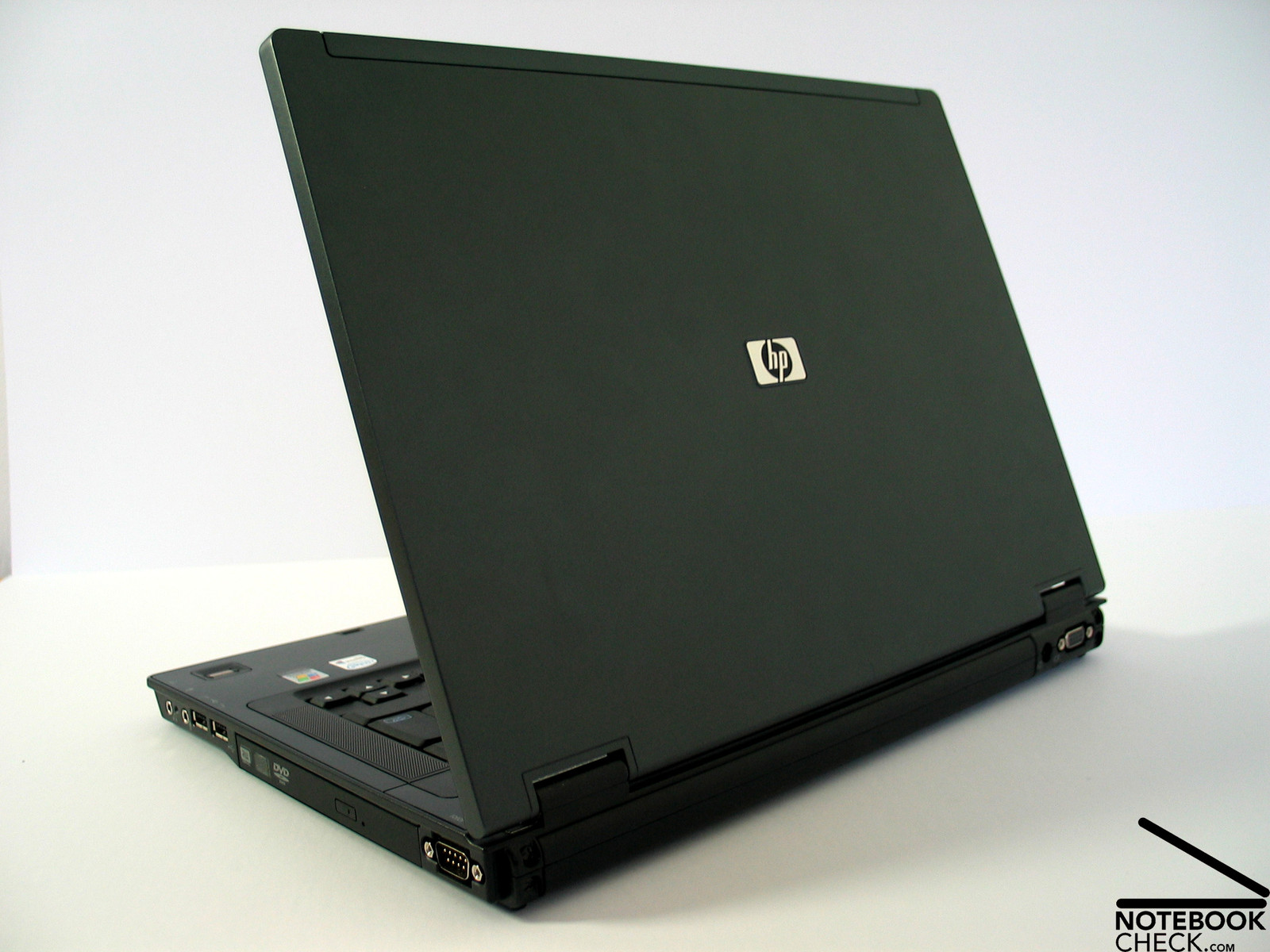
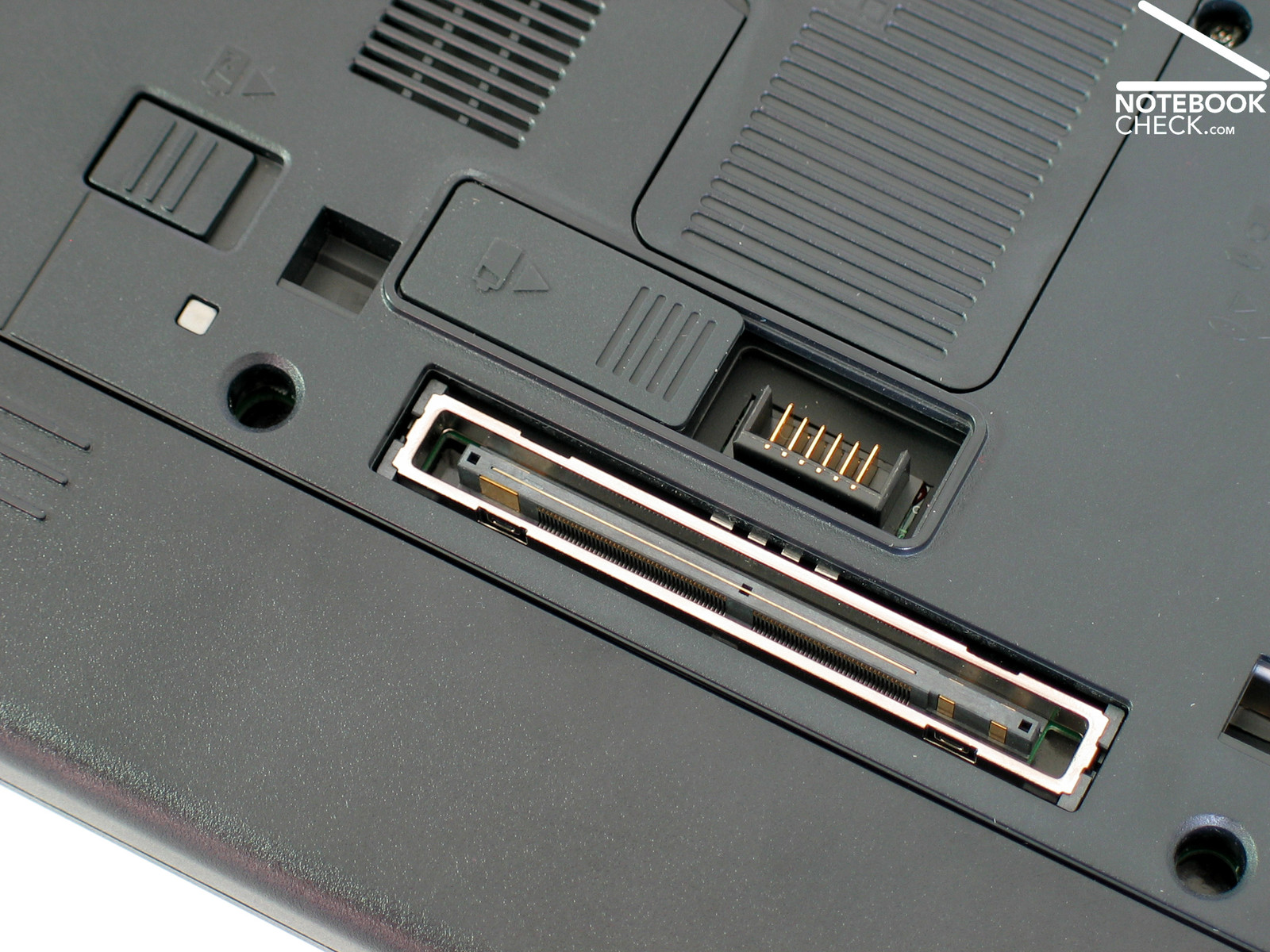
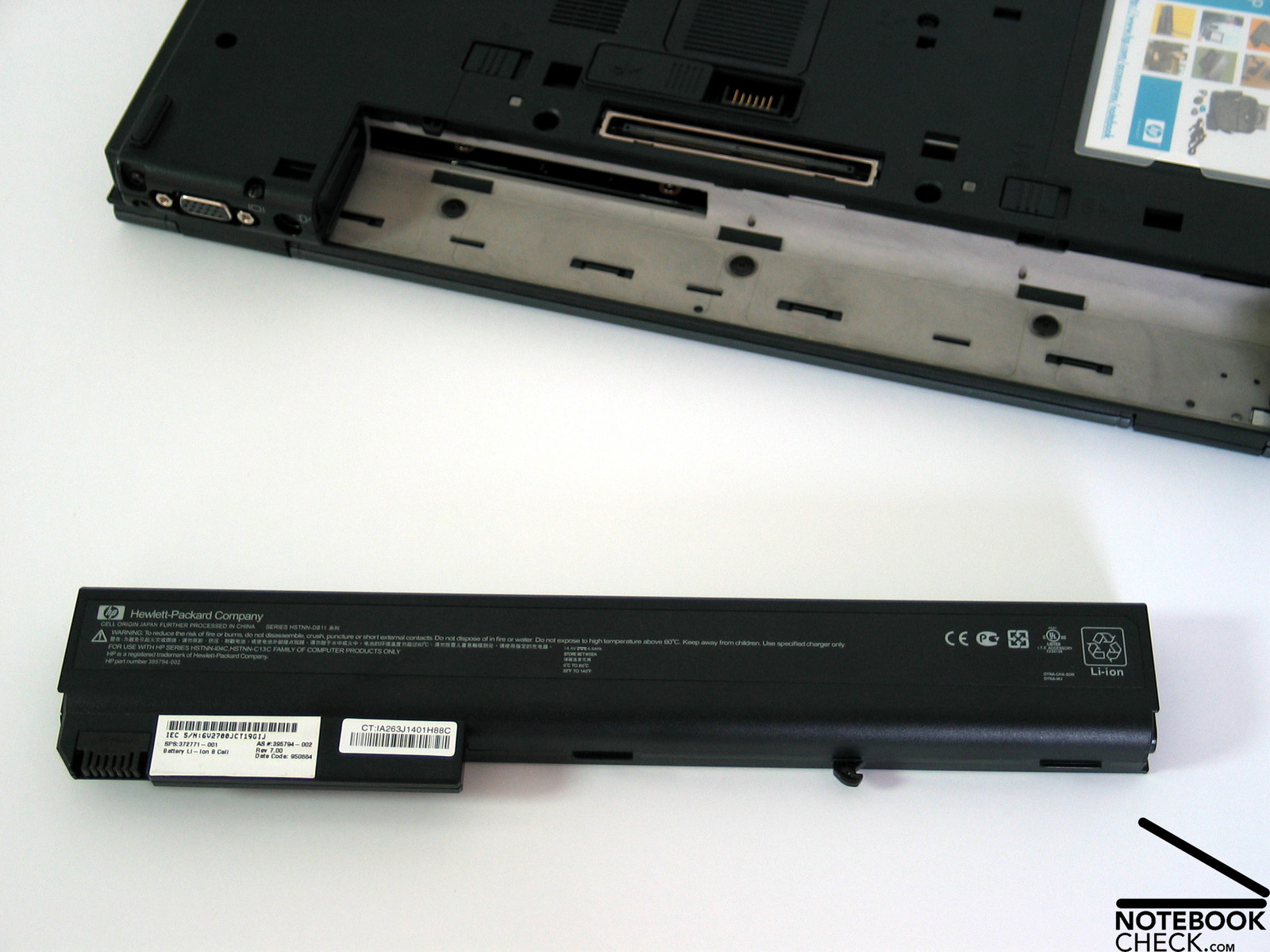
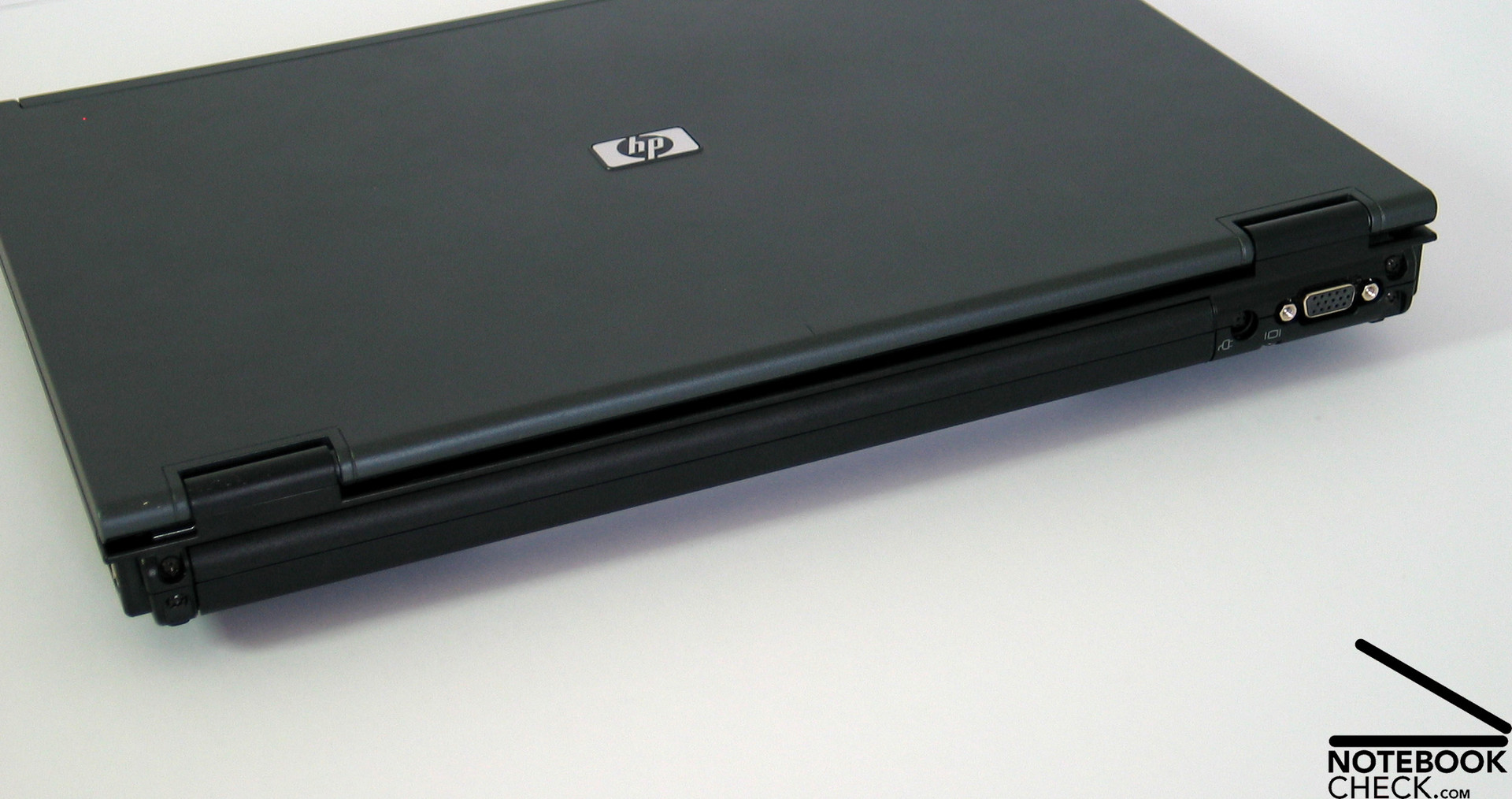
The long battery takes up nearly the whole back side. Only the power connector and the VGA Port, which can be used to connect an external monitors or a beamer, are there.
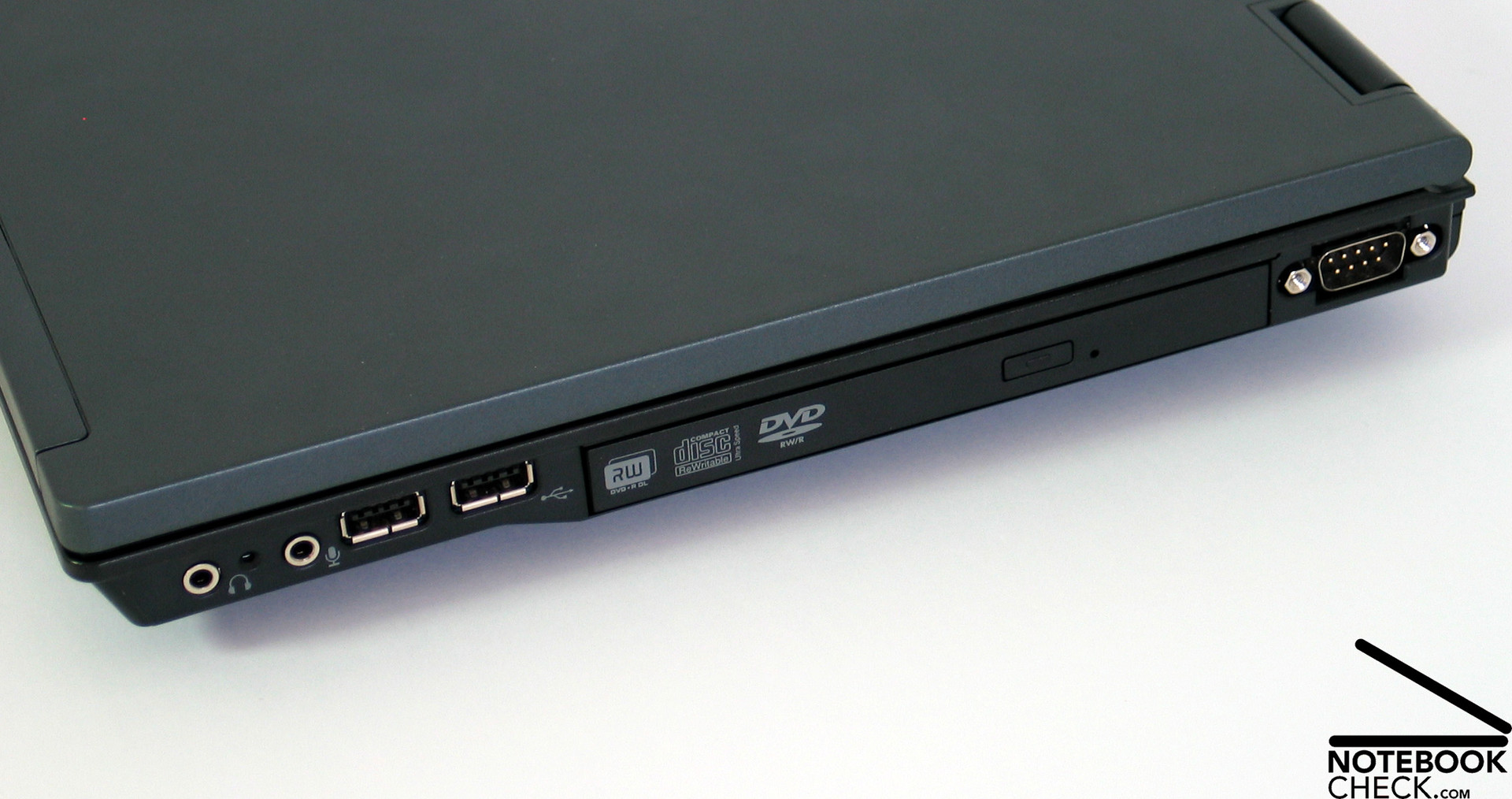
At the notebook's right side near the back, there is a serial port, something most current notebook's do not provide any longer. It can be used, e.g., for controlling machines.
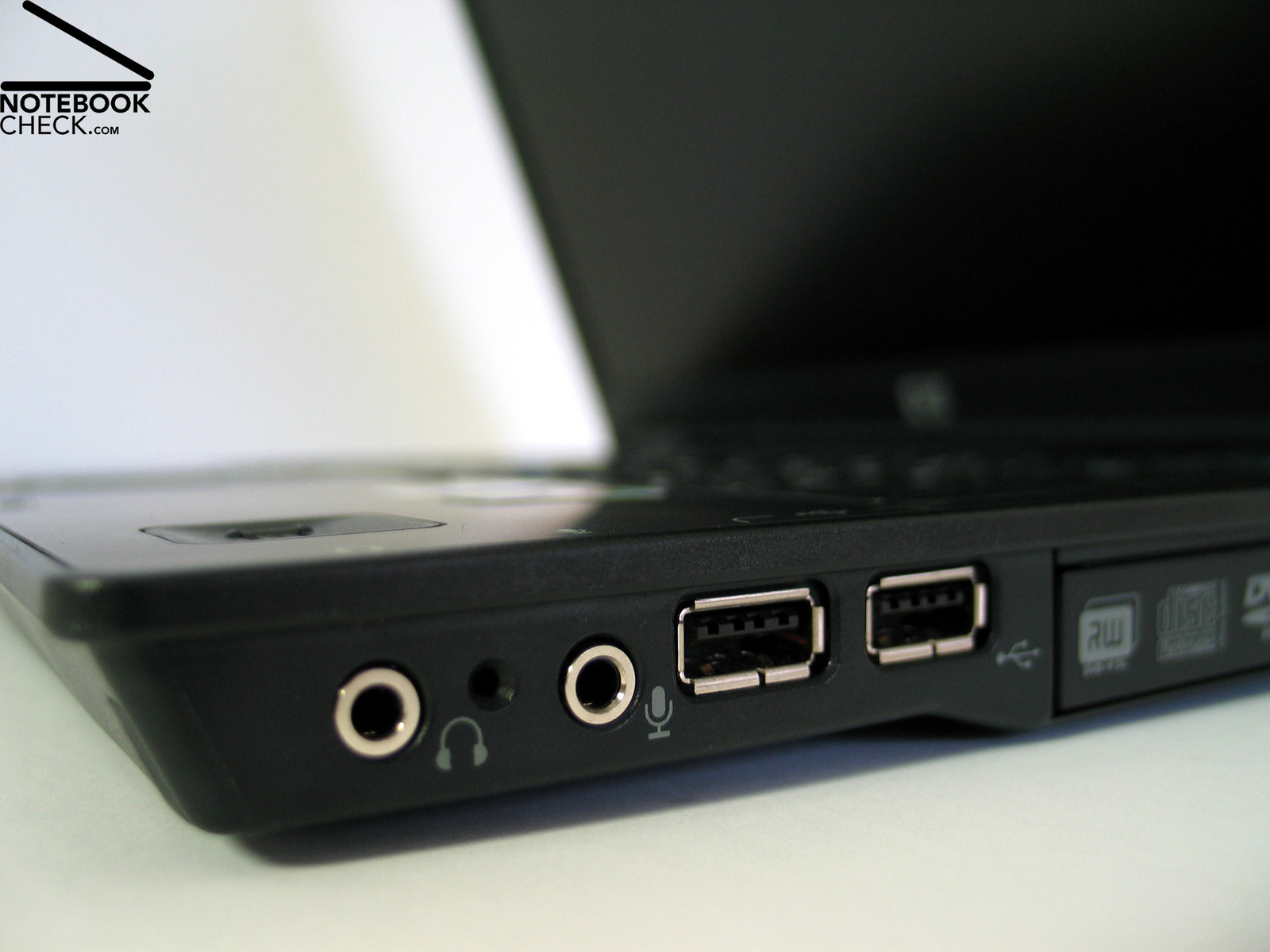
In the front region there are two further USB 2.0 ports and both audio ports (headset and microphone).
Input Devices
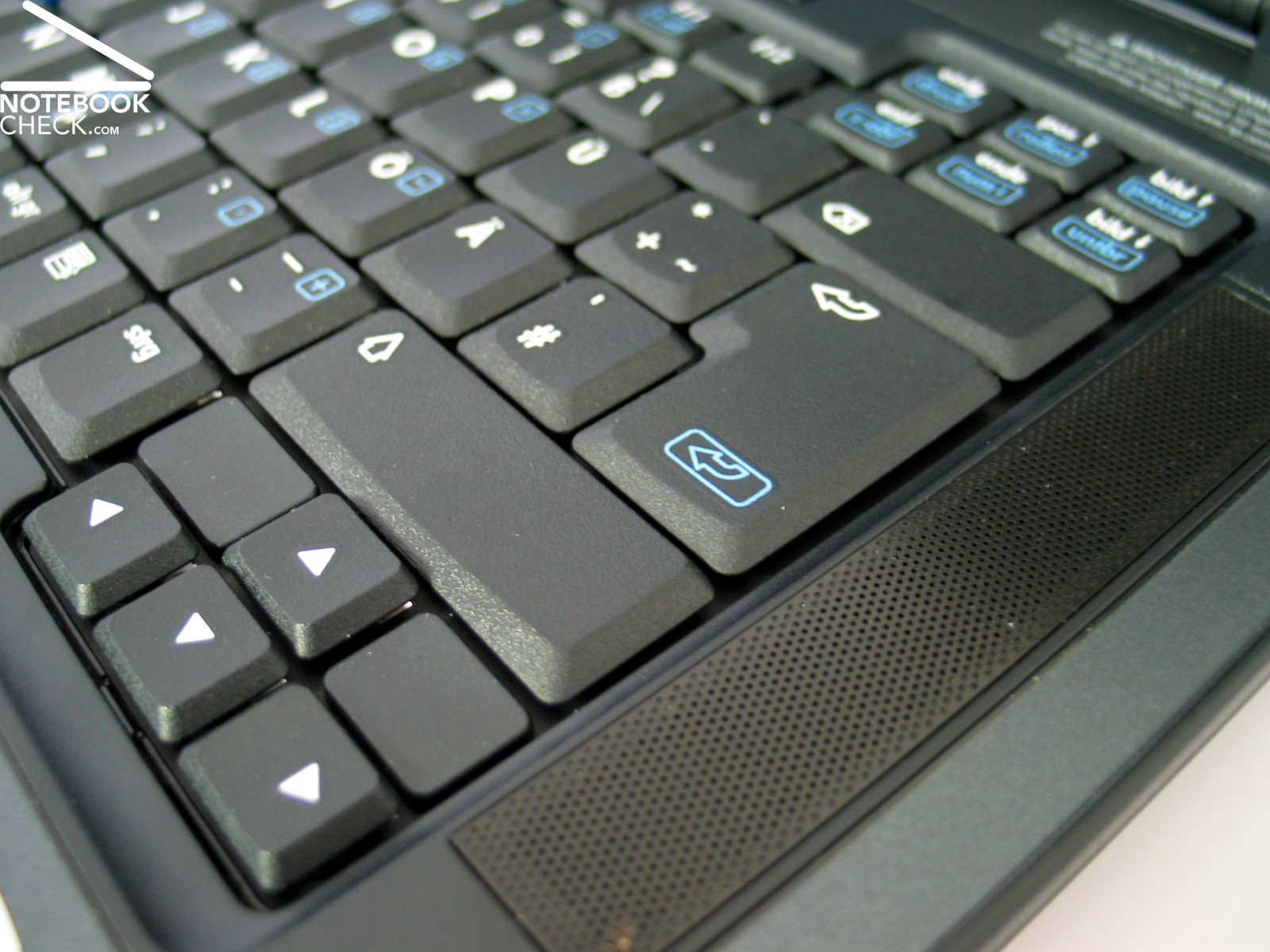
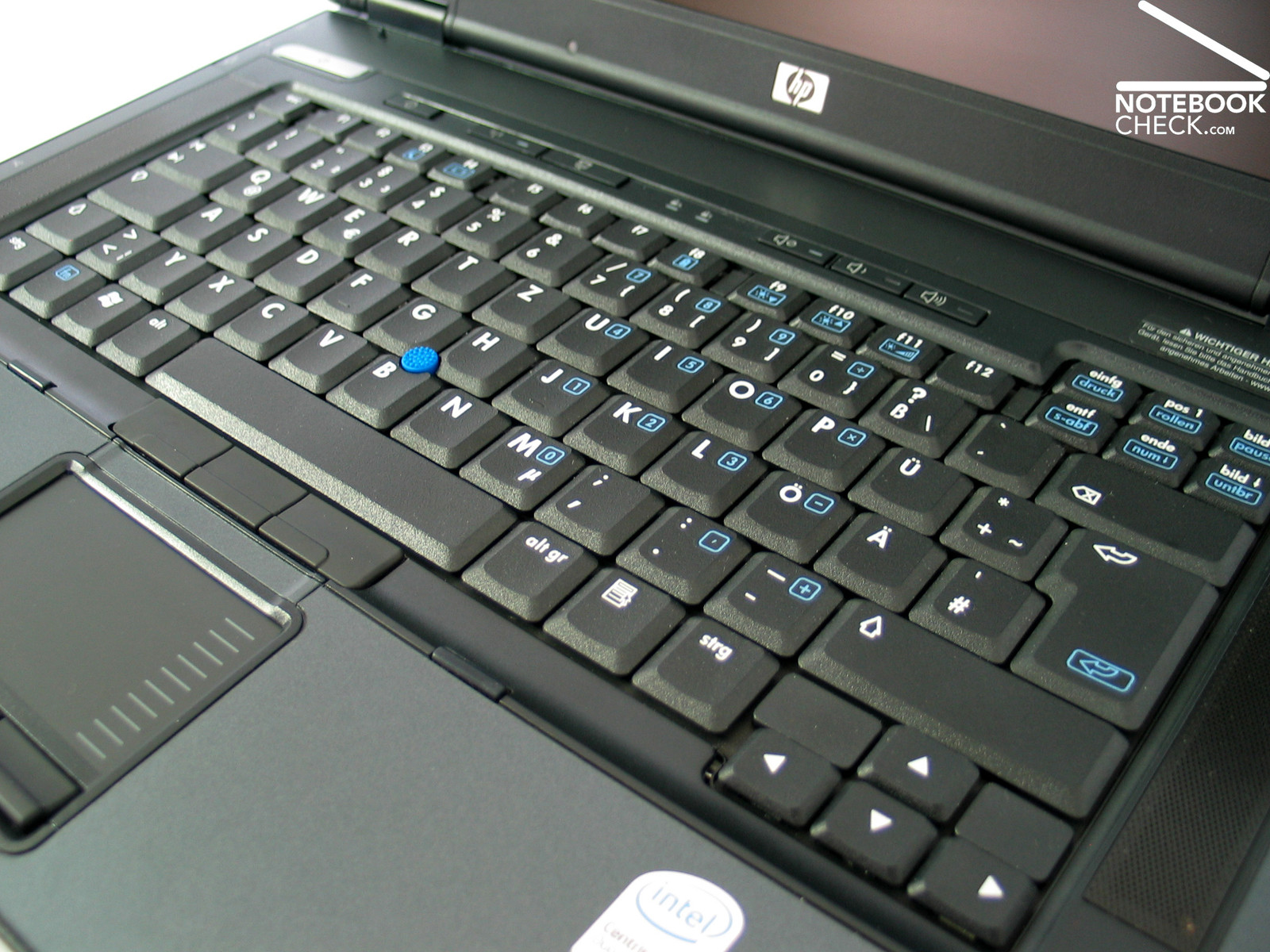
As already mentioned, the keyboard does not only look similar to its IBM counterparts, even its quality and the typing feeling are as good as the ones of „Business Machines“.
E.g., the keyboard is clearly arranged in several, slightly separated fields. Even the size of the keys is without exception especially large-scaled. Though the cursor keys are a little smaller, they can still be used without problems, because they were a little offset.
Even typing is more a joy than work. This is alright, because this is, what a keyboard is developed for. The HP' leaflet mentions test, during which the keys are used 20 million times. So, you couldn't doubt of the keyboard's durability.
The noises stay, besides quiet clicking noises, low, even when typing fast and intensive, it's very decent. Typing feels soft with a clear action point, a somewhat shorter travel, and a not too hard stop. A slight and in fact negligible deflection of the keyboard in the region of the F9 to F10 keys could be observed.
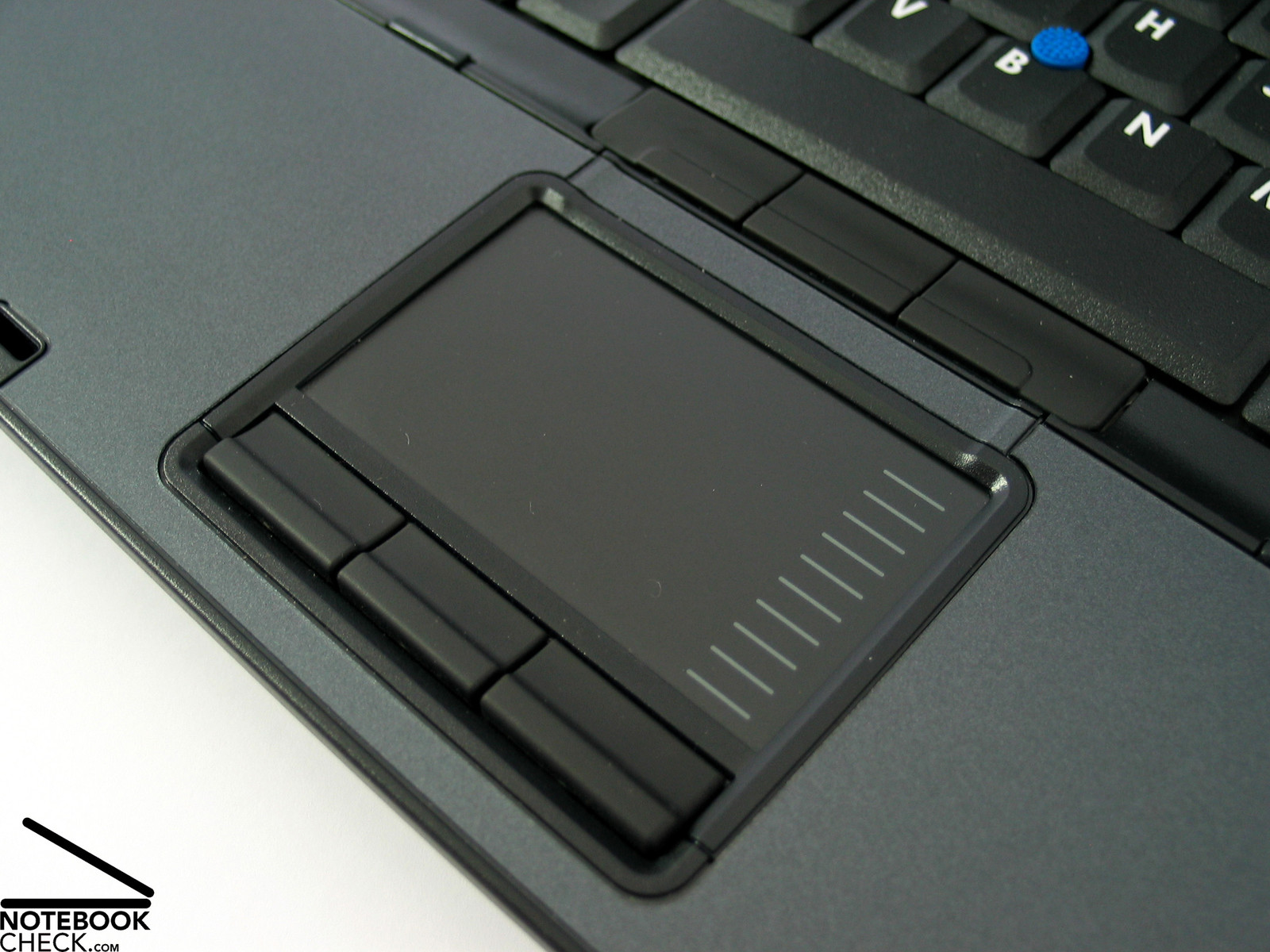
HP Compaq is equipped with a track point as well as with a touch pad for replacement of the mouse during mobile use. Both allow to position the mouse pointer fast and precisely. The track point has a rough surface, with a lot of peaky nipples, which might disturb a little bit. On the contrary to HP, its competitor which changed name offers a nice set of three differently formed plastic attachments, which allows the user to select his favorite. This should be an an idea for HP ;-)
The touch pad could be used without any problems, the touch pad's buttons as well as the track point's buttons have a very good travel and pressure resistance.
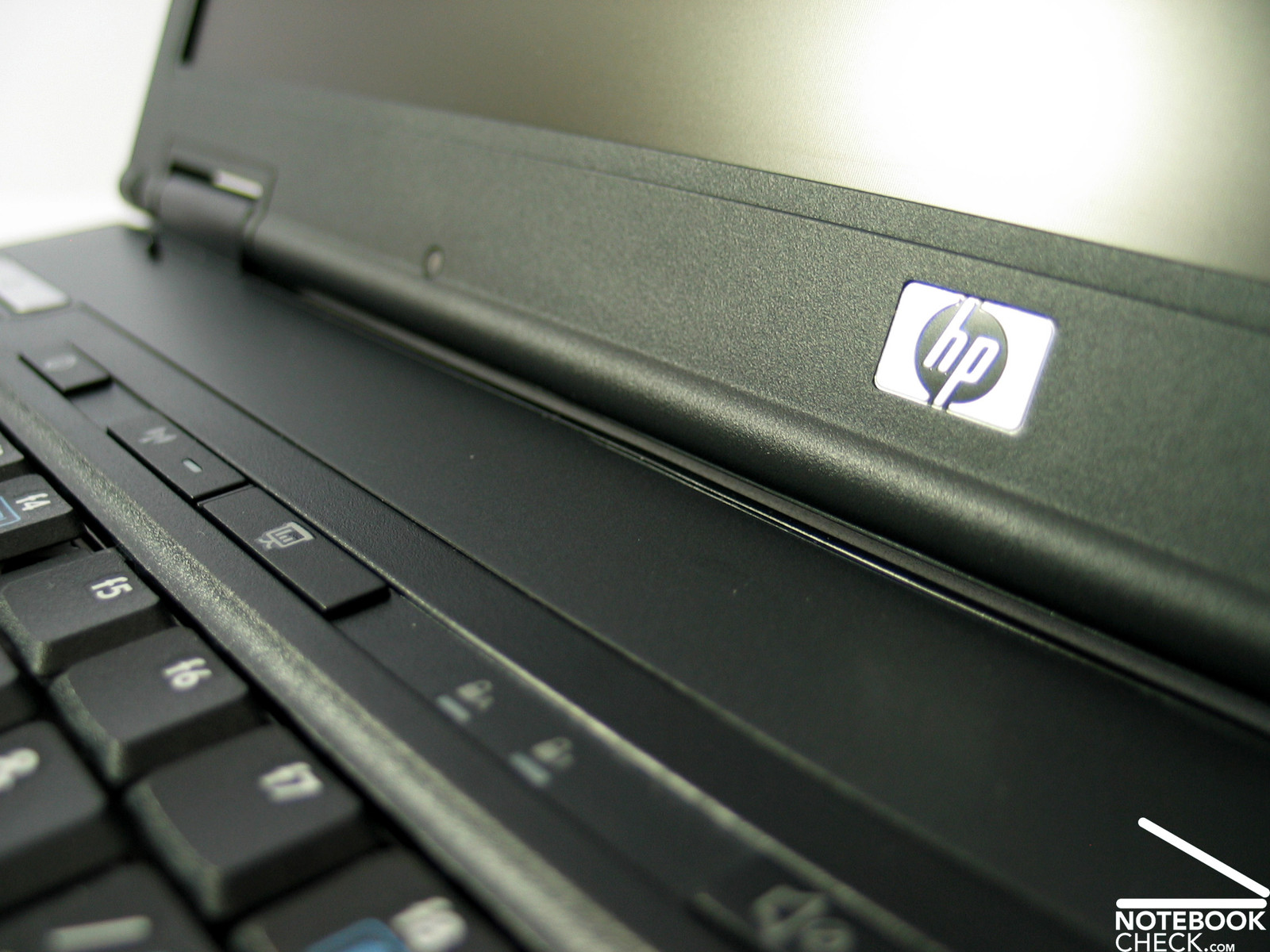
Above the keyboard there are some additional keys, which can, e.g., used for activating WLAN or setting up the volume of the speakers.
Display
HP Compaq nc8430 comes with a 15.4 inch WXGA display with a maximum resolution of 1280x800 pixels. Furthermore, a 1680x1050 WSXGA+ TFT panel, which has, according to users, a better brightness and contract, is available for the 8420, too.
As necessary for an upmarket business notebook, the display is matt and non-reflecting, and it is not affected by any lightening conditions.
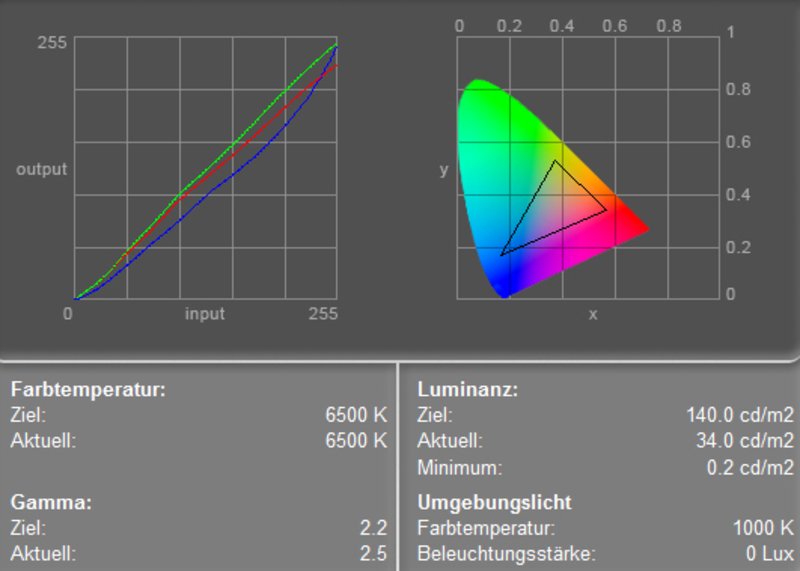
Regarding brightness we measured a clearly below-average value of 112.9 cd/m². The measured Illumination is good at 81.9%. If one assumes, that working at an LCD displays requires a brightness of about 100 cd/m² in order to be gentle for the eyes, the display is ideal. However, in brighter environments the experienced contrast declines, and the display does hardly have any reserves.
According to the color diagram, one can detect the usual deviation of the blue color curve, which leads to warmer colors.
| |||||||||||||||||||||||||
Brightness Distribution: 82 %
Contrast: 188:1 (Black: 0.6 cd/m²)
The measured minimum brightness, i.e. the measured brightness for black, is 0.6 cd/m². Therefore, the maximum contrast is 188:1. This value is by all means acceptable. The display rated grade 7 in the Pixperan test of legibility, which measures the display's speed of reaction. This is a slightly above average result.
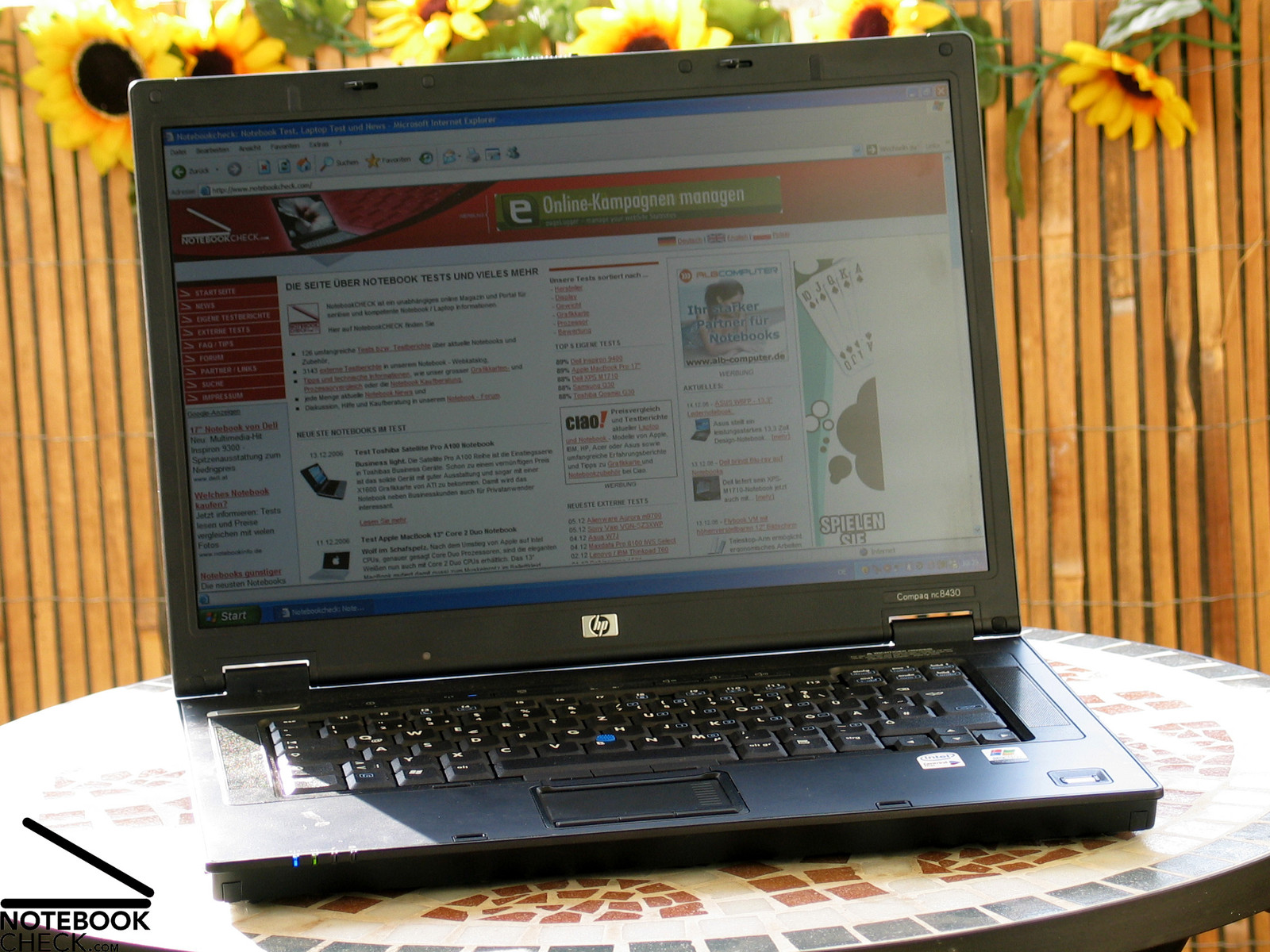
Similar to other matt display, the HP nc8430's is relatively good outdoors. The brightness could be better, but the display's content was legible all the time and free of disturbing reflections (if one stays in the shade).
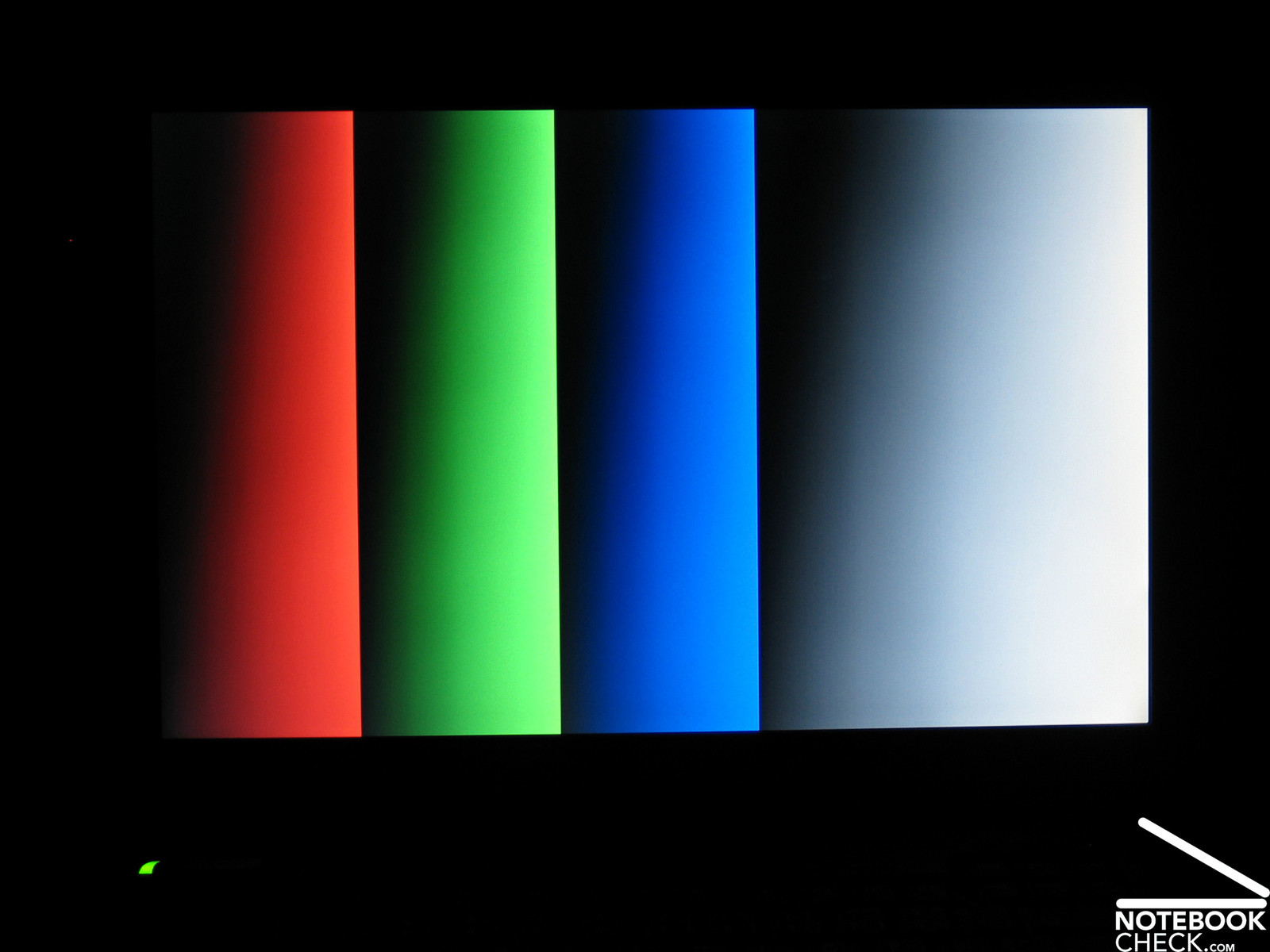
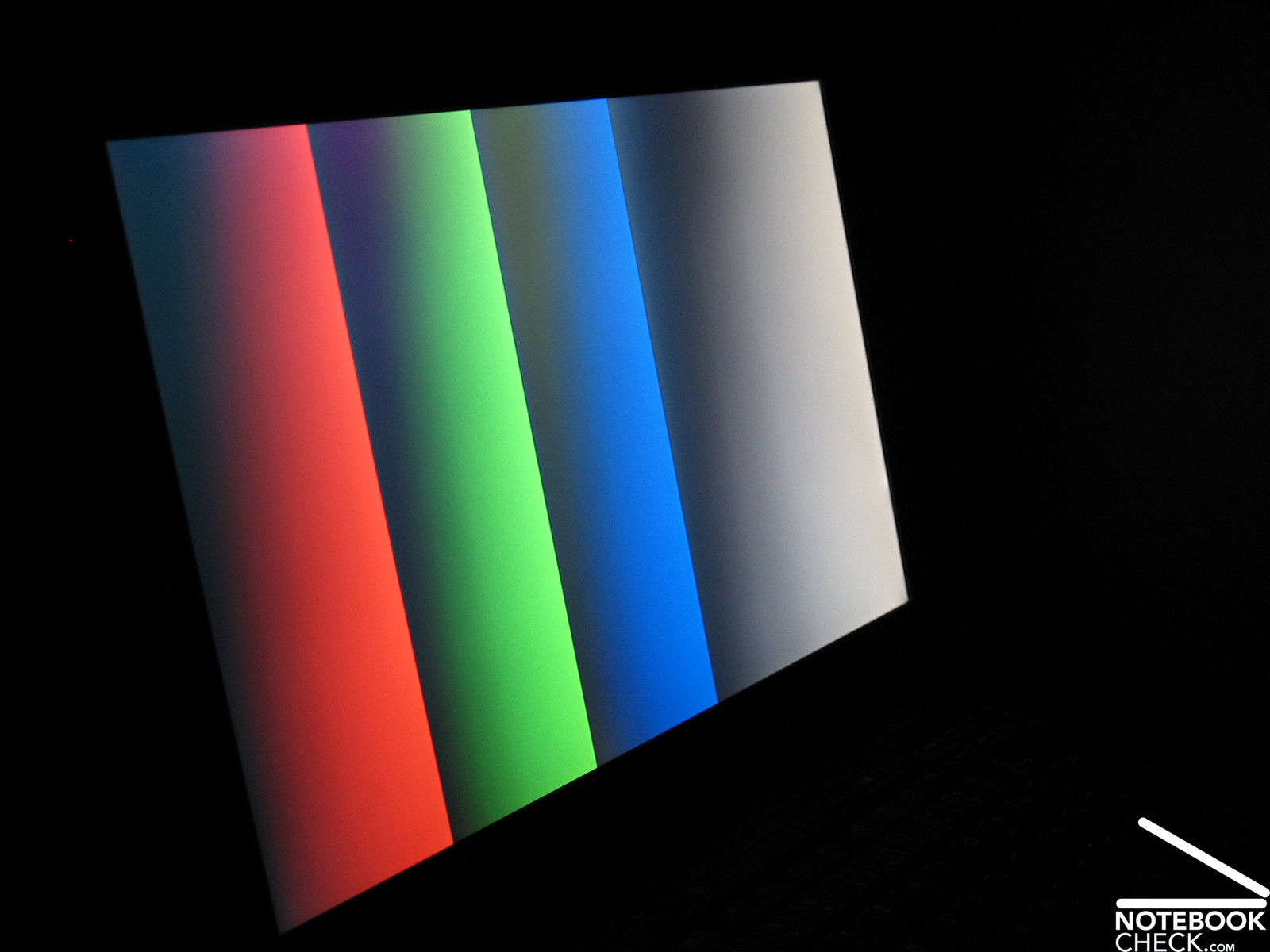
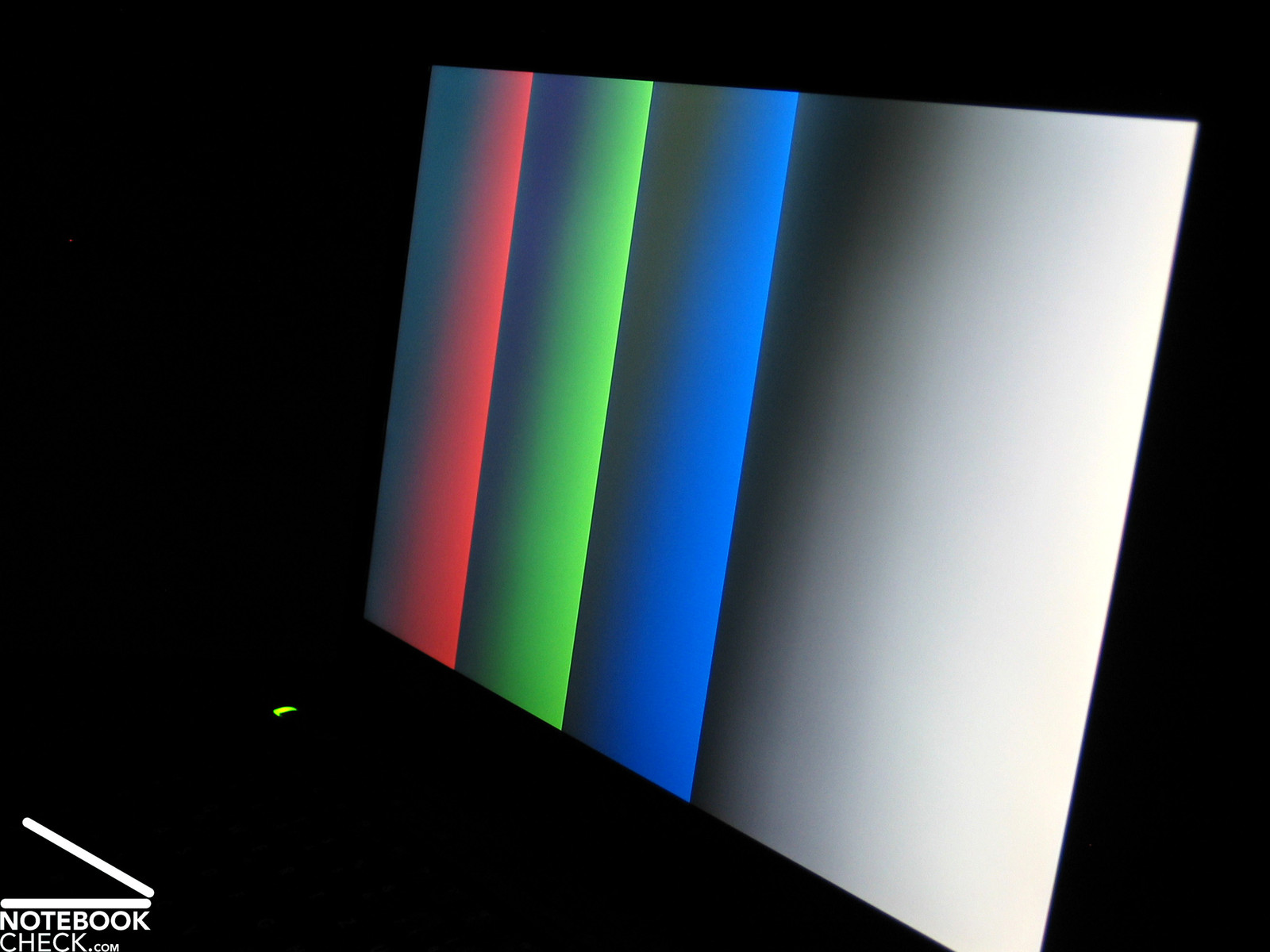
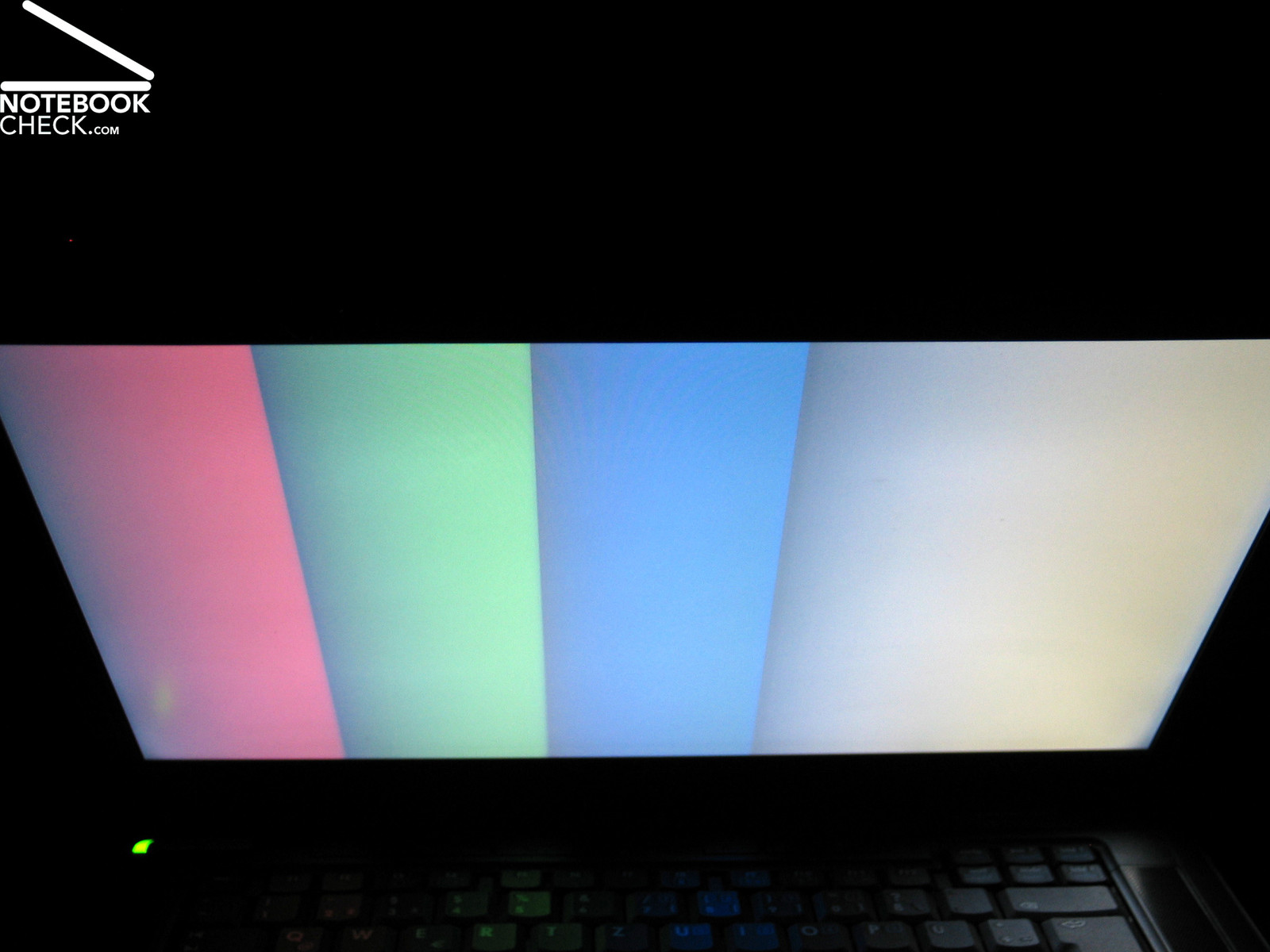
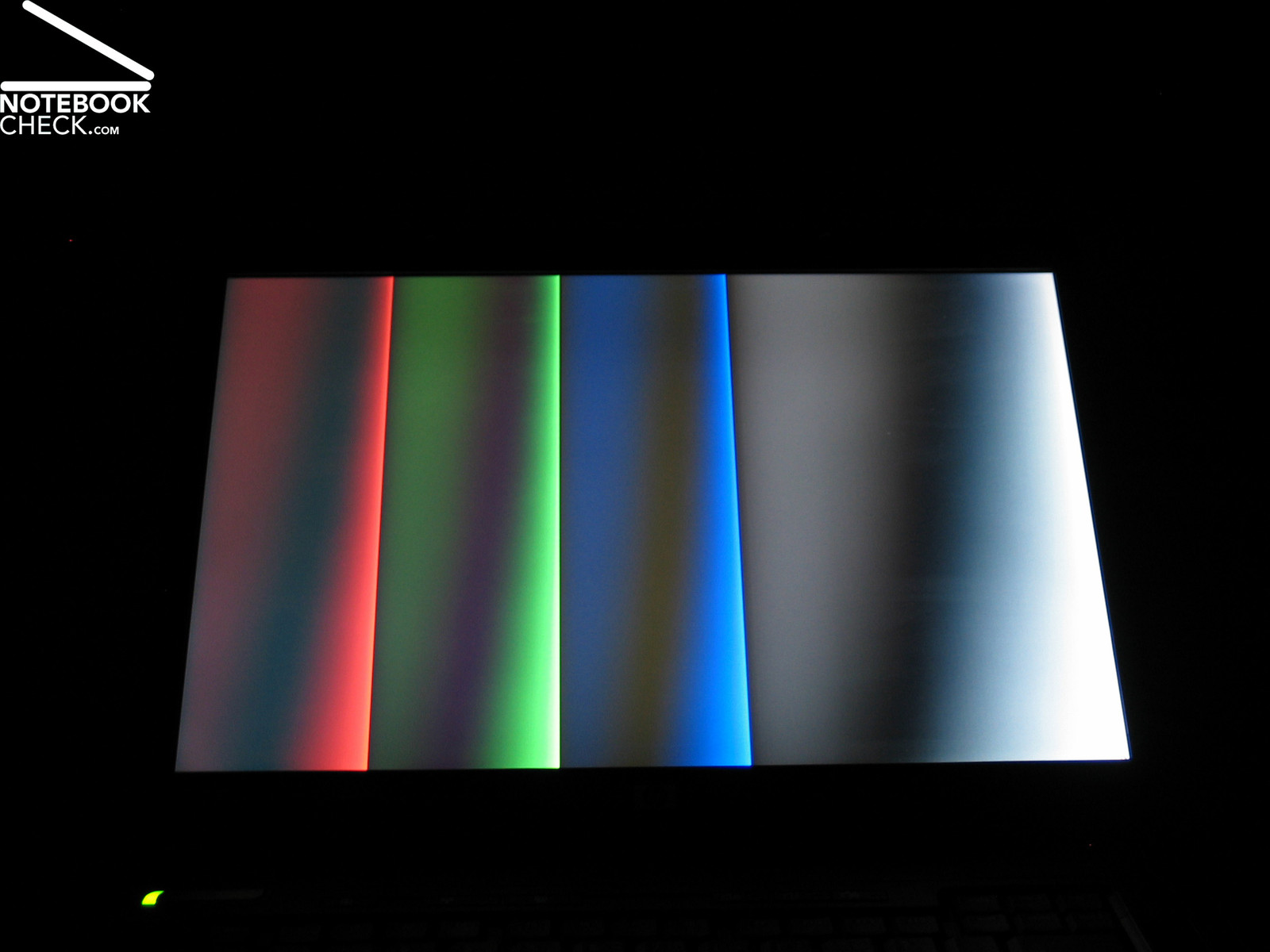
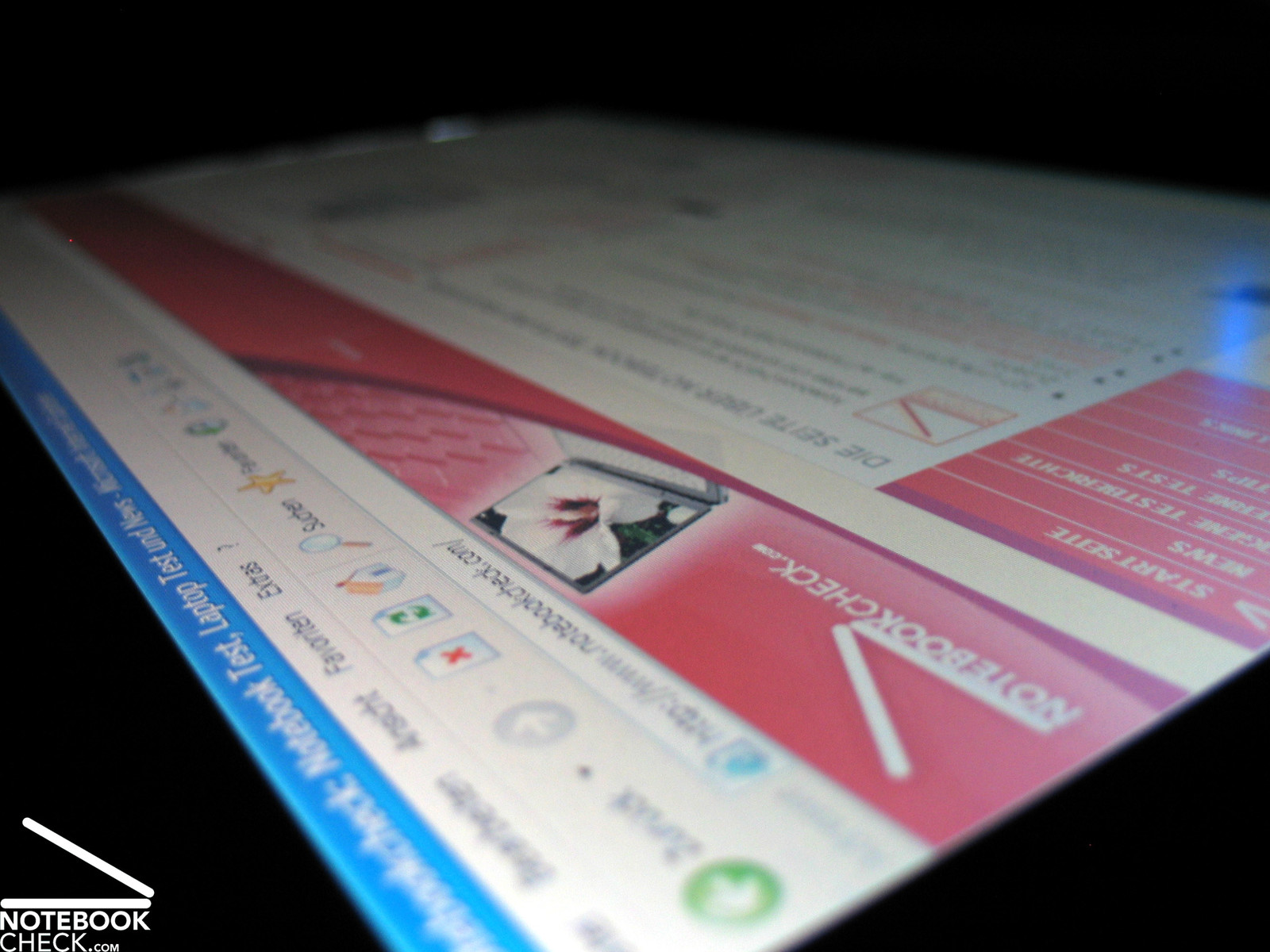
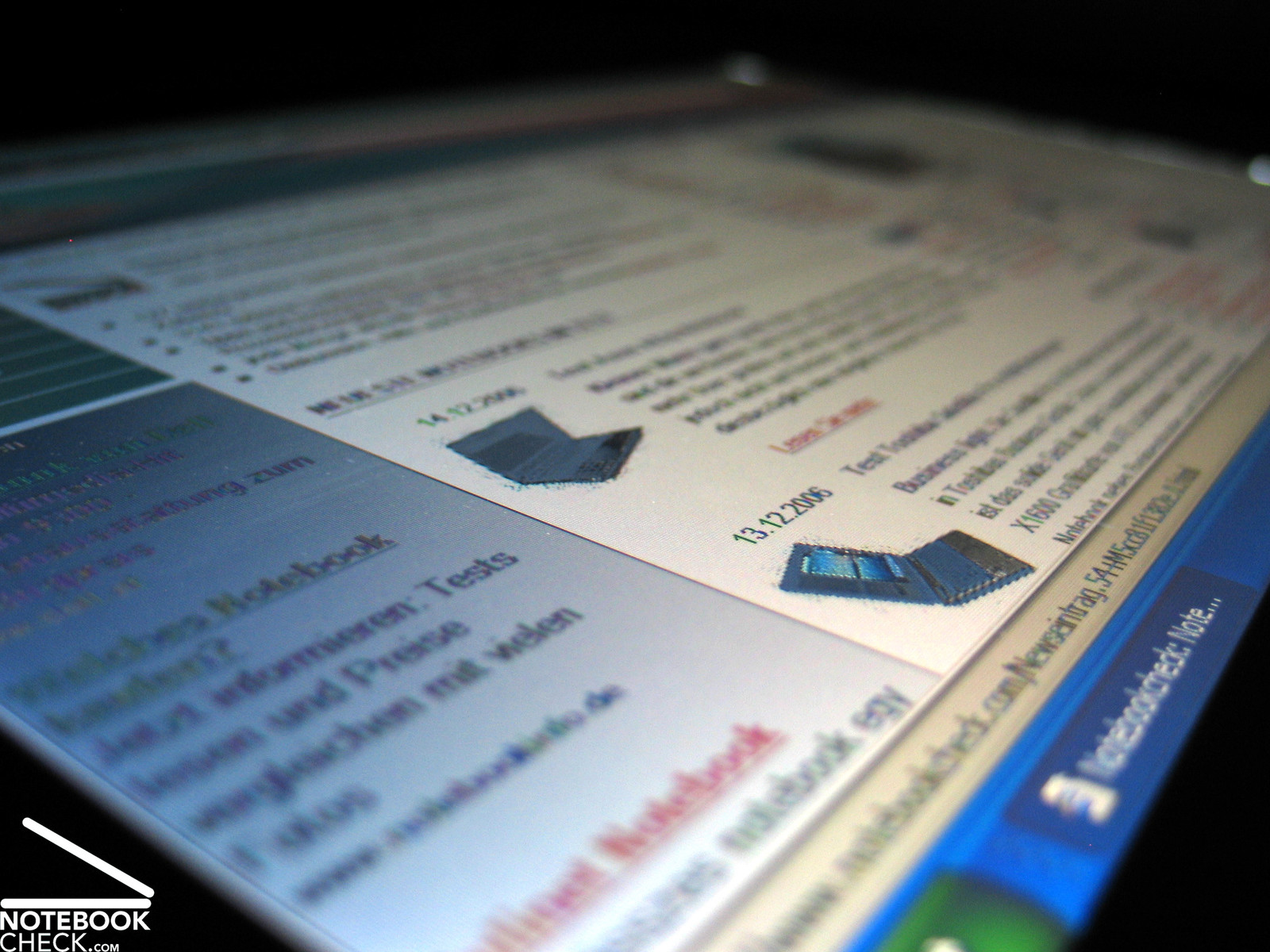
Regarding the stability to the vantage point, the area of operation is very good horizontally, vertically it is acceptable. Vertically, the display gets brighter or darker at too acute angles.

Performance
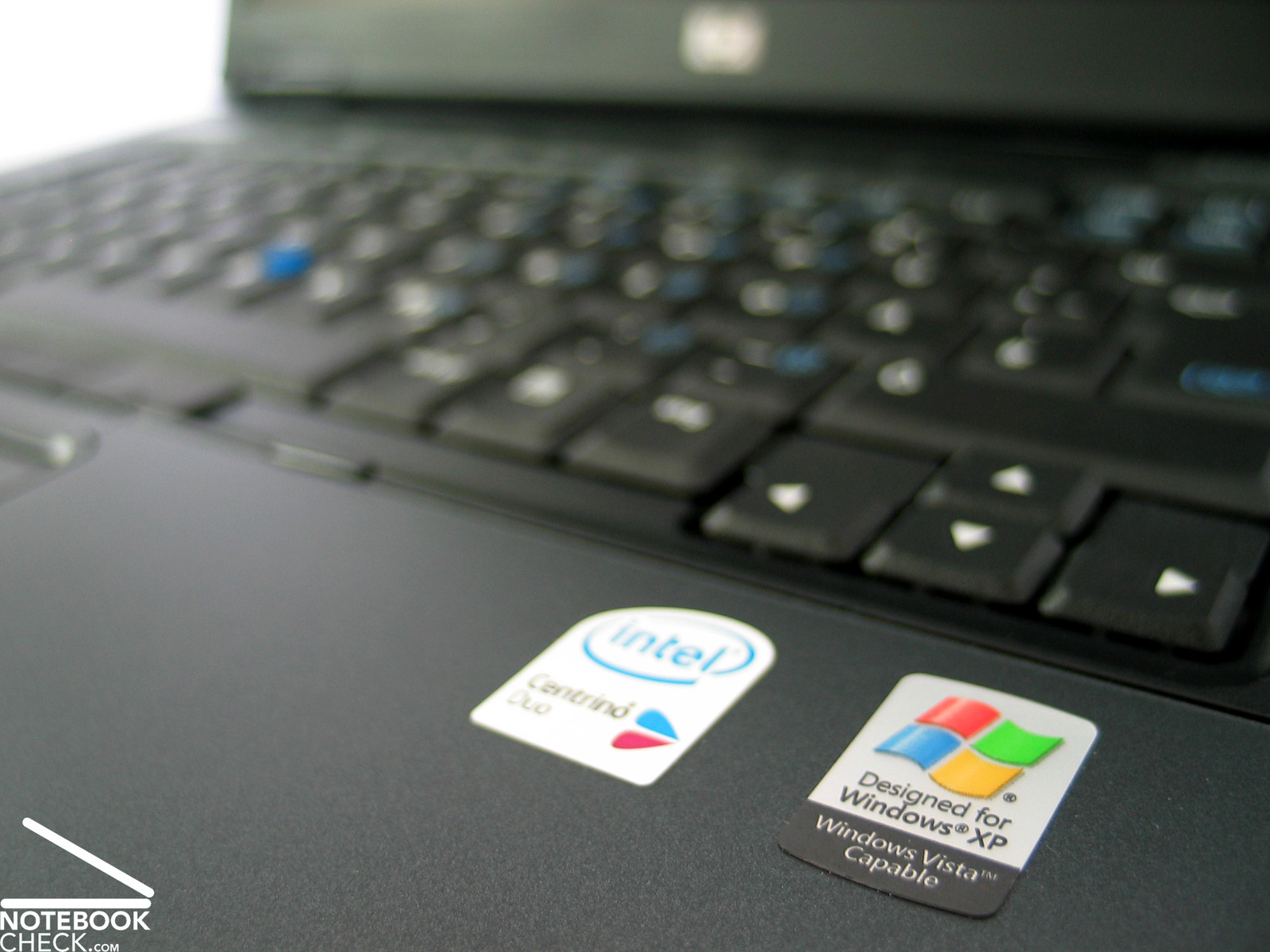
Equipped with a Core Duo T2300 CPU and a ATI X1600 video card the nc8430 is a reasonable complete package. Alternatively to this (lowest possibly) configuration, HP offers the notebook also with Core 2 Duo processors with up to 2,16 GHz (T7400).
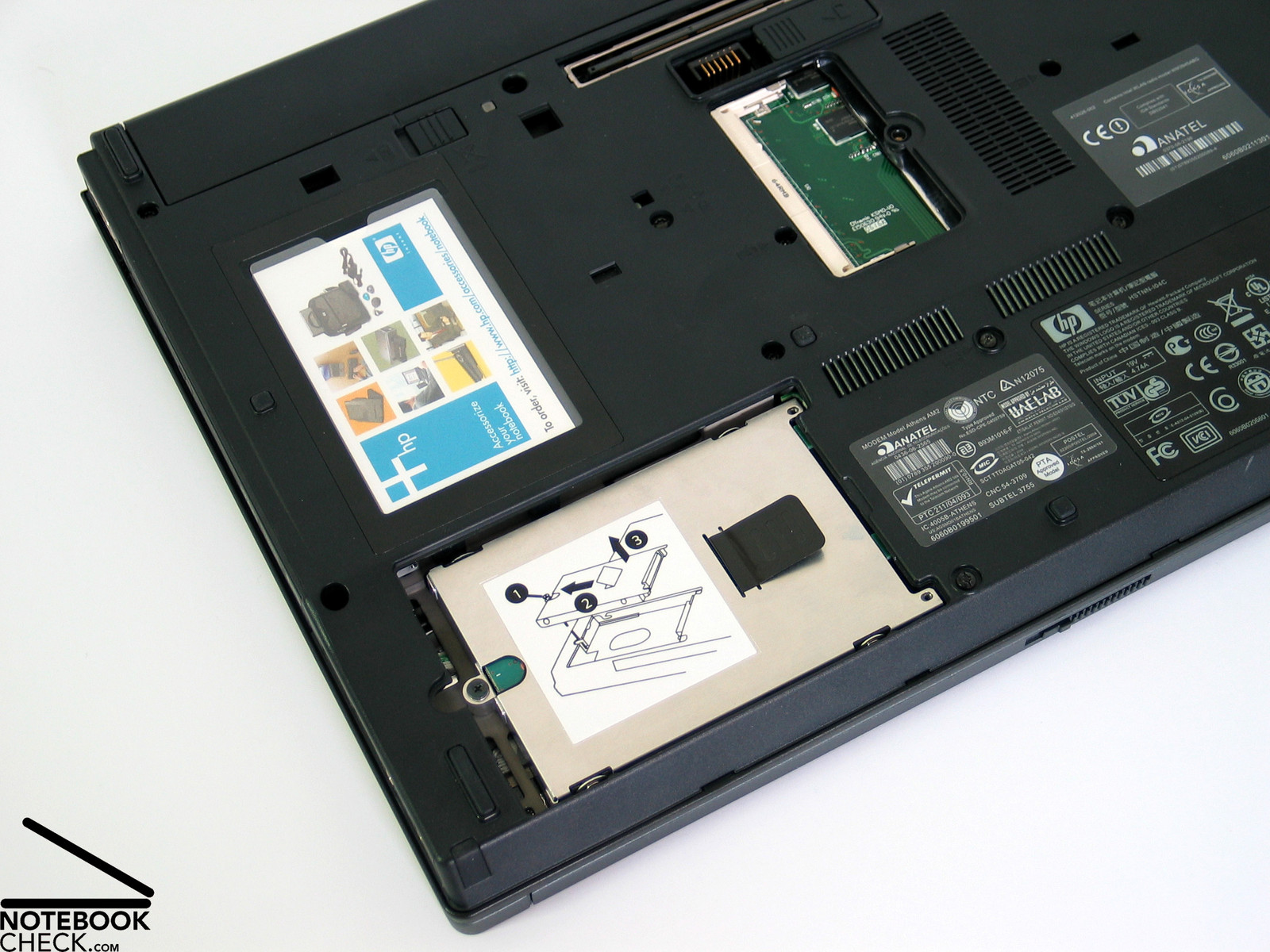
I think that 512 MB memory are a little too less for an office notebook. Particularly with regard to MS Vista, one should consider to add more memory. This is also possible without problems later, because only one bank is used so far and the second one is free.
The ATI Mobility Radeon X1600 video is a middle-class graphic solution, which should also be sufficient for demanding multimedia applications. For professional CAD Compaq nc8440 offers a version with ATI FireGL V5200 video card, which is basically based on the same chip than the X1600, but comes with special constantly updated drivers for optimizing CAD.
The hard disk is a 60GB model with 5400 revs. The measured access times and transfer rates were average. If one demands more hard disk space, hard disks of 120GB and 80GB size with 7200 revs are also available. They also have better transfer rates and access times.
Further information about the video card can be found here or in our comparison of mobile video cards. Detailed information about the Core Duo CPU can be found here.
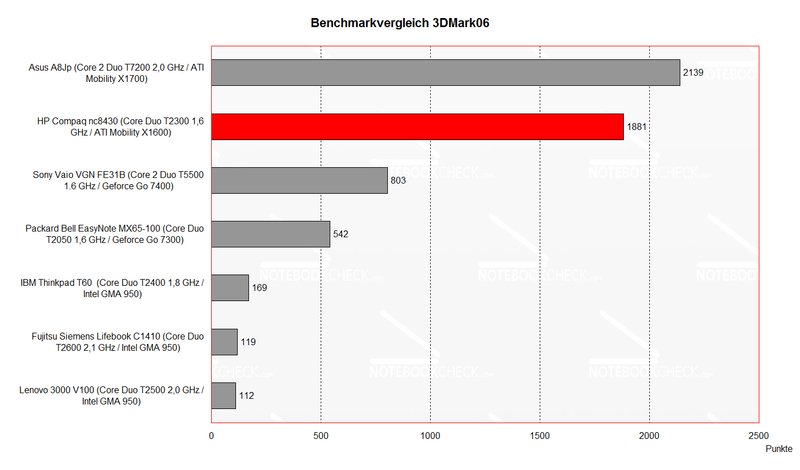
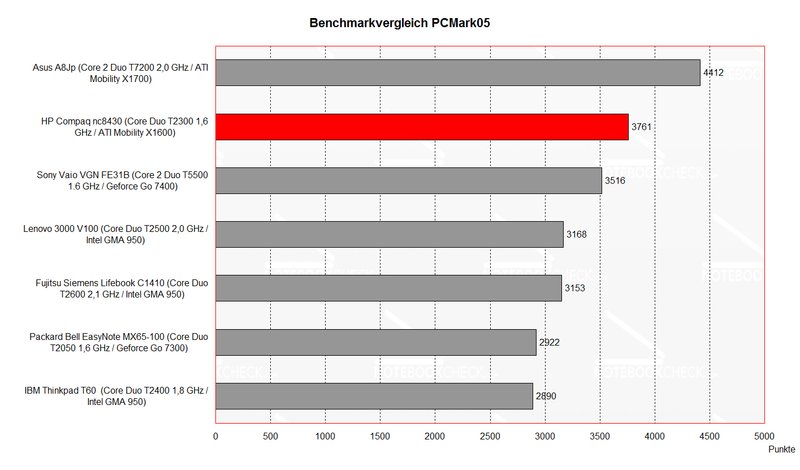
Please also look at our benchmark list of mobile processors or at our benchmark list of mobile video cards, in order to compare this notebook to other configurations.
| 3DMark 2001SE Standard | 16623 points | |
| 3DMark 03 Standard | 6364 points | |
| 3DMark 05 Standard | 3688 points | |
| 3DMark 06 Score Unknown Setting | 1881 points | |
Help | ||
| PCMark 04 Standard | 5288 points | |
| PCMark 05 Standard | 3761 points | |
Help | ||

Emissions
Loudness
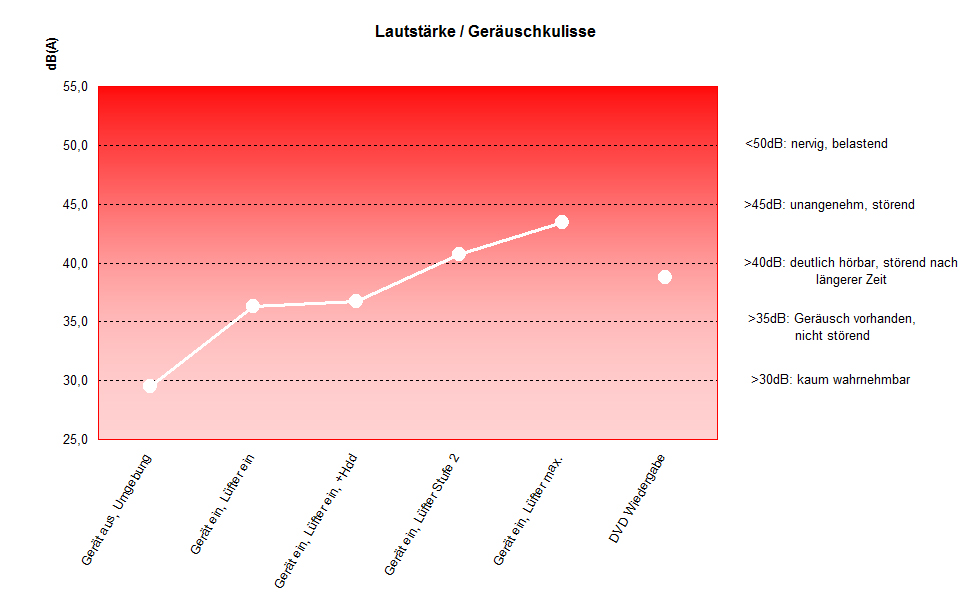
One the one hand the fan does not run all the time in idle mode, but as soon as one starts even not very demanding work, like Internet or Word, it starts running and keeps running steadily at its lowest level. Measured 36.3dB are within reasonable limits, but noises are there all the time.
Under load a maximum loudness of 43.4 dB was measured. I personally, would not call the fan's noise disturbing.
Noise level
| Idle |
| 36.3 / 40.7 / 36.3 dB(A) |
| HDD |
| 36.7 dB(A) |
| DVD |
| 38.8 / dB(A) |
| Load |
| 0 / 43.4 dB(A) |
 | ||
30 dB silent 40 dB(A) audible 50 dB(A) loud |
||
min:  , med: , med:  , max: , max:  (15 cm distance) (15 cm distance) | ||
Temperature
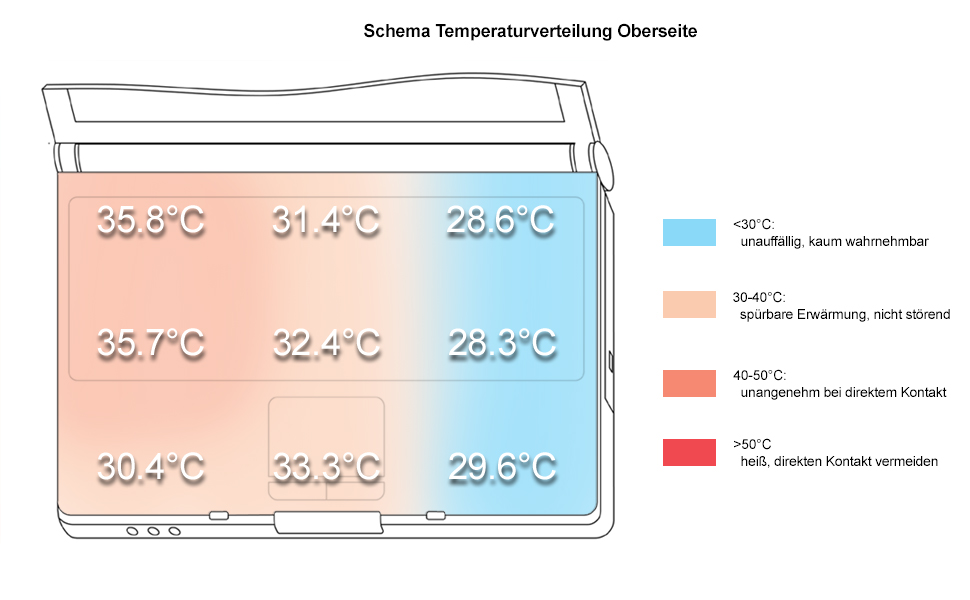
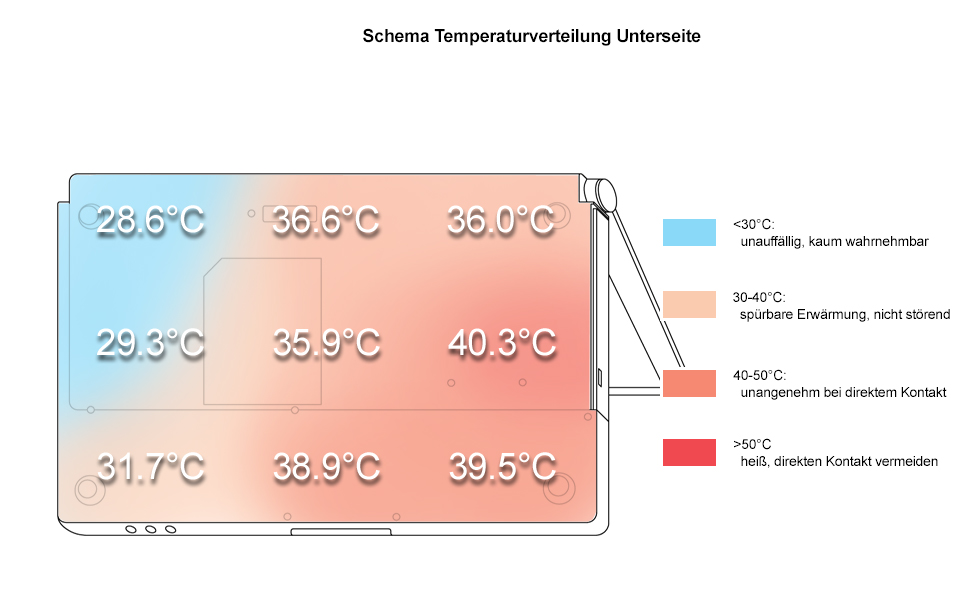
The upper and the bottom side get clearly warmer, but the temperature increase is within a harmless range. The maximum temperature is 35.8°C at the upper side, and 40.3°C at the bottom side.
Upper side
palmwrist: 30.4°C max: 35.8°C avg: 31.7°C
Bottom side
max: 40.3°C avg: 35.2°C
Lautsprecher
Links und rechts neben der Tastatur befindet sich jeweils eine langgezogene Abdeckung unter der sich jeweils ein Speaker versteckt. Grundsätzlich ist der Klang durchaus positiv zu bewerten. Auch die Maximallautstärke kann sich hören lassen. Leichte Schwächen zeigen die Boxen einerseits bei tiefen Tönen und andererseits bezüglich der Klangreinheit bei hoher Lautstärke.
Battery Runtime
HP Compaq nc8430 convinces through a good battery runtime. The maximum runtime is above 5 hours. Even the minimum runtime of 2 hours under load, or 2.5 Stunden during DVD playback is alright.
The measured runtime allows to work with the notebook during traveling by train, e.g., from Vienna to Munich, or even during a short flight within Europe.
Energy demand
Without load (Idle), min. brightness, without WLAN: 27.9 Watt
+ max. brightness: 32.5 Watt
+ WLAN: 35.7 Watt
Full load (+WLAN, max. brightness): max. 62.4 Watt
Verdict
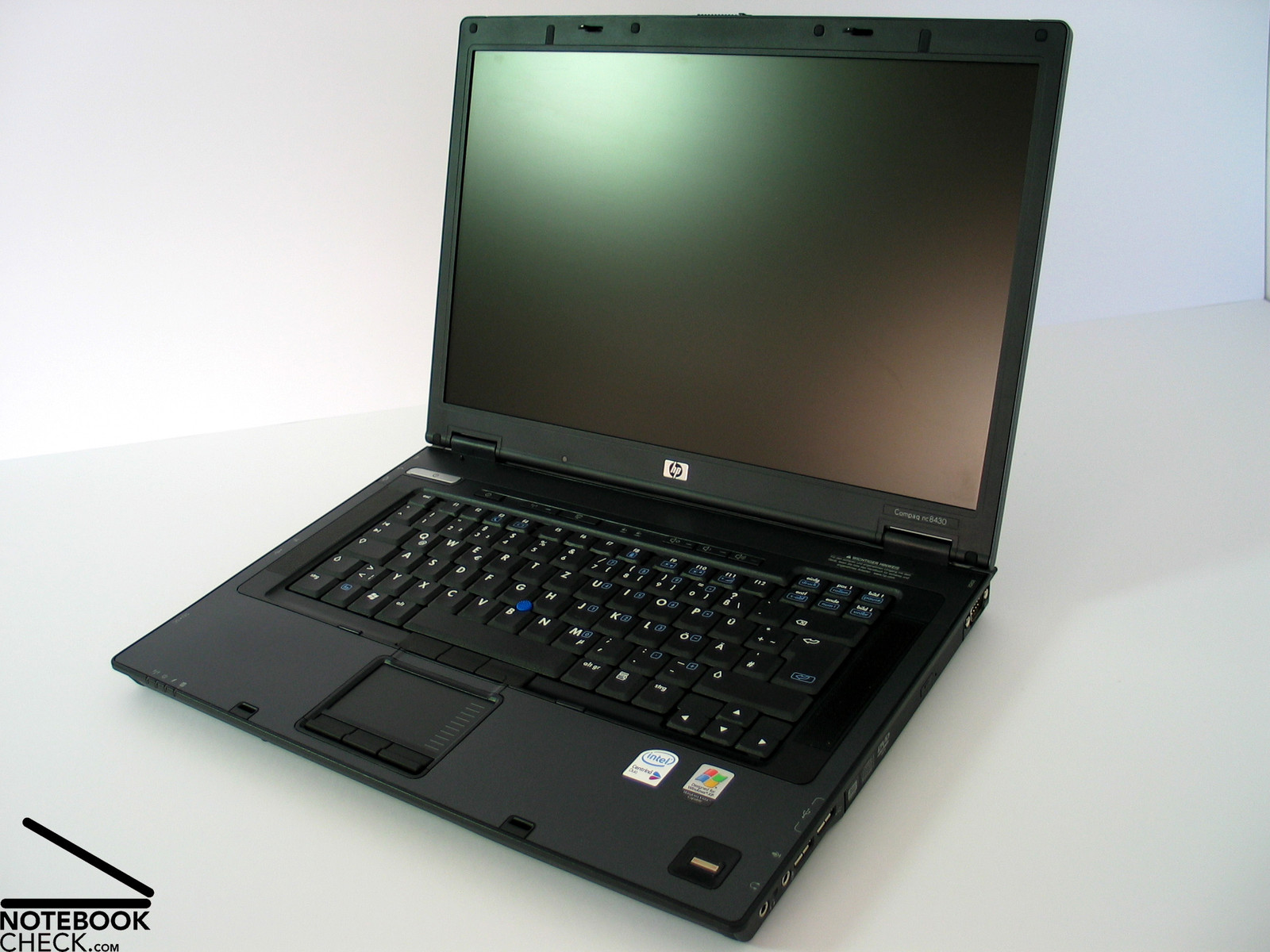
Regarding its case, the HP Compaq nc8430 impresses through good workmanship and high-quality materials. However, the flexural rigidity as well as the pressure resistance could have been better.
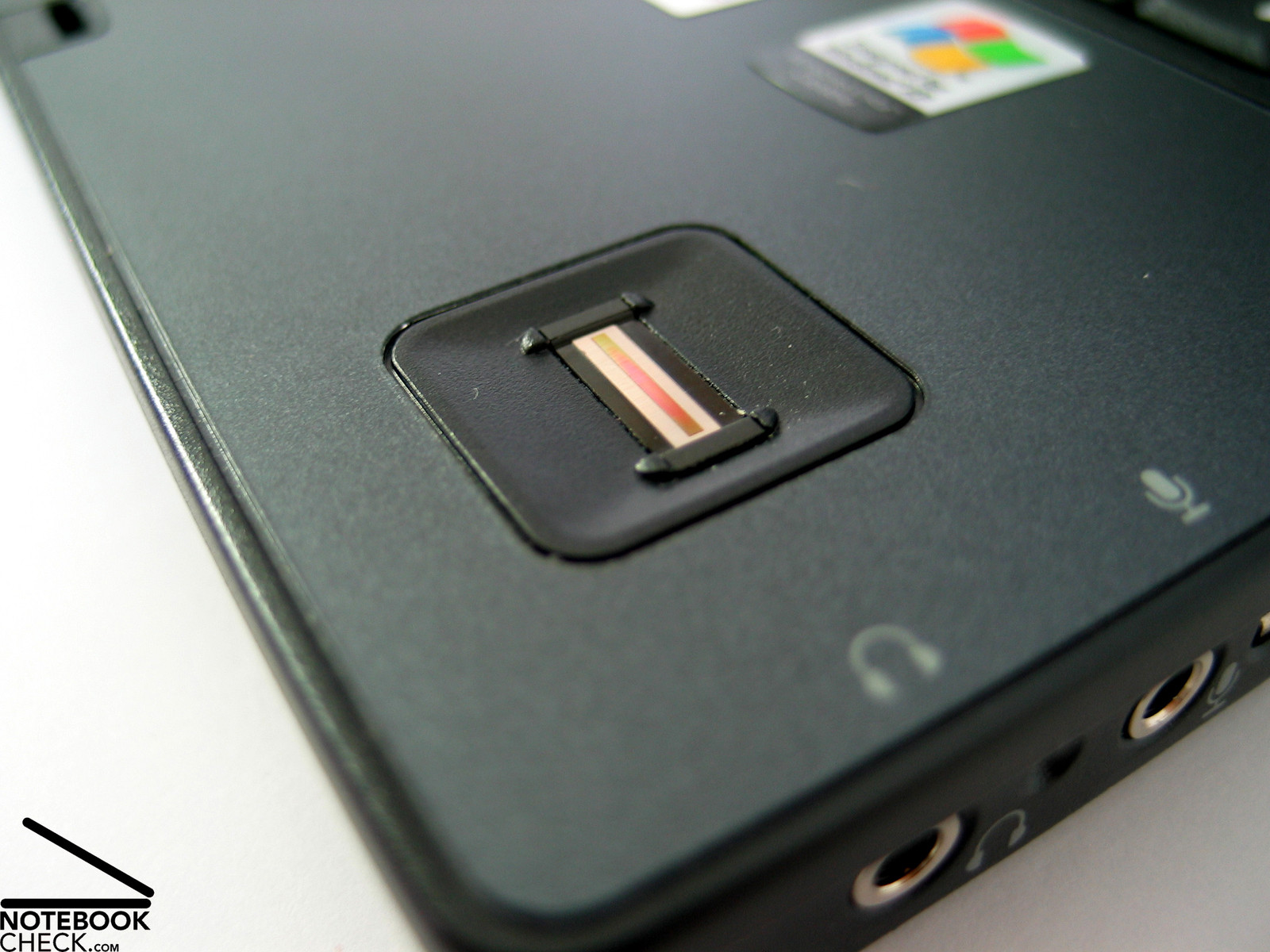
Nothing can be criticized on the notebook's input devices. Touch pad, track point, and especially the keyboard are clearly designed and user-friendly. Furthermore, nc8430 is equipped with a fingerprint reader, so, finger prints can be used instead of passwords.
Although performance of the reviewed Compaq notebook was not really excellent, the Core 2 Duo CPUs alternative (zu 2.16 GHz T7400) promises a clear performance increase. The X1600 video card enables the user to work with multimedia applications and CAD (FireGL V5200 in nc8440).
The noise emissions are tolerable. During office operation the fan runs steadily, but the noise is limited and does not really disturb. Regarding the surface temperatures, there are no anomalies.
Interesting for a business notebook: Battery runtime. It is between more than 5 hours and a minimum of 2 hours. So, the notebooks allows to work unplugged during shorter journeys.
 Add as a preferred source on Google