Review Dell Precision M90 Notebook
Strong Equipment. The Dell M90 is a strongman. First of all it has a robust and scuffproof case out of aluminium and composite materials. Additionally, it is equipped with a Core 2 Duo CPU and a really powerful NVIDIA Quadro FX video card, the master for CAD among NVIDIAs Geforce video chips.
Case
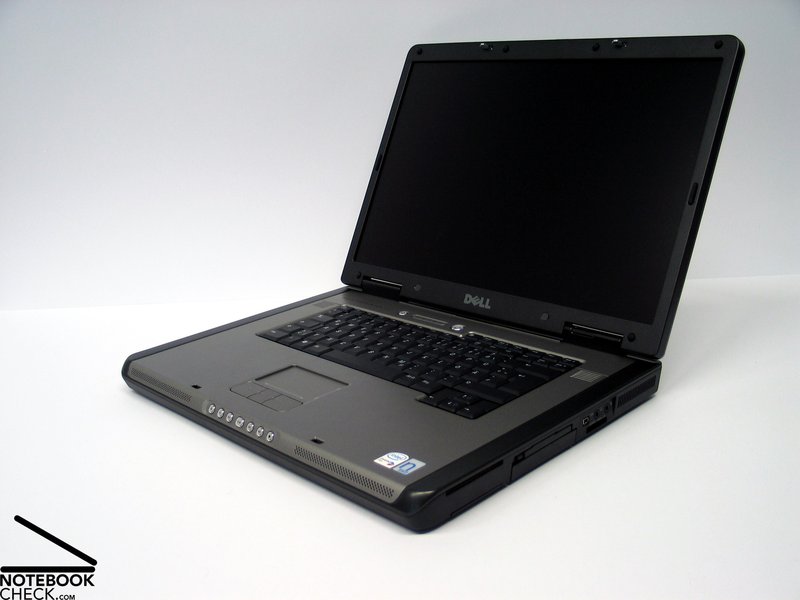
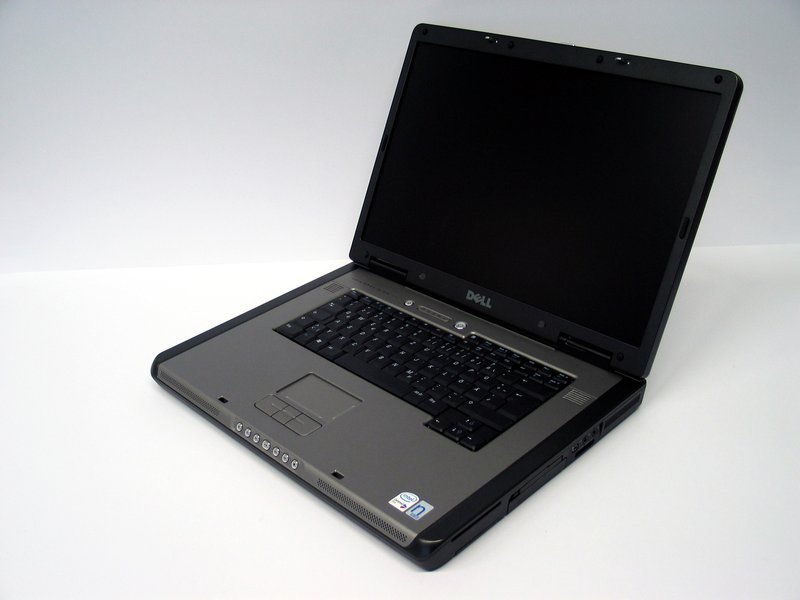
Already at the first glance the M90 looks alike the Dell Inspiron 9400. It nearly seems to be the same case. However, this is only true regarding the forms, as the two notebook series fundamentally differ regarding materials used.
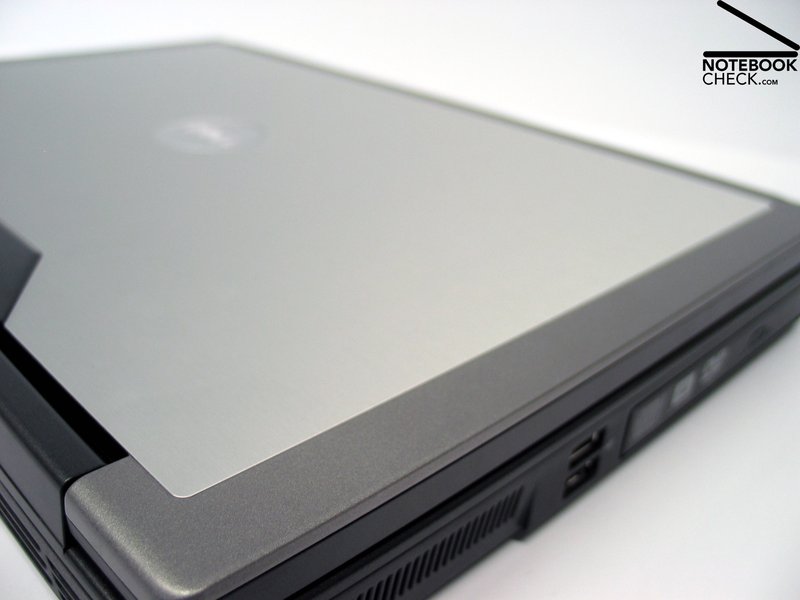
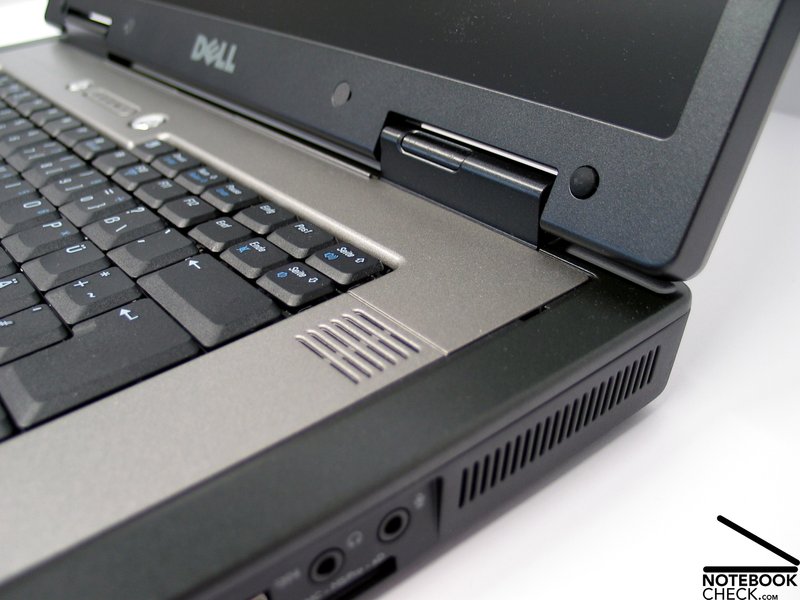
Only absolutely high-quality materials are used for the M90's case.The base unit is out of aluminium and magnesium and the display was additionally stiffened by a big aluminium liner.
This all together led to an absolutely robust and flexural rigid case. In fact, it slight deformations are still possible by applying punctual pressure, however, in total, the case seems to be indestructible. Also, some quiet creaking noises could be observed from time to time. Especially, the part above the keyboard has a low pressure resistance, and its slight possible wobbling objectionably called our attention.
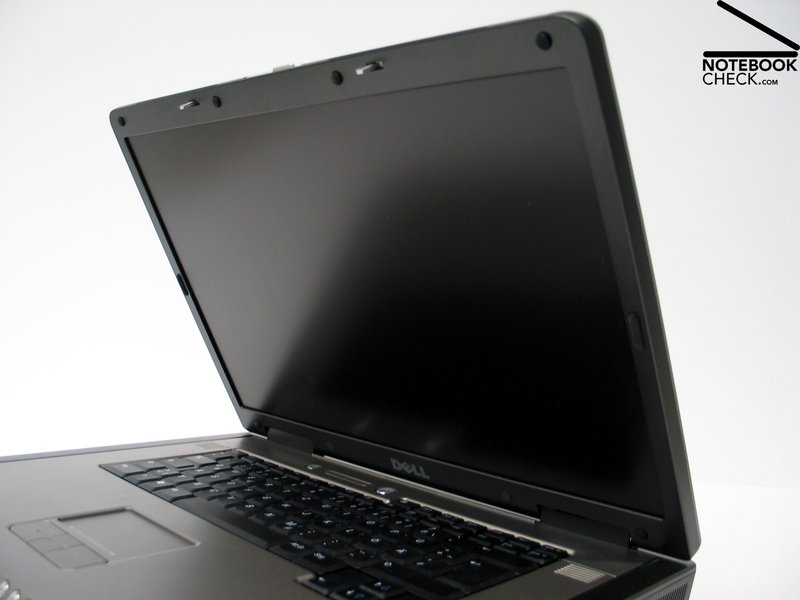
Despite the aluminium liner, the display is only moderately flexural rigid. The hinges are adequately big. However, they could not prevent a wobbling after adapting the display's position.
Likewise, the plastic cover of the hinges wobble and did not fit to the otherwise high-quality appearance. In exchange the ramshorn hook provides a good service and are able to keep the display closed nearly without any identifiable wobbling.
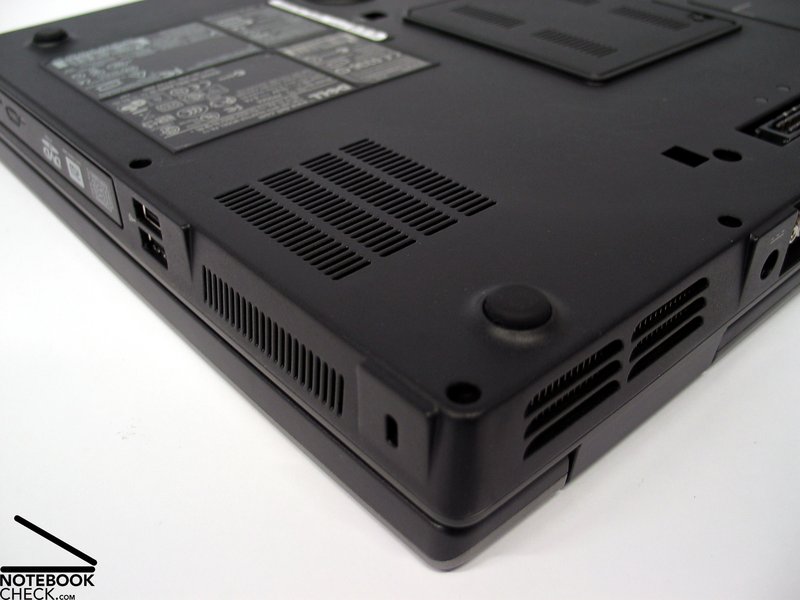
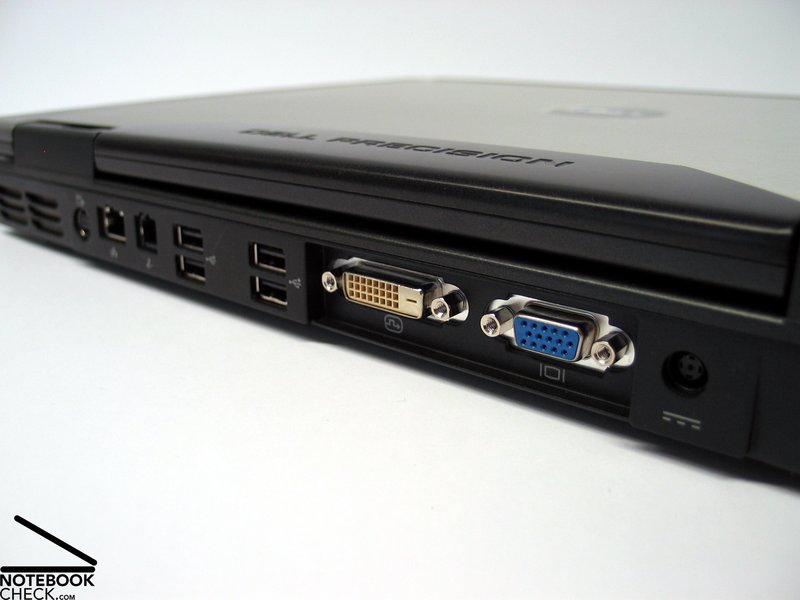
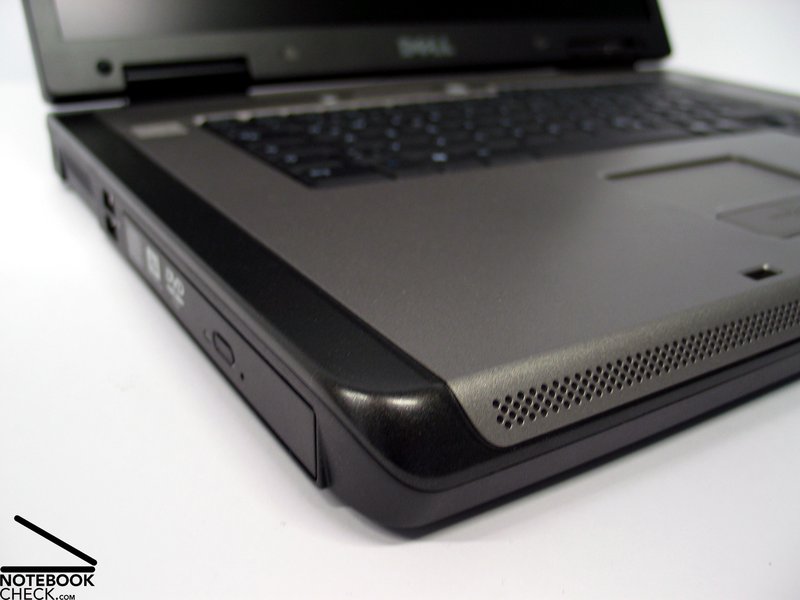
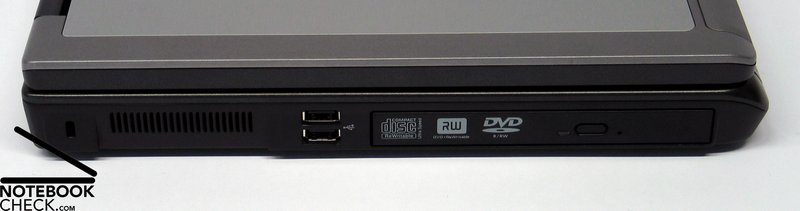
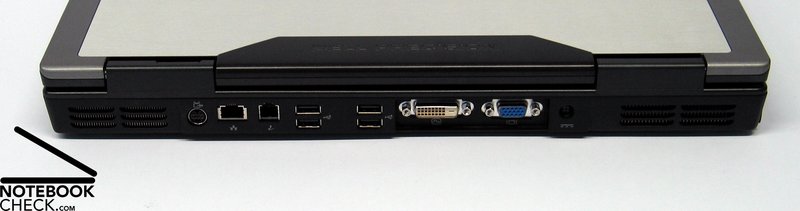
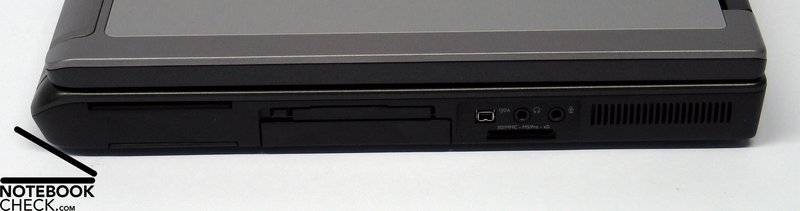
The interface of the Dell Precision M90 are mainly placed at its back side. Among others it offers a DVI port, and 4 USB 2.0 ports. Together with further 2 USB ports at the left side of its case, the M90 provides a total of 6 USB ports.
Input Devices
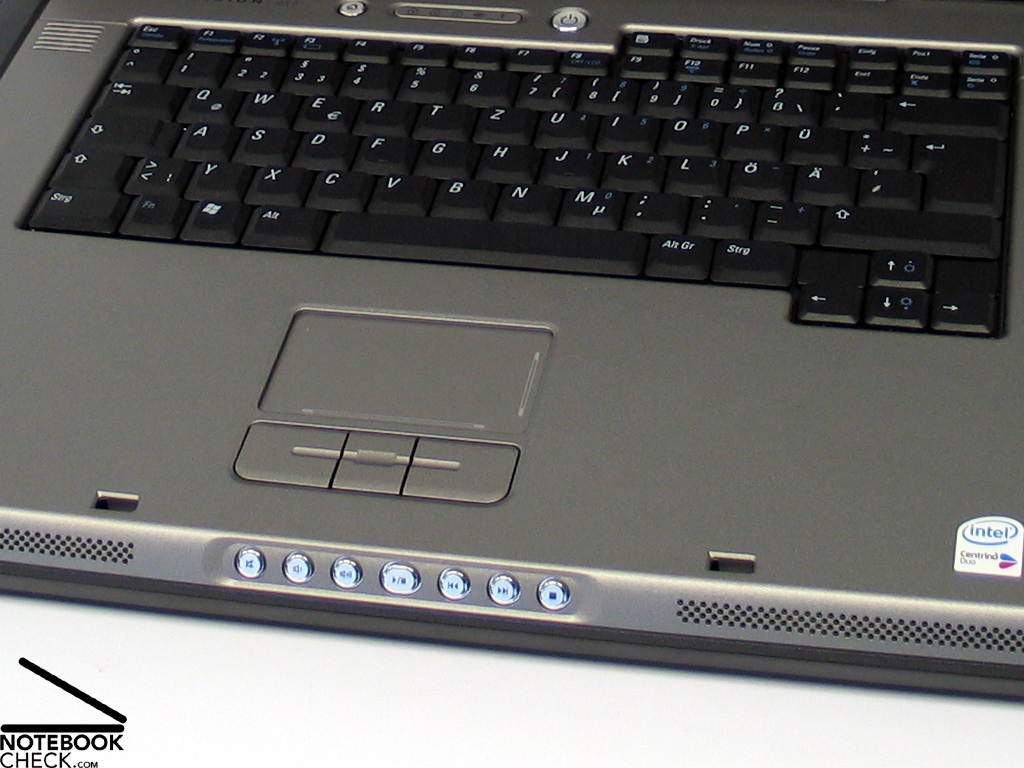
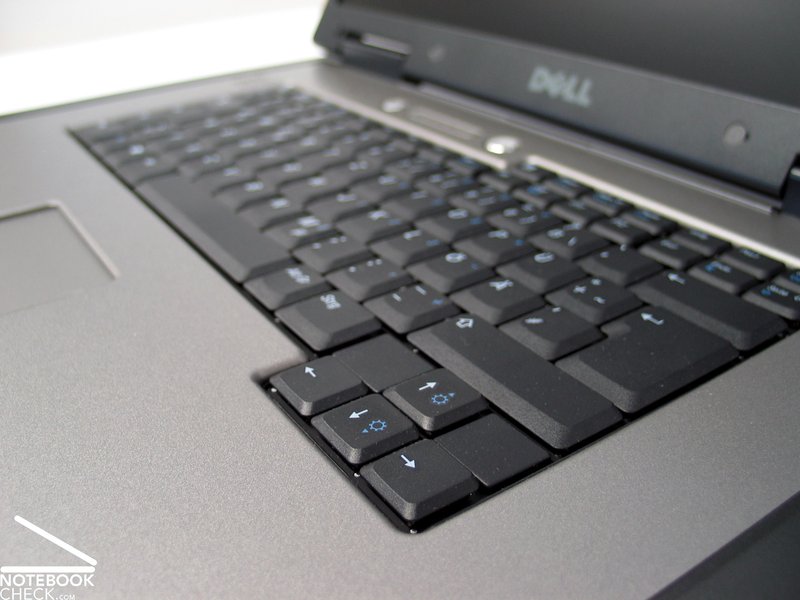
The standard keyboard appears nearly too small in the huge case. This is the first thing we would like to criticize: A 17 inch notebook should really offer a separate number block.
Typing with this keyboard feels alright. The keys can be softly pressed, and precisely hit. The typing noise is also limited and does not annoy in any way.
In general the touch pad can be used without any problems and it has a comfortable surface. The only thing is, that is is a little below the level of the surrounding surface, so, you might possibly hit your fingers on the surrounding edges.
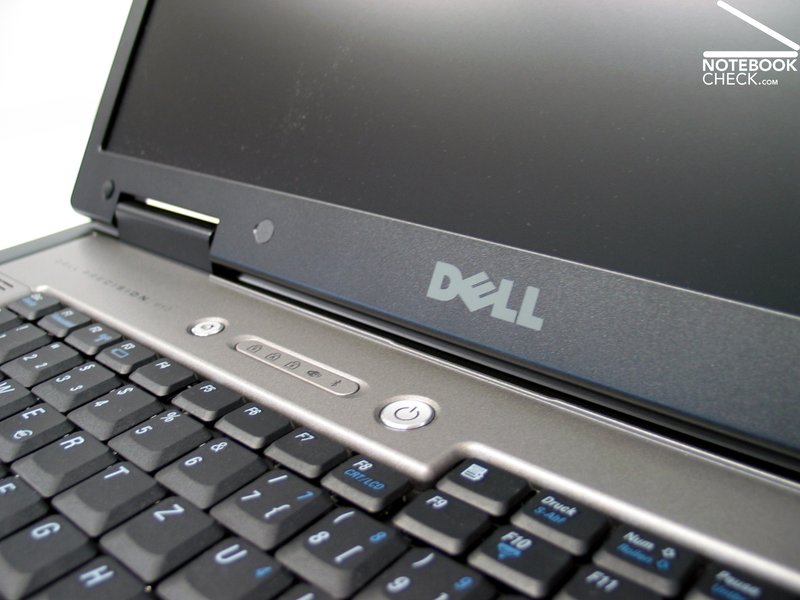
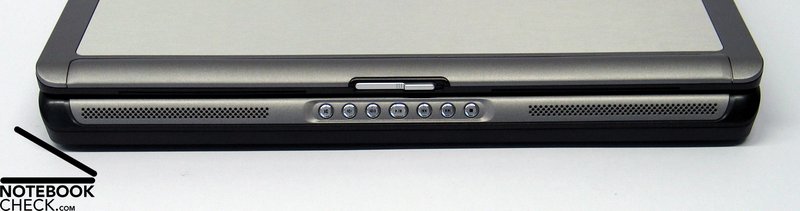
At the front side the Dell Precision M90 provides, alike the Dell Inspiron 9400, some media keys for controlling audio- and video functionality.
Display
The reviewed display with a resolution of 1440x900 pixels (WXGA+) had a matt surface. Besides this Dell also offers WUXGA panel with a maximum resolution of 1920x1200 pixels, which also has a non-reflecting surface.
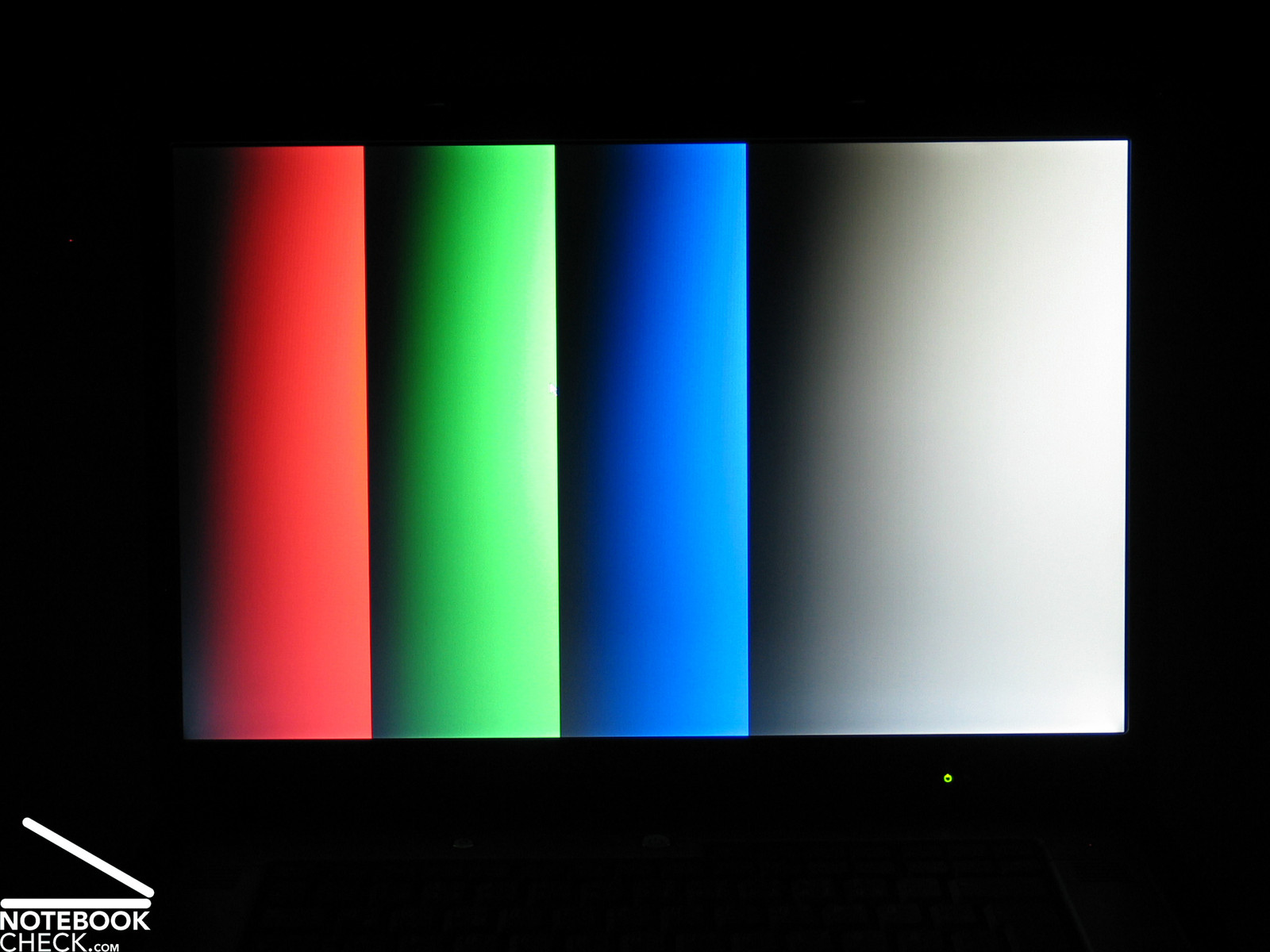
The maximum brightness of the reviewed WXGA+ display was very good at 170.2 cd/m² and it is therefore, an upper middle class display. The illumination was only 72.6%, because of a clearly lower brightness at the left edge.
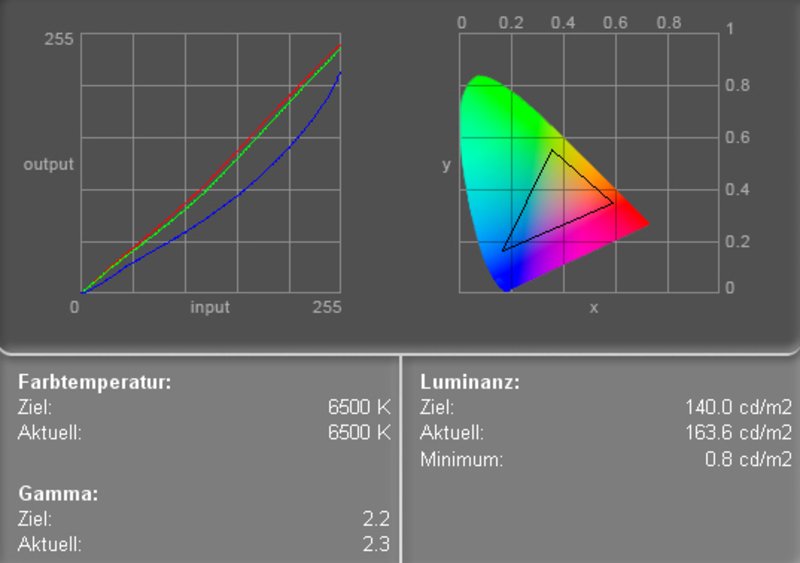
The measurement diagram depicts a good red and green color curve, and a clear deviation of the blue color curve. Therefore, the colors appear warmer.
| |||||||||||||||||||||||||
Brightness Distribution: 73 %
Contrast: 206:1 (Black: 0.8 cd/m²)
The black value (minimum brightness) was measured at 0.8 cd/m² which leads to a maximum contrast of acceptable 213:1. In the Pixperan test of legibility the M90 rated grade 7, which is a slightly above average result regarding speed of reaction.
Because of the non-reflecting display with very good brightness it should be possible to operate the Dell Precision M90 even outdoors without big problems.
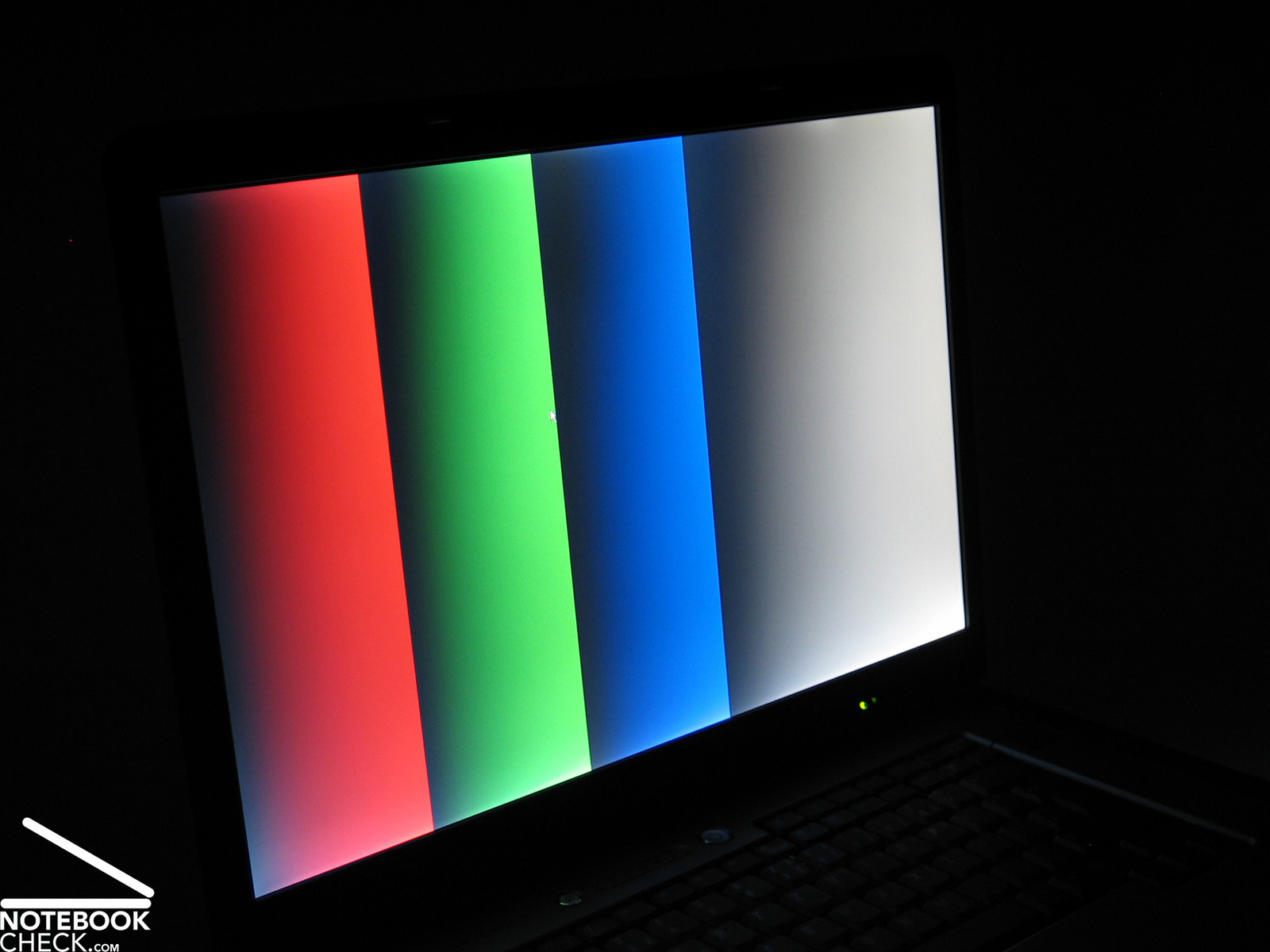
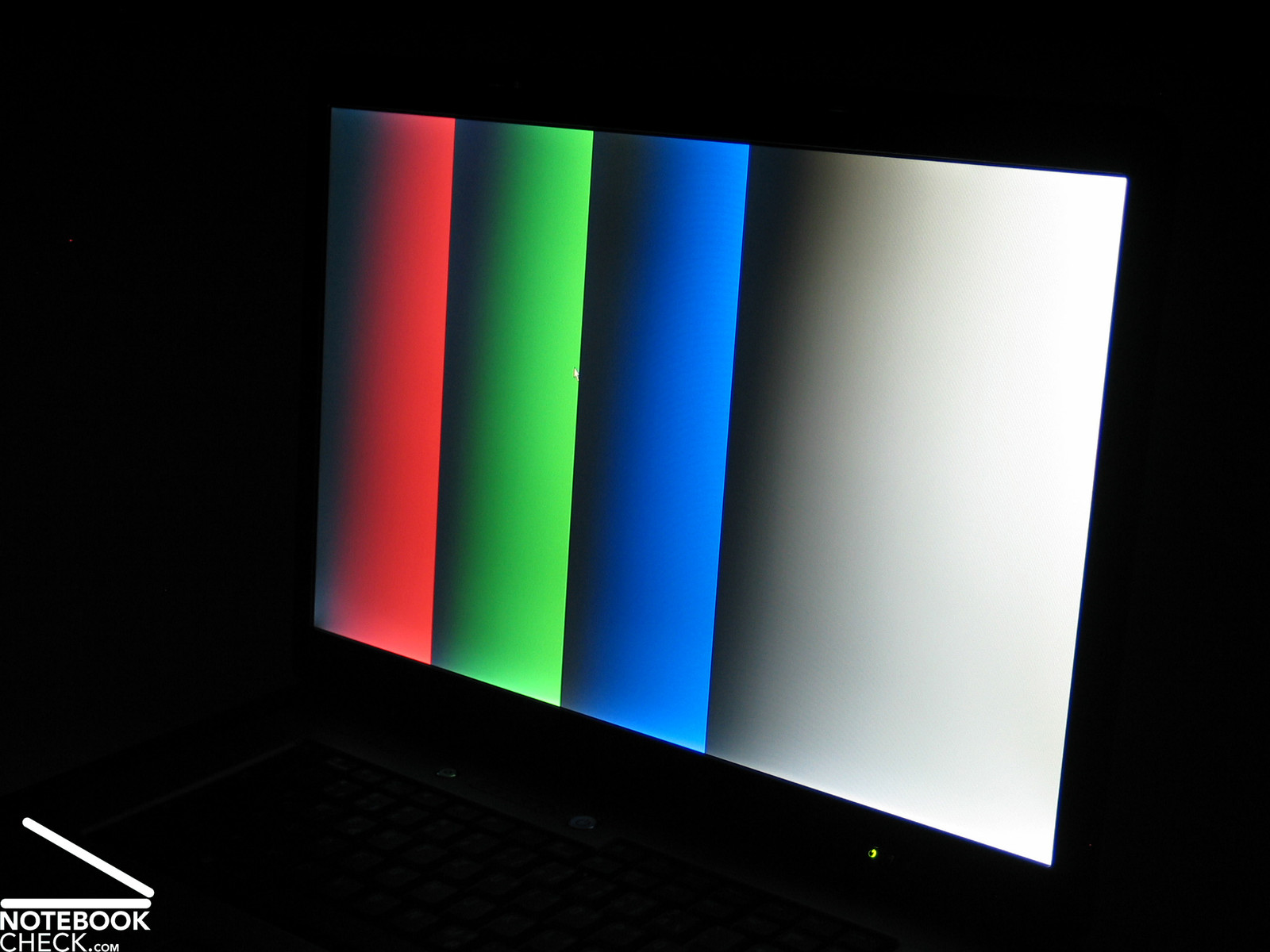
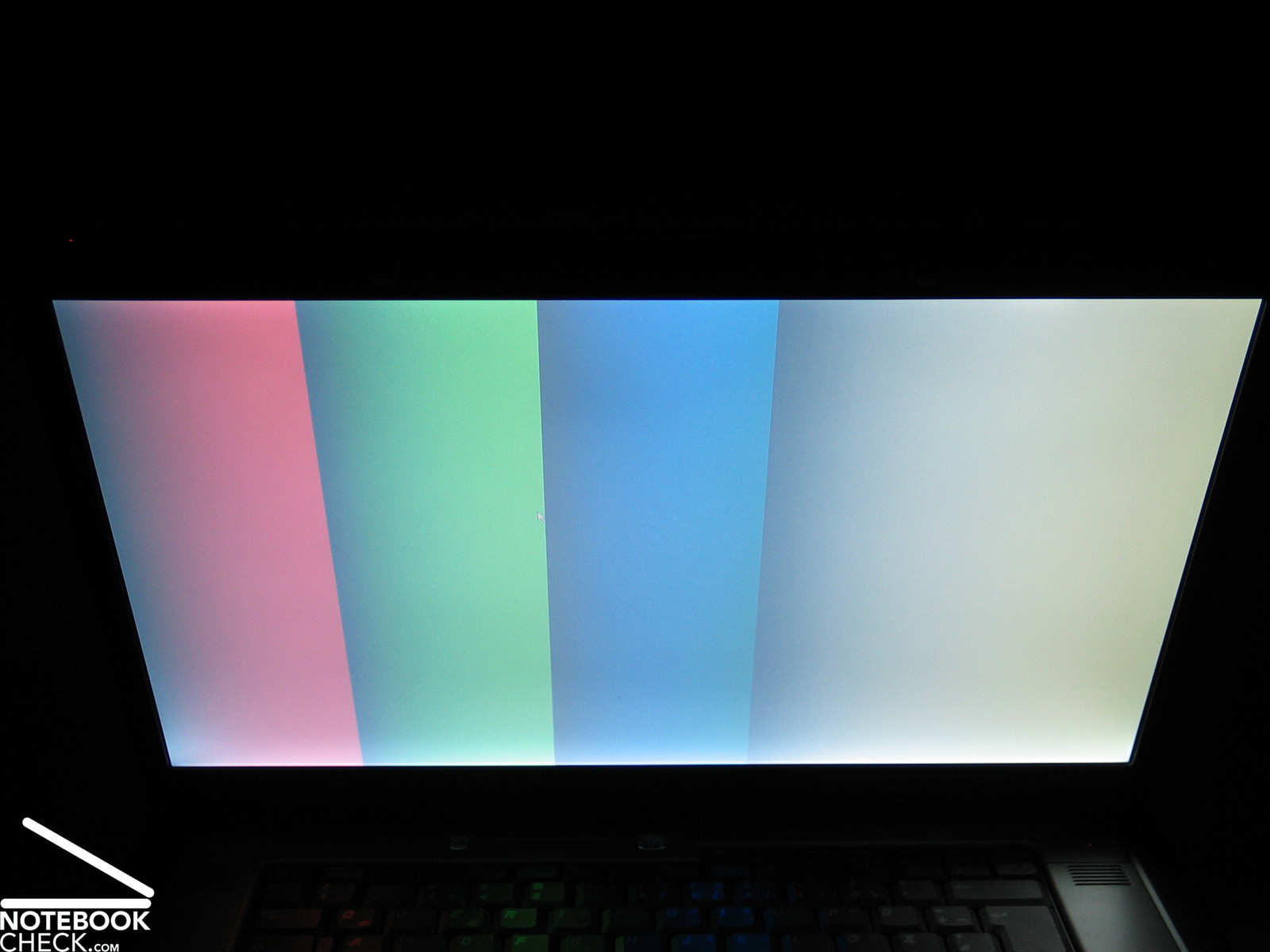
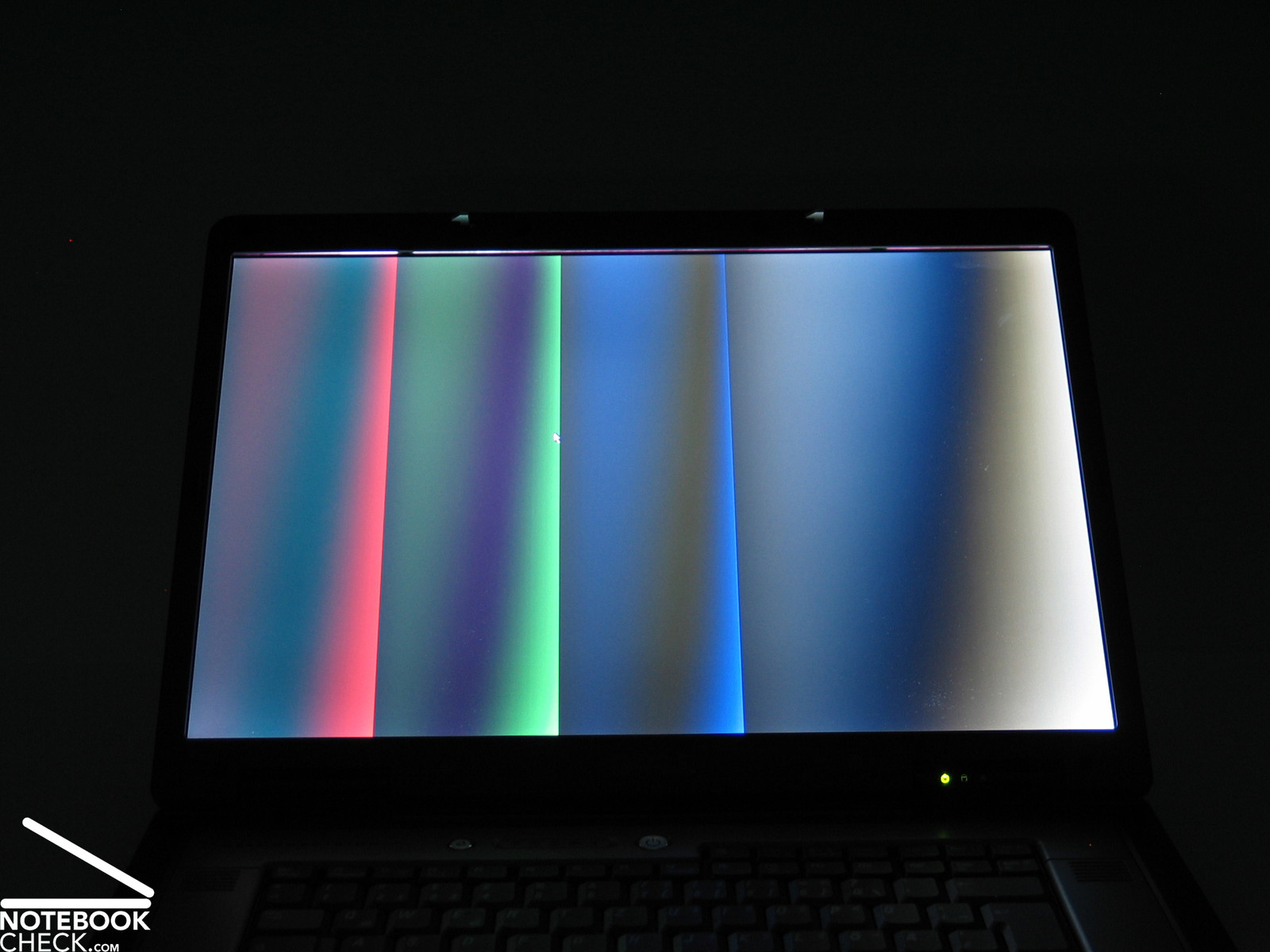
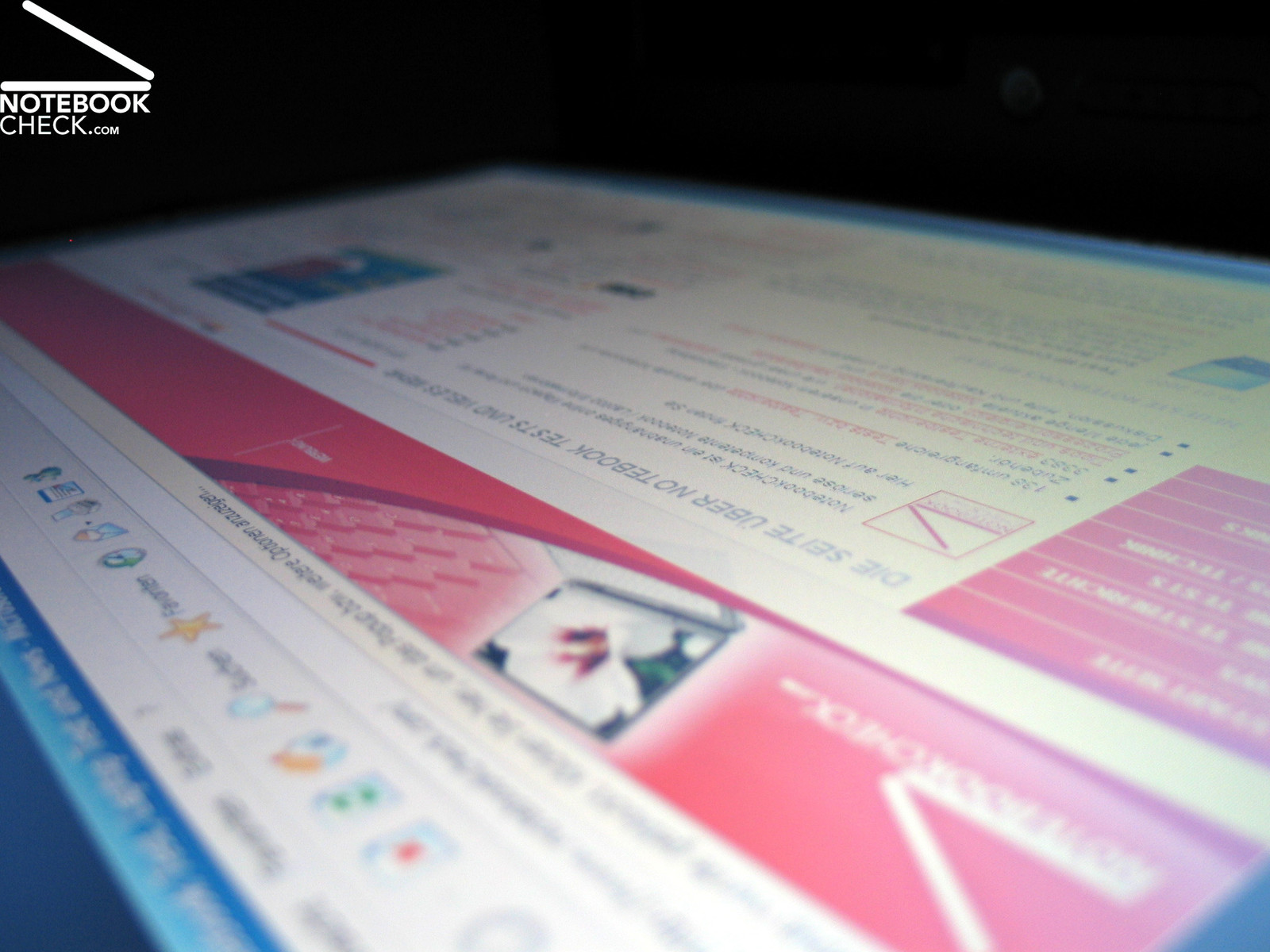
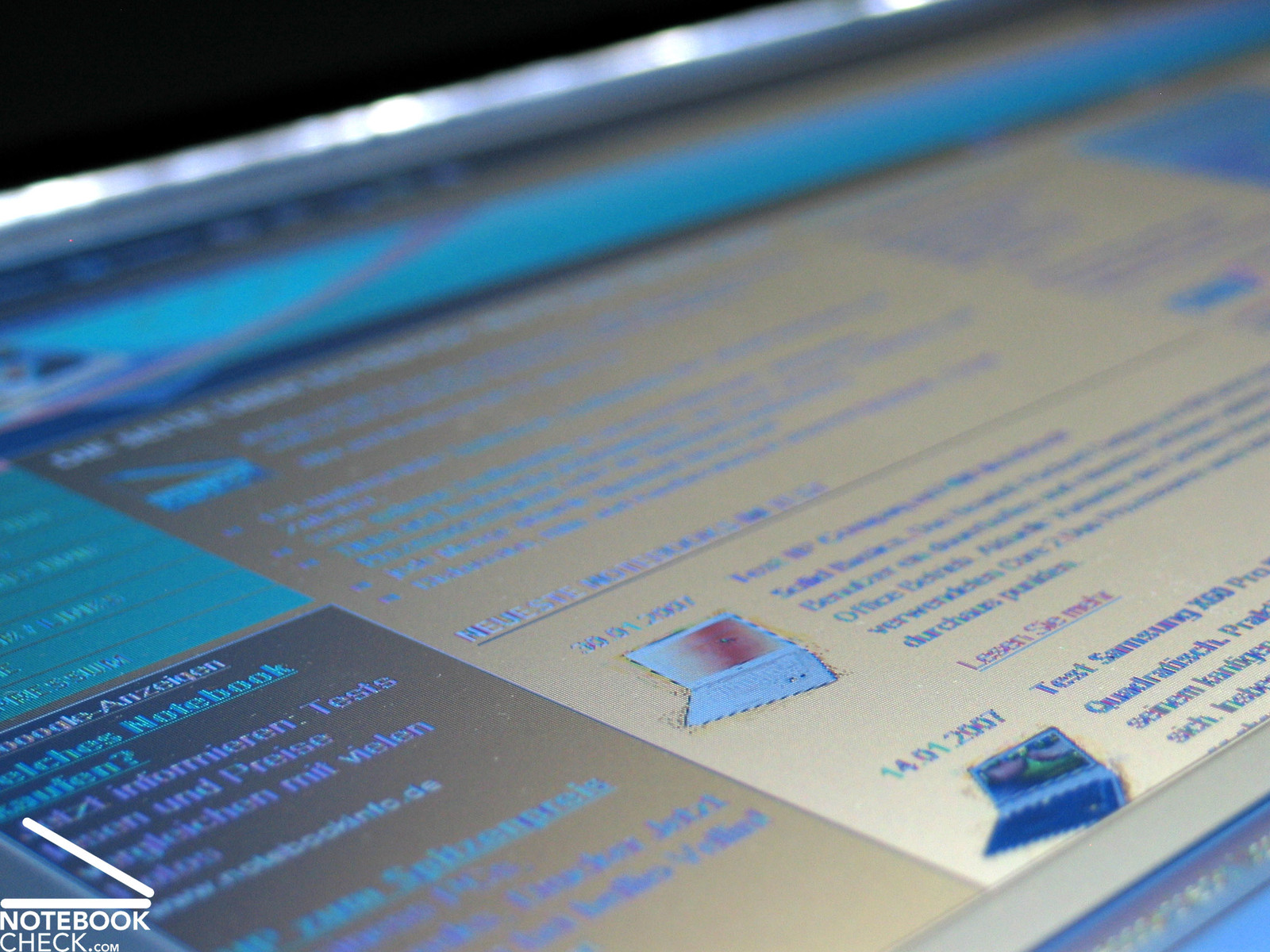
Vertically, the area of operation is regarding stability to the vantage point rather small. The usual whitening and darkening can be observed rather soon. Horizontally the stability to the vantage point is alright.

Performance
The Dell Precision M90 can be equipped with a variety of Core 2 Duo processors and a variety of video cards, which provide different levels of performance. Being flexible regarding these matters is surely one of the biggest advantages of the M90.
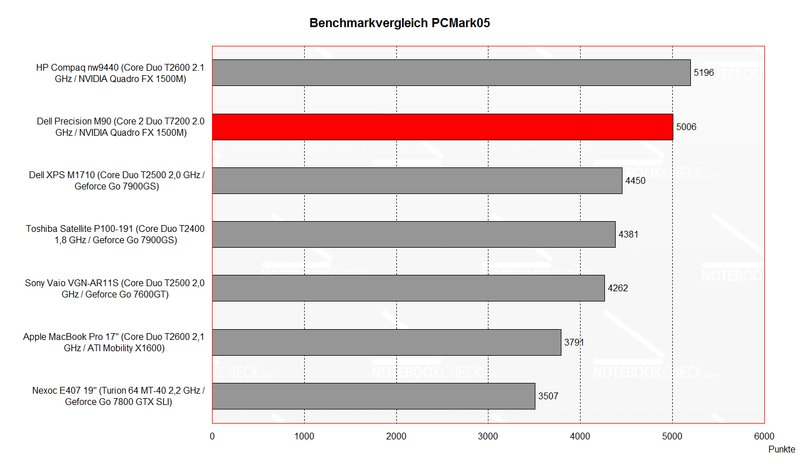
The reviewed notebook was equipped with a T7200 Core 2 Duo CPU with 2.0 GHz. The video functionality was provided by a NVIDIA Quadro FX 1500M with 256MB VRam. This combination led to passable performance in the fields of office applications and 3D.
The processors you can choose for your M90 reach from a T5500 C2D CPU with 1.6 GHz as smallest solution up to a T7600 with 2.33 GHz as variant with the highest performance.
Regarding video card, three models by NVIDIA can be chosen: Quadro FX 1500M with 256MB, Quadro FX2500M with 512MB, and a Quadro FX 3500M with 512MB as high end solution.
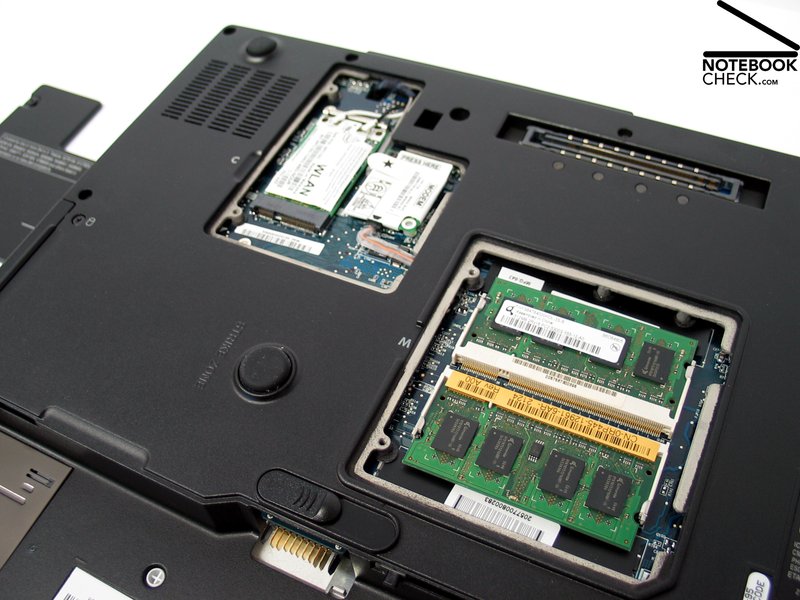
Additionally, you can choose between a variety of hard disk models with up to 120GB capacity and 5400 revs, or 100GB and 7200 revs. The main memory can be enhanced to provide up to 4GB (Dual-Channel). The notebook we reviewed came with 2x 512MB PC5300 memory modules.
The performance of the Dell Precision M90 is, therefore, well equipped up to absolutely high-end. It's up to the user which performance she/he demands from her/his M90. However, one is for sure, how high the demands might be, they are no problem for the Precision M90. Even games are possible, depending on the chosen video solution with better or moderate performance.
Further information about the video card can be found here or in our comparison of mobile video cards. Detailed information about the Core 2 Duo CPU can be found here.
Please also look at our benchmark list of mobile processors or at our benchmark list of mobile video cards, in order to compare this notebook to other configurations.
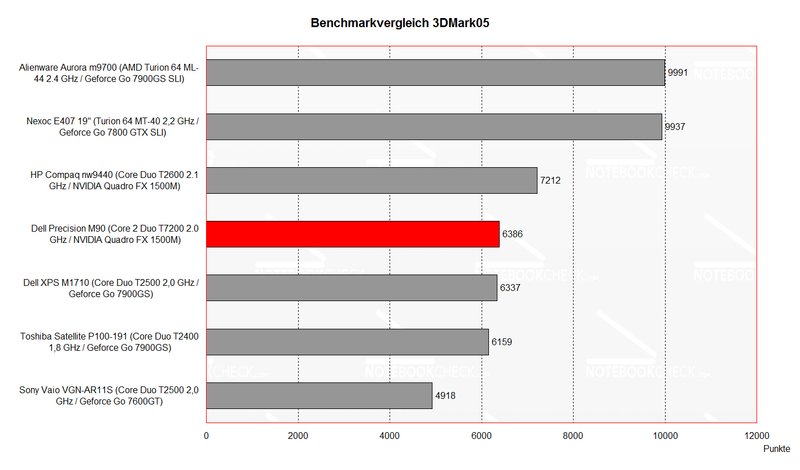
| 3DMark 05 Standard | 6386 points | |
| 3DMark 06 Score Unknown Setting | 3906 points | |
Help | ||
| PCMark 05 Standard | 5006 points | |
Help | ||

Emissions
Loudness
The M90's fan ran steadily, even in idle mode, but the noise was very decent and did only slightly disturb. Depending on performance demands the vent can turn up and can be more clearly heard. The noise itself is light.
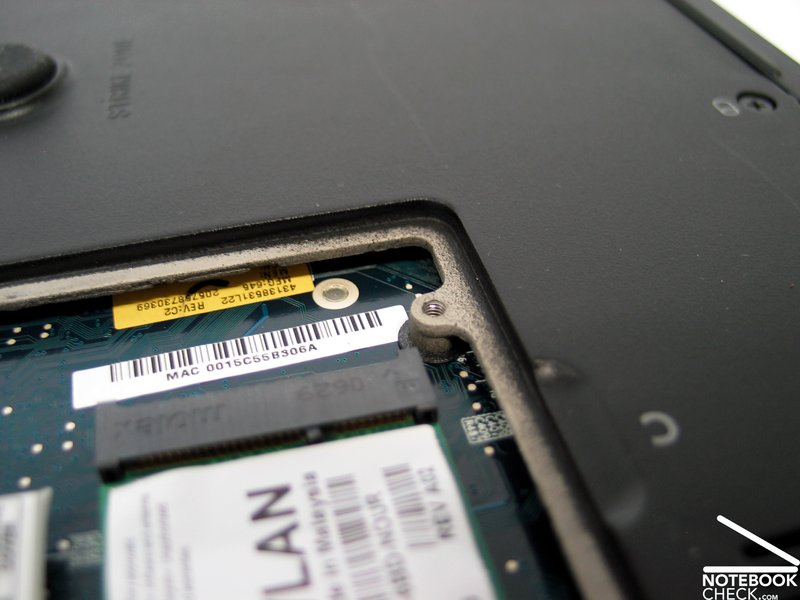
Additionally, it is noticeable that this notebook is equipped with 2 separated fans, likely, one for the waste heat of the CPU and the other one for the waste heat of the GPU. Unfortunately, we were unable to open the notebook in order to clarify this matter.
Temperature
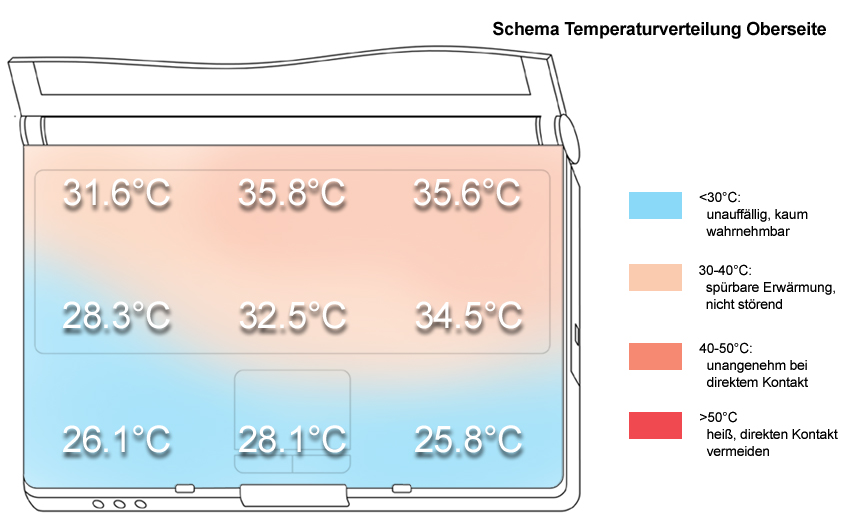
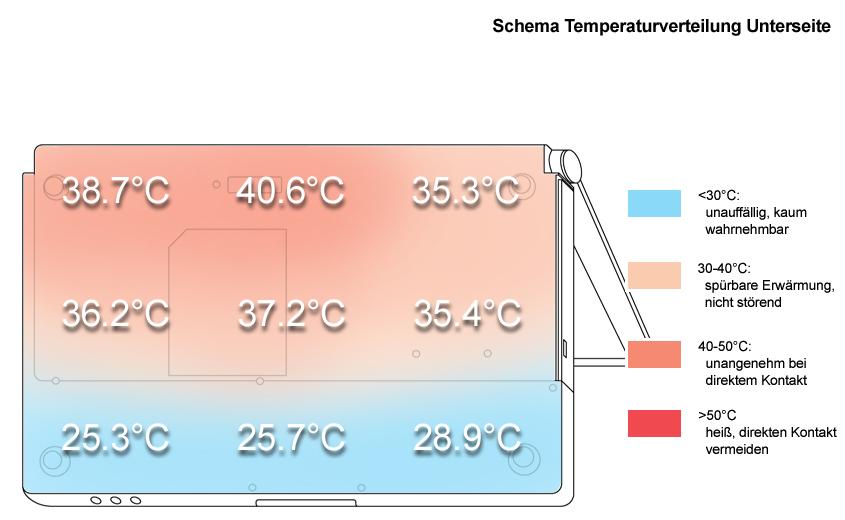
The measured surface temperatures of the M90 were even under load alright. At the upper side the maximum was 35°C, at the bottom side we measured a maximum which was only slightly above 40°C.
Upper side
palmwrist: 26.1°C max: 35.8°C avg: 31.2°C
Bottom side
max: 40.6°C avg: 34.7°C
Speakers
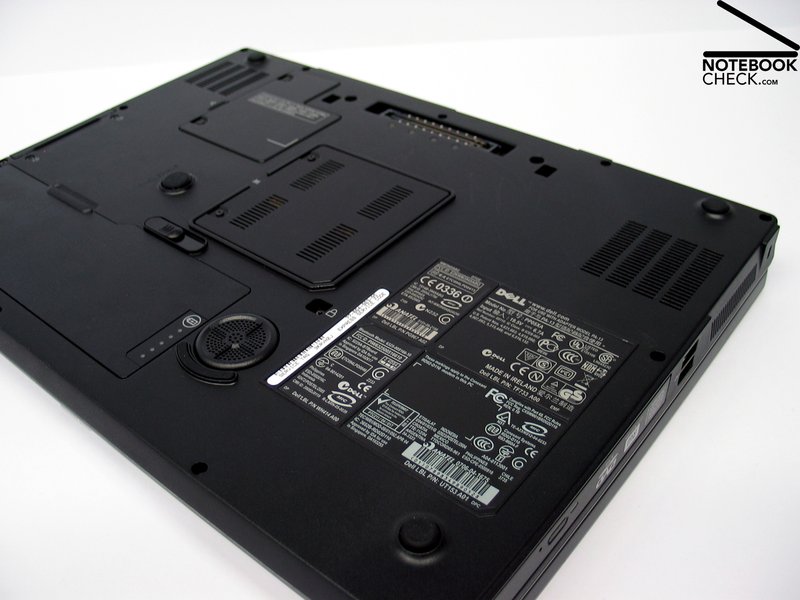
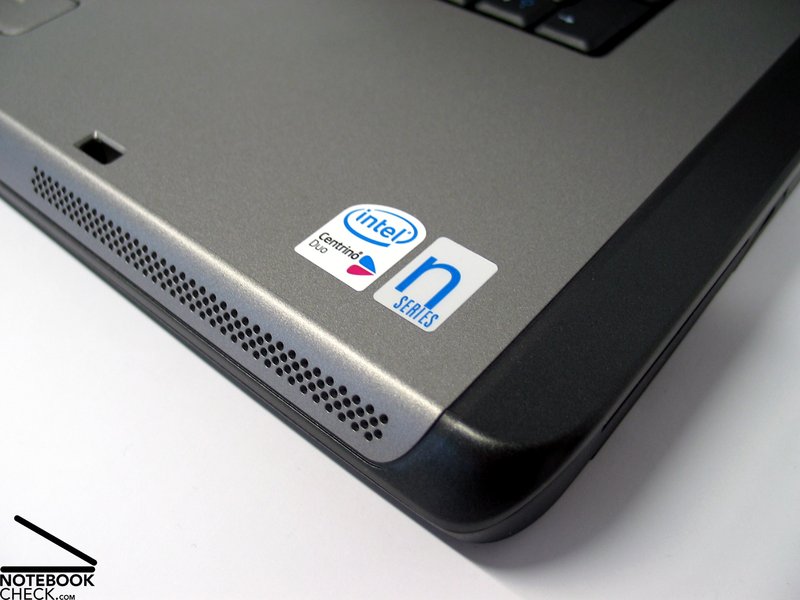
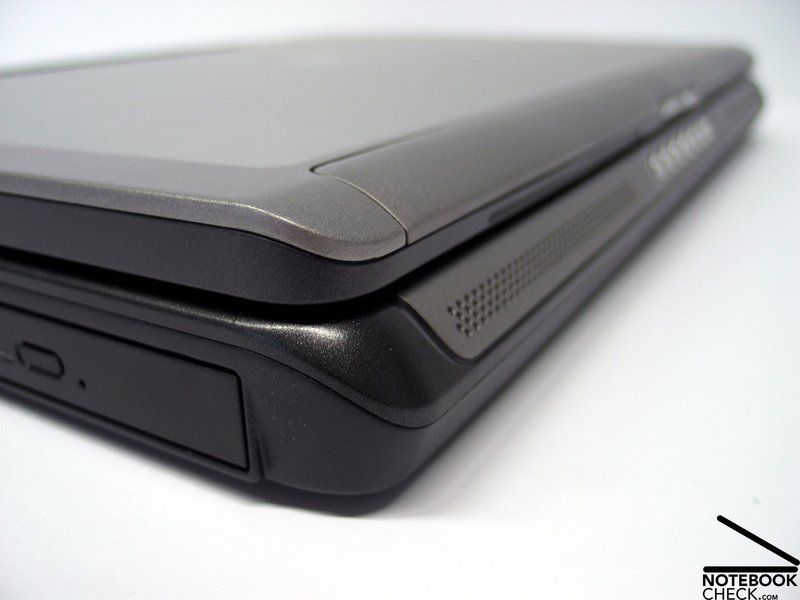
The notebook is equipped with 2 speakers at its front edge and a sub woofer at its bottom side. The sound is in total alright, although the basses could be slightly more dominant.
Battery Runtime
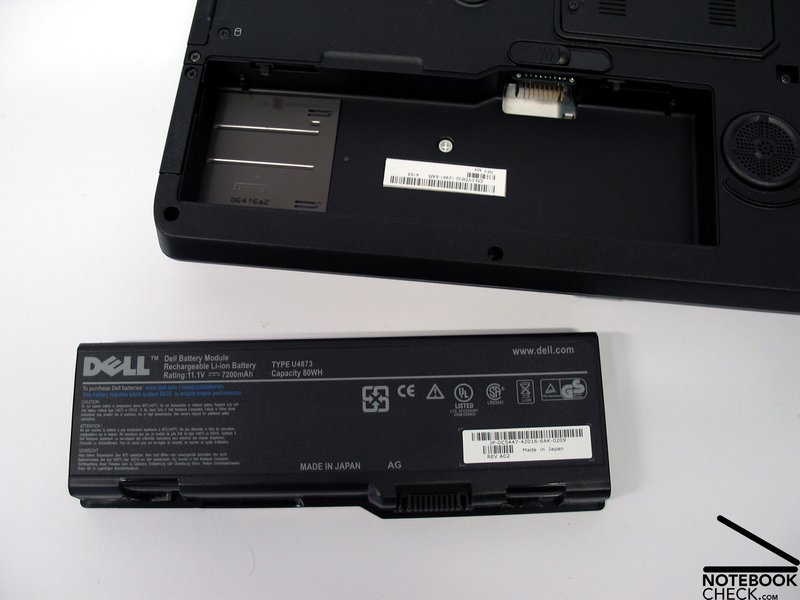
The Dell Precision M90 comes with a 7200 mAh 9-Zellen battery which provided the reviewed notebook with a runtime between a minimum of slightly above 1 hour and a maximum of up to 3 hours. Furthermore, Dell offers a second additional battery which can be placed in the drive slot, which is capable of prolonging the runtime accordingly.
| Off / Standby |   0 / 0 Watt 0 / 0 Watt |
| Idle |  32 / 37.7 / 37.7 Watt 32 / 37.7 / 37.7 Watt |
| Load |
76.4 / 75.5 Watt |
    
| |
Key:
min: ,
med: ,
max: | |
Verdict
The Dell Precision M90 is really a workstation. The possible choices in equipment nearly tempts us to compare it with a desktop. At least the performance should not cause any problems.
A special plus of the M90 is its robust and stable case, which convinces by the use of high-quality materials like aluminium, and magnesium. However, one has to live with some smaller, not so precise details, like the display hinges and a slightly wobbling part above the keyboard.
On the one hand the keyboard is good and comfortable in use, but, regrettably the M90 does not provide a separate number block. This would be especially useful for video and CAD applications. Of course, external solutions are available.
The performance of this notebook is noticeable and the equipment can be chosen depending on user demands.
The emissions of the M90 are alright, and should be decent enough, unless the notebook is under full load all the time.
The battery runtime is depending on the equipment between above one hour and a maximum of three hours. By using additional batteries a mobile use is limited possible, however, the mobile use is also limited by the notebook's dimensions and weight.
Another important aspect is of course the available support. Dell provides 3 years business support for the M90.


 Add as a preferred