Review Asus U6S sub notebook
One and only...
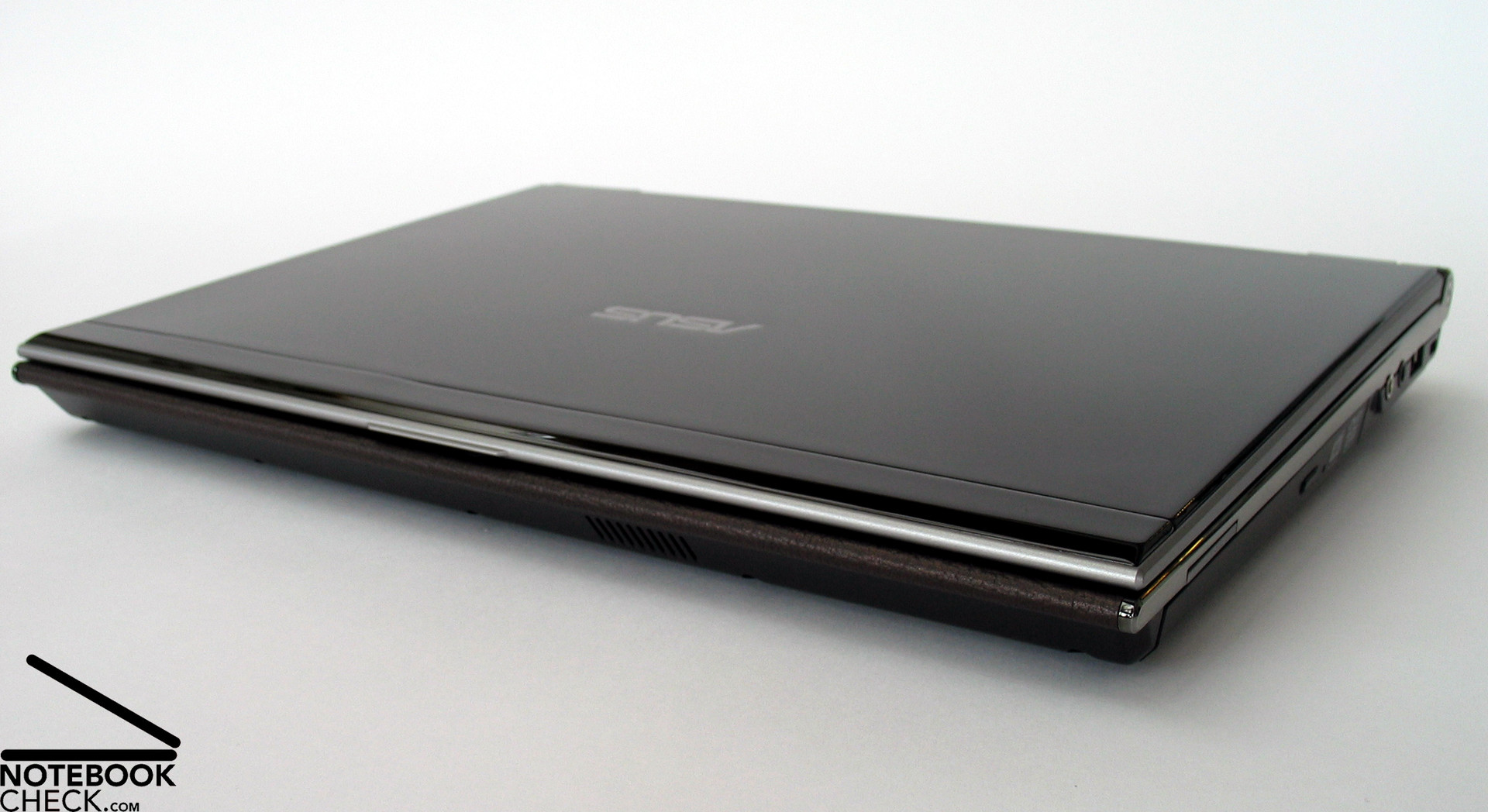
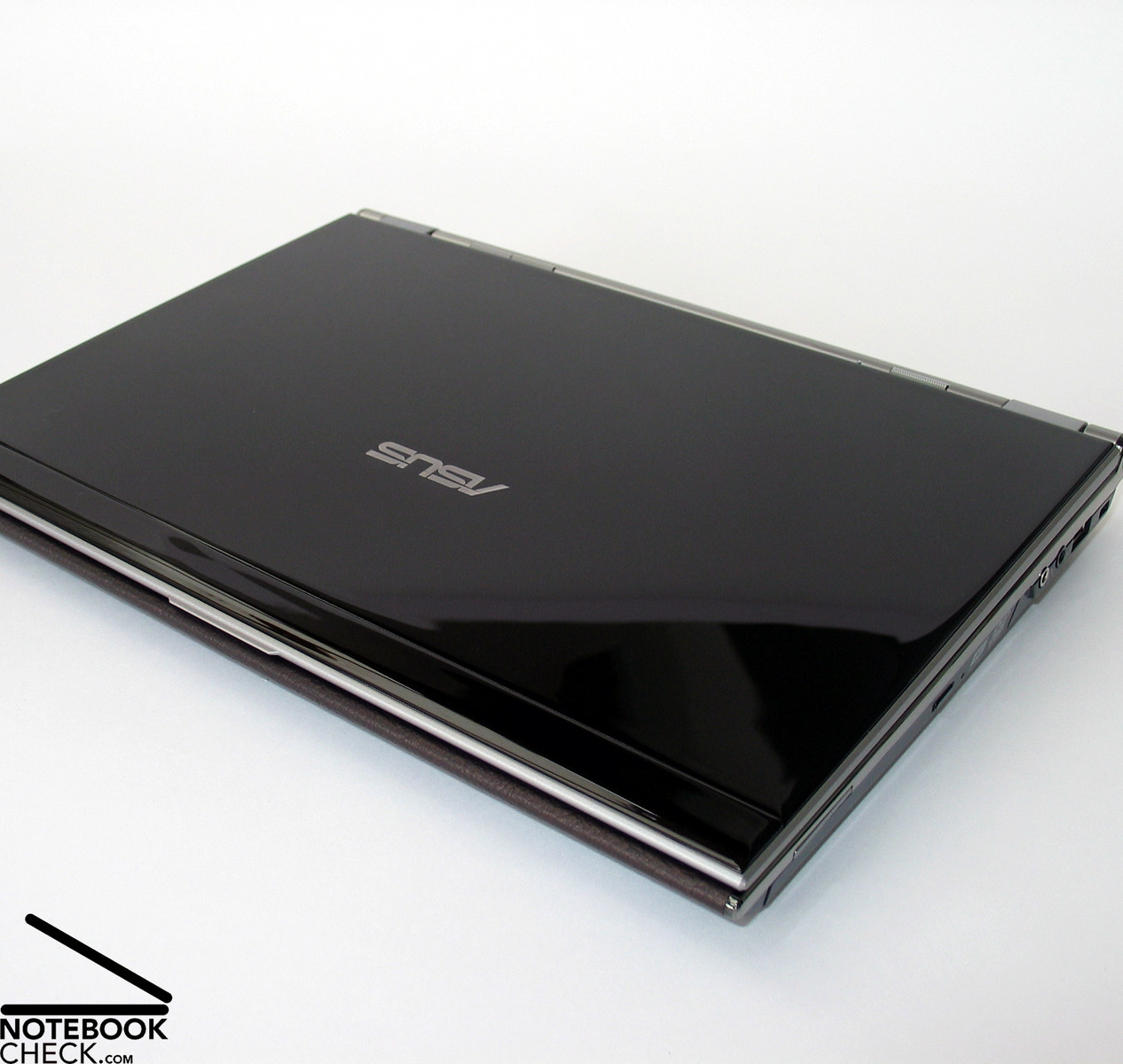
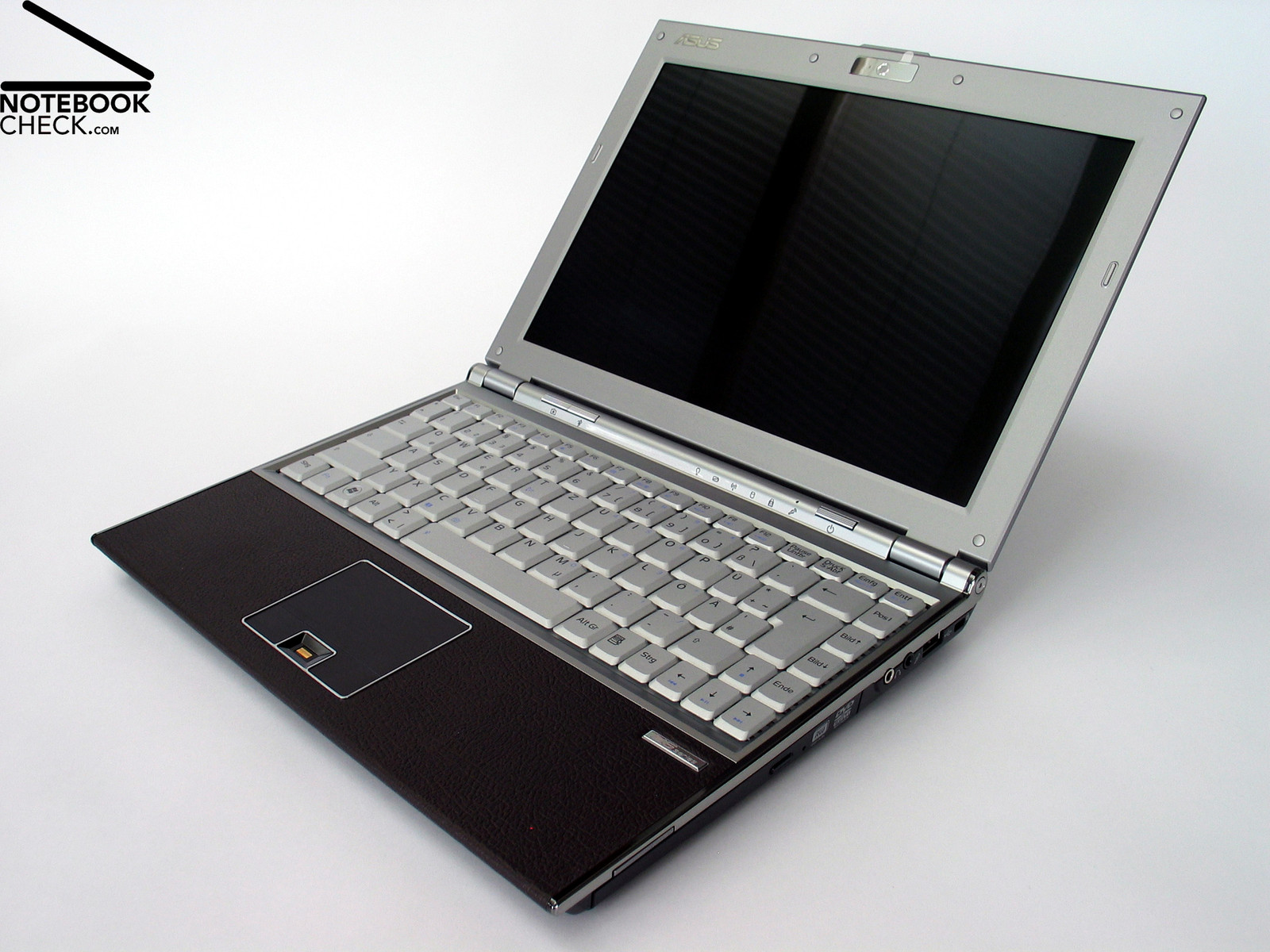
Advertising the Asus U6S one word dominates – luxury. The piano finish as well as the great equipment including LED display, Penryn CPU, and GeForce 9300M, emphasize luxury. Even at the first glance the 12 inch Asus U6F looks luxurious. The same is true for the price of this 12 inch notebook, which is at least 1.799,- Euro.

Case
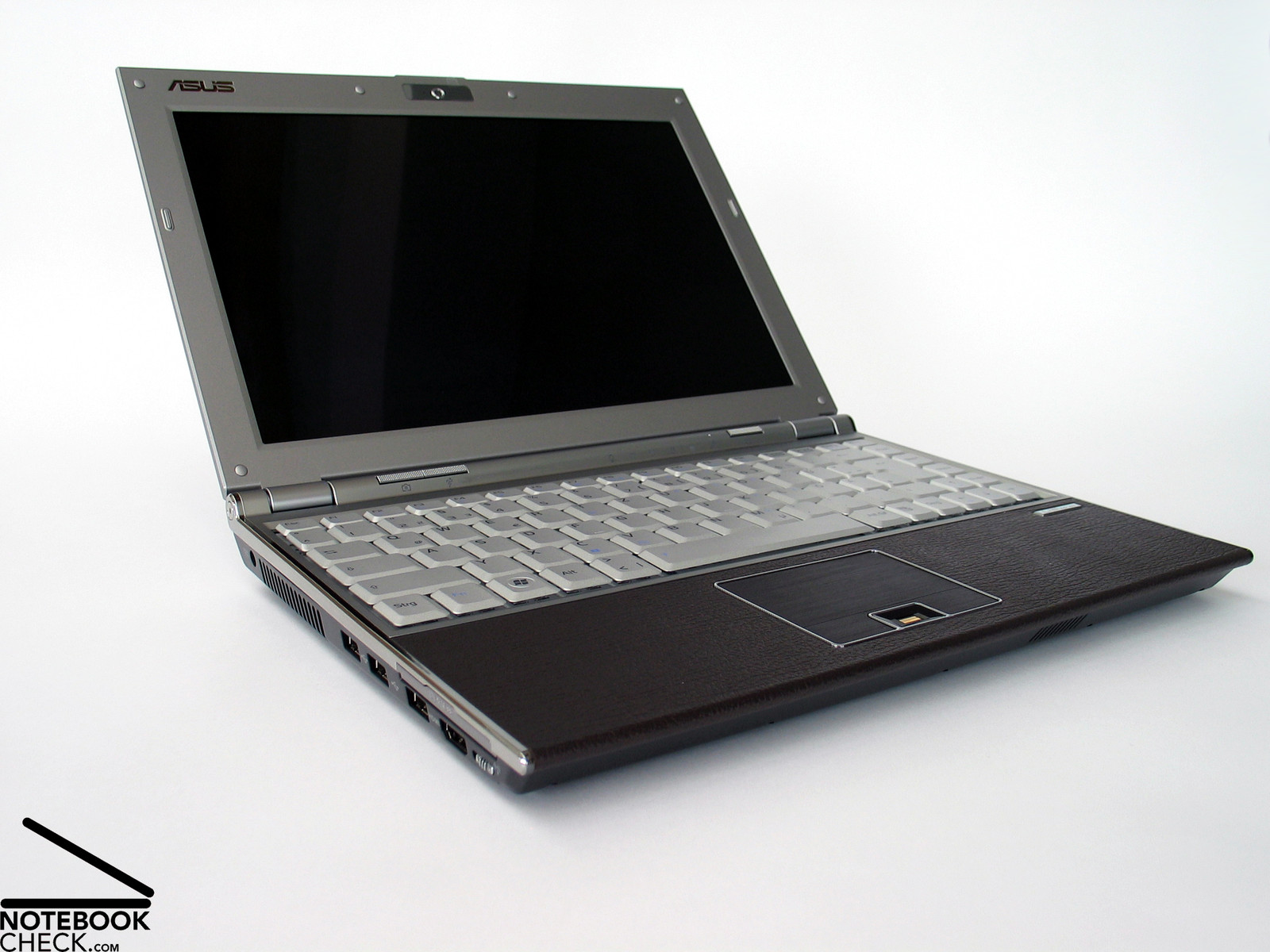
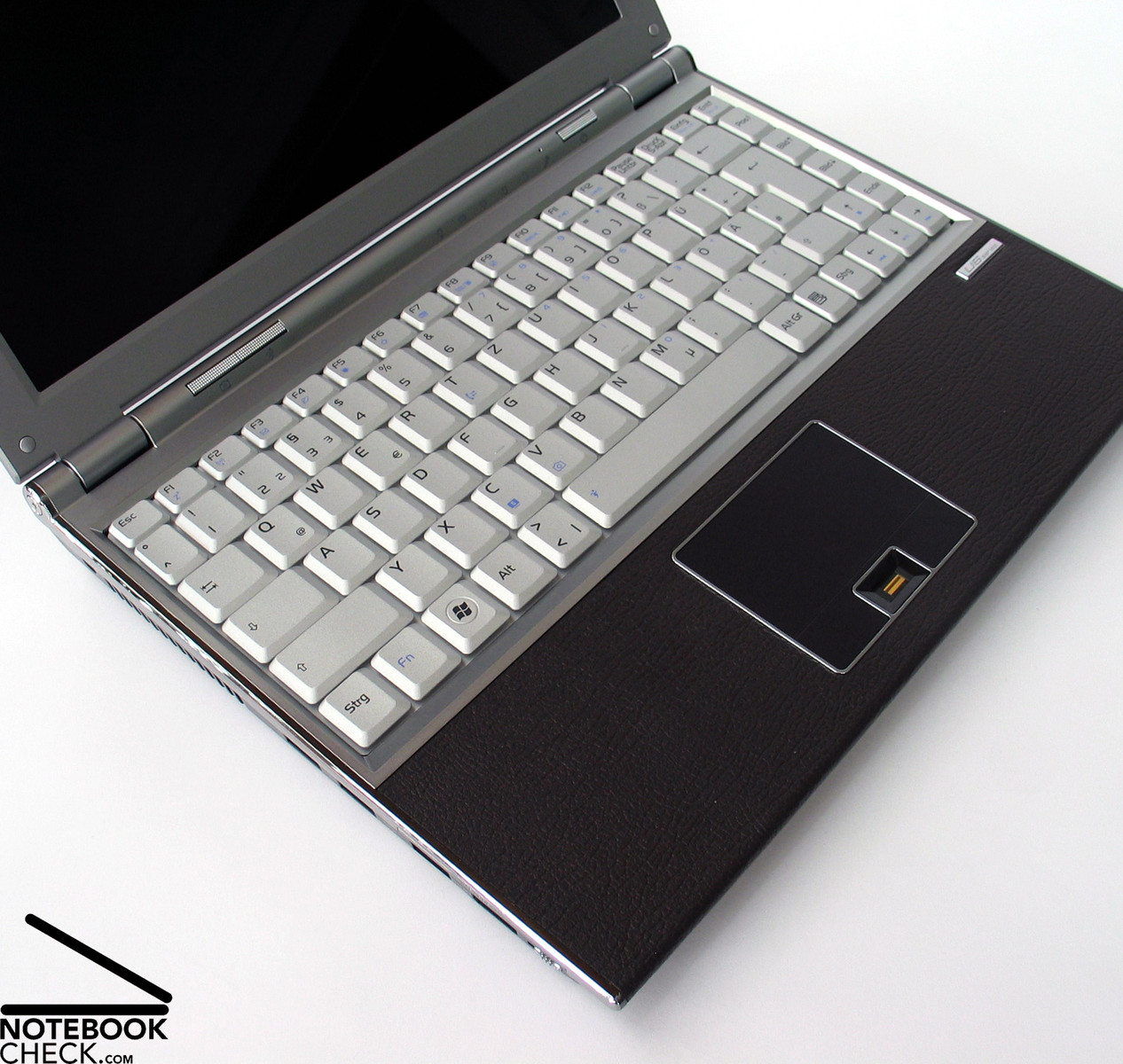
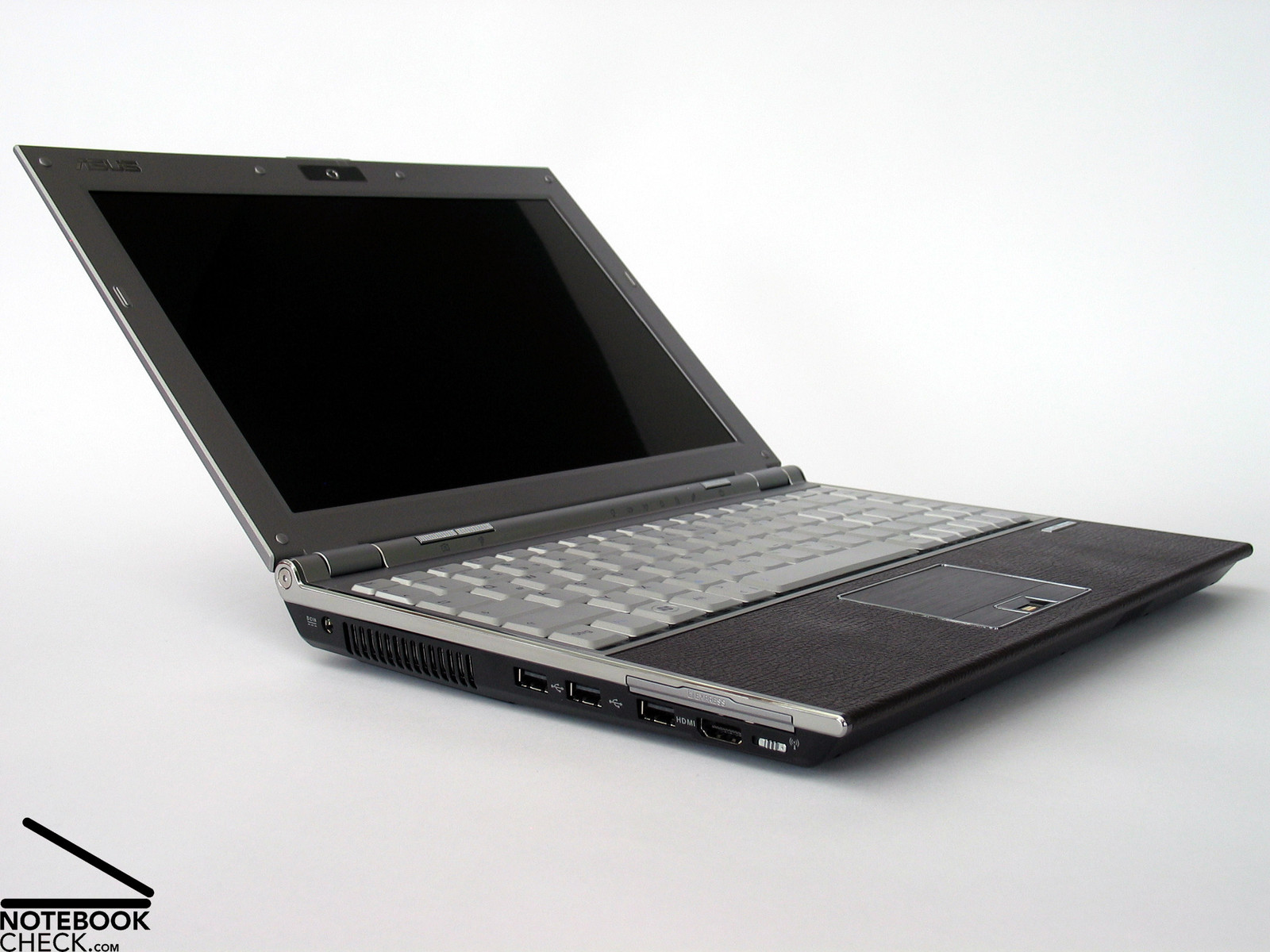
You'll definitely get notebooks with elegant shapes, attractive surfaces, and harmonizing colours, if you desire such and are willing to spend money on these. The Asus U6S is one of those. Nonetheless, it clearly differs from other design laptops. The reason gets obvious immediately after unpacking it: Leather - no, not a cheap textile copy. You can feel it, you can smell it – genuine calf leather.
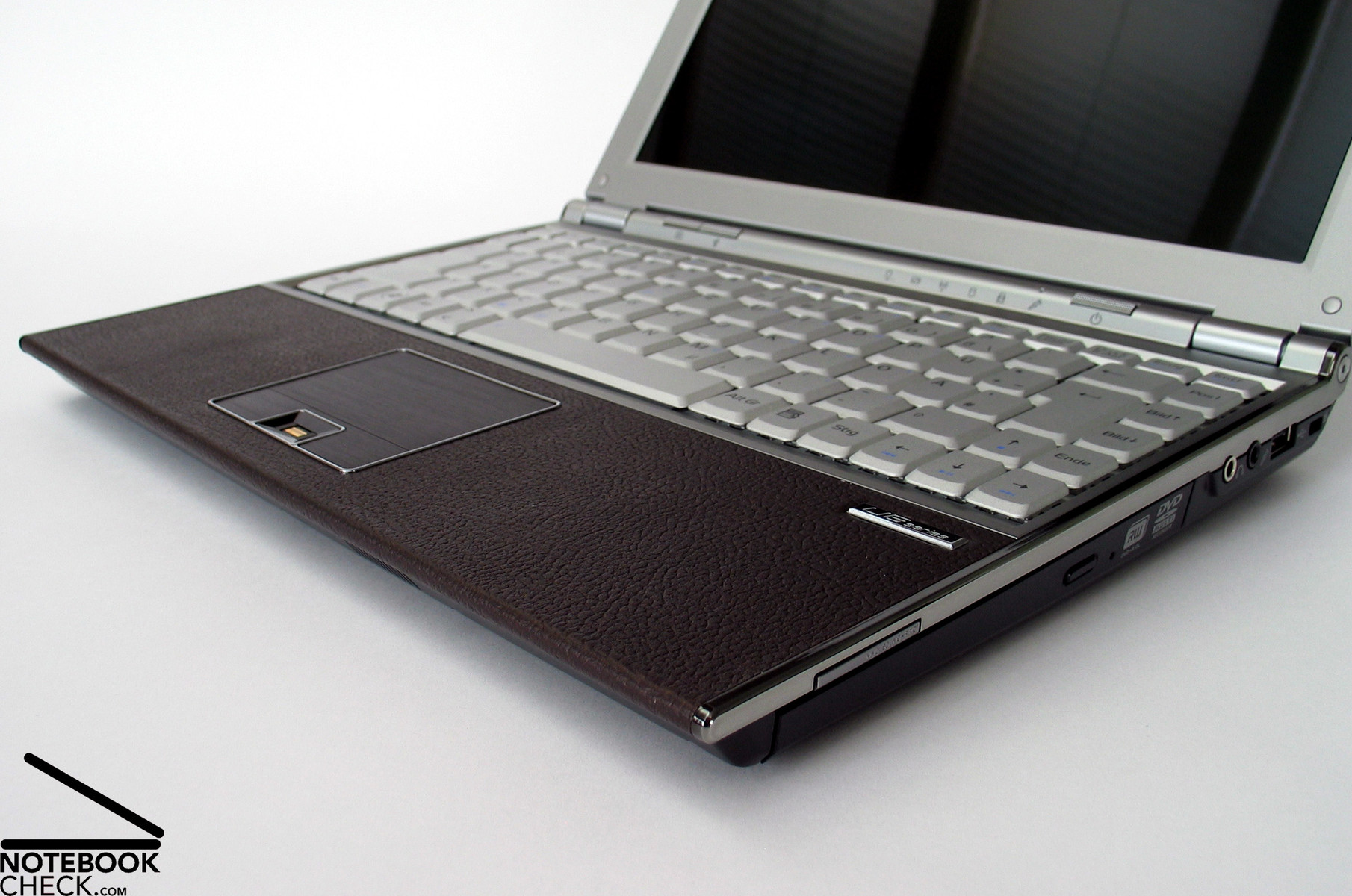
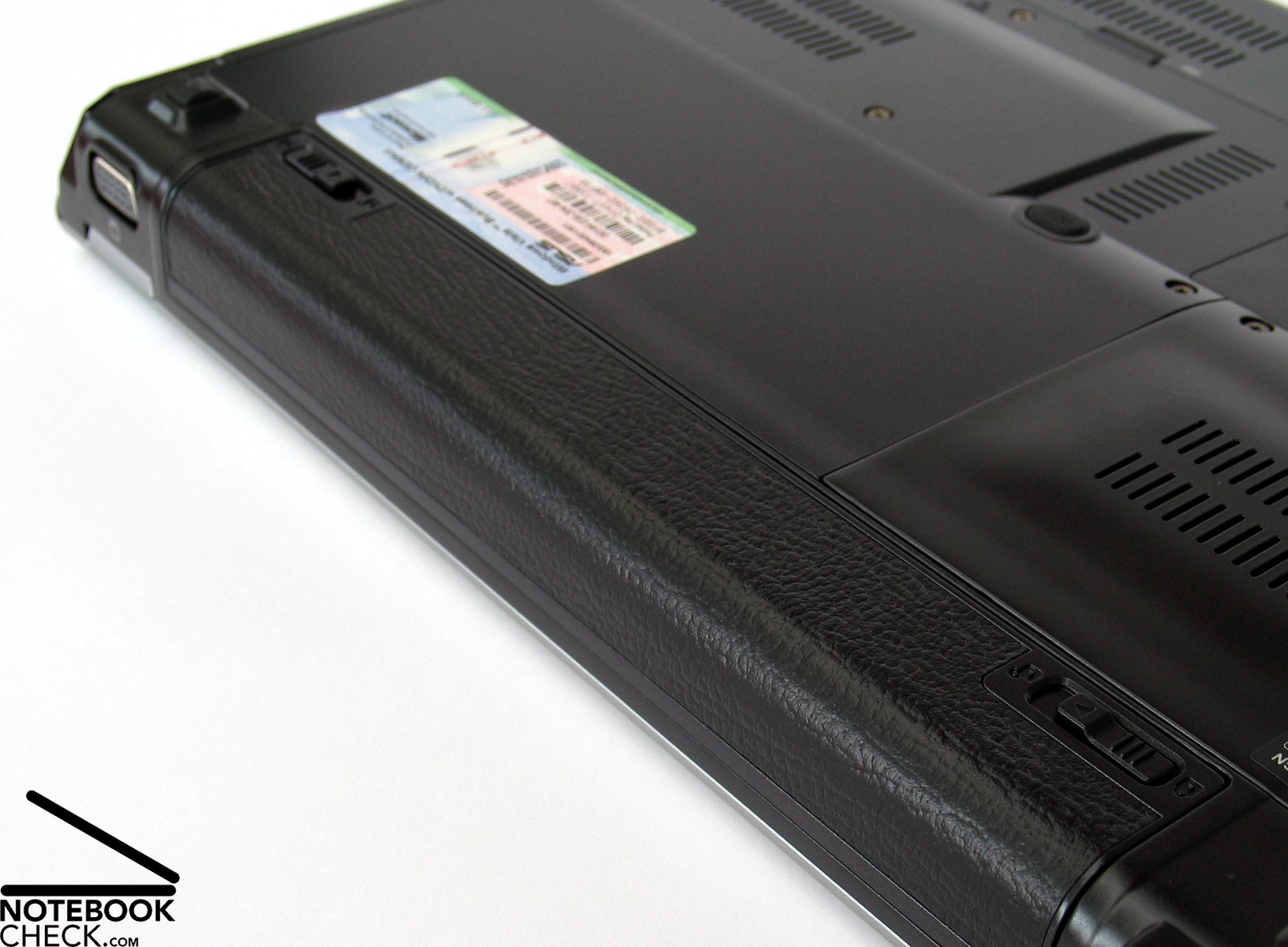
Many won't require such a surface and will wrongly call fetish. But, the leather was precisely fit into the case and its colour harmonizes well. Covering the palm rest areas, it does not only look good, but also feels nice to the touch. The haptics is further improved by being warmed by the hardware components beneath the front edge. No other surface, neither metal nor plastics can ever feel that good. Obviously, Asus also liked it that much, they also covered the smaller of the two provided batteries with leather.
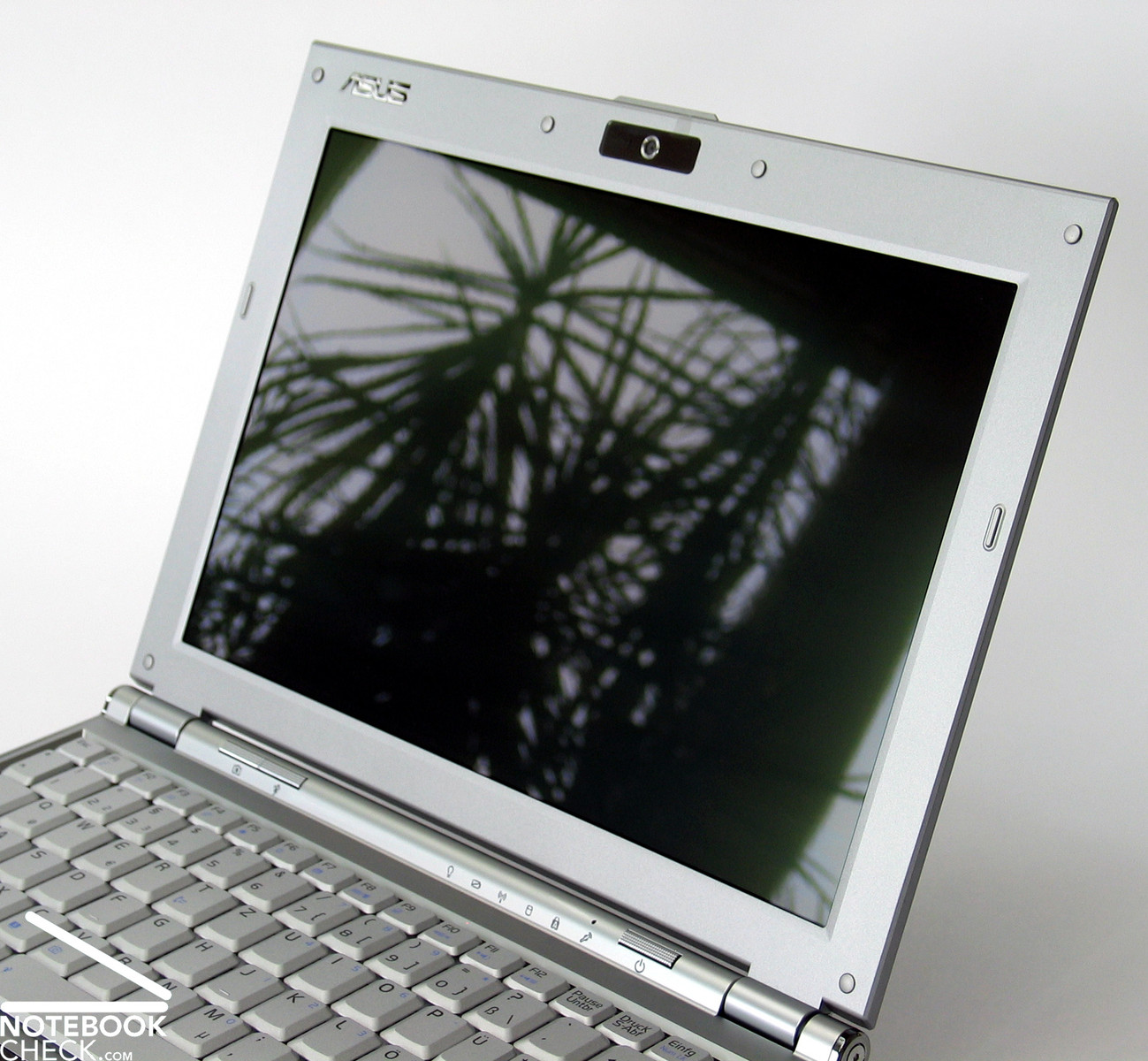
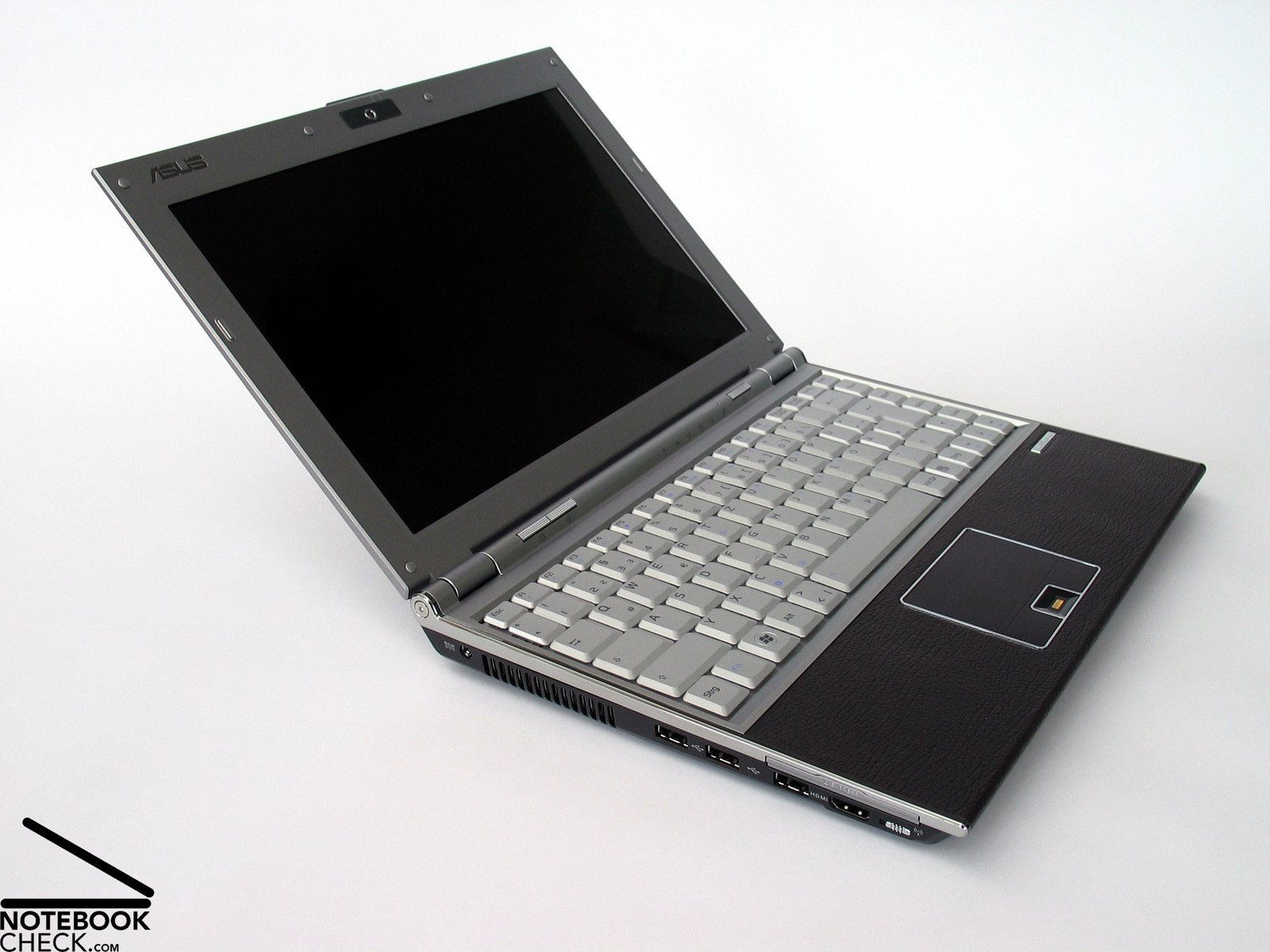
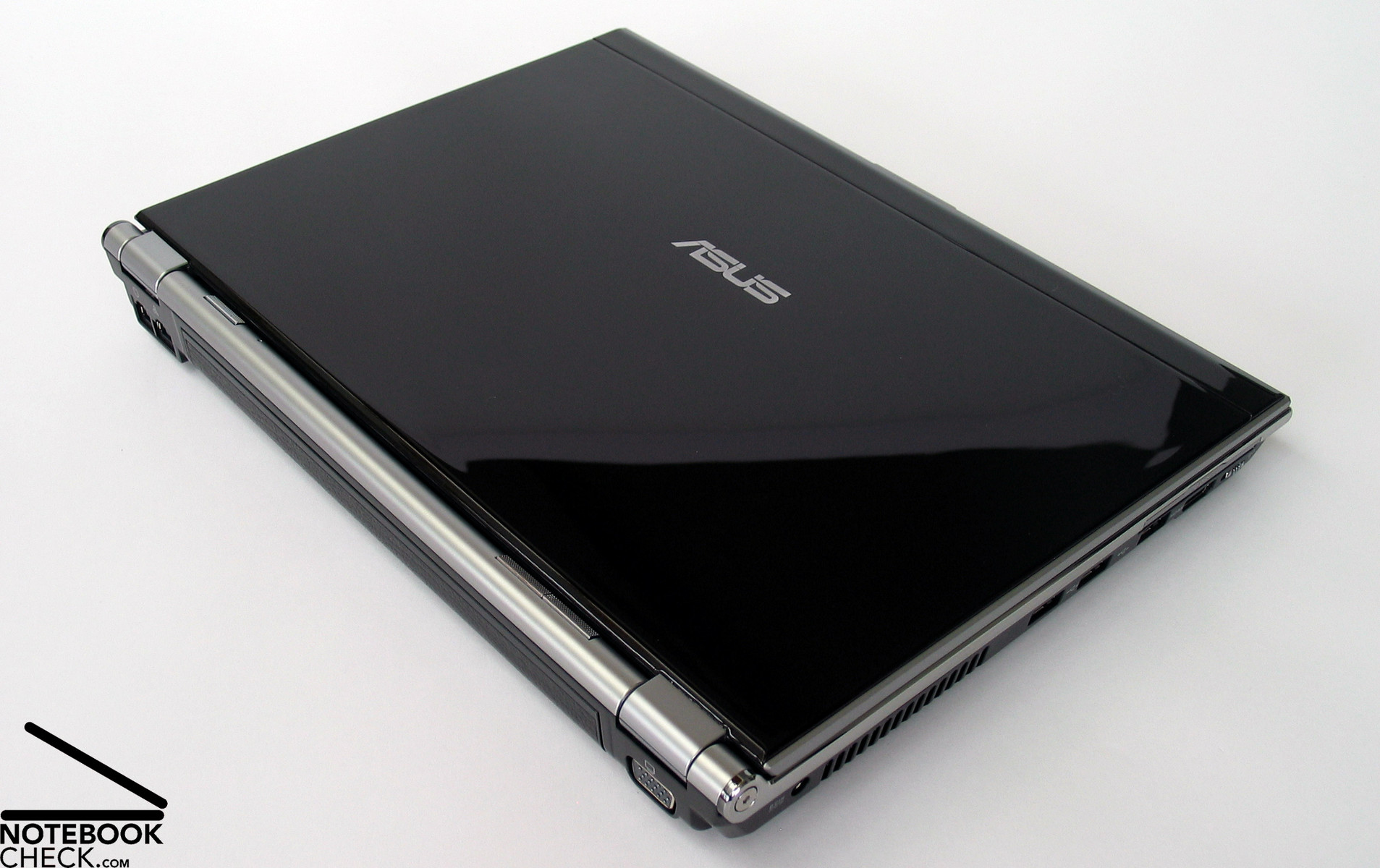
However, also overall the design of the notebook is good. Typical Asus the shapes are straight and geometrical. But this is not all. Also the wise colour choice contributes to the good look. Thereby different grey levels dominate the inside of the notebook between a glossy black lid and a black bottom shell made of robust metal.
But, the Asus U6S does not only look good, it is also rather stable, and weighs only 1610 grammes.The base unit can be hardly deformed by applying force. However, the part with the DVD drive has the usual weakness. The LED display is flexural rigid too, however, if force is applied the picture changes.
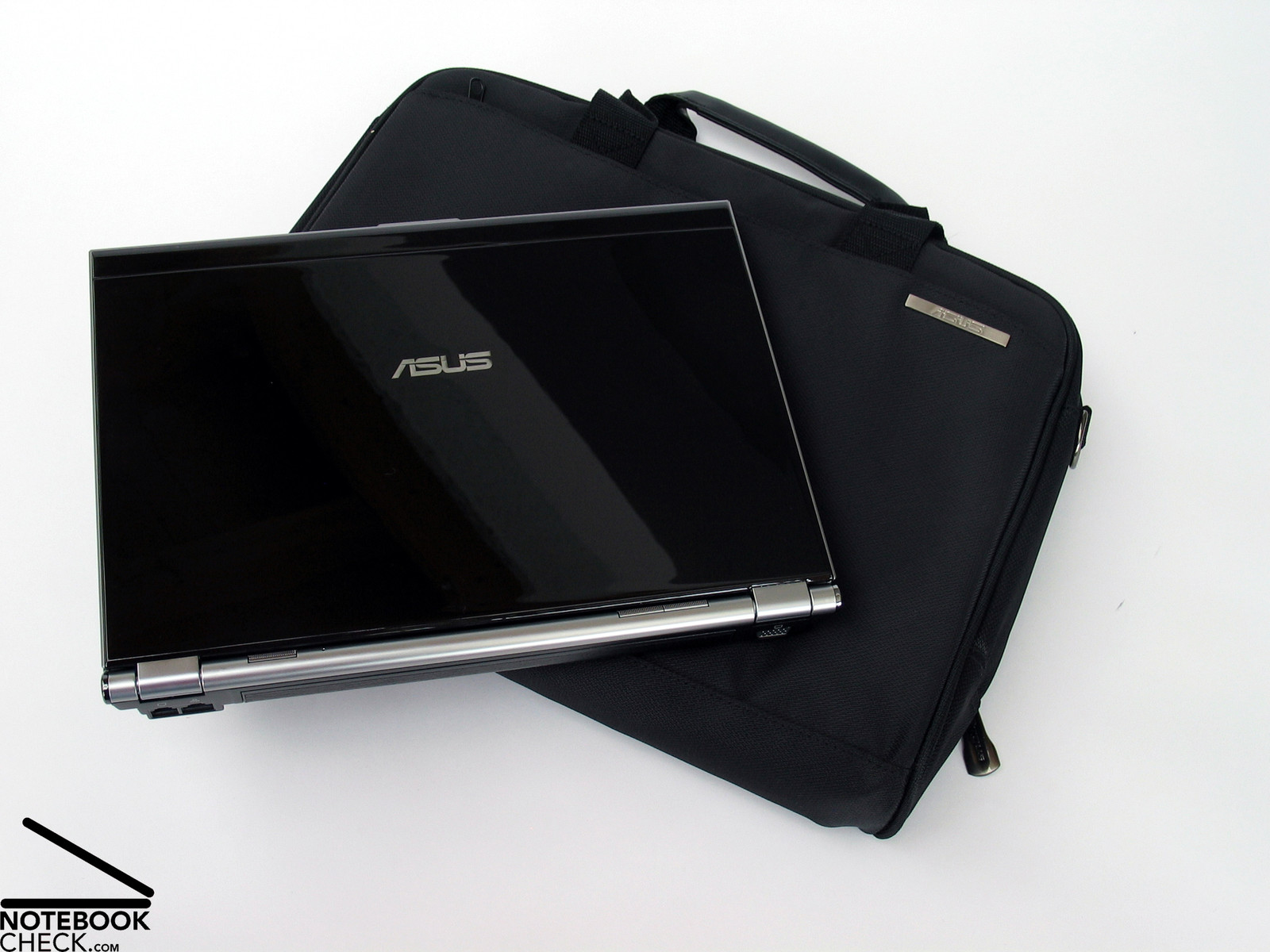
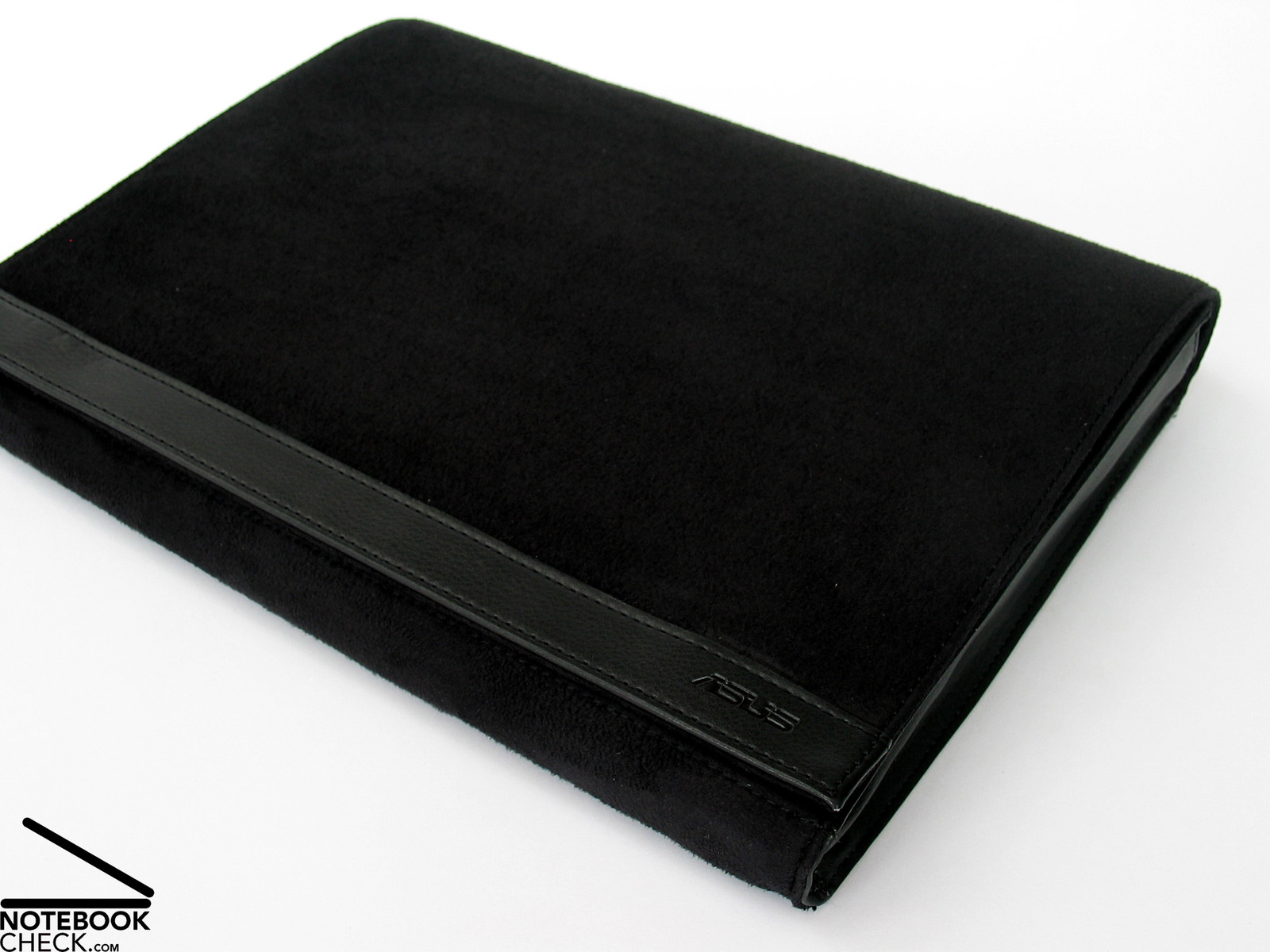
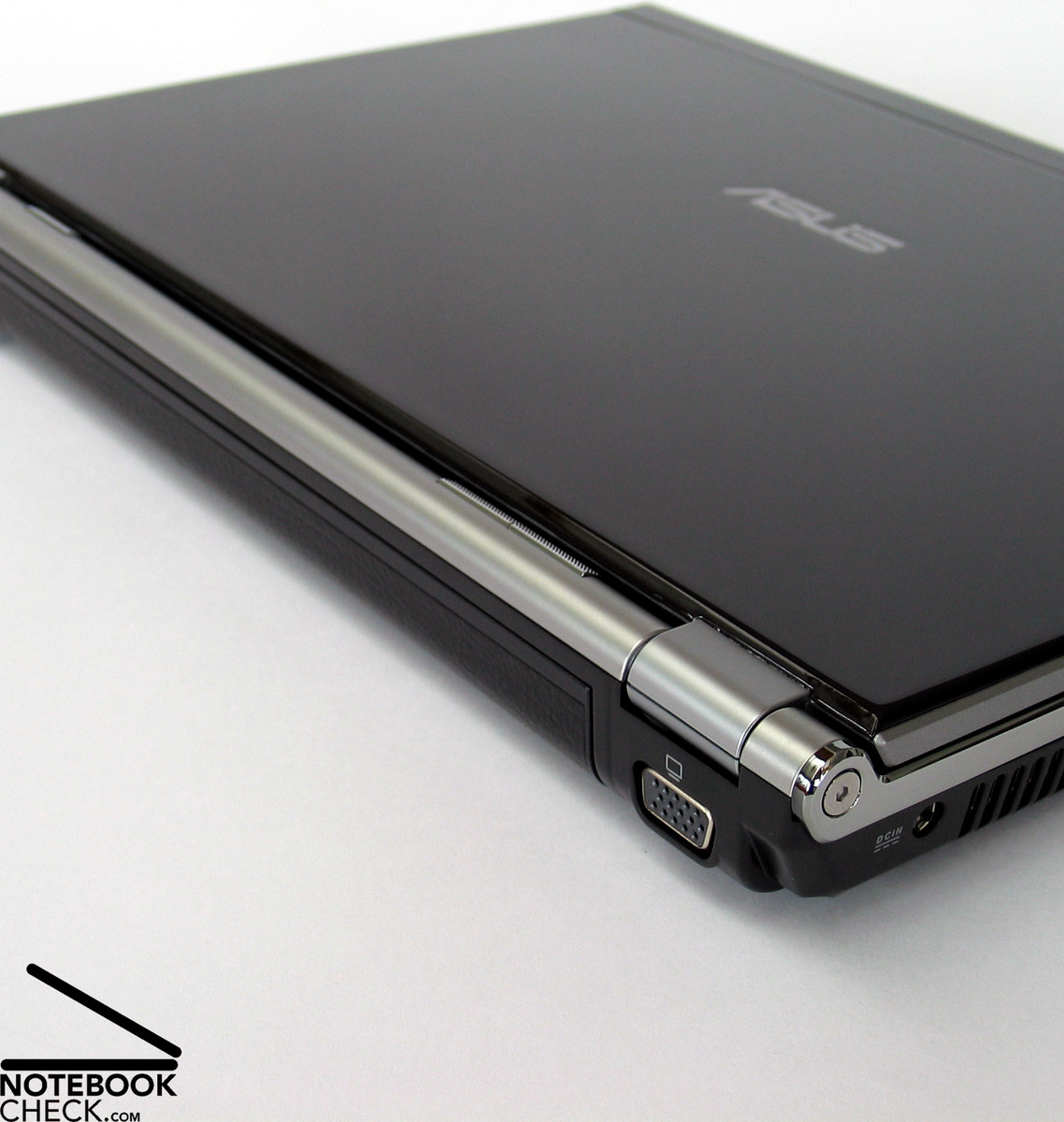
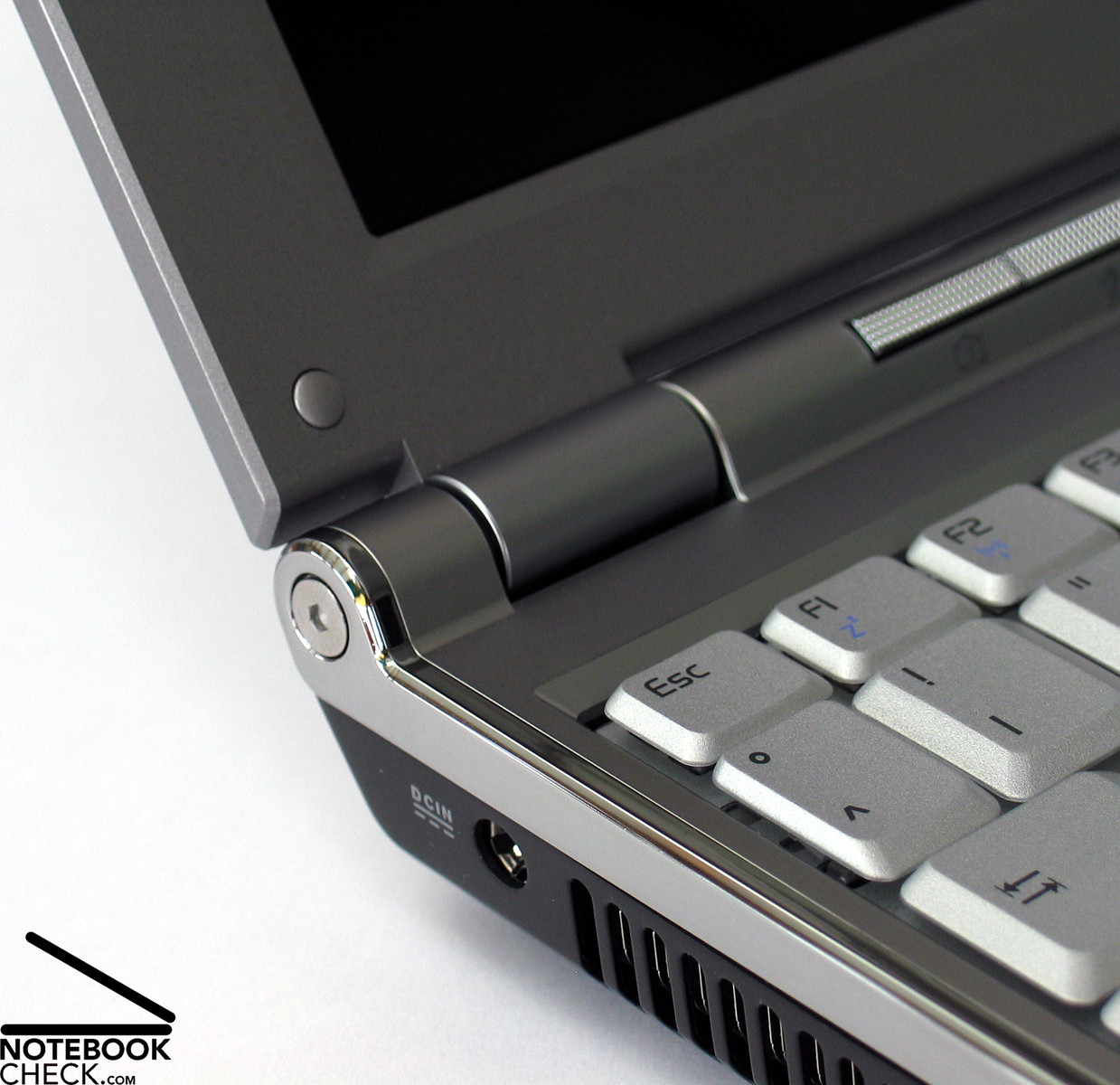
The hinges look gook and steady the very thin LED display without problems. So, there is hardly any see-saw after adjusting the opening angle. Alike so many other notebooks whose look and design was taken very serious, also the Asus U6S comes without transport hook. So, you should take care to use a separate cover during transportation in order to avoid damages by penetrating objects, even more, because the lid opens easily. Fortunately such is included.
Interface Equipment
Talking about the U6S, we expect luxury, also in this aspect. The leather of the palm rest areas is continued at the front edge and finally ends at the metal bottom shell. For sake of appearance there are no ports at the front edge.
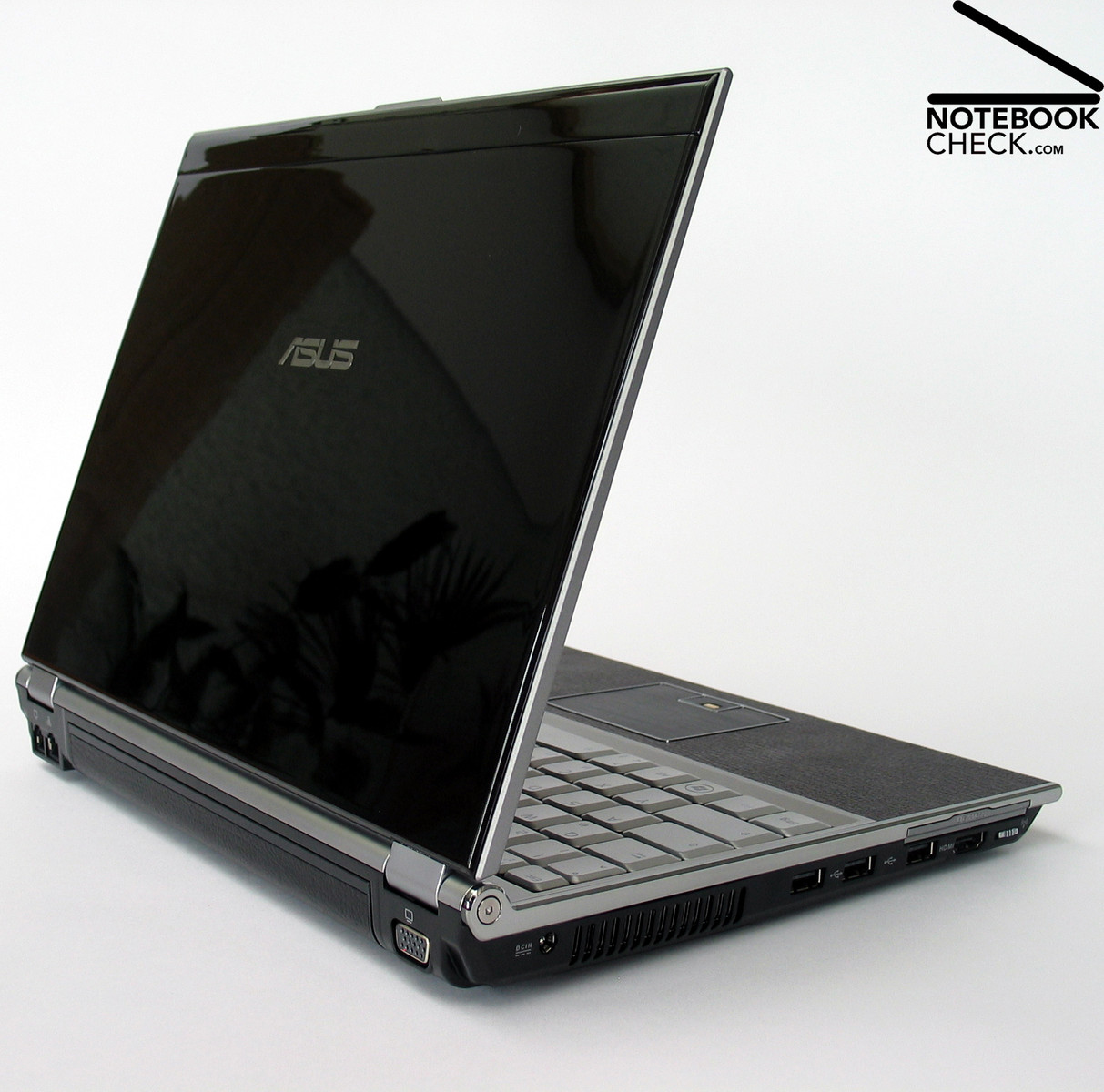
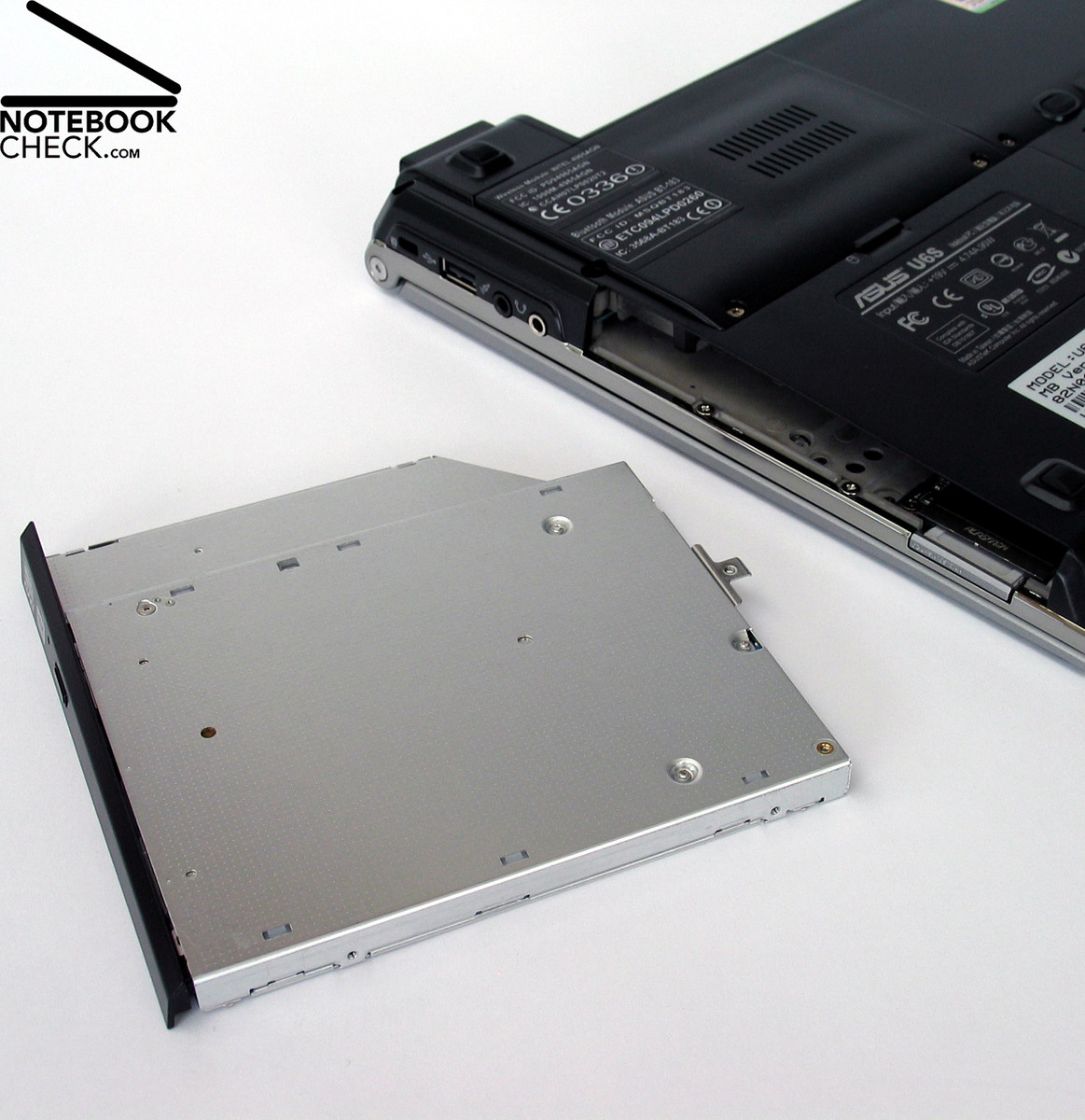
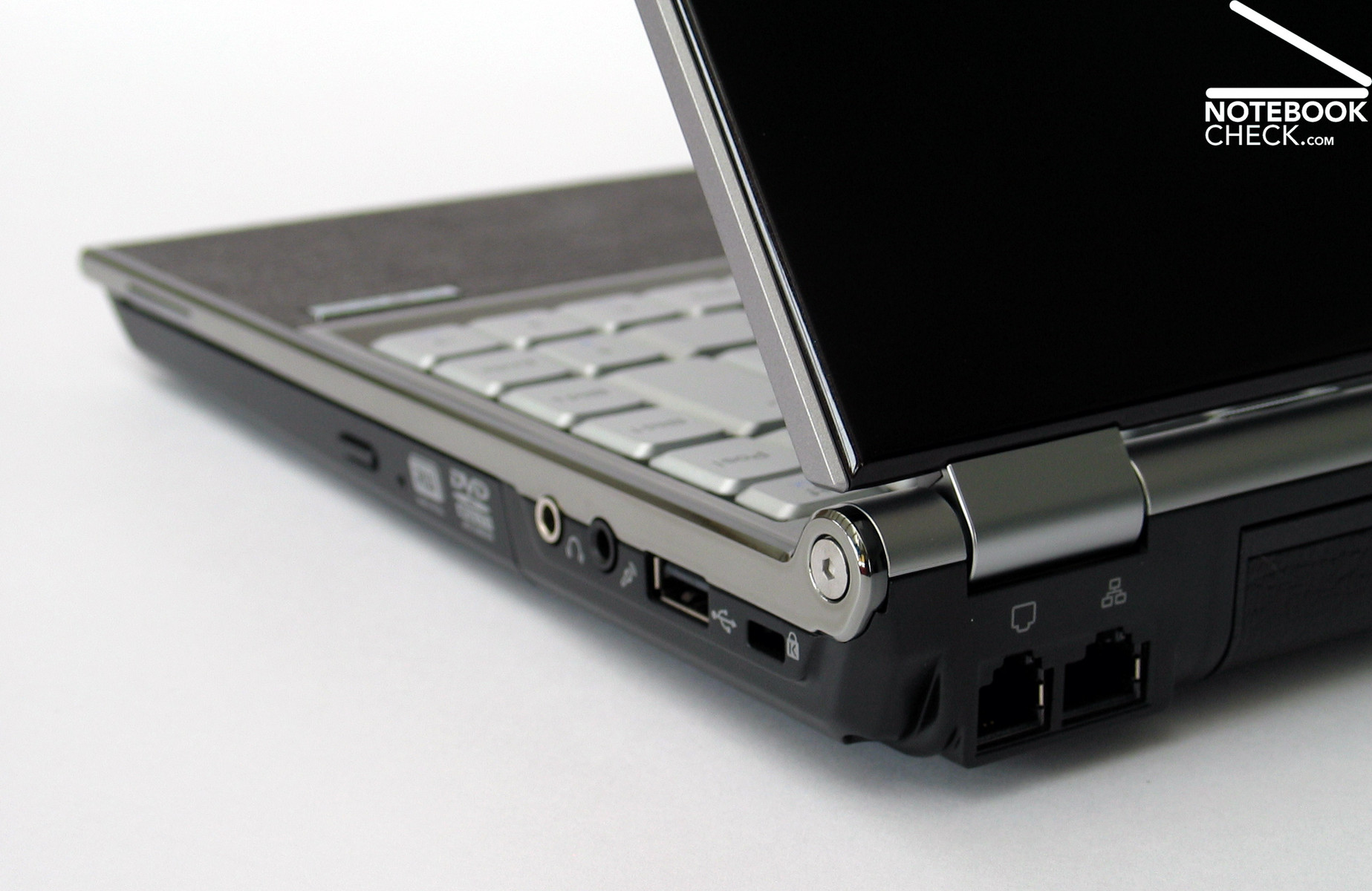
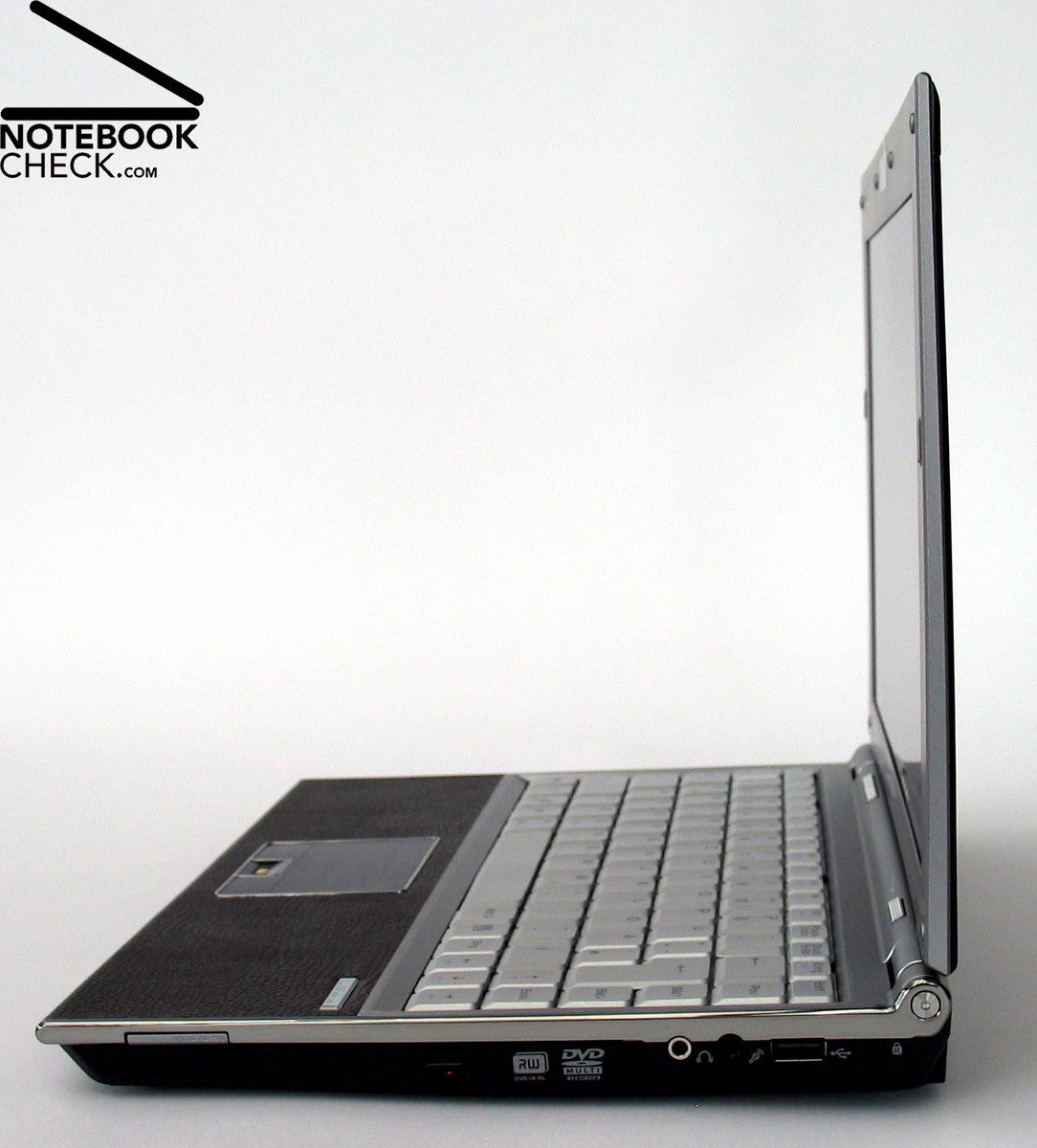
The right side of the notebook provides a card reader, a DVD drive, audio ports, which include a port combining headphones and S/PDIF, and a microphone port, USB ports, and a Kensington lock close to the hinge.
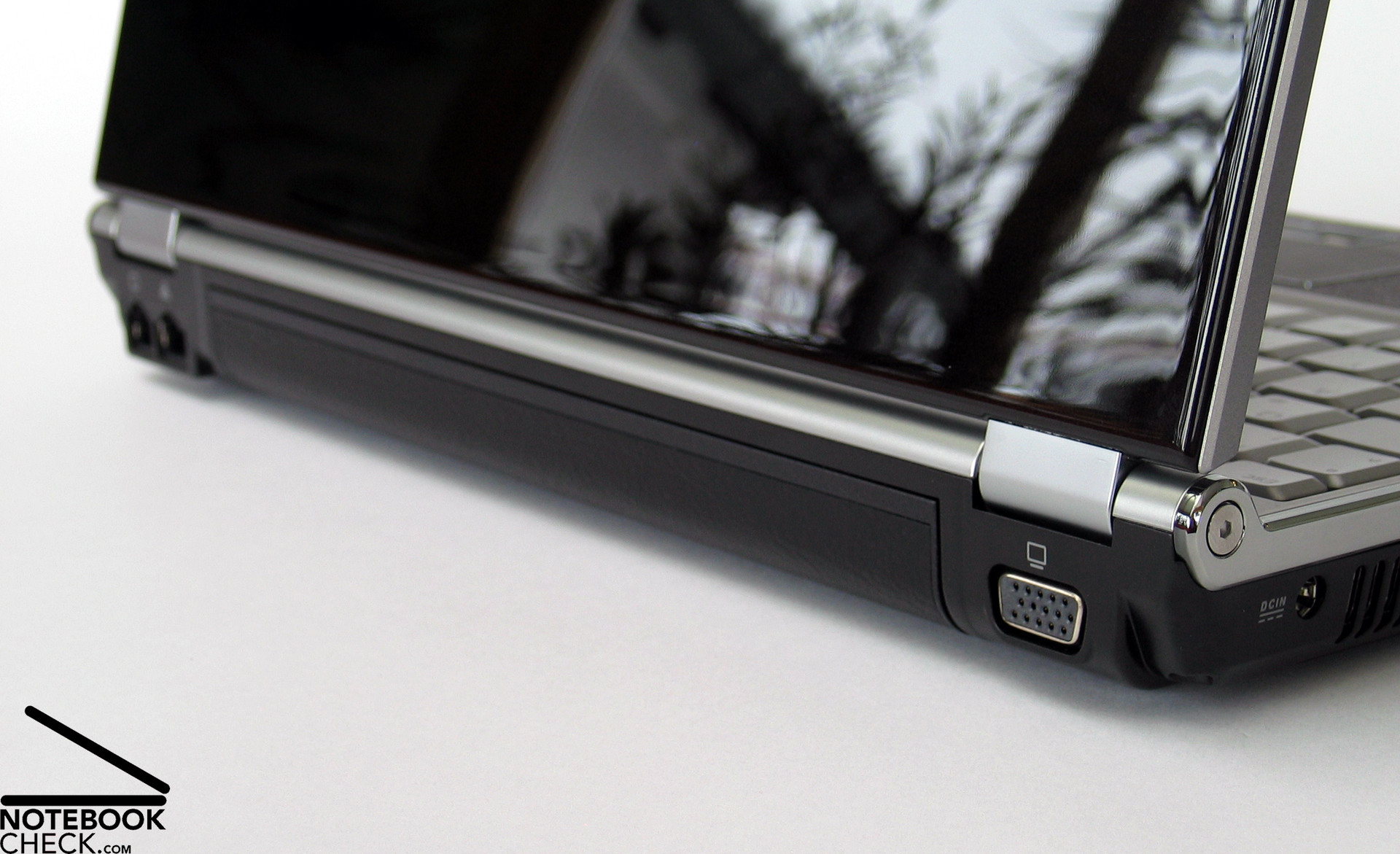
The back side of the laptop offers the rechargeable battery, a modem port (RJ-11), a LAN port (RJ-45) and a VGA connector, which is still needed to attach some beamers.
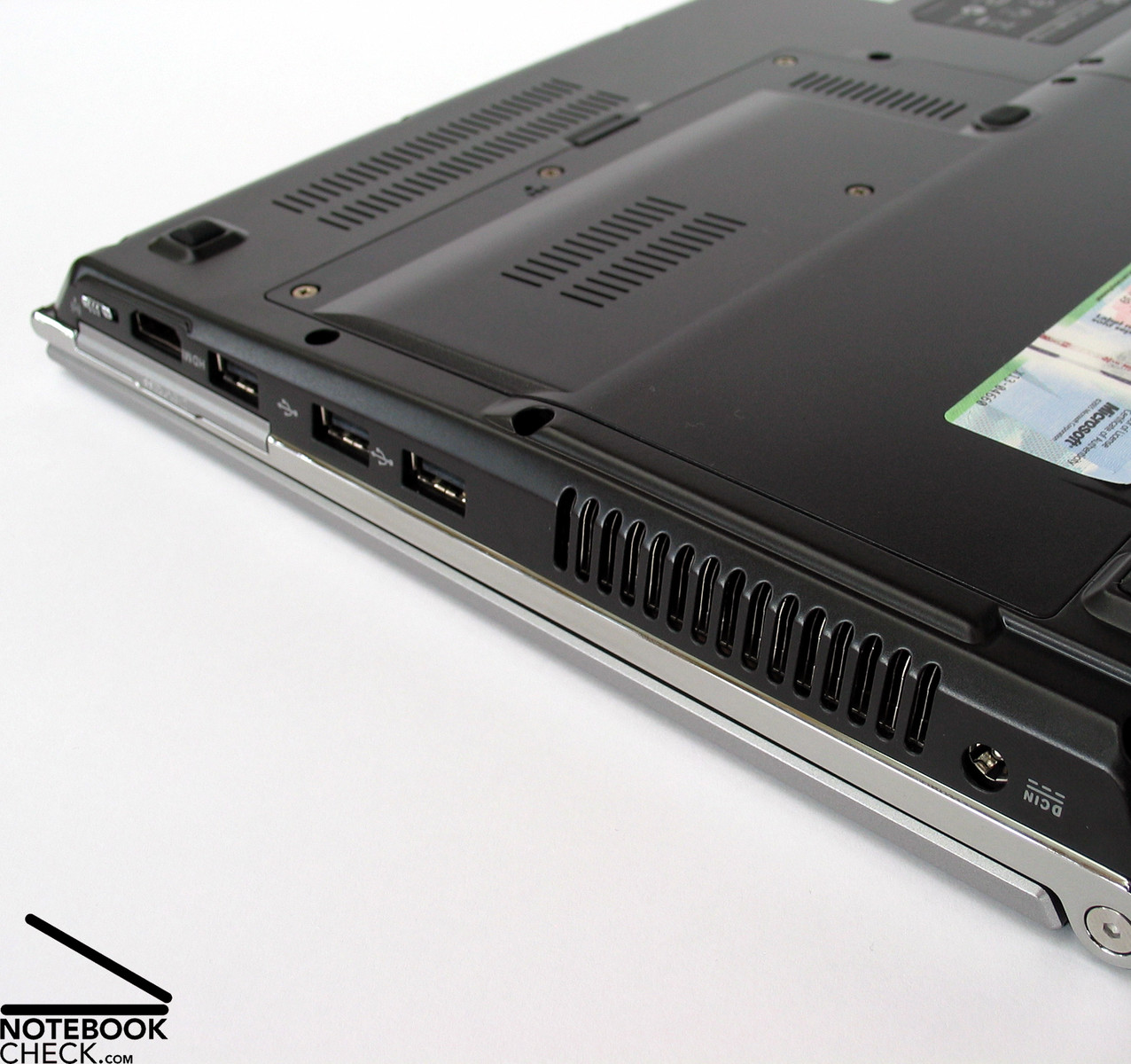
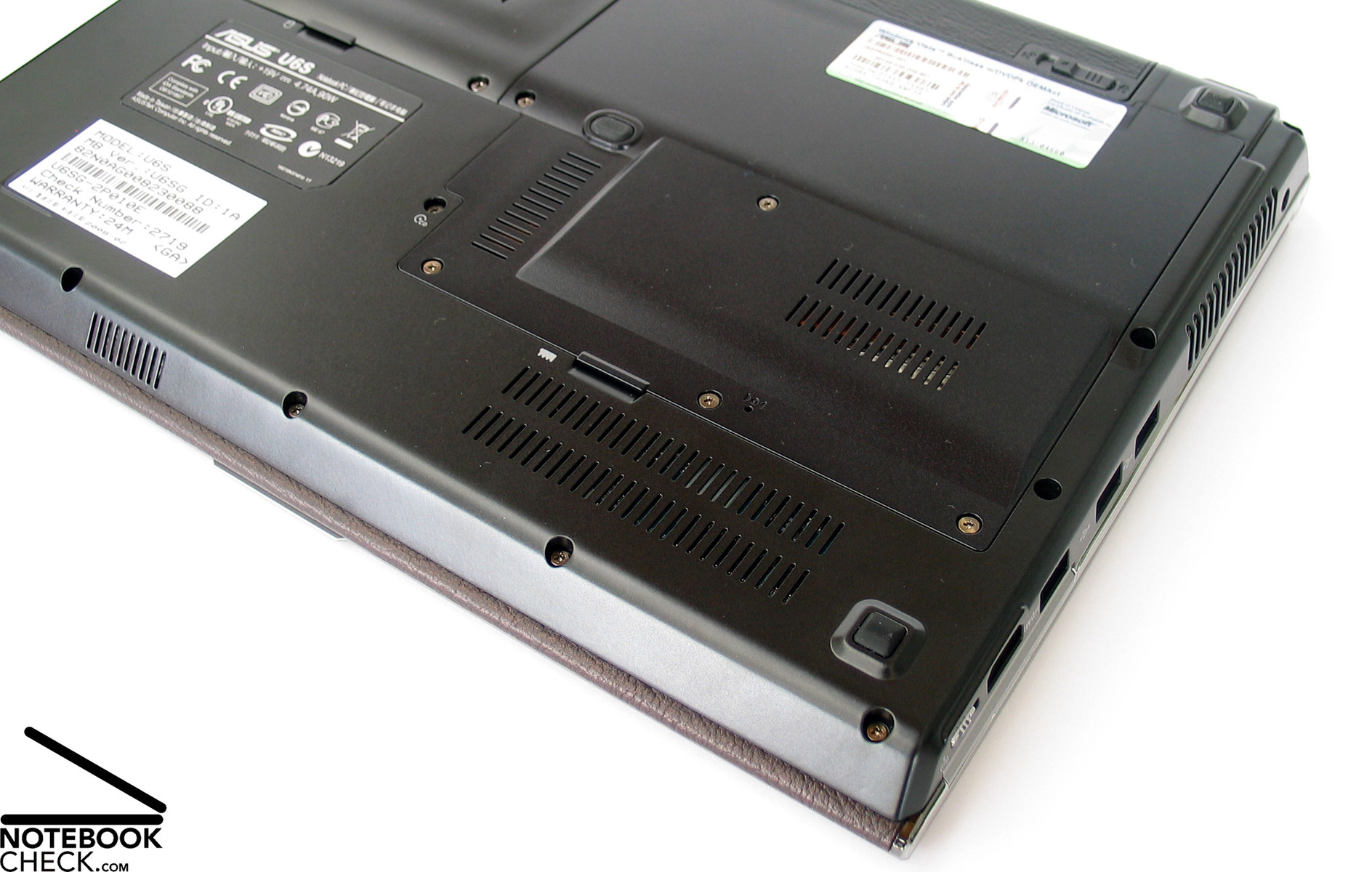
If this notebook offered only the ports mentioned so far, it would be, except of the power connector, which is left near the back, sufficient for the daily routine, especially considering that it is a compact 12.1 inch notebook. However, the Asus U6S provides even more. Adjacent to the power connector there are the vent holes and three further USB ports,which gives a total of four USB 2.0 ports. But, this is still not all. The crowning glory of the interface equipment is the digital HDMI port, located under the Express Card slot, which enables connecting this laptop to digital screens and TVs. Finally, that's all. Nevertheless this nearly makes a multimedia notebook out of the Asus U6S. This variety of ports is seldom provided by subnotebooks.
A FireWire port, which is sometimes used for transmitting video data or connecting external hard disks, is missing. The same is true for a docking port, which is actually a standard requirement for business notebooks. So, the elegant Asus U6S, is not designed as solid, and durable business notebook, but should attract another target group.
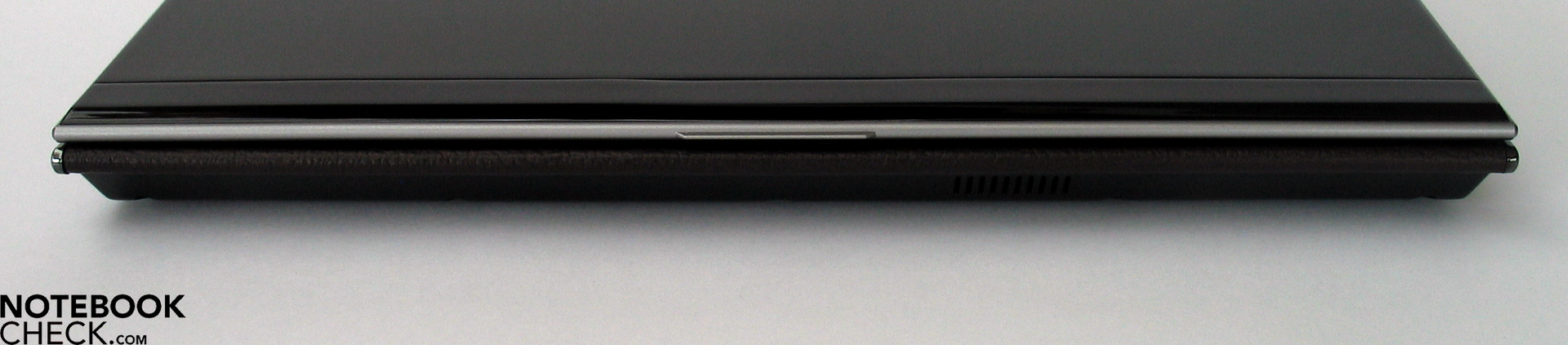
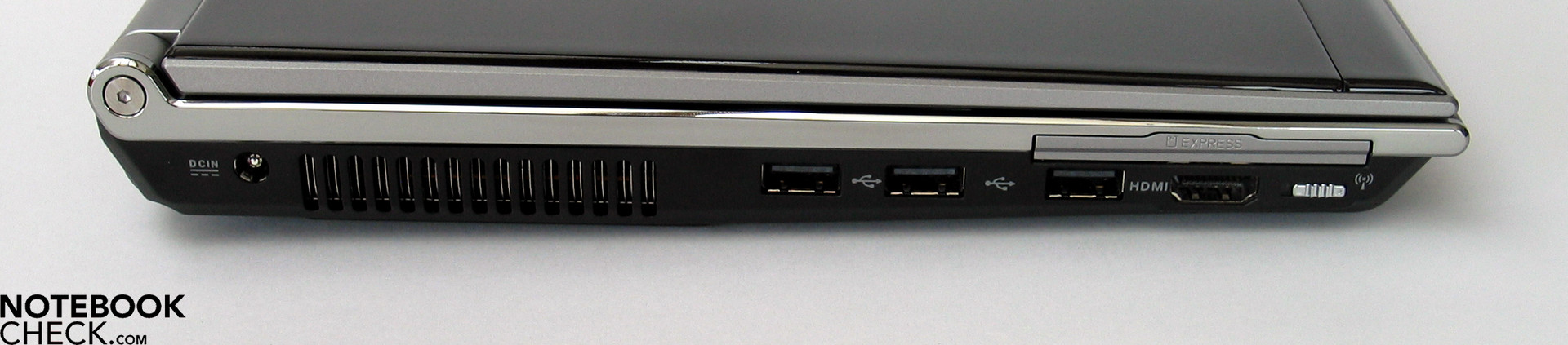
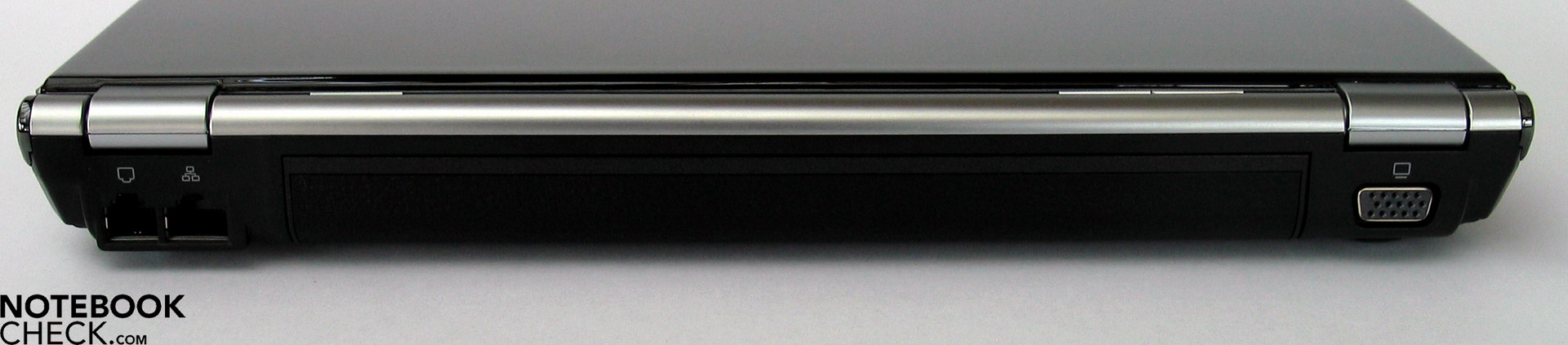
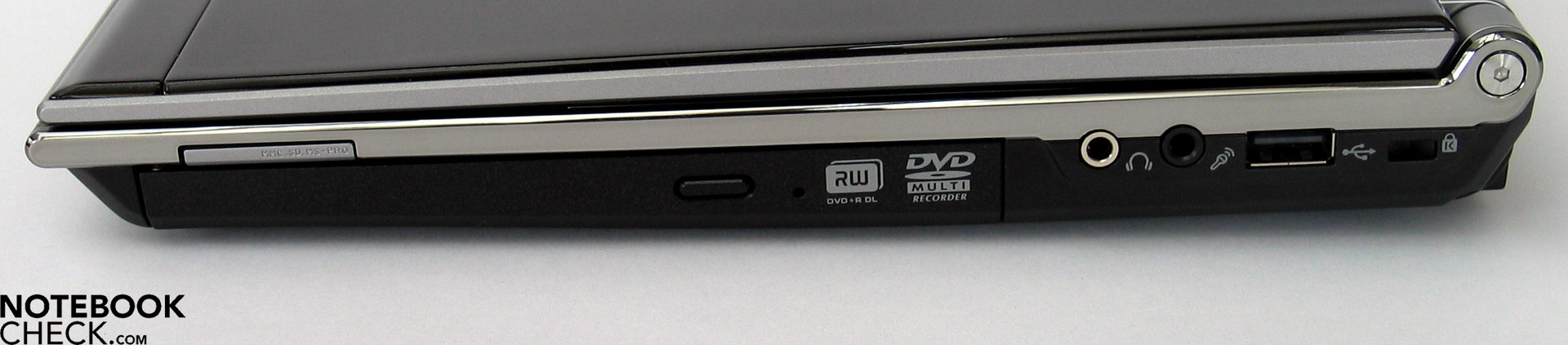
The provided communication ports are especially crucial for mobile subnotebooks. are important for subnotebook. The Asus U6S is equipped with a LAN port (Realtek RTL8168/8111 Gigabit PCI-E) and a good old analogue modem (Motorola 56k). The Asus U6S also provides an Intel Wireless WiFi 4965 AGN module, which not only supports the nowadays usual WLAN connections, but is also the new n-standard, which makes data transfer rates of up to 300 Mbps (Mega Bit per second) possible.
Furthermore, the Asus U6S is equipped with a Bluetooth module (V2.0 + EDR), which enables connecting a cell phone, headset or PDA wirelessly.
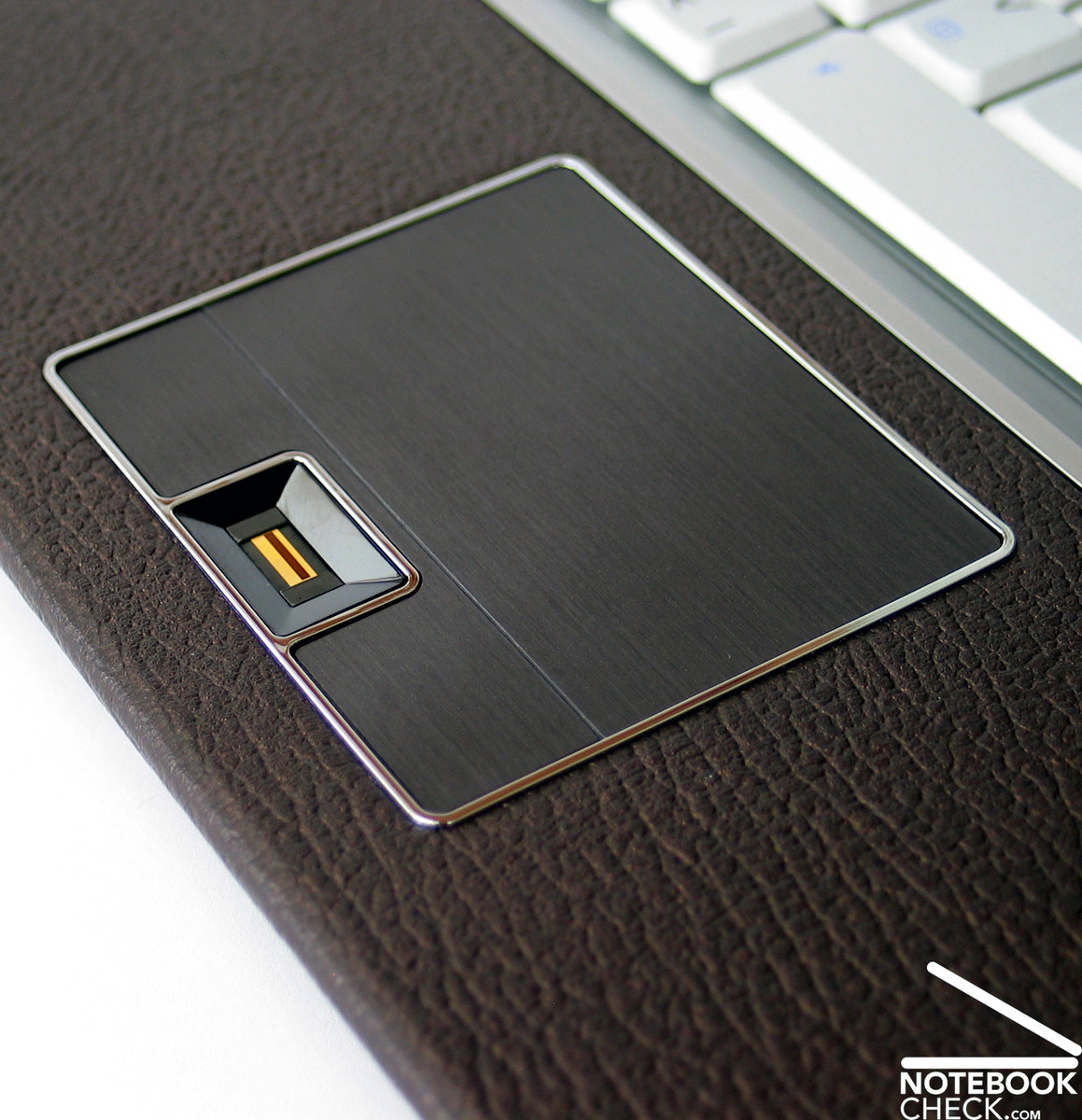
Data security is indeed crucial for business laptops. The U6S provides a fingerprint reader for user authentication. It can be used for logging in or replacing passwords by fingerprints. Even a TPM chip for data encryption is available.
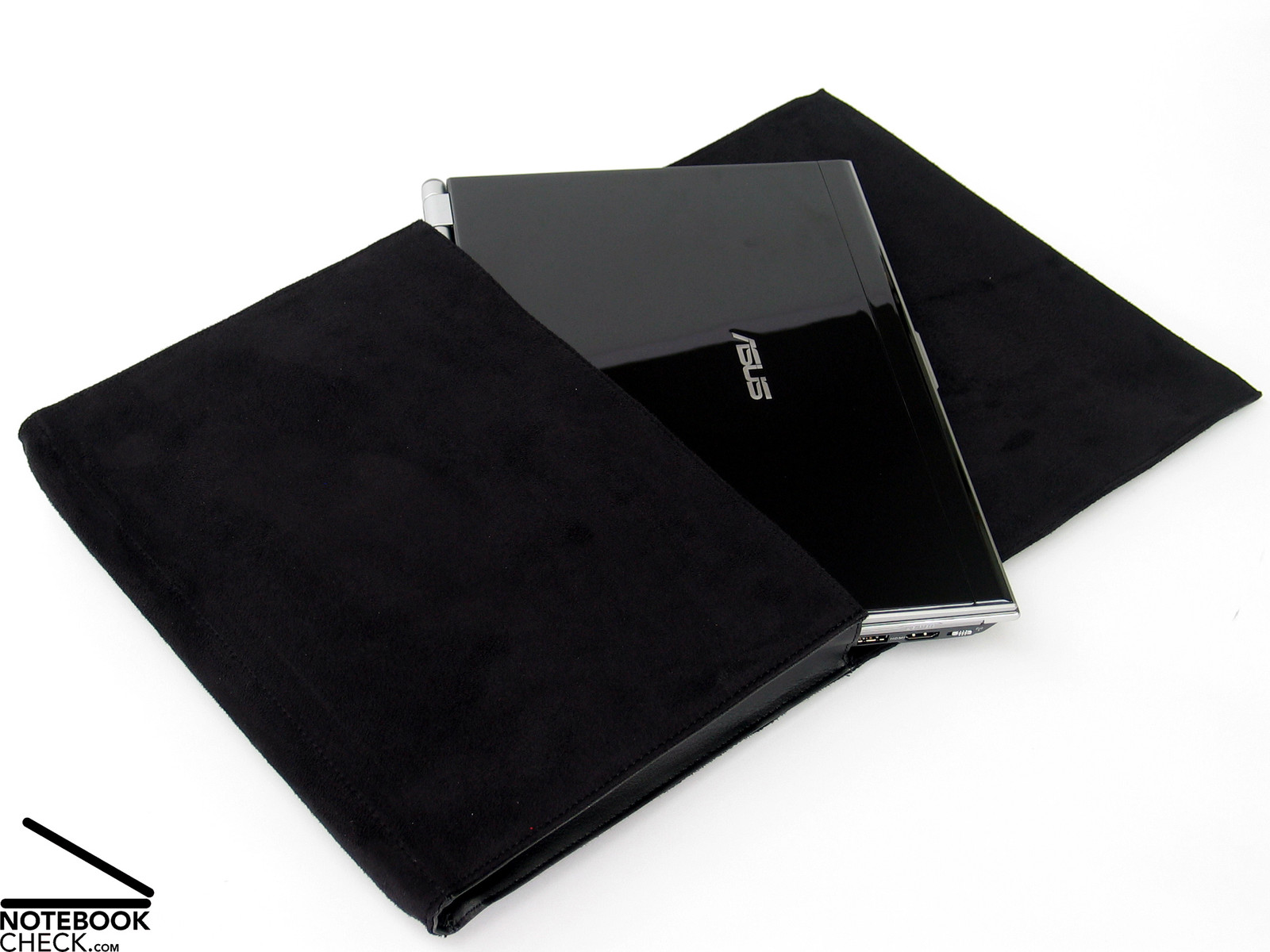
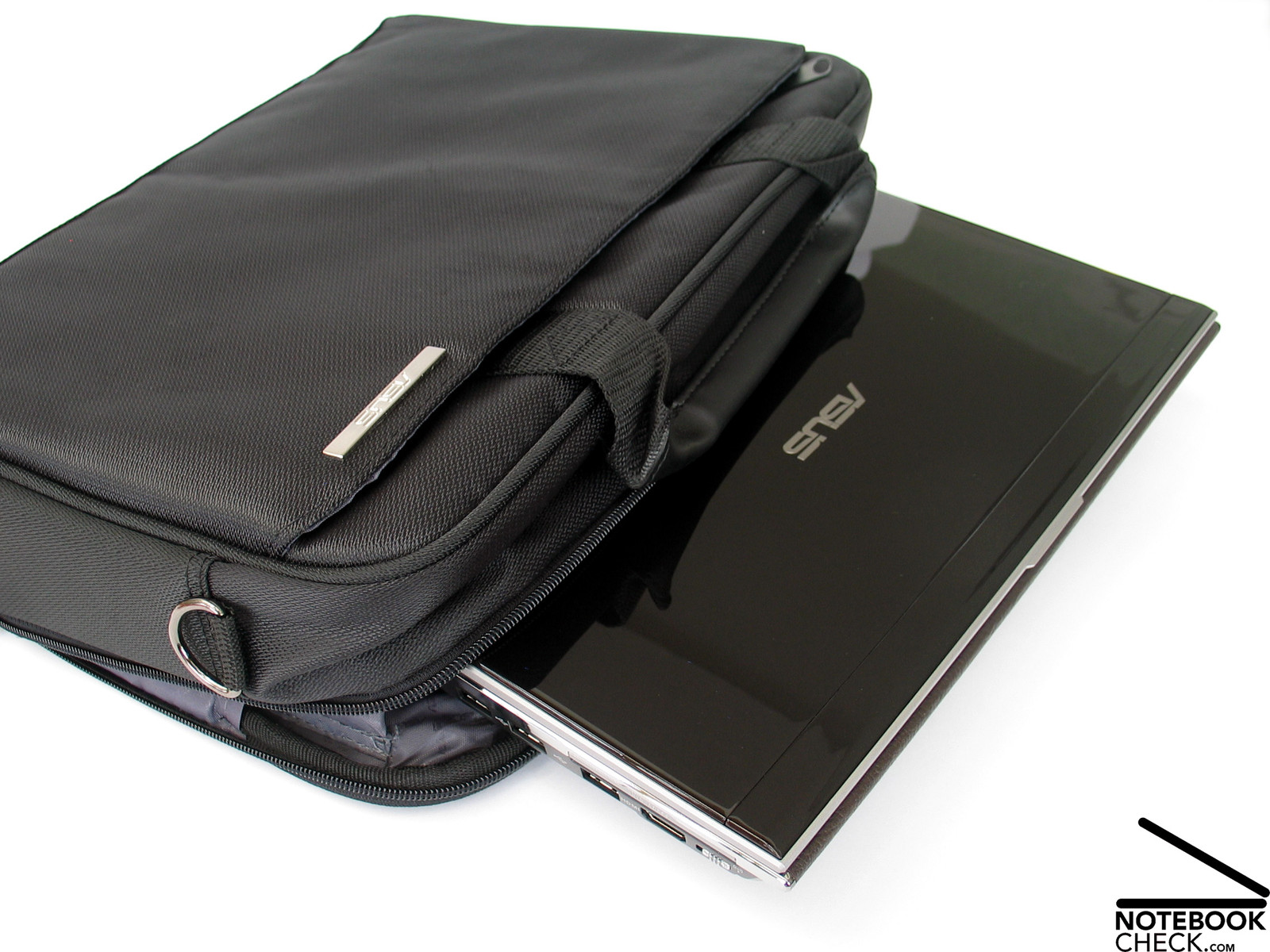
Furthermore, many accessories are included. Two different notebook bags are shipped with the U6S, and that’s luxury. One on them is a protection cover made of black leather, which can only take up the notebook (even with the bigger battery). If you need a little more space, e.g. for the power pack, other laptop equipment and diverse documents, then you can use the other one, a classical laptop bag by Targus.
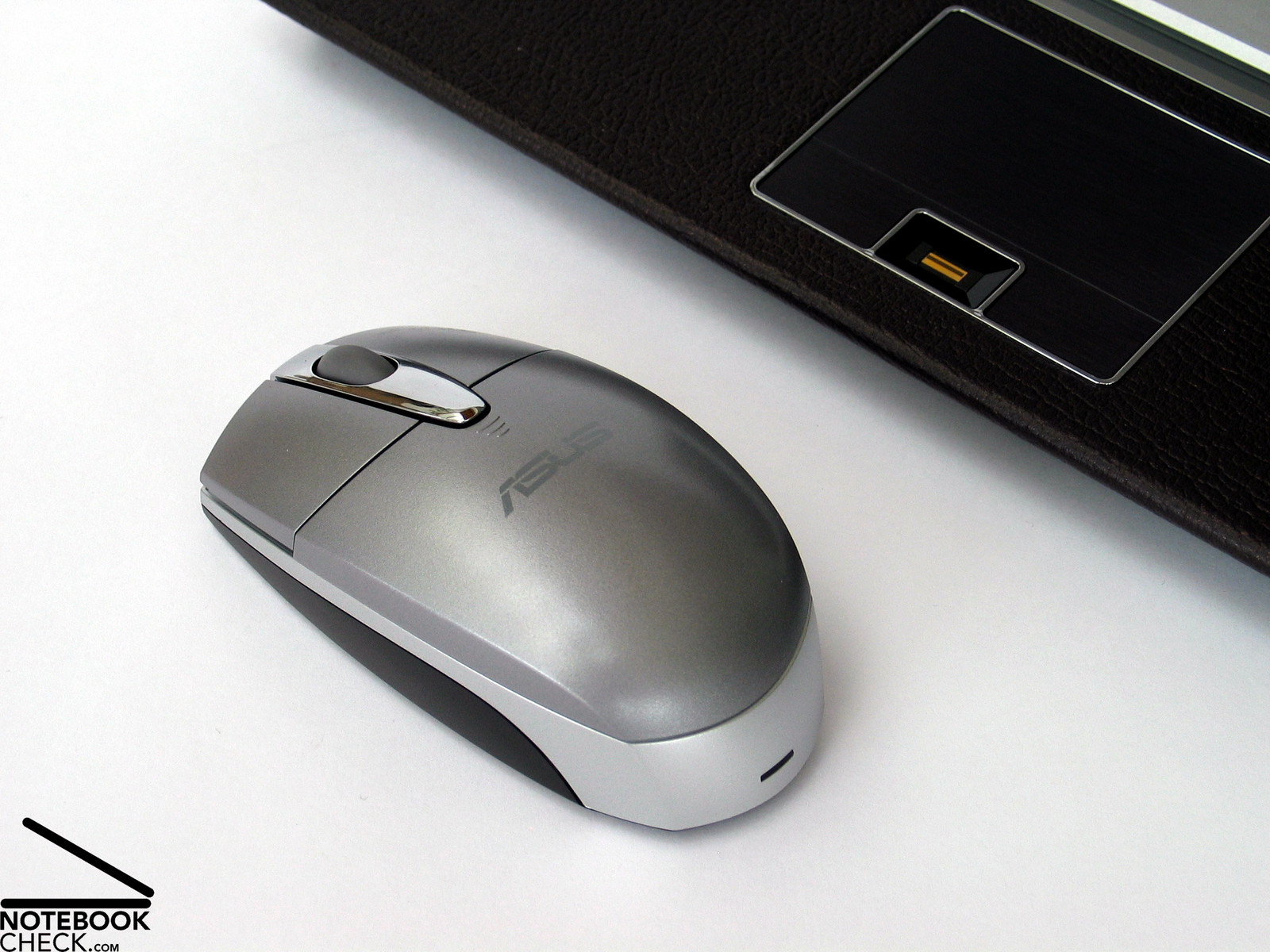
In addition, a shapely Bluetooth mouse by Logitech is included too, whose design harmonizes well with the U6S. Moreover, some goodies are included as well, e.g., a microfiber rag for cleaning the display, a hook-and-loop fastener for cables and a batteries for the Bluetooth mouse. Even a manual and a recovery- and driver DVD's are provided.
Input devices
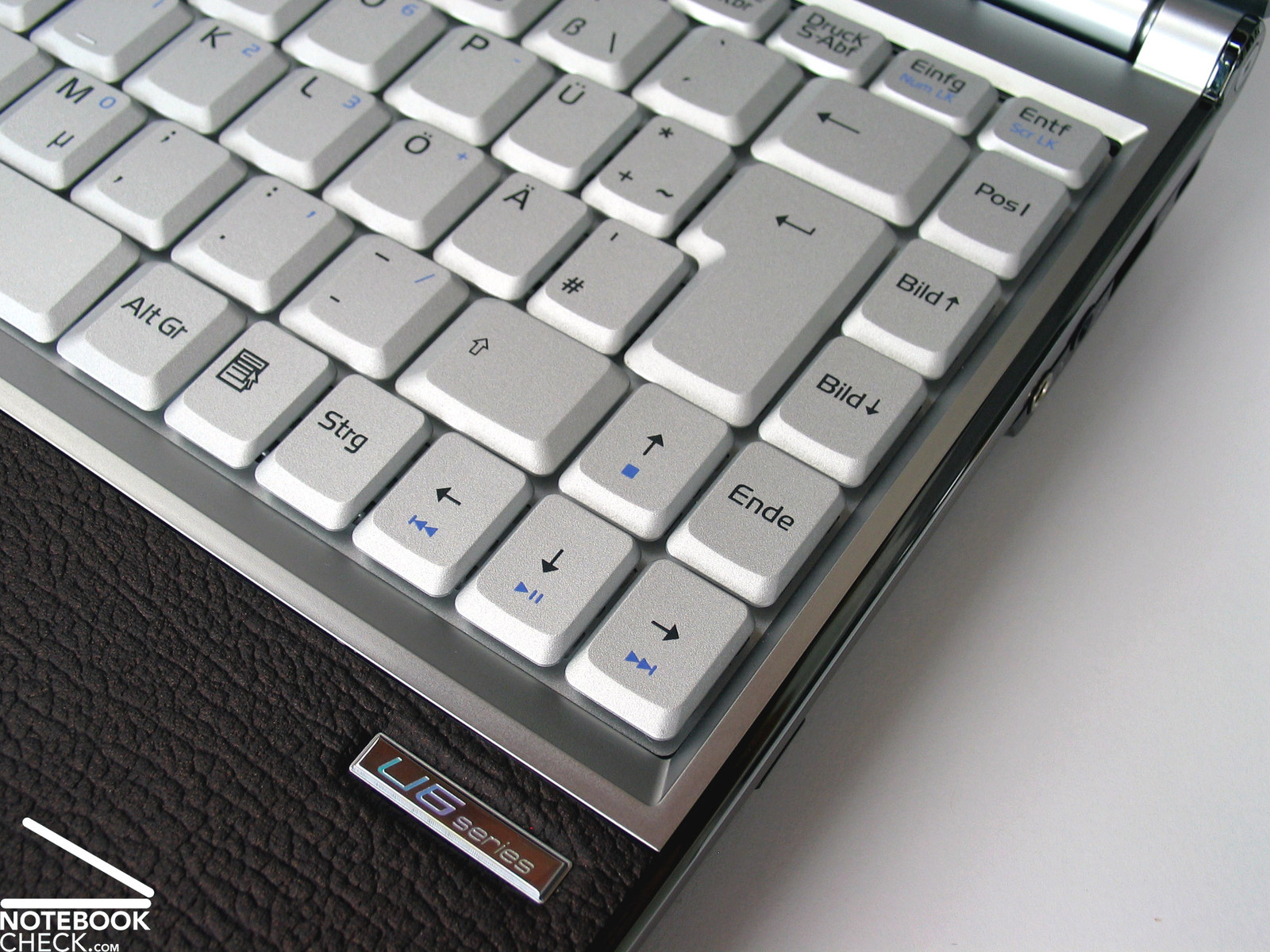
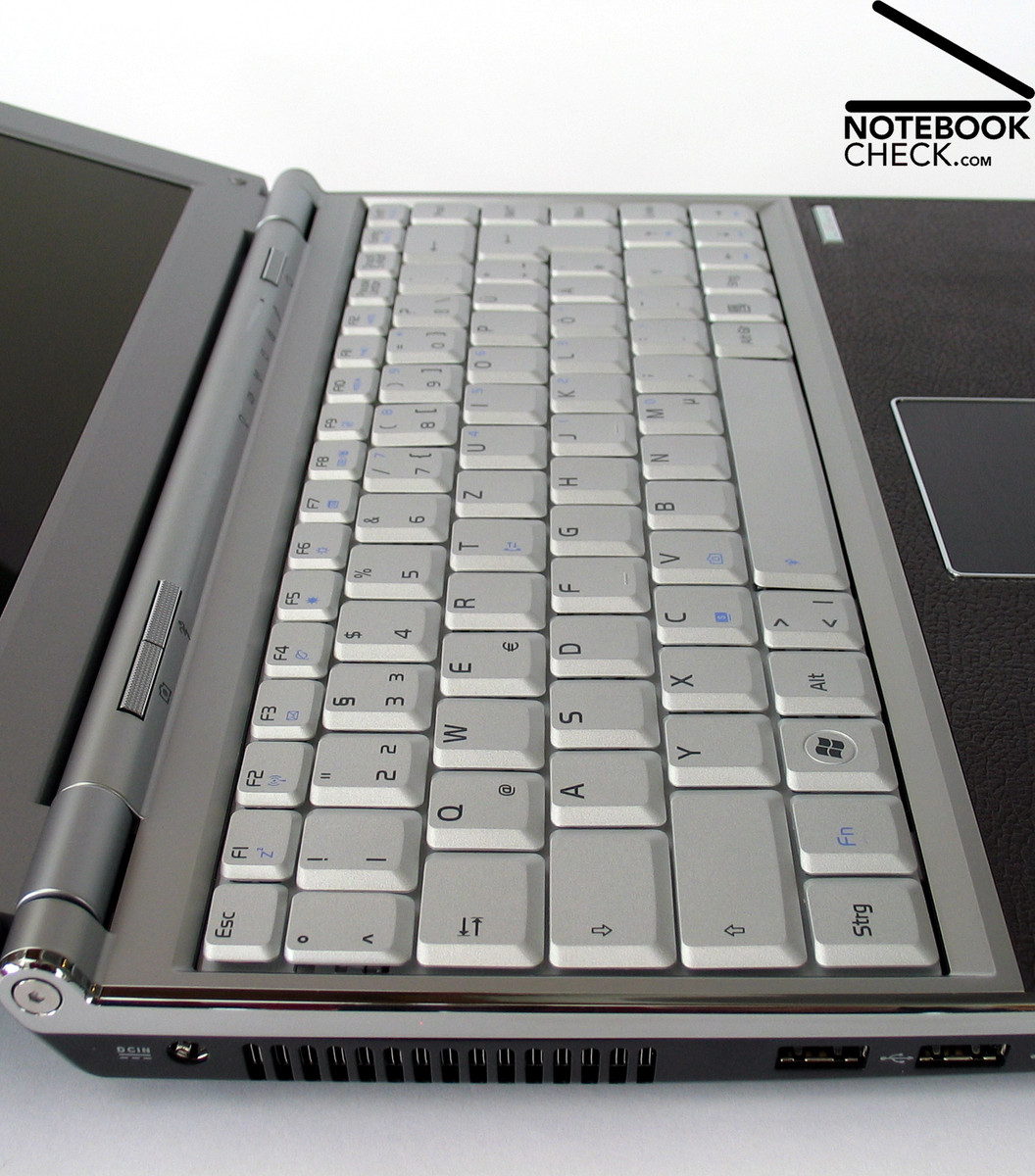
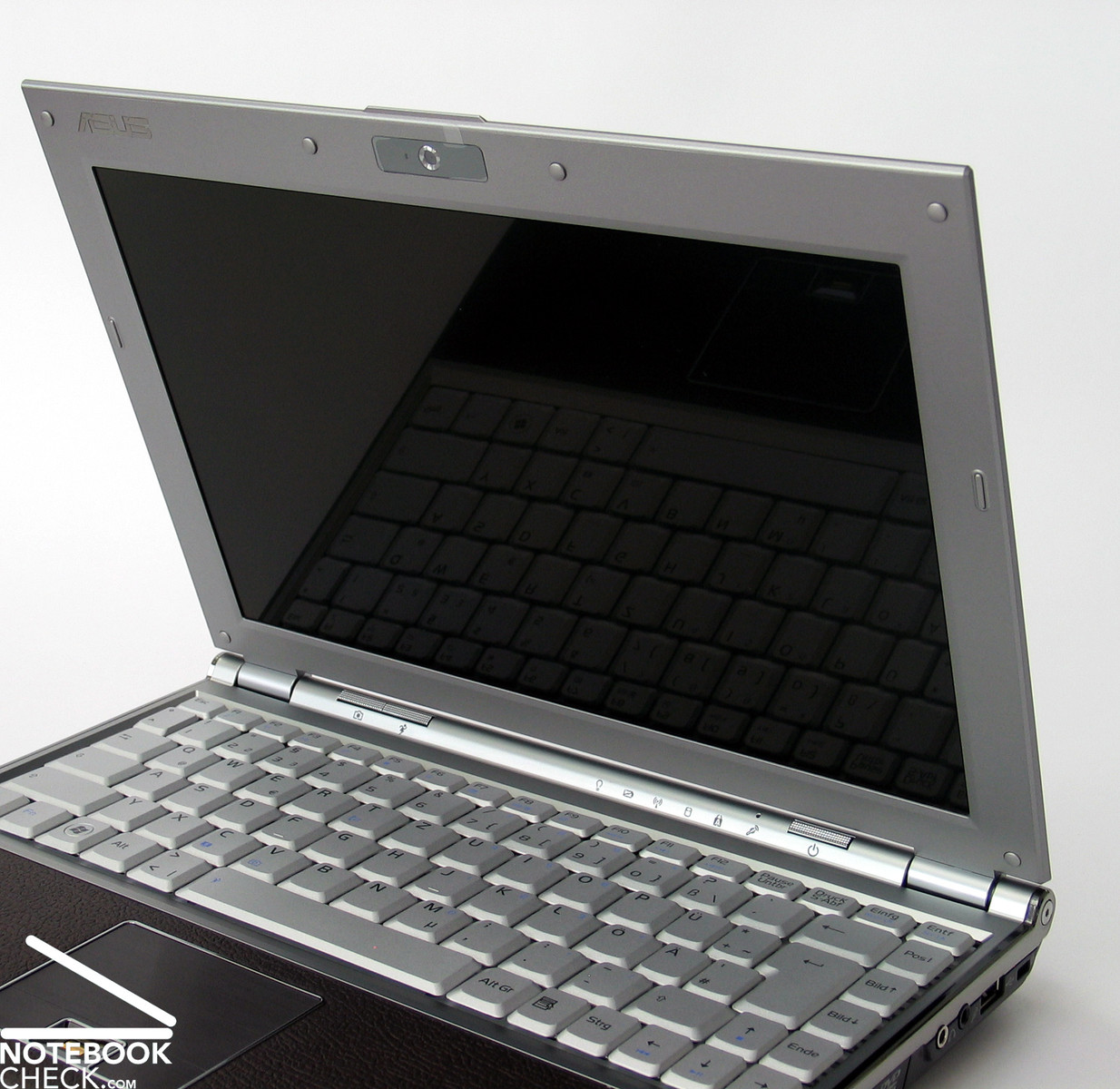
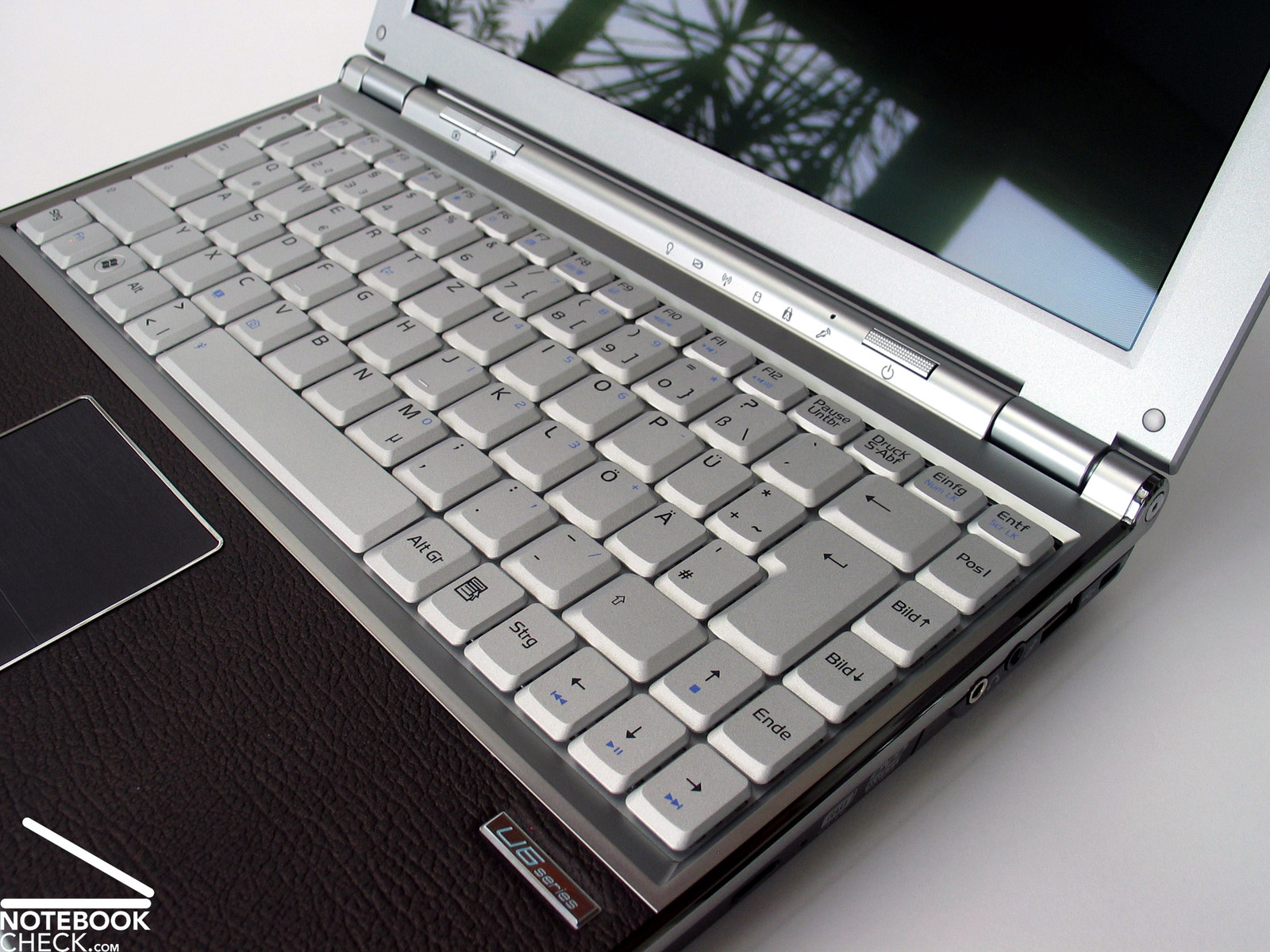
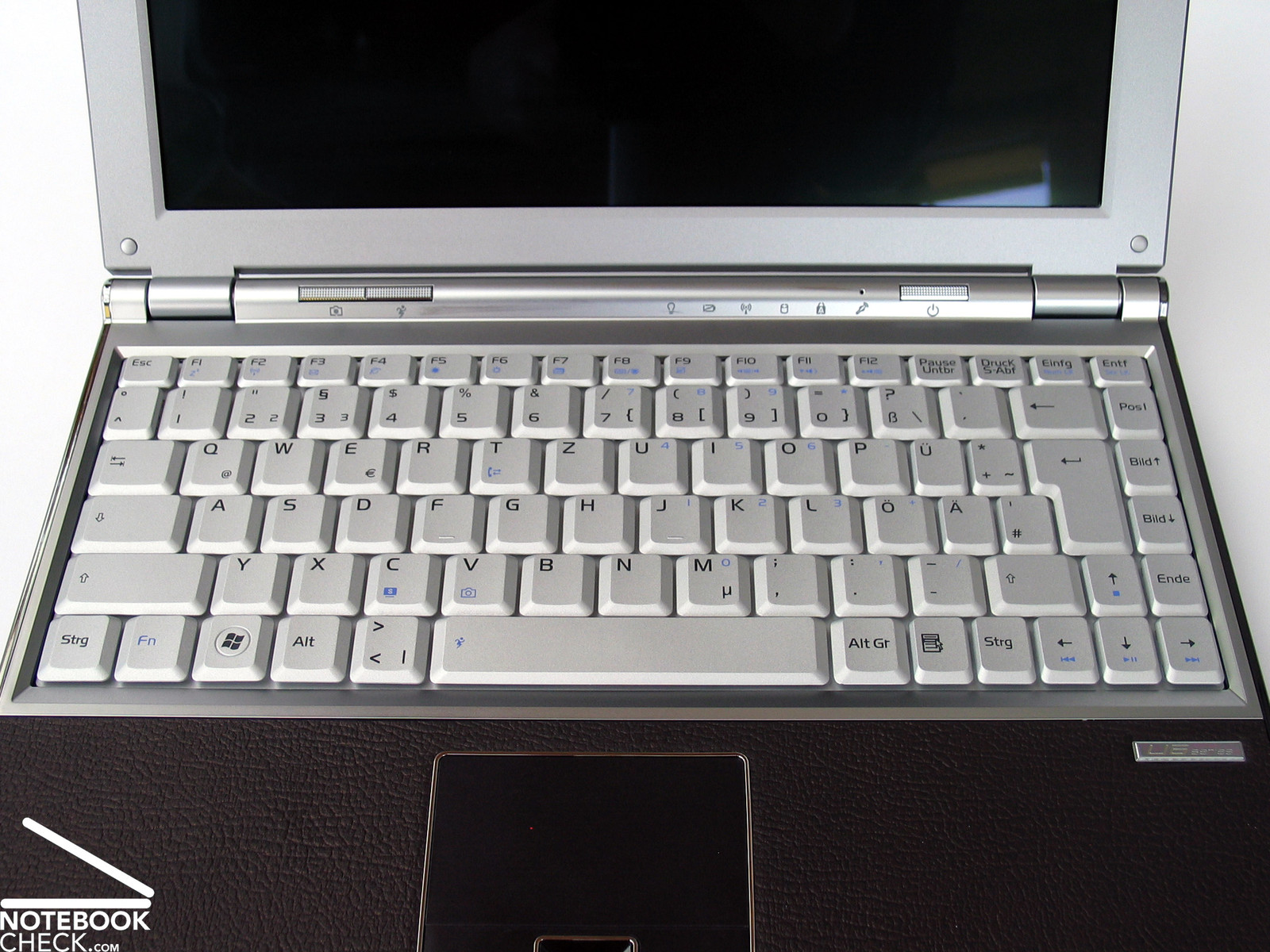
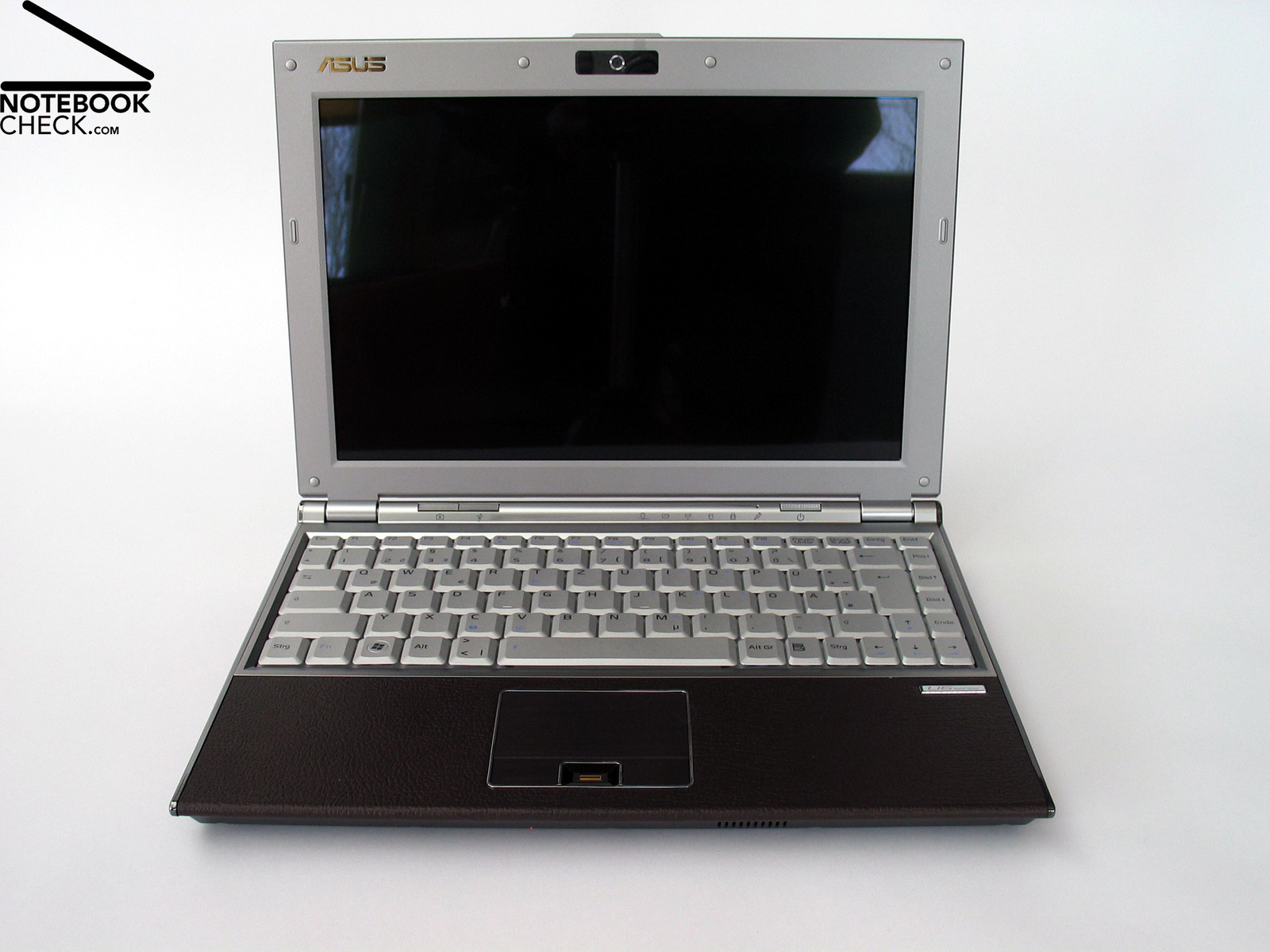
The keyboard of the Asus U6S is elegance in silver-gray . Arranged in a strict rectangular and without gaps between single keys, the keys are placed beside each other. The compact U6S benefits of such a design.
The size of the standard keys is 18 mm x 18 mm, which is user-friendly. However, there was obviously not much space available close to the double-spaced enter key. Some keys like mutated vowels and cursor keys are shrunk to a width of 13 mm. It takes time to get used this size, before you can work without problems.
Furthermore, you'll also need some time to get used to the keyboard layout, which differs from the usual standard. For example, the [><] key was moved from its standard position between the shift button, and the letter Y, and is here in between the spacebar and the alt key. So, left shift button could be made bigger. Some function keys like page up and down are right beside the enter key.
Typing feels in general good. The key travel is adequately long, and the feedback early and clear. If you apply force, the left side of the keyboard slightly yields, but, this does not have any impact on typing. Also the noise caused by typing is all right. You can only hear a silent and convenient tapping.
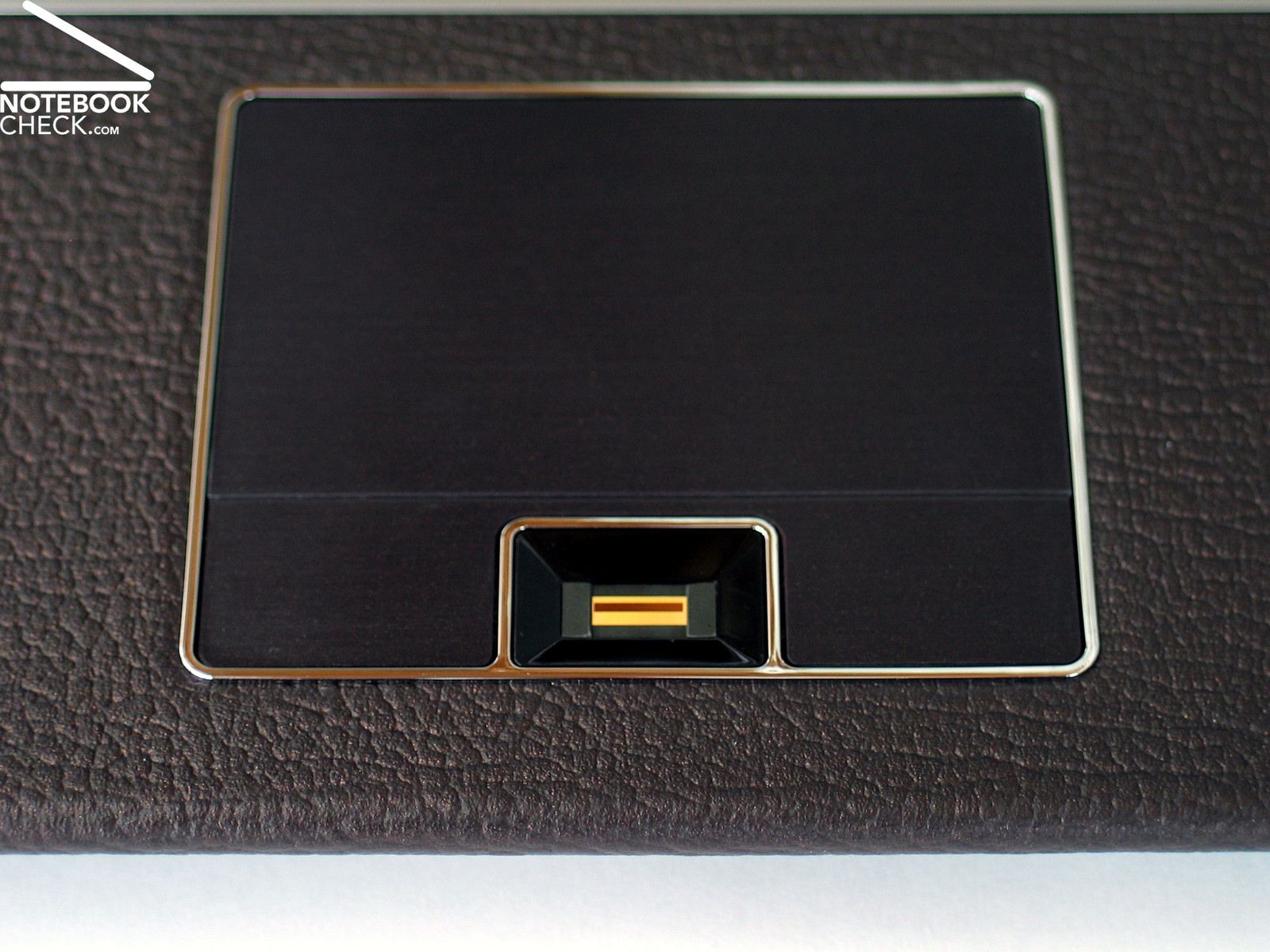
Although Asus included an external mouse, the touchpad is still a crucial aspect for a mobile subnotebook. During our test we came to grips with the touchpad in some degree. The surface supports to quickly move the finger over it and reacts well to clicks. Actually this works that well, could nearly do it without the two touchpad buttons. These are very small, because a finger print reader is in between them. Furthermore, they only work properly on their front part. So, they do not react frequently, because they weren't ideally hit at their front edge. Something which should definitely be improved.
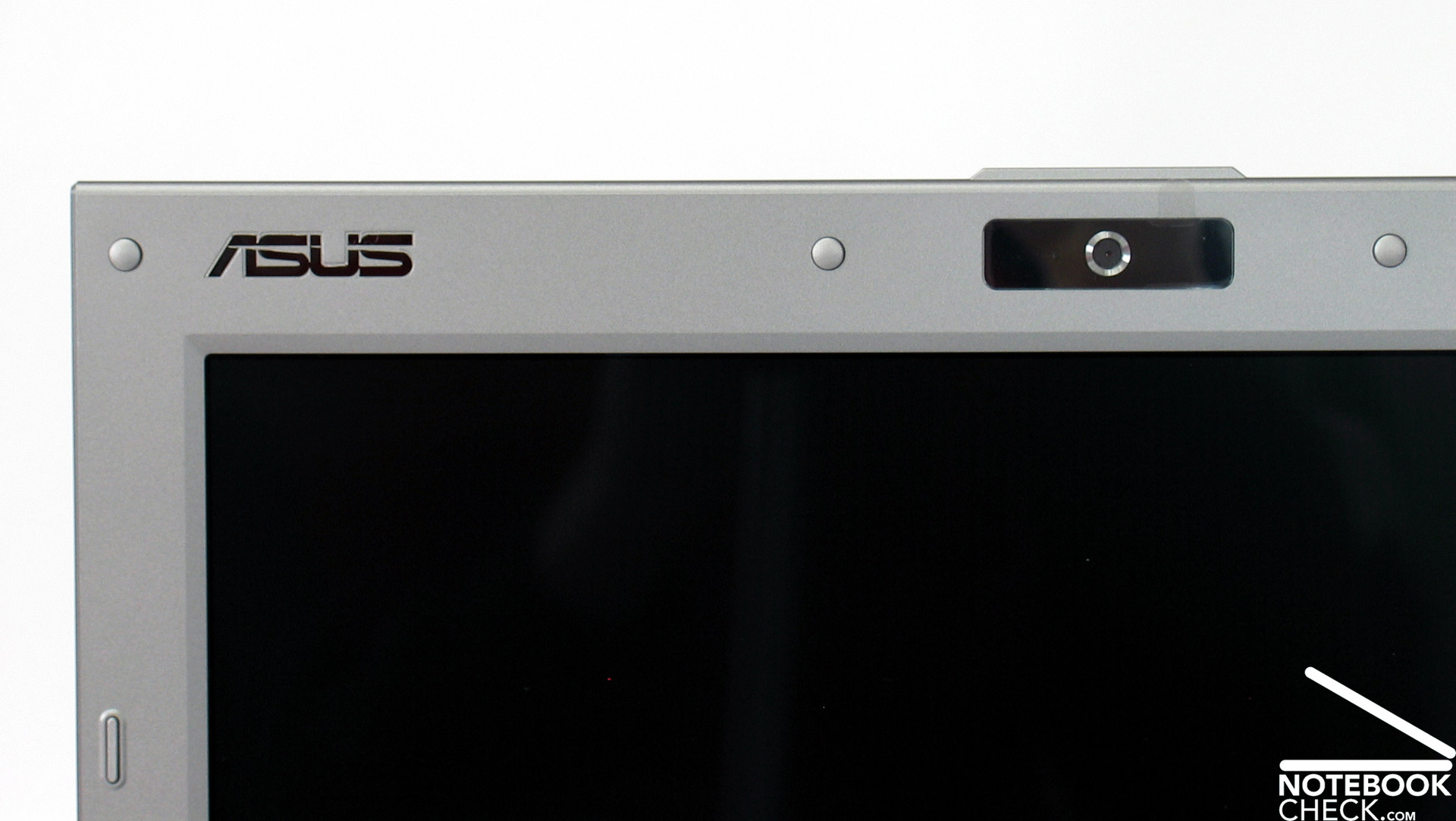
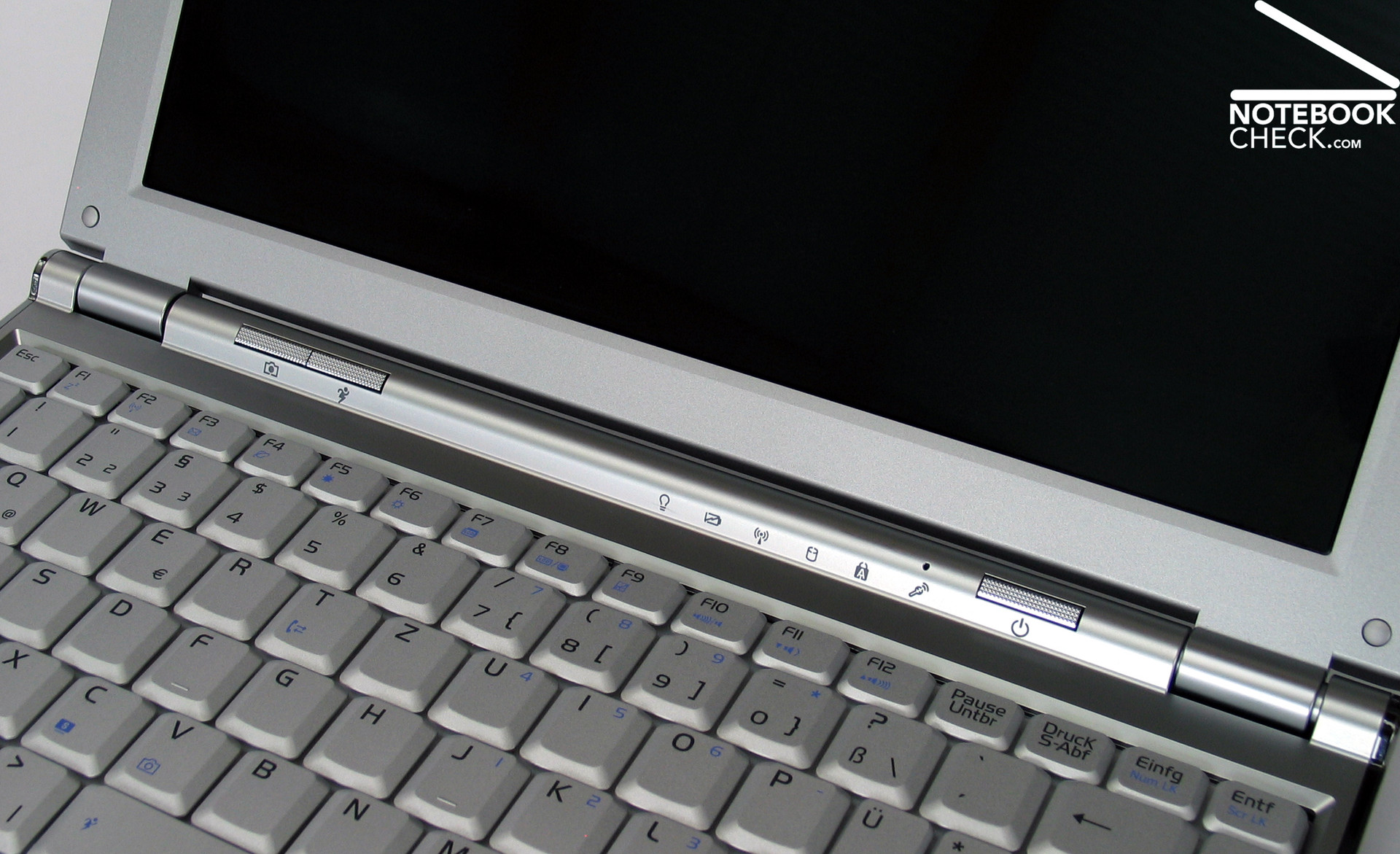
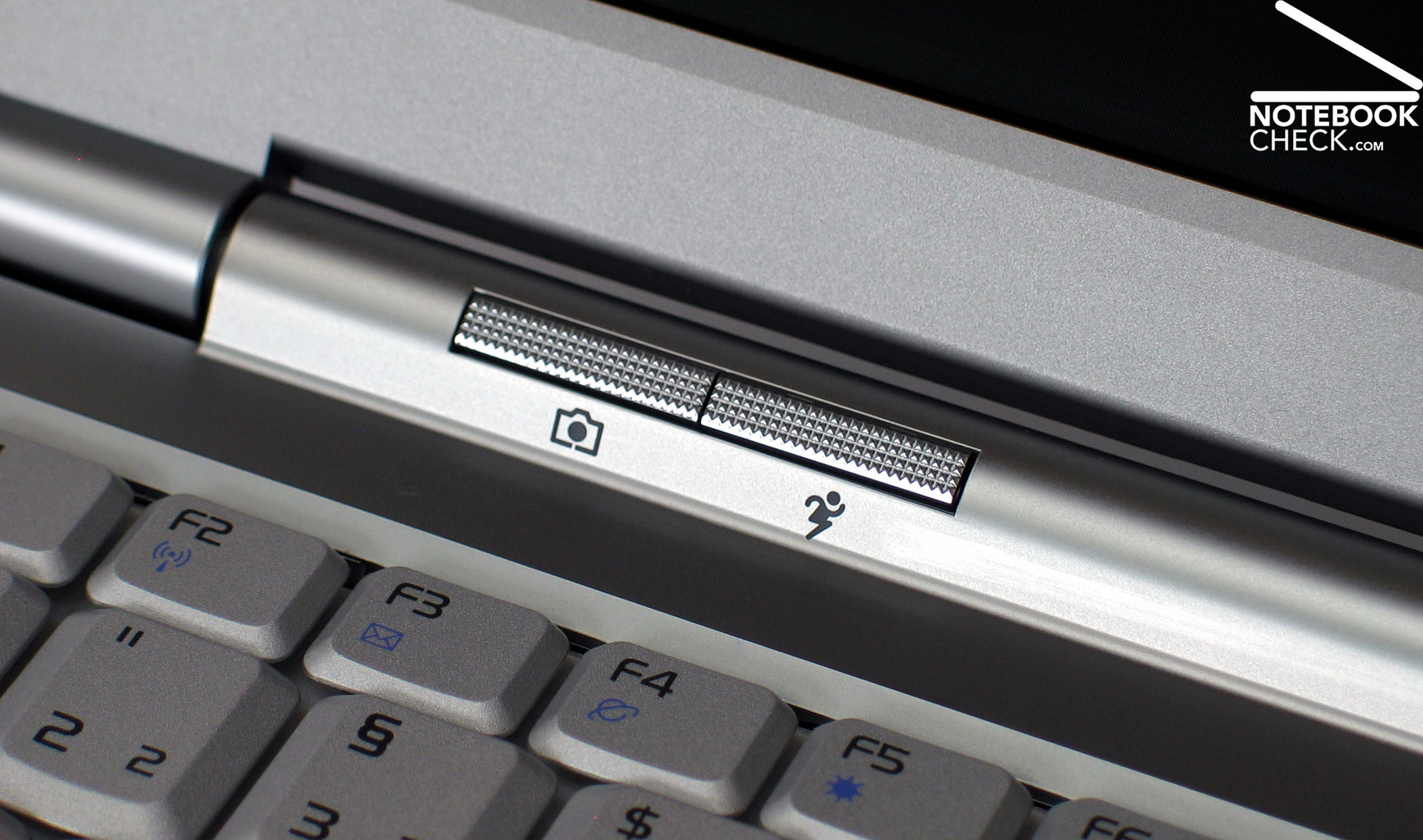
There aren't many hot keys, to conform to the minimum design of the U6S. One launches the Asus Lifeframe Tool (web cam), the other allows selecting the performance profile. Both are designed alike the power switch and located in a molding above the keyboard. The Asus U6S is equipped with a hardware based WLAN on/off switch, which is quite handy. It is at the left side of the notebook, and difficult to use without fingernails.
Display
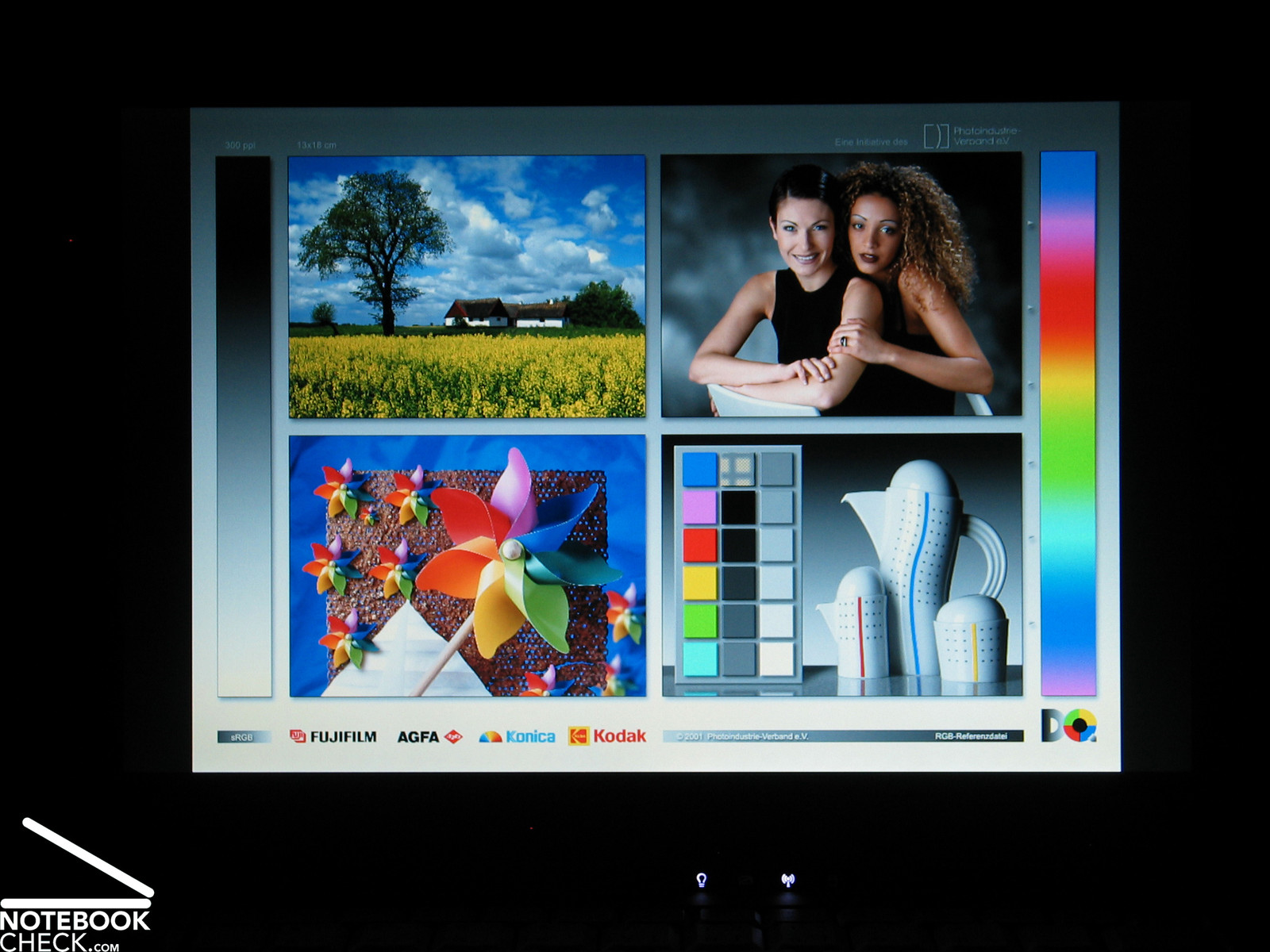
A luxury notebook also needs an extraordinary display. Therefore, the Asus U6S is equipped with a panel („Glare Type Color Shine“) with LED backlight. These panels are thinner, their power consumption is lower, they are brighter, and also more evenly illuminated than conventional displays. Of course they are also more expensive, but U6S customers won't care.
The display has a maximum resolution of 1.280 x 800 pixels, which is a wide-spread resolution of today's widescreen panels. This is sufficient for a single window for office or Internet applications. However, it is difficult to keep track of many tile windows. The same is true for graphical applications with many toolboxes.
| |||||||||||||||||||||||||
Brightness Distribution: 79 %
Contrast: 114:1 (Black: 2.45 cd/m²)
The brightness proved to be very good in our test. We measured a maximum of 331 cd/m², which is respectable. The minimum value at the upper left corner of the display was 262 cd/m², which is still an excellent value. However, these two values give an illumination of 79.2%, which is not that good. Nevertheless, this is at least not recognizable with the naked eye.
The black level of the display, which is 2.45 cd/m², is very high (minimal representable brightness), and was measured with 2.45 cd/m². Together with the maximum brightness this gives a contrast ratio of 135:1, which is below-average.
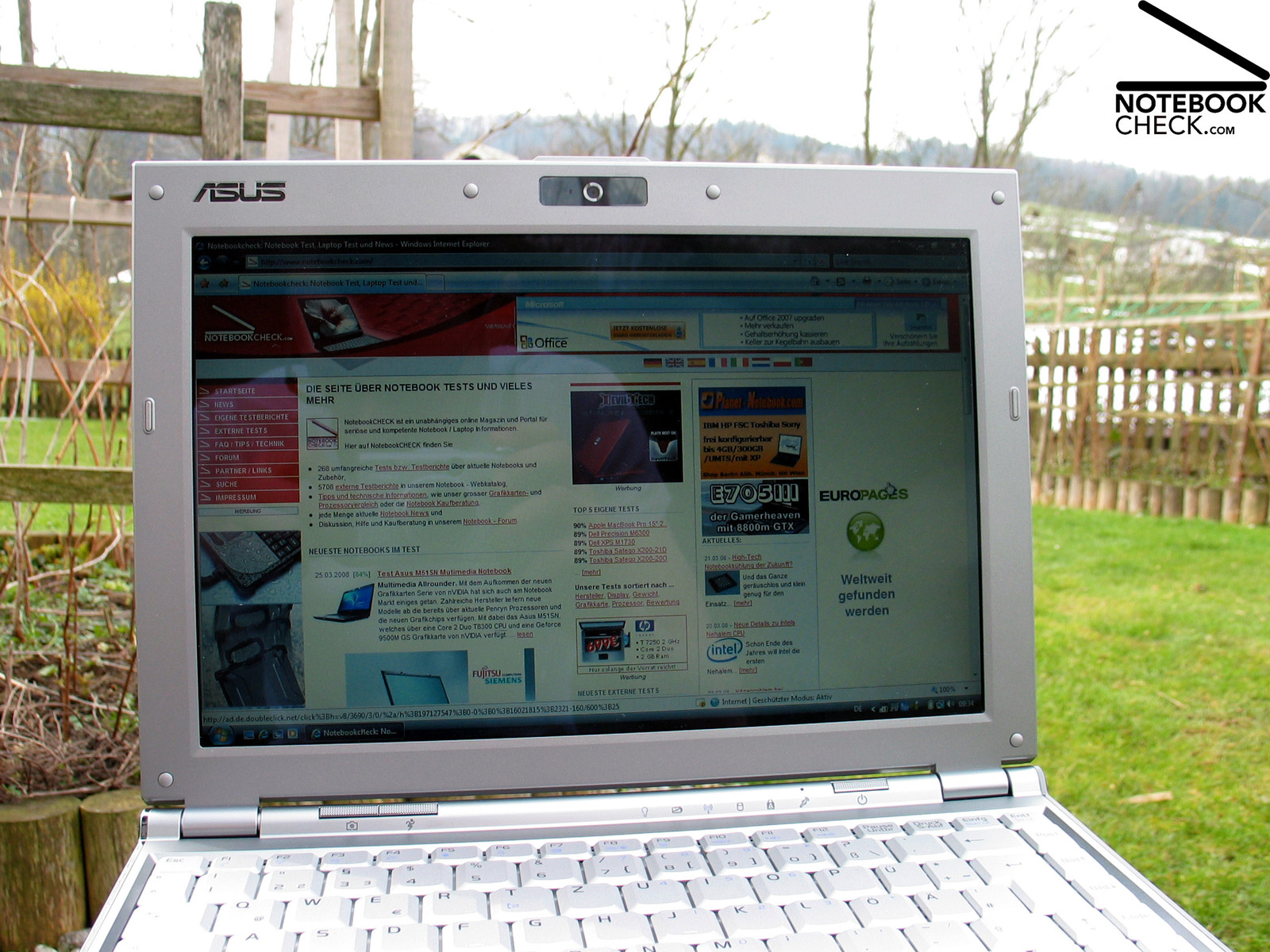
The display is reasonably capable of outdoor operation. The maximum brightness is available while working on battery, but, if the environment is very bright, i.e., in the sunshine, it reflects. Nevertheless, this notebook still rates, alike the transreflective panel of the Toshiba Portégé R500, even in the sunshine good.
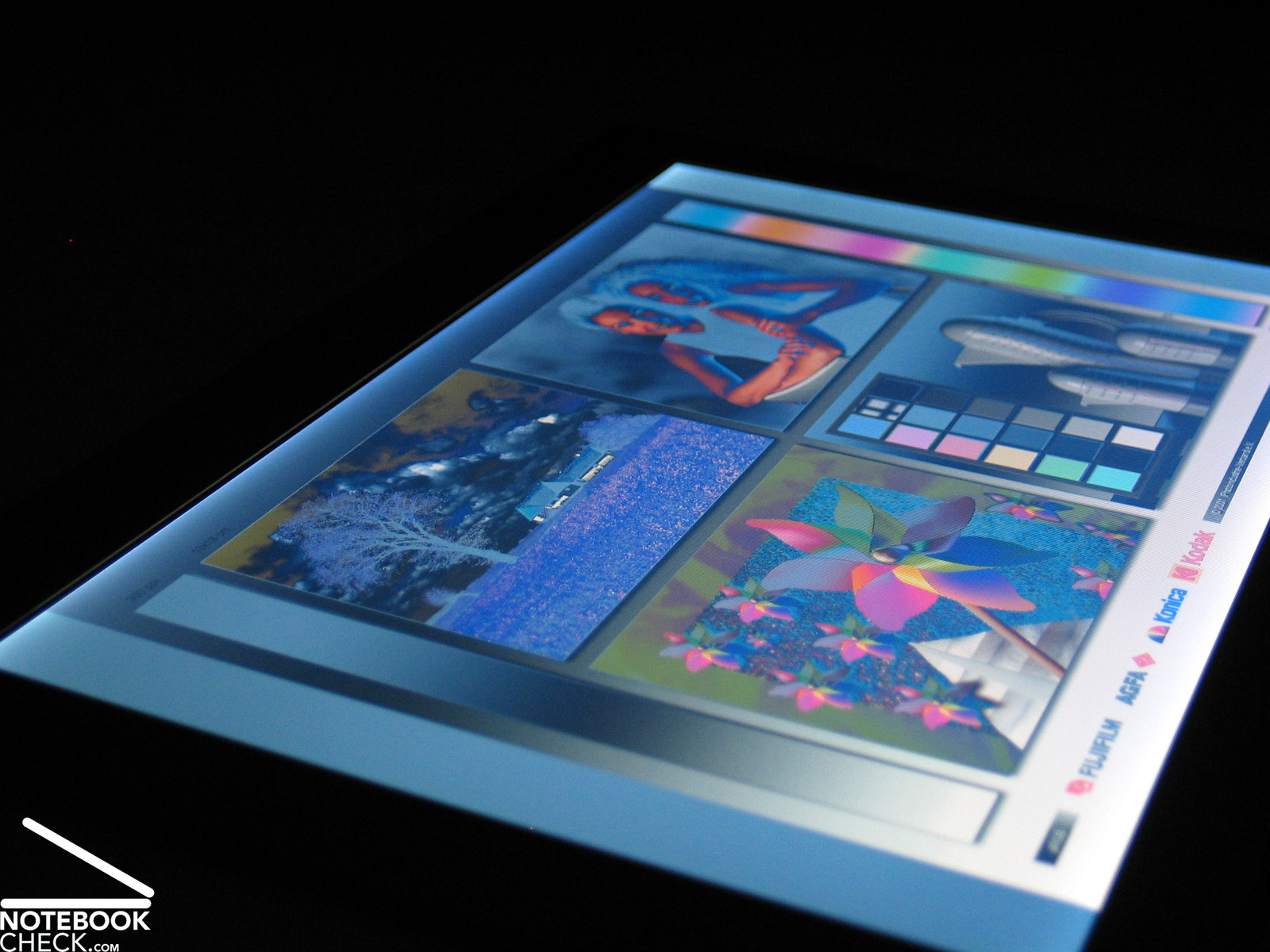
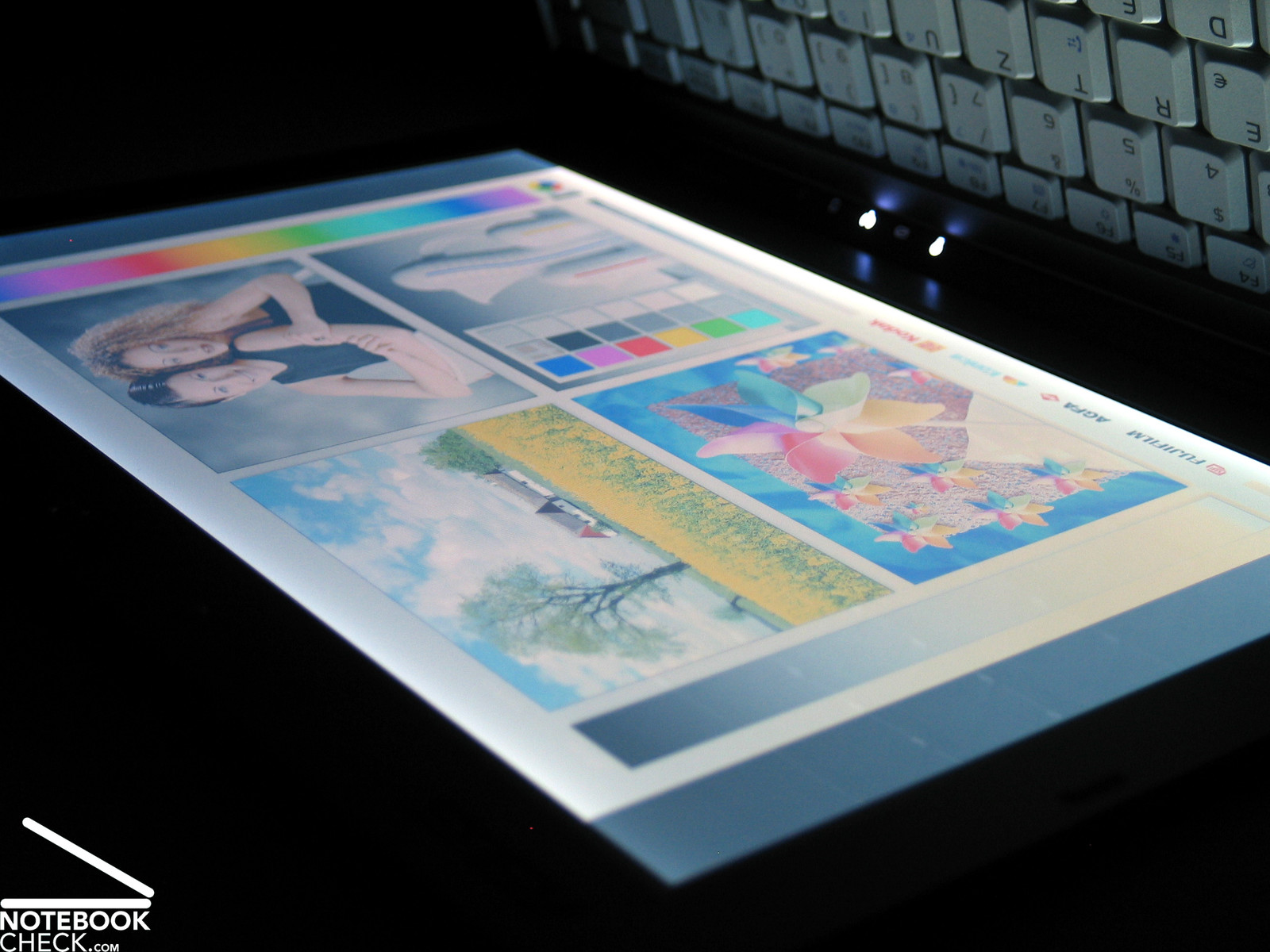
The viewing angles are also not absolutely ideal. Especially, vertically, the viewing angles are narrow, so, the picture quickly darkens respectively whitens.
Horizontally, the viewing angles are a bit wider, but, you'll face reflections at acute angles.

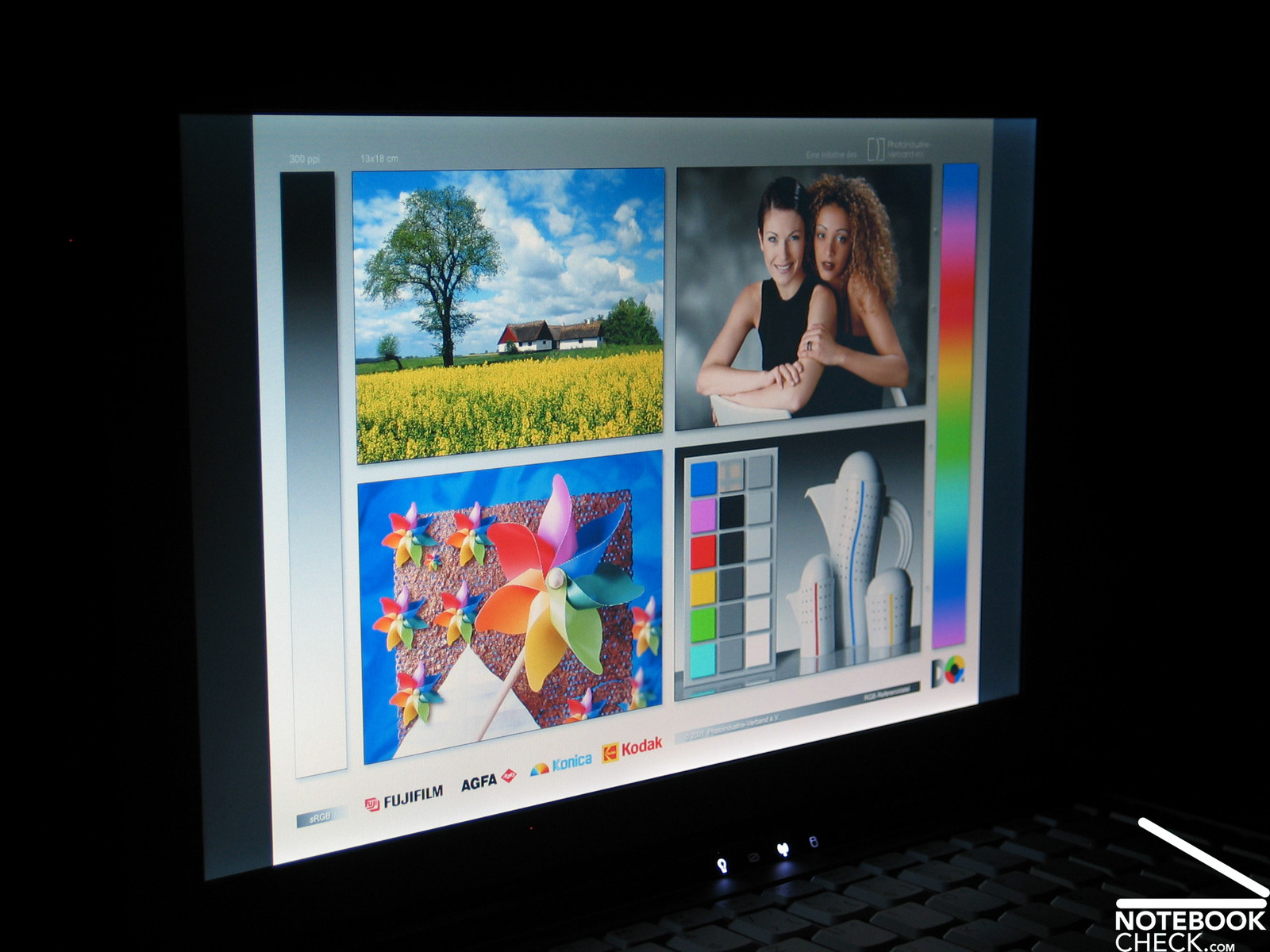
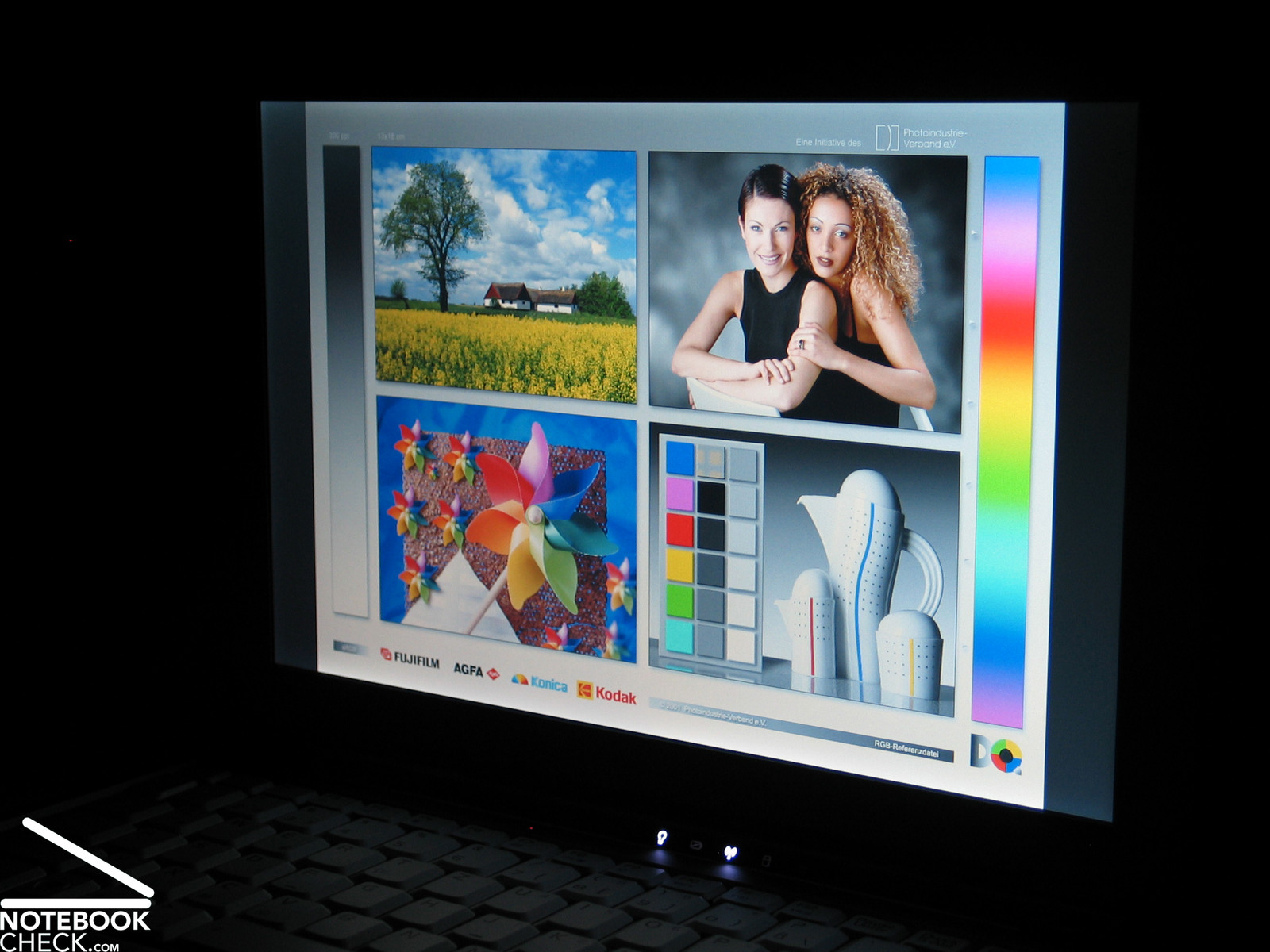
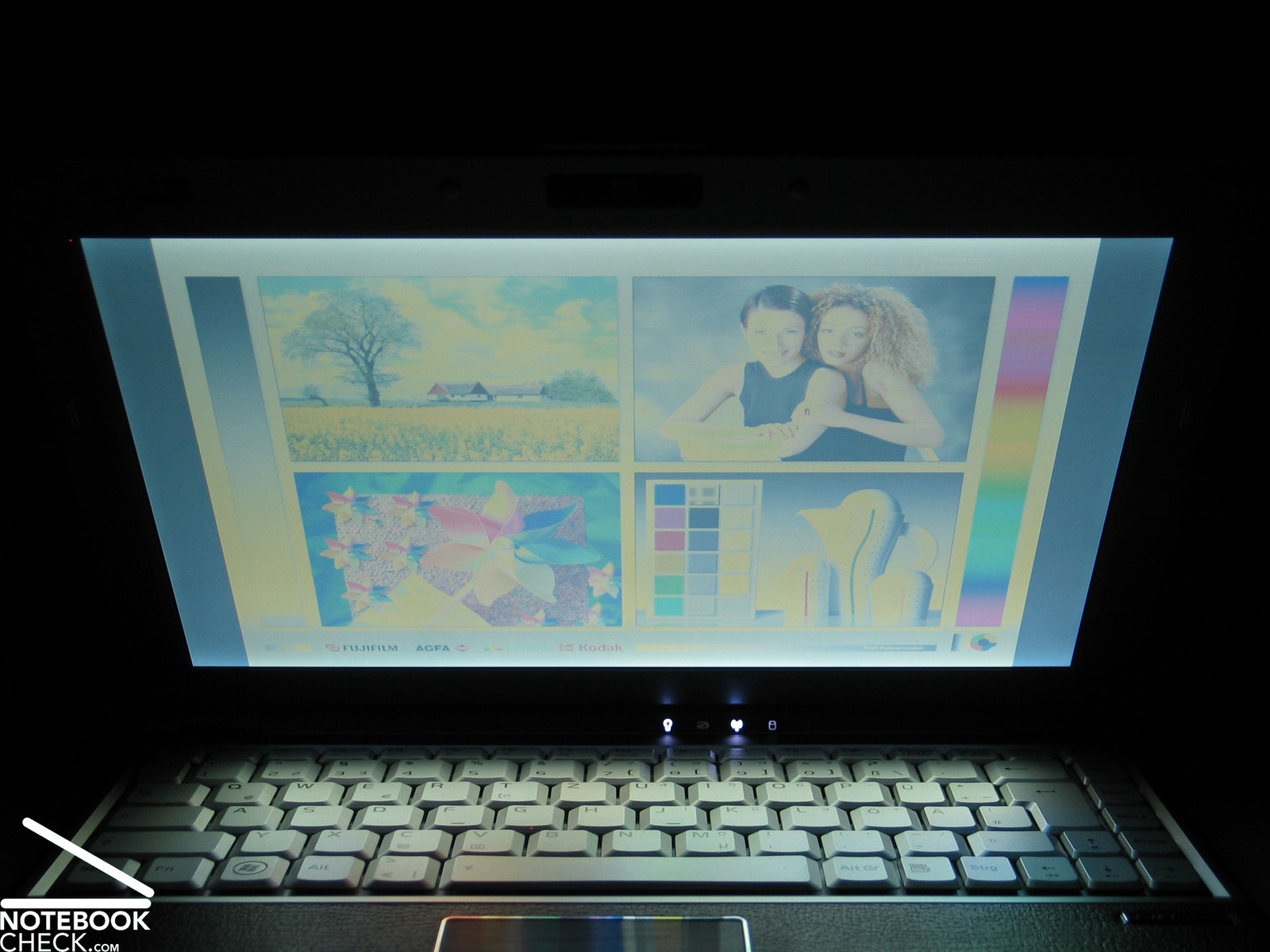
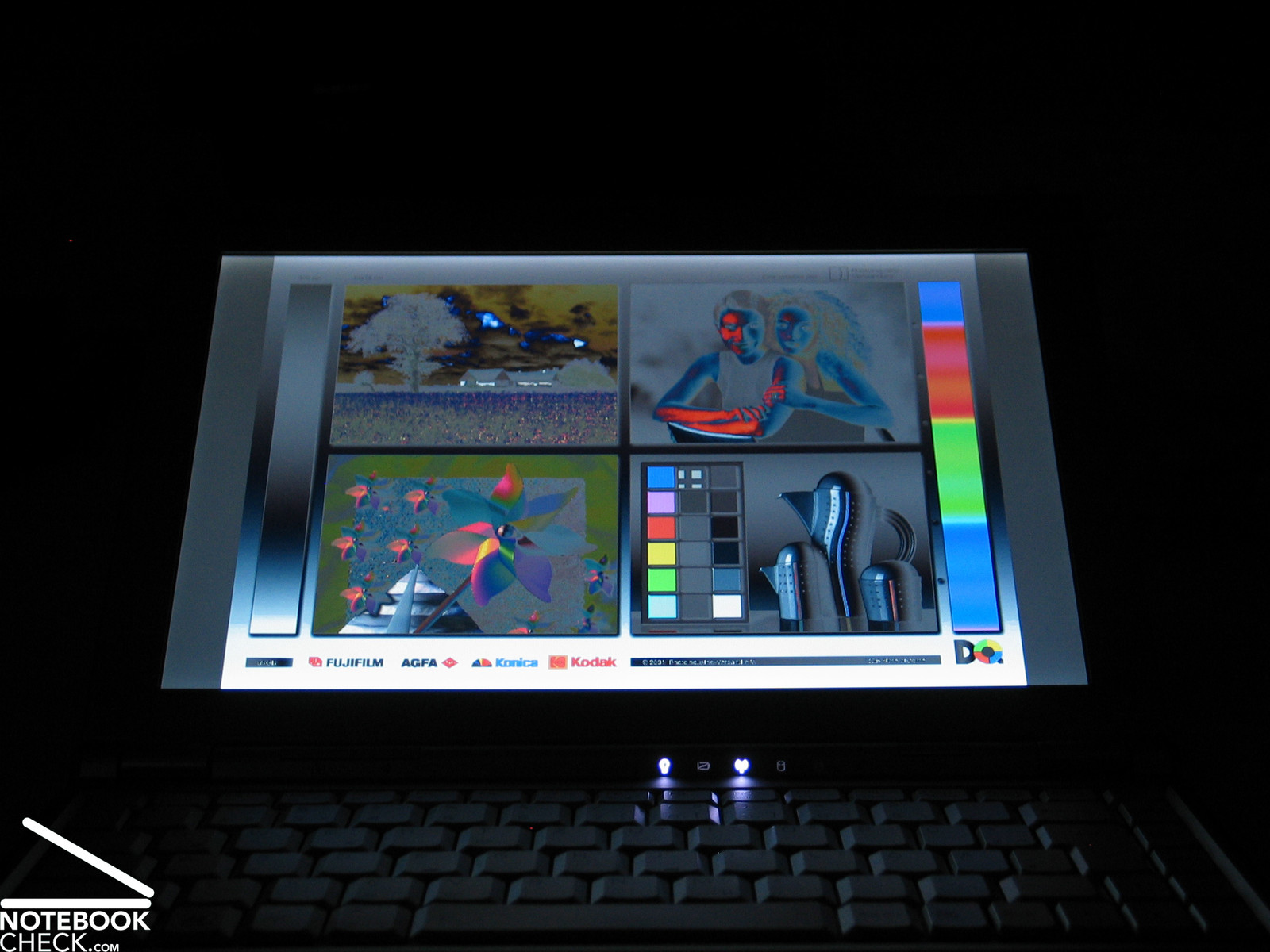
Video of Display's Viewing Angles
Performance
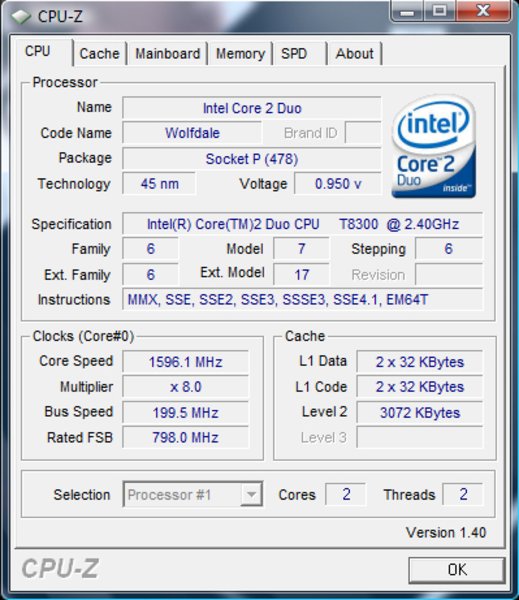
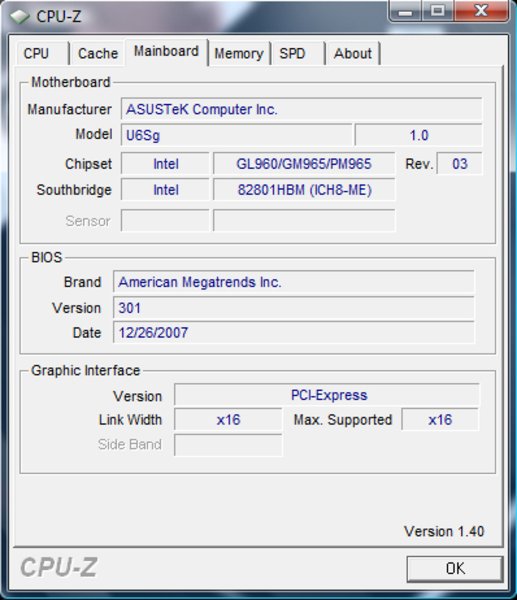
The Asus U6S is indeed equipped with powerful hardware. Anyway, the possible choices for subnotebooks are limited. Still, there are some interesting options. The U6S is equipped with an Intel Penryn T8300 CPU with 2.4 GHz and 3 MB L2-cache. Penryn CPUs are successors of the Merom processor generation. Although they are more powerful, their wattage is lower.
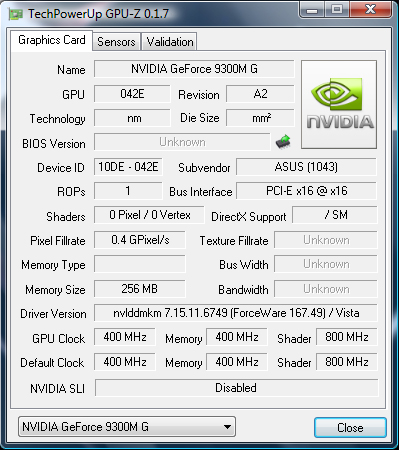
Unlike many competitor subnotebooks, Asus decided not to use an integrated video chip. Instead the U6S is equipped with a NVidia Geforce 9300M G with 256MB Video RAM, which is the successor of the GeForce 8400.
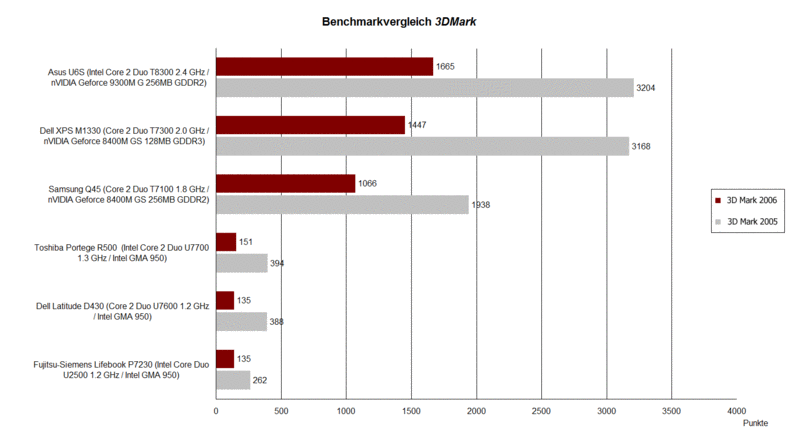
The 3DMark benchmark results of the 9300M G are brilliant. The performance of comparable notebooks, including the Dell XPS M1330 with Merom CPU and GeForce 8400M GS video card, at the 3DMark 2005 and 2006 was lower.
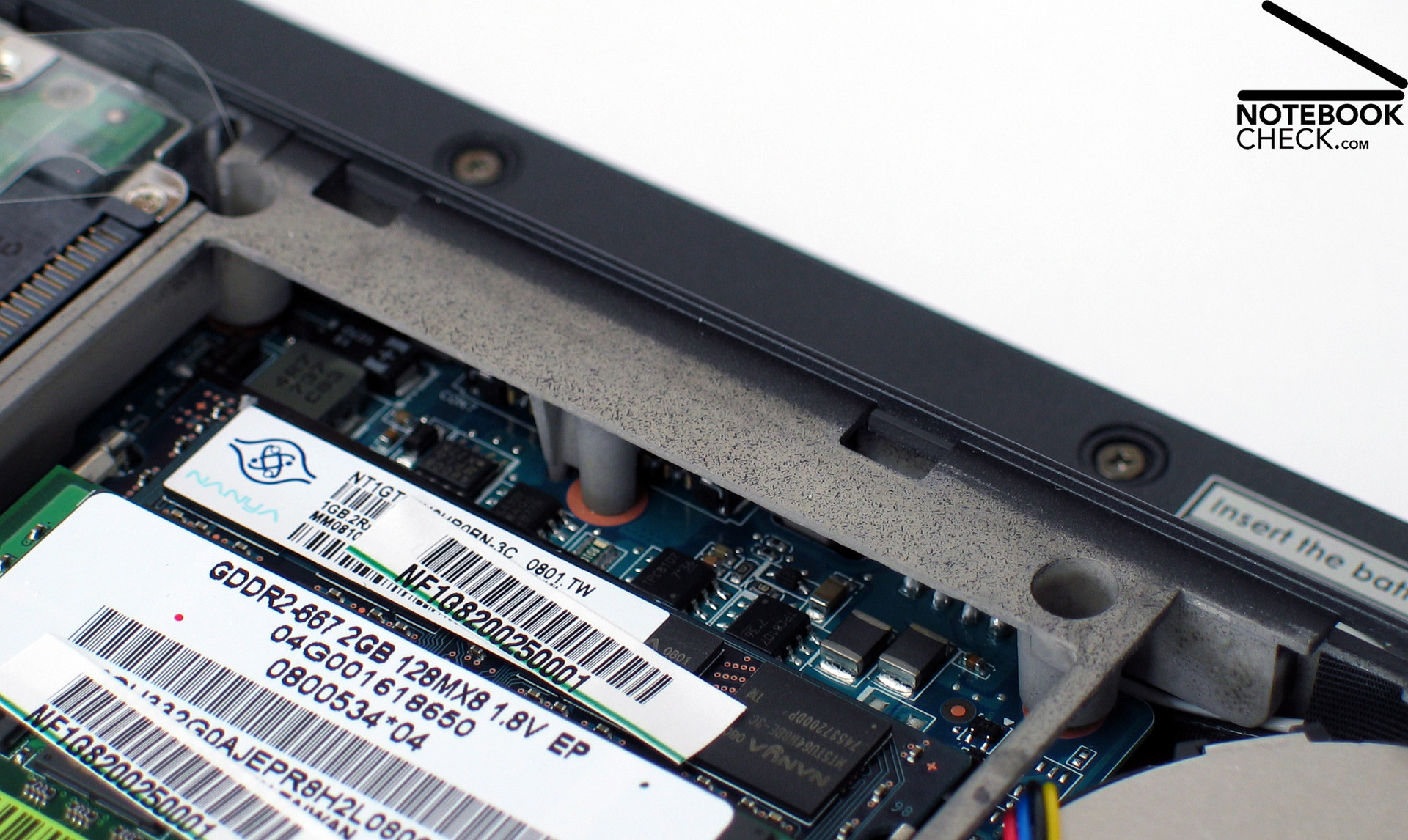
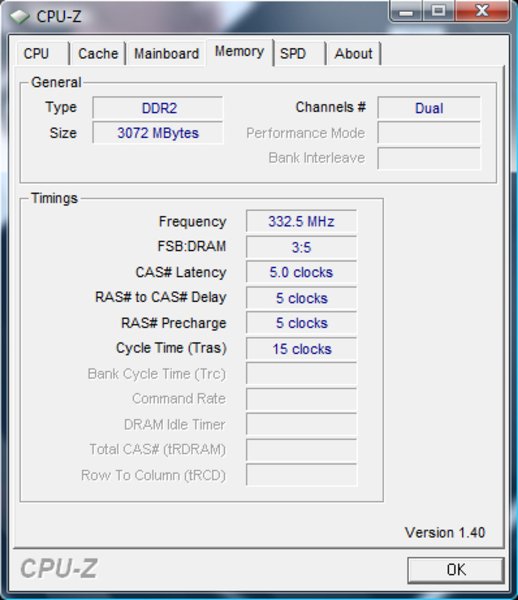
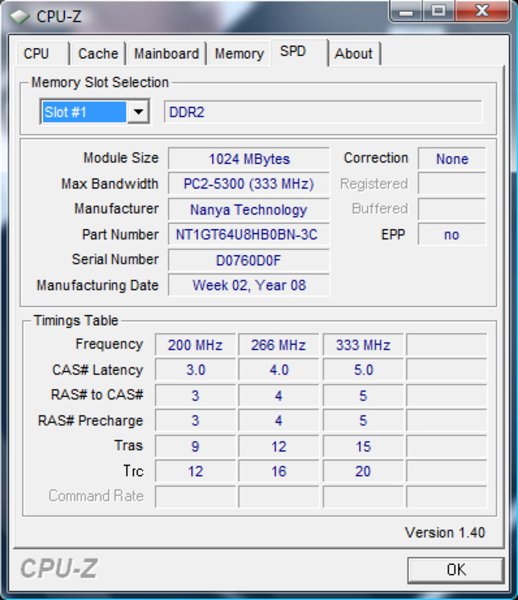
Likewise are the results of the PC Mark 2005, where the Asus U6S reached 5037 points . It is the top notebook of its category in this benchmark mainly due to benefiting from the Penryn CPU, but, also other components are important here. A total of 3 GB RAM (1 GB + 2 GB) allow Windows Vista Business to run smoothly.
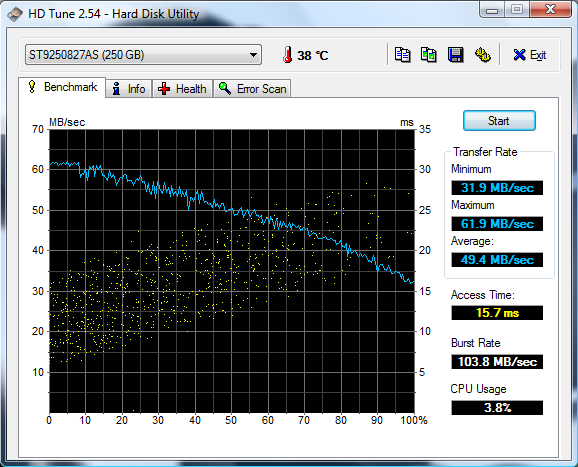
Asus chose a powerful hard disk too, i.e., a Segate Momentus ST9250827AS. This mass storage device has a disk space of 250 GB. Its data transfer rates are high and the access times are low compared to other hard disks with 5400 rpm.
To summarize, the Asus U6S is indeed a powerful bundle, whose office performance is convincing. In addition, it also has sufficient reserve capacities for 3D applications. Due to its hardware equipment its performance is top of 12 inch notebooks.
| 3DMark 2001SE Standard | 14725 points | |
| 3DMark 03 Standard | 5443 points | |
| 3DMark 05 Standard | 3204 points | |
| 3DMark 06 Standard Score | 1665 points | |
Help | ||
| PCMark 05 Standard | 5037 points | |
Help | ||
| Cinebench R10 | |||
| Settings | Value | ||
| Shading 32Bit | 2361 Points | ||
| Rendering Multiple CPUs 32Bit | 4837 Points | ||
| Rendering Single 32Bit | 2620 Points | ||

Emissions
Loudness
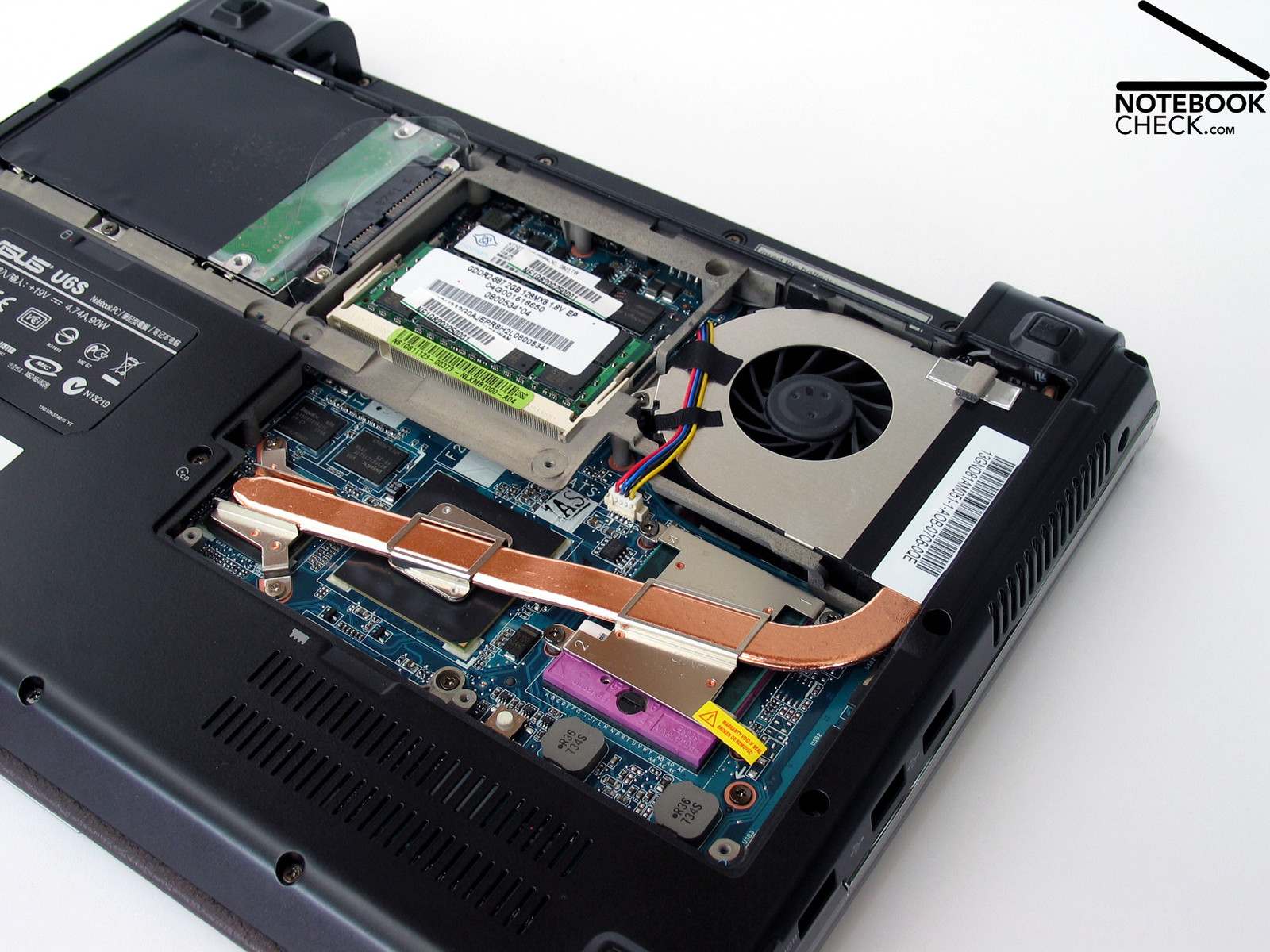
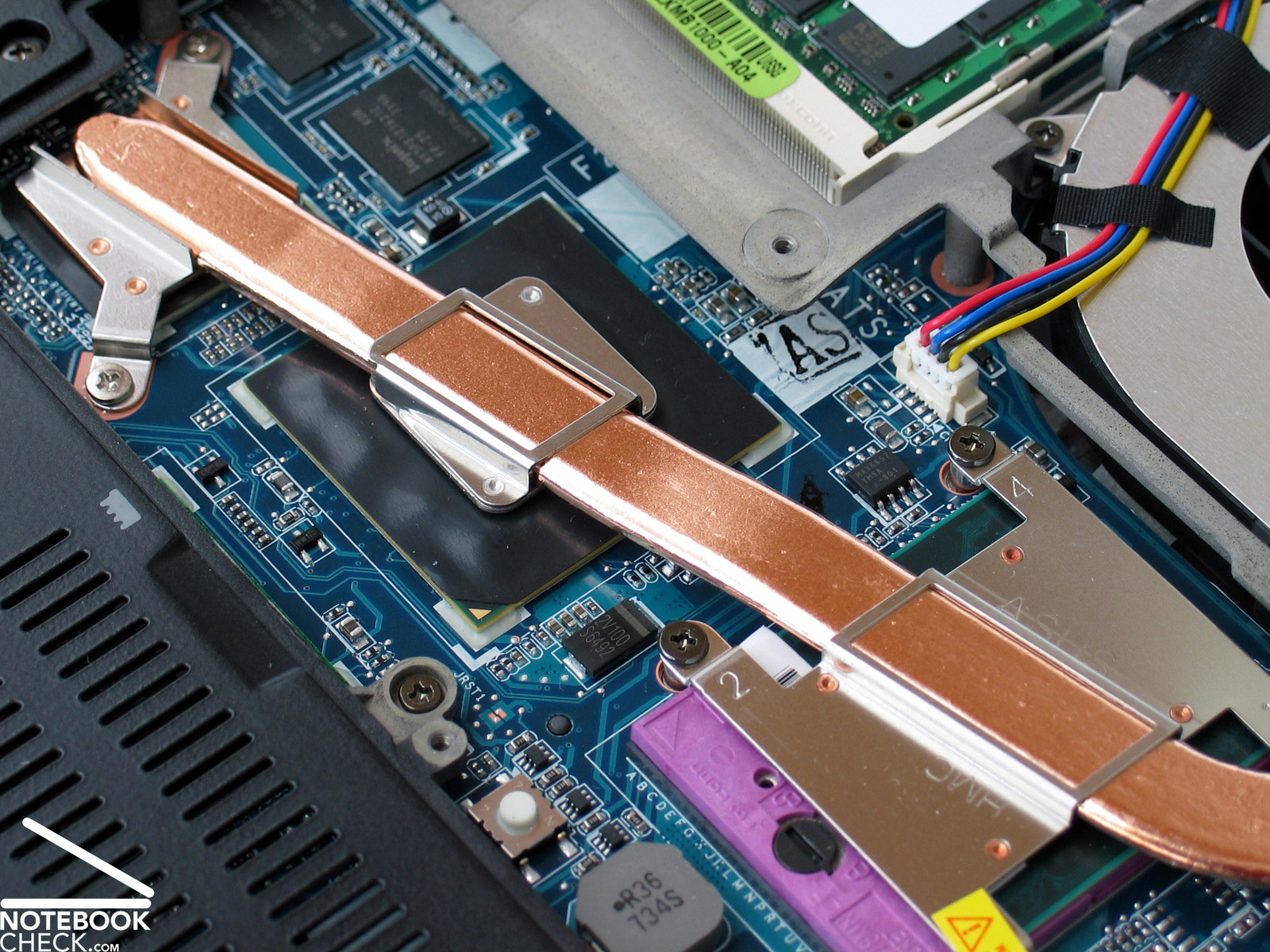
The Asus U6S is equipped with powerful hardware, but the developer neglected one important thing: cooling. Regardless of the selected energy profile the system fan runs permanently in office mode and even when idling. Even if the energy saving profile is selected, the noise level is as high as of 37.6 dB(A). Nevertheless, it's a rustling noise, so, unlike you are very sensitive, it's not extremely annoying.
Under full load the fan speeds up and it gets louder. The measured maximum noise level is 42.4 dB(A). When running office application, the notebook is quieter, but computationally intensive applications like 3D rendering boost the noise level. The hard disk is audible with a silent clicking noise.
Noise level
| Idle |
| 37.6 / 37.6 / 37.6 dB(A) |
| HDD |
| 37.9 dB(A) |
| DVD |
| 41.2 / dB(A) |
| Load |
| 39.8 / 42.4 dB(A) |
 | ||
30 dB silent 40 dB(A) audible 50 dB(A) loud |
||
min:  , med: , med:  , max: , max:  (15 cm distance) (15 cm distance) | ||
Temperature
The temperature of the Asus U6S case is all right. The measured maximum temperature is 33.2°C at the top side, respectively 36.1°C at the bottom side. These values are good, and make an intensive mobile use possible. Considering the low surface temperature, it might be possible to improve the fan control. Let's wait and see. Maybe there will be a BIOS update available soon.
(+) The maximum temperature on the upper side is 33.2 °C / 92 F, compared to the average of 35.9 °C / 97 F, ranging from 21.4 to 59 °C for the class Subnotebook.
(+) The bottom heats up to a maximum of 36.1 °C / 97 F, compared to the average of 39.2 °C / 103 F
(+) The palmrests and touchpad are reaching skin temperature as a maximum (33.2 °C / 91.8 F) and are therefore not hot.
(-) The average temperature of the palmrest area of similar devices was 28.2 °C / 82.8 F (-5 °C / -9 F).
Speakers
The Asus U6S is equipped with a single speaker at the front of the case. The maximum volume of the laptop is acceptable. The sound quality of the single speaker is average. The basses are poor, but, at least the sound is clear. So, it's definitely good enough for silent background music. If you demand more, you can use headphones. The sound output via them was all right.
Battery Runtime
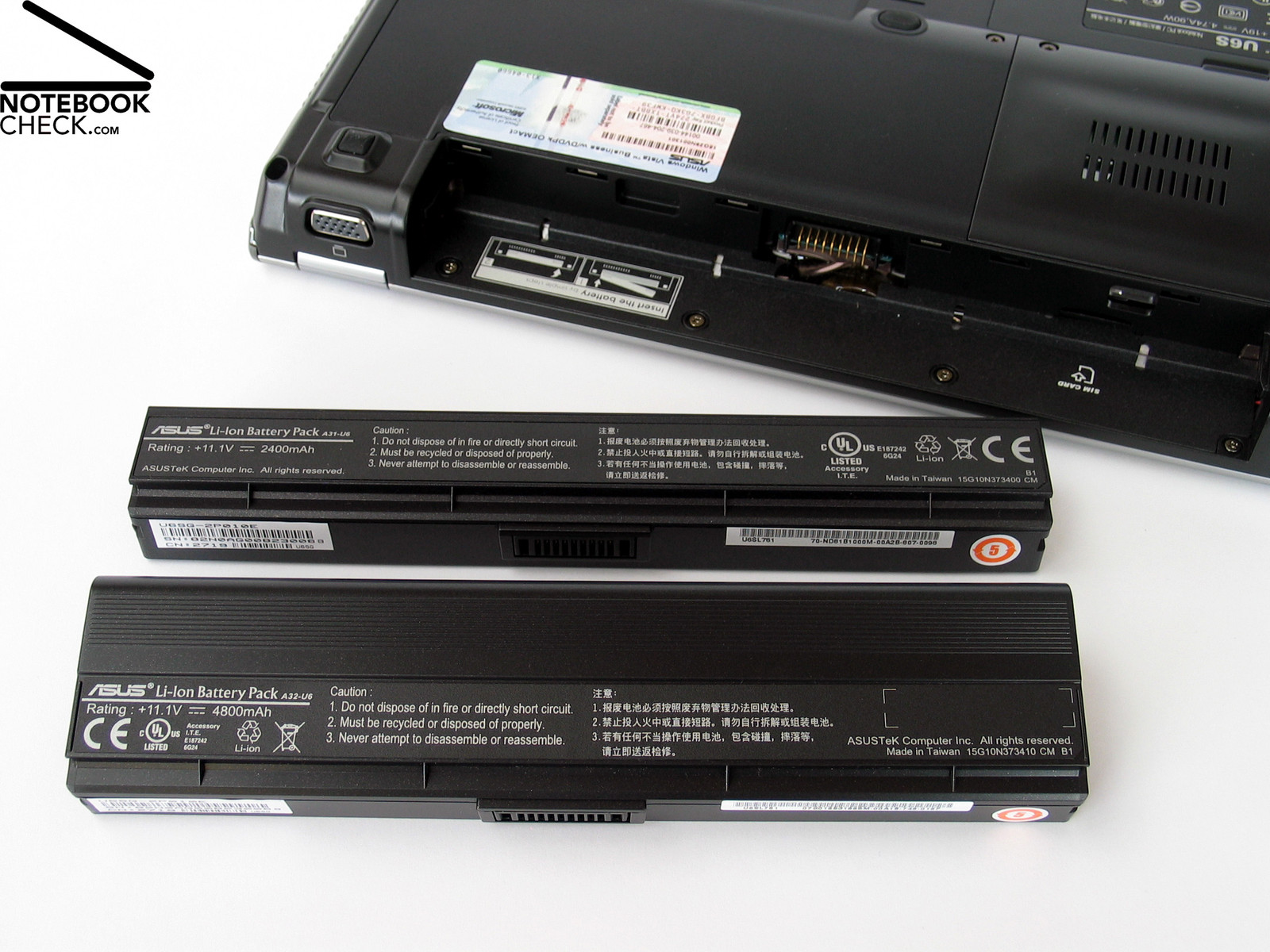
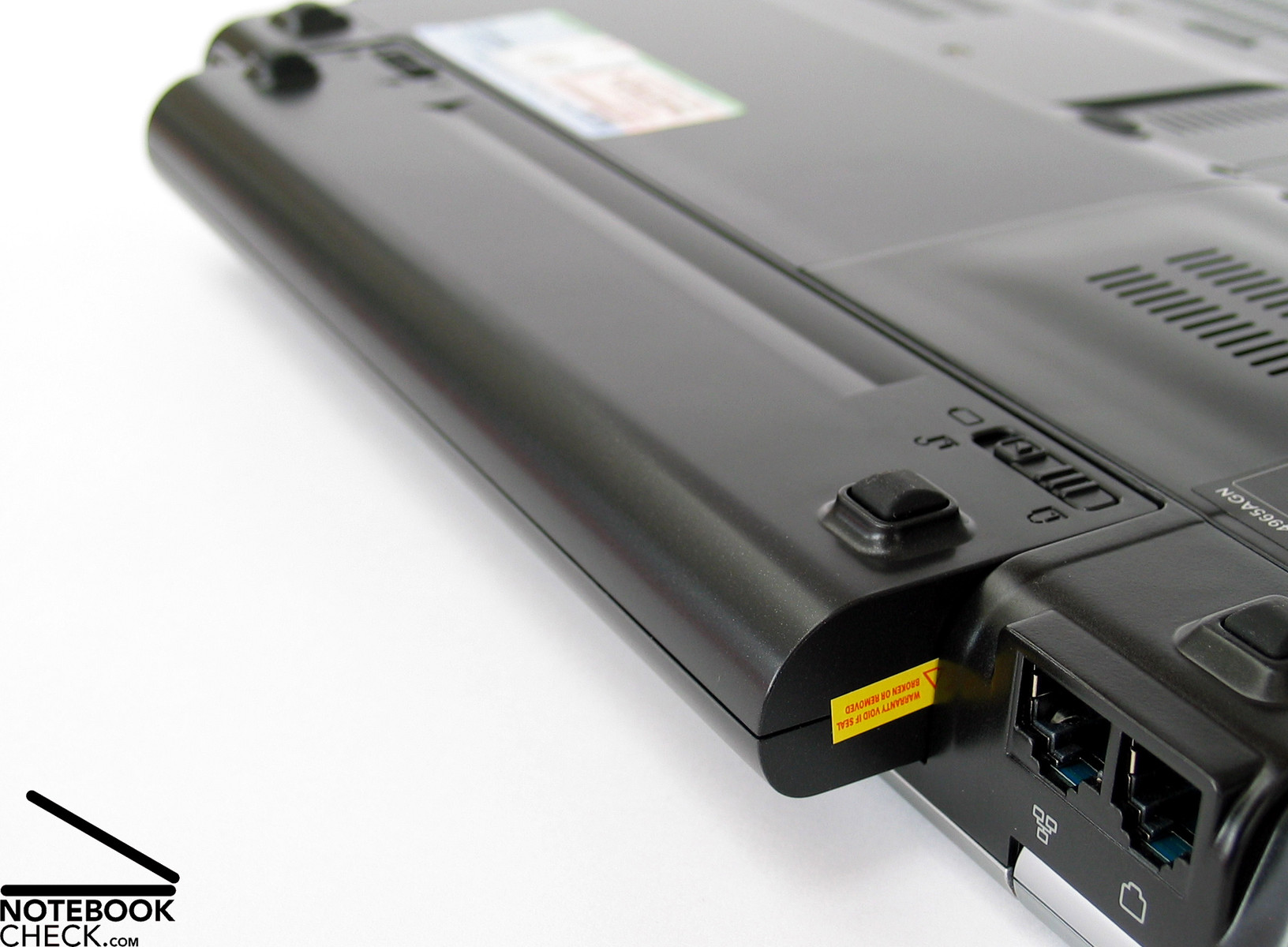
Asus included two different batteries. A small one, which fits perfectly into the notebook and is covered with leather, and a bigger one, which juts out at the back of the case, and weights 150 grams more.
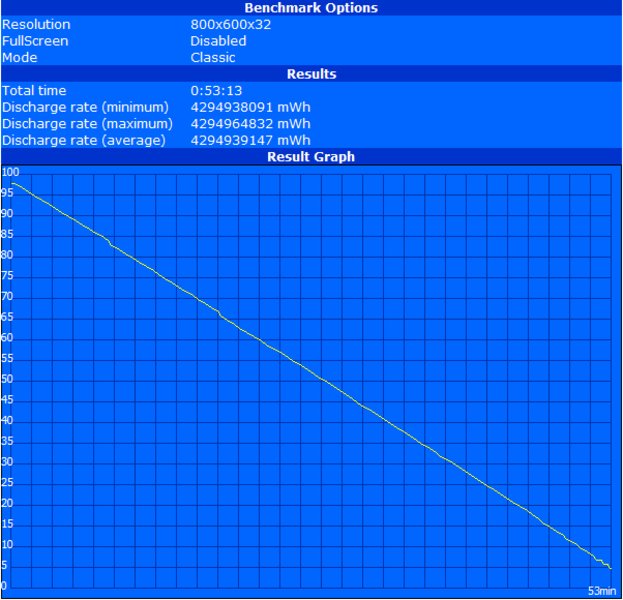
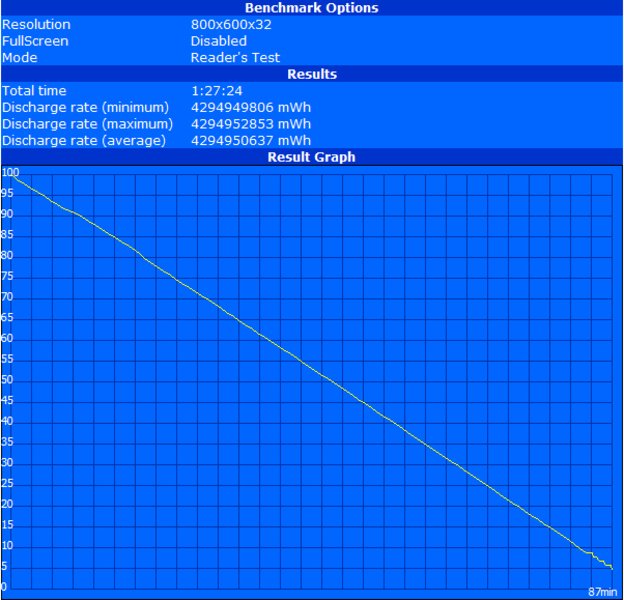
The smaller battery has a capacity of 2.400 mAh (26.6 Wh). This two-lined lithium ion battery achieves 4.800 mAh(53.3 Wh) and weights 300 grams. The battery runtime of the 2.400 mAh battery was not very good. We performed a BatteryEater reader test, and it reached only 87 minutes. Under full load, the runtime was 53 minutes (BatteryEater Classic). We performed some practical tests as well, and the runtime was 78 minutes with WLAN (energy saving profile, medium brightness). The runtime was 62 minutes while watching a DVD (profile: entertainment, WLAN off, maximum brightness).
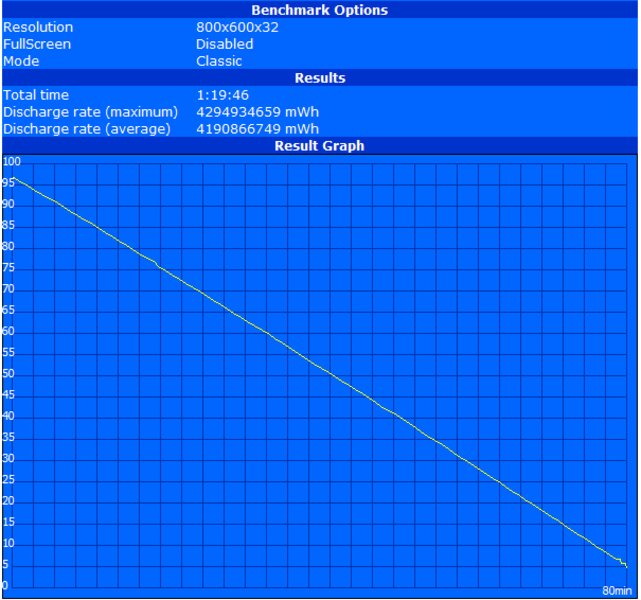
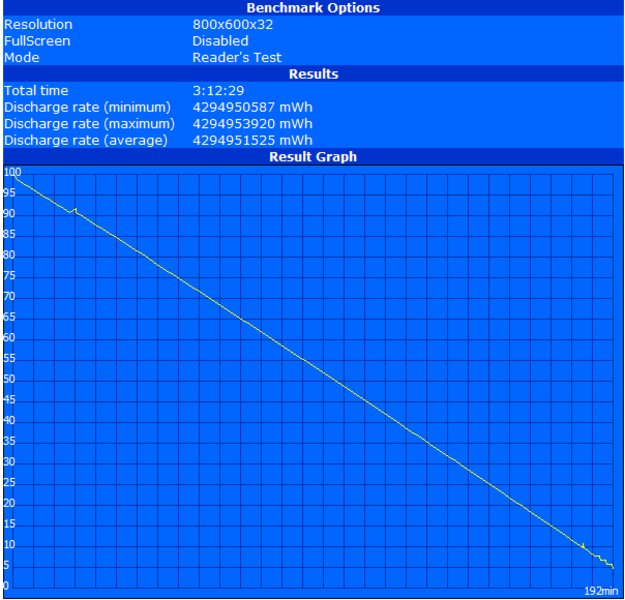
The bigger battery has a much better runtime. The maximum battery runtime is 192 minutes, and the minimum battery runtime is 80 minutes. Browsing the Internet, that is with activate WLAN, we reached a battery runtime of 176 minutes. If both batteries are charged and you do not mind interrupting your work and changing them, you can work unplugged for quite a while. Furthermore, you can also either opt for battery runtime or weight.
Due to being equipped with high performance hardware, the wattage of this subnotebooks is higher than of others. Even if all energy saving options are on, the maximum power consumption is still 36 watts in idle mode. However, the power consumption in standby mode was surprisingly low. We measured only 21 watts. Even if we switch the notebook off, the power consumption was still 21 watts. The power pack still needs energy, even when no power consumer is connected. This is bad, because some notebooks are plugged their whole lifetime.
| Off / Standby | 0 / 0 Watt |
| Idle | 36 / 39 / 43 Watt |
| Load |
55 / 60 Watt |
   
| |
Key:
min: ,
med: ,
max: | |
Verdict
The Asus U6S is inspiring in many ways, e.g. by its straightforward design and the first-class materials like genuine leather. Other aspects are four USB 2.0 ports and a HDMI port, its data communication capabilities, which include WLAN standard-n, gigabit Ethernet and Bluetooth. However, also Bluetooth and a docking port would be nice features, which are not built-in.
The Asus U6S is equipped with a very bright LED display, and user-friendly input devices. The display surface is reflecting, so it's not ideal outdoors, especially in the sunshine.
The performance of the notebook is very good, because it is equipped with a Core 2 Duo Penryn CPU, and Nvidia GeForce 9300M G graphics with 256 MB video RAM. Furthermore, it gets supported by 3 GB RAM and a fast and powerful 250 GB hard disk.
The noise emissions of the notebook are not as good as the rest. Especially, the system fan is always running and audible, even when running non-demanding applications. The temperatures of the case are good.
The battery runtime depends on the chosen battery. Asus includes two, a smaller one with 2.400 mAh battery, whose battery runtime is not long, and a bigger one with a longer battery runtime, which weights more. So, you can either opt for battery runtime or weight.
 Add as a preferred source on Google