




OneOdio Solocaster hands-on: Portable entry-level audio mixer
Portable livestreaming.
The OneOdio Solocaster offers podcasters and livestreamers a capable audio mixer that can be used to make broadcasts from their laptops in remote locations. Gamers can use it to change their voices while gaming on their PlayStations.David Chien Published 🇫🇷 🇪🇸 ...
Verdict – A lightweight, portable mixer
The OneOdio Solocaster provides livestreamers, gamers, and podcasters with an entry-level audio mixer that has enough effects to help create entertaining, polished broadcasts.
The Solocaster comes with a single XLR jack and a moderate noise floor, so those seeking the best audio quality and more inputs may find it limited. Nonetheless, it has a handful of useful voice and sound effects along with sufficient inputs and outputs to meet the needs of many entry-level creators at a very affordable price.
Pros
Cons
Price and availability
The Solocaster is available for $49.99 from OneOdio and the OneOdio store on Amazon.

The OneOdio Solocaster is for livestreamers, podcasters, and gamers who are looking for an inexpensive audio mixer to help them create polished broadcasts.
Specifications
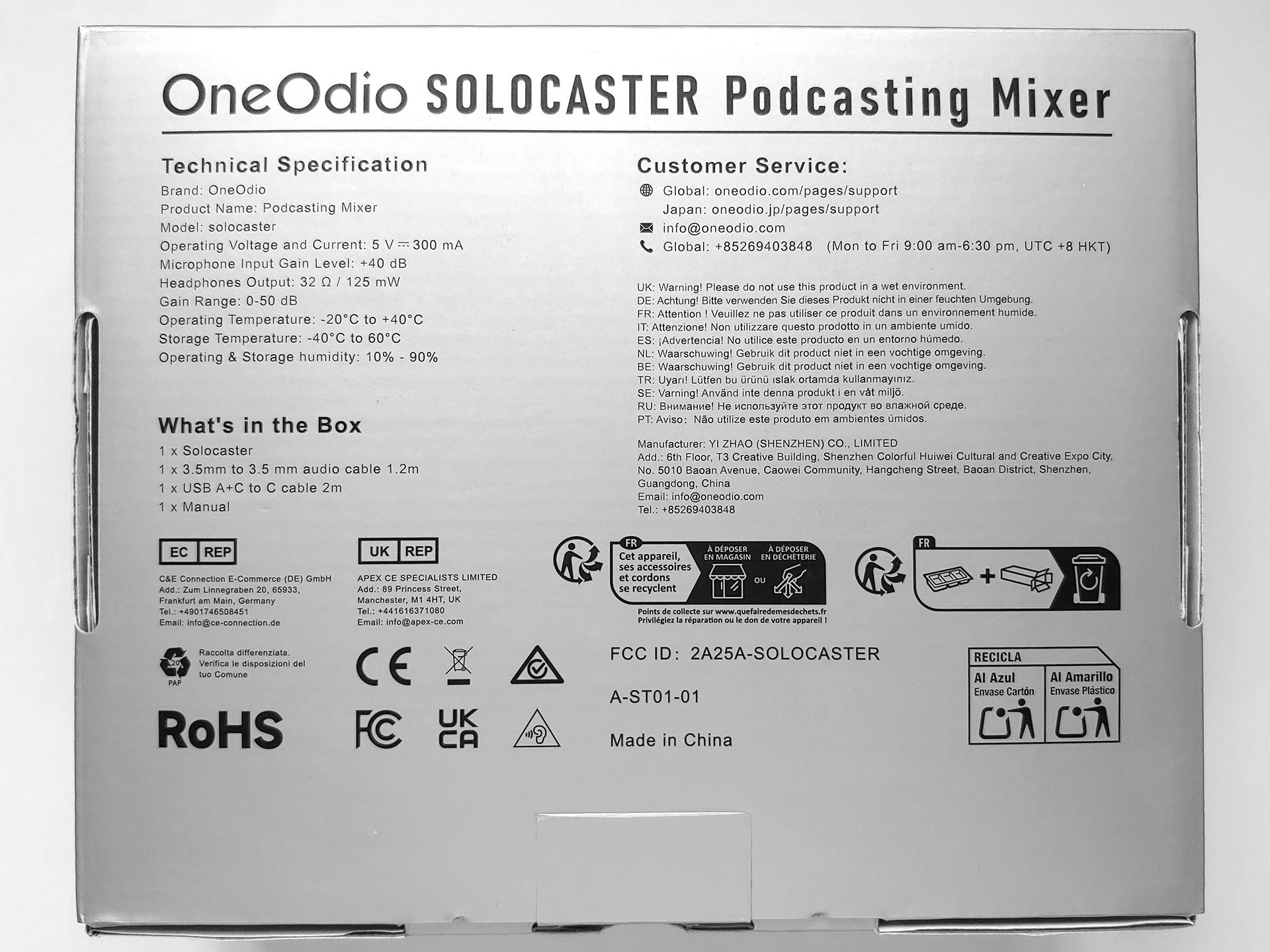
| Inputs | 1 XLR / 1/4” combo jack with 48 V phantom power and switchable impedance |
| 1 1/8” Line-in jack | |
| 1 1/8” Headset jack | |
| Outputs | 1 USB-C port |
| 1 1/8” headphone jack (32 ohm, 125 mW) | |
| 1 1/8” Line-out jack | |
| Voice effects | 6 voice changer effects |
| Microphone reverb (echo) | |
| Vocal remover (karaoke) | |
| Noise reduction | |
| Sound effects | 4 programmable pads (30 sec max sample) |
| Master gain range | 0 to 50 dB |
| Microphone input gain | +40 dB |
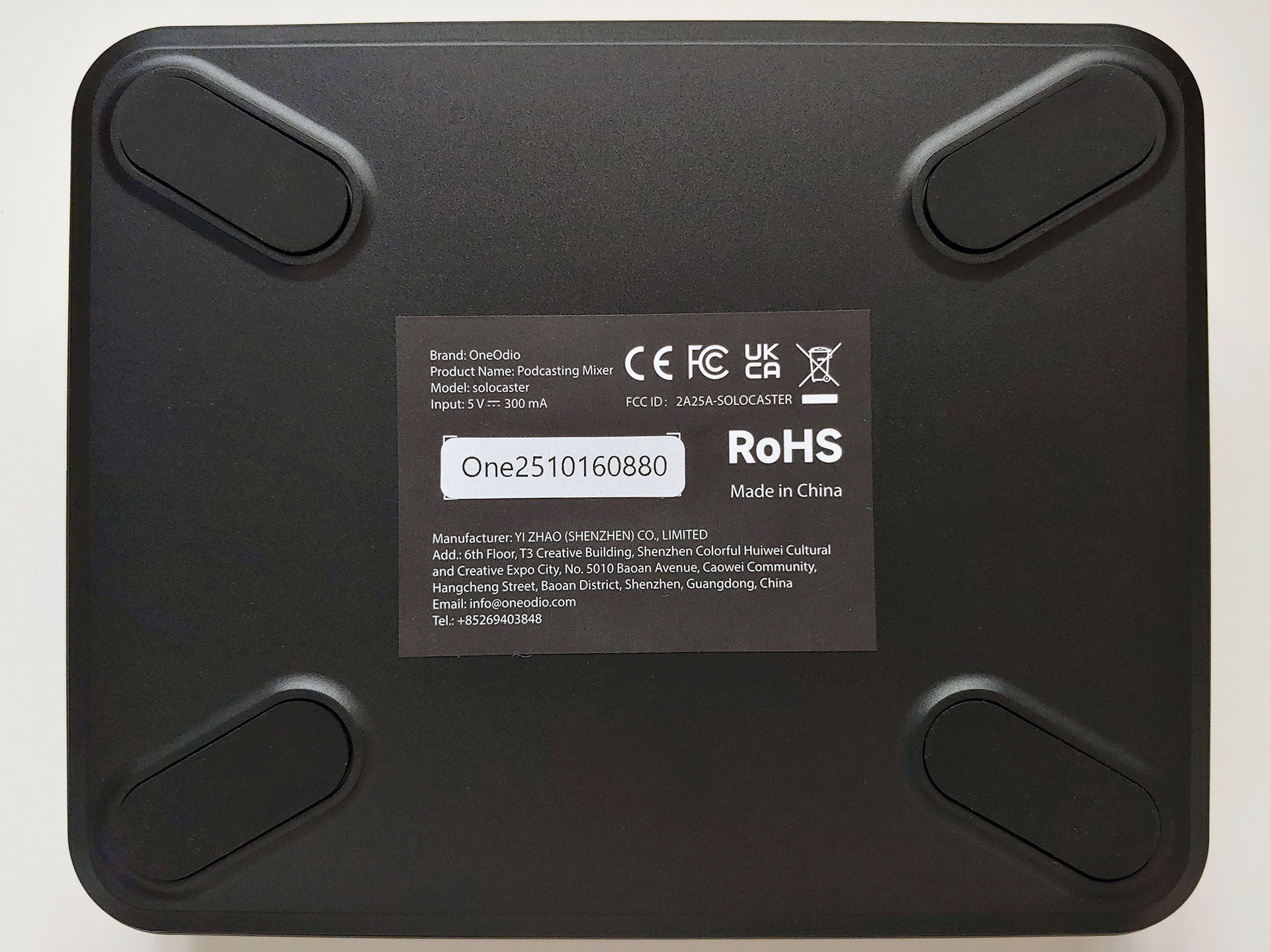
| Power requirement | USB-C (5 V, 300 mA) |
| Compatibility | Windows 7 to 11, Mac OS, PS4 & PS5 |
| Operating Temperature | -20°C to 40°C (-4°F to 104°F) |
| Dimensions | 17.0 x 13.8 x 3.7 (5.4 with knobs) cm |
| 6.7 x 5.4 x 1.5 (2.1 with knobs) in. | |
| Weight | 350 g (12.3 oz.) |
Packaging
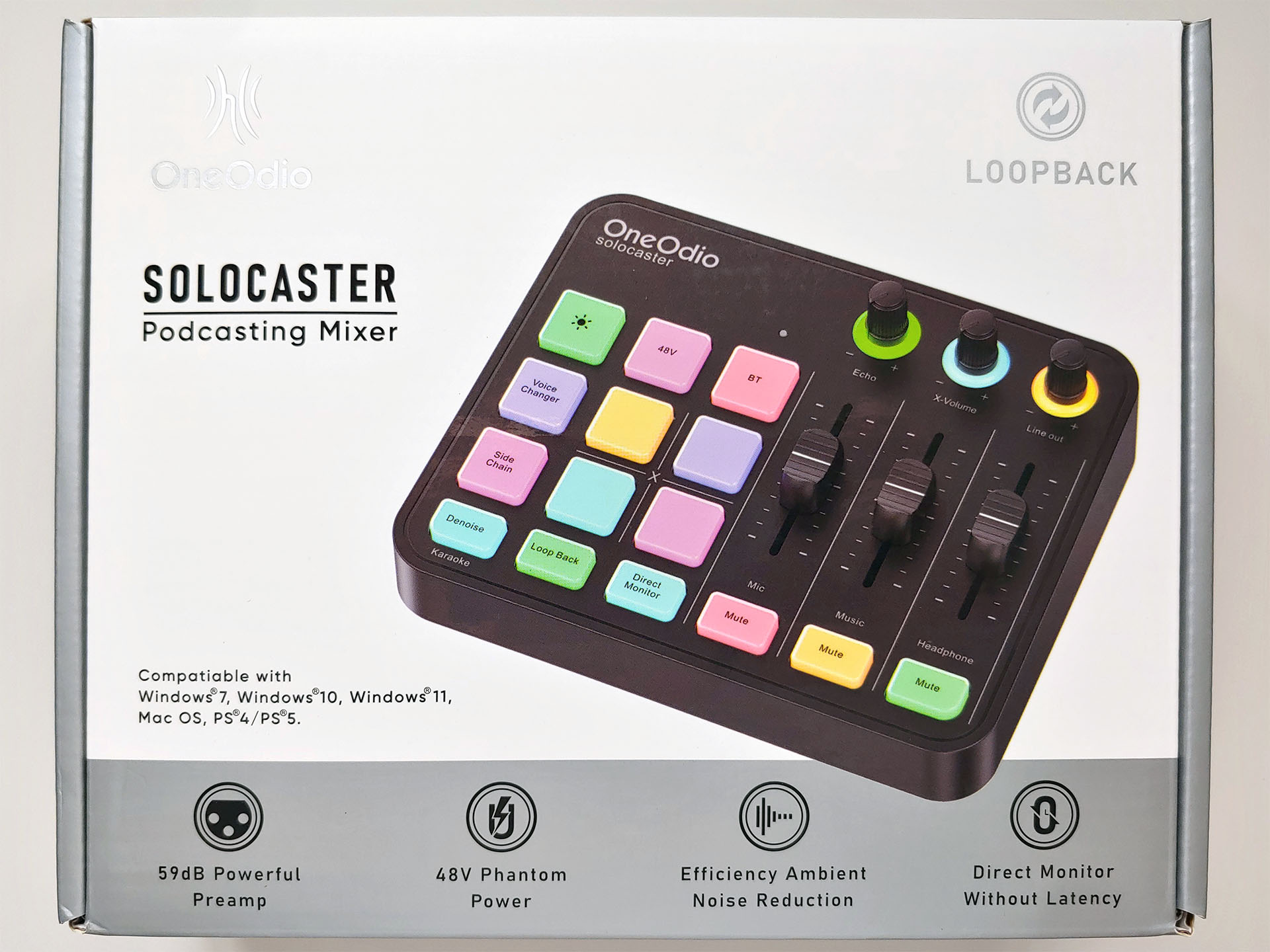
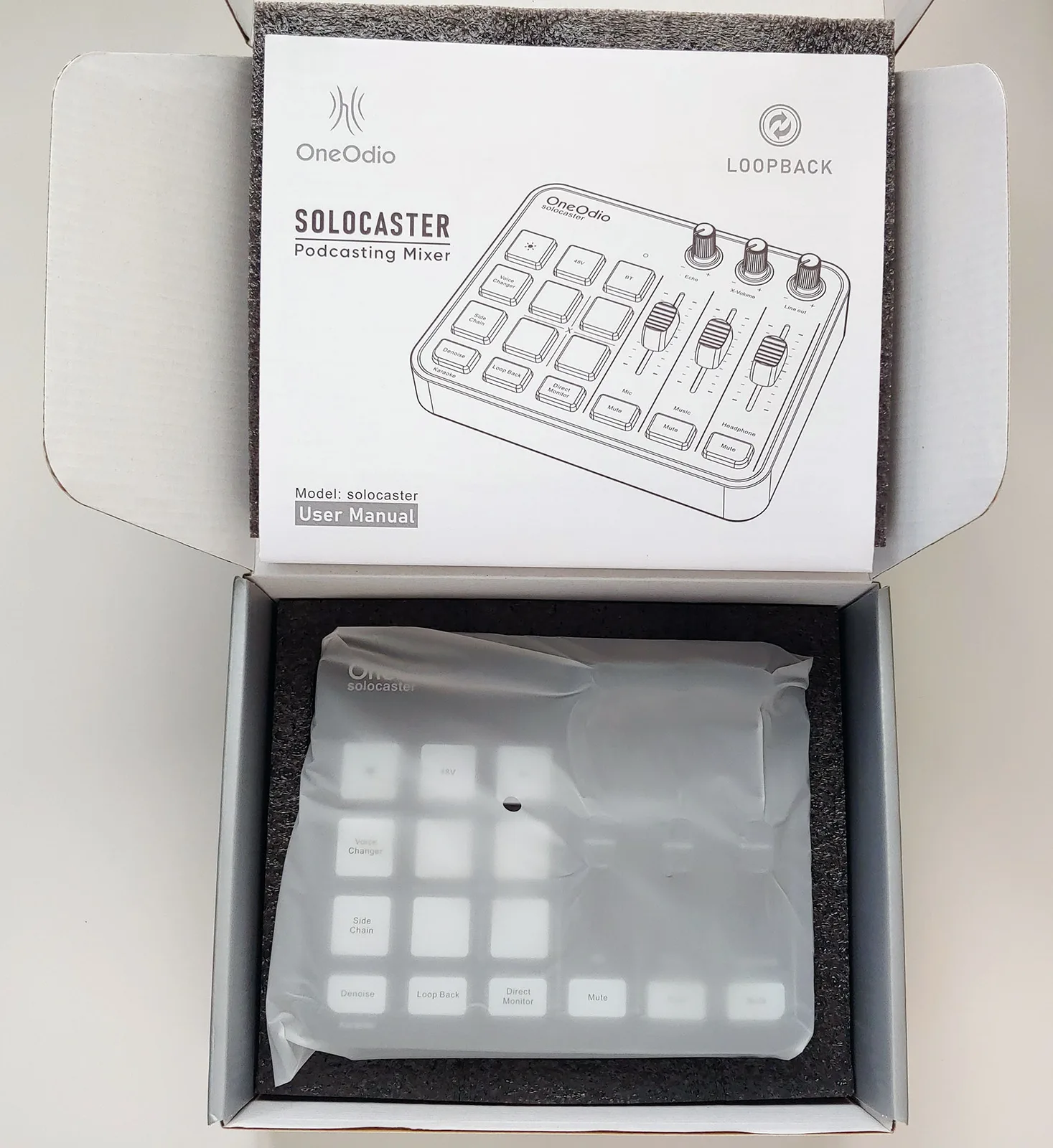
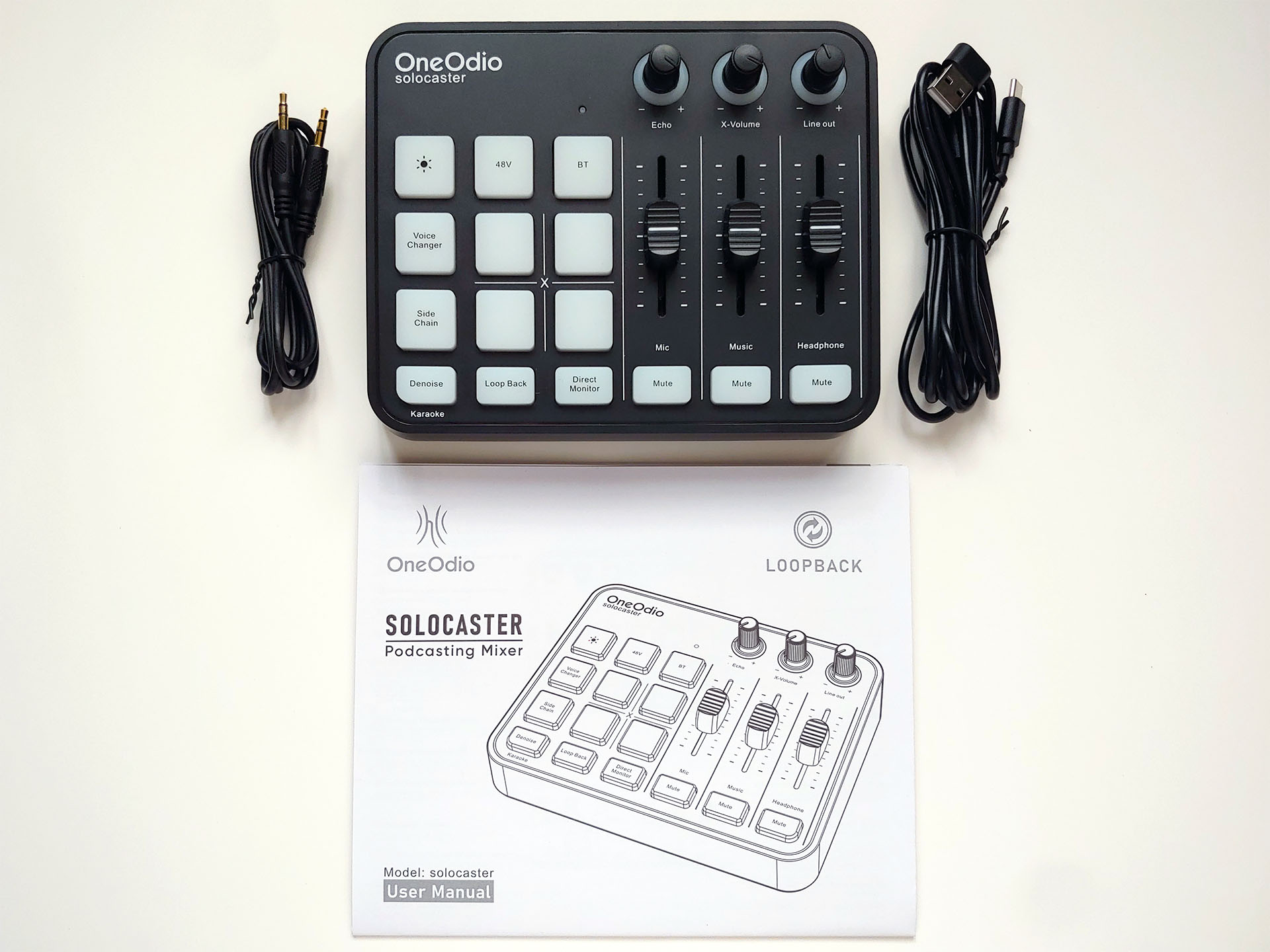
The audio mixer comes with a manual, a 1.2 m (3.9 ft.) 3.5 mm audio cable, and a 2 m (6.6 ft.) USB-A+C to USB-C cable.
Design
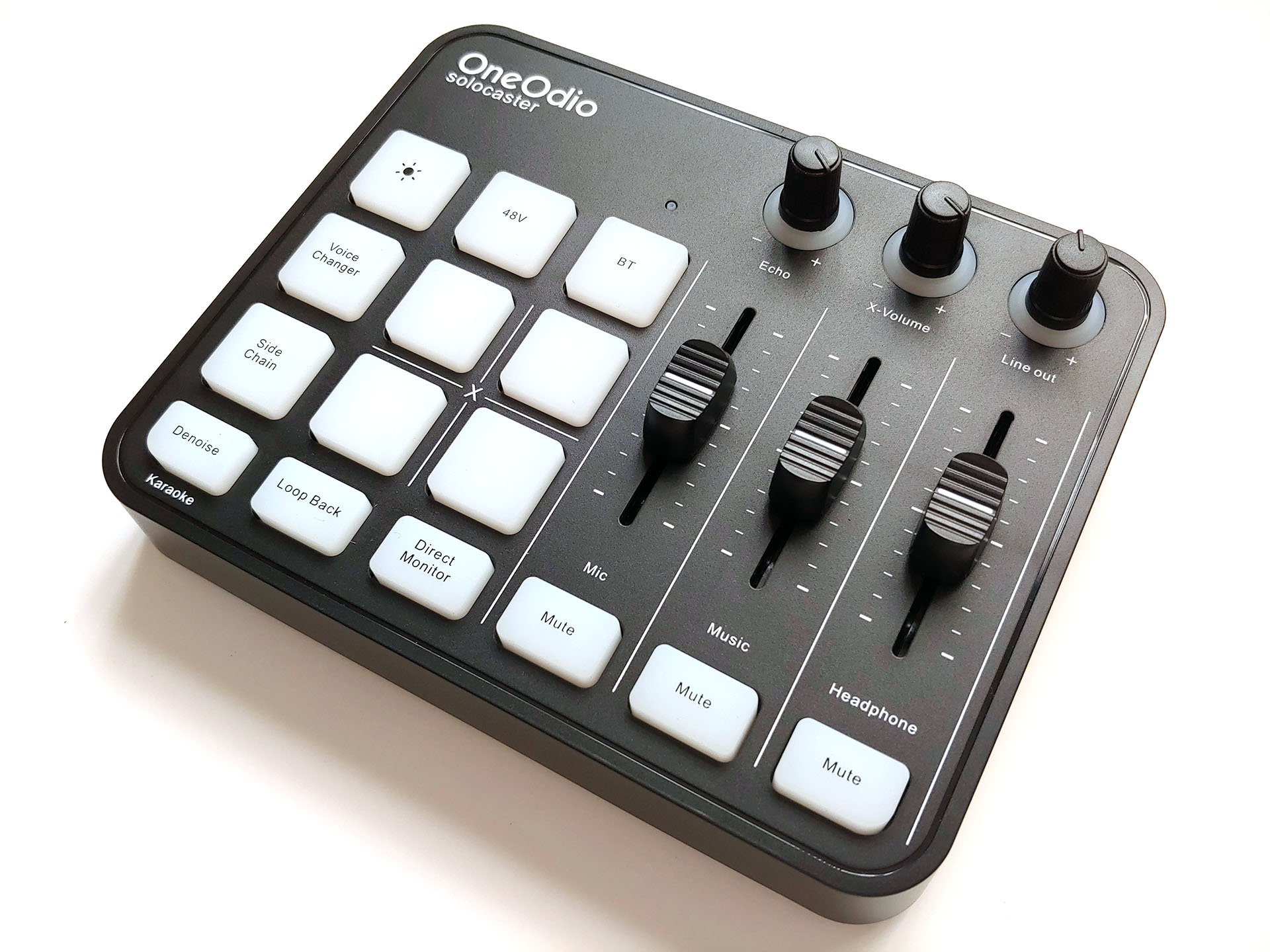
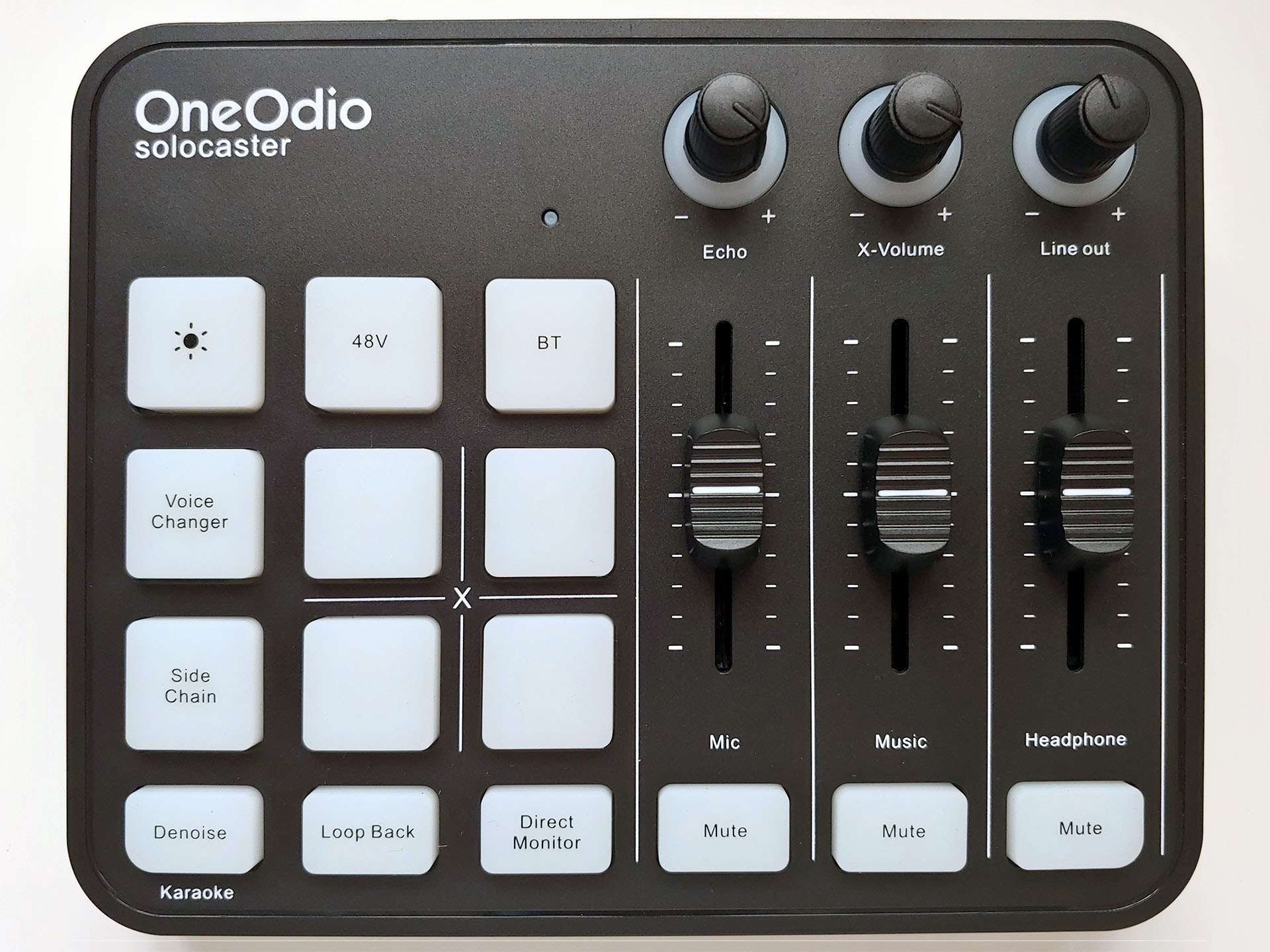
The OneOdio Solocaster has a simple layout that mirrors professional mixing boards.
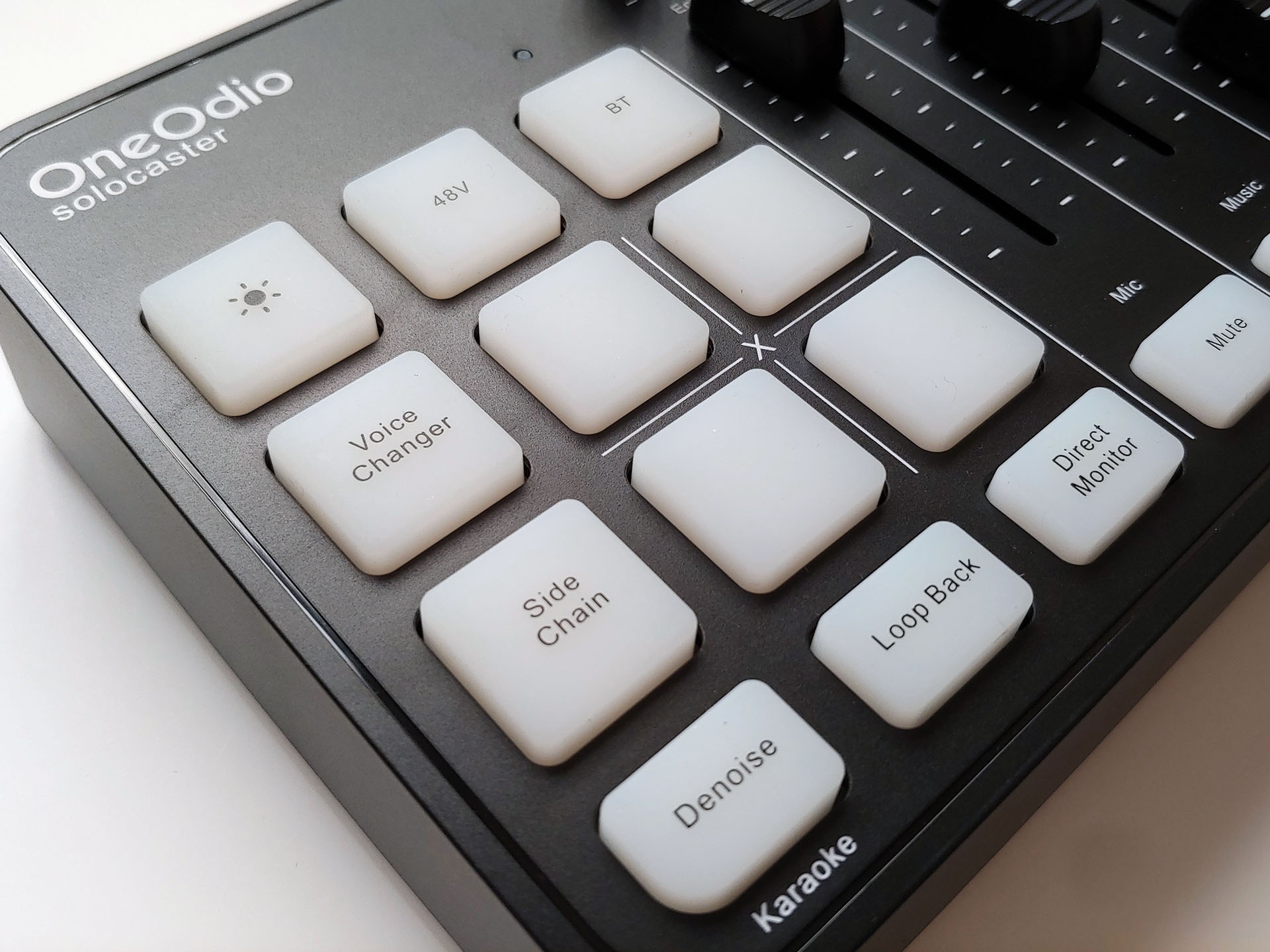
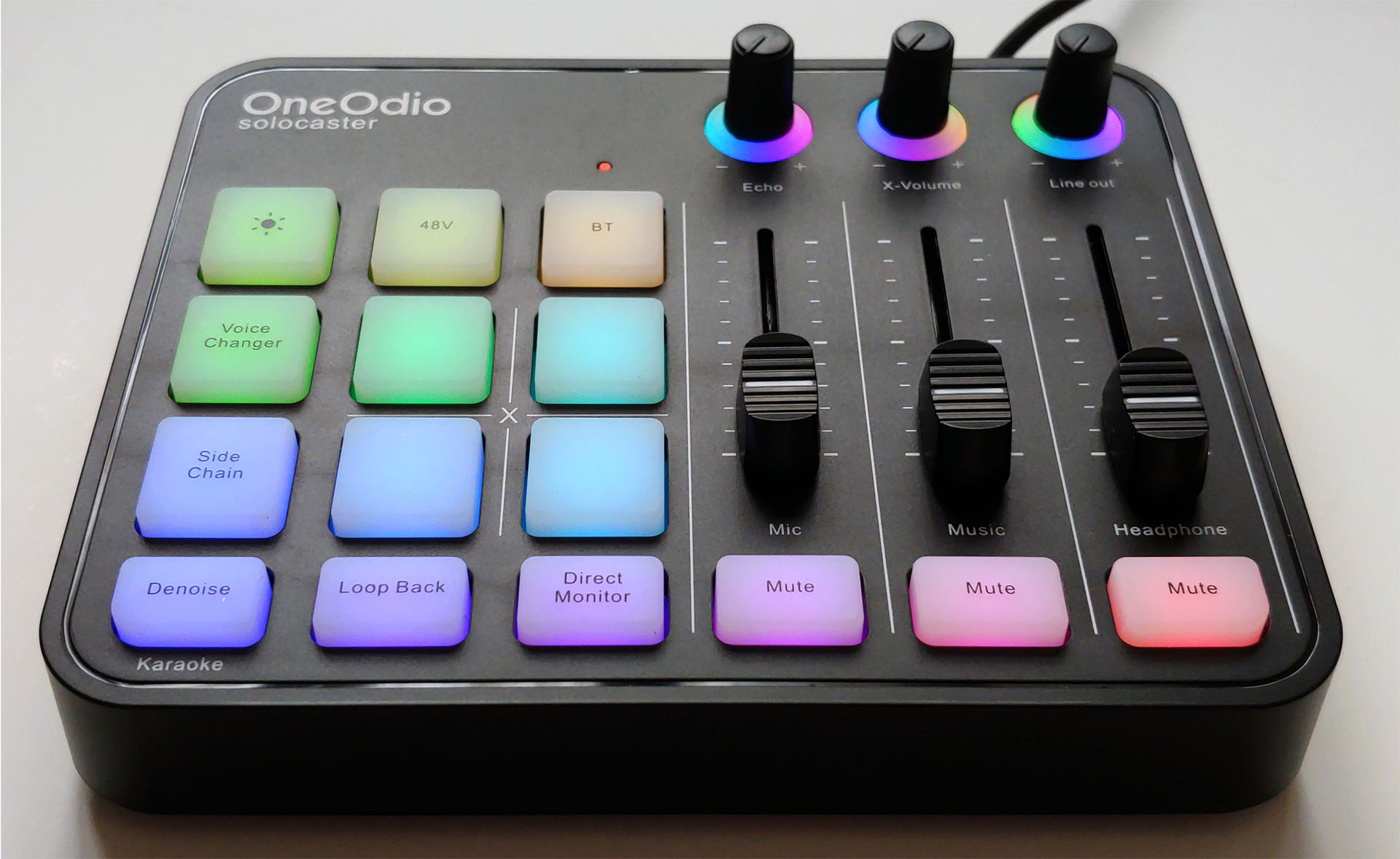
The effects, routing, and settings pads are located on the left. Four unlabeled pads can record audio up to 30 seconds in length for playback during broadcasts. The mixer occasionally recorded samples with an unwanted audio pop at the beginning or end, which was resolved by making another recording. There is a brief delay between pressing the pads and hearing the recordings.
A voice-changer button cycles through the six voices: male, female, robot, monster, baby, and elder. A single button turns the noise-reduction effect on or off, and a long-press activates the voice-removal feature to create instrument-only karaoke songs to sing to.
Other buttons activate phantom power for microphones that need it, pass the microphone audio to the headphones, switch the output between just the microphone audio and microphone plus music, and enable auto-ducking of the background music when speaking begins. One button cycles the button backlight through 11 colors, although this has no effect on the mixer’s functionality.
The volume faders and dials are located on the right side above the mute buttons. The buttons shine white when activated, while the dials increase in brightness as they are turned up.
The sliders are fairly smooth, but require a steadier touch compared with professional mixing decks to simultaneously adjust all three smoothly with one hand. The mic slider only controls the volume of the combined XLR and headset microphone inputs, so the only way to balance the loudness of two speakers is to move the microphones.
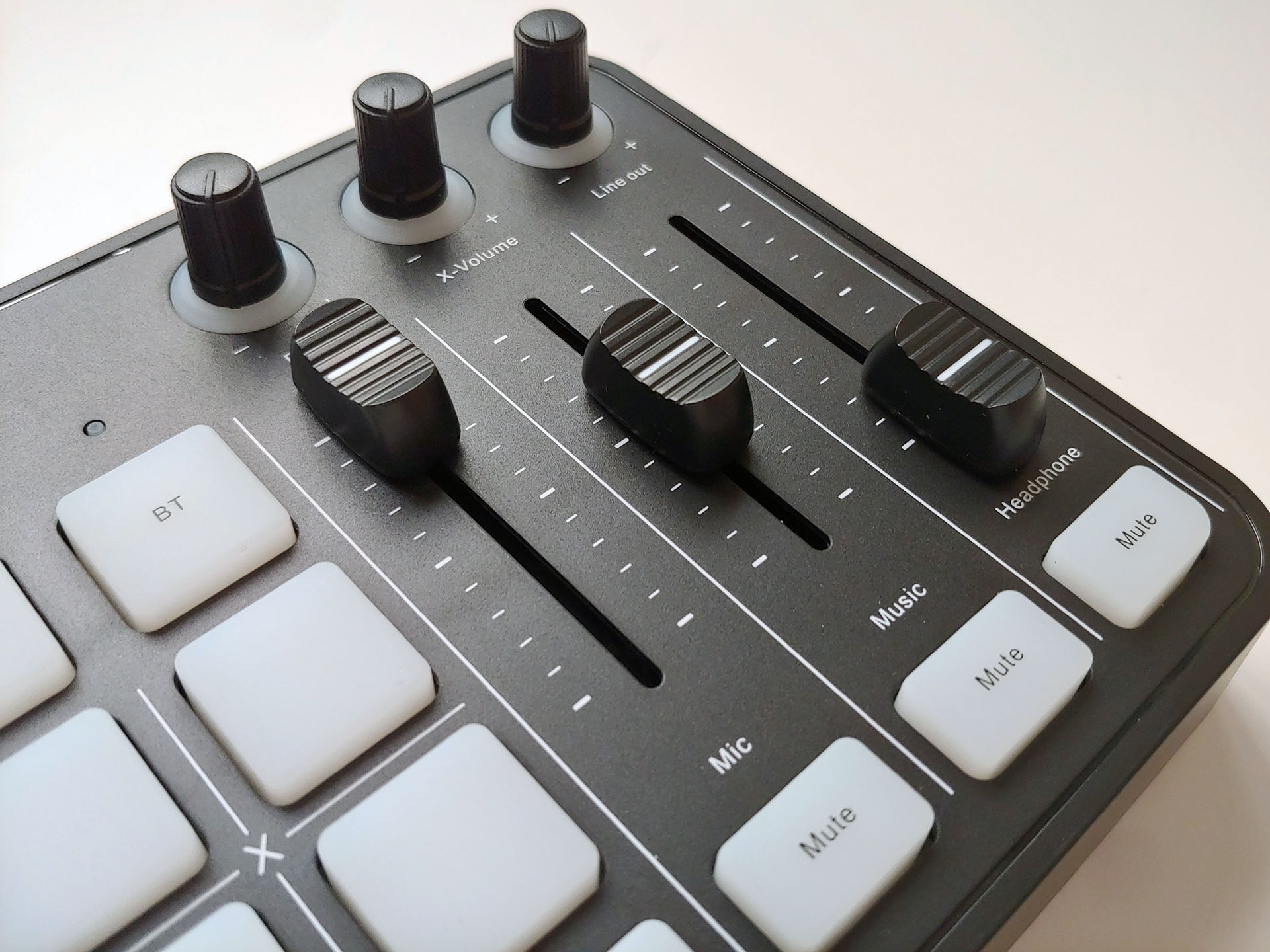
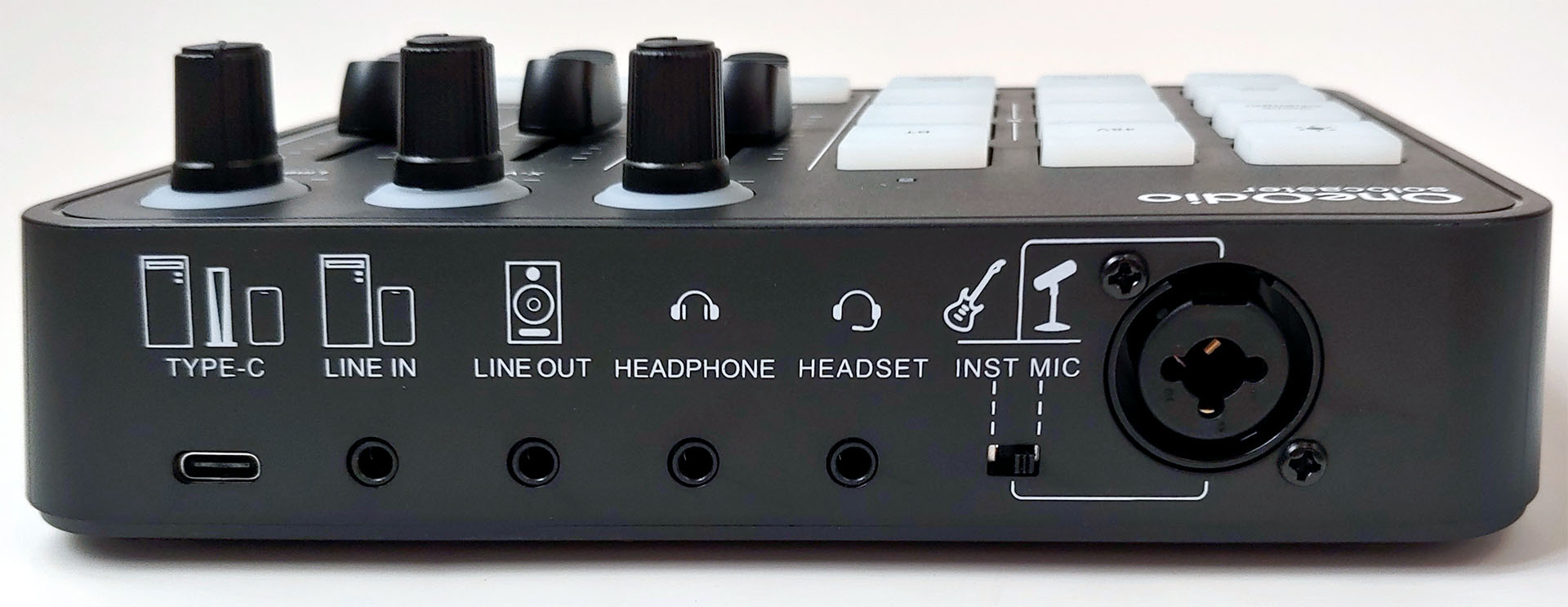
Mixed analog audio is output through the headphone and line-out jacks. These two outputs are somewhat noisy compared with professional mixing decks, as expected for a mixer at this price, but quite usable with the right mic in quiet rooms. The single USB-C connection provides digital audio output with a similar noise floor for broadcasts and supplies power. All audio outputs can be used simultaneously.
A single switch next to the XLR/1/4” combo jack changes its impedance, although its values are not specified.
Setup
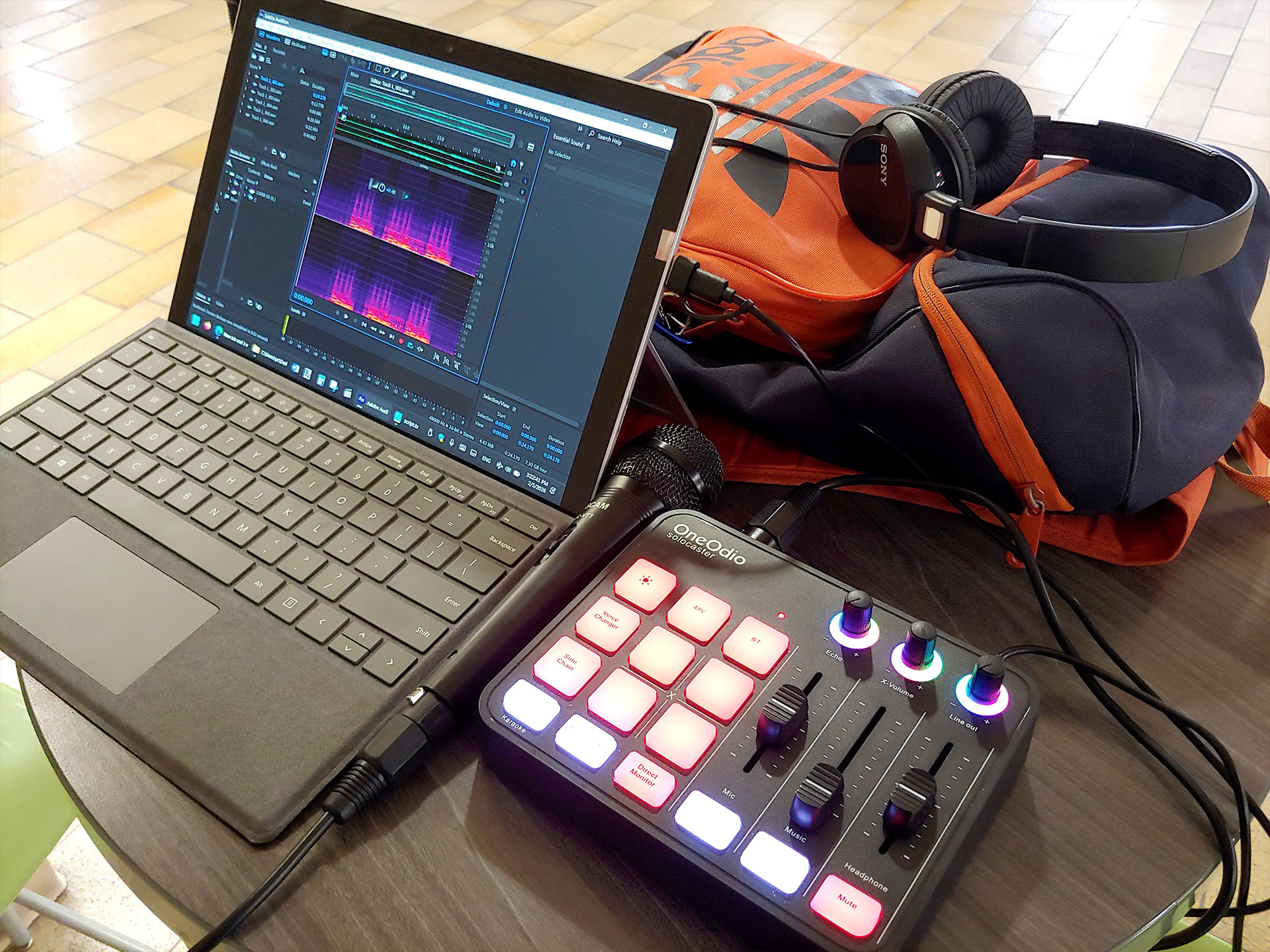
For this review, a Sony ZX-110 headphone, a Sony MDR-EX15AP headset, and a Tascam MC-VT1 microphone, all costing under $10 each, and a $150 Surface Pro 6 were primarily used with the Solocaster. This inexpensive setup fits into a backpack for remote livestreams. Absolute beginners will need to refer to tutorial videos, but the mixer is easy to use with some knowledge.
Microphones were close-miked at 1.0 inch (2.54 cm). The XLR microphone level was adjusted so the speaker’s voice ranged between -3 dB and -6 dB when possible. For the Tascam mic, the level was set at 7 out of 10. The Solocaster may not provide enough gain for some mics like the Sony, which was still not loud enough with the mic level at 10.
The four effects pads were programmed with sound effects sent over a Bluetooth connection from a phone using the SBC audio codec.
In-use
The OneOdio Solocaster appeared as a sound device in Windows and provided very usable mixed audio with a sufficiently low noise floor (~-50 to -60 dB) for use in streaming apps such as OBS, with the expected latency easily corrected. When paired with cheap mics with decent audio quality and off-axis sound rejection like the Tascam, the output from the mixer in quiet rooms could be used without further sound processing.
The noise cancellation feature did help somewhat in noisy environments, but background hiss was still noticeable, so additional processing in OBS, iZotope, etc. would be ideal for giving the recordings a professional polish. Testing of its effectiveness was done in a large indoor area, with water showering down into a shallow pool and people talking about 20 ft. (6.1 m) away. Background noise in this area was approximately 53 to 57 dB LAF (Level A-weighted Fast) and 62 dB LAeq (Level A-weighted Equivalent).
Auto-ducking of background music when speaking began worked well, but too long a pause between sentences allowed the music level to come back up. The Karaoke function also worked well in removing most of the voices from songs, enough so that those singing along will only hear their own voices. The Echo feature gave voices a fuller presence.
Audio samples
The analog audio example was captured using a 3.5 mm audio cable connected between the Solocaster line-out jack and a Dell Inspiron 620 desktop line-in jack, with audio captured by the on-board Conexant CX20641/CX20651 chip. The desktop line-in and Solocaster Line-out volumes were set to max, and the mic volume was set to 7.
All other samples were digitally captured from the USB-C output in a quiet room, unless noted, on a Surface Pro 6. All samples were recorded at 48 kHz, 16-bit, then saved as 320 kbps CBR MP3 files in Adobe Audition.
Tascam MC-VT1 – Line-out (analog audio)
Tascam MC-VT1 – NC off – noisy location
Tascam MC-VT1 – NC on – noisy location
Tascam MC-VT1 - NC off – Echo – Off to max
Tascam MC-VT1 – Voice changer
Tascam MC-VT1 – Auto-ducking with sound effects
Sony MDR-EX15AP – Auto-ducking
Karaoke voice removal
Conclusion
The OneOdio Solocaster provides podcasters and gamers with an inexpensive, capable audio mixer with numerous features to help jumpstart their livestreaming.
Transparency
The selection of devices to be reviewed is made by our editorial team. The test sample was given to the author by the manufacturer free of charge for the purposes of review. There was no third-party influence on this review, nor did the manufacturer receive a copy of this review before publication. There was no obligation to publish this review. As an independent media company, Notebookcheck is not subjected to the authority of manufacturers, retailers or publishers.
 Add as a preferred source on Google


