




Nvidia ushers faster game loading with Automatic Shader Compilation tool
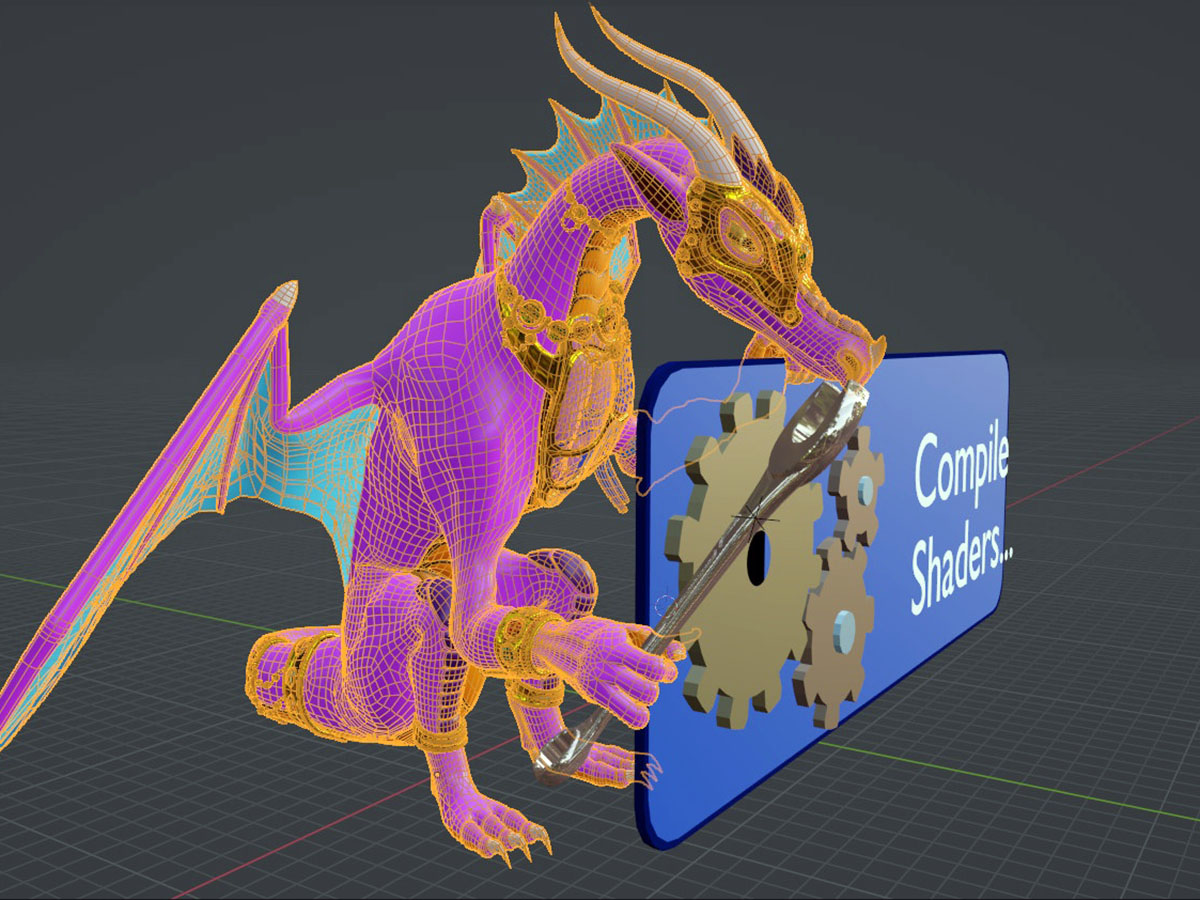
To avoid compiling shaders and hindering performance during gameplay, a few years back titles began doing it beforehand. While a noble idea, this resulted in a lengthy loading screen with a "compiling shaders" progress bar on it that has been intermittently called either a scourge or the "worst screen in gaming."
Nvidia's new Auto Shader Compilation (ASC) that rolled out as a beta in the latest Nvidia App update promises to rebuild DirectX 12 game shaders after a driver update while the system is idle, theoretically getting the wait out before even launching the game.
ASC only updates shaders after a driver update, as it targets reducing repeat compilations, not removing shader generation entirely. After downloading a game for the first time, one must still generate said shaders in the game. So if they just bought Call of Duty: Black Ops 7 and wanted to jump straight in, ASC wouldn't save them a second. It's strictly meant to improve the gamer's quality of life after a driver update.
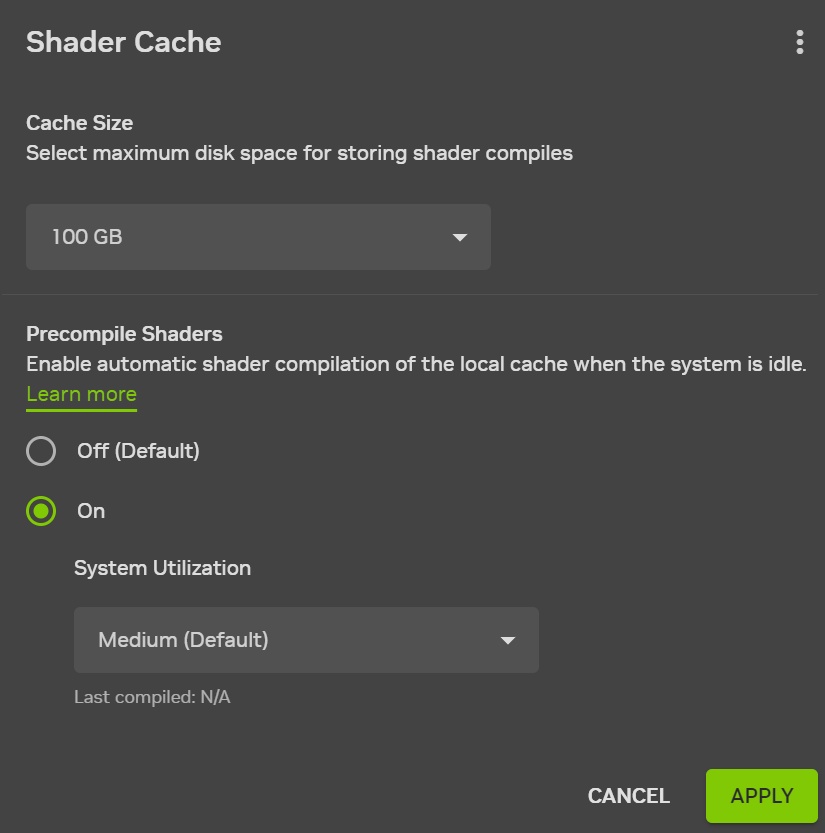
Within that narrower scope, the promise is rather plausible, given how Nvidia releases GeForce driver updates every full moon. When the computer is idle or not under heavy load, says Nvidia, the driver will automatically process the shaders for installed games in the background, essentially doing the grunt work of the CPU upfront instead of waiting to do it the next time the game is launched. Gamers can also force the process immediately via a "Compile Now" option, with settings to control system utilization, defaulting to a medium level so compilation doesn't slow background tasks down.
How to activate the Nvidia Auto Shader Compilation beta tool
Nvidia's new Auto Shader Compilation feature would also help with shader-related game stutter, so those who want to give it a try need to update their drivers to the GeForce Game Ready Driver 595.97 WHQL or a later version and clean up a dedicated disk space allocation. Since the ASC tool has launched in beta form, it is off by default and needs to be toggled in the Nvidia app’s Graphics tab under the Global Settings > Shader Cache menu.
While casual gamers might not even bother finding the ASC toggle, Nvidia boasts that this is only the beginning of a solution for the shader compilation frustration that has transfixed Roblox to Counter-Strike gamers alike. It also plans to implement Microsoft's Advanced Shader Delivery later this year, which would distribute pre-compiled shaders during downloads, rather than making the processor handle the job at all. Nvidia is explicitly describing its new ASC beta as an important first step on the way to that real shader compilation structural fix that can't come soon enough.
 Add as a preferred source on Google


