




Lenovo N20 Chromebook
Specifications
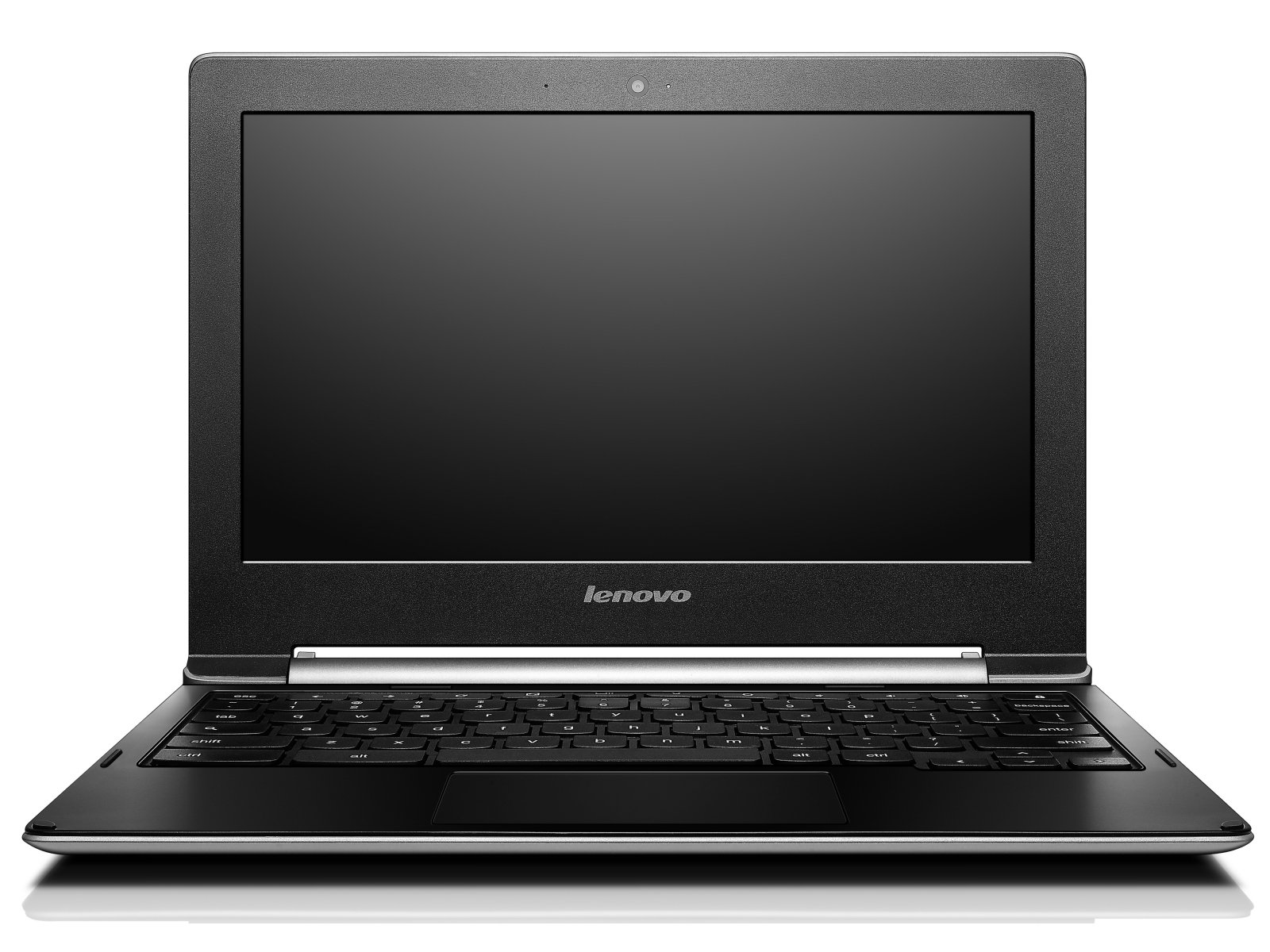
Lenovo N20 Chromebook (N20 Chromebook Series)
Processor
Intel Celeron N2830 2c/2t 2 x 2.2 - 2.4 GHz, Bay Trail-M
Graphics adapter
Memory
2048 MB
, DDr3L
Display
11.60 inch 16:9, 1366 x 768 pixel, TN LED, glossy: no
Storage
16 GB eMMC Flash, 16 GB
, 9 GB free
Soundcard
Intel Valleyview SoC - HD Audio Controller
Connections
1 USB 2.0, 1 USB 3.0 / 3.1 Gen1, 1 HDMI, Audio Connections: Audio combo jack, Card Reader: SD
Networking
Intel Dual Band Wireless-AC 7260 (a/b/g/n = Wi-Fi 4/ac = Wi-Fi 5/), Bluetooth 4.0
Size
height x width x depth (in mm): 18 x 295 x 212 ( = 0.71 x 11.61 x 8.35 in)
Battery
35 Wh Lithium-Ion
Operating System
Google Chrome OS
Camera
Webcam: HD Webcam
Additional features
Speakers: Stereo, Keyboard: Chiclet, Keyboard Light: no, 12 Months Warranty
Weight
1.2 kg ( = 42.33 oz / 2.65 pounds)
Price
229 Euro
Price comparison
Average Score:
Average of 2 scores (from 1 reviews)
Average of 2 scores (from 1 reviews)
price: 80%, performance: 60%, features: 59%, display: 71% mobility: 81%, workmanship: 71%, ergonomy: 73%, emissions: 89%
Reviews for the Lenovo N20 Chromebook
Lenovo N20 Chromebook Review Update | Notebookcheck
Chromebook with Intel Inside. Boot up, log in and start working - the Chromebook makes life easy. Lenovo offers an Intel-based 11.6-inch Chromebook. This small, mobile device has a matte panel and long battery life.
Chromebook with Intel Inside. Boot up, log in and start working - the Chromebook makes life easy. Lenovo offers an Intel-based 11.6-inch Chromebook. This small, mobile device has a matte panel and long battery life.
Lenovo N20 Chromebook review
Source: Trusted Reviews Archive.org version
It’s a tricky one. One the one hand, performance is reliable, Chrome OS is great to use, and there’s that touchscreen and flexible hinge, but there are also several significant issues, each of which could individually serve as deal-breakers. Students tend to enjoy listening to music and watching movies during their time off, and the N20’s display and speakers are poor. We’re also sure that many consumers value screen quality above touch-sensitivity, and would have preferred Lenovo to focus harder on getting the basics right. Perhaps even more serious is the frustrating keyboard, which isn’t enjoyable to use.
Single Review, online available, Medium, Date: 06/24/2015
Rating: Total score: 70% price: 80% performance: 70% features: 70% display: 60% mobility: 80% workmanship: 80% ergonomy: 70% emissions: 80%
Source: Trusted Reviews
Archive.org versionIt’s a tricky one. One the one hand, performance is reliable, Chrome OS is great to use, and there’s that touchscreen and flexible hinge, but there are also several significant issues, each of which could individually serve as deal-breakers. Students tend to enjoy listening to music and watching movies during their time off, and the N20’s display and speakers are poor. We’re also sure that many consumers value screen quality above touch-sensitivity, and would have preferred Lenovo to focus harder on getting the basics right. Perhaps even more serious is the frustrating keyboard, which isn’t enjoyable to use.
Single Review, online available, Medium, Date: 06/24/2015
Rating: Total score: 70% price: 80% performance: 70% features: 70% display: 60% mobility: 80% workmanship: 80% ergonomy: 70% emissions: 80%
Comment
Intel HD Graphics (Bay Trail):
Integrated GPU for tablet and notebook Bay Trail SoCs. Based on the Ivy Bridge GPU with four Execution Units and support for DirectX 11.
Only some 3D games with very low demands are playable with these cards.
» Further information can be found in our Comparison of Mobile Graphics Cards and the corresponding Benchmark List.
N2830: Soc with an integrated dual core Atom processor clocked at up to 2.4 GHz and an Intel HD Graphics GPU.» Further information can be found in our Comparison of Mobile Processsors.
 Add as a preferred source on Google


