




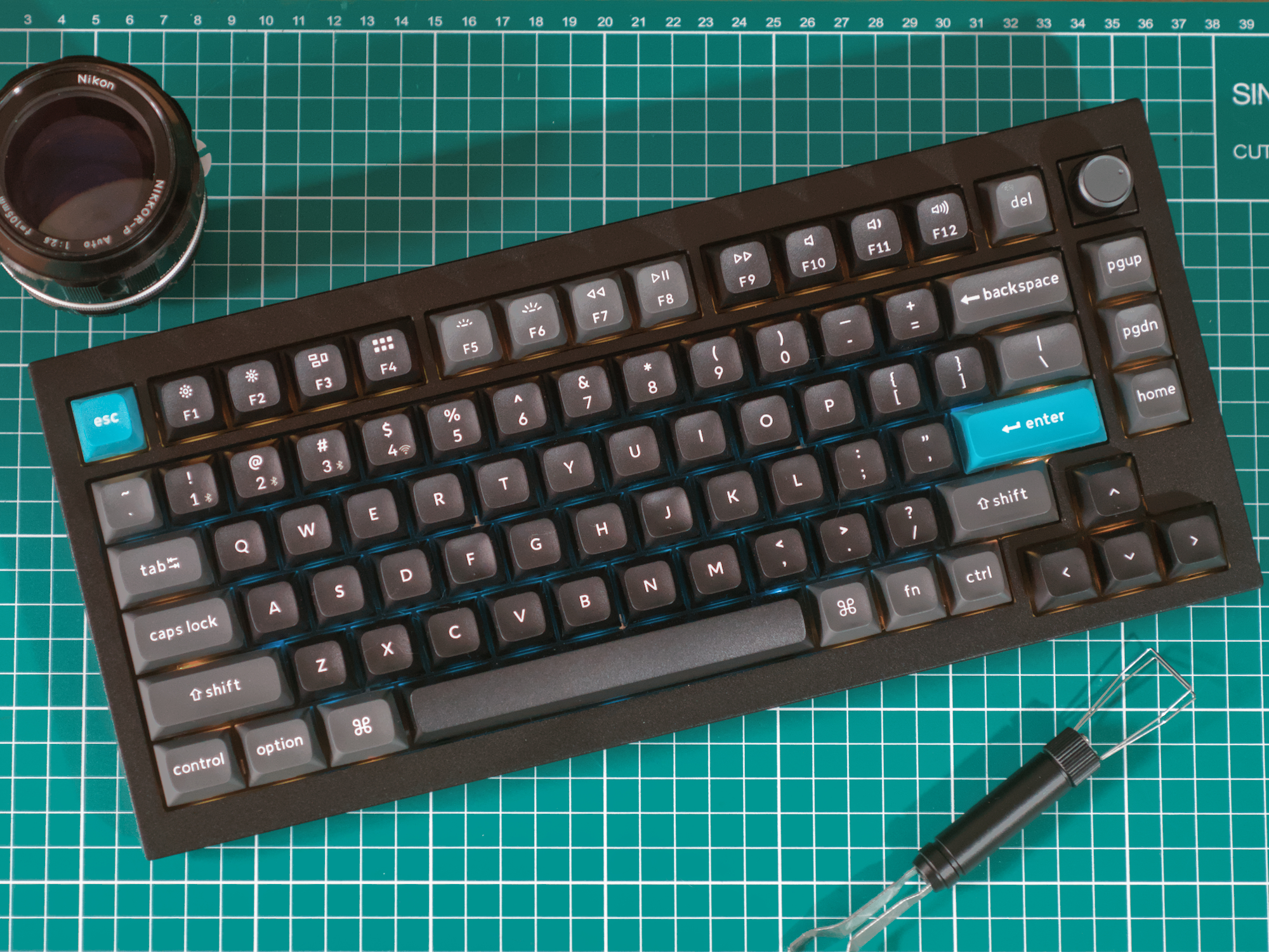
Keychron Q1 Ultra wireless mechanical keyboard review: Smooth, thocky typing, stellar battery life, charming retro looks
Sorry, can't hear you over the thock.
Keychron has updated the Q1 Max with 8K polling, hyper-efficient ZMK firmware, and a visual overhaul, and called it the Q1 Ultra. While a lofty promises have been made when it comes to technical capability, the most notable feature of the Keychron Q1 Ultra is just the satisfying build quality and typing feel, both of which make the Q1 Ultra feel much more polished than its predecessors.Julian van der Merwe Published 🇳🇱 🇫🇷 ...
Verdict - So much more than just new switches and firmware
The Keychron Q1 Ultra is pitched as a direct upgrade over Keychron's older Q1 Max mechanical keyboards, but it's a lot more than that. Compared to the Q Max keyboards that came before, almost everything is an improvement, from the new firmware, with its impressive battery life claims, to the smooth new finish and updated switches, which are smooth and wobble-free, even if the tactile Banana switches are less tactile than the old Gateron switches.
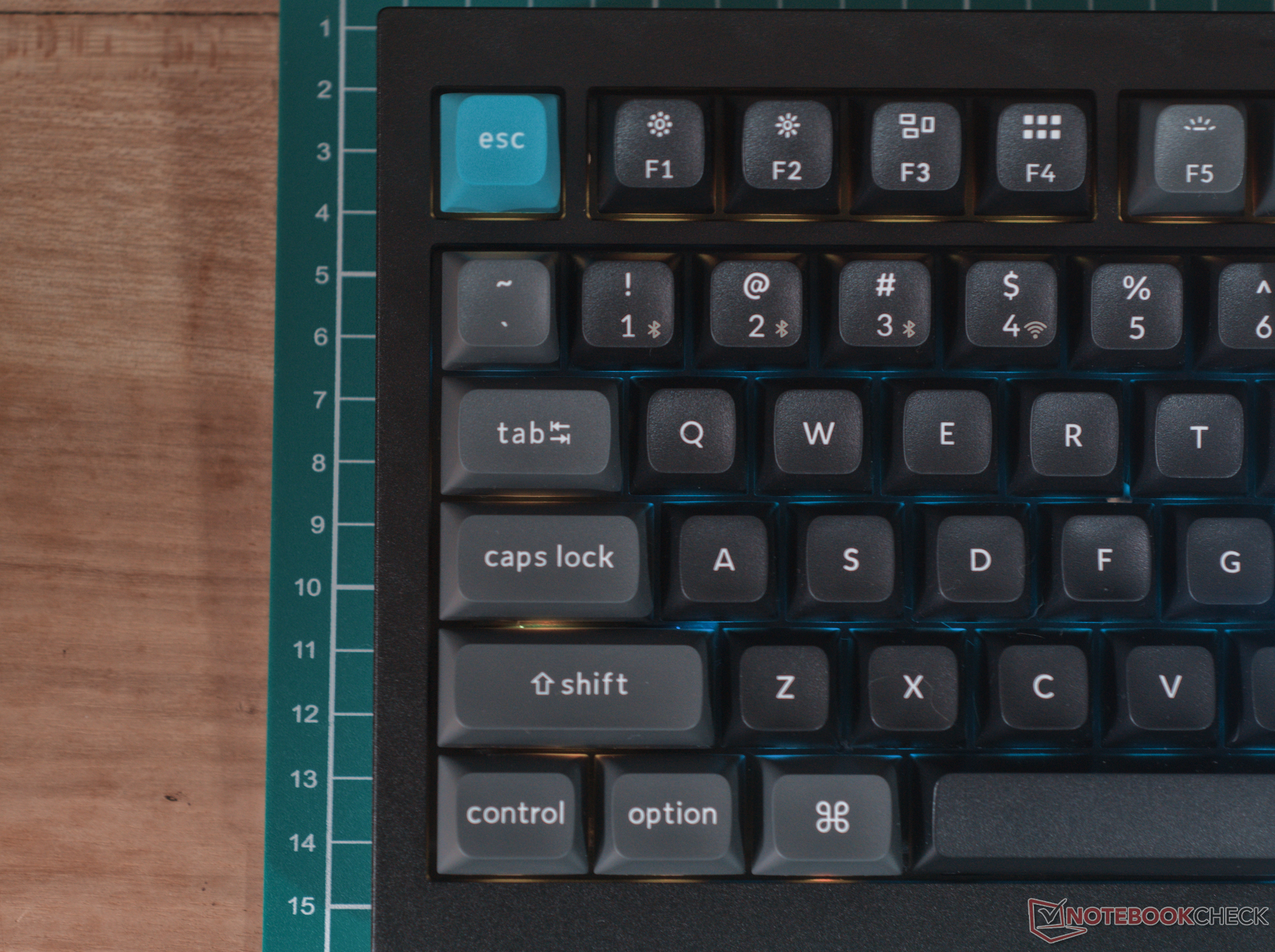
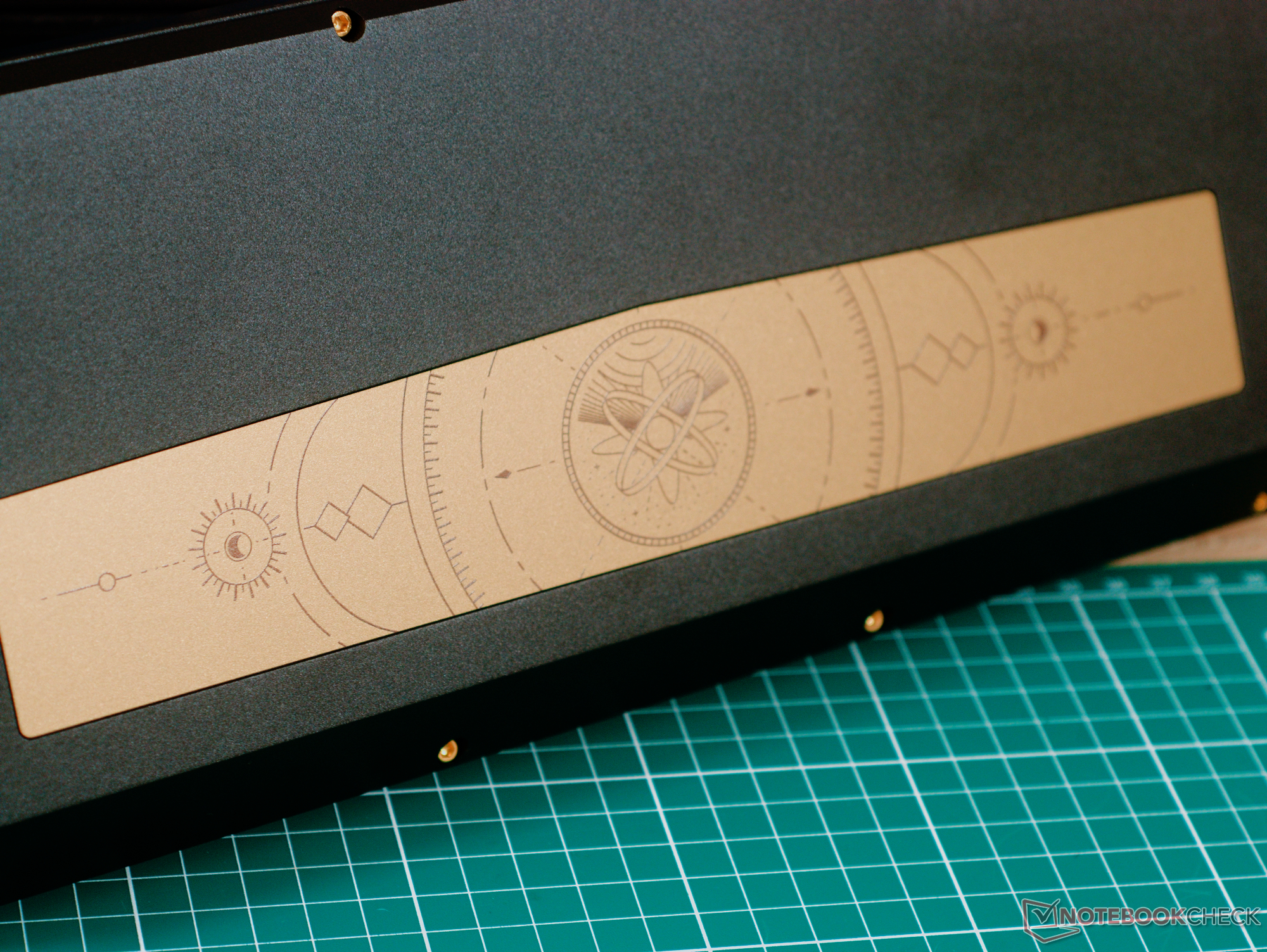
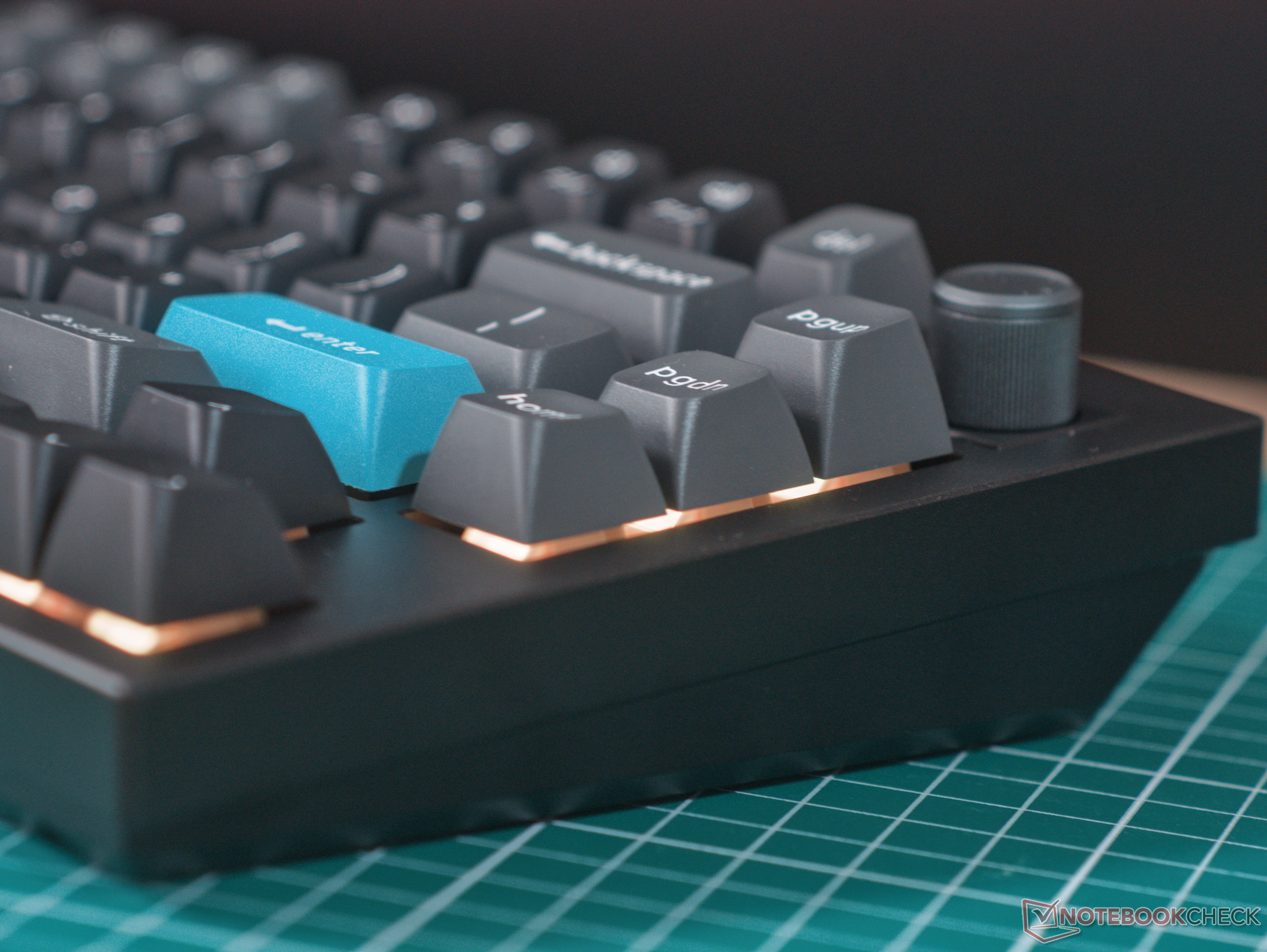
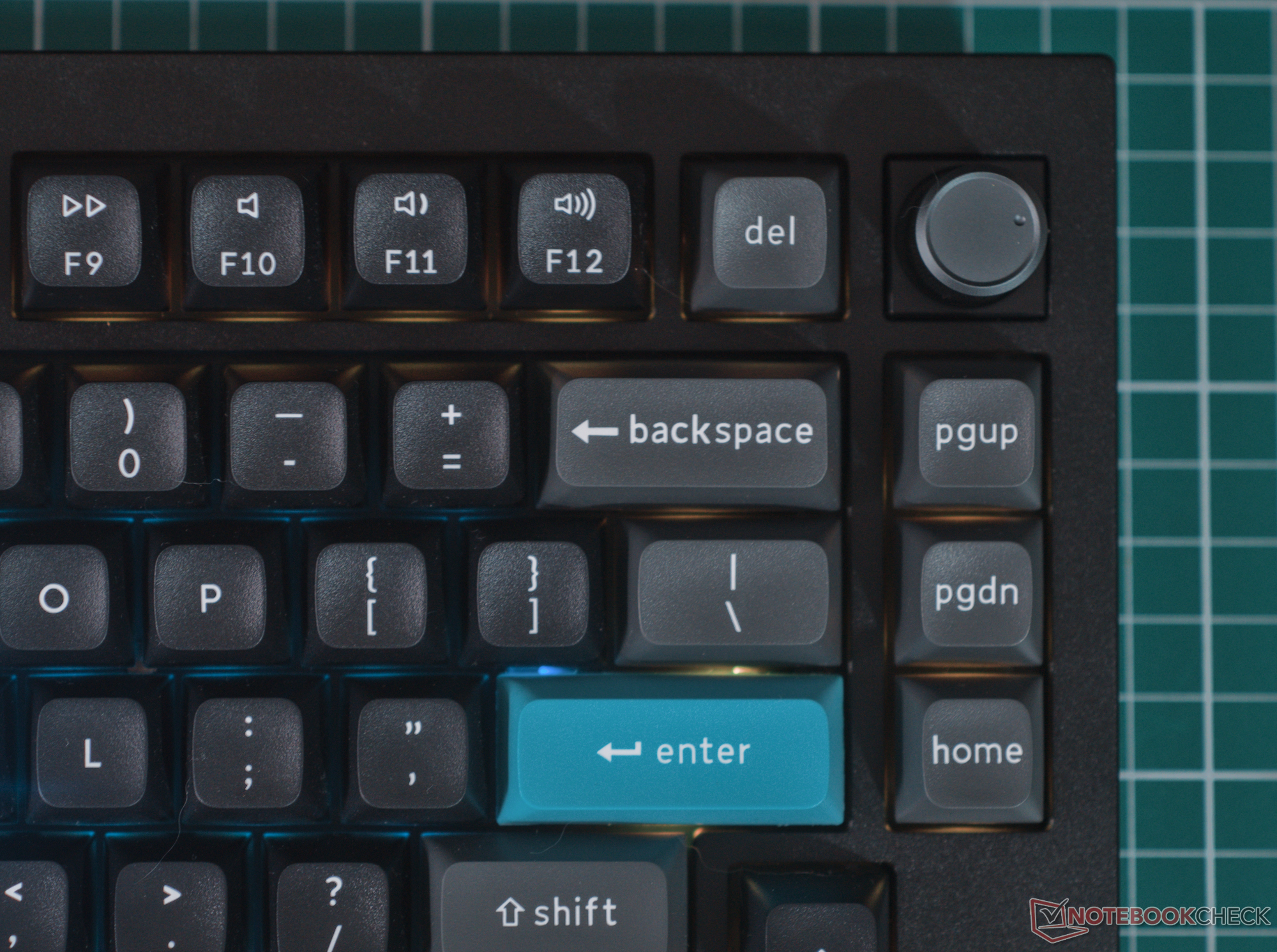
The subdued aesthetic touches, like the blue accent keys and the bottom accent plate, are a nice touch that make the Q1 Ultra feel premium, although they're definitely more subjective than the previous design language. The double-shot KSA profile keycaps feel excellent to type on, have a pleasing retro aethetic, and seem like they'll last a decent while without getting too shiny in the process.
For the asking price, the Keychron Q1 Ultra is definitely not cheap or even the best value, but its build quality, reliable wireless connectivity, materials, and efficient and customisable ZMK firmware make it a great premium pre-built mechanical keyboard that would be just as good for beginners as for keyboard enthusiasts.
Pros
Cons
Price and availability
The Keychron Q1 Ultra is available on Keychron's online store and Amazon for $229.99, although only the Red linear and Brown tactile switches are available on Amazon. The Banana tactile switches are currently exclusive to Keychron's online store.

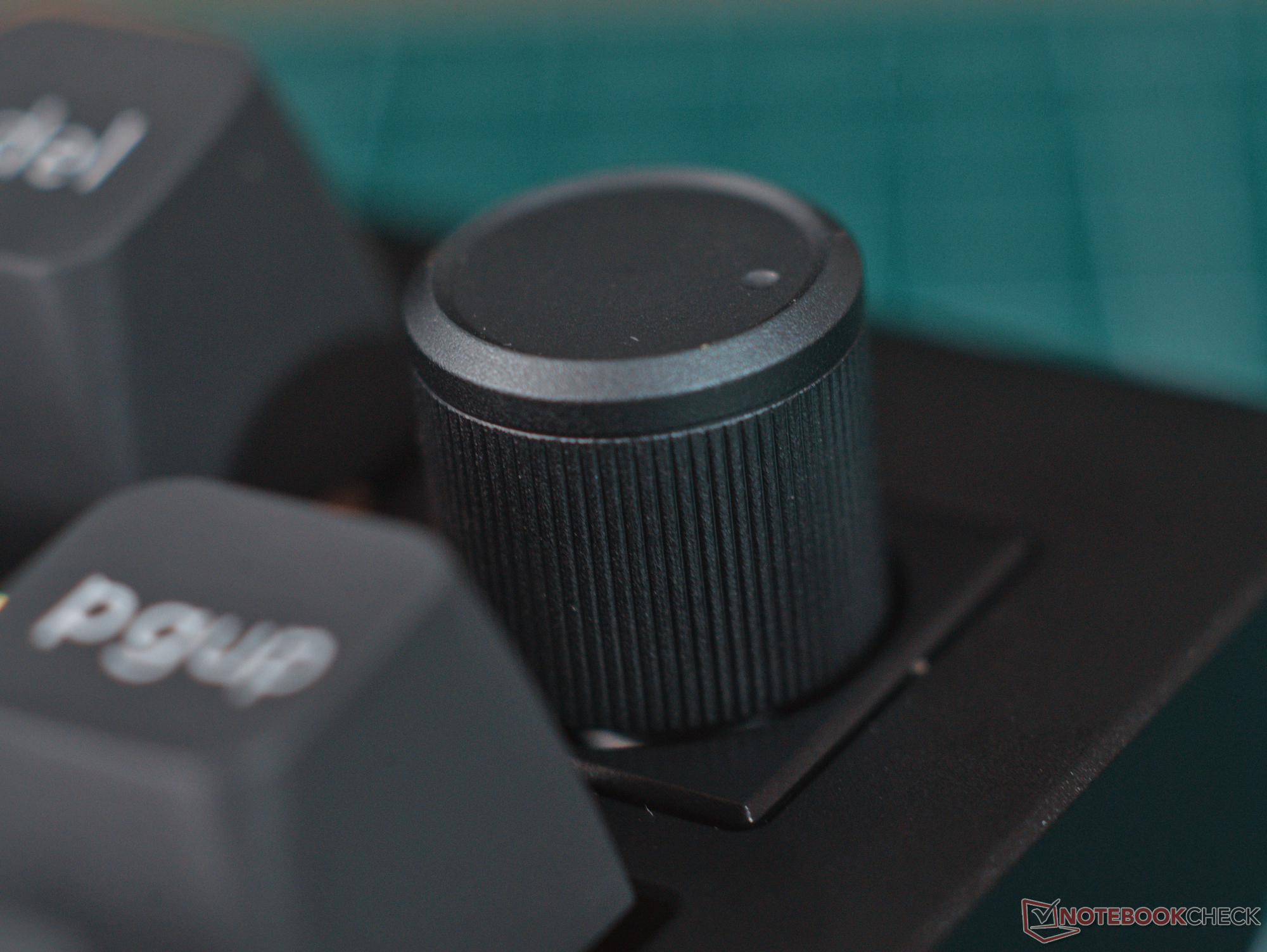
The Keychron Q1 Ultra is a premium pre-built aluminium mechanical keyboard with a 75% layout, double-shot PBT keycaps, a programmable knob, and Bluetooth and 2.4 GHz wireless connectivity. The review unit we tested uses Keychron Silk POM Banana tactile switches.
Specifications
| Form factor and size | ANSI US, 75% layout, 145 × 327.6 mm with 22.6 mm front height (20.7 mm claimed) |
|---|---|
| Case material | Aluminium |
| Weight | 1,720 g |
| Plate material and mounting style | Polycarbonate Plate, Poron gasket mount |
| Connectivity | USB type-C, 2.4 GHz, Bluetooth 5.3 |
| PCB and switch style | 3-pin, 5-pin hot-swap PCB for MX-style switches |
| Default switch options | Keychron Silk POM Red (linear), Brown (tactile), and Banana (sharp tactile) |
| Keycap material and profile | Double-shot PBT in KSA profile |
| Customisation software | Keychron Launcher |
| Claimed battery life | 660 hours (no backlighting), 200 hours (with backlight) |
| Backlight | South-facing RGB backlighting |
| Polling rate | Up to 8,000 Hz over wired and 2.4 GHz, 125 Hz over Bluetooth |
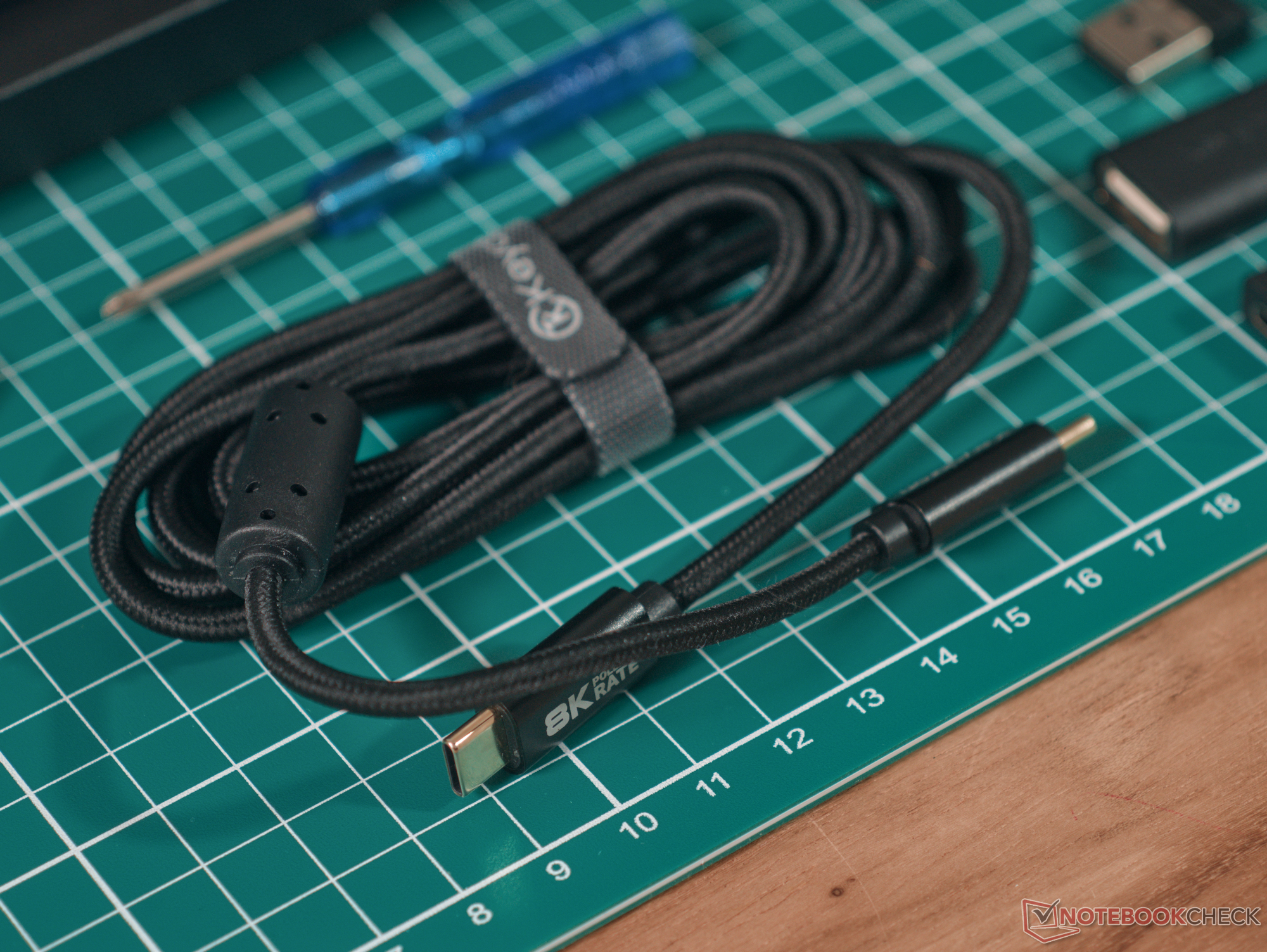
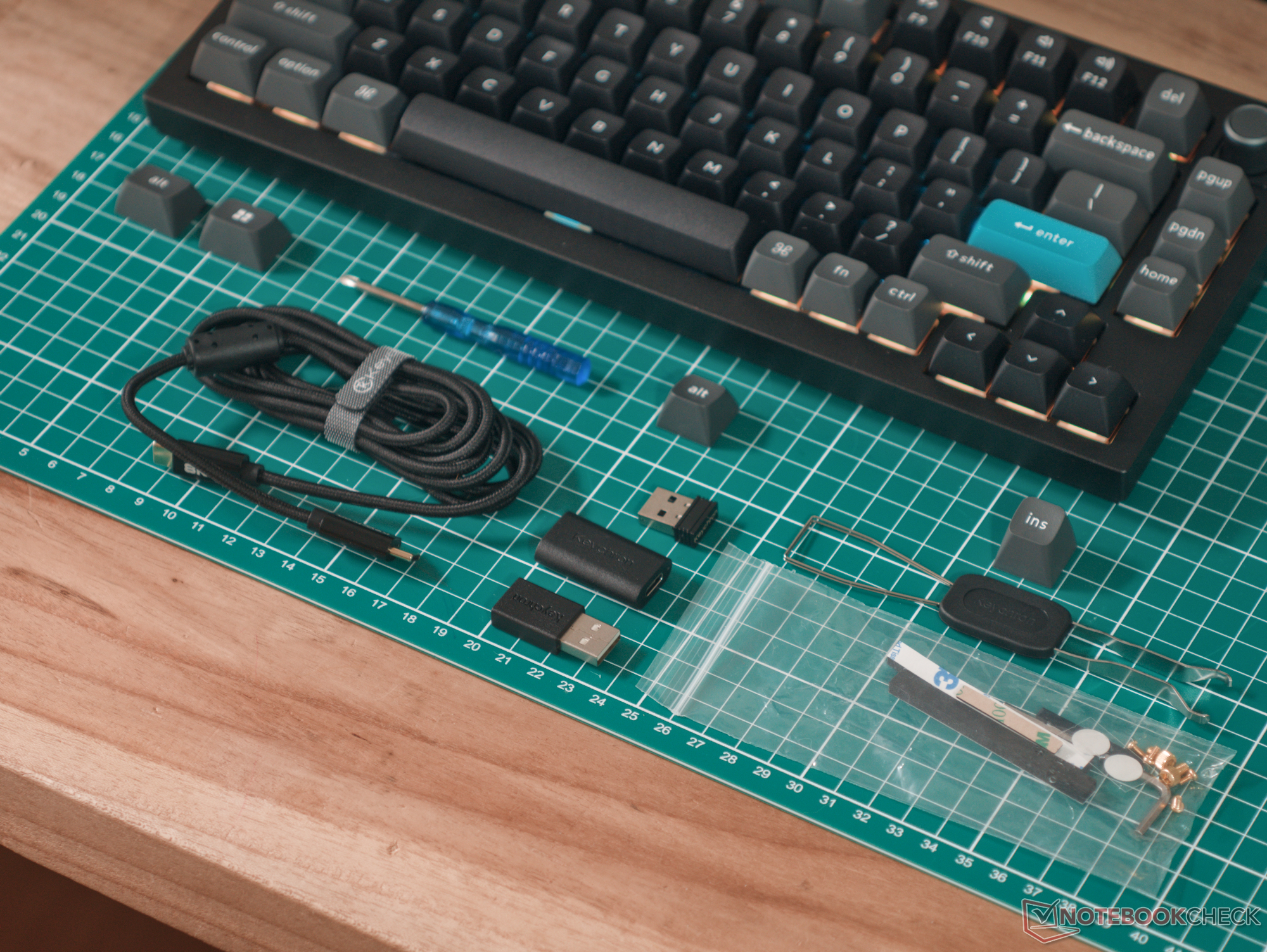
| Included accessories | Keycap and switch puller, 2.4 GHz dongle, |
| Price | $229.99 |
Build quality and initial impressions
The build quality of the Keychron Q1 Ultra 8K is as much a giant hunk of aluminium as any other Keychron Q-series wireless keyboard we've reviewed. In terms of materials and finish, everything is excellent. The finish on the aluminium is consistent and smooth, the keycaps are double-shot PBT, and the KSA profile gives the keyboard a pleasing retro look, although it should be noted that the keycaps are quite tall, which may be a pain point for some users. The lettering on the keycaps is also very well executed, with no wonky font or skew wording.
Daily use and typing feel
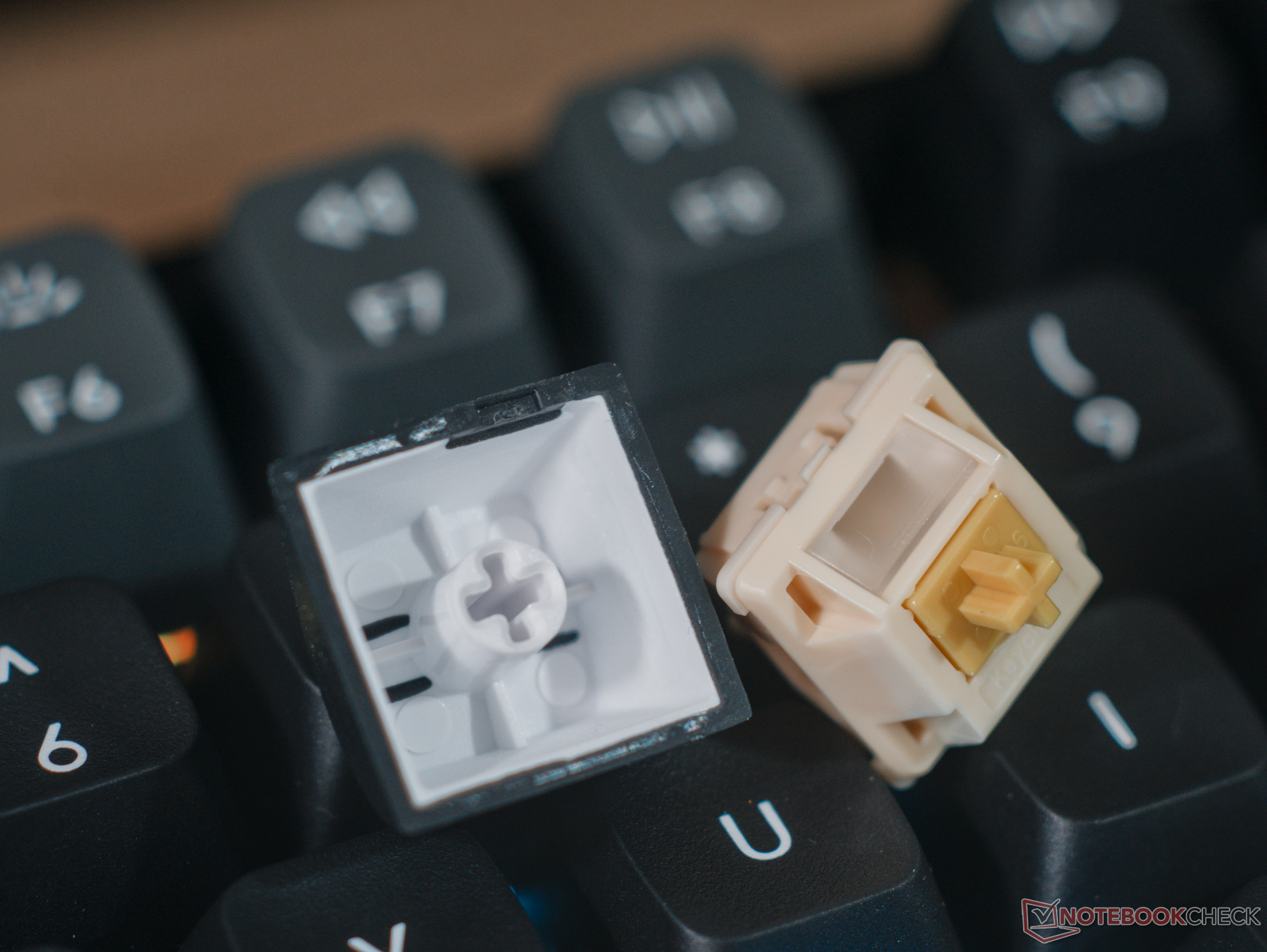
One of the biggest changes to the Q1 Ultra, coming from the older Q Max series is the switch to Keychron's own Silk POM switches, which use both a different material and design. Ultimately, while the Silk POM Banana tactile switches in our test unit are quite smooth and sound significantly cleaner than the Gateron Jupiter Bananas, they also lack the sharp tactile bump at the start of the key travel. While very notable on the tactile switches, this will be less of an issue on the red linear switches or even the softer brown tactiles.
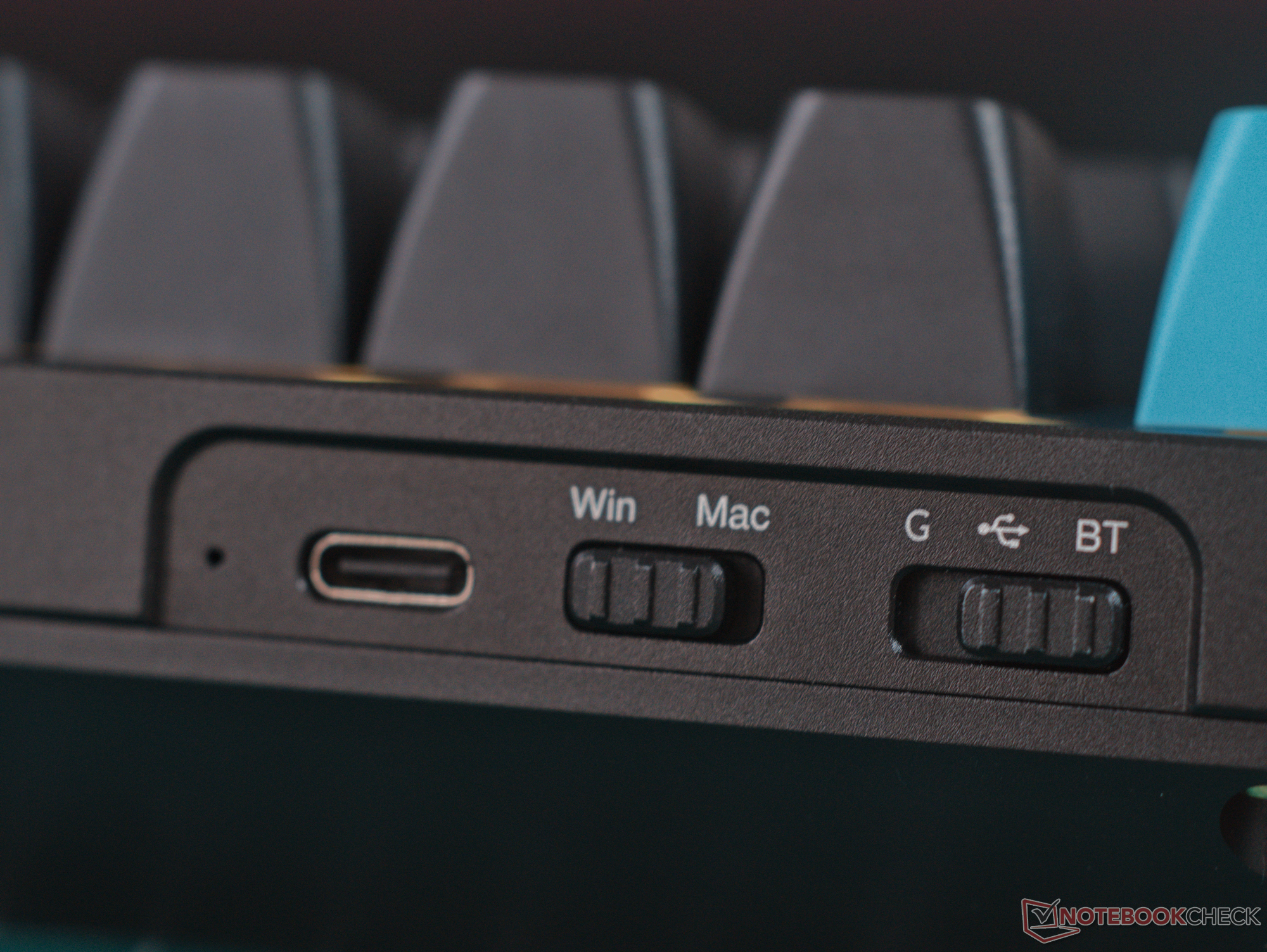
The Keychron Silk POM switches are virtually wobble-free, and they feature that classic textured stroke feel associated with POM switches --- another acquired taste, although this subsides drastically as the switches get broken in. All of the usual Keychron conveniences are here, including the secondary function shortcut legends on the F row and the hardware connectivity and OS selection switches.
In addition to removing the spring crunch from the Gateron Jupiter Banana, the Keychron Silk POM Banana switches also have a deeper bottom-out sound in the Q1 Ultra, making the keyboard much more aligned with the enthusiast market's increasing appetite for the elusive "thock."

Customisation, wireless connectivity, and firmware
As with previous Keychron keyboards, the Q1 Ultra is fully customisable in Keychron Launcher, but ZMK Studio is not yet supported, which is unfortunate for those looking for an open-source customisation solution. That ZMK firmware is meant to be hyper-efficient, and Keychron claims the Q1 Ultra will deliver 660 hours on a single charge when the batteries are disabled. This appears to be fairly accurate, given that the keyboard made it through a full work day without losing any charge. However, with the backlighting at full brightness, the Q1 Ultra comfortably makes it through a work week on a full charge. This is mostly fine because the RGB backlighting is an aesthetic feature, and it can be disabled easily, leaving you with literal months of battery life.
The Q1 Ultra 8K, as the name suggests, features 8K polling over both the USB-C and 2.4 GHz wireless connections, although it's entirely unlikely that anyone will notice the reduction in latency, especially given the mechanical switches that actuate at a fixed 2 mm.
Conclusion
The Keychron Q1 Ultra proved to be a substantial upgrade over its predecessors in our review, bringing a number of upgrades to the table without sacrificing almost anything in the process. While there are certainly cheaper aluminium mechanical keyboards, even with full aluminium chassis, the Q1 Ultra is worth considering — especially if you're not into keyboard modding and just want something with dependable performance, build quality, and typing feedback right out the gate.
Transparency
The selection of devices to be reviewed is made by our editorial team. The test sample was given to the author by the manufacturer free of charge for the purposes of review. There was no third-party influence on this review, nor did the manufacturer receive a copy of this review before publication. There was no obligation to publish this review. As an independent media company, Notebookcheck is not subjected to the authority of manufacturers, retailers or publishers.
 Add as a preferred source on Google


