




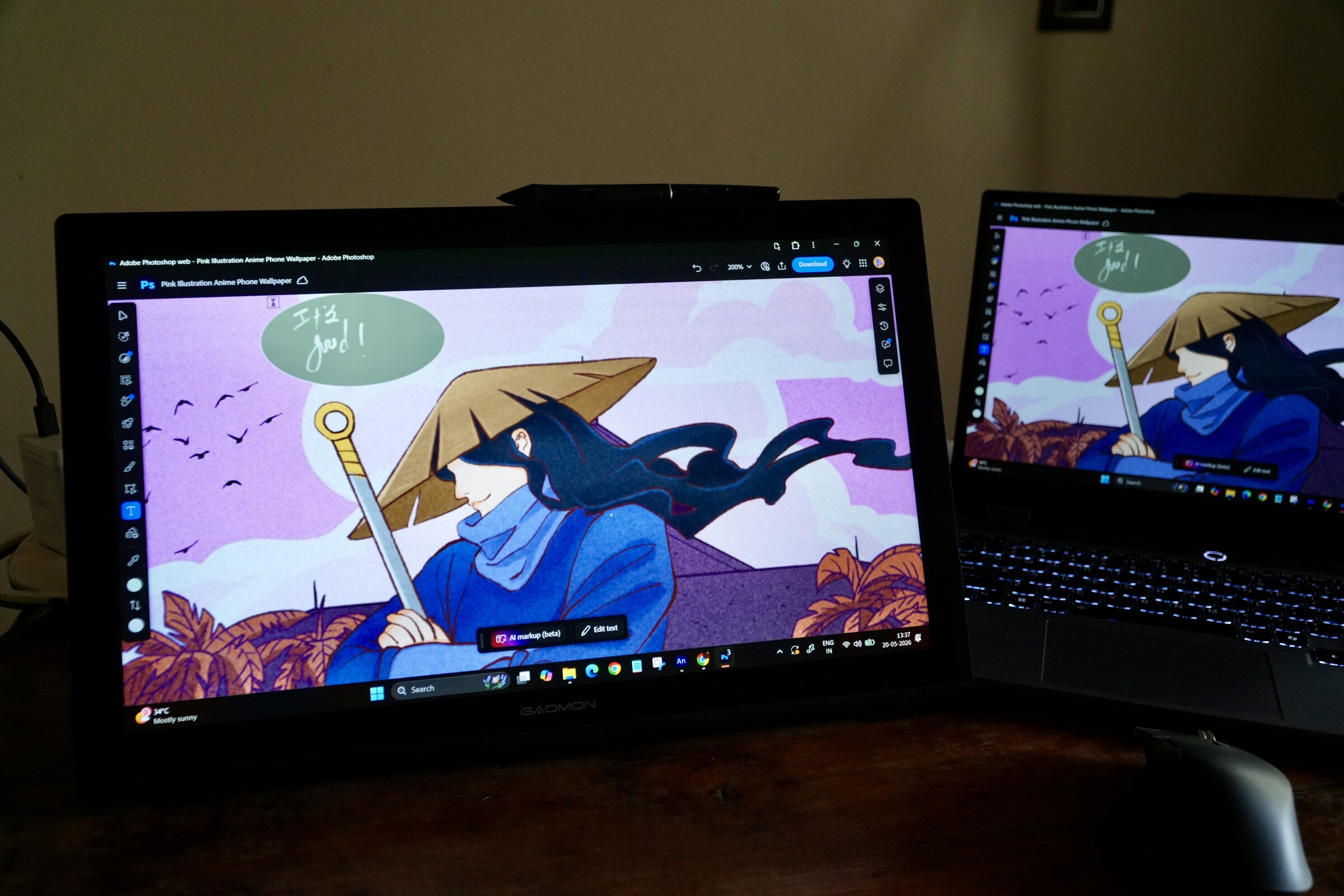
Gaomon Pro 19 hands-on review: Premium drawing feel without the premium price
Abhinav Fating Published 🇳🇱 🇫🇷 ...
Verdict
Overall, the Gaomon Pro 19 is a large yet sharp 4K pen display that offers a sharp, glare-free screen with excellent color accuracy. Working on the Gaomon Pro 19 is an absolute joy; the color accuracy is great, the pen is super responsive, and it's compatible with everything from Windows, Android, and iOS to macOS and Linux.
Thanks to its large screen, it also doubles as a monitor, and it’s great for watching anime shows and scrolling social media. The only quibble is that its display isn’t the brightest, though it shouldn’t pose any problems unless you work in very bright environments.
If you are a beginner or aspiring creator looking to invest in your first pen display, the Gaomon Pro 19 is a solid choice.
Pros
Cons
Price and Availability
The Gaomon Pro 19 pen display is now available for purchase via Gaomon’s official website and Amazon for $649 ($539.10 or 10% off at Amazon at the time of writing).
Table of Contents
Specifications
| Gaomon Pro 19 | |
|---|---|
| Dimensions | 452.3 x 286.5 x 28.7 mm (17.80 x 11.27 x 1.12 inches) |
| Active drawing area | 403 x 230 mm (15.8 x 9 inches) |
| Weight | 2.4 kg (5.29 lbs) |
| Display resolution | 3840 x 2160 pixels |
| Pressure sensitivity | 16,384 levels |
| Refresh rate | 60 Hz |
| Connectivity | power port, HDMI, and USB-C |
| Price | $539.10 |
Design and Build
Unboxing the Gaomon Pro 19 was a pleasant experience. You get almost all the accessories in the box, from a power adapter, a drawing glove, and a pen holder to an adjustable stand, an HDMI cable, a cleaning cloth, standard nibs, and a USB-A-to-USB-C cable. For those accustomed to more traditional pen displays, the size and weight of the Gaomon Pro 19 will take some time getting used to.
However, this doesn't mean that the pen display itself is excessively bulky. Measuring 452.3 x 286.5 x 28.7 mm (17.80 x 11.27 x 1.12 inches) and weighing 2.4 kg (5.29 lbs), the tablet isn’t a portable screen that you can carry on the go. Unlike the Huion Kamvas 16 Gen 3 (which we reviewed recently), the Gaomon 19 Pro is designed to be a central part of a workstation.
The pen tablet looks quite classy in its full-black color theme. It boasts a plastic build, which feels quite sturdy and premium. It’s good to see that the gadget comes with curved edges, giving a more modern feel than straight, square edges. Interestingly, there’s an additional curvy plastic element on the lower bezel, which the brand added purposefully to further improve your wrist-resting area for more comfortable use.
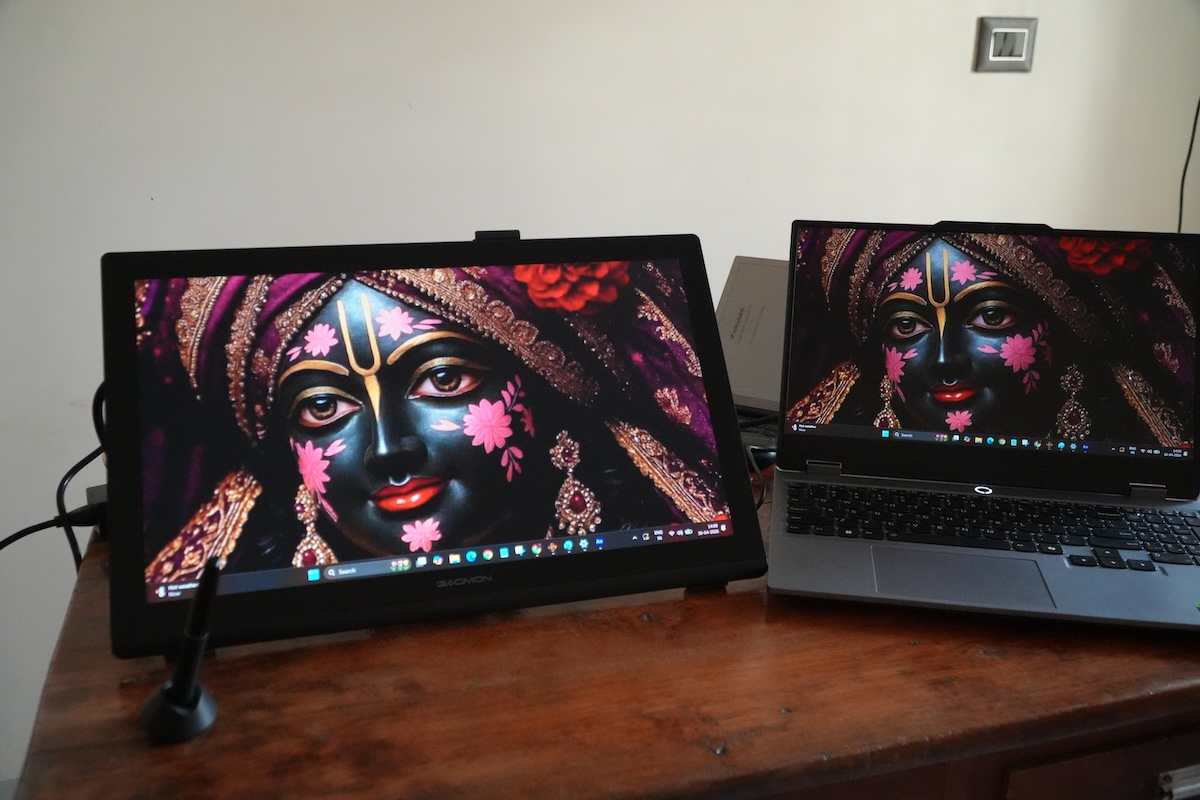
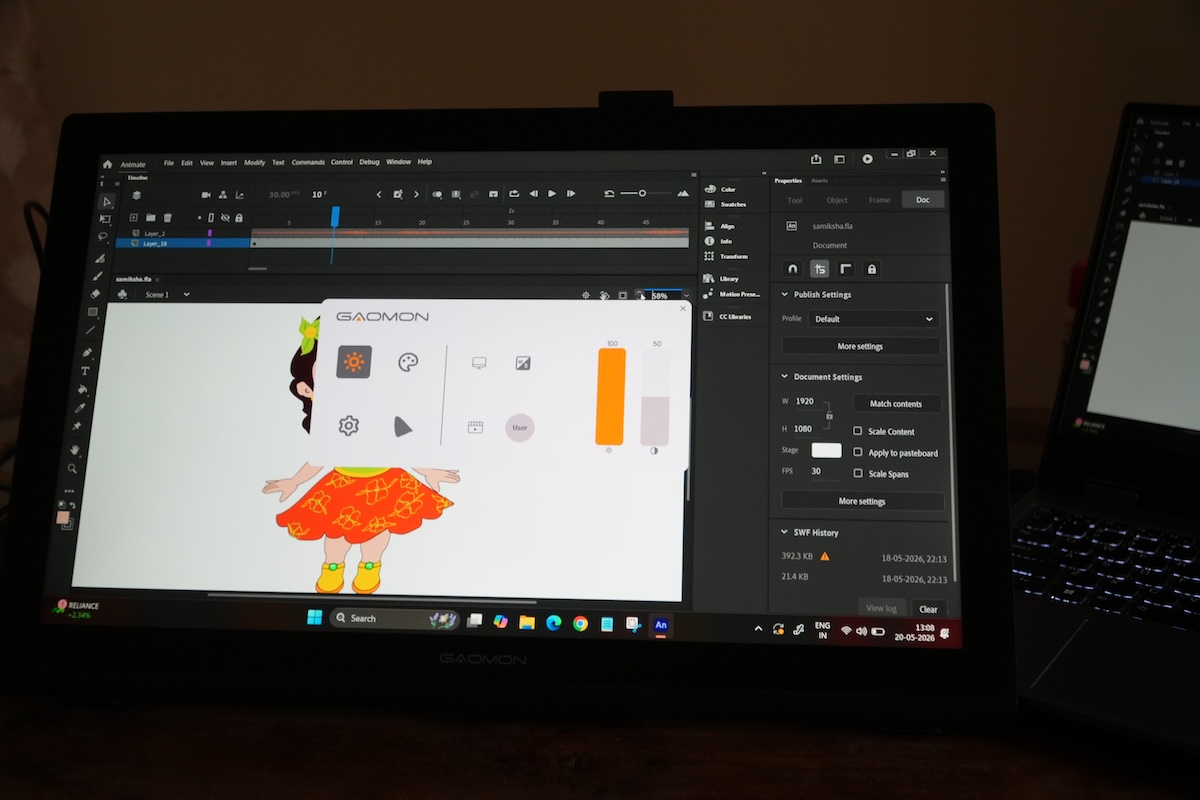
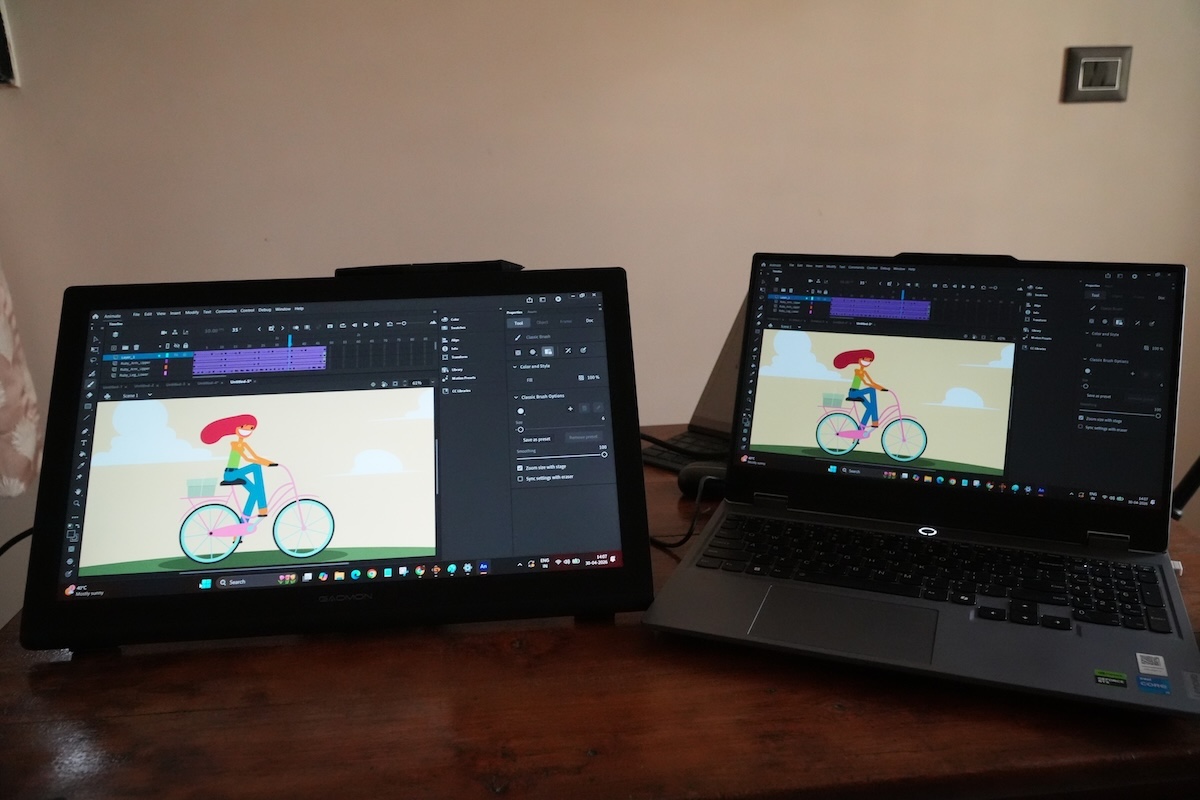
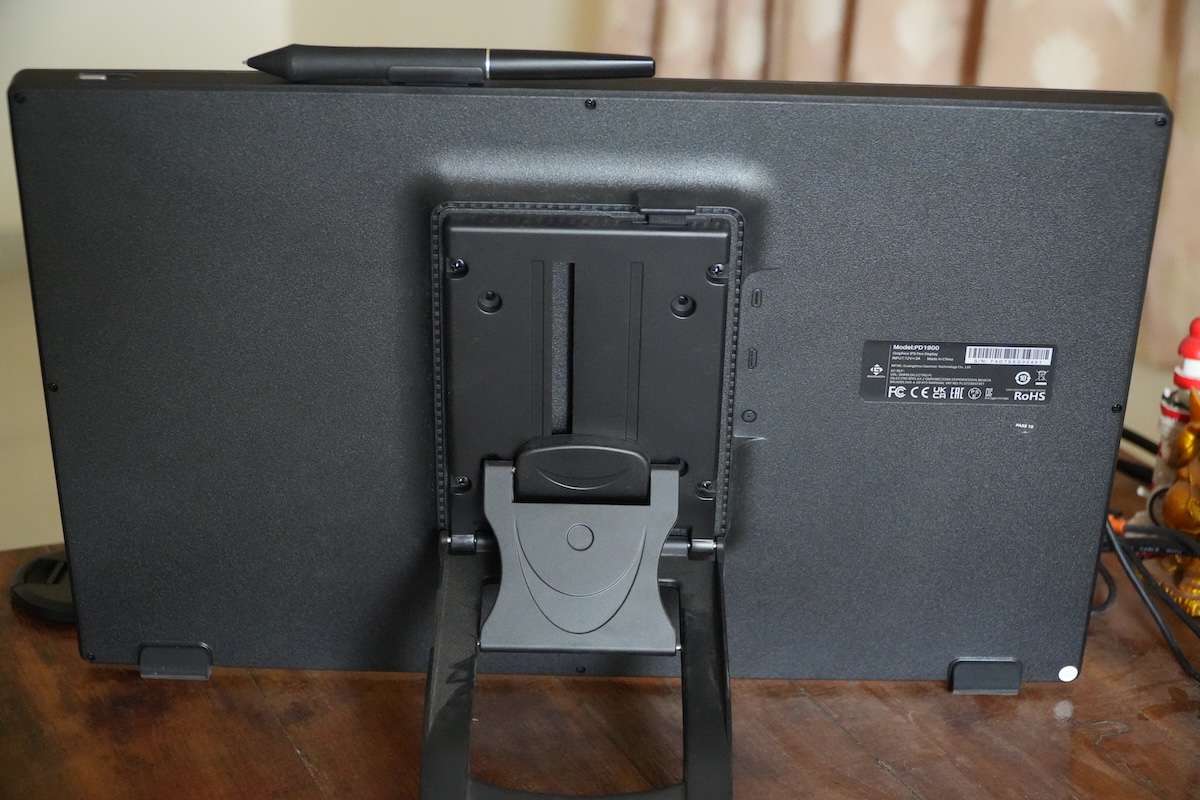
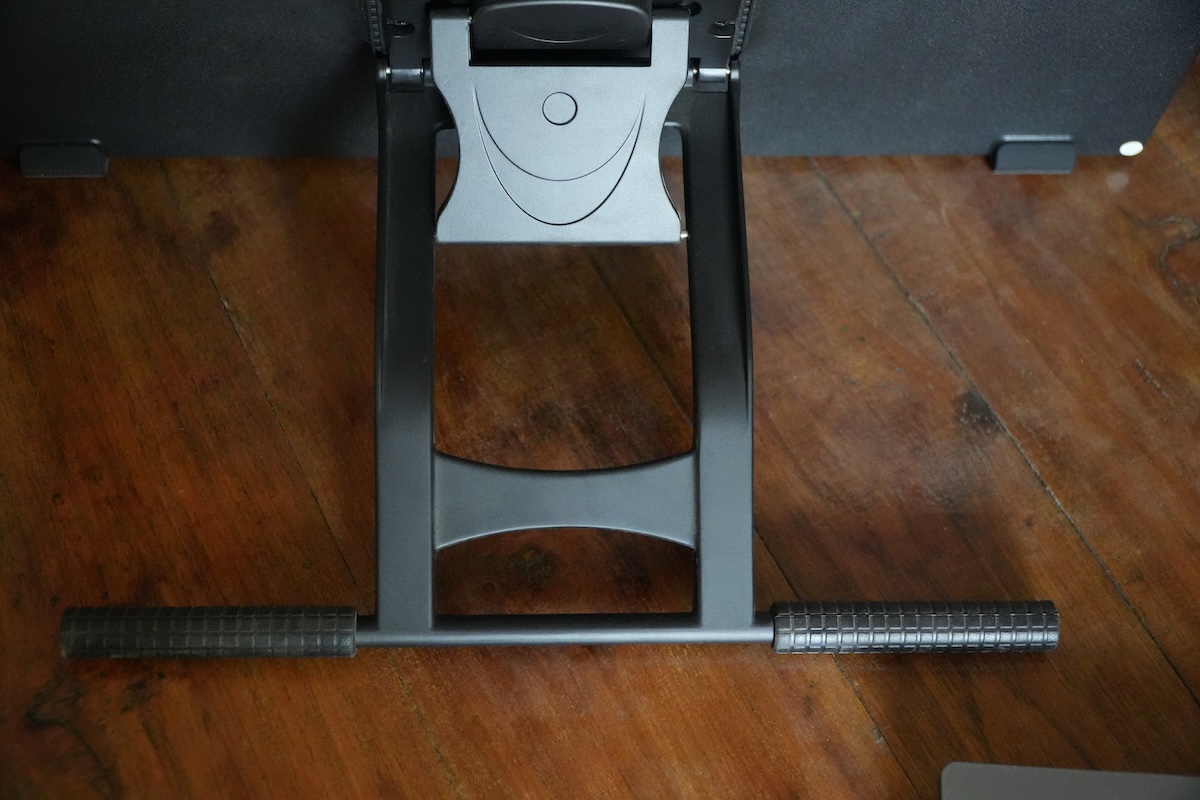
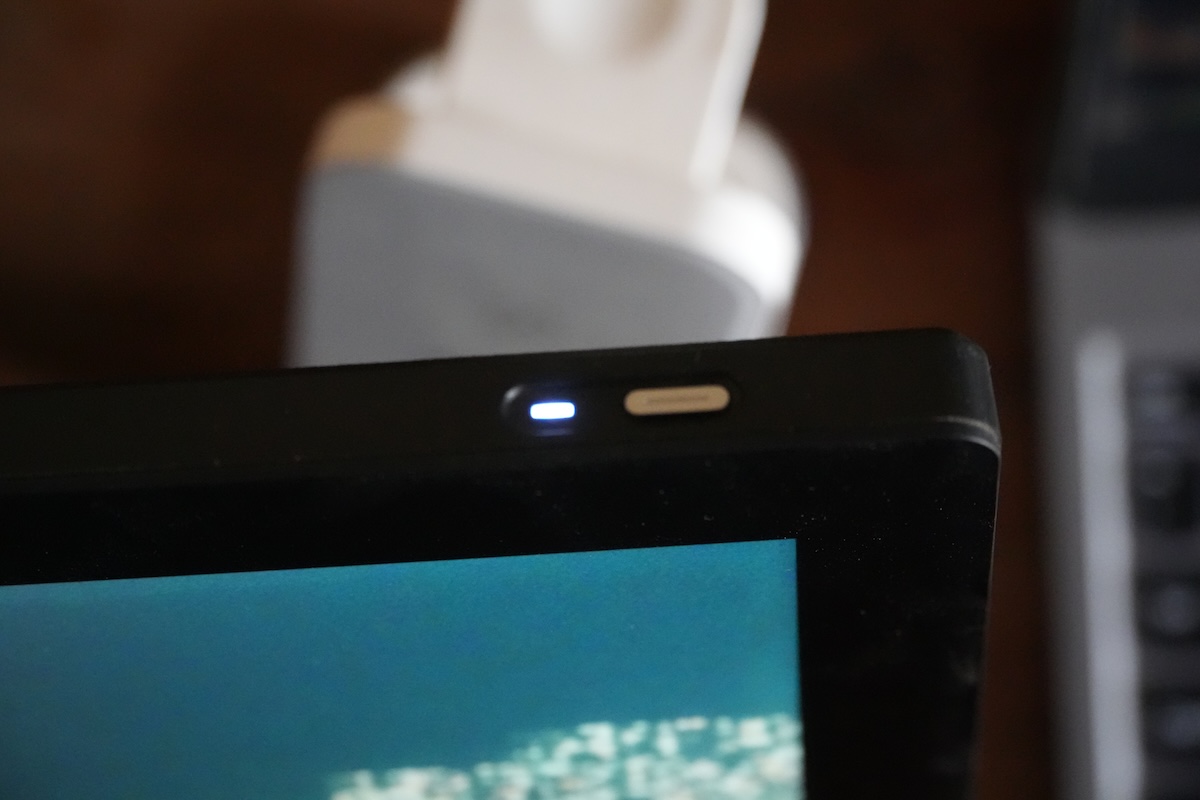
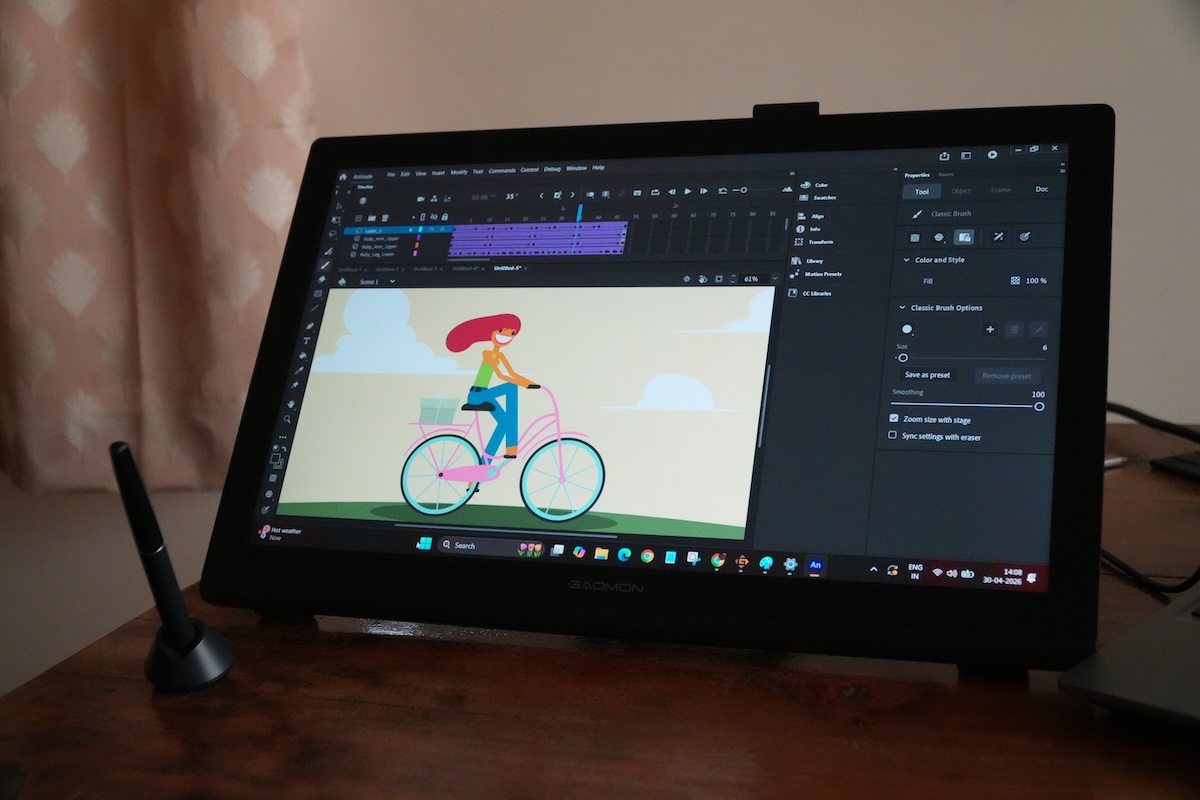
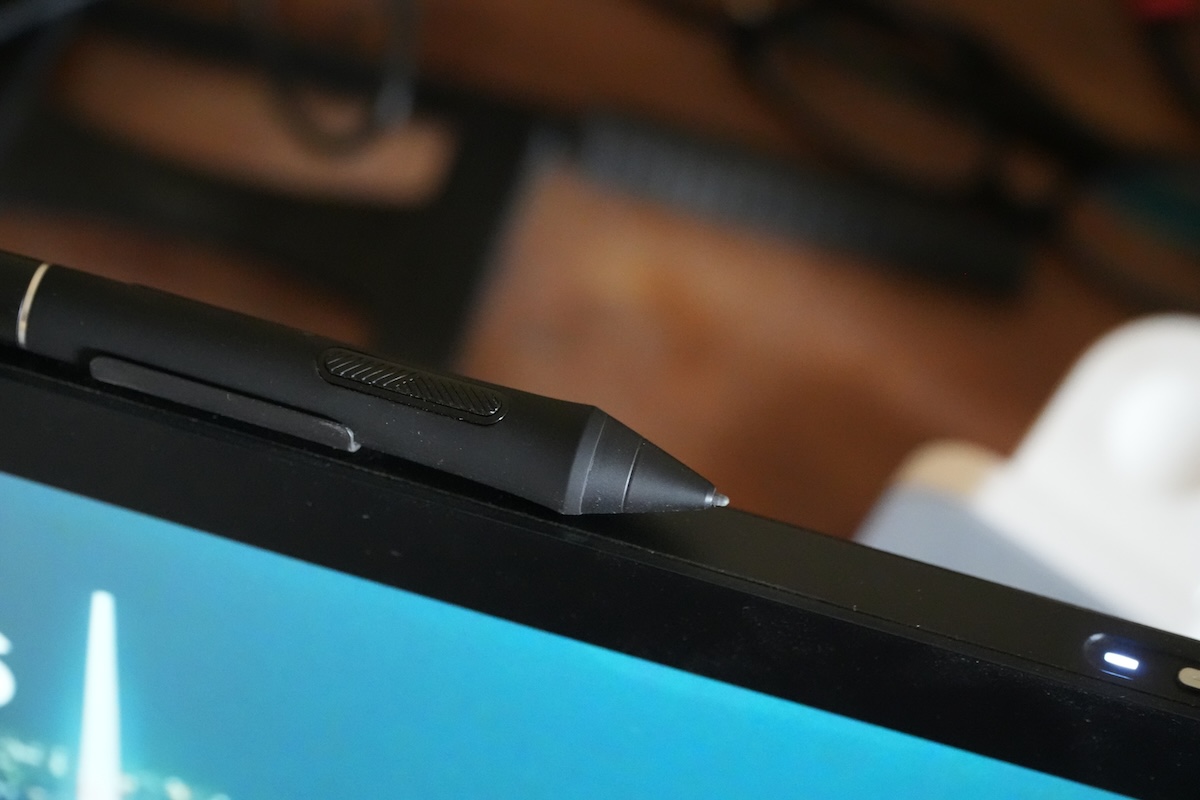
The screen features full lamination technology. More on it in the performance section. Besides, you get a pen holder and a power button on the top edge of the pen display. On the back, you will see a pre-installed, high-quality, adjustable metal stand, which supports continuous angle adjustment from 15° to 85°. This means you can easily set a precise and comfortable working position. At the bottom of the stand, there are rubberized feet, ensuring a firm grip on the table without any slippery issues whatsoever.
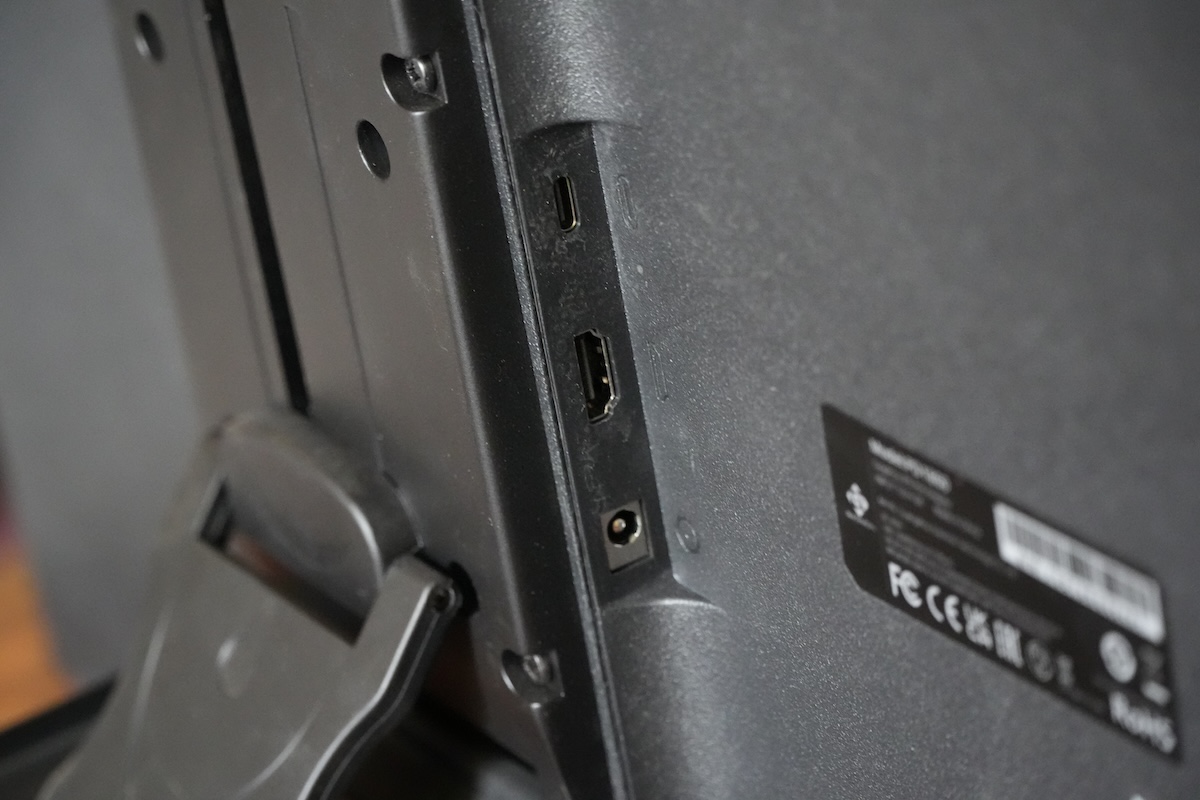
Unlike other pen displays, the model ships with a removable stand, meaning you can remove it once you get the VESA support. As for ports, you will get a total of three ports, including a USB-C, an HDMI, and a power port. That’s it.
Performance
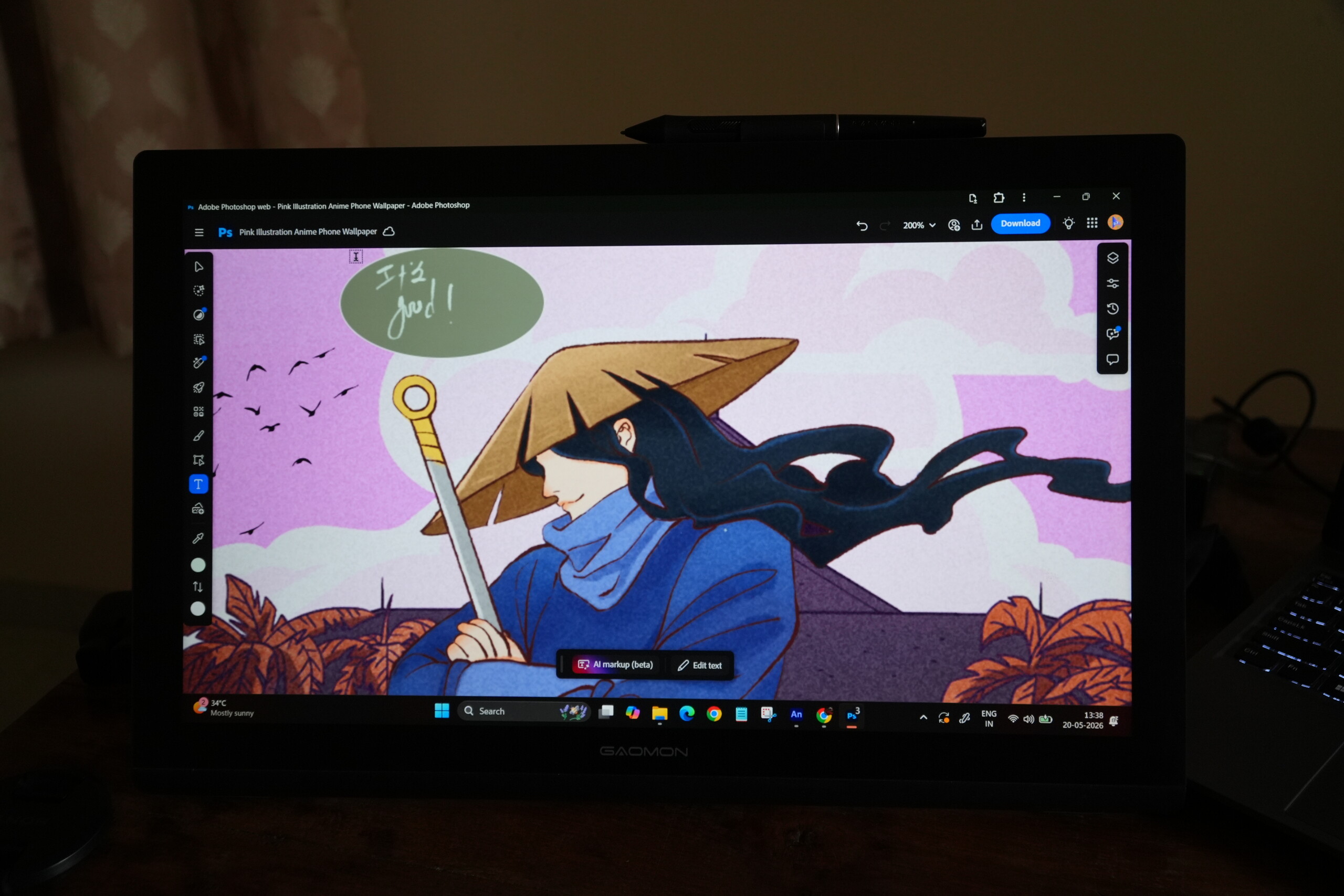
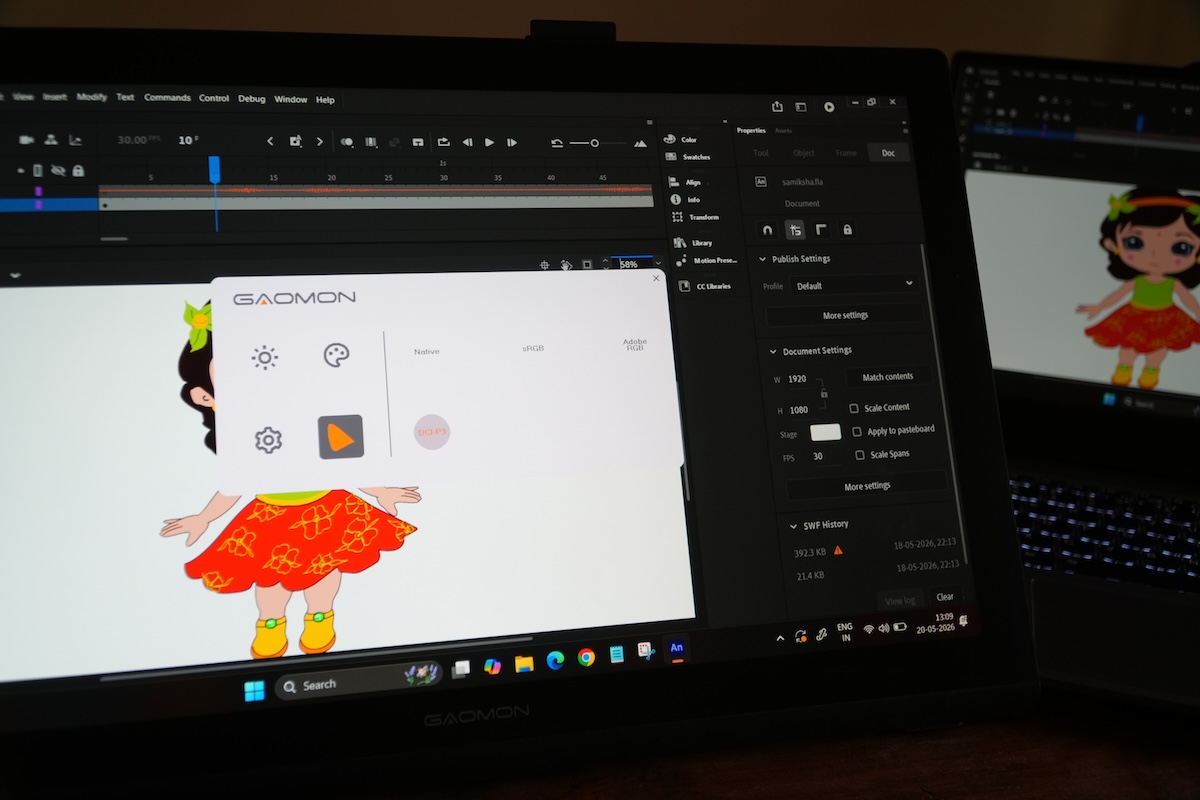
Setting up the Gaomon Pro 19 pen display was an easy-peasy task. You just have to install the driver from Gaomon’s official website and plug the unit into your PC, and you're done. The gadget is compatible with Windows, macOS, and Linux ecosystems. The tablet is equipped with an 18.4-inch panel that resolves at a 3840 x 2160 resolution with a refresh rate of 60 Hz and a brightness of 220 cd/m². On top of this, it has a coverage of 99% sRGB, 96% Adobe RGB, and 98% DCI-P3 with 1.07 billion colors and 8-bit.
Interestingly, you can also customize the display either via Gaomon’s companion app or by pressing and holding the power button, which further opens the OSD menu. Speaking of customizations, you can select color space and input signal and adjust brightness and contrast, presets, and temperature and calibration.
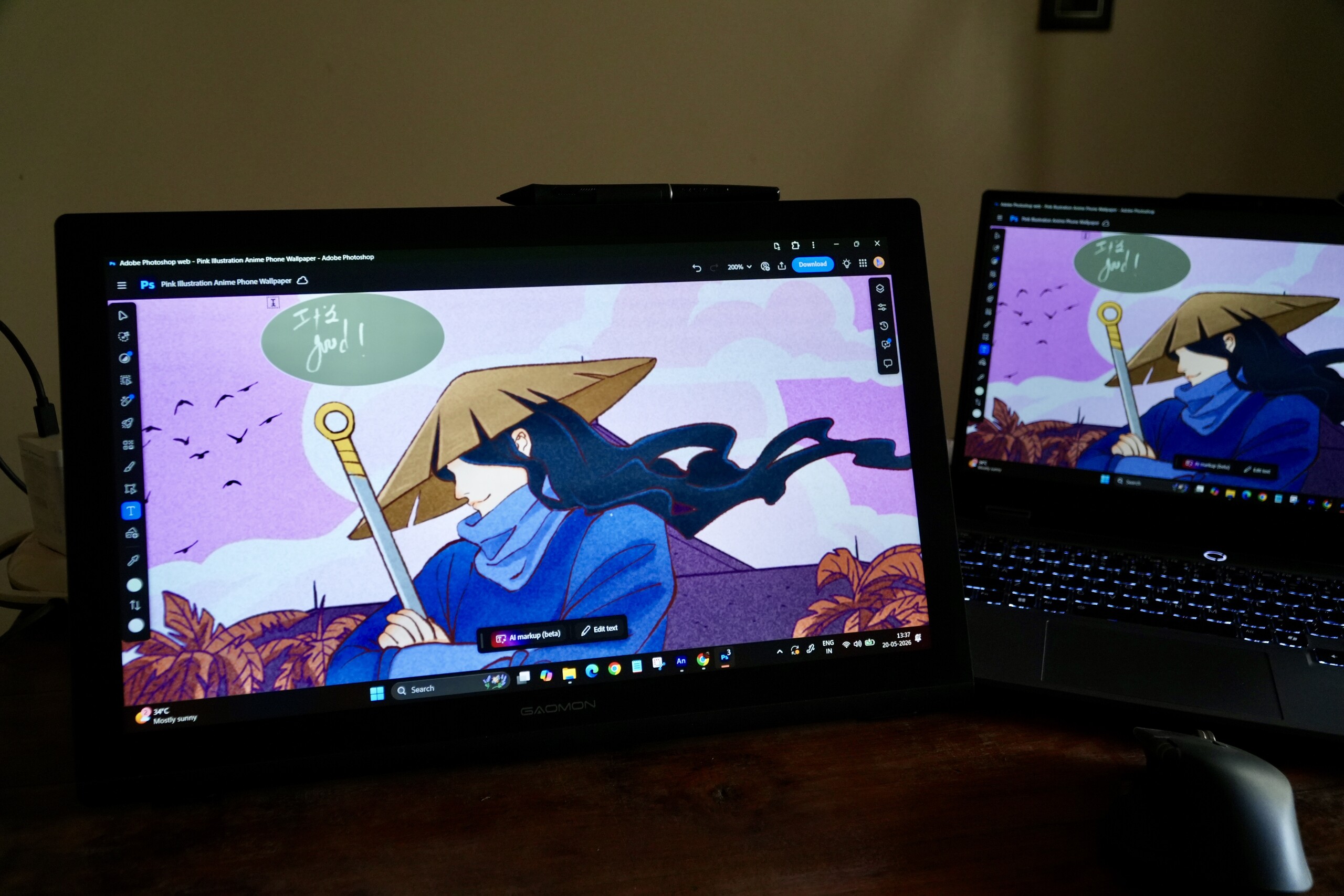
I used the Gaomon Pro 19 with my Lenovo LOQ 15 laptop, and I didn’t face any connecting issues whatsoever during my testing period. The tablet utilizes a solid glass screen, which ensures a stable drawing surface for daily use. On top of this, there is an anti-glare etched glass surface. I have to say this is one of the best anti-glare coatings I've seen in any pen display at this price range.
I noticed the display of the Gaomon Pro 19 isn’t the brightest; it’s just okay. I felt the brightness of the display was a little weak compared to the Xencelabs PD24+ with 330 nits of peak brightness. However, this is a compromise you might have to make for an affordable creative display. I thoroughly enjoyed working on the Pro 19 and was quite impressed by its color accuracy. I mostly used the pen display for creating digital posters and editing photos, and the tablet managed to keep color reproduction as accurate as possible. I tested each color space mode and found that the display is slightly better suited for working with images than video.
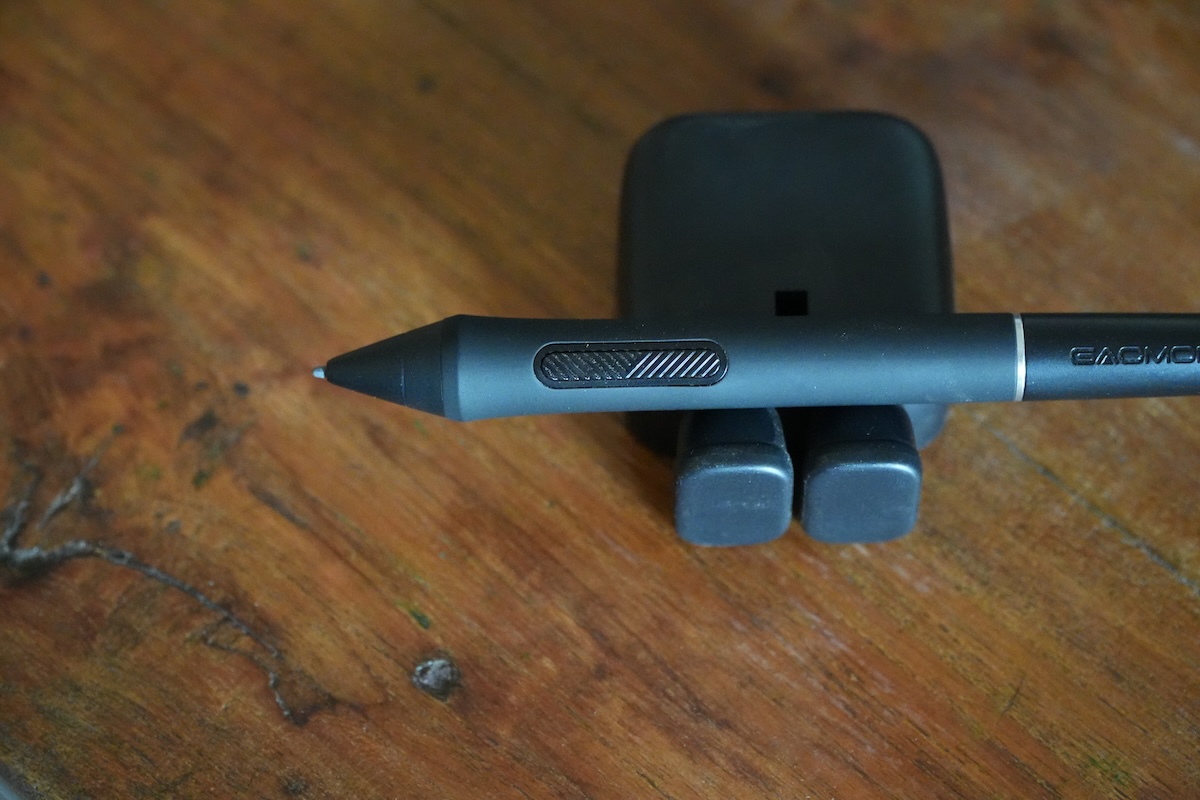
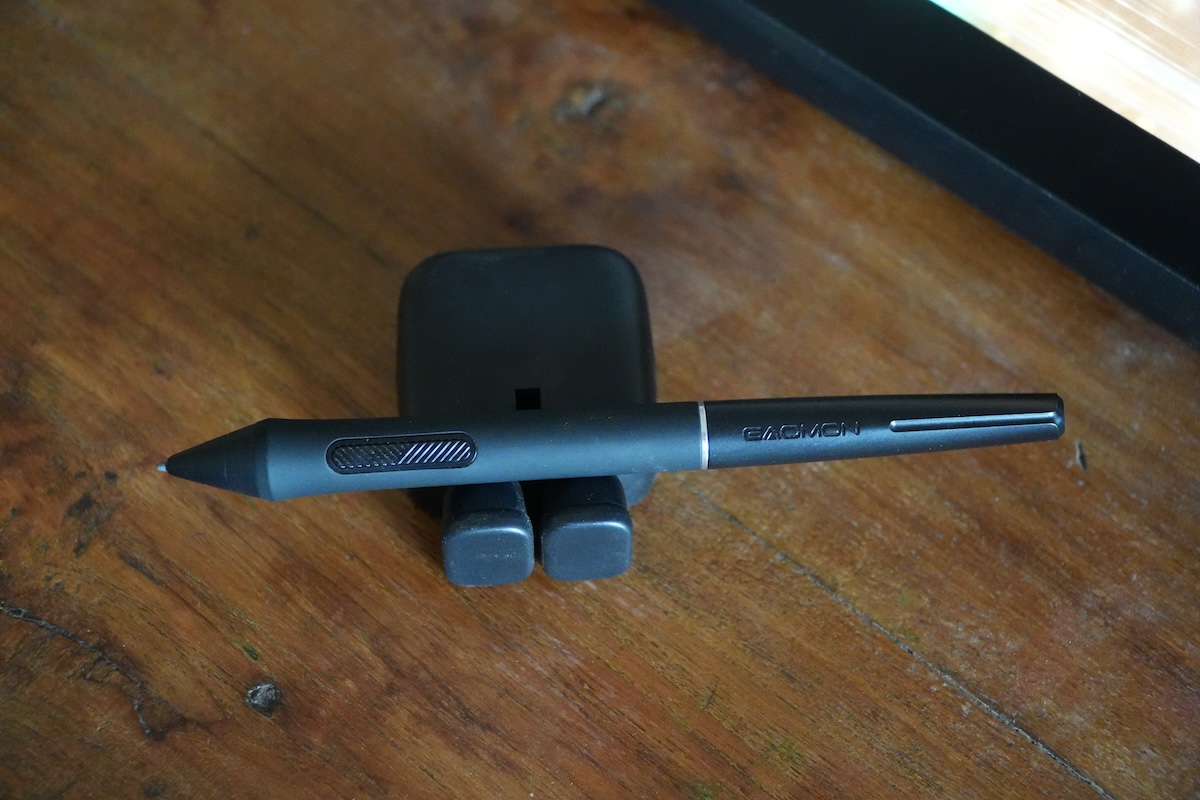
The Gaomon Pro 19 comes with the G-Pro Pen, which boasts 16,384 levels of pressure sensitivity and features an ergonomic design and a rubberized grip that extends over 60% of the pen. Plus, the pen is battery-free and has 2 buttons. Interestingly, both buttons are customizable via the Gaomon app. Furthermore, it’s compatible with both Gaomon’s standard and felt nibs. For context, the company offers a total of 20 replacement nibs (ten standard and ten felt), so you can choose the one that suits your style.
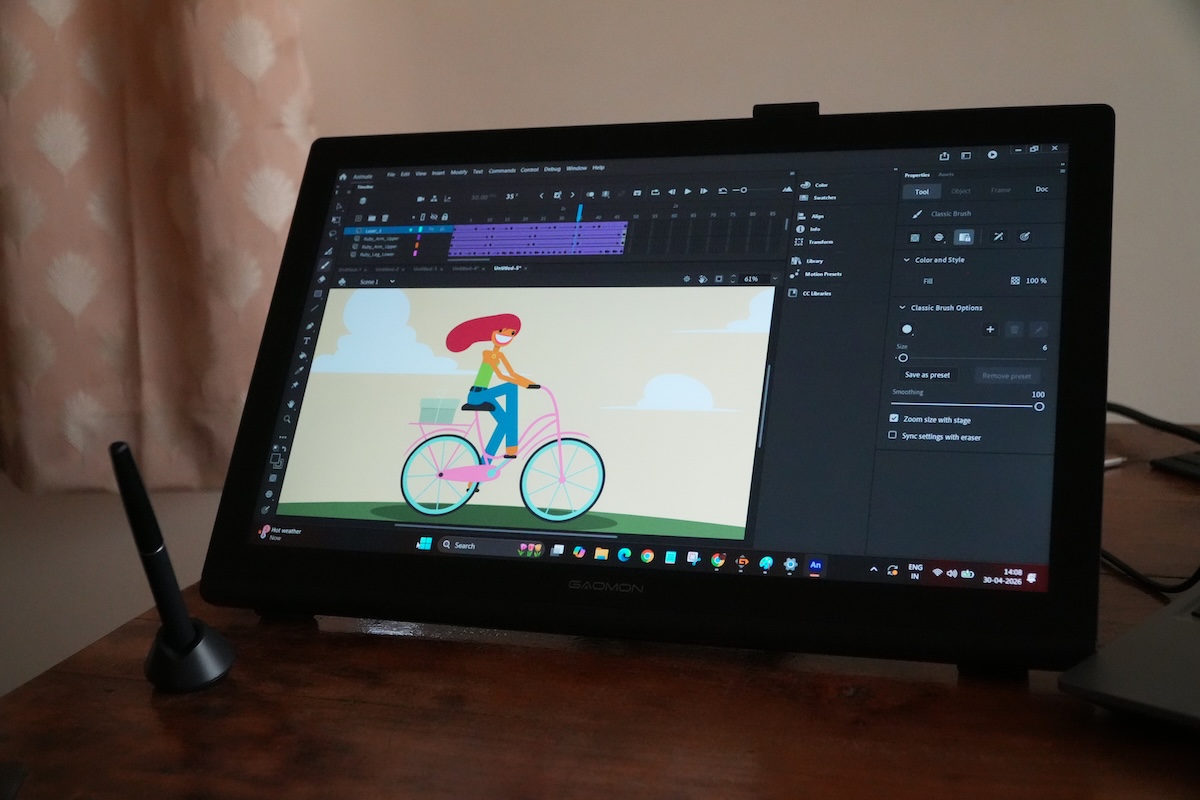
My actual drawing experience with the G Pro Pen is very good here. The screen offers a good level of resistance and is super responsive to even the softest of strokes. My sister, who is an animator, also tested the tablet and she thoroughly enjoyed her drawing sessions with the Pro 19 pen display. She further added that the pen was very comfortable to hold, thanks to a rubbery grip and nice, tactile shortcut keys. "The pen felt noticeably sensitive and was able to pick up even subtle mini pen inputs with light force," said my sister. However, she noticed slightly muted colors while bringing back her black and white anime world to colorful life. Then again, she was comparing it with a MacBook M5 Air display, and I couldn't blame her. The accuracy of the G-Pen Pro is spectacular, and I didn’t notice any line jitter or lag and no parallax during my testing.
Should I buy?
Buy it if…
- You are looking for an affordable pen display with excellent color accuracy
- You mostly want to create digital posters or edit or consume video content
- You want a great value pen display
Don’t buy it if…
- You are a professional creative
- You need lots of ports
- You want top-of-the-line specs at the best value
Transparency
The selection of devices to be reviewed is made by our editorial team. The test sample was given to the author by the manufacturer free of charge for the purposes of review. There was no third-party influence on this review, nor did the manufacturer receive a copy of this review before publication. There was no obligation to publish this review. As an independent media company, Notebookcheck is not subjected to the authority of manufacturers, retailers or publishers.
 Add as a preferred source on Google


