


ChatGPT Lockdown Mode could be bypassed to steal your chat history
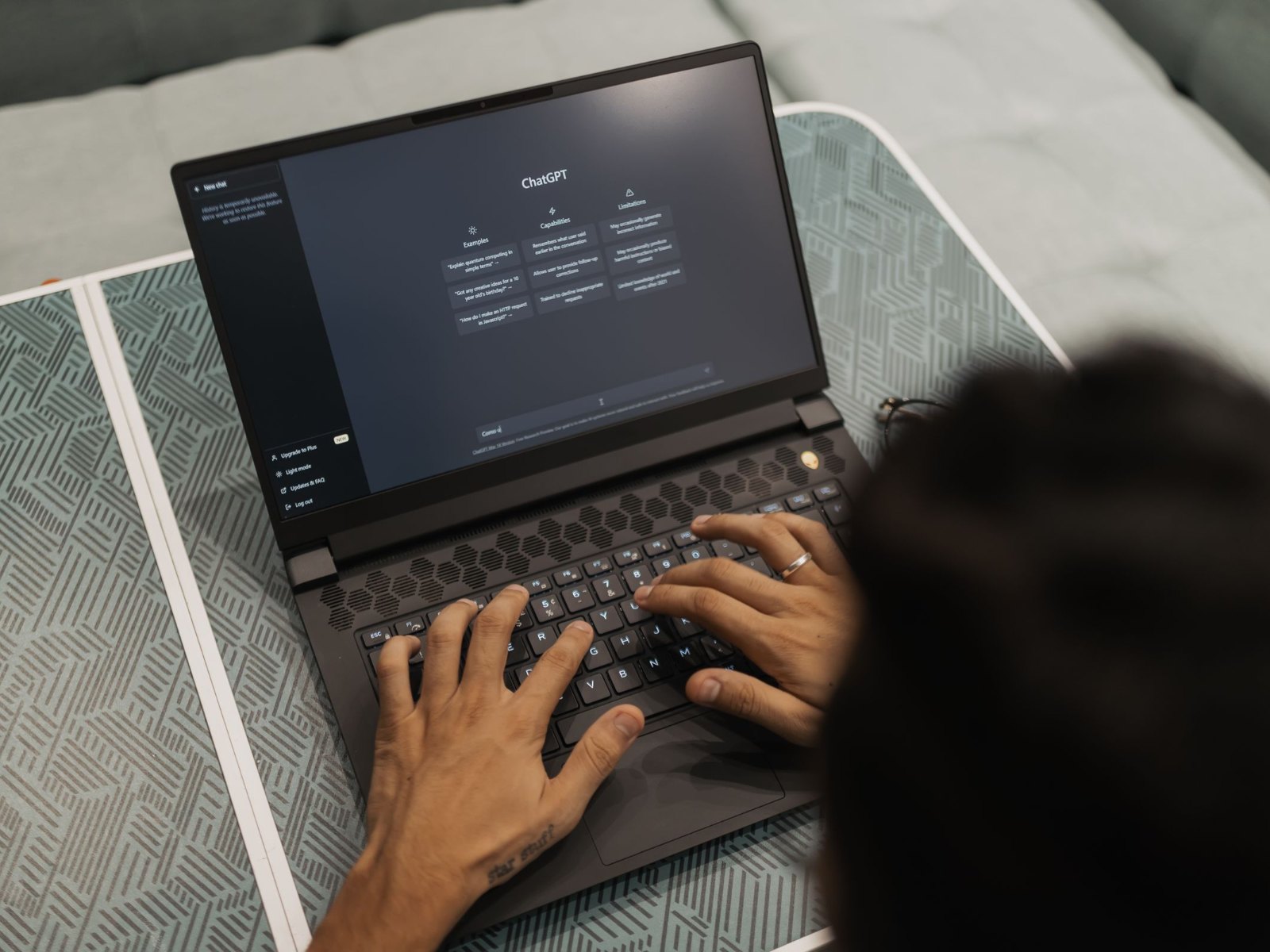
ChatGPT's Lockdown Mode is an optional setting meant to stop prompt injection attacks from leaking your data. Check Point Research found a way around it, according to a report published on November 5. Attackers could use the flaw to send an entire chat history to their own server, show fake sign-in windows and push malware. OpenAI fixed the issue on September 18, and Check Point retested it and confirmed that the technique no longer works.
The HTML preview allowed popup windows
The flaw was in the HTML preview that OpenAI added to ChatGPT code blocks in February 2026. The preview renders generated web code as a page inside a sandbox. That sandbox allowed popups, so a nested frame could open a new window that Lockdown Mode did not cover, and data sent from that window reached the attacker. Check Point says the attack could start from a malicious prompt, a malicious GPT or a shared chat. The HTML preview was also part of the shared ChatGPT link flaw that exposed private chats last month.
ChatGPT Classic needed no click at all
In the browser, the victim still had to click a preview, which the attacker could make look harmless. The Electron-based desktop app ChatGPT Classic was more exposed because it opened new windows without any user action. According to Check Point, having a conversation was enough to leak the history. ChatGPT Classic is the previous desktop app, and OpenAI's help page on the new desktop app says it continues to receive security patches alongside the new ChatGPT app with Chat, Work and Codex. Phishing forms opened from the same window also looked like part of ChatGPT.
Who should still turn on Lockdown Mode
You do not need to do anything about this flaw, since OpenAI fixed it on its servers. Lockdown Mode itself remains useful, but OpenAI says it "is not intended for everyone." It is meant for people and organizations that handle sensitive data, and it disables several features. Web browsing is limited to cached content, and ChatGPT does not load images from the web. Deep Research, Agent Mode, live connectors and file downloads are switched off, while image generation still works. The setting does not change whether your chats are used for training, which you manage separately in data controls, as our guide to opting out of AI training explains.
According to OpenAI's Lockdown Mode help page, the toggle is under Settings, Security, Advanced security. It is available to eligible personal accounts and self-serve ChatGPT Business accounts, depending on plan and rollout. You can turn it off for a single chat from the chat menu. Shared chats from unknown sources are best opened in a private browser window without signing in. The PIN lock for individual chats only keeps people at your device from reading them and does not stop attacks like this one.
Source(s)
 Add as a preferred source on Google


