




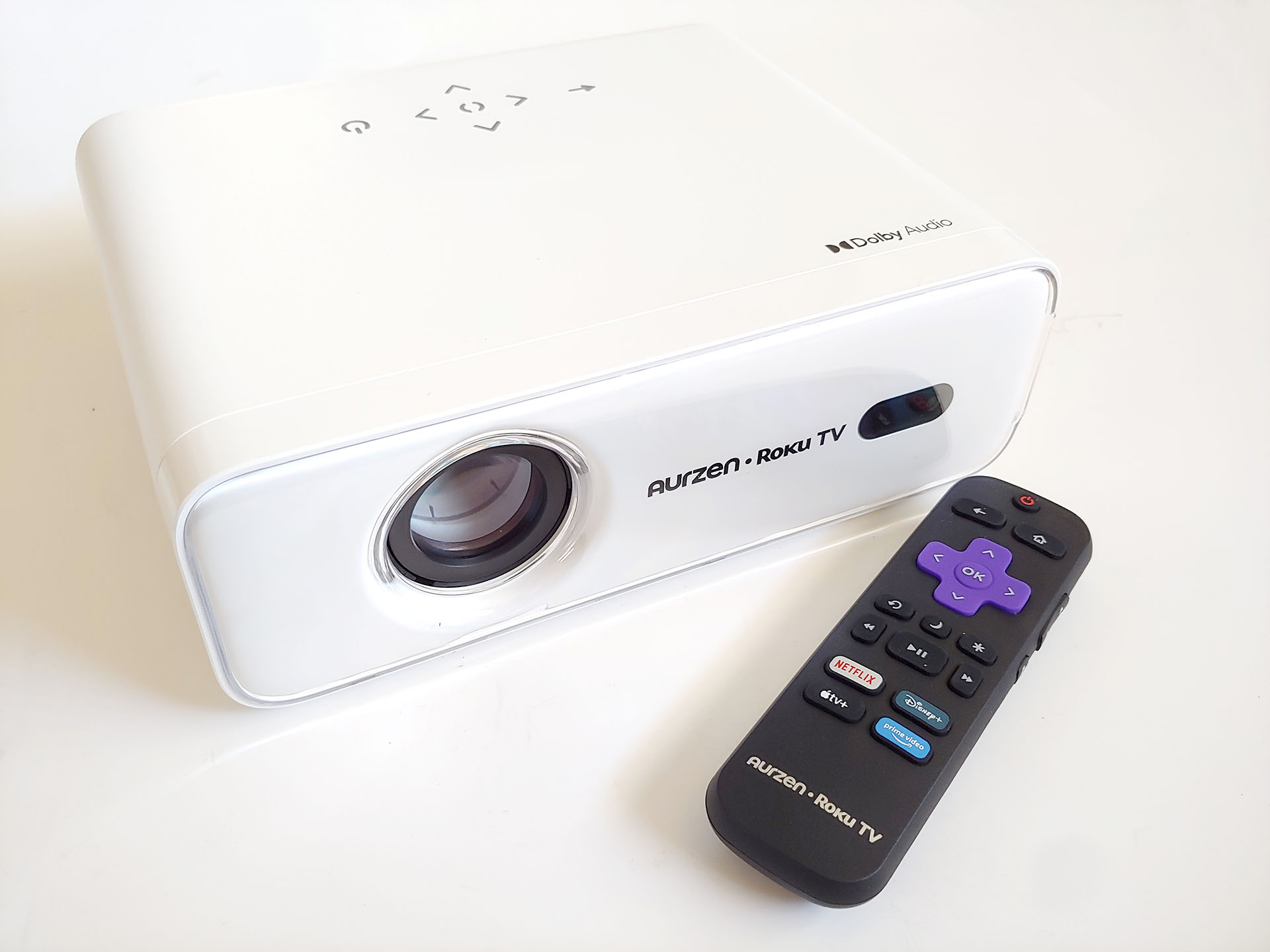
Aurzen Eazze D1R Roku TV Smart projector hands-on: Solid entry-level model
Versatile entertainer.
The 280 ANSI-lumen Aurzen Eazze D1R Roku projector delivers solid all-around performance with hundreds of free live TV and paid streaming channels, automatic image setup, and a wireless Bluetooth speaker mode.David Chien Published 🇳🇱 🇫🇷 ...
Verdict - Solid entry-level model
The Aurzen Eazze D1R delivers a bright projection with loud sound from dual Dolby Audio speakers, with automatic focus and keystone correction. Running Roku OS, it provides access to major streaming apps and hundreds of TV channels.
As trade-offs, Its light engine isn’t fully sealed and the fan is louder outside power‑saving mode, and setup requires both Internet access and a Roku account.
The compact D1R can be ceiling‑mounted, used as an external monitor for PCs and game consoles, or function as a wireless Bluetooth speaker for smartphones.
Pros
Cons
Price and availability
The Aurzen Eazze D1R projector has an MSRP of $199.99. It is available for 40% off for a limited time on Amazon.

The Aurzen Eazze D1R projector delivers good all-around performance with solid image performance and room-filling sound.
Specifications
| Maximum Resolution | Full HD (1,920 x 1,080) |
| Projection Technique | LCD panel with LED light source |
| Image Correction | Automatic focus and keystone correction |
| Image size | 60 to 200 inches |
| Operating System | Roku OS |
| RAM / ROM | 1 GB / 4 GB |
| I/O | HDMI 1.4, USB-A 2.0, 3.5mm audio out |
| Wireless | 2.4 GHz & 5 GHz Wi-Fi and Bluetooth |
| Speaker | Dual 5-watt speakers with Dolby Audio |
| Brightness | 280 ANSI lumens |
| Supported media | Audio: MP2, MP3, PCM, FLAC |
| Video: AV1, MP4, MKV, FLV, MOV, 3GP, MPEG1, MPEG2, XVID | |
| Photo: JPG, PNG, JPEG | |
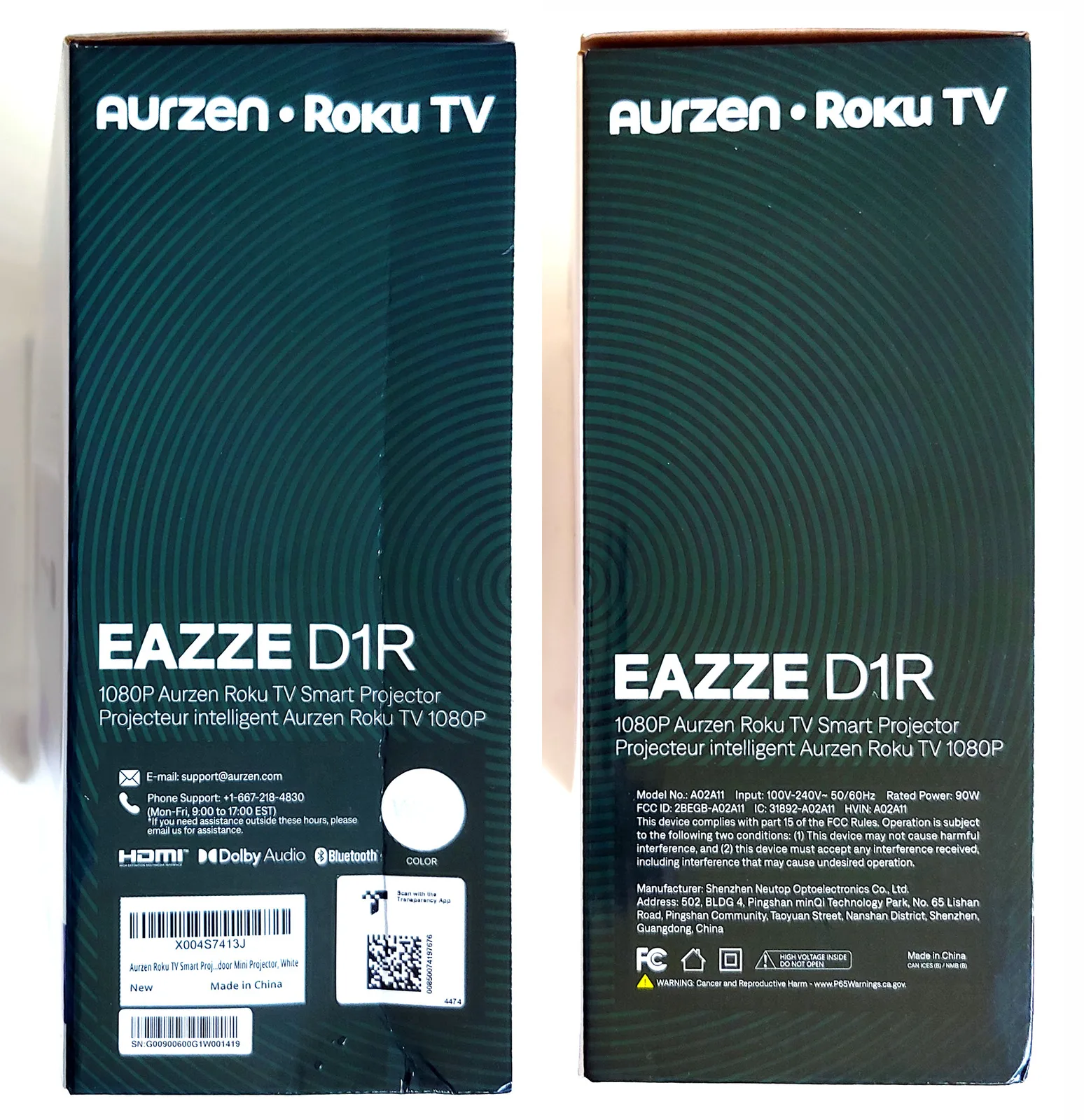
| Dimensions | 9.1 x 7.5 x 3.2 in. (231 × 191 × 81 mm) |
| Weight | 3.1 lbs. (1.4 kg) |
| Noise | Under 40 dB at 1 m (3.3 ft.) |
| Power | 90 W at 100-240 V, 50/60 Hz |
Package contents
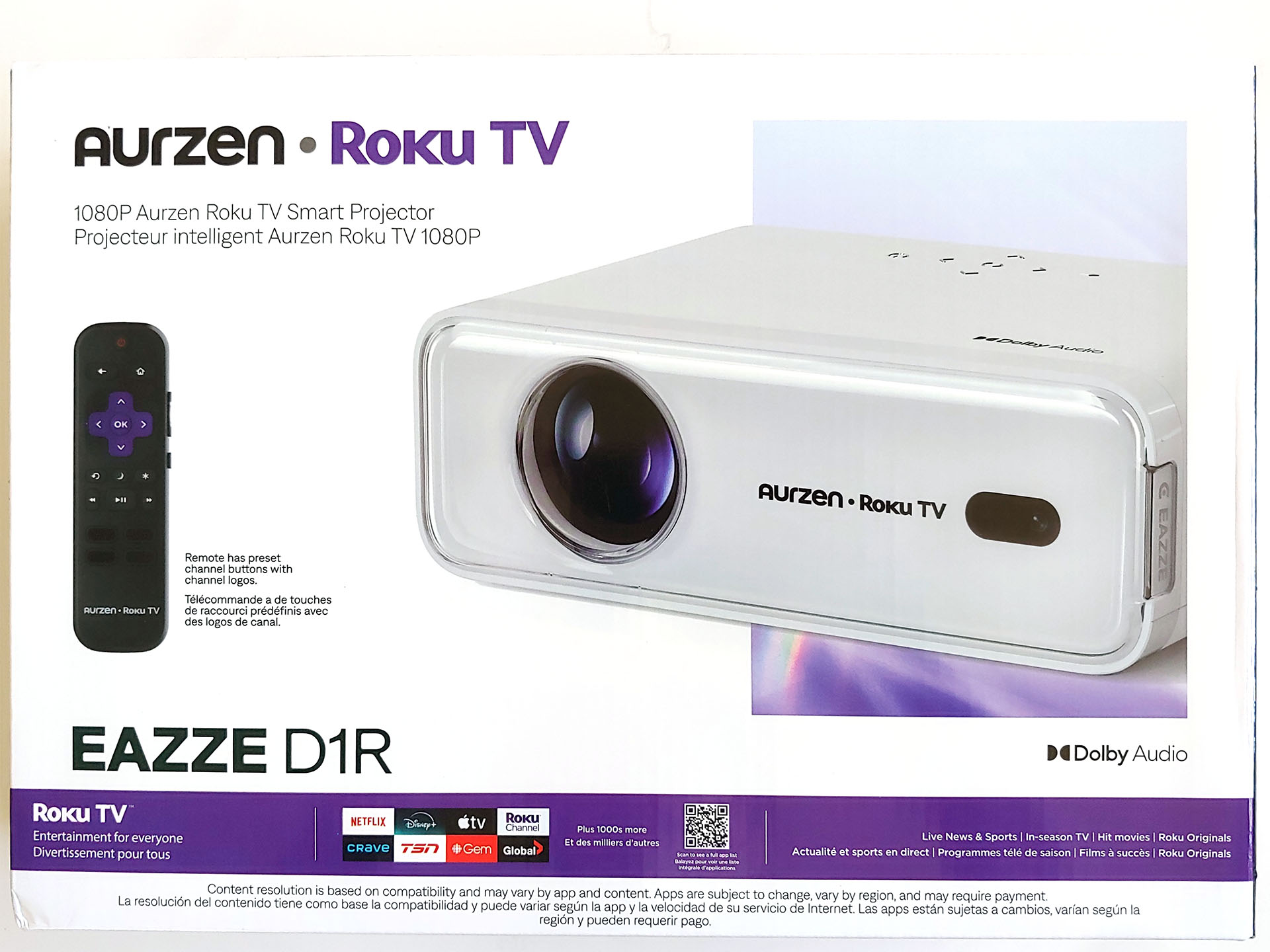
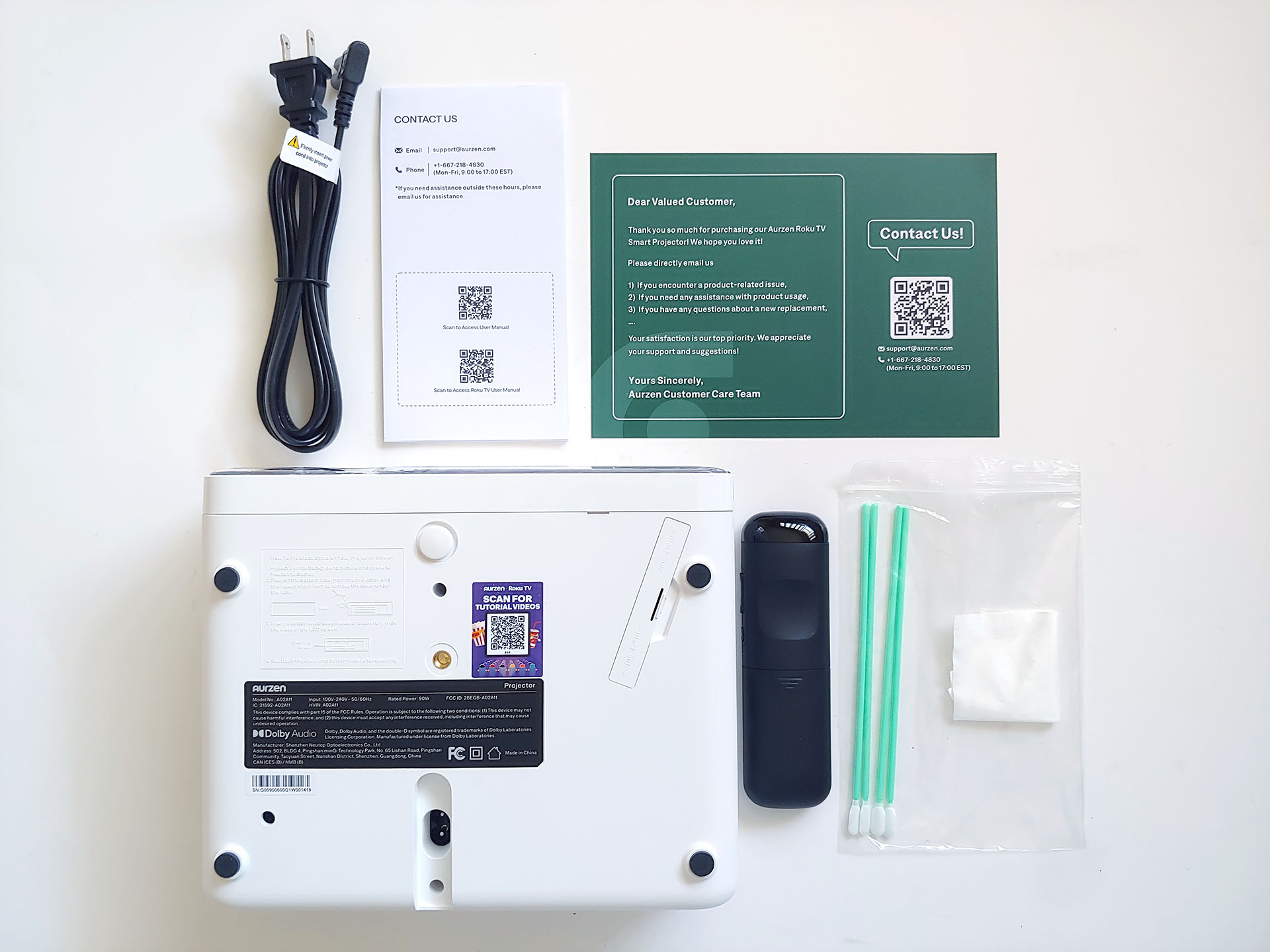
The projector included a quick-start guide, warranty card, AC power cord, cleaning swabs and wipes, and a remote control.
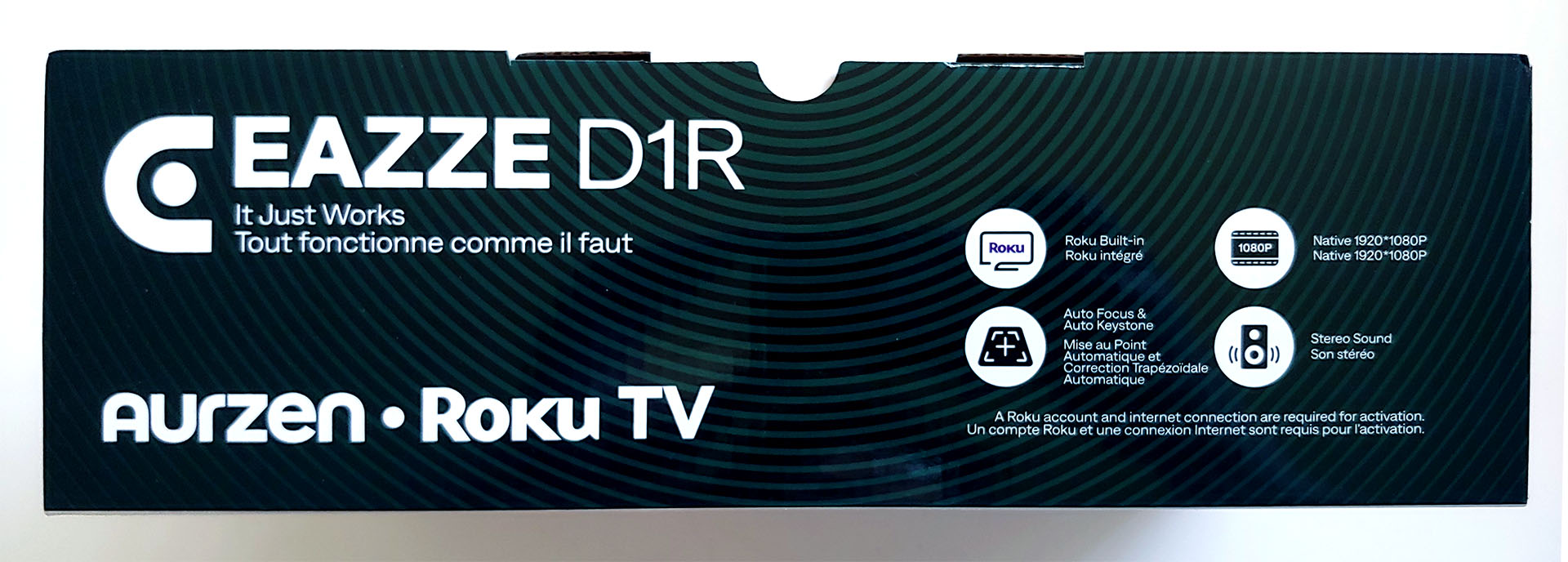
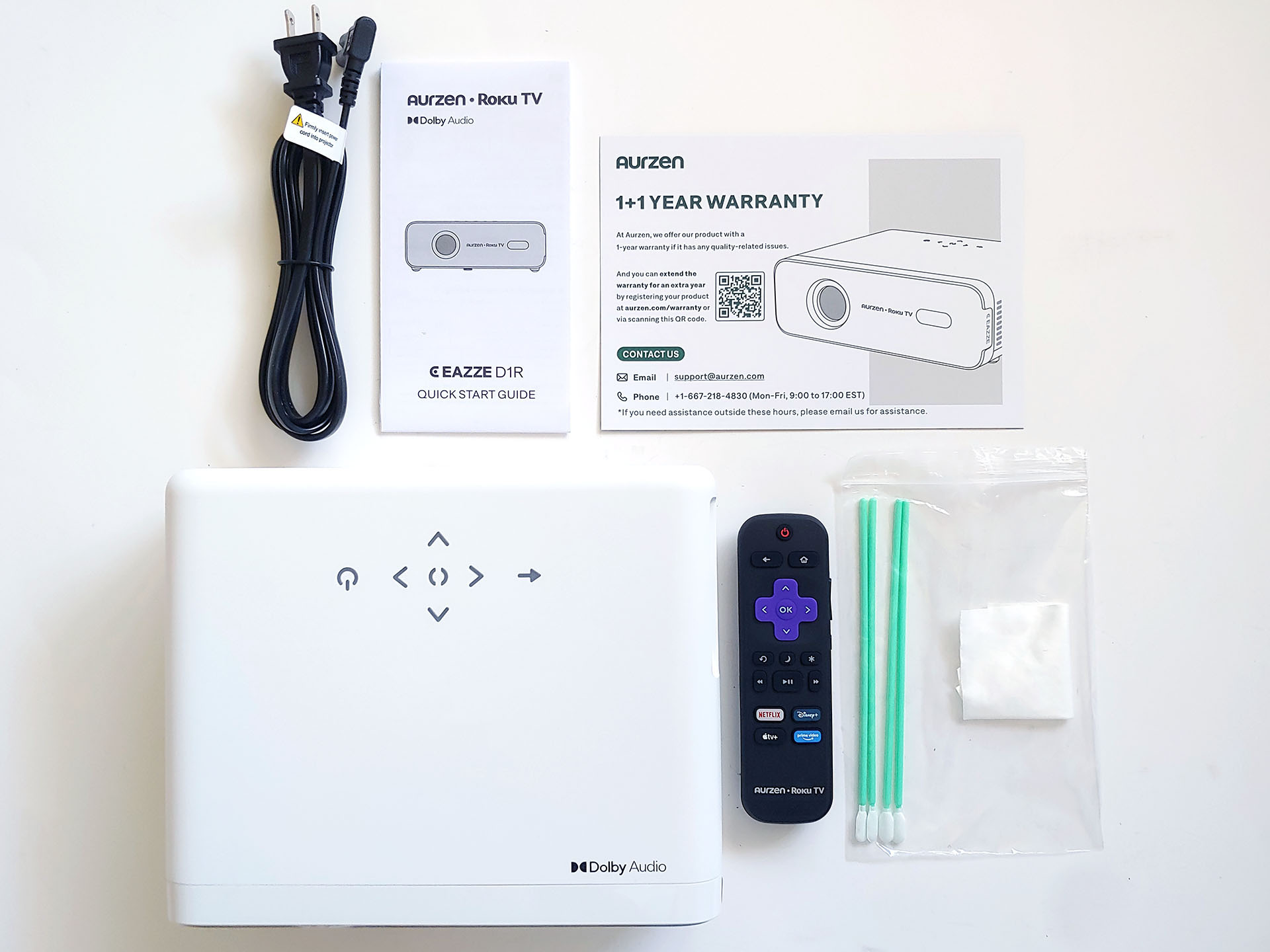
Design – A traditional horizontal layout
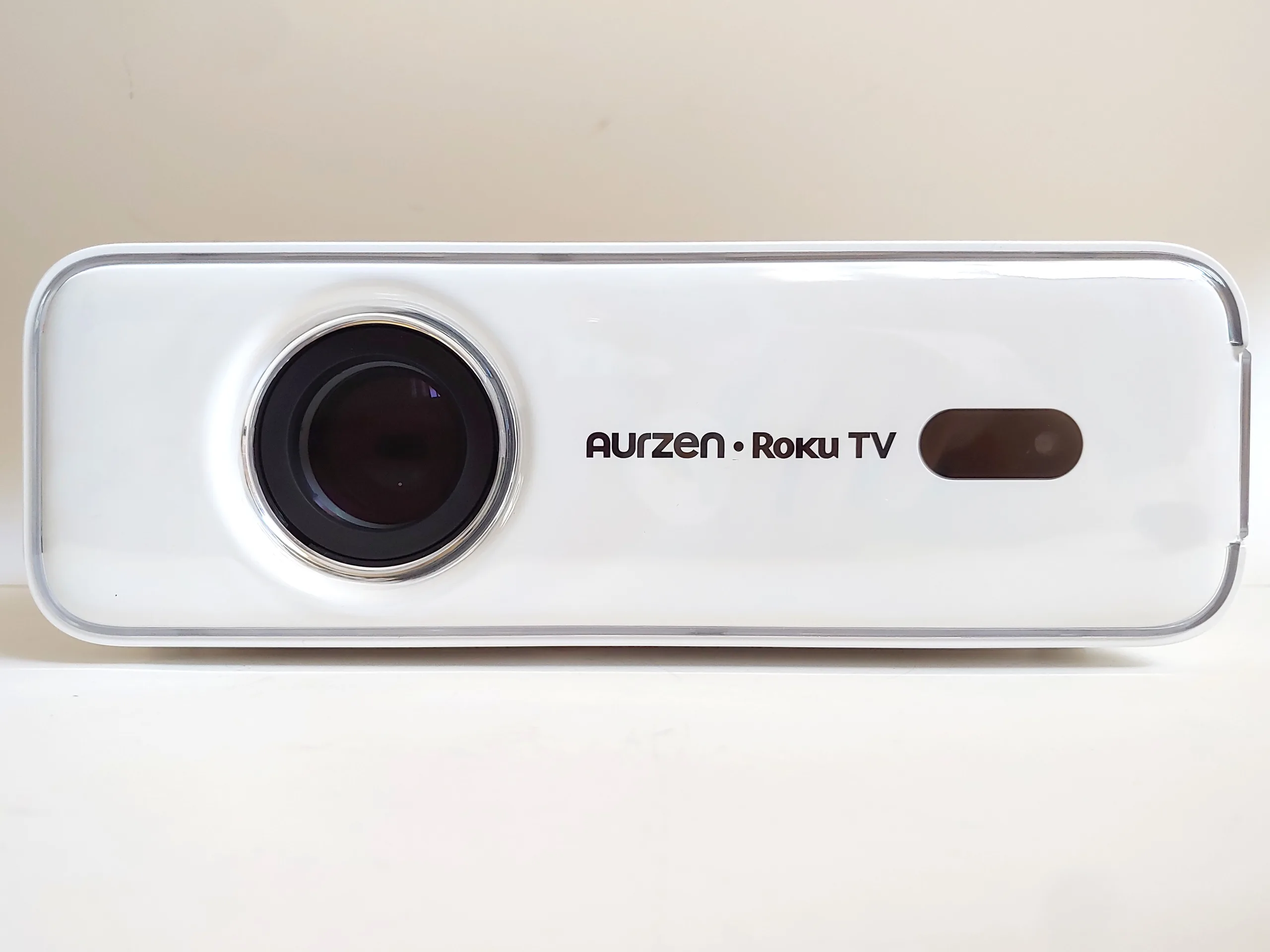
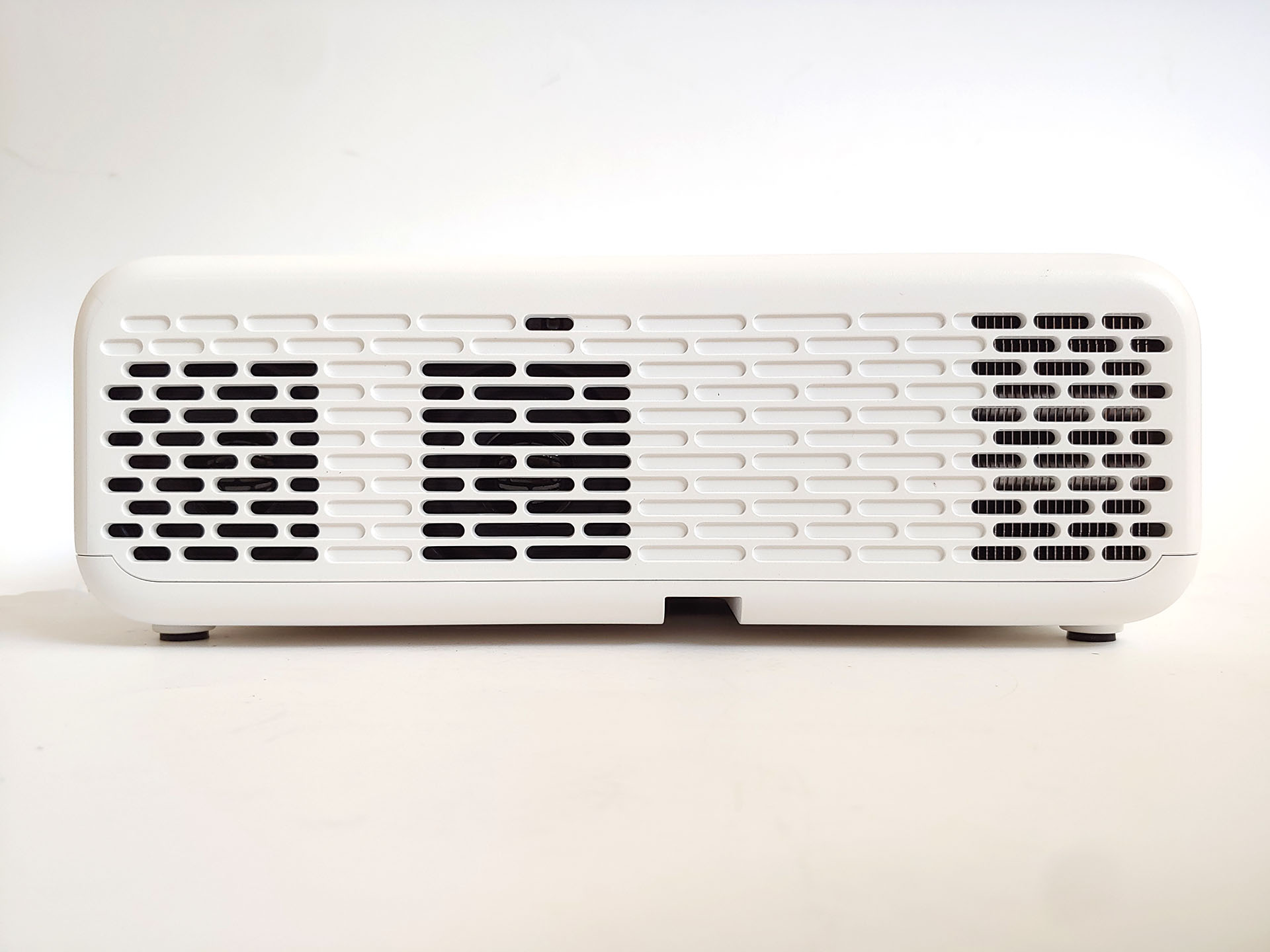
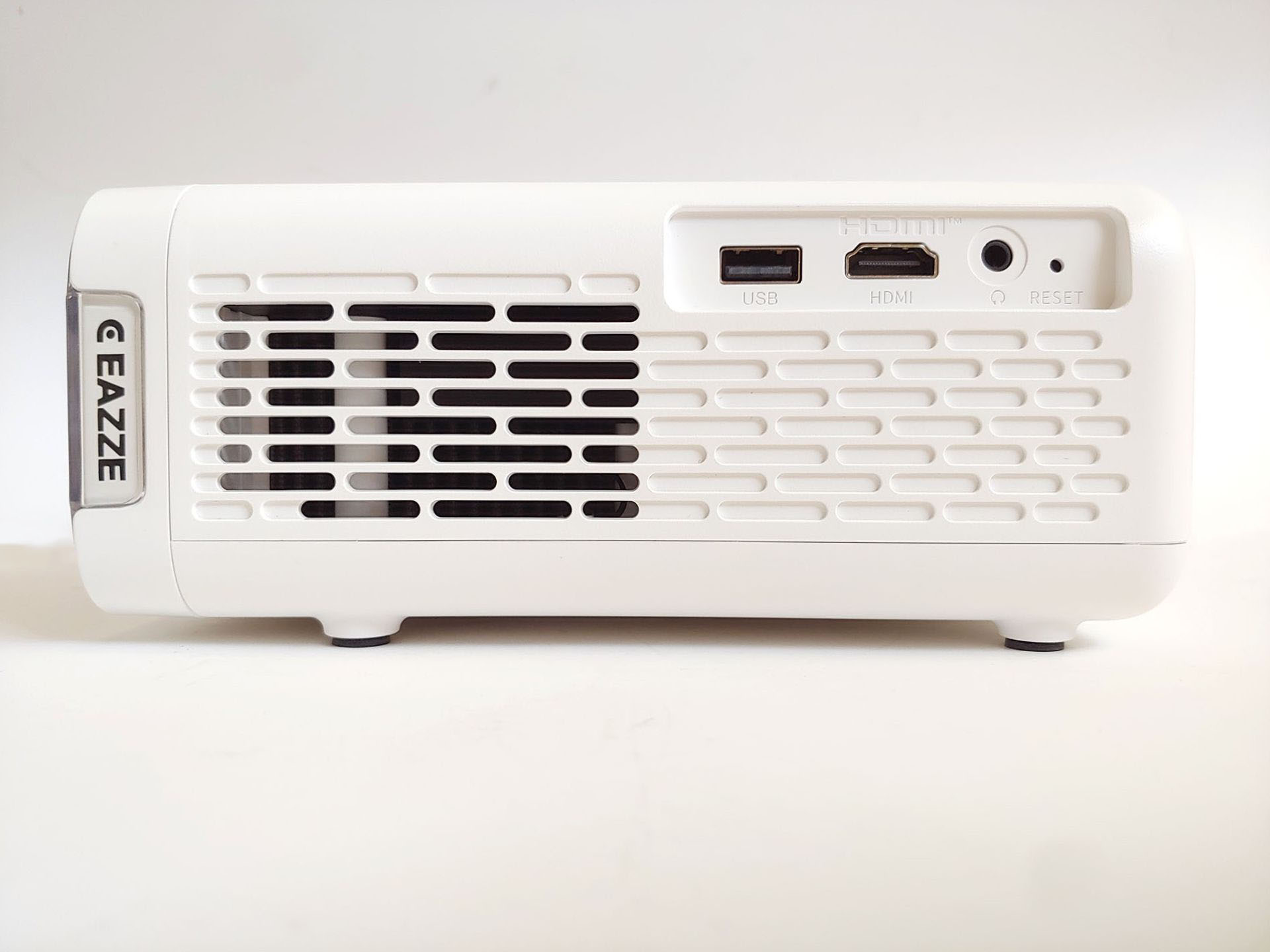
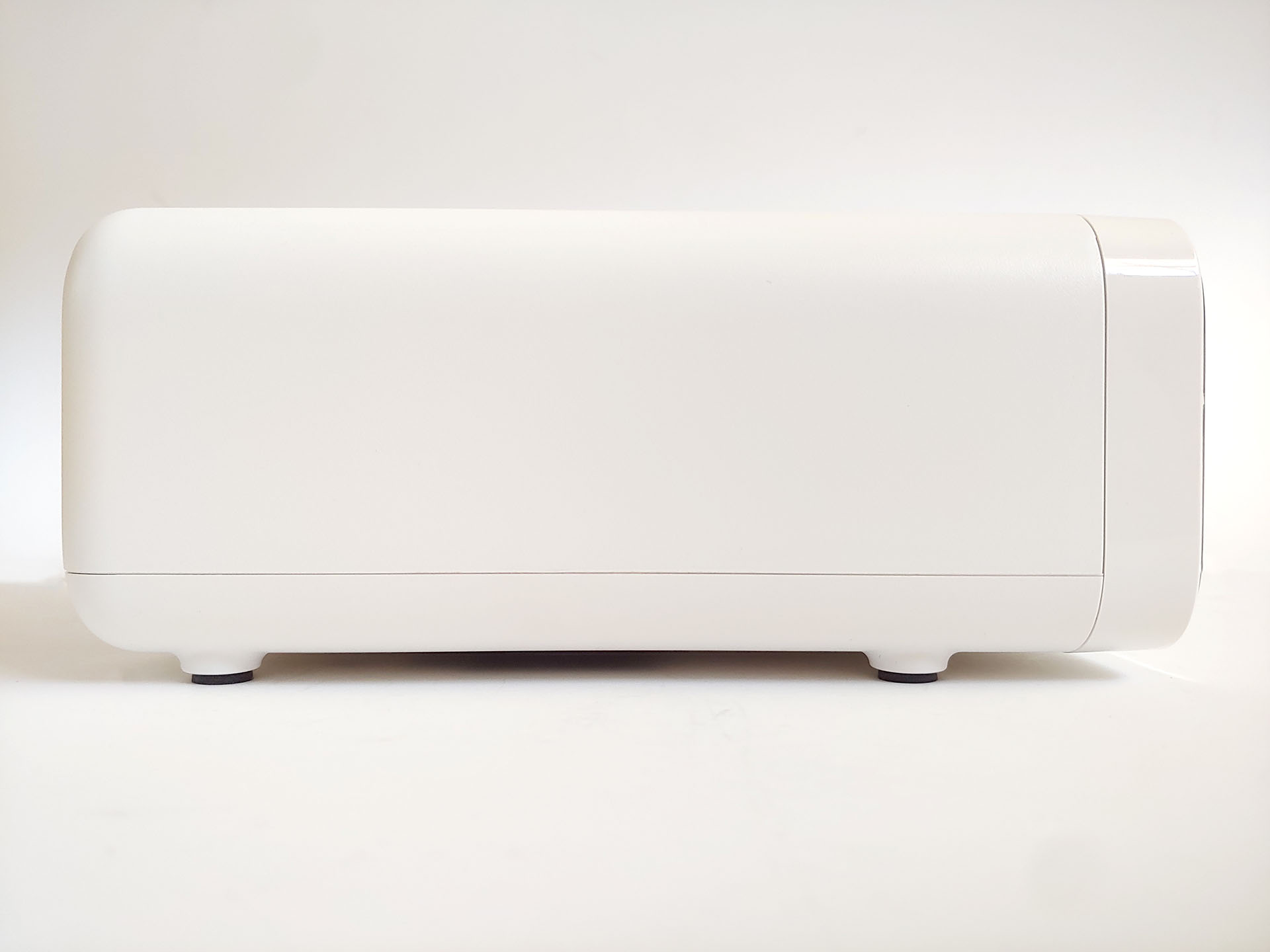
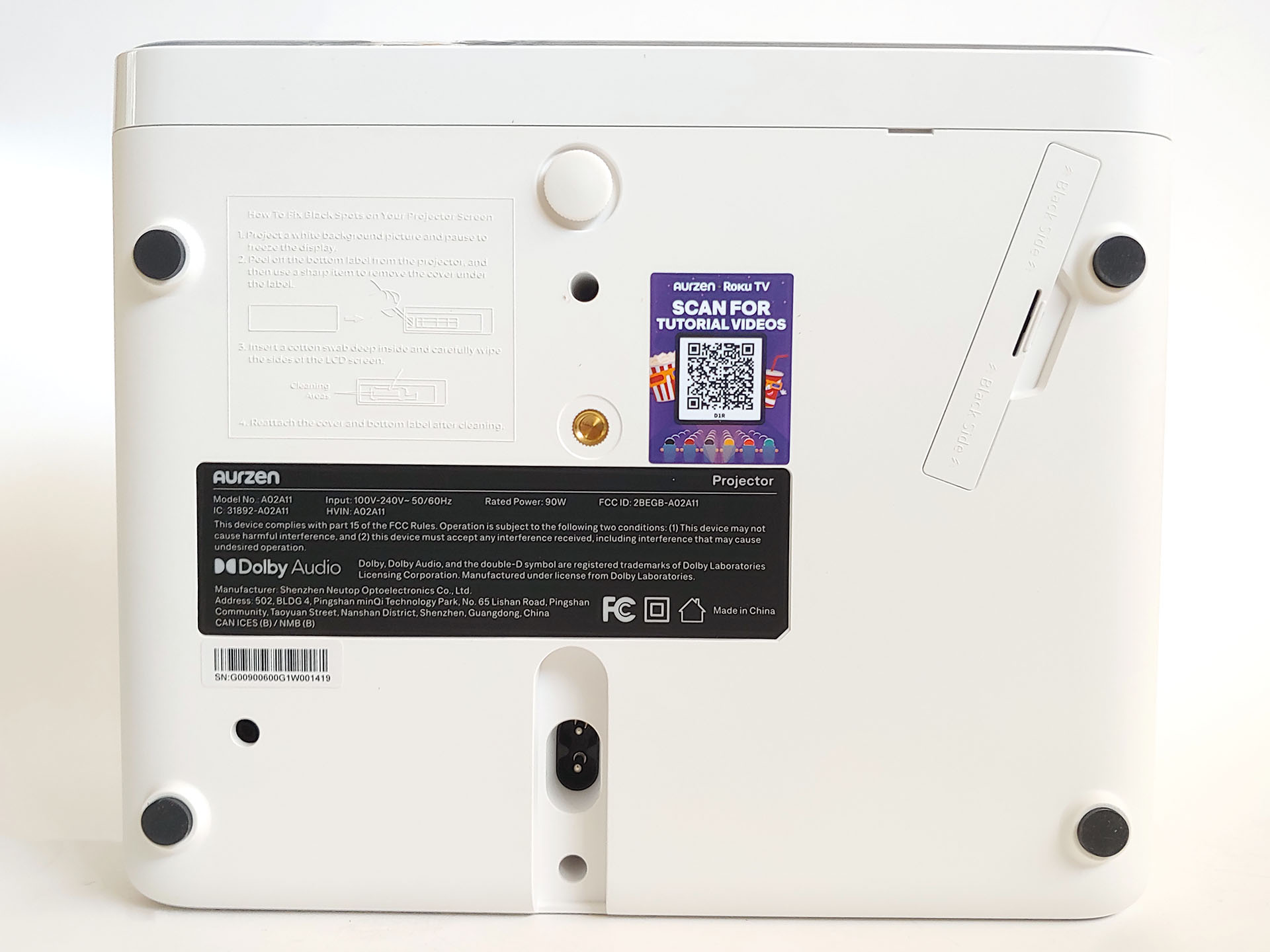
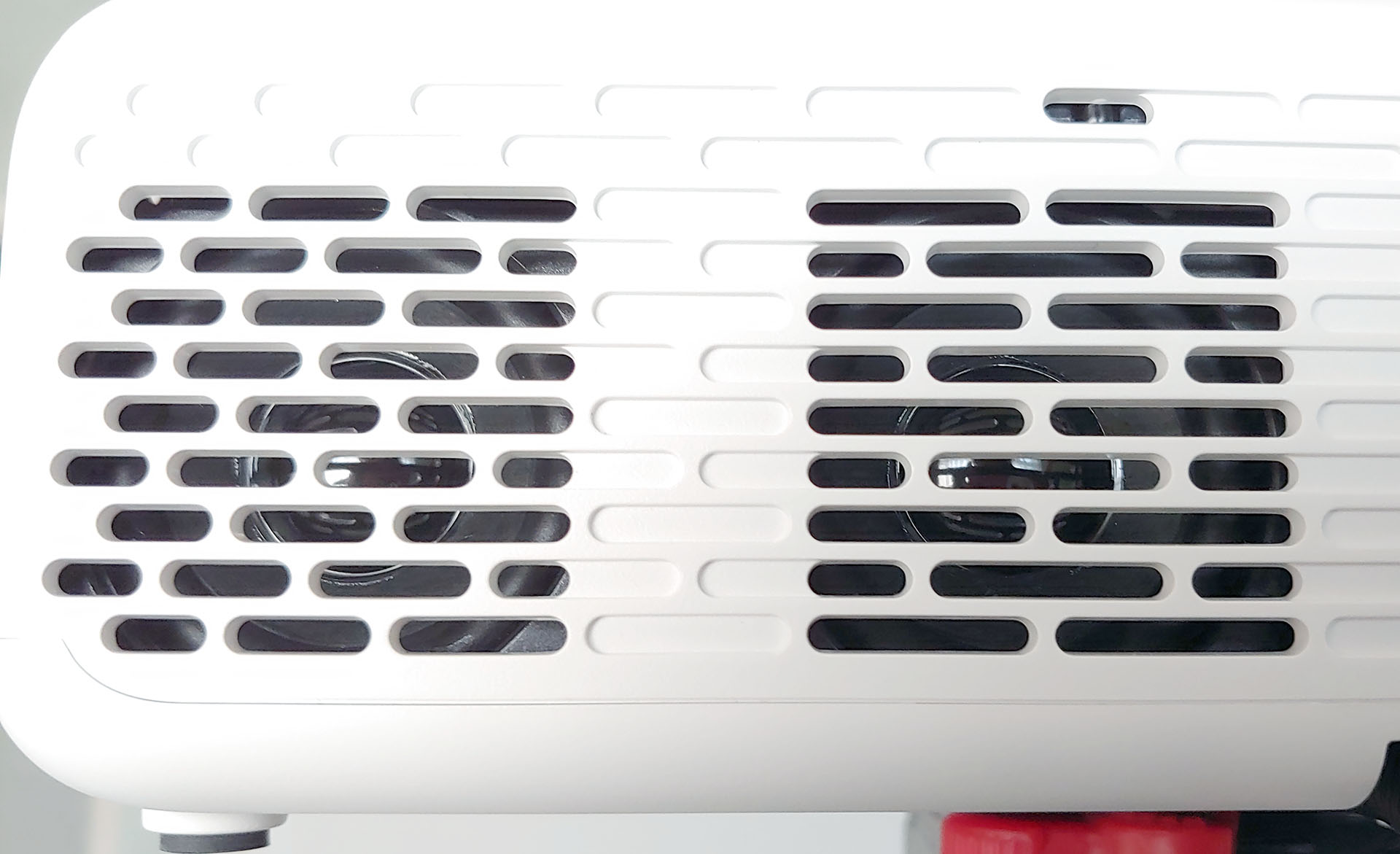
The Aurzen D1R has a white plastic body with a bottom tripod socket for stand or ceiling mounting. Its horizontal design sits securely on tables. The rounded body uses a screened exhaust, which reached 46.0°C (114.8°F) on a 27.8°C (82.0°F) night during testing.
The light engine isn’t fully sealed, but an access panel allows dust removal with the included swabs. The AC cord routes cleanly through a recessed channel to the bottom power socket.
Controls and connections
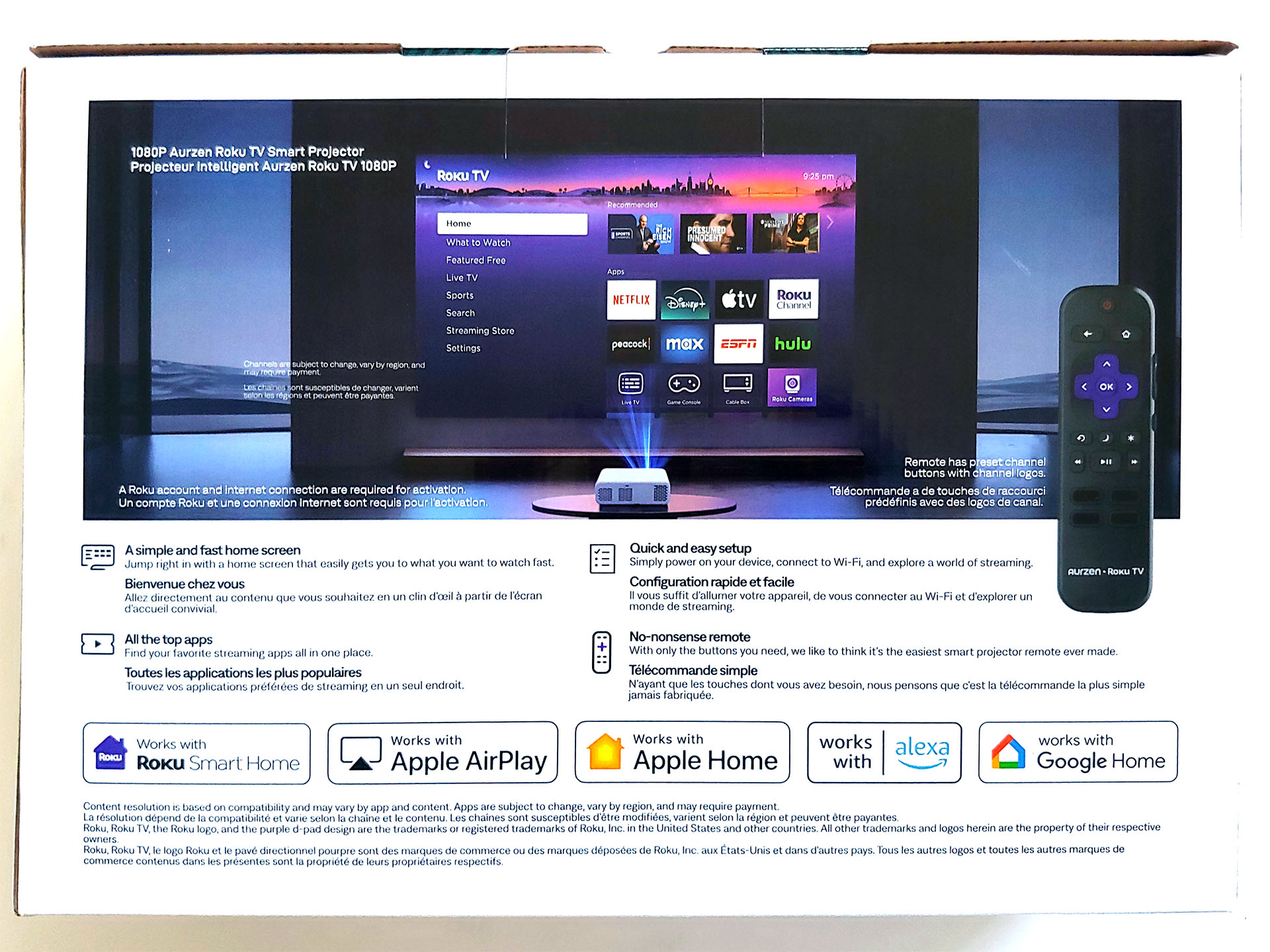
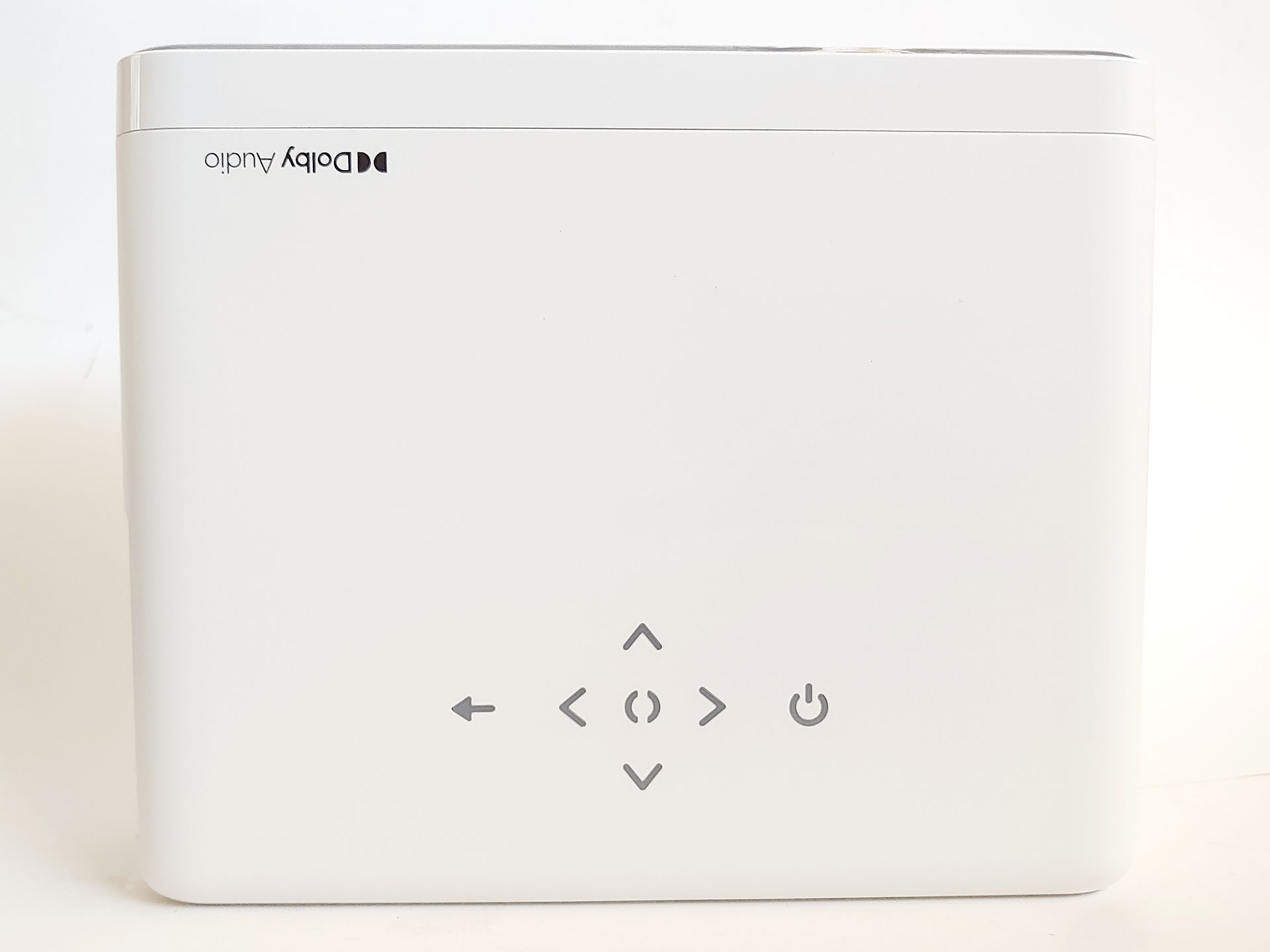
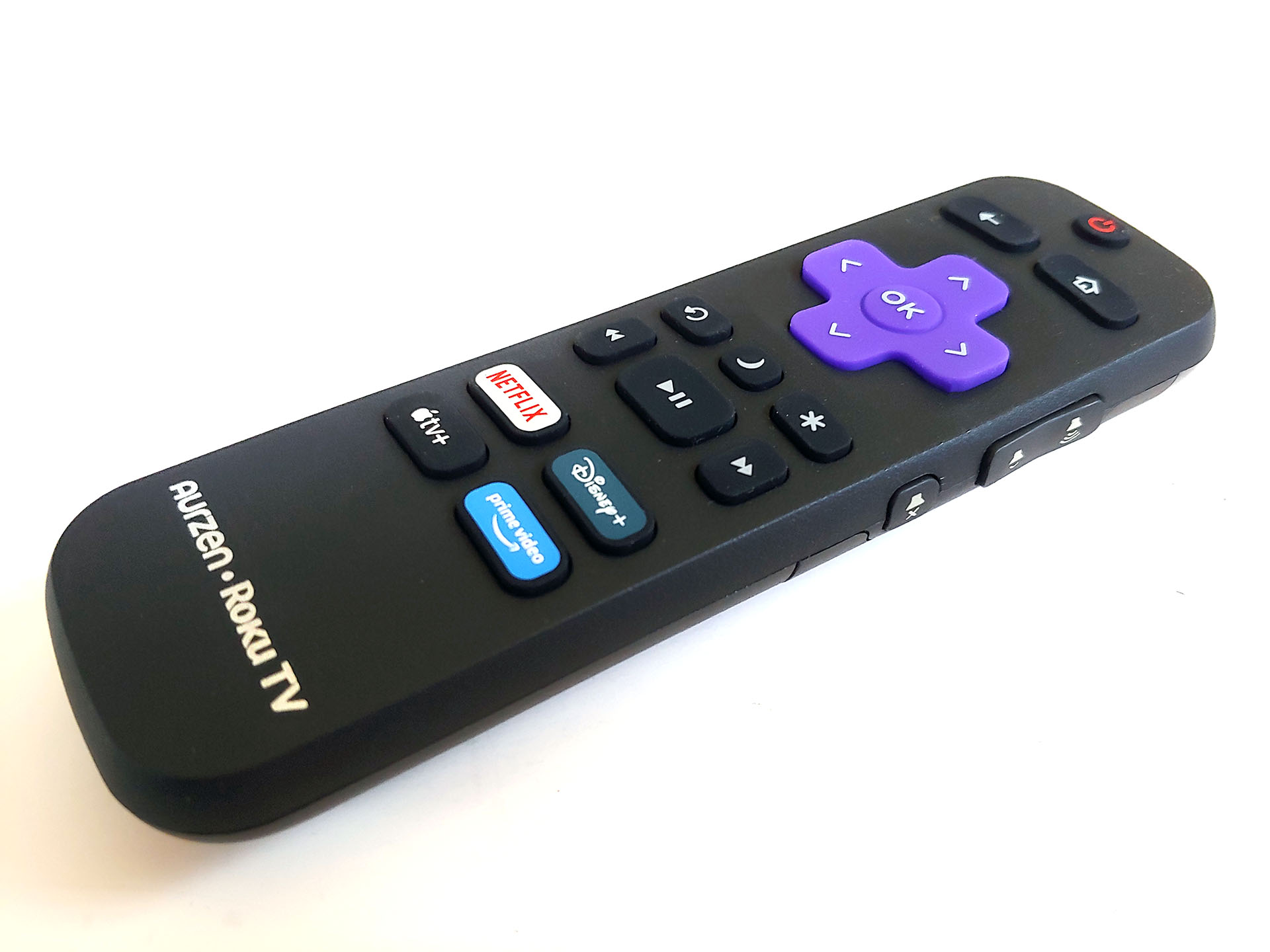
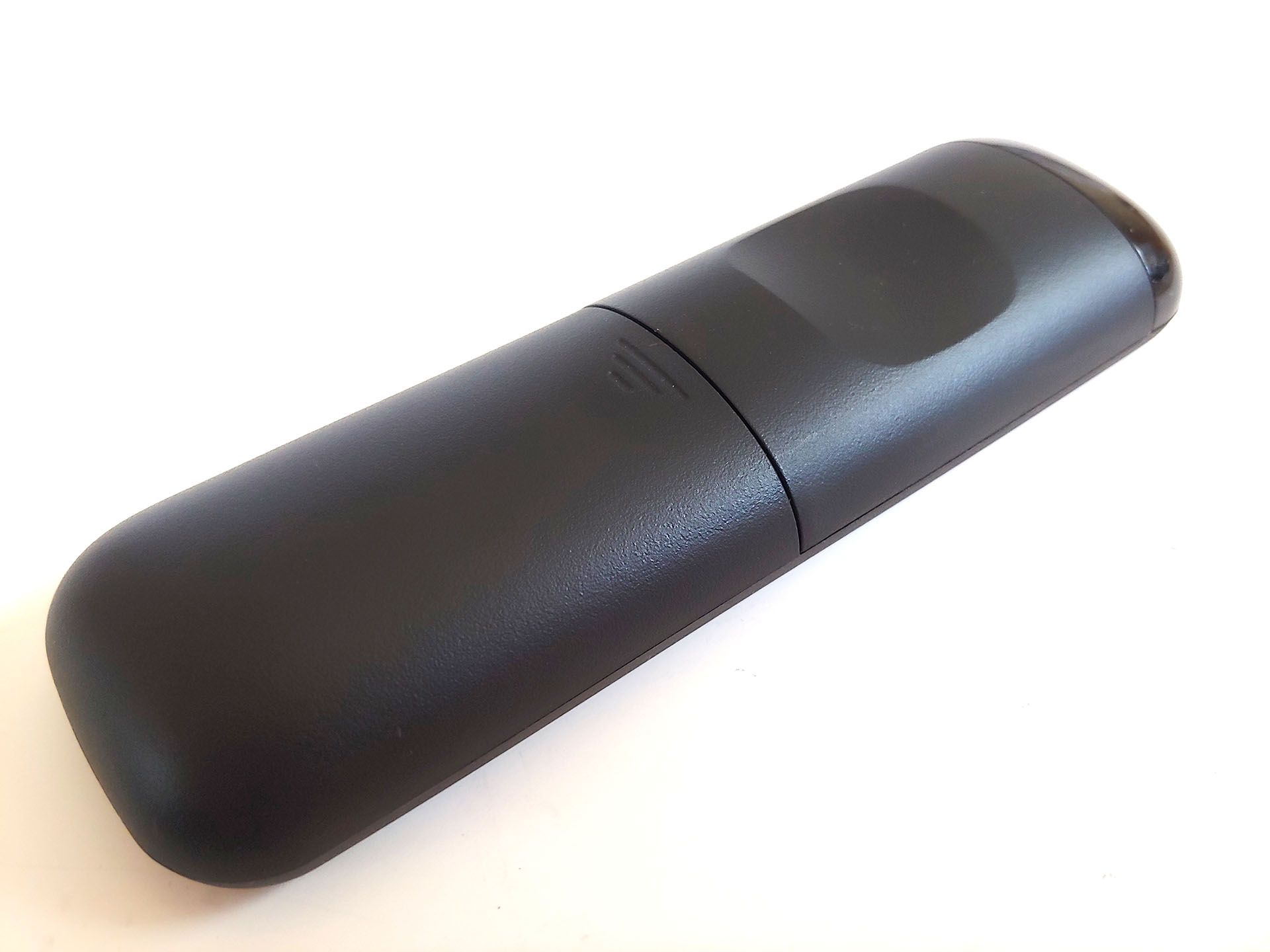
The Aurzen D1R has touch controls on top and a non‑lit remote. It supports voice control through major smart home systems, including Roku Smart Home and and Google Home.
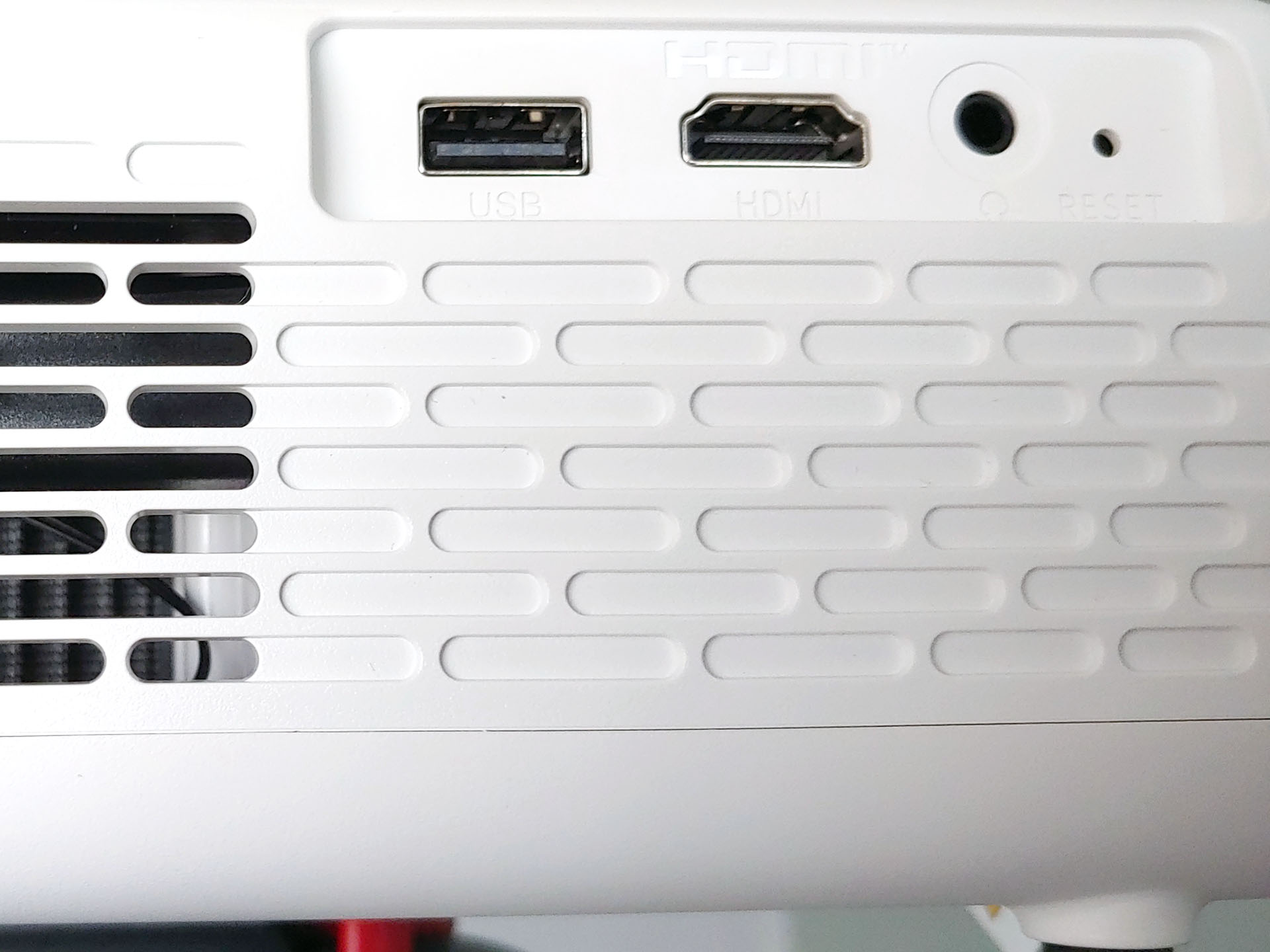
An HDMI port, a USB‑A port, and a 3.5 mm audio jack sit along one side, and smartphone users can mirror their screens wirelessly.
Initial setup
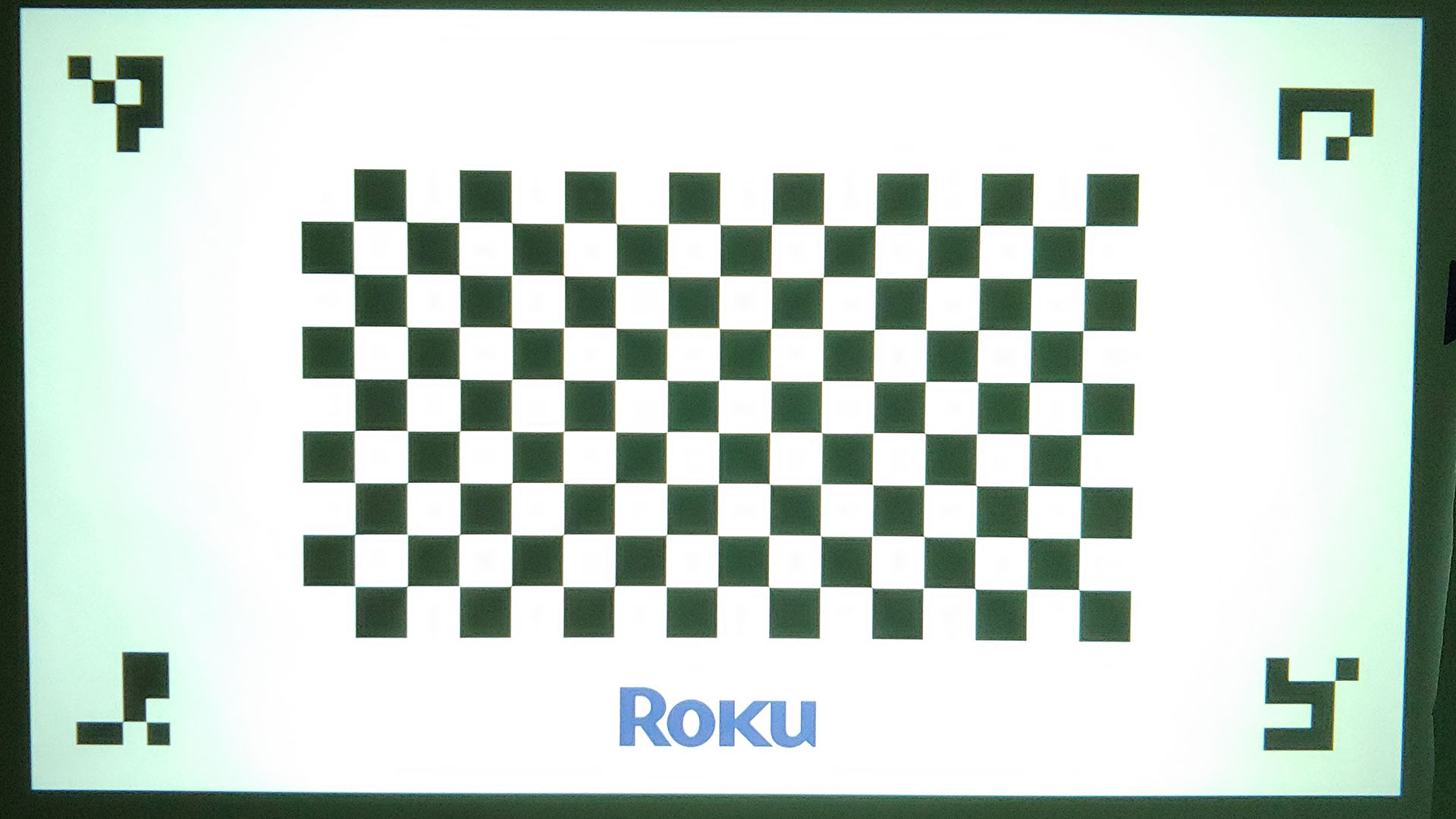
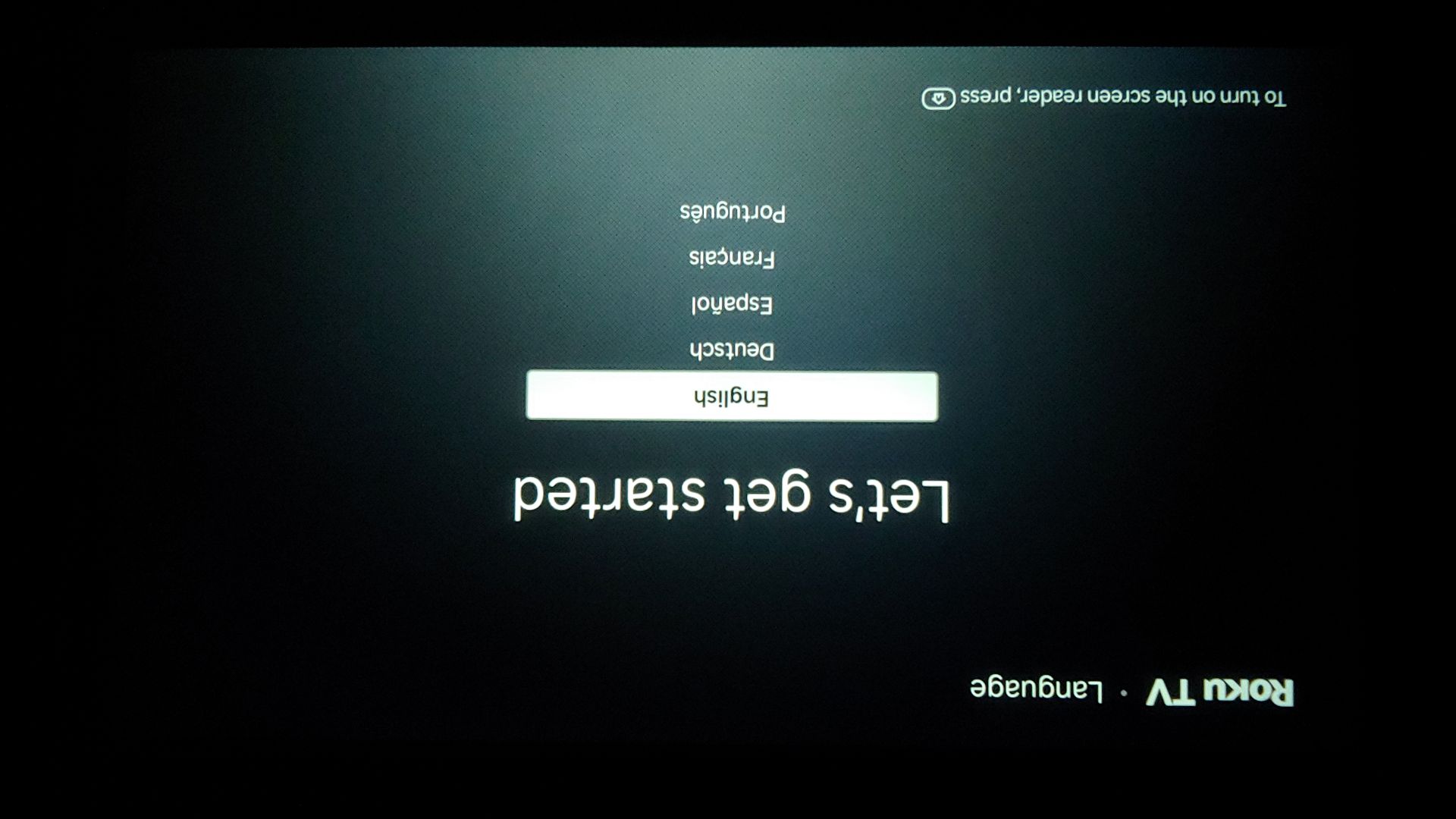
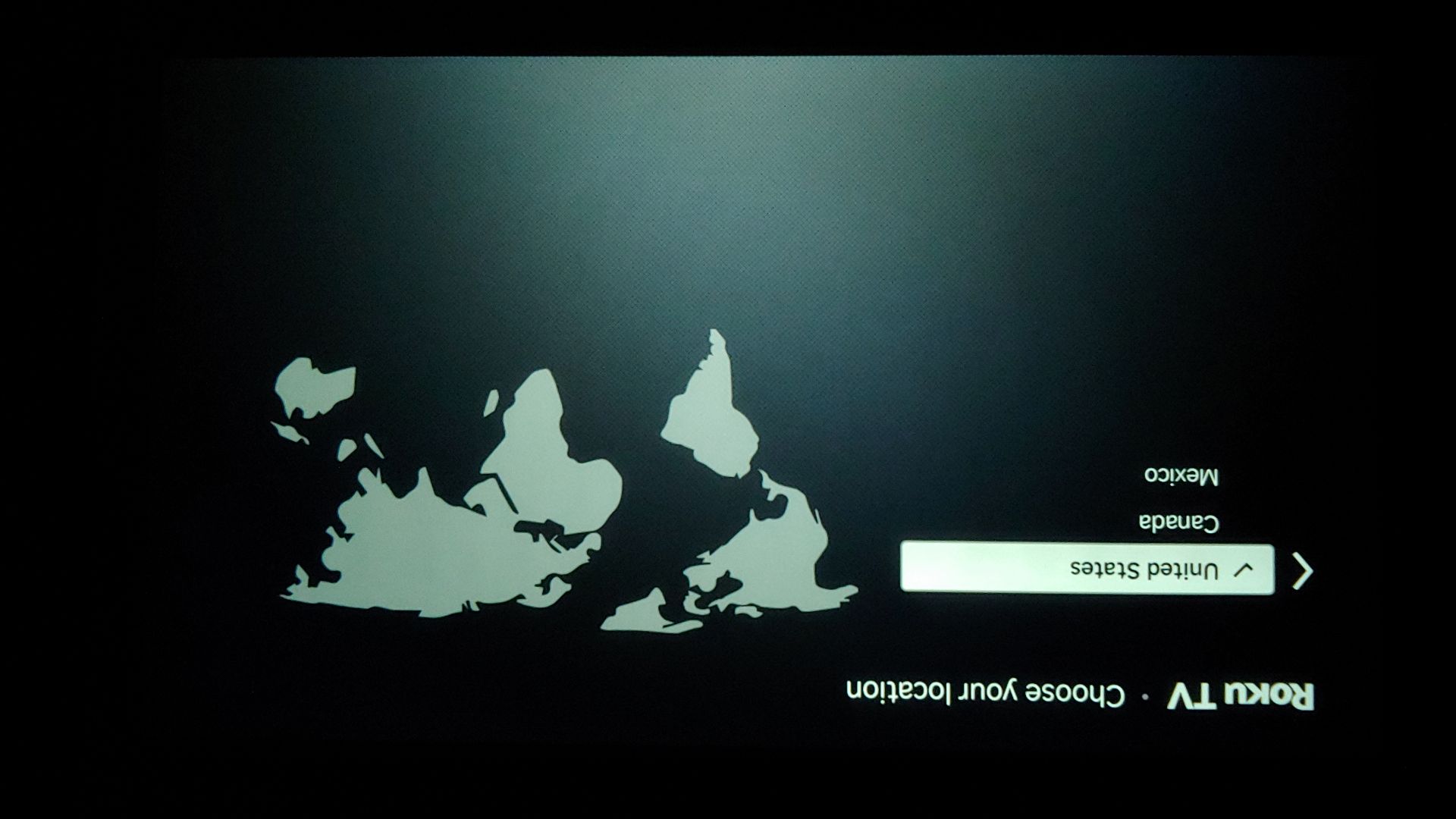
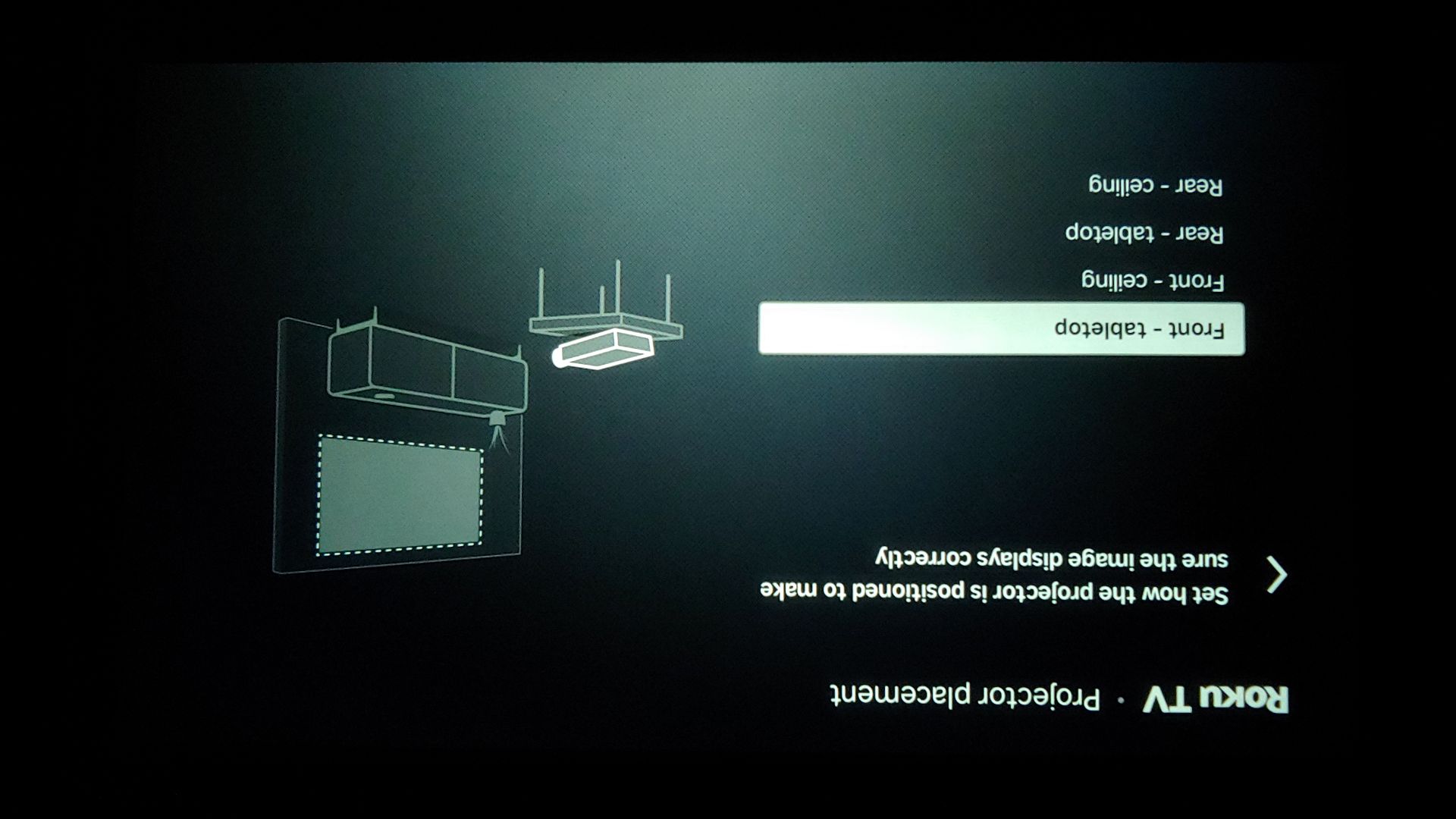
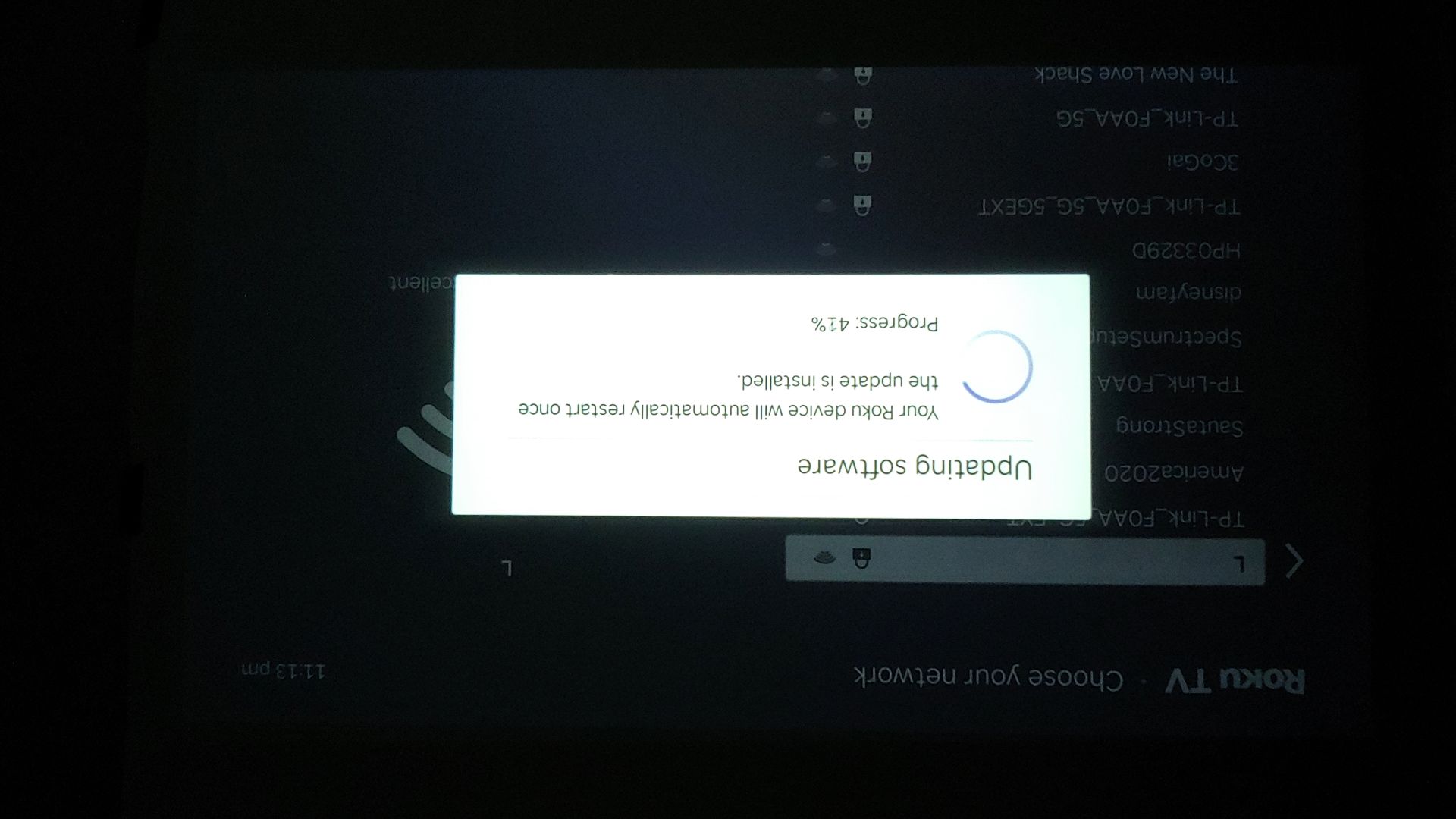
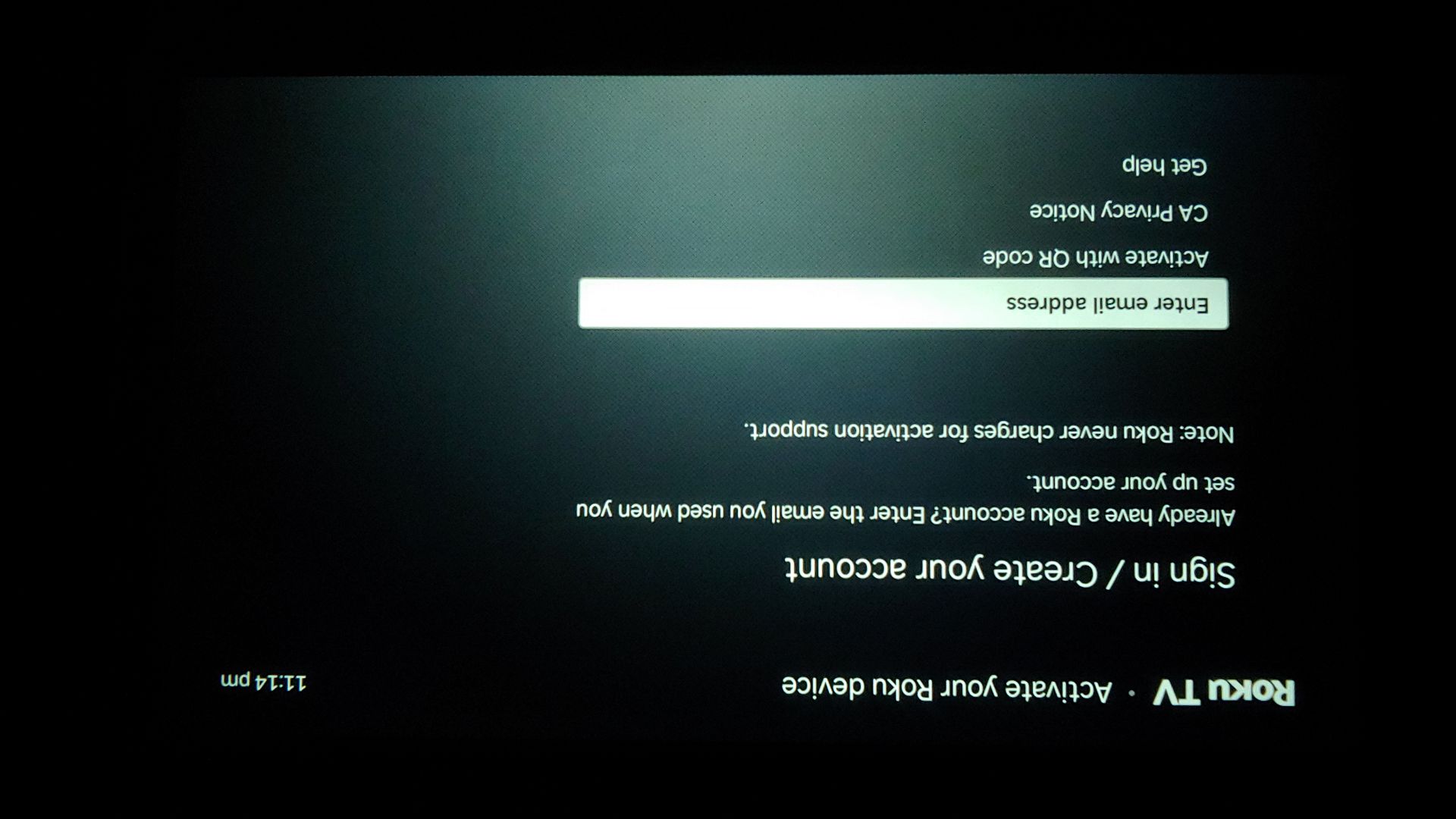
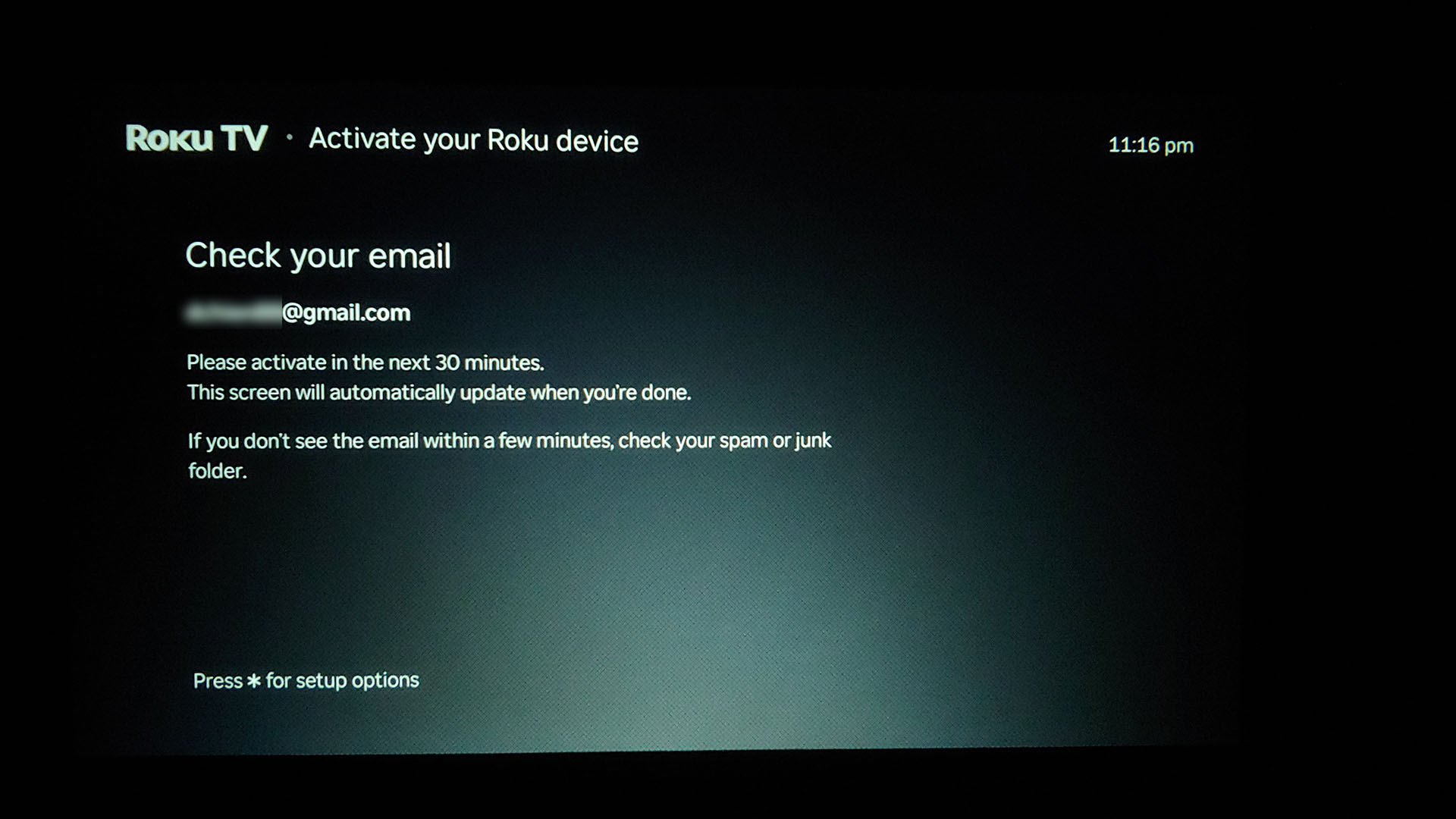
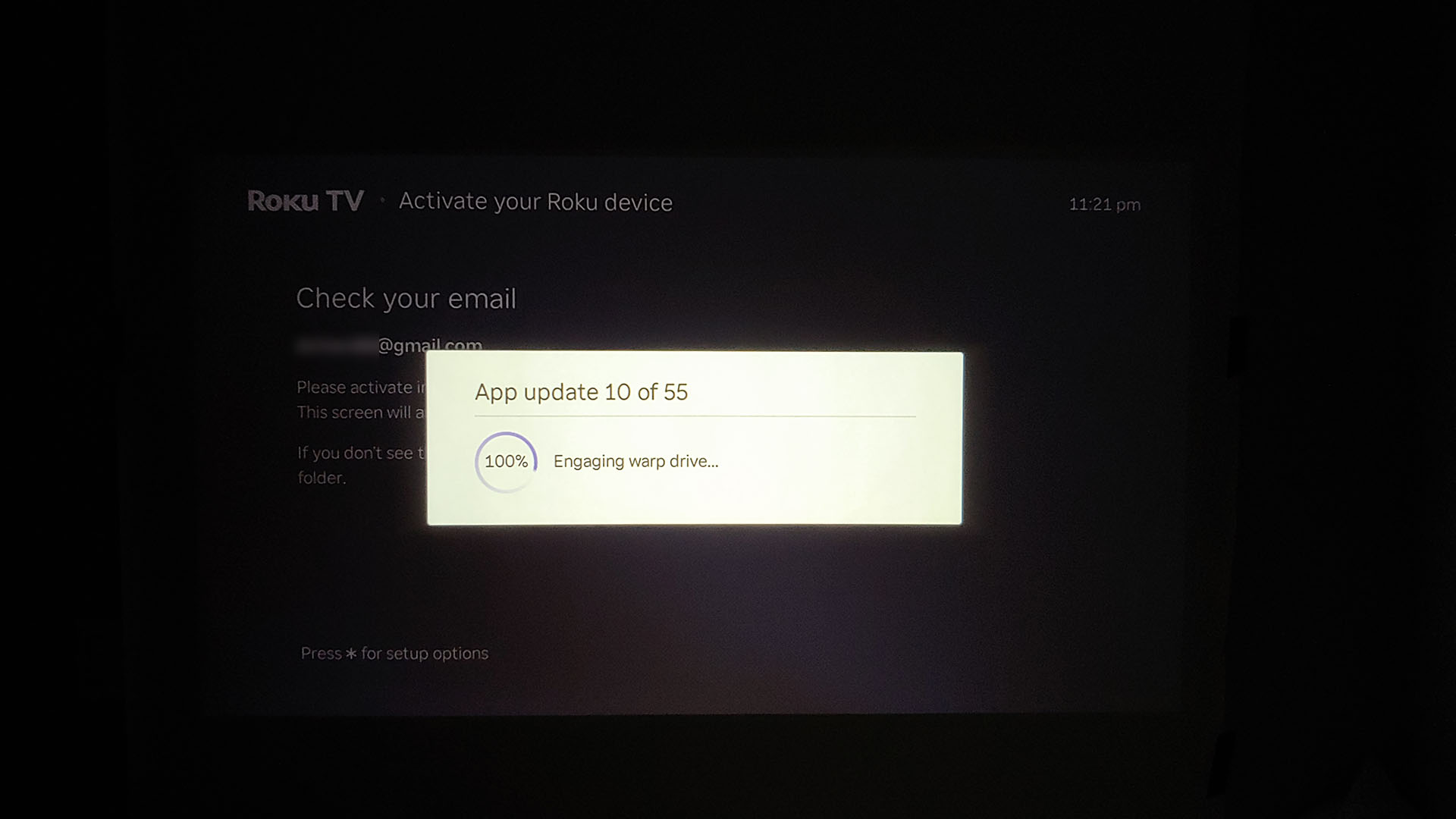
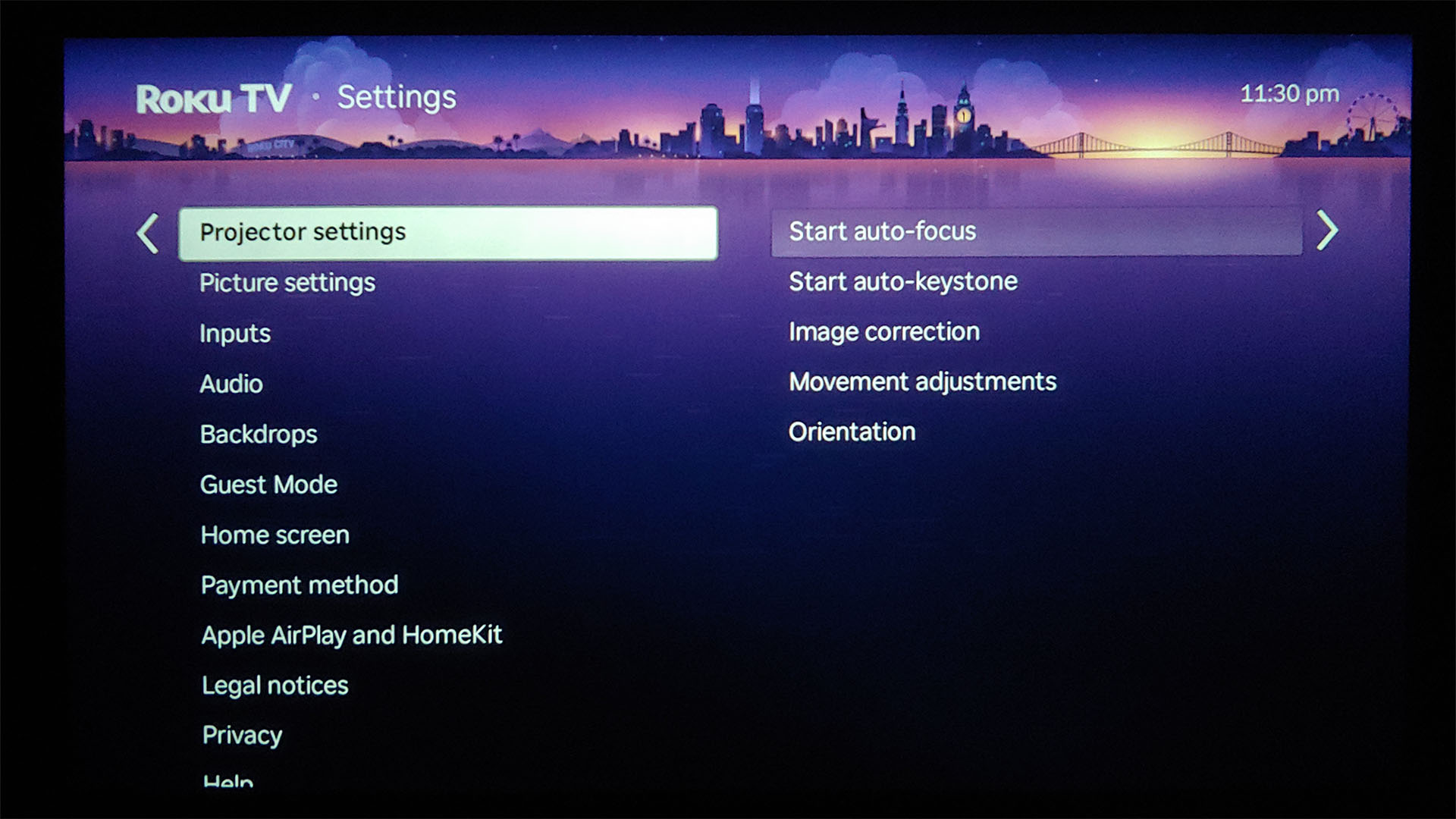
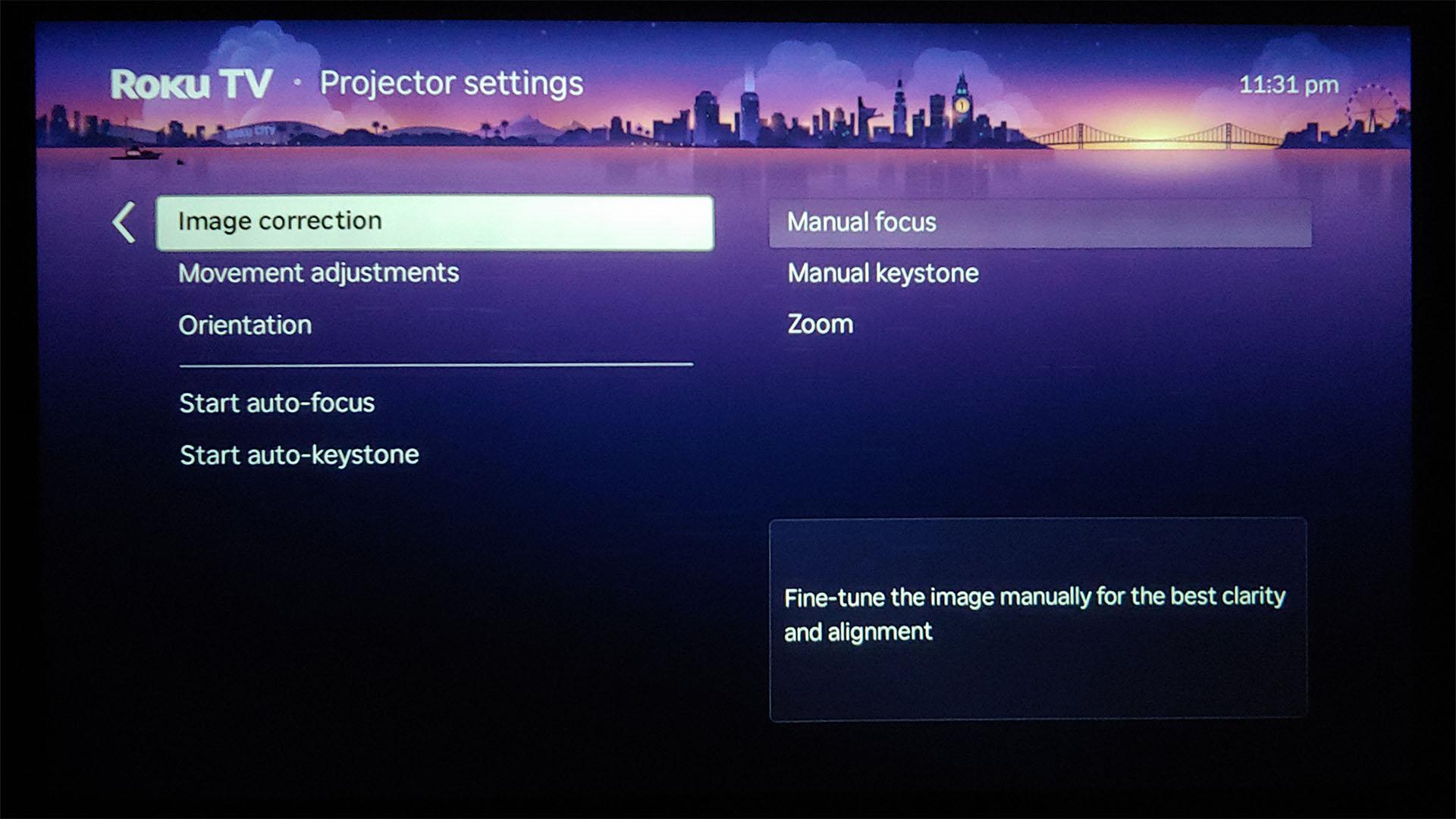
The D1R requires an Internet connection and a Roku account for setup. It supports Wi‑Fi but not proxied networks. The image auto‑adjusts when powered on or moved, with manual controls available.
Automatic keystone correction digitally squares the image without altering the projection beam, and the small amount of light leakage in inactive areas is well‑controlled and generally not perceptible.
Roku OS – Hundreds of free and paid channels
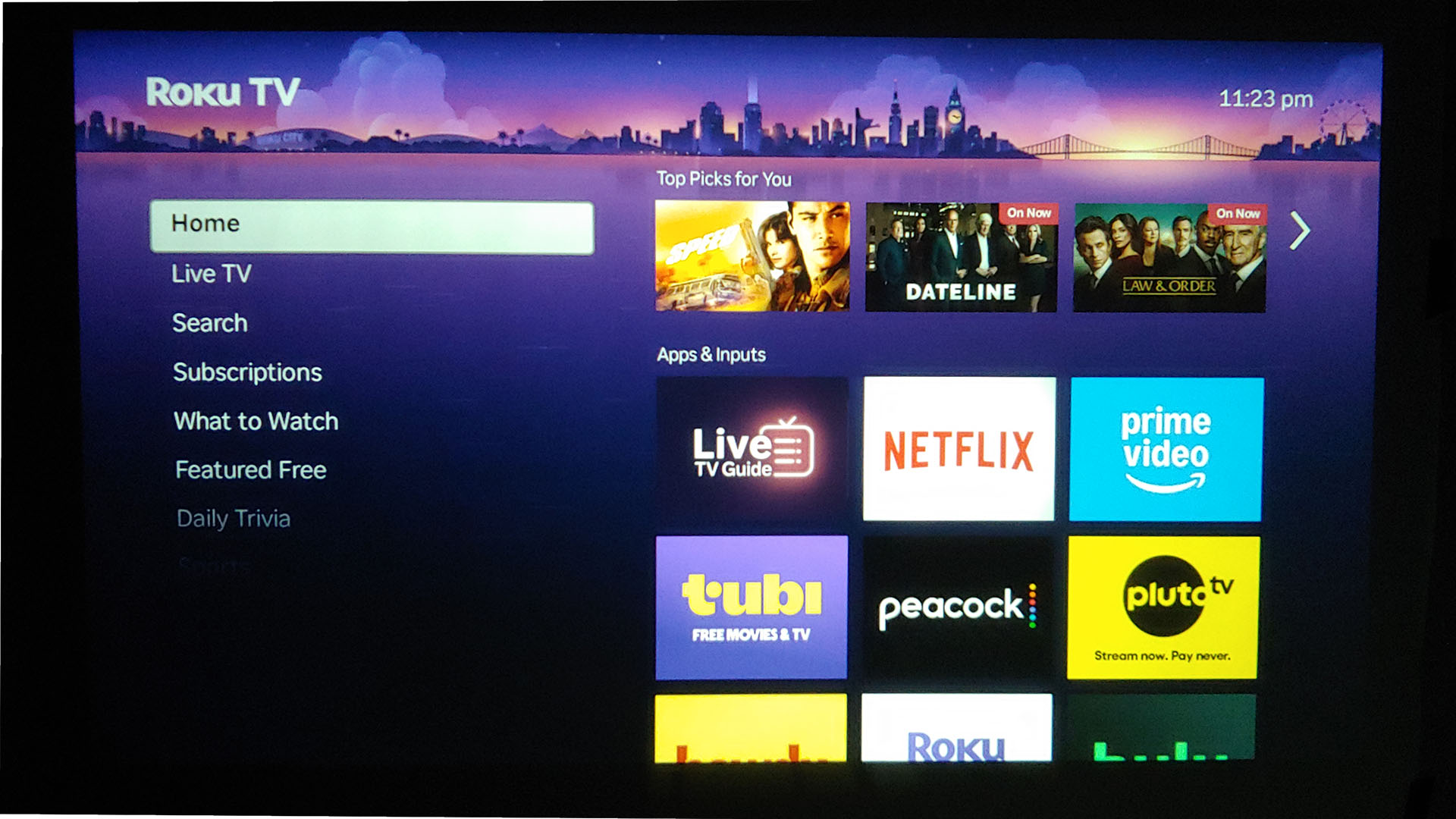
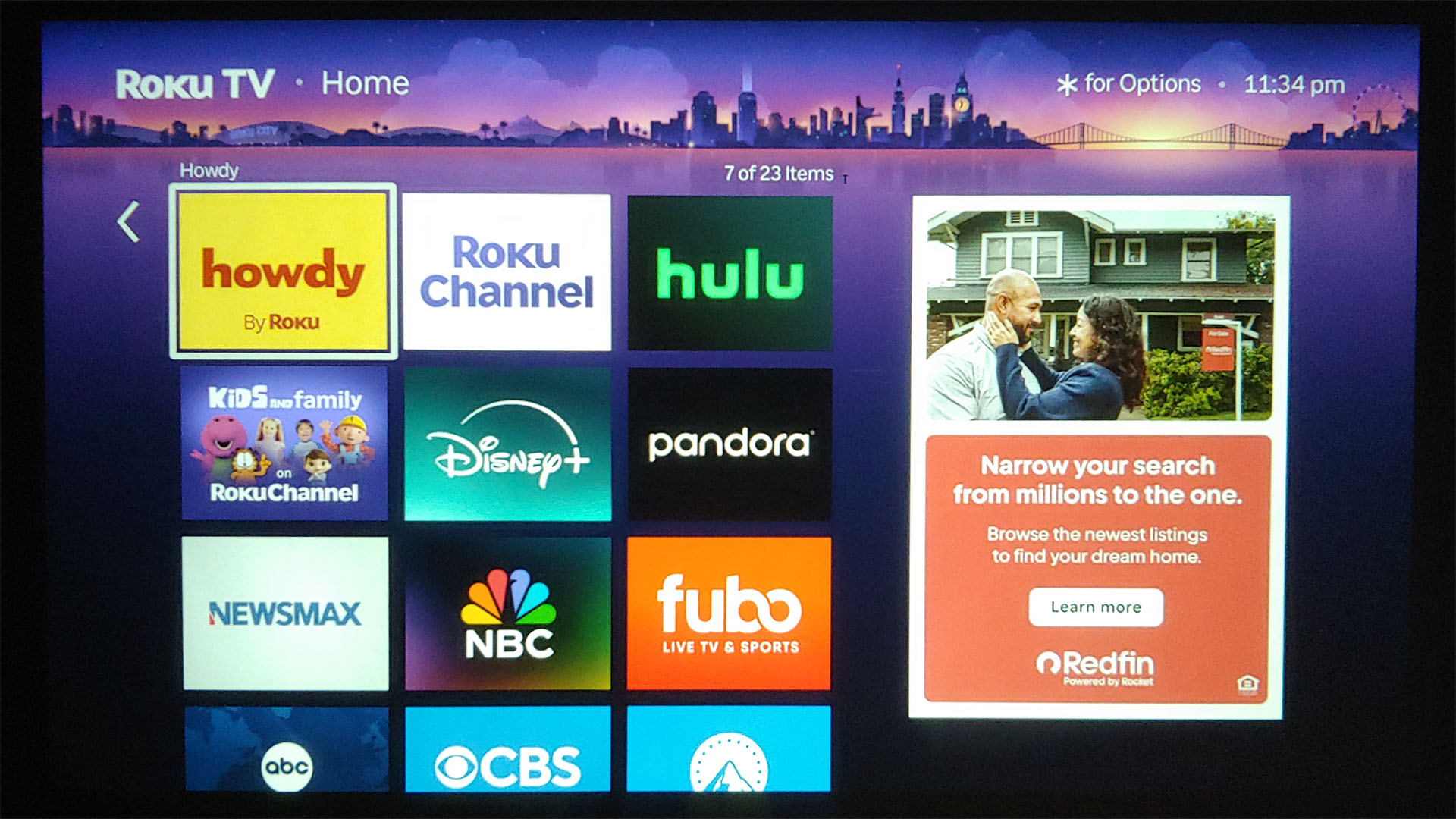
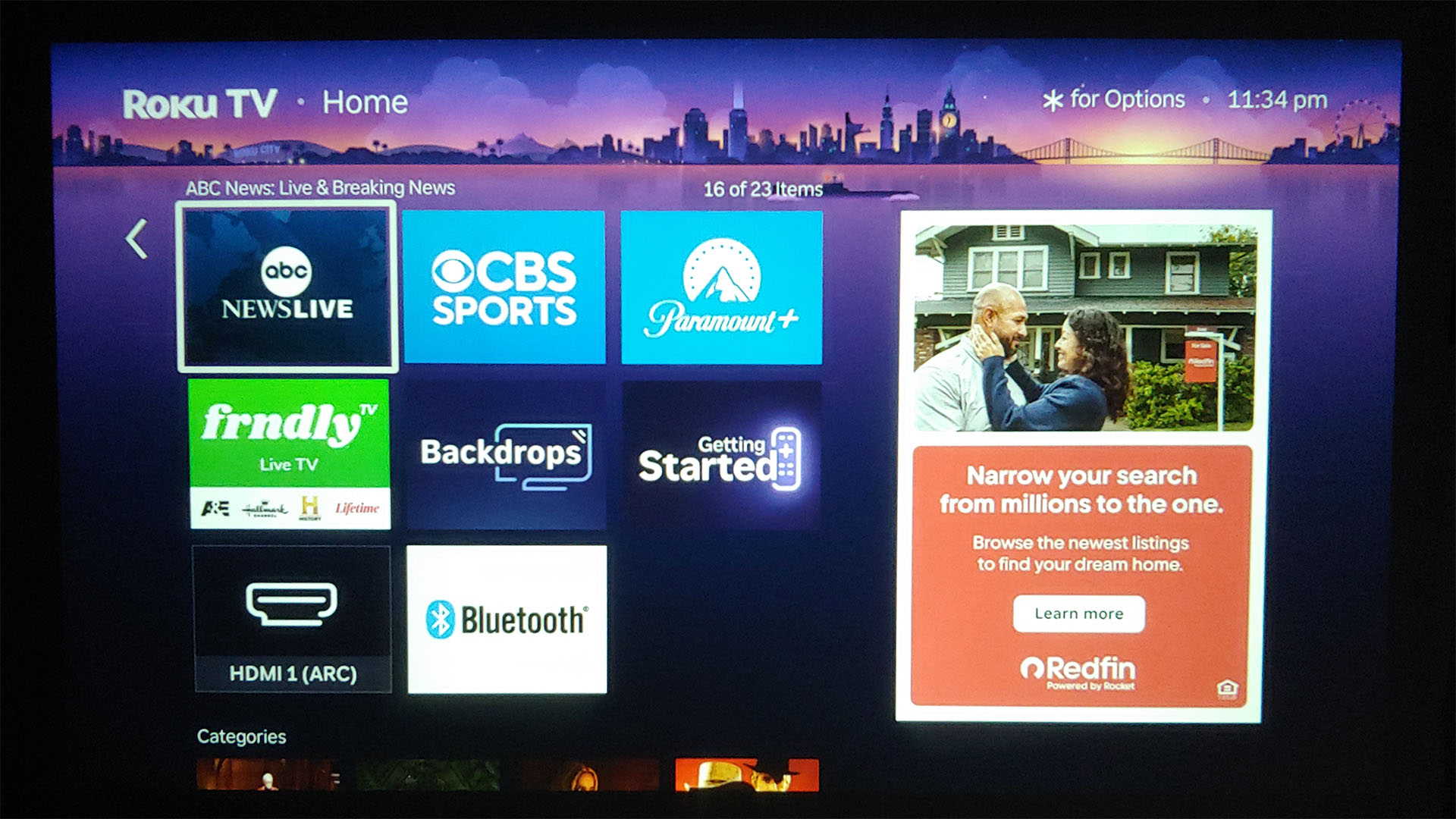
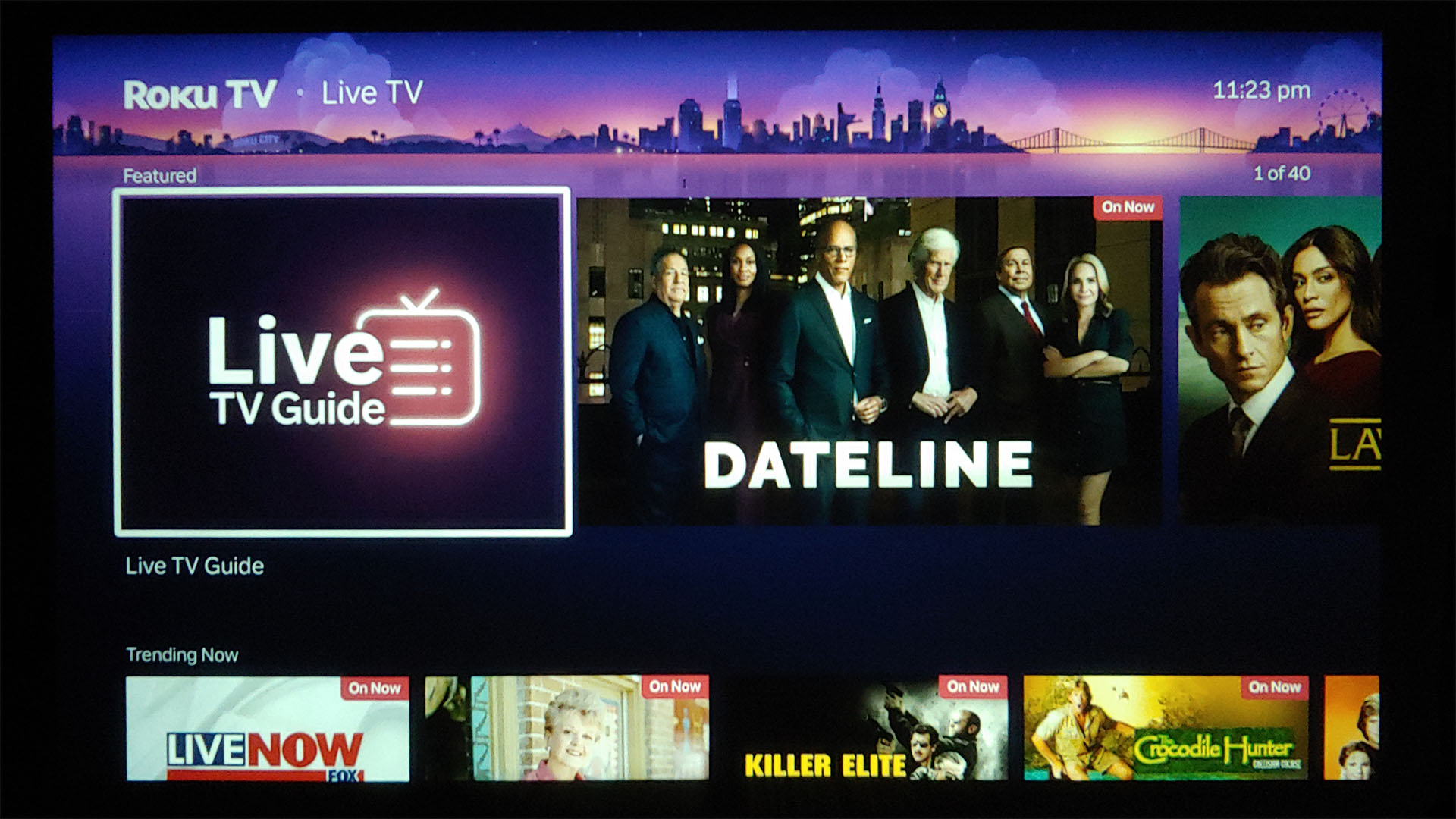
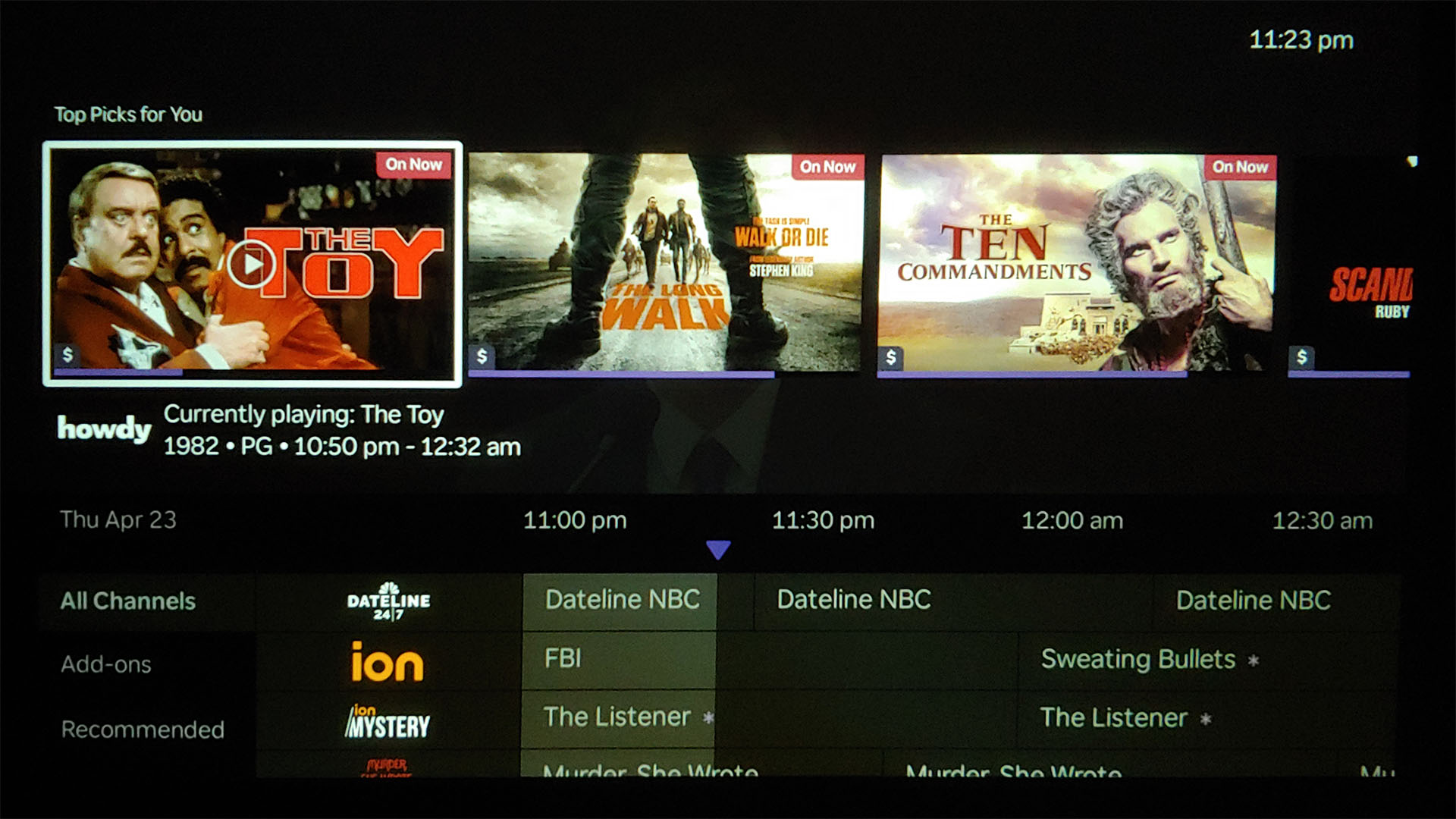
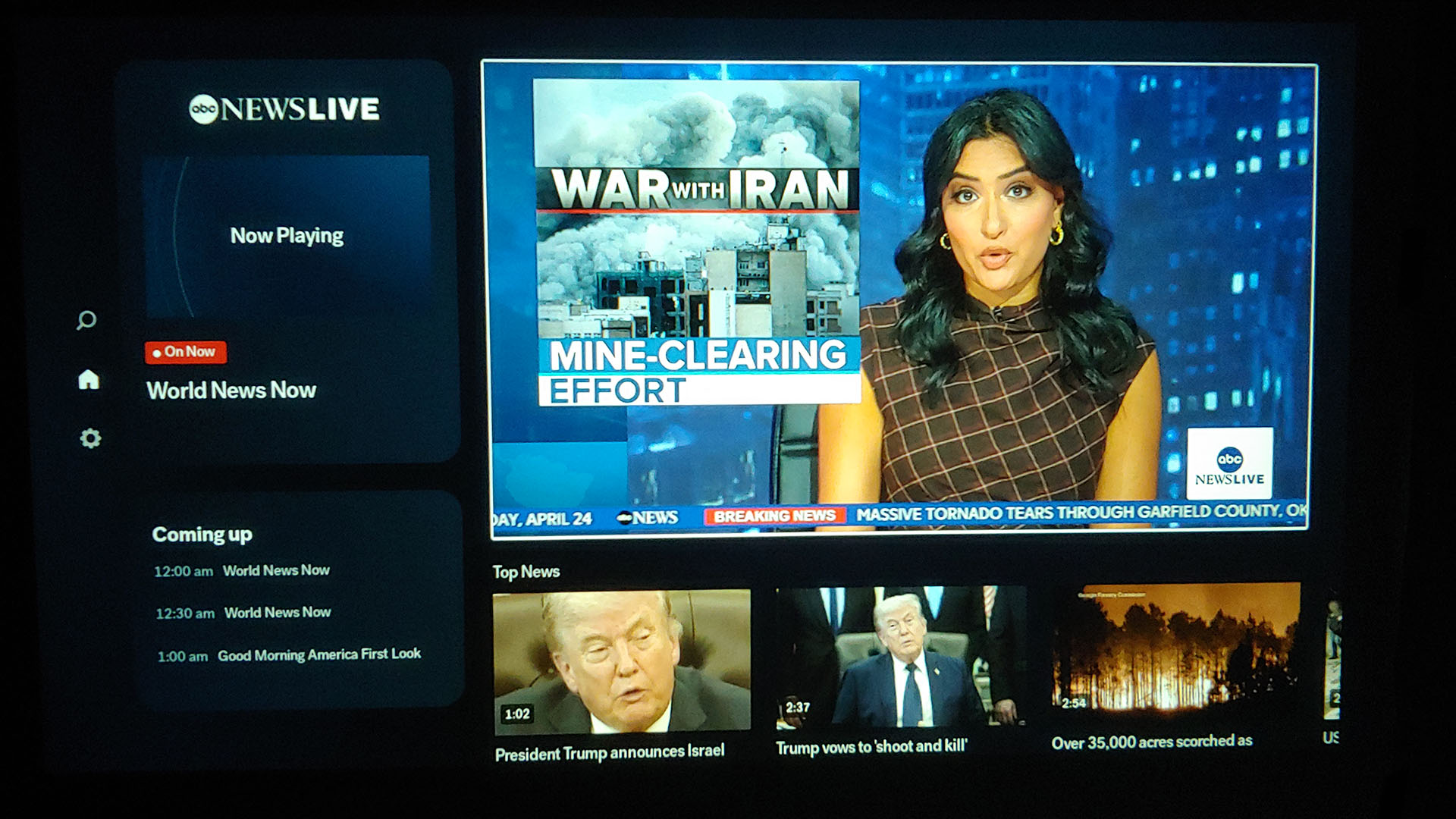
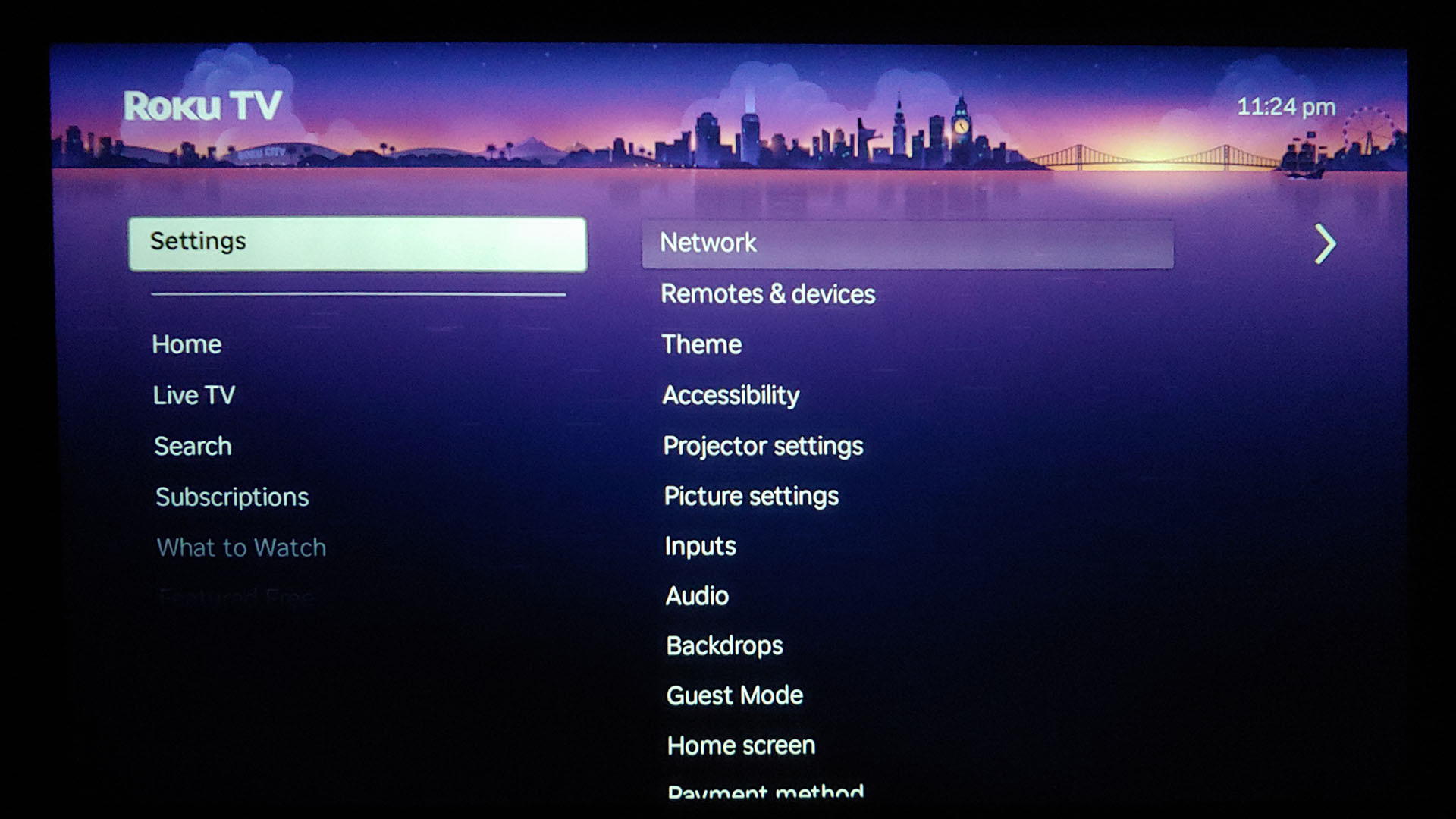
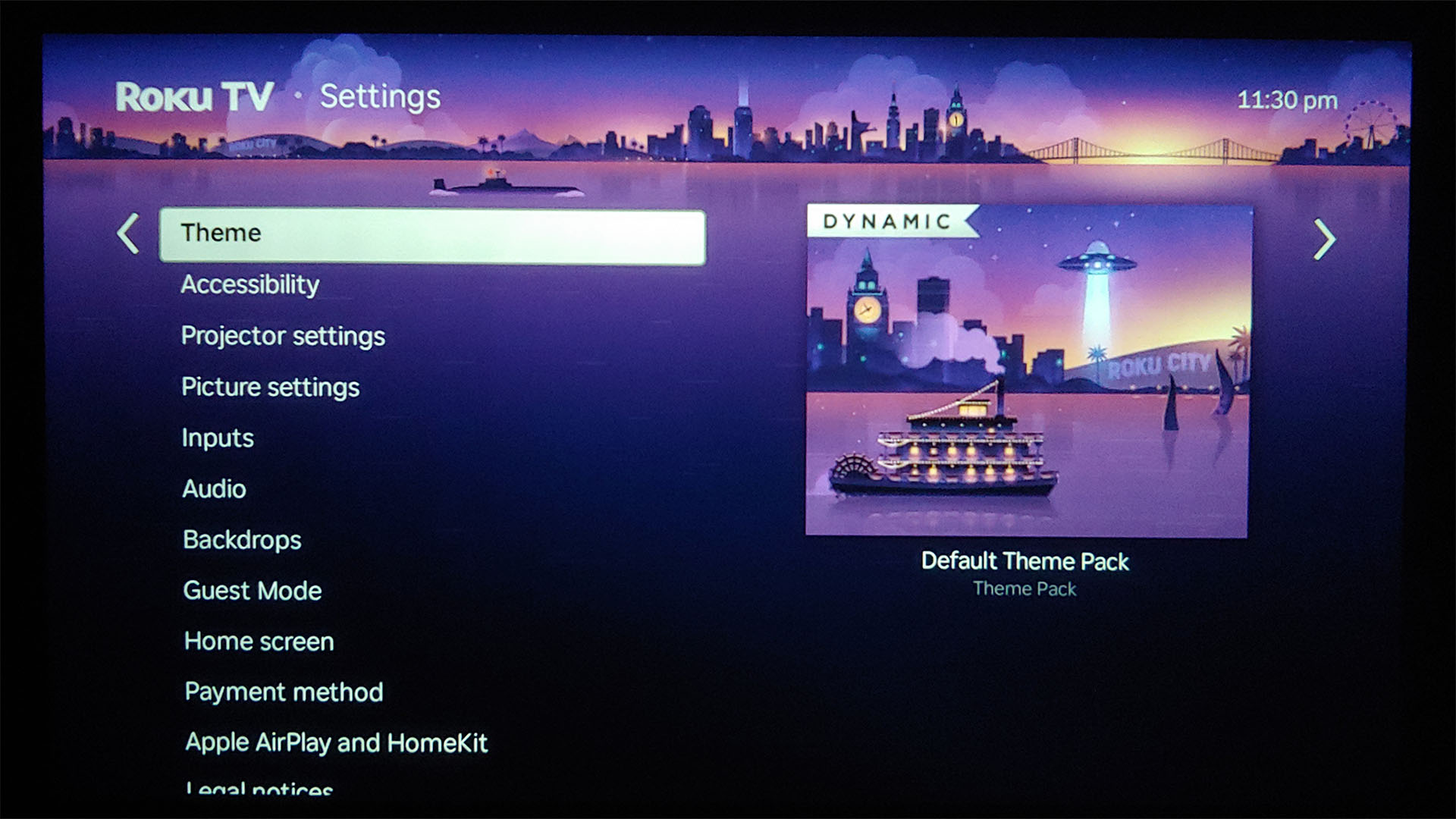
The Aurzen D1R runs Roku OS and navigation feels like any other Roku device.
The Roku Media Player app is needed for USB media playback, and it supports formats like 1080p MP4 but not 4K+ videos or some MKVs. It displayed 200 MP Xiaomi smartphone photos without issue, and MP3 playback worked normally.
The remote control is limited to play/pause and fast-forward/rewind. The app does not show a preview of the time point during seeking, which is quick thanks to three speeds.
Sound
The Dolby Audio speakers deliver clean sound with no distortion and can get loud with the volume at 100, reaching 86.2 LAF dBA playing Ayumi Hamasaki's Wake Up and 59.9 dBA when playing pink noise.
At 1 m (3.3 ft.), they match fan noise with the volume at 5 and mask it above 10, but the fan does spin louder during bright scenes. Less fan noise is produced in Low Power mode, and viewers can connect a wired or wireless headphone.
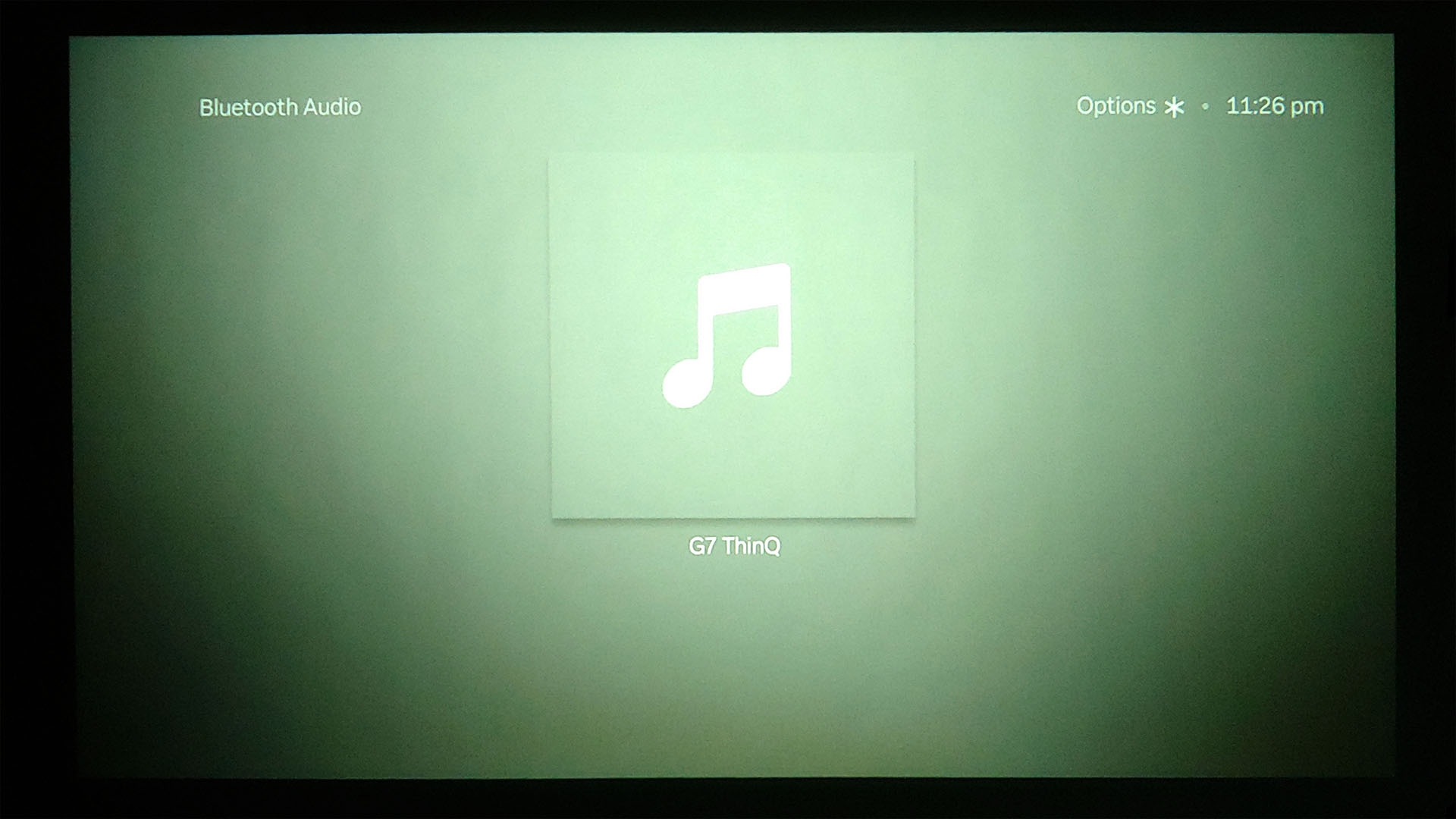
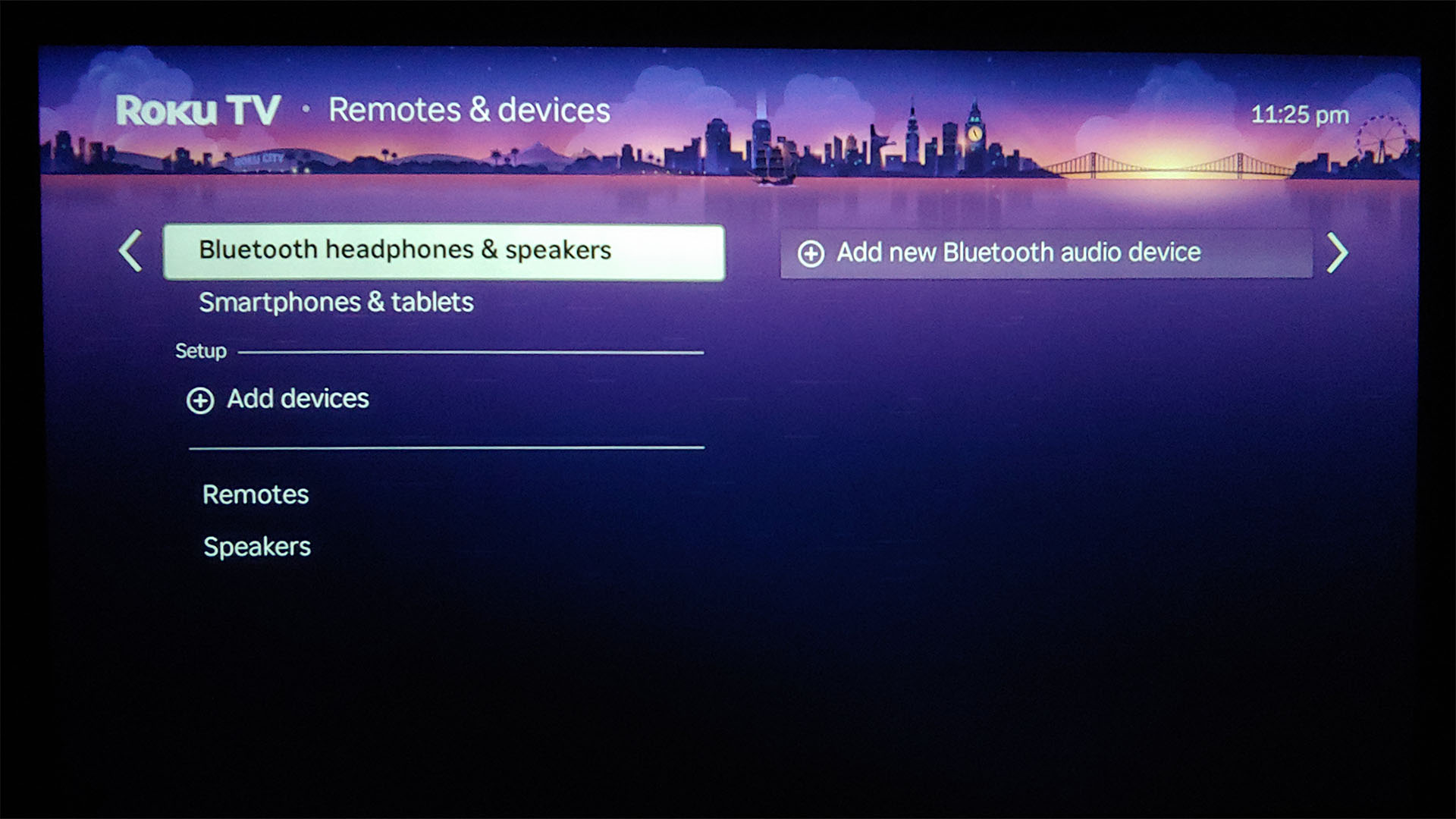
The projector can function as a Bluetooth speaker, with the light and fan disabled during audio playback. It offers a low‑latency Game mode over HDMI, but not when used as a Bluetooth speaker. For example, VLC on an LG G7 required a –550 ms sync adjustment when playing music.
Projection overview
For this hands-on report, a bedroom wall with $12 white poster paper was used as the projection surface, with the assumption that the typical buyer will not spend much more for a screen, and the projector was placed 1.78 m (6.8 ft.) from the wall, creating a 64.3-inch screen.
The D1R can be used as an external monitor. Pixels are visible at 1 m (3.3 ft.) or closer, but not noticeable at normal viewing distances. Text as small as 4-point is legible, but with soft edges rather than crisp ones.
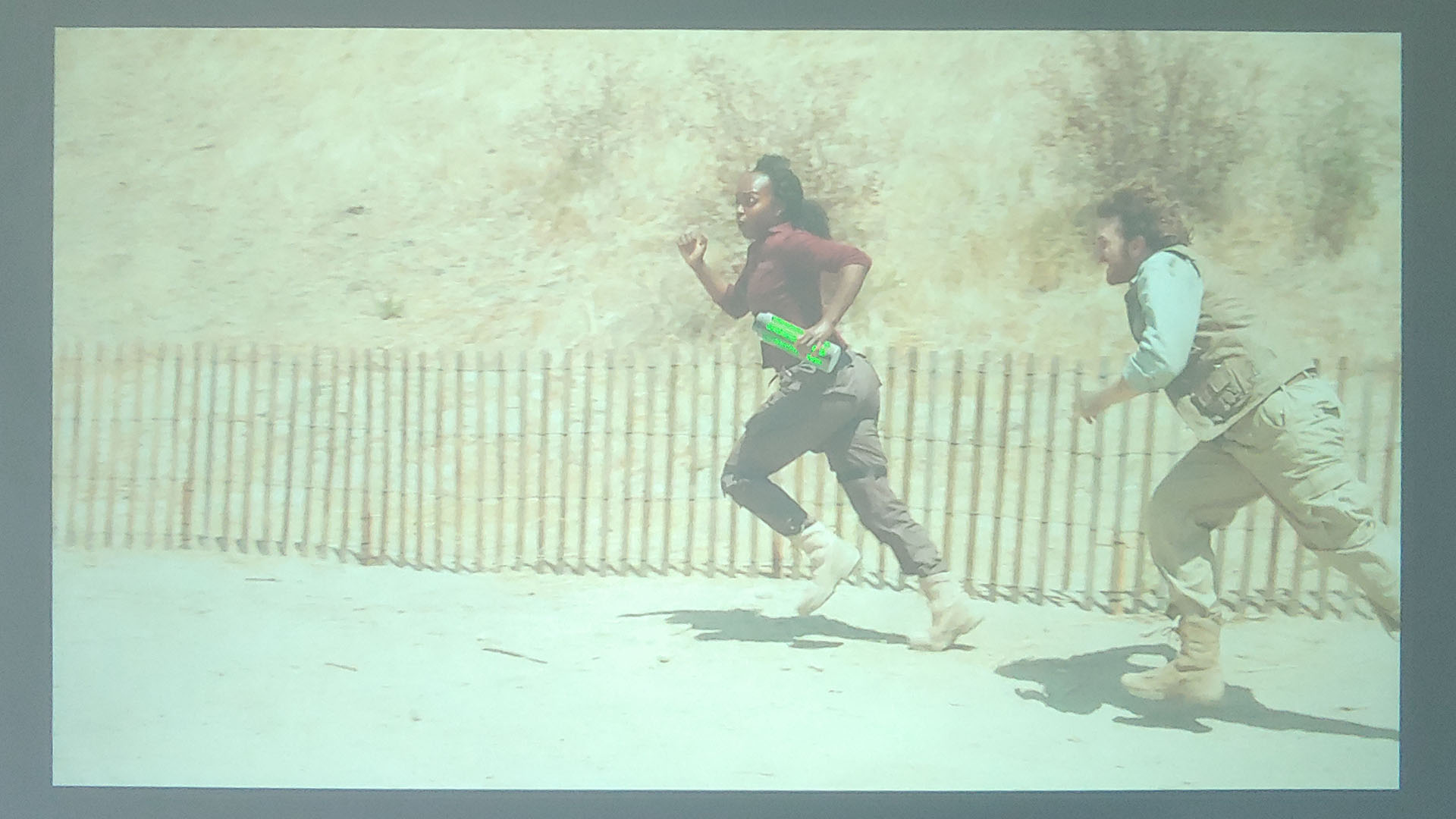

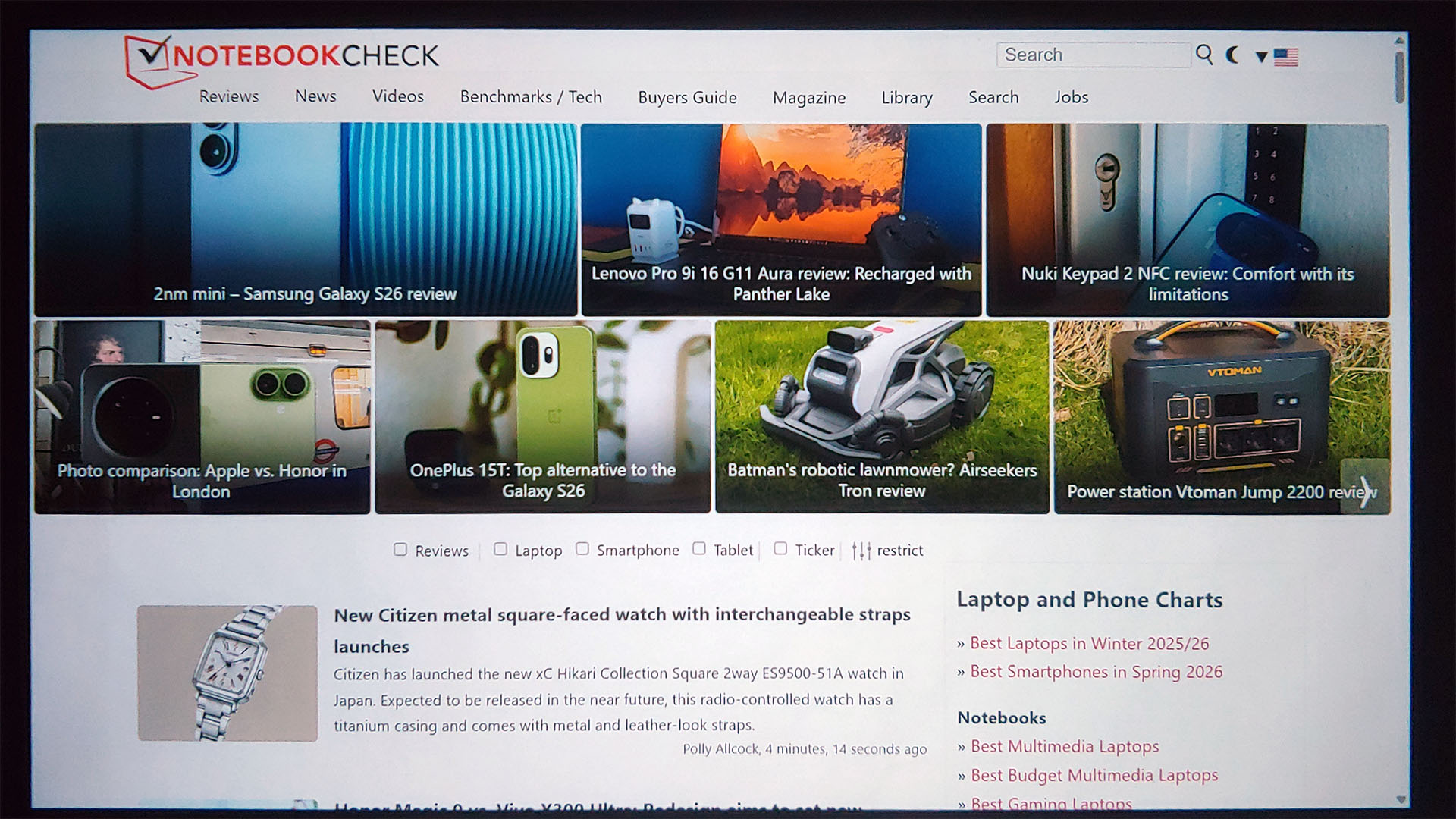
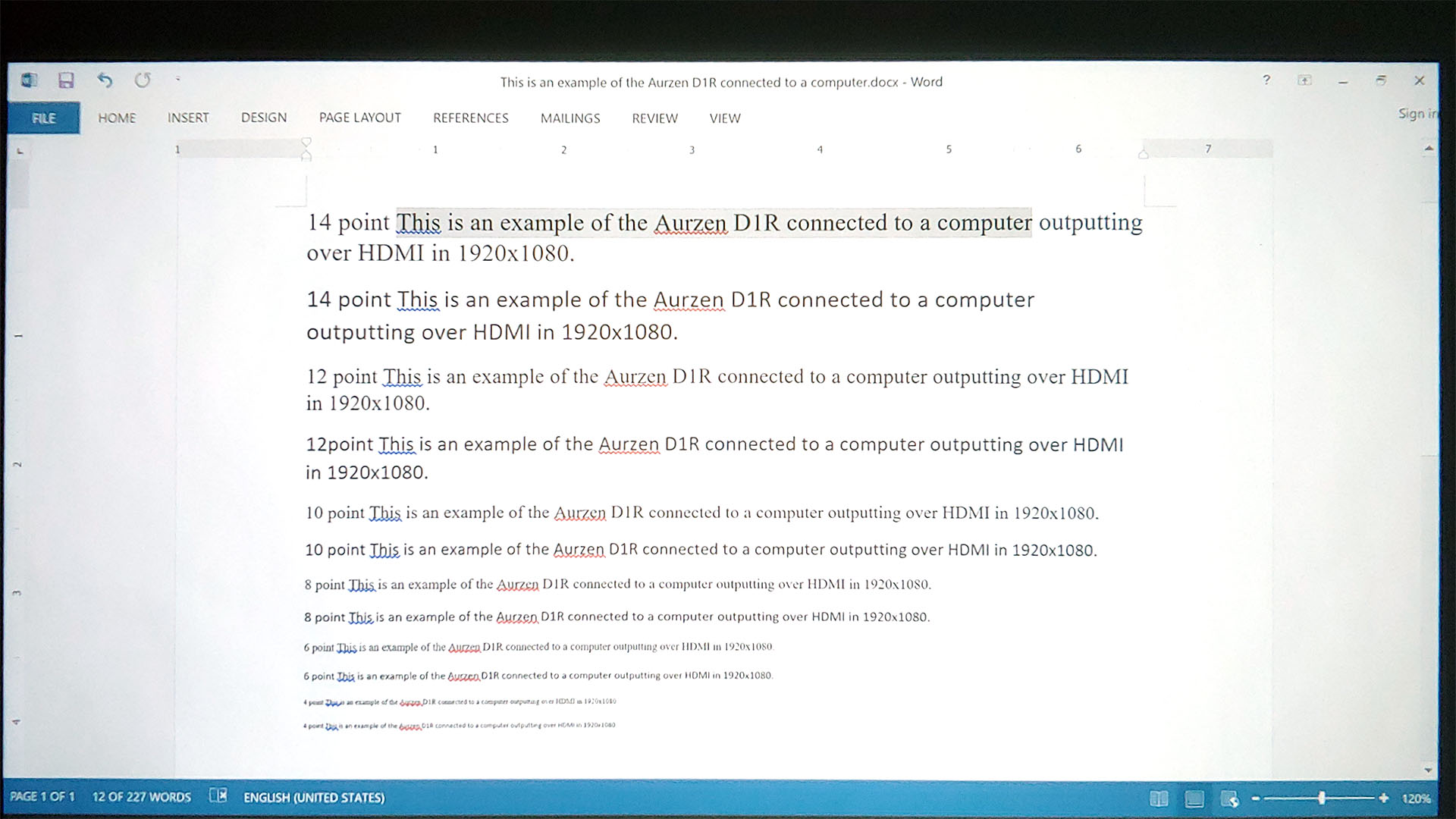
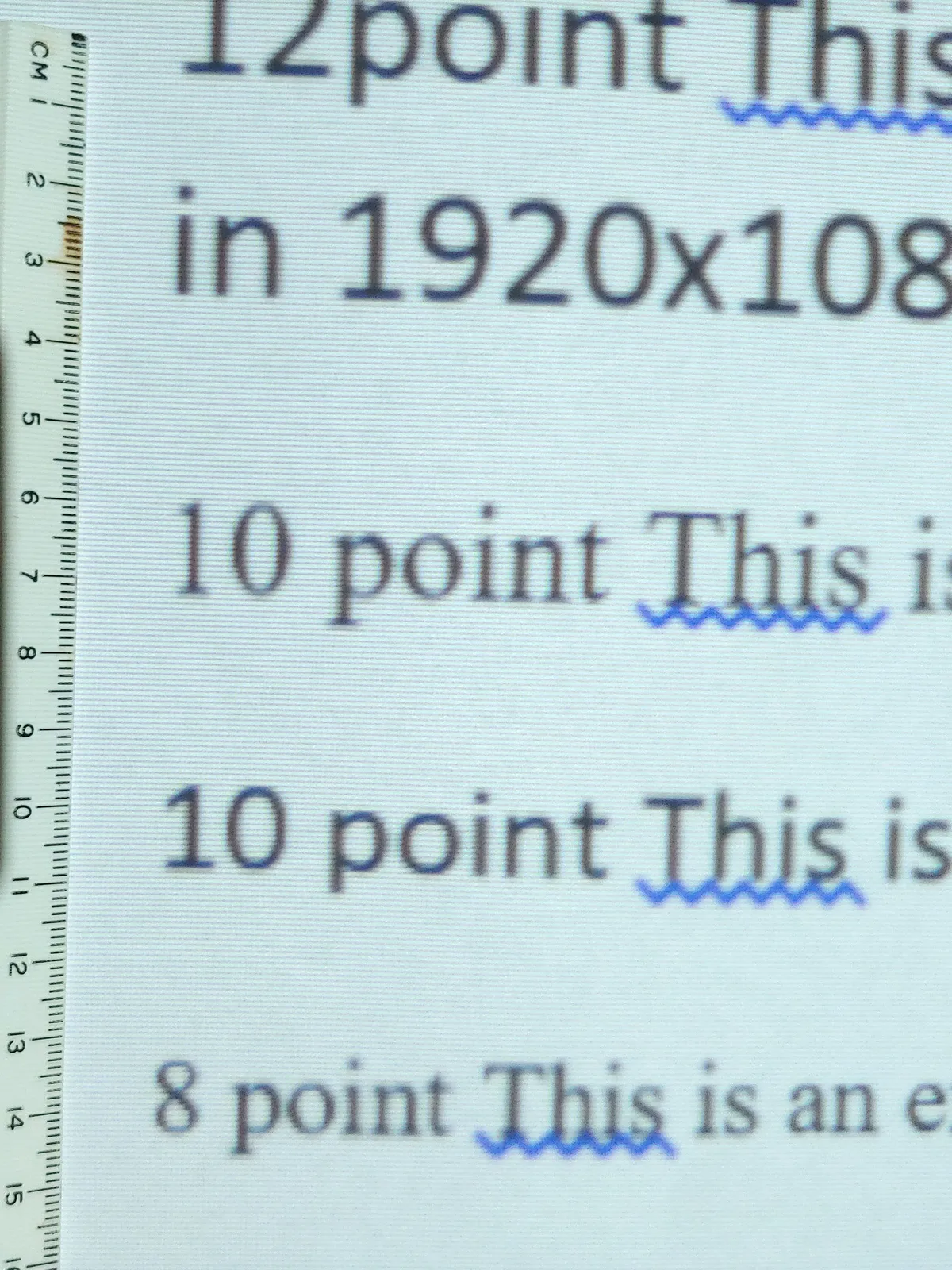

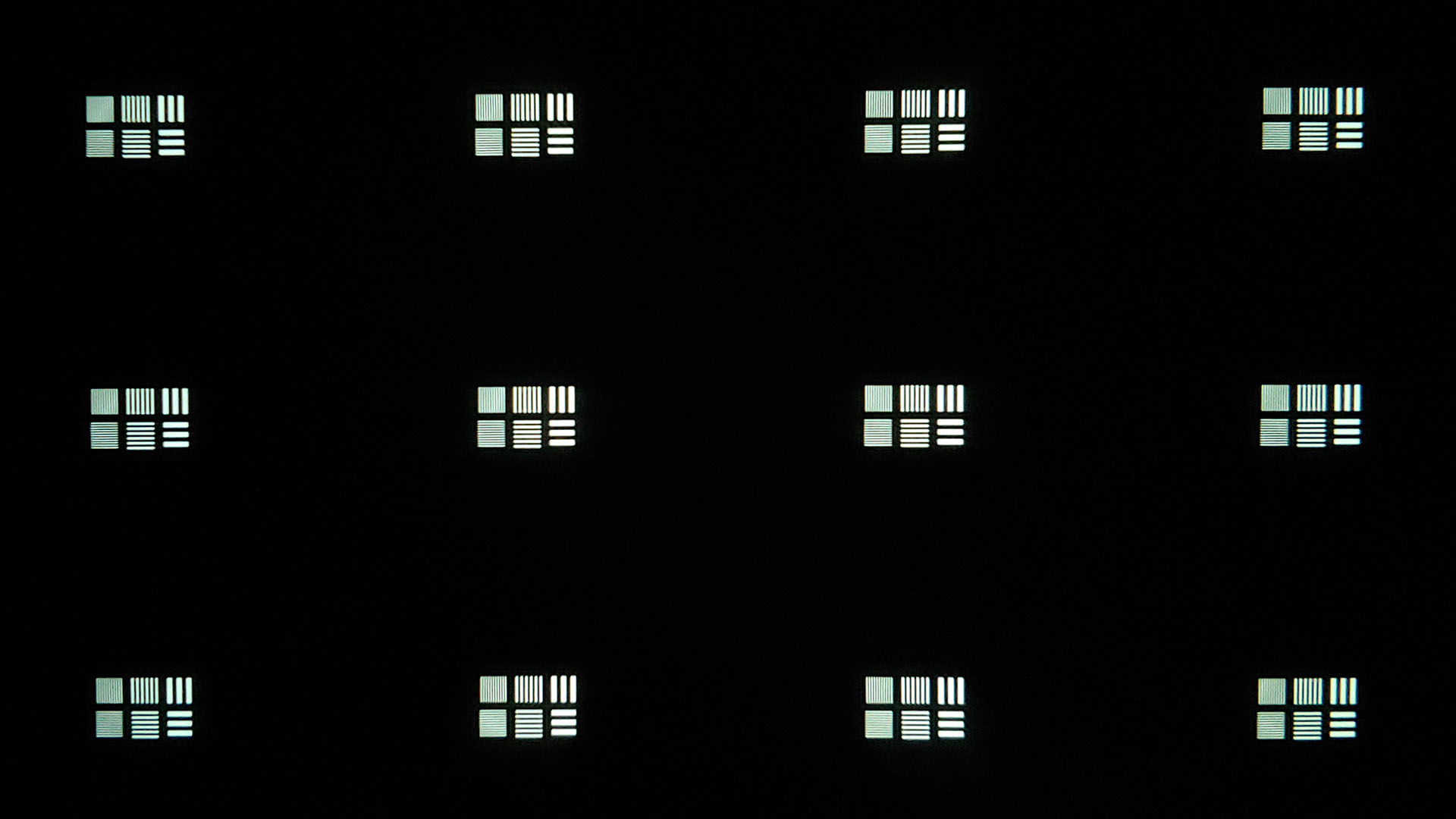
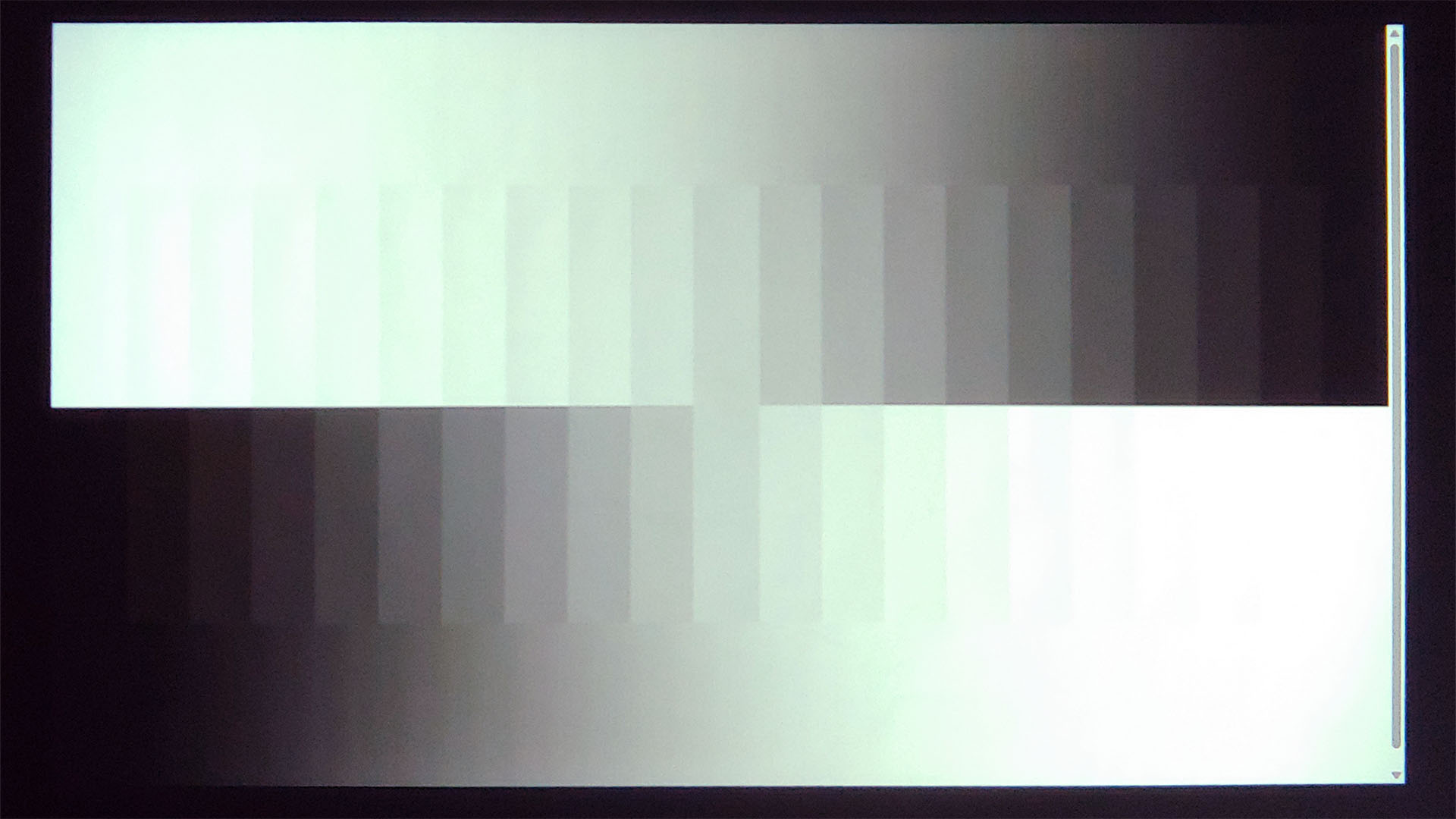
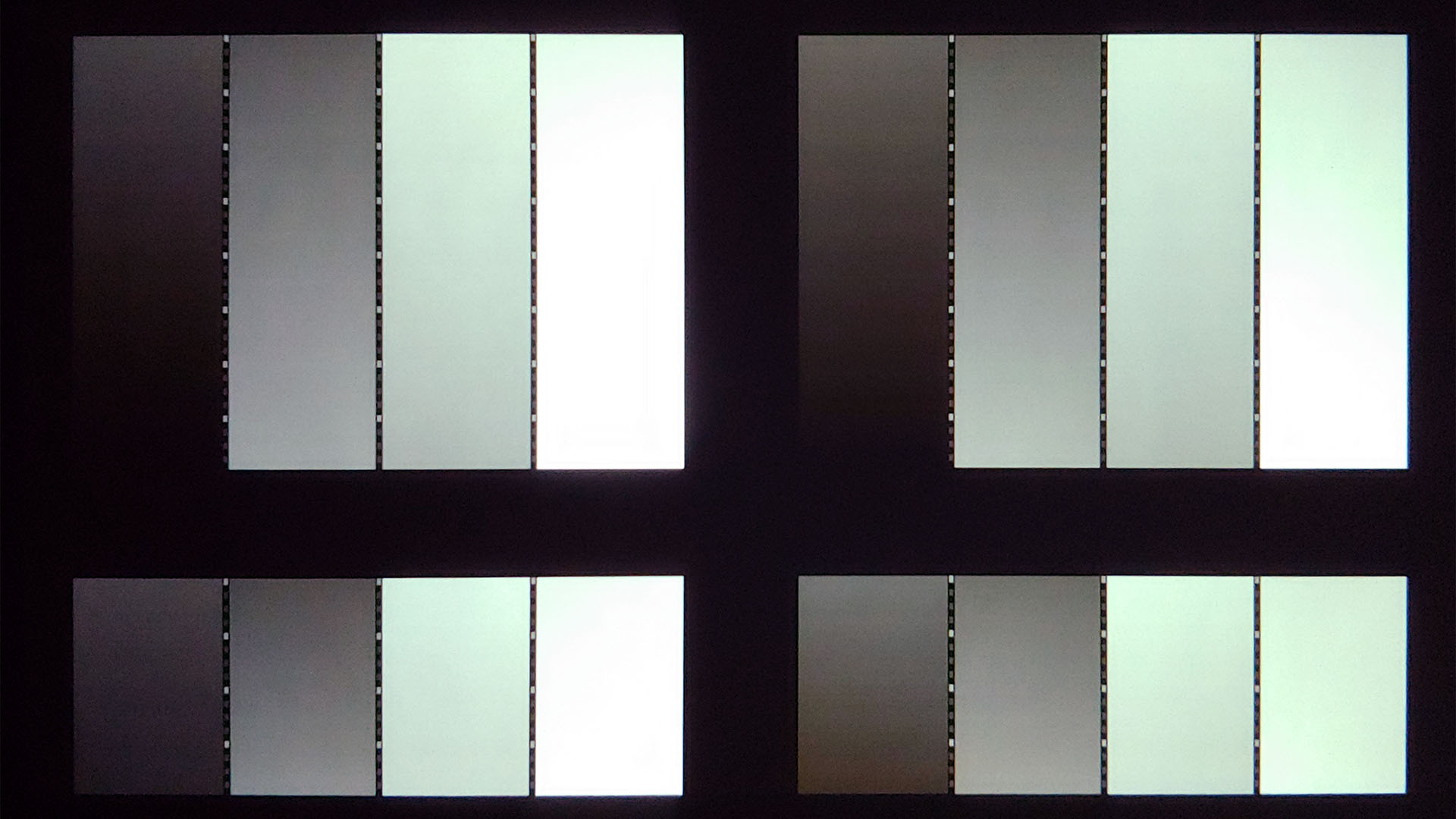
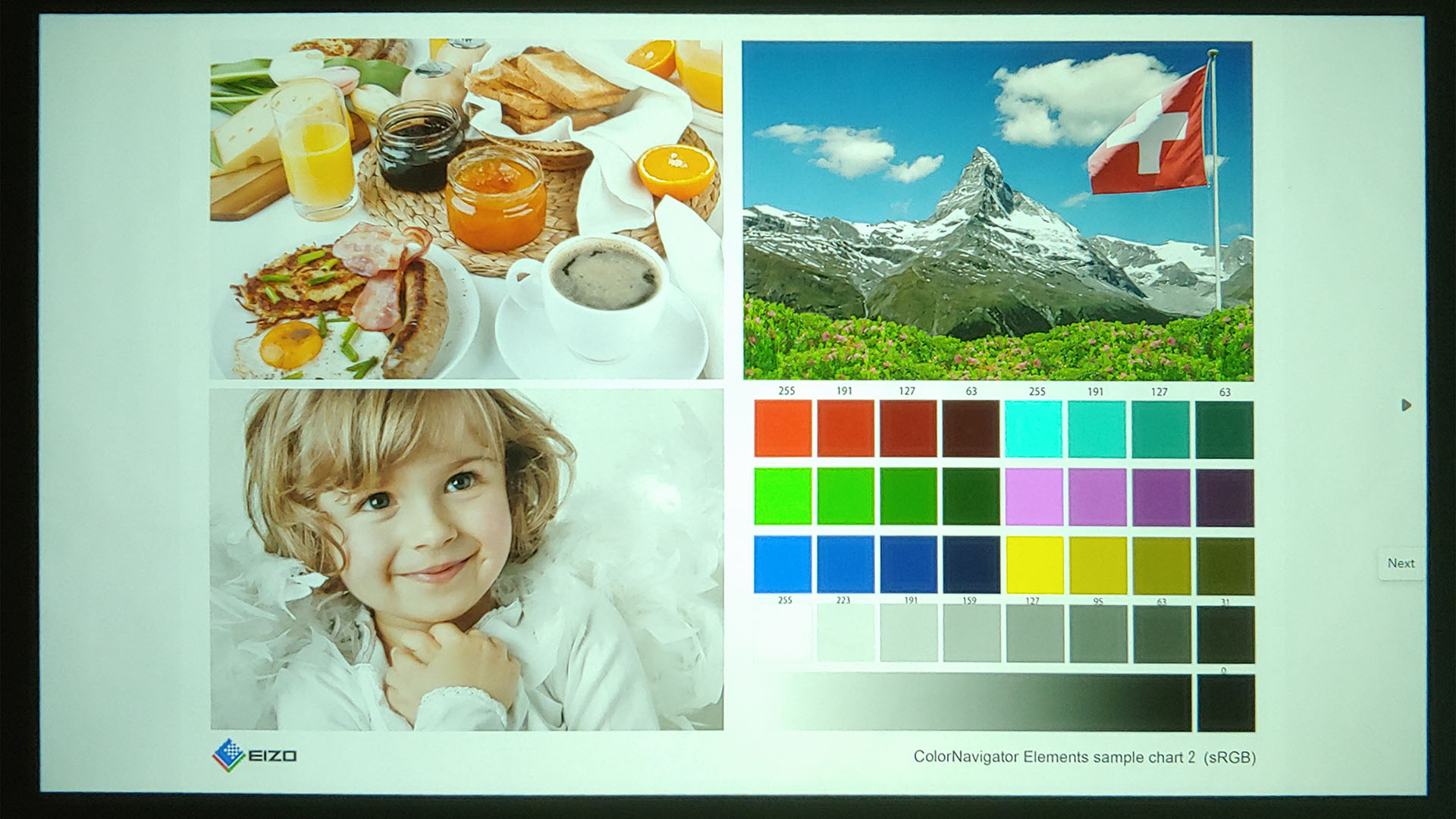
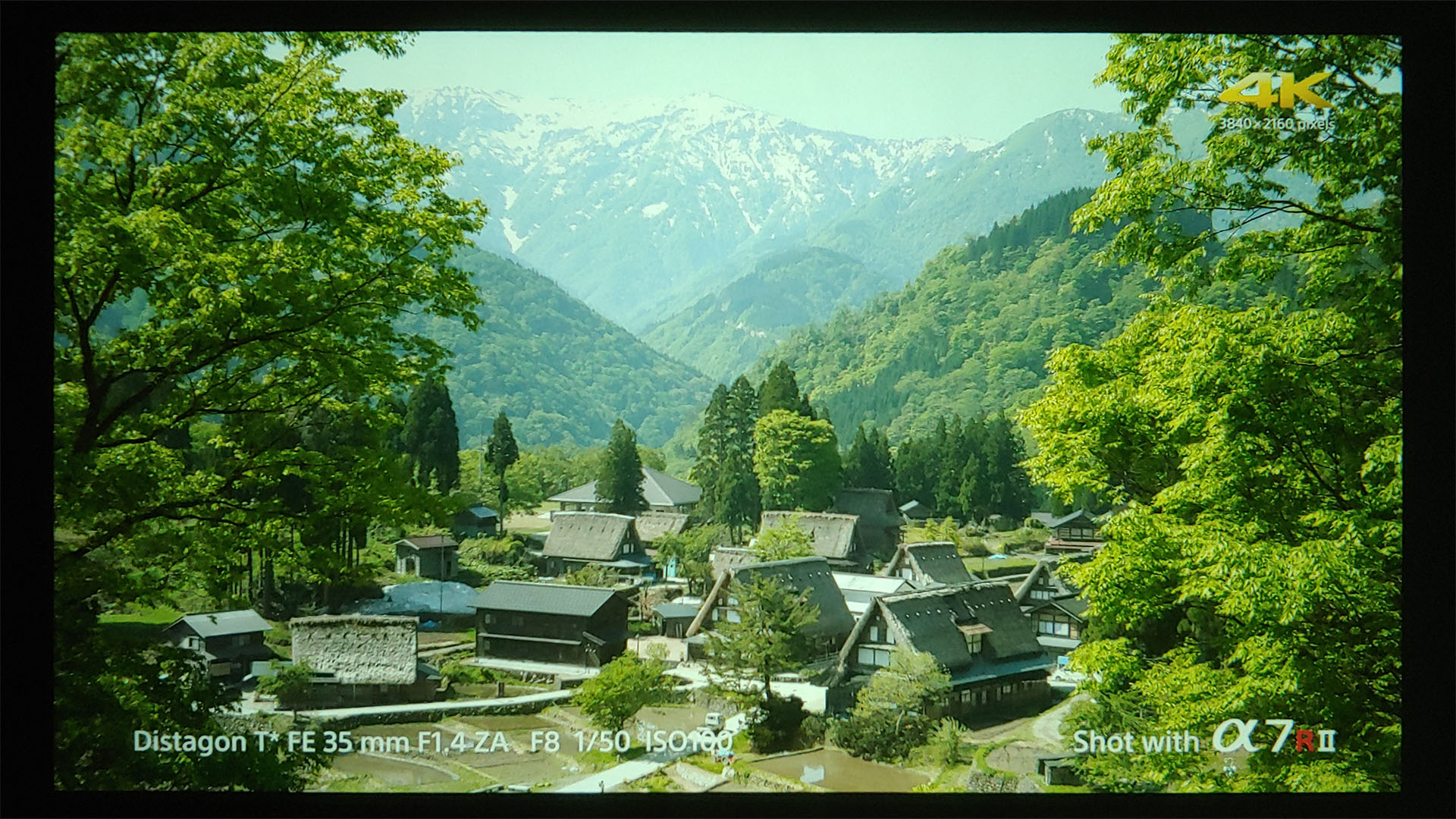
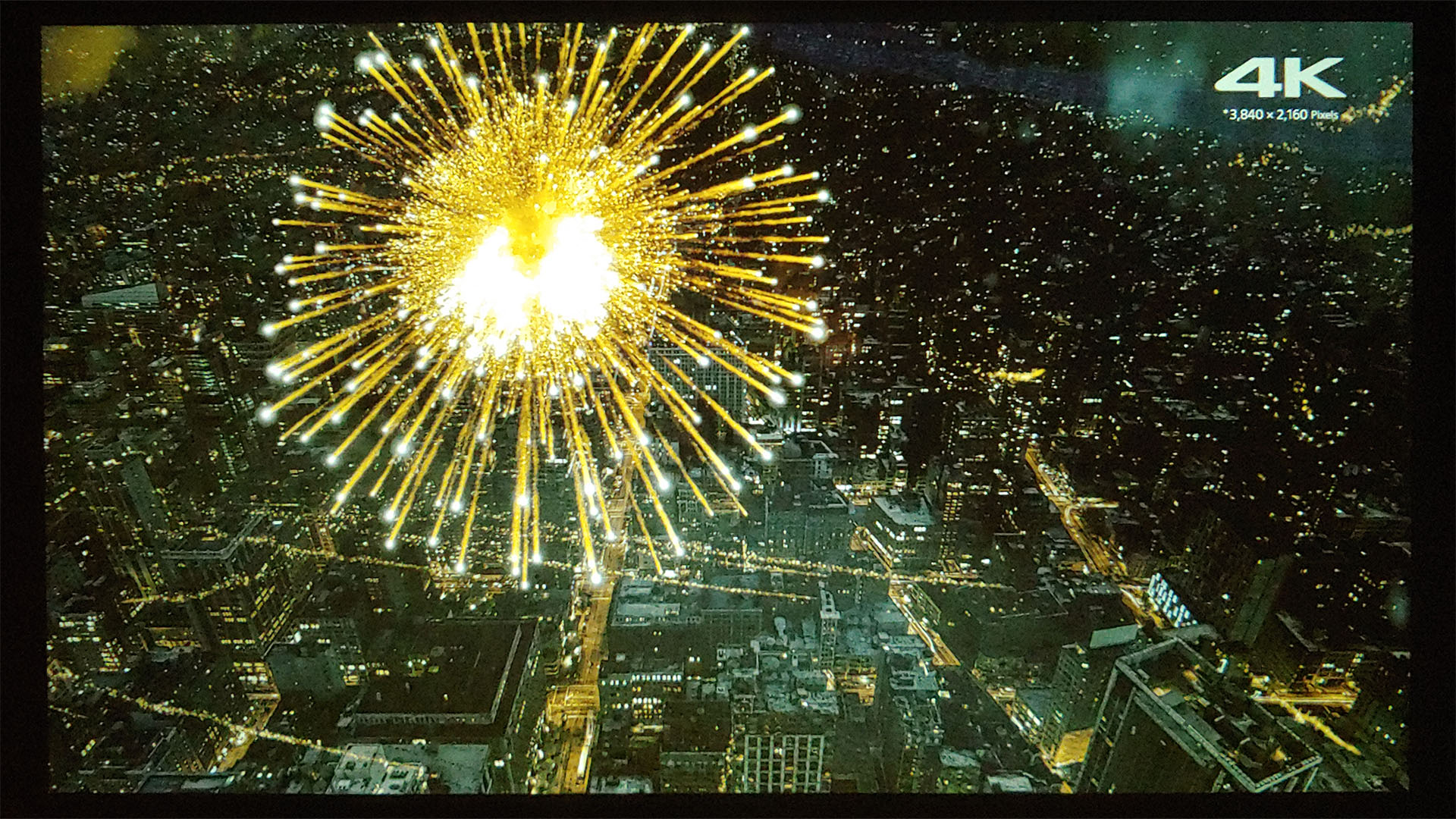
The image is quite nice and even overall, with minor drop-off in brightness and resolution toward the edges. Visible color banding is generally limited to the darkest shadows, and gray ramps are smooth.
In-use
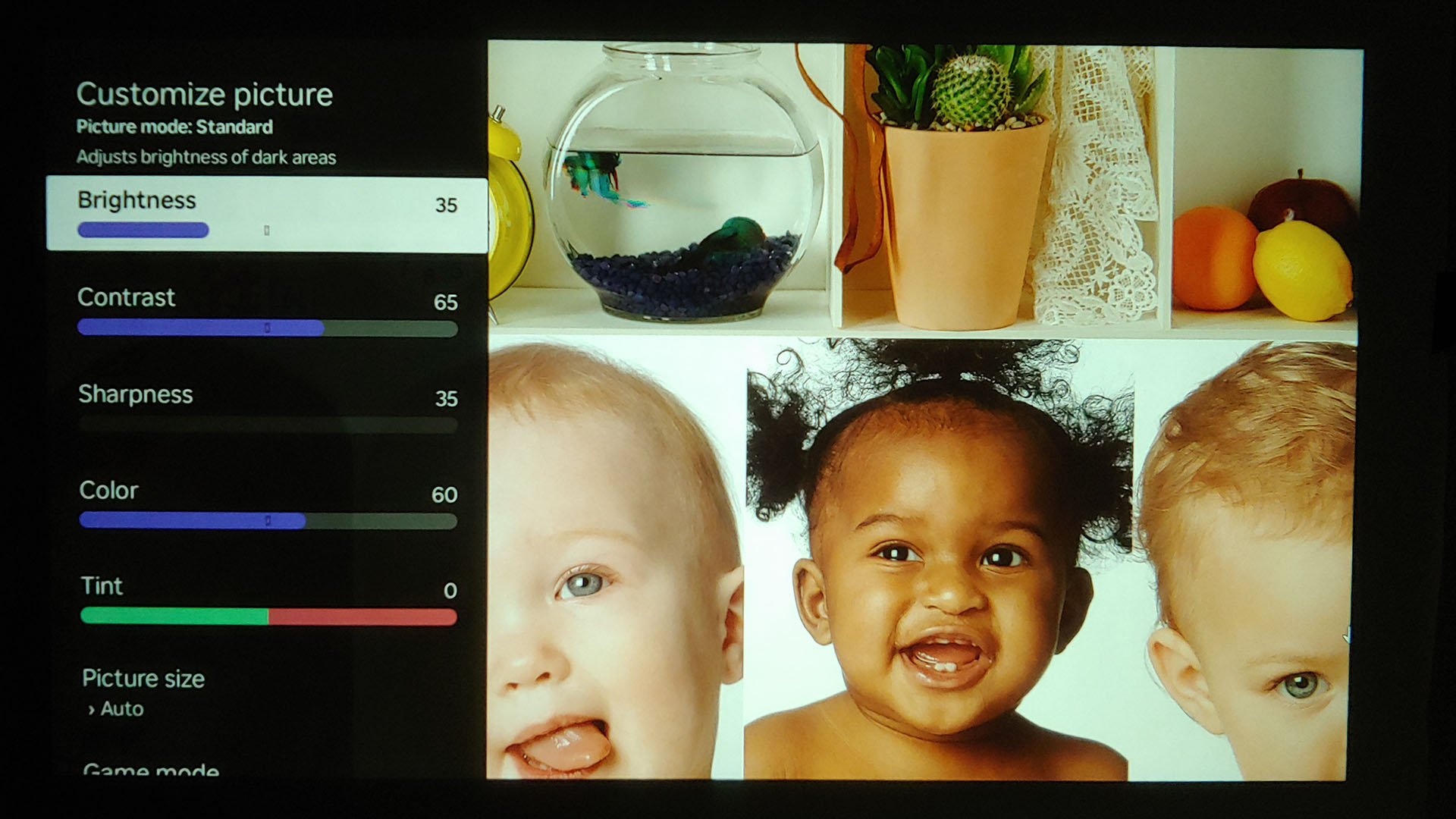
Owners can select a picture preset (Standard, Vivid, Sports, and Movie) or make manual adjustments to the brightness, contrast, color, tint, and color temperature, but not sharpness.




In Standard mode, the D1R shows raised black levels that reveal shadow detail but lack the punch of modern OLED or HDR TVs. A quick settings tweak (e.g., Brightness 35, Contrast 65, Saturation 60) restores the missing pop.
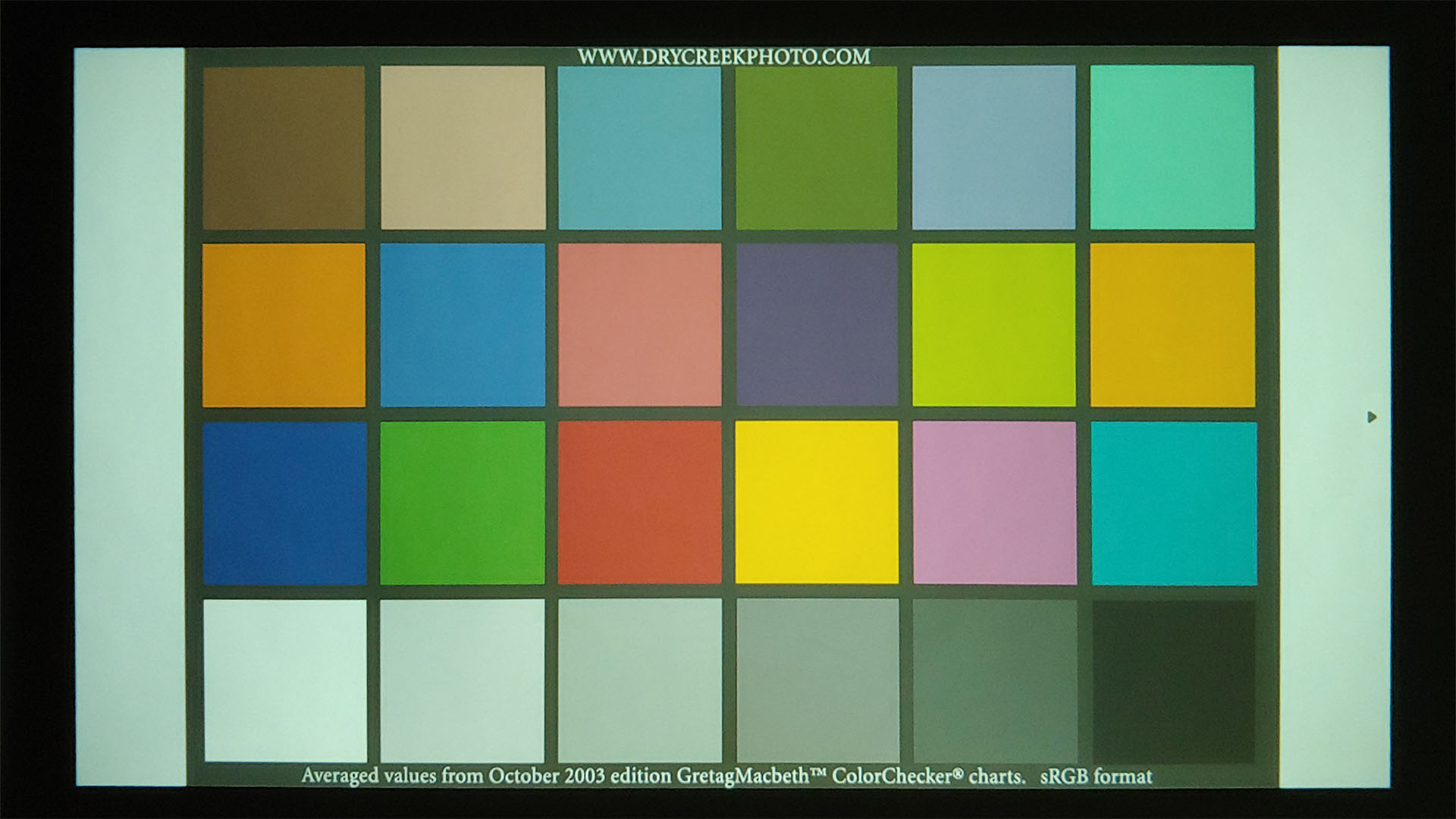
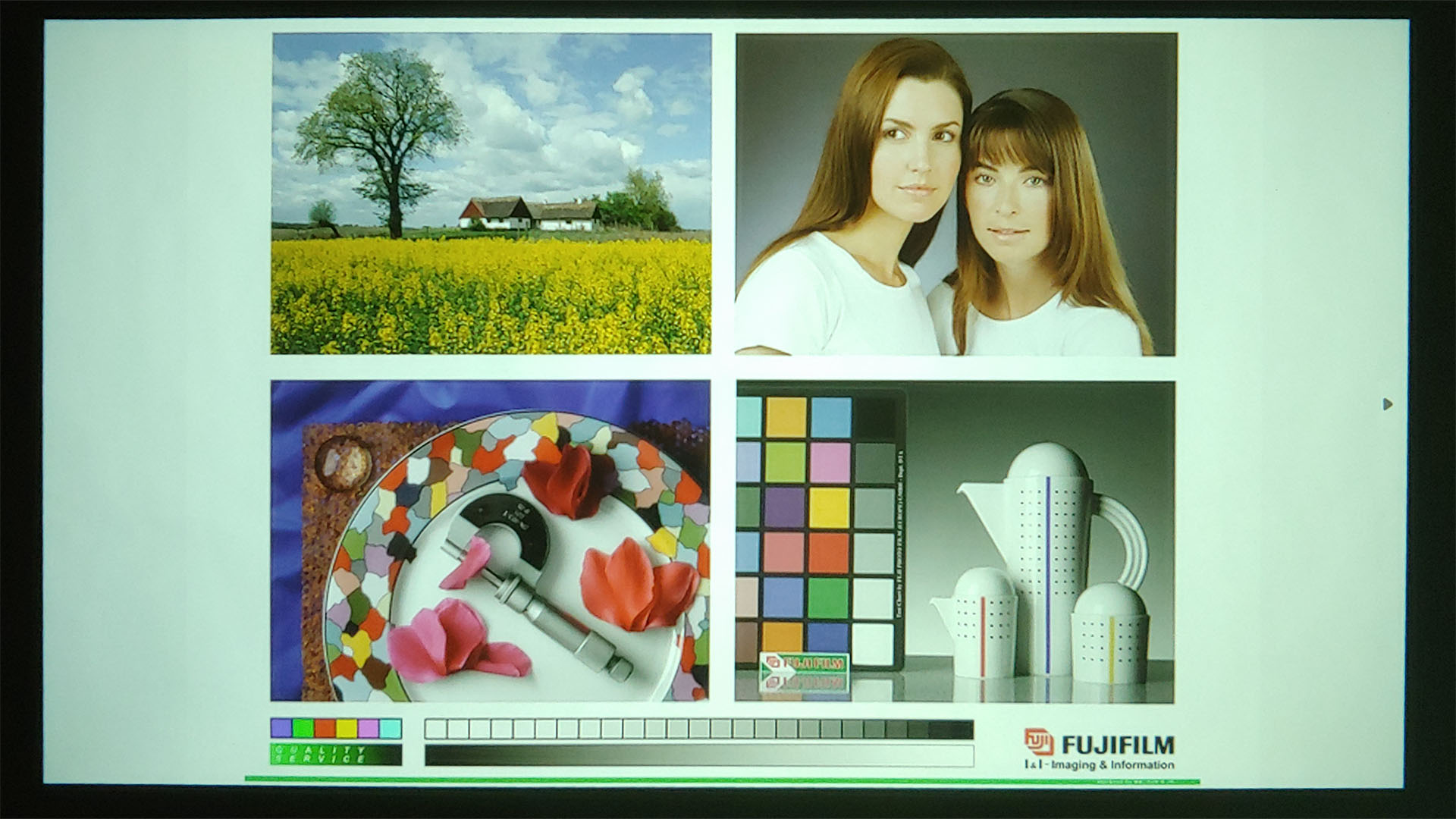
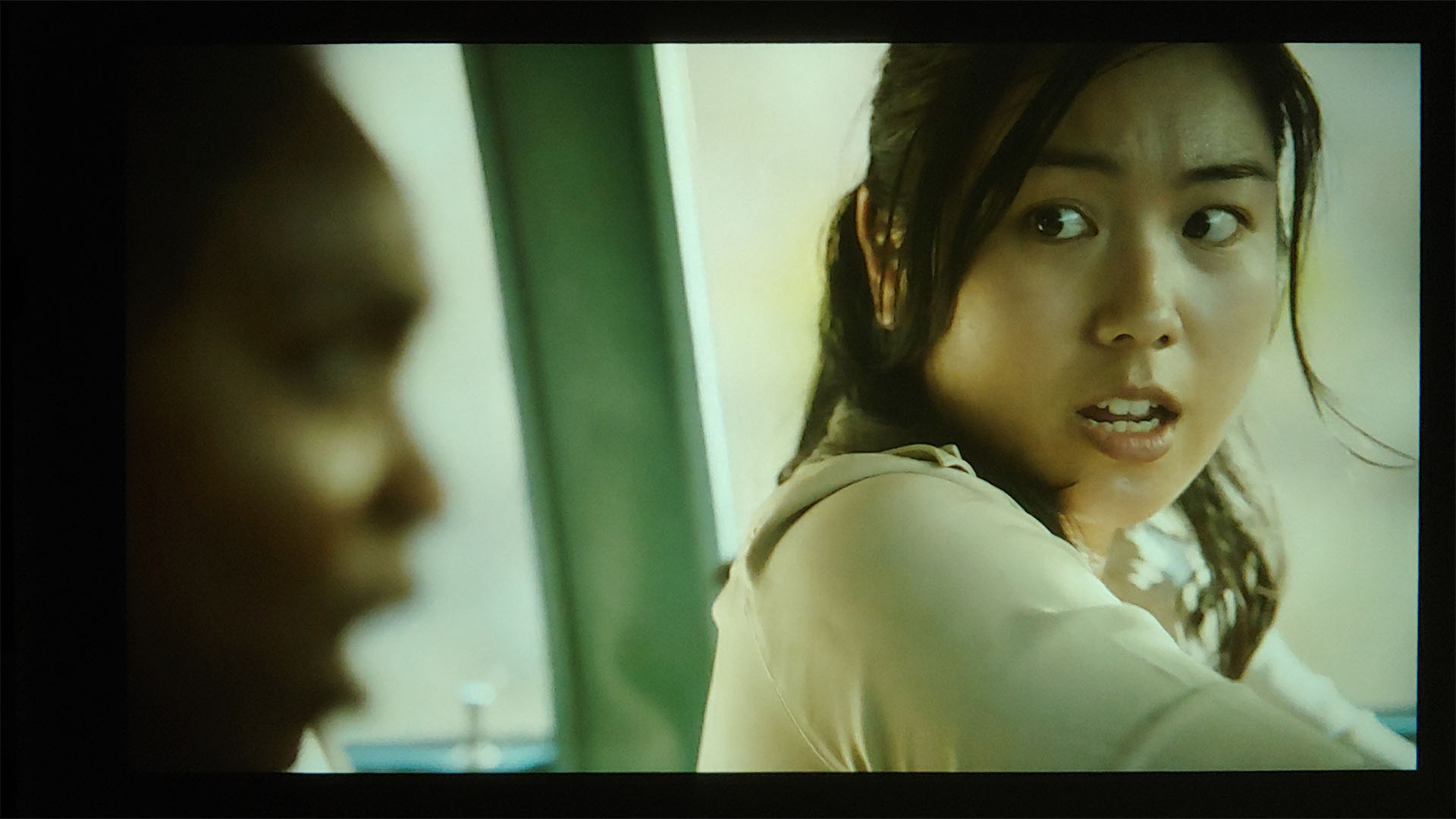
Once tuned, the projection has a satisfying pop and vividness without being excessive, easily substituting a trip to the theater. The image quality is quite nice among entry-level projectors tested.
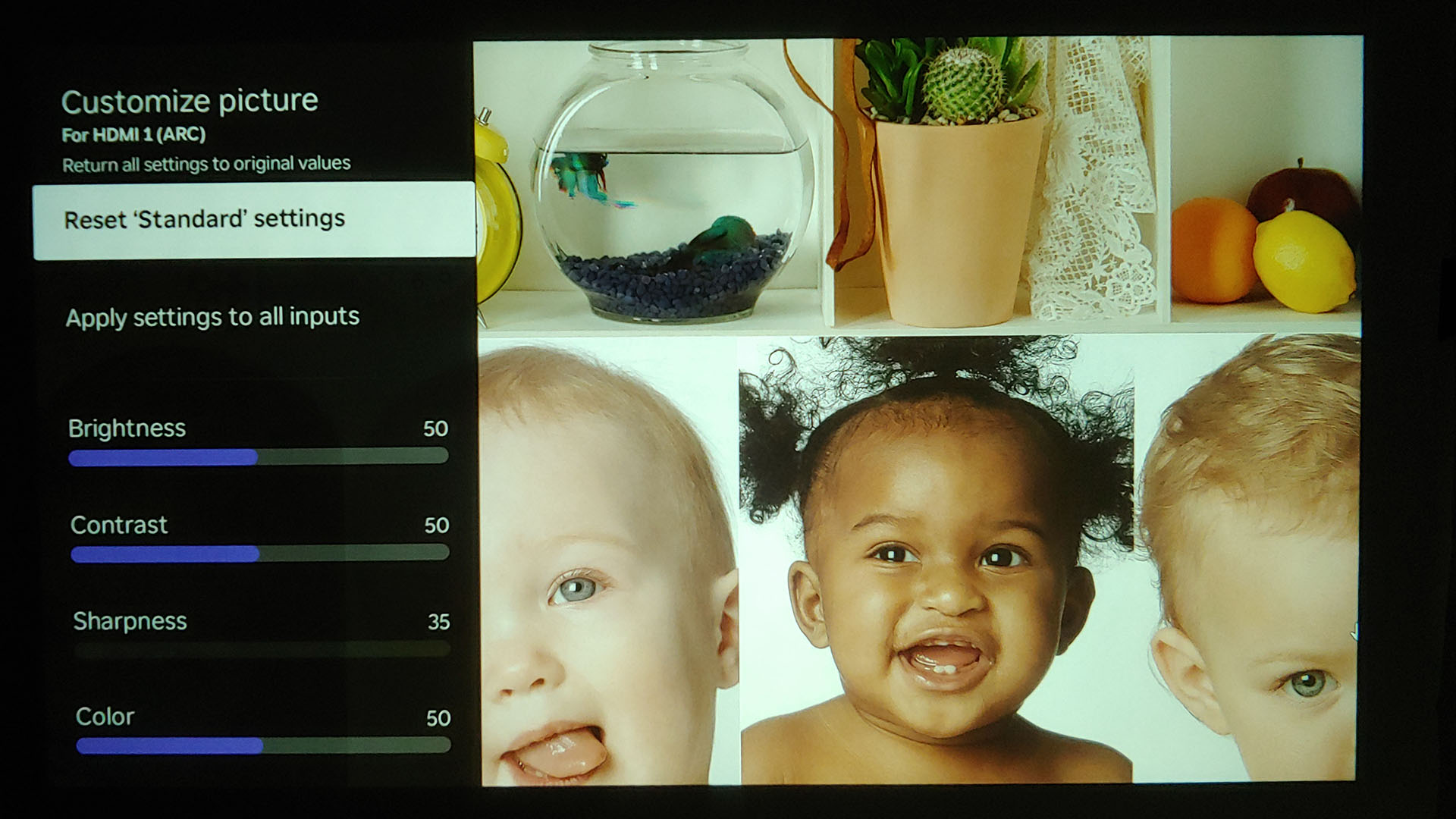
The images below are representative of default Standard mode.


Conclusion
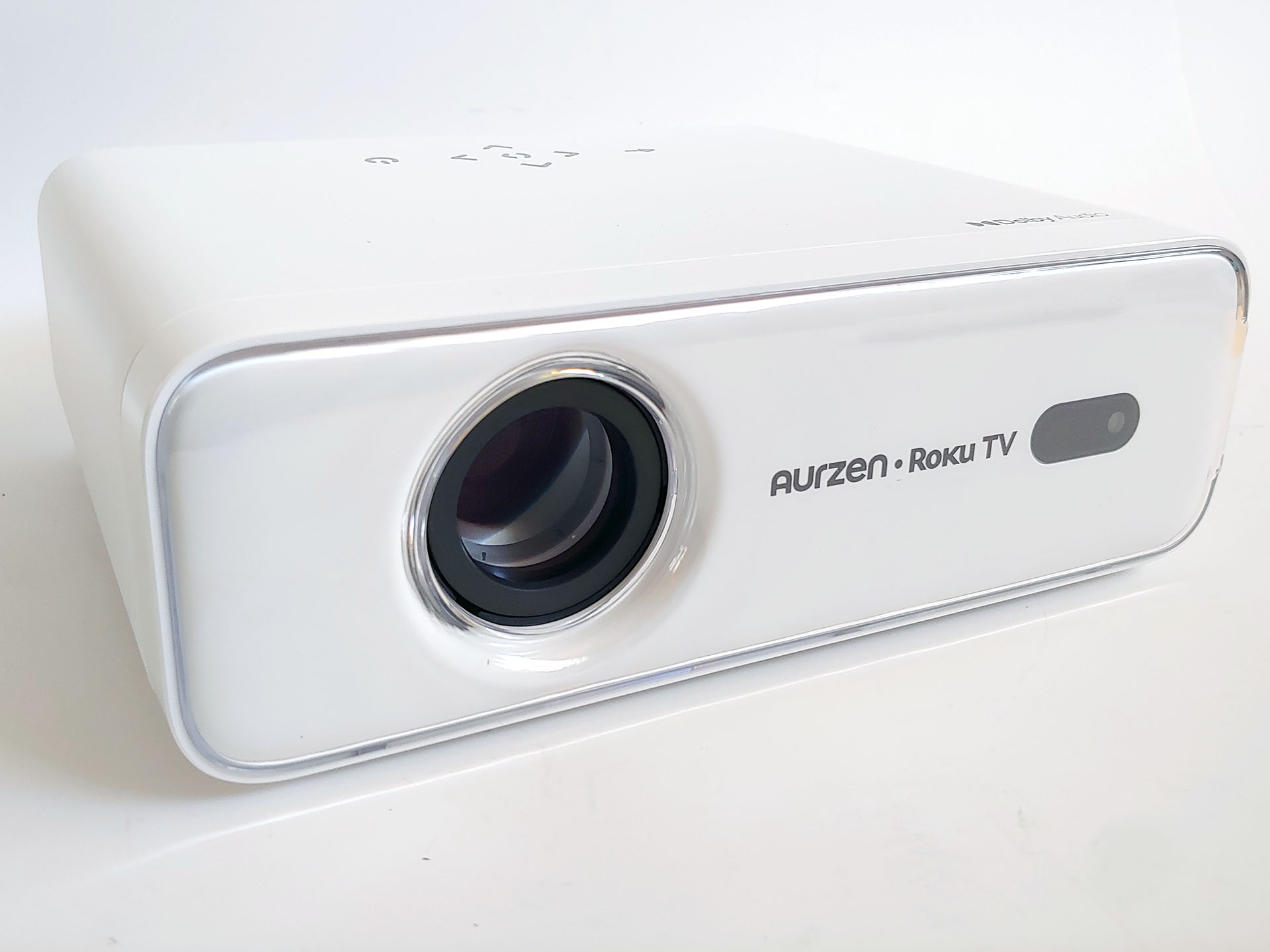
The Aurzen Eazze D1R Roku projector is a versatile entry-level projector with a satisfyingly bright and vivid image after minor tweaking of the settings, while Roku OS provides easy access to free TV channels and streaming services.
Transparency
The selection of devices to be reviewed is made by our editorial team. The test sample was given to the author by the manufacturer free of charge for the purposes of review. There was no third-party influence on this review, nor did the manufacturer receive a copy of this review before publication. There was no obligation to publish this review. As an independent media company, Notebookcheck is not subjected to the authority of manufacturers, retailers or publishers.
 Add as a preferred source on Google


