


Amazon's Alexa tablets show ads – here's how to remove them

Amazon offers a US$ 20 discount on its Alexa Tablets 8 and 11 if you accept ads on the lock screen. Amazon rather euphemistically calls these ads "special offers".
We recently reviewed the Amazon Alexa Tablet 8 with ads and also looked at how intrusive the ads actually are and how to get rid of them if necessary.
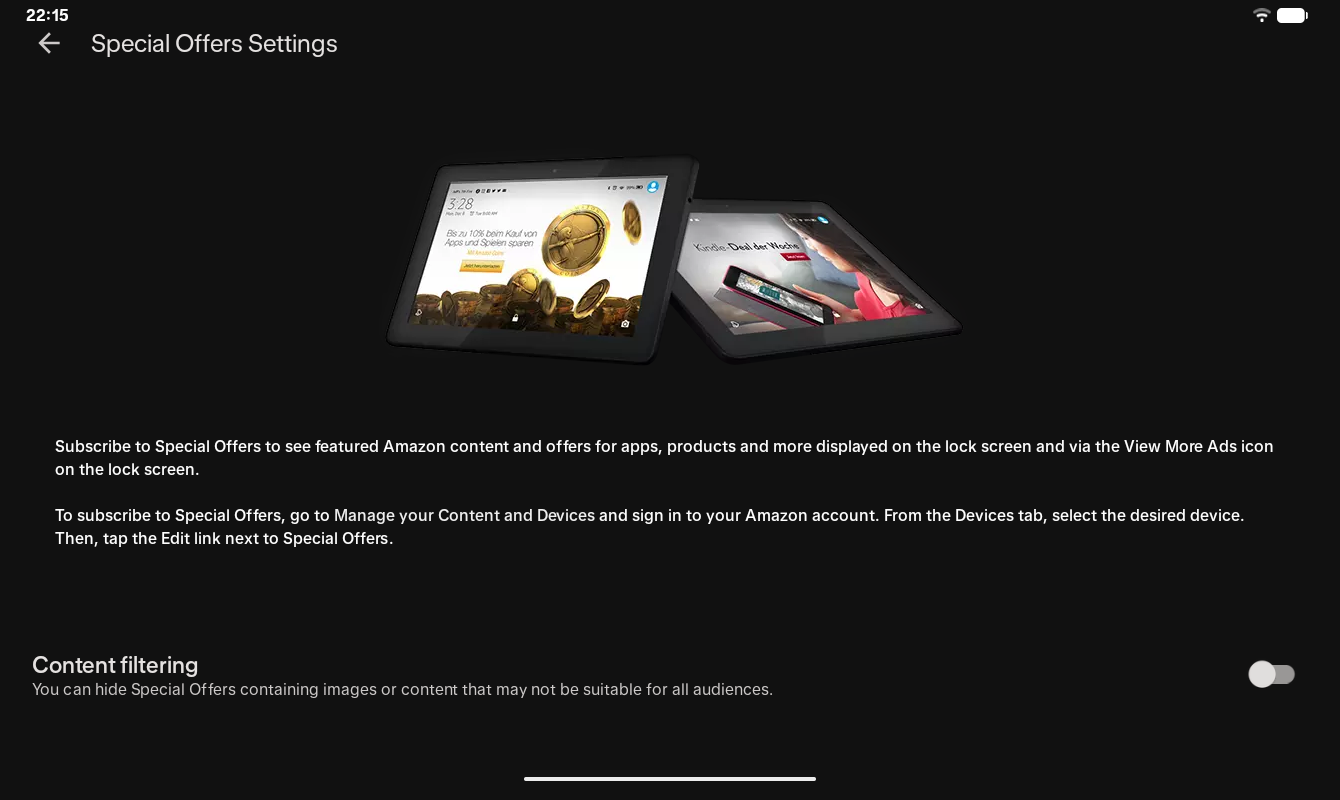
How do ads work on Amazon's tablet?
First of all, the ads do not appear constantly. You can see what they look like in a preview under the relevant menu option on the tablet: An ad for the Kindle deal of the week, for example.
Ads also appear only on the lock screen, not while you are actively using the Alexa tablet.
If you still find them annoying, you can pay extra directly at amazon.com and buy a version without ads. The Alexa Tablet 12 Pro has no ads anyway.
Pay more upfront or remove the ads later?
But what if you have already bought the tablet with ads and then find the constant advertisements annoying after all?
Amazon has a solution for that too: In your account settings, simply go to "Devices", or "Connected devices" in the app, select your Alexa tablet and scroll to the bottom to find "Special offers" with the "Remove offers" button.
You can then pay the extra US$ 20 there. However, Amazon says that tax is added, so the total price may end up being slightly higher than if you had chosen the ad-free version when you bought it.


A tablet with a good rating
Whether you choose the version with or without ads, the Alexa Tablet 8 earned a good overall rating in our review, with a very high-quality case but very low performance and somewhat short battery life.
You can find out more about Amazon's new tablet in our in-depth review.
Source(s)
 Add as a preferred source on Google


