




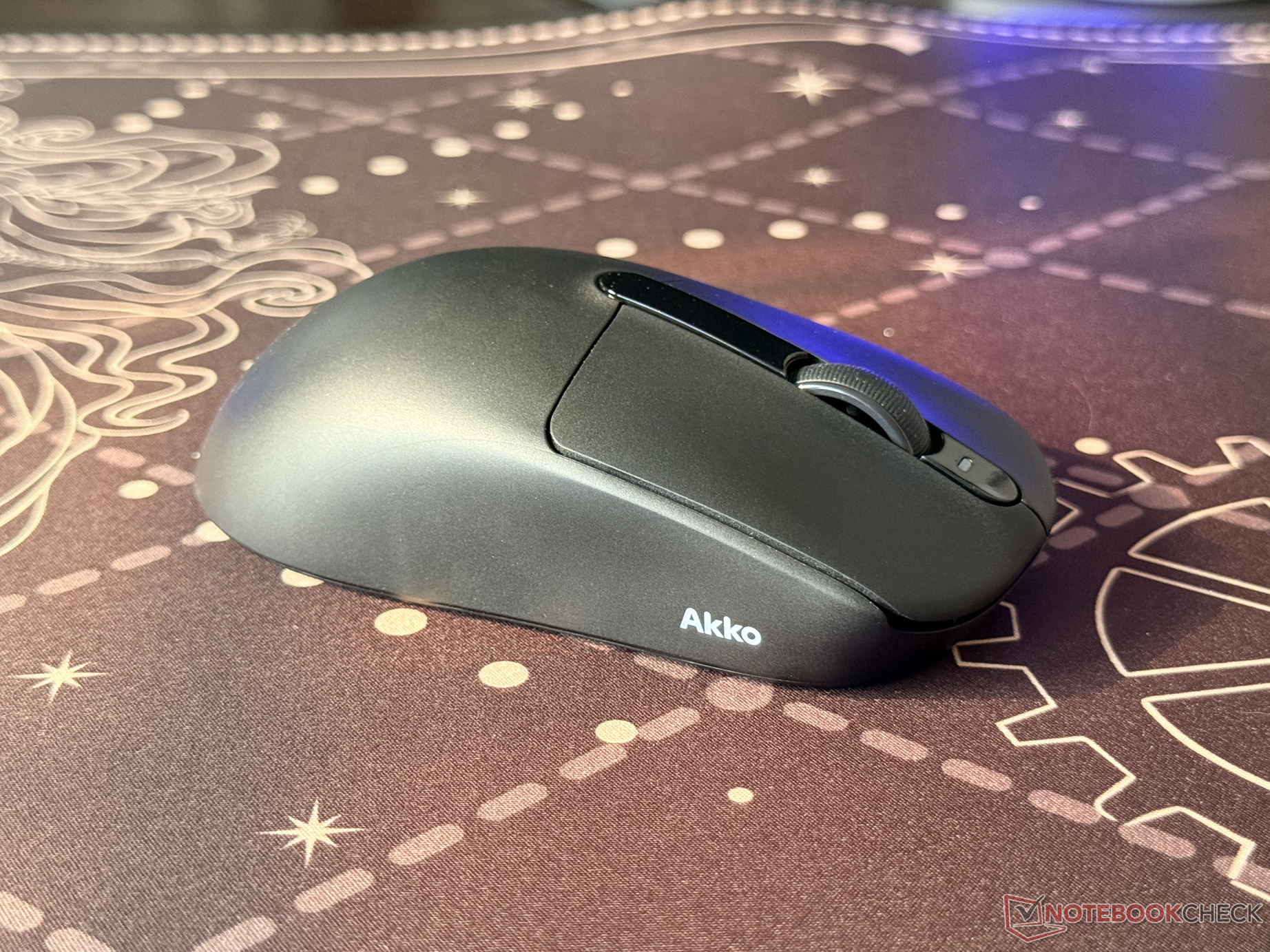
Akko V9 Dash Ultra review: Affordable ultra-light gaming mouse with 8 kHz polling rate
Small mouse, big speed.
The Akko V9 Dash Ultra is a relatively lightweight wireless mouse with 8 kHz polling rate support in both wired and wireless modes. It has tri-mode connectivity and features the performance-focused PixArt PAW3950 sensor, but can it offer a comfortable grip on most hands?Abid Ahsan Shanto Published 🇳🇱 🇫🇷 ...
Verdict - Ultra-light performance with a shape that won't suit everyone
For its early bird pricing of $59.99 ($69.99 regular), the Akko V9 Dash Ultra delivers solid performance for the money. The 40 g lightweight design of the black variant, PixArt Paw 3950 sensor, and 8 kHz polling rate on both wireless and wired modes make it a highly responsive gaming mouse.
It's also nice to see Akko include a handful of accessories in the box, which makes it easier to tune the overall experience according to the user's preference. The compact design, however, limits its versatility. It's clearly optimized for small to medium hands, and users with semi-large or large hands may find the shape a bit cramped, especially during extended sessions.
Pros
Cons
Price and availability
Akko is currently offering an early bird discount on the Dash Ultra, dropping it from the regular $69.99 to $59.99 on the official website. The gaming mouse is also available on Amazon for $69.99.

Table of Contents
- Verdict - Ultra-light performance with a shape that won't suit everyone
- Specifications
- Unboxing and included accessories
- First impressions and build quality of the wireless mouse
- Testing the polling rate of the Akko V9 Dash Ultra
- Responsiveness and overall user experience
- Battery life of Akko V9 Dash Ultra
- Conclusion
Akko has a growing portfolio of mice, and the V9 Dash Ultra is the latest addition. This wireless gaming mouse, while being affordable, comes packed with features and has performance-focused hardware. Available in two color options, it weighs as little as 40 grams, but the design choice has made it less versatile.
Specifications
| Sensor | PixArt PAW3950 |
| MCU | Nordic 54L15 |
| Main click switches | OmronOptical |
| Main buttons | 5 buttons – left, right, scroll click, up, and down |
| Weight | 40 grams (black) and 41 grams (white) |
| Lift-off distance | 0.7 mm, 1 mm, or 2 mm |
| Polling rate | Up to 8 kHz (in both wired and wireless modes) |
| DPI range | 100 to 42,000 |
| Finish | Electrical Discharge Machining (EDM) finish |
| Battery | 300 mAh (up to 86 days on Bluetooth) |
| Connectivity | USB-C wired, 2.4 GHz dongle, or Bluetooth 5.0 |
| Size | 175.6 x 90.9 x 37.1 mm |
Unboxing and included accessories
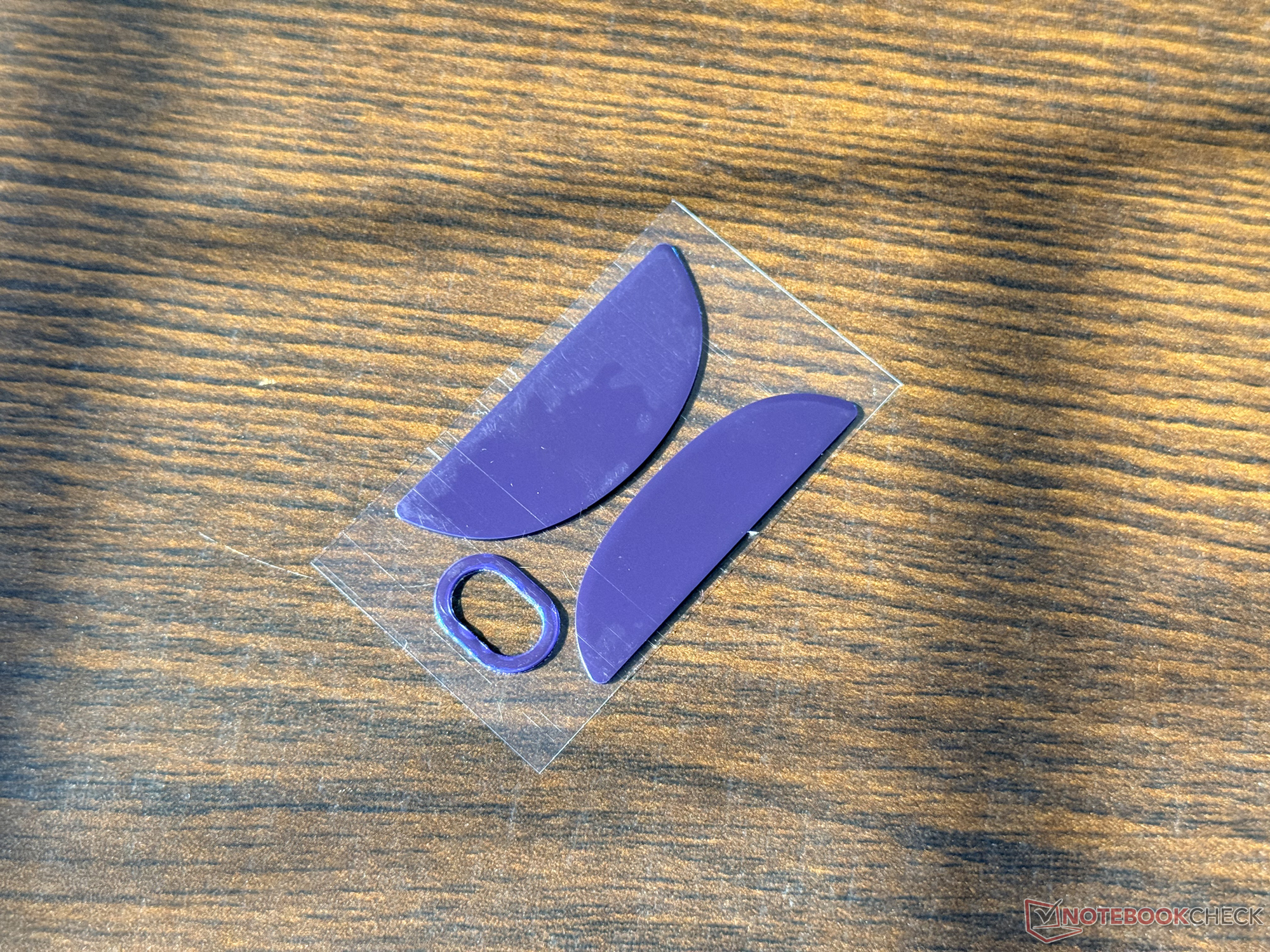
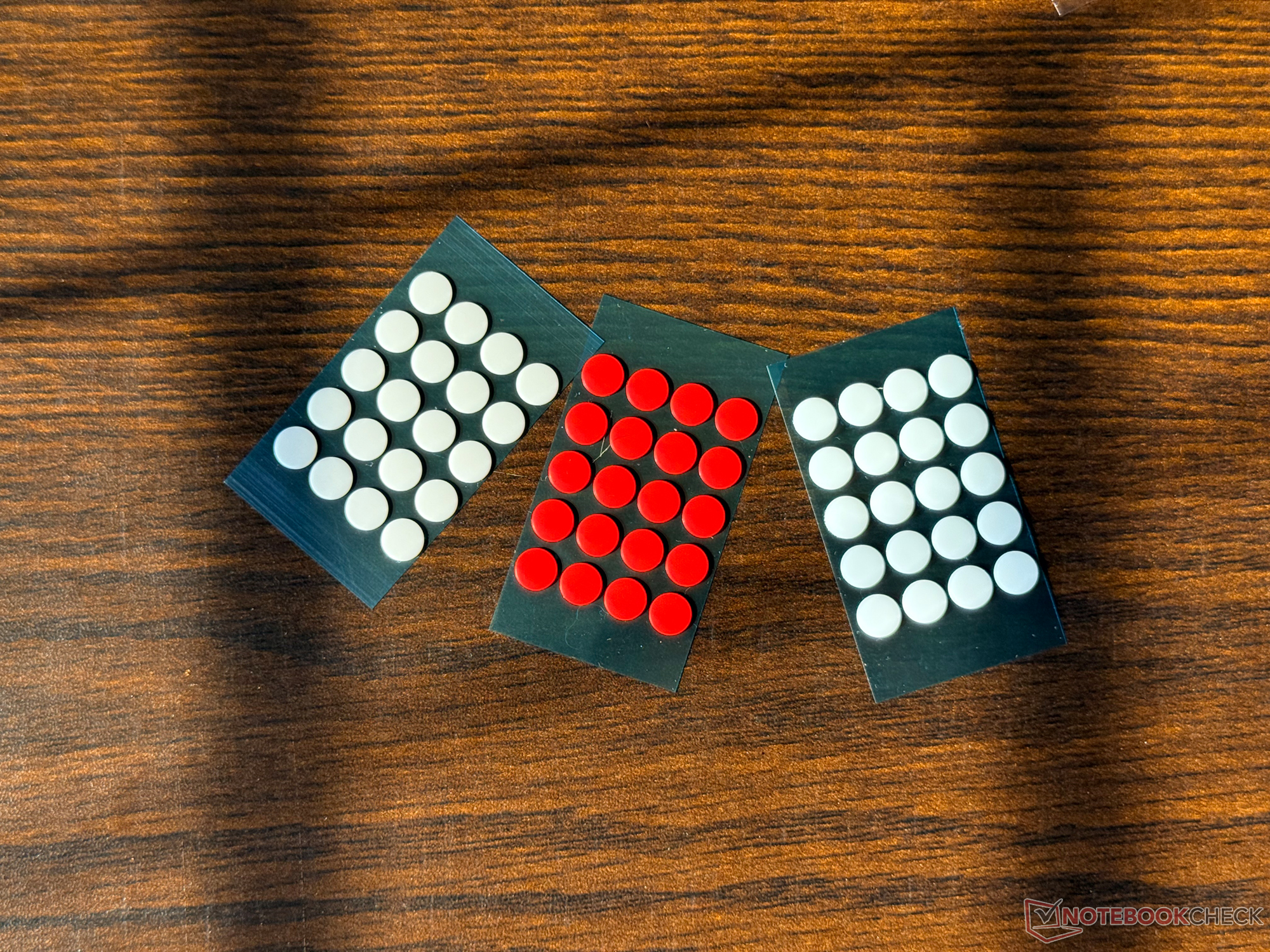
The Akko V9 Dash Ultra comes with quite a number of accessories. In addition to the mouse, the company has packed the following into the box:
- 1x USB-A to USB-C cable
- 1x Slim 8 kHz USB-A dongle
- 1x USB-A to USB-C adaptor
- 3x sets of dot skates
- 1x default skate replacement set
- 1x grip tape

First impressions and build quality of the wireless mouse
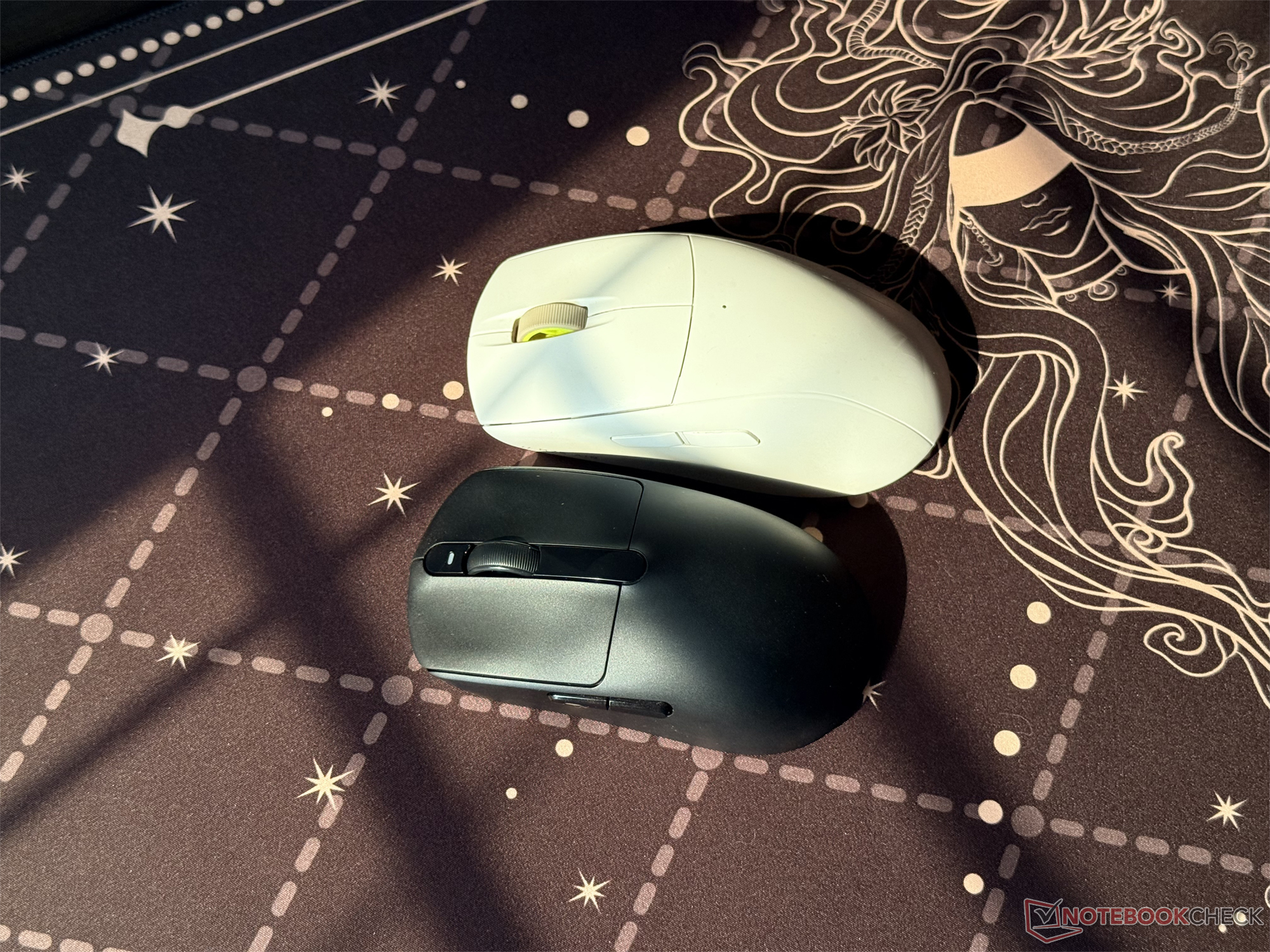
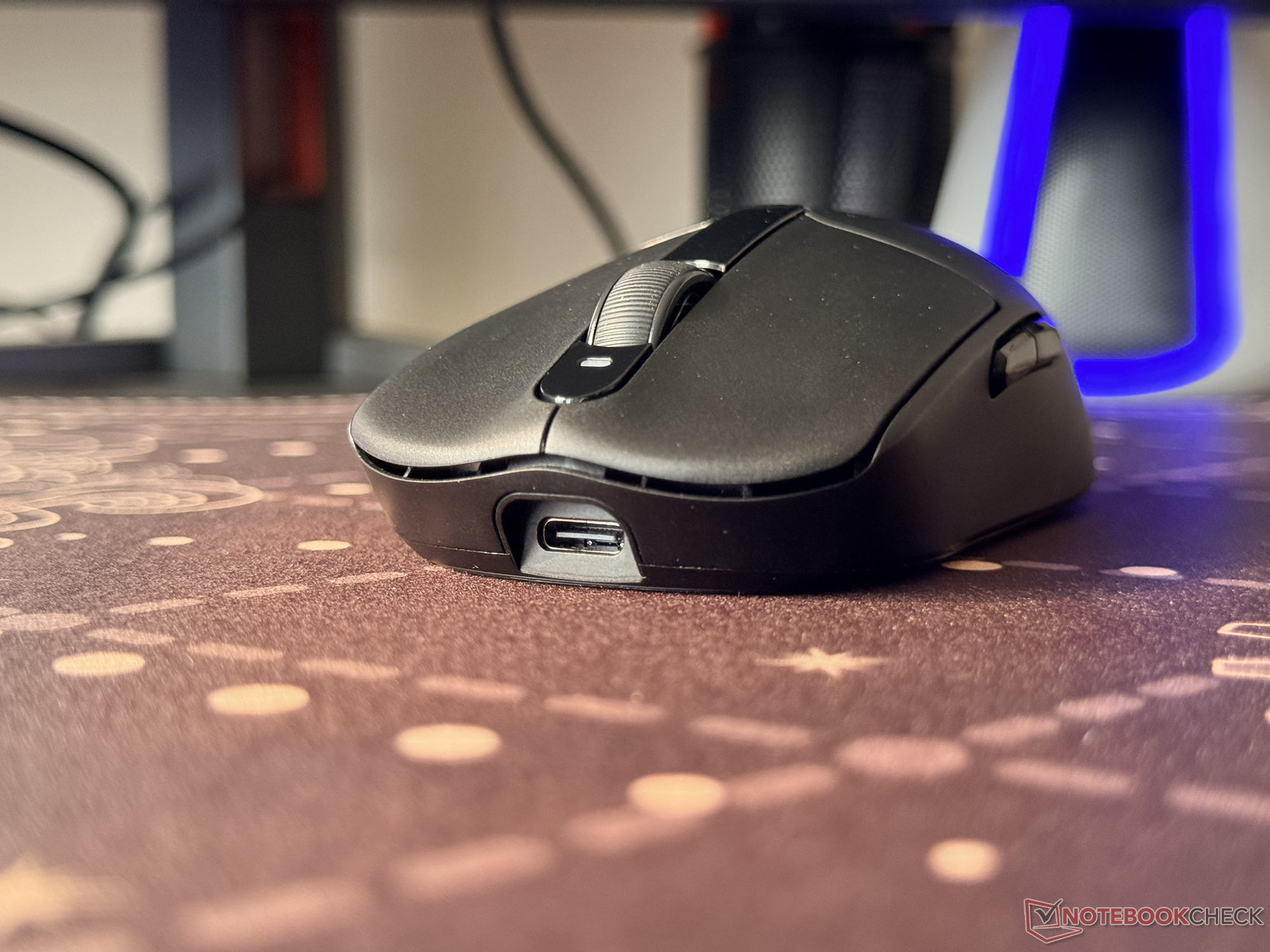
Having experience with multiple wireless gaming mice, the first thing that stood out to me was the relatively small size of the Akko Dash Ultra. It's much smaller than the Corsair M75 Air that I was using before, but Akko's wireless mouse is considerably lighter.
As Akko highlights, the black version of the gaming mouse, which I have here for review, weighs as little as 40 grams, while the white version weighs around 41 grams. The open-bottom and the smaller size contribute to this lightweight design.
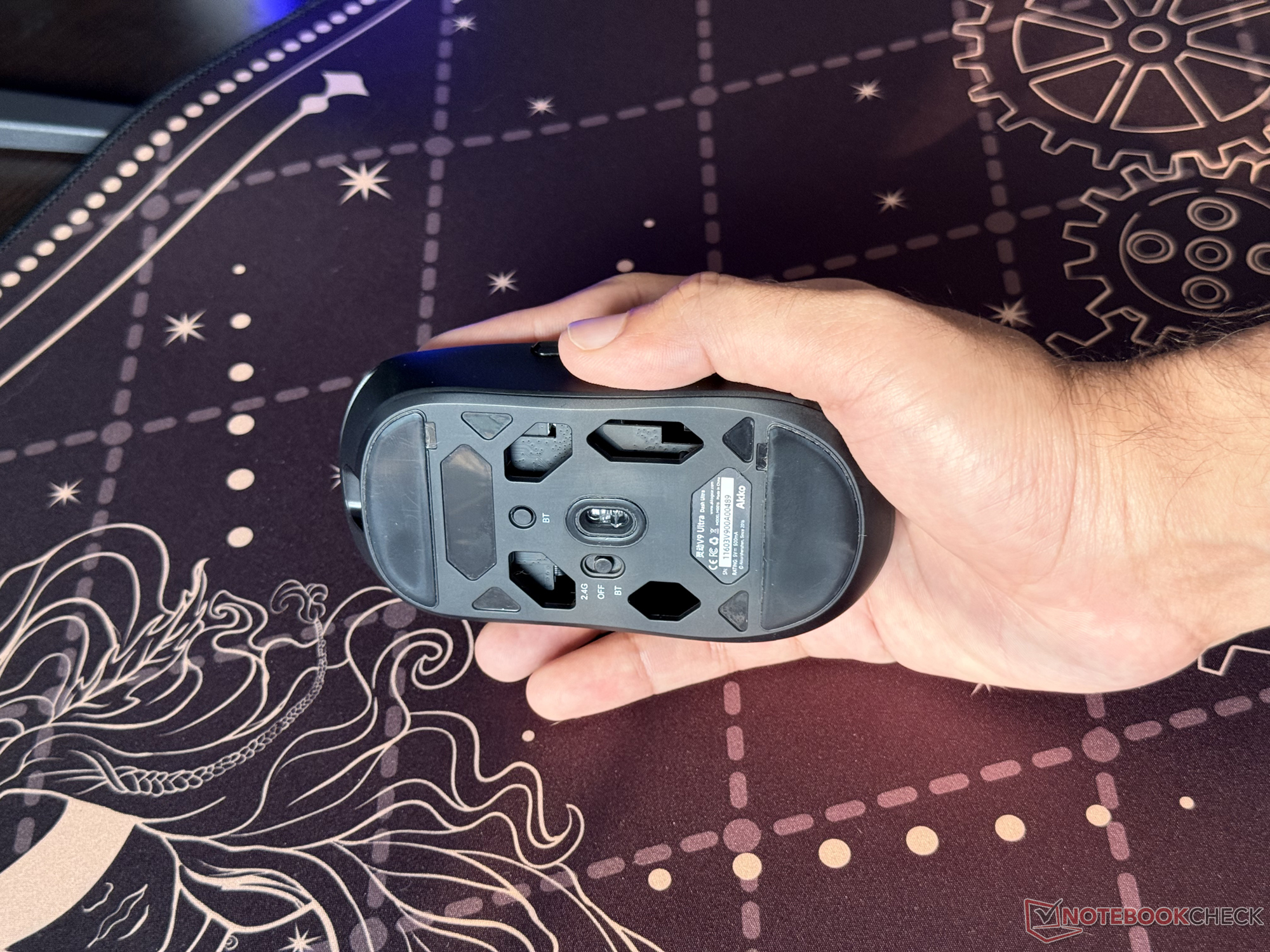
Speaking of the relatively small design, Akko says that it's optimized for small hands. I don't have large hands, but it took some time to get used to the compact shape of the wireless gaming mouse, especially after using the Corsair M75 Air (curr. $59.90 on Amazon), which is categorized as a medium-large mouse.
Regarding the buttons, they have a nice click, and I haven't found any of them to be wobbly. While the main buttons are more than enough for gaming, I would've loved to see a dedicated DPI switch on top of the mouse.

Testing the polling rate of the Akko V9 Dash Ultra
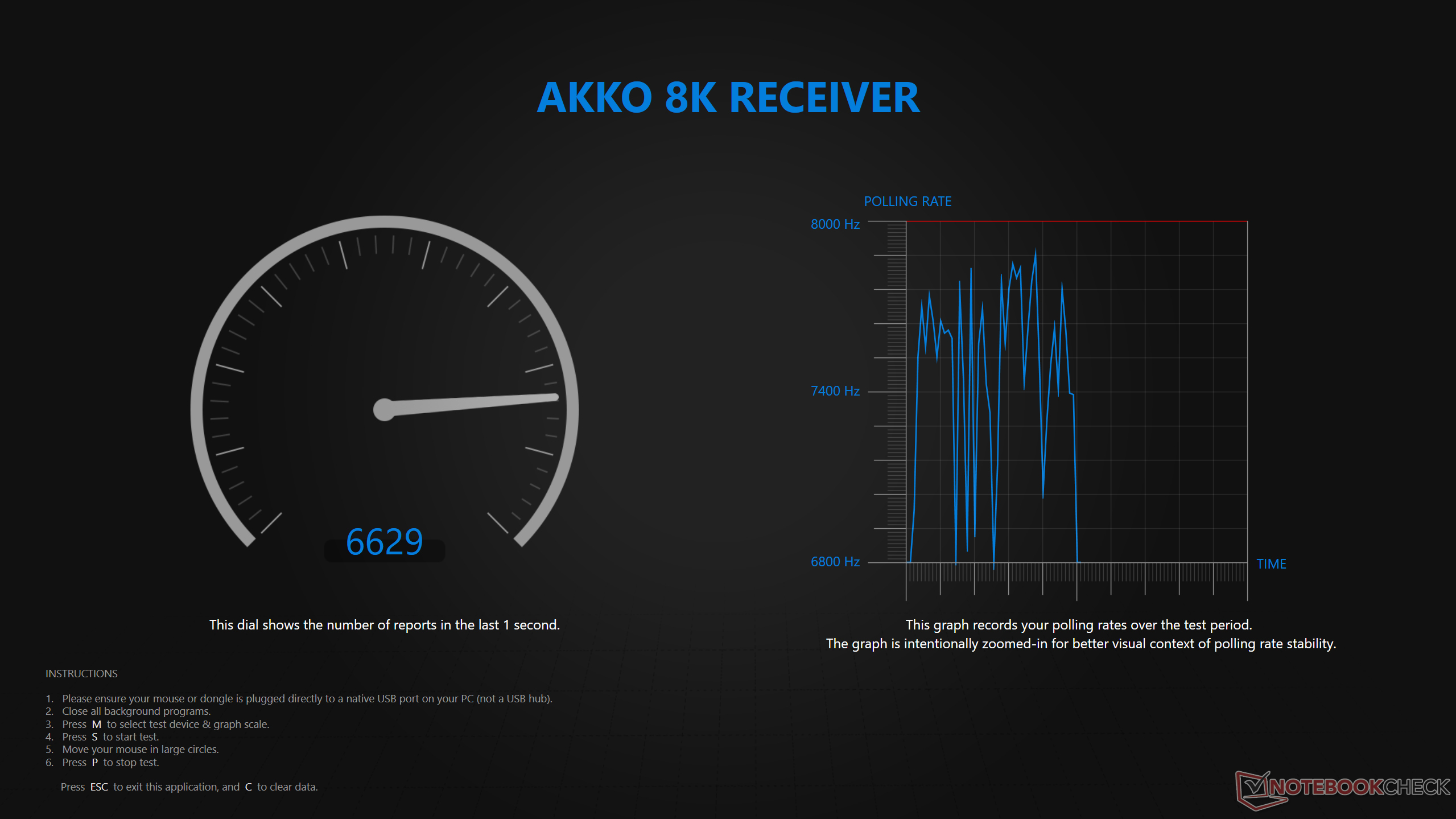
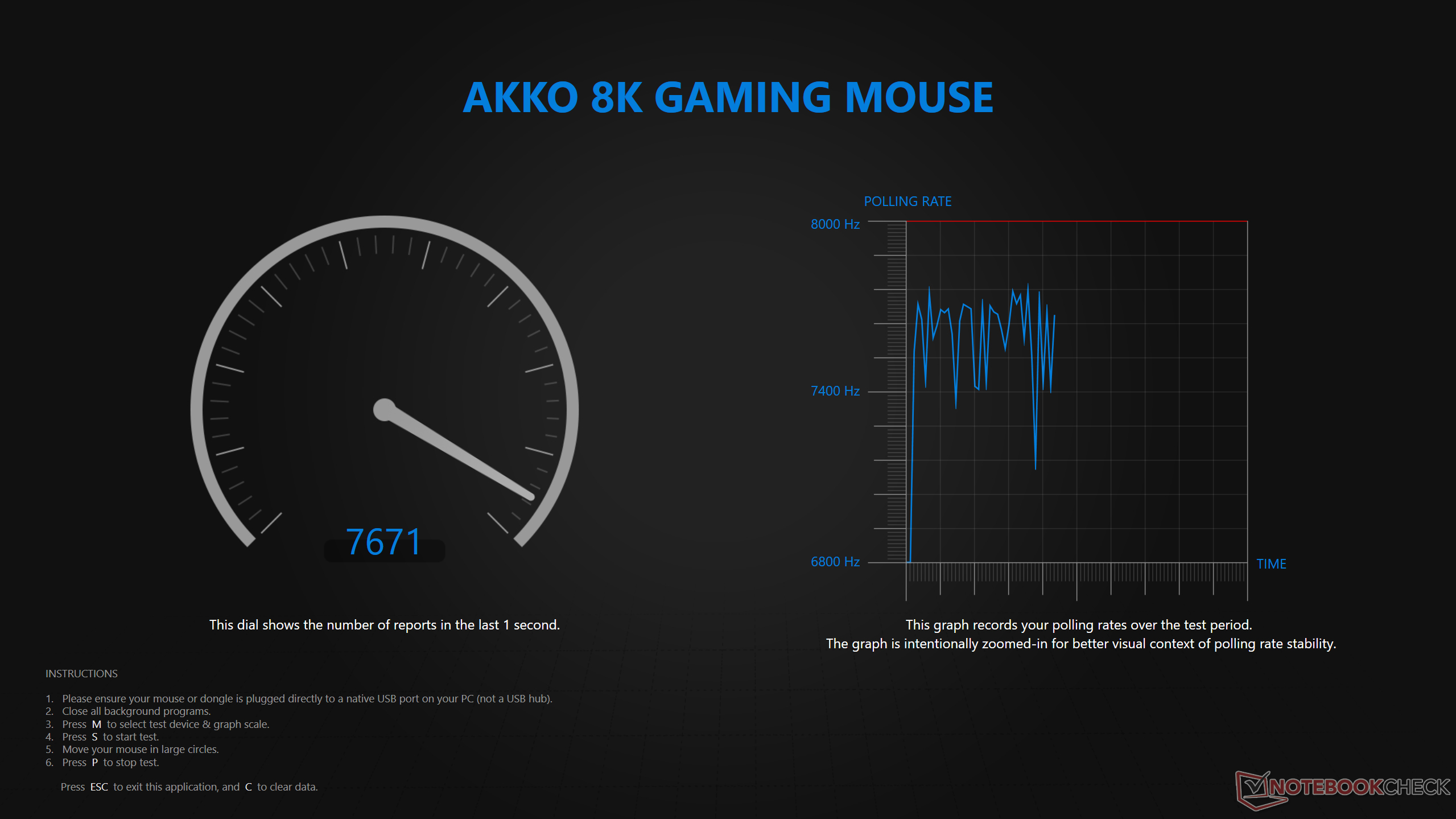
One of the biggest selling points of this wireless mouse is that it can go up to 8 kHz polling in both wired and wireless modes. I have put that claim to the test. For this, I used the Polling Rate Tester App that's offered by Razer, which is regarded as a reliable software to get this data.
In the wired mode, the polling rate was quite close to the 8 kHz mark, with the average being at over 7,500 Hz during the testing session. I've noticed a similar reading on the wireless mode. That is, even on the 2.4 GHz wireless mode, the mouse was hovering around the 8 kHz polling rate mark. However, it's worth noting that different software can give different values.
Responsiveness and overall user experience
The V9 Dash Ultra felt snappy and very responsive in gaming. Its Omron optical switches have a good rebound, and they felt quite precise during my 2-week testing. Akko is also offering a handful of customization options in the software to further tune the experience.
Every main button of the wireless gaming mouse can be remapped, and in the "Performance" section, there's an option that allows quick DPI switching. Users can also enable angle snapping, enabling sharper straight-line movements that can give a competitive edge in FPS games.
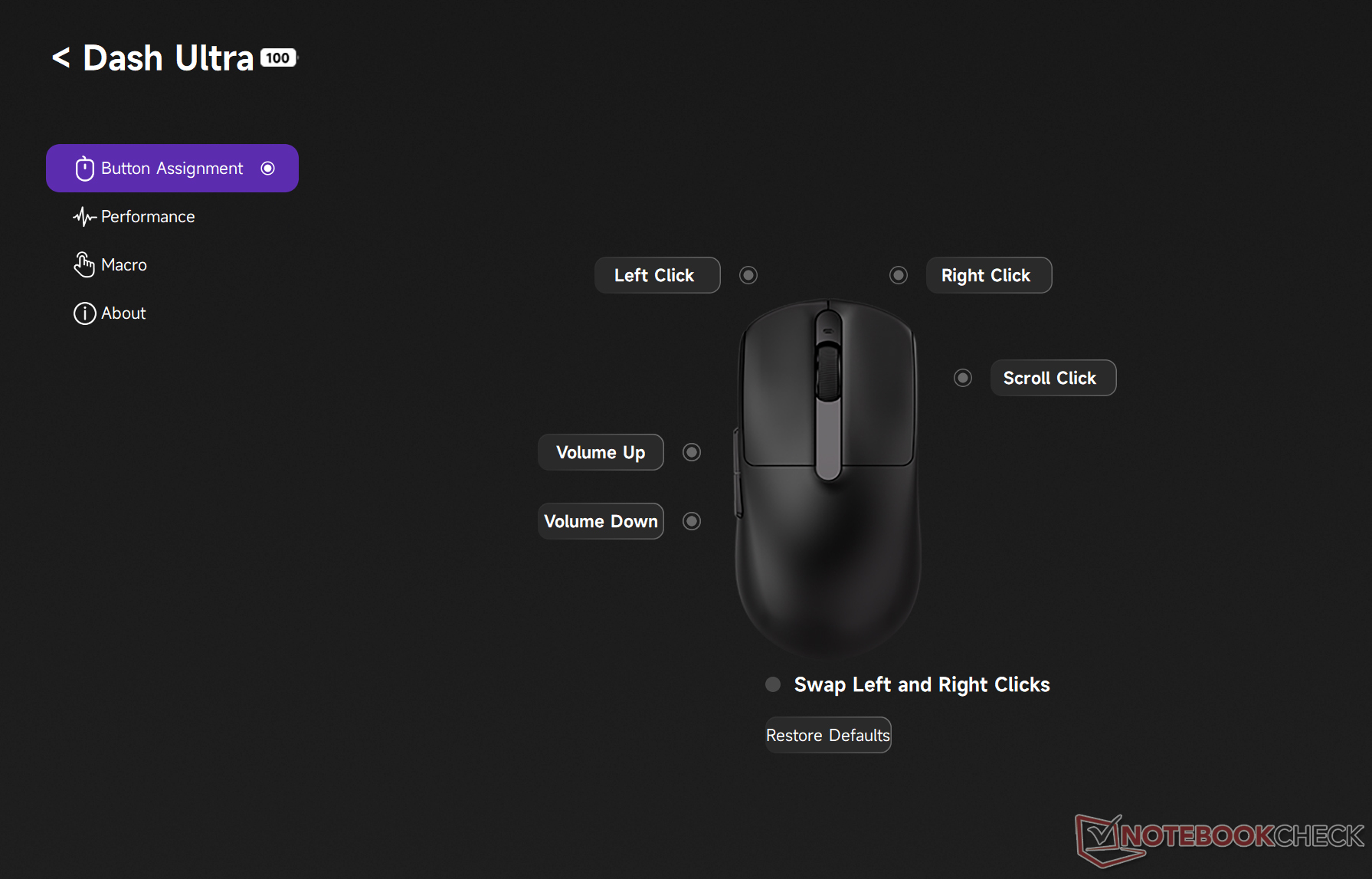
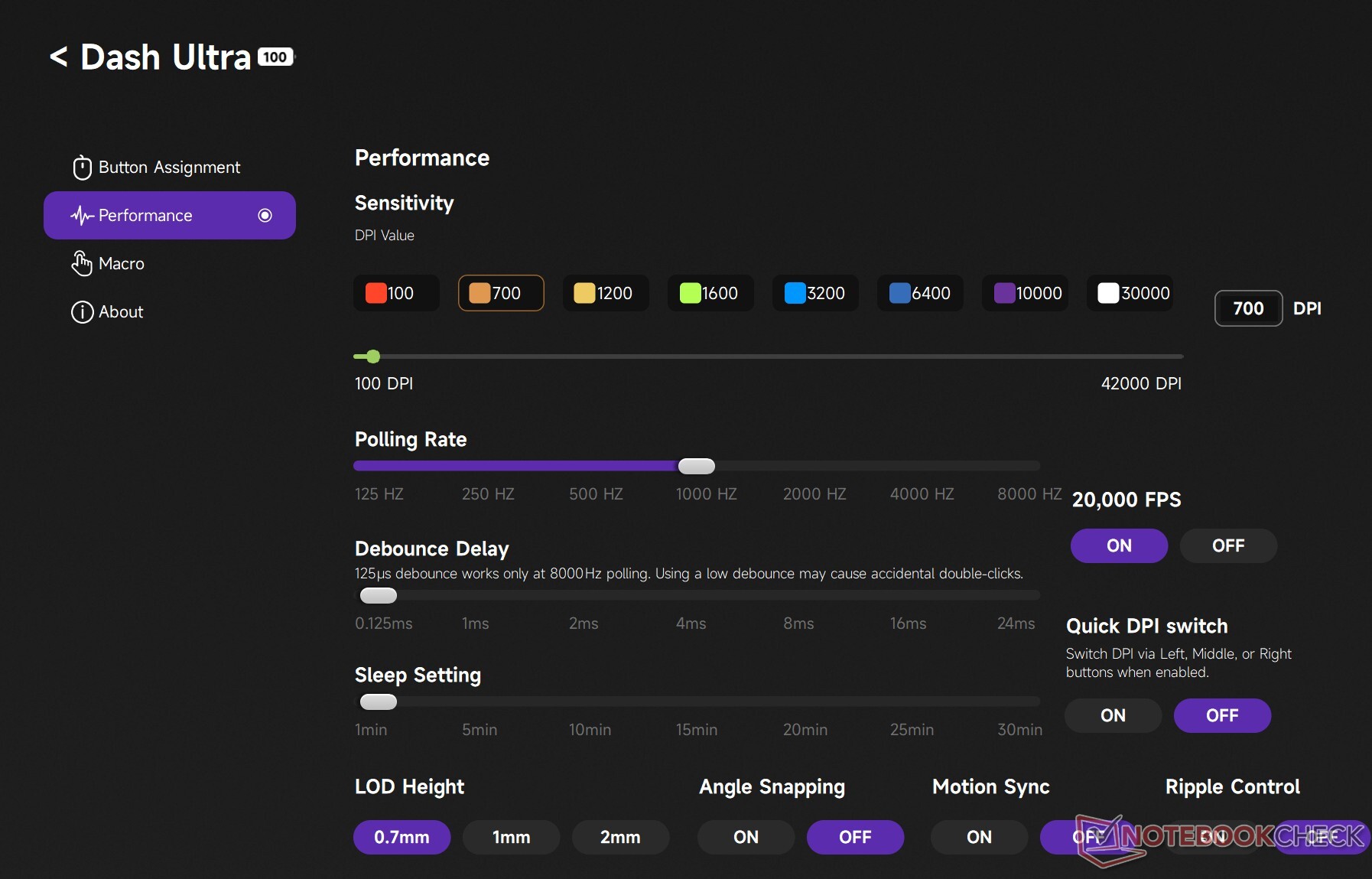
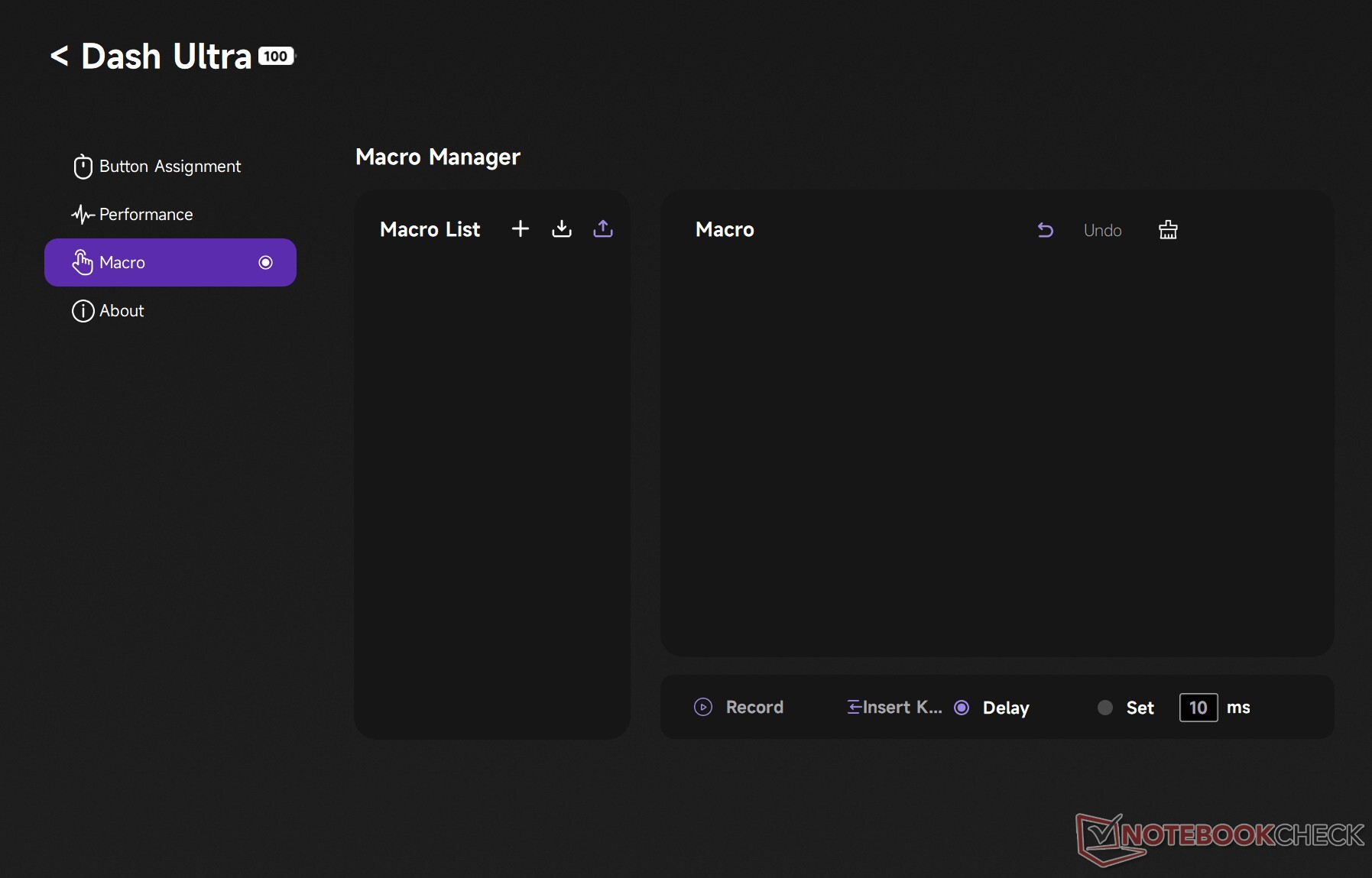
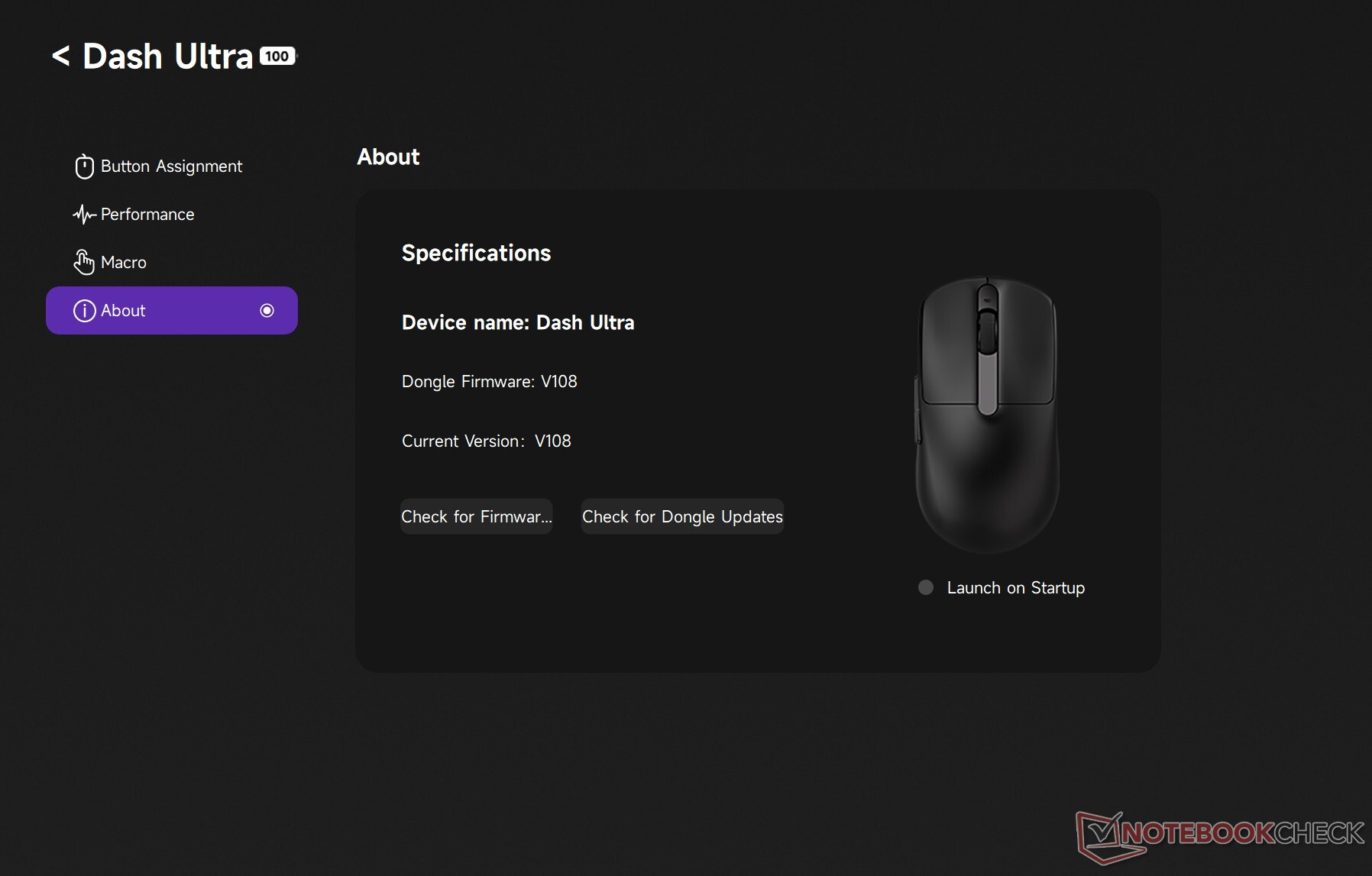
For productive sessions, there's an option to enable Ripple Control, which essentially smoothens the movement but adds a noticeable delay. Other than that, the software has a dedicated Macro section, and as Akko notes, the company plans to release a web driver for the gaming mouse on March 31, 2026.
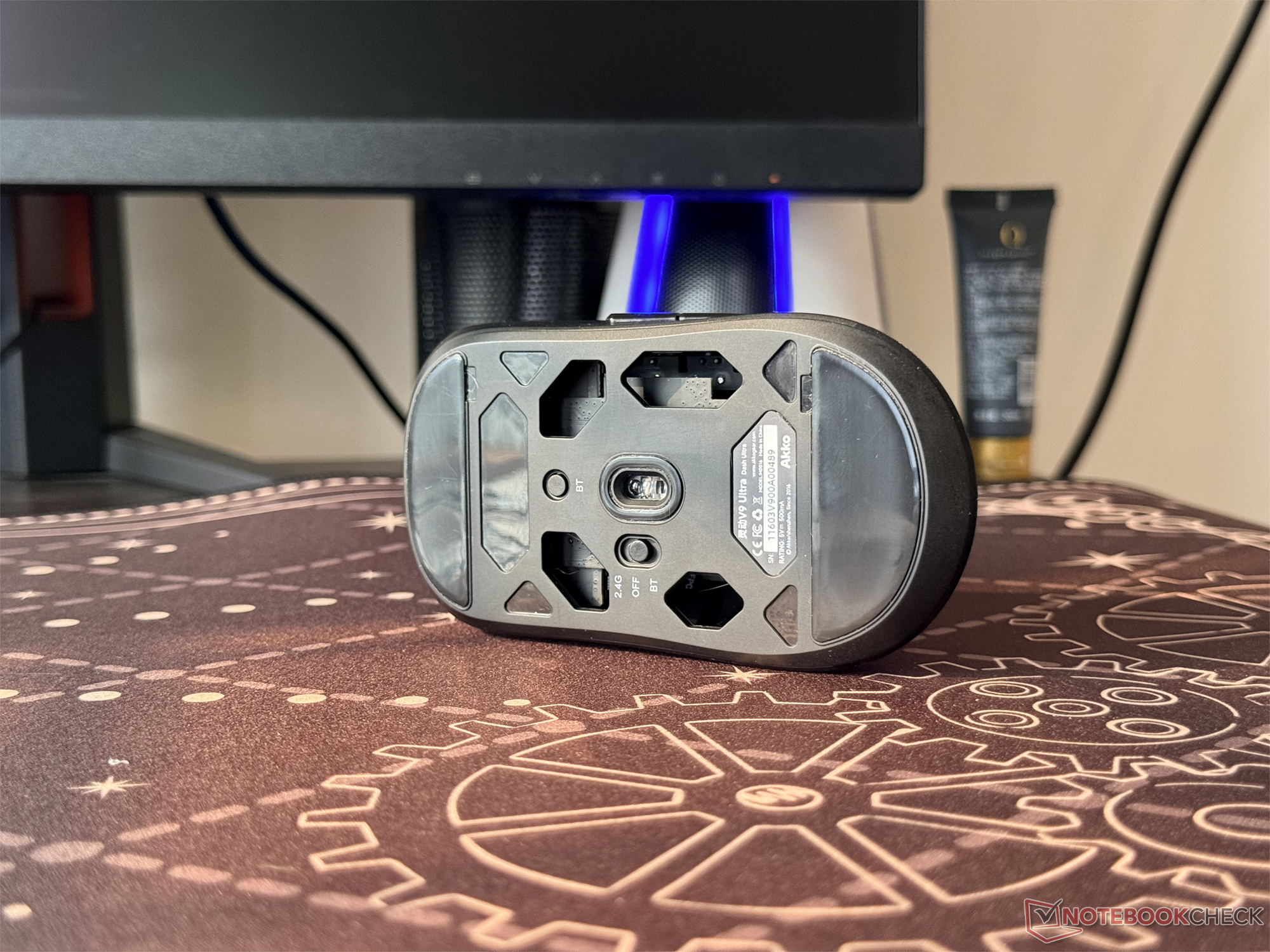
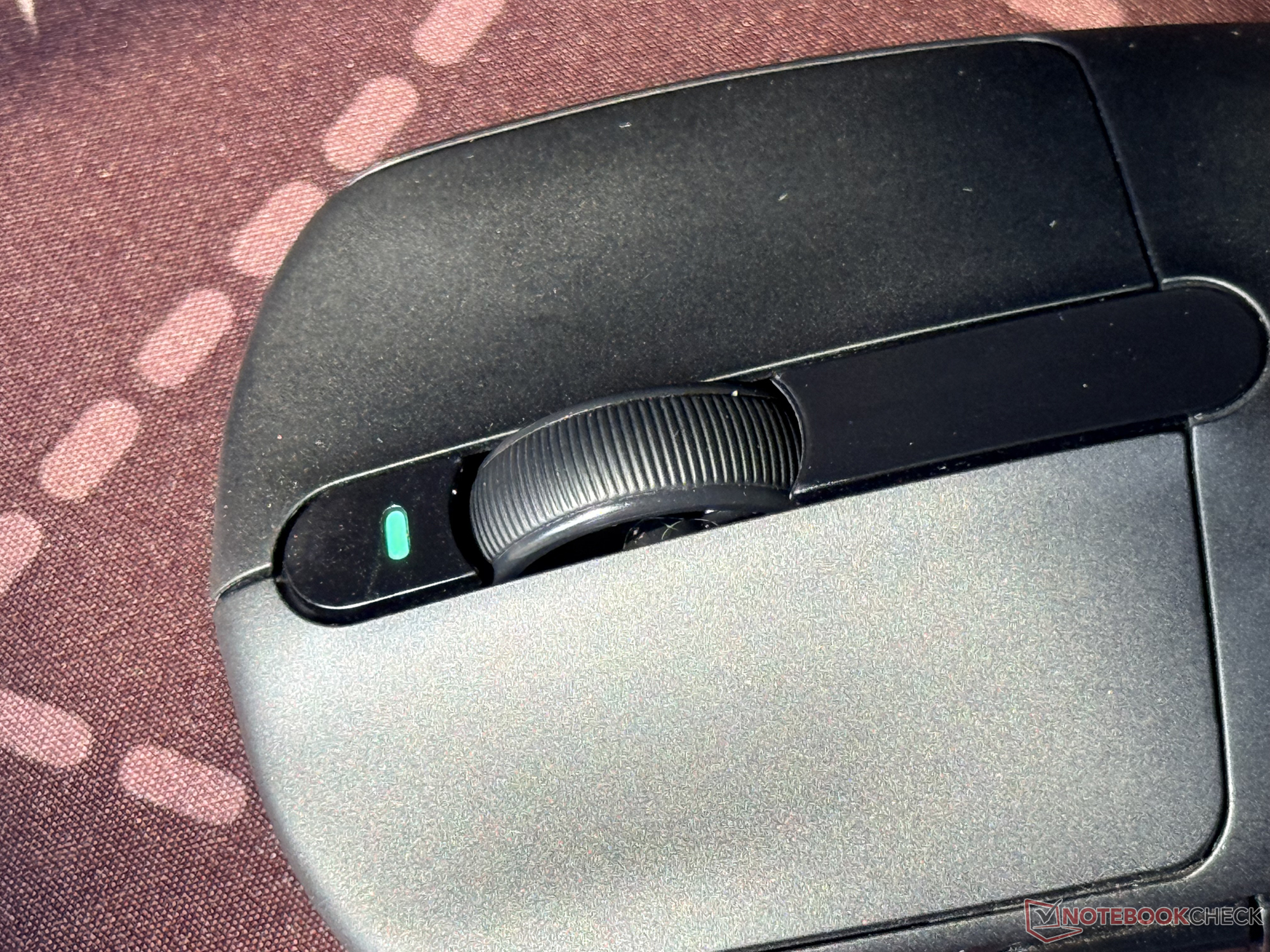
Another aspect to note is that switching from 2.4 GHz to wired to Bluetooth mode is quite easy on the mouse. There's a dedicated switch at the bottom, and Akko has also added a separate Bluetooth pairing button.
Battery life of Akko V9 Dash Ultra
A 300 mAh battery powers the internals of the Akko V9 Dash Ultra, which has the same capacity as the one in the Corsair M75 Air I was previously using. However, the Dash Ultra can offer longer runtime in comparison, especially in the 2.4 GHz mode with the polling rate turned down to 1 kHz. Akko says that the runtime in such a configuration can go up to 84 days after a full charge.
It's worth noting that in the 8 kHz mode, the runtime will drop down to under 30 hours, especially when it's in continuous use. Recharging the battery doesn't take long either, as the battery capacity is relatively small.
Conclusion
The Akko V9 Dash Ultra is a solid, responsive, and affordable 8K wireless mouse for those who are comfortable with its compact design. For users with large hands, however, it may be a bit uncomfortable to use, even in the claw grip mode.
Transparency
The selection of devices to be reviewed is made by our editorial team. The test sample was given to the author by the manufacturer free of charge for the purposes of review. There was no third-party influence on this review, nor did the manufacturer receive a copy of this review before publication. There was no obligation to publish this review. As an independent media company, Notebookcheck is not subjected to the authority of manufacturers, retailers or publishers.
 Add as a preferred source on Google


