




A WhatsApp flaw lets anyone access private photos on your locked phone
When you lock your smartphone, you expect your personal files and photos to remain completely inaccessible to anyone else. Mobile operating systems naturally allow a few safe exceptions to this rule, letting you answer incoming phone calls, read notification snippets, or check the time without needing a fingerprint or passcode. But, accessing your personal files is where that convenience is supposed to end. An unusual flaw currently present in WhatsApp for Android completely breaks that barrier by granting direct access to your photos.
It turns out that a WhatsApp video call can apparently be exploited to access private photos stored on an Android phone without first unlocking the device. This is not a remote attack where somebody sitting elsewhere can simply access your gallery over the internet. A person would need physical access to the phone itself. But once they have it, the incoming video call provides a way to slip further into the device than the lock screen should normally allow, ultimately granting them full access to browse through your personal photos.
The process itself is remarkably straightforward and requires absolutely no technical skill because it navigates through standard menu options. When a locked Android device receives a WhatsApp video call, anyone holding the phone can simply swipe to answer it. Once the video feed connects, tapping the effects icon opens a menu containing tabs for effects, filters, and backgrounds. The interface defaults to the filters tab, so the user just needs to switch over to the background section. From there, clicking the "Create with Meta AI" button presents options to create a new image or edit an existing photo. Selecting the "Edit photo" option completely overrides standard security protocols and immediately pulls up the device's entire photo gallery. We tested this flaw on a Pixel 6 Pro running Android 17 with its latest security patch. The exploit granted us unrestricted access to browse personal images stored on the device without requiring a single security check.
Interestingly, this vulnerability is not universal across all Android smartphones, as different manufacturers handle lock screen permissions in their own ways. For example, testing the same exploit on a Samsung Galaxy S25 Ultra running One UI 8.5 correctly blocks the intrusion. Clicking the Meta AI button on the Samsung device immediately throws the user to the lock screen, demanding a passcode or biometric scan. However, the bypass works flawlessly on an Oppo K13 running ColorOS 16. Since both the Samsung and Oppo phones run on Android 16, it proves that the security flaw depends entirely on how specific brands build their custom software interfaces.
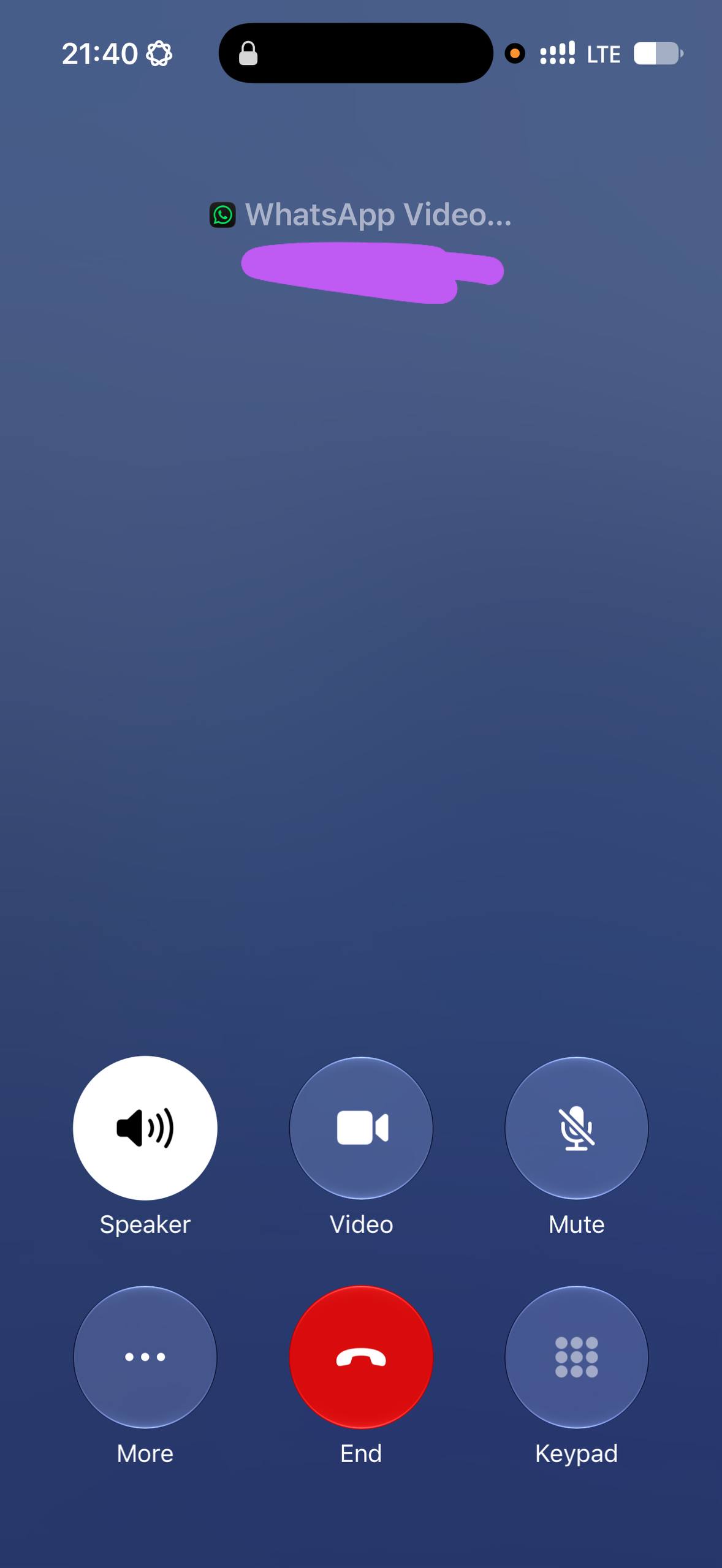
While Android security varies heavily by manufacturer, Apple takes a universally strict approach. The vulnerability is entirely absent on iPhones because it would never happen on iOS due to CallKit restrictions. When a locked iPhone receives a WhatsApp call, the CallKit framework steps in and displays Apple's native cellular interface instead of WhatsApp's custom screen. This completely blocks access to the background replacement tool. To reach the native image gallery, an iOS user is forced to unlock the device. Given the severity of the privacy risk on Android devices that lack this rigid separation, the behavior has already been reported to both Meta and Google so an official patch can be issued to help users secure their personal photos.
 Add as a preferred source on Google


