




27-inch monitor with a 240 Hz IPS panel, G-Sync, and accurate colors: KTC H27E6S review
Not just for gamers.
At €240, the KTC H27E6S is a fast 27-inch QHD monitor with G-Sync and a 240 Hz refresh rate. Thanks to its matte display surface and accurate color reproduction, however, it is also suitable for uses beyond gaming.Andreas Osthoff, 👁 Andreas Osthoff, ✓ Ninh Duy (translated by DeepL / Ninh Duy) Published 🇩🇪 🇳🇱 ...
Verdict: Affordable 27-inch monitor with 240 Hz
In testing, the KTC H27E6S makes a good impression. Its 27-inch IPS panel, with a high 240 Hz refresh rate and fast response times, handles even the fastest-paced shooters without issue, both on PC and on consoles. HDR gaming, however, is not really feasible, as the IPS panel simply does not get bright enough to produce a meaningful HDR effect.
Thanks to its good brightness, matte display surface, and lack of PWM flicker, the monitor is also well suited to productivity work, especially since the screen can be rotated into portrait mode. The included stand offers extensive adjustment options, though there is little in the way of lighting.
Even with the factory settings, the H27E6S delivers accurate color reproduction in the sRGB color space, which also makes it suitable for image editing. Overall, it is a good all-rounder at a fair price. However, if you only game occasionally, competing models with a lower refresh rate but more features, such as USB-C Power Delivery or a KVM switch, are likely to be more attractive.
Pros
Cons
Price and Availability
The KTC H27E6S is available on Amazon Germany for €239.99.
Translator’s note: In the US, the monitor is available on Amazon for $220.

With the H27E6S, KTC offers an affordable 27-inch monitor with an IPS panel and a 240 Hz refresh rate, primarily aimed at gamers. However, thanks to its accurate colors and matte panel, it should also be suitable for productivity tasks.
Specifications
| Size | , 27 inches |
| Resolution | , 2,560 x 1,440 pixels (16:9) |
| Refresh rate | , 240 Hz (275 Hz overclocked) |
| Panel | , Fast IPS (8-bit) |
| Inputs | , 2x HDMI 2.0, 2x DisplayPort 1.4, 1x USB 2.0 (firmware updates only) |
| Outputs | , 3.5-mm audio |
Design & features
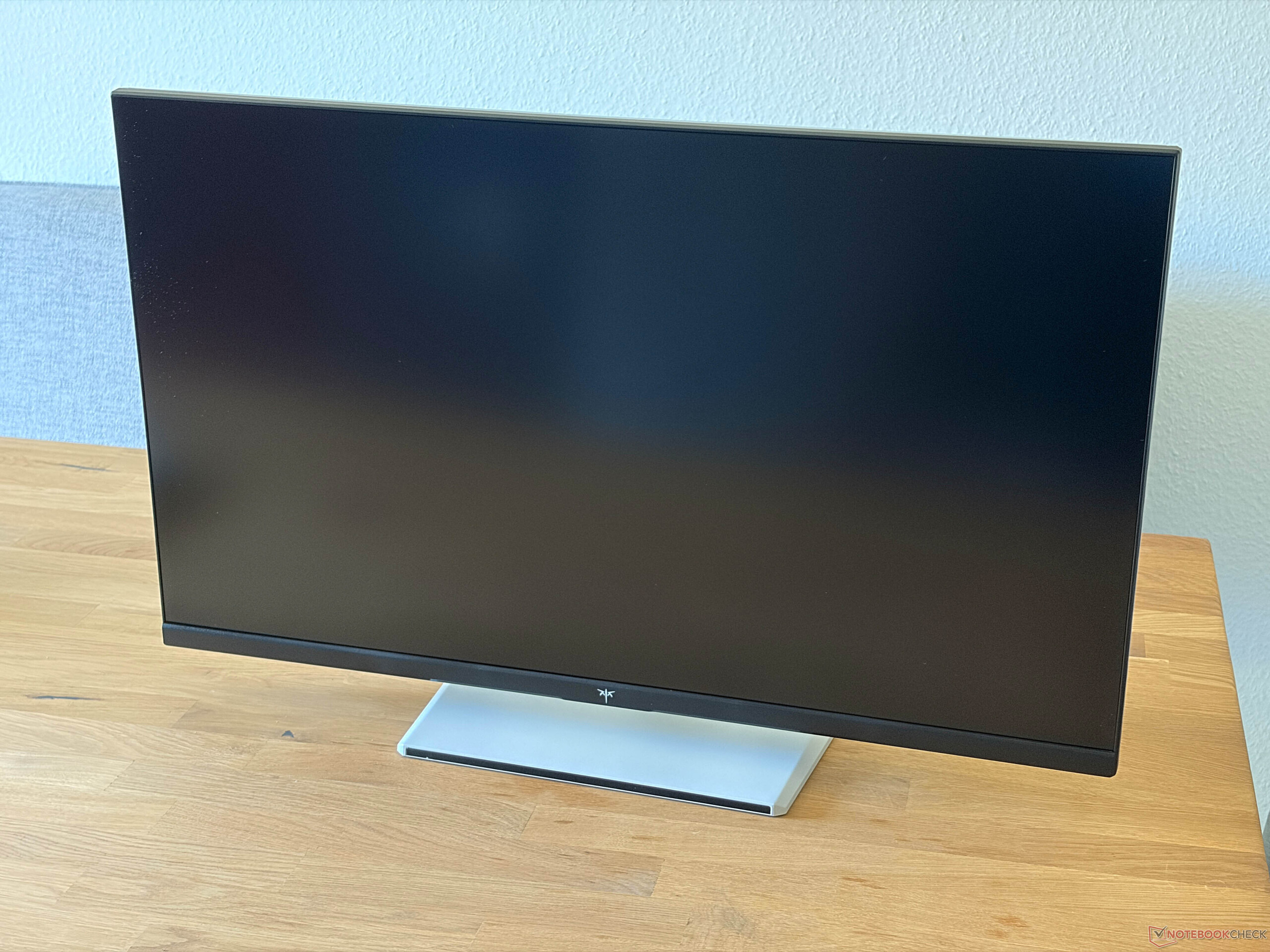
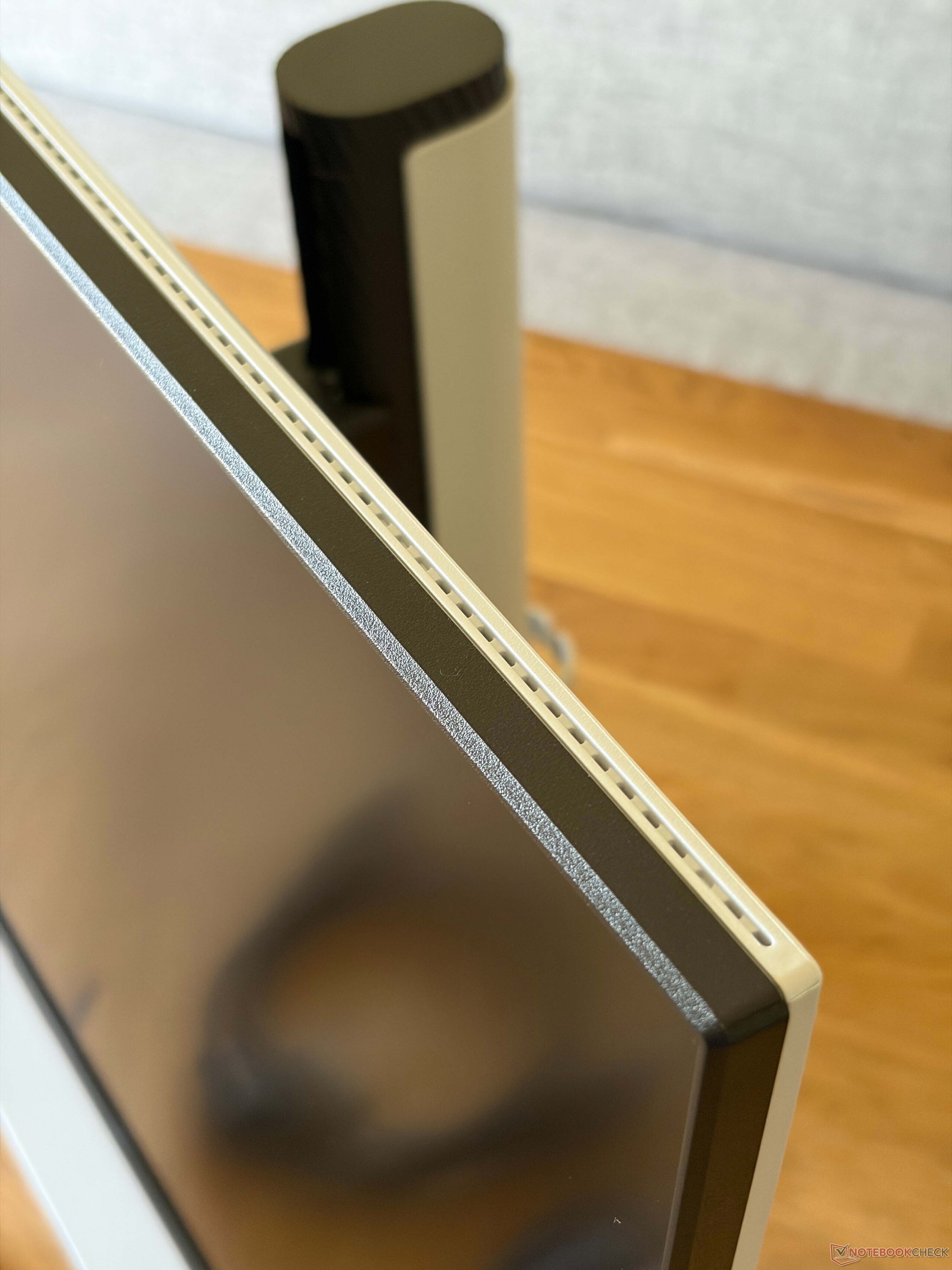
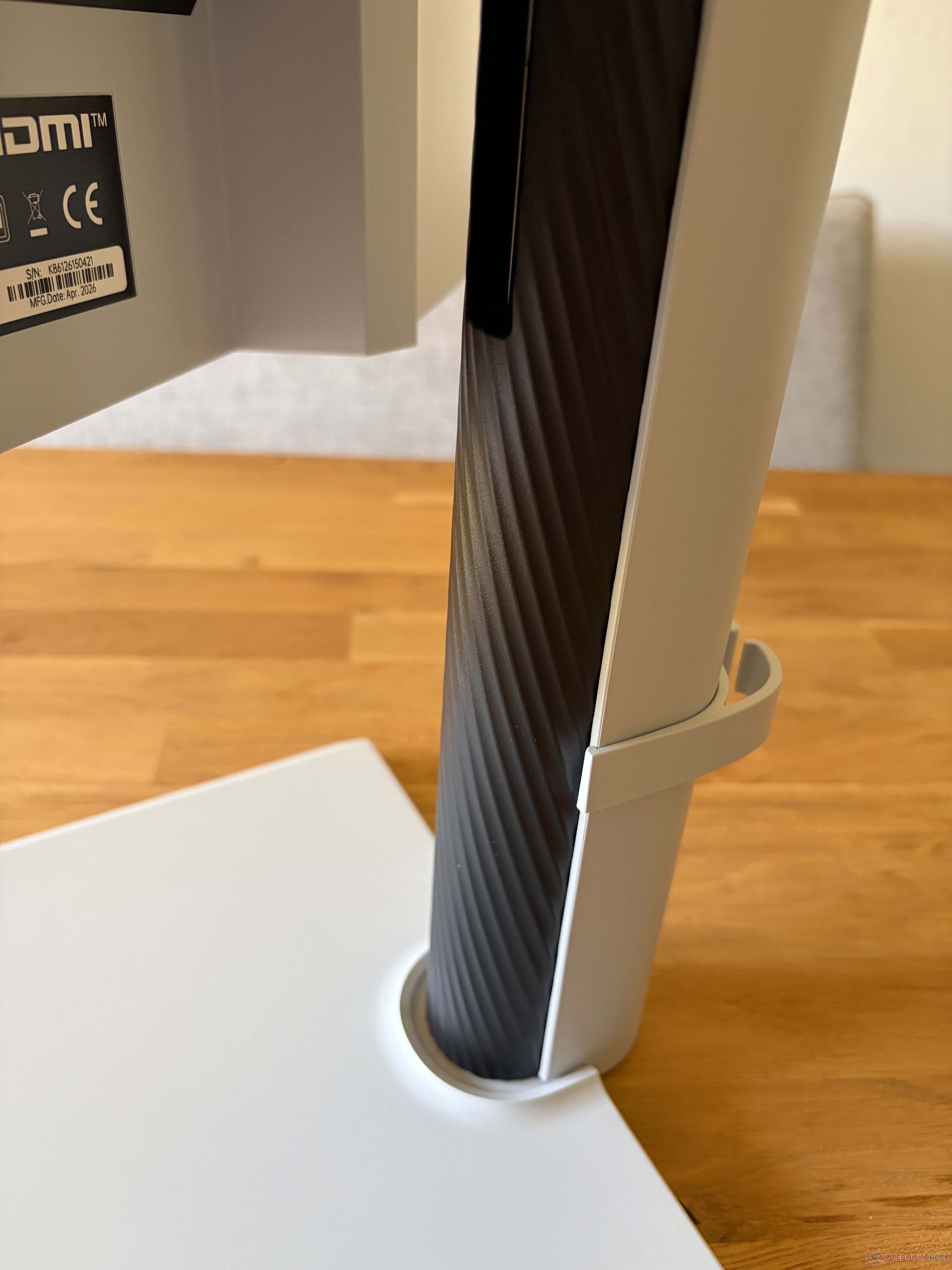
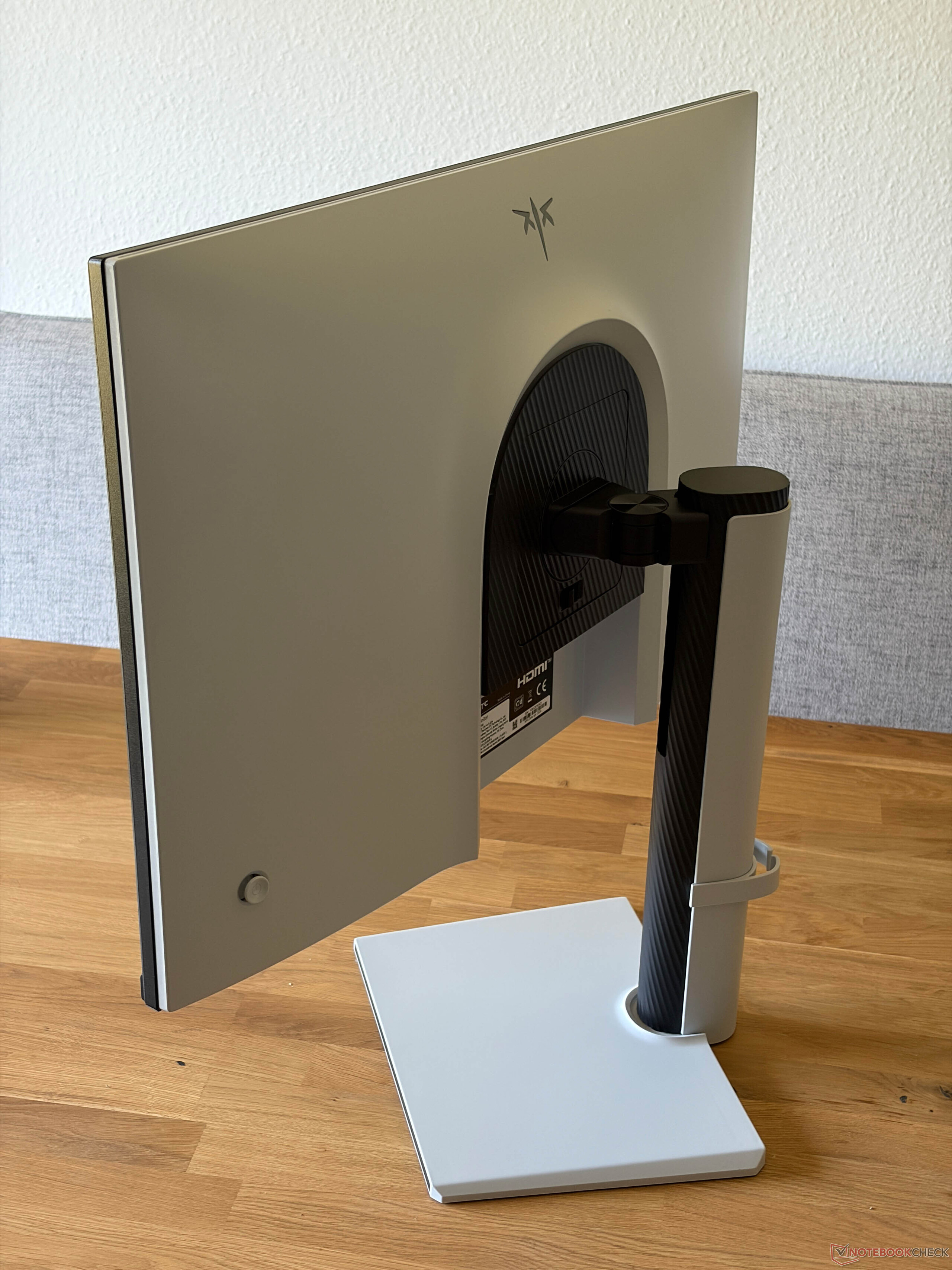
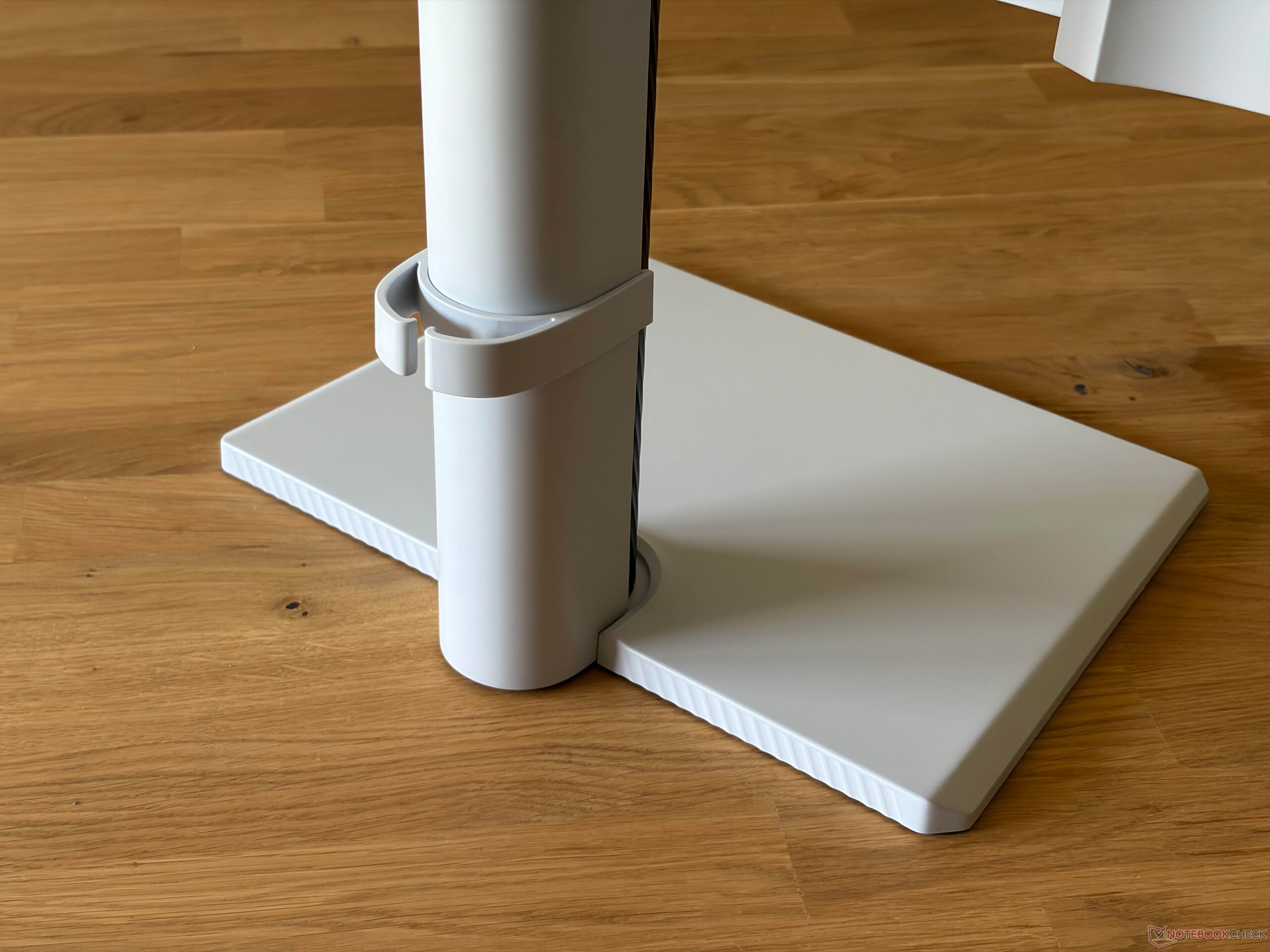
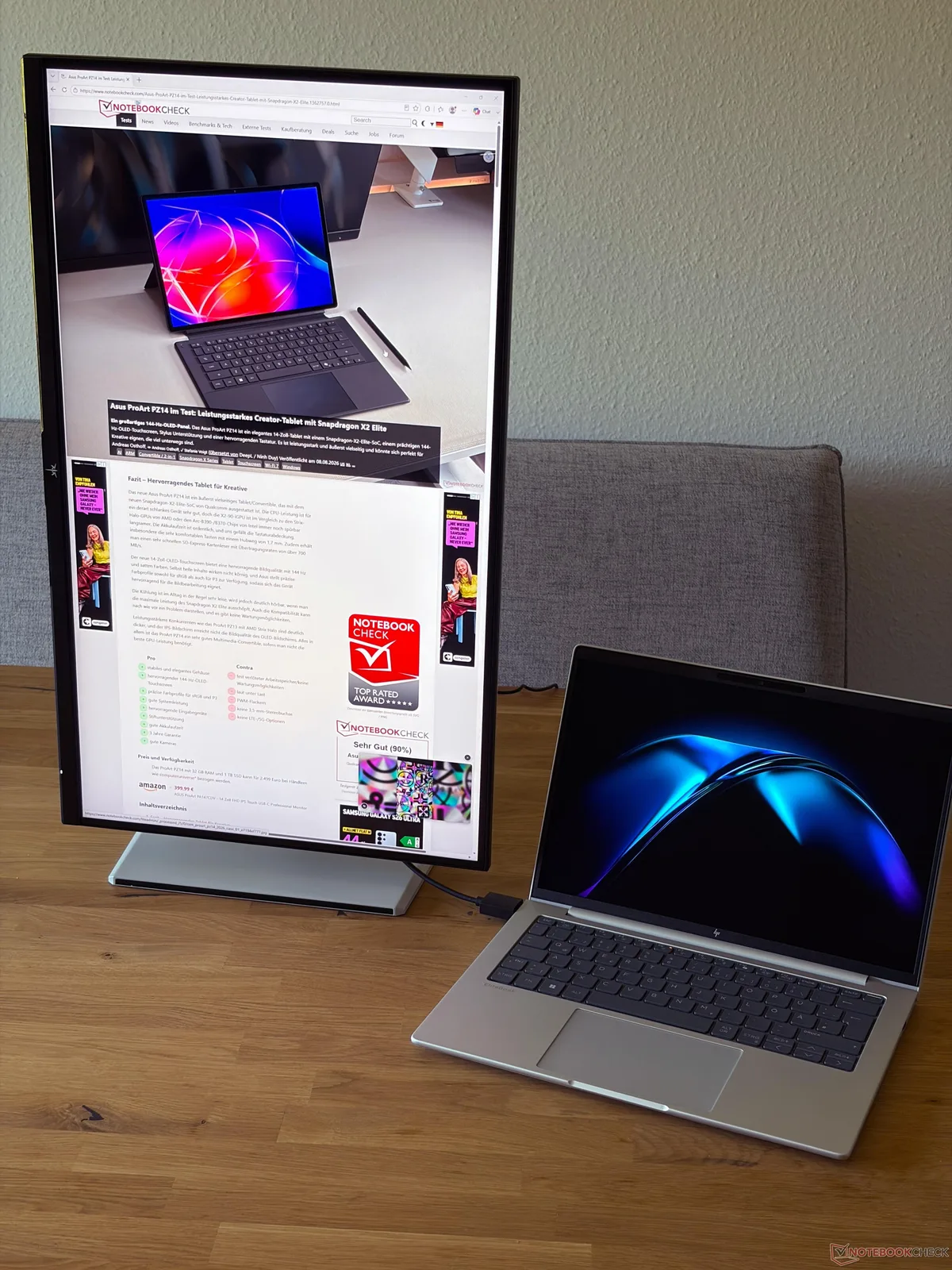
The two-tone housing looks good, and the overall build quality is good as well. The stand, in particular, is very stable and offers extensive adjustment options. Its mechanism operates very smoothly, and the monitor can also be rotated by 90 degrees for use in portrait mode. We have illustrated the adjustment range in the images below.
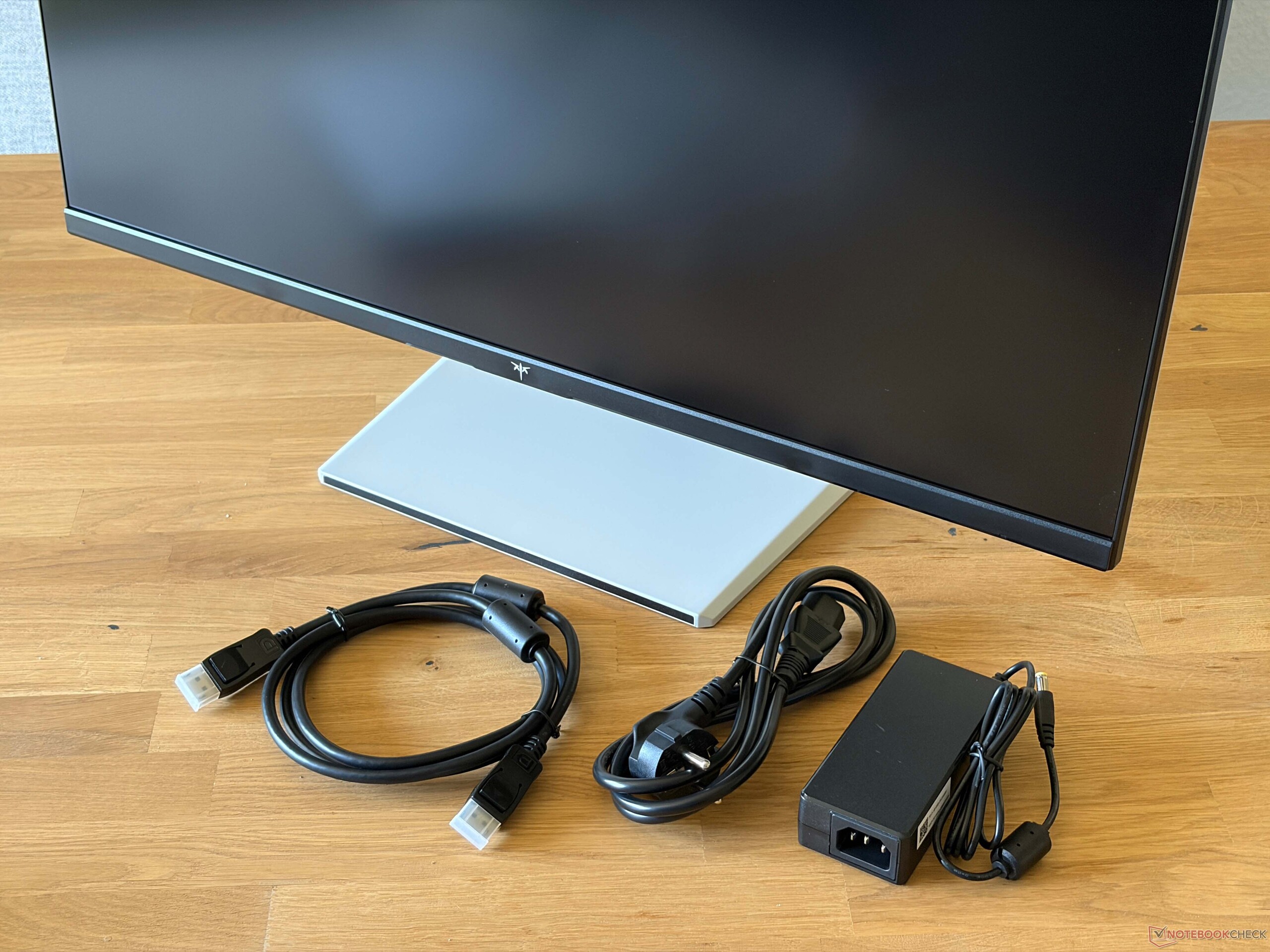
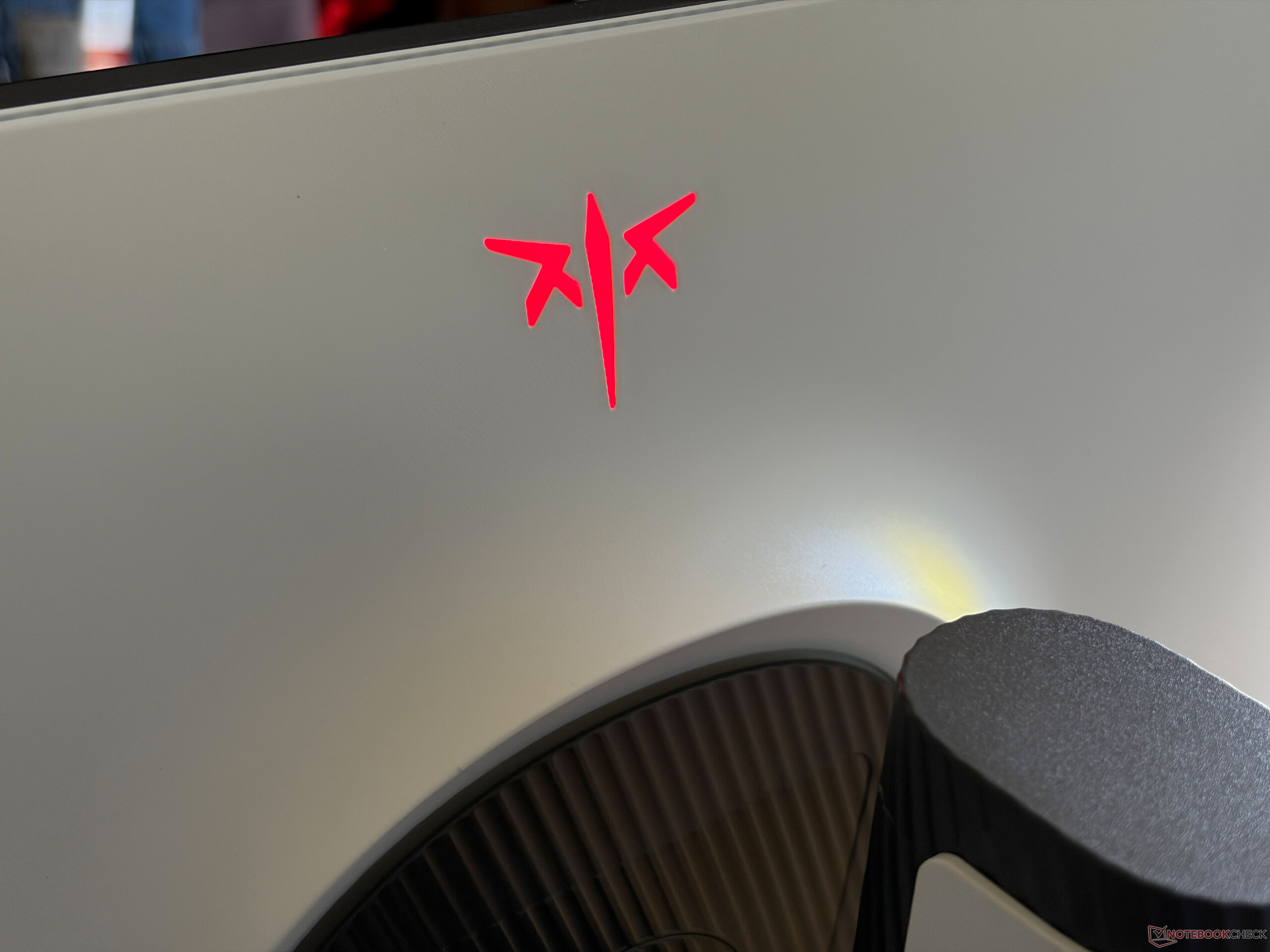
There is also an illuminated logo near the upper center of the rear panel, and its color can be customized. The monitor weighs 5.98 kg (including the stand), while the external 65-watt power supply adds another 427 grams. A DisplayPort cable is also included in the box. The monitor can also be easily attached to other mounts or monitor arms via its 100 x 100 mm VESA mount.
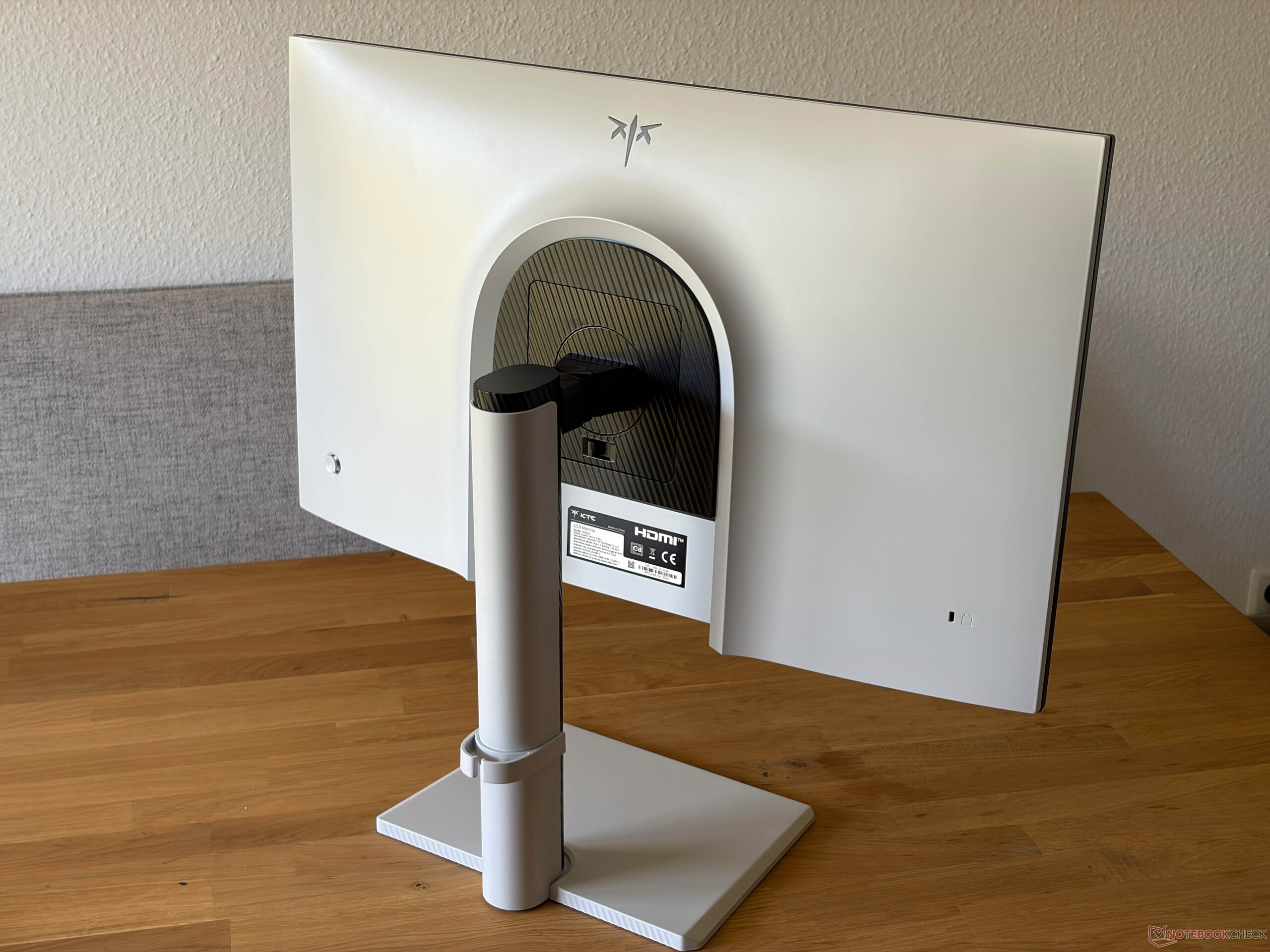
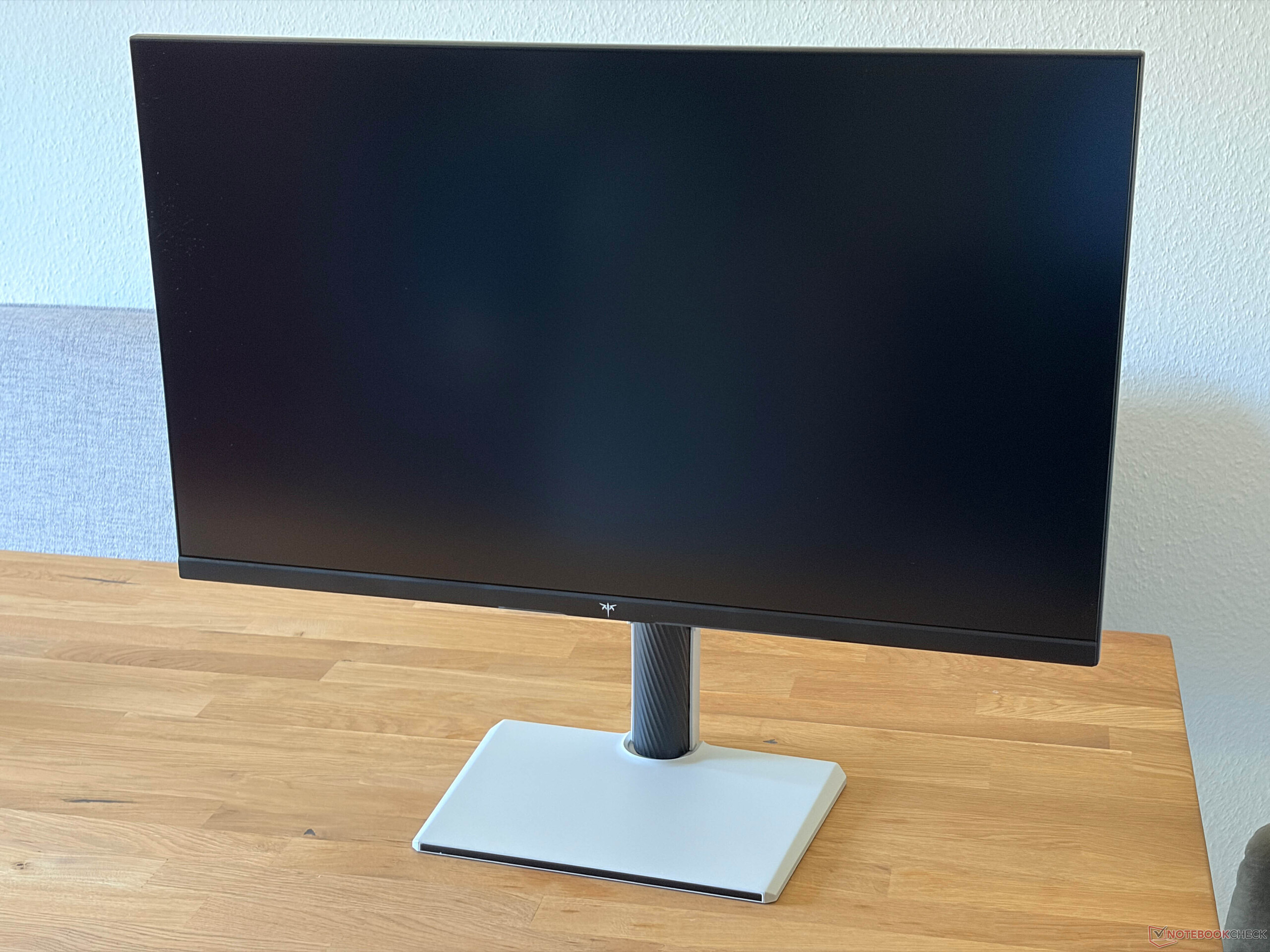
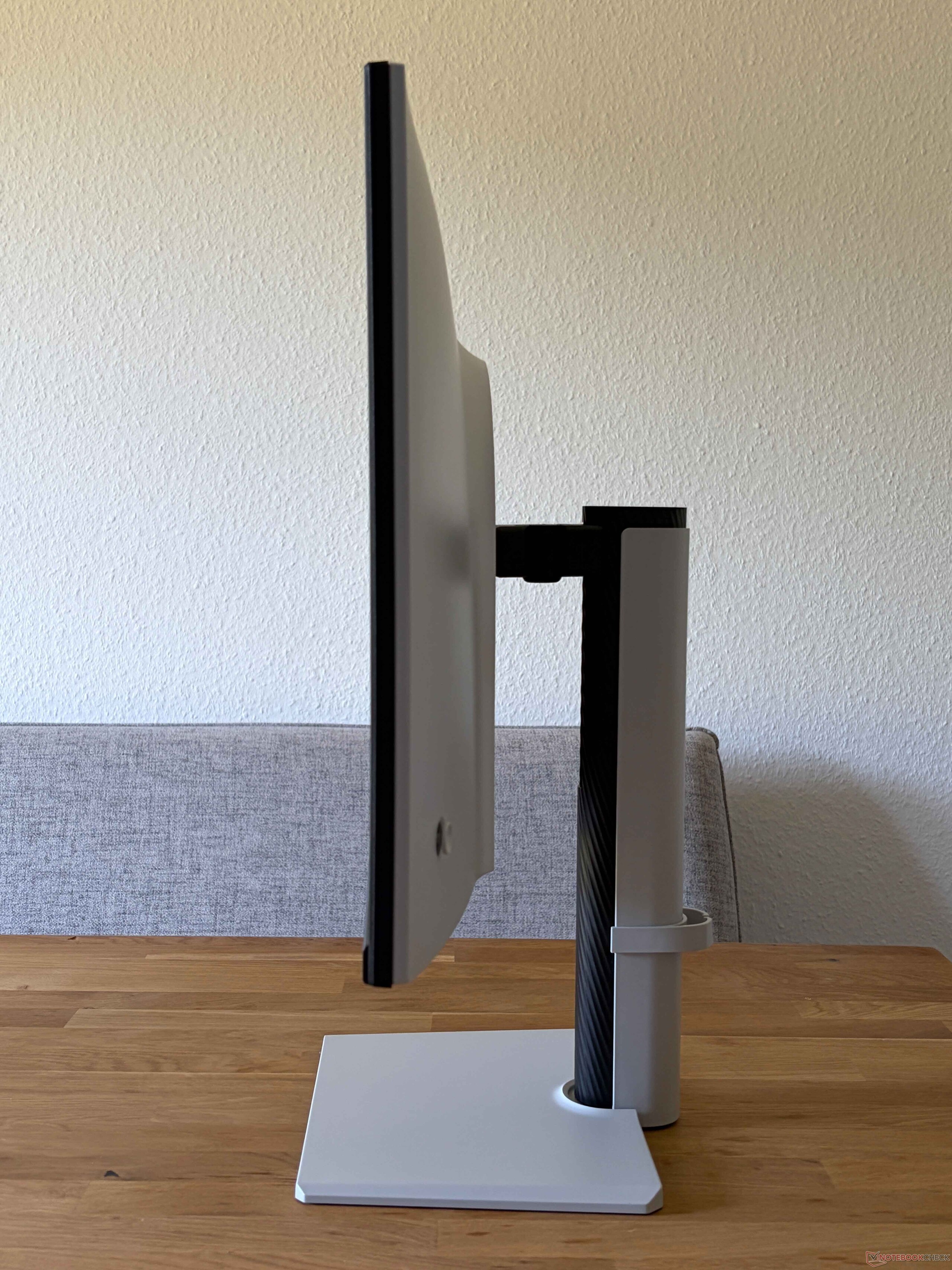
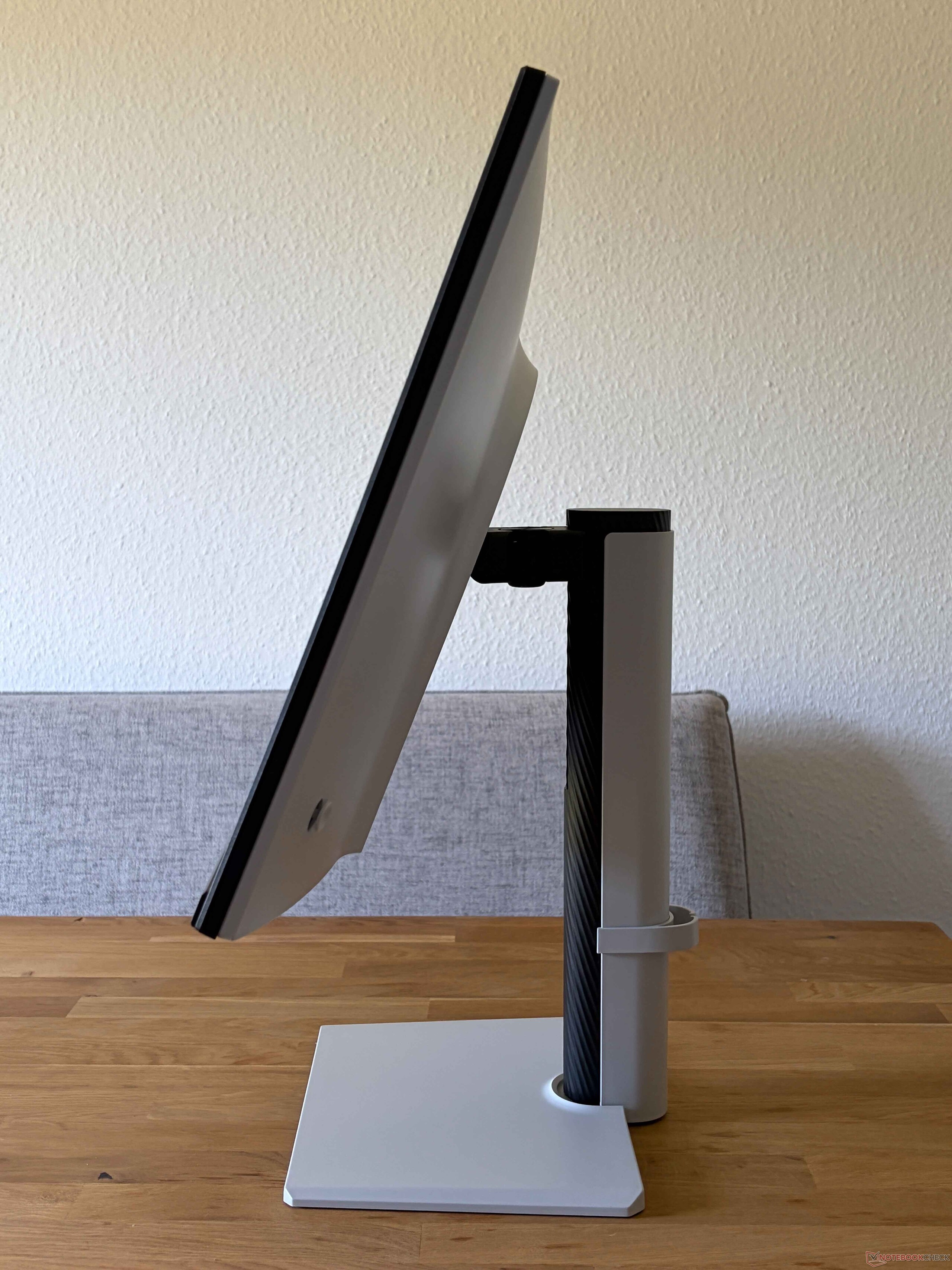
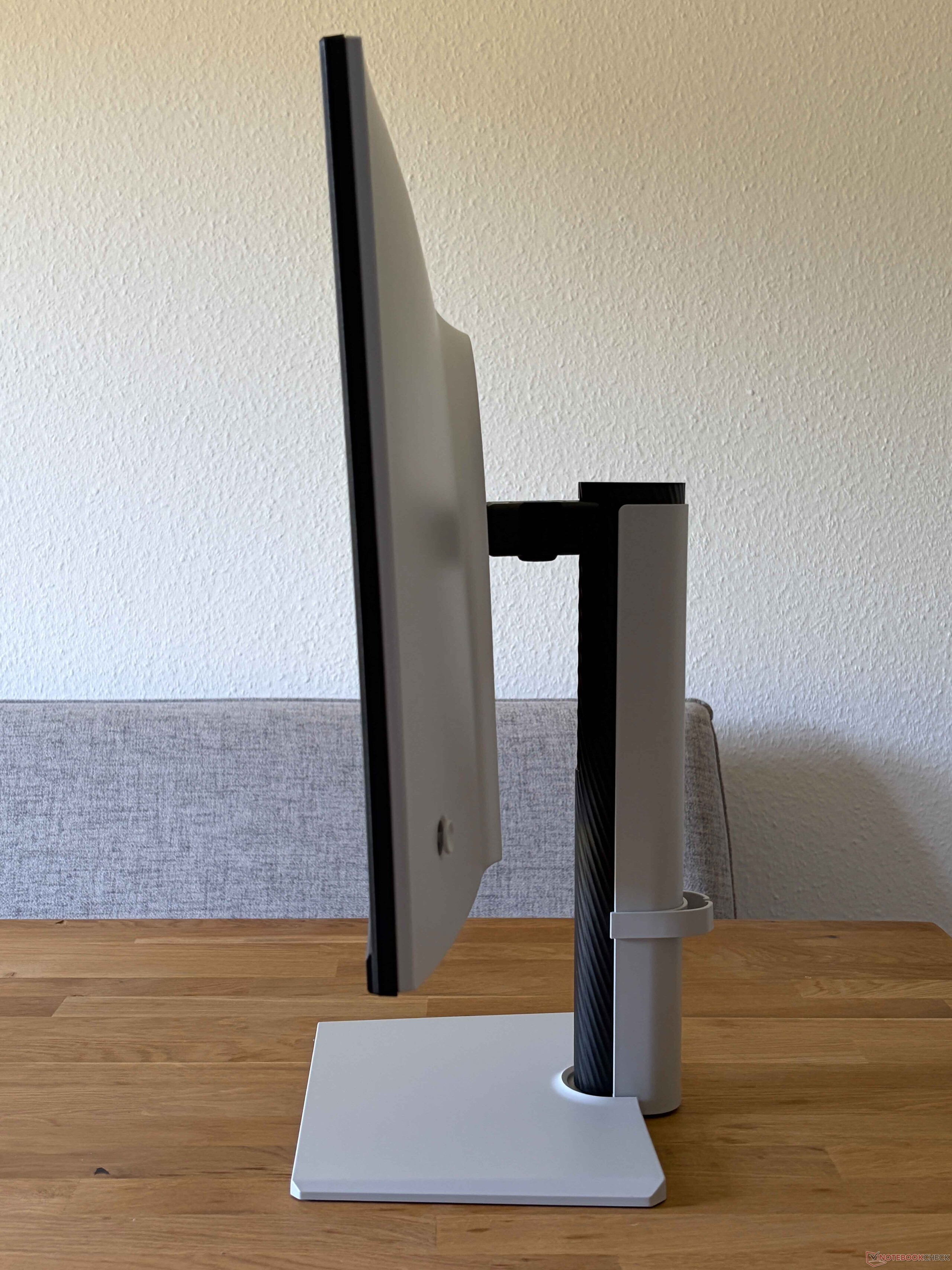
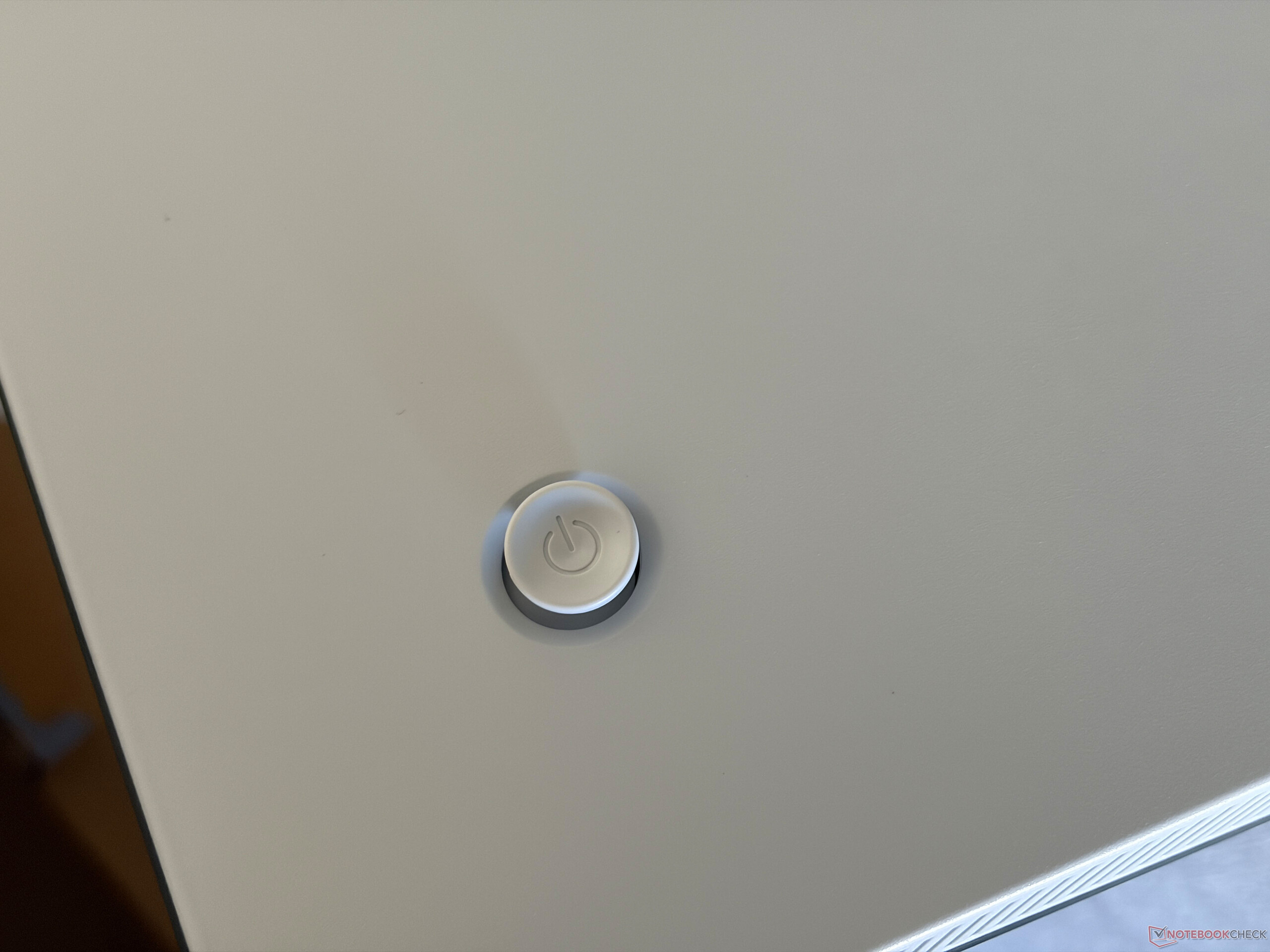
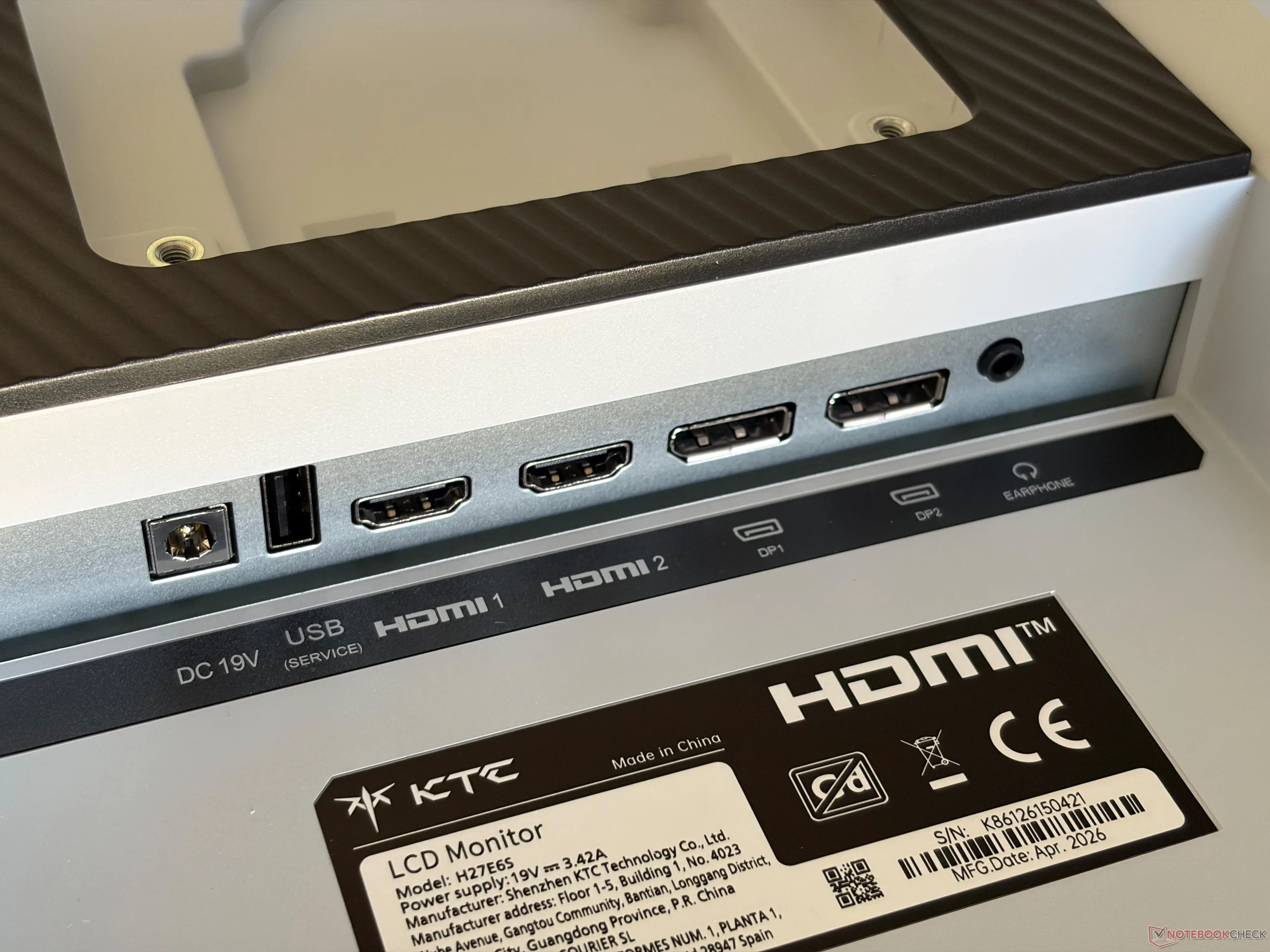
The on-screen menu is controlled via the joystick on the back of the monitor (bottom right), which also serves as the power button. Navigation is intuitive, and we encountered no issues during testing. The ports are located on the back, with two HDMI ports and two DisplayPort connections. The advertised 240 Hz refresh rate is only available via DisplayPort; over HDMI, the refresh rate is limited to 144 Hz.
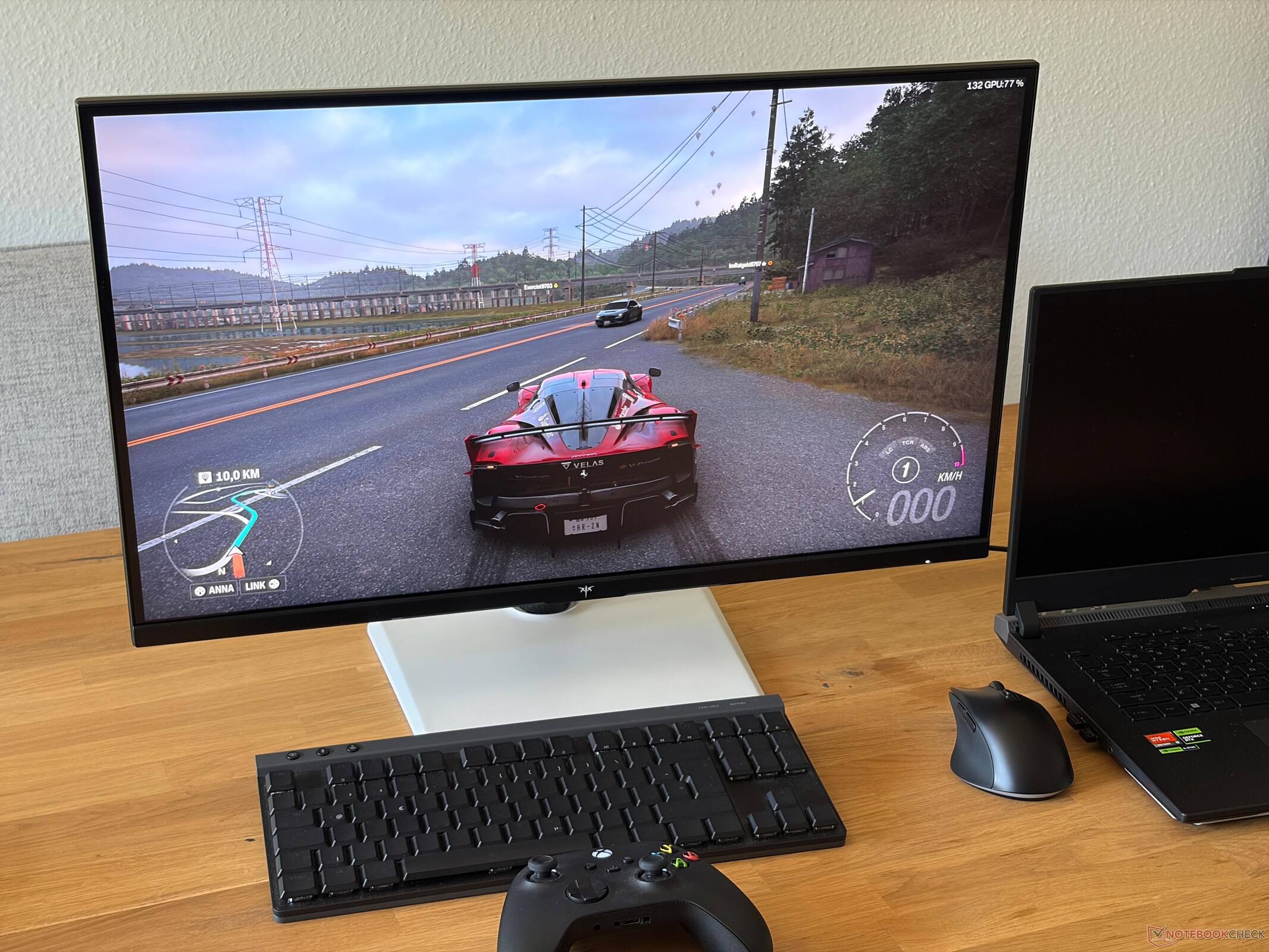
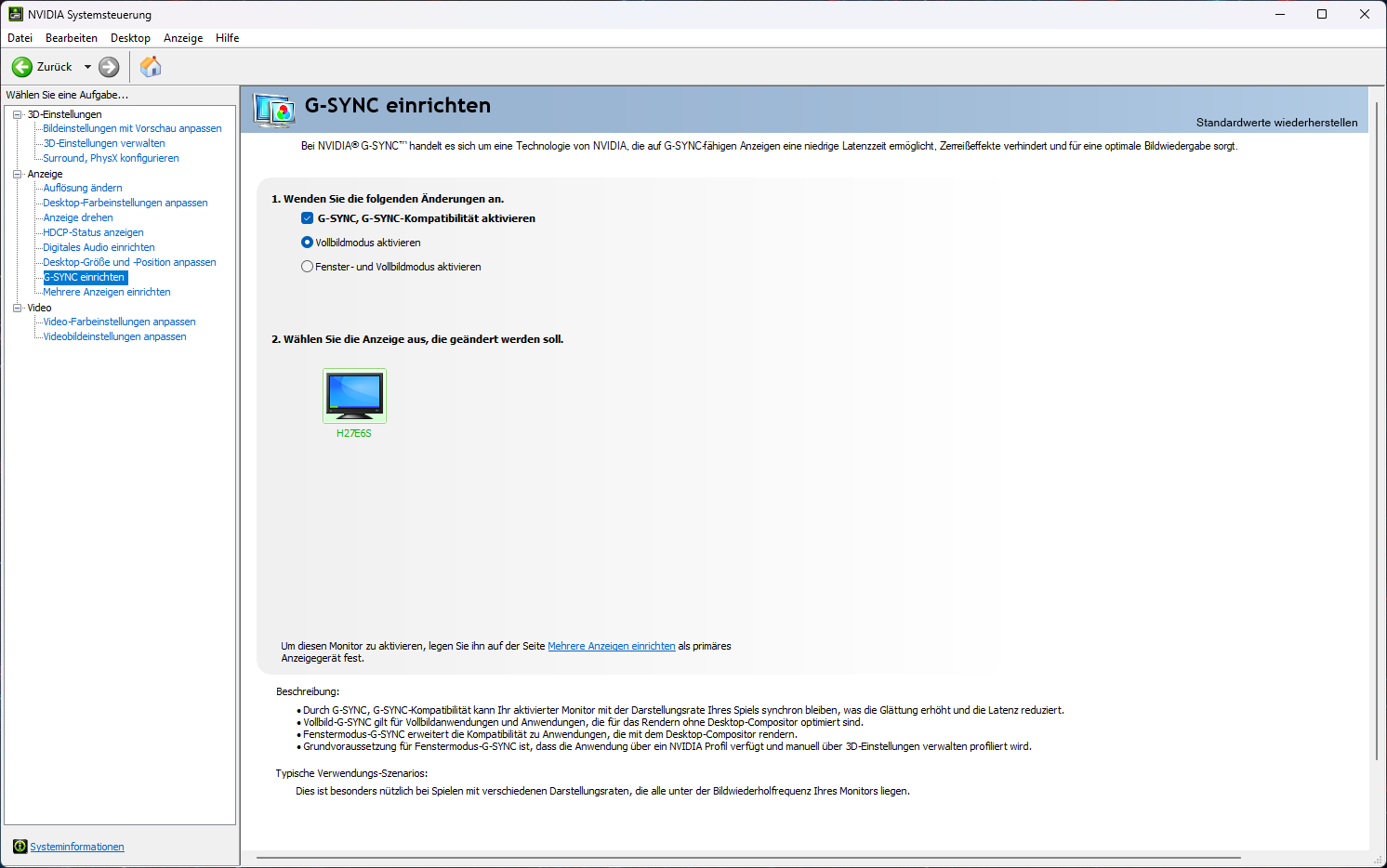
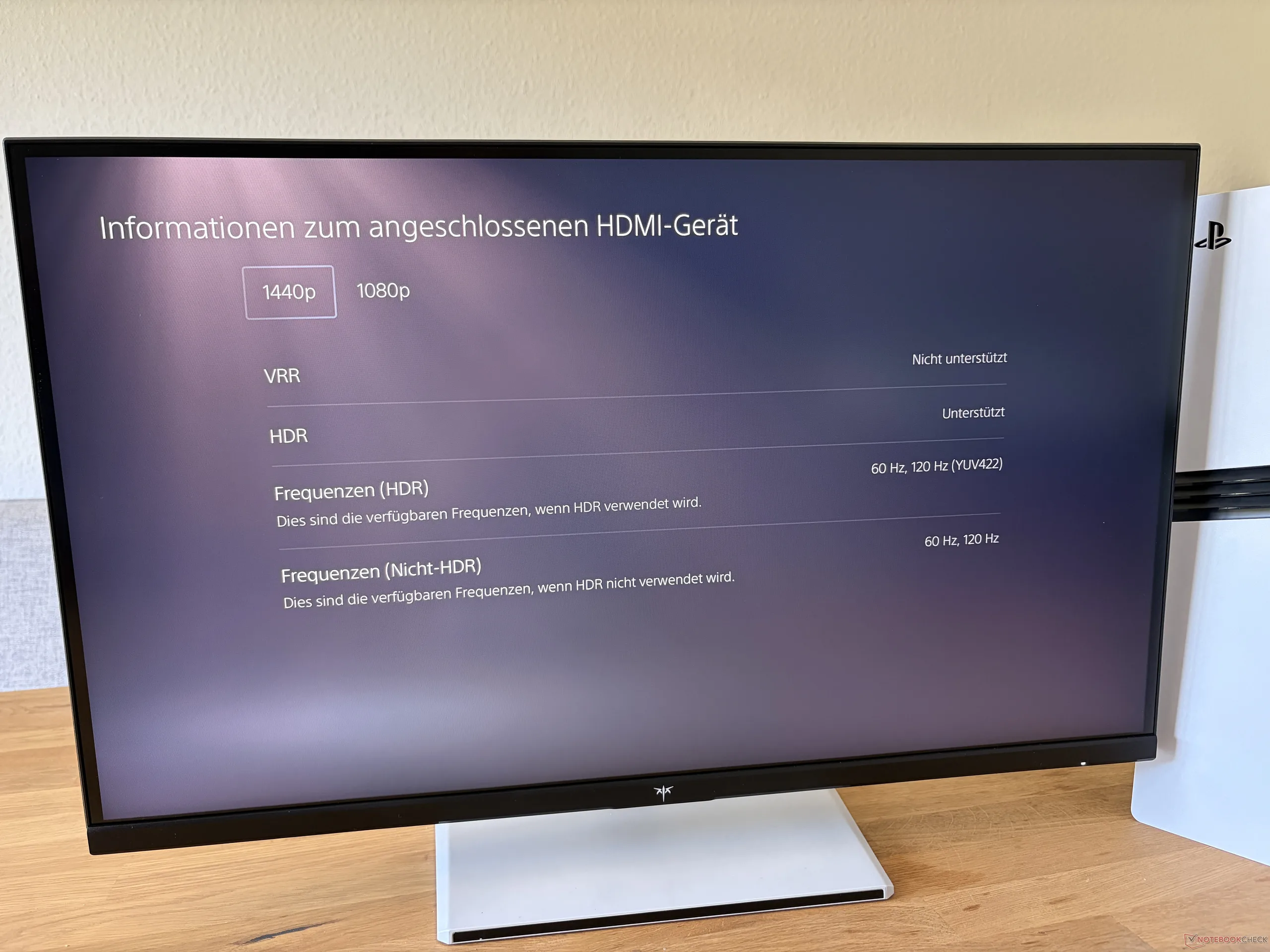
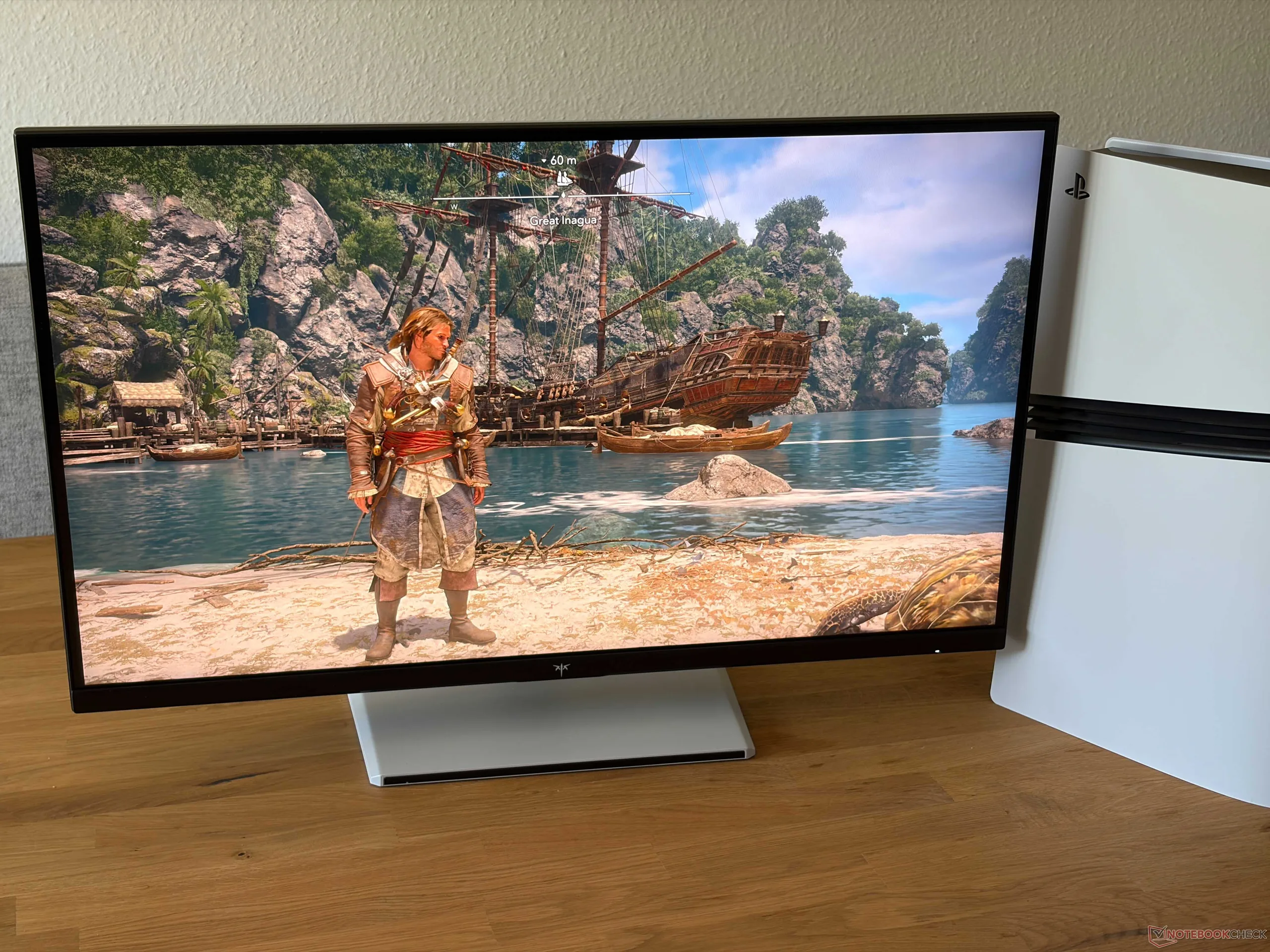
G-Sync and FreeSync are also supported, and the monitor could be of interest to console gamers as well. The PS5 Pro ran without issue at QHD resolution and 120 Hz, as shown in the image below. However, there is no KVM switch or USB-C Power Delivery.
Display - IPS with 240 Hz
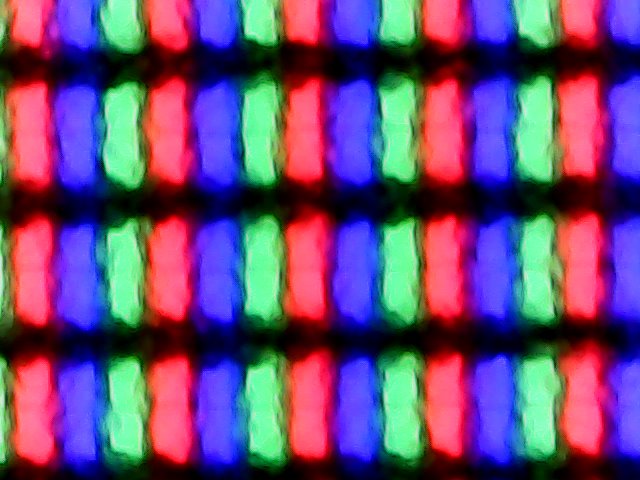
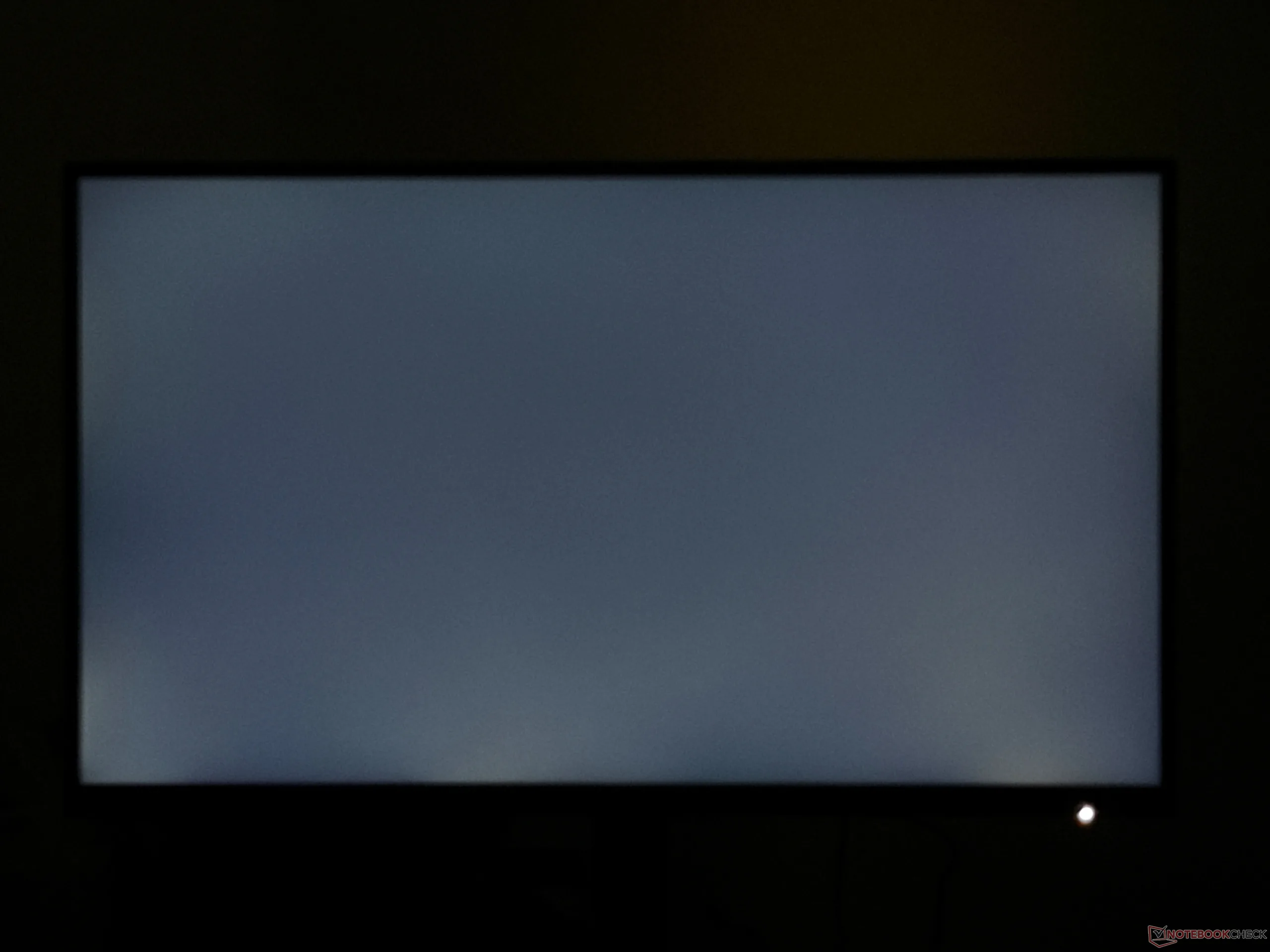
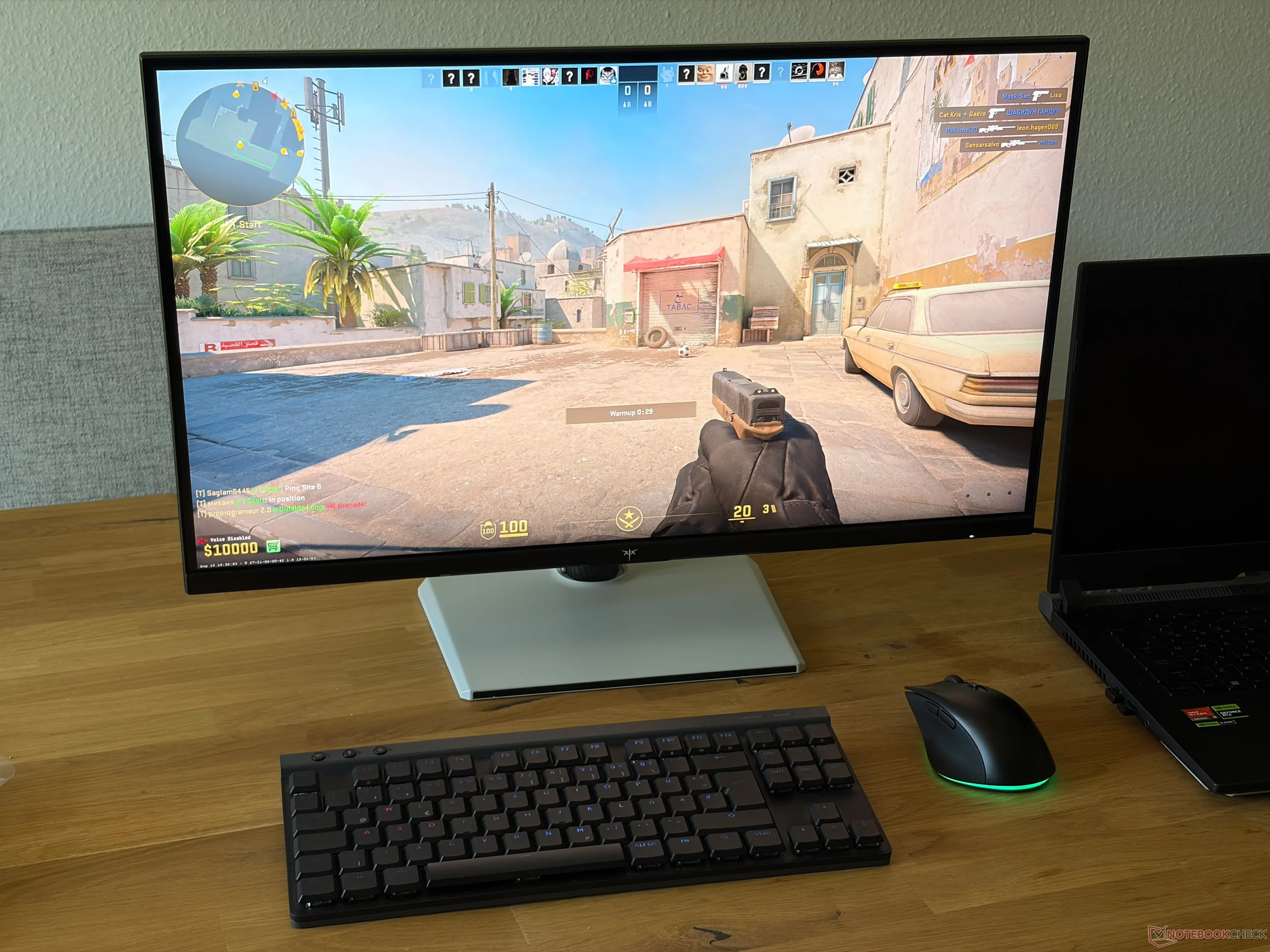
The 27-inch IPS display has a resolution of 2,560 x 1,440 pixels (16:9), and the subjective image quality of the matte panel is very good. All content is displayed sharply, and colors are vibrant. Motion also looks exceptionally smooth thanks to the high refresh rate. Response times are good for an IPS panel and benefit further from the overdrive setting. Bright content does not appear grainy, and there is no PWM flicker, which also makes the monitor very well suited to work.
In our analysis using the professional CalMAN software, the panel easily exceeds the advertised 400 cd/m², with an average of just under 492 cd/m². However, brightness distribution is not particularly uniform at just 81%. The black level is slightly elevated at 0.39 cd/m², but the maximum contrast ratio is still a good ~1,200:1, exceeding the manufacturer’s specification of 1,000:1. The minimum brightness, however, is somewhat high at around 90 cd/m². Although the screen supports HDR content (HDR400), the brightness of the IPS panel does not increase any further, unlike on OLED or Mini-LED displays.
| |||||||||||||||||||||||||
Brightness Distribution: 81 %
Contrast: 1236:1 (Black: 0.39 cd/m²)
ΔE ColorChecker Calman: 2.2 | ∀{0.5-29.43 Ø4.69}
calibrated: 0.9
ΔE Greyscale Calman: 3.3 | ∀{0.09-98 Ø4.94}
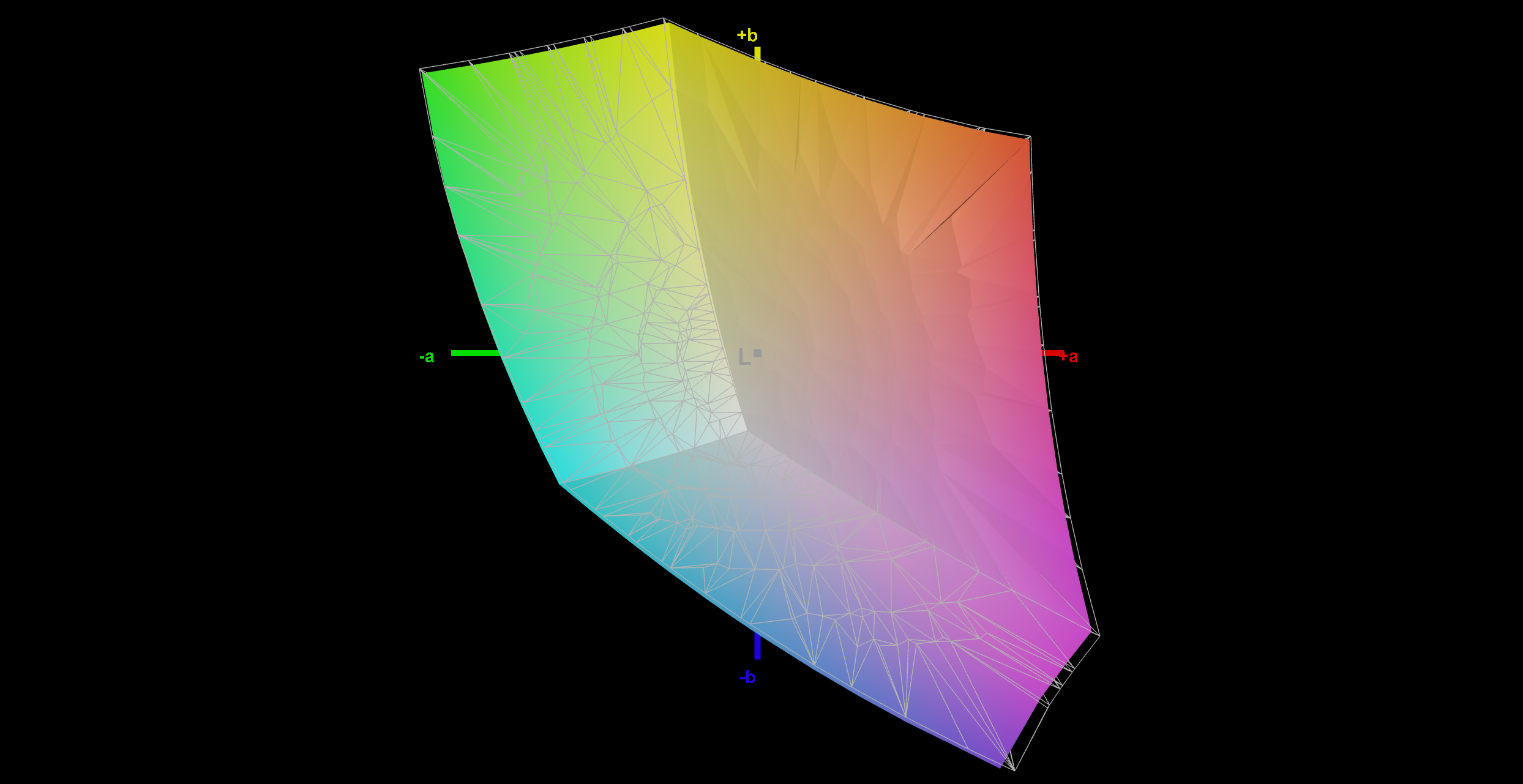
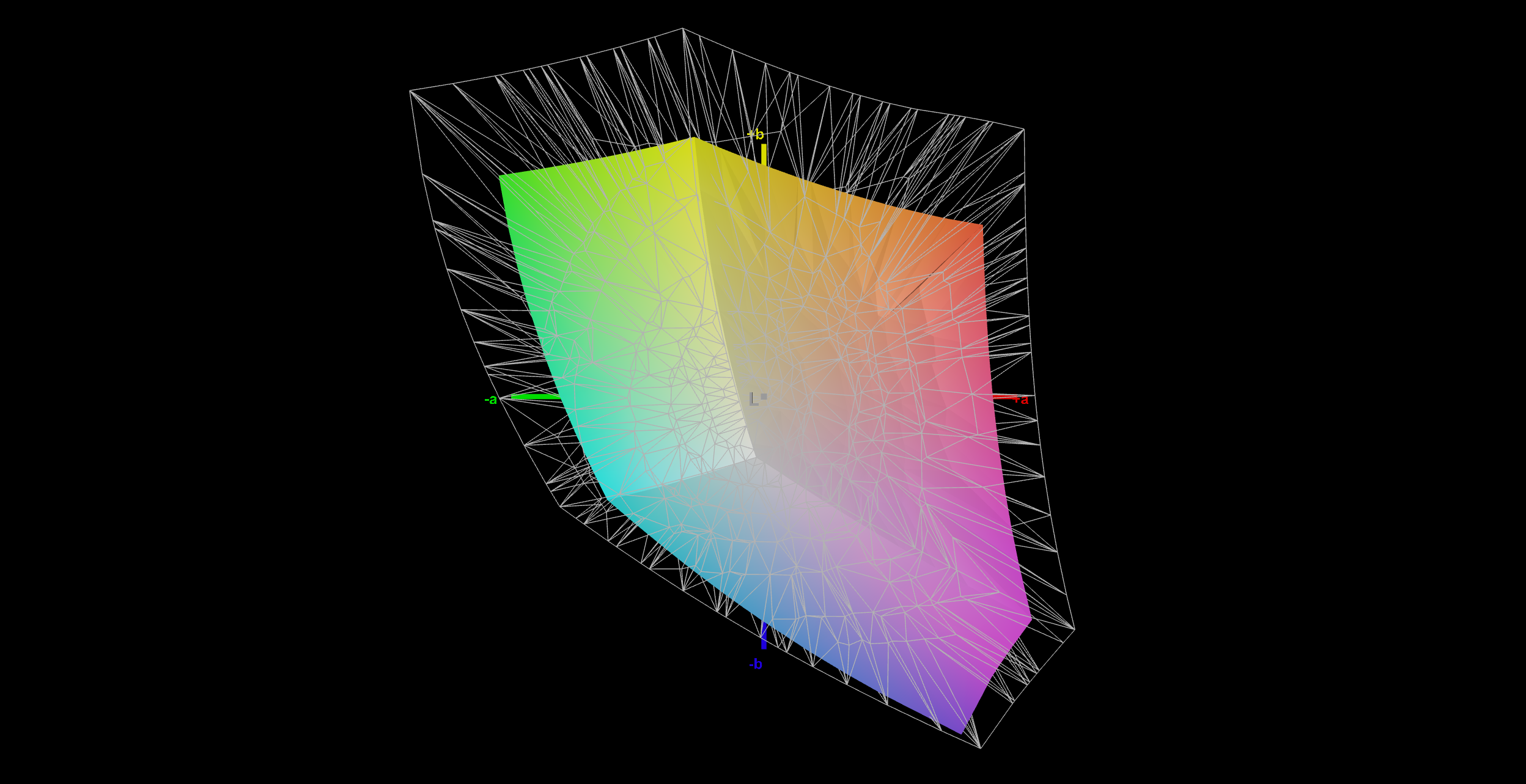
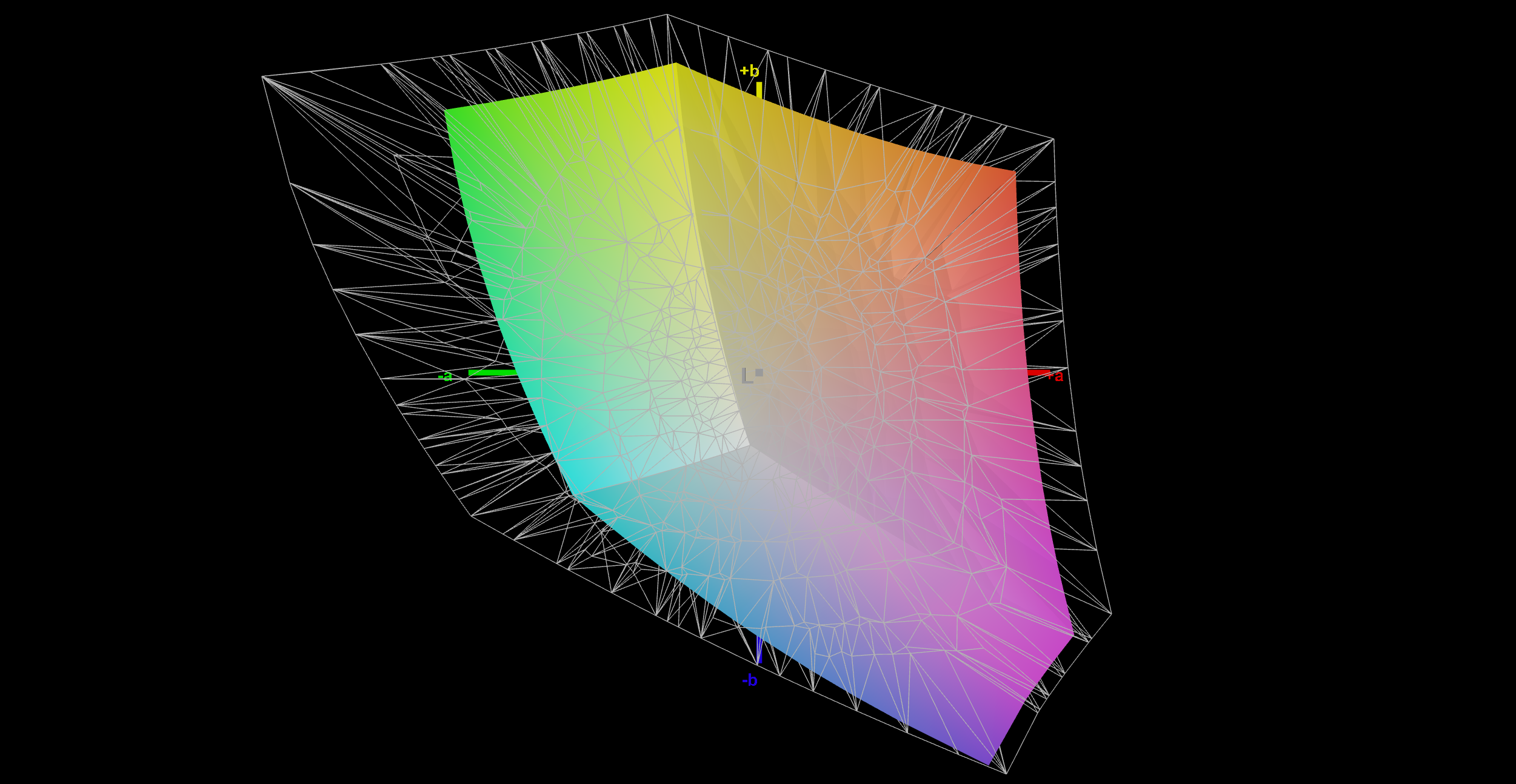
68% AdobeRGB 1998 (Argyll 3D)
97.4% sRGB (Argyll 3D)
65.8% Display P3 (Argyll 3D)
Gamma: 2.23
CCT: 7105 K
| KTC H27E6S 2560x1440, 27", 240 Hz | Asus ROG Strix XG27UCS IPS-type, , 3840x2160, 27", 160 Hz | MSI MAG 274QRF QD E2 MAG 274QRF QD E2, IPS, 2560x1440, 27", 180 Hz | TITAN ARMY P275MV PLUS 3840x2160, 27", 160 Hz | MSI Optix MAG274QRX IPS, 2560x1400, 27", 240 Hz | |
|---|---|---|---|---|---|
| Display | 27% | 26% | 26% | ||
| Display P3 Coverage (%) | 65.8 | 97.6 48% | 94.7 44% | 87.5 33% | |
| sRGB Coverage (%) | 97.4 | 99.7 2% | 100 3% | 99.9 3% | |
| AdobeRGB 1998 Coverage (%) | 68 | 88.9 31% | 88.9 31% | 96.3 42% | |
| Response Times | -9% | 1% | -36% | -4% | |
| Response Time Grey 50% / Grey 80% * (ms) | 9.2 ? 3.7 ? | 9.6 ? -4% 3.3 ? 64% | 5.76 ? 37% | 12.8 ? -39% | 6.23 ? 32% |
| Response Time Black / White * (ms) | 4.2 ? 4.2 ? | 6.6 ? -57% 5.8 ? -38% | 5.73 ? -36% | 5.6 ? -33% | 5.83 ? -39% |
| PWM Frequency (Hz) | |||||
| Screen | -6% | -68% | -10% | -108% | |
| Brightness middle (cd/m²) | 482 | 441 -9% | 453 -6% | 305 -37% | 351 -27% |
| Brightness (cd/m²) | 492 | 390 -21% | 404 -18% | 296 -40% | 329 -33% |
| Brightness Distribution (%) | 81 | 81 0% | 84 4% | 92 14% | 89 10% |
| Black Level * (cd/m²) | 0.39 | 0.54 -38% | 0.28 28% | 0.34 13% | 0.33 15% |
| Contrast (:1) | 1236 | 817 -34% | 1618 31% | 897 -27% | 1064 -14% |
| Colorchecker dE 2000 * | 2.2 | 1.6 27% | 7.97 -262% | 2.15 2% | 7.28 -231% |
| Colorchecker dE 2000 max. * | 5.7 | 4.5 21% | 14.32 -151% | 4.16 27% | 16.15 -183% |
| Colorchecker dE 2000 calibrated * | 0.9 | 1.71 -90% | 1.29 -43% | 3.61 -301% | |
| Greyscale dE 2000 * | 3.3 | 3.1 6% | 8.2 -148% | 3.21 3% | 10.3 -212% |
| Gamma | 2.23 99% | 2.3 96% | 1.46 151% | 2.52 87% | 2.15 102% |
| CCT | 7105 91% | 6368 102% | 7427 88% | 6617 98% | 9378 69% |
| Total Average (Program / Settings) | -8% /
-7% | -13% /
-38% | -7% /
-6% | -29% /
-65% |
* ... smaller is better
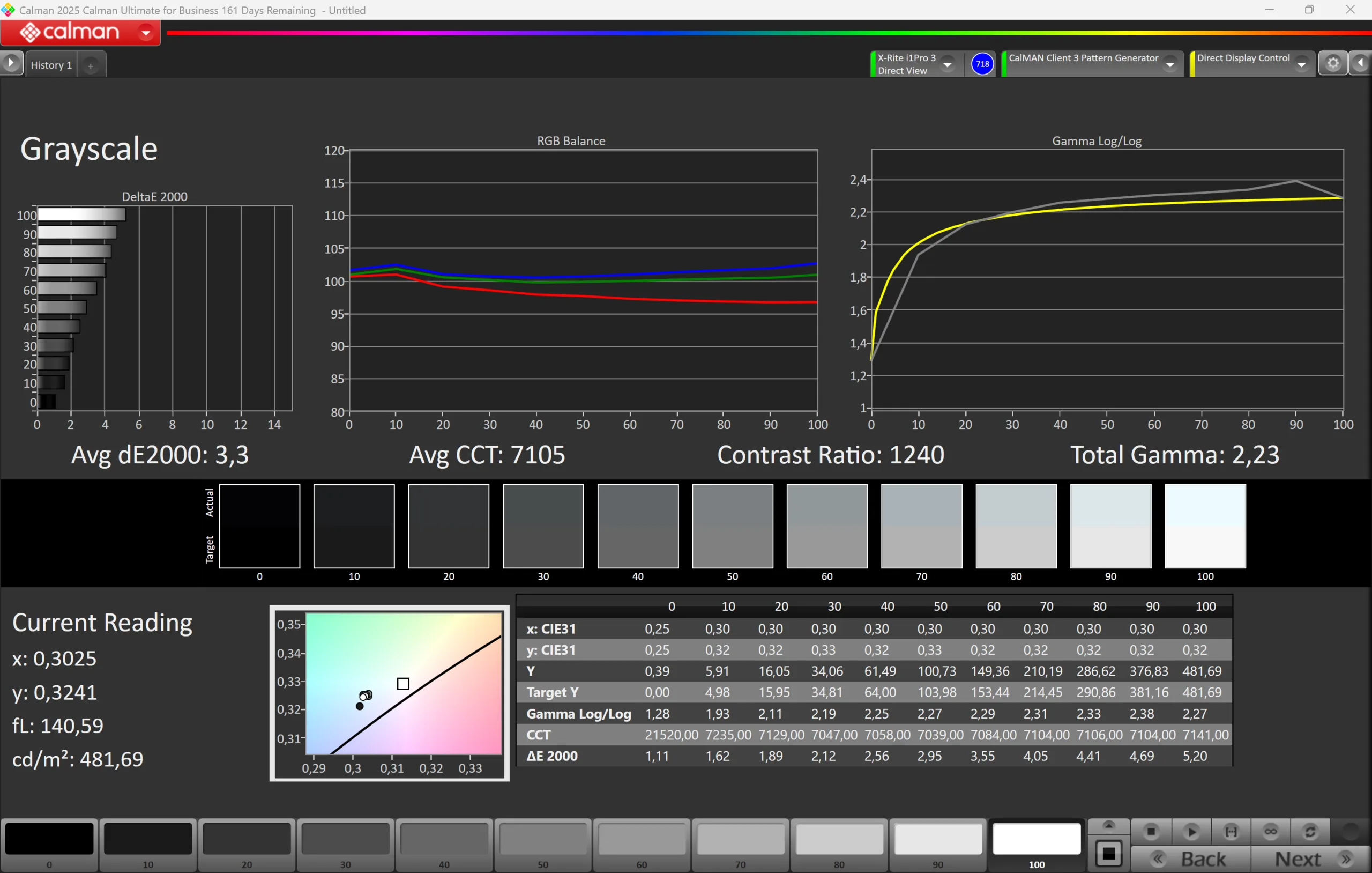
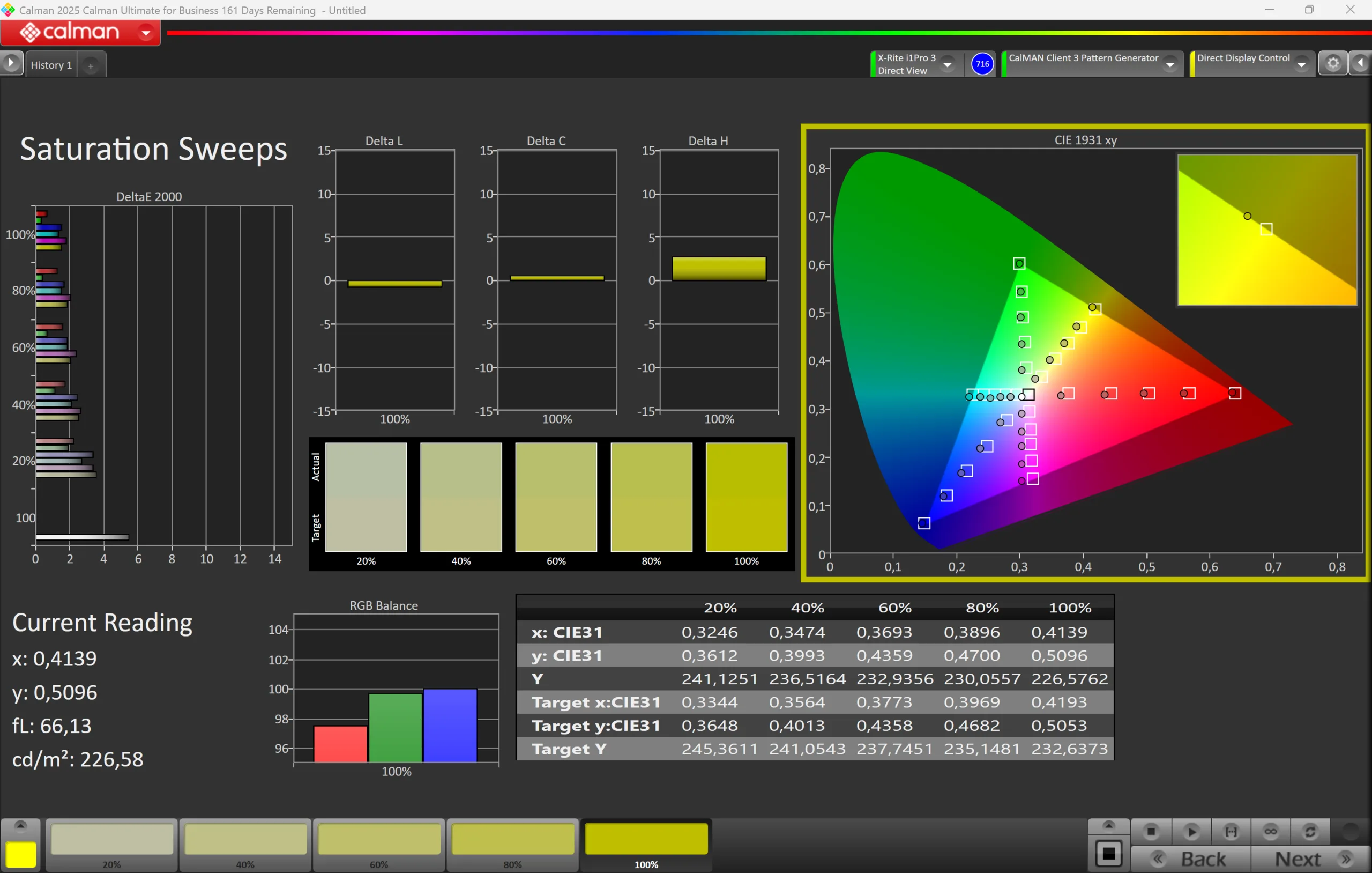

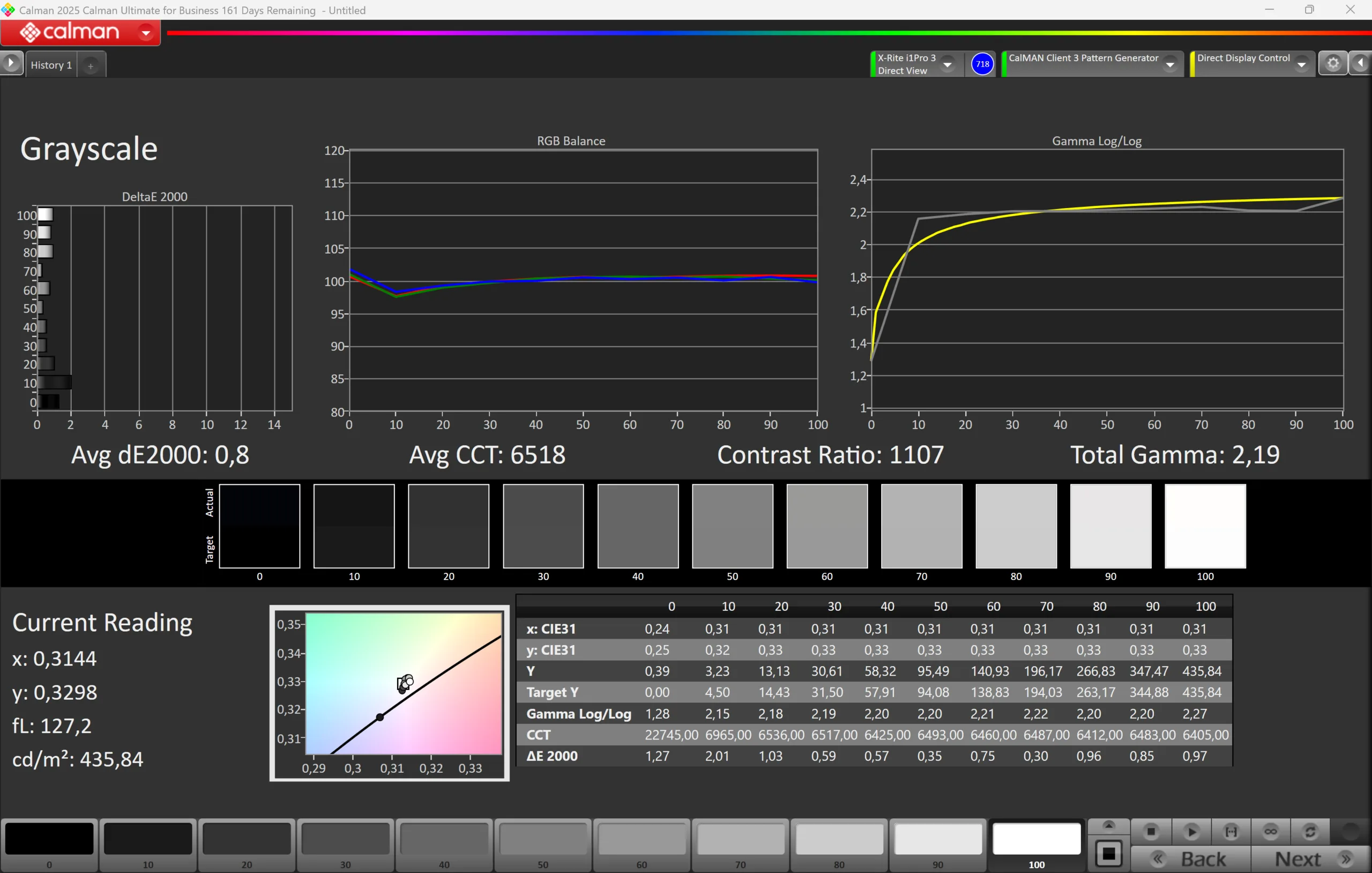
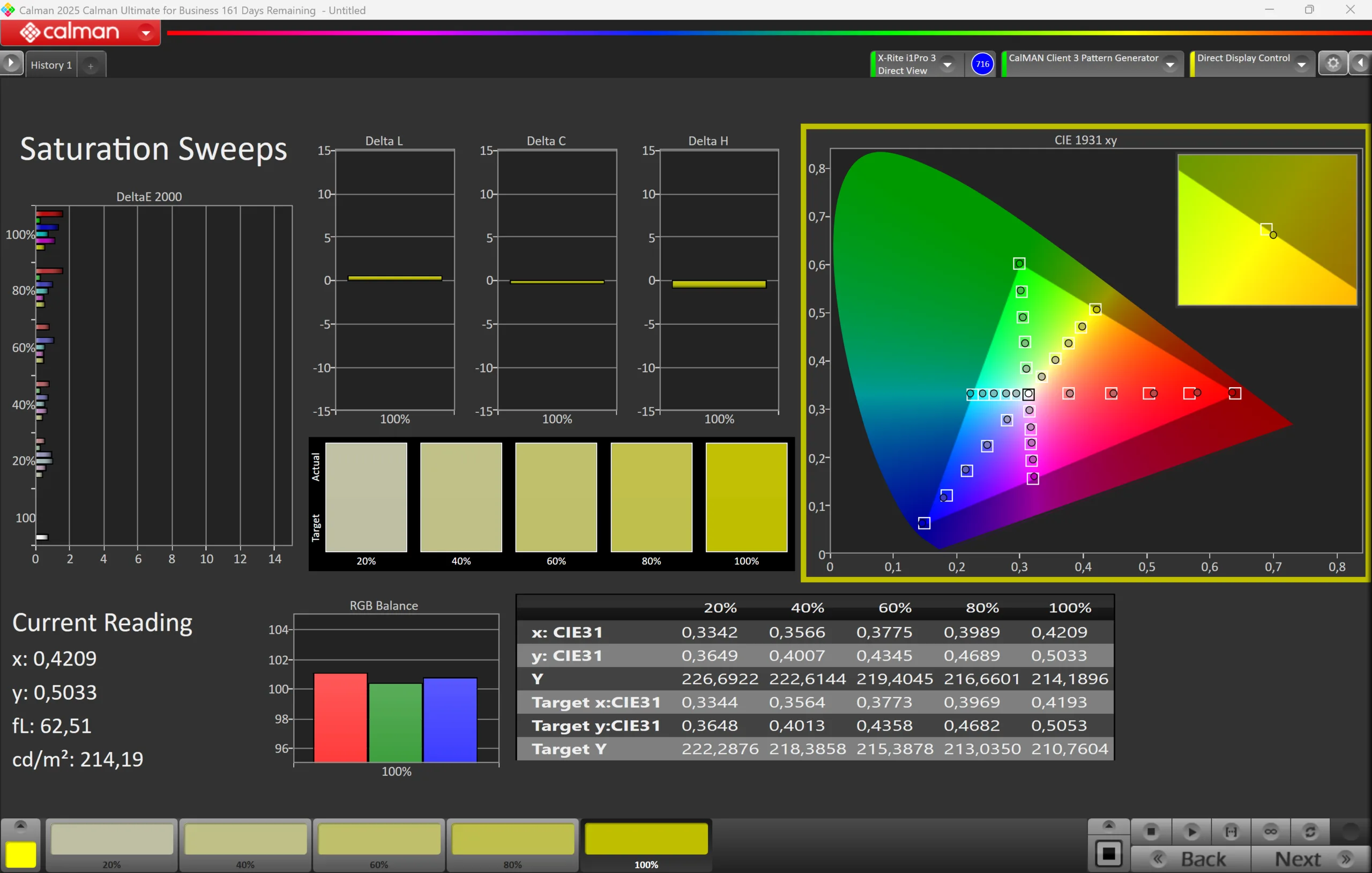

The built-in sRGB profile already provides accurate colors out of the box, although the grayscale deviations are relatively high. There is also a slight green/blue color cast, and the color temperature is too cool. This setting was chosen to increase the maximum brightness. However, with our own calibration (the corresponding profile is available for free download in the box above), we can significantly improve the image quality. The grayscale and color deviations are reduced to a very low level, and the color cast disappears as well. This also makes the screen very well suited to editing images and videos in the sRGB color space, which is fully covered. After calibration, however, the maximum brightness is about 35 cd/m² lower.
Display Response Times
| ↔ Response Time Black to White | ||
|---|---|---|
| 4.2 ms ... rise ↗ and fall ↘ combined | ↗ 1.3 ms rise | 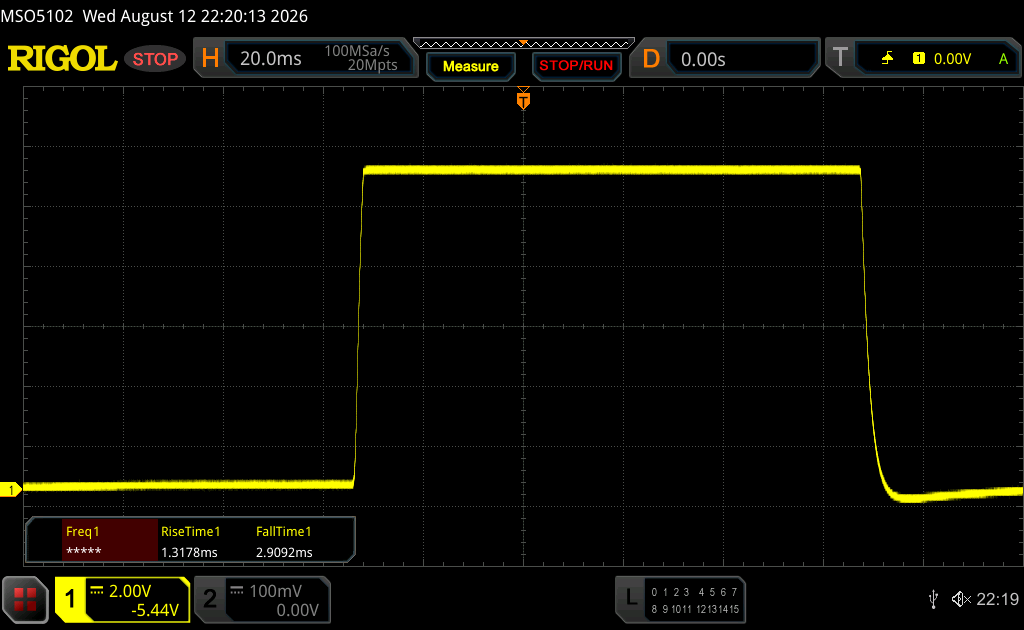 |
| ↘ 2.9 ms fall | ||
| The screen shows very fast response rates in our tests and should be very well suited for fast-paced gaming. In comparison, all tested devices range from 0.1 (minimum) to 240 (maximum) ms. » 17 % of all devices are better. This means that the measured response time is better than the average of all tested devices (19.7 ms). | ||
| ↔ Response Time Black to White | ||
| 4.2 ms ... rise ↗ and fall ↘ combined | ↗ 1.2 ms rise | 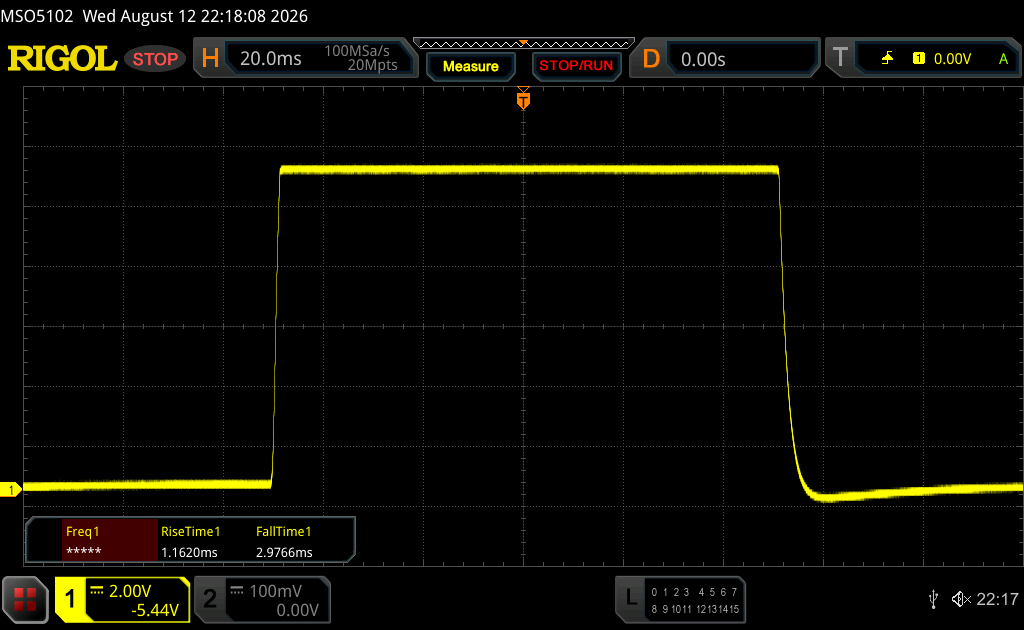 |
| ↘ 3 ms fall | ||
| The screen shows very fast response rates in our tests and should be very well suited for fast-paced gaming. In comparison, all tested devices range from 0.1 (minimum) to 240 (maximum) ms. » 17 % of all devices are better. This means that the measured response time is better than the average of all tested devices (19.7 ms). | ||
| ↔ Response Time 50% Grey to 80% Grey | ||
| 9.2 ms ... rise ↗ and fall ↘ combined | ↗ 3.3 ms rise | 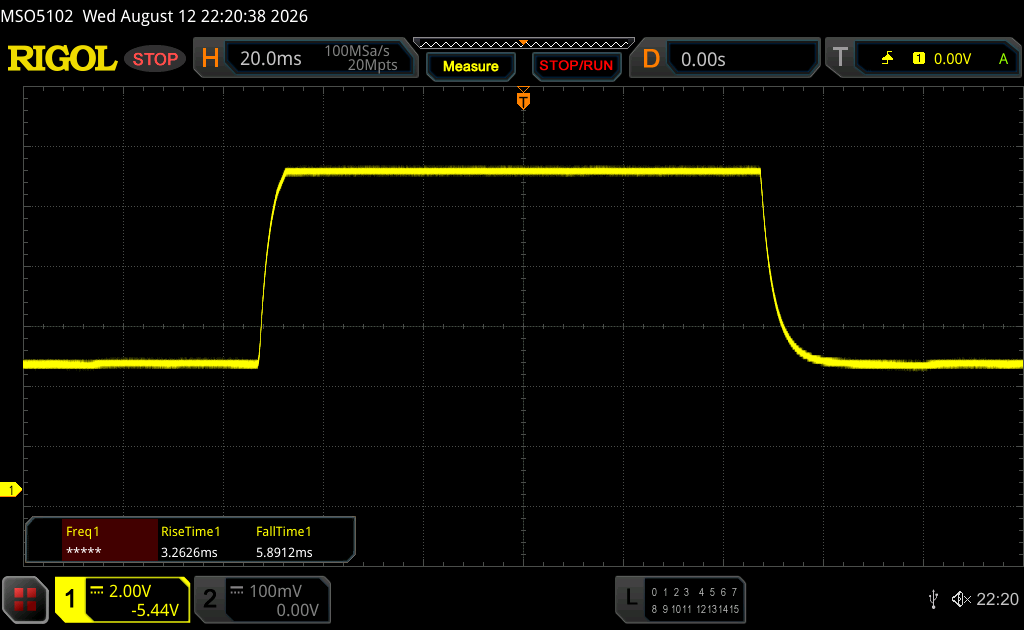 |
| ↘ 5.9 ms fall | ||
| The screen shows fast response rates in our tests and should be suited for gaming. In comparison, all tested devices range from 0.13 (minimum) to 636 (maximum) ms. » 23 % of all devices are better. This means that the measured response time is better than the average of all tested devices (30.7 ms). | ||
| ↔ Response Time 50% Grey to 80% Grey | ||
| 3.7 ms ... rise ↗ and fall ↘ combined | ↗ 1.4 ms rise | 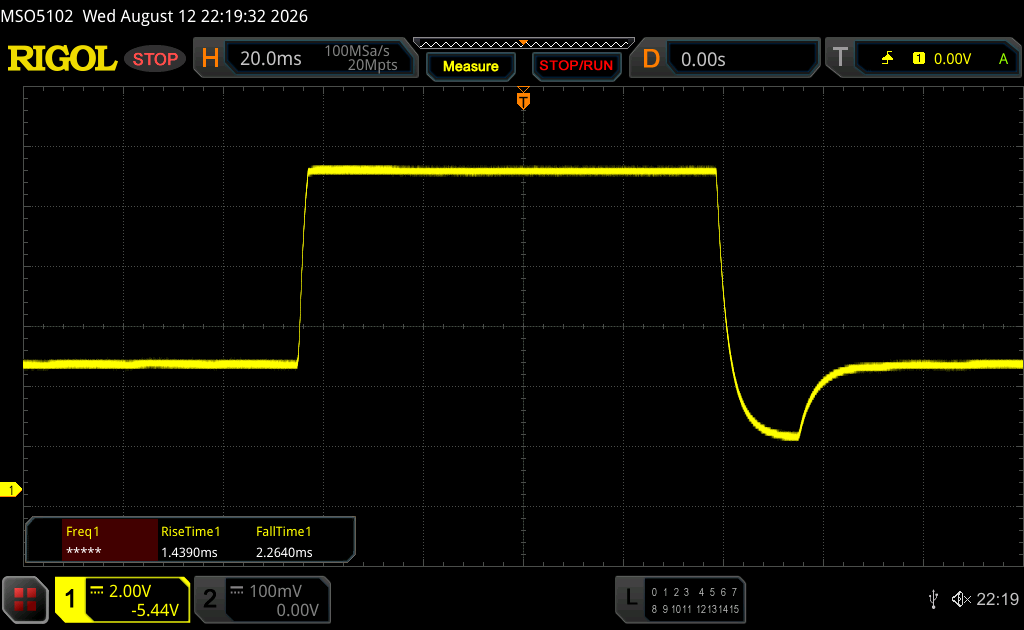 |
| ↘ 2.3 ms fall | ||
| The screen shows very fast response rates in our tests and should be very well suited for fast-paced gaming. In comparison, all tested devices range from 0.13 (minimum) to 636 (maximum) ms. » 15 % of all devices are better. This means that the measured response time is better than the average of all tested devices (30.7 ms). | ||
Screen Flickering / PWM (Pulse-Width Modulation)
| Screen flickering / PWM not detected | 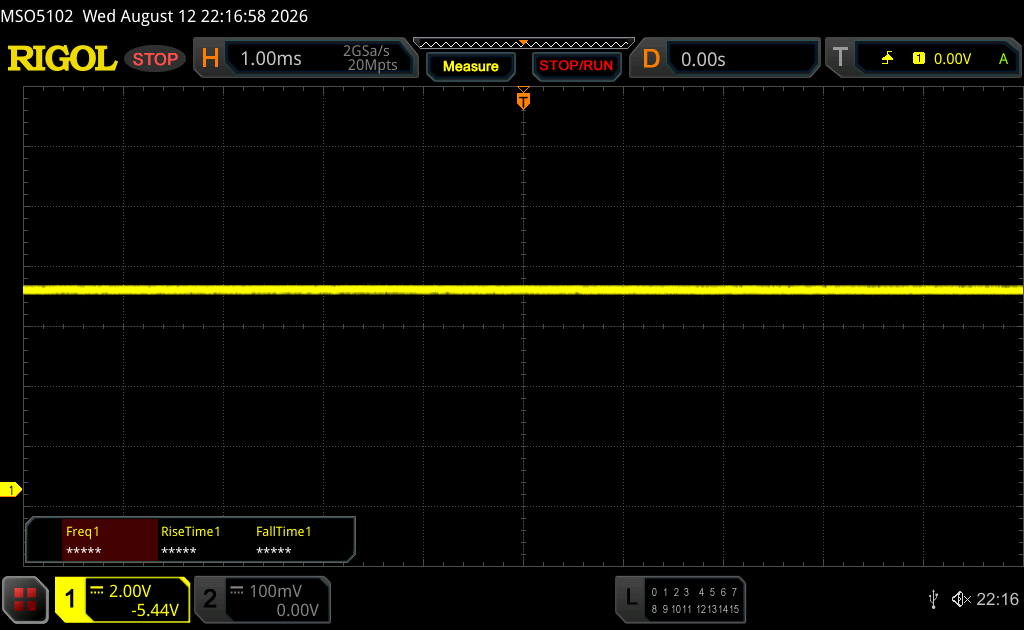 | ||
In comparison: 52 % of all tested devices do not use PWM to dim the display. If PWM was detected, an average of 7625 (minimum: 5 - maximum: 343500) Hz was measured. | |||

Speakers
Although the technical specifications do not mention a speaker, there is a single speaker module in the center of the lower bezel. However, it should really only be considered a last-resort option, as it does not get particularly loud and sounds extremely tinny.
KTC H27E6S audio analysis
(±) | speaker loudness is average but good (77.2 dB)
Bass 100 - 315 Hz
(-) | nearly no bass - on average 24.1% lower than median
(+) | bass is linear (4.5% delta to prev. frequency)
Mids 400 - 2000 Hz
(±) | higher mids - on average 9.2% higher than median
(±) | linearity of mids is average (9.2% delta to prev. frequency)
Highs 2 - 16 kHz
(+) | balanced highs - only 3.8% away from median
(+) | highs are linear (4.1% delta to prev. frequency)
Overall 100 - 16.000 Hz
(±) | linearity of overall sound is average (25.2% difference to median)
Compared to same class
» 77% of all tested devices in this class were better, 5% similar, 18% worse
» The best had a delta of 4%, average was 23%, worst was 136%
Compared to all devices tested
» 77% of all tested devices were better, 5% similar, 18% worse
» The best had a delta of 4%, average was 23%, worst was 136%
KTC G27P6 audio analysis
(-) | not very loud speakers (71.04 dB)
Bass 100 - 315 Hz
(-) | nearly no bass - on average 15.2% lower than median
(-) | bass is not linear (17.8% delta to prev. frequency)
Mids 400 - 2000 Hz
(+) | balanced mids - only 2.2% away from median
(+) | mids are linear (5.7% delta to prev. frequency)
Highs 2 - 16 kHz
(+) | balanced highs - only 2.8% away from median
(+) | highs are linear (4.3% delta to prev. frequency)
Overall 100 - 16.000 Hz
(±) | linearity of overall sound is average (16.8% difference to median)
Compared to same class
» 30% of all tested devices in this class were better, 7% similar, 63% worse
» The best had a delta of 4%, average was 23%, worst was 136%
Compared to all devices tested
» 30% of all tested devices were better, 7% similar, 63% worse
» The best had a delta of 4%, average was 23%, worst was 136%
Energy consumption
In our power consumption measurements, the KTC monitor performs well, with low consumption in both standby and when switched off. At minimum brightness, power consumption is around 14 watts, rising to 38 watts at maximum brightness. Consumption increases linearly with the selected brightness level; at 50%, it is 26 watts.
| Off / Standby |   0.19 / 0.22 Watt 0.19 / 0.22 Watt |
| Idle |  14.3 / / 38.5 Watt 14.3 / / 38.5 Watt |
    
| |
Key:
min: ,
med: ,
max: Metrahit Energy | |
Verdict – A good IPS monitor, not just for gamers
Overall, the KTC H27E6S is a good IPS monitor that is particularly well suited to gaming thanks to its high refresh rate and fast response times. However, those primarily looking for an IPS monitor for work may miss features such as USB-C Power Delivery or a KVM switch.
Transparency
The selection of devices to be reviewed is made by our editorial team. The test sample was given to the author by the manufacturer free of charge for the purposes of review. There was no third-party influence on this review, nor did the manufacturer receive a copy of this review before publication. There was no obligation to publish this review. As an independent media company, Notebookcheck is not subjected to the authority of manufacturers, retailers or publishers.
 Add as a preferred source on Google


