




Used Notebooks - What to look out for in a purchase!
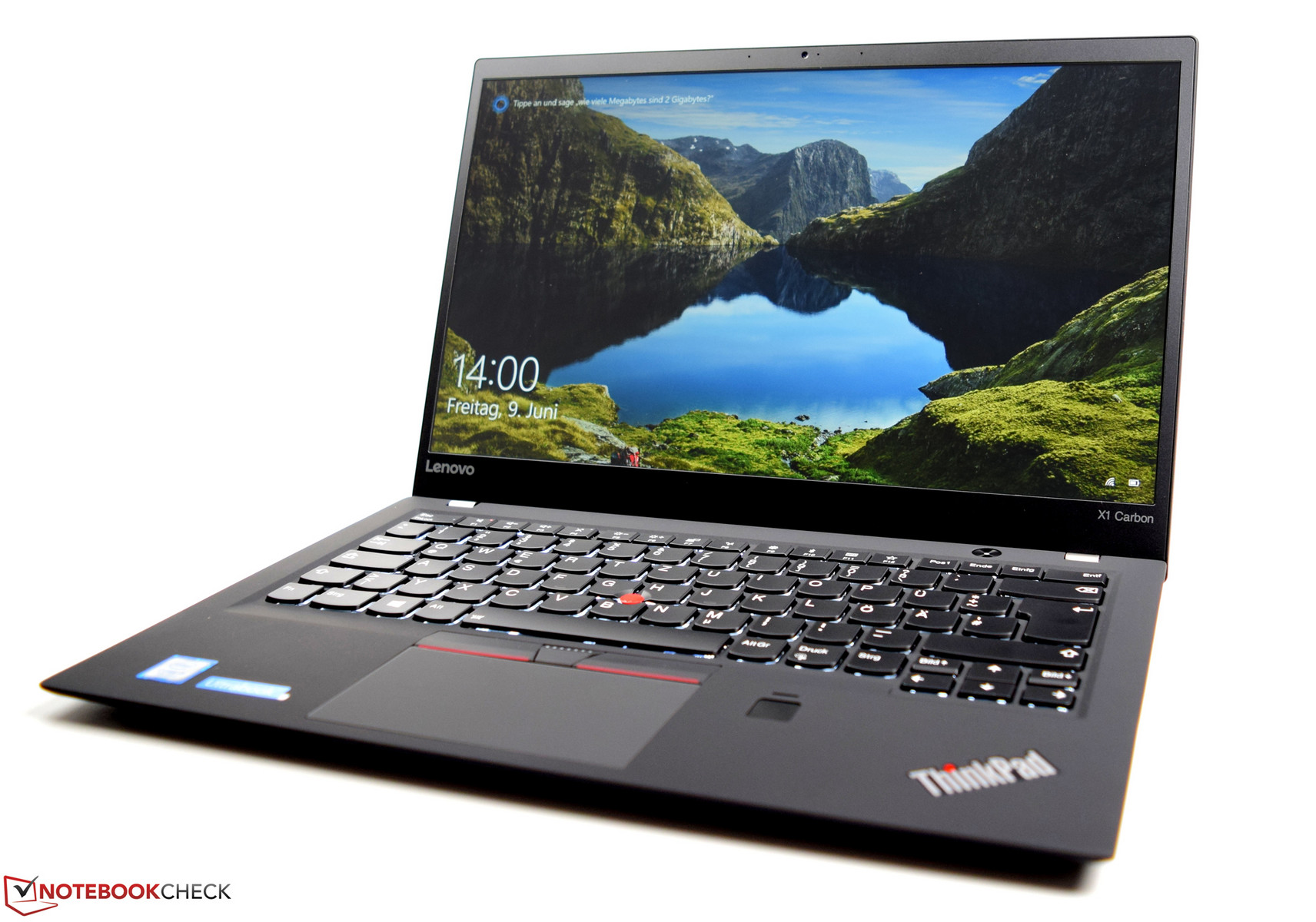
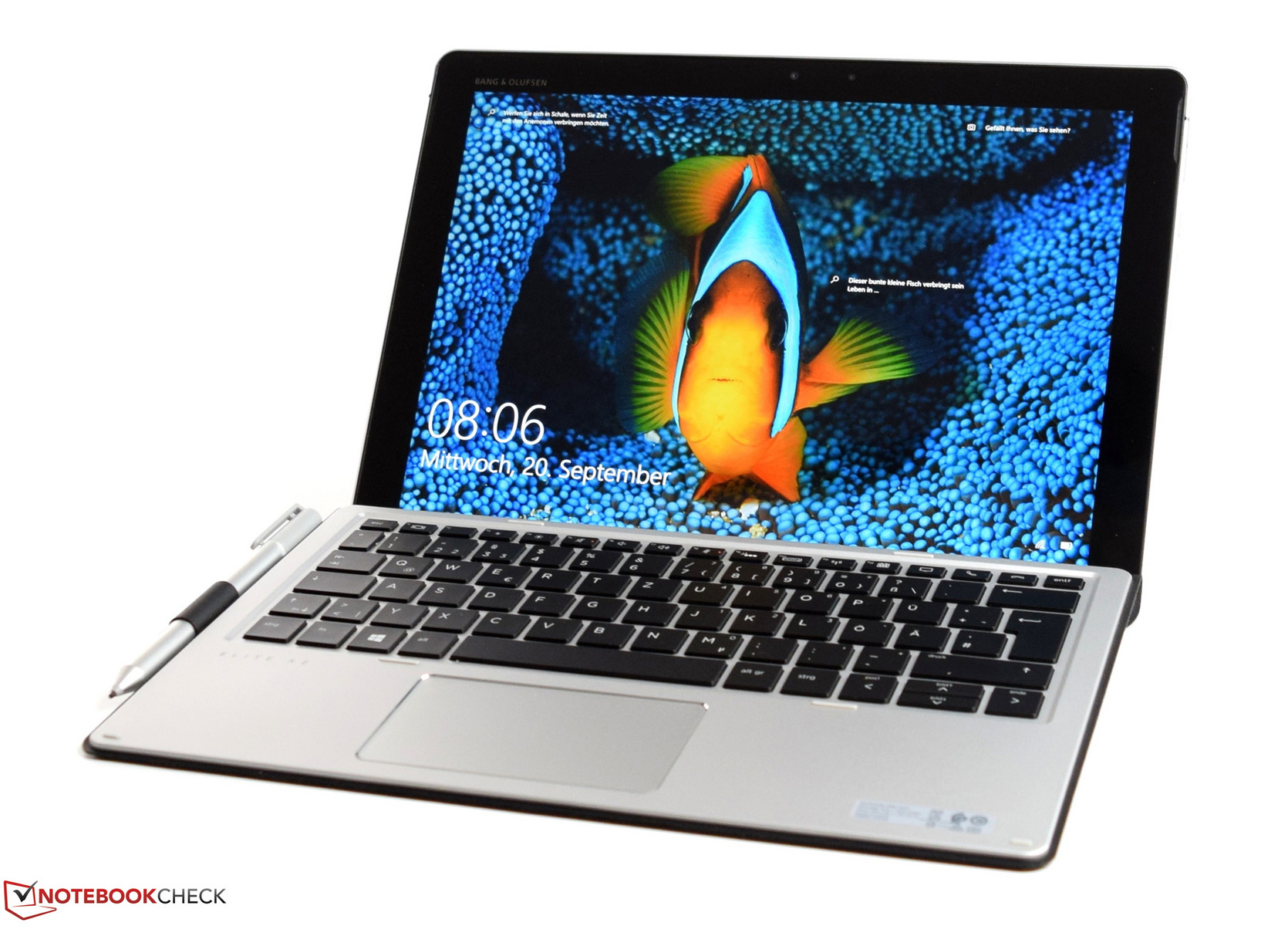
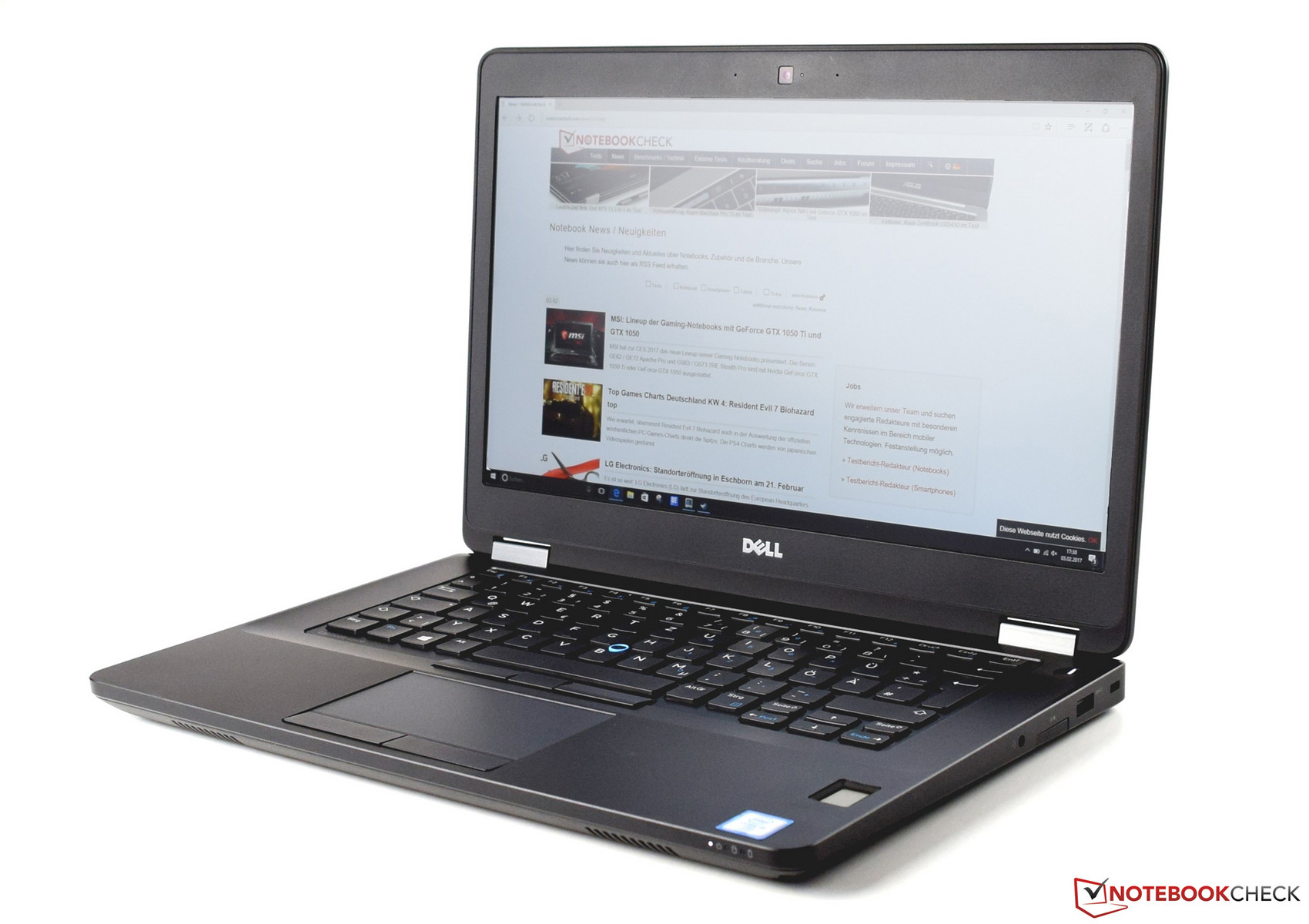
Business notebooks are particularly well-suited for a second-hand purchase.
The known sales platforms are filled with used laptops, and there are also many shops that specialize in selling used laptops. These work machines are often returns of various leased business notebooks. Some of them even still have a manufacturer warranty on them (up to five years for business notebooks). You might be able to find some real bargains, since high-quality business laptops often cost 2000 Euros (~$2480) or more when they are introduced to the market. Such work machines are designed for up to four or five years of intensive usage. For this reason, you should be okay picking up a second-hand device that has already been used for two or three years. Moreover, for most of the everyday PC tasks, an affordable used notebook should be sufficient. Many business devices also have the advantage that they are easy to maintain and there are often good upgrade options. For example, by replacing the existing hard drive with a fast SSD, you can get a noticeable performance increase. Thus some affordable tune-ups can be done quickly, since the price of SSDs has dropped significantly. In order to avoid additional hidden costs for a used laptop, you should also make sure that the unit has an operating system license.
Processor
As the central unit, the processor determines the performance of the laptop. In the last few years, the performance of mobile processors has successively increased. The most common representatives of the last four years include the Intel processor series of the Haswell, Broadwell, Skylake, and Kaby Lake generations. While each generation is different in terms of performance, the performance of an Intel Core i5-4200U which has aged a lot at this point should still be sufficient for daily work tasks.
The following chart should indicate how Intel was able to increase the ULV processor performance steadily over the last few years. The largest performance increase was achieved by the eighth generation of the Intel Core i series. The Intel Core i5-8250U is clearly superior to its predecessor (Intel Core i5-7200U), particularly in multithread applications. Intel has used native quad-core processors for its ULV processors for the first time, which enabled this large jump in performance. Thus the current processors will also represent a good price-performance ratio in the used segment over the next few years. In order to retain the full performance of the processor even under constant load, a good cooling system is needed. Here we recommend that you take a look at our test reviews of the devices, since we address these important points in great detail in our extensive reviews. After intensive use, accumulated dirt can lead to a decreased cooling performance. In general, an experienced tinkerer with a delicate touch should be able to clean the fans and cooling fins or possibly reapply the conductive paste between the CPU and the cooling system.
| Cinebench R15 | |
| CPU Single 64Bit | |
| Intel Core i5-8250U | |
| Intel Core i5-7200U | |
| Intel Core i5-6200U | |
| Intel Core i5-5200U | |
| Intel Core i5-3230M | |
| Intel Core i5-4200U | |
| CPU Multi 64Bit | |
| Intel Core i5-8250U | |
| Intel Core i5-7200U | |
| Intel Core i5-6200U | |
| Intel Core i5-3230M | |
| Intel Core i5-5200U | |
| Intel Core i5-4200U | |
| Cinebench R11.5 | |
| CPU Multi 64Bit | |
| Intel Core i5-6200U | |
| Intel Core i5-3230M | |
| Intel Core i5-3210M | |
| Intel Core i5-5200U | |
| Intel Core i5-4200U | |
| CPU Single 64Bit | |
| Intel Core i5-6200U | |
| Intel Core i5-5200U | |
| Intel Core i5-3210M | |
| Intel Core i5-3230M | |
| Intel Core i5-4200U | |
Graphics Card
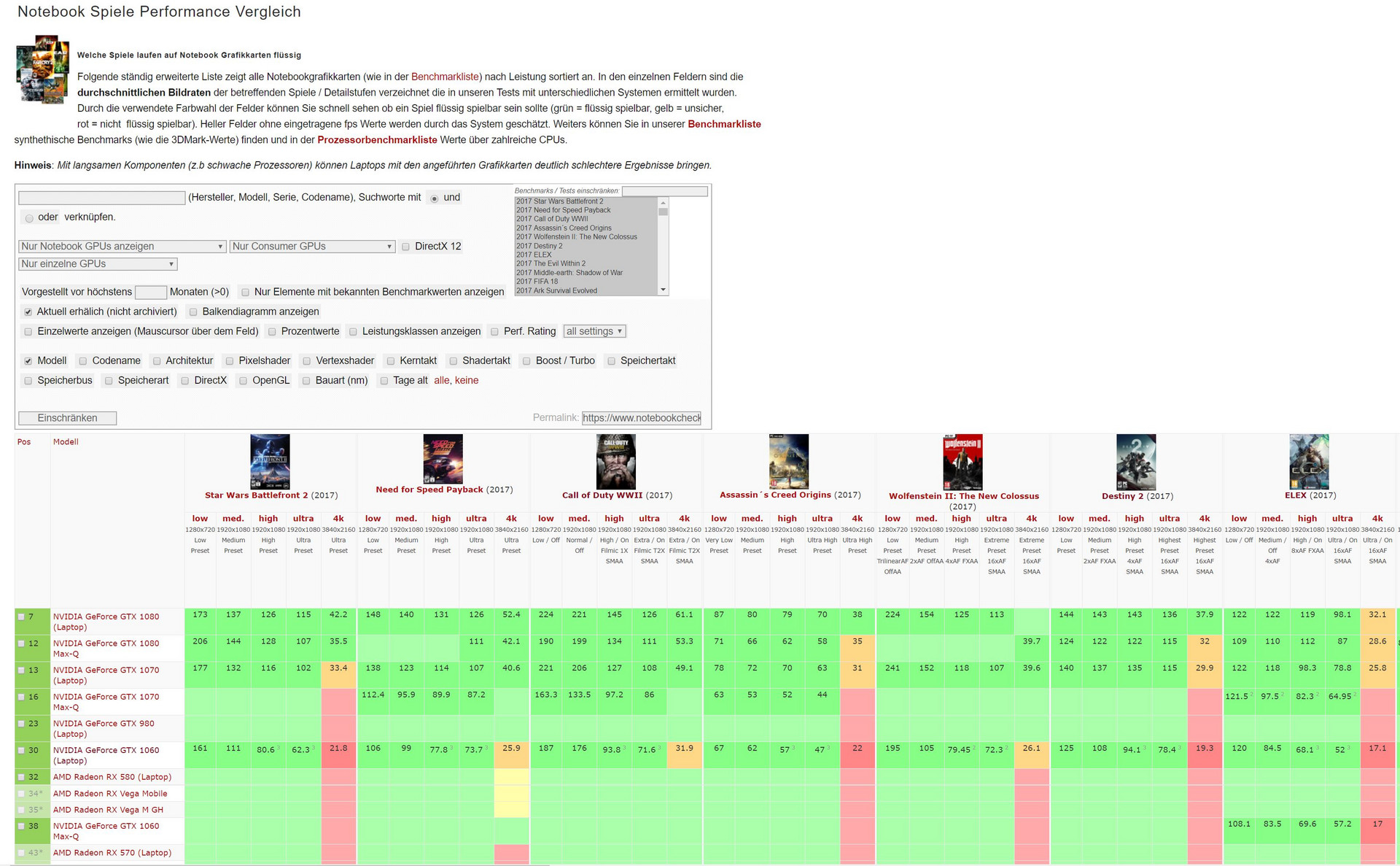
Predominantly, business devices are only equipped with a graphics unit that is integrated into the CPU. Intel was able to continuously increase the performance here as well. When purchasing a used laptop, you should make sure that the graphics unit can handle the most common video codecs in order to take the load off the processor when playing videos.
However, anyone looking for a multimedia device for home use which is also suited for occasional gaming should definitely make sure that the laptop has a dedicated graphics card. Nvidia has been able to increase the performance of mobile graphics cards significantly in the last few years. We were able to document the largest increase with the introduction of the Pascal architecture (starting with the GeForce MX150). Current games demand a decent graphics performance, causing the graphics cards of the previous generations to become easily overwhelmed. At this point, we refer to our gaming benchmark list with numerous benchmarks, including those of the older graphics chips. Anyone looking for a used gaming laptop should definitely take a look at these benchmarks.
You do not necessarily need a dedicated graphics card from Nvidia or AMD for pure office applications. When looking for an office notebook, you should even prefer an integrated graphics unit, since the lower power consumption compared to a device with a dedicated graphics card leads to a noticeably longer battery life for older devices.
| 3DMark 11 - 1280x720 Performance GPU | |
| NVIDIA GeForce GTX 1050 Mobile | |
| NVIDIA GeForce GTX 960M | |
| NVIDIA GeForce GTX 860M | |
| NVIDIA GeForce MX150 | |
| NVIDIA GeForce 940M | |
| NVIDIA GeForce 840M | |
| 3DMark 11 - 1280x720 Performance GPU | |
| Intel UHD Graphics 620 | |
| Intel HD Graphics 620 | |
| Intel HD Graphics 520 | |
| Intel HD Graphics 5500 | |
| Intel HD Graphics 4400 | |
| Intel HD Graphics 4000 | |
Display
The built-in display is a crucial point. Many affordable laptops are equipped with the cheapest panels which are definitely unconvincing in terms of their quality. The necessary brightness is often lacking or miserable color-space coverage causes some complaints. In general, you have to distinguish between TN and IPS panels. The latter are definitely the better choice, and their viewing angles are also much more stable than TN panels. With HD resolutions (1366x768 pixels), you can assume that it is a cheap TN panel most of the time. You can often find laptops with the HD+ resolution (1600x900 pixels), which should be the minimum for a 15-inch notebook. However, our recommendation clearly goes to panels with a Full HD resolution (1920x1080 pixels). Particularly with office notebooks, we often tested several models with different displays, in order to be able to always provide our readers with a wide spectrum of information. Here it is worthwhile to take a look at our test reviews for the particular devices.
Memory and Storage
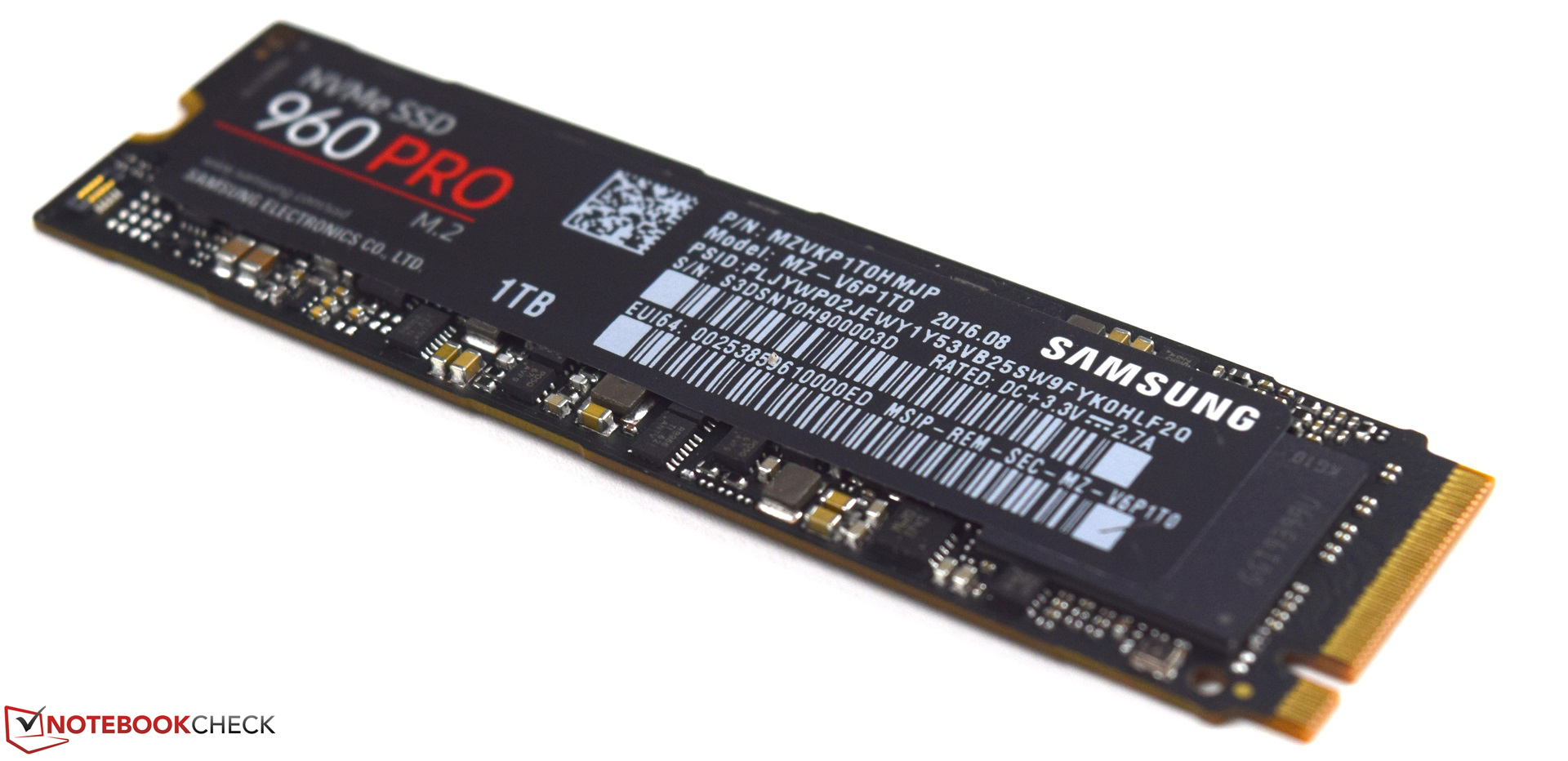
Besides the processor and graphics card, the working memory (RAM) and the data storage used also contribute significantly to the operating speed of the laptop. The RAM should be at least 4 GB, in order to provide sufficient temporary storage to the processor for its operations. If the RAM is insufficient, it has to be swapped to the slower mass storage, which slows down the system noticeably. In the current entry-level laptops, 8 GB of RAM is standard. Often you can expand the memory in business laptops without any problems, so that you can perform an affordable upgrade.
In terms of the mass storage, there should definitely be an SSD built-in, since the performance difference to a conventional hard drive is enormous. We recommend an SSD with 256 GB of storage space, so that there will be sufficient space for additional applications and data besides the operating system. At the time of this article update (01/2018), 256-GB models are particularly attractive in terms of their price-performance ratio. You can already get 2.5-inch SATA or M.2 SSDs for less than 100 Euros (~$124) now. The speed of older laptops can often be drastically increased with an SSD. During purchase, you should take a look at the available connections. For many devices, a combination of SSD (M.2) and HDD (2.5-inch) also makes sense. For the M.2 connection, we should also mention the SATA speed and the PCIe speed. The latter offers significantly higher transfer rates than a SATA connection. However, the transfer rates at SATA speed are completely sufficient for regular usage.
Connections
The available connections are probably the most important components of a laptop to expand it quickly and in a useful way. The usual standard includes the USB ports. Here you should definitely look for the availability of some USB 3.0 ports. Those are often blue or labeled with "SS" (Super Speed). In addition, many business notebooks are equipped with connections for a docking station. However, these proprietary connections are incompatible with other devices. Here you should do some advance research. Newer devices are equipped more and more with USB Type-C connections, which can be used very flexibly and they can also enable the use of various docking solutions.
For external communications, the used laptop should be equipped with a dual-band capable Wi-Fi module from a well-known manufacturer. We can often find the Intel Dual Band WLAN-AC 7265 or the Intel Dual Band WLAN-AC 8265 in office notebooks. In order to connect an external display to the notebook, you should also have a DisplayPort or an HDMI port. At this point, you can usually do without older connections such as VGA or DVI, unless you specifically need them.
Battery Life
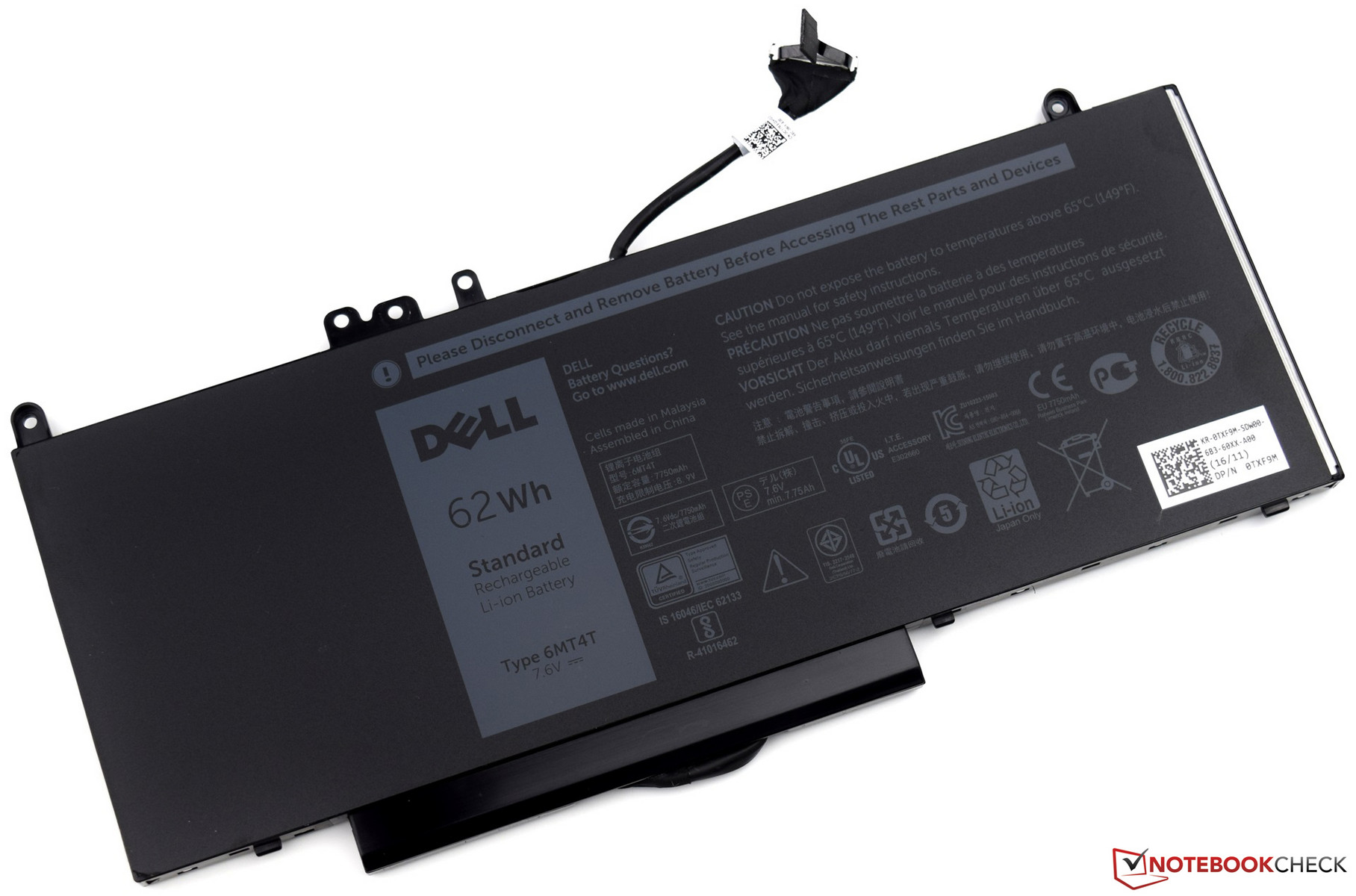
In the last few years, battery quality has improved dramatically, so that you can still achieve an acceptable battery life even with the increasing age of the battery. A good battery will still have 80% capacity even after 1000 charging cycles. For this reason, batteries are built into many devices at this point and can only rarely be replaced easily. However, if it does happen that you need to replace the battery, it should still be possible in most cases (you have to open the notebook to do this). Particularly for some office laptops that were expensive at one point, you can still buy many replacement parts even several years later. Most of the time, this is impossible for cheap laptops. Another positive point for business notebooks is their modular construction which also enables battery replacement, as batteries are often screwed-in rather than glued-in in high-quality devices. So with the right tools, you can replace the battery yourself.
Recommended Models
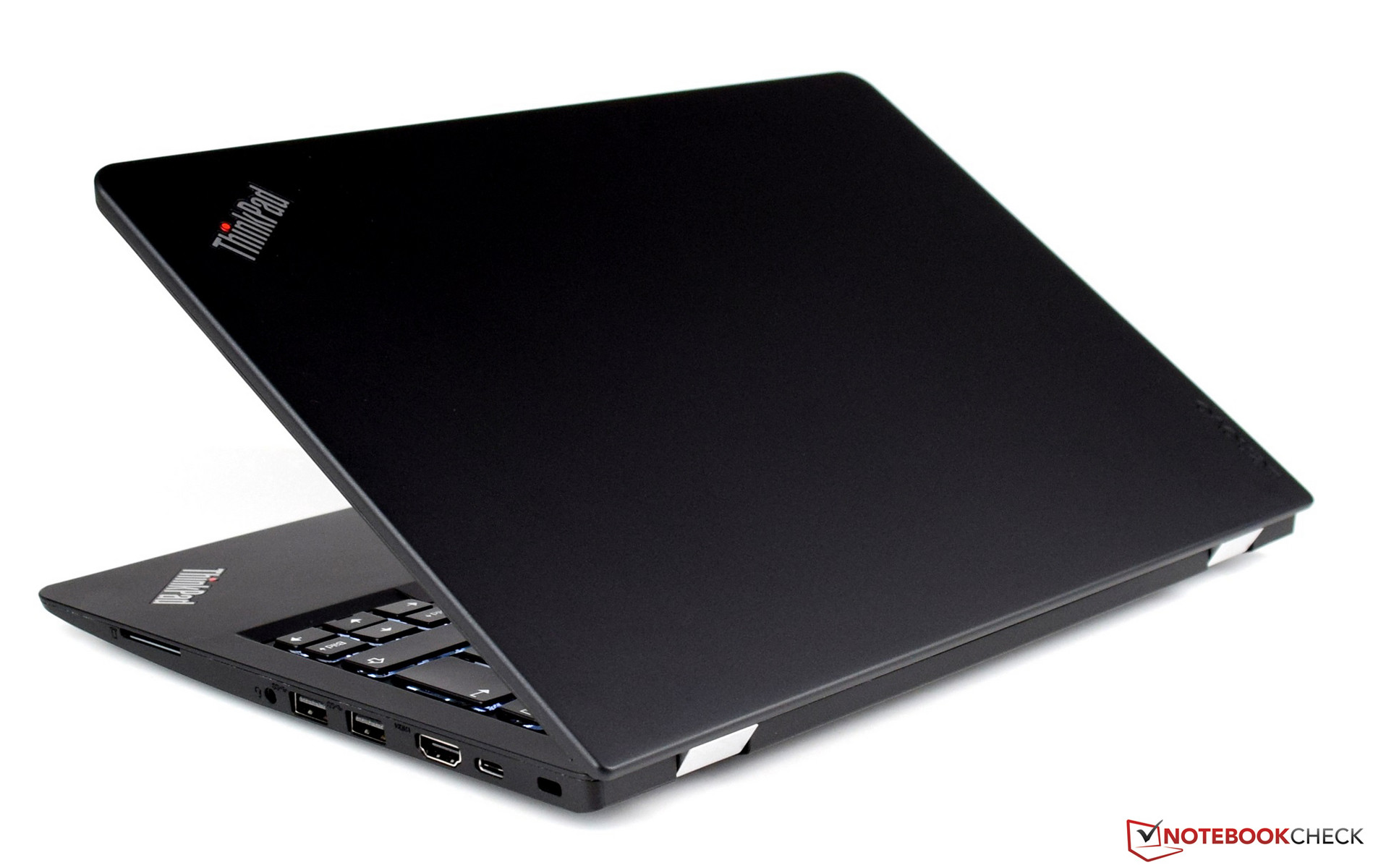
In shops that specialize with used notebooks, you can often find the ThinkPad models from Lenovo, which have always been compelling with a solid base and excellent input devices. Similarly, the Latitude series from Dell as well as the ProBook and EliteBook series from HP are also reliable companions and should definitely be considered when narrowing down the choice. Last but not least, business laptops from Fujitsu are also worth a closer look when considering a used laptop.
Verdict
You can definitely save a lot of money when buying a used laptop. Of course this means that you don't always need to have the newest hardware. Older components are not necessarily a bad thing. At various online platforms, you can get expensive business notebooks that cost more than 2000 Euros (~$2480) at their market introduction for a fraction of the original price. Often these devices also offer a much better display than newer entry-level models which cost the same and offer the same performance at this point. When buying a used device, you should always carefully check the article listing and if possible the device itself, since there is often some damage in the case components, which might lead to an expensive repair. Likewise, the display hinges are often a weak point in many devices, which can quickly cause a repair to become a total loss economically. However, in this regard mainly consumer notebooks are at a disadvantage, since only high-quality business laptops have been designed for several years of intensive daily use.
Another advantage of good business notebooks is their very good durability and upgradeability, since an existing conventional hard drive can be easily replaced by modern SSD storage in most cases.
Disadvantages include a low warranty (from the shops, in case the manufacturer warranty has run out) and also the wear and tear from previous usage. In private sales, you should keep in mind that you cannot claim any warranty.
 Add as a preferred source on Google


