Review Toshiba Satellite Pro S300 Notebook
This time our colleagues from notebookCHECK.pl reviewed a Toshiba notebook, which can be classified as consumer notebook only, because of its glare-type screen. In general it looks like the Tecra A10 business notebook. But, the inner components are different. Obviously, the focus of the designers was on energy efficiency.
Many thanks to our Polish editor team from notebookcheck.pl, who tested this notebook and kindly provided us with their review.
Case
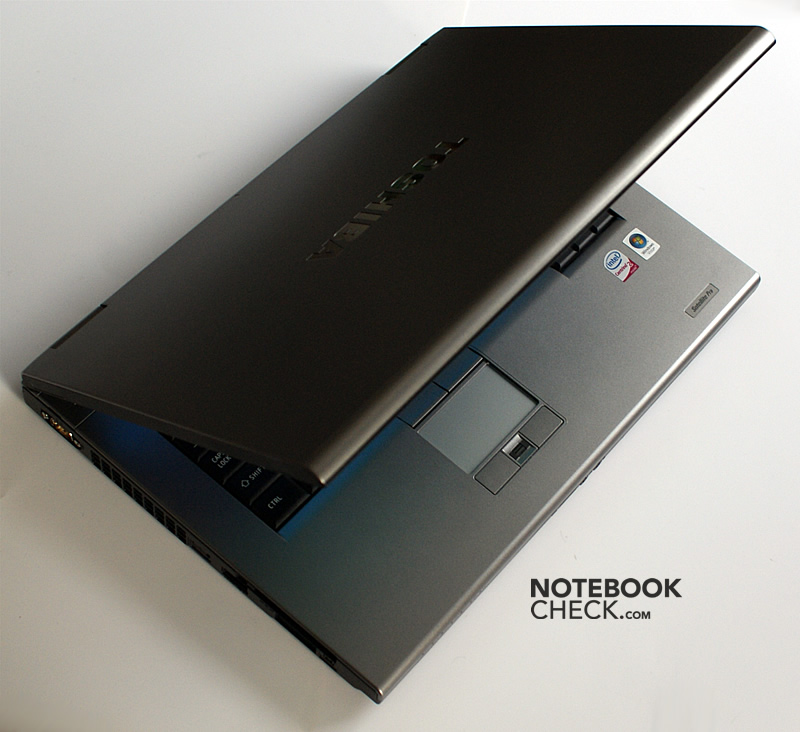
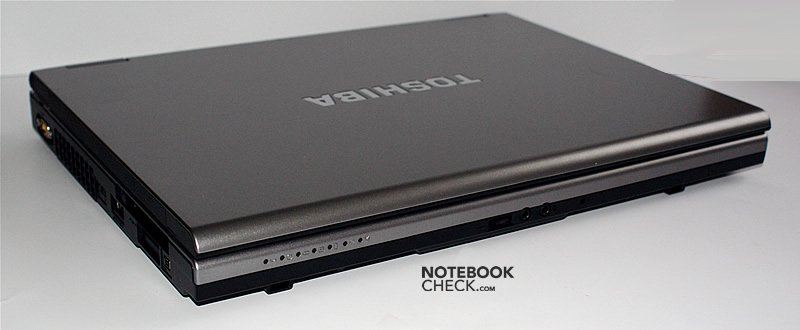
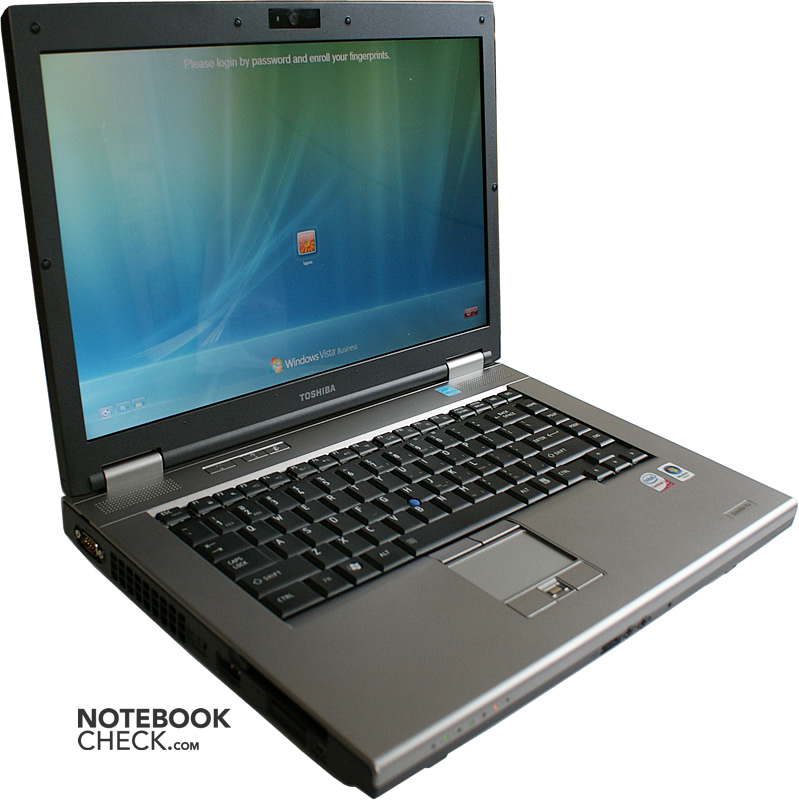
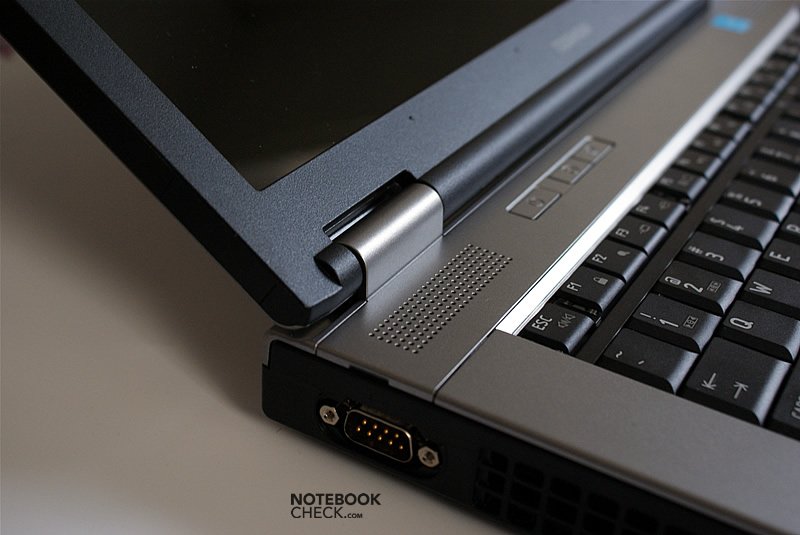
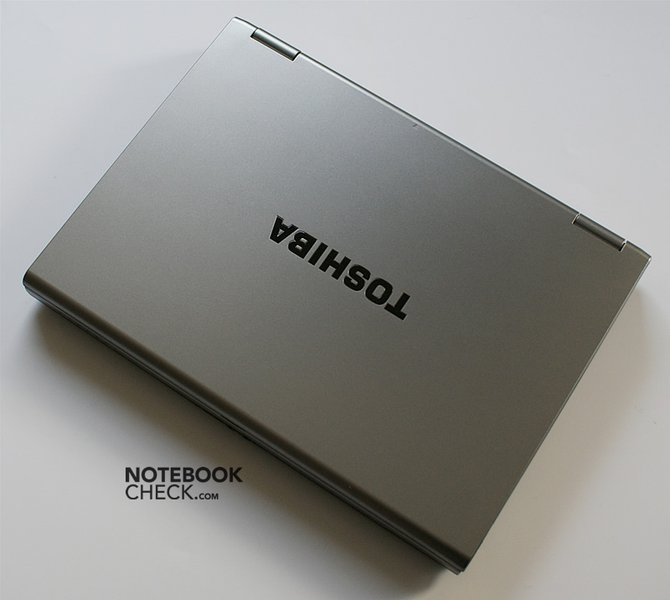
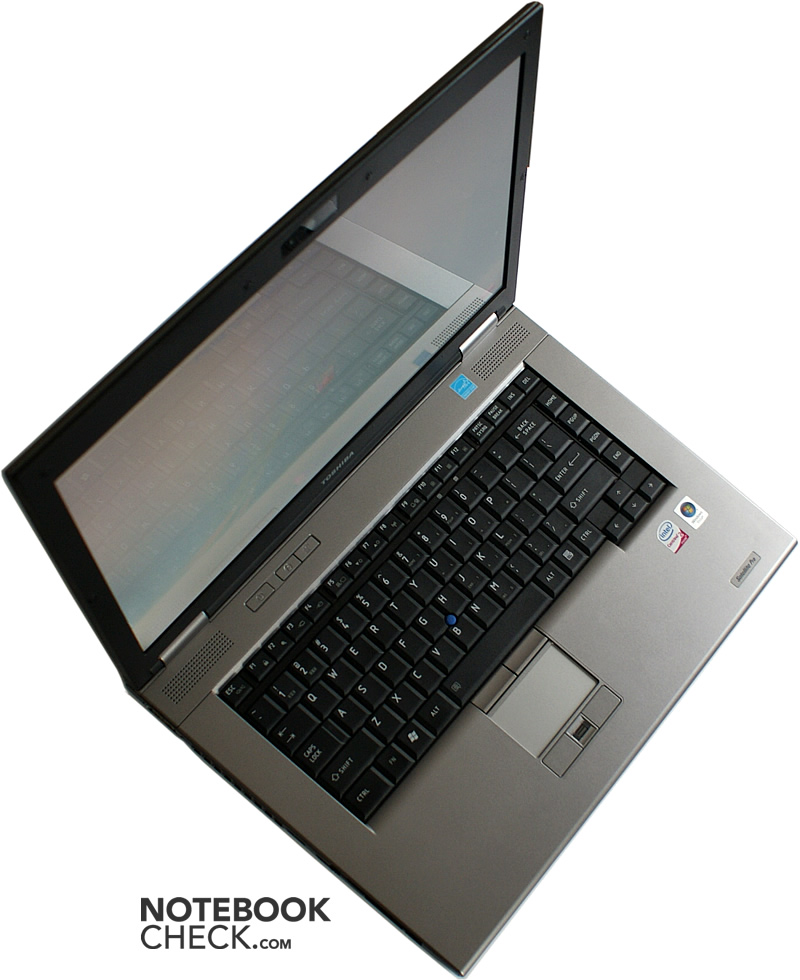
The Toshiba Satellite Pro S300 does not really look like a notebook of the Satellite series. Instead its appearance is very similar to the Tecra A10, but it comes with a glare-type screen instead of a matte one. The design is rather angular without trendy curves or even high-gloss surfaces.
So, this notebook looks, much to the delight of conservative users, a little bit old-fashioned. However, it is refreshing that shiny and easily stained surfaces are missing. Despite of a generally angular case, ergonomics was apparently considered important by the designers. The front edges are smooth and allow a comfortable work.
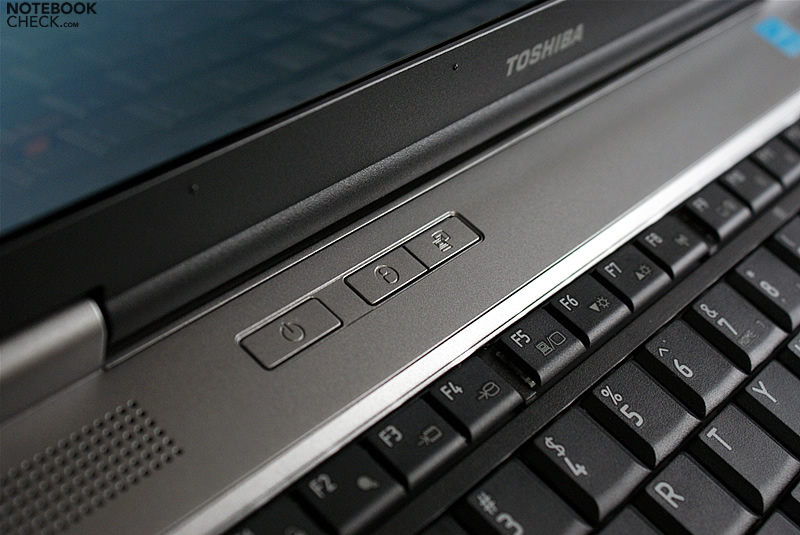
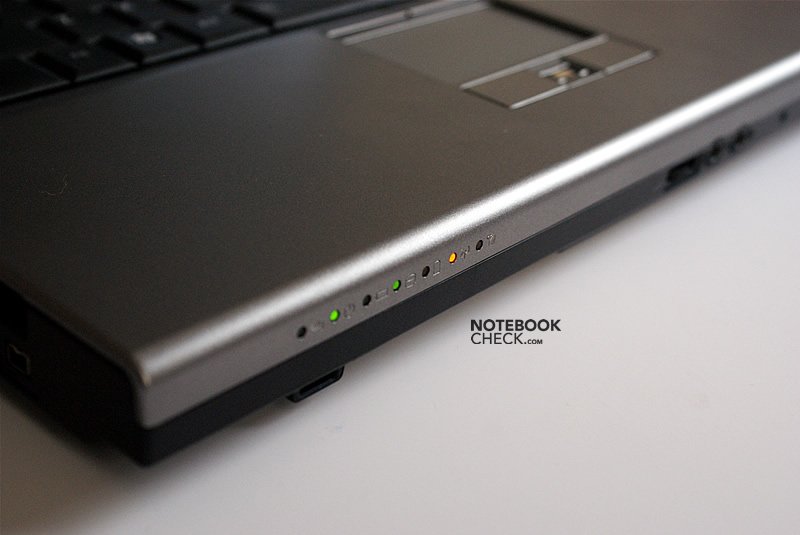
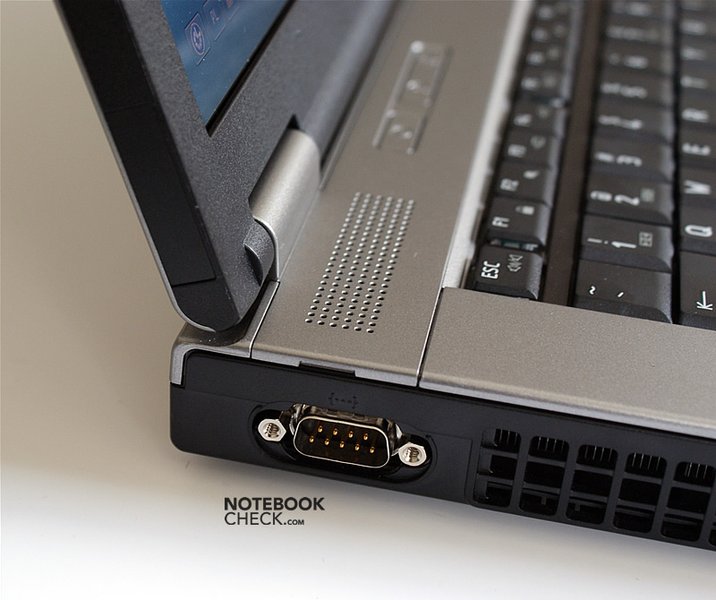
Obviously, it was not intended to delight the user with this minimalistic design. It is also a waste of time to look for ornaments. Even the two hot-keys beside the power button are inconspicuously integrated into the silver surface. So, you could conclude, that practical purposes were considered more important than the look. However, given the small touchpad, this does not hold absolutely true.
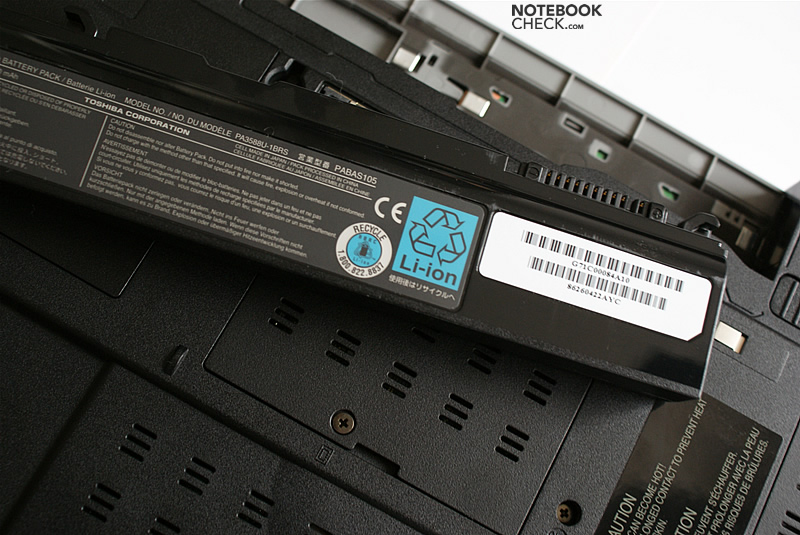
What we liked was the good workmanship of this Toshiba laptop and, so, we think, it is not exaggerated to call it 'PRO' in this aspect. However, the workmanship is not flawless. The battery is somewhat loose and could wobble in the one or other rare situation.
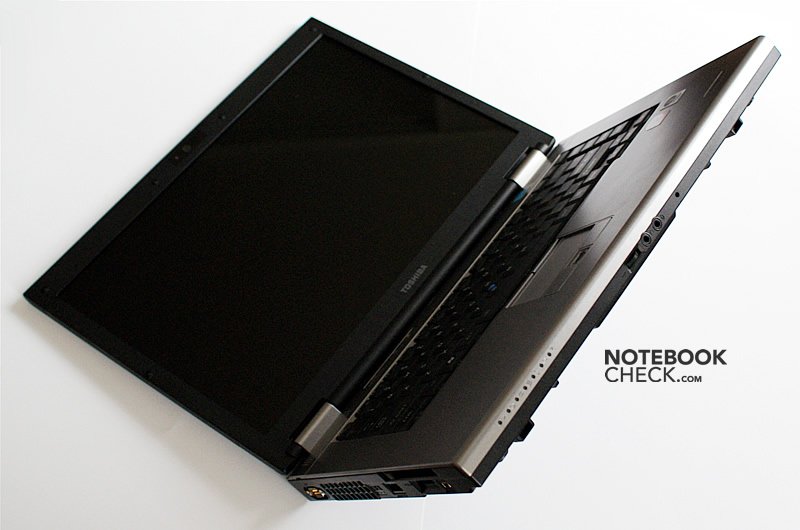
The second weakness can be found at the hinges, whose covers have uneven gaps. On the left side the gap was inwards bigger and on the right side outwards.
The hinges work perfectly. Once the opening angle is adjusted, you can be sure, that the screen will not unintentionally move. The hinges are sufficiently stiff and, so, they hold the display luffing-free in each position.
Although the case is made of plastic, it does in general neither give nor creak. Only at the optical drive this notebook does, alike many others, have a weak point in this aspect.
Compared to notebooks of the competition (Dell and HP), which have a more sophisticated design, the Toshiba S300 looks apparently considerably bulky and heavy. However, this impression is deceptive. Including battery this notebook weighs just 2.86 kilogramme.
Input devices
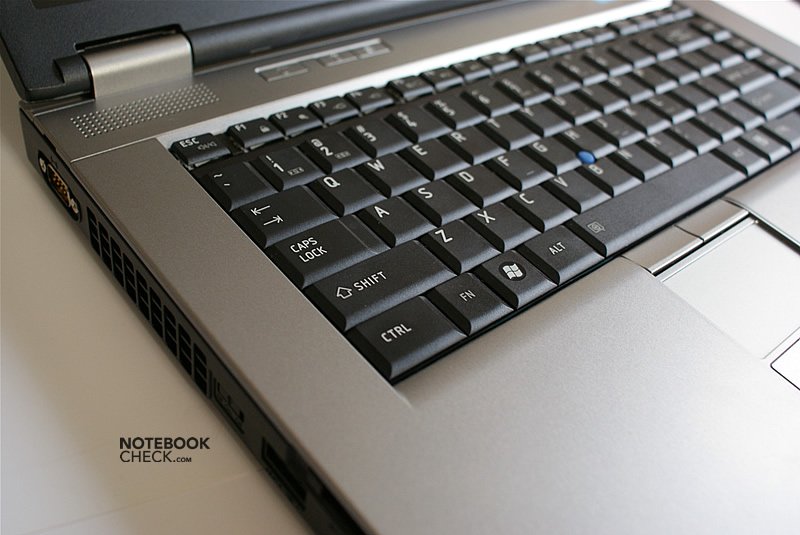
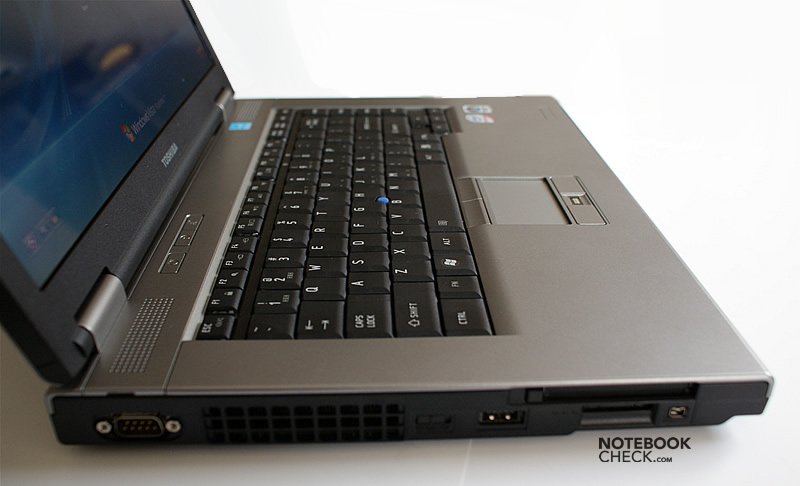
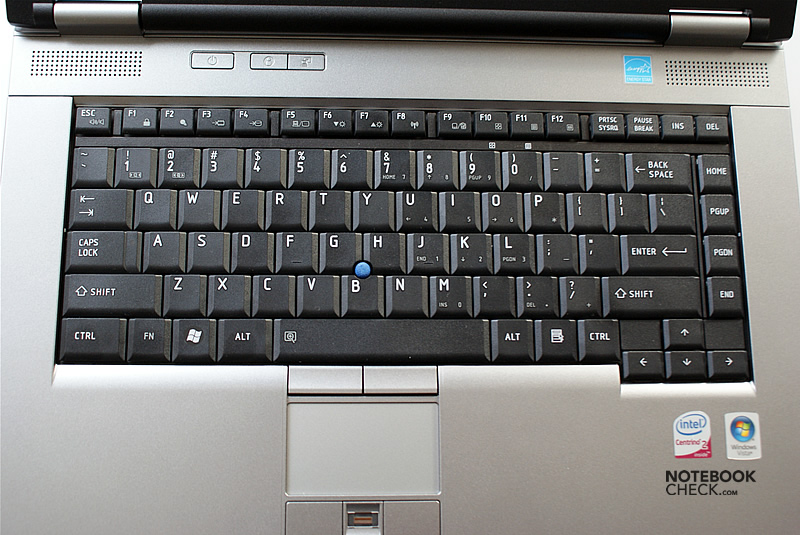
Overall typing with this keyboard is comfortable. All keys are in place and their size is favorable.
The characteristics of this keyboard are quite specific for Toshiba notebooks. The keys have a low resistance, so, typing does not require much force. Therefore, fast typing, nevertheless without double characters, is possible.
However, the tapping is rather loud. The tinny clatter gets uncomfortable for the user in the long run - not to mention the persons near by.
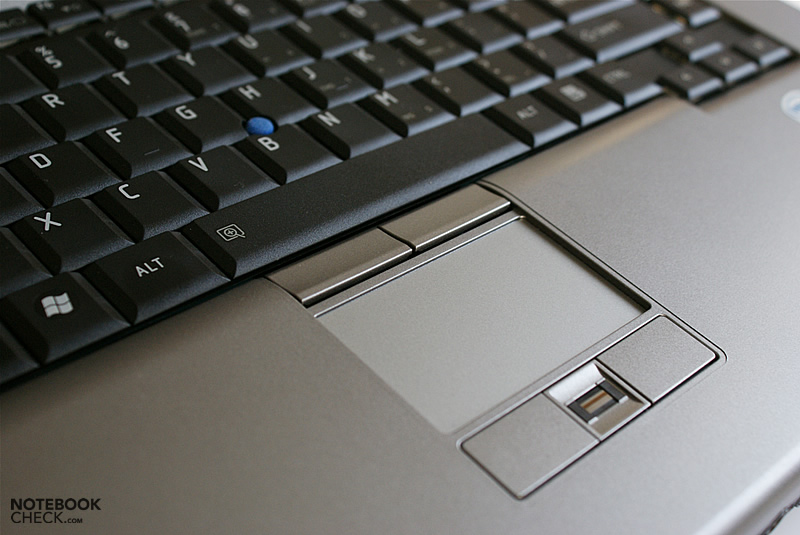
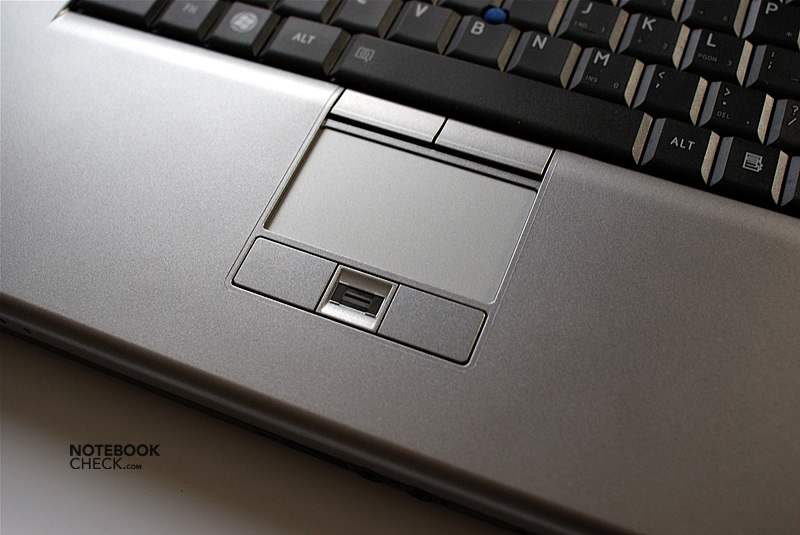
The Alps touchpad is really small. In mobile use it is not very handy, even more because of its characteristics. The gliding properties are rather bad and its responsiveness is questionable. Even configuration does not really help here.
The user is better off with the trackpoint, called AccuPoint by Toshiba. The main disadvantage of this trackpoint is that it does not provide clicking by tapping the cap. So, you have to fall back on the according buttons all the time. Furthermore, the cap itself is quite small and not very comfortable.
Display
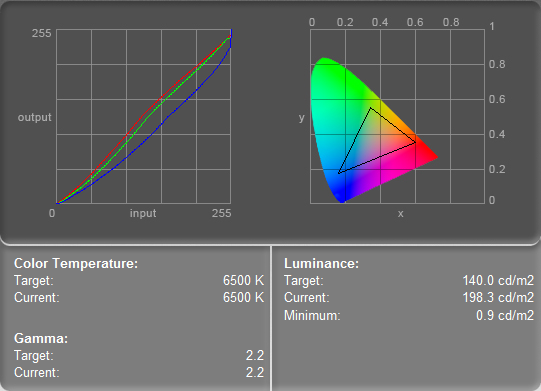
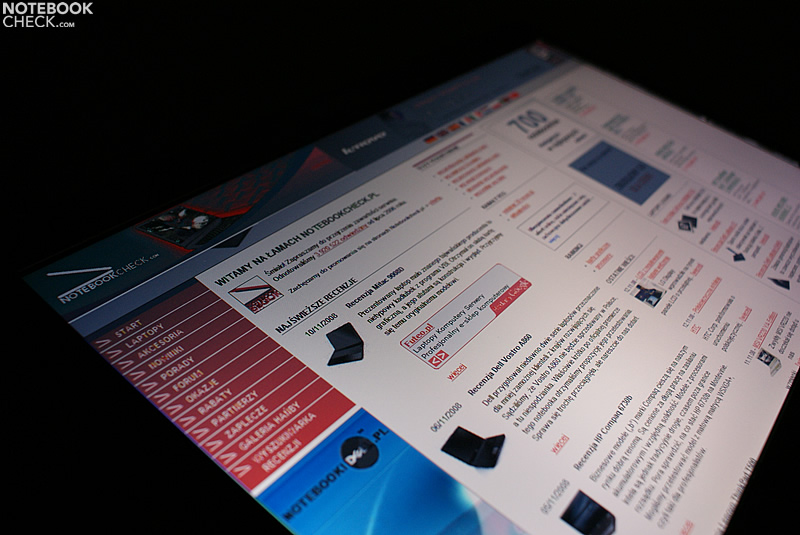
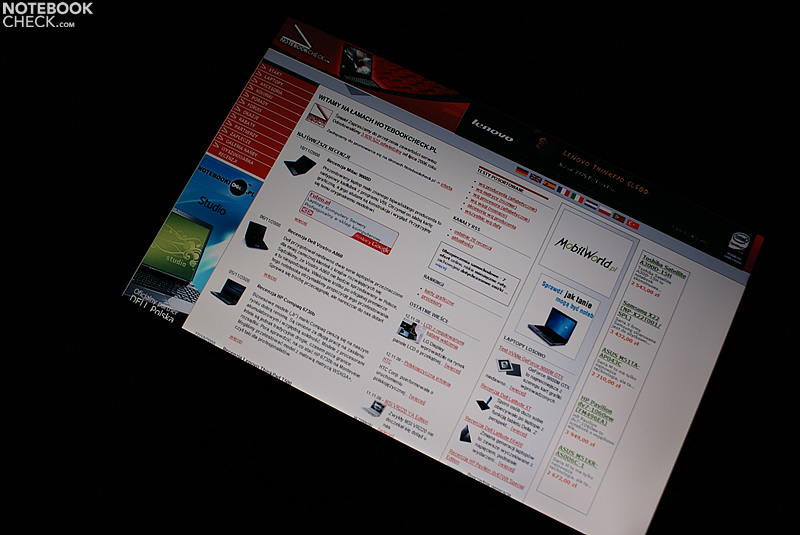
The tested notebook was equipped with a Toshiba 15.4” WXGA (1280x800 pixel) screen. Although the Satellite Pro S300 was designed for business use, it is equipped with a glare-type display.
In our opinion the technical parameters of the display proved to be hardly acceptable. The brightness of the screen is with an average maximum of almost 180cd/m² satisfactory. And the maximum contrast is with just 199:1 not really good too.
| |||||||||||||||||||||||||
Brightness Distribution: 80 %
Contrast: 220:1 (Black: 0.9 cd/m²)
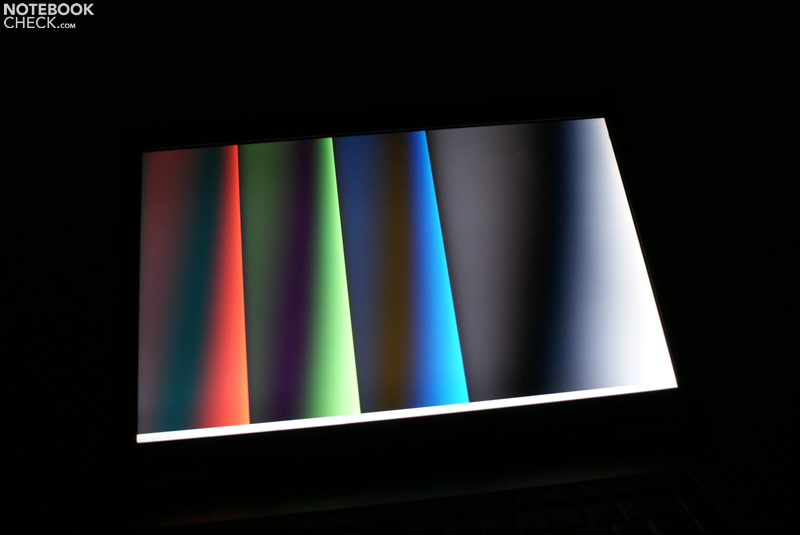
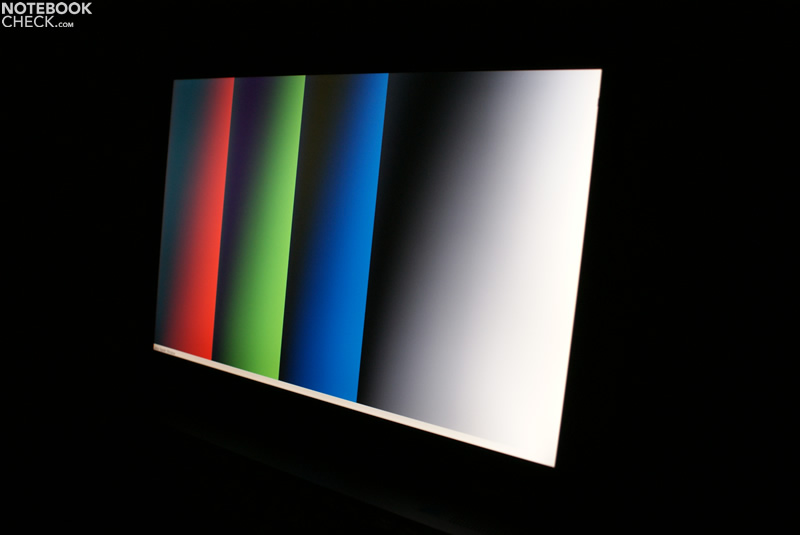
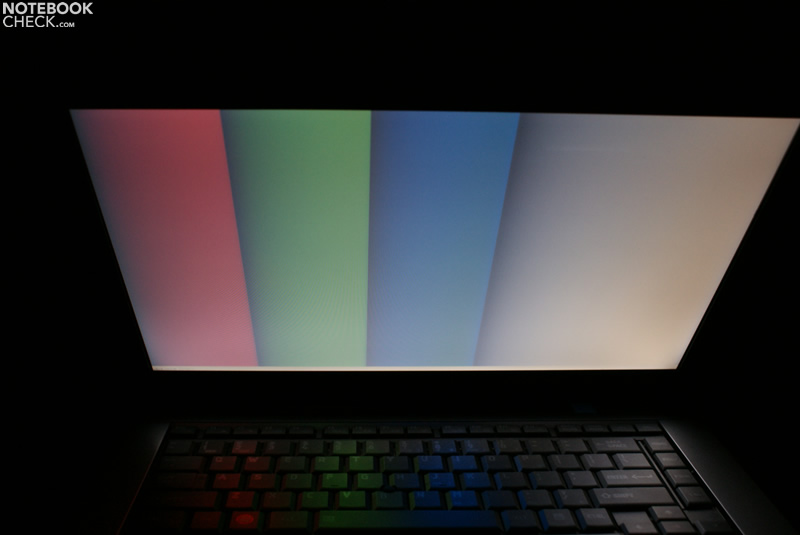
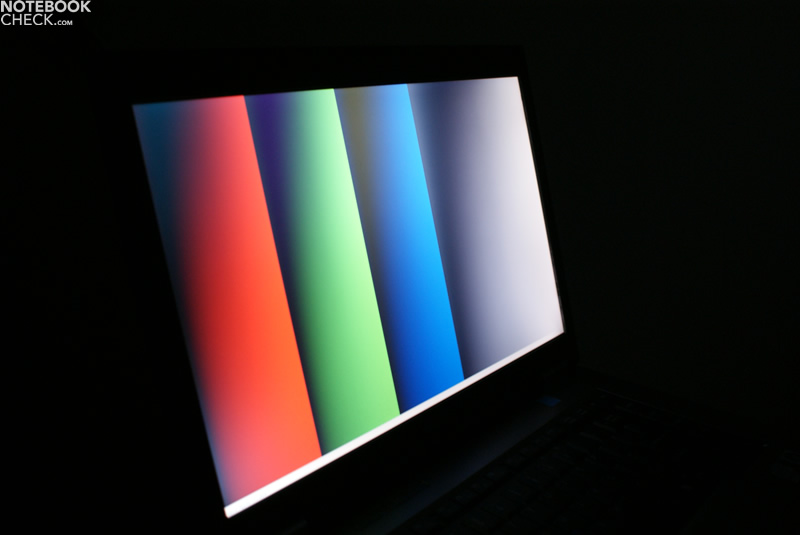
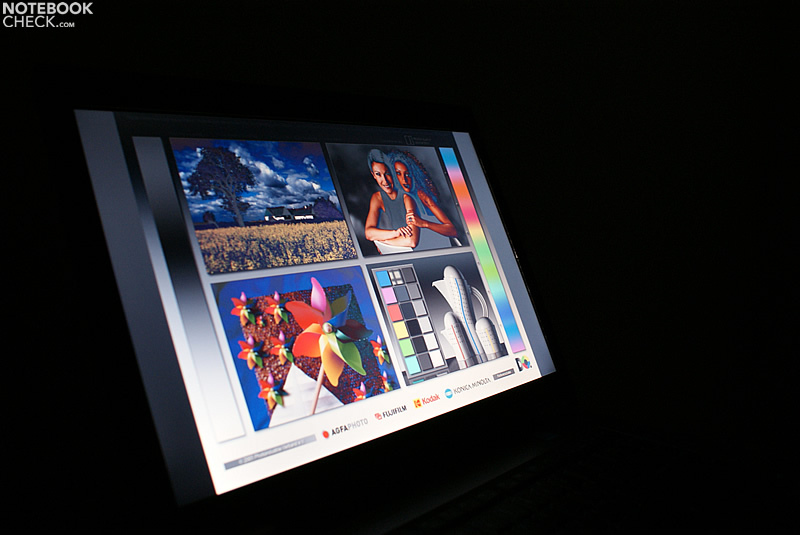
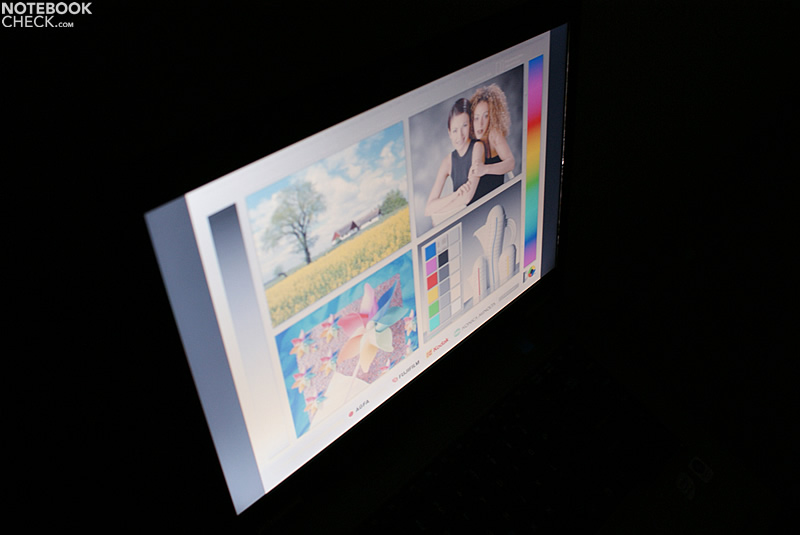
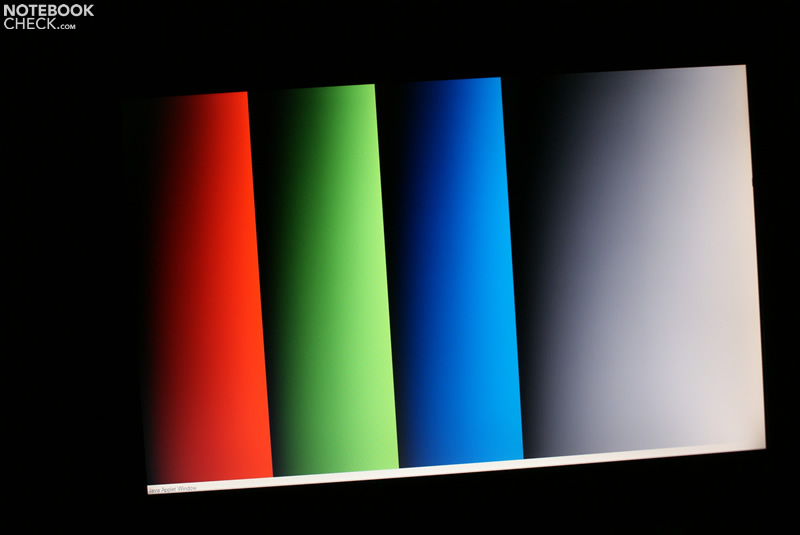
The picture quality seems quite good. However, if you compare the Satellite Pro S300 to top business models, e.g., the Dell Precision with M4400 LED backlight, the screen of this Toshiba notebook is apparently inferior. White, although a bit dark, is acceptable. But the gray tones and black are somewhat bluish. Considering it is a Twisted Nematic LCD panel in a standard notebook, this is no surprise.

Performance
The Intel Core 2 Duo P8600 CPU inside the Satellite Pro S300, has a core frequency of 2.40GHz, 3MB of Level 2 Cache, and comes with a 1066MHz frontsidebus. Considering the price-performance ratio this is a good choice. Although it only has half of the L2 Cache of the slightly faster (2.53GHz) and twice as expensive (!) Core 2 Duo P9500, the later is just marginally more powerful. In absolute numbers 3 Megabyte Level-2 cache are more than sufficient for most applicaions. Therefore it makes little sense to buy a laptop with a CPU better than a Core 2 Duo P8600, especially for running non-demanding tasks. It is even alright for gaming notebooks especially if you do not want to run very demanding games like, e.g., GTA IV, of all games.
The integrated Intel GMA X4500MHD video chip is only slightly better than the older GMA X3100. It is just perfect for an office laptop.
| 3DMark 2001SE Standard | 5366 points | |
| 3DMark 03 Standard | 2465 points | |
| 3DMark 05 Standard | 1566 points | |
| 3DMark 06 1280x800 Score | 959 points | |
Help | ||
| PCMark 05 Standard | 3731 points | |
Help | ||
| Cinebench R10 | |||
| Settings | Value | ||
| Shading 32Bit | 1010 Points | ||
| Rendering Multiple CPUs 32Bit | 4914 Points | ||
| Rendering Single 32Bit | 2617 Points | ||

Emissions
System noise
Toshiba Satellite Pro S300 proved to be very quiet during operation. Although a faint constant hum of the fan is audible, it is absolutely not obtrusive. This kind of behavior is undoubtedly better than a buzz that only starts after applying load, but, is considerably louder then.
Noise level
| Idle |
| 32.2 / 32.2 / 32.3 dB(A) |
| HDD |
| 32.3 dB(A) |
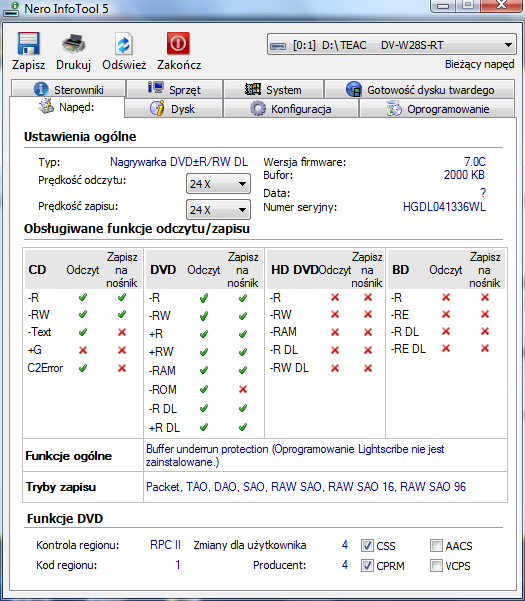
| DVD |
| 37.8 / 41 dB(A) |
| Load |
| 32.2 / 32.3 dB(A) |
 | ||
30 dB silent 40 dB(A) audible 50 dB(A) loud |
||
min:  , med: , med:  , max: , max:  (15 cm distance) (15 cm distance) | ||
Temperature
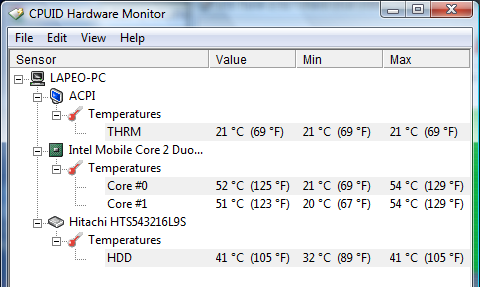
Even after many hours of work the chassis remains pleasantly cool. The maximum temperatures measured in a stress test lasting a few hours with room temperature are rather low. On the top side the temperature peaked at 32.5°C, while at the bottom of the base unit the highest value was 36°C.
(+) The maximum temperature on the upper side is 32.5 °C / 91 F, compared to the average of 34.3 °C / 94 F, ranging from 21.2 to 62.5 °C for the class Office.
(+) The bottom heats up to a maximum of 36.1 °C / 97 F, compared to the average of 36.8 °C / 98 F
(+) The palmrests and touchpad are cooler than skin temperature with a maximum of 31.4 °C / 88.5 F and are therefore cool to the touch.
(-) The average temperature of the palmrest area of similar devices was 27.5 °C / 81.5 F (-3.9 °C / -7 F).
Loudspeakers
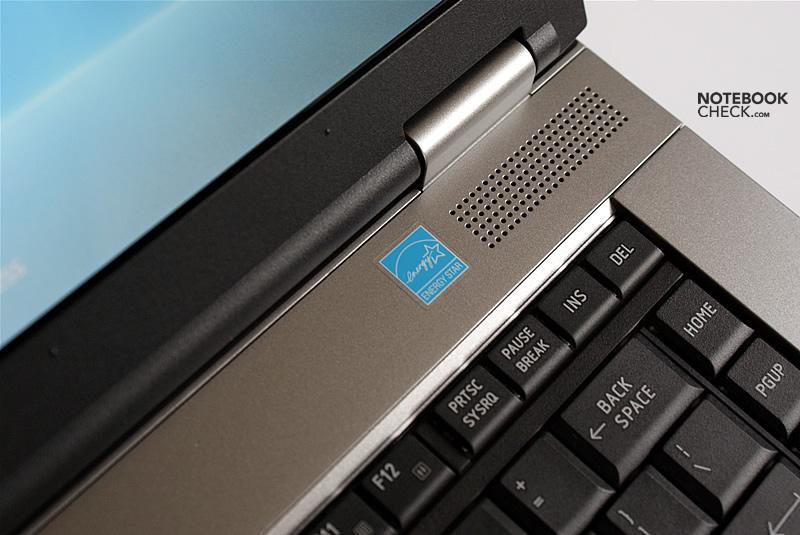
The speakers are rather weak, even for a notebook. In particular we did not like that they tend to blast on maximum volume.
Battery
The reviewed model got a battery with higher capacity than most other notebooks of the Satellite series. The capacity of the 6-cell battery is 5100 mAh (55 Wh). Because the Satellite Pro S300 is equipped with rather energy-efficient components, it takes a long time to completely empty the battery.
If you focus on power saving, you can even work up to 6 hours without interruption. However, on minimum brightness, the picture on the display is that dark that you can hardly recognize anything. For WLAN surfing we have good news too. The Toshiba Pro S300 can easily achieve above three hours runtime here.
| Off / Standby | 0 / 0 Watt |
| Idle | 14.5 / 21 / 38 Watt |
| Load |
44 / 48 Watt |
   
| |
Key:
min: ,
med: ,
max: | |
Verdict
The Satellite Pro S300 is an equivalent of the Tecra A10, but with a glare screen. Therefore, it can be categorized in between the business and the consumer class.
When designing this notebook Toshiba apparently focused on high energy-efficiency. Therefore, an Intel CPU with relatively low thermal design power (TDP), a Core 2 Duo P8600, and an integrated graphics chip were used. Thanks to these choices the power supply unit has similar weight and size as those in netbooks.
Other advantages are a quiet operation and only slight heating up. Although a battery life of six hours is only achievable in theory, the battery suffices to power the notebook for up to about 4.5 hours (3 hours when browsing the web via WLAN).
Disadvantage of Toshiba Satellite Pro S300 are its input devices: A loud keyboard and a tiny and imprecise touchpad.
In comparison to the Tecra A10 you can regret that the warranty period is shorter and that the Satellite Pro S300 is equipped with a glare and not a matte screen.


 Add as a preferred