Review Sony Vaio TZ11XN Notebook
Nice Looking with weaknesses. Subnotebooks by Sony are always interesting. Be it, because of the bright and super slim LED displays, or simply, because of the beautiful Sony look, Sony notebooks have loyal fans. They like them especially, because of the outstanding mobility of these very light notebooks, not to mention the display. Here you can read, why the Sony TZ11XN does not only score high.
Case
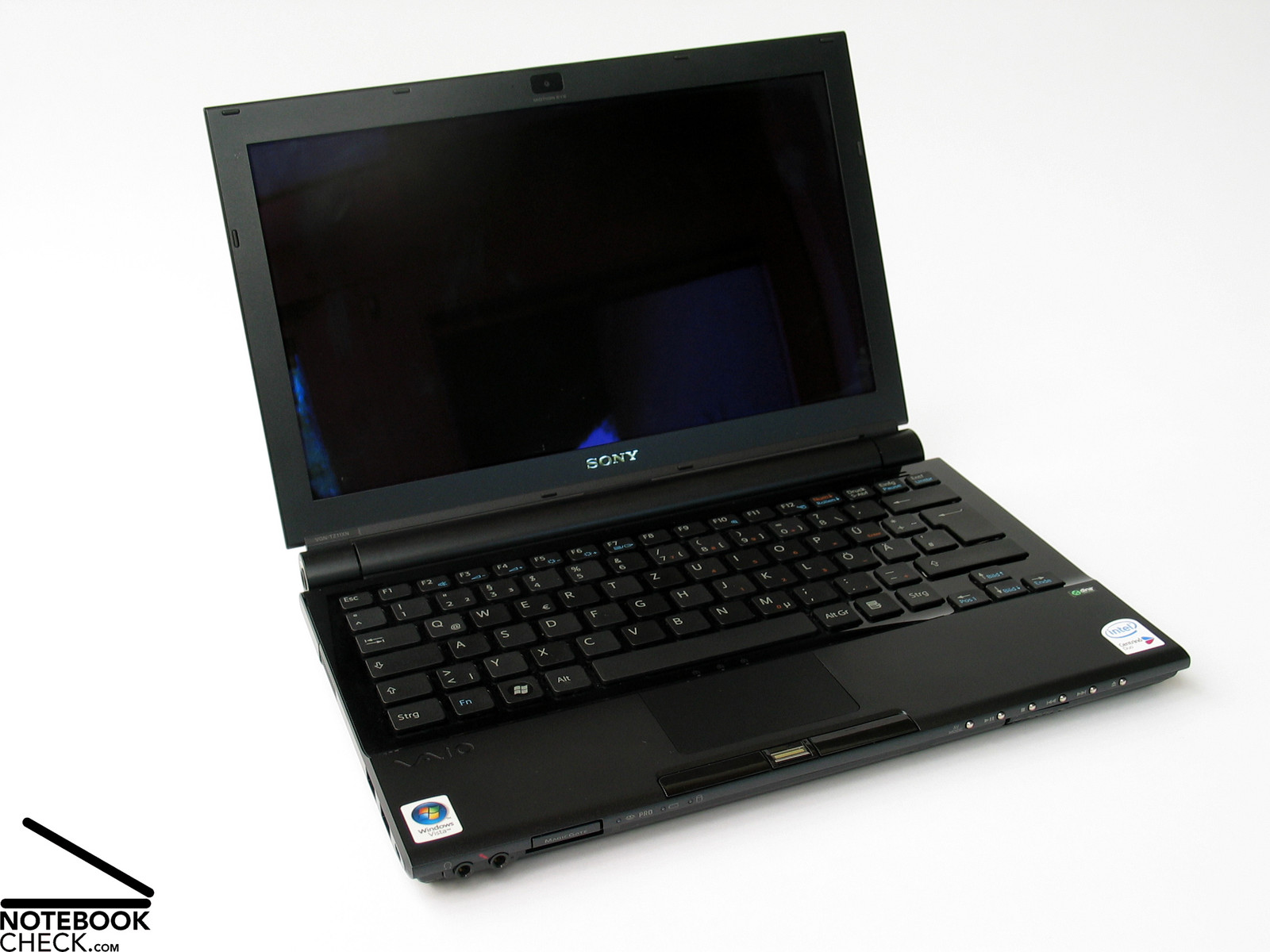
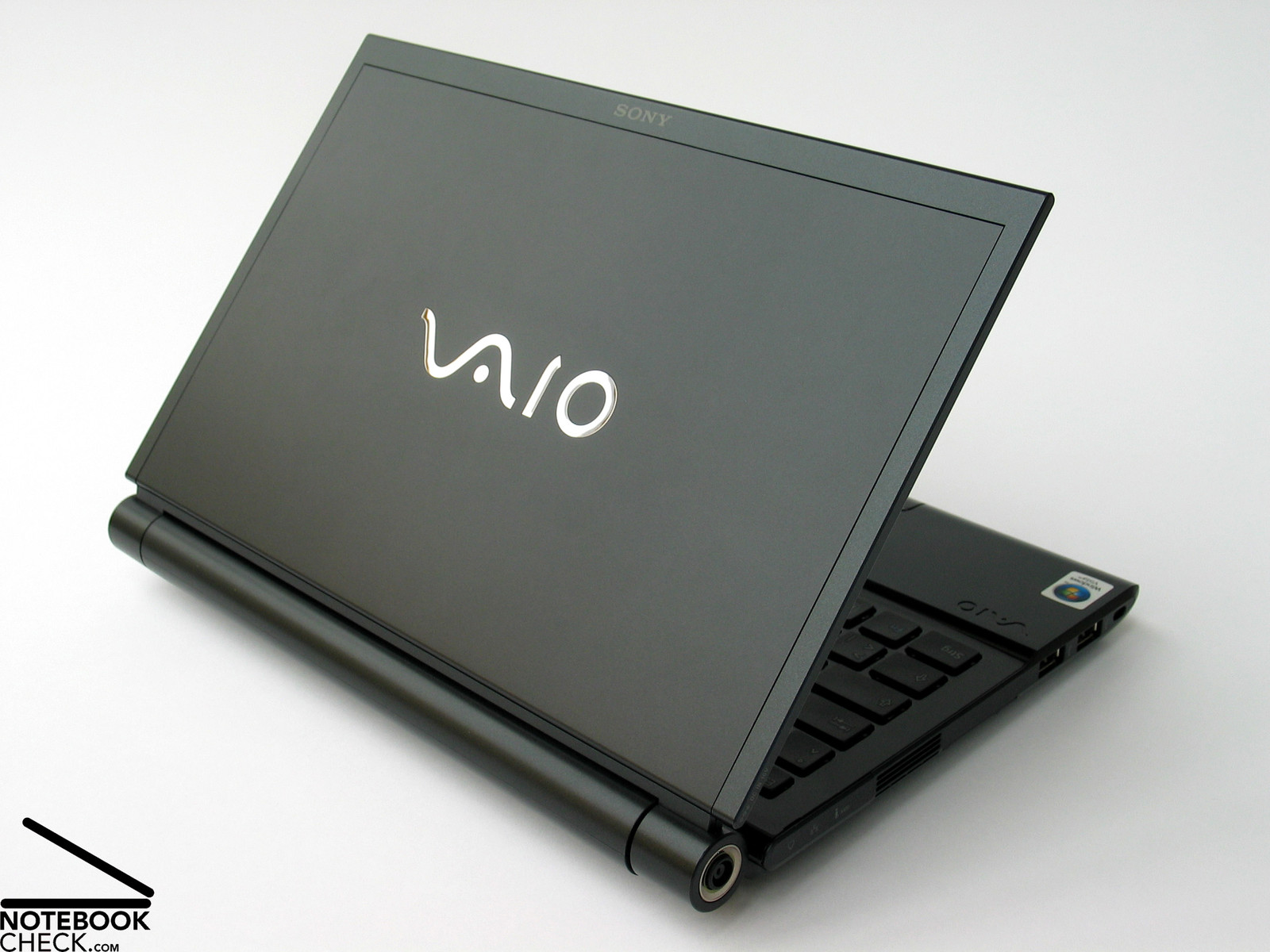
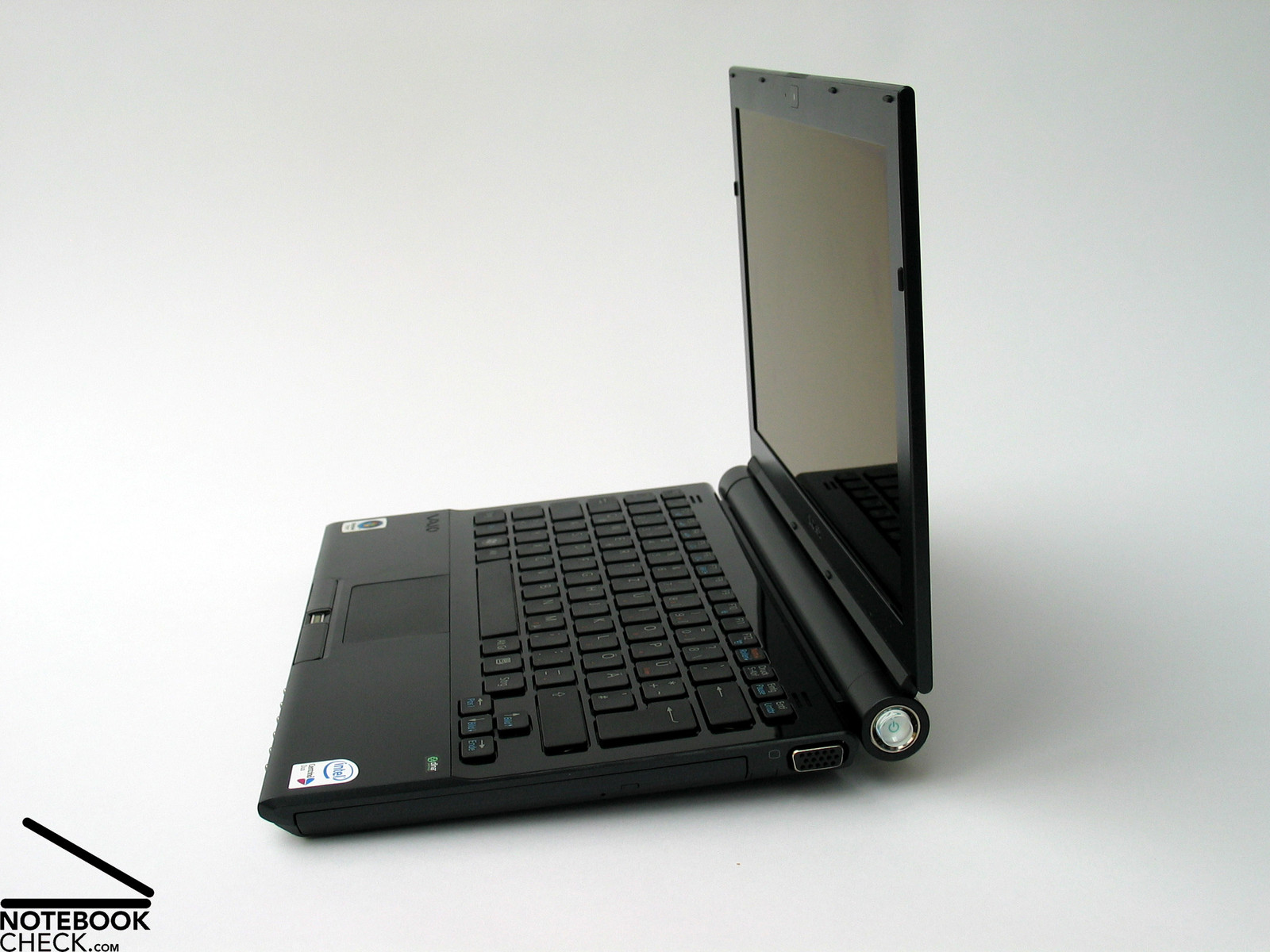
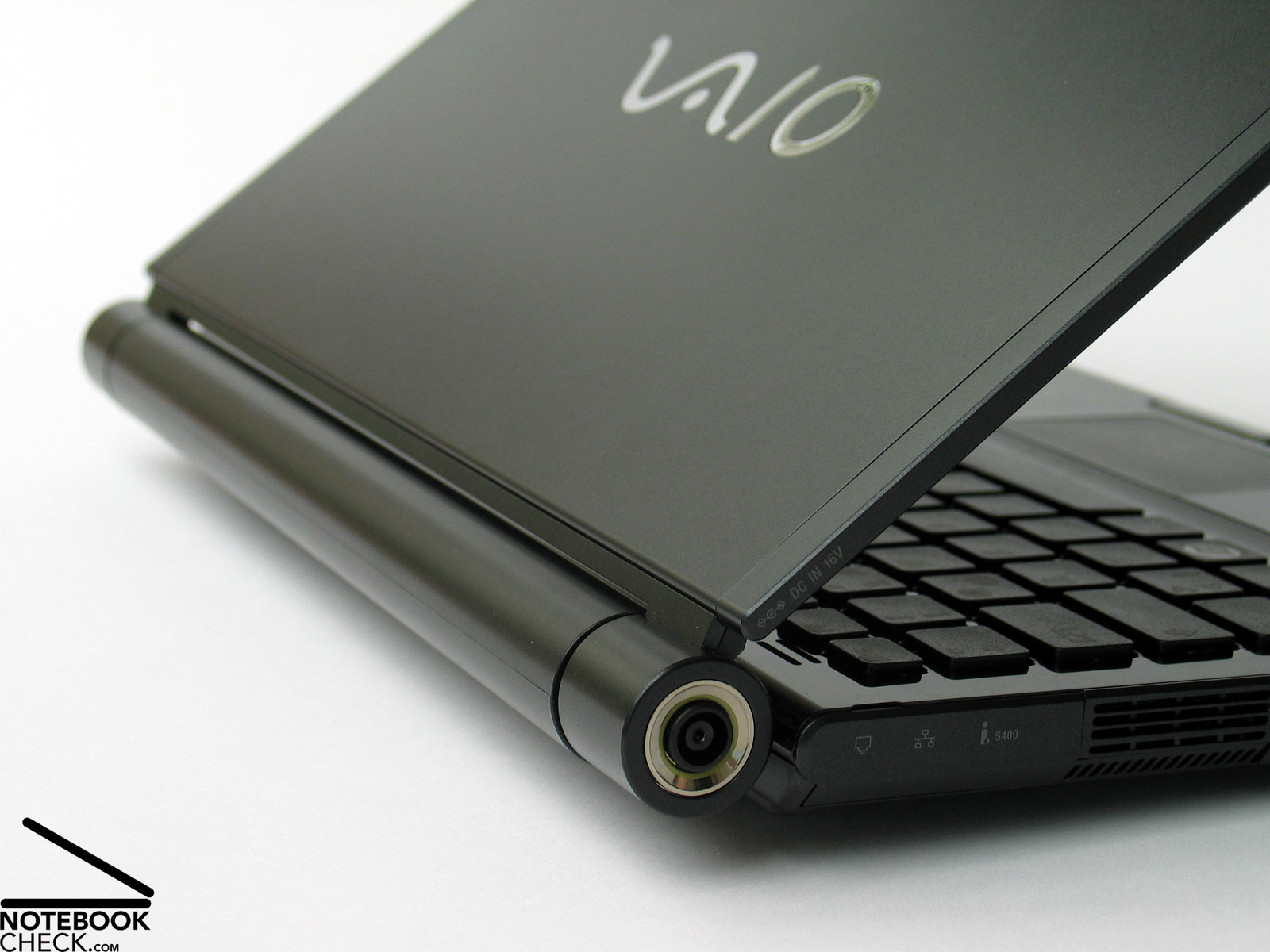
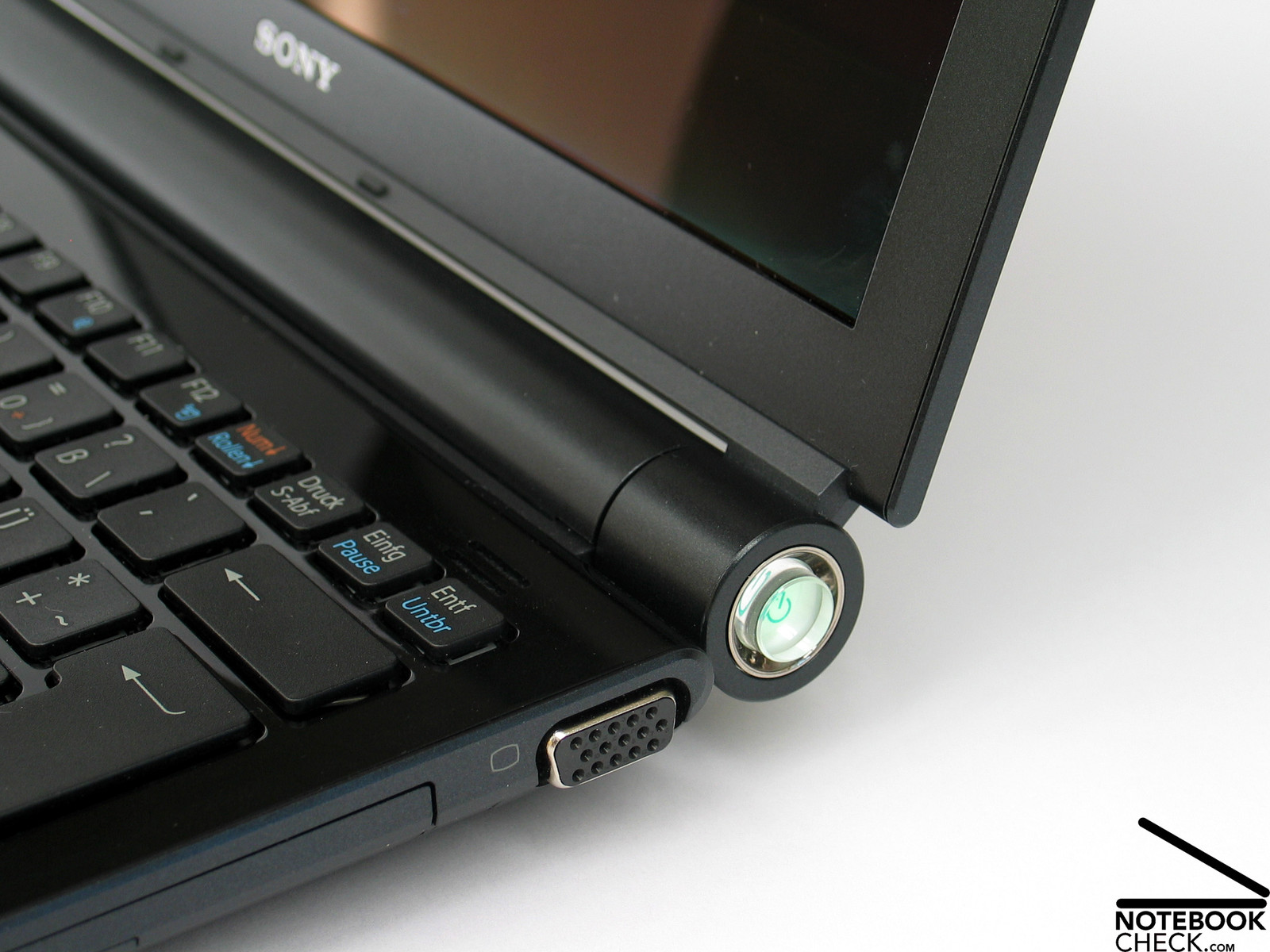
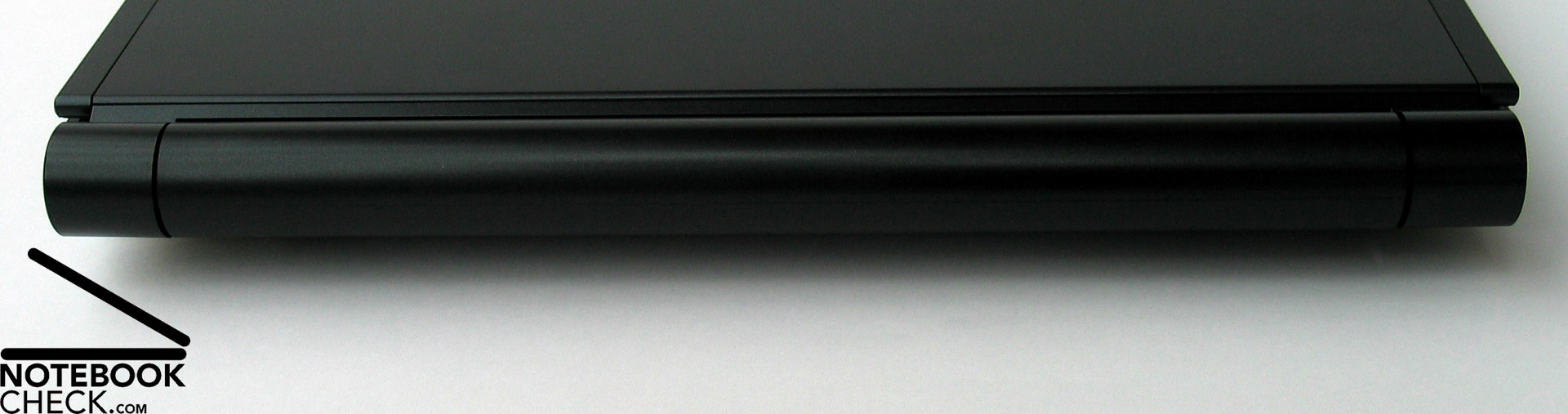
As expected the Sony Vaio TZ11XN pleases by its beautiful and elegant look. Especially the rounded battery, which can also be seen between the hinges from the front, contributes to the appearance of the notebook.
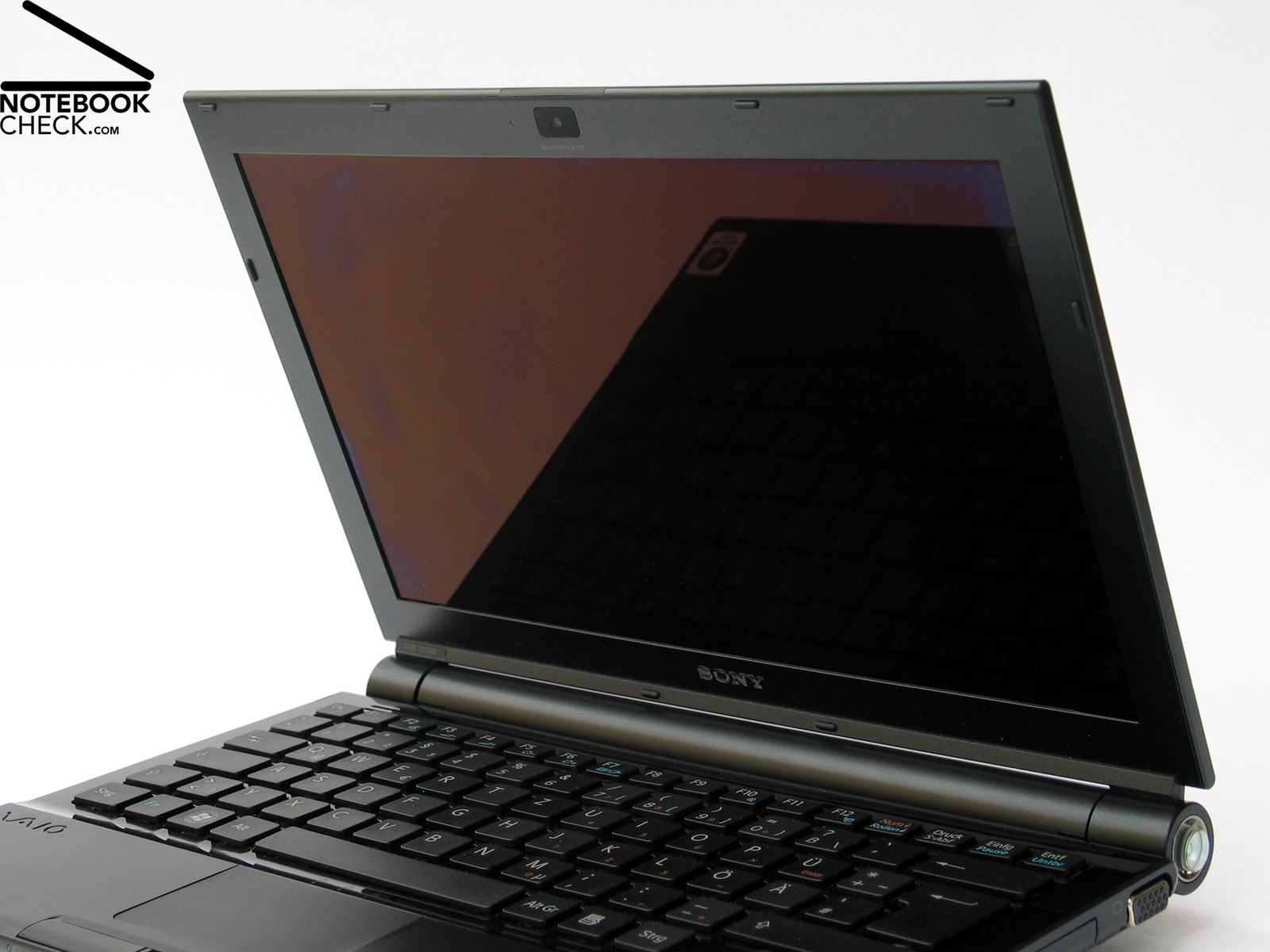
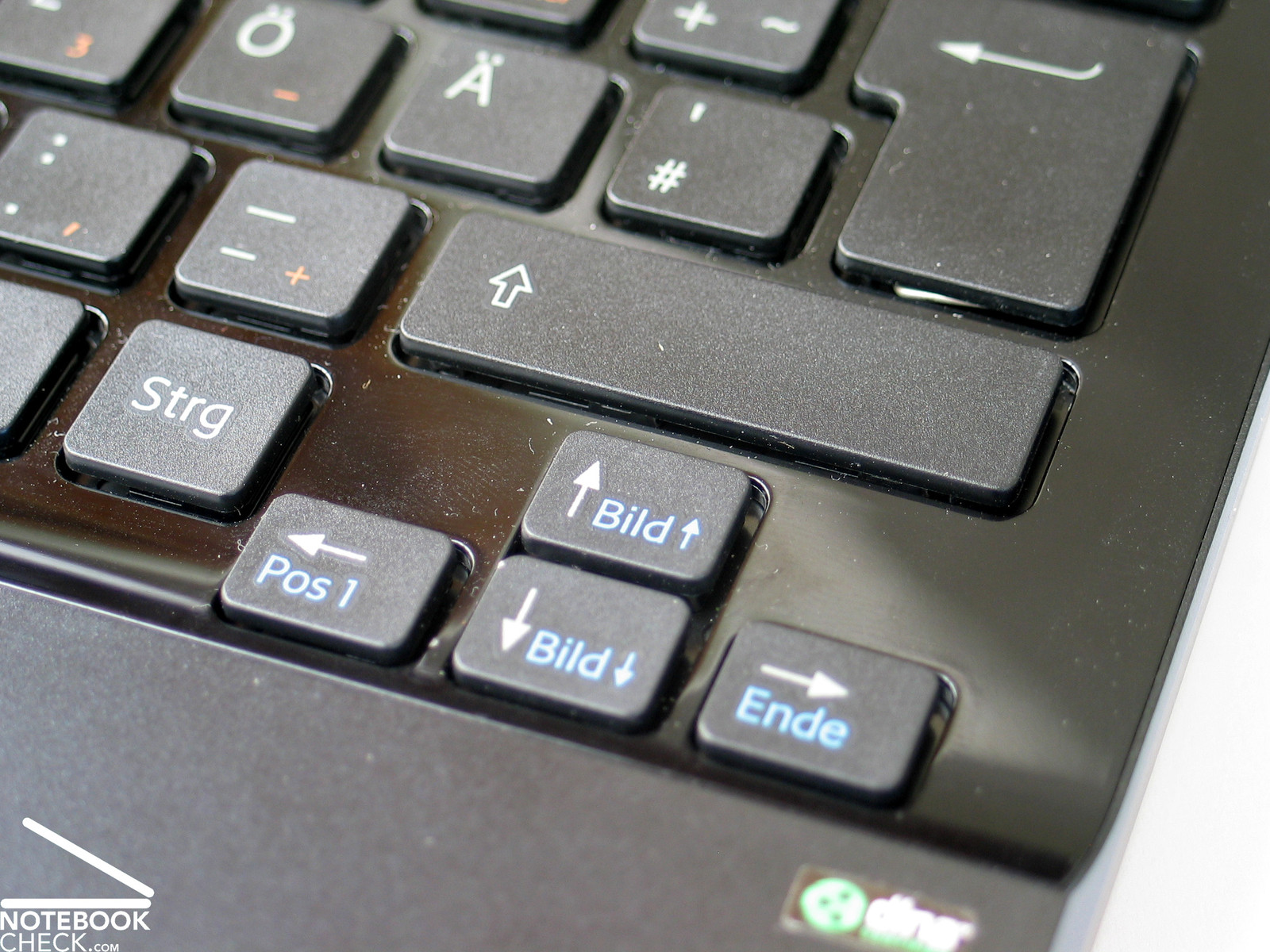
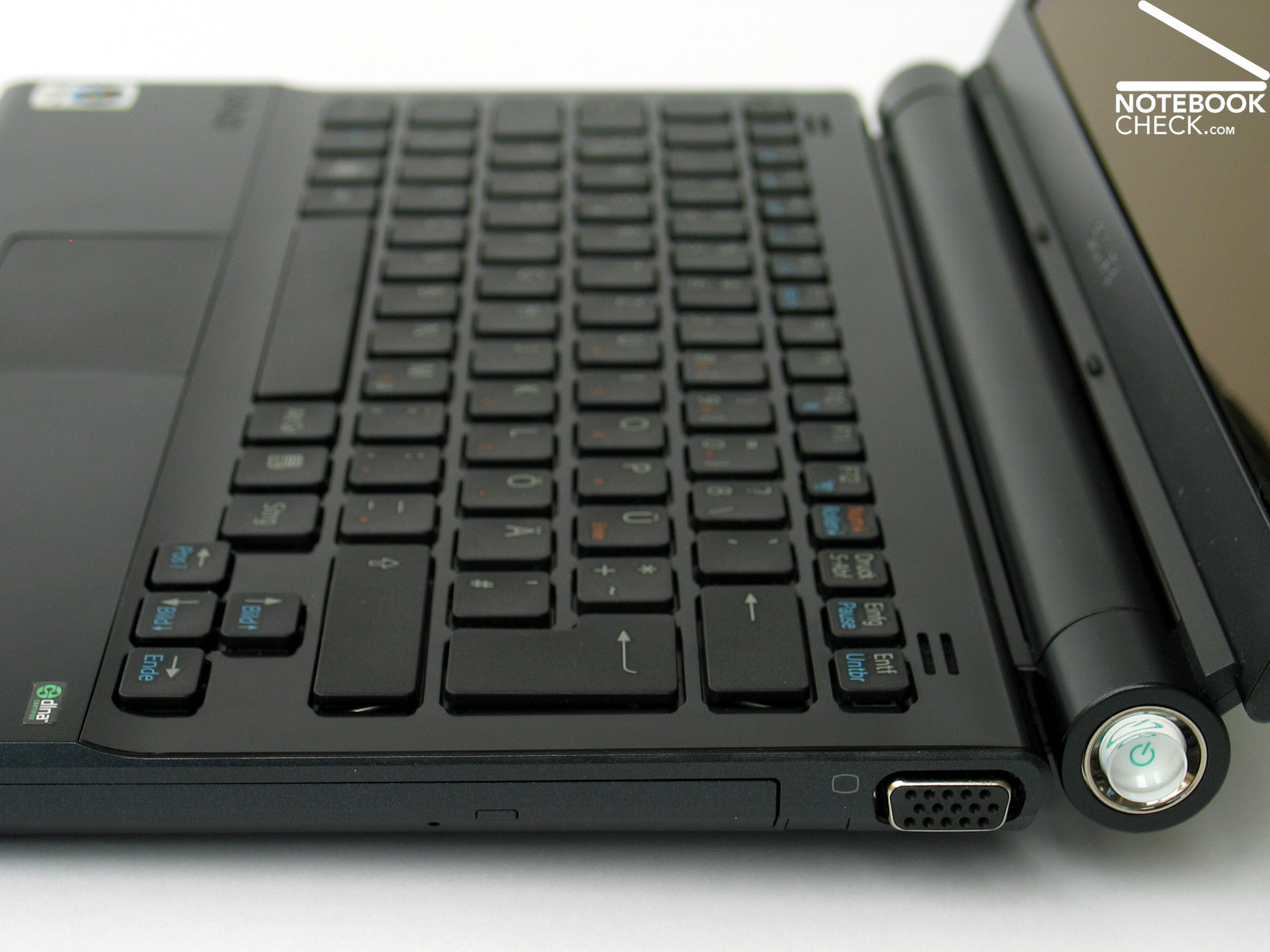
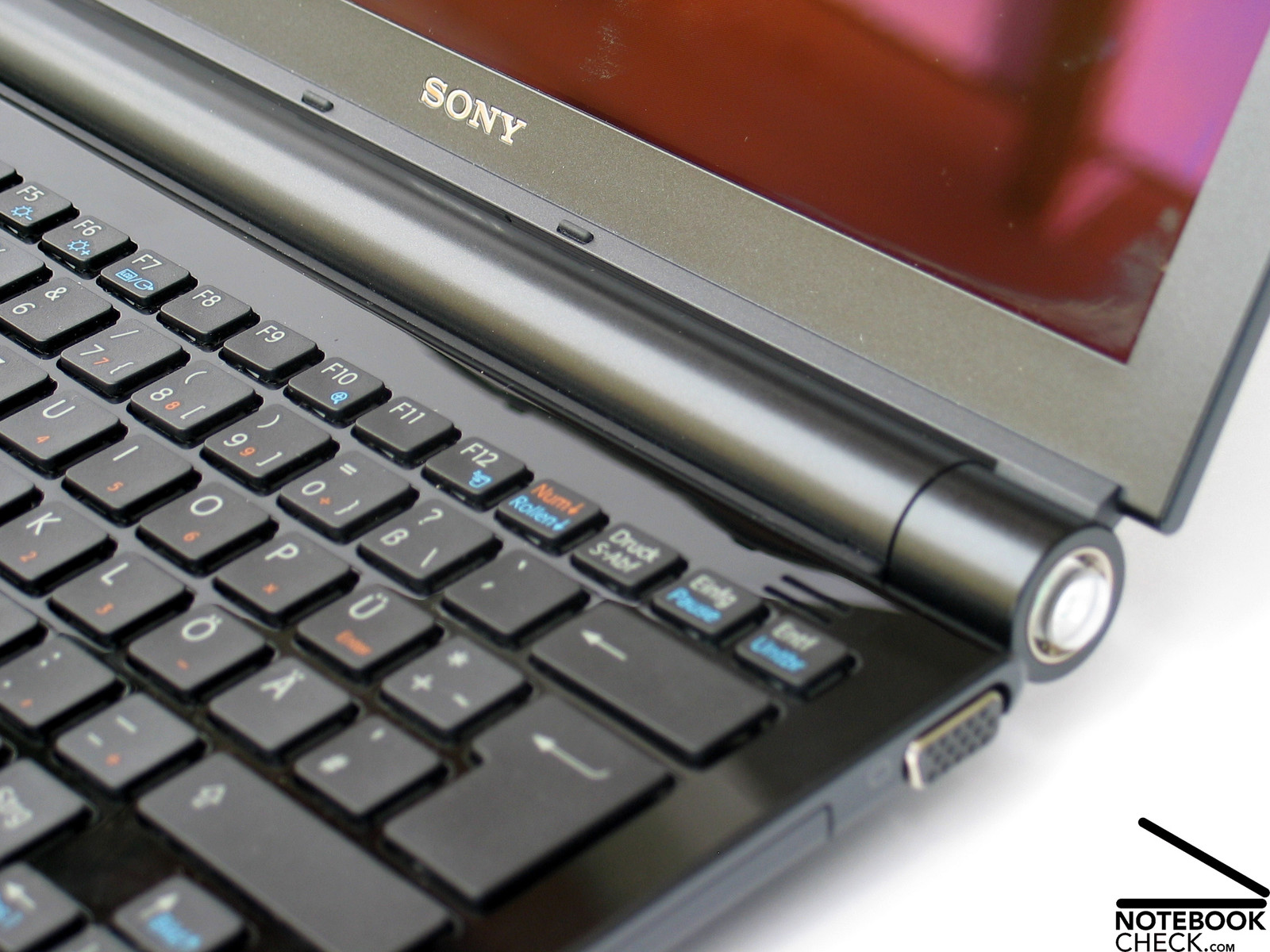
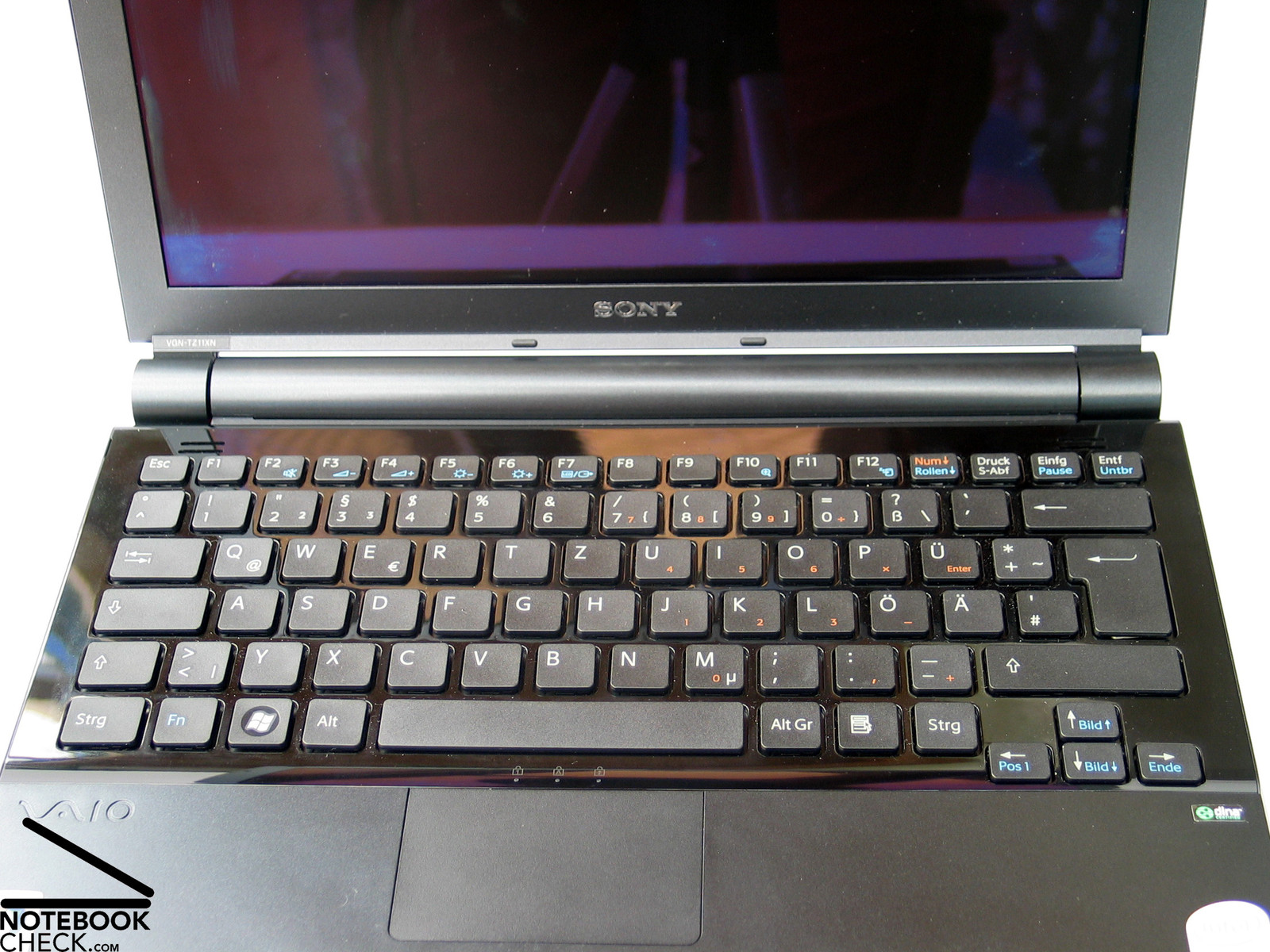
Another design aspect of the TZ11XN is its keyboard. In contrast to other notebooks, which have separated keyboard units, the each single key of this keyboard is bordered by the surrounding case. The interspace created by this design is filled by glossy coated parts of the case, which is dotted with fingerprints after a short time. Overall this keyboard design reminds on the one of Apple MacBooks.
Regarding case stability the flexural rigidity of the base unit is good and its pressure resistance is good to moderate (bottom side). Carbon fiber makes this possible. However, the extra slim and elegant display, which can be clearly deformed at its top corners, could be robuster.
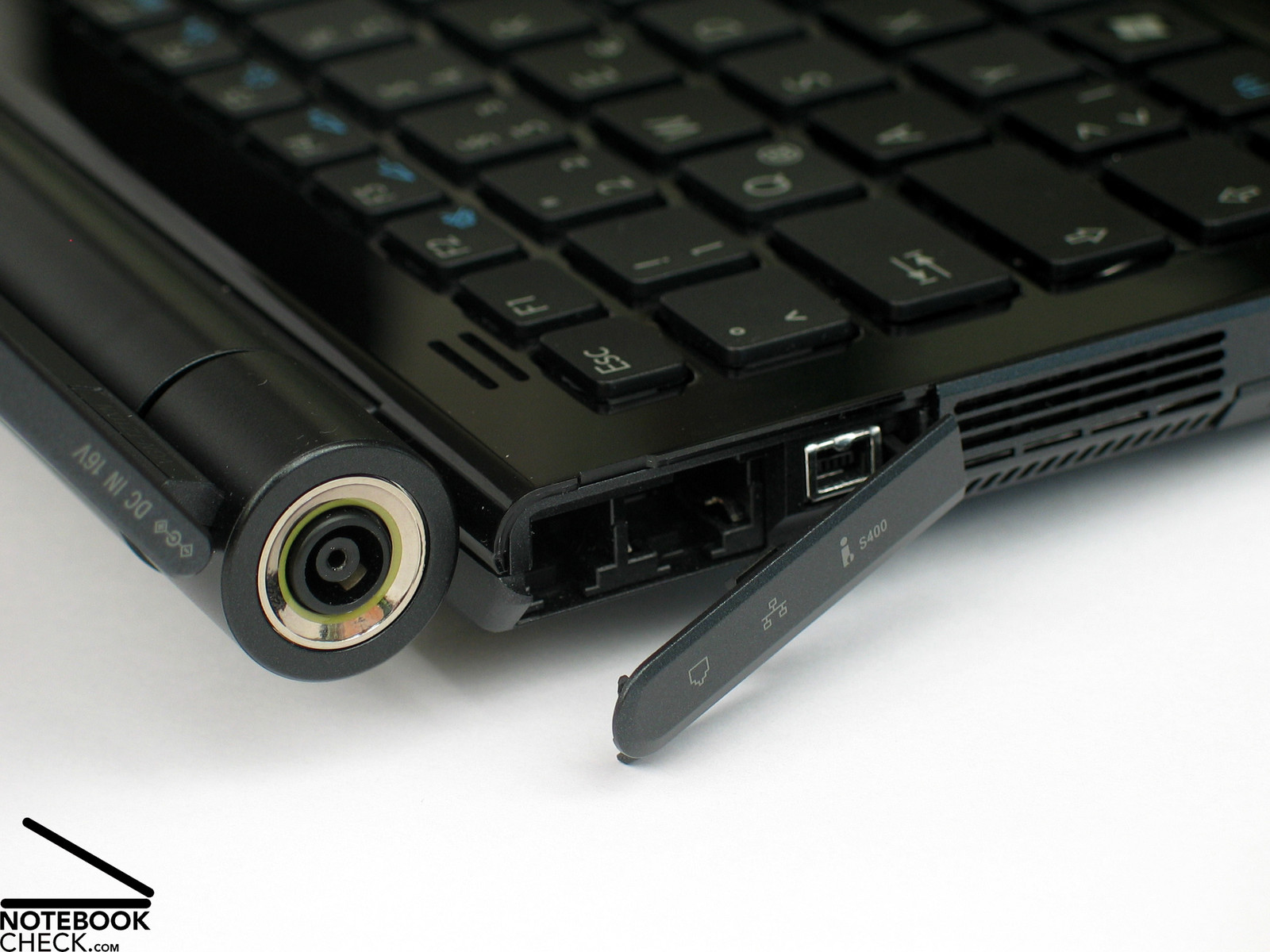
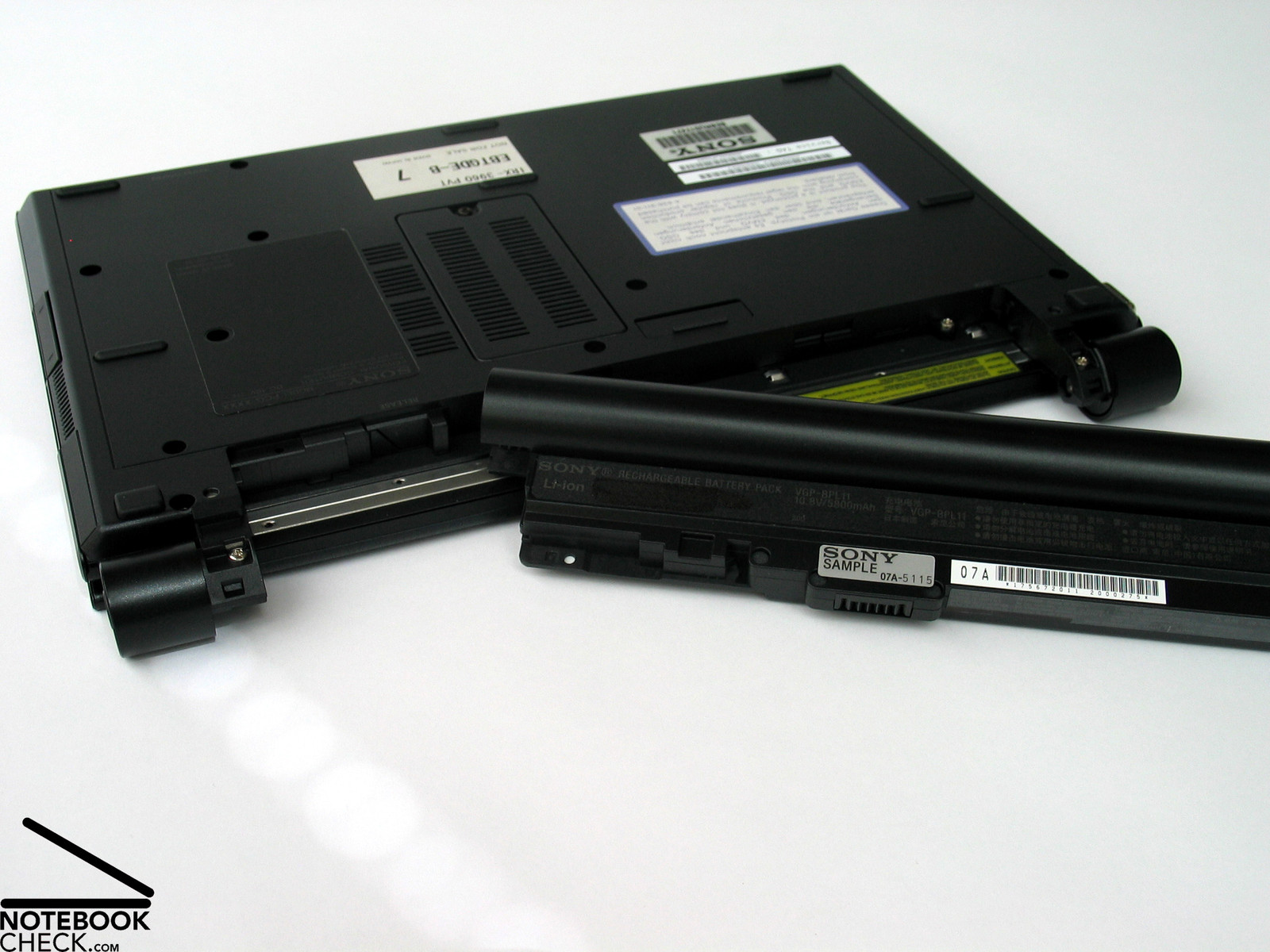
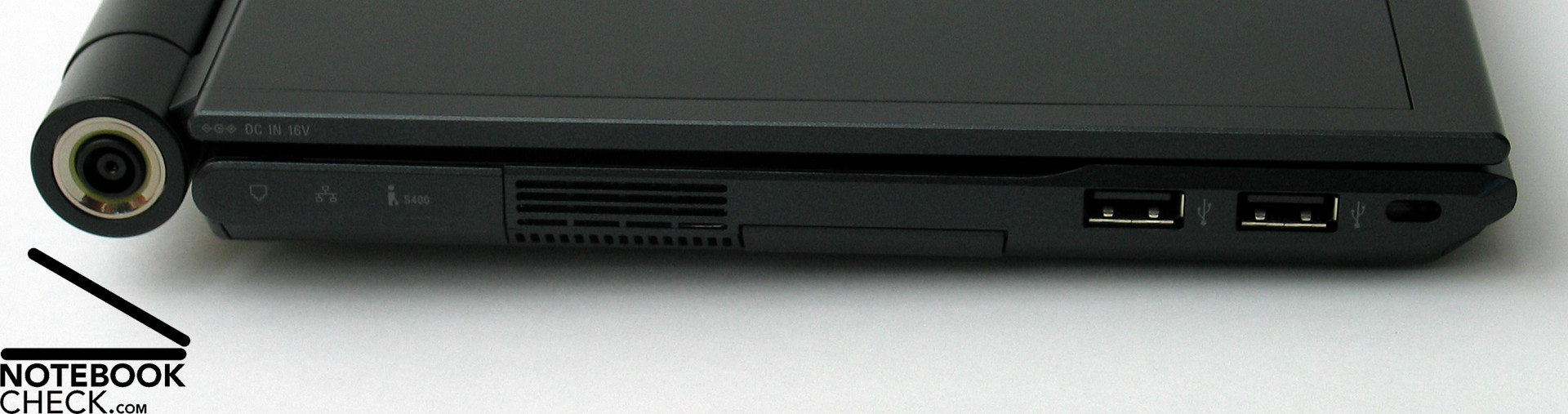
At the first glance it seem that the workmanship is alright. However, scrutinizing the notebook, you'll quickly detect weaknesses. E.g., the socket of the power connector, which is at the side of the left display hinge is only loosely attached. The same is true for the plastic covers of both hinges, which can easily be dislocated and moved even by applying only a little force. Also the typical "Sony problem" persist at the TZ11XN: Right, the wobbling battery. All these points of critique are not really dire, but the impression of quality is diminished.
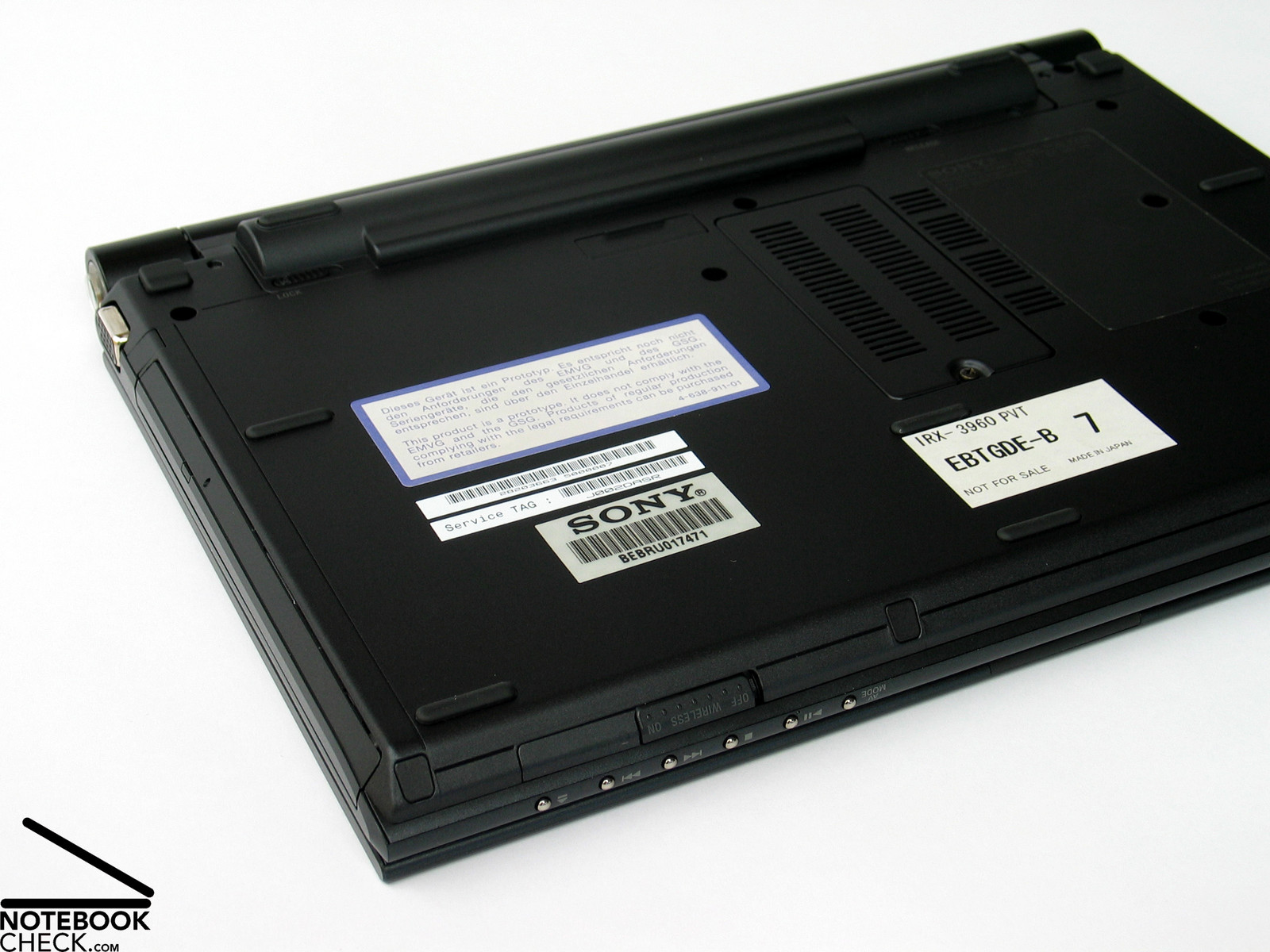
Apart from the filigree cover the hinges work alright. No wonder, their work is not really hard, because the display is very thin and light. We also need to mention that we reviewed a pre-series notebook, which is not meant to be sold. So, there could be improvements till the final launch.
For the benefit of a thin display the transport hook was missed out. The display is drawn close and kept locked by a mechanism.
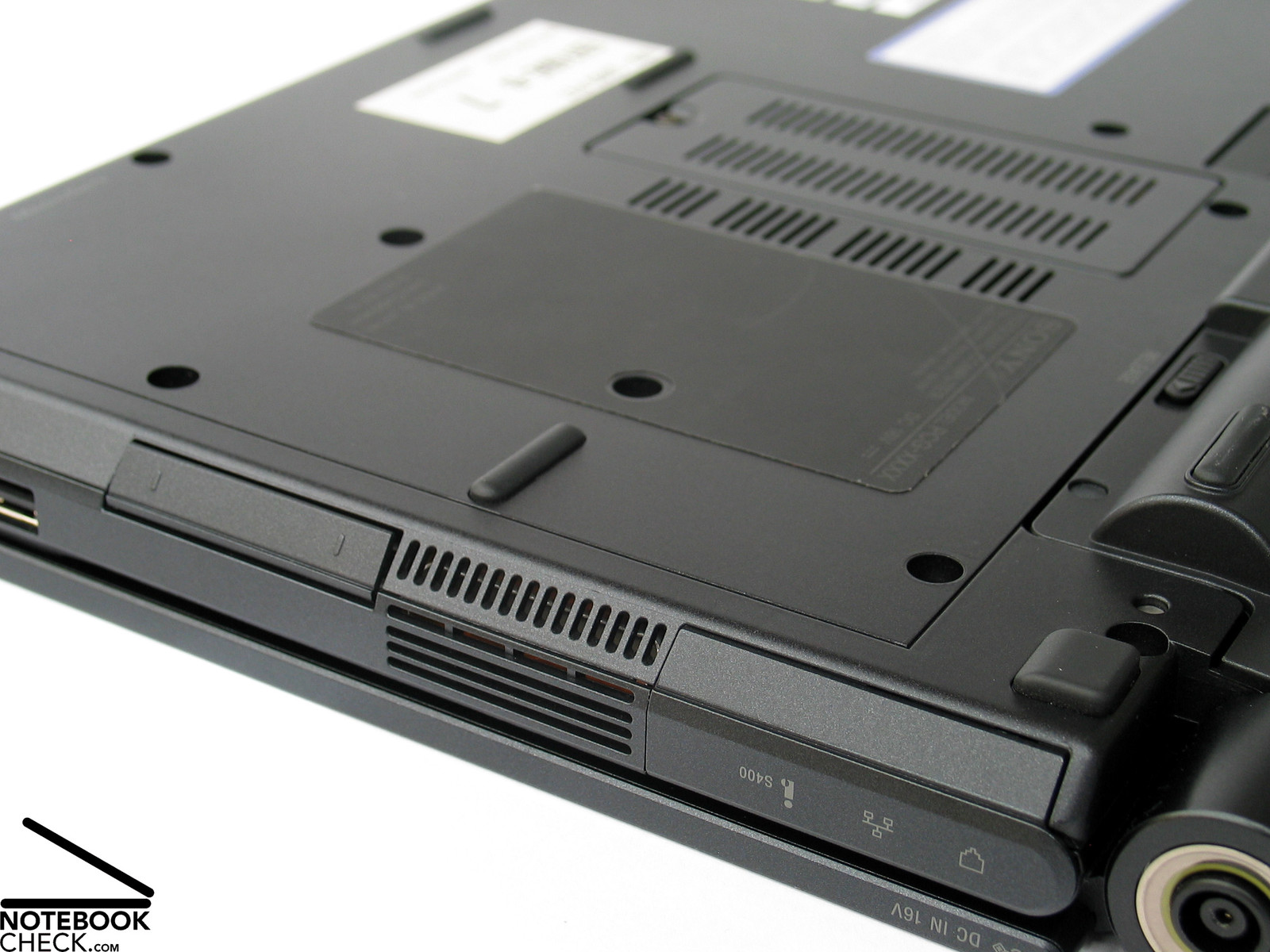
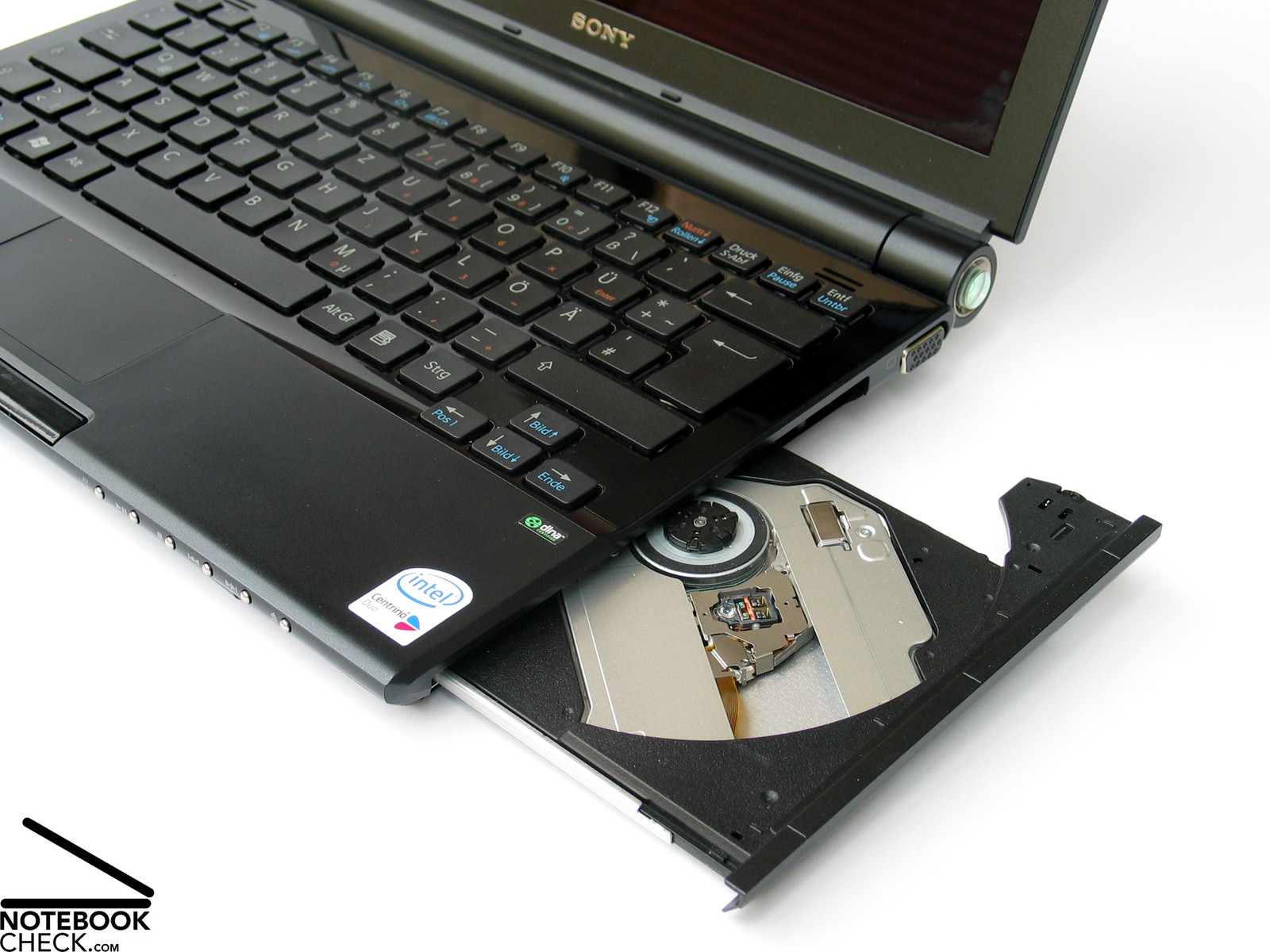
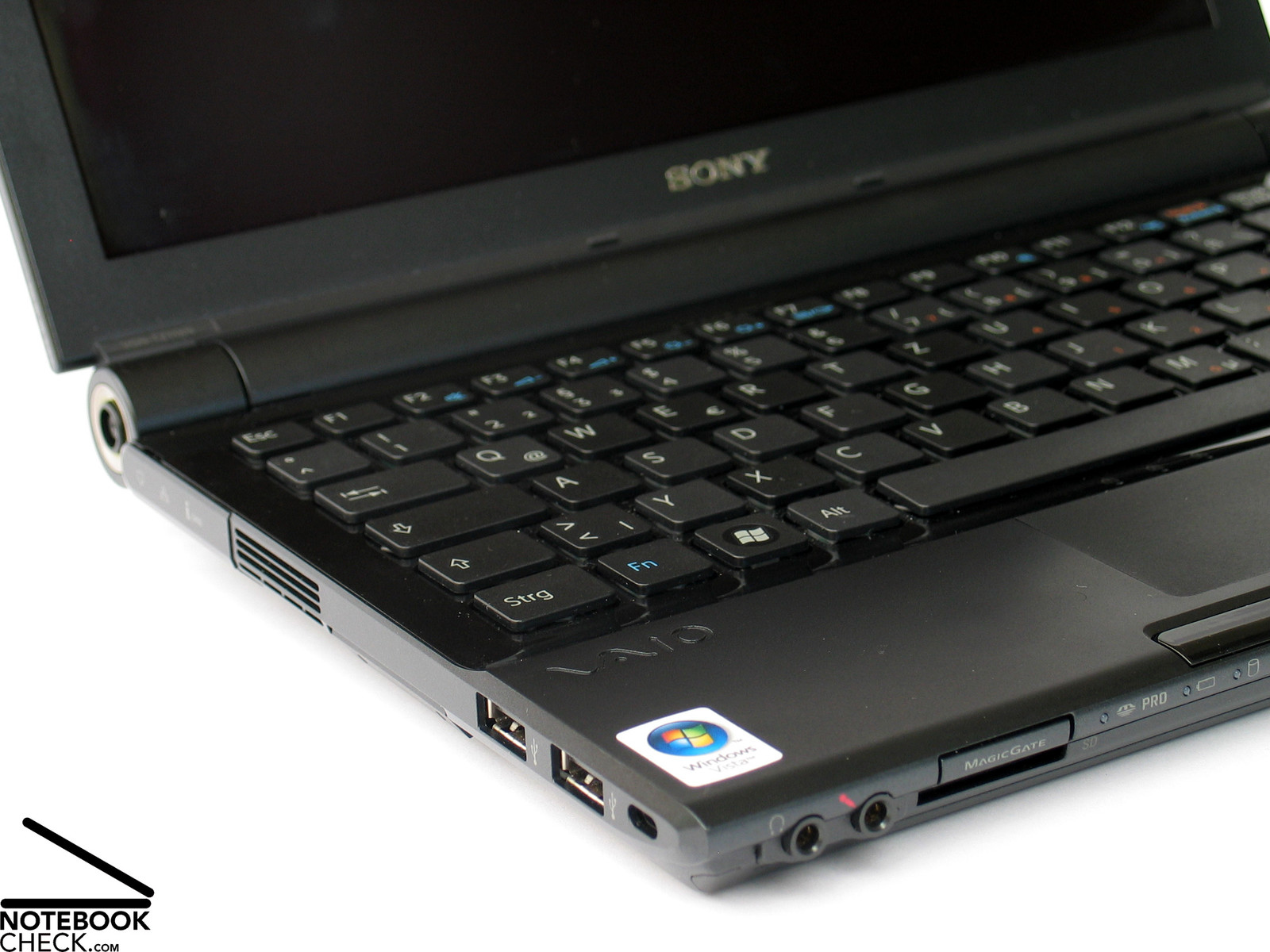
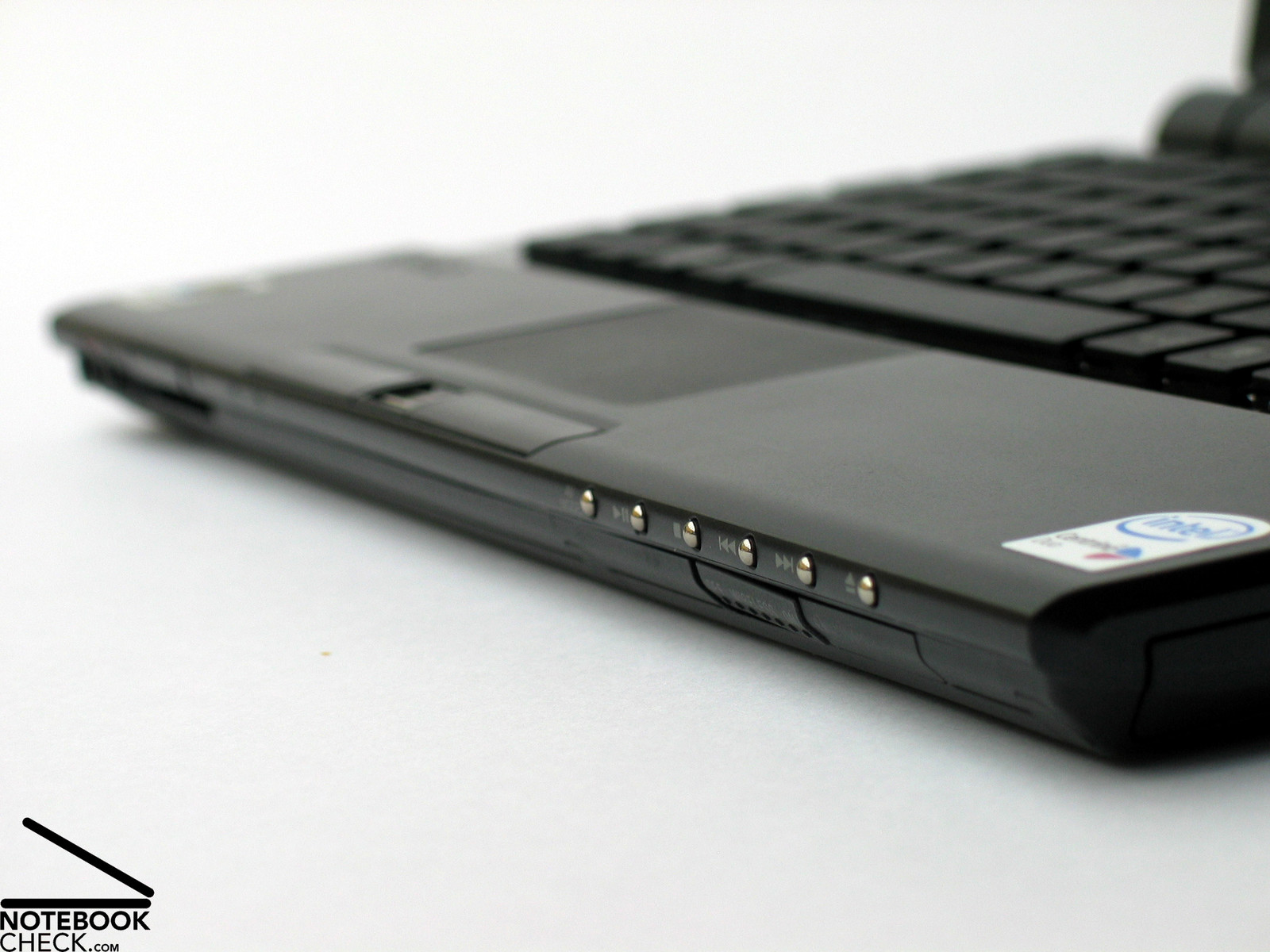
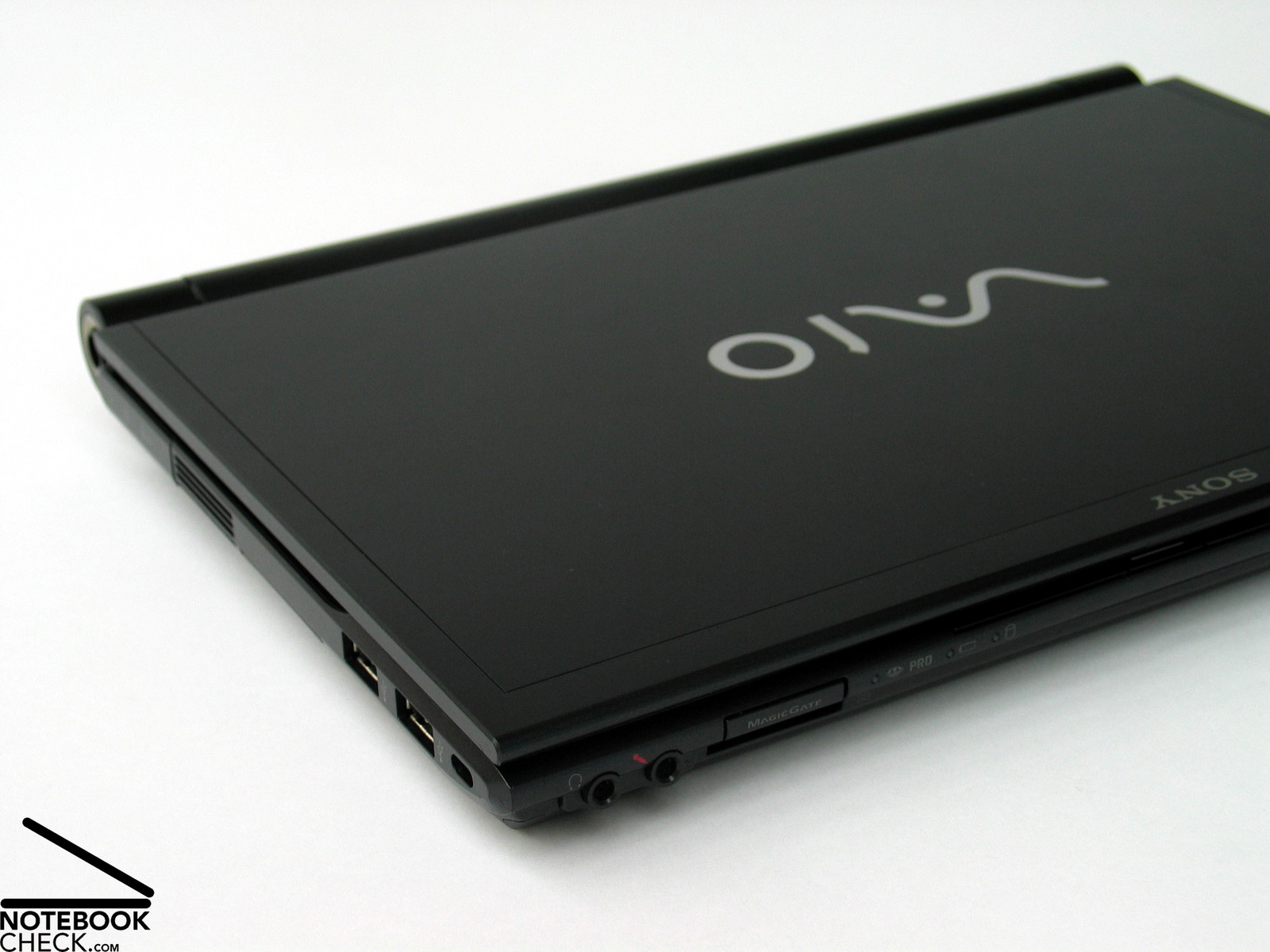
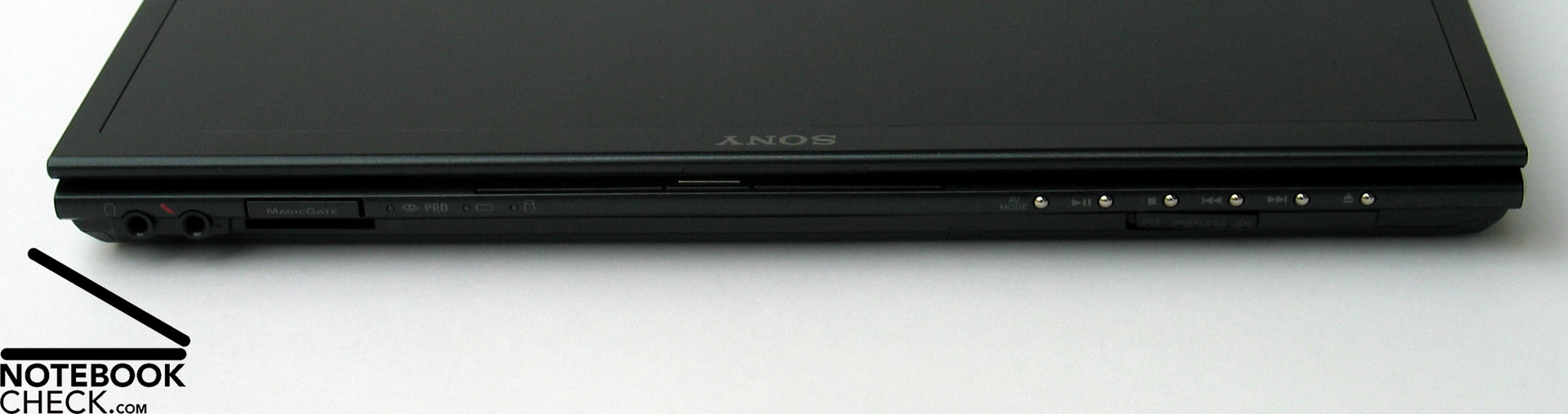
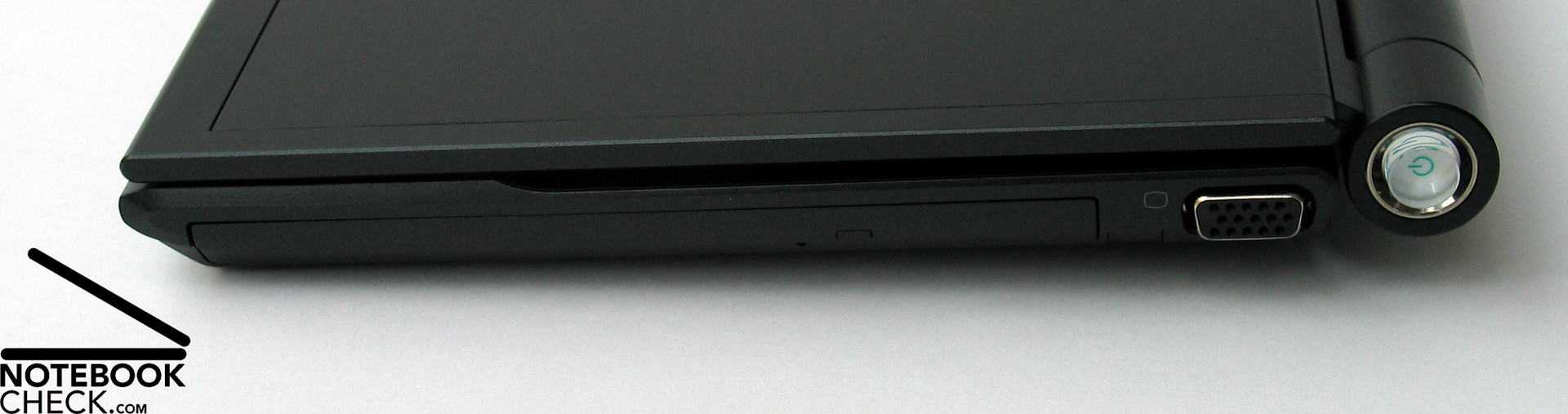
The number of provided interfaces is a little poor. Most of the ports were placed at the left side of the case. LAN, Modem, and Firewire are hidden behind a cover. A big pro is the integrated DVD drive, which makes a mobile DVD player out of the TZ11XN. Furthermore, a docking port is provided at the bottom side.
Input Devices
As already mentioned above, the keyboard attracts especially by its "single key layout". So, the space in between the keys is a little bigger than usual, but this has no impact on user-friendliness.
The somewhat smaller and, typical Sony, flattened keys are comfortable in use. Also typing feels very comfortable.
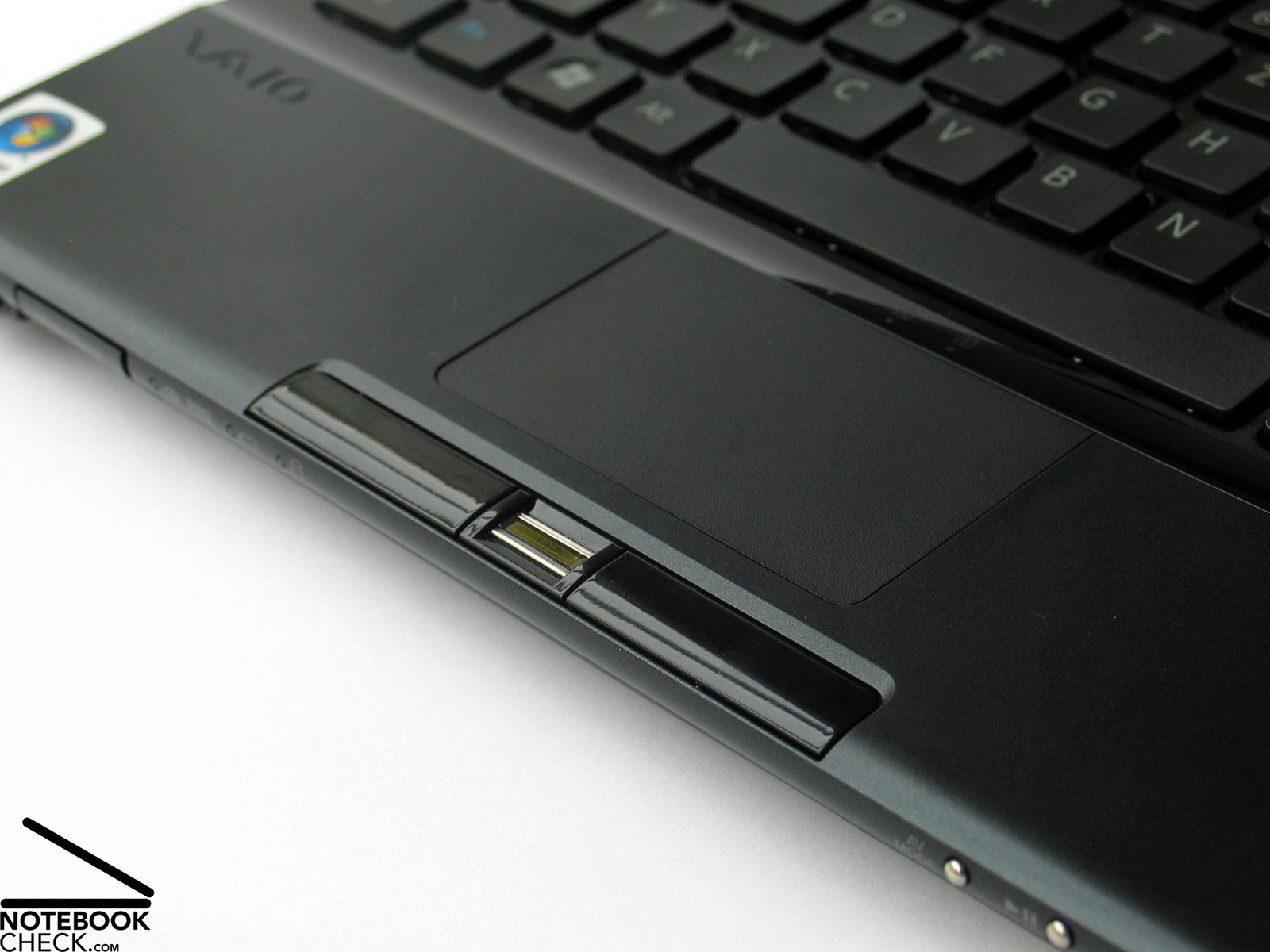
The touch pad is not that good. Partly the pad does not optimally react, and also the position of its two buttons at the very front edge is not ideal for mobile use. However, the surface of the pad is comfortable and the point of pressure of both buttons is user-friendly.
Display
The biggest advantage of the LED display gets obvious soon - excellent brightness. The WXGA format 16:9 seems unusual wide at the beginning, but, soon we got used to it. The 11.1 inch display provides a passable overview by a resolution of 1366x768.
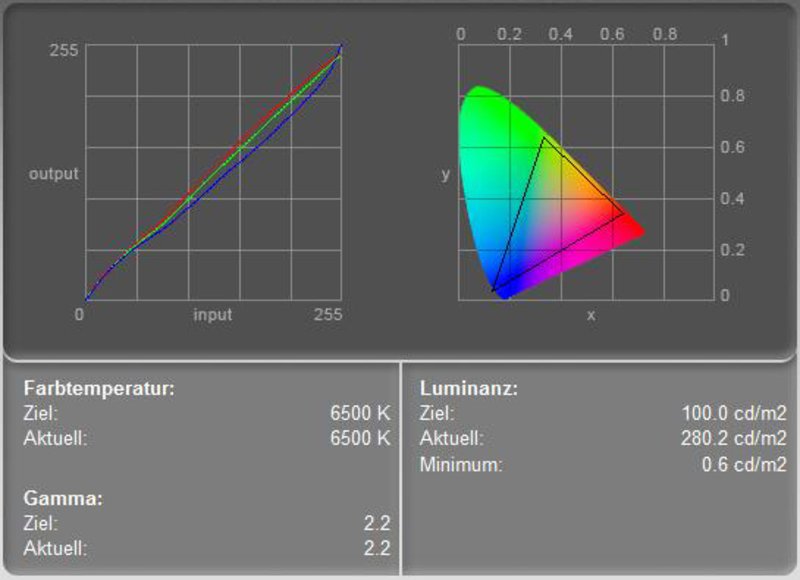
The measurement results of this glossy display are passable. The maximum brightness amounted to very good 345.4 cd/m², and the illumination is acceptable at 80.7%. The diagram of display calibration depicts three nearly ideal color curves. Subjectively the displayed picture seems to be a little reddish, which might be caused by the special anti-reflection coating.
| |||||||||||||||||||||||||
Brightness Distribution: 81 %
Contrast: 464:1 (Black: 0.6 cd/m²)
The black value, i.e. the minimum brightness of the display amounted to 0.6 cd/m² which gives, together with the maximum brightness of 345.4 cd/m², a maximum contrast ratio of very good 576:1. The speed of reaction, checked by scroll tests and the Pixperan test of legibility, is average without any anomalies.
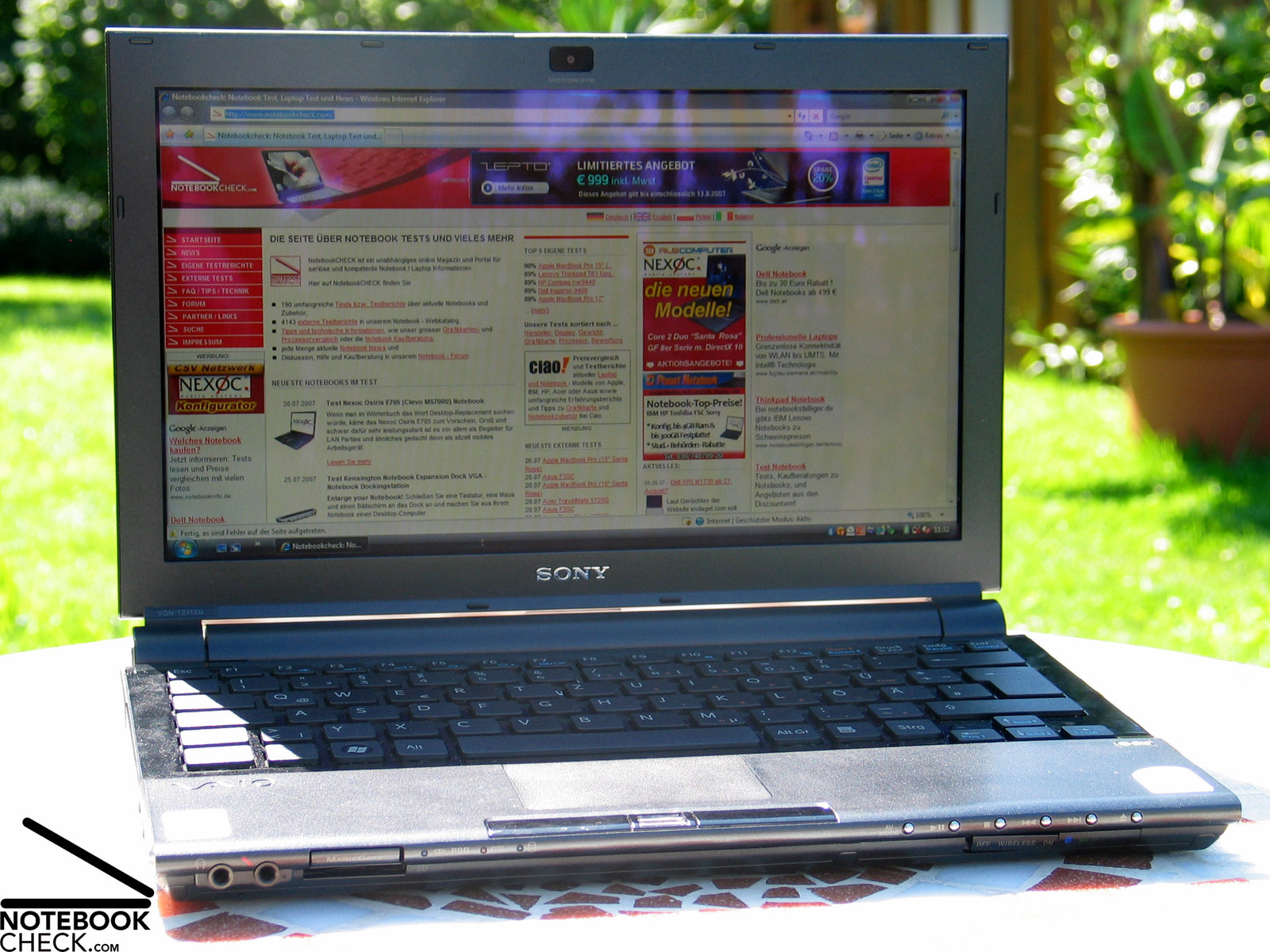
The very bright display stays also well legible in very bright environments and is in general fit for outdoor usage. However, the reflecting surface might cause problems. Although anti-reflexion coated, you'll sometimes face reflections which essentially reduce the legibility at adverse incidence of light.
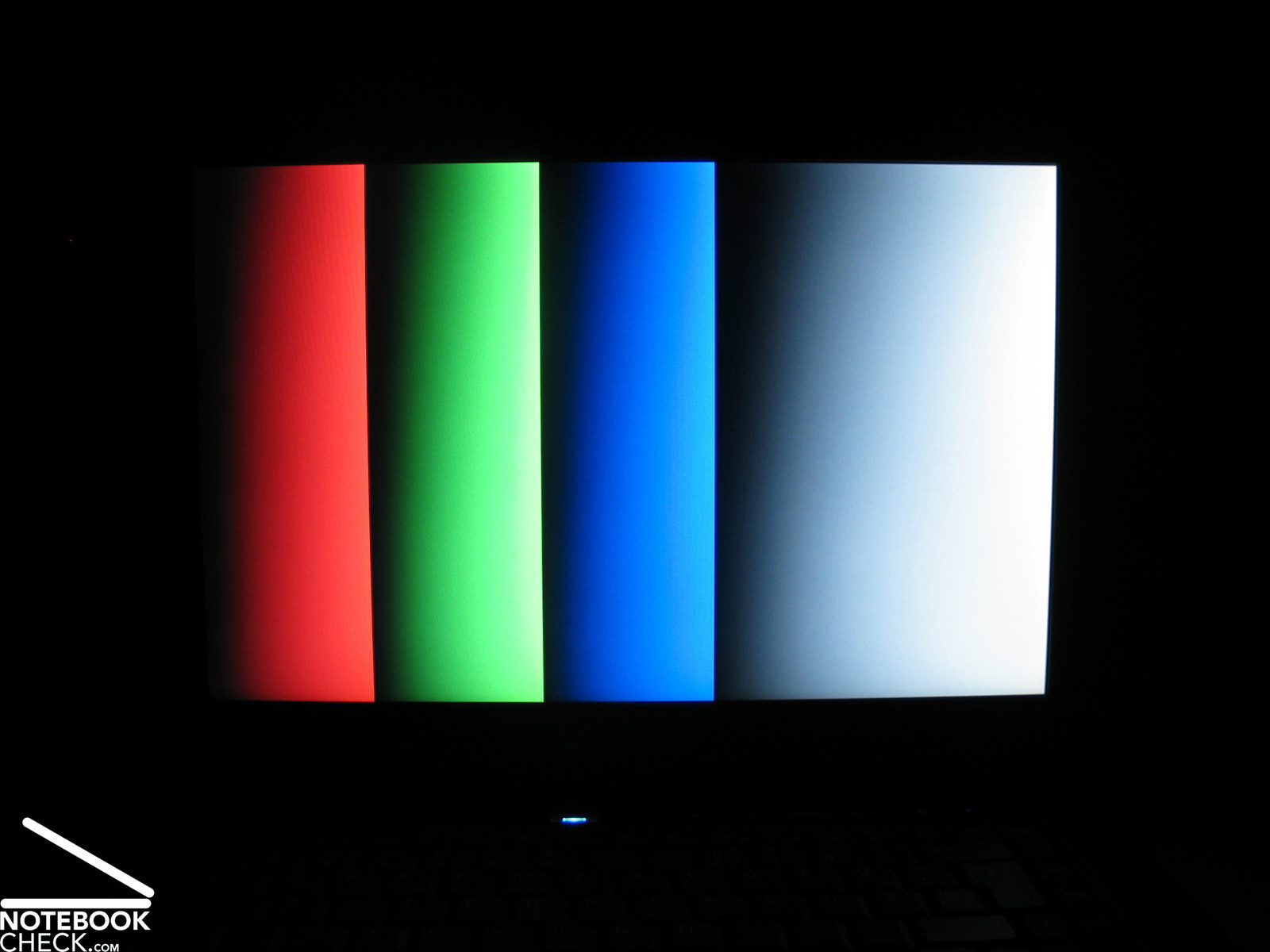
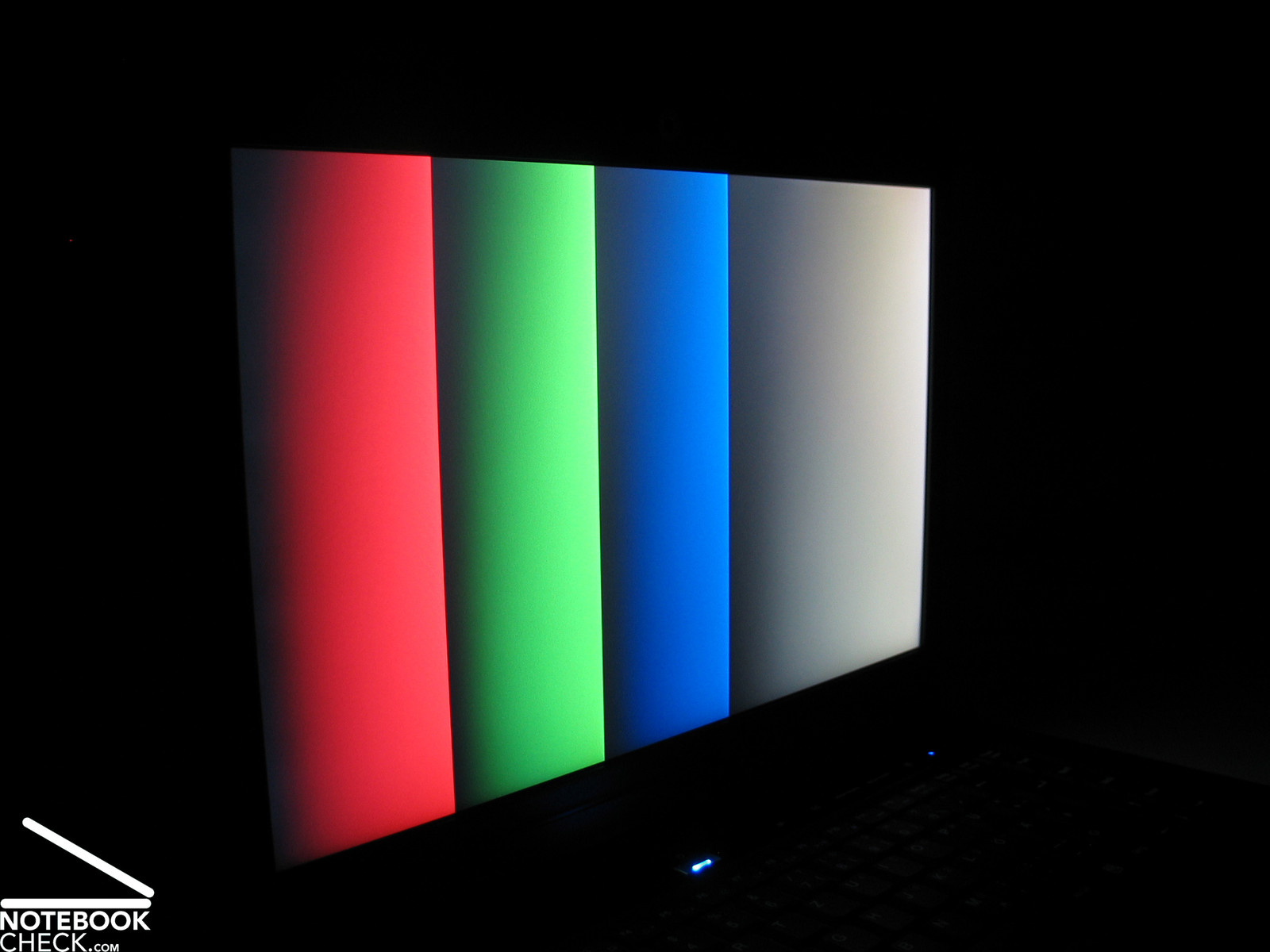
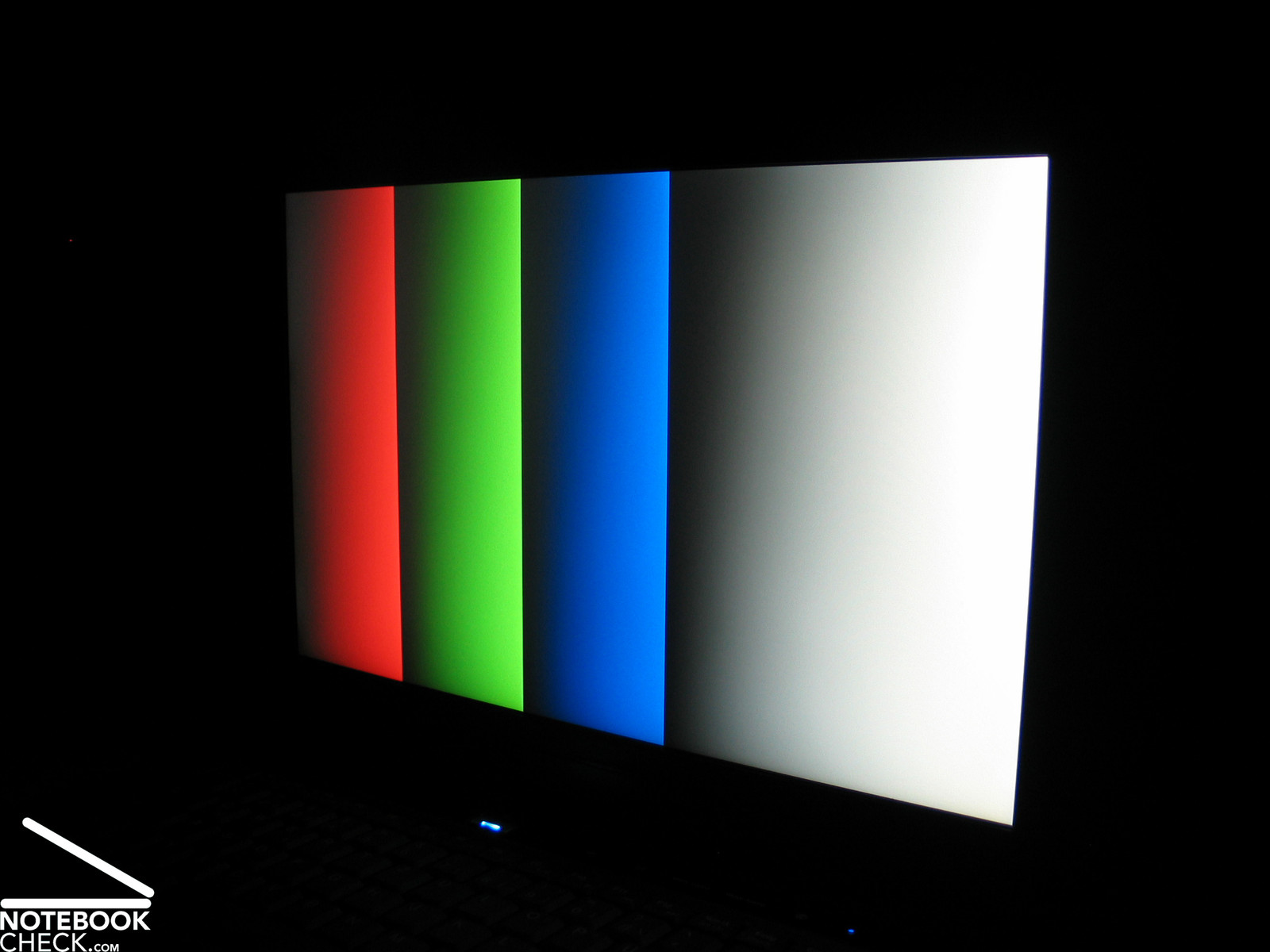
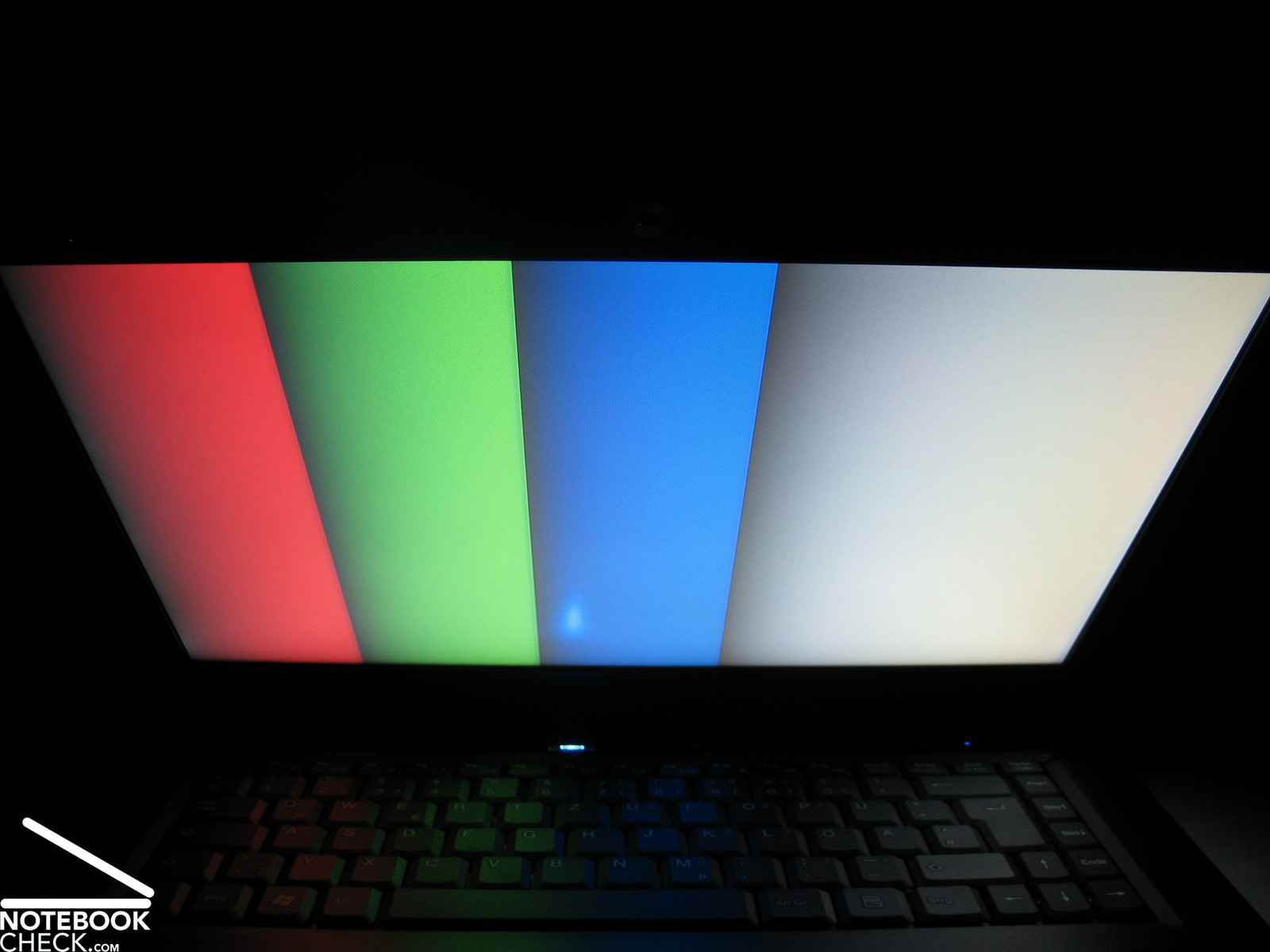
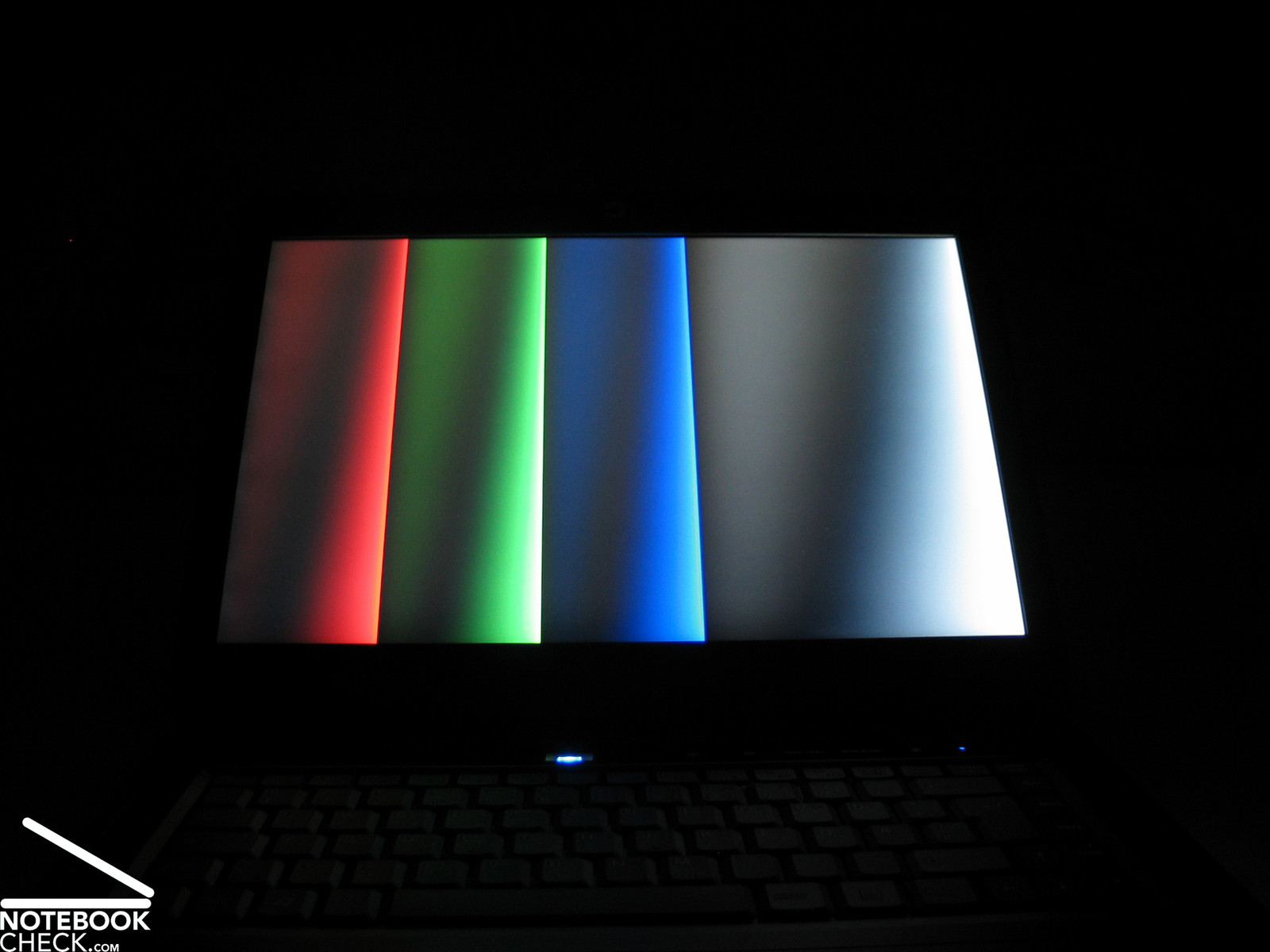
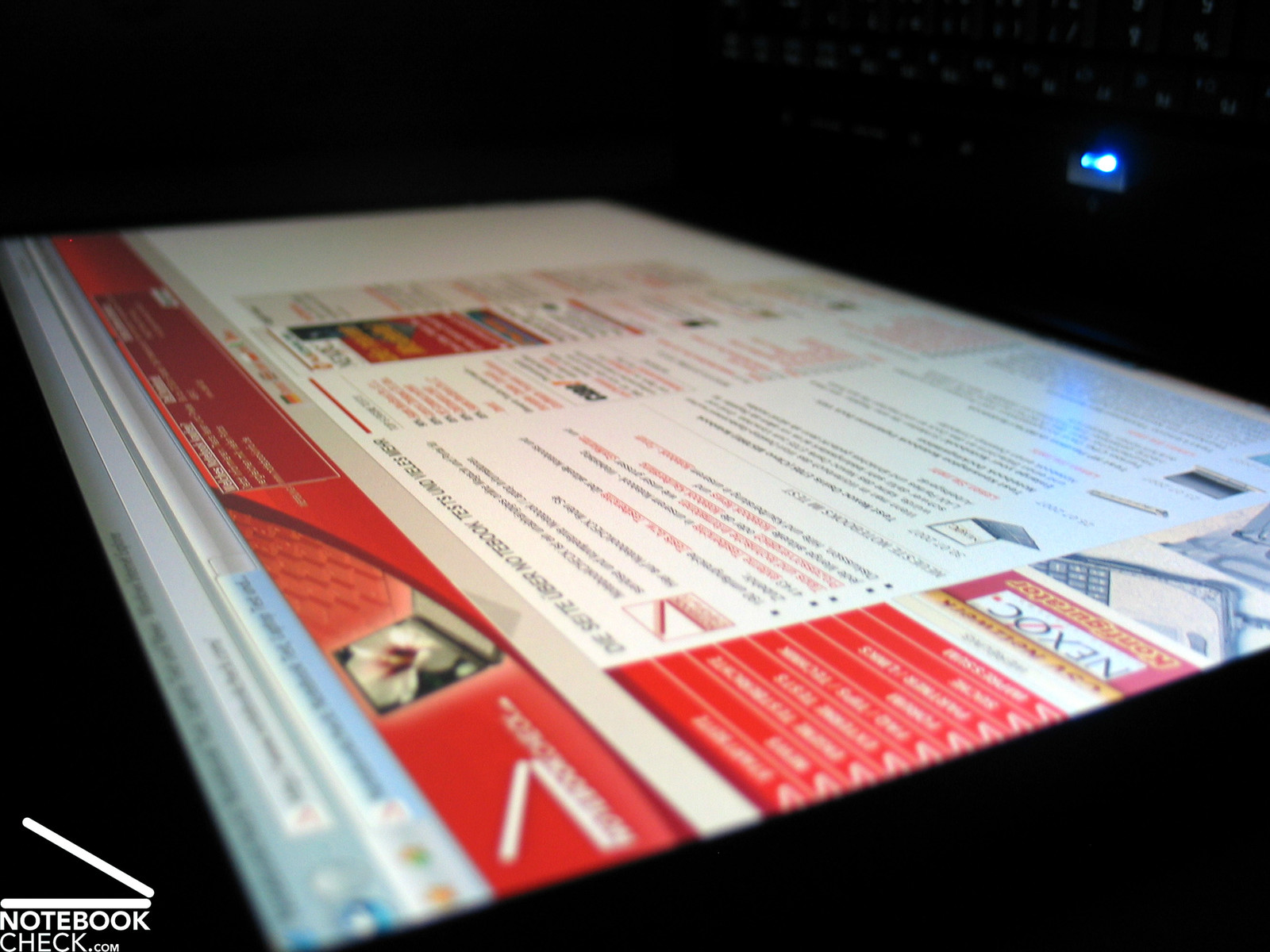
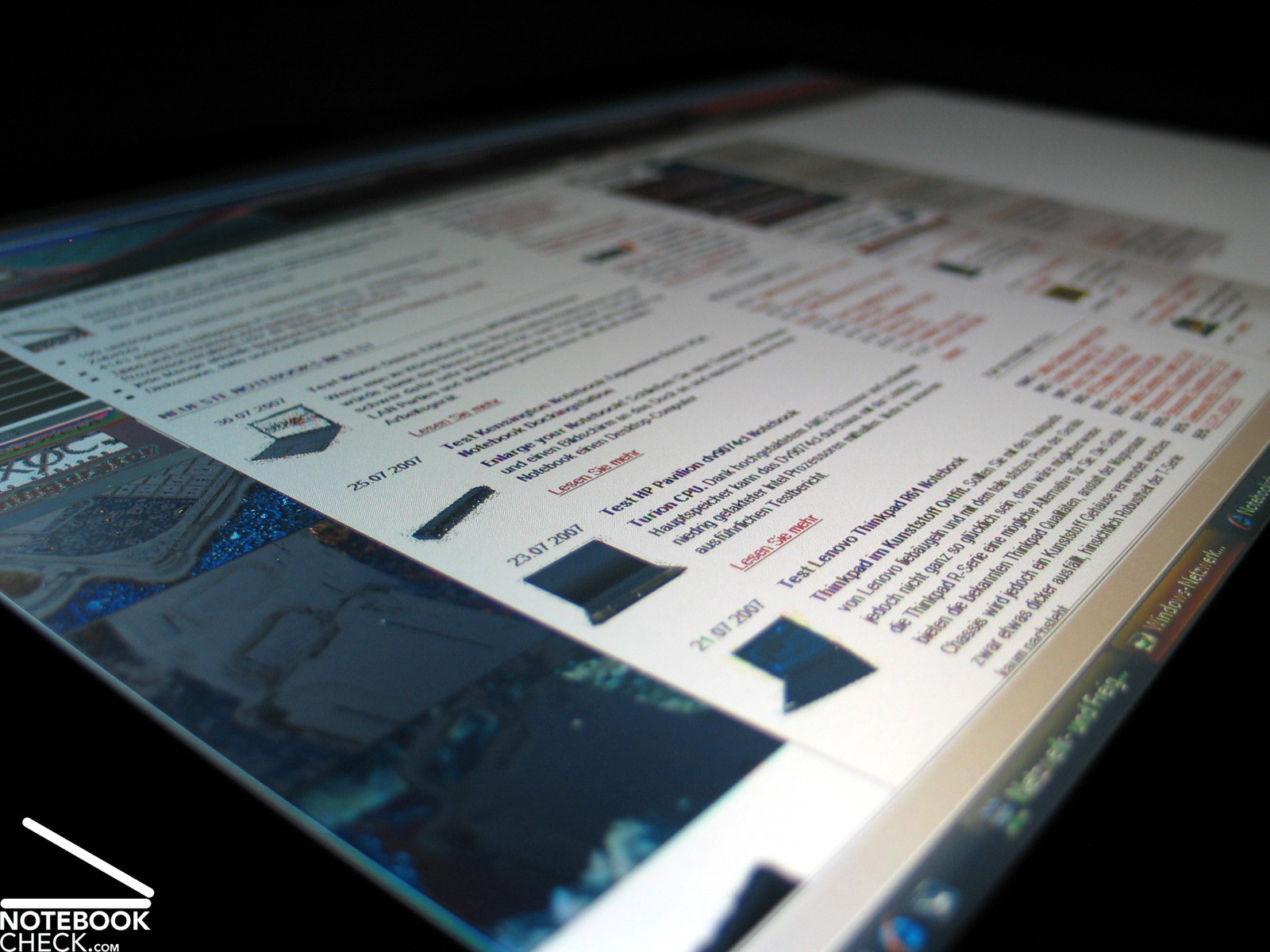
The area of operations of the Sony TZ11's LED display are horizontally and vertically spacious. While the picture hardly changes even at very acute angles, the picture darkens and the contrast diminishes, if you look from top down.

Performance
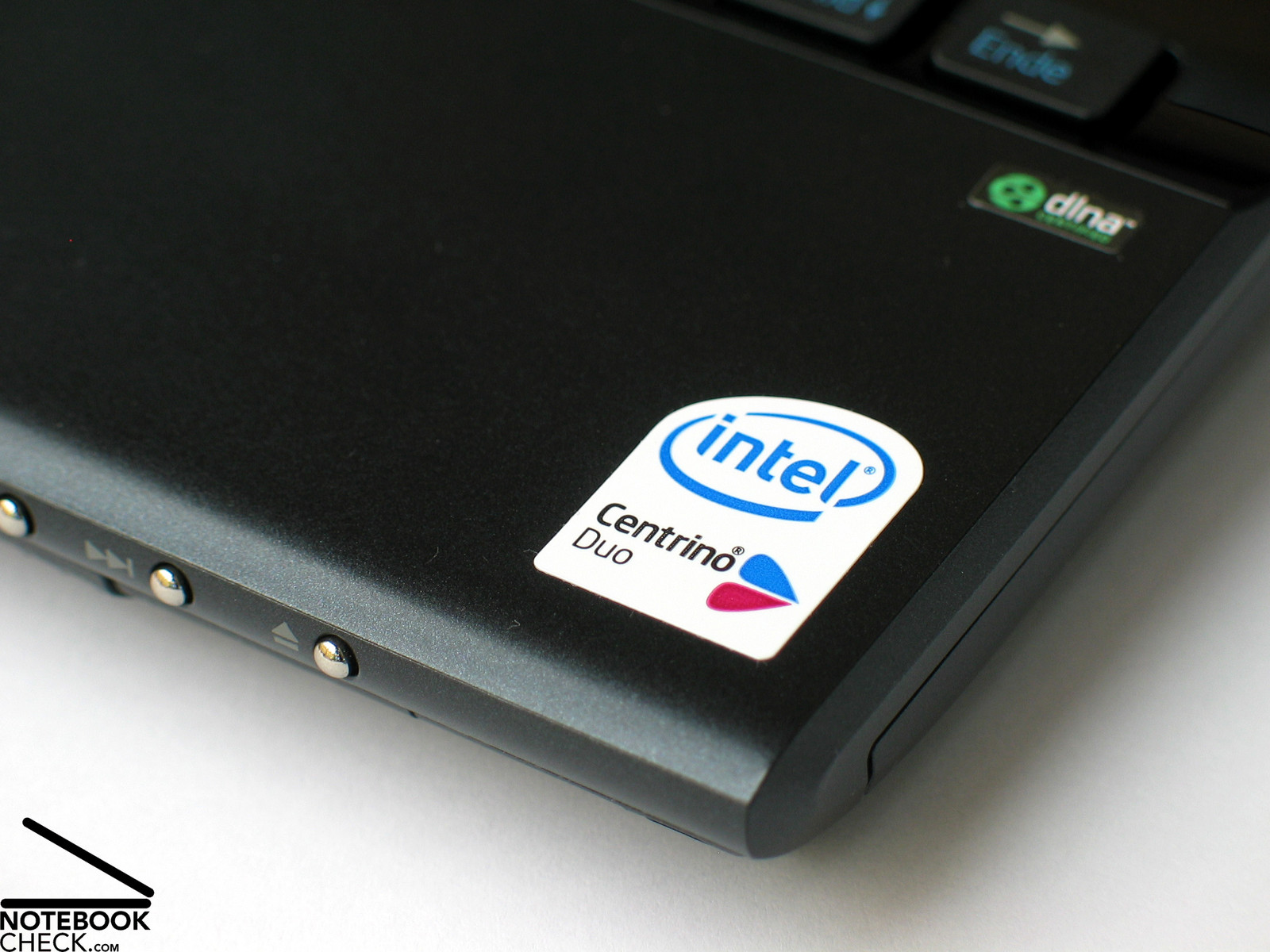
The Sony Vaio TZ11XN is equipped with the most up-to-date energy-saving version of Intel's Core 2 Duo processors. The U7500 CPU works at a clockrate of only 1.06 GHz and demands only 10 Watt wattage. The Core 2 Duo architecture still provides good performance.
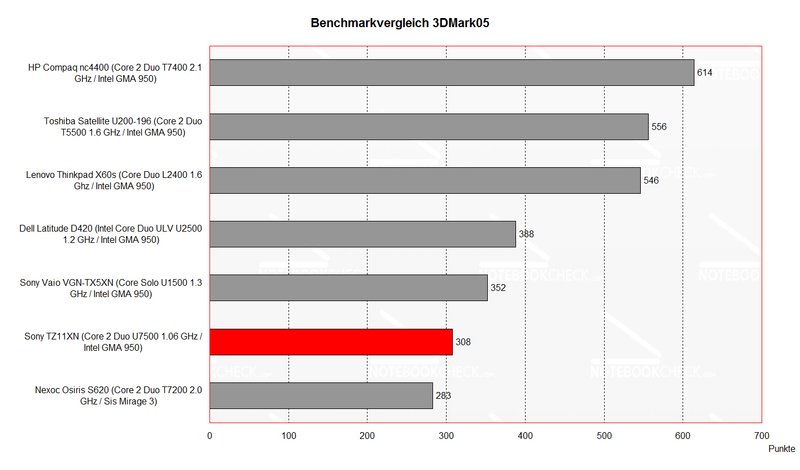
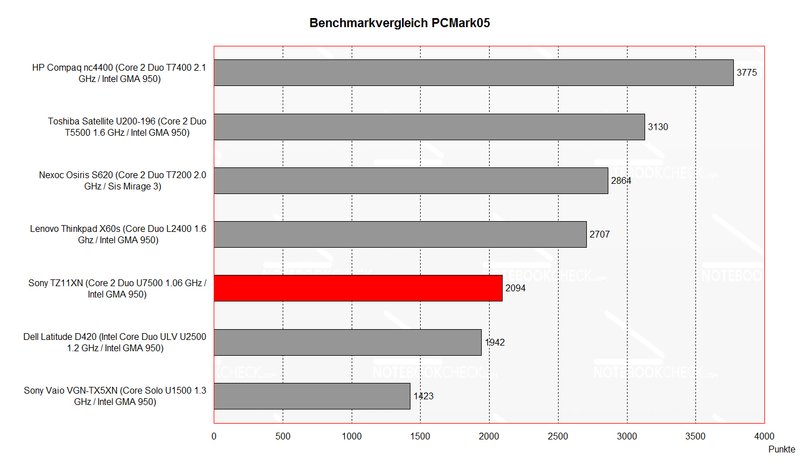
The benchmark comparison with other subnotebooks shows that the Vaio TZ11XN even outperforms higher-clocked Core Solo or Core Duo ULV CPUs. Of course clearly higher clocked Core Duo or Core 2 Duo processors clearly outperform the U7500, but, they also demand clearly more energy.
Regarding 3D performance the Sony TZ11 provides only a Vista base equipment as can also be seen in the diagram. There are no reserve capacities for games or similar graphical demanding applications, but, this probably won't keep anybody seriously interested in this notebook from buying.
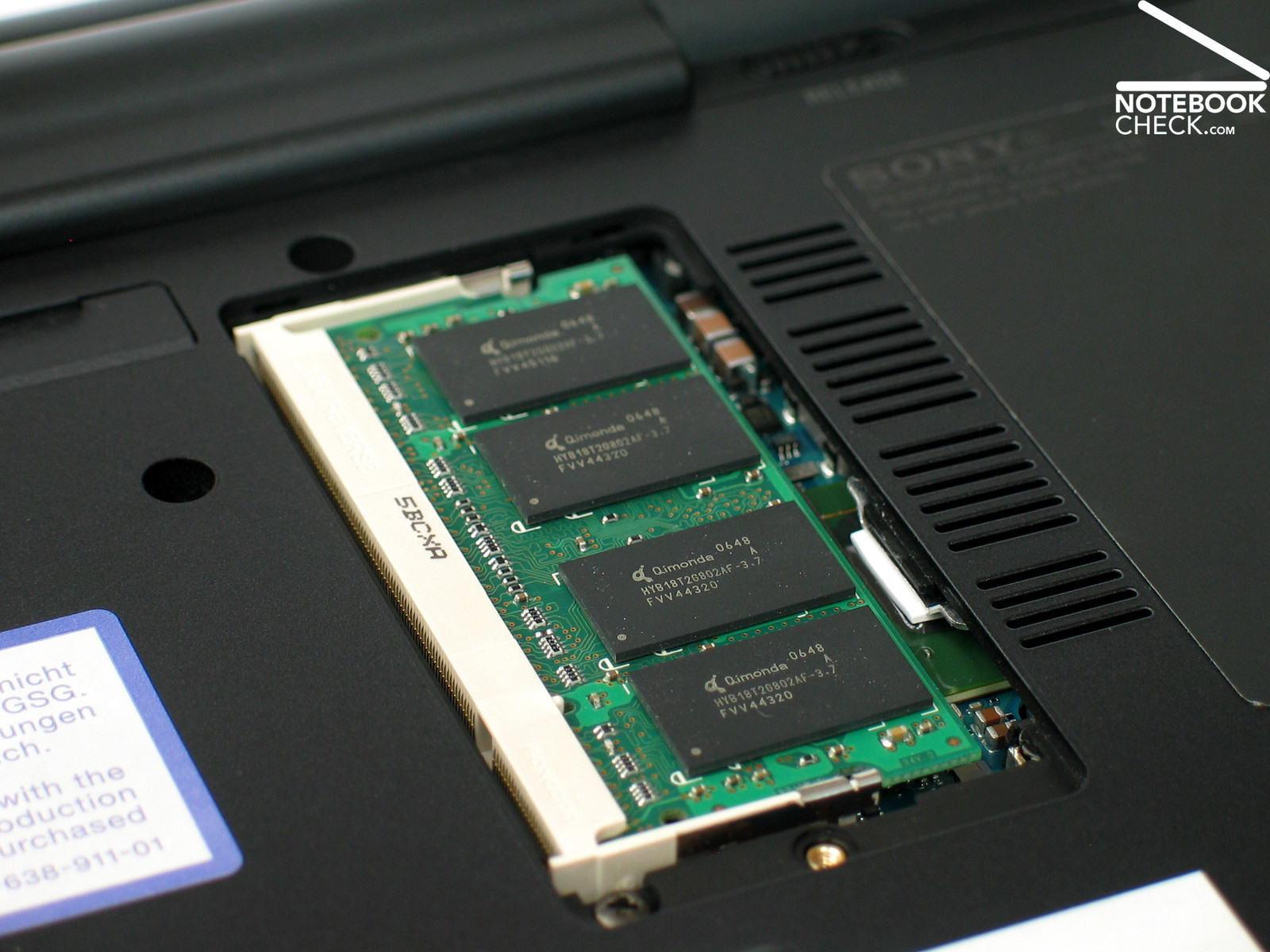
With 2 Gigabyte main memory (PC4300, 533MHz) and a 100 GB hard disk (4200 revs/min) the Vaio provides a passable equipment for daily office and internet applications. Clearly designed for energy saving, sometimes longer speed of reactions are to be expected.
Further information about the video card can be found here or in our comparison of mobile video cards. Detailed information about the Core 2 Duo CPU can be found here.
Please also look at our benchmark list of mobile processors or at our benchmark list of mobile video cards, in order to compare this notebook to other configurations.
| 3DMark 2001SE Standard | 2466 points | |
| 3DMark 05 Standard | 308 points | |
| 3DMark 06 Score Unknown Setting | 111 points | |
Help | ||
| PCMark 05 Standard | 2094 points | |
Help | ||

Emissions
Loudness
In idle mode the fan runs nearly all the time. At least, if the Windows energy profiles "balanced and top performance" are selected, the fans starts running after a short time and continues running ever since then.
With the profile "energy save mode" the fan runs periodically for some seconds, with short breaks in between (some seconds).
In practice it was more comfortable to work with a higher performance and an always running fan than working in energy save mode. The always running fan disturbs less, because of its quiet rustling noise, than the periodical on and off in energy save mode.
Noise level
| Idle |
| 30.2 / 39.8 / 39.7 dB(A) |
| HDD |
| 35.7 dB(A) |
| DVD |
| 40.6 / dB(A) |
| Load |
| 0 / 41.5 dB(A) |
 | ||
30 dB silent 40 dB(A) audible 50 dB(A) loud |
||
min:  , med: , med:  , max: , max:  (15 cm distance) (15 cm distance) | ||
Temperature
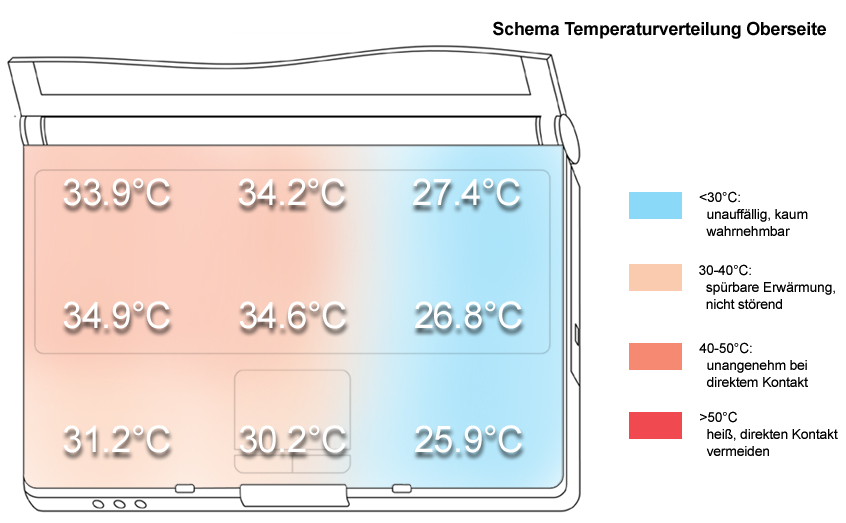
The surface temperature at the top side of the notebook does neither in idle mode nor under load appreciable increase. A maximum temperature of 34.6°C measured in the center of the keyboard is alright.
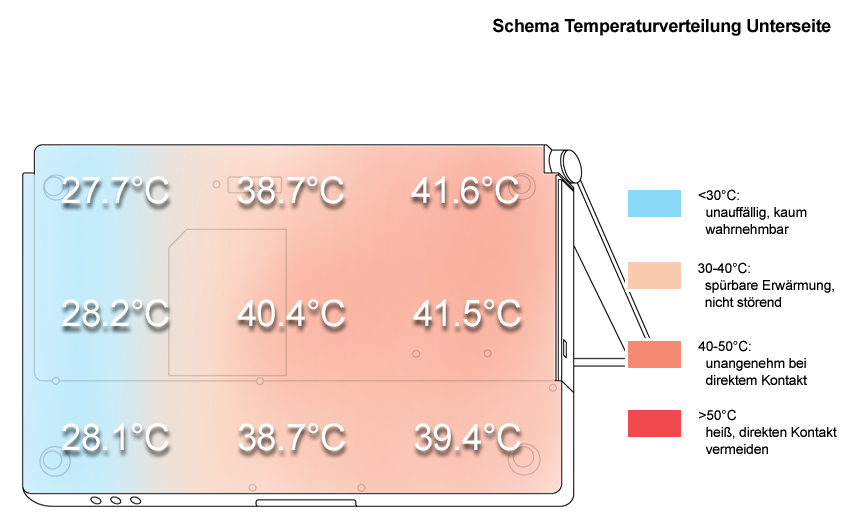
At the bottom side the Sony TZ11XN gets warmer and reaches near the fan the maximum surface temperature of 41.6°C, which is alright too, even if working on top of the lap. Apropos, in the center of the bottom side there are only some small vent holes. However, even working on soft pads, we did not observe any problems regarding temperature increase or noise of the fan.
Upper side
palmwrist: 31.2°C max: 34.9°C avg: 31.0°C
Bottom side
max: 41.6°C avg: 36.0°C
Speakers
The speakers are left and right above the keyboard. Their maximum volume is alright. However, weaknesses regarding high tones and basses get obvious soon.
The sound output through the 3.5mm stereo socket (not a digital signal) was without any anomalies in our test with a headset.
Battery Runtime
The runtime of the 5200 mAh lithium ions battery is passable, because of the TZ11XN's low-energy demanding hardware.
In our tests it ranged from a minimum of slightly above one hour (85 minutes) under load to up to 4.5 hours at optimized energy settings (WLAN off, minimum performance and brightness).
So, the TZ11XN is clearly outperformed regarding battery runtime by its Sony competitor, the Vaio TX5XN, but, it is equipped with a more powerful processor and a clearly smaller battery, which contributes to a smaller weight.
| Off / Standby | 0 / 0 Watt |
| Idle | 13.6 / 17 / 19.8 Watt |
| Load |
24.8 / 23.1 Watt |
   
| |
Key:
min: ,
med: ,
max: | |
Verdict

The Sony Vaio TZ11X turned out to be a very beautiful and mobile companion, which scores especially high by its bright display.
Some unnecessary weaknesses regarding workmanship disappointed us, e.g, a wobbling battery or the filigree plastic cover of the hinges.
The keyboard does not only look good, it is also very user-friendly and proper for long typing. Overall, the touch pad is alright, although it could not totally convince.
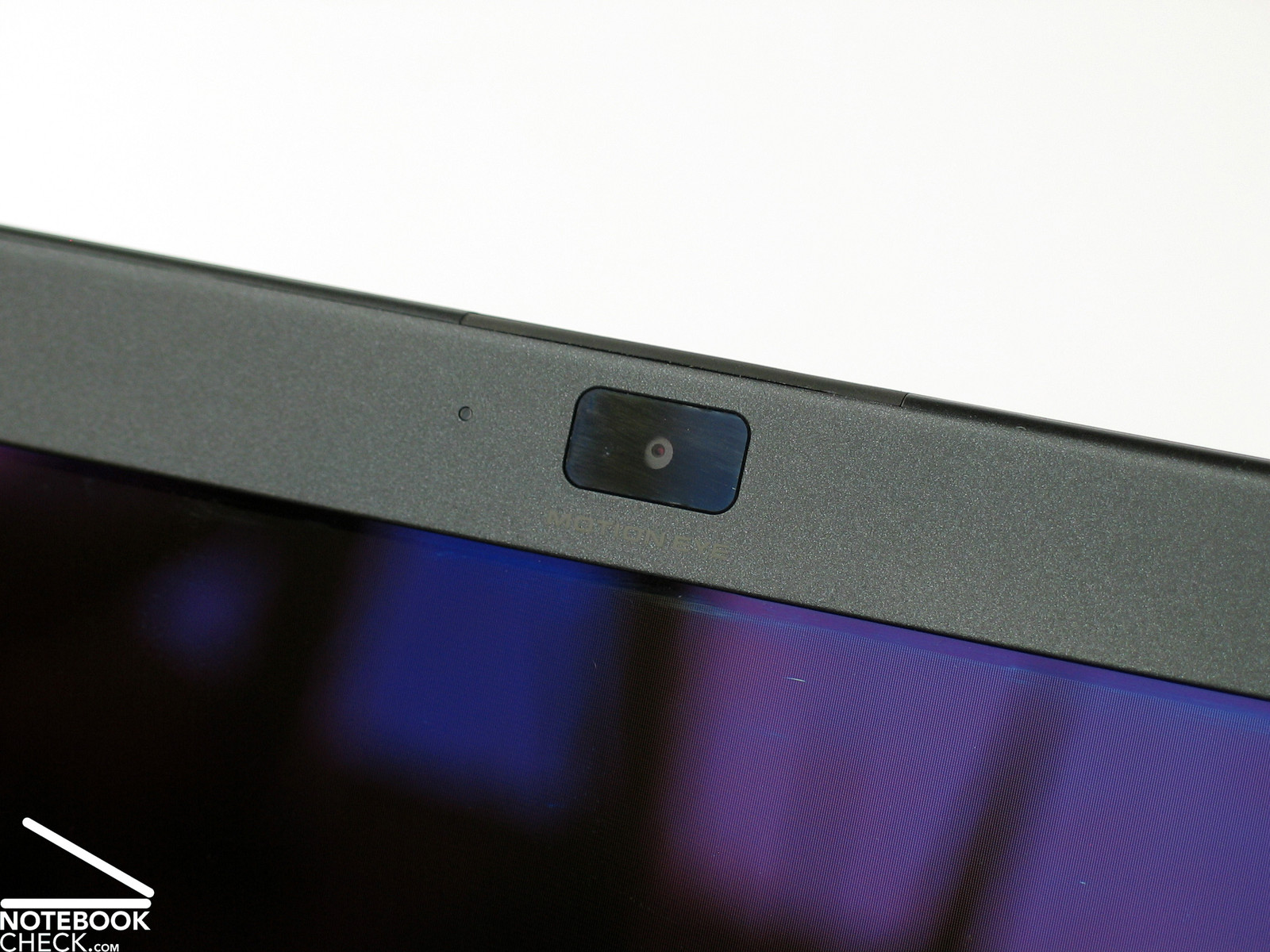
The incredible thin and nearly fragile appearing LED display has an excellent brightness and a good contrast. Working outdoors is possible, although you'll face reflexions in bad lightening conditions. These cannot totally be avoided by Sony's anti-reflexion coating.
The Sony Vaio TZ11XN's performance is also alright. A U7500 Core 2 Duo processor provides good performance and demands only low energy. Furthermore, the TZ11 is equipped with an 100 GB hard disk and 2GB main memory.
The noise emissions are decent but clearly audible. In idle mode the fan runs all the time, but, it's rustling noise is not annoying.
The surface temperature is especially at the top side rather limited, and also the bottom side is alright with a maximum of only slightly above 40°C.
Finally, also the battery runtime of the Vaio TZ11XN is passable. At optimized energy settings the notebook works up to 4.5 hours unplugged.


 Add as a preferred