Review Fujitsu-Siemens Amilo Pa 2510 Notebook
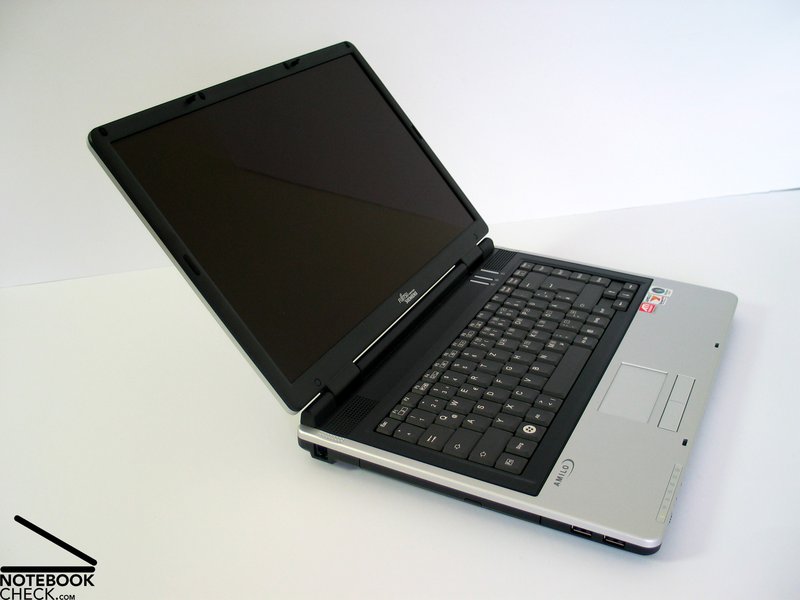
Off-the-Shelf Notebook. The Amilo Pa 2510 is a reasonable beginner's notebook. Equipped with an AMD CPU its tries to match with the huge number of notebooks equipped with Intel CPUs. Thereby, the Amilo Pa 2510 is especially interesting, because of the new AMD M690V chip set. Though the Amilo is equipped with an ATI X1200 video card, this video card does not have any advantages regarding performance compared to Intel's new integrated video card, the GMA X3100. Overall, the Pa2510 is worth consideration, because of its low price.

Case
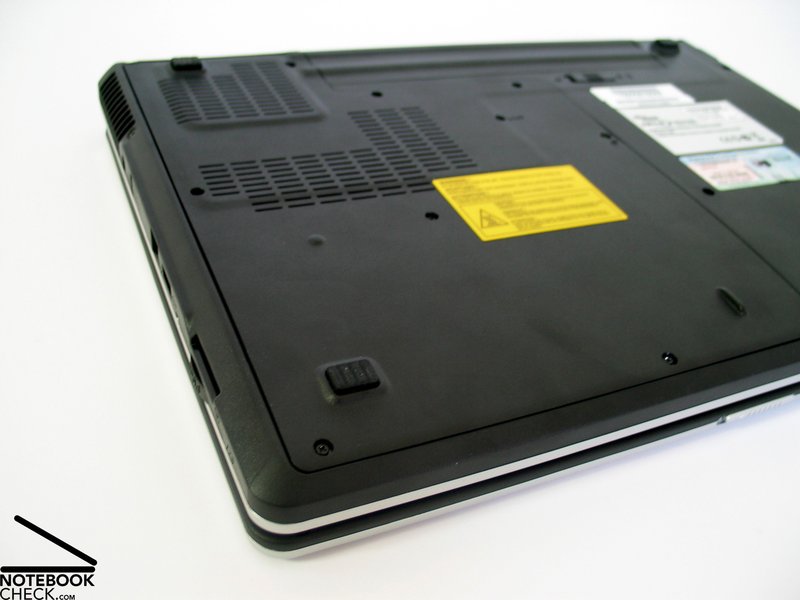
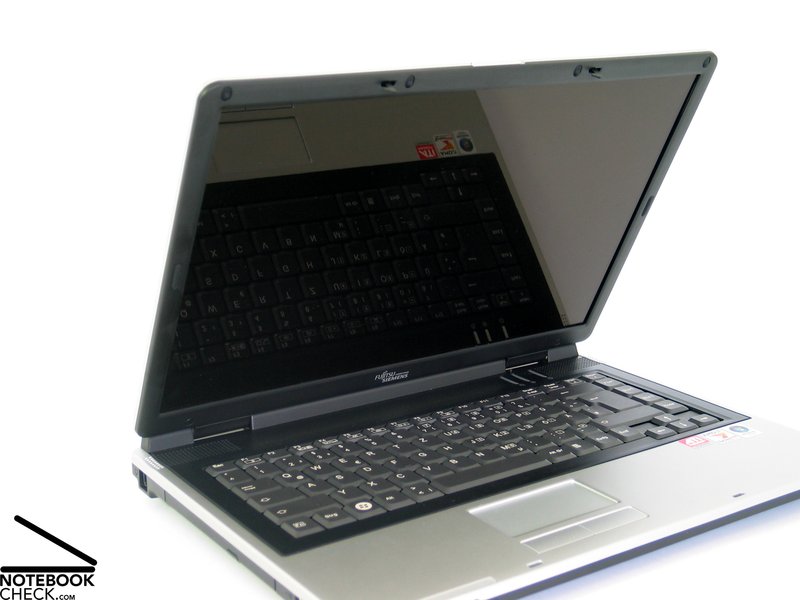
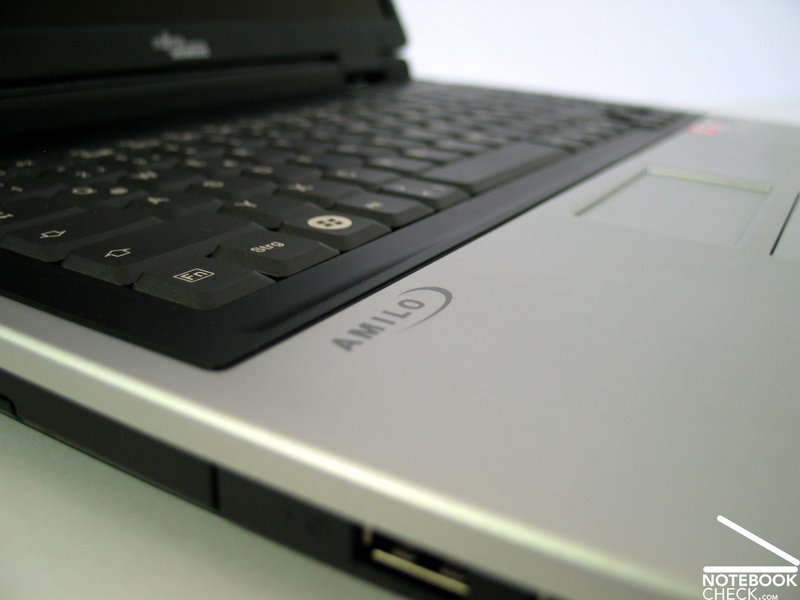
The form of the case with its rounded edges lets this notebook appear compact and looks good. Also the choice of color (black trough, silver palm rest areas, and silver display cover is alright and will supposedly be liked.
The robustness of the case could convince too. The base unit is very flexural rigid and is also sufficiently resistant against applied forces. Although there are sometimes low creaking noises when handling the notebook and the bottom side partly somewhat yields under pressure, the positive impression persists.
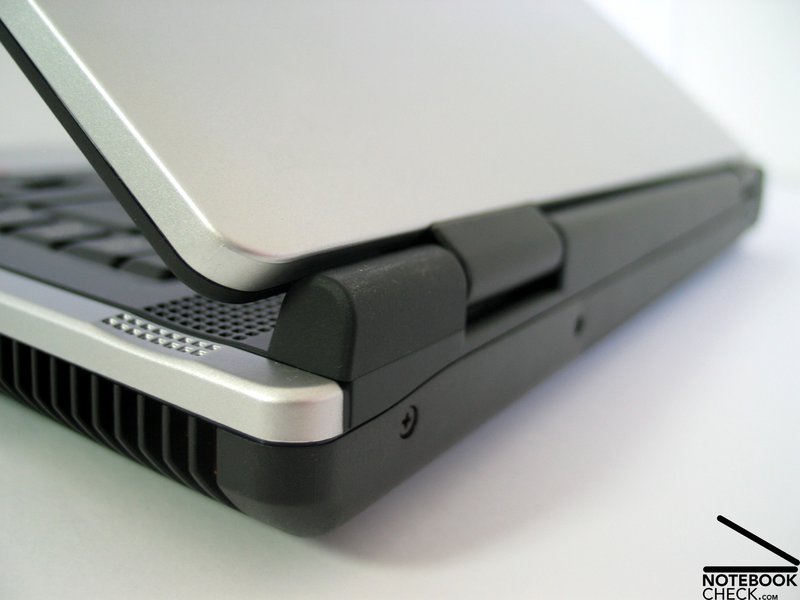
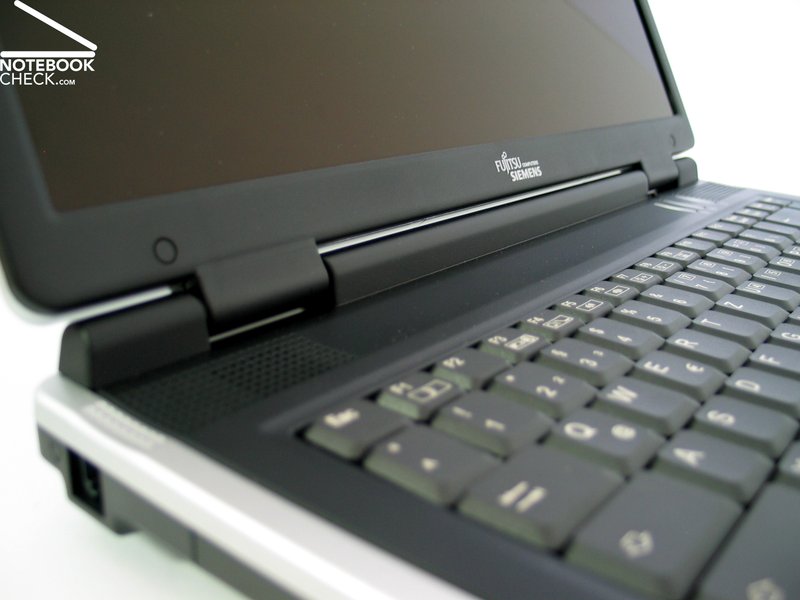
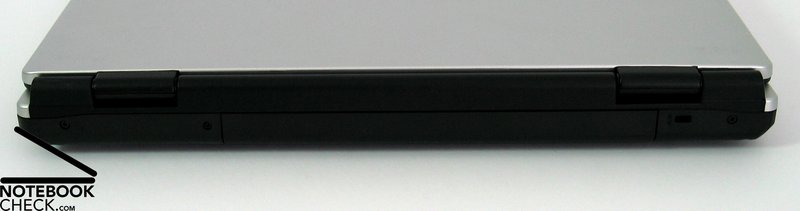
The middle of the display cover yields under pressure a little too much, so, that you'll also recognize changes of the displayed picture. At the first glance the display hinges appear to be sufficiently robust, however, there is a clear see-saw after adjusting the display's position. Furthermore, the left hinge is only attached at one side and does not have a bolt which goes through.
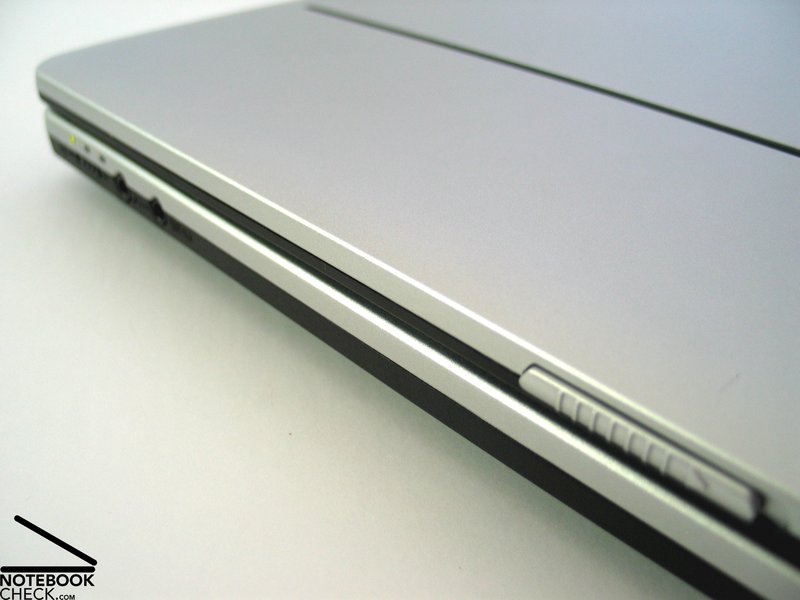
The display's ramshorn hook works well and locks the display absolutely tight in closed position.
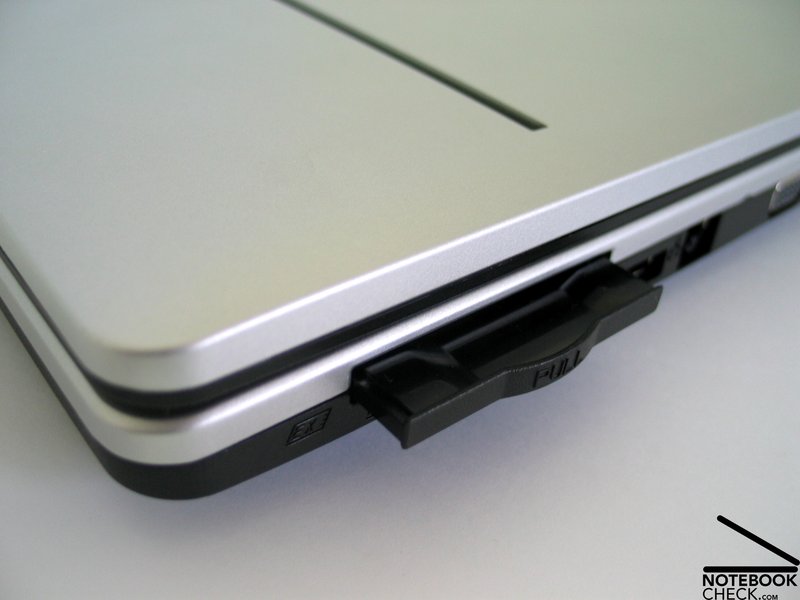
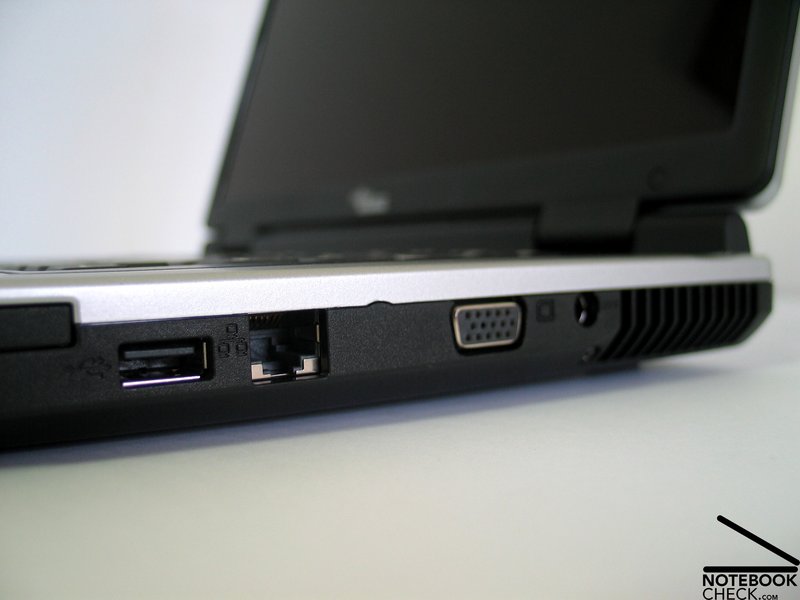
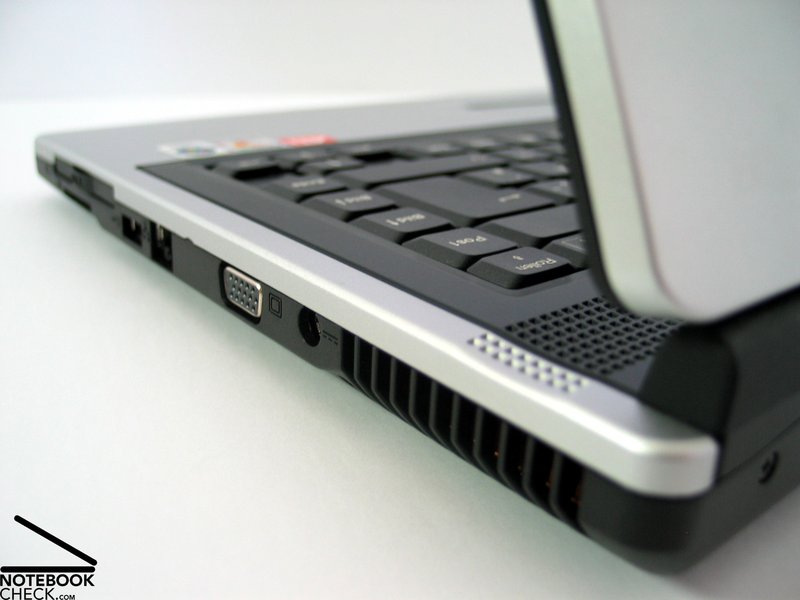
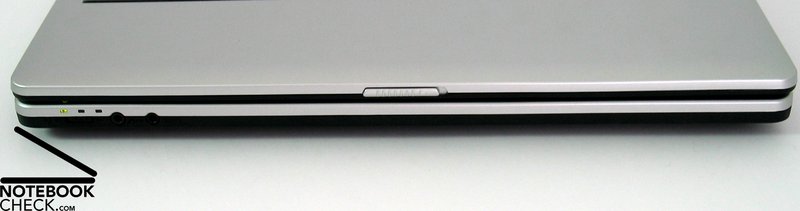
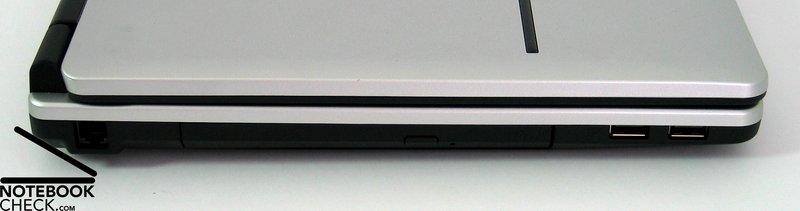
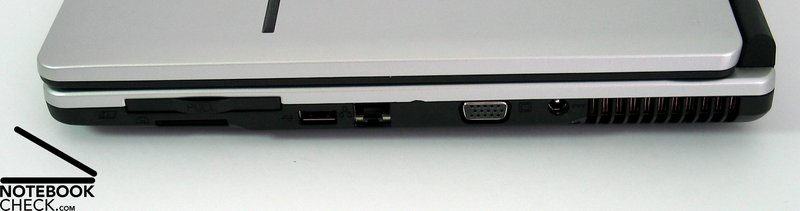
The Amilo Pa 2510 provides you only with absolutely necessary ports. There are 3 USB ports, a modem port, and a LAN port, a VGA port, and audio ports with S/PDIF (optical out), which are not totally ideal located at the front edge. Furthermore, the Amilo provides an ExpressCard slot and a 4in1 Cardreader at the right side.
Input Devices
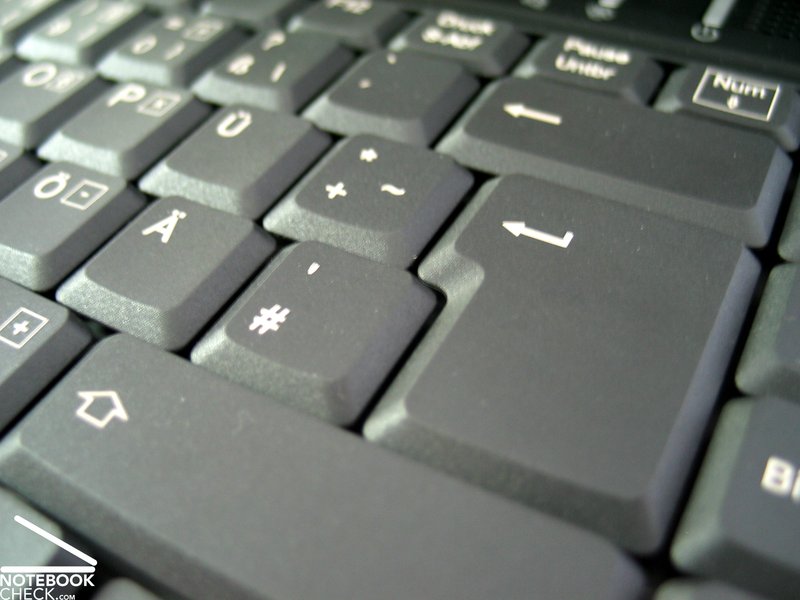
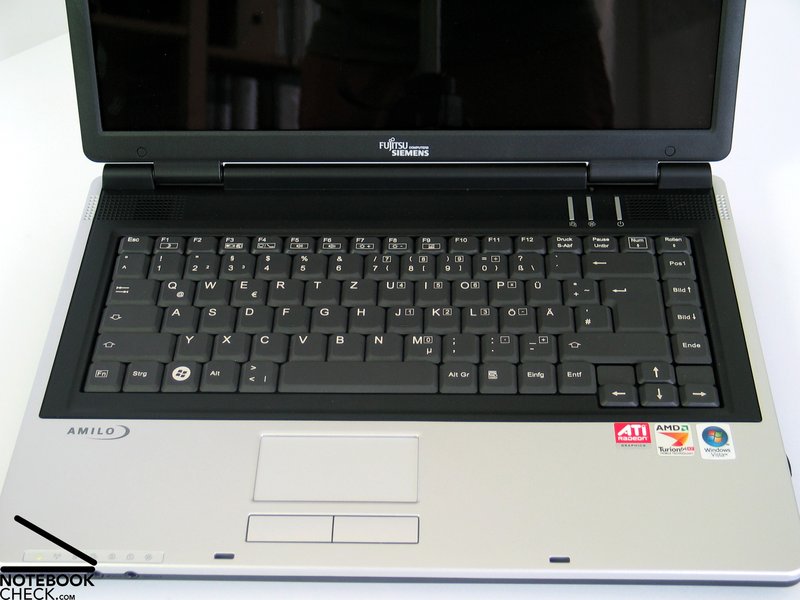
The keys of the keyboard are adequately big and user-friendly. Only the space bar's left side is a little short, because the [< >] key was somewhat unusual placed there.
The layout of the keyboard was strictly restricted to a rectangular area, where the keys are placed side by side. Only the cursor block was located a little more to the front.
Typing is soft, accompanied by a clicking noise. Furthermore, the keyboard is attached tightly to the case, so, it does not clatter during typing.
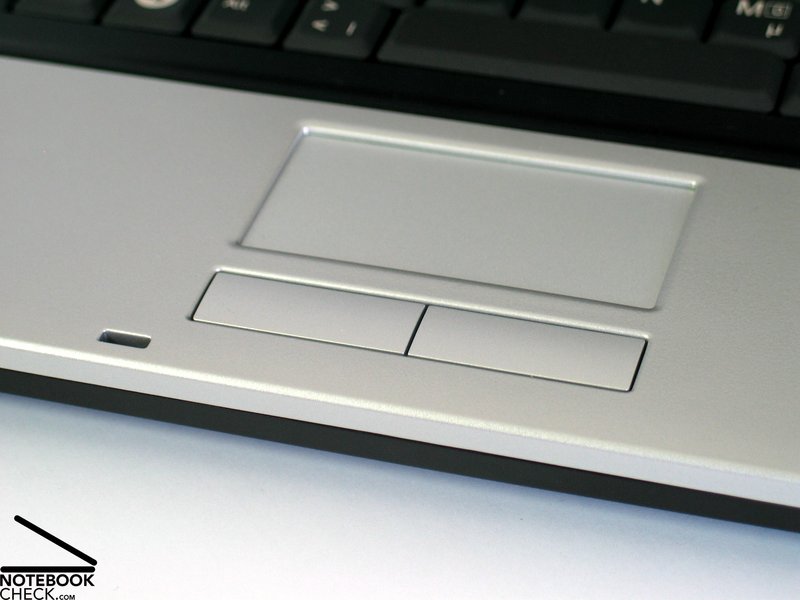
The Amilo Pa2510's touch pad is small, but wide and user-friendly. One needs to adapt to its buttons first, because you'll need to apply some force to press them, and there clicking noise is rather loud.
Display
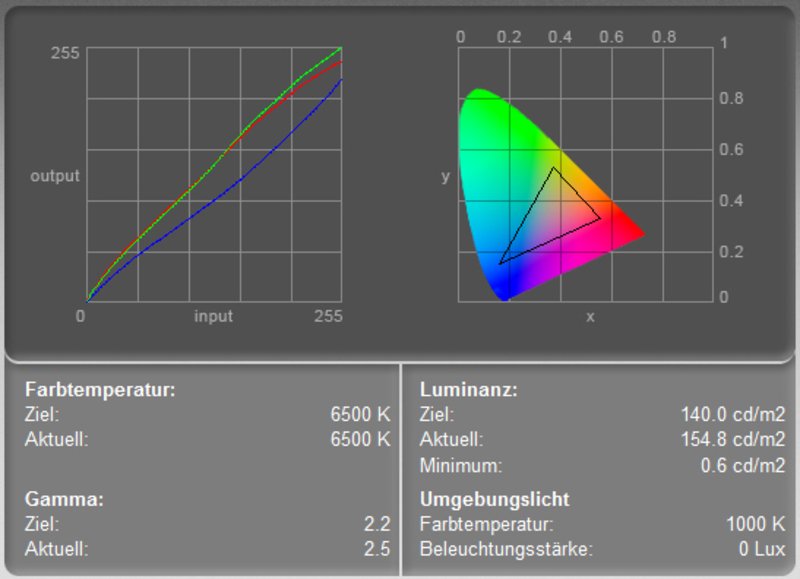
The Amilio comes with a nowadays liked display format, a 1280x800 WXGA panel with reflecting surface. It provides the minimum overview needed for Windows Vista.
The measured maximum brightness was measured in the center of the display and amounted to 158.5 cd/m², which is a passable result. The illumination is somewhat below-average at 77.2%, because the brightness diminishes at the corners. The average brightness of this WXGA panel was 136.6 cd/m².
| |||||||||||||||||||||||||
Brightness Distribution: 77 %
Contrast: 264:1 (Black: 0.6 cd/m²)
The black value, i.e., the minimum representable brightness of the display amounted to 0.6 cd/m². Together with the maximum brightness of 158.5 cd/m² this gives a maximum possible contrast of acceptable 264:1. We could not observe any anomalies regarding the display's speed of reaction.
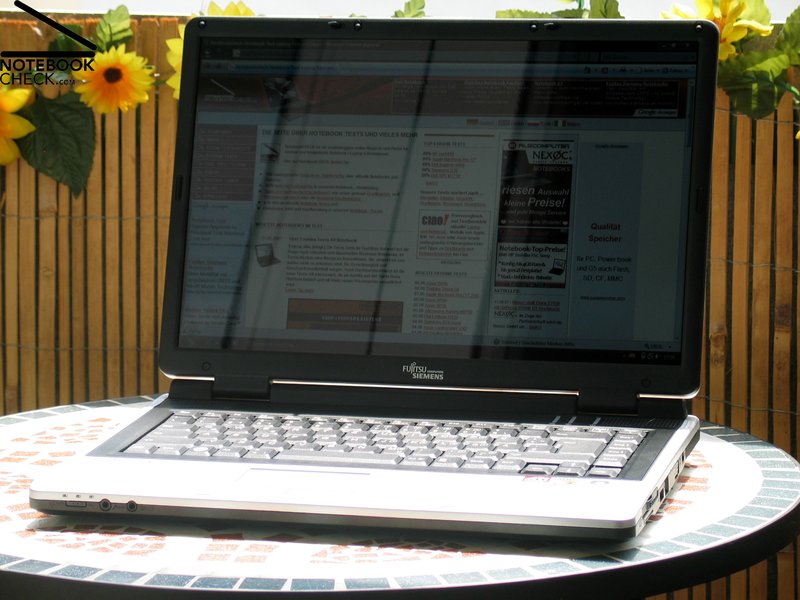
The reflecting display surface and the only moderate brightness clearly restrict this notebook's outdoor usage.
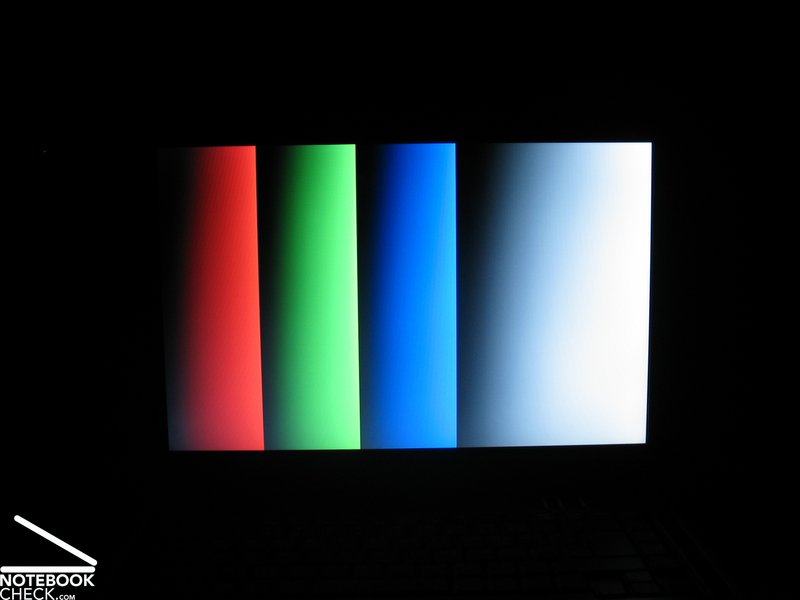
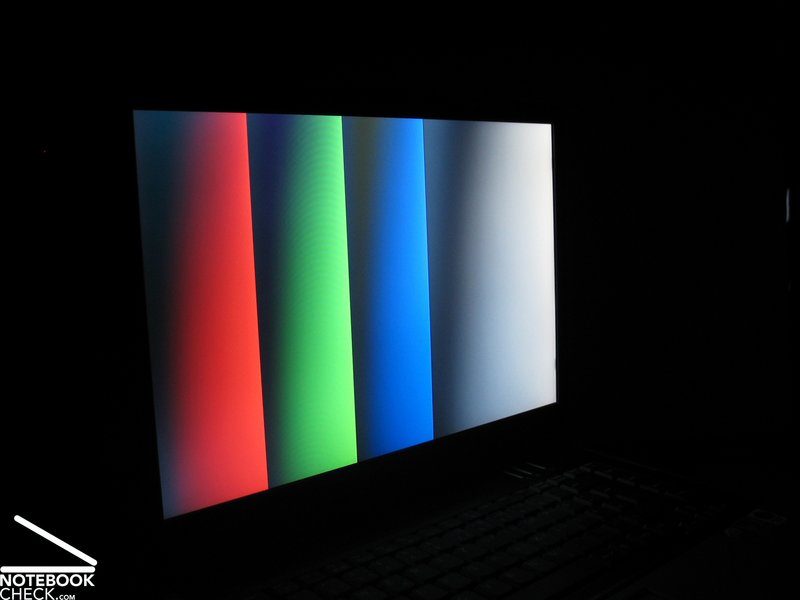
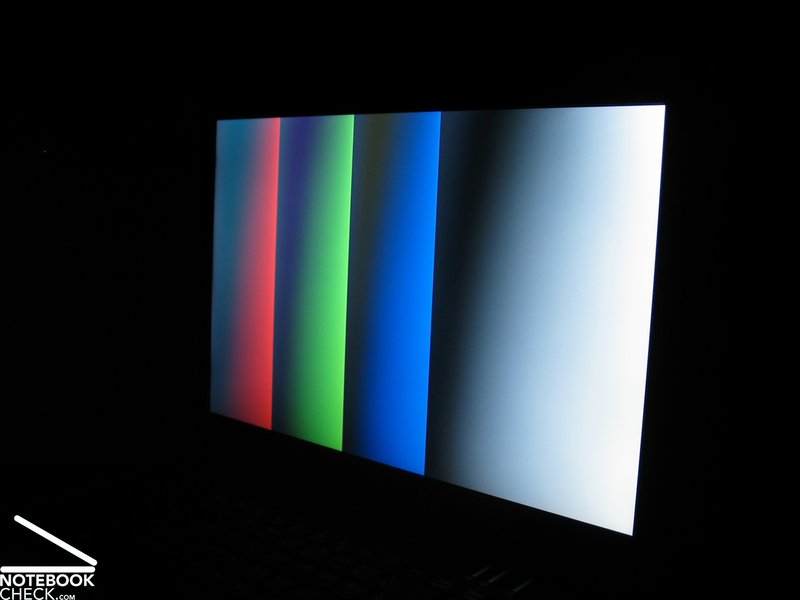
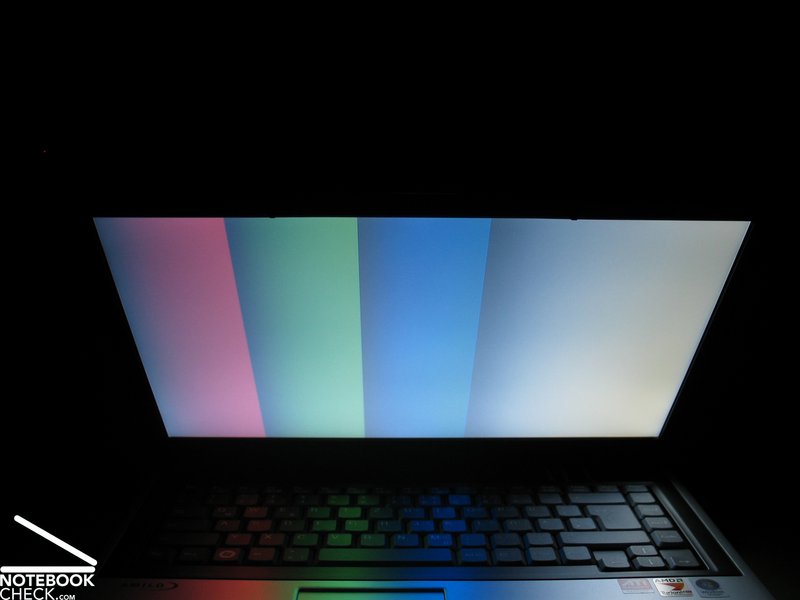
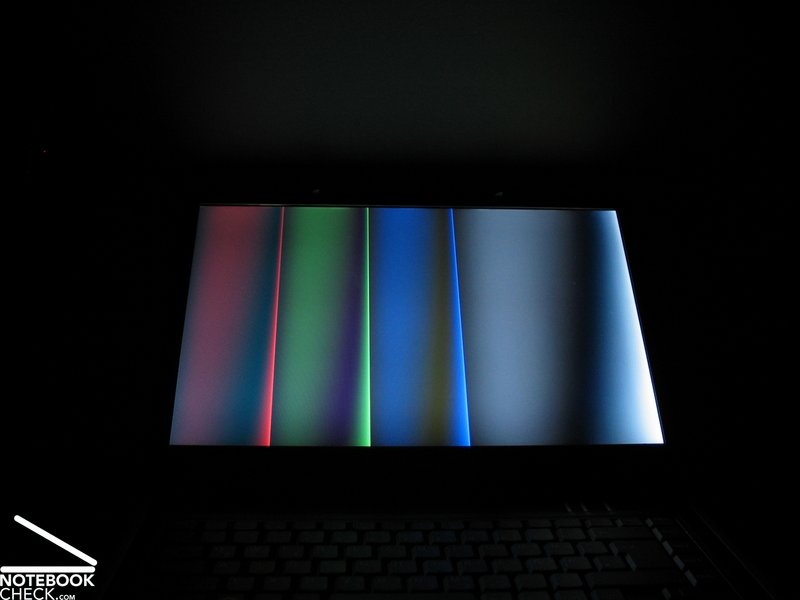
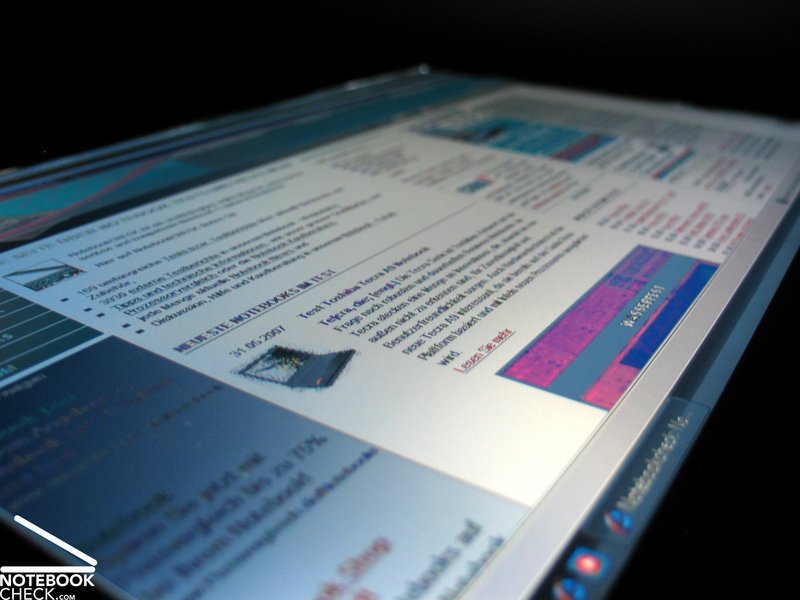
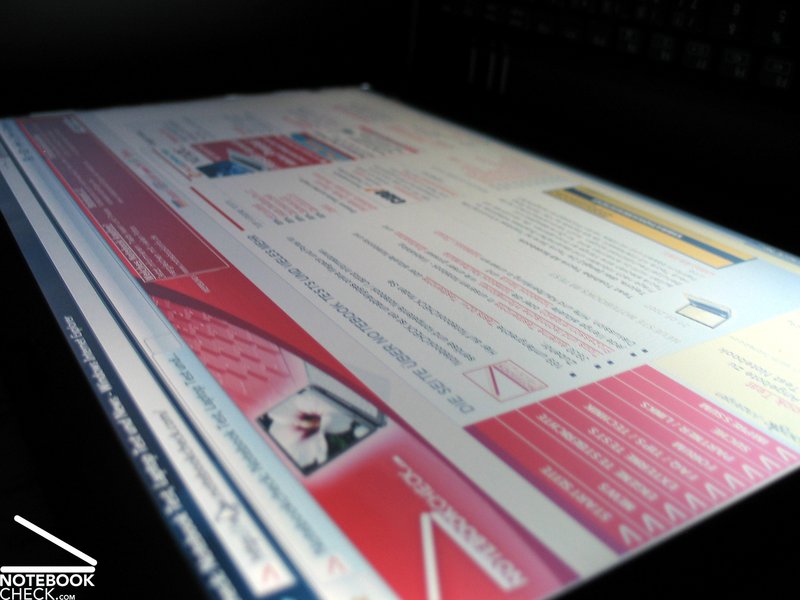
Horizontally, the stability to the vantage point is rather good, but, limited by proliferating reflections as the angles get acuter. Vertically, the colors heavily change and the contrast diminishes outside a sufficiently big area of operation.

Performance
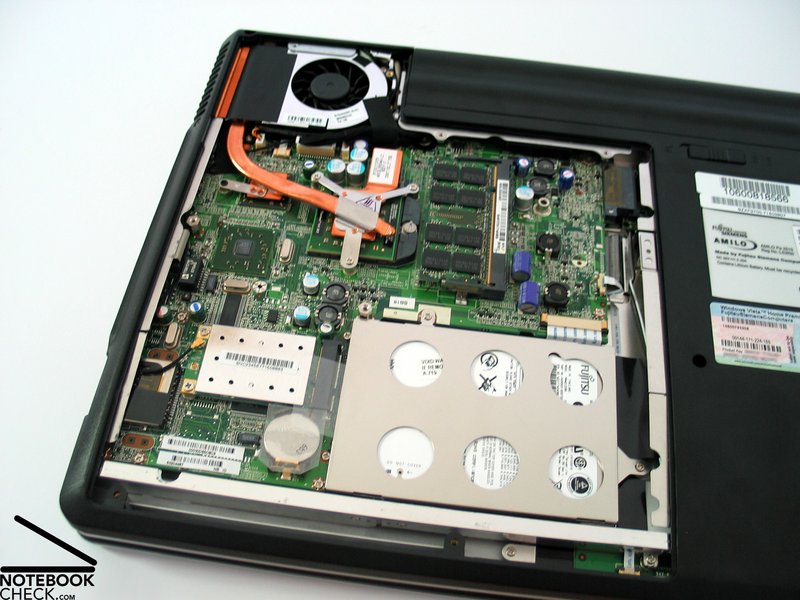
The Amilo is equipped with the new AMD M690V/SB600 chip set, which is already fit for new AMD processors. Nevertheless, the notebook is only equipped with the already known Turion 64 X2 TL-50 processor with 1.6 Ghz.
An ATI Radeon XPress X1200 video card is responsible for graphics. With up to 256MB shared memory it's similarly powerful than Intel's up-to-date integrated video chip, the X3100. Contrary to statements by FSC, this video card has also 128MB dedicated memory.
Games without high demands on 3D can be played with limitations, however, this is not really fun. Still, the Amilo Pa1510 seems to be sufficient for moderate office and internet applications, not least, because it is also equipped with a total of 2GB main memory and an 120GB hard disk with 5400 revs.
Further information about the video card can be found here or in our comparison of mobile video cards. Detailed information about the AMD Turion X2 CPU can be found here.
Please also look at our benchmark list of mobile processors or at our benchmark list of mobile video cards, in order to compare this notebook to other configurations.
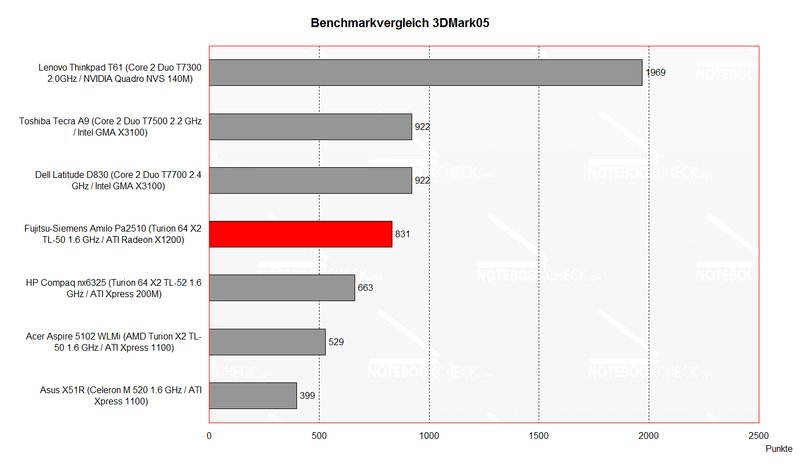
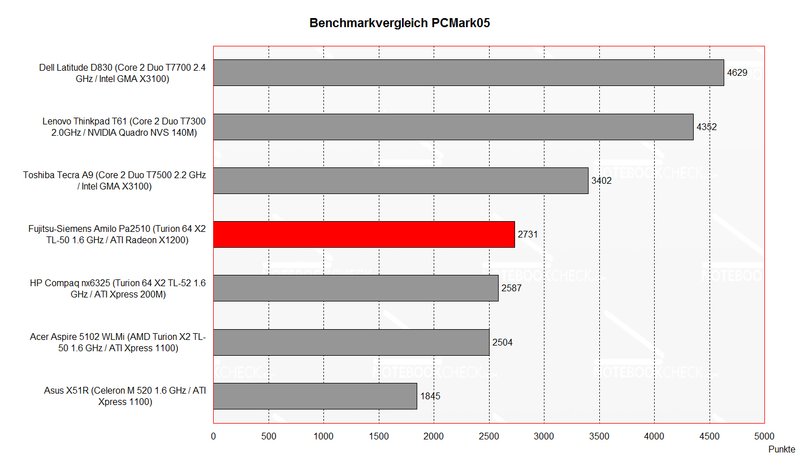
| 3DMark 2001SE Standard | 3824 points | |
| 3DMark 03 Standard | 1334 points | |
| 3DMark 05 Standard | 831 points | |
| 3DMark 06 Score Unknown Setting | 278 points | |
Help | ||
| PCMark 05 Standard | 2731 points | |
Help | ||

Further reviewed:
Fifa 2007
Resolution 800x600, medium details - average 34 fps (minimal 19) - well playable, but, does not look good
Quake 4
With a resolution 640x480 without contact to enemies sufficient Frames (35-50) in the corridors, with contact to enemies virtually only single pictures (4 fps) - not playable
Emissions
Loudness
In idle mode the fan starts running periodically and is very clearly audible, while it runs for some seconds. Thereby, the frequency of the noise is unpleasant.
Also limiting the performance of the CPU by the hot key right above the keyboard labeled with a fan or by choosing another performance profile improved the noise only for a short time. Although the fan is stopped immediately after pressing the hot key, it continues to run periodically after a few seconds.
Furthermore, we have to mention that we sometimes heard a strange high-frequency noise near the fan, which could be stopped by a light slap, but, reappeared time and again.
Noise level
| Idle |
| 32.4 / 41.3 / 41.3 dB(A) |
| HDD |
| 37.9 dB(A) |
| DVD |
| 36.5 / dB(A) |
| Load |
| 0 / 41.3 dB(A) |
 | ||
30 dB silent 40 dB(A) audible 50 dB(A) loud |
||
min:  , med: , med:  , max: , max:  (15 cm distance) (15 cm distance) | ||
Noise level
| Idle |
| 32.1 / 40.7 / 37.5 dB(A) |
| HDD |
| 32.5 dB(A) |
| DVD |
| 40.1 / dB(A) |
| Load |
| 0 / 43.6 dB(A) |
|
| ||
30 dB silent 40 dB(A) audible 50 dB(A) loud |
||
min: , med: , max: (15 cm distance) | ||
Temperature
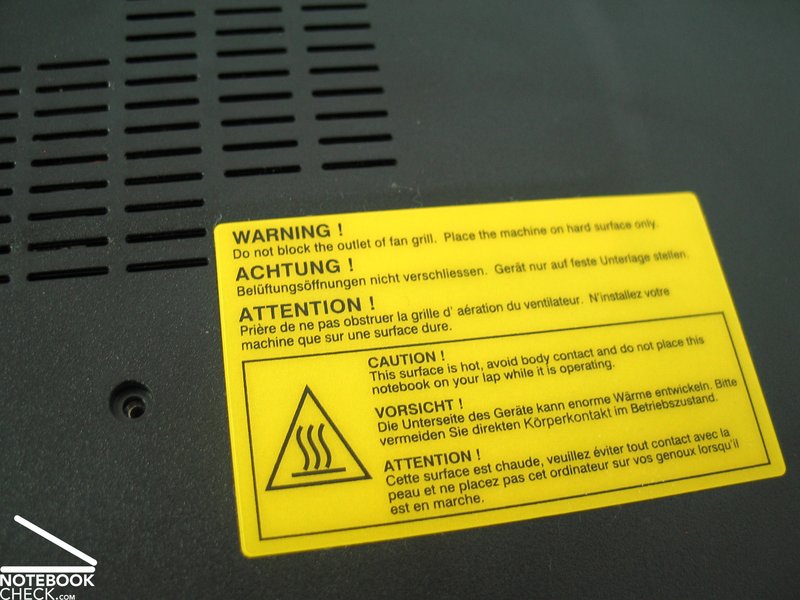
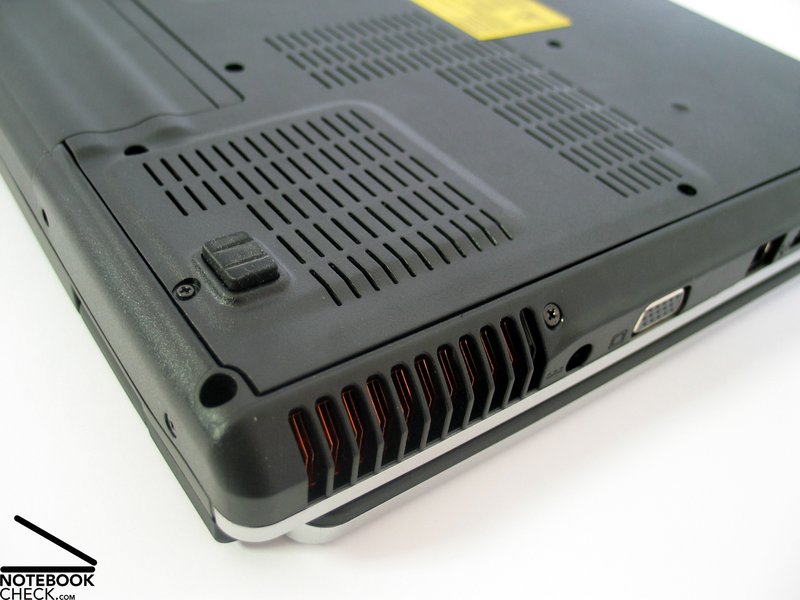
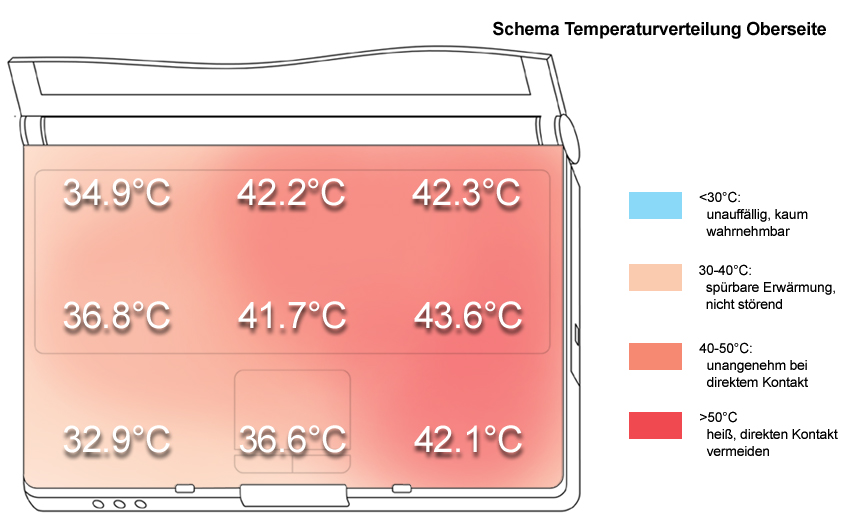
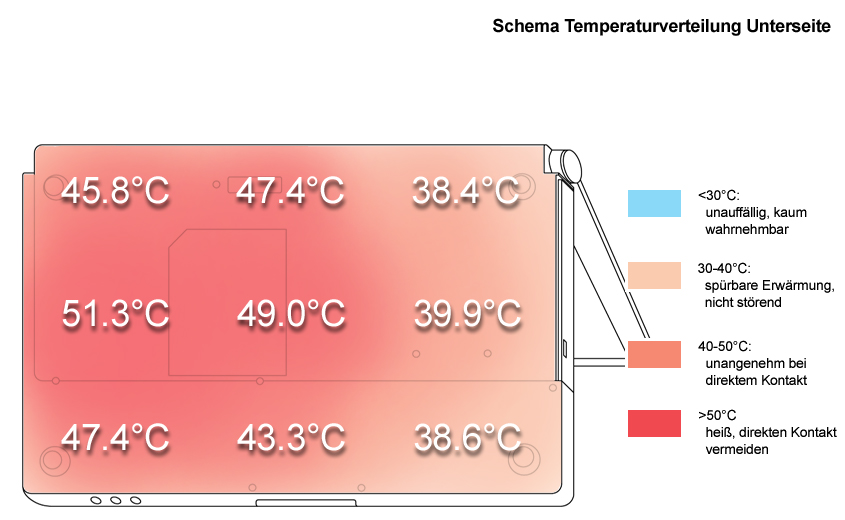
Even without load the FSC Amilo Pa 1510's surfaces get clearly warmer. While the really high temperature of 50°C at the bottom side might be tolerably when working at the desk, the temperature increase at the right palm rest area is uncomfortable. Measured 41.2°C are uncomfortable when typing for a longer time.
Upper side
palmwrist: 42.1°C max: 43.6°C avg: 39.2°C
Bottom side
max: 51.3°C avg: 44.6°C
Speakers
The sound of the two speakers, placed right and left beside the keyboard, is alright with a good maximum volume. However, weak basses and blasting at maximum volume are points of critique.
Battery Runtime
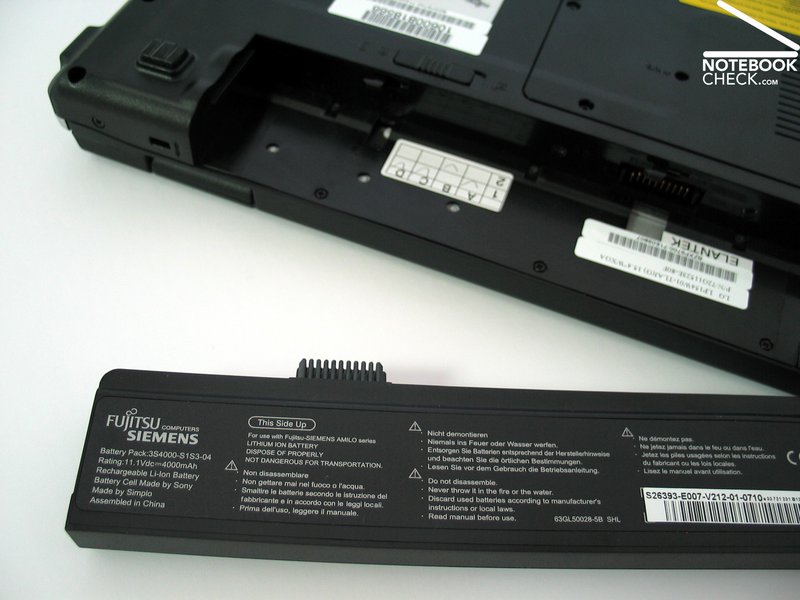
The battery runtime of the provided 4000mAh battery, did not meet our expectations, although the hardware equipment is only moderate.
A maximum of 165 minutes, i.e., 2.5h, or about 2 hours runtime when utilizing WLAN at optimized energy saving settings, are not delighting.
| Off / Standby | 0 / 0 Watt |
| Idle | 25.1 / 35.8 / 37 Watt |
| Load |
64.1 / 60.9 Watt |
   
| |
Key:
min: ,
med: ,
max: | |
Verdict
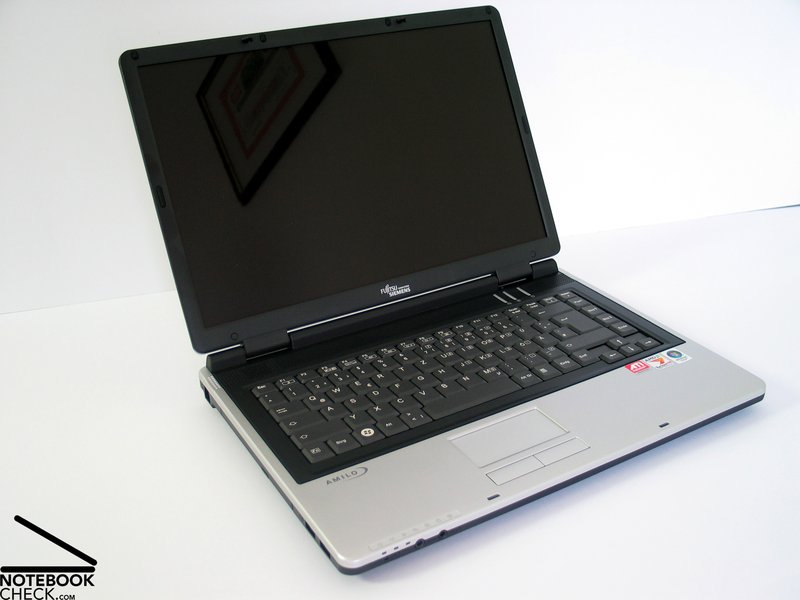
Considering the reasonable price, the Fujitsu-Siemens Amilo Pa2510 is overall an interesting notebook. Although you can't expect a great deal of it, it's overall alright.
The case is sufficiently stable and a base eqipment of interfaces is provided. The keyboard is also alright for office work and internet applications, and also the touch pad is rather user-friendly, although its buttons are somewhat sluggish and loud.
The display's measured brightness is acceptable with slight weaknesses regarding illumination. Furthermore, its surface is reflecting.
The Fujitsu-Siemens Amilo's performance is with an AMD CPU and ATI video card rather passable, and provides sufficient reserve capacities for office and internet applicazions. Especially 2 GB main memory contribute to the Amilo's performance.
The noise emissions are generally alright, still the fan annoys by running unsteadily. The surface temperatures of the notebook are partly clearly too high. At last, the Amilo Pa2510's maximum battery runtime is only slightly above 2 hours, so a mobile use is rather limited.
 Add as a preferred source on Google