




This HP laptop has an (almost) no-compromise screen
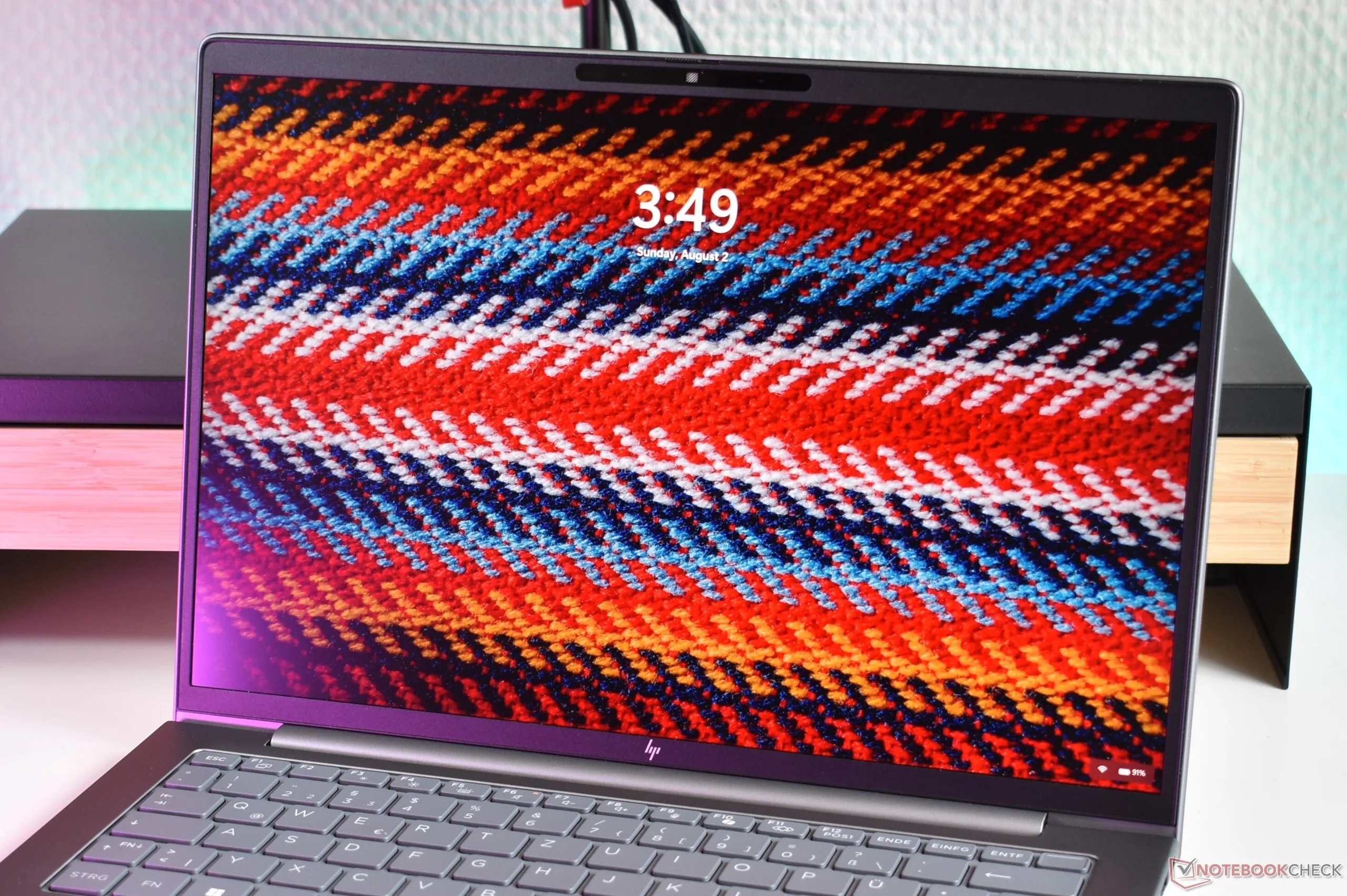
Buyers of Apple's MacBook series have it easy: Apple only offers a single screen option, without compromises in terms of the resolution or screen quality. In the PC laptop world, it is a bit more complicated: Typically, especially for business laptops, there are many different screen options, with different display resolutions, different quality and different advantages, and disadvantages.
An example for a laptop that offers a lot of choice is the HP ZBook 8 G2a 14 we recently reviewed. There are a total of six different 14-inch 16:10 displays, with two different resolutions, touch options and even a SureView privacy screen.
This may sound like an ideal mix for customer confusion, but luckily, there is a clear and obvious choice here, which was also the screen featured in our review unit: The 2.5K/WQXGA (2,560 x 1,600) IPS panel. It not only offers a great screen resolution, but also 120 Hz refresh rate with VRR, a wide color gamut and a matte screen surface.
Working with this screen is a joy, and even the biggest weak point is just merely average: The display brightness of around 400 cd/m² that we measured in our review is less than many other expensive laptops, but still bright enough for pretty much every everyday task life throws at you.
Compare this to one of the HP laptops biggest competitors: The Lenovo ThinkPad P14s Gen 7 AMD. Lenovo basically gives users the choice between a low-quality, but power efficient IPS WUXGA screen (1,920 x 1,200), or a higher quality, but also power sipping OLED panel with 2.8K resolution (2,880 x 1,800), that significantly cuts battery life and also has worse PWM. Taking everything into account, we think that the panel of the HP ZBook is a better choice for most users, though of course, OLED also has some unique advantages.
 Add as a preferred source on Google


