




Revolut now supports Street Mode via WiFi, update required
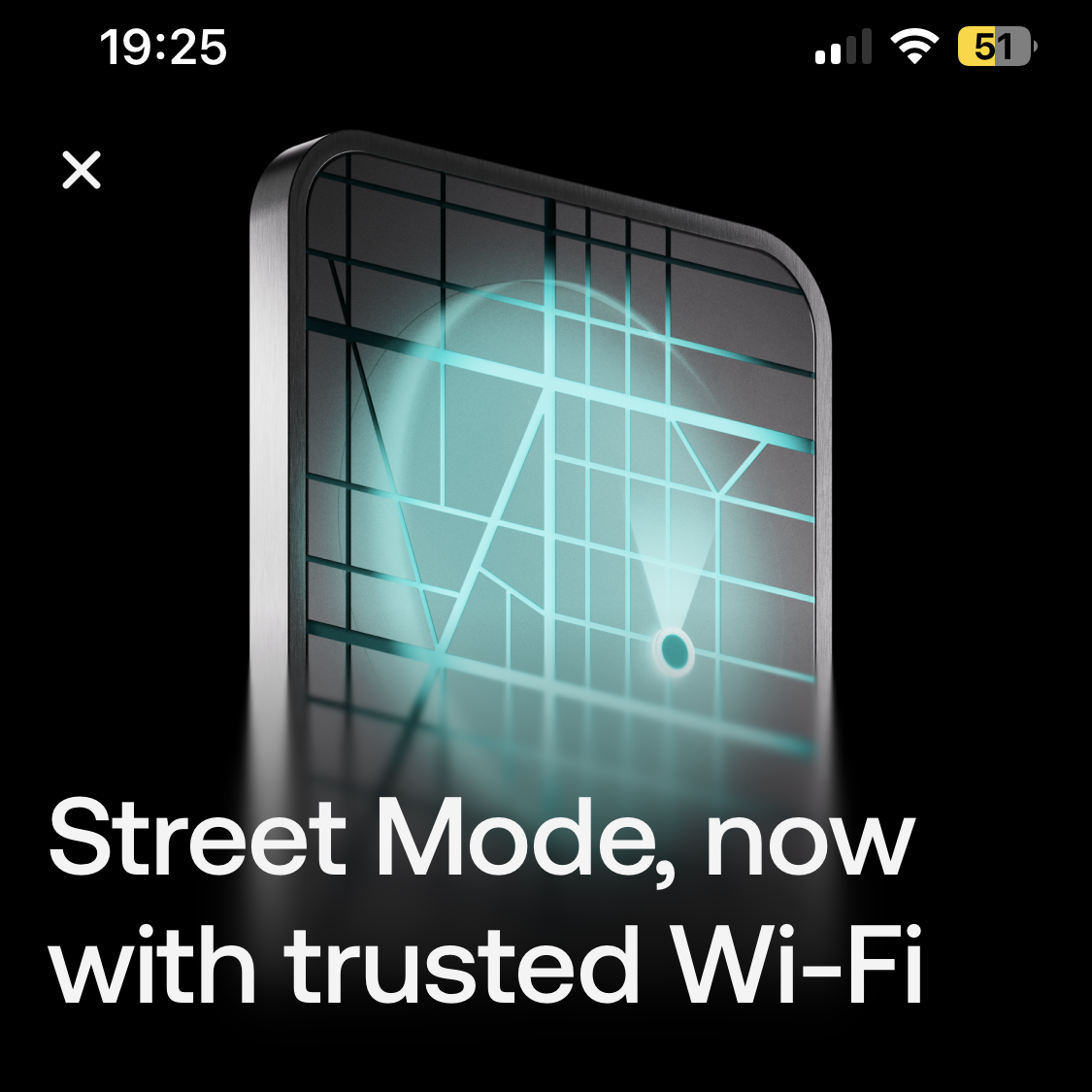
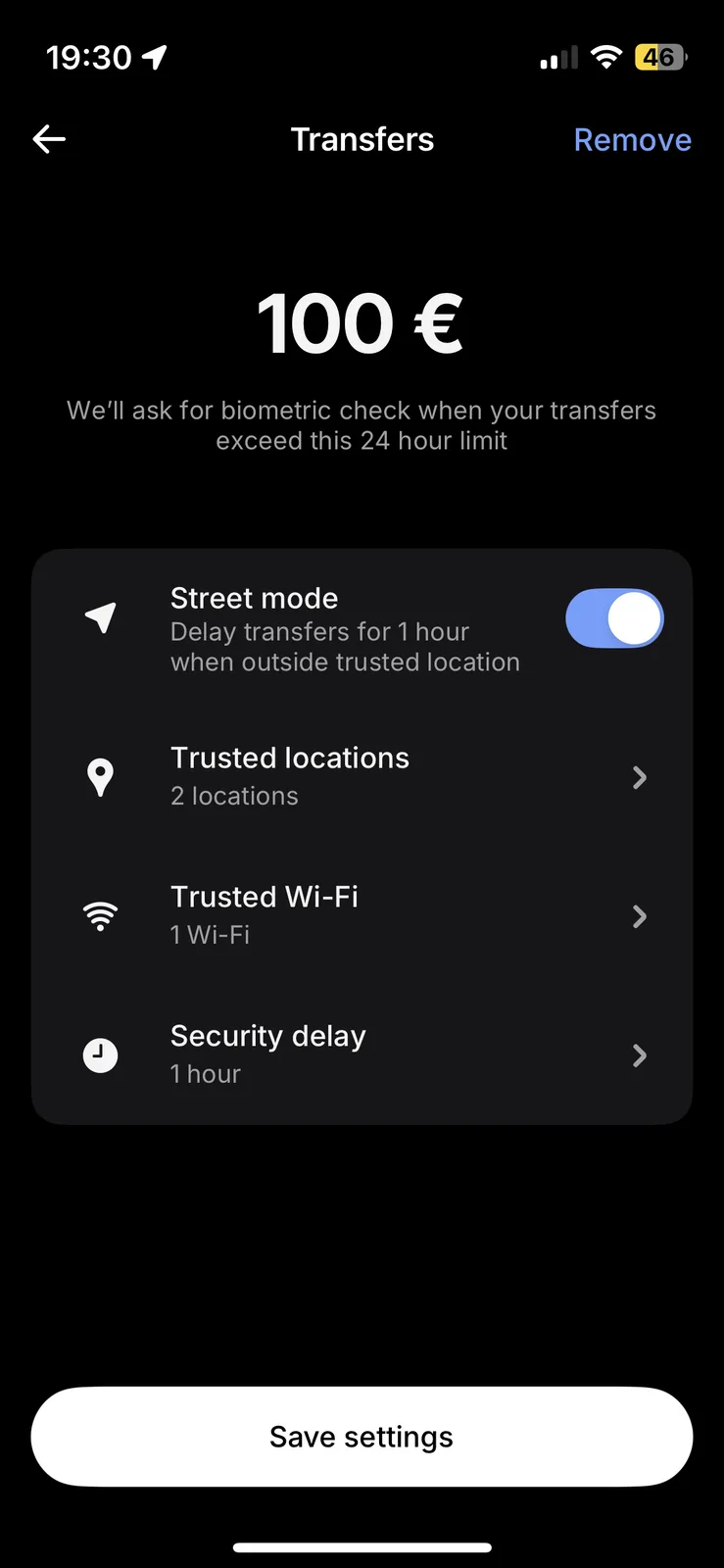
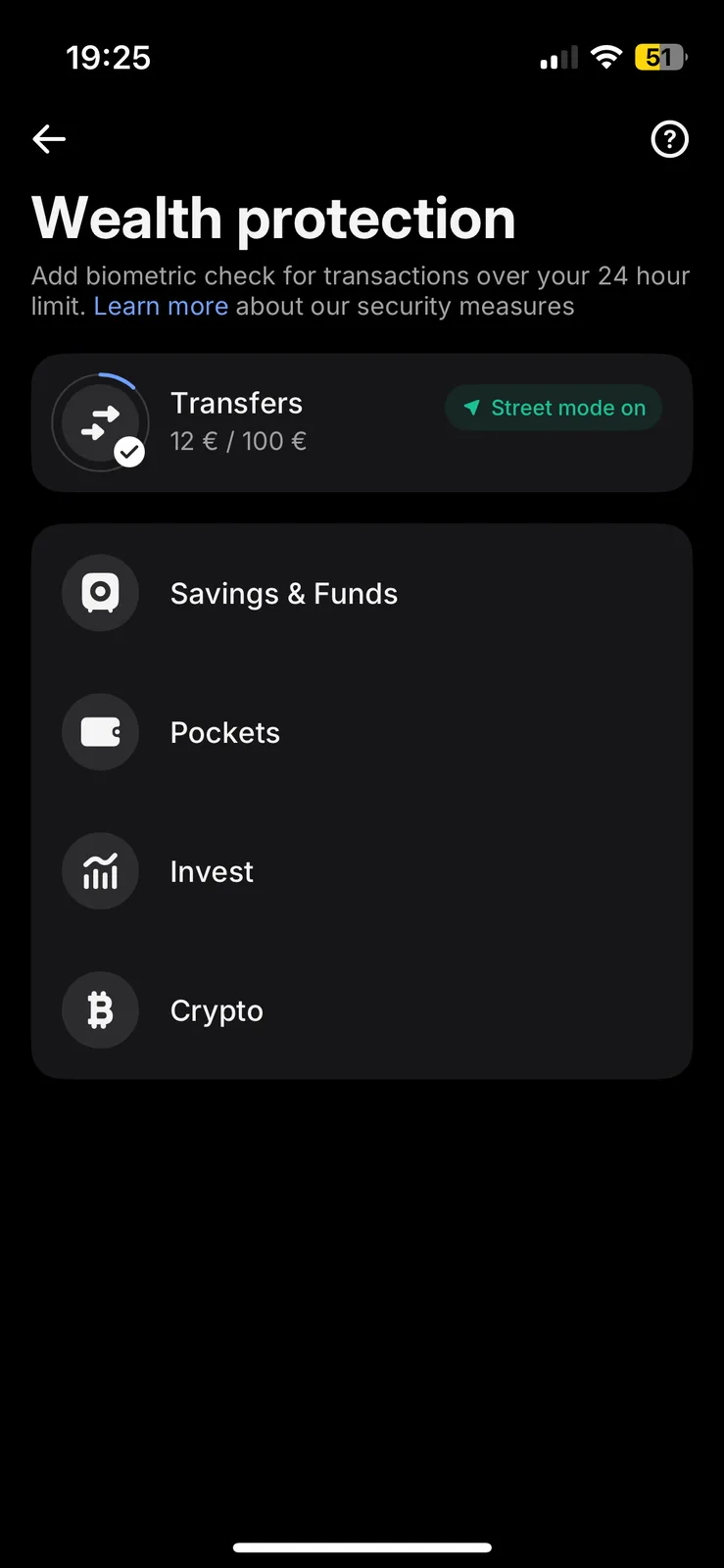
Revolut has expanded its Street Mode security feature. Available since late 2025, it is primarily designed to deter smartphone theft and prevent criminals from forcing victims to transfer money in person. When a customer is outside a trusted location, such as their home or workplace, only transfers up to a certain amount can go through immediately. In our case, that limit is €100 over a 24-hour period. The limit also applies to services such as Wero.
Outside a trusted area, customers must wait for a configurable delay of 30 minutes, one hour or six hours before confirming the transfer again. The goal is to deter criminals. Previously, trusted locations could only be defined using location tracking. However, smartphones do not always know exactly where they are. We have experienced location tracking issues that activated Street Mode while we were at home.
Adding trusted WiFi SSIDs should prevent this. The process is straightforward: when connected to a trusted WiFi network, Revolut suggests adding it in the security settings. This could be a home network or a company network covering a larger campus. Open WiFi SSIDs should obviously never be added.
In our testing, WiFi support for Revolut Street Mode works with version 10.149 onward on iOS, and presumably on Android as well. Older versions display the WiFi option for Street Mode in the app, but the setting itself is missing. Revolut provides no explanation, as its changelog now contains only generic statements instead of useful details.
Source(s)
Own research
 Add as a preferred source on Google


No comments for this article

