




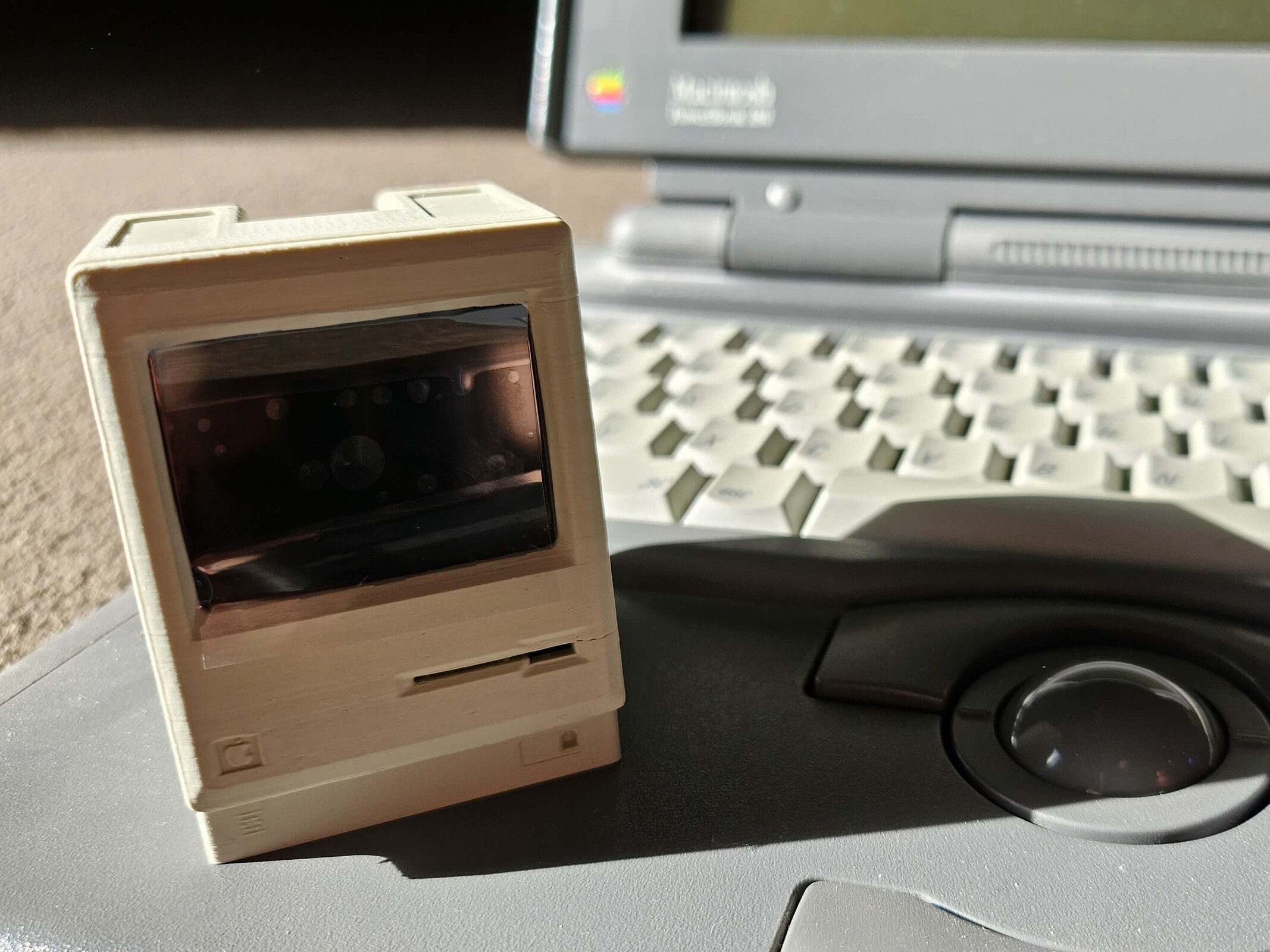
Pico Mac Nano Review: I tested the probably world's smallest Apple Macintosh computer
The Pico Mac Nano is a lovely homage to the Apple PC from 1984.
The Macintosh Classic from 1984 was the one that was promoted with the acclaimed TV commercial. Today, it is difficult to obtain and relatively expensive. However, an inventor from the United Kingdom had an idea and created a miniature version of the iconic all-in-one PC called the Pico Mac Nano. I tested it.Marc Zander (translated by Marc Zander) Published 🇩🇪 🇫🇷 ...
Test conclusion: Just a gimmick, but a nice one
Wow, those were some real retro vibes. Admittedly, when I started out as a writer, the computer I was given as a newbie was a Macintosh Classic II, which was already getting on in years at the time. So I have a lot of indirect connections to the device. When I heard about the Pico Mac Nano, I just had to have it and waited until it was available to order again. It arrived a few weeks ago, and since then I've been using it for fun. And that's all it can do: be fun – for a short time. But I'm still glad I get to experience it. That's why I'm testing the Pico Mac Nano here with the eyes of a tech geek, and not with nostalgia. Because then I would give it 10 out of 10 points without even looking at it. Realistically, if I turn a blind eye, maybe 6 out of 10 remain.
Pros
Cons
Price and availability
Since Apple successfully intervened and “persuaded” creator Nick Gillard to stop selling the assembled Pico Mac Nano variants, you now have to do it yourself if you want one. The necessary parts for self-assembly can be found individually in the 1-bit rainbow online shop, and instructions are available on GitHub. My assembled model cost me 102 $ plus 24 $ in customs fees, totally 125 $.
Specifications
| 2-inch (approx. 5 cm) LCD panel with 640 x 480 pixels |
| RAM: 512 MB |
| Height: approx. 62 mm |
| USB-C port for power supply |
| microSD slot |
| Modified Raspberry Pi Pico with flashed firmware and pre-installed Macintosh System 3.2 boot disk |
| Uses the umac Macintosh emulator |
What the Pico Mac Nano can do
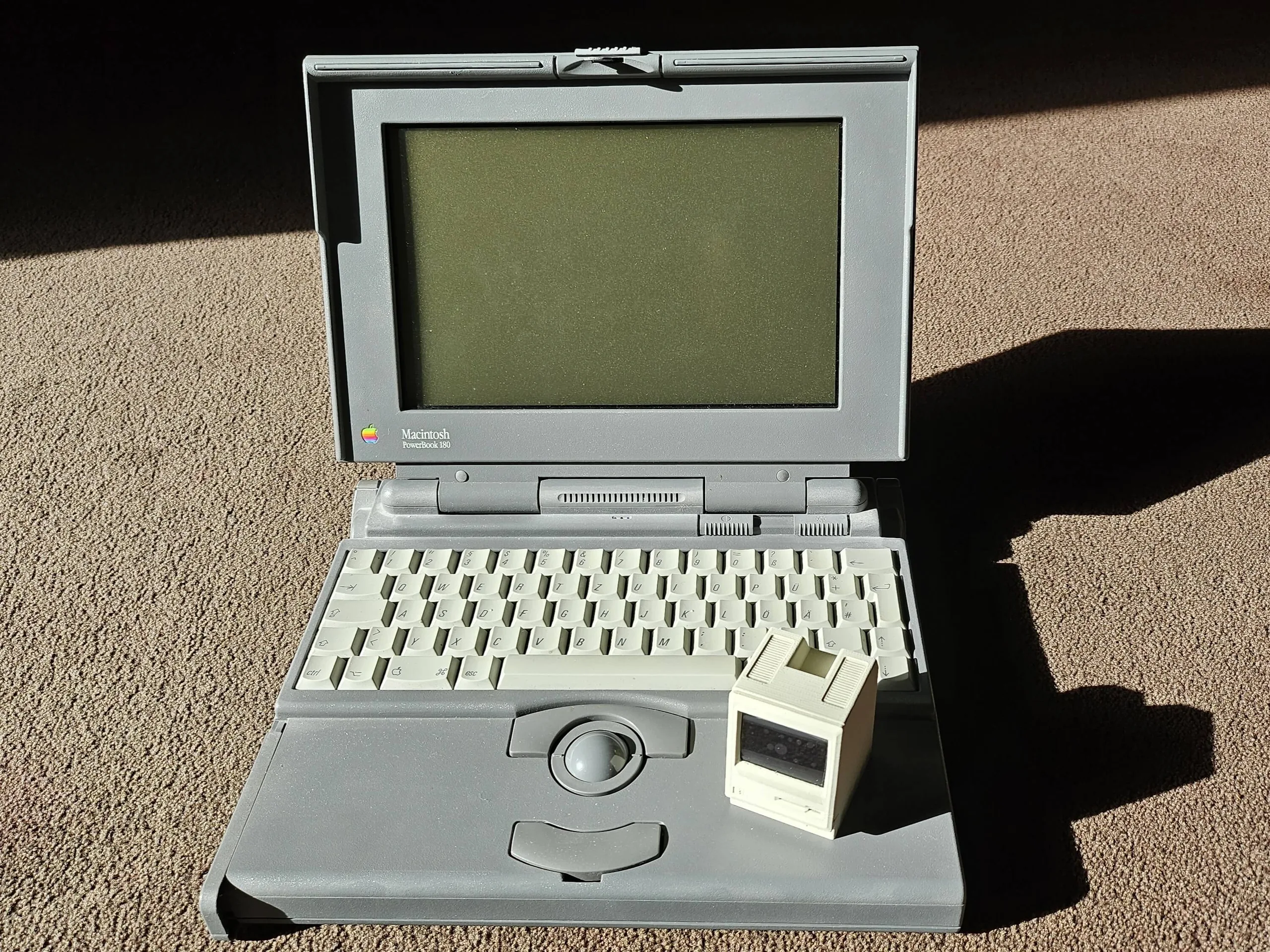
The Pico Mac Nano's casing is 3D-printed and made from PLA bioplastic. This can soften at temperatures above 60 °C, so it is important not to expose the device to excessive heat. A sound module is optional for integrating the typical startup sound, as is a battery module for using the Pico Mac Nano as a power source without a USB cable. I decided not to use either of these. To start the Micro Macintosh, simply plug a USB-C cable into the rear port and, after a short boot process, System 3.2 is ready to go.
The package includes a USB adapter that turns the integrated port into two: one for power on the side and one for connecting a keyboard or computer to flash new firmware. As is typical for Apple, this should be a keyboard that has additional ports for a mouse; a readily available keyboard-mouse combo from an iMac worked right away. In addition to the USB-C port, there is also a micro SD card slot on the back, which can be used to load additional software. Be careful with the small floppy disk slot on the front: this houses the lower part of the LCD screen, so nothing should be inserted here. On the bottom are the two buttons R for reset and B for boot select. If you want to learn more about the creation of the Pico Mac Nano, you can find lots of details in Nick Gillard's blog.

What applications are included with the Pico Mac Nano?
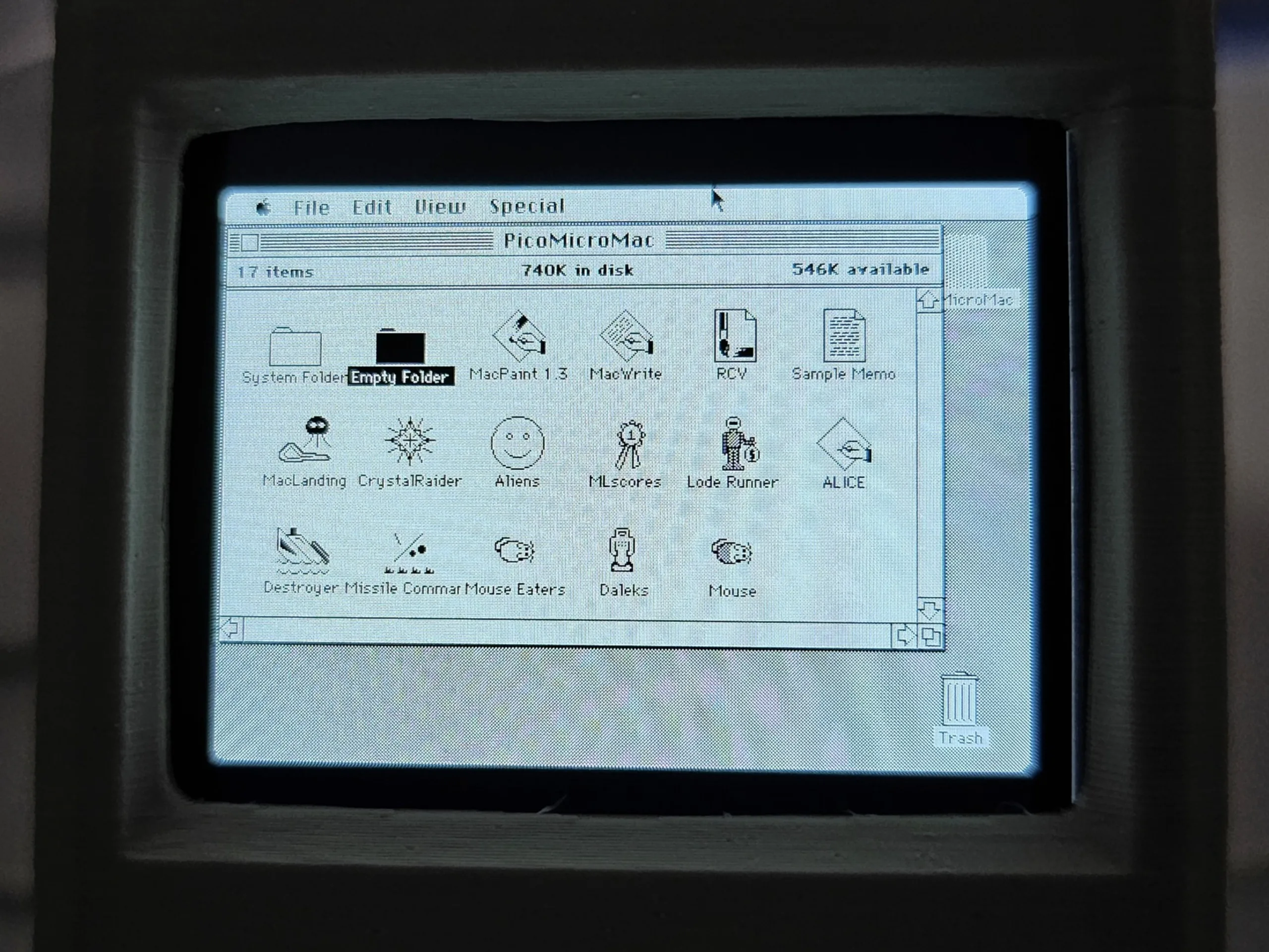
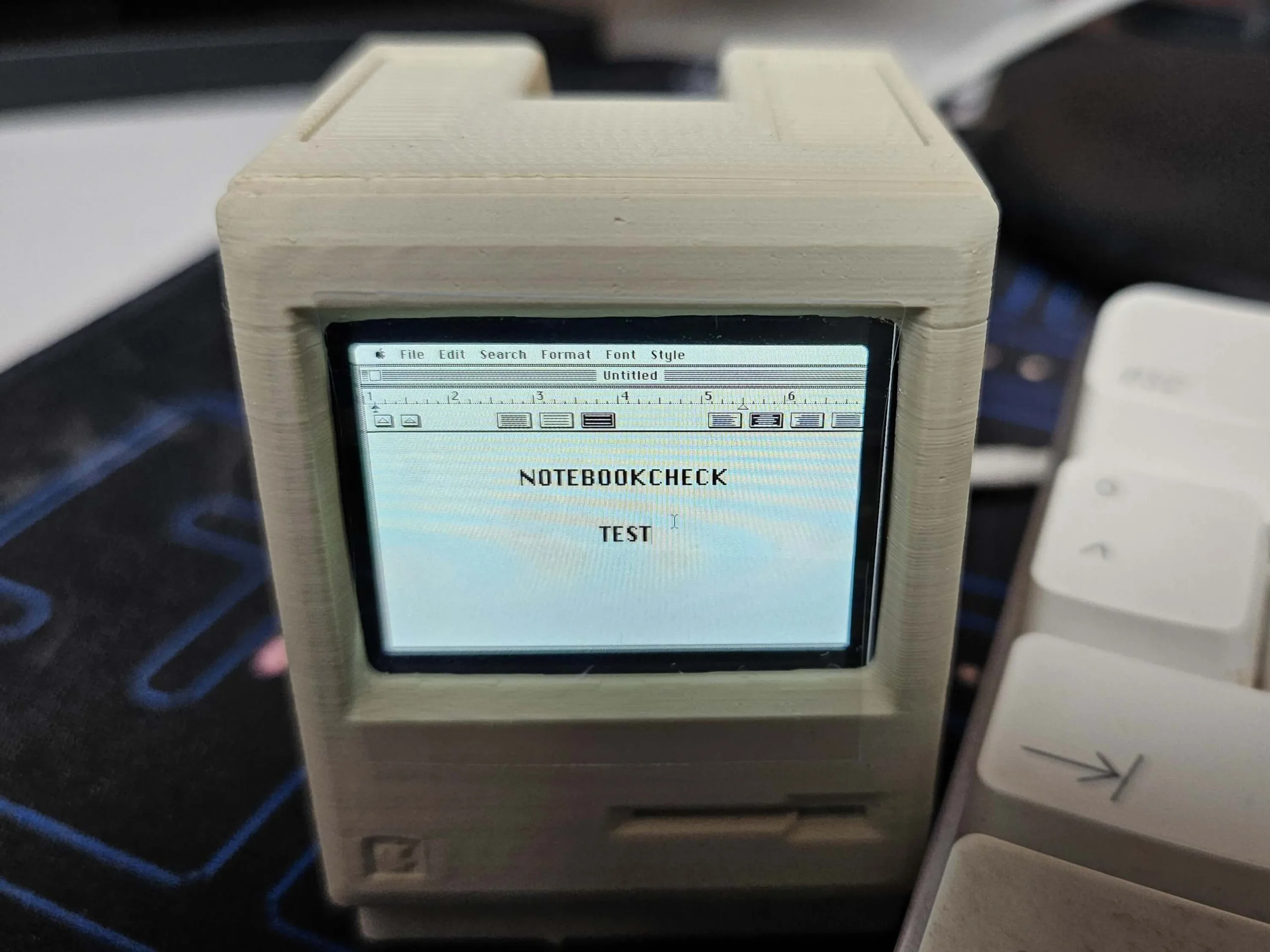
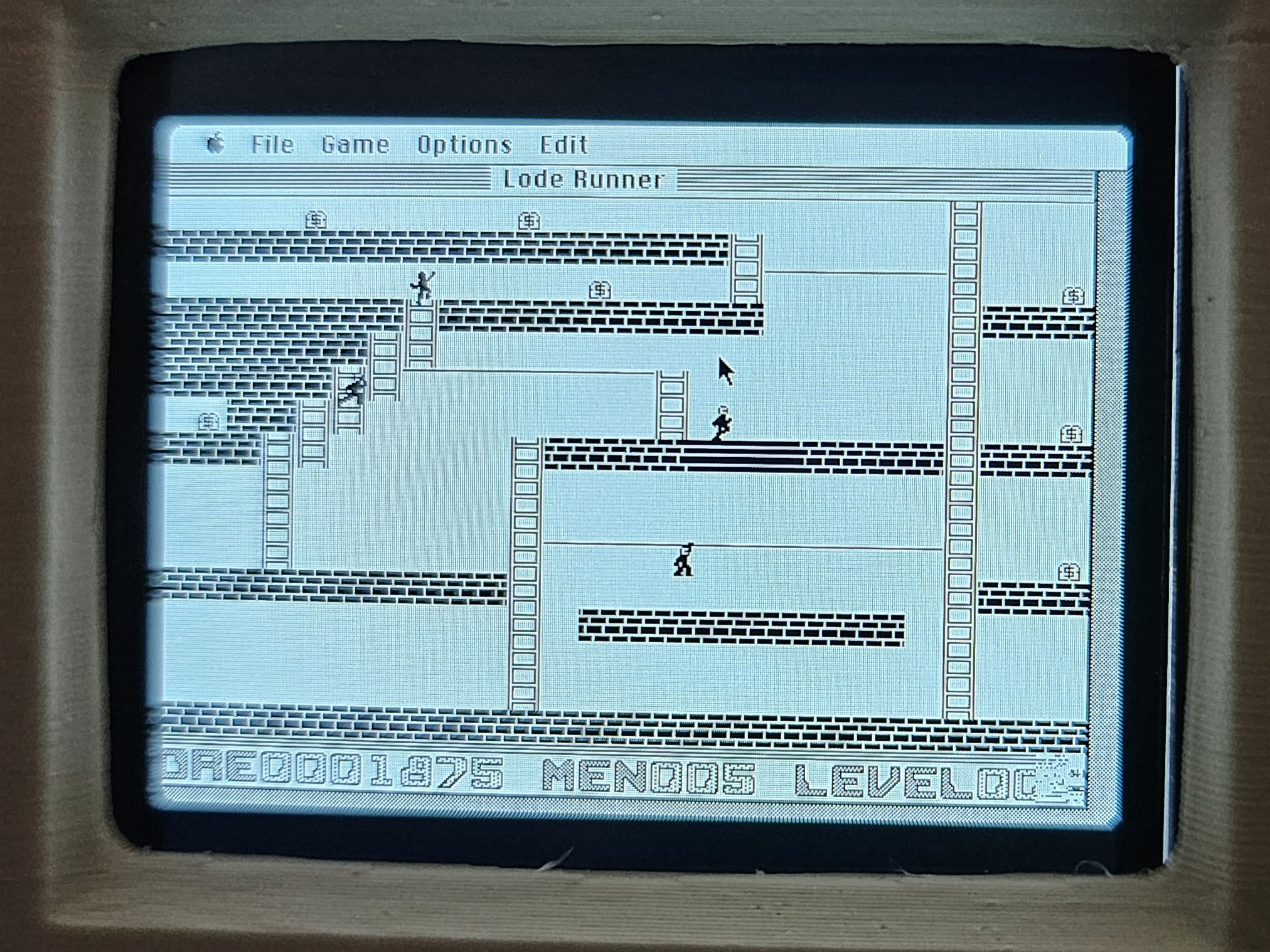
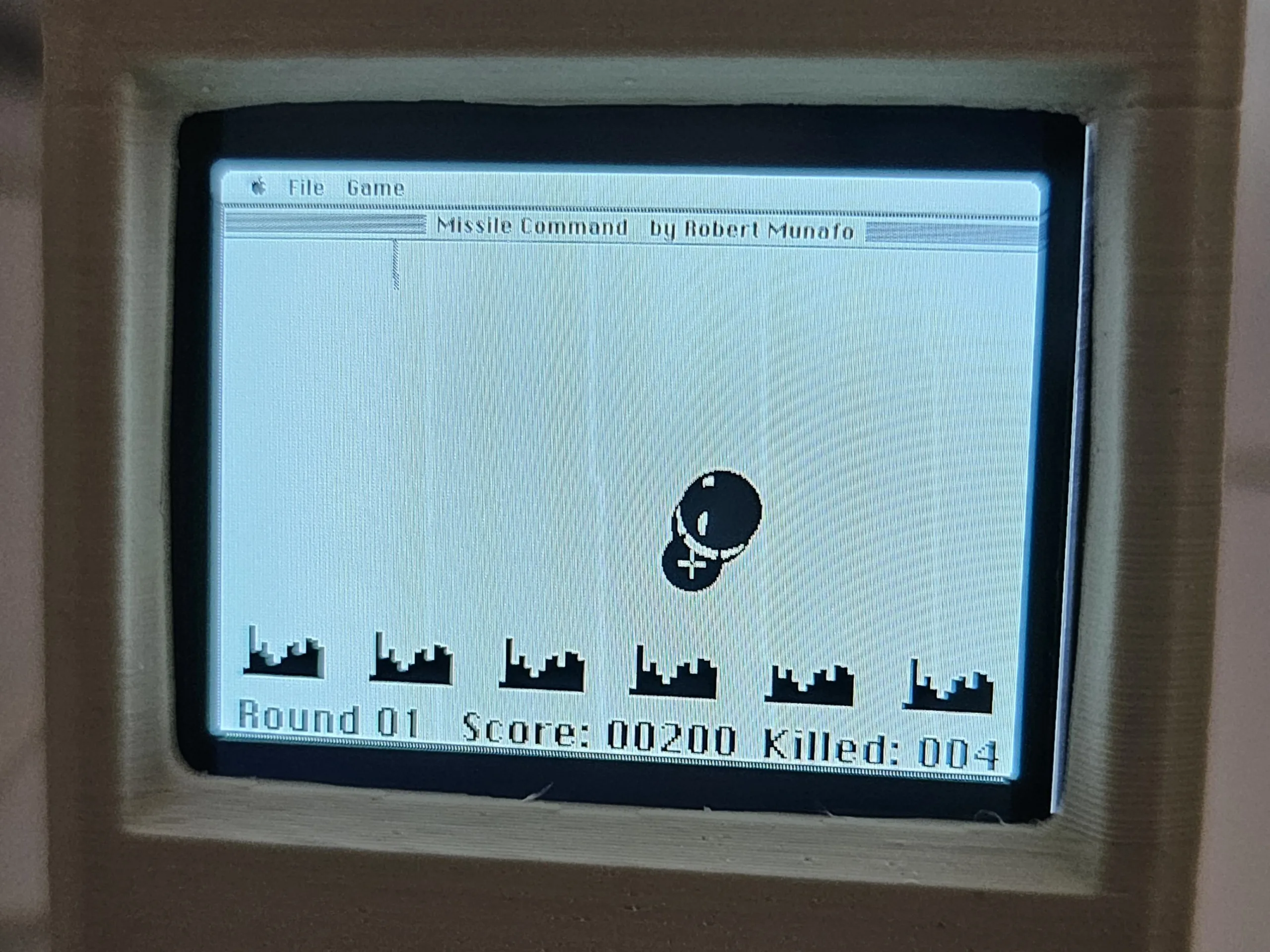
Immediately after the short boot process, you find yourself on the boot disk. In addition to system applications such as alarm clock, calculator, settings, virtual keyboard, notepad, puzzle, and scrapbook, it contains the following applications and games, which can often be played with a mouse but in reality are only played for a few minutes. Simply because you can, not because it's fun or because you want to.
- System folder
- An empty folder
- MacPaint 1.3 (paint program, but does not run due to insufficient memory)
- MacWrite (word processor)
- RCV (sample file for MacPaint)
- Sample Memo (sample file for MacWrite)
- MacLanding (Defender clone)
- CrystalRaider (game)
- Aliens (game)
- MLscores (high scores for MacLanding)
- Lode Runner (game)
- ALICE (modified chess game)
- Destroyer (battleship)
- Missile Command (game)
- Mouse Eaters (game)
- Daleks (game, does not start due to a system error)
- Mouse (game, identical to Mouse Eaters)
Conclusion on the Pico Mac Nano
Well, what can I say? The Pico Mac Nano is just fun. Especially if you have experience with the original or, as in my case, its successor. The feeling you get when using it is difficult to describe: you want to cry with happiness, but then you hardly ever use the little guy, especially if, like the author, you are severely nearsighted. Nevertheless, it's a beautiful piece of technology that I'm glad to own. So a big thank you to Nick Gillard, if he's reading this, and also to Matt Evans for his preliminary work on the Pico Mac. It's a dream for every collector and every Apple fanboy. Unfortunately, Apple has rightly issued a cease-and-desist letter due to copyright infringements. But they were fair (according to Gillard, and also very nice and polite) and only banned the sale of fully assembled Pico Mac Nanos. 1-bit rainbow was able to sell just over 1,000 units beforehand. I have one and I love it. Even if it's not really usable.
Transparency
The selection of devices to be reviewed is made by our editorial team. The test sample was freely purchased by the author at his/her own expense. The lender had no influence on this review, nor did the manufacturer receive a copy of this review before publication. There was no obligation to publish this review. As an independent media company, Notebookcheck is not subjected to the authority of manufacturers, retailers or publishers.
 Add as a preferred source on Google


