




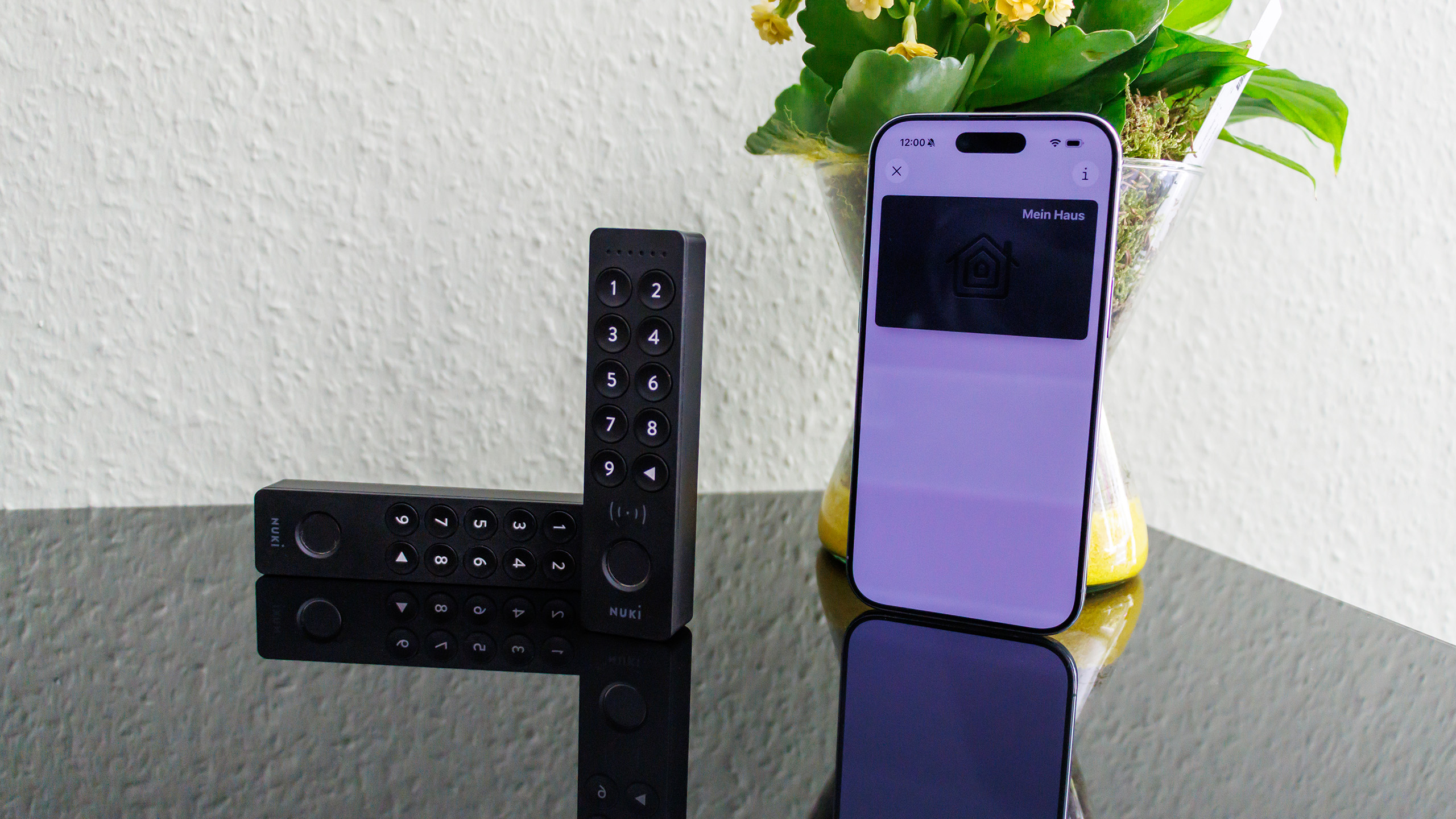
Conclusion on the Nuki Keypad 2 NFC
The Nuki Keypad 2 NFC is a useful addition, but it isn’t the best choice for everyone. Especially if different systems are in use within your household or at the location in question, configuration can be a bit fiddly, or you may have to settle for a compromise via the Nuki app. While this works well, it’s less convenient. Additionally, you must have at least one 4th-generation Nuki Smart Lock to take full advantage of all features.
However, if you have a compatible ecosystem, you can conveniently use smartphones and smartwatches as additional digital door keys and gain an extra way to unlock your lock. Otherwise, you can use the Nuki app, although it’s usually faster and easier to use the fingerprint sensor. In that case, the Keypad 2 would likely be a better choice, as it costs 20 euros less and is also fully compatible with older Nuki Smart Locks.
In any case, using either of these models is a useful addition that we wouldn’t want to be without.
Pros
Cons
Price and availability

With the Nuki Keypad 2 NFC, Nuki is expanding its product lineup to include another device that allows users to control smart door locks without a smartphone. The Keypad 2 NFC is not a successor to the Keypad 2, but is offered as a separate product. We’ve already reviewed the version without NFC in our test of the Nuki Smart Lock Ultra.
Specifications: Nuki Keypad 2 NFC
| Communication | Bluetooth 5 (10 m range), NFC (13.56 MHz), end-to-end encryption with challenge-response |
| Power supply | 4 AAA batteries (12-month battery life) |
| Protection rating | IP54 |
| Operating temperature | -20 to +70 °C |
| Dimensions | 118 x 29 x 21 mm |
| Weight | 90 g |
| Package contents | Keypad, mounting plate, mounting hardware, batteries, instructions |
Installation and configuration – Aliro Standard still has its quirks
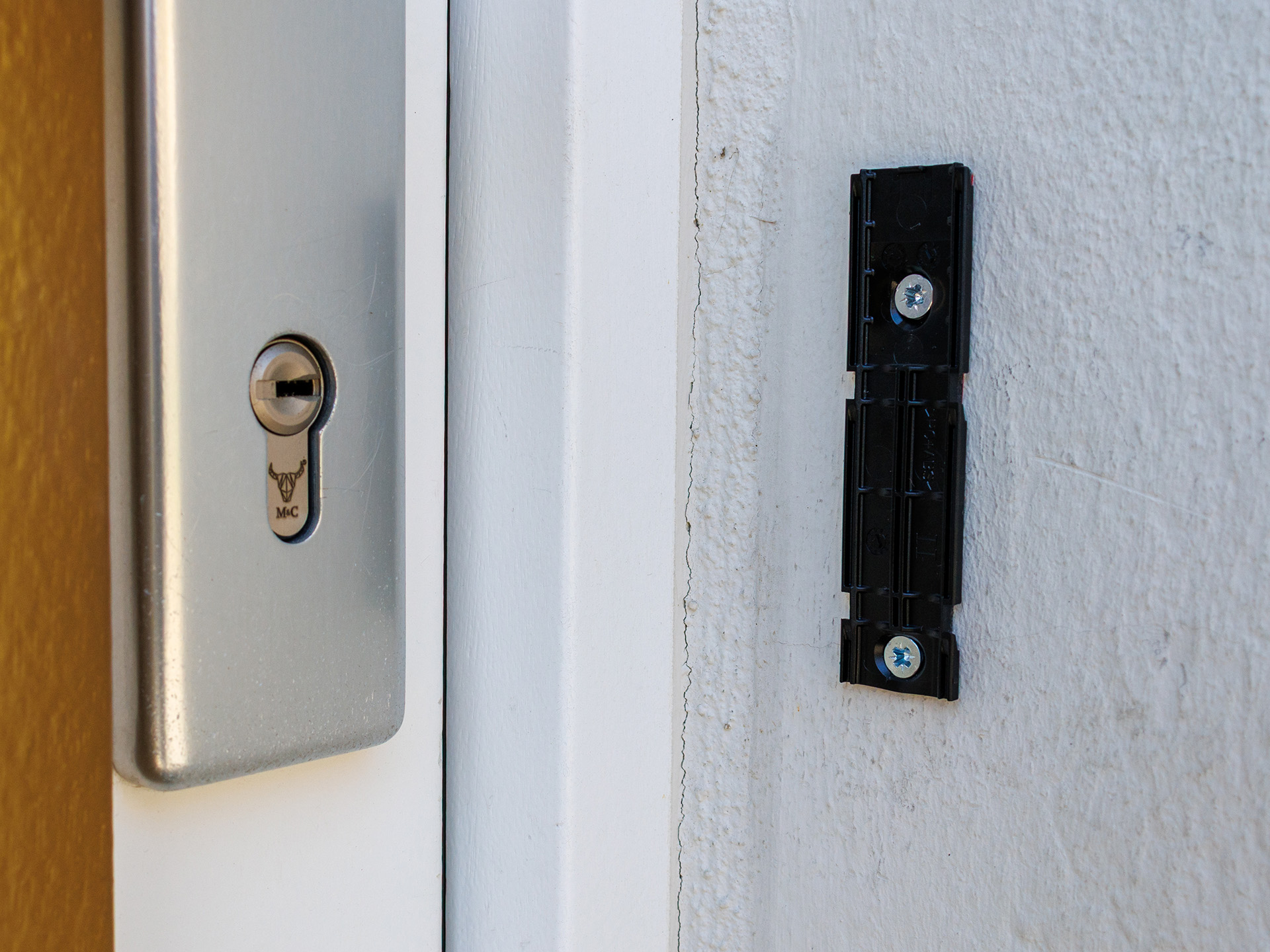
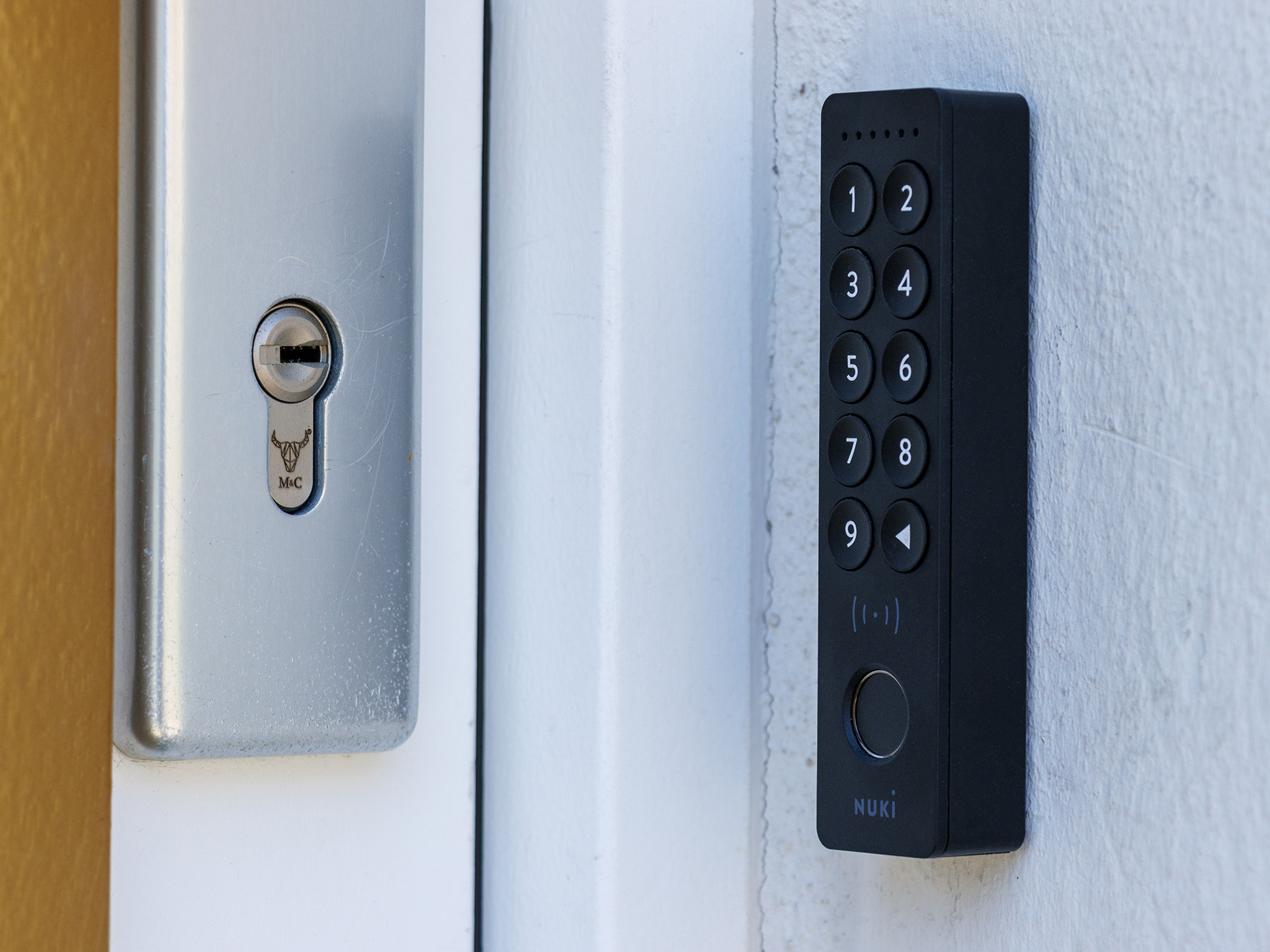
The Keypad 2 NFC has a high-quality finish, and its matte surface blends discreetly next to the front door. Installation is generally straightforward—at least in theory. In practice, however, much depends on the specific door setup. Uneven walls, poor wireless connections, or an unfortunate placement can quickly turn the process into a test of patience. The small base plate can be secured either with the pre-installed adhesive strip or by screwing it in place. After that, the keypad is simply snapped onto it. It doesn’t sit particularly securely on the mounting plate; we would have liked to see a small locking screw here. This would also help deter potential theft.
To use the Keypad 2 NFC, you need a smart door lock. For our test, we used the Nuki Smart Lock Ultra. The app guides the user step by step through the setup process, which works very well. If you want to use the NFC feature to open the door, you can choose between two different modes: “Smart Home Mode” and “Nuki App Mode.” The former requires a Matter hub; a Matter bridge is not sufficient here. Currently, Apple Home and Samsung SmartThings support the Aliro standard required for this. Corresponding hubs from Amazon or Google cannot (yet) be used. Unfortunately, this already limits the ecosystem somewhat. If you want to use both systems, you must first connect the Apple system and then the Samsung system. Nuki states that they are in communication with the manufacturers to ensure the simplest possible integration. Improvements are planned for the future.
In Nuki App Mode, the NFC access card is created in the Nuki app. This is available on all devices where the app can be used. This broadens compatibility, but the smartphone must be unlocked and the app open to use the NFC function.
Operation – Nuki Keypad 2 NFC comes without UWB
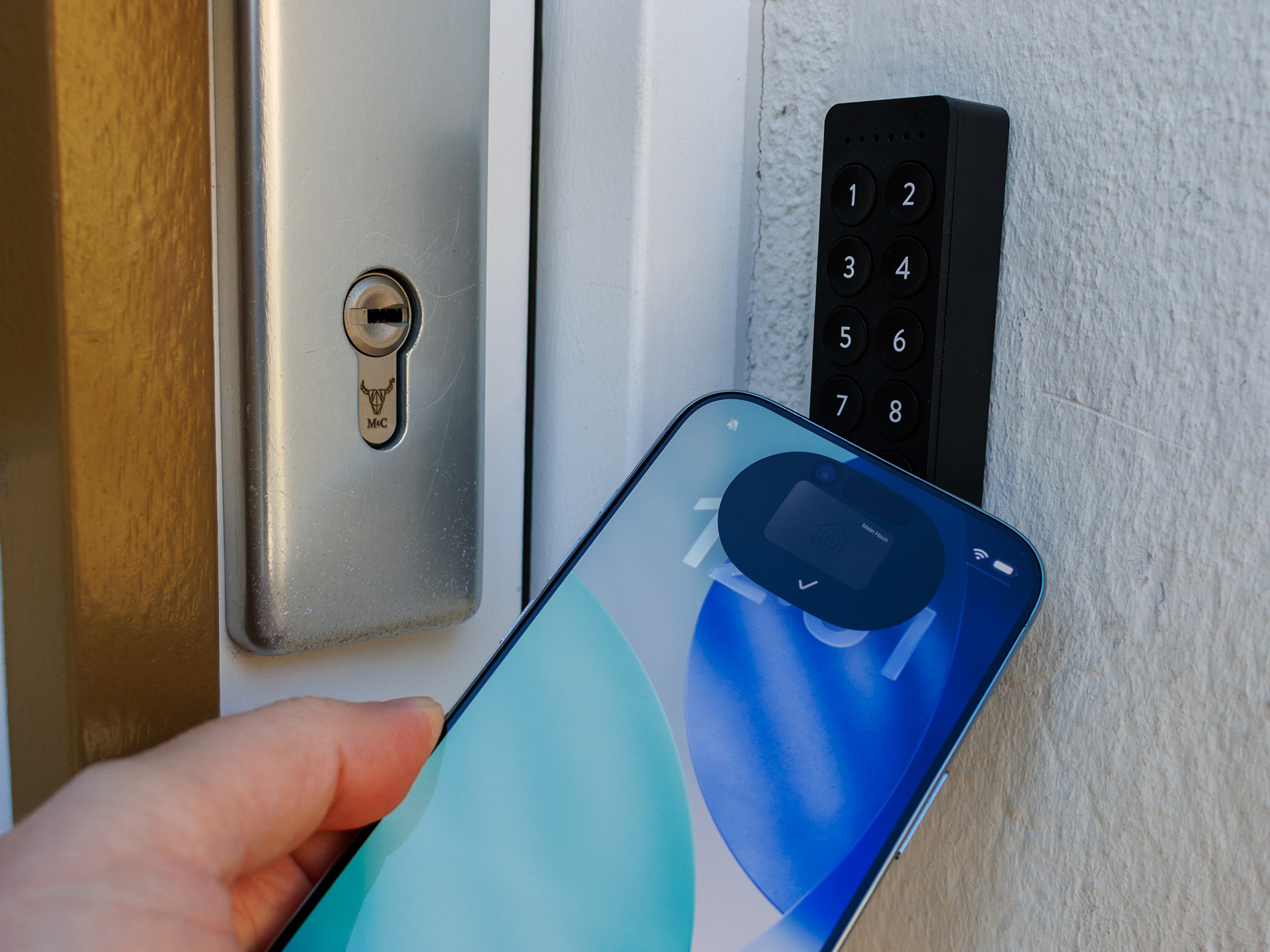
Once set up and mounted, the Nuki Keypad 2 NFC is easy to use. The paired lock can be opened via PIN entry, fingerprint, or NFC contact. Access for PINs and fingerprints can be time-limited, and NFC can be deactivated if desired.
iPhones and some Samsung smartphones have a feature called Power Reserve. This means the smartphone switches off earlier to conserve some power for essential functions. These functions include locating the device and ensuring the availability of the digital key, so the lock can still be opened even if the smartphone battery is depleted. Alternatively, PIN and fingerprint access remain available.
Besides smartphones, smartwatches can also be used as keys. This worked without issue in our tests with the Apple Watch, and the Galaxy Watch should theoretically also work, since the access credentials are stored as a digital card in the Apple or Samsung Wallet. Unfortunately, we were unable to test this due to a lack of availability.
Like the Keypad 2, the Keypad 2 NFC can manage up to 200 access codes and 20 fingerprints. Unfortunately, neither dedicated NFC tags nor NFC cards can be paired with the Keypad 2. Although the Aliro standard nominally supports UWB, Nuki has omitted this feature in the Keypad 2 NFC. This is a shame, as it would have enabled a significantly more precise auto-unlock function.
Furthermore, we miss the option to receive notifications if a PIN was entered incorrectly or a fingerprint was incorrect, in order to be alerted to potentially unauthorized access attempts.
Summary
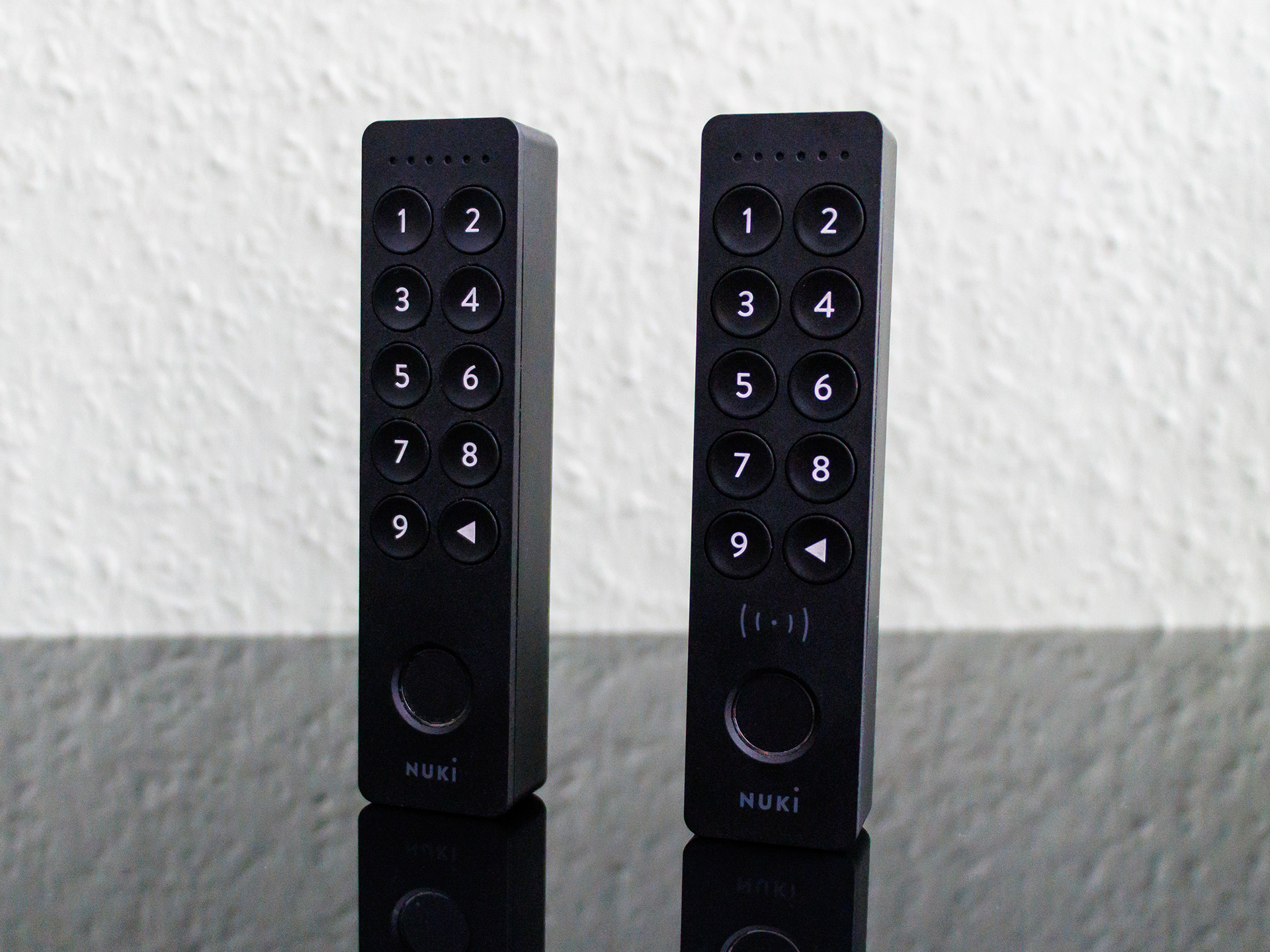
The Nuki Keypad 2 NFC is a typical modern smart home product: innovatively conceived, solidly implemented, but with noticeable teething problems. It meaningfully expands the ecosystem, but falls short of its own ambitions. Those already deeply immersed in the Nuki system will appreciate the Keypad 2 NFC as a practical addition.
Transparency
The selection of devices to be reviewed is made by our editorial team. The test sample was given to the author by the manufacturer free of charge for the purposes of review. There was no third-party influence on this review, nor did the manufacturer receive a copy of this review before publication. There was no obligation to publish this review. As an independent media company, Notebookcheck is not subjected to the authority of manufacturers, retailers or publishers.
 Add as a preferred source on Google


