




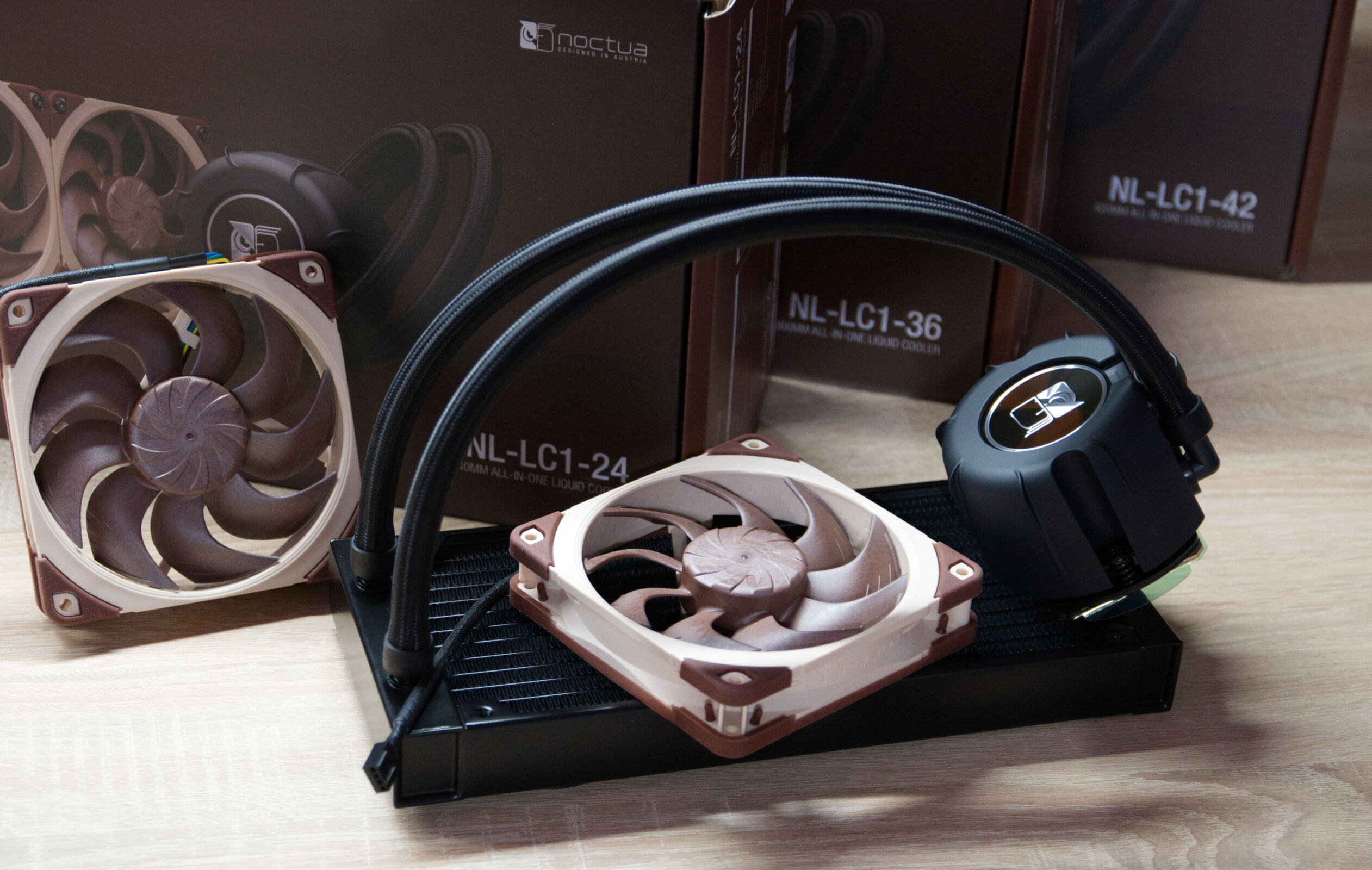
Verdict - Noctua AiOs in Three Sizes - Strong Cooling Performance and the Usual High Quality
With its new AiO series, Noctua has made a compelling entry into the all-in-one liquid cooling market. The manufacturer remains true to its well-known philosophy, combining high build quality with a well-thought-out design and straightforward installation. Thanks to the identical pump unit, the three models differ only in radiator size, so the choice depends primarily on the available space in the case and your specific performance requirements.
In practical testing, all three variants deliver outstanding cooling performance. Even the smallest 240-mm model is a pleasant surprise and doesn’t pose any serious problems for the Intel Core Ultra 9 285K, even under sustained full load. Compared to Noctua’s high-performance air coolers, the new AiOs offer a small but measurable temperature advantage. However, anyone looking to get the most out of a high-performance CPU or achieve the lowest possible temperatures should opt for the 420-mm model, which achieved the best results in our tests.
There are very few points of criticism. Although the radiator is manufactured by Asetek and thus relies on a proven platform, Noctua complements it with its own fans, high-quality craftsmanship, and excellent documentation. Overall, the manufacturer delivers a well-rounded package that should impress both enthusiasts and demanding users. Anyone looking for a quiet, high-performance, and well-built AiO will find Noctua’s first water-cooling series a clear recommendation.
Pros
Cons
Price and Availability
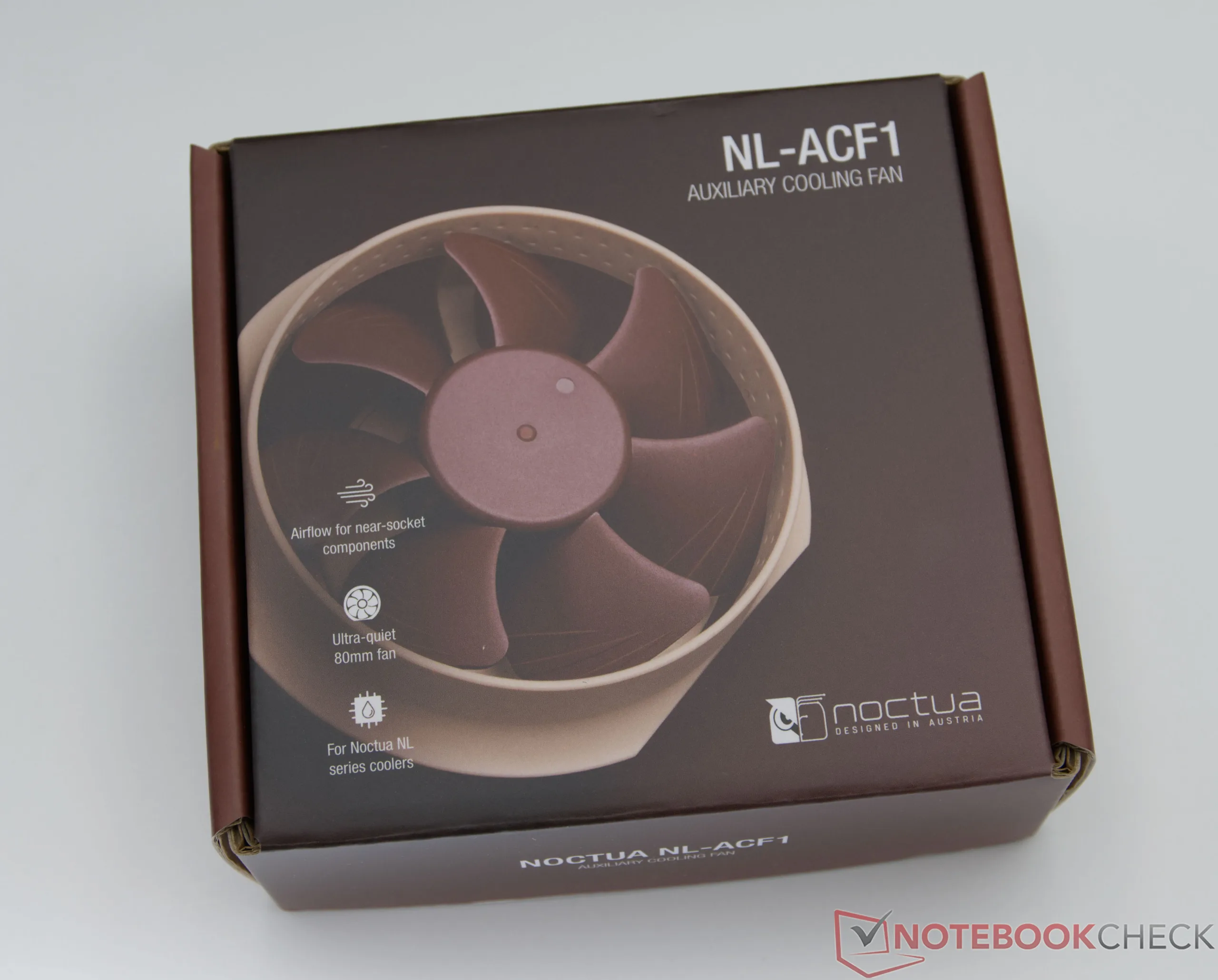
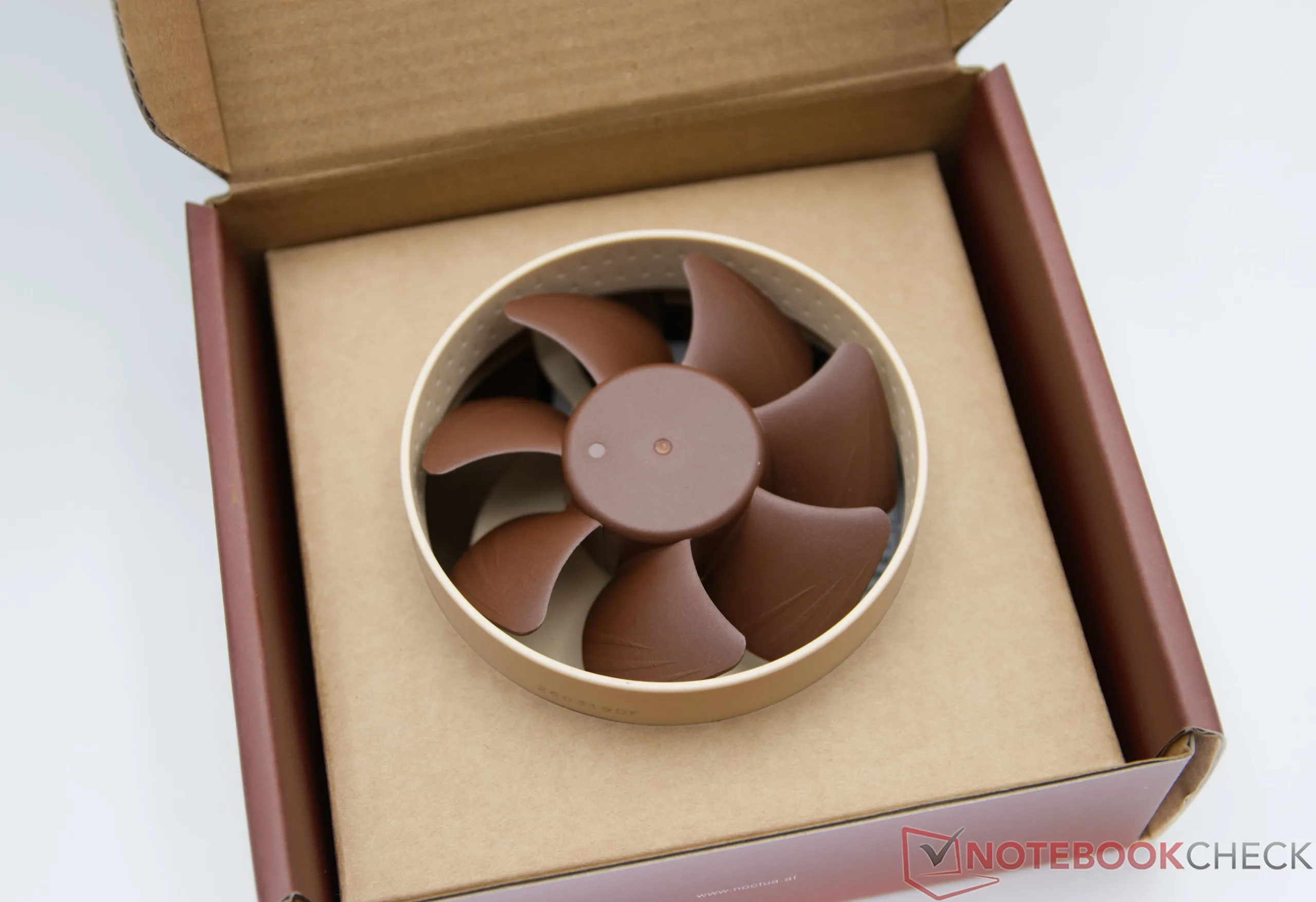
The new Noctua AiOs are now available on Amazon. Depending on the radiator size, prices range from around $320 for the 240-mm model to about $345 for the 360-mm version. The optional NL-ACF1 attachment for additional VRM cooling is available separately ($27 on Amazon) and usefully expands the functionality of the liquid cooling systems.

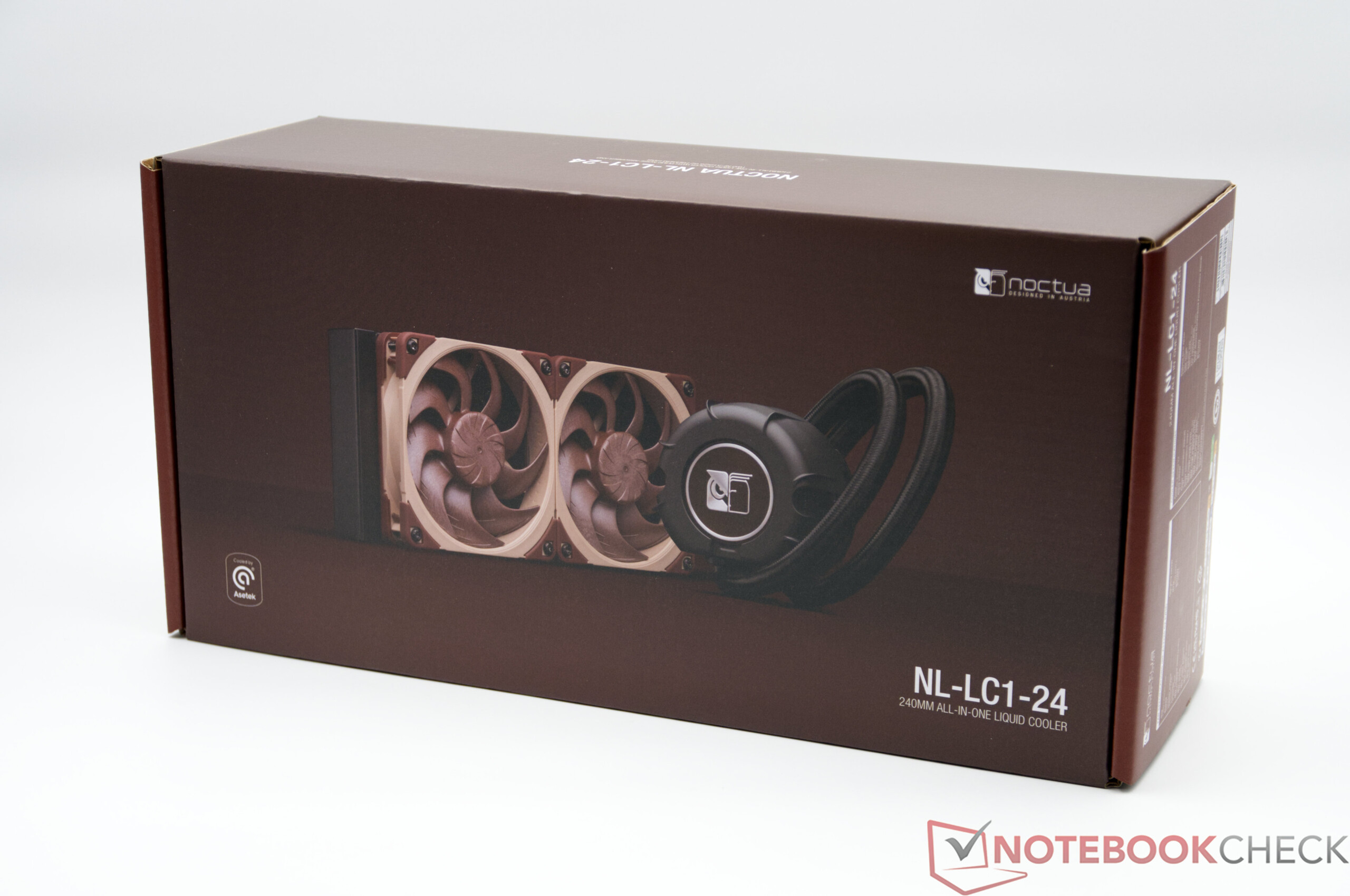
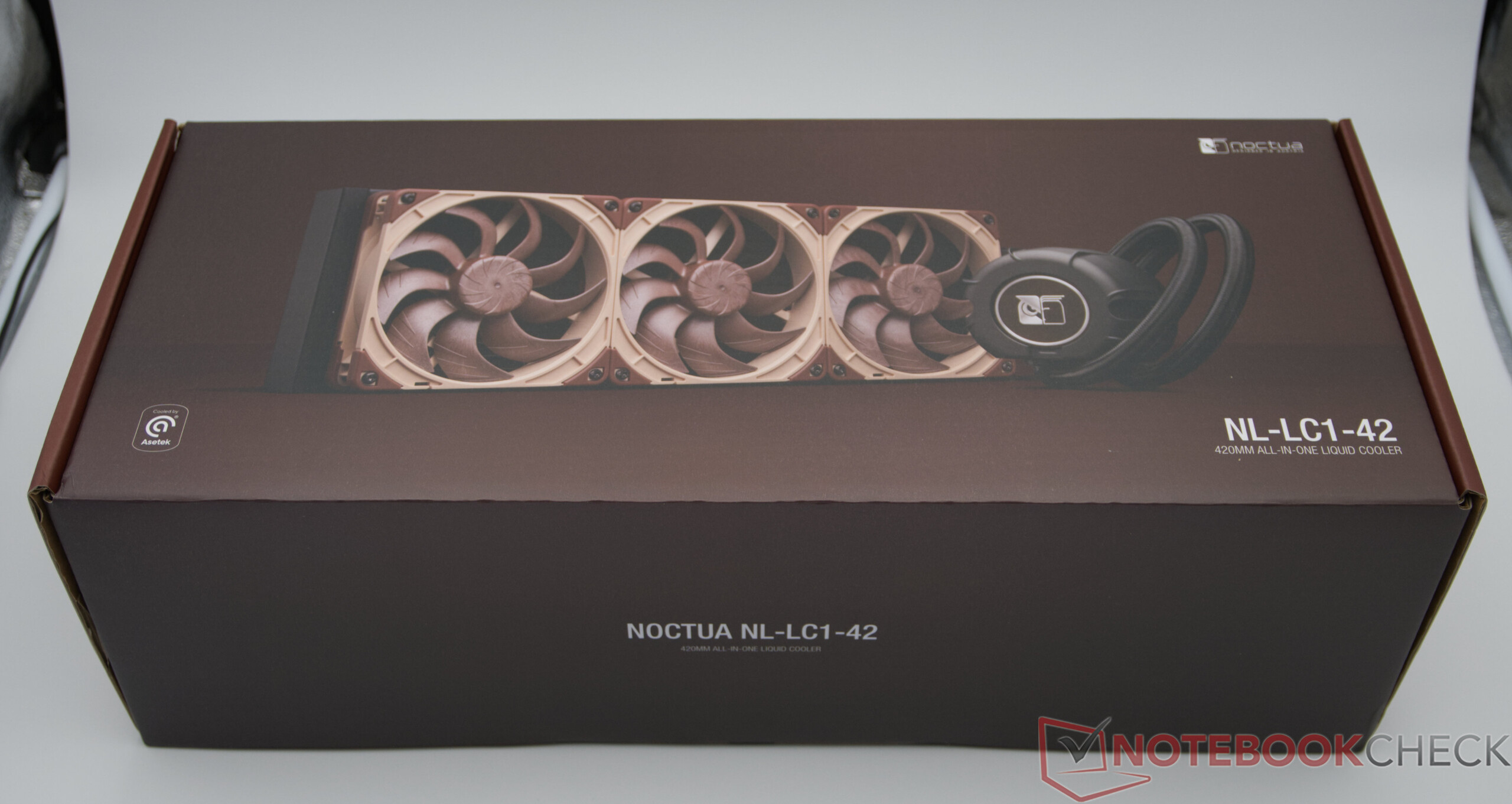
With its new AiO series, Noctua is entering the all-in-one liquid cooling market for the first time. After decades of successful air coolers, expectations are correspondingly high, as the Austrian manufacturer enjoys an outstanding reputation for high cooling performance, exceptionally quiet operation, and excellent build quality. At launch, the lineup includes three models with radiators of different sizes: In addition to 240-mm and 360-mm variants, Noctua also offers a flagship model with a 420-mm radiator, designed primarily for high-performance, high-end systems.
First Impressions and Build Quality
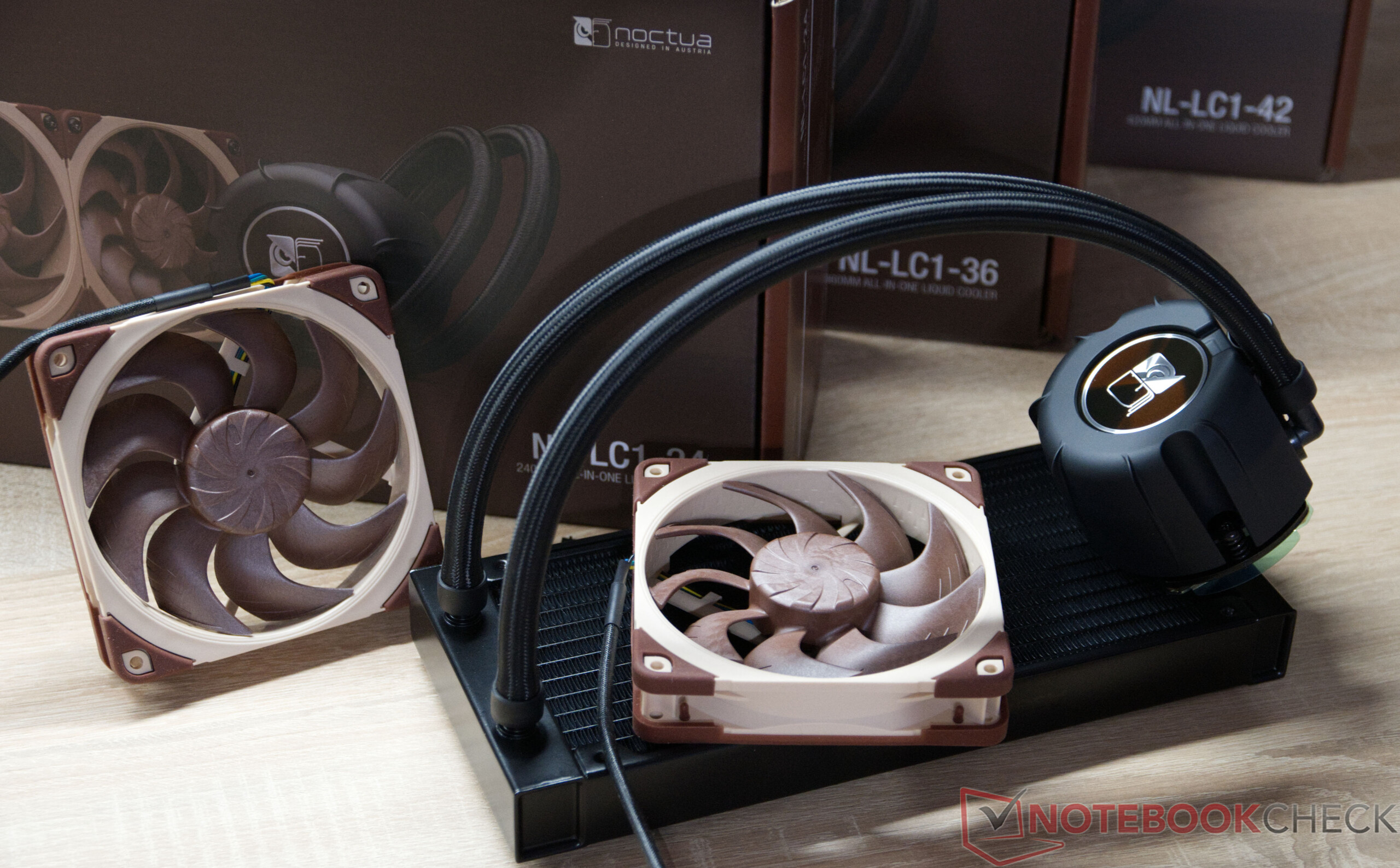
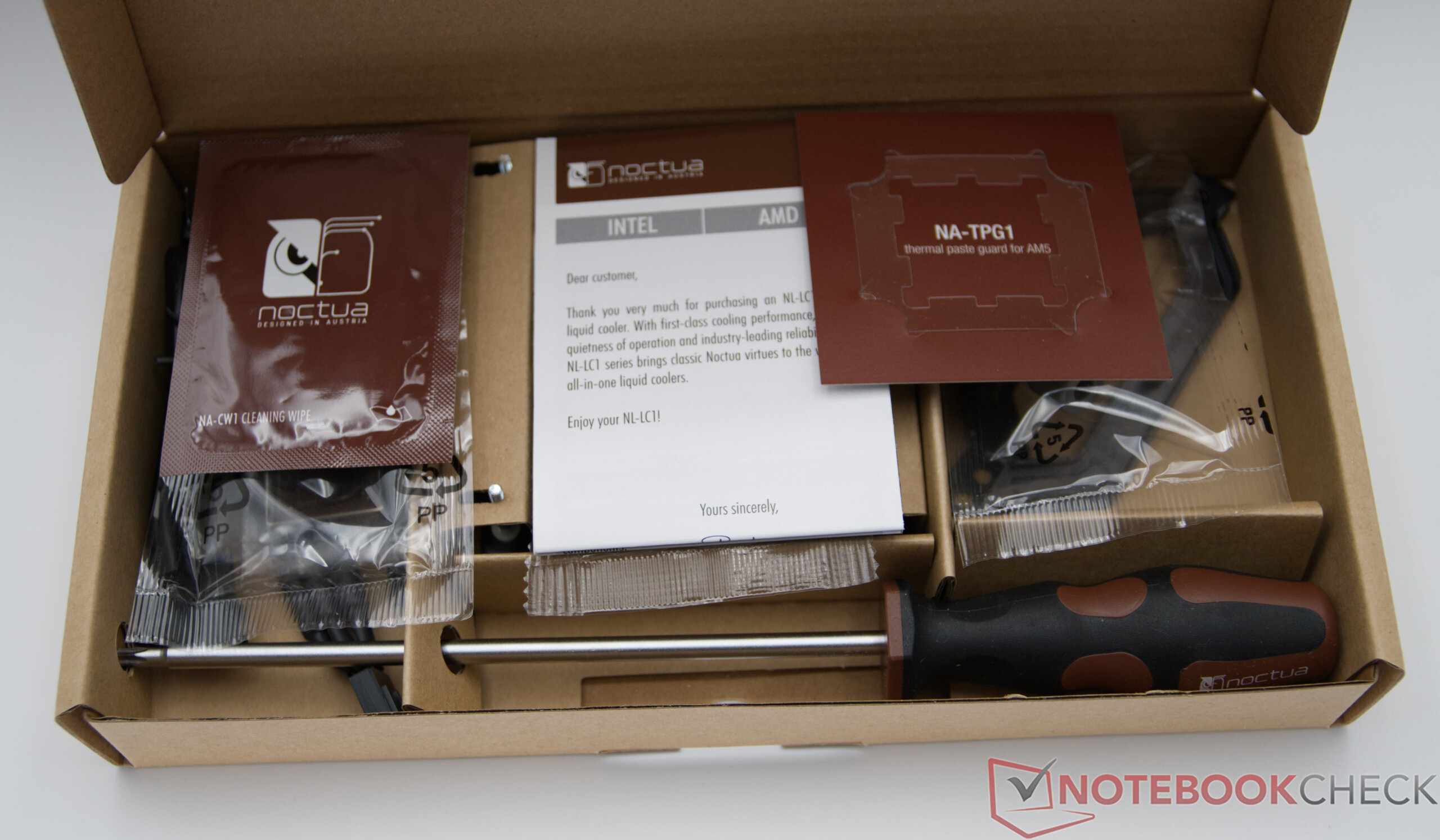
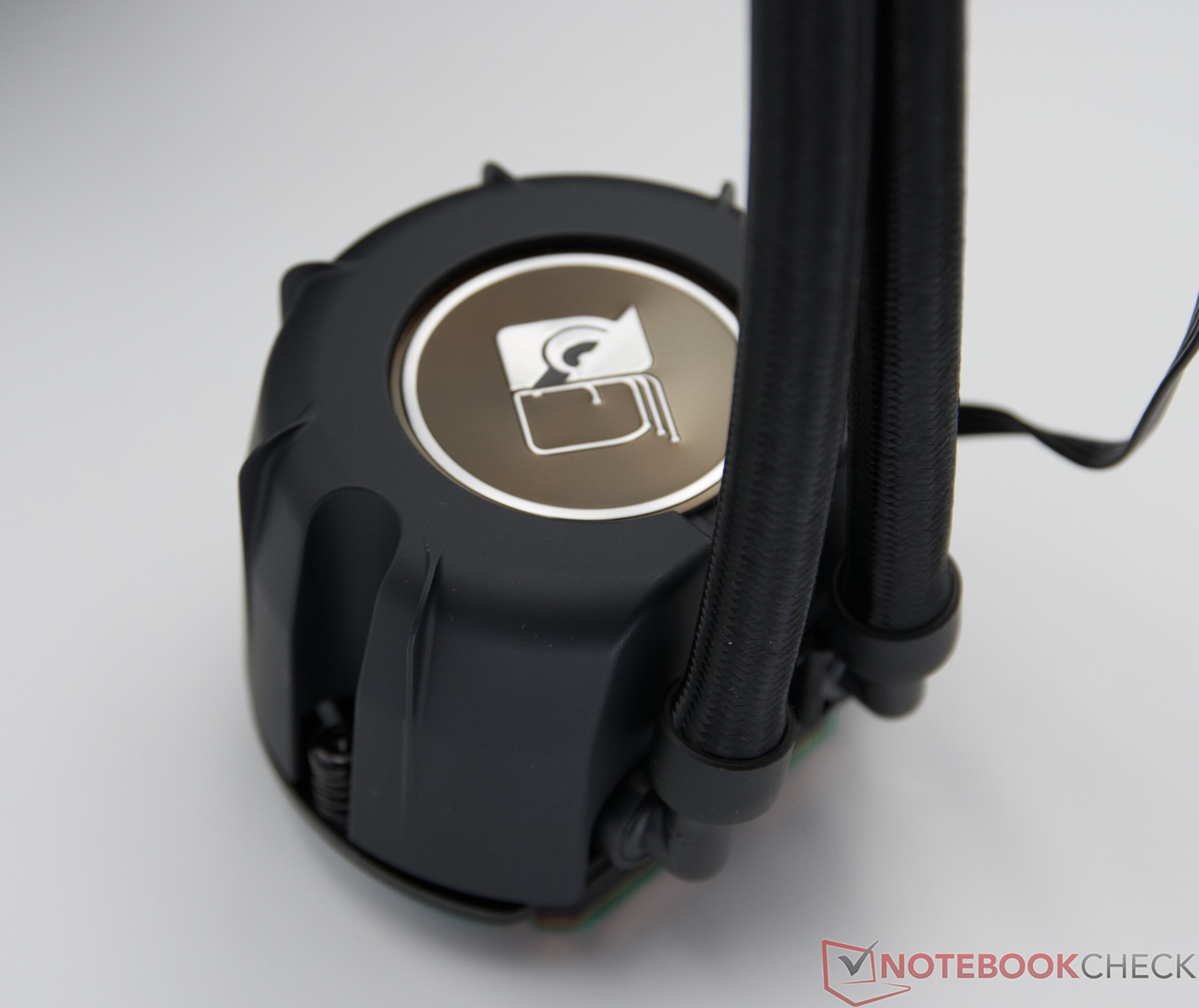
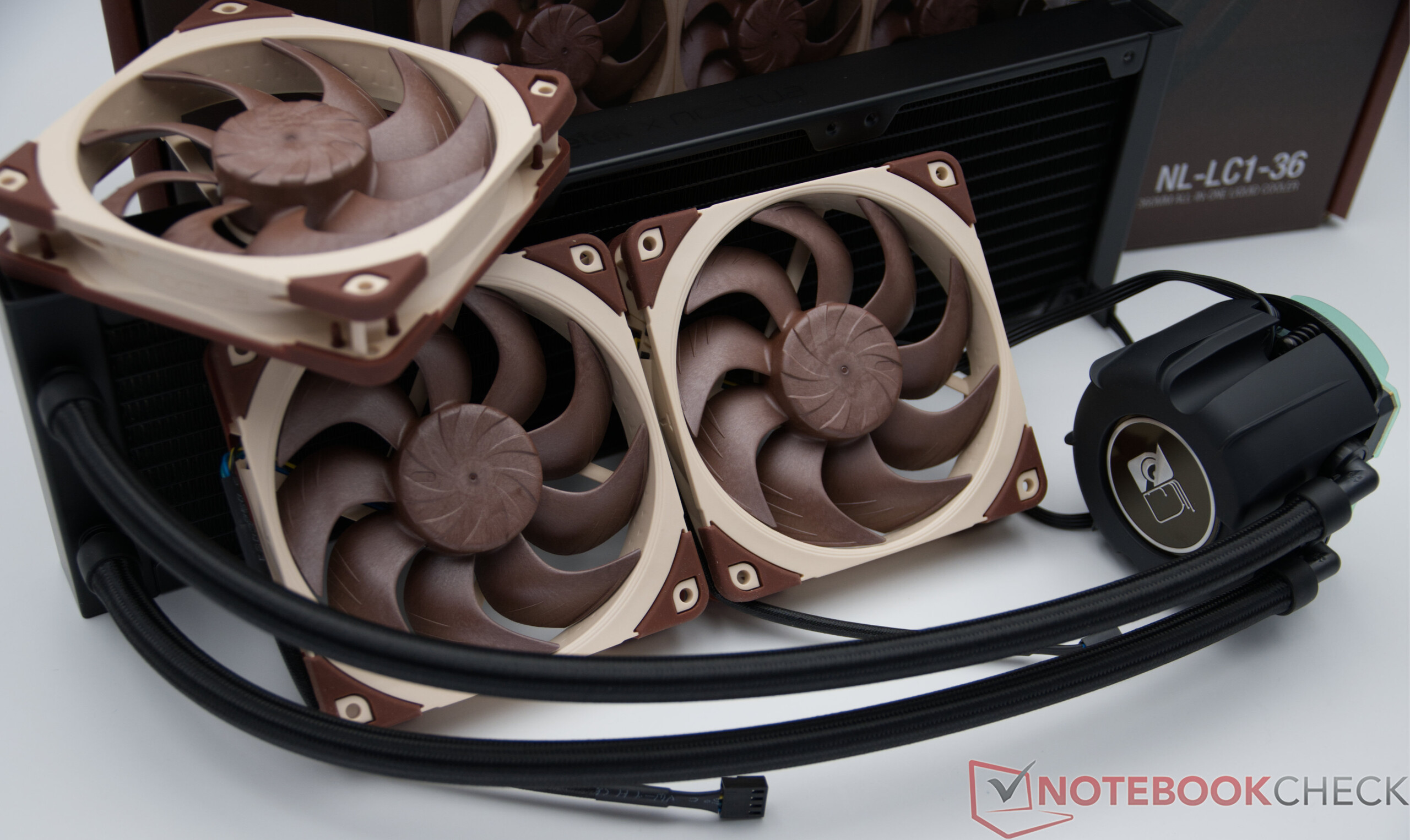
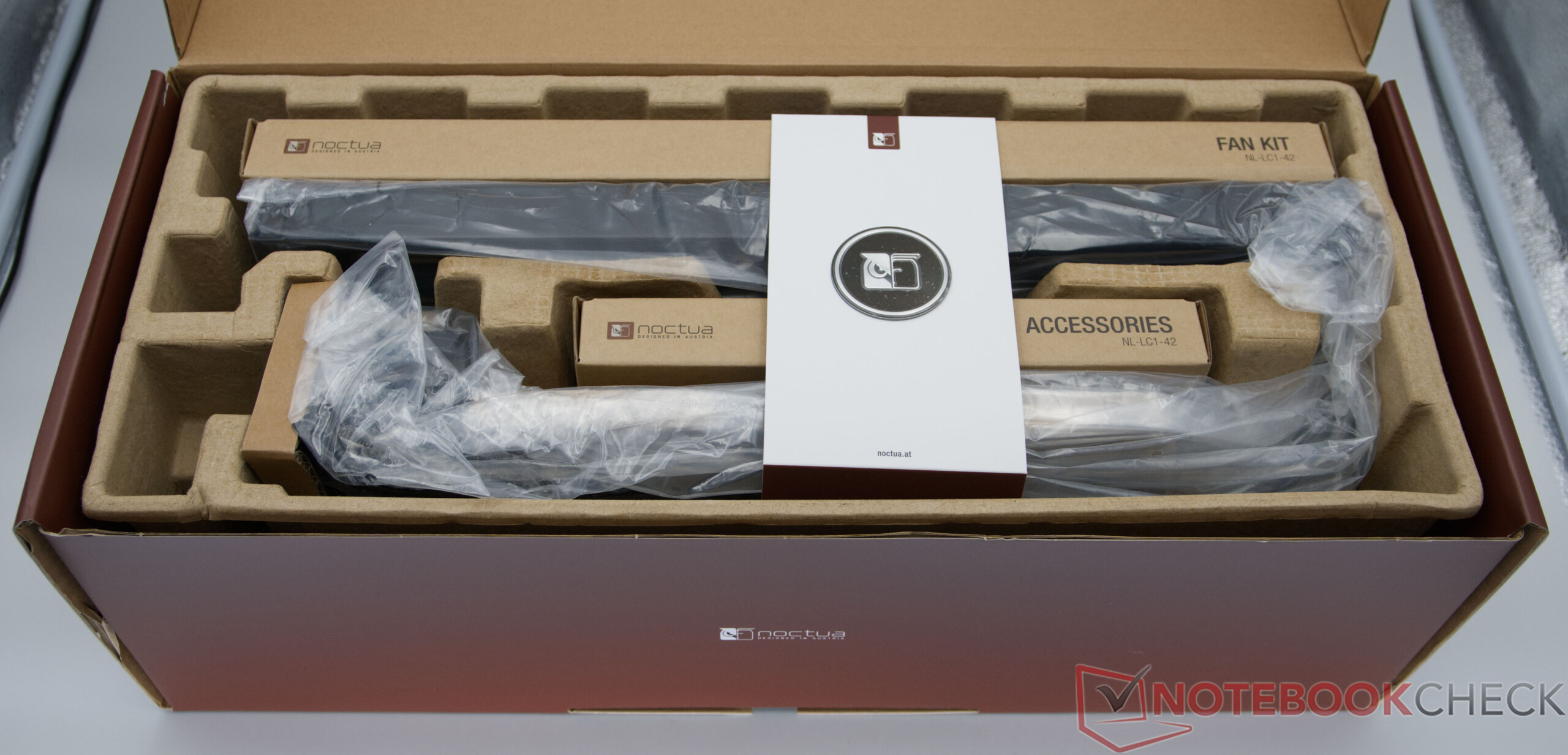
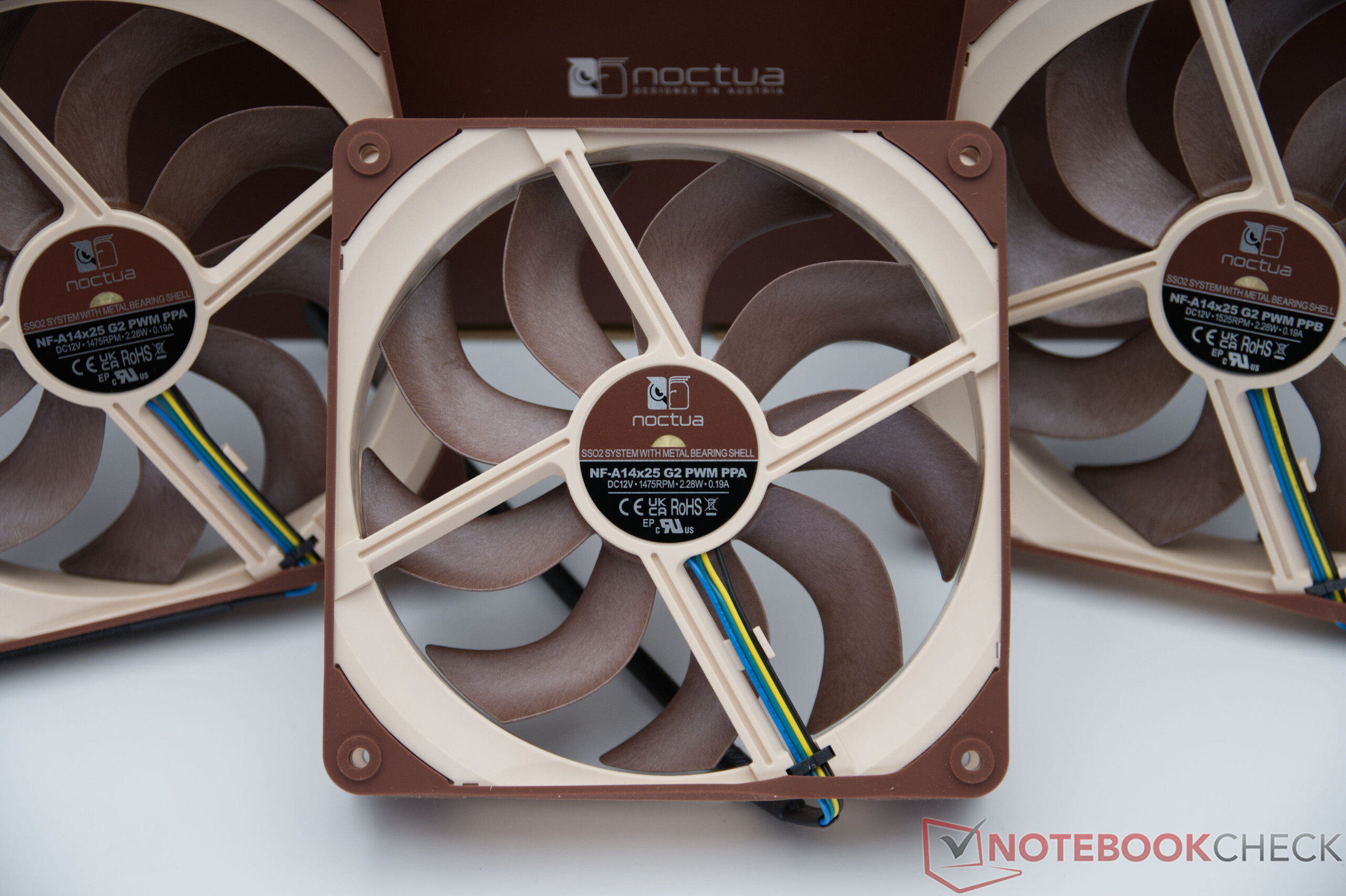
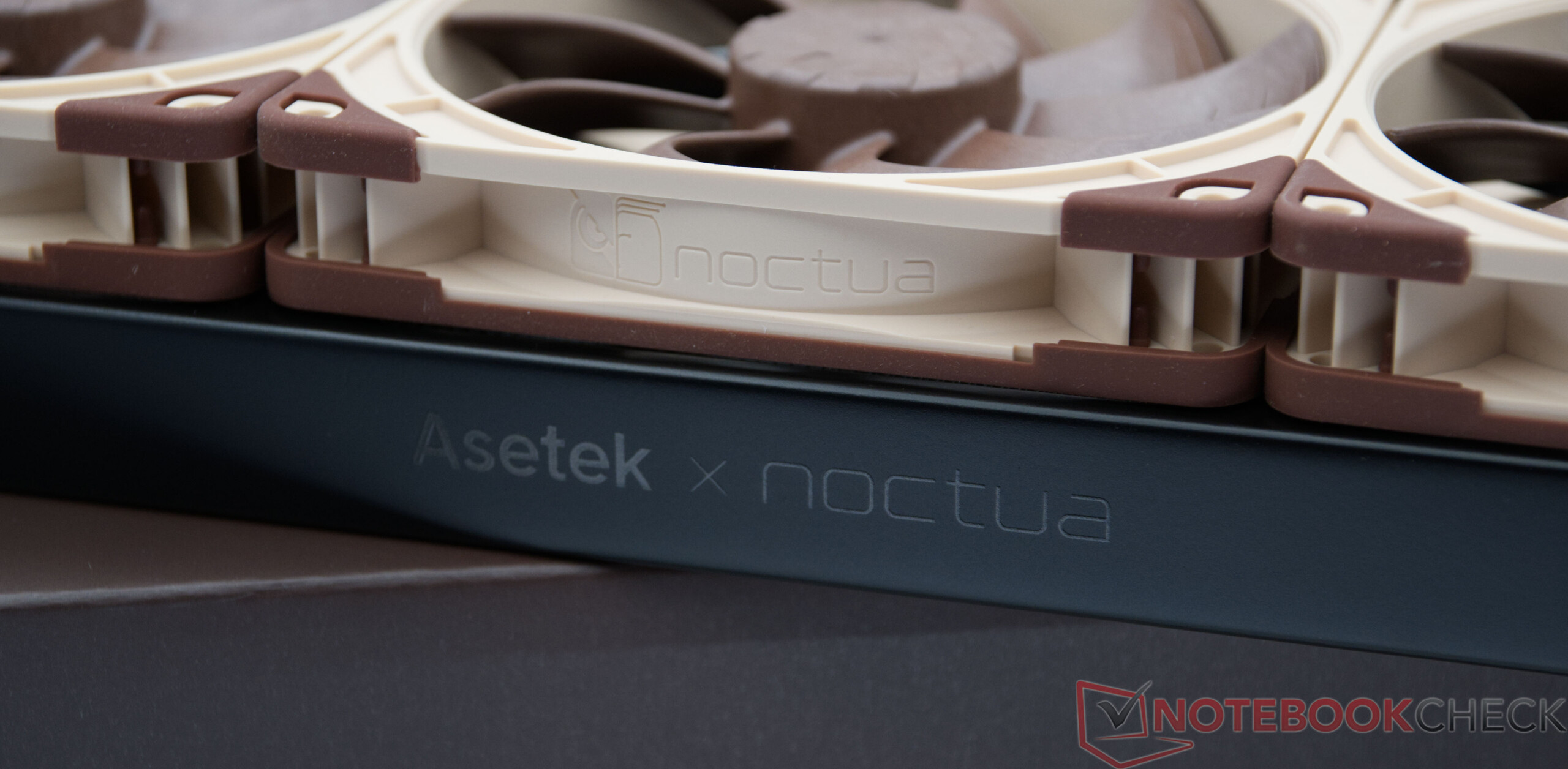
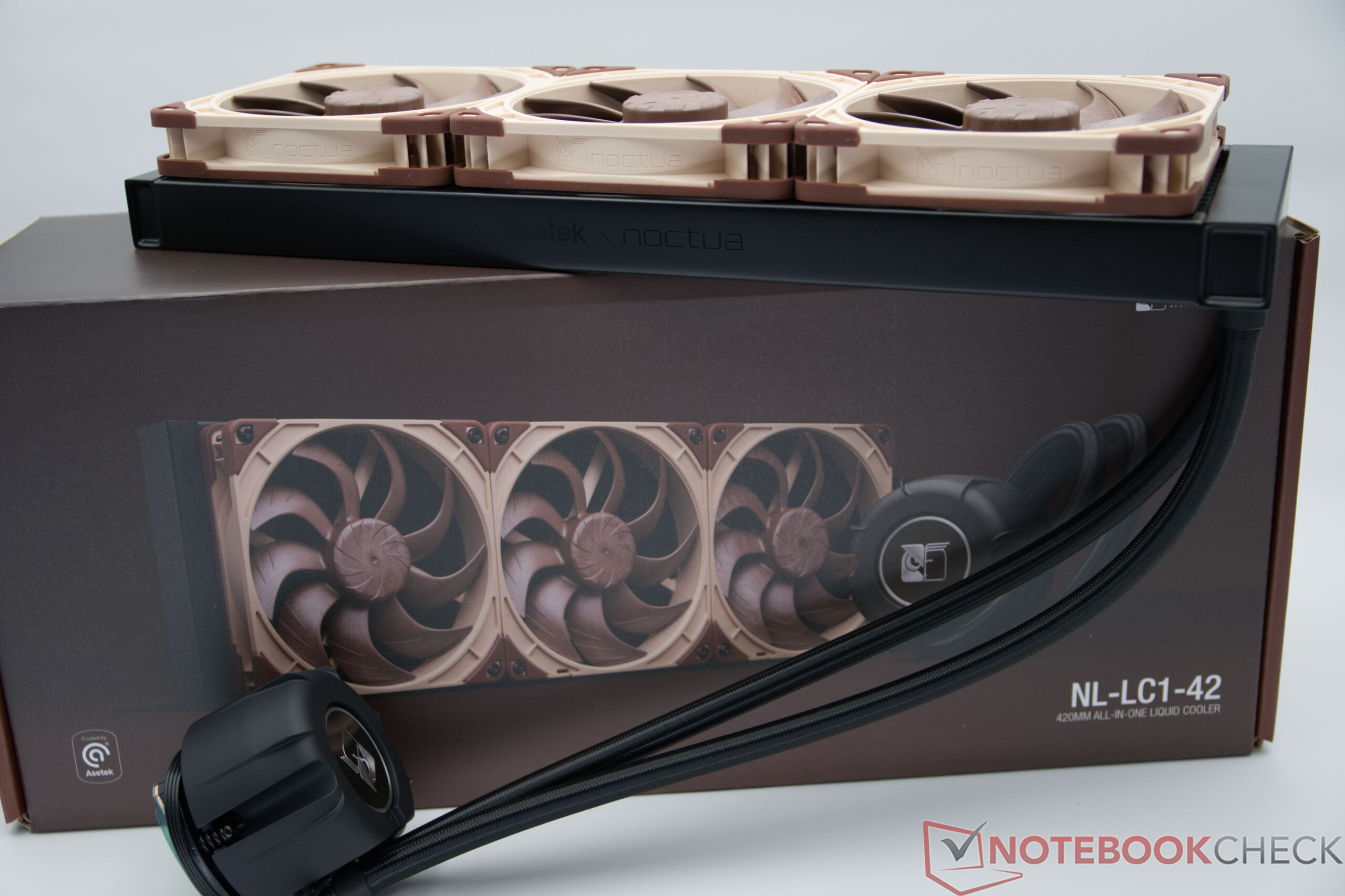
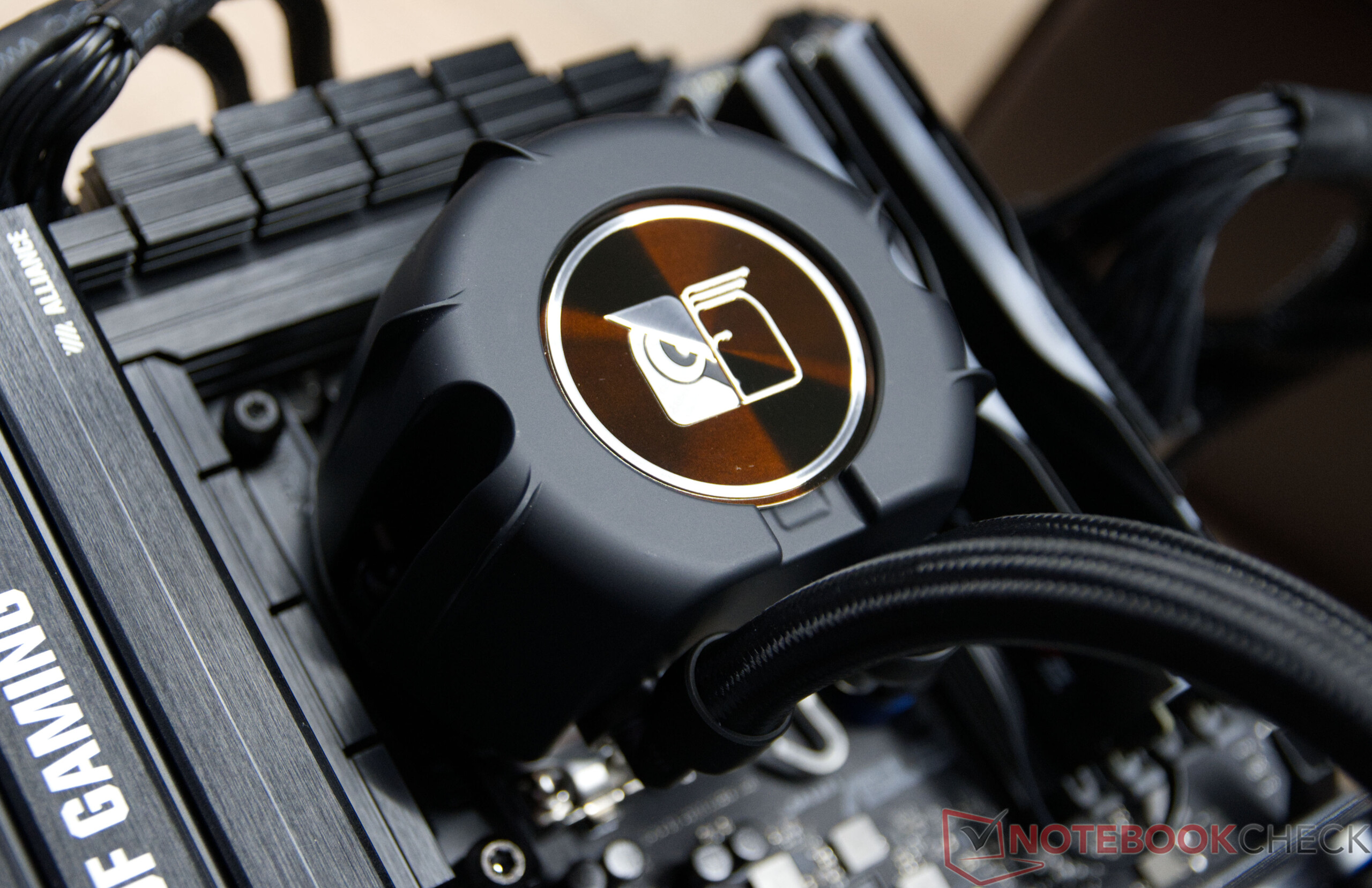
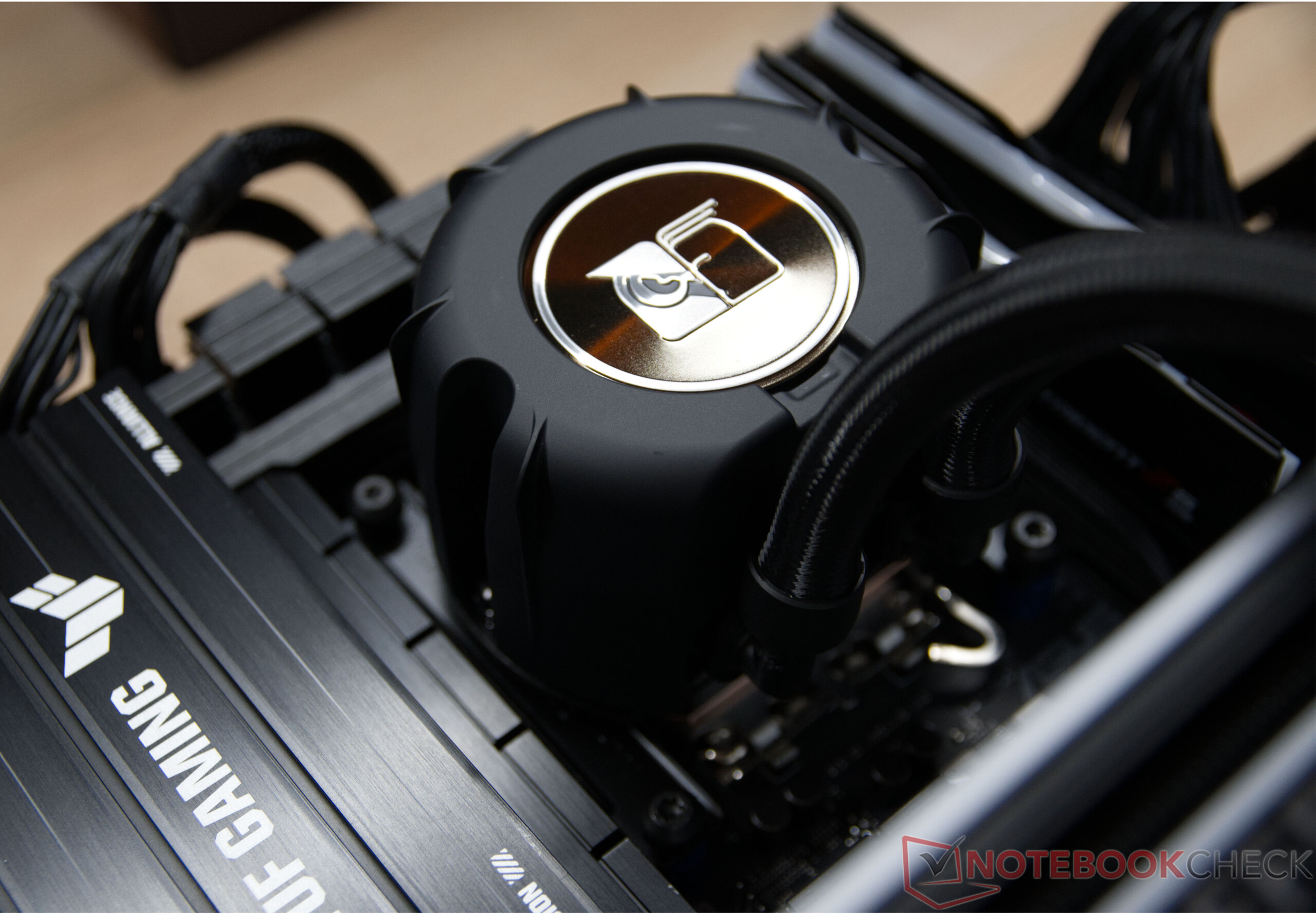
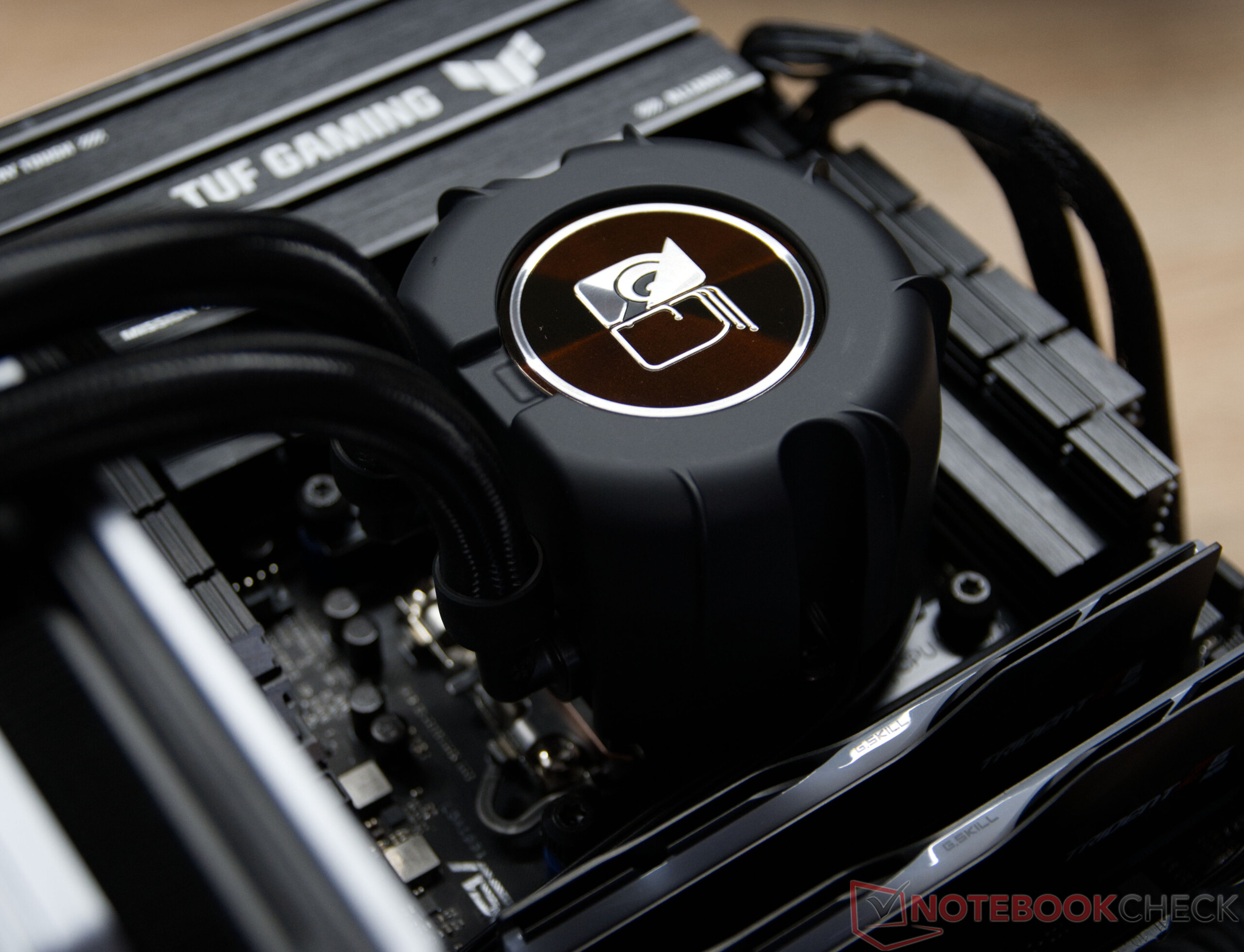
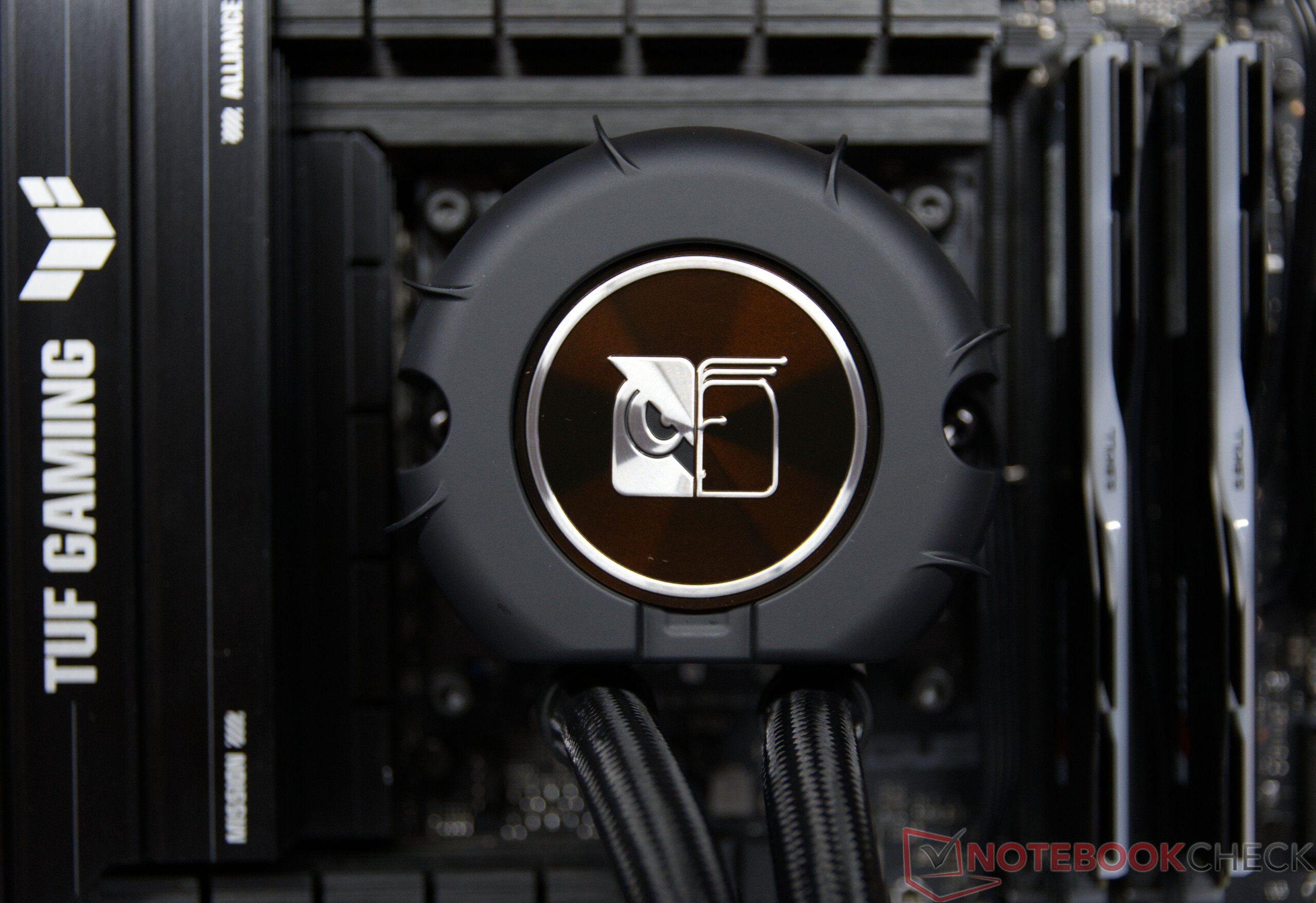
Right from the moment you unbox them, the new Noctua AiOs make a high-quality impression. The build quality lives up to the Austrian manufacturer’s usual high standards: neatly finished hoses, a solid-feeling pump block, and the well-known NF-A14x25 and NF-A12x25-G2 fans underscore the premium quality. For the radiator, Noctua relies on a proven OEM from Asetek, which impresses with solid material quality and precise workmanship. Overall, there is absolutely no cause for criticism in terms of feel and build quality.
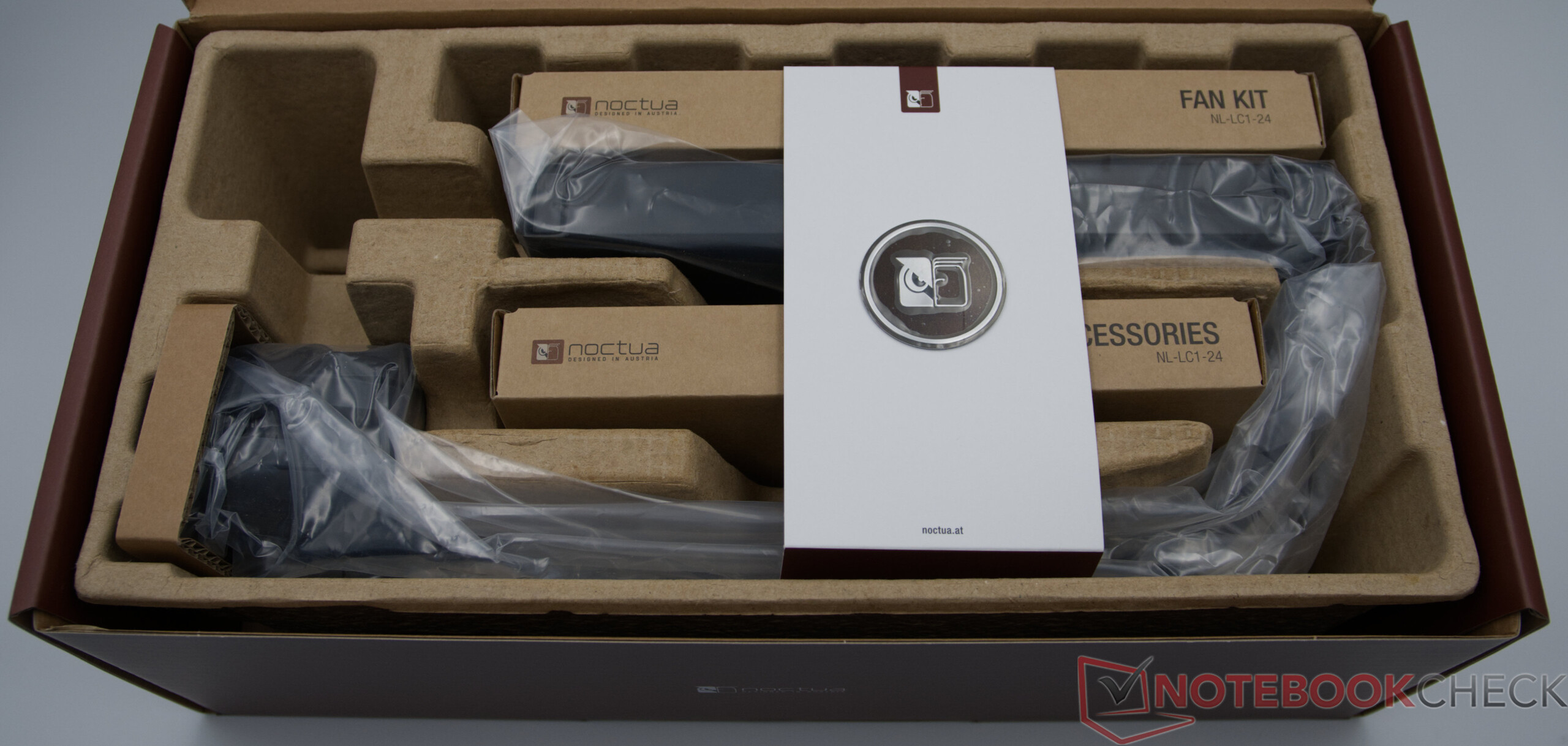
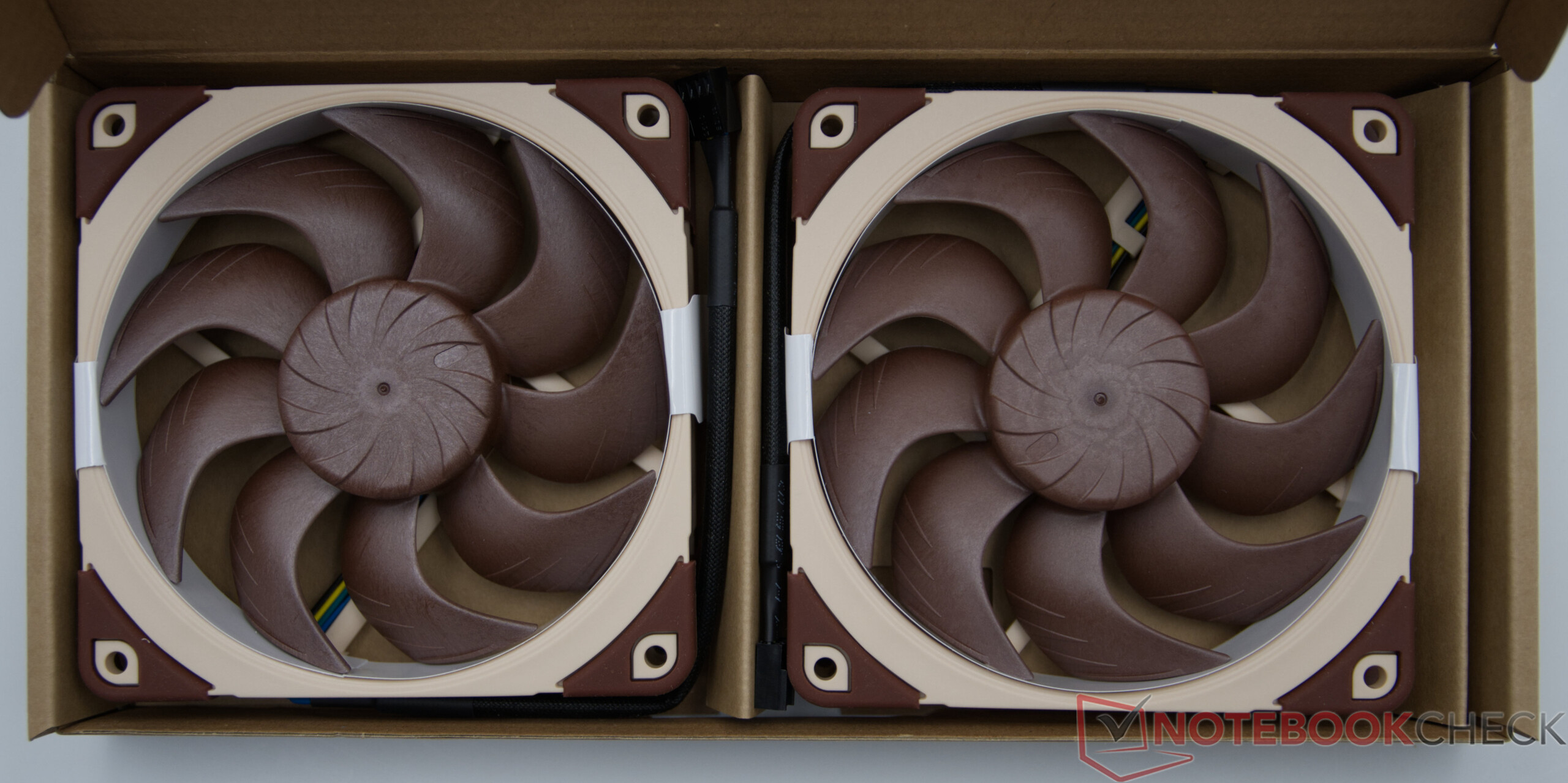
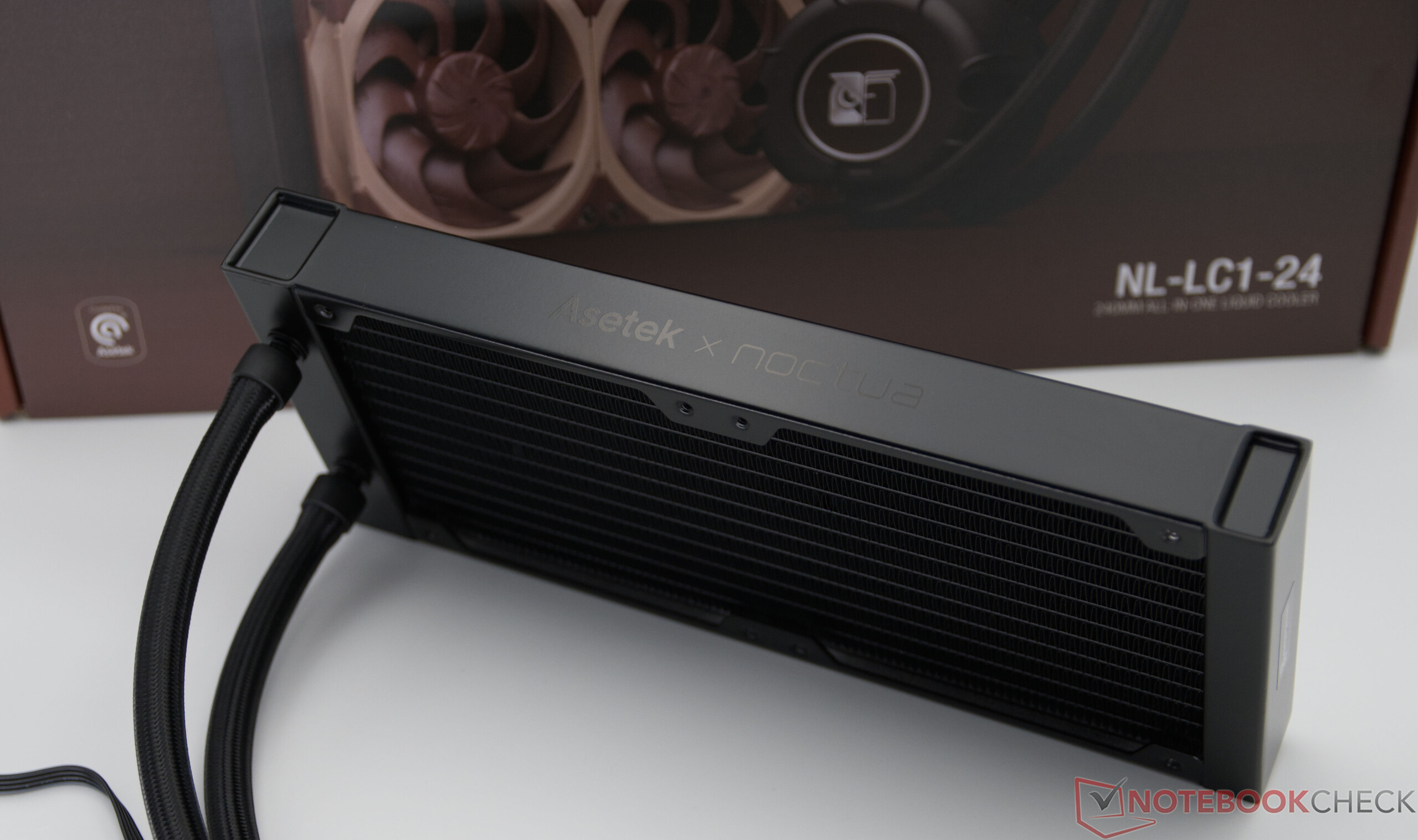
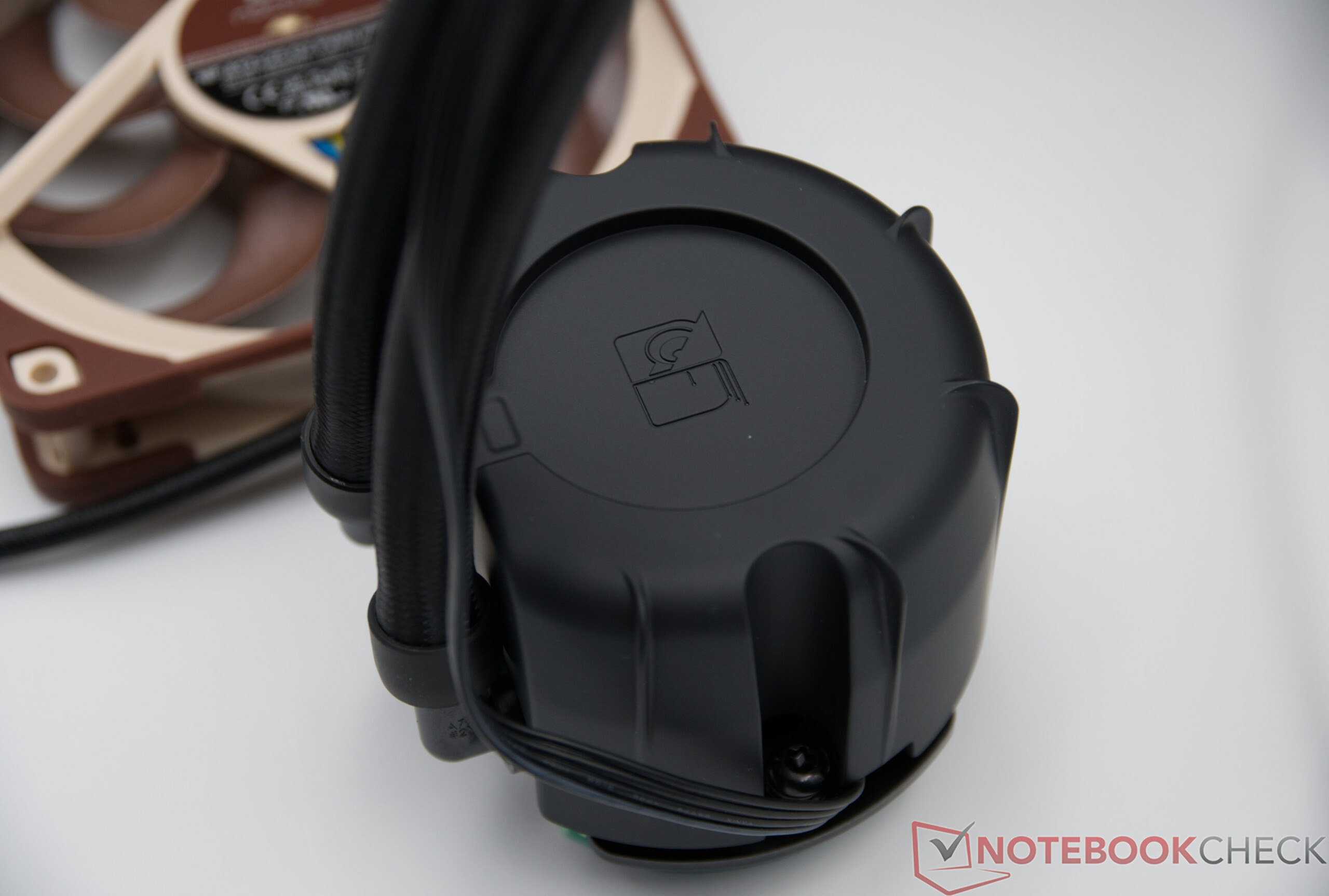
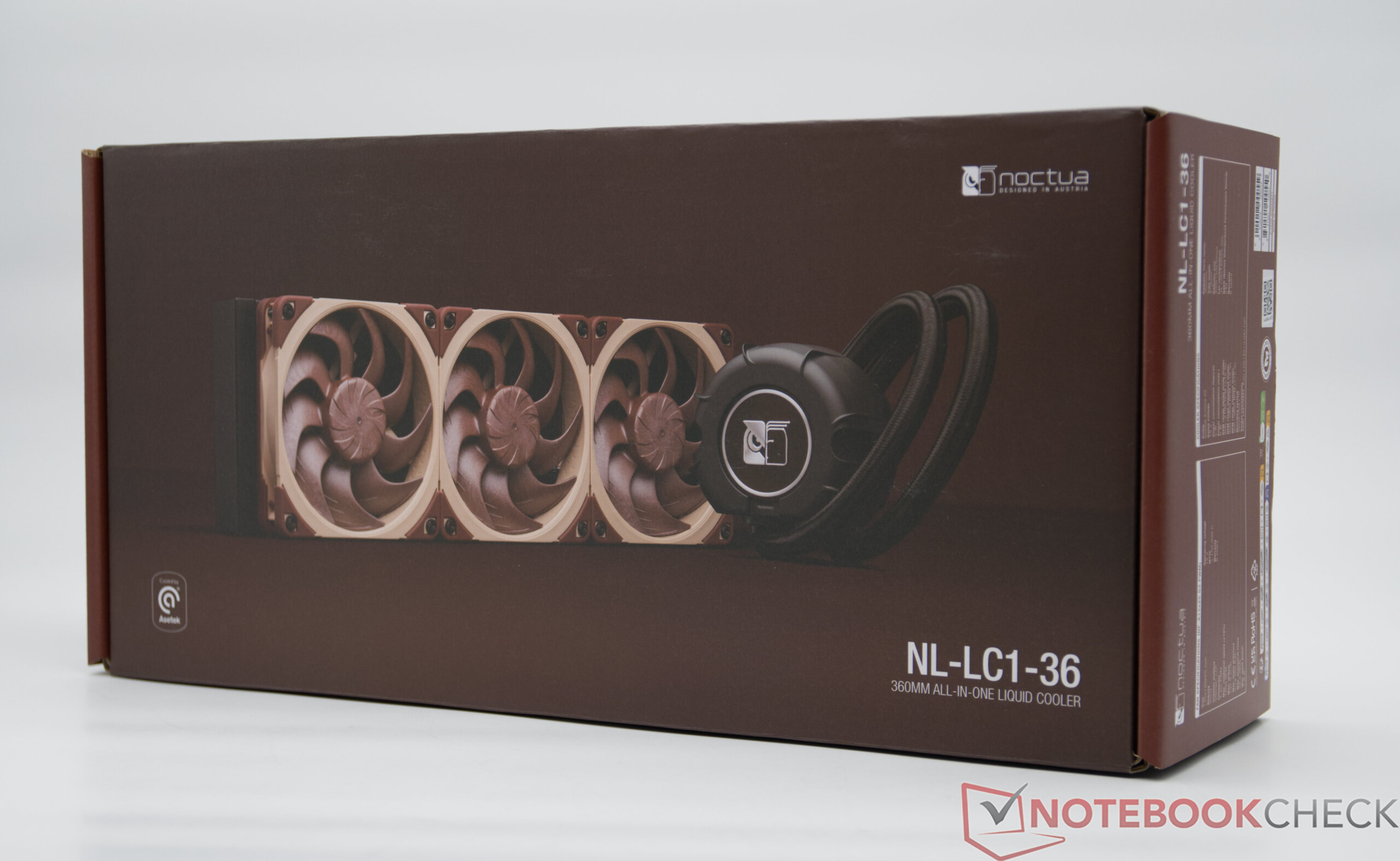
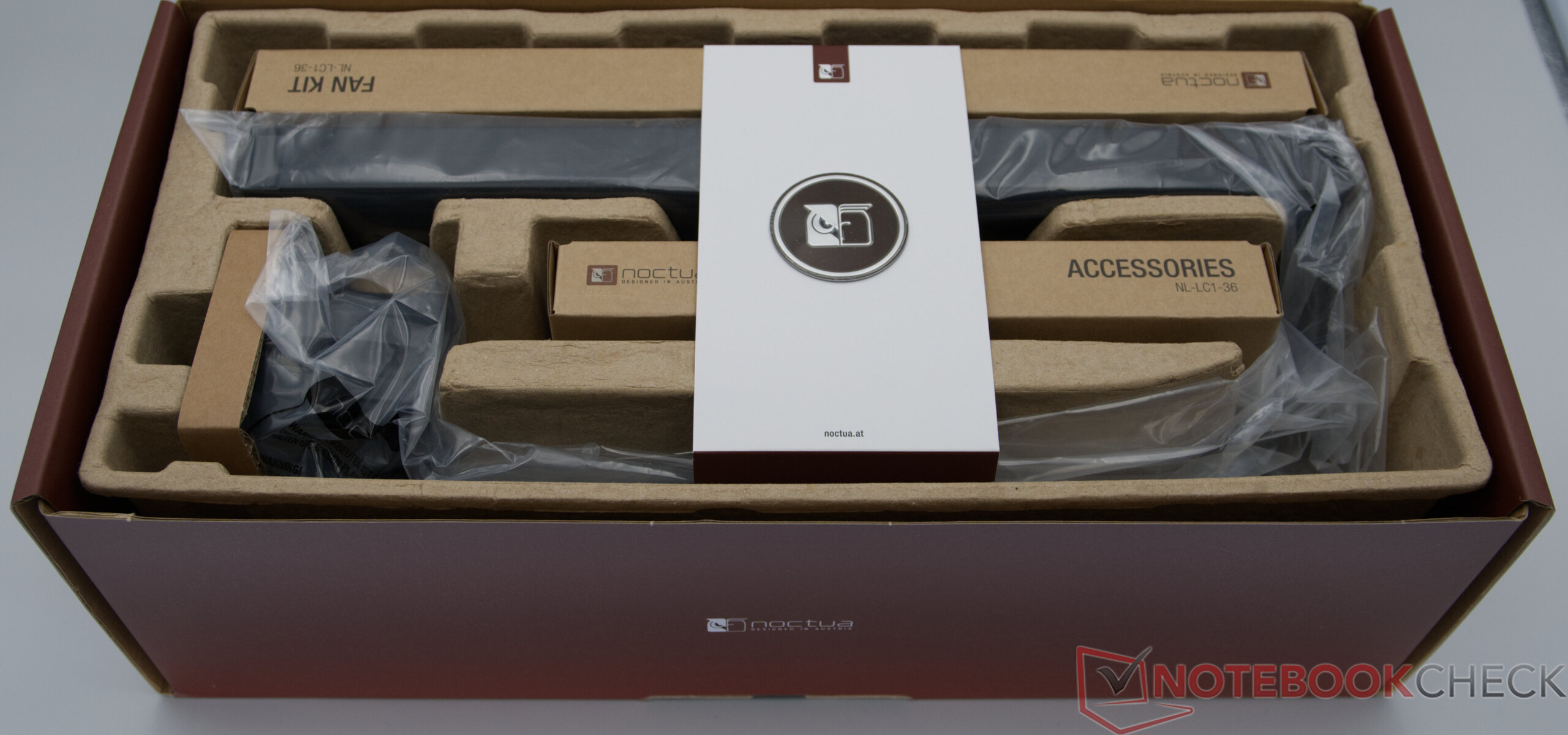
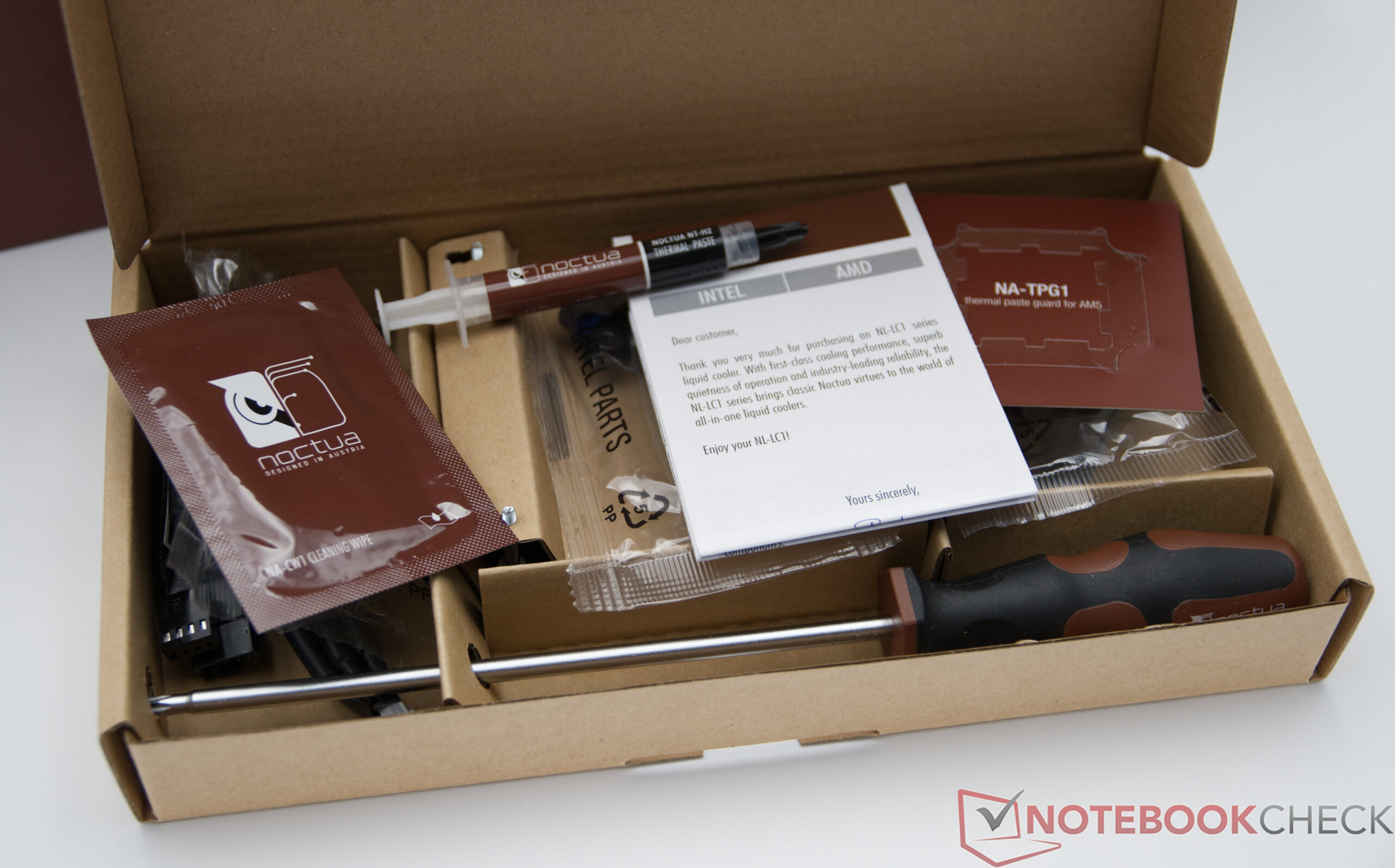
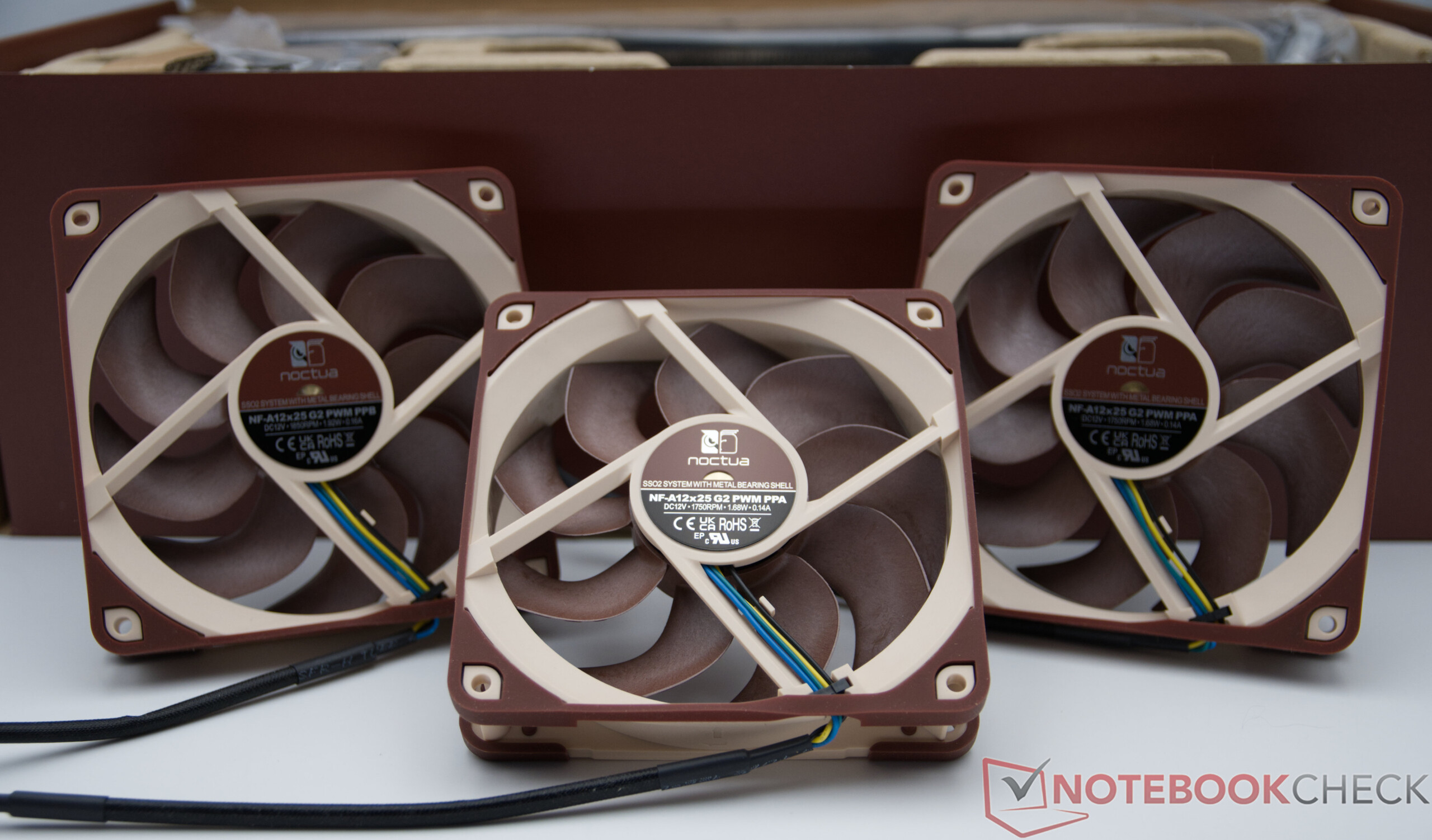
The Test System
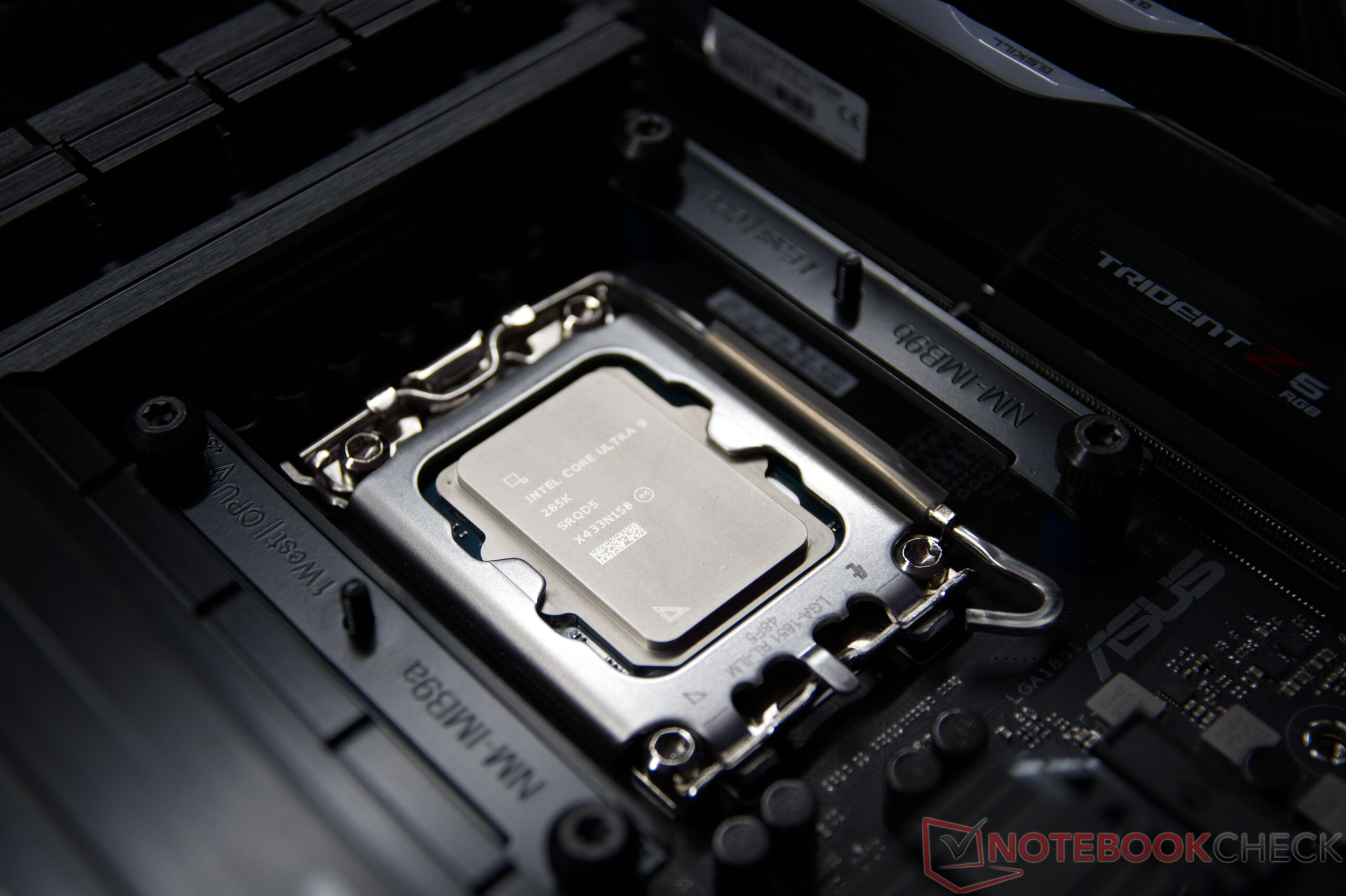
For our test, we’re using an open test setup with the Asus TUF Gaming Z890-PLUS Wi-Fi and the Intel Core Ultra 9 285K . In the UEFI, we use the “Intel Default Settings” recommended by Intel, ensuring that the processor operates strictly within its official specifications. This ensures that the test results are reproducible under standardized and real-world conditions. To ensure the best possible comparability with other CPU coolers, all fans are operated at a fixed speed of 50 percent during the tests.
Installing the AiO on the Asus TUF Gaming Z890-PLUS Wi-Fi
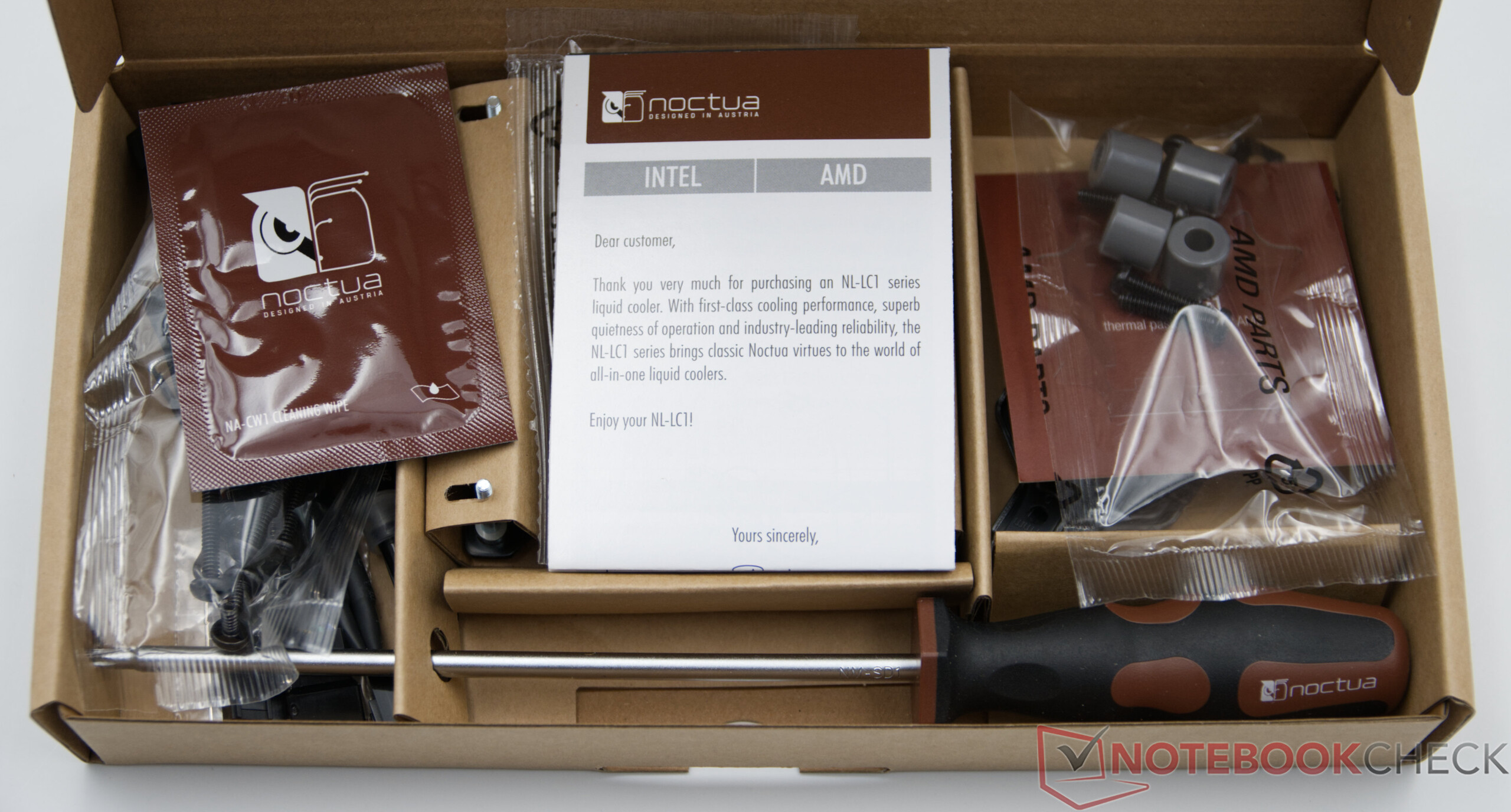
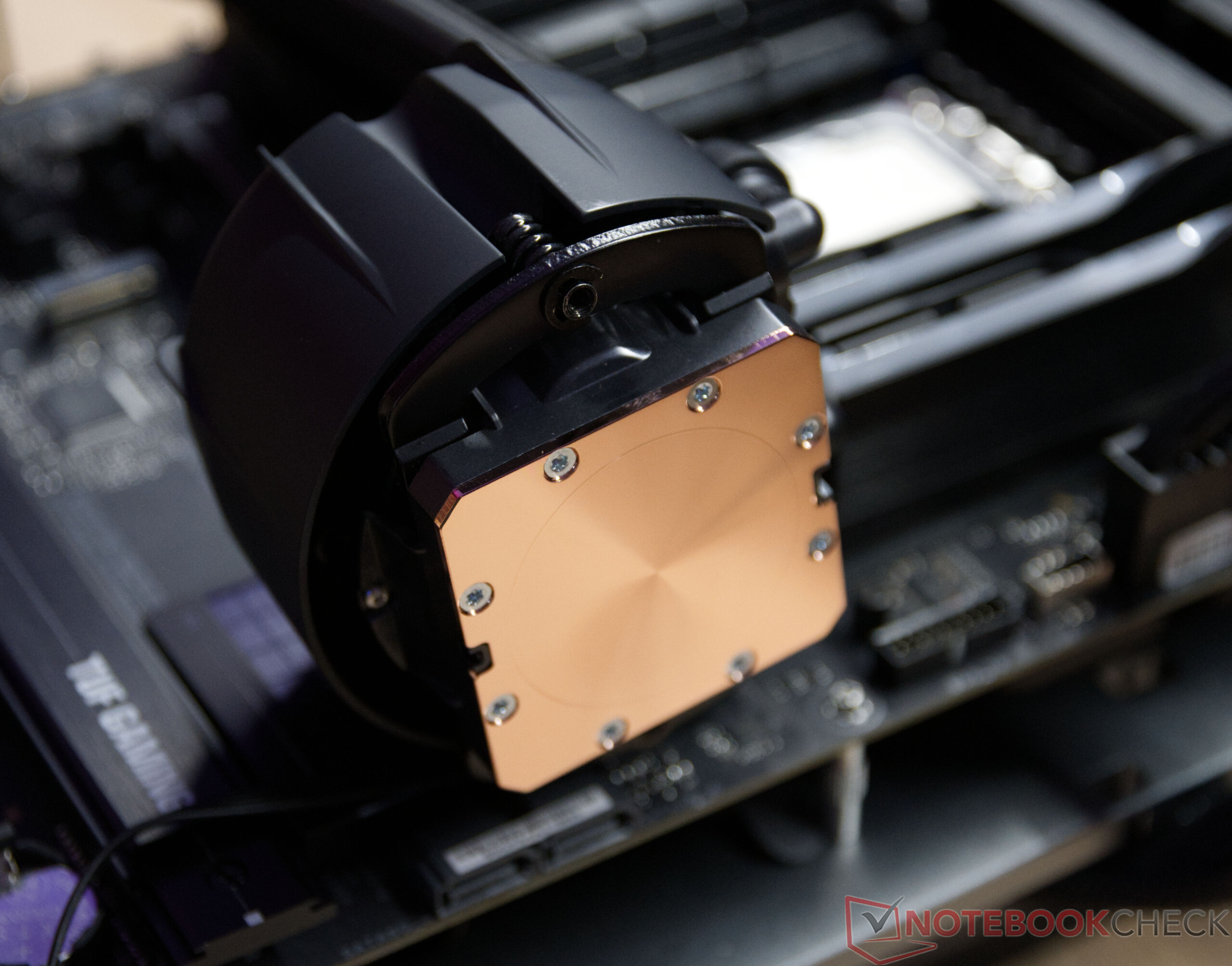
Installing the Noctua AiO on the Asus TUF Gaming Z890-PLUS Wi-Fi is straightforward and worked perfectly during testing. Since all three models are based on the same pump and water block unit, the installation process is the same regardless of the radiator size. The illustrated installation guide is clearly organized and walks you through the installation process step by step. A notable positive feature is the mention of the optional offset mounting for select processors. By slightly offsetting the position of the cooling block, cooling performance can be further optimized depending on the CPU generation, as the processor’s hotspot is better covered.
Noctua NL-LC1 AiOs Put to the Test
Even the smallest 240-mm model in Noctua’s new AiO lineup demonstrates its strengths. In a direct comparison with the company’s own high-end air coolers, these compact liquid cooling systems offer slightly better cooling performance and provide the Intel Core Ultra 9 285K with additional thermal headroom. The 240-mm variant is a particularly pleasant surprise, delivering impressive performance despite its comparatively compact radiator.
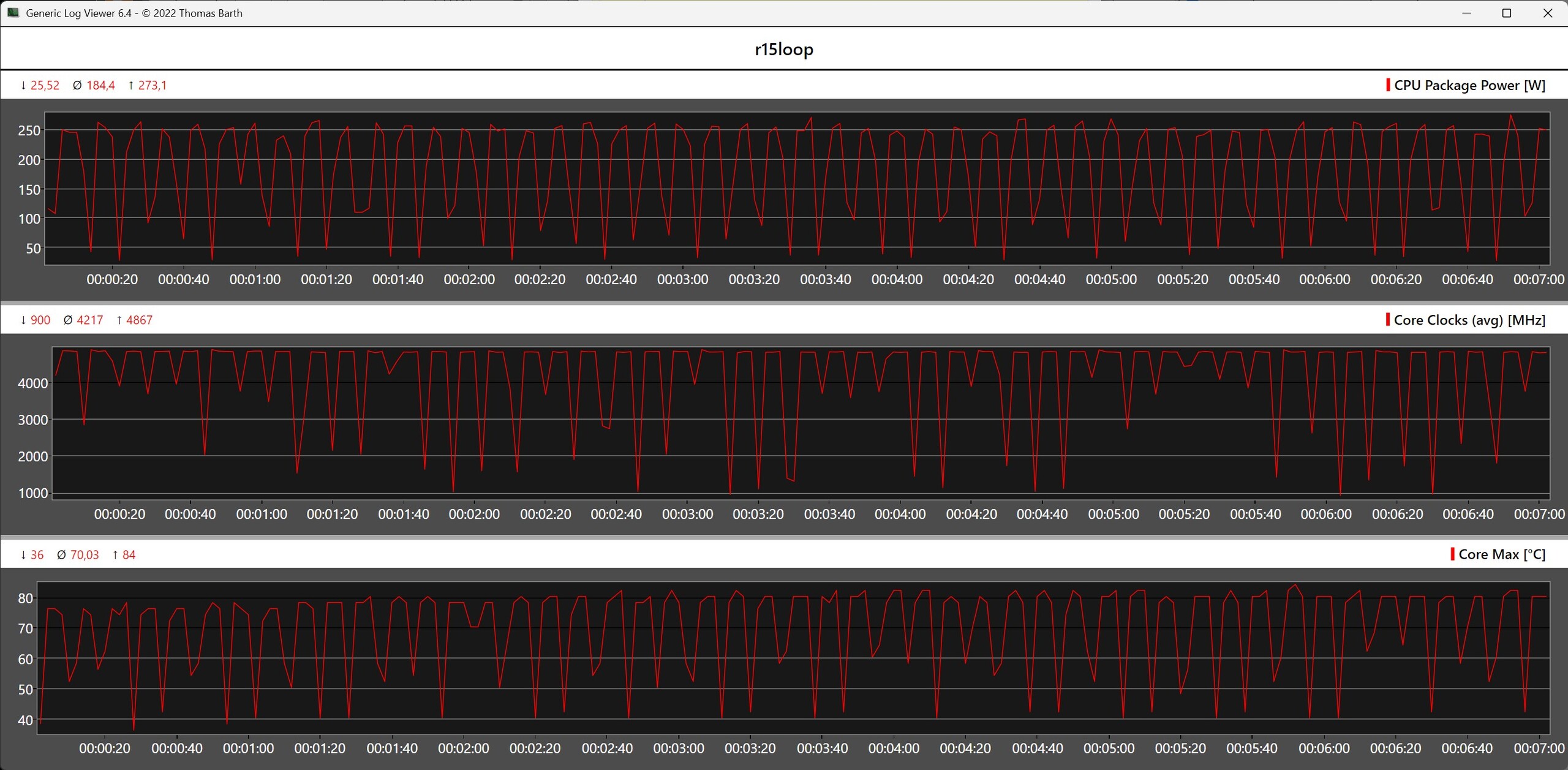
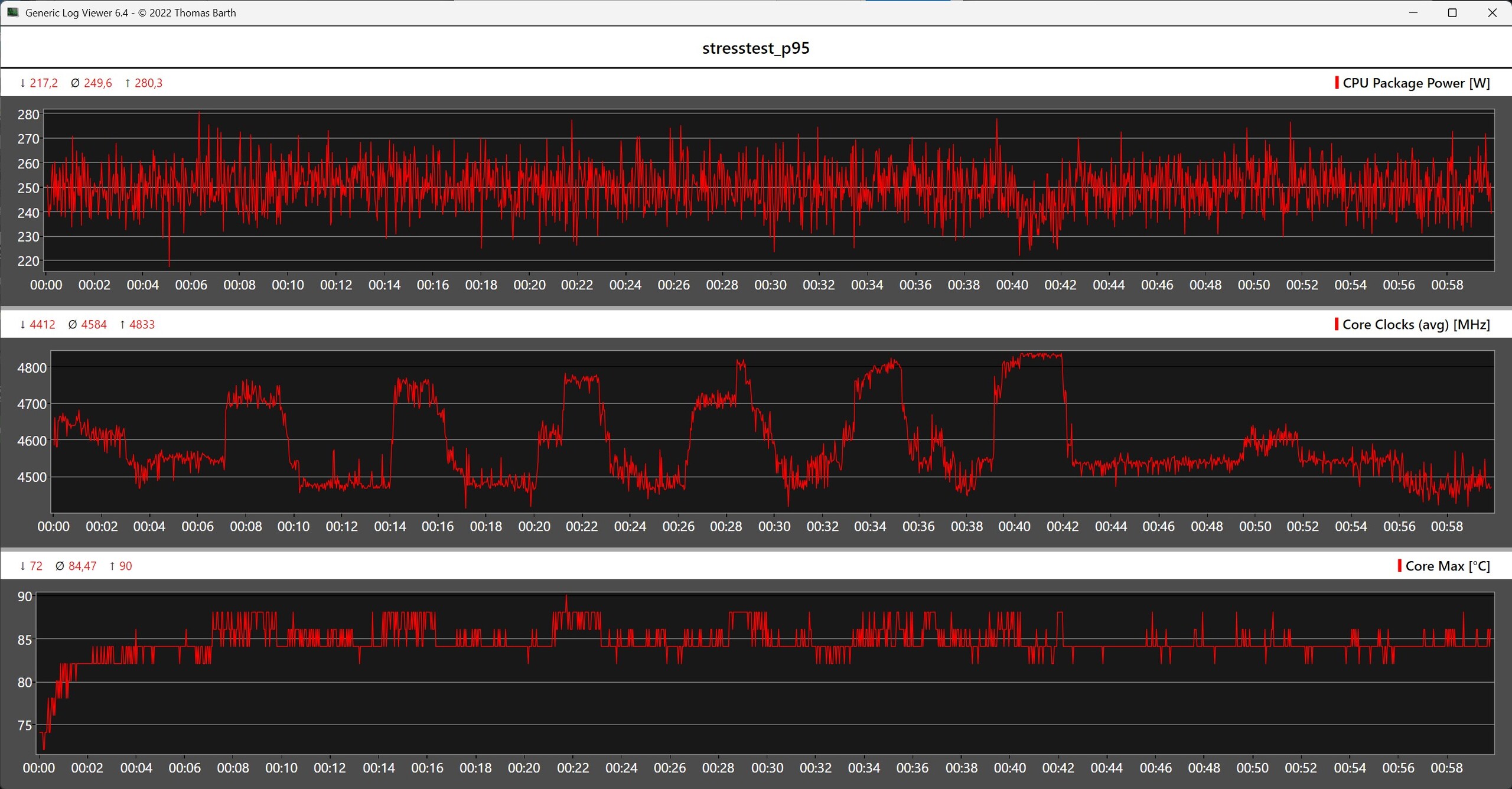
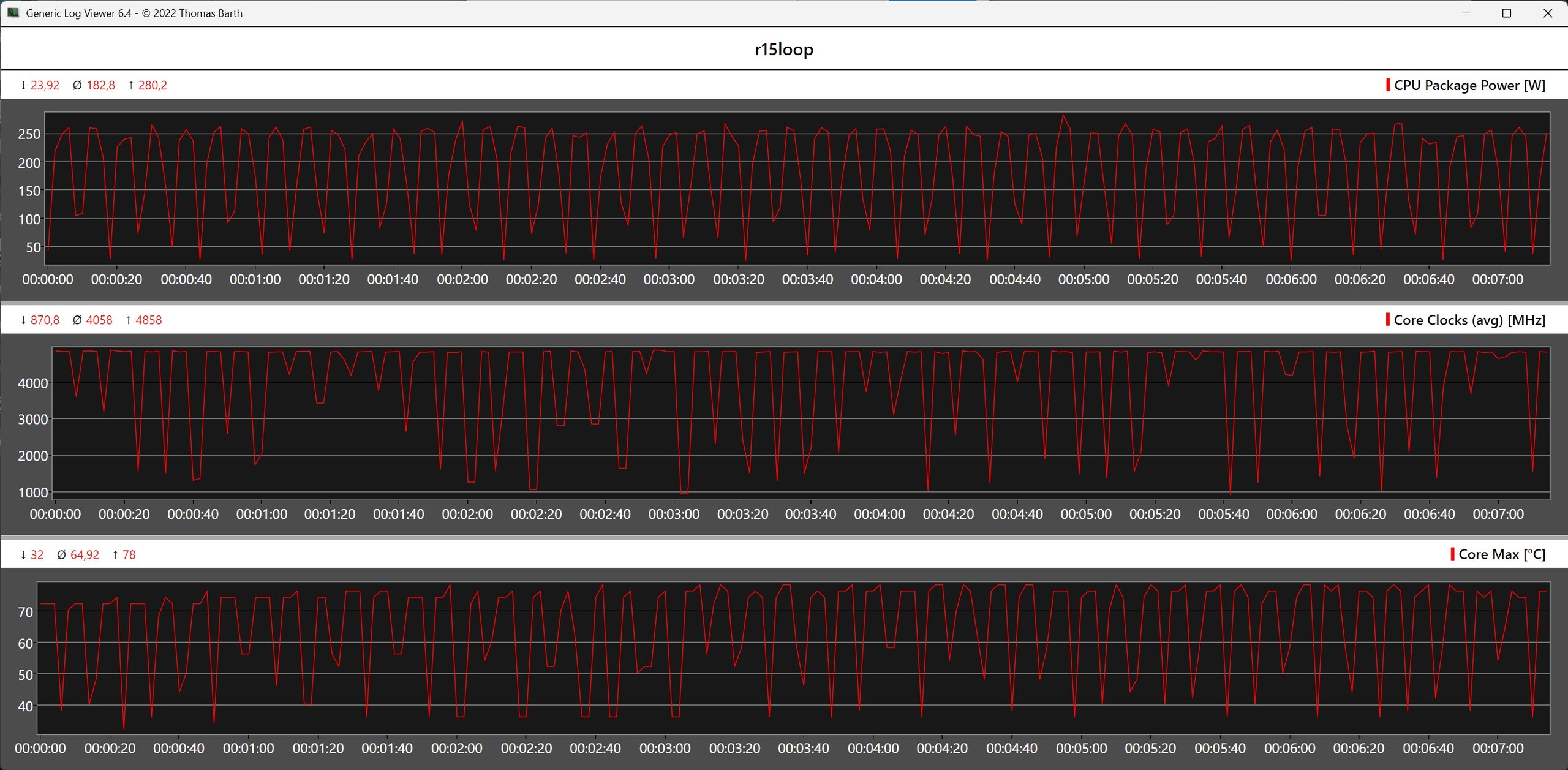
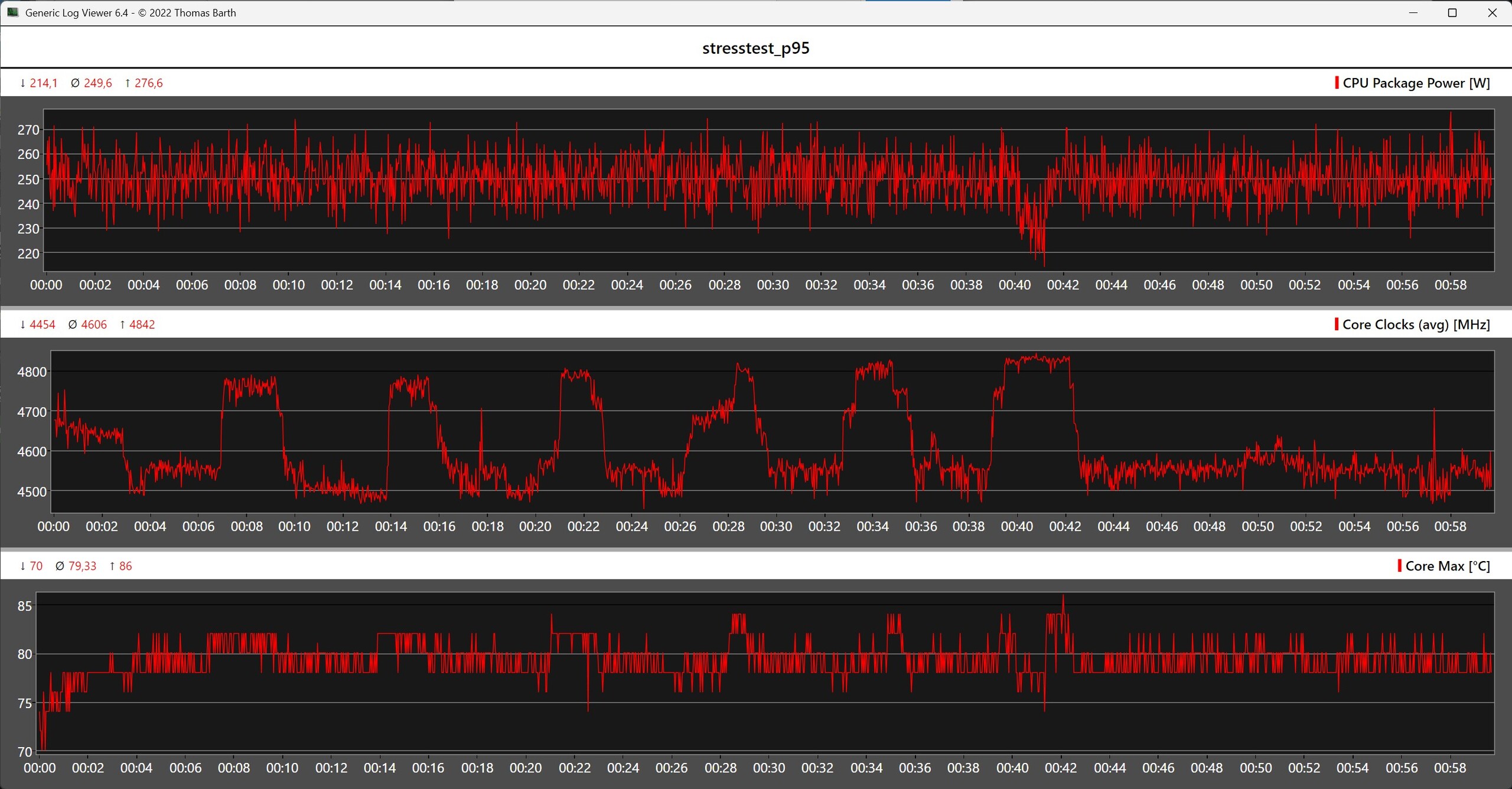
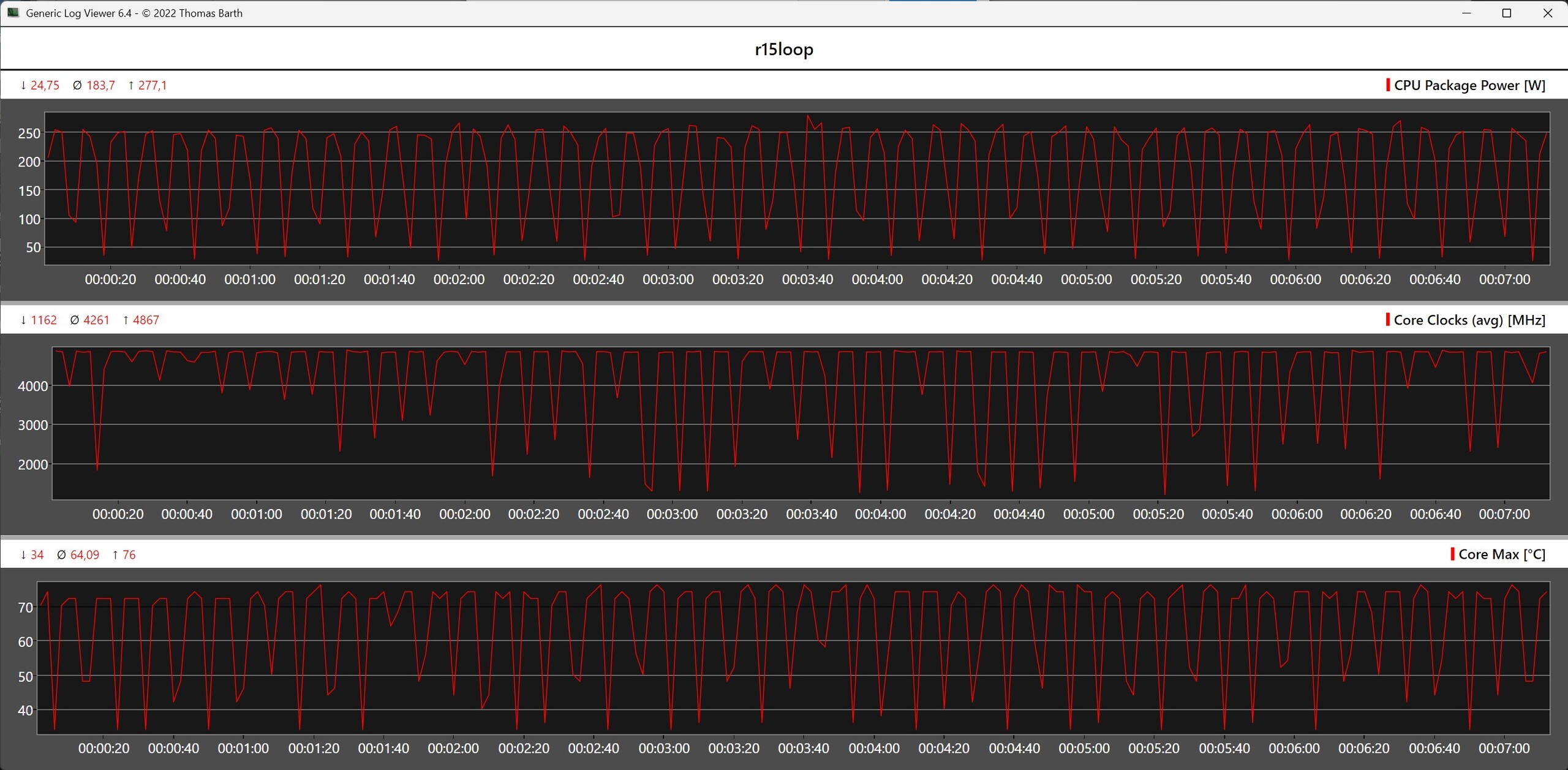
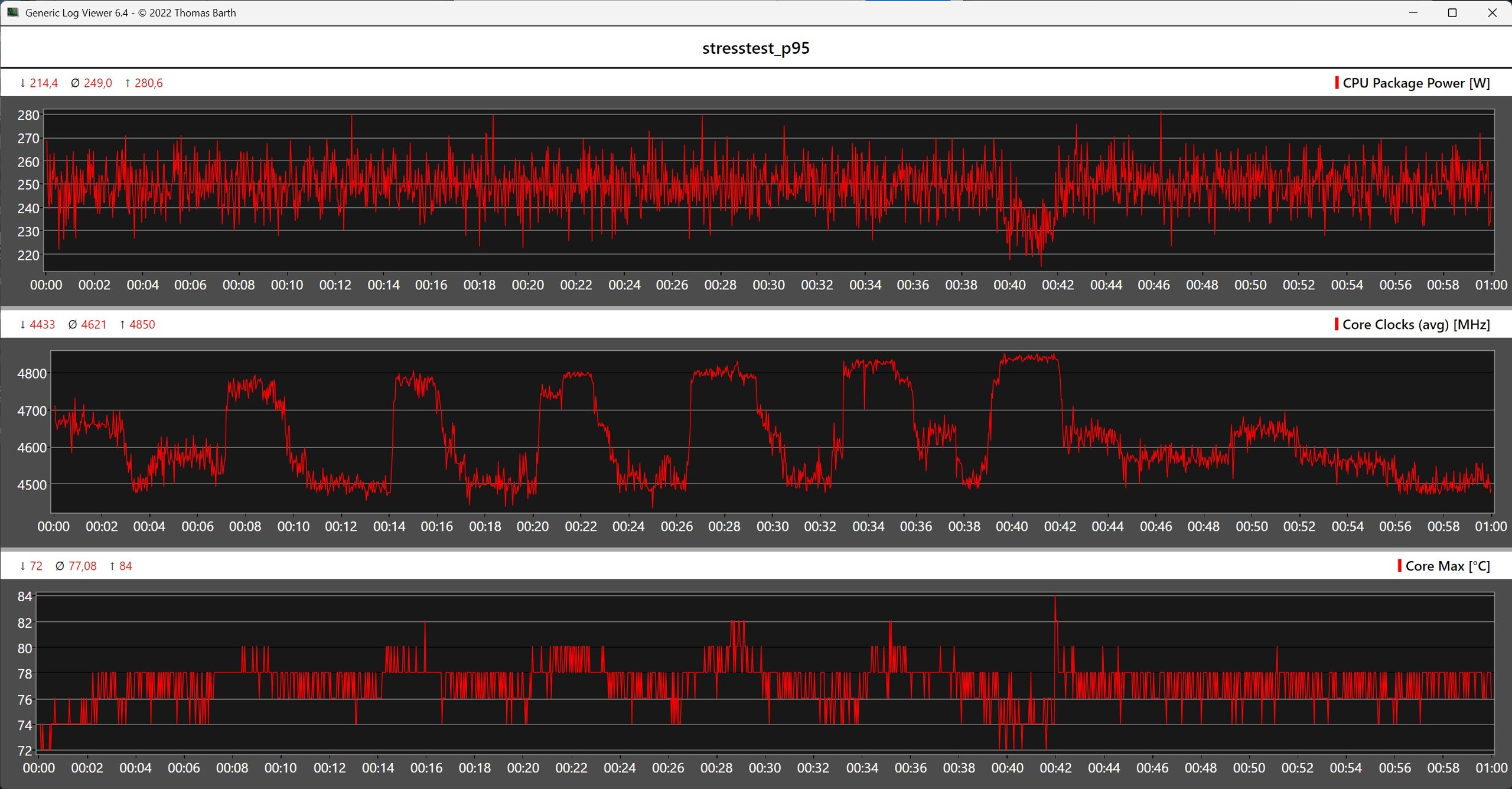
For our test, we used the Intel Core Ultra 9 285K, with a power draw of up to 250 watts, as a demanding benchmark. All three AiO models handle this sustained load with ease and keep the processor within safe temperature ranges even under Prime95. Even brief load spikes above 270 watts are reliably absorbed without causing thermal throttling.
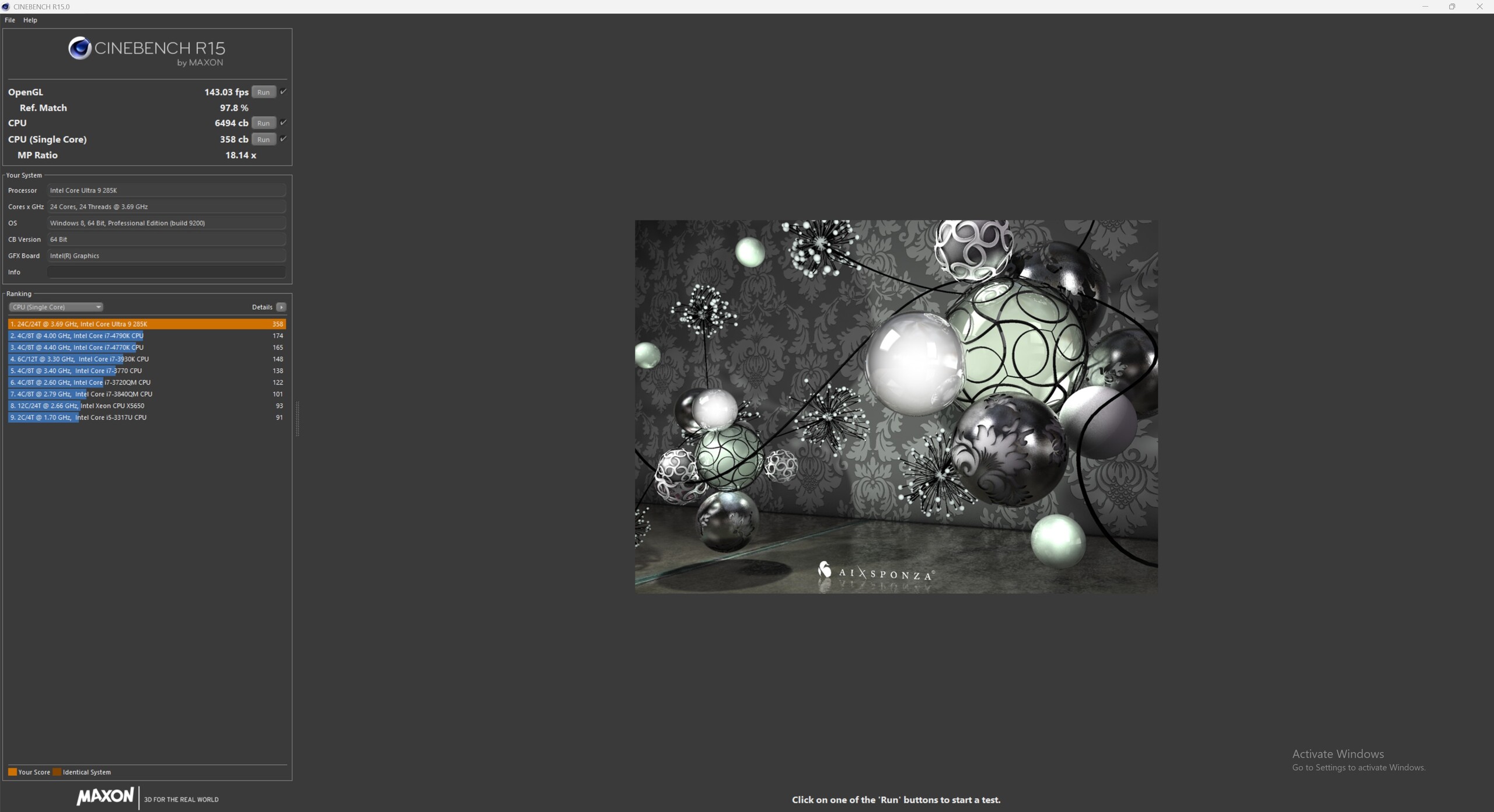
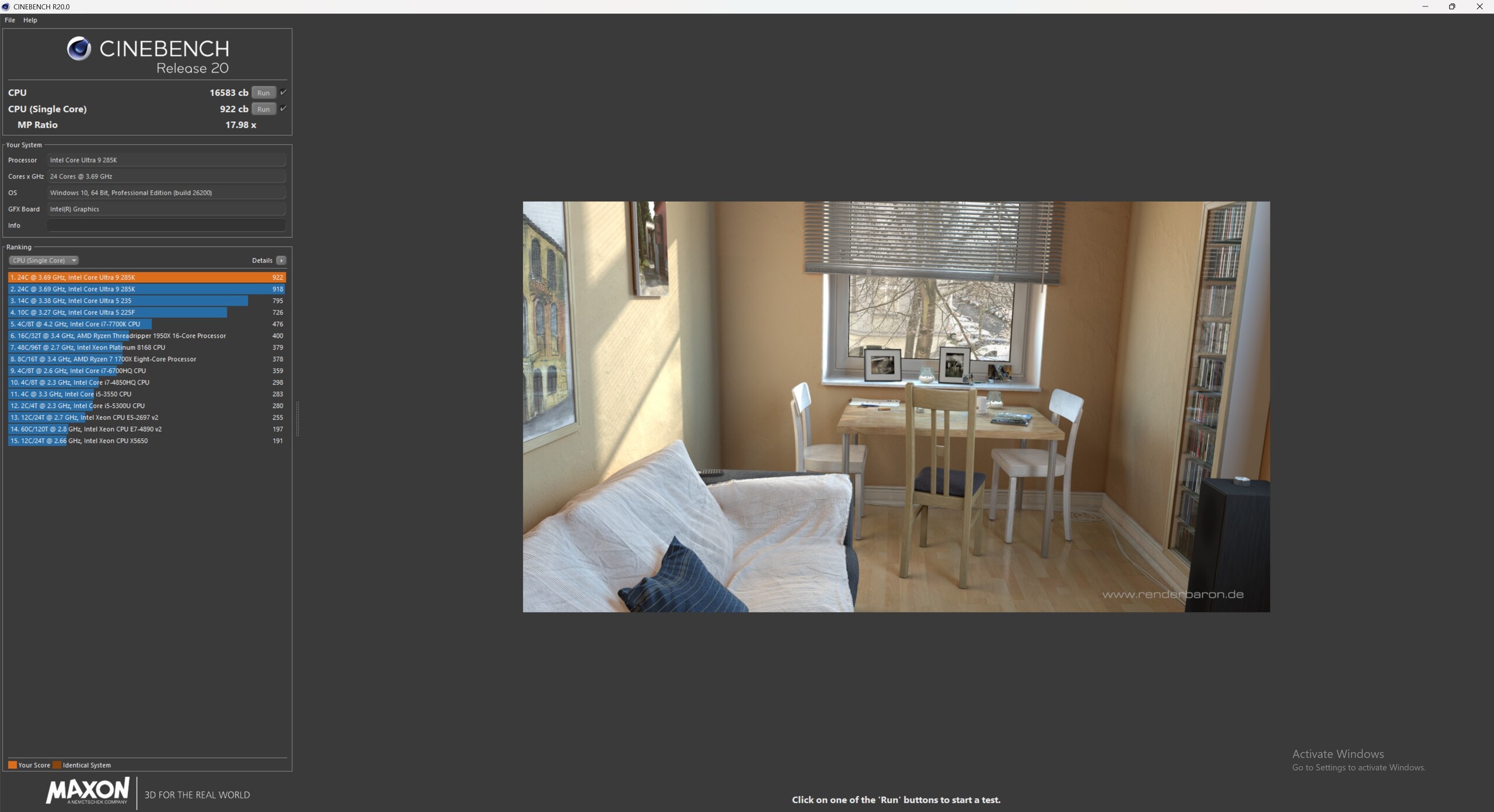
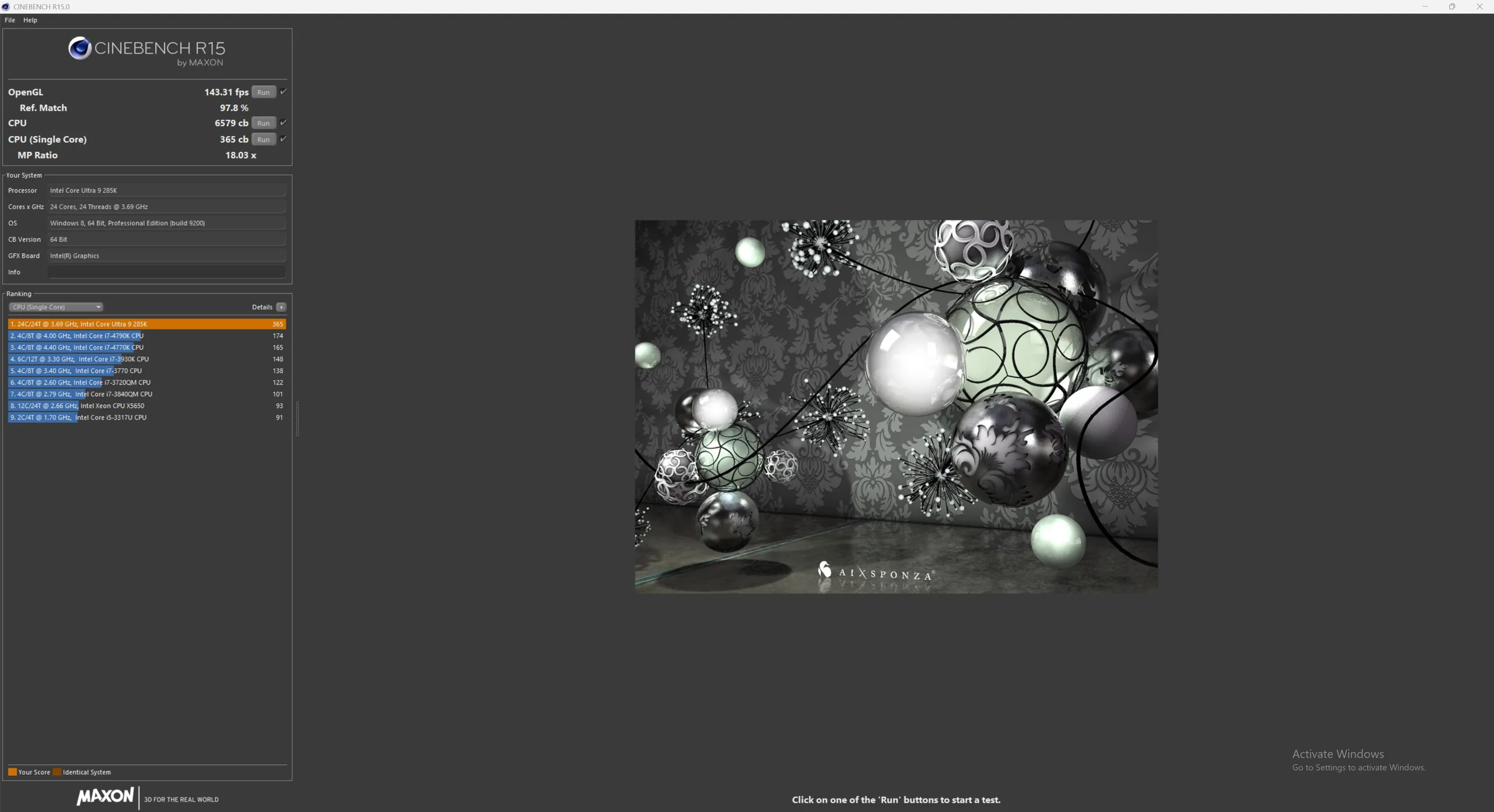
As expected, the top-of-the-line model with a 420-mm radiator offers the greatest temperature headroom. Anyone looking to get the most out of the cooling performance or achieve particularly low CPU temperatures should therefore opt for the largest version. The 360-mm model strikes a good balance, while even the 240-mm version is more than adequately sized for most high-end systems and delivers surprisingly strong cooling performance. All three models complete both the Cinebench R15 endurance test and the one-hour Prime95 stress test without any performance loss or signs of thermal throttling.
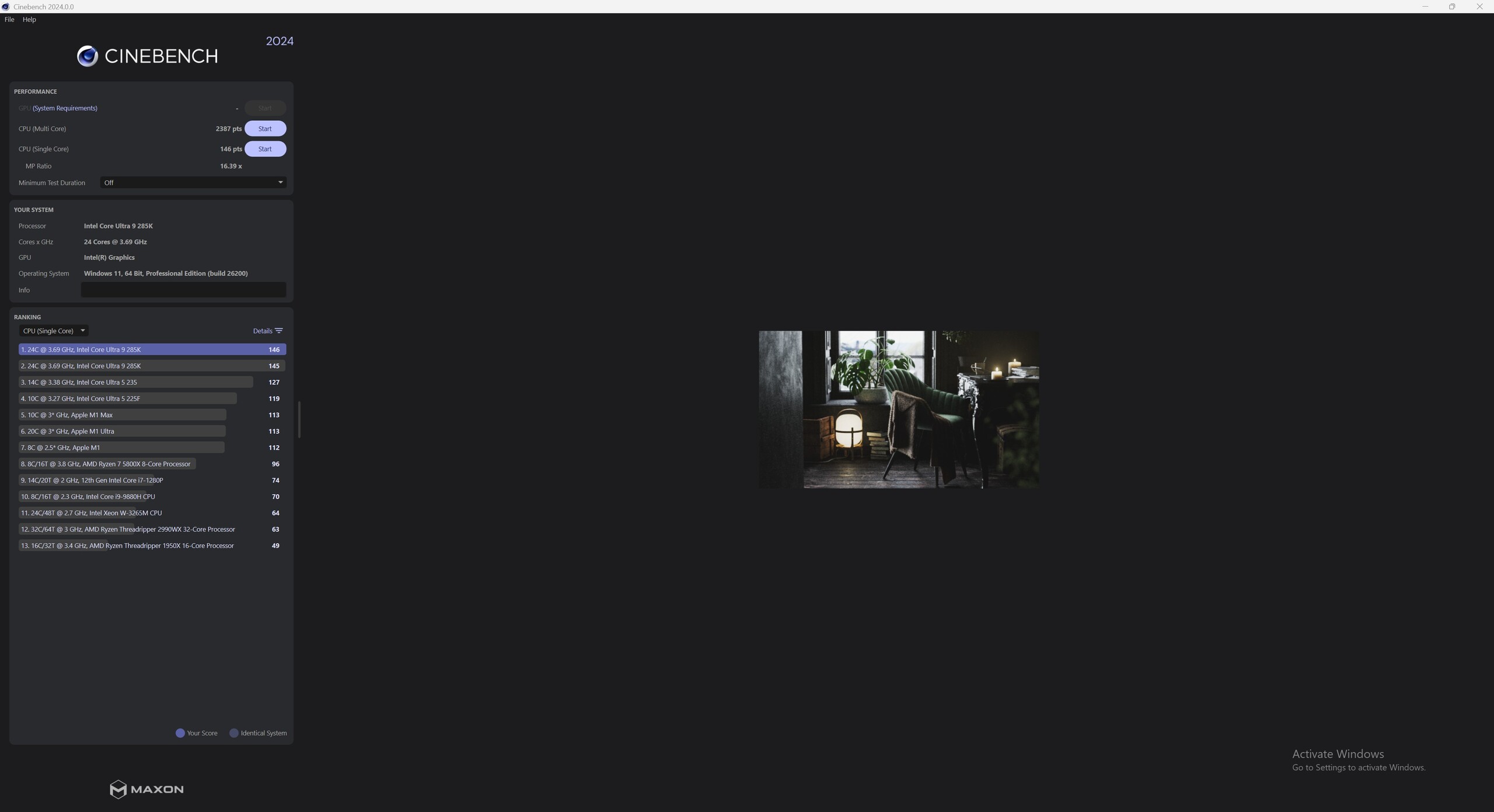
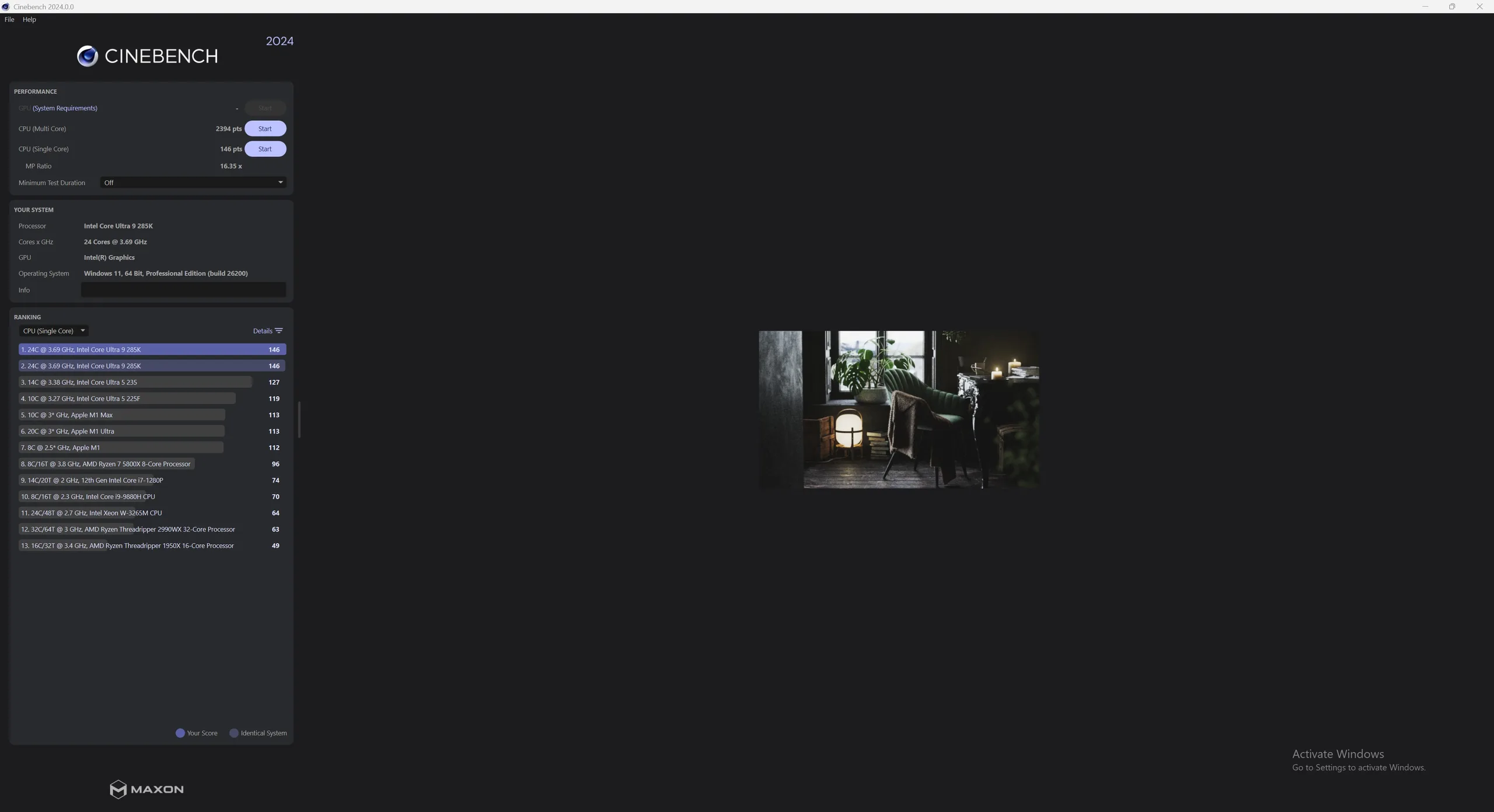
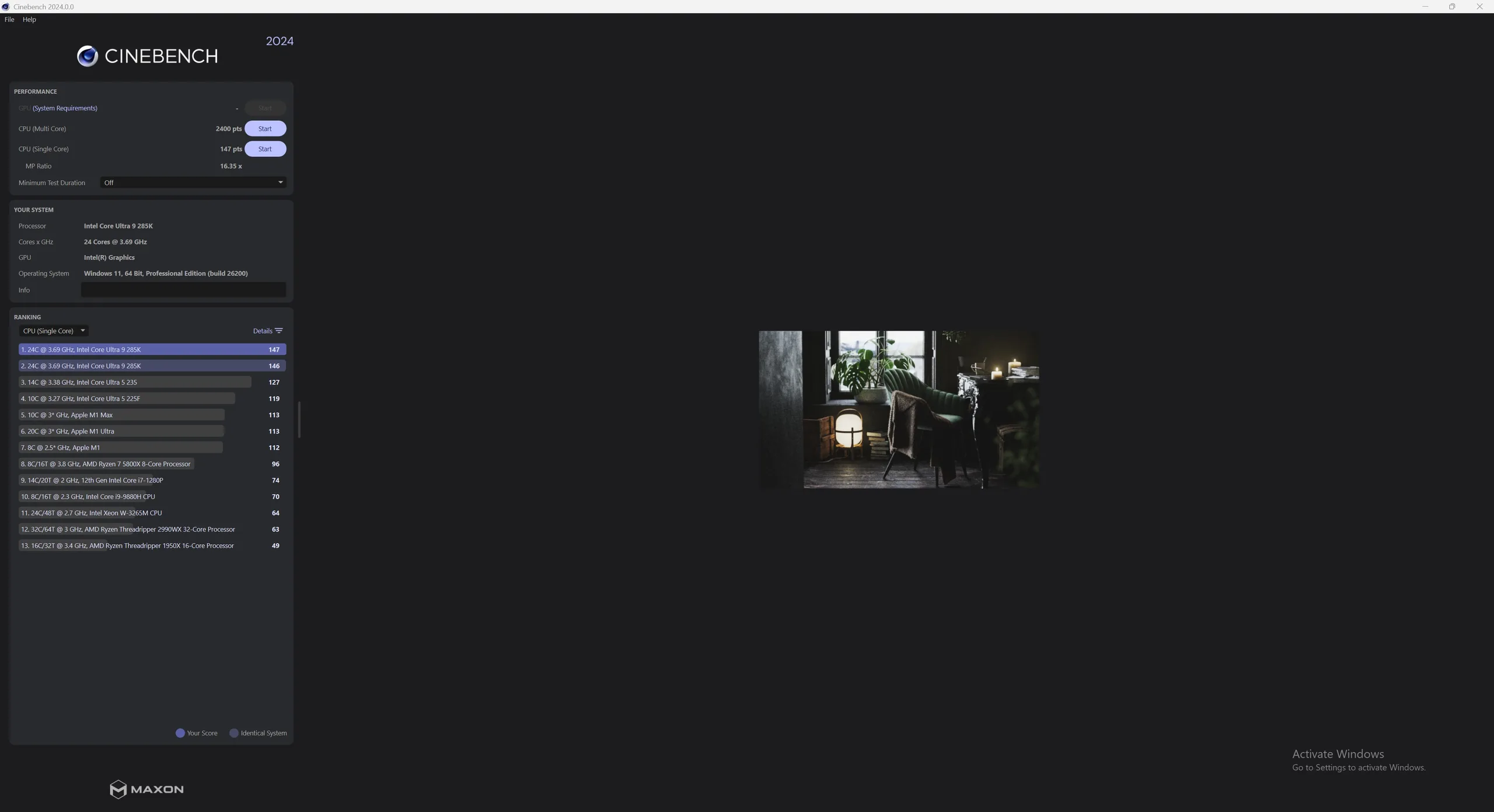
Cinebench 2024: CPU Multi Core | CPU Single Core
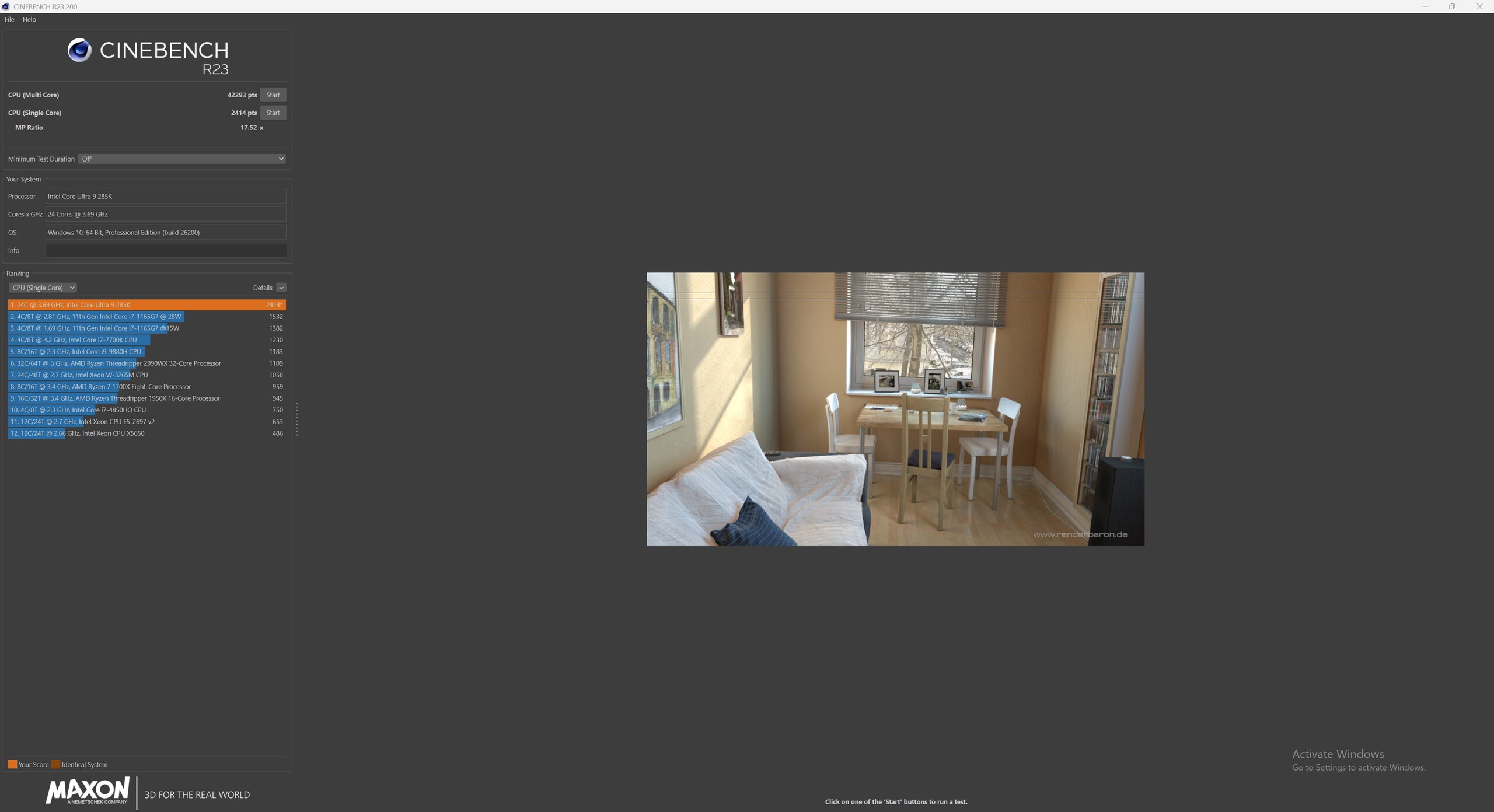
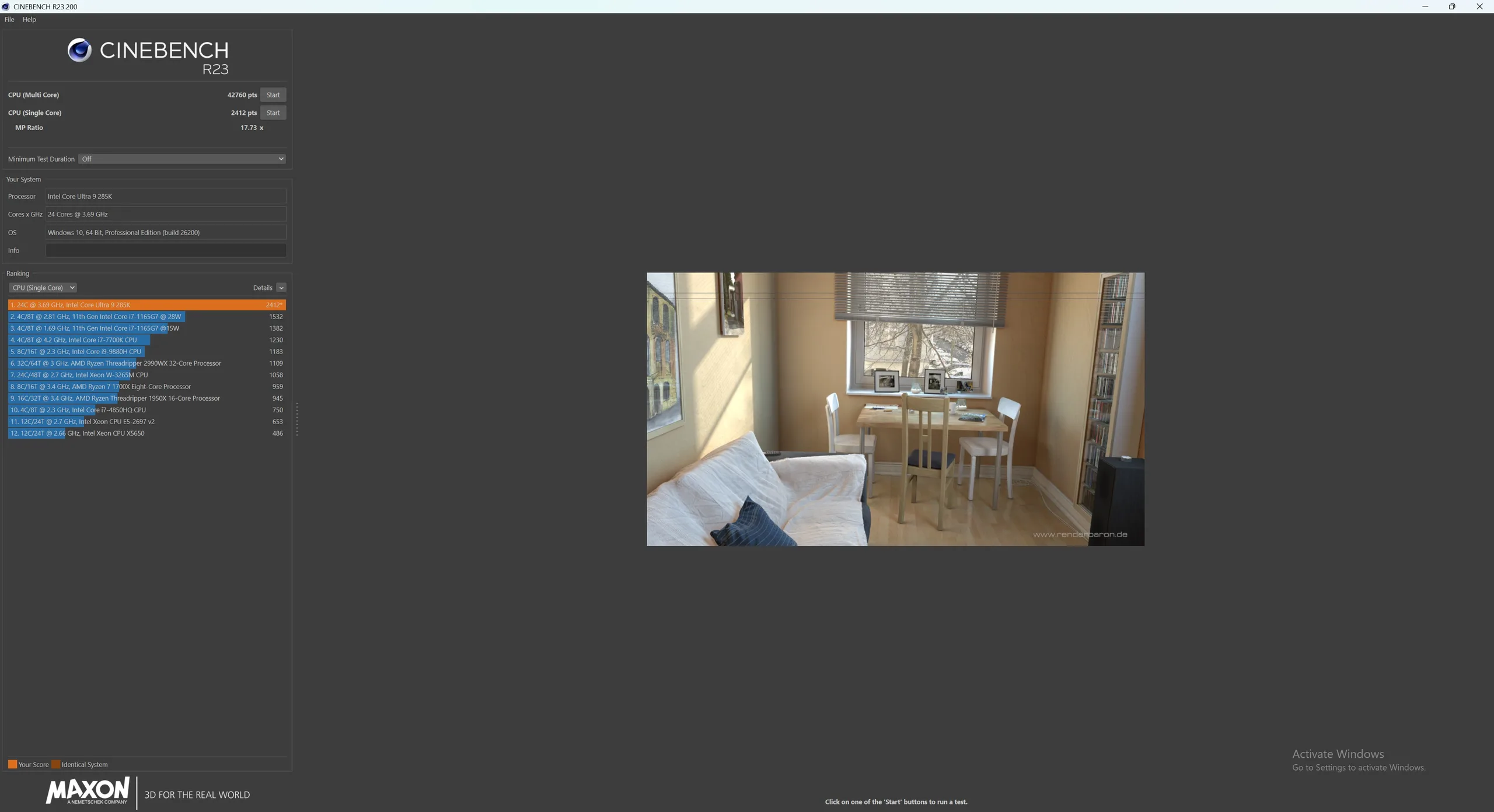
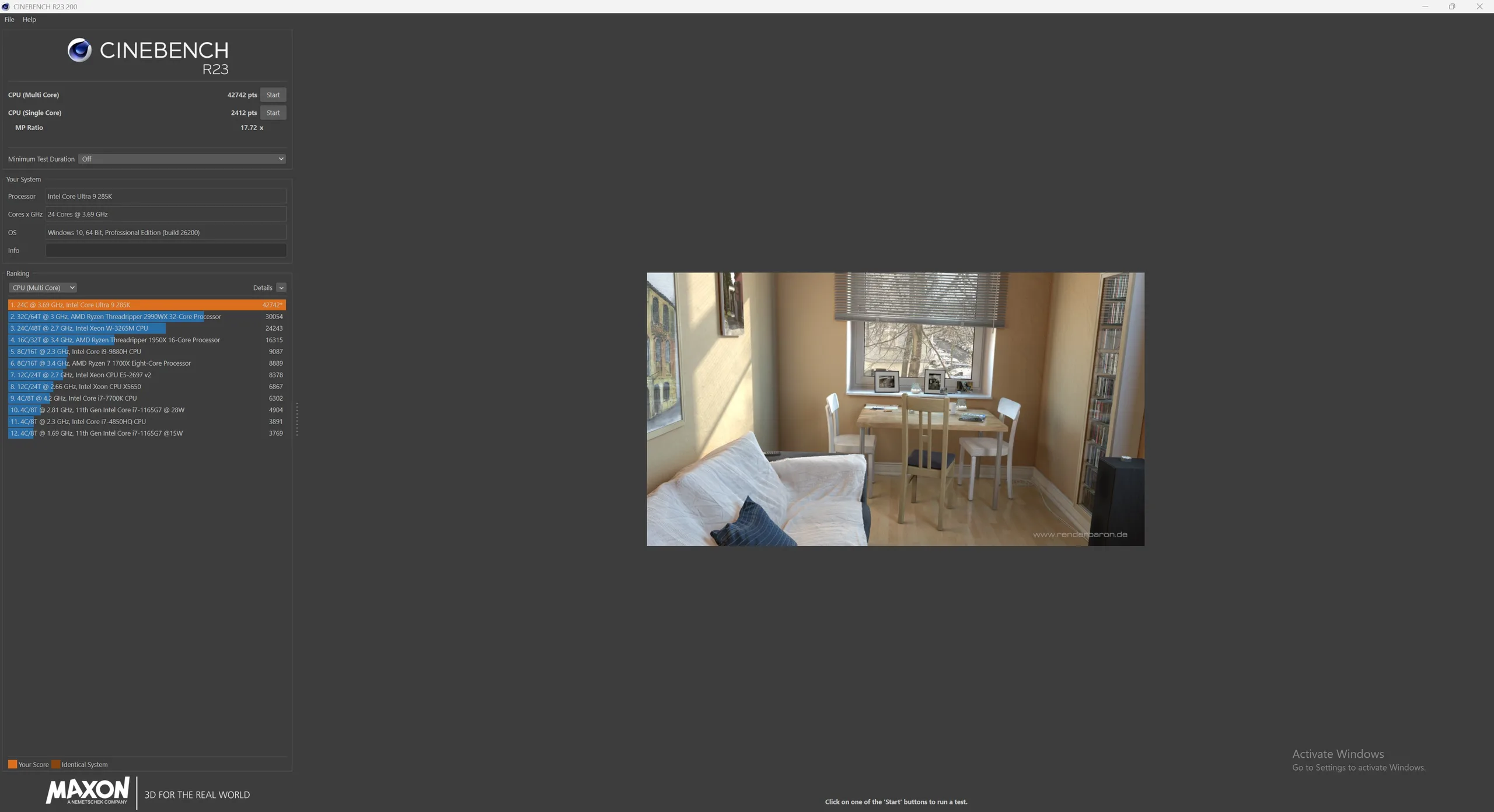
Cinebench R23: Multi Core | Single Core
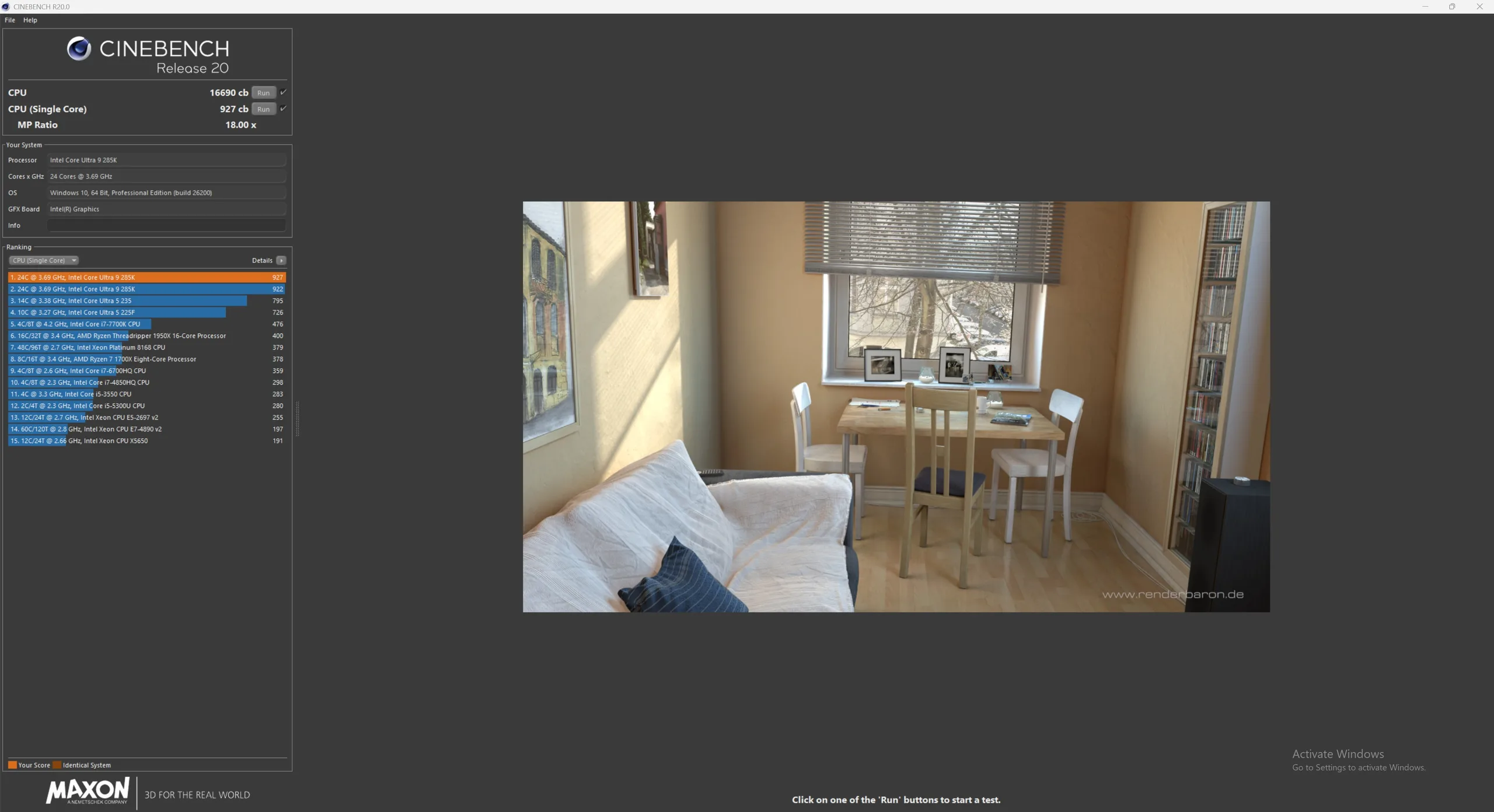
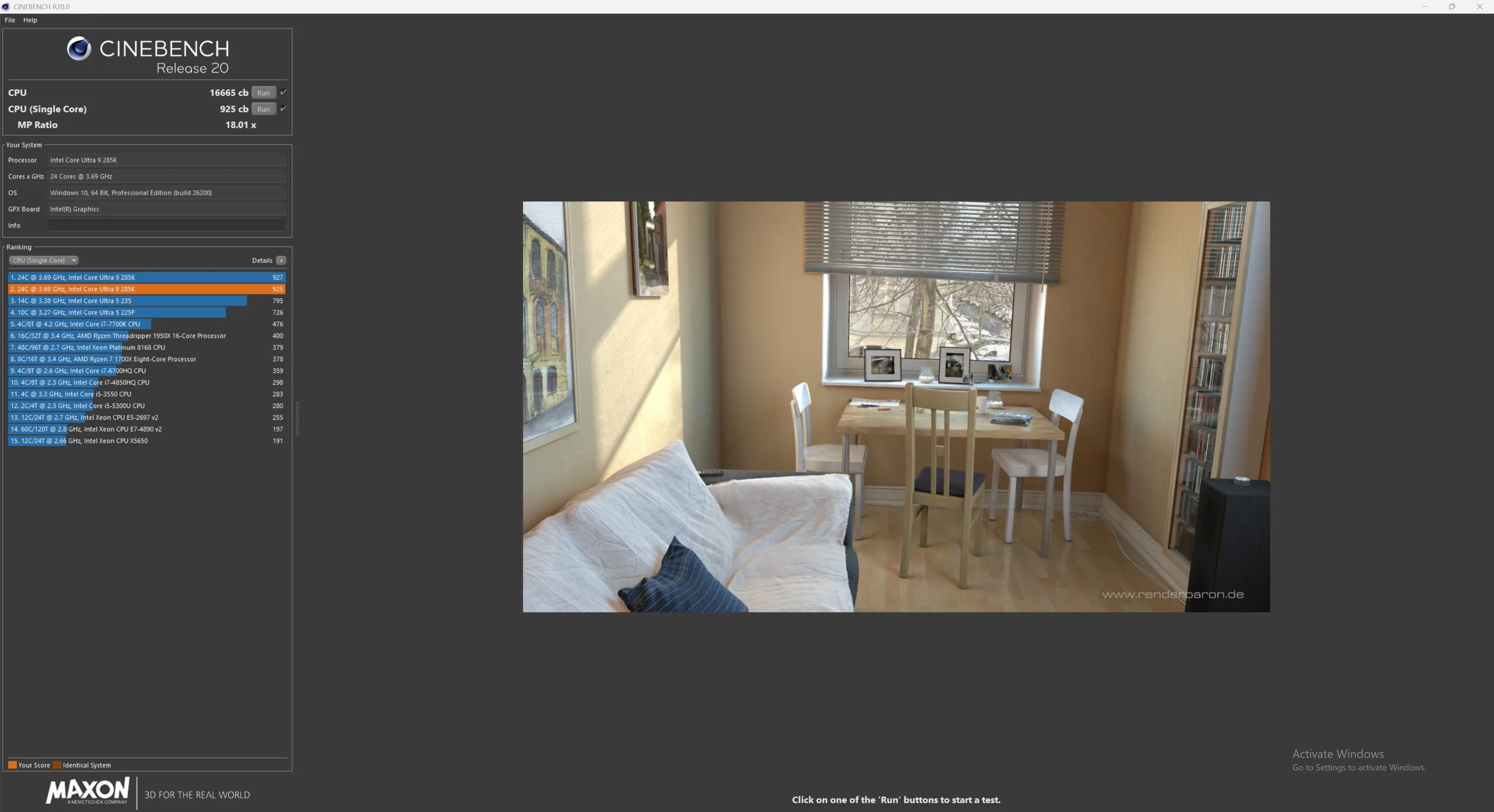
Cinebench R20: CPU (Multi Core) | CPU (Single Core)
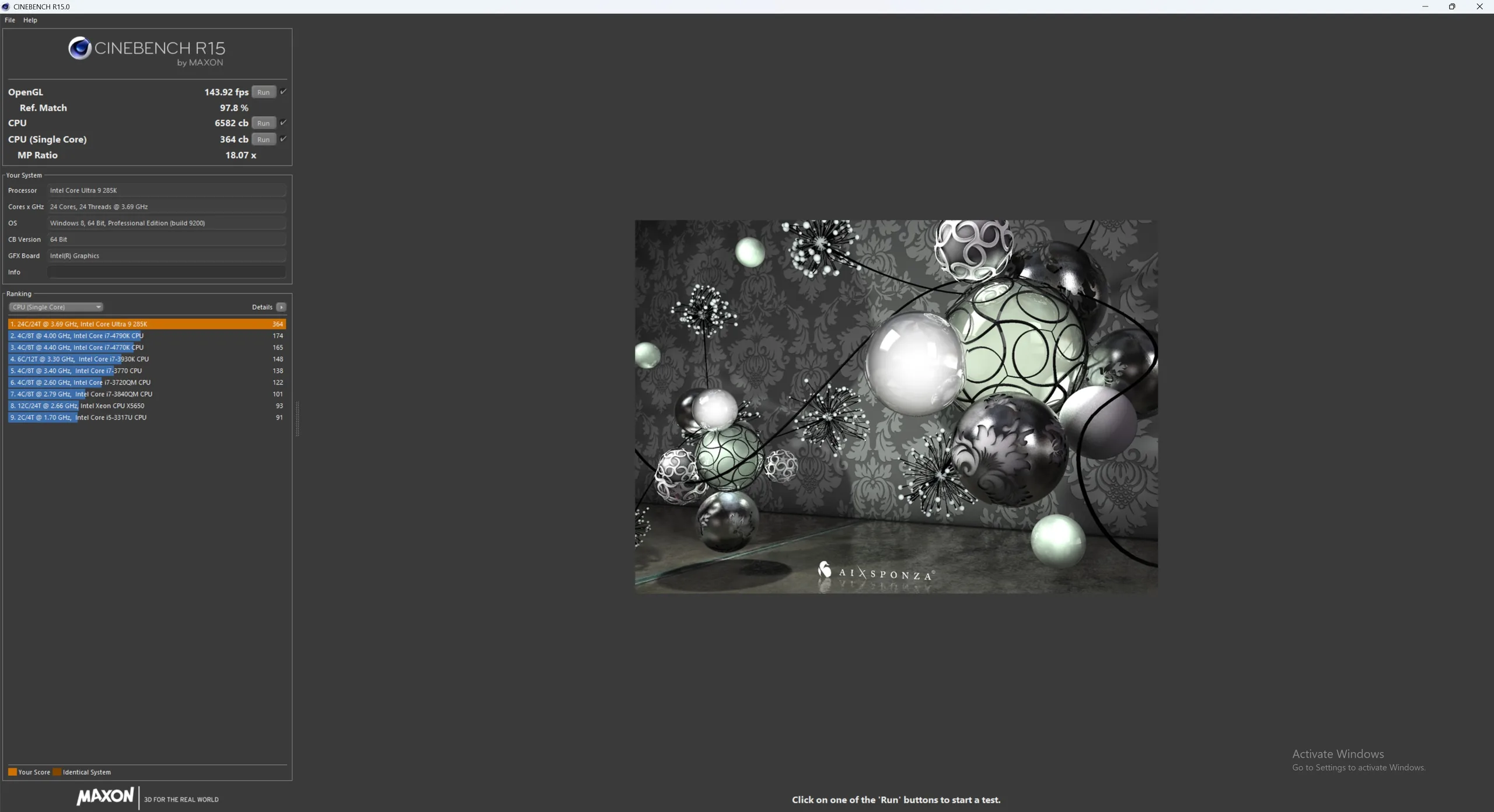
Cinebench R15: CPU Multi 64Bit | CPU Single 64Bit
| Performance rating | |
| Noctua NL-LC1-36 360mm | |
| Noctua NL-LC1-42 420mm | |
| Noctua NL-LC1-24 240mm | |
| Noctua NH-D15 G2 | |
| Noctua NH-P1 | |
| Cinebench 2024 / CPU Multi Core | |
| Noctua NL-LC1-42 420mm | |
| Noctua NL-LC1-36 360mm | |
| Noctua NL-LC1-24 240mm | |
| Noctua NH-D15 G2 | |
| Noctua NH-P1 | |
| Cinebench 2024 / CPU Single Core | |
| Noctua NL-LC1-42 420mm | |
| Noctua NH-D15 G2 | |
| Noctua NL-LC1-24 240mm | |
| Noctua NL-LC1-36 360mm | |
| Noctua NH-P1 | |
| Cinebench R23 / Multi Core | |
| Noctua NL-LC1-36 360mm | |
| Noctua NL-LC1-42 420mm | |
| Noctua NL-LC1-24 240mm | |
| Noctua NH-D15 G2 | |
| Noctua NH-P1 | |
| Cinebench R23 / Single Core | |
| Noctua NL-LC1-24 240mm | |
| Noctua NL-LC1-36 360mm | |
| Noctua NL-LC1-42 420mm | |
| Noctua NH-P1 | |
| Noctua NH-D15 G2 | |
| Cinebench R20 / CPU (Multi Core) | |
| Noctua NL-LC1-36 360mm | |
| Noctua NL-LC1-42 420mm | |
| Noctua NL-LC1-24 240mm | |
| Noctua NH-D15 G2 | |
| Noctua NH-P1 | |
| Cinebench R20 / CPU (Single Core) | |
| Noctua NL-LC1-36 360mm | |
| Noctua NL-LC1-42 420mm | |
| Noctua NL-LC1-24 240mm | |
| Noctua NH-D15 G2 | |
| Noctua NH-P1 | |
| Cinebench R15 / CPU Multi 64Bit | |
| Noctua NL-LC1-42 420mm | |
| Noctua NL-LC1-36 360mm | |
| Noctua NL-LC1-24 240mm | |
| Noctua NH-D15 G2 | |
| Noctua NH-P1 | |
| Cinebench R15 / CPU Single 64Bit | |
| Noctua NL-LC1-36 360mm | |
| Noctua NL-LC1-42 420mm | |
| Noctua NH-D15 G2 | |
| Noctua NH-P1 | |
| Noctua NL-LC1-24 240mm | |
Noctua NL-LC1-24 240 mm
Noctua NL-LC1-36 360 mm
Noctua NL-LC1-42 420 mm
Optional Accessories
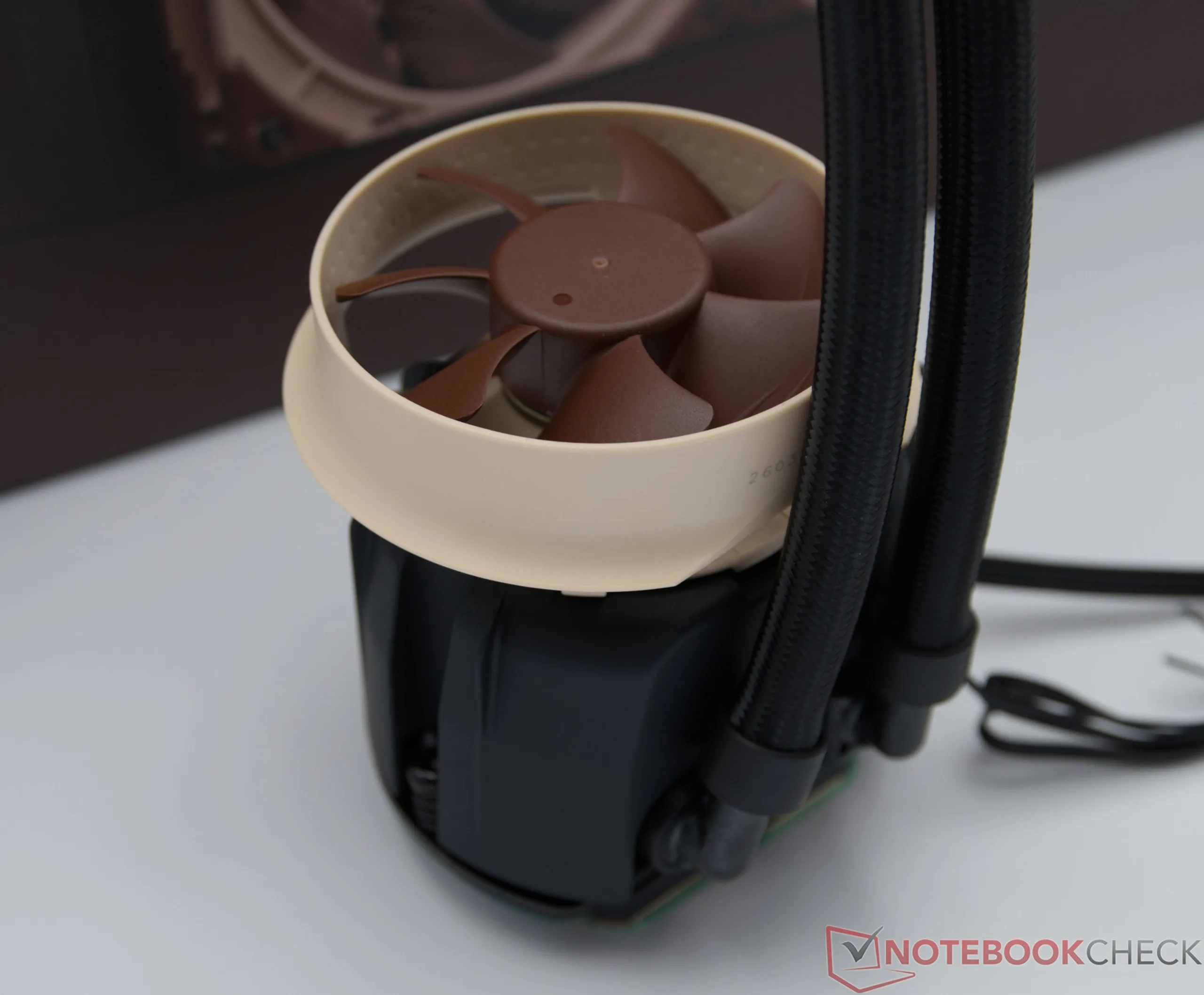
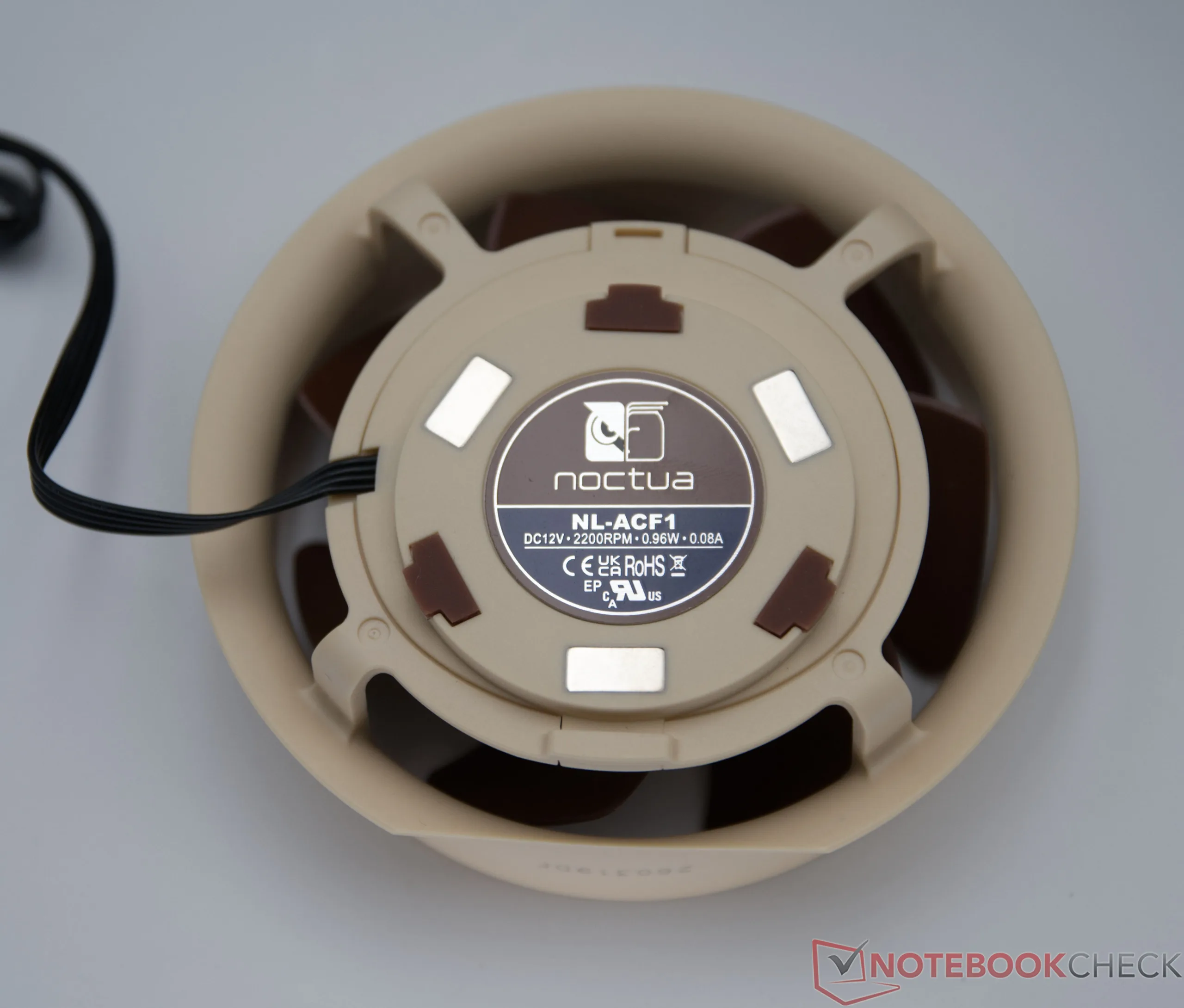
With the optional NL-ACF1, Noctua offers an add-on cooler for the pump unit. This directs a portion of the airflow specifically toward the voltage regulators (VRMs) and surrounding motherboard components, which often benefit very little from the CPU cooler in all-in-one (AiO) liquid cooling systems. Depending on the radiator’s installation position, case ventilation, and motherboard layout, the effect may vary in intensity. In suitable systems, however, VRM temperatures can be noticeably reduced, which can be particularly beneficial for high-performance processors and during sustained full-load operation.
Noise emissions
In terms of noise levels, the new Noctua AiOs benefit from the company's own NF-A12x25 G2 and NF-A14x25 G2 fans, which deliver high cooling performance even at moderate speeds. During testing with a fixed fan speed of 50 percent, all three models operate pleasantly quietly and are barely audible from within a closed case. The elaborately insulated and decoupled pump unit also plays a crucial role; Noctua employs special sound absorbers and a vibration-optimized design to effectively minimize disruptive resonances and high-frequency pump noise. Differences between the three AiOs stem primarily from the number and size of the fans used, with the 420mm model—featuring larger 140mm fans—running particularly smoothly despite its superior cooling performance.
Notebookcheck Overall Rating
With its first AiO series, Noctua has made a strong entry into the compact liquid cooling market. All three models offer strong cooling performance, easy installation, and the high build quality Noctua is known for. The 420-mm model achieves the lowest temperatures and is recommended for particularly high-performance systems.
Transparency
The selection of devices to be reviewed is made by our editorial team. The test sample was given to the author by the manufacturer free of charge for the purposes of review. There was no third-party influence on this review, nor did the manufacturer receive a copy of this review before publication. There was no obligation to publish this review. As an independent media company, Notebookcheck is not subjected to the authority of manufacturers, retailers or publishers.
 Add as a preferred source on Google


