




Google reveals first look at the future of sideloading on Android
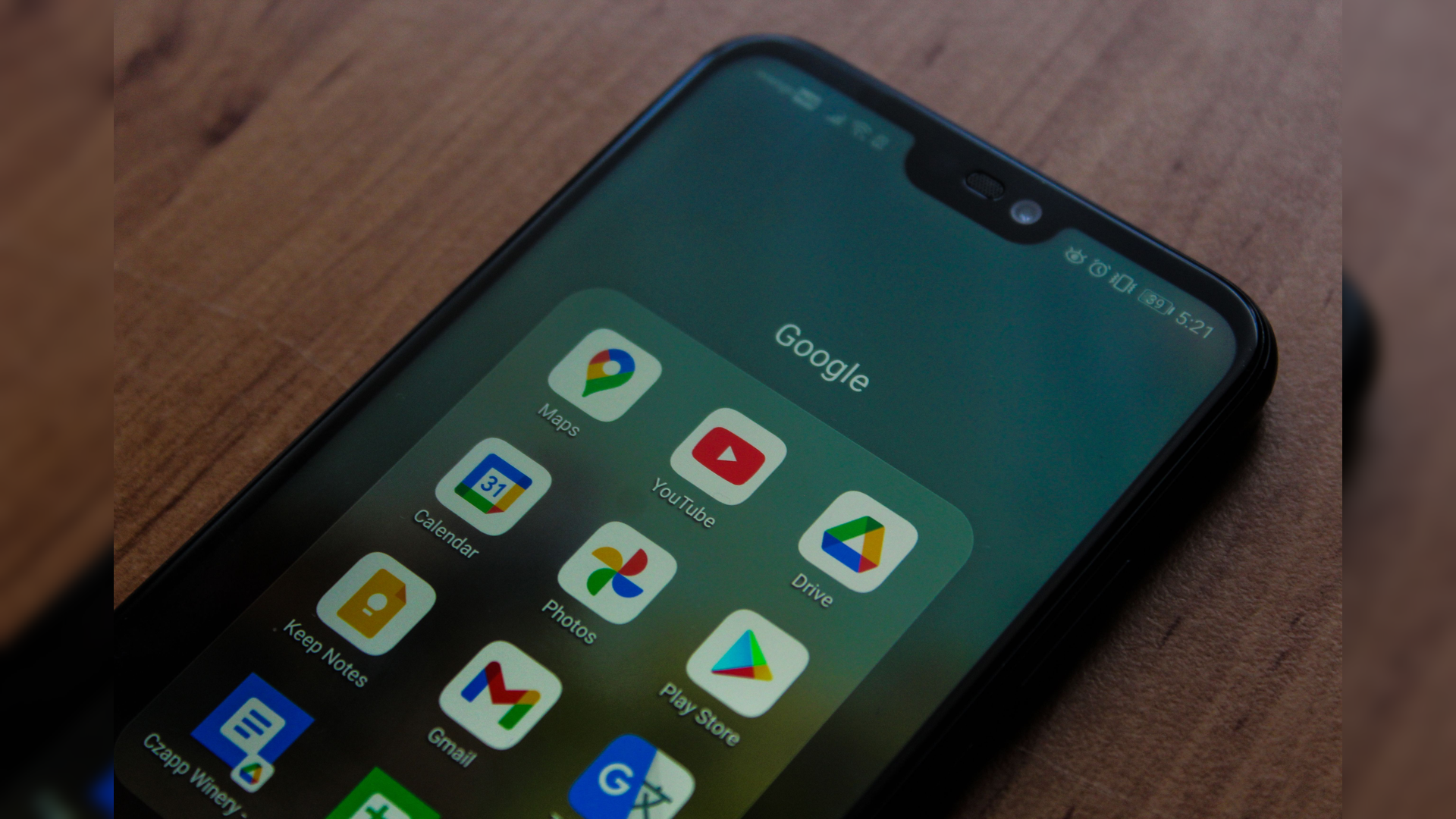
If you missed it, your Android freedom is due to be significantly curtailed if you've sideloaded applications in the past. Unfortunately, Google will change how you install apps outside the Play Store in less than 135 days. This means that you won’t be able to freely install open-source or third-party apps as easily as you’ve been doing so with the convenience of a few taps. And now, Google has released a sneak peek at what the future of sideloading on Android will look like.
This sneak peek comes courtesy of Mishaal Rahman, Google’s Community Engagement Manager, who announced the rollout of the first version of what Google is calling the advanced flow on the r/Android subreddit. This version is rolling out now, so you may not see it yet, but it should arrive in the coming weeks. The post also discusses Google’s future path on sideloading measures and how the system works in practice.
A brief overview of Google’s new and upcoming sideloading measures, announced back in March: all Android app developers must be registered with Google. If they aren't registered, users can install their app only through the advanced flow system. The process is a bit tiresome, as you can see from the steps outlined below:
1. Enable Developer Options on your phone if you haven’t done so already. Go to Settings > My/About Phone, tap “Build Number,” and tap it 7 times. A prompt will appear, and you’ll need to authenticate the action with your screen lock.
2. Once Developer Options have been enabled, open it and tap on “Apps from unverified developers”.
3. Next, enable “Allow apps from unverified developers”.
4. Once again, authenticate using your screen lock.
5. You’ll also need to confirm that nobody is pressuring you to change this setting.
6. Once that’s done, you’ll have to restart your phone and wait for 24 hours.
7. After 24 hours, go to the same setting and choose whether to allow apps from unverified developers for 7 days or indefinitely.
Even after enabling these settings, you’ll still see a warning when trying to install one of these apps, but you’ll be able to install them by simply tapping on “Install anyway”. This advanced flow aims to reduce scams by malicious app developers that coax many people into installing their apps.
A much more restrictive route to installs and updates
Additionally, Mishaal Rahman’s post clarifies some questions that may arise. You won’t need to keep Developer Options enabled to keep advanced flow enabled. If you mistakenly disable it, you’ll have a 10-minute window to enable it again without the hassle of a restart and a 24-hour waiting period. Advanced flow also applies to updates, so if it’s disabled after the app is installed, you won’t be able to update it without enabling advanced flow again. Installing through ADB is the only way to avoid advanced flow, so if you’re comfortable with that route, you can go for it.
The Android Developer Verifier System Service is also being rolled out and can be installed manually through the Google Play Store, hinting at an earlier appearance of the advanced flow. Meanwhile, developer verification enforcement starts September 30 in Brazil, Indonesia, Singapore, and Thailand. This will first cover apps available through Google Play, HONOR App Market, OPPO App Market, Galaxy Store, Palm Store, V-Appstore, and GetApps, before covering all regions and app installations in 2027.
While these changes aren’t welcome by most of the community - at least the Reddit comments suggest they question the effectiveness of these changes, mainly asking why already-installed but unregistered apps need to have their updates blocked.
Rahman has responded quickly, explaining that some malicious apps take time to build trust with users and change their activities in future updates. He also clarified that these changes question the app's developer, not the app itself, since it doesn’t matter whether the app was downloaded from F-Droid or another app store. No matter how you look at it, Android’s future is about to change, with a mandatory and somewhat irritating flow for users trying to sideload apps.
Source(s)
 Add as a preferred source on Google


