




ChatGPT can now read iCloud Mail, and disconnecting is not enough
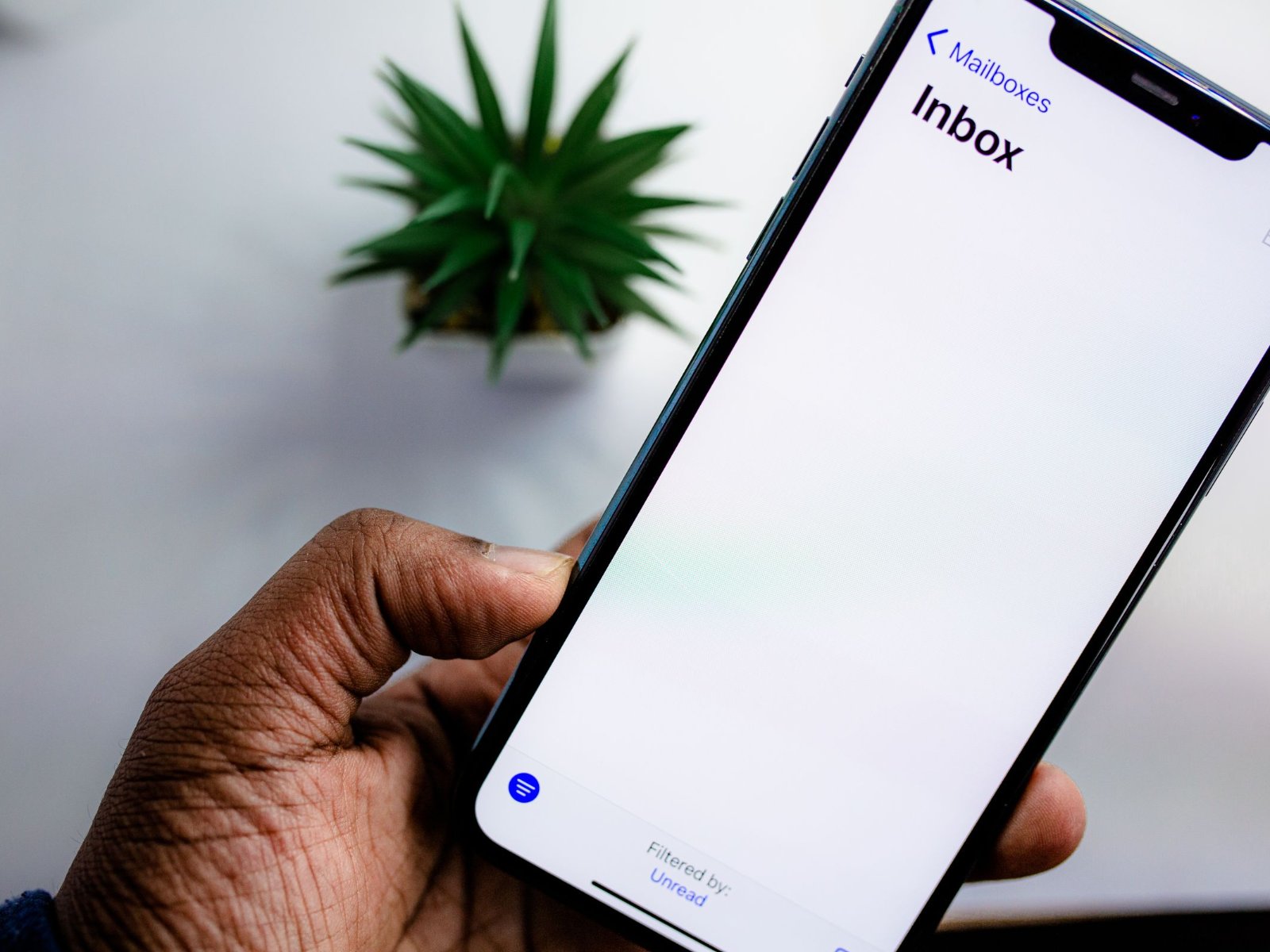
Since October 27, ChatGPT can connect to iCloud Mail and iCloud Calendar. OpenAI's release notes say the two plugins are available on all ChatGPT plans, including the free tier, on the web, in the desktop app and on iOS. OpenAI does not mention any regional limits, and the Android app is not on the list.
What ChatGPT can do with your inbox
The Mail plugin can search and read messages, manage drafts and send email. In Calendar, ChatGPT can create events and change existing ones. Both plugins can look up contacts but cannot edit them. Gmail or Outlook accounts added to Apple's Mail app stay out of reach, because only addresses ending in @icloud.com, @me.com or @mac.com work. Mail and Calendar have to be connected separately. Google recently gave Gemini in Chrome similar access, letting it pull autofill details from Gmail.
You need an app-specific password
Apple now lets you authorize apps for Mail, Calendar and Contacts without a password, but OpenAI uses the older method. You create an app-specific password at account.apple.com under Sign-In and Security, which requires two-factor authentication. OpenAI tells users not to enter their regular Apple password in the form or paste any password into a chat.
Disconnecting in ChatGPT leaves the password active
Near the end of its help article, OpenAI notes, "Disconnecting an iCloud connection in ChatGPT does not revoke its password at Apple." The password has no expiry date either. According to Apple Support, it stays valid until you remove it at account.apple.com, use Revoke All, or change or reset your main Apple Account password. If you only want to try the plugin, delete the entry at Apple after disconnecting. Apple allows up to 25 active app-specific passwords, so it is worth checking that list now and then.
Your emails can be used for training
Check your settings before you connect. For Free, Go, Plus and Pro users, OpenAI "may use information accessed from apps to train our models if your 'Improve the model for everyone' setting is on." Business, Enterprise and Edu accounts are excluded by default. With Memory turned on, a plugin can also draw on relevant memories. To keep your mail out of training, switch off that setting under Data Controls first. Our comparison of AI memory features explains what ChatGPT remembers about you and how to manage it. Disconnecting does not delete existing chats or saved memories, so remove those separately if needed.
Source(s)
OpenAI release notes: iCloud Mail and Calendar plugins in ChatGPT
OpenAI Help Center: Connecting and managing app accounts in ChatGPT
OpenAI Help Center: Connected apps in ChatGPT
Apple Support: Sign in to apps with your Apple Account using app-specific passwords
MacRumors: ChatGPT Can Now Access Your iCloud Mail and Calendar
 Add as a preferred source on Google


