




ChatGPT: New search finds your old chats, images and documents
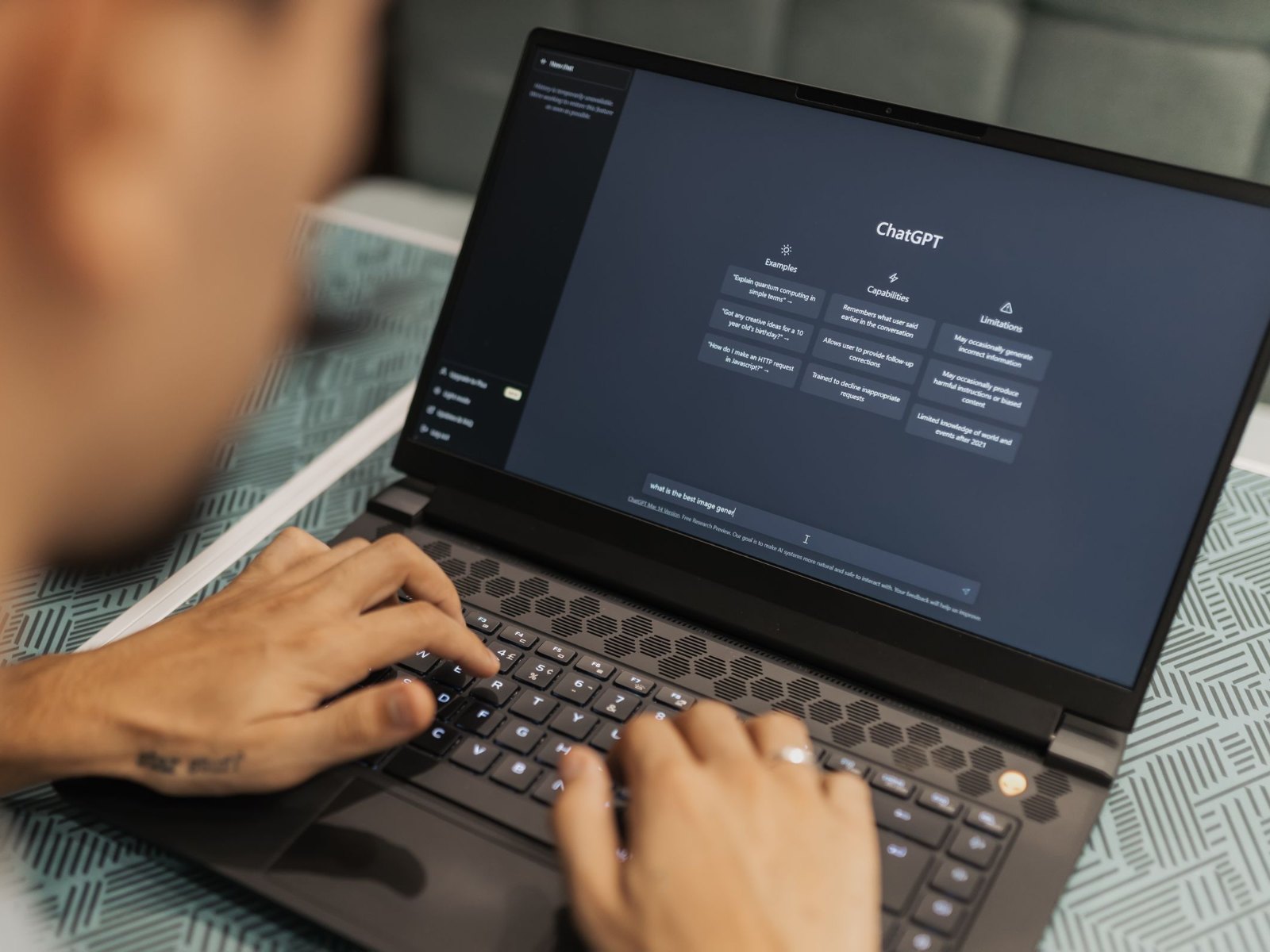
If you use ChatGPT every day, you know the problem: somewhere in the chats from the past few months sits that one answer, the analysis from an uploaded PDF or a generated image. The chat title is long forgotten. OpenAI has now rolled out a search that fixes this. It covers chats, projects, documents and images from one place and, according to the official release notes from July 14, is available on all plans worldwide, including free accounts. The rollout comes just days after the broad launch of GPT-5.6.
One search for everything
Until now, the sidebar search mainly found old conversations. Uploaded files, projects and generated images were left out. That is exactly what changes now. The new search still starts from the sidebar, but it covers every content type. Filters narrow the results down, for example to images only or to files from a specific project. Clicking a result opens the chat, project or file directly. It works the same in the browser and in the iOS and Android apps.
More room for custom instructions
At the same time, OpenAI has flipped a second convenience switch: custom instructions, the permanent guidelines for style and context, now hold 5,000 characters instead of 1,500 as of July 15. The upgrade is reserved for paying users on Plus, Pro, Business, Enterprise and Education plans. We have broken down what AI subscriptions cost in 2026 and which one is worth it in our full comparison.
What this means for your data
The new search makes your history far more useful, but it also makes it more visible. If you use ChatGPT for work, you will now find things faster that should not sit in your account permanently, from customer data to draft contracts. The search does not change what is stored. It only reveals what is already there. Our guide on what AI secretly remembers about you and how to make it forget walks you through it step by step.
Source(s)
 Add as a preferred source on Google


