




Can the Lenovo Yoga Slim 7 Aura Edition touchscreen replace a traditional mouse?
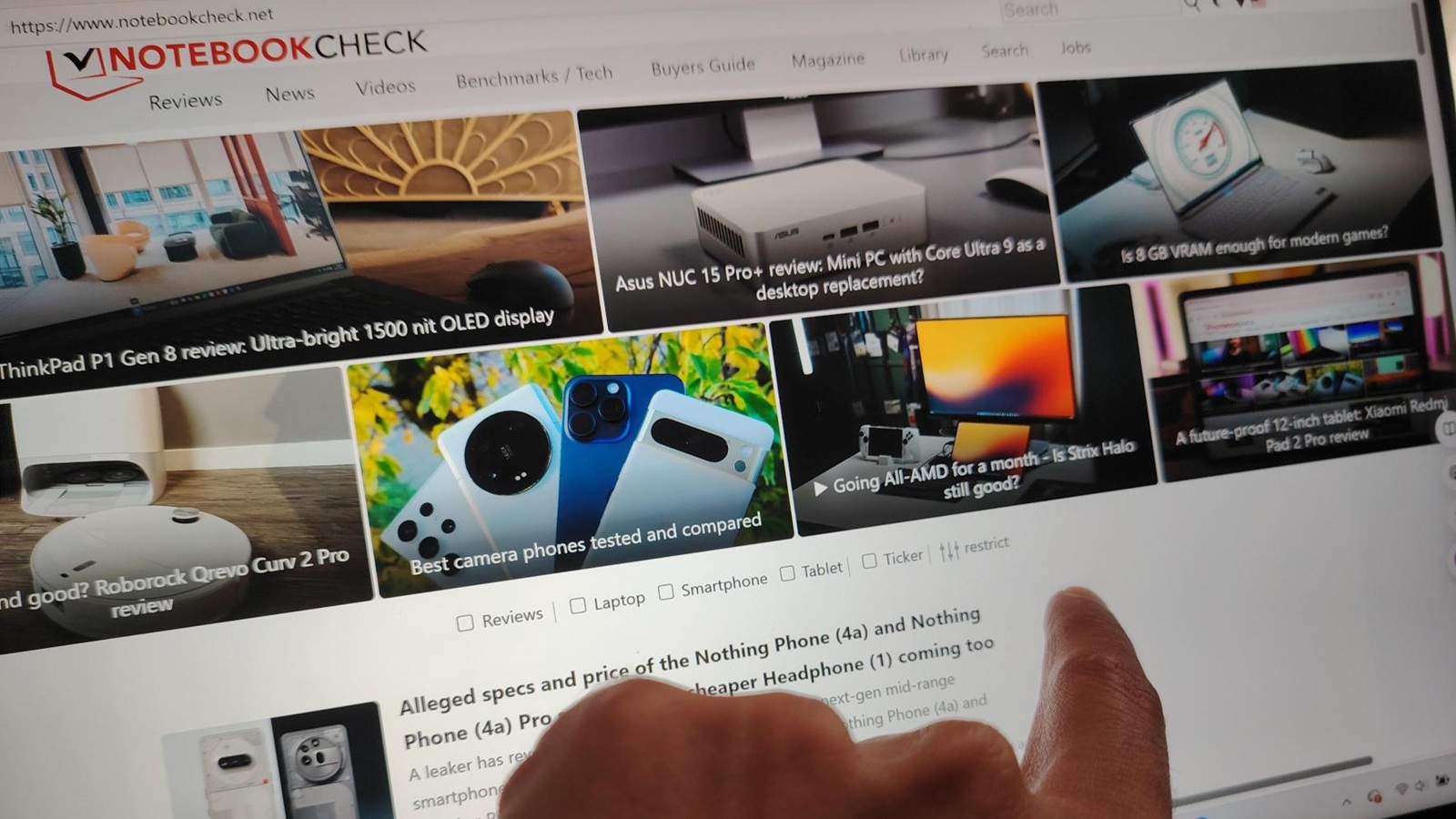
I decided to try something a little strange: no mouse. No trackpad gestures, no external pointing devices. Just my fingers and the Lenovo Yoga Slim 7 Aura Edition touchscreen (model 15ILL9).
This wasn’t about casual scrolling on the couch. I wanted to see whether a laptop designed with touch in mind could actually replace the traditional mouse-driven workflow for everyday productivity… and even some gaming. In other words, I wanted to know if the Lenovo Yoga Slim 7 Aura Edition and its touchscreen could realistically stand in for a mouse for both work and play.
Touch-based productivity on the Lenovo Yoga Slim 7 Aura Edition
For day-to-day tasks like email, web browsing and document editing, the touchscreen holds up better than I expected.
Swiping through an inbox, dragging windows around, highlighting text in Word and hopping between tabs in Chrome feels direct and physical. You’re not nudging a pointer towards something; you’re interacting with the content itself. That sense of immediacy is something a mouse can’t quite replicate.
Windows 11 helps. Lenovo’s standard touch gestures, combined with Microsoft’s UI, make pinch-to-zoom, smooth scrolling and snapping windows into layouts feel natural. Dragging a window to the side to dock it becomes second nature once you stop reaching for a mouse by habit.
The flip side is fatigue - and the lack of fine control. Holding your arm up to tap the screen for long stretches is tiring, and small, precise actions… clicking tiny icons, adjusting sliders by a pixel, or trying to hit a narrow menu target… can be annoyingly fiddly.
Most of the time, though, the combination of a sharp 2.8K display and responsive Intel Arc graphics means touches register instantly and accurately. For general productivity, the touchscreen is not just usable… It’s genuinely comfortable... until fatigue sets in.
Gaming with just your fingers
Gaming is where things get interesting. The Yoga Slim 7 is not a hardcore gaming laptop, but with the touchscreen as the only input, some genres really come alive.
Turn-based titles like Civilization VI, simple card games like Microsoft Solitaire, and touch-friendly puzzle or rhythm games are well suited to taps and swipes. It feels good to directly poke and drag units, cards or tiles with your fingertips. For certain actions, it’s actually quicker than steering a mouse cursor around the screen.
Where this setup hits its limits is precision-heavy gaming. First-person shooters, MOBAs and real-time strategy games with tiny click targets are still far better with a mouse. Fast aiming, rapid camera control and fine-grained unit selection simply aren’t what a touchscreen does best.
For casual or touch-optimized games, though, leaning on the touchscreen adds a surprisingly playful, hands-on feel that makes the laptop behave more like a big, powerful tablet.
What other Lenovo users say about touch
If you browse Reddit threads, a pattern pops up: a lot of Lenovo users barely touch their touchscreens. Many admit they forget the feature is there, sticking to the trackpad or a mouse out of habit.
Common complaints include finger smudges, occasional mistaps, and the simple fact that many people have spent decades training themselves to reach for a mouse. But there’s another camp — those who embrace touch — and they tend to describe it as more “direct” and “natural” once you get used to it.
On the Lenovo Yoga Slim 7 Aura Edition, AI-assisted features and smooth gesture handling help ease some of the pain points. The way the screen tracks fingers and maps motion across the display makes a touchscreen-only workflow feel more realistic than it would on older or less responsive hardware.
Final thoughts: Touch is better than a gimmick, but not a total mouse replacement
After living with the Lenovo Yoga Slim 7 Aura Edition touchscreen as my only pointing device, here’s where I landed:
For day-to-day tasks and casual gaming, going all-in on touch is not only possible, it’s surprisingly fun. It forces you to rethink your habits and makes the laptop feel more immediate and tactile.
But it’s not a complete replacement for traditional input. Precision work still benefits from a mouse, and long sessions of poking the screen will give your arm a workout you never asked for.
Even so, the experiment changed how I think about this laptop. The Lenovo Yoga Slim's touchscreen isn’t just a nice-to-have add-on for the occasional scroll… it’s a legitimate way to navigate work and play, especially if you’re willing to rewire how you interact with your machine.
Mouse lovers don’t need to throw away their peripherals. But if you’re curious, try a few days with just your fingers. On a modern touchscreen laptop like the Yoga Slim 7 Aura Edition, you may find that touch-first computing feels more liberating — and a lot less insane — than it sounds.
Source(s)
 Add as a preferred source on Google


