




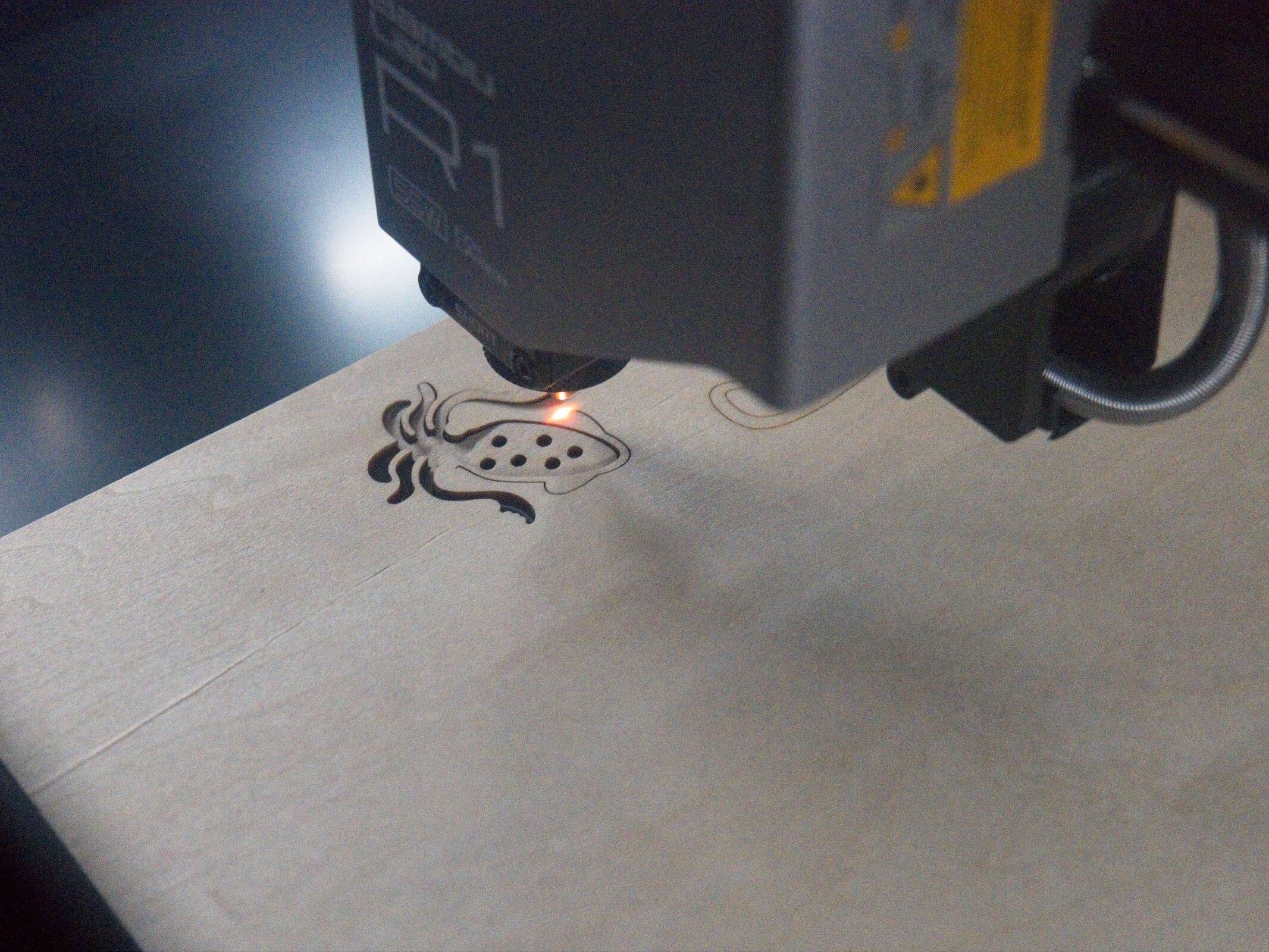
Bambu Lab R1 review: Powerful, plug-and-play laser cutting
Cutting-edge.
The Bambu Lab R1 impresses in our review as a 55-watt CO₂ laser cutter with easy setup and precise cutting and engraving. Our review shows how well camera alignment and contour detection work in everyday use and what limitations come with this $2,499 laser cutter.Silvio Werner (translated by Silvio Werner) Published 🇩🇪
An impressive debut
The Bambu Lab R1 marks a highly successful debut in the standalone laser cutter market. It is effortless to set up, requiring no manual adjustments, while a clear tutorial guides users through the initial configuration. Bambu Studio proves intuitive and feature-rich once you understand the core distinction between design setup and job execution. Camera-based workspace monitoring performs flawlessly, and the Contour Trace Extraction feature simplifies tracing complex shapes directly onto the workpiece. Both engraving and cutting quality are excellent, producing clean results without excessive burn marks on wood or cardboard. The unit also delivers solid dimensional accuracy. While the side-mounted emergency stop switch and high operational noise are typical for this class of device, they remain notable drawbacks. Buyers should also consider the inherent material limitations, though home metalworking is rarely a primary requirement. At $2,499, the R1 is a significant investment in absolute terms, but its comprehensive feature set makes it competitively priced and a strong value overall.
Pros
Cons
Price and availability
The Bambu Lab R1 is available from Bambu Lab for $2,499. Everything except distilled water is included, along with one acrylic sheet and one basswood plywood sheet. The Long Material Bundle costs €3,289 and allows longer blanks to be processed, while the Material & Rotary Bundle also enables work on items such as bottles. Bambu Lab also offers suitable stock materials.
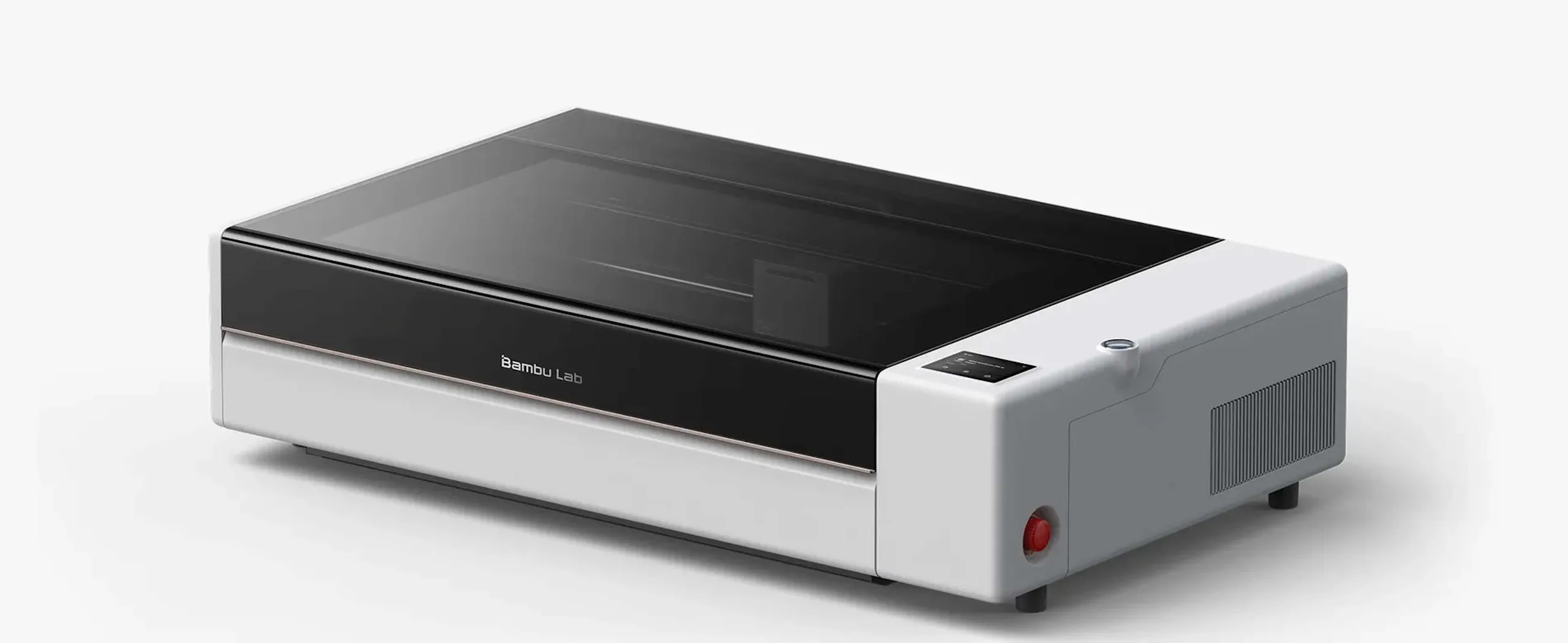
The Bambu Lab R1 is a laser cutter powered by a CO₂ laser with up to 55 watts of output, making it capable of tasks such as cutting wood and engraving glass. Out of the box - without height extensions for the work area - the model is rated as a Class 1 laser device, ensuring safe operation without eye protection as long as it remains undamaged and is used properly.
Specifications
| Category | Laser cutter |
| Power, laser type | 55 watts, CO2 laser |
| Work area | 600 x 300 millimeters, 600 x 3,000 mm with conveyor |
| Max. cutting capacity | 18 mm black walnut, 20 mm acrylic (using the long-focal-length lens) |
| Supported materials | Wood, acrylic, leather, fabric, paper, EVA foam (cutting and engraving), coated metal, glass, ceramics (engraving only) |
| Max. speed | 1,000 mm/s |
| Absolute motion accuracy | < 0.1 mm |
| Positioning accuracy | < 0.2 mm |
| Laser alignment, focusing | Can be automated |
| Positioning system | Two cameras, two lasers, two encoders |
| Other features | Processing curved surfaces, automatic mode |
| Connectivity options | WiFi, Bambu Studio, Bambu Handy, local operation possible (USB Type-C) |
| Dimensions | 940 x 560 x 200 millimeters |
| Space required with 100 millimeters of clearance | 1,140 x 760 x 750 mm |
Easy setup
The Bambu Lab R1 arrives fully assembled - standard practice for this product category. The accessories are safely packaged inside the laser cutter itself. Initial setup requires only removing a few transport screws and filling the cooling system with distilled water (not included). Adding the supplied antifreeze is unnecessary as long as ambient temperatures remain at or above 5 °C (41 °F) year-round. Setup was completed over Wi-Fi using Bambu Studio and the Bambu Handy app.
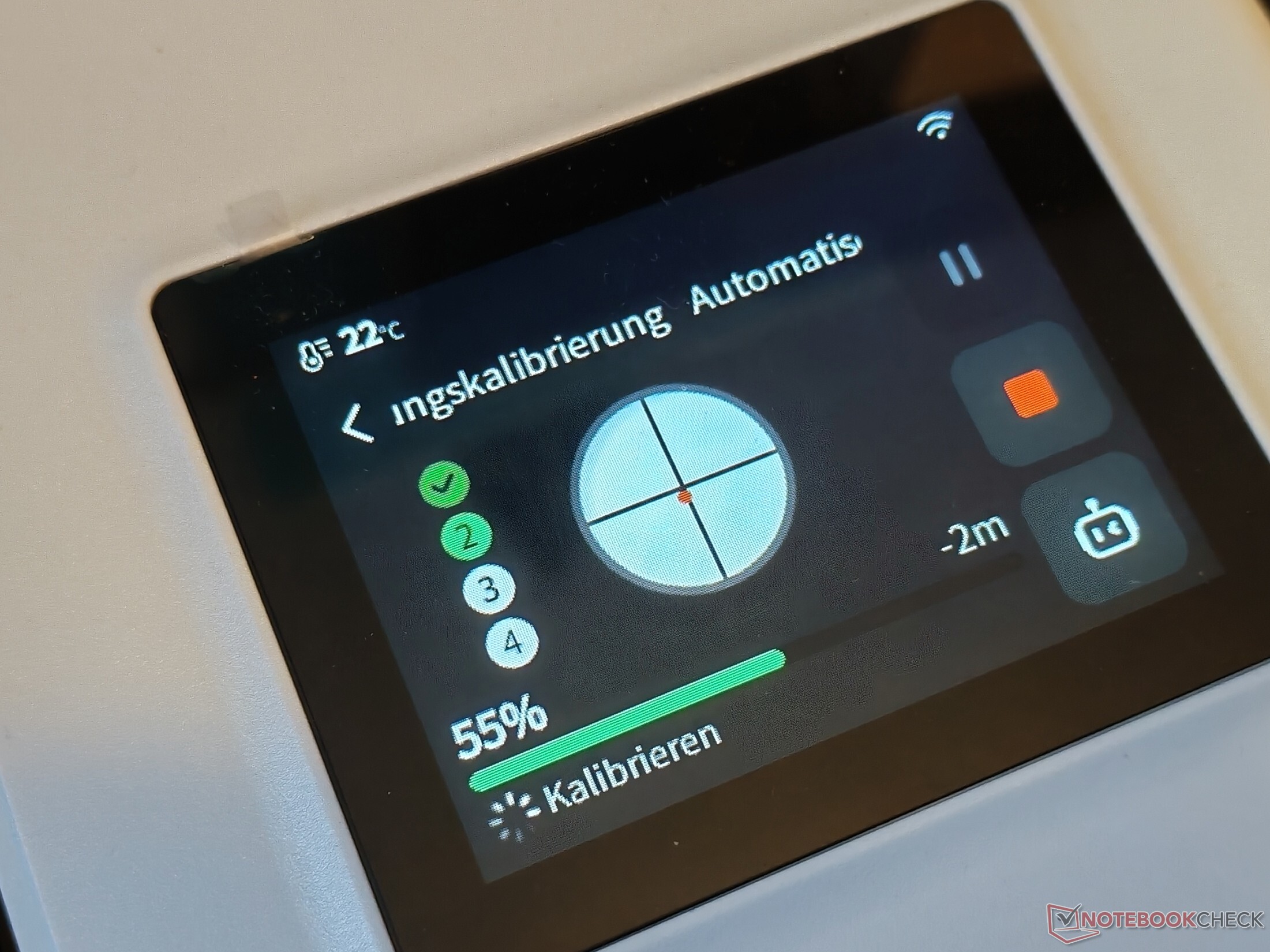
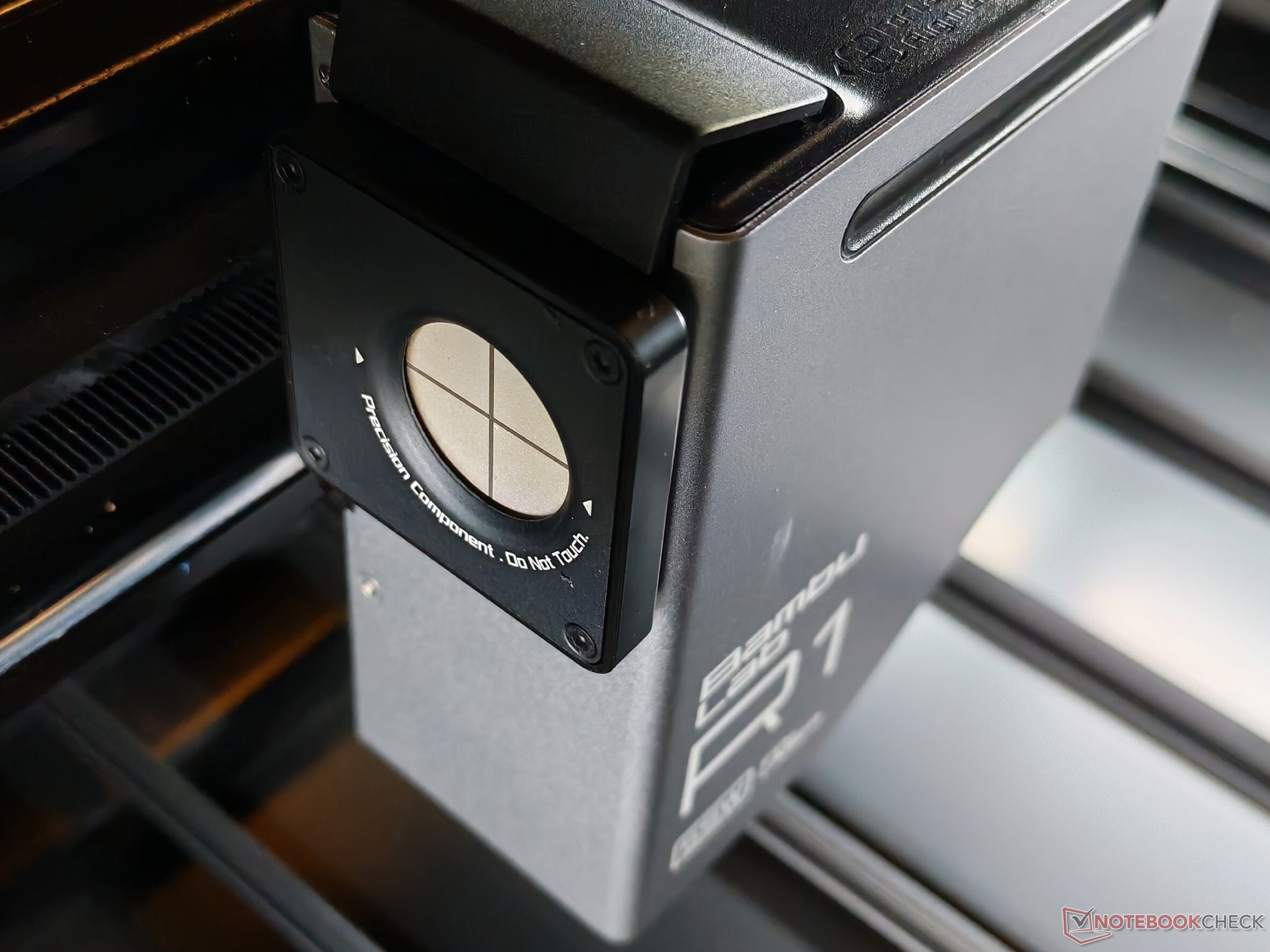
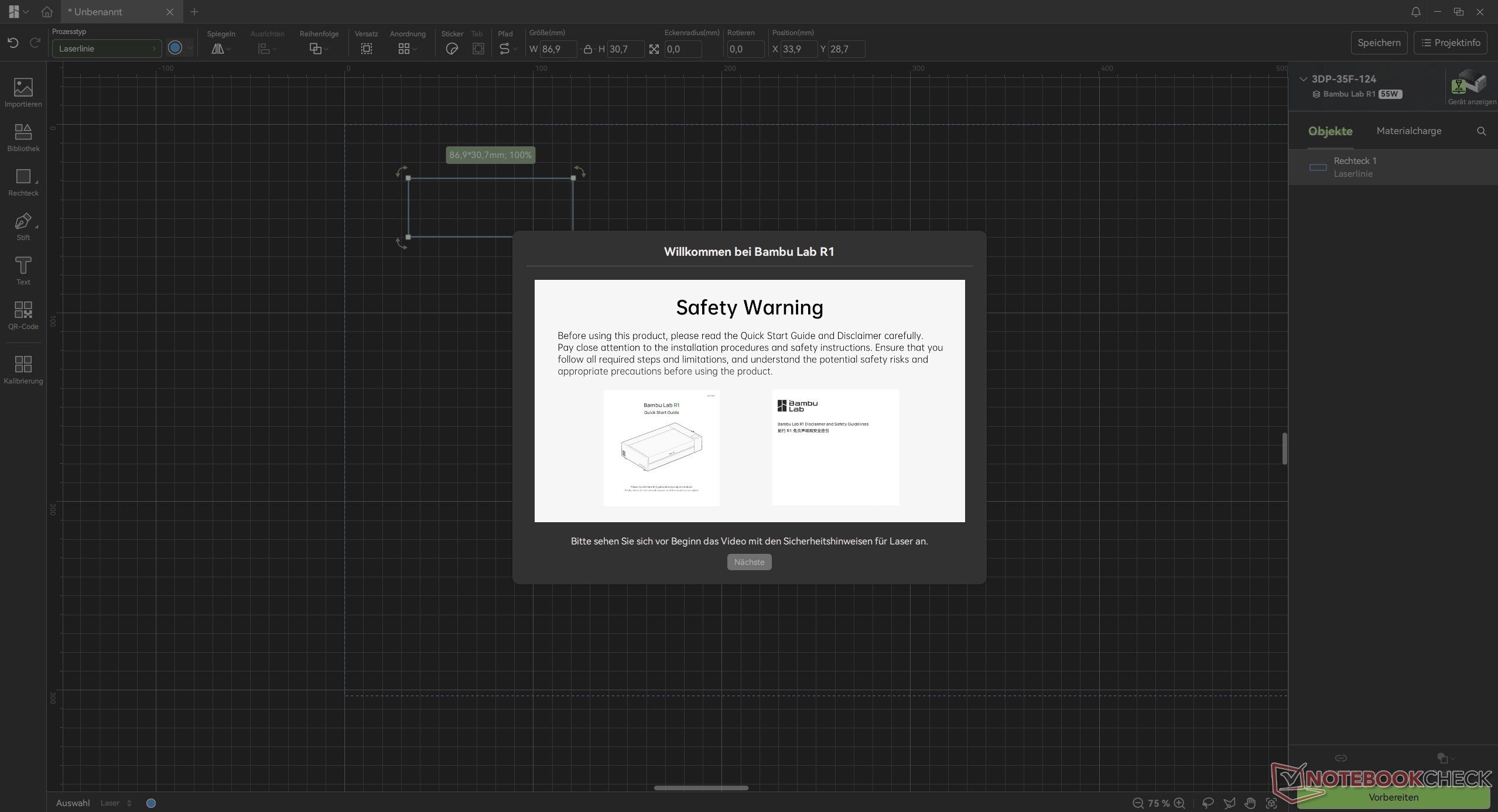
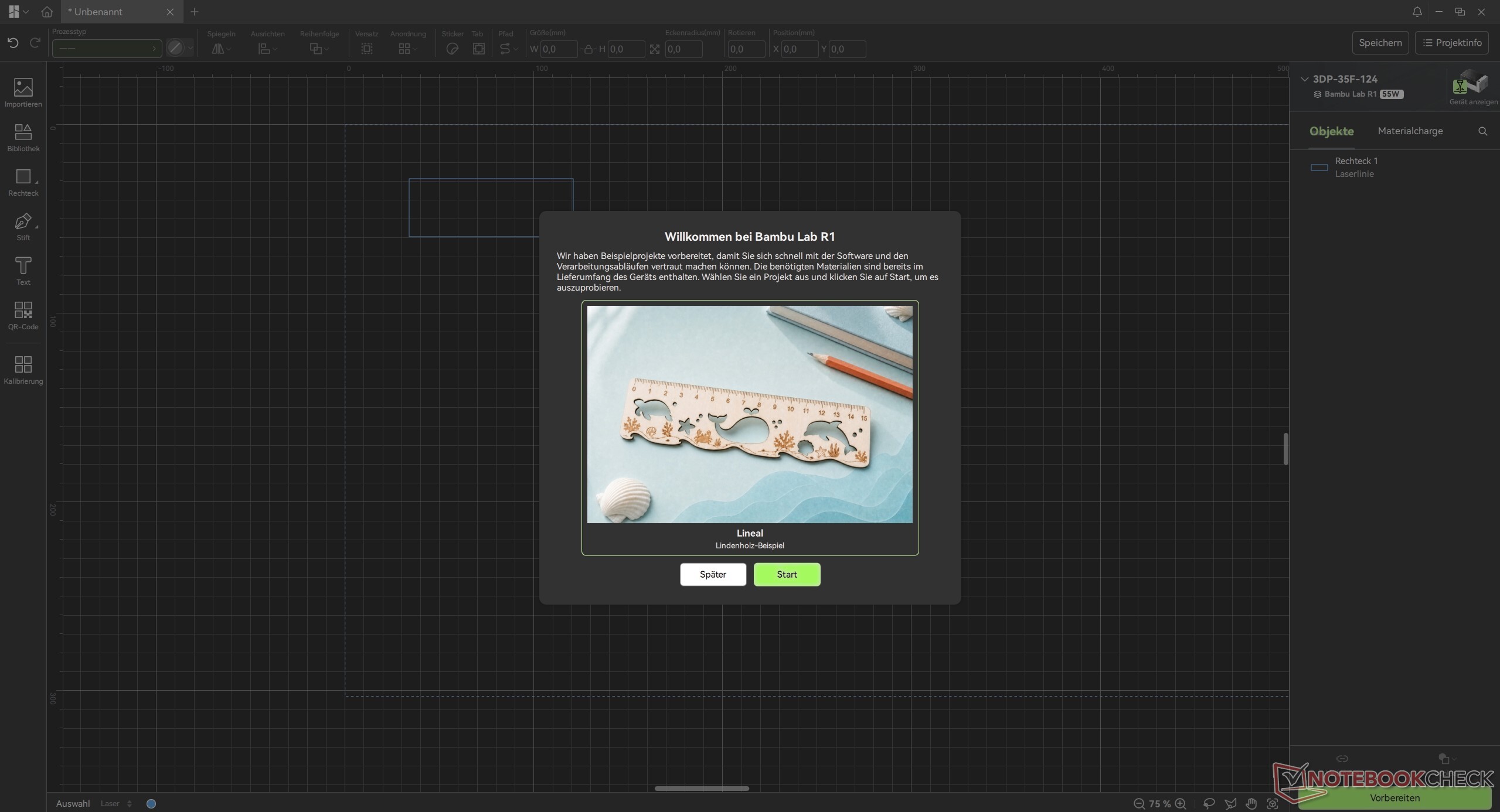
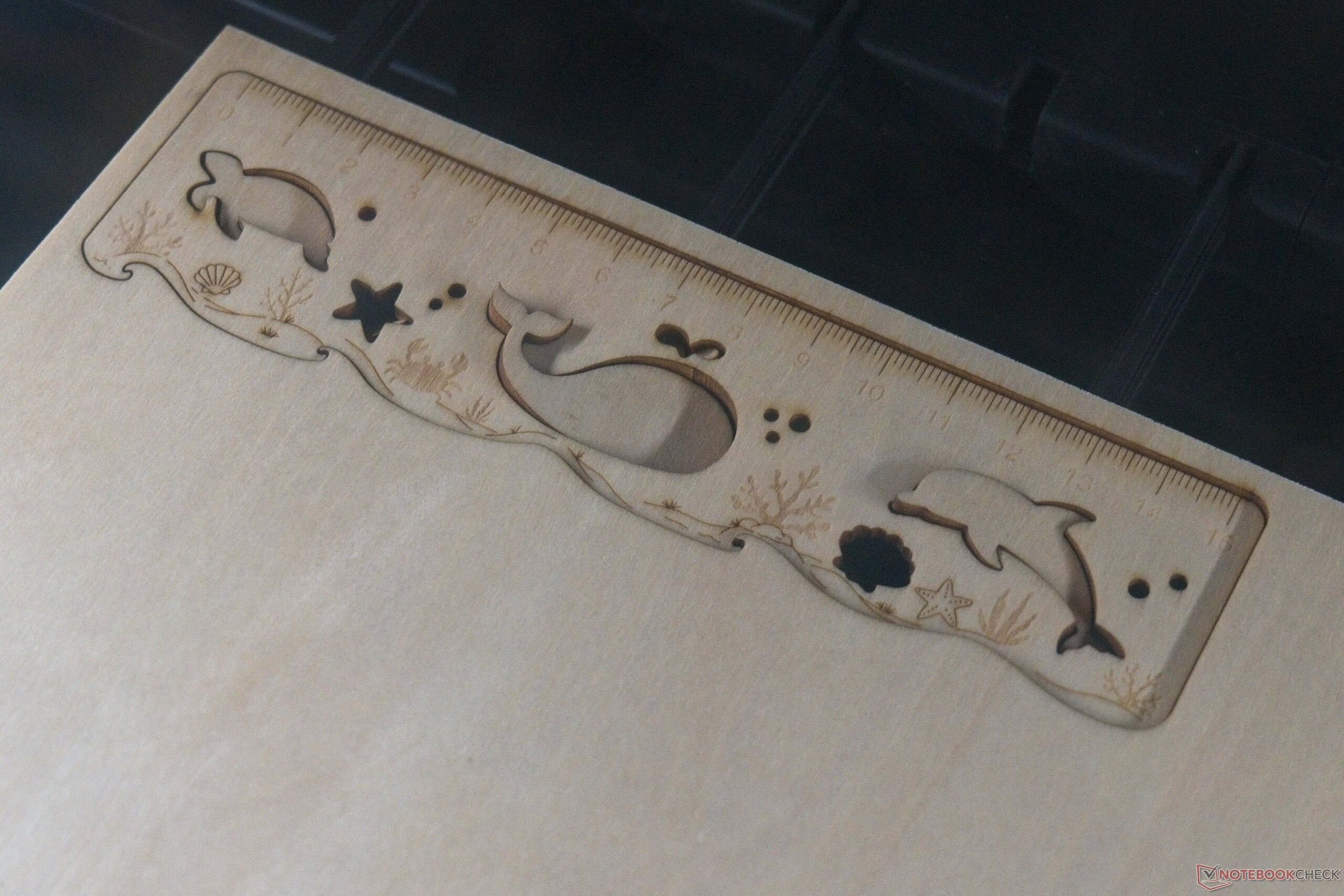
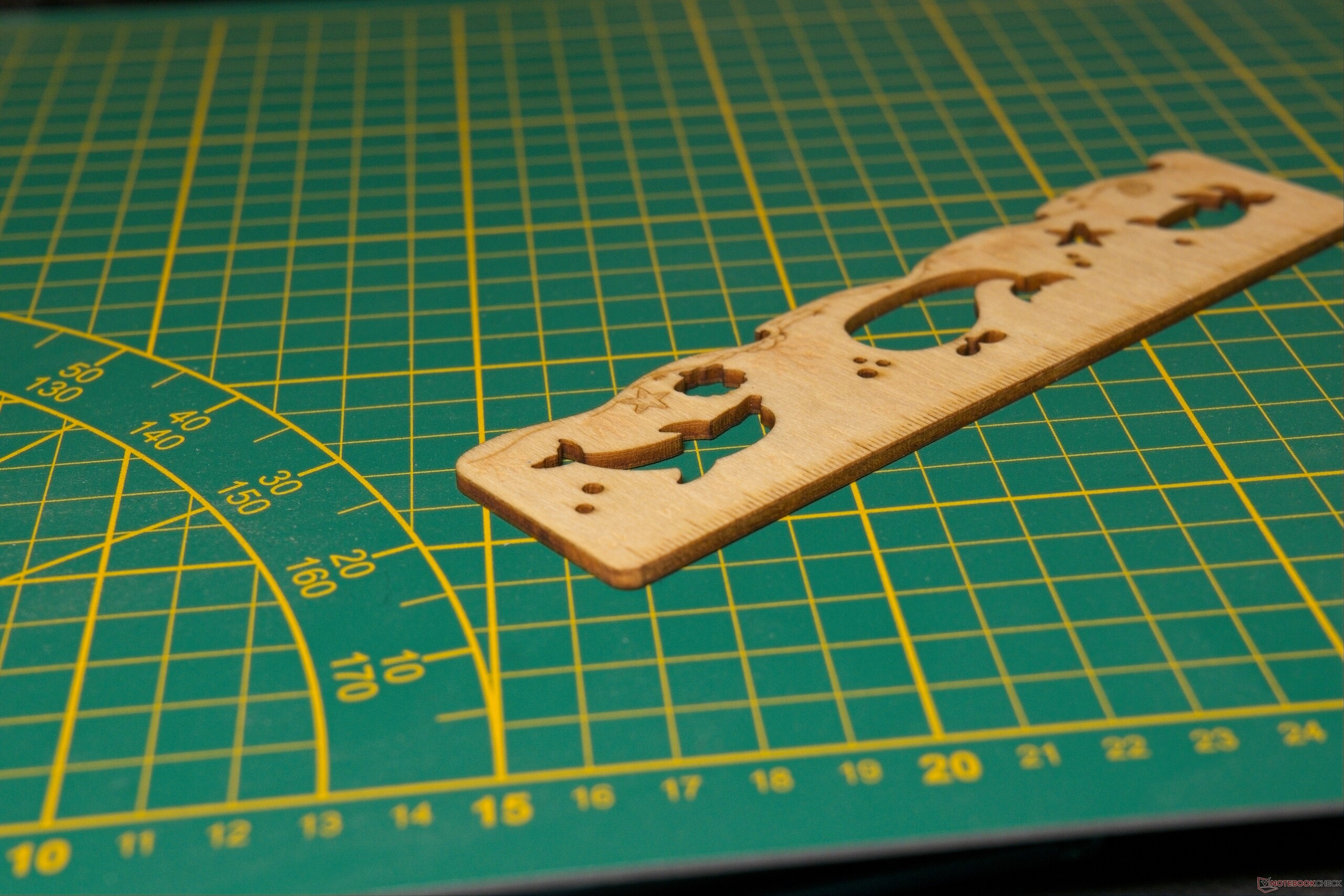
Manual beam alignment is entirely eliminated; the integrated Laser Alignment Sensor adjusts the mirrors automatically. Going from unpacking to the first cutting job takes roughly an hour and a half, though thirty minutes of that time consists of automated, hands-off calibration. Bambu Lab guides new users through an interactive tutorial in Bambu Studio, which covers essential safety protocols and walks through the basic workflow step by step, ending with the creation of a small reference ruler from the included sample material.
Relatively compact, with a touch of the Death Star
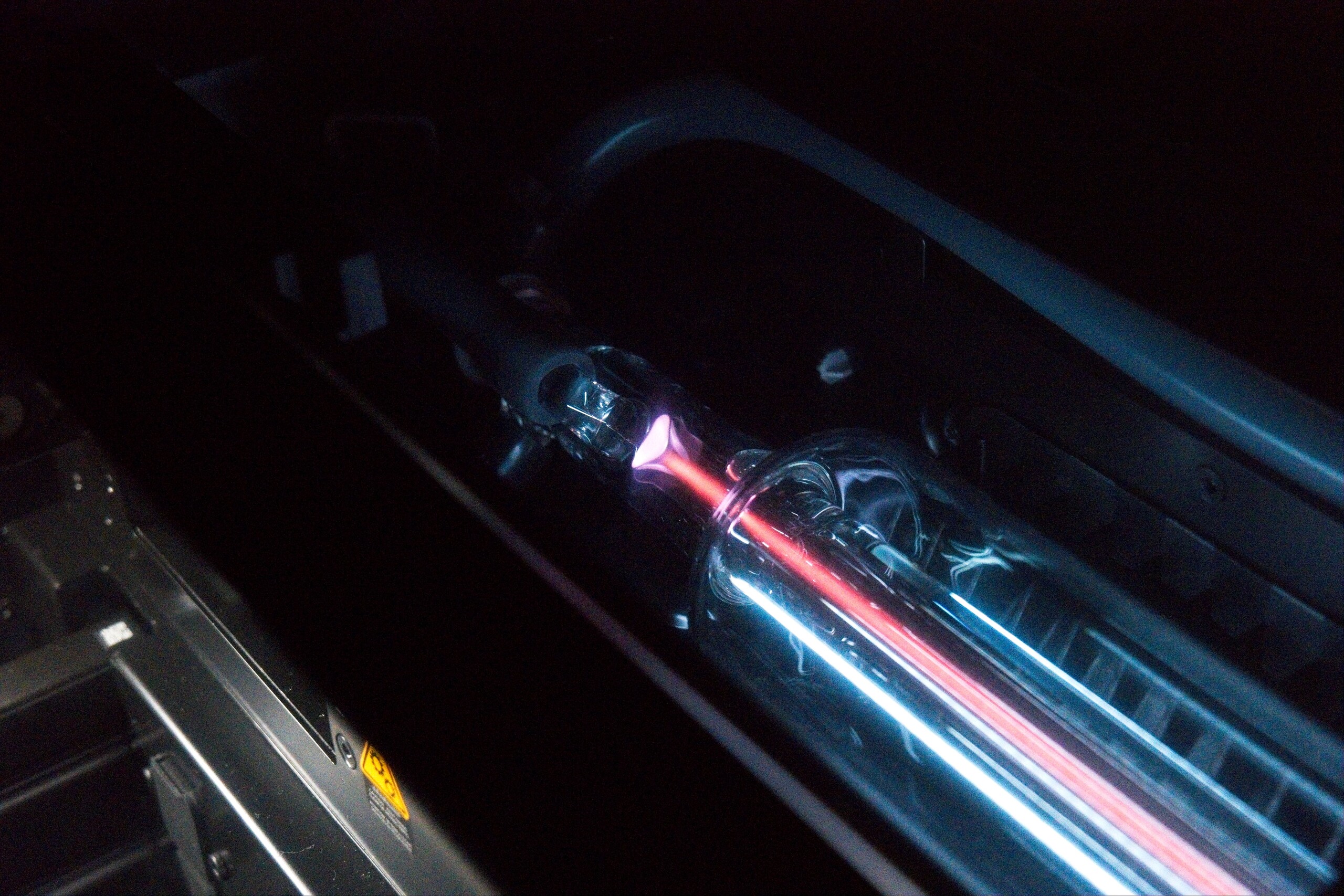
The Bambu Lab R1 measures 940 × 560 × 200 mm, though Bambu Lab recommends a footprint of 1,140 × 860 × 750 mm to allow for a 10-centimeter clearance on all sides. With a work area of 600 × 300 mm, the R1 remains relatively compact compared to competitors like the xTool P2/P2S (1,000 × 639 × 268 mm). Alongside the integrated touchscreen, the machine features a nice visual touch: the laser tube is exposed and can be illuminated, making the beam visible during operation. The exhaust fan is mounted at the rear, requiring the exhaust hose to be routed either directly outdoors or into an external air filter such as the Bambu Lab Purifier E1 Pro.
Hardware build quality is solid across the board, with one notable exception: the emergency stop switch is side-mounted at the same height as the touchscreen. From an occupational safety standpoint, this placement is sub-optimal since it sits outside the operator's direct line of sight. On the plus side, it is positioned further toward the front than on the xTool P2/P2S, making it easier to reach. Adding an arrow or placement sticker on the top panel would be a simple and helpful fix. In a commercial setting, retrofitting an inline foot or cable switch (available via Amazon) might be a worthwhile safety upgrade. Several additional ports are located on the left side, including connections for accessories and the fire suppression system. Finally, the required safety key plugs into the USB Type-A port, while an adjacent USB Type-C port enables offline operation without a network connection.
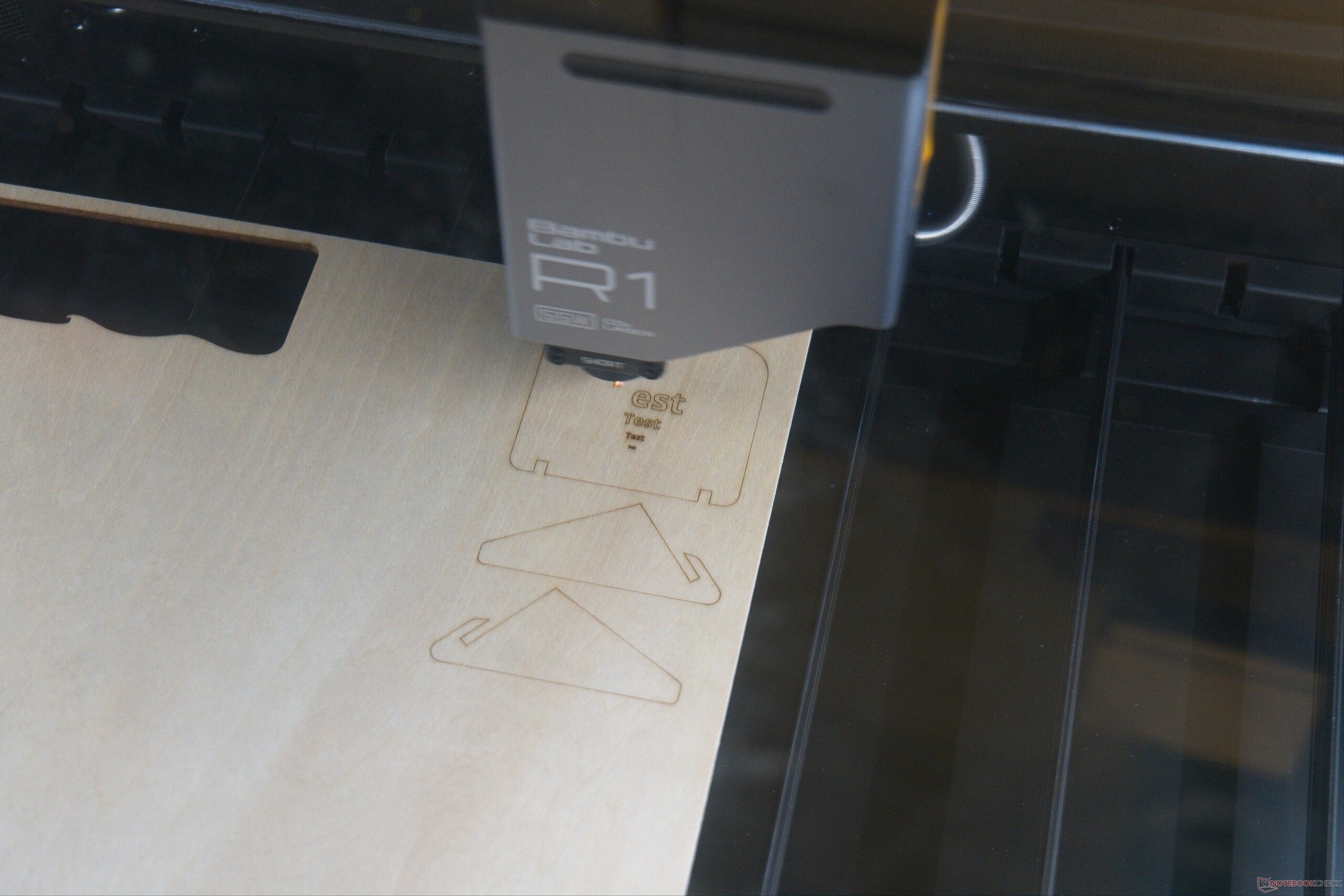
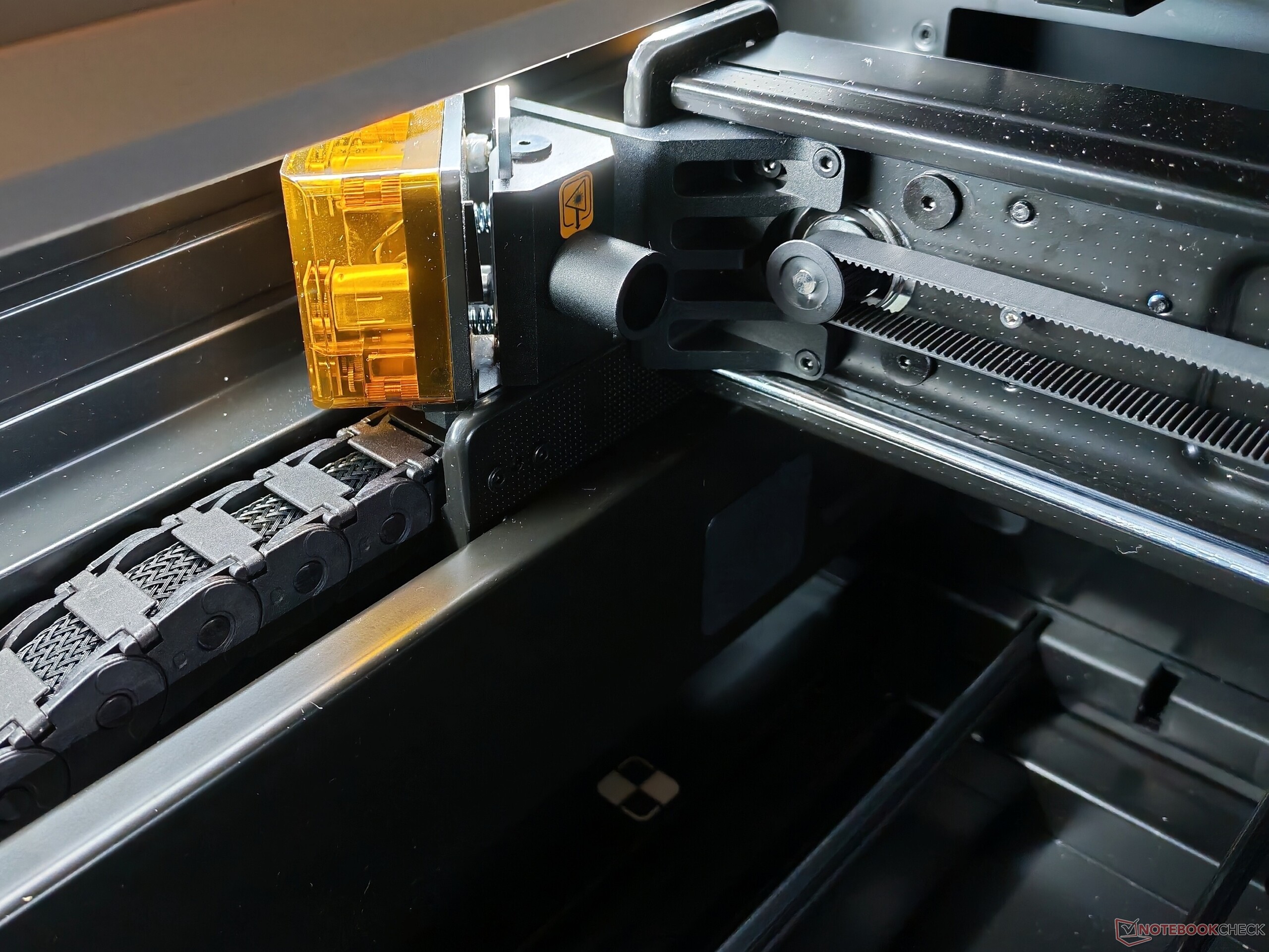
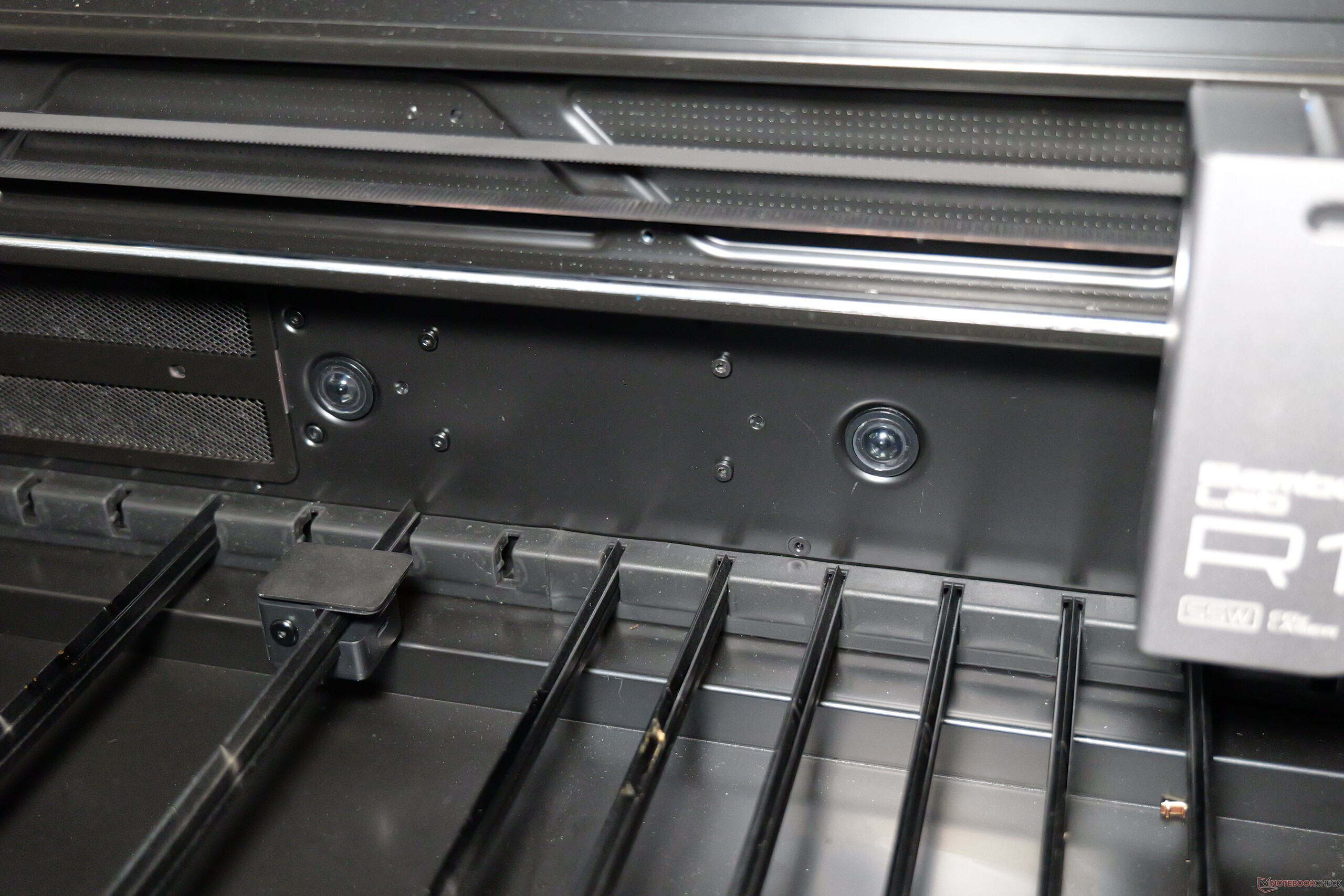

Bambu Lab explicitly states that the R1 should never be operated unattended. Built-in safety measures are standard: out of the box (without the optional Riser Base), the unit qualifies as a Class 1 laser device, meaning protective eyewear is unnecessary as long as the enclosure remains intact. Operation halts immediately if the lid is opened, and integrated flame detection is active. Still, one point requires emphasis: a laser cutter like the Bambu Lab R1 is a fundamentally different class of machine than a typical 3D printer. Safety protocols must never be bypassed, nor should flammable, unsuitable materials ever be loaded.
Regarding workplace noise, Bambu Lab specifies an operating level of 68 dB for the R1 at a distance of one meter. By comparison, the manufacturer rates its Bambu Lab X2D at 58 dB measured directly in front of the unit—a 10 dB difference that corresponds to roughly half the perceived loudness. While dedicated hearing protection is not strictly required, I consistently relied on ANC headphones during mandatory supervision. Decibels aside, the R1 is simply noticeably louder in daily operation than any standard 3D printer.
A straightforward workflow with plenty of options
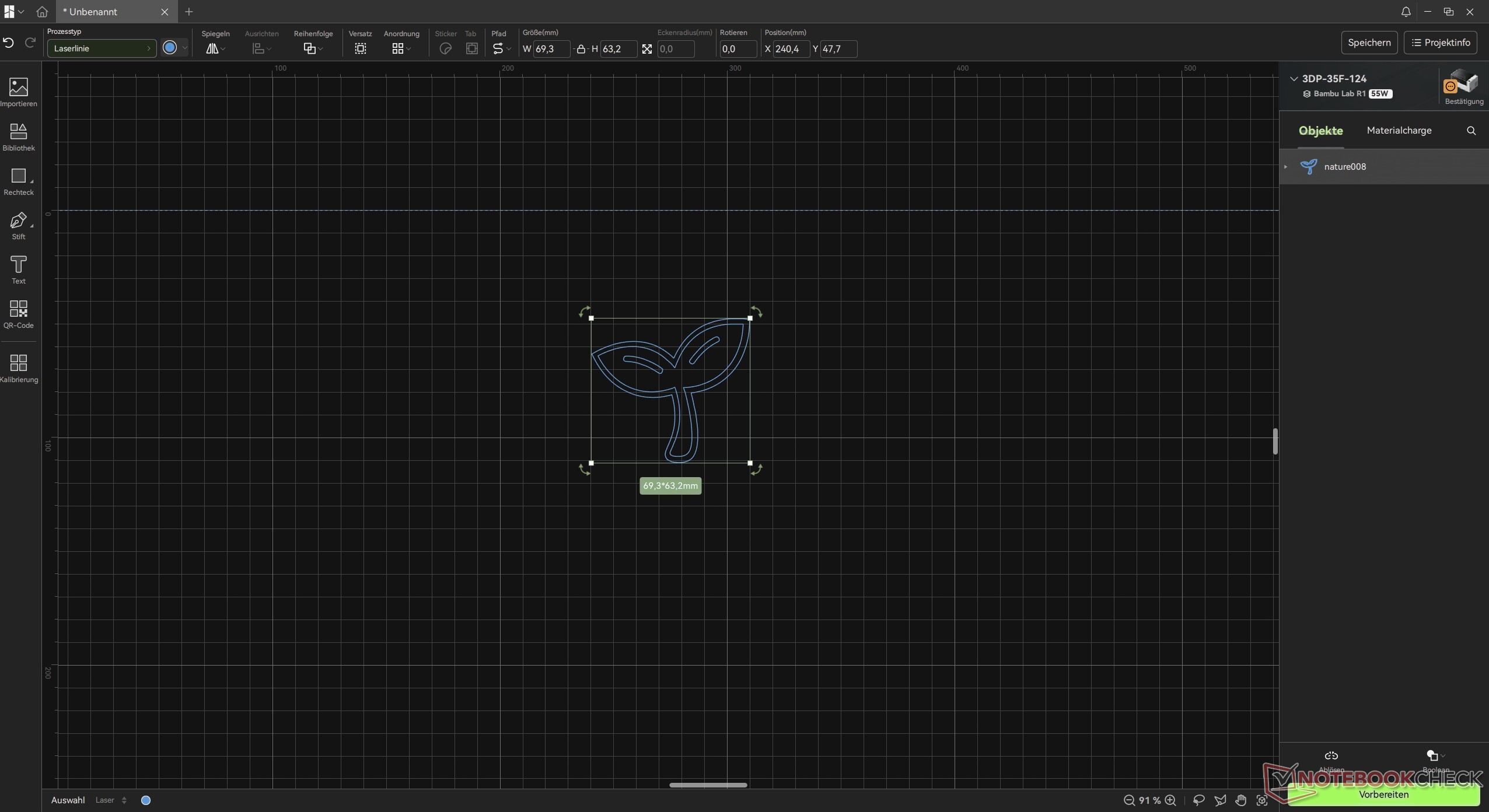
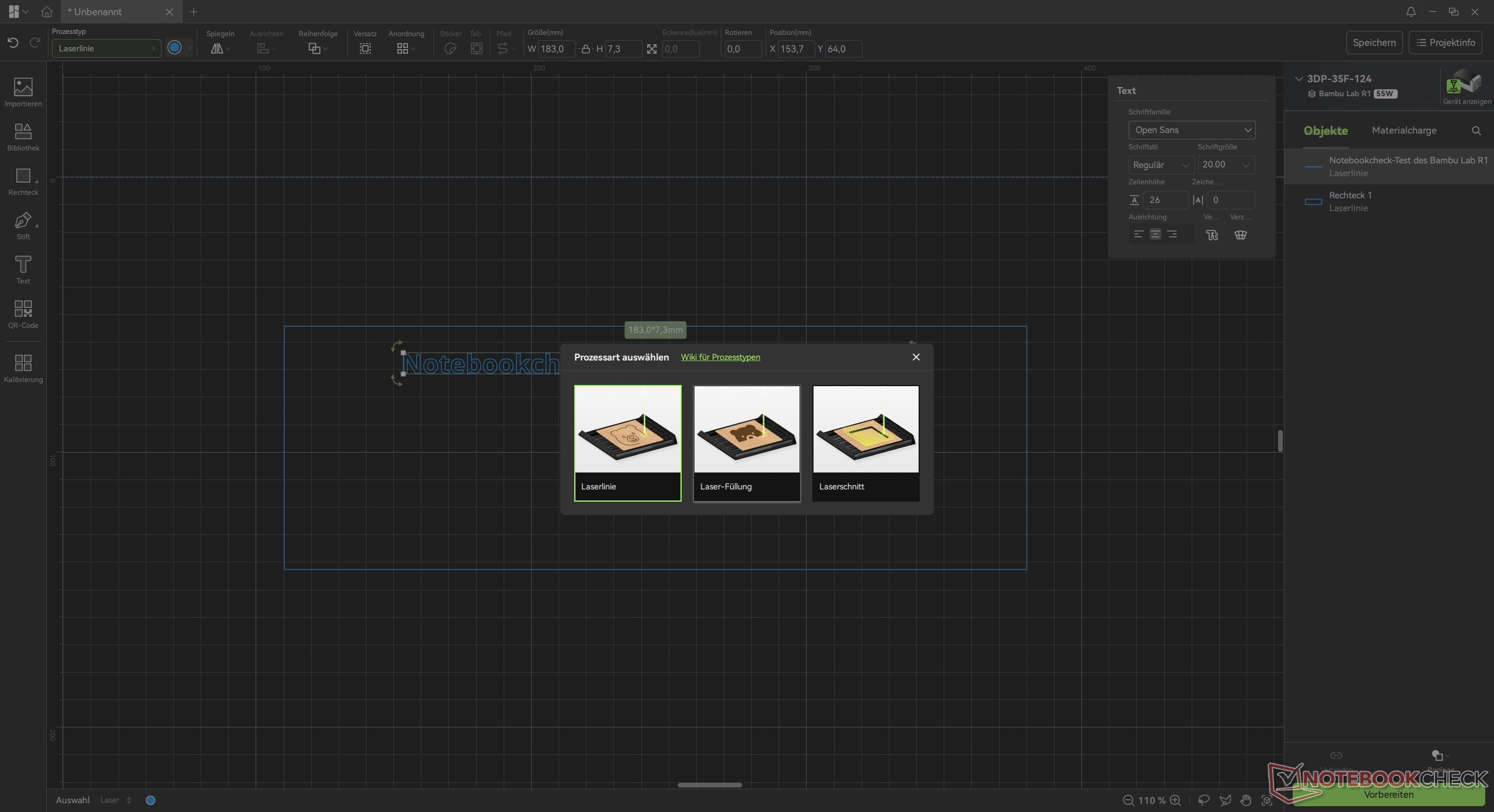
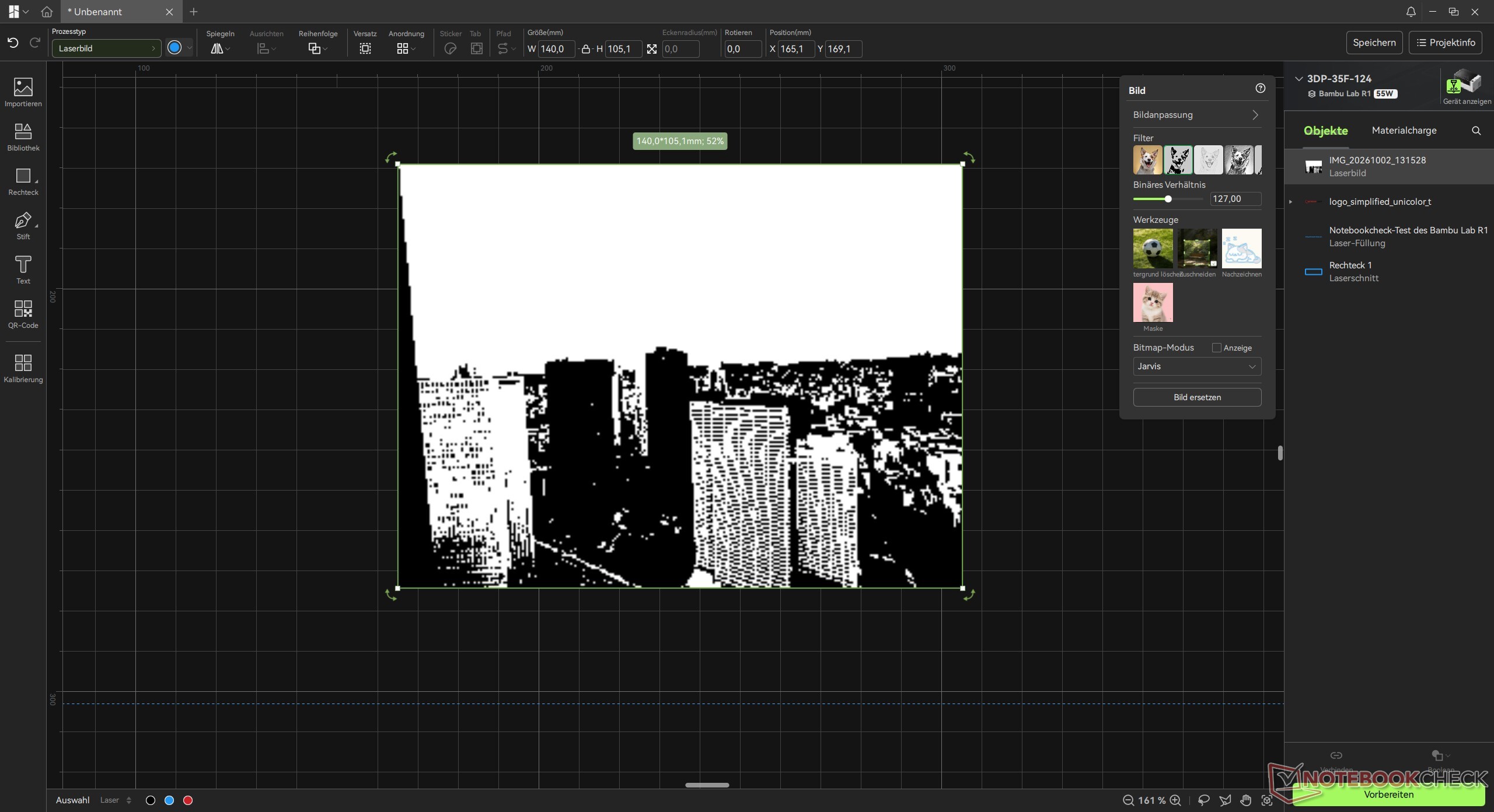
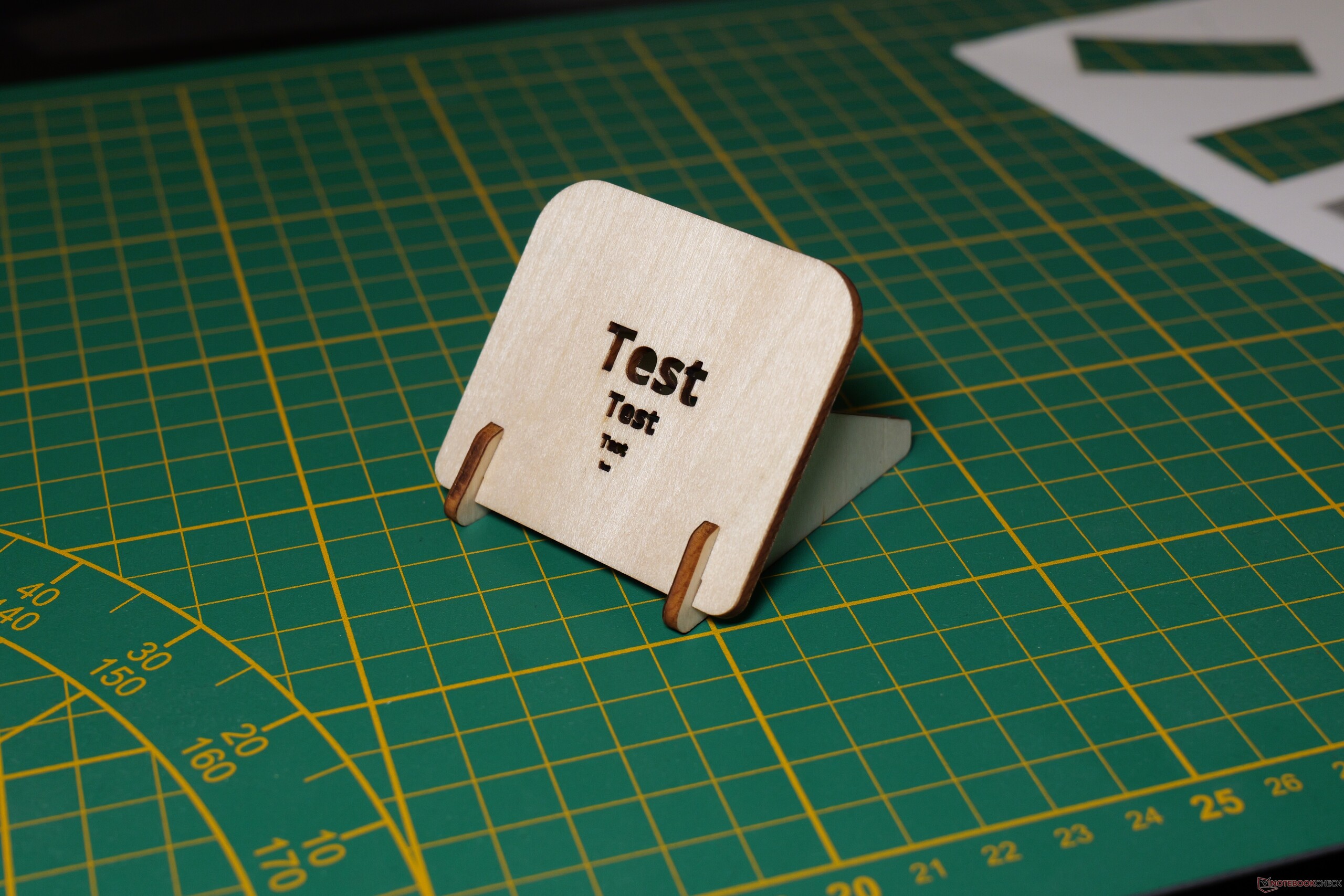
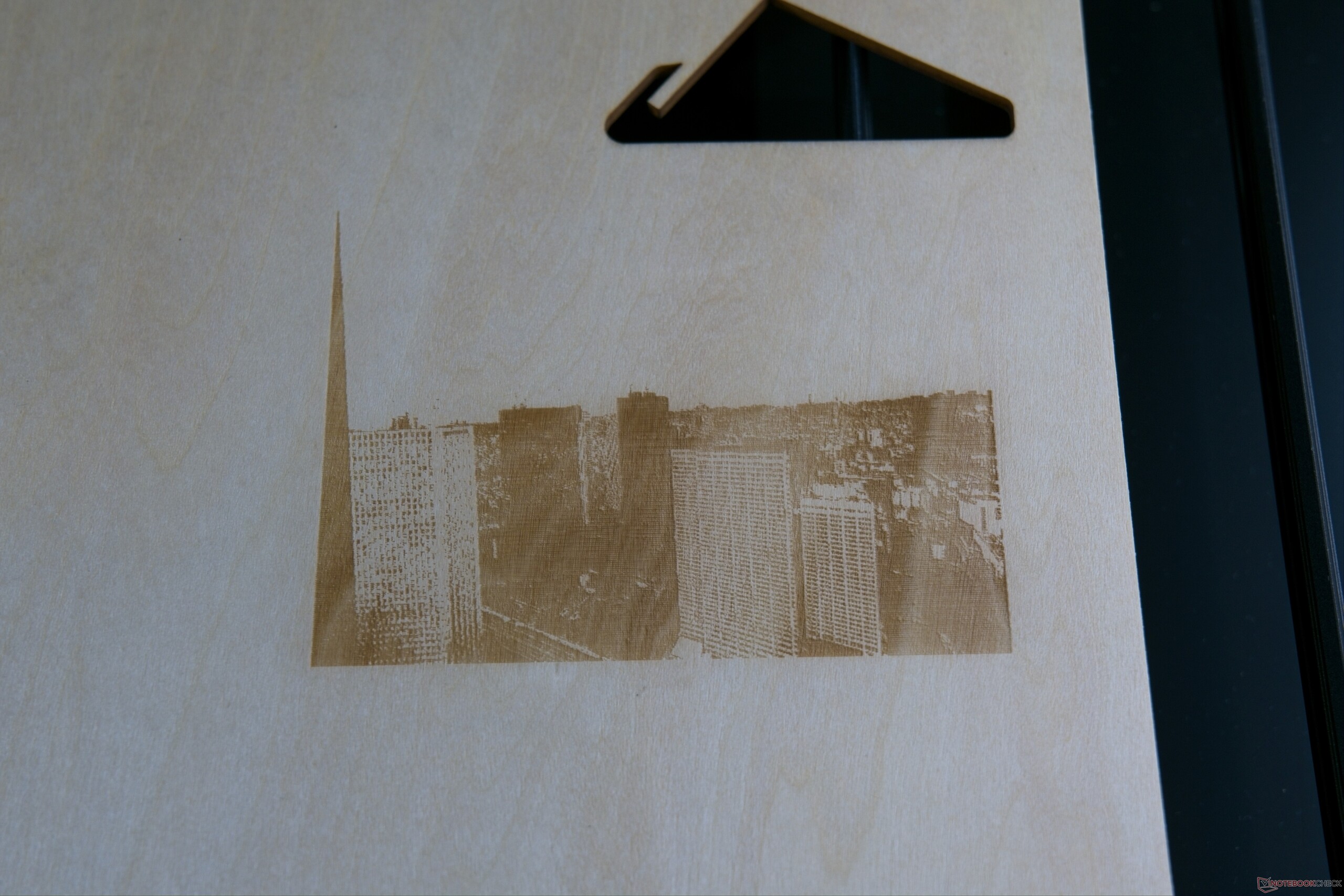
Operation is completely straightforward, and the workflow is simple. In Bambu Studio, you can import existing designs or create your own. The software is comparable to programs like Inkscape, making geometric shapes and text easy to generate. Individual elements can be joined and grouped as needed. Selecting the correct process type is crucial: whether you want to engrave an area, etch an outline, or cut through a material. Beyond vector files like SVGs - ideal for cutting out logos - you can also import photos, which the software adjusts for engraving. While color images obviously cannot be reproduced on wood, the results remain impressive, even if achieving the ideal balance takes some trial and error. My general rule of thumb: save every offcut, run a small test job first, and err on the side of lower power settings.
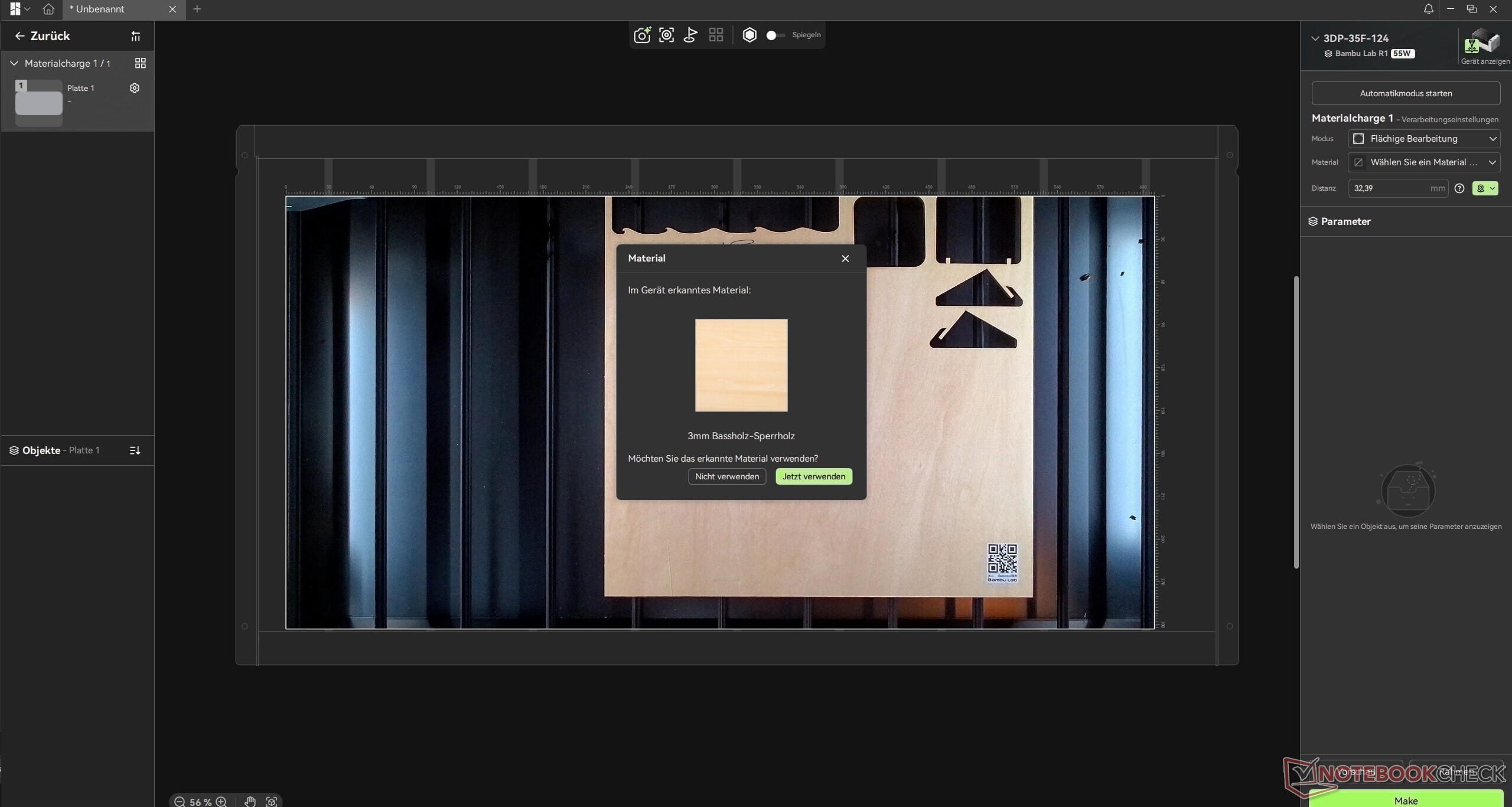
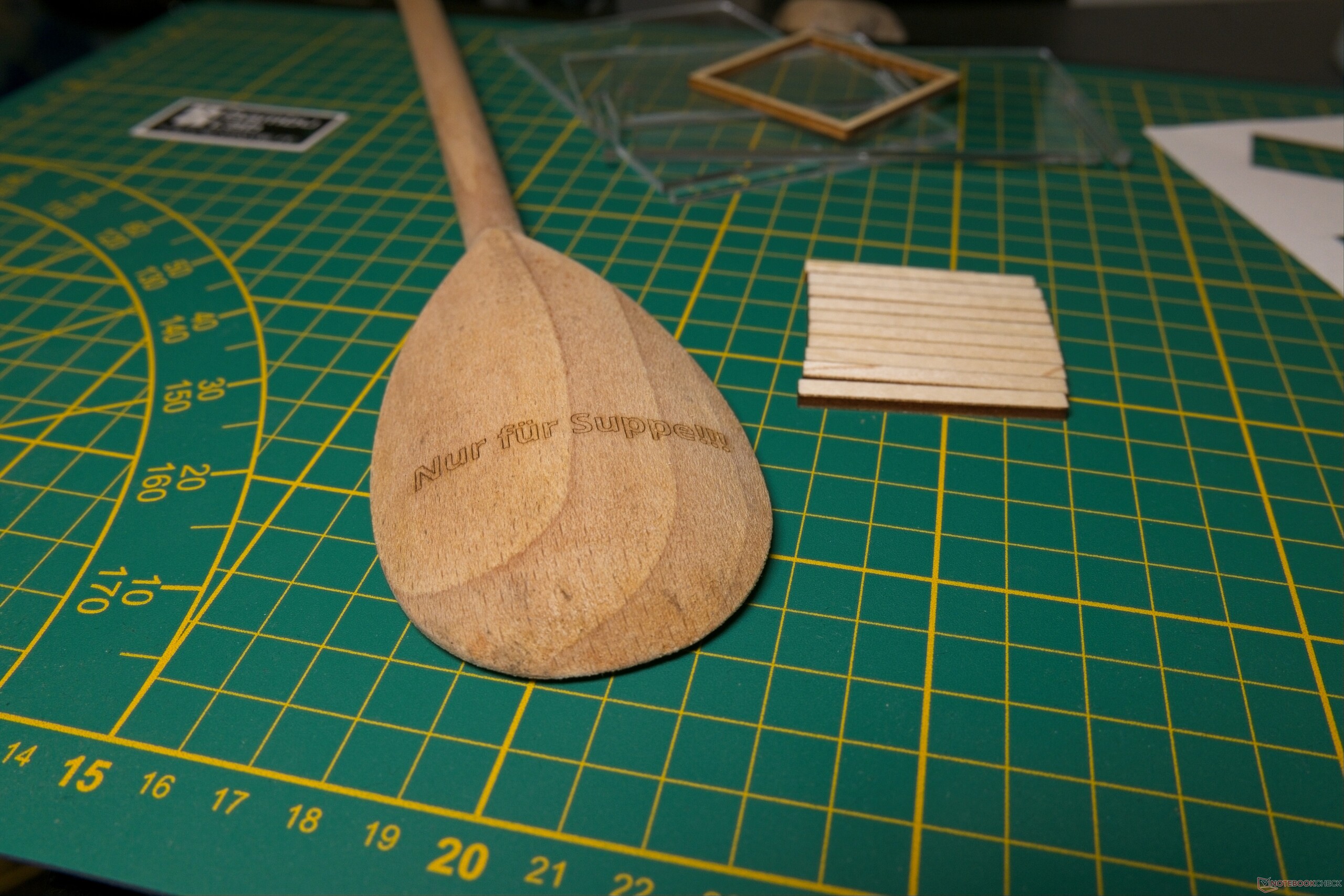
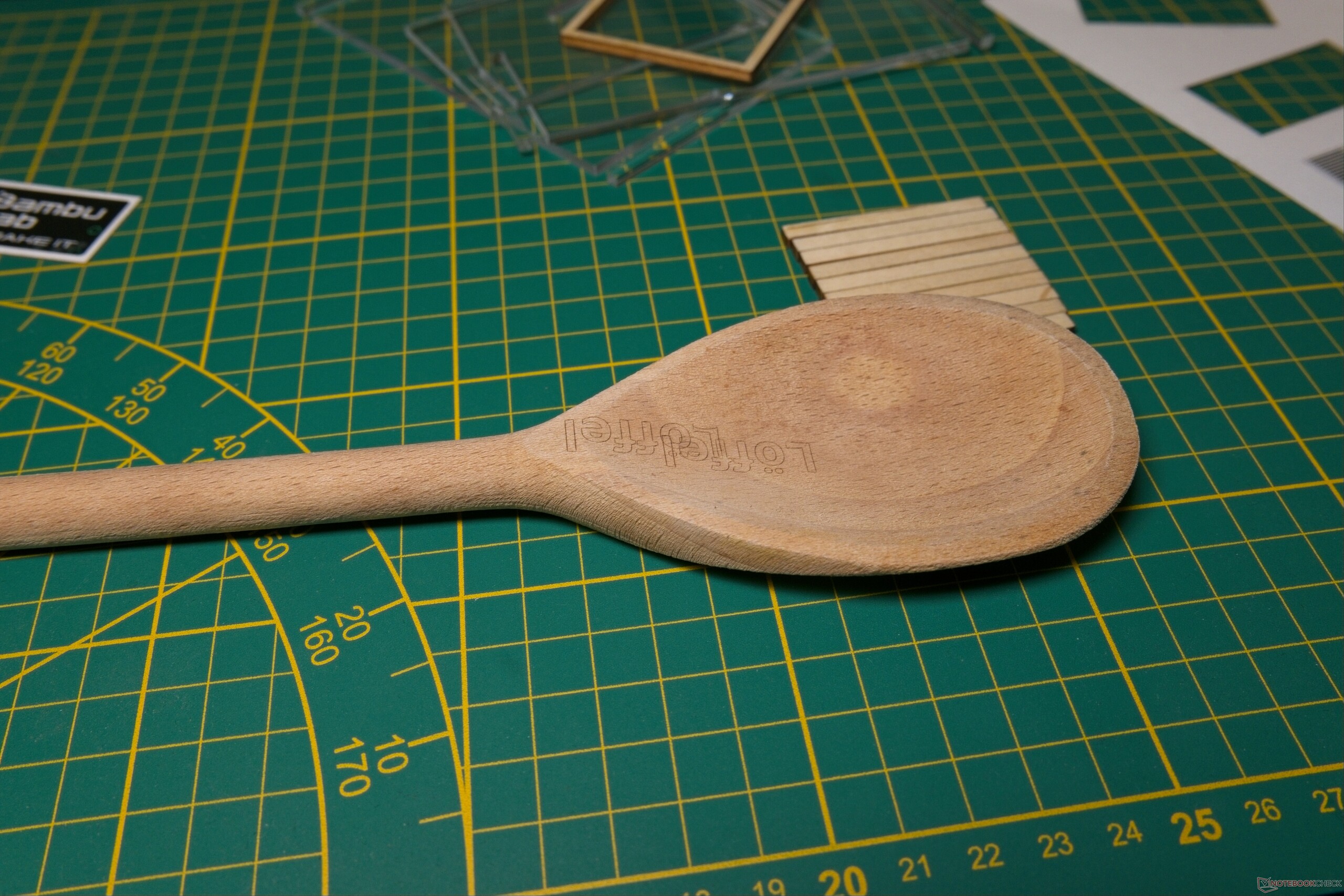
Positioning your design is just as seamless thanks to the integrated camera, though the lid must be raised briefly to capture the workspace. Specific areas can be rescanned at a higher resolution to route around wood grain knots or physical defects. Official Bambu Lab materials feature a QR code that automatically applies the correct speed and power presets. The R1 can also generate height maps for curved objects, which I tested by engraving a wooden spoon and a smooth stone. The process works reliably, though it has constraints regarding geometry and—more importantly—object height, which is capped at 59.8 mm (2.35 in) without the optional riser base. The software's one-click preparation handles this entire routine, keeping even complex surface operations fully accessible to beginners.
The Bambu Lab R1 is suitable for precision work
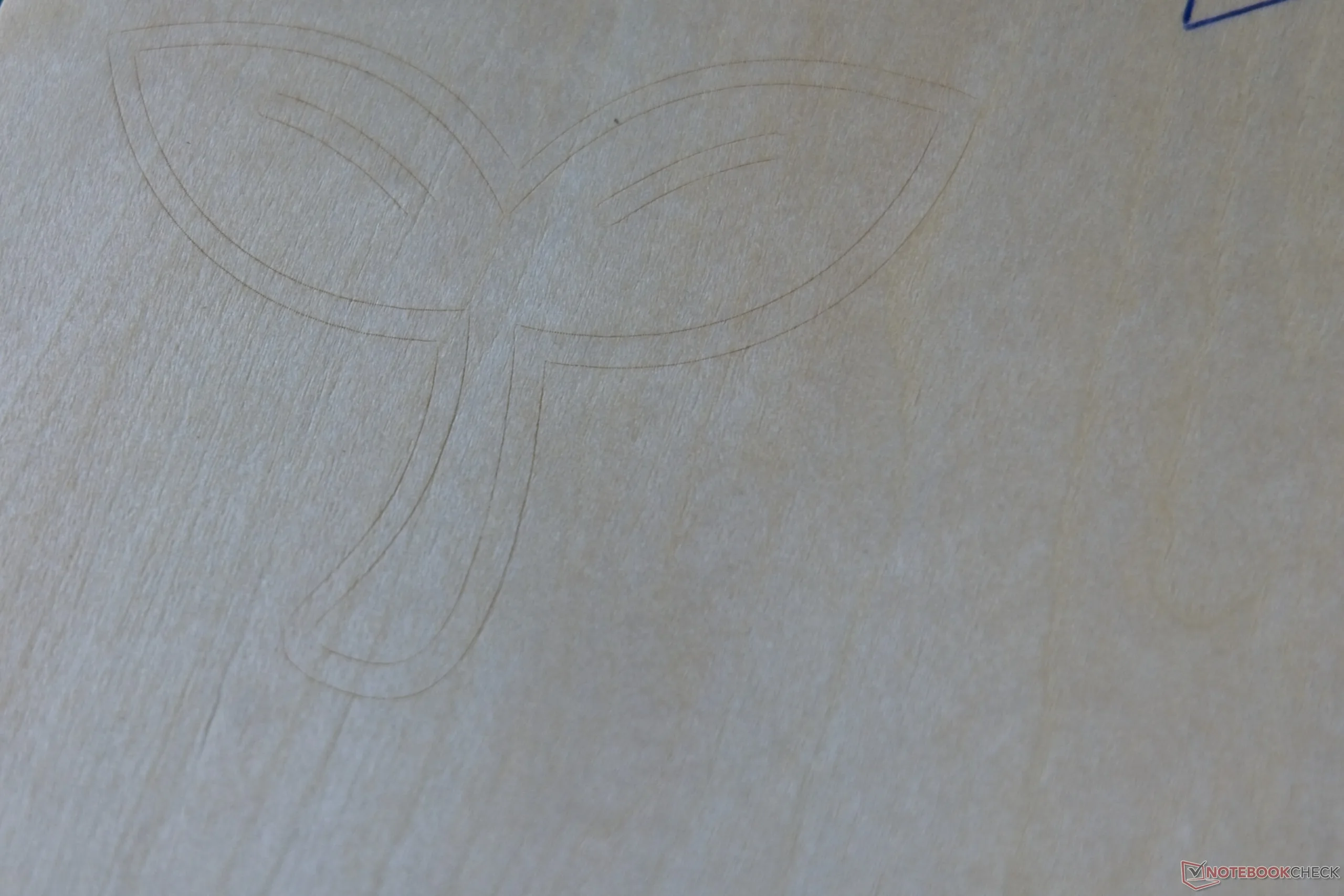
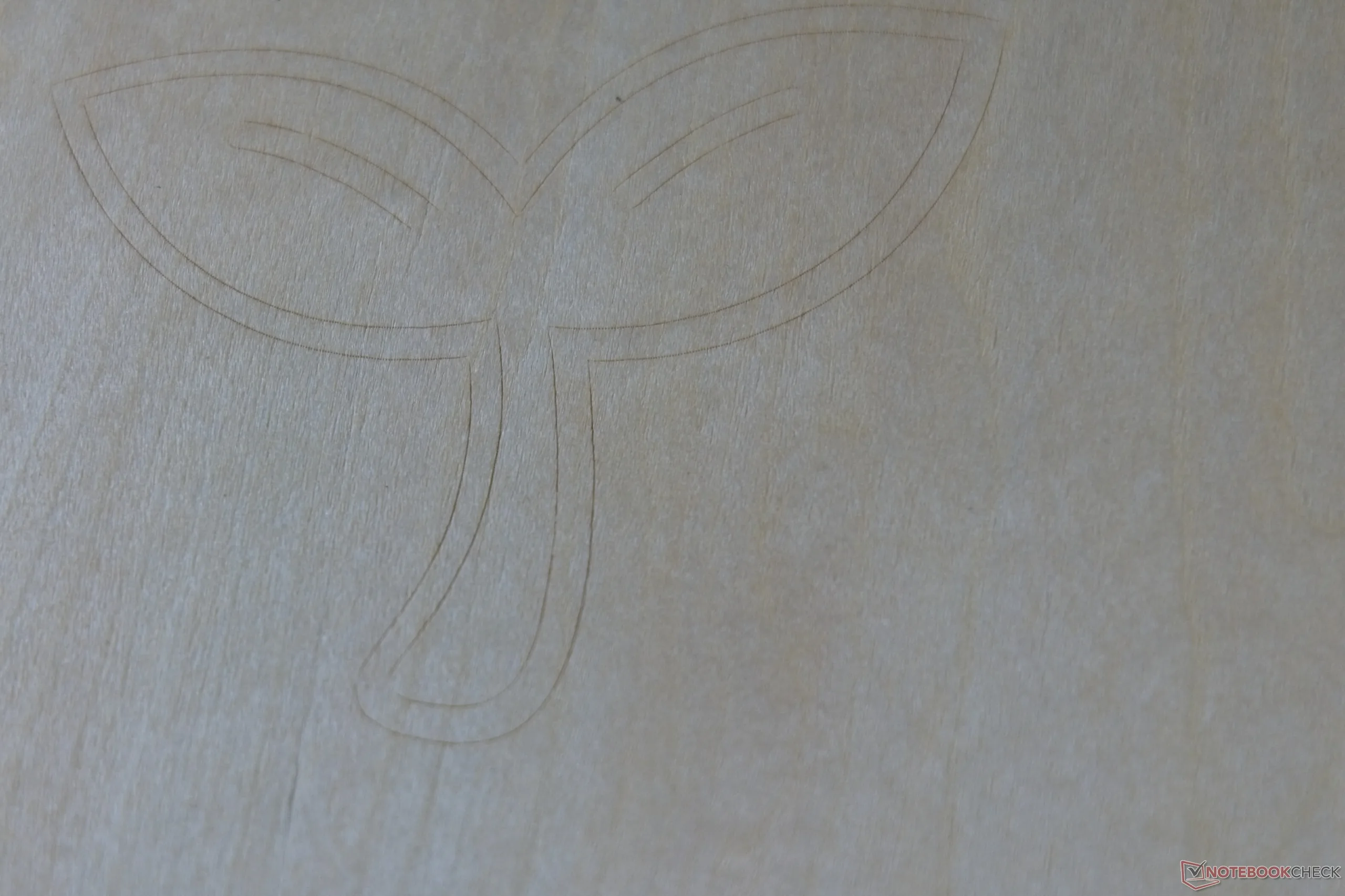
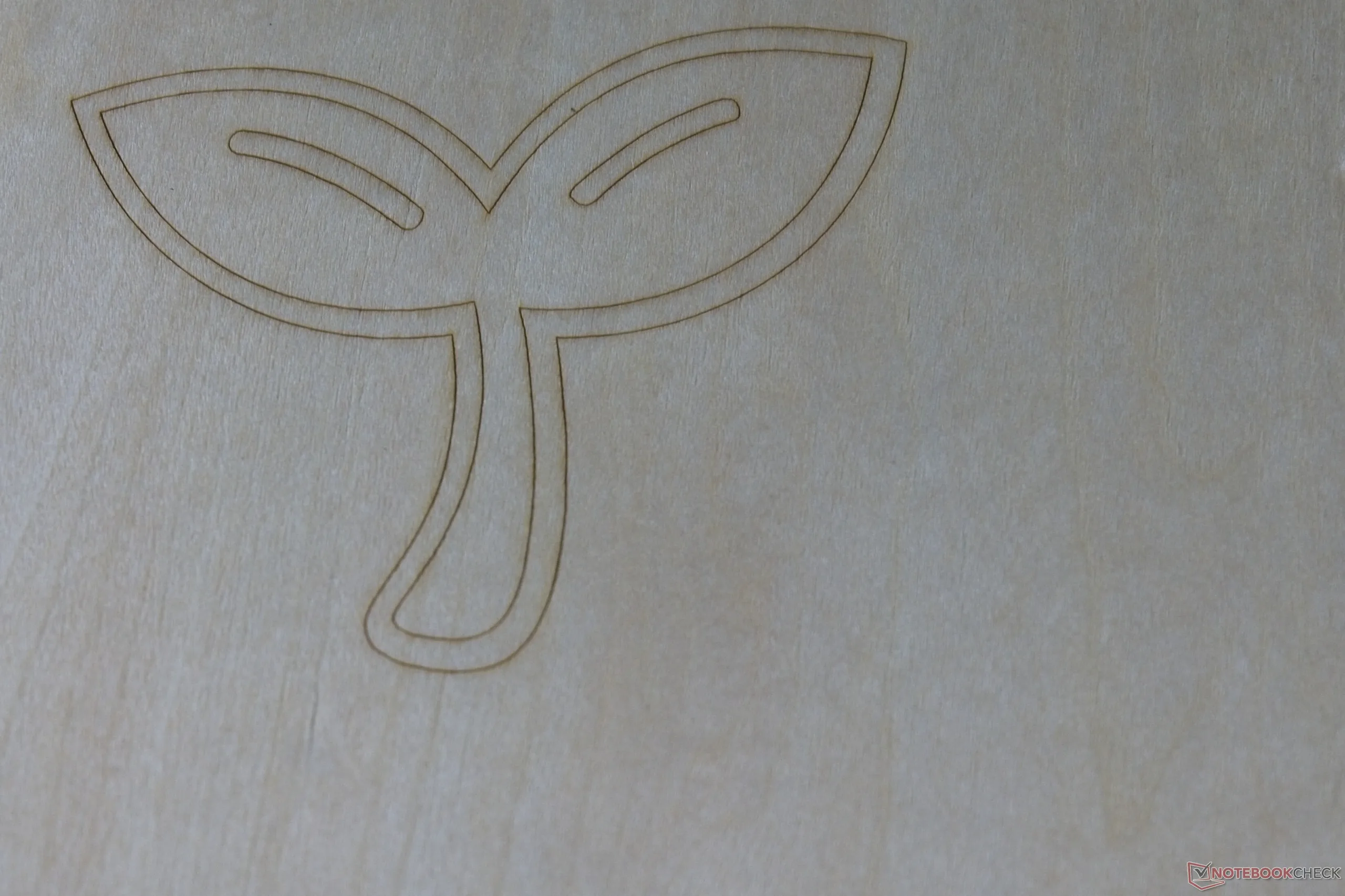
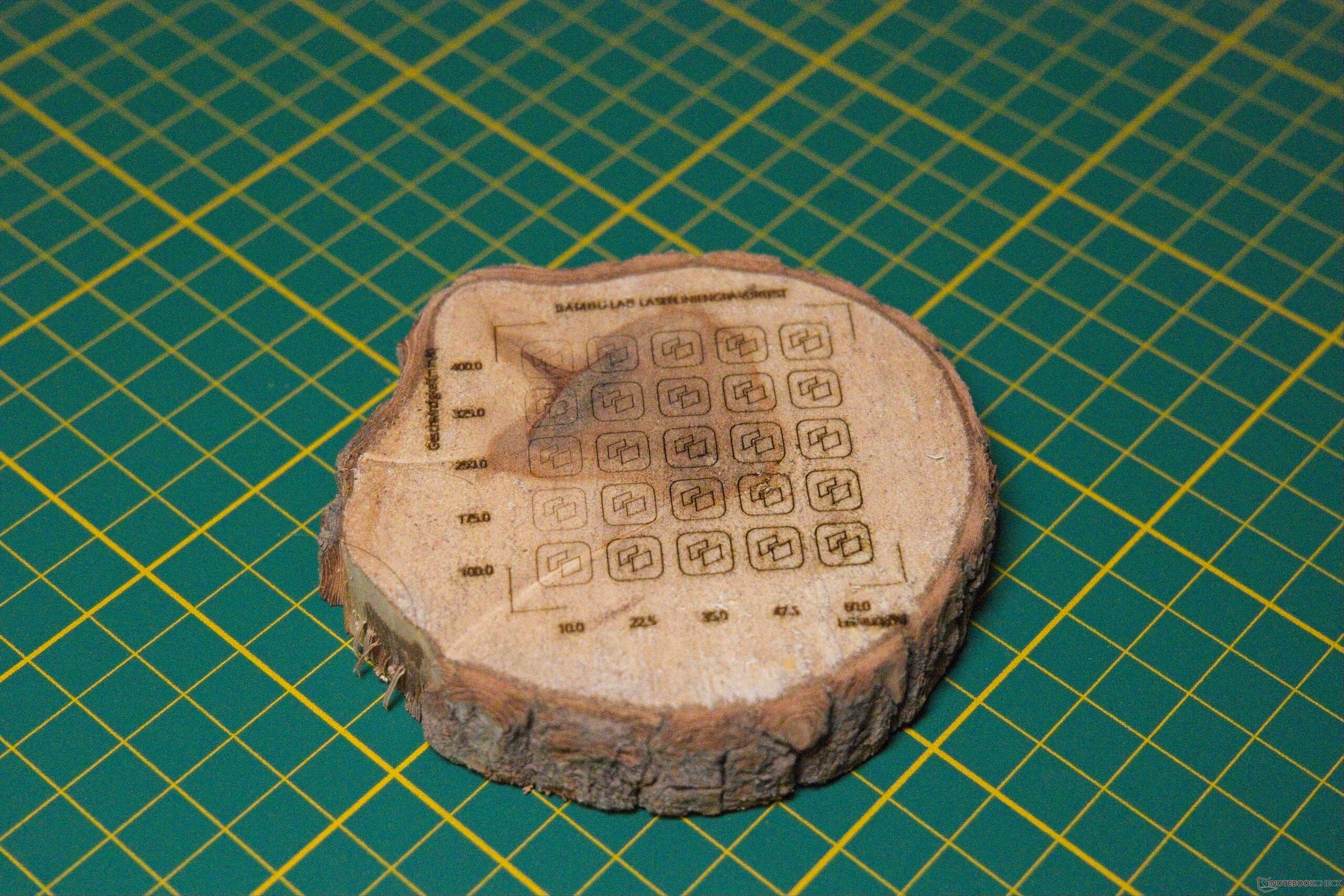
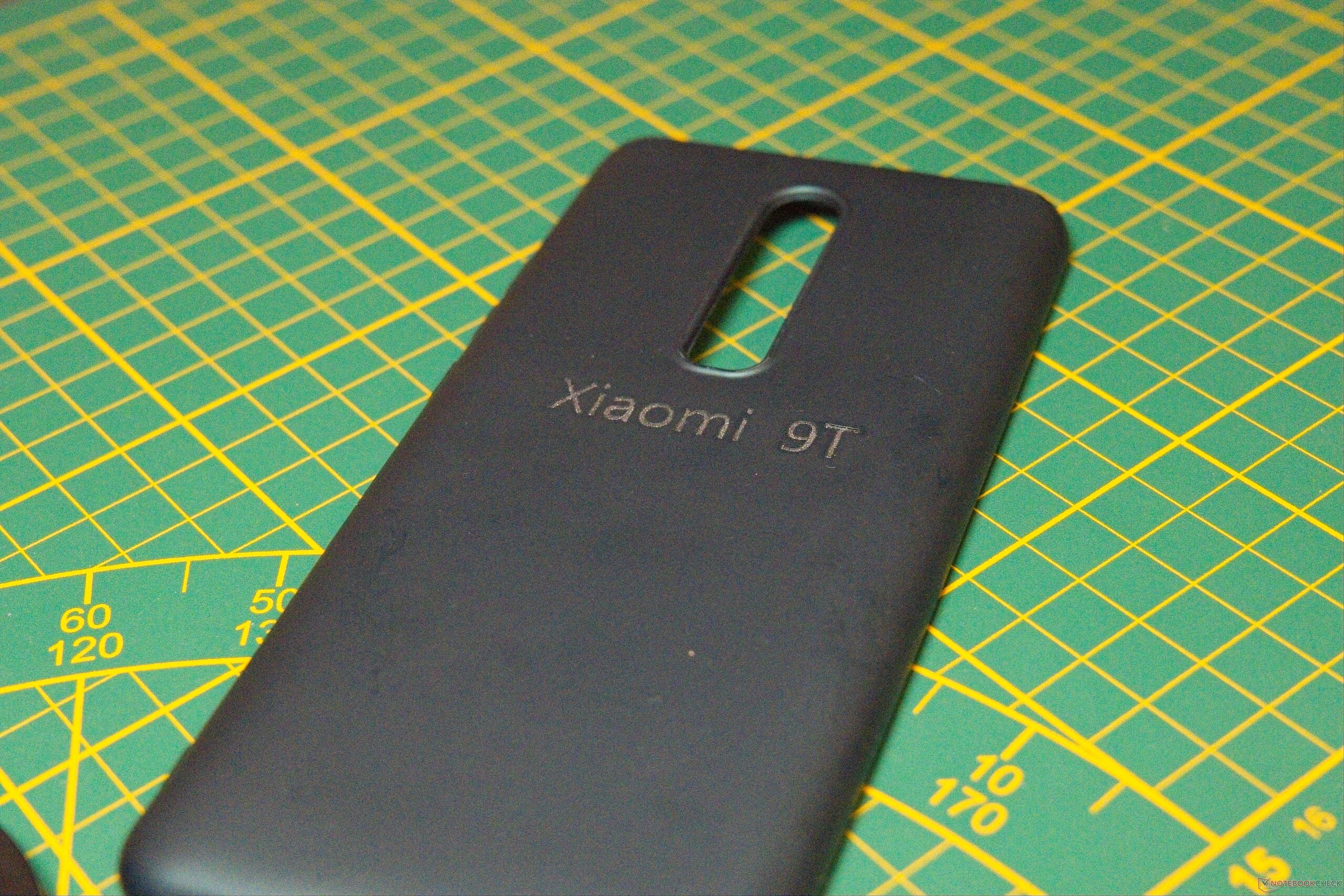
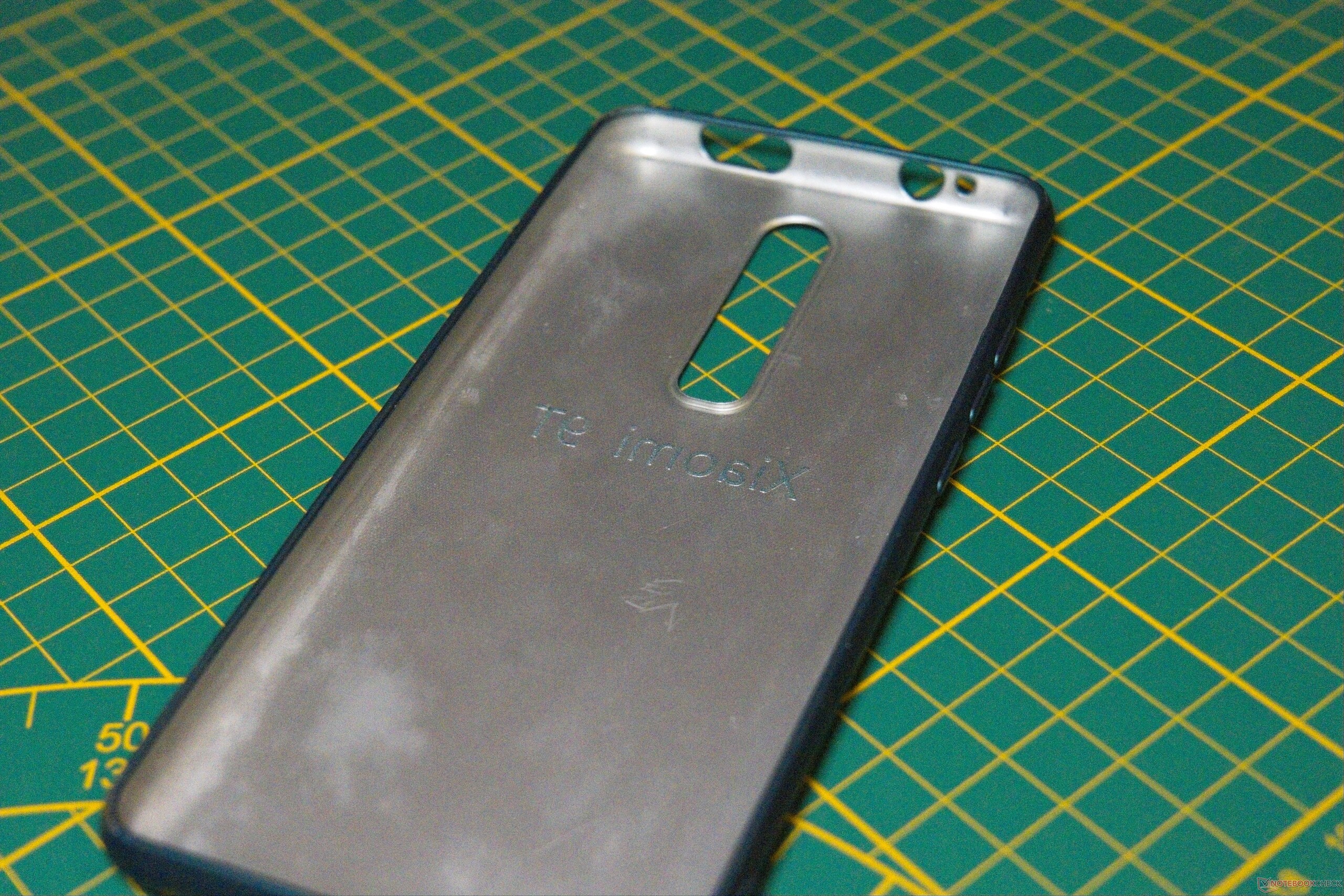
Testing the positioning precision - or more specifically, the repeatability - of the Bambu Lab R1 is relatively straightforward. With the material securely fixed, an initial pass is engraved at low power and intentionally high speed, producing a fine dotted line rather than a continuous cut. On subsequent passes, power is gradually increased while speed is reduced. If the laser traces the original path without any visible offset or ghosting, it confirms high mechanical repeatability. To stress-test the kinematics between passes, an auxiliary engraving job is sent to an entirely different section of the bed before each subsequent run. While this practical evaluation relies on visual assessment under magnification, the Bambu Lab R1 showed no measurable drift, returning to its target positions consistently. High repeatability is crucial when working with high-value workpieces where a dry run isn't an option. During our testing, we engraved a smartphone case by starting at minimum power and ramping up incrementally - a technique that may not be optimal for every material, but consistently yields at least usable results.
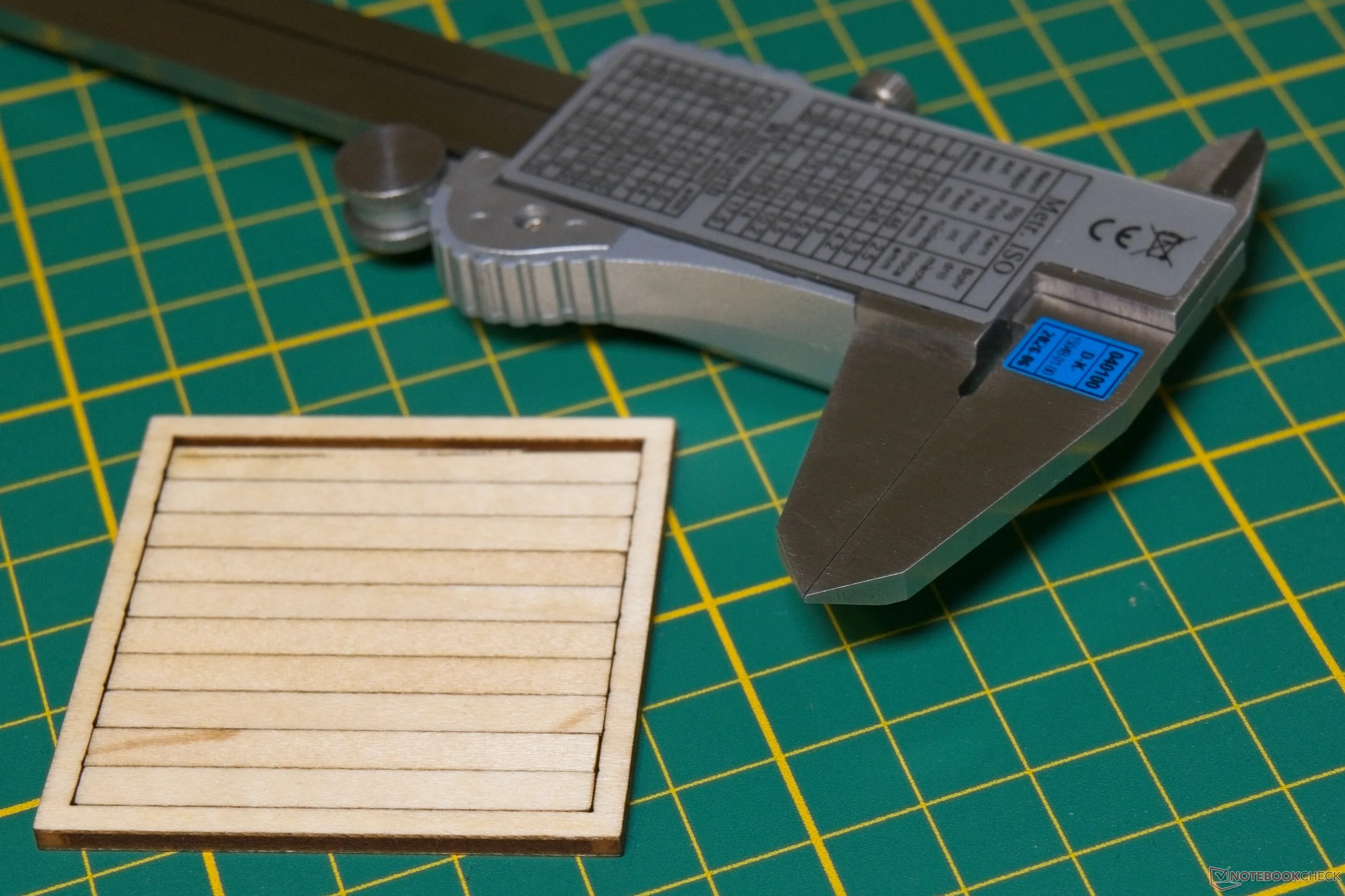
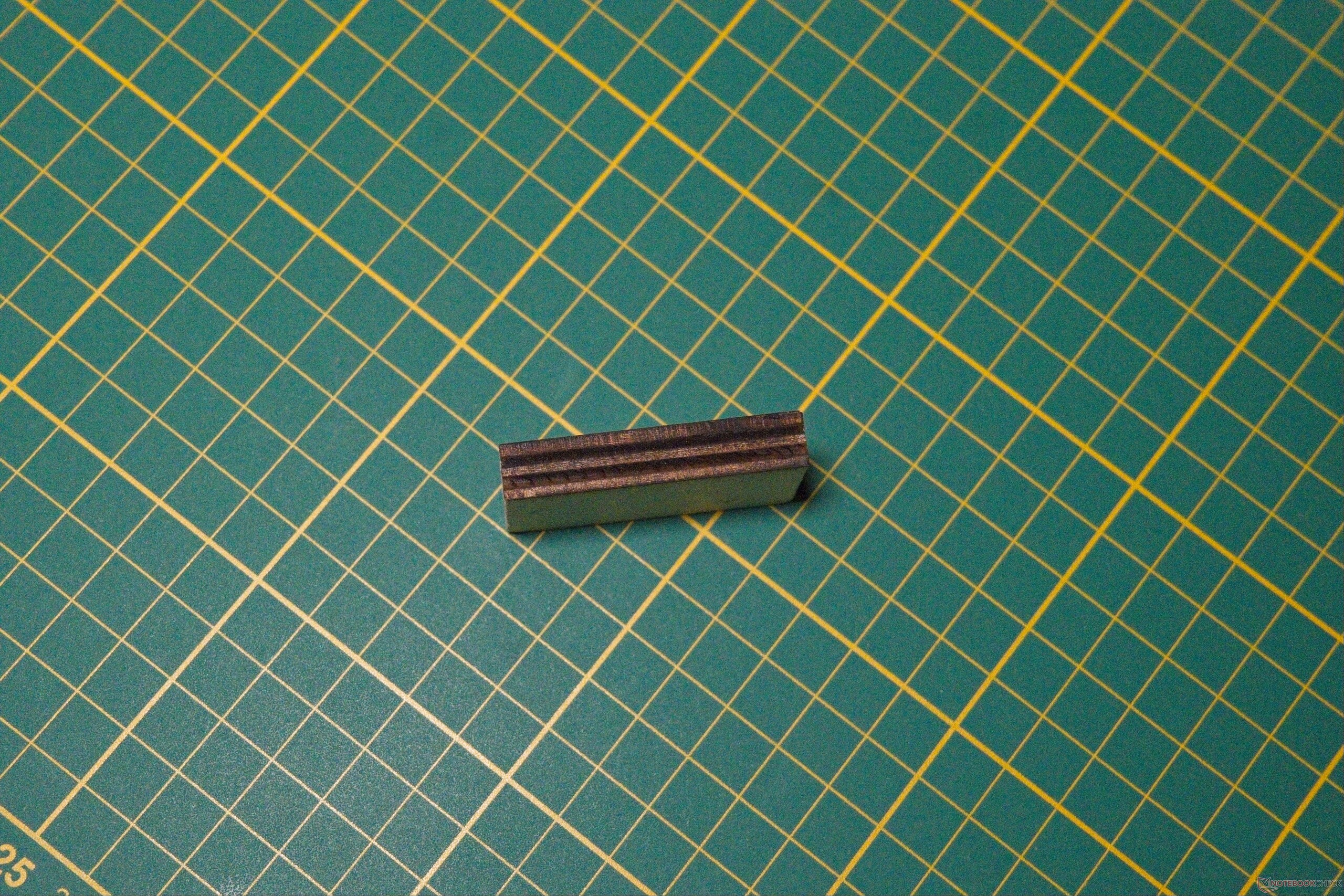
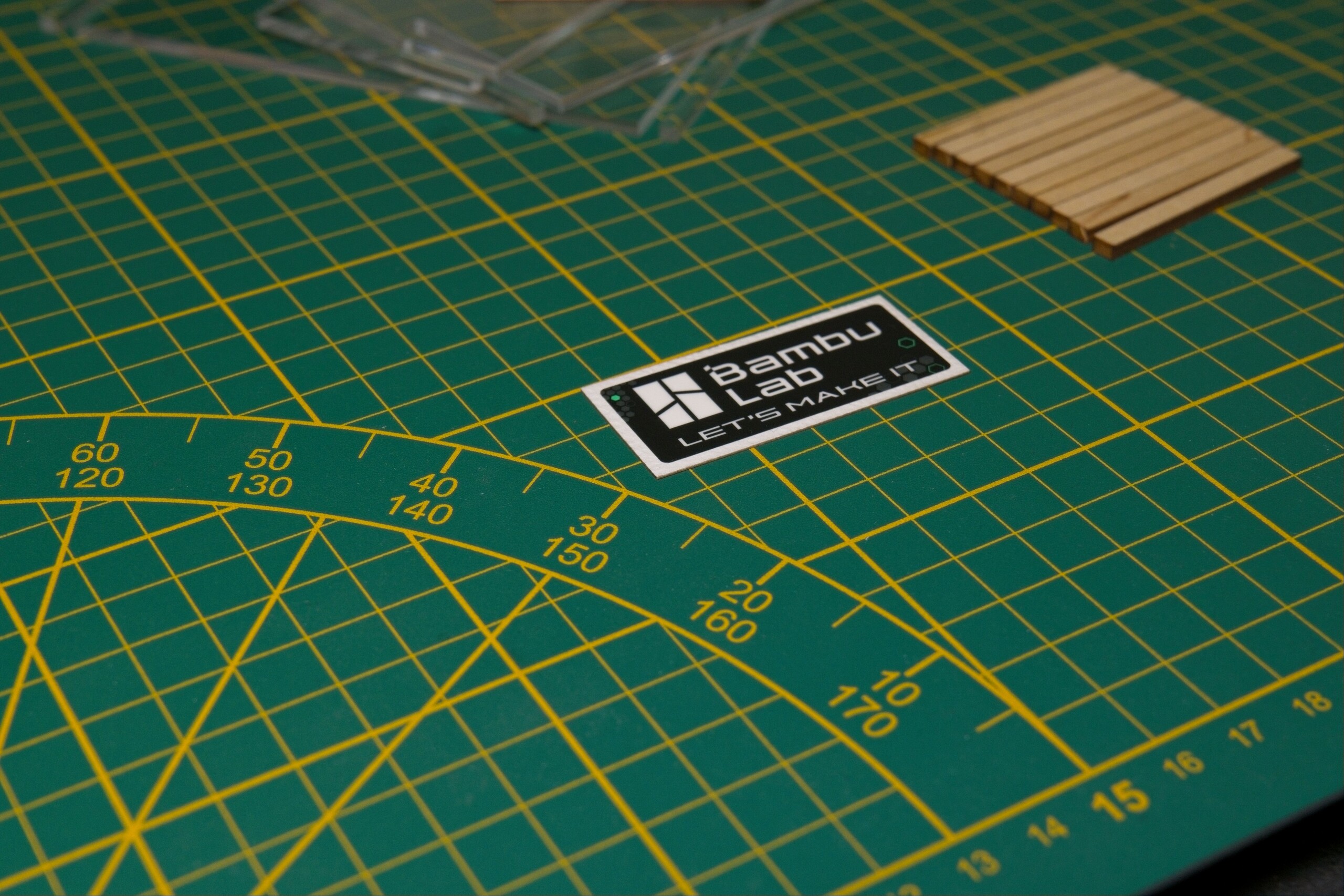
To evaluate absolute dimensional accuracy, we measured a laser-cut wooden component. The critical first step is determining the cut width, or kerf. Measuring this material- and speed-dependent kerf is essential for high-precision assemblies—where it must be offset in software- though it remains negligible for casual projects like keychains. To estimate the kerf, we cut ten adjacent rectangles out of a square workpiece and measured the resulting cumulative gap. This yields a practical average, as taking precise caliper readings on soft basswood is challenging due to material compression. For our specific setup - using basswood, default speed settings, and the S lens - we measured a kerf of approximately 0.18 mm (0.007 in). Where exact dimensions matter, half of this value must be set as a kerf compensation offset in software. Accounting for both kerf and the measurement uncertainty of our calibrated calipers ($30 μm + 30 · 10E-6 · L, according to the DAkkS calibration certificate), the R1 exhibited no significant dimensional deviations, even as our workshop measurement tools reached their resolution limit. Within the scope of our bench testing, the Bambu Lab R1 demonstrates excellent absolute accuracy and tight dimensional tolerances.
Sharp edges, no charring
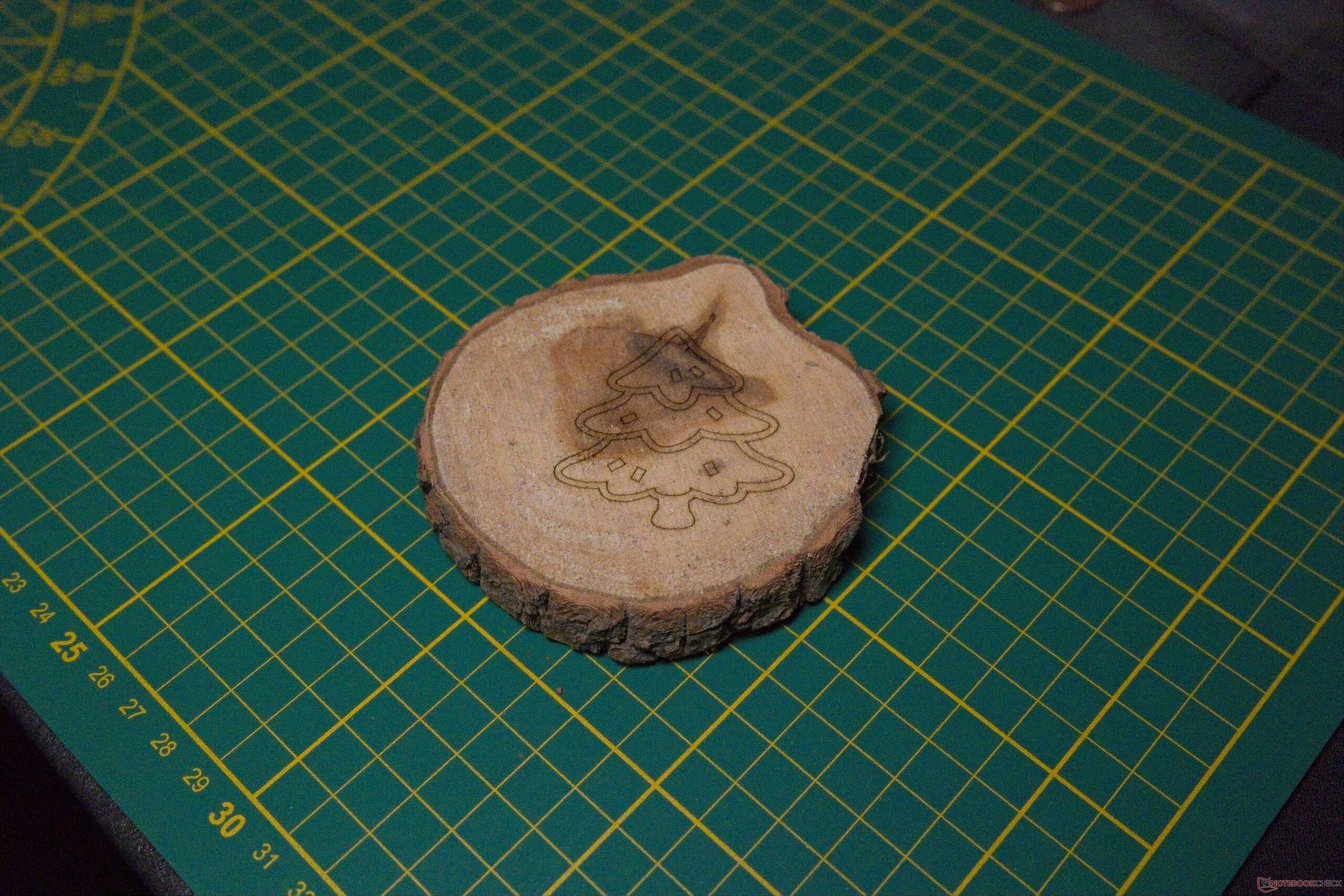
For most home users, real-world engraving and cutting quality will matter far more than absolute dimensional accuracy - and the results are consistently strong across the board. Thinner wood exhibits only light, typical scorching rather than heavy charring. Thicker, budget-tier plywood required a bit of parameter fine-tuning, as internal glue layers can pose a challenge. Even so, the included short-focal-length S lens - which isn't specifically optimized for thick cuts - produced fully usable results, and any minor charring along exposed edges sanded off easily.
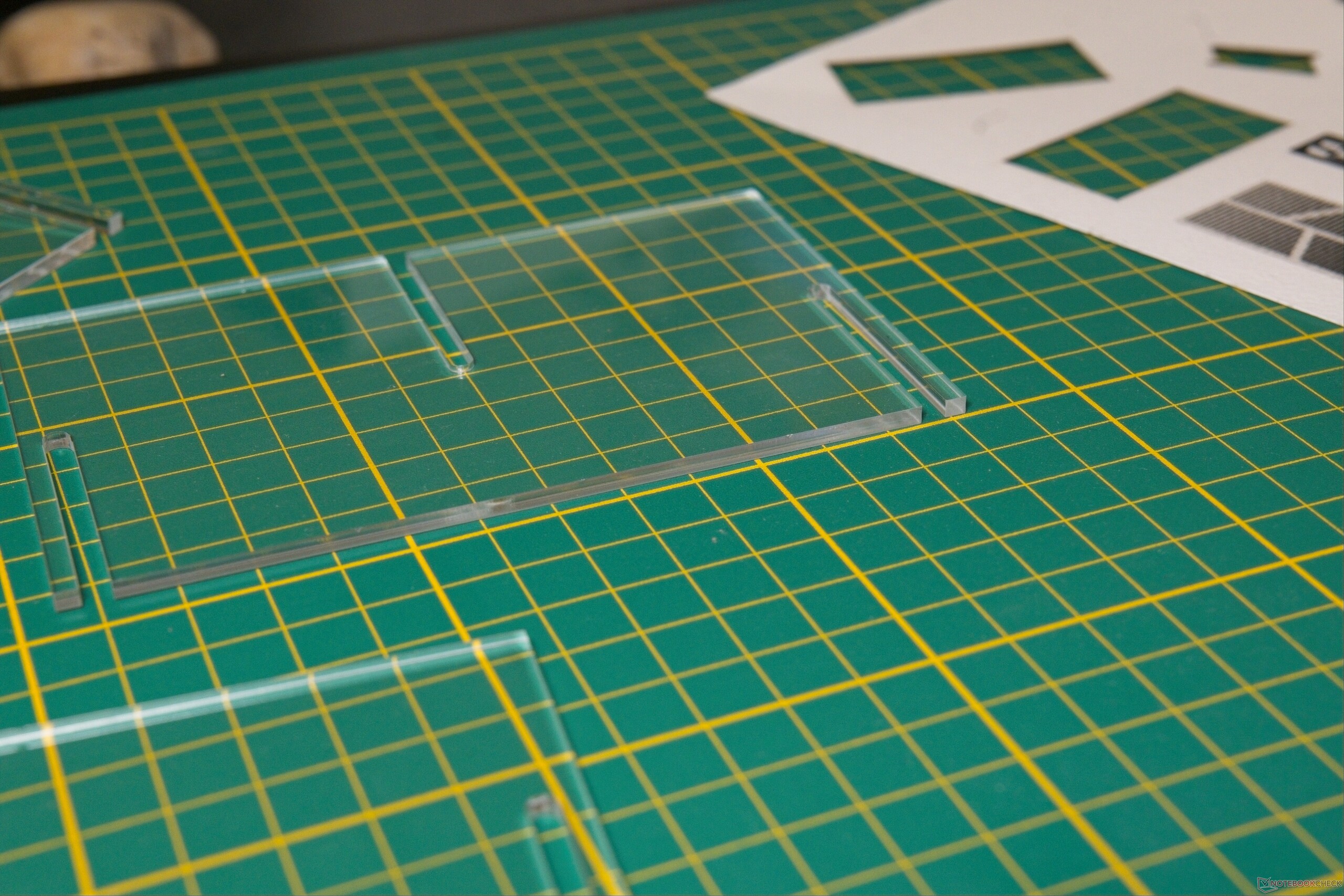
Cut quality on transparent acrylic is flawless, with the laser leaving highly clear, polished edges even along tight curves. Metal processing is also supported, though the underlying physics limits work to surface engraving or marking rather than cutting. For our tests, we painted a stainless steel sheet prior to laser processing; depending on the intended application, the spray paint can either remain as a high-contrast background or be wiped clean.
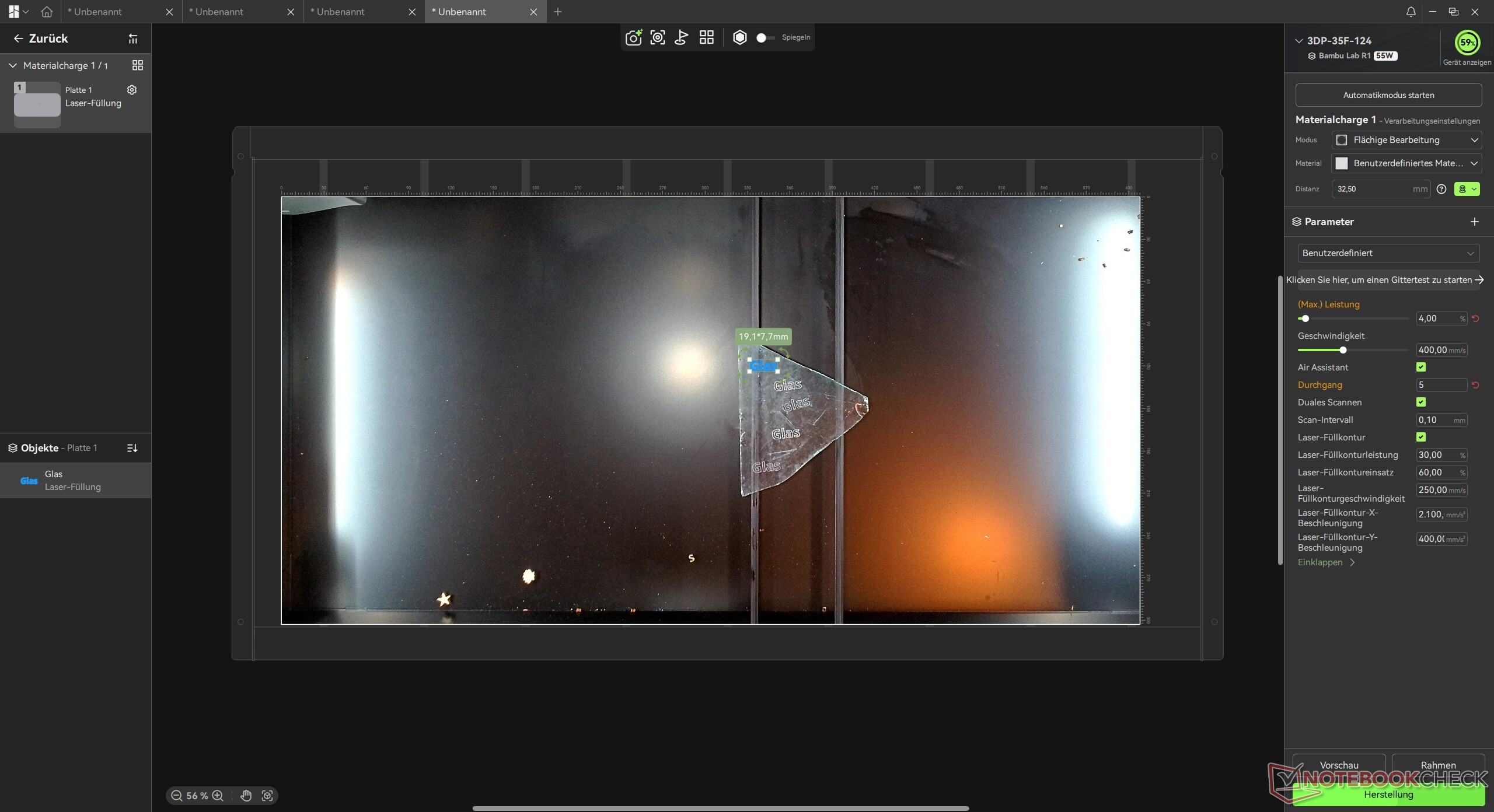
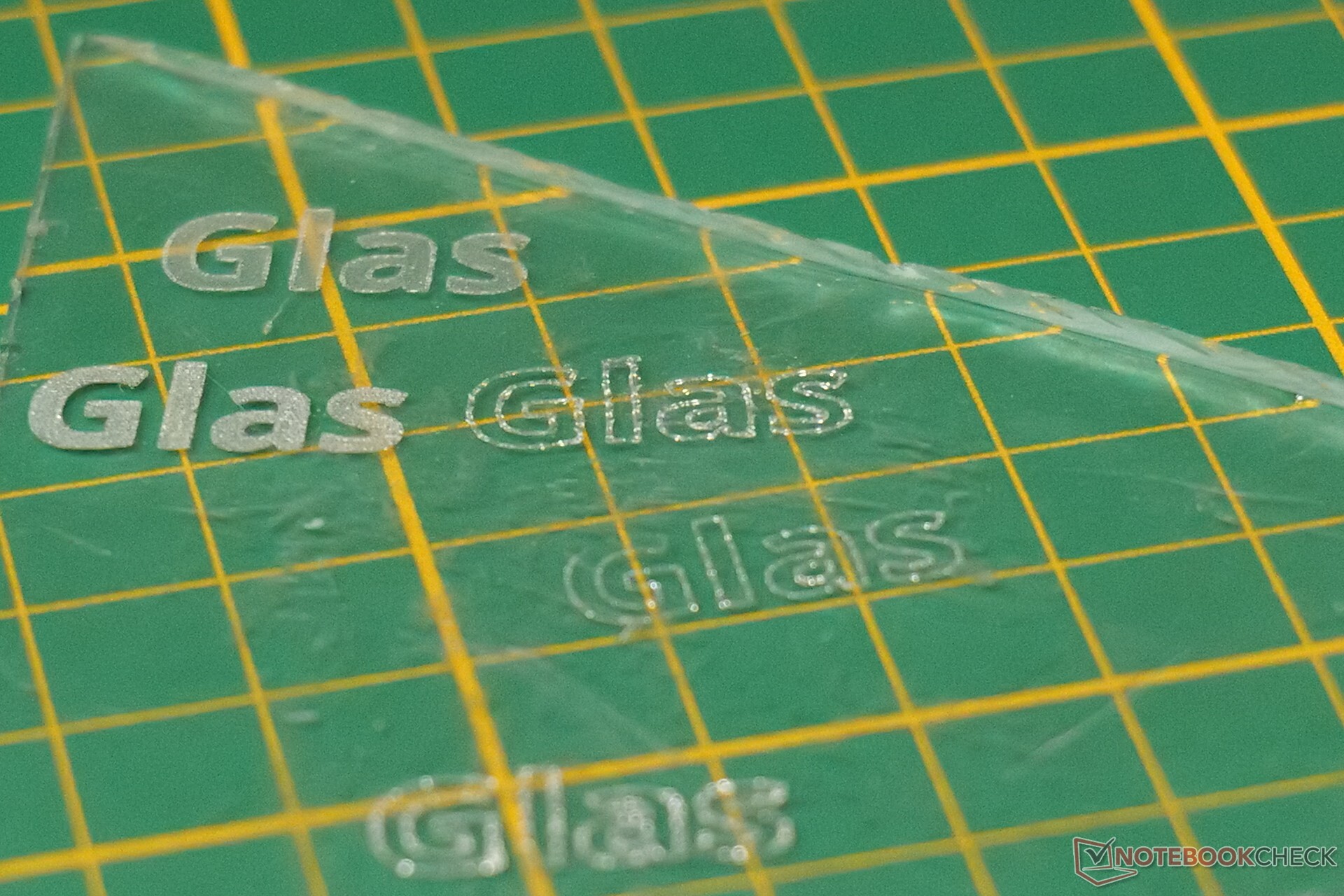
Engraving a glass offcut similarly yielded clean results, though lower power settings over multiple passes are recommended to prevent excessive micro-chipping - unless those tiny surface fractures are desired for their subtle glitter effect. We also tested stone engraving across two different samples: results depend heavily on the substrate's composition, making multi-pass, high-power runs ideal here as well. Finally, engraving on non-planar workpieces like a curved wooden spoon proved entirely painless thanks to the Curve-Surface routine, which worked flawlessly and significantly expands the unit's practical versatility.
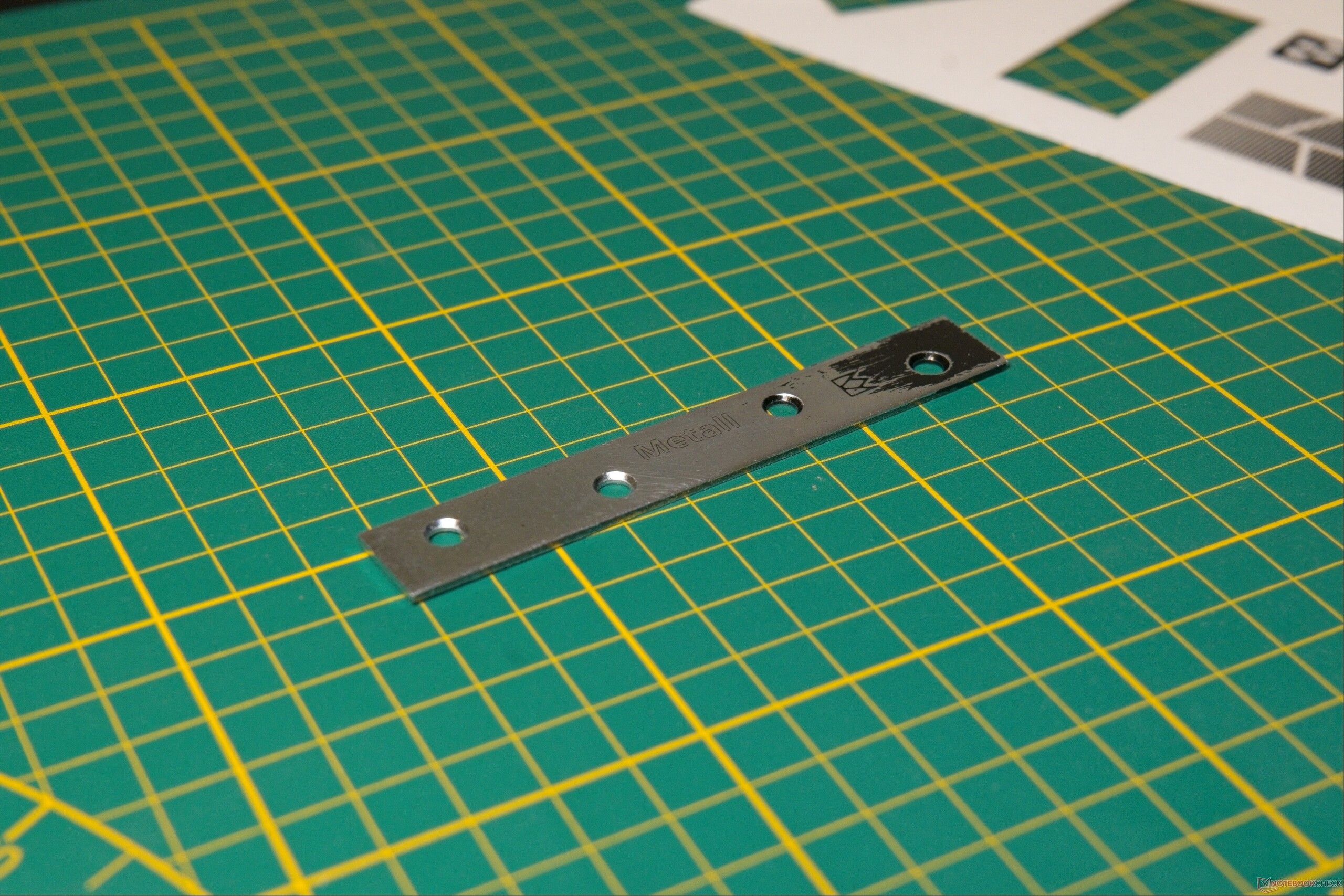

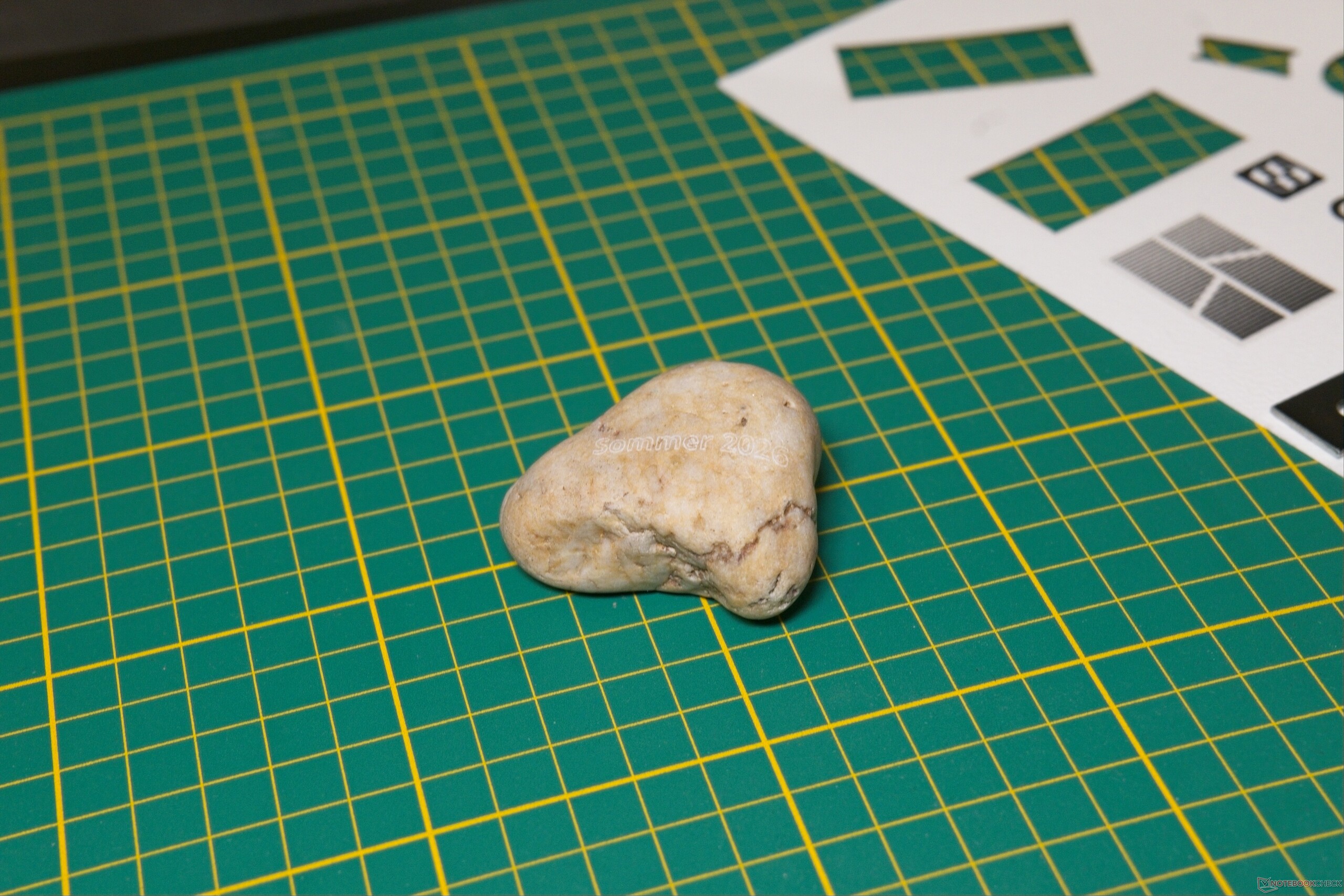
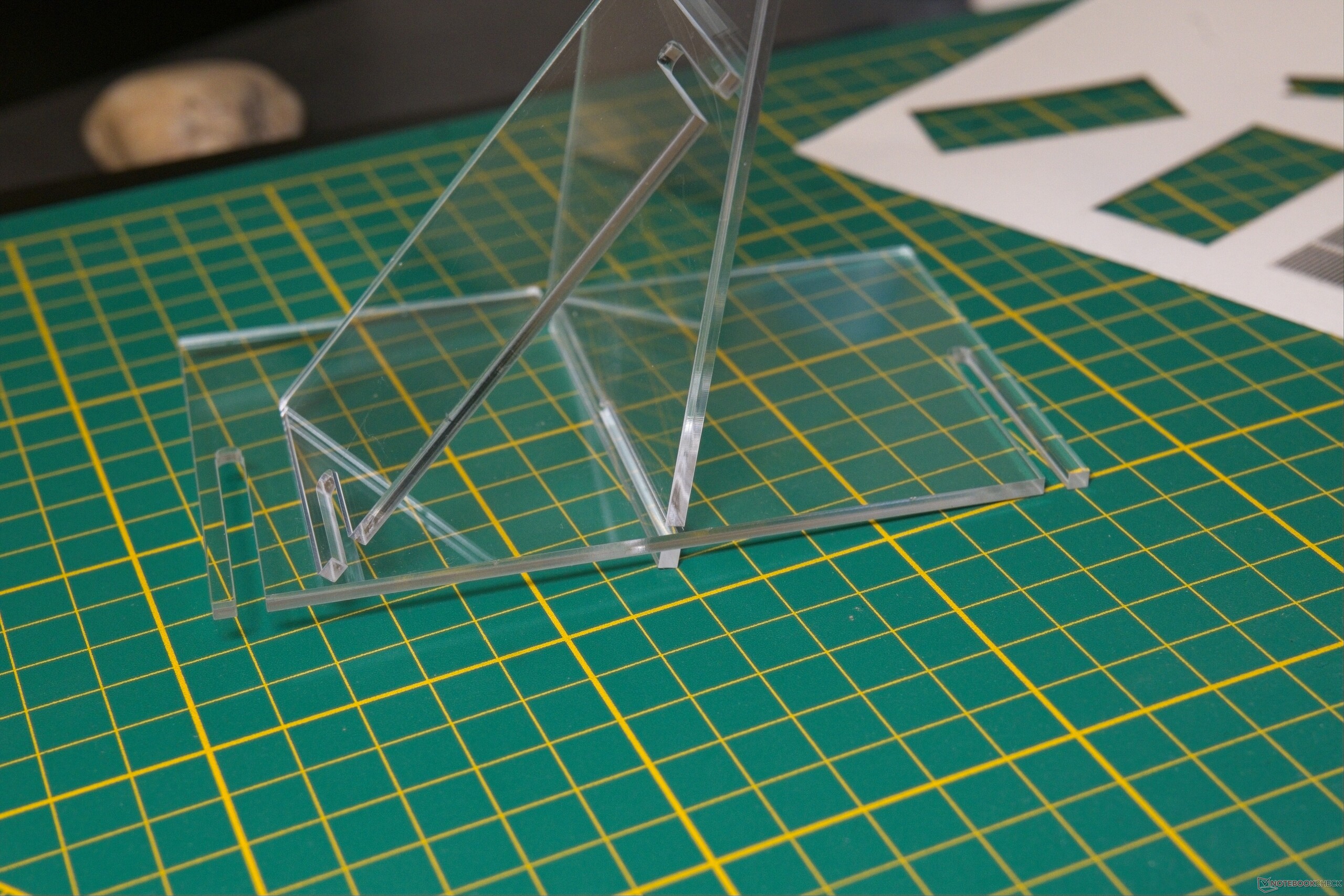
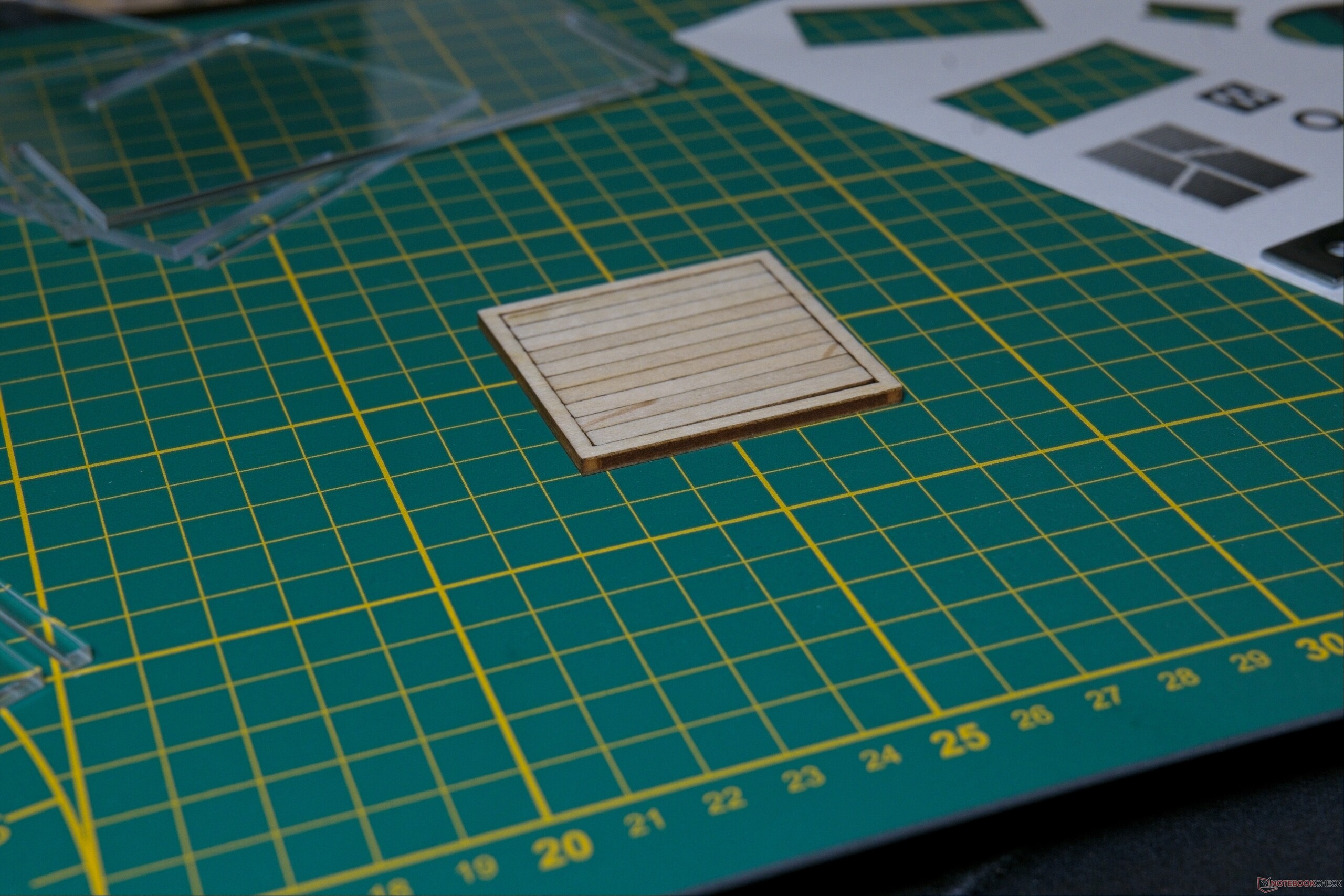
Contour Trace Extraction is very useful
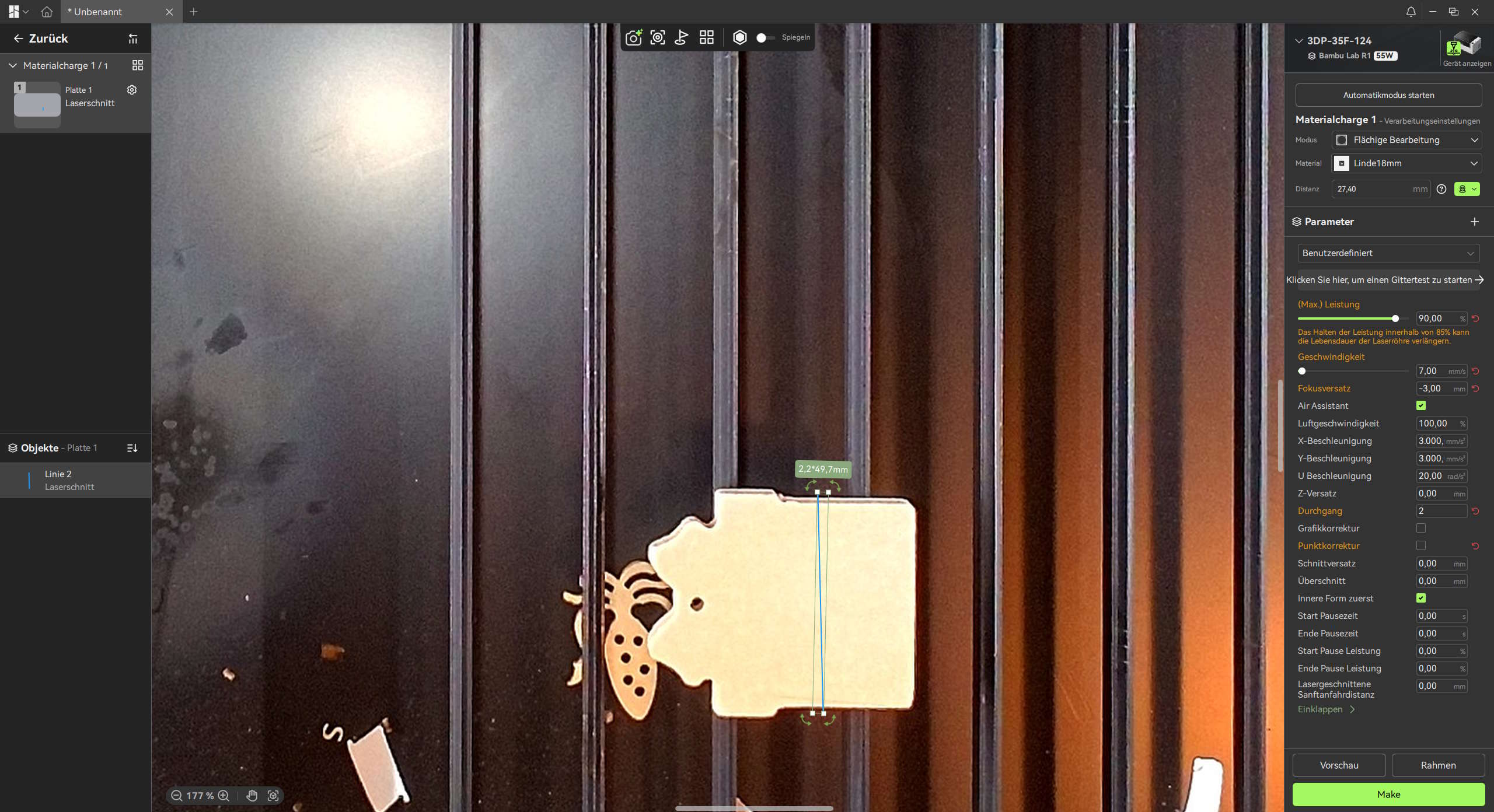
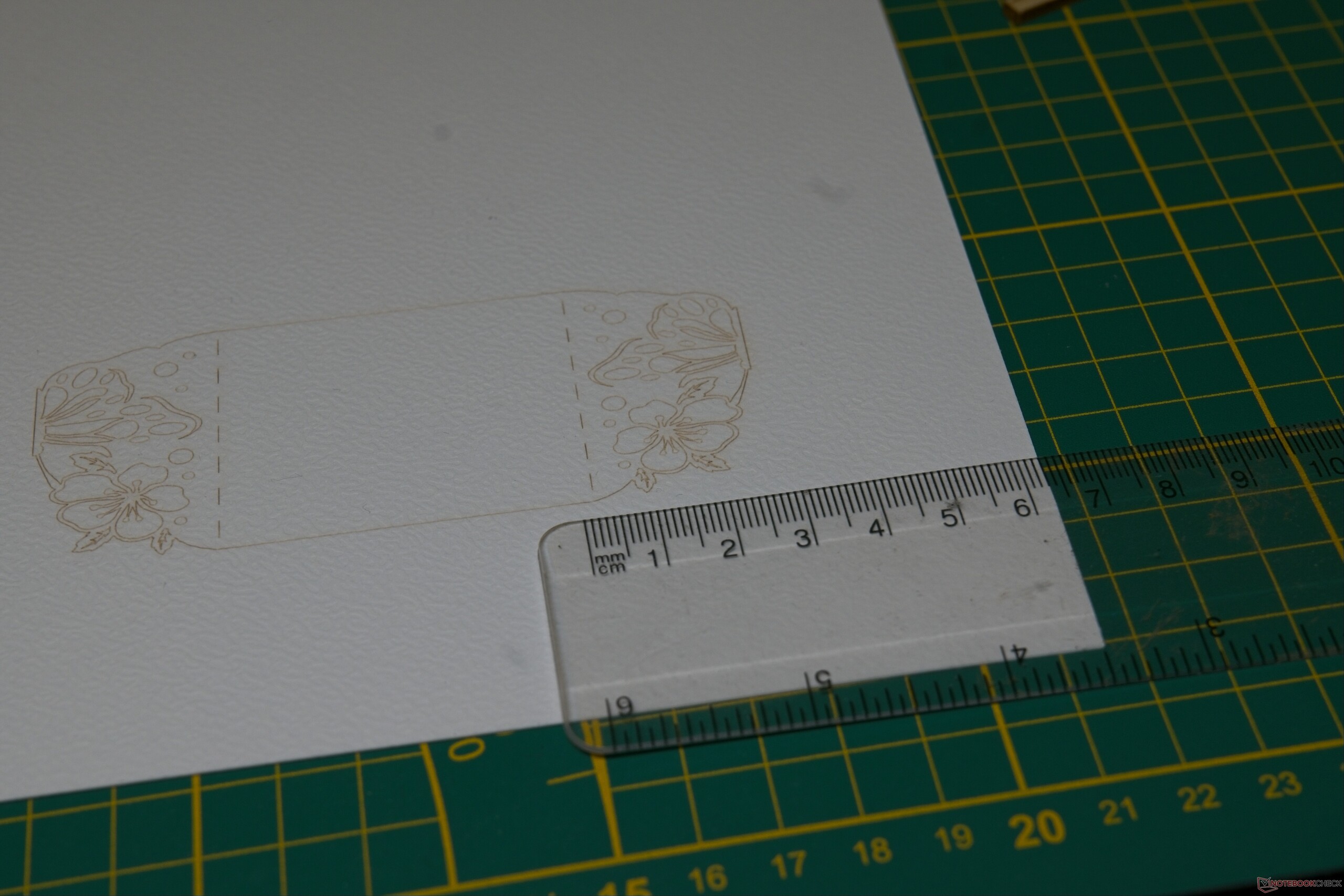
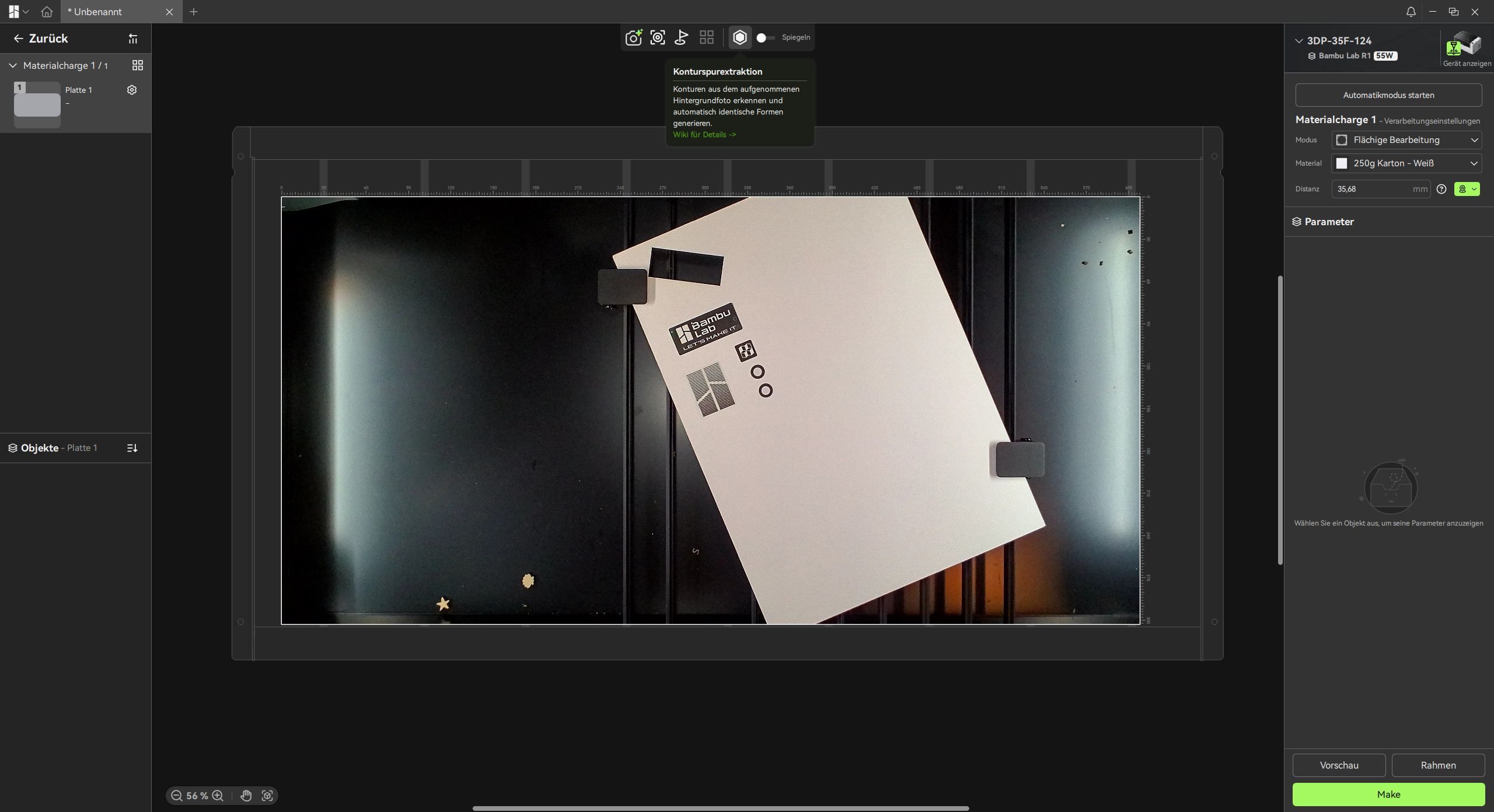
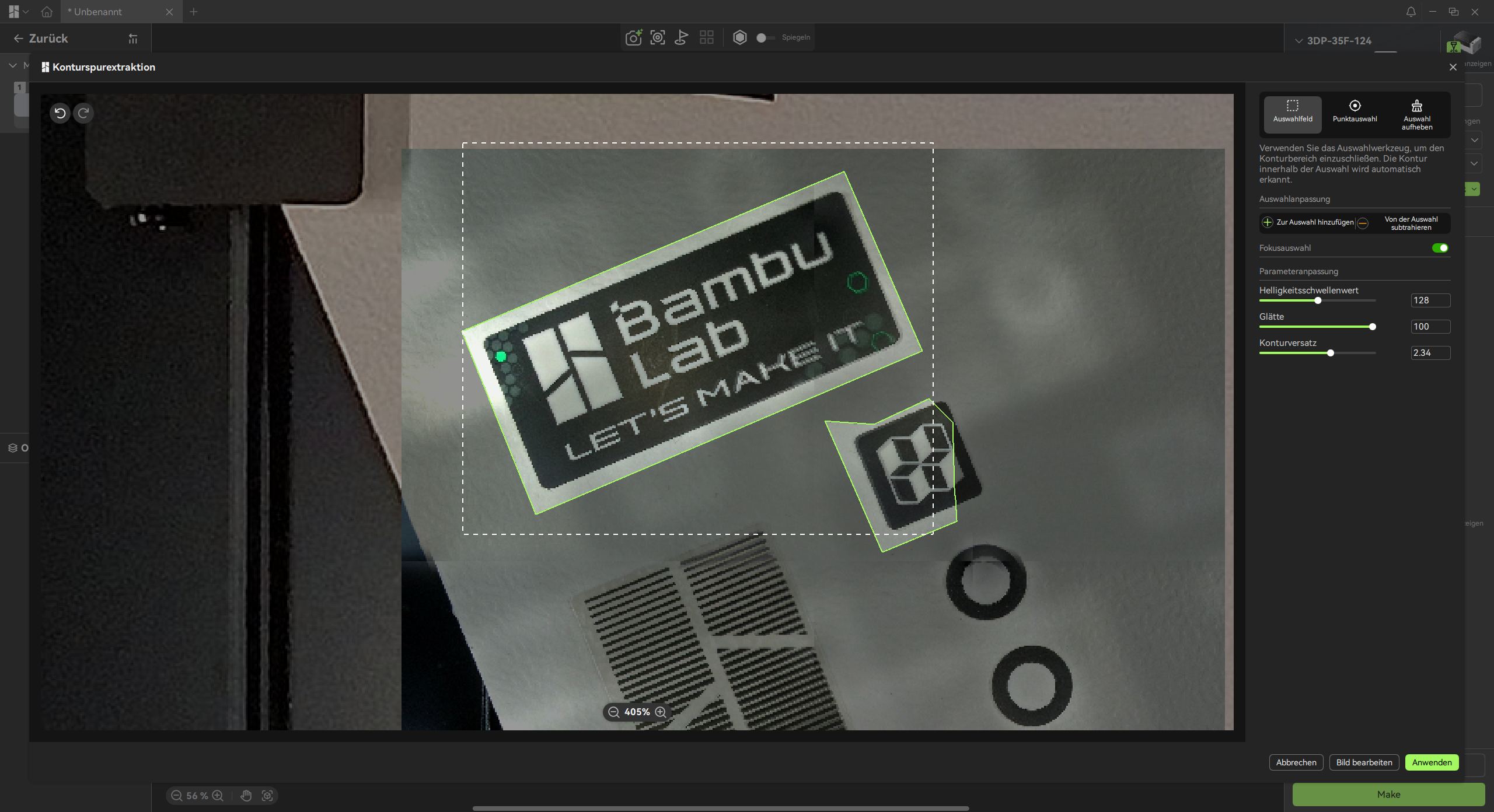
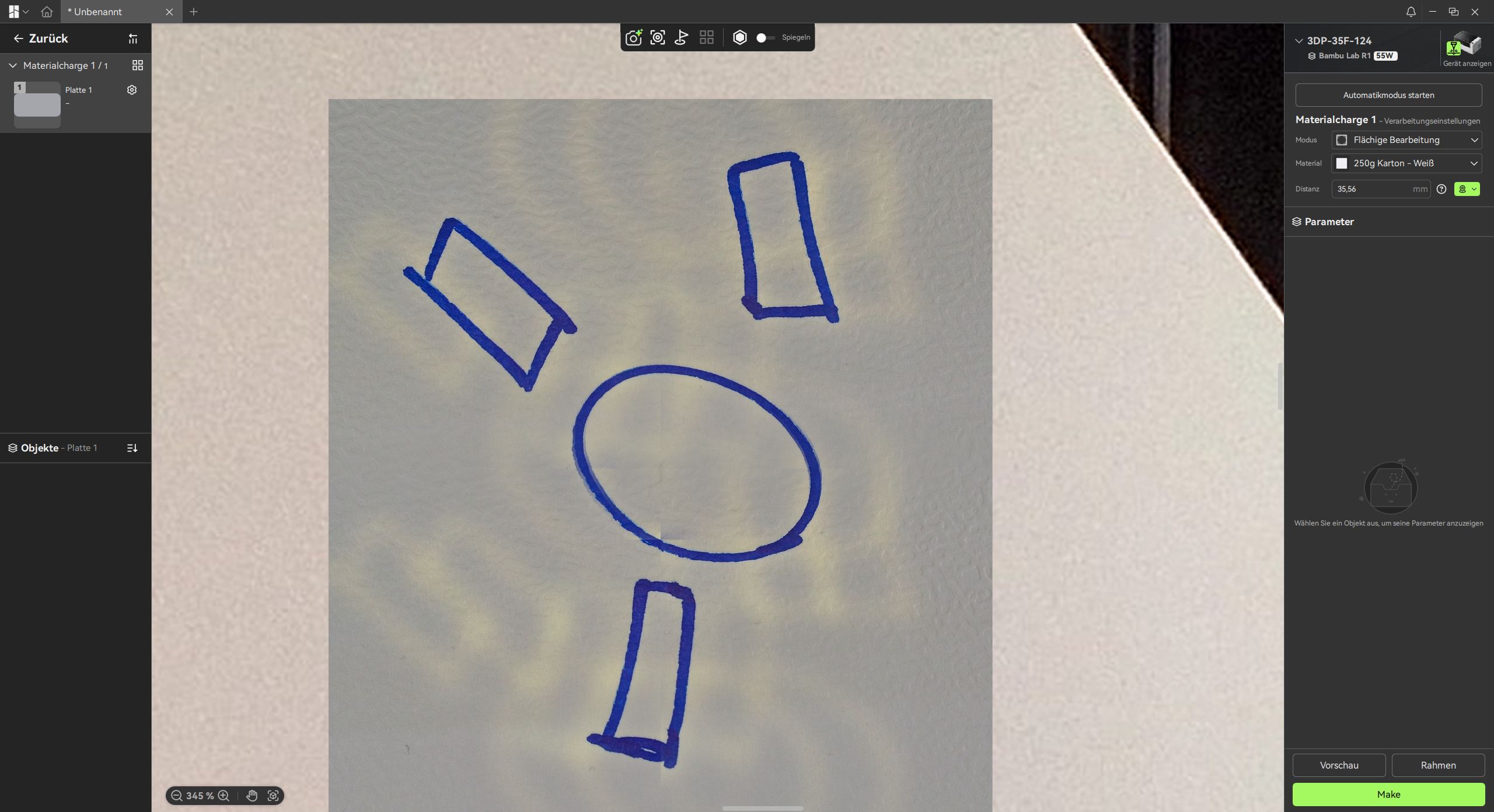
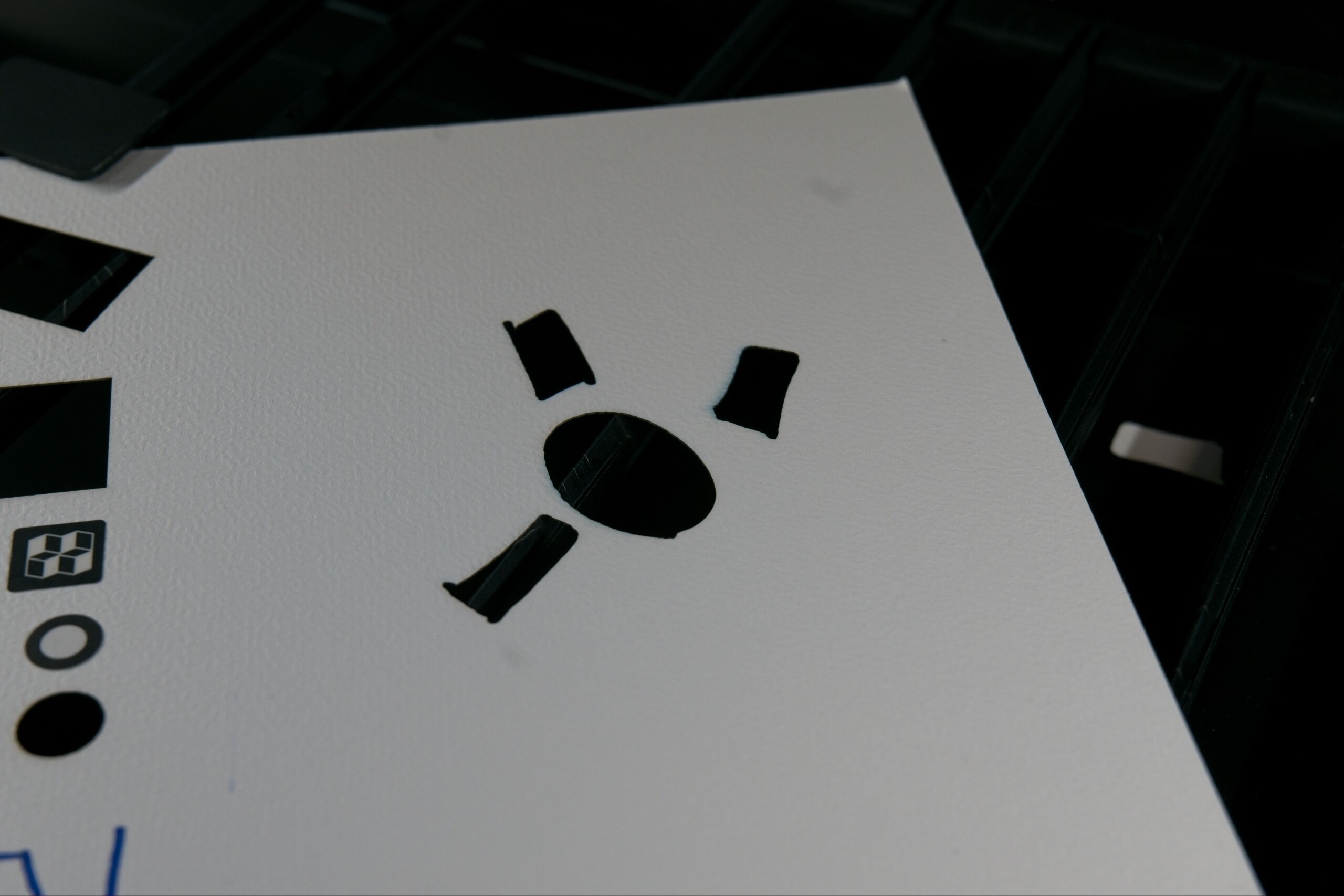
Contour Trace Extraction warrants special attention. The feature allows the Bambu Lab R1 to optically detect outlines—such as a sticker placed on cardboard—making it particularly handy for cutting individual stickers out of a pre-printed sheet. In our testing, the feature proved both reliable and intuitive to use. Beyond its immediate utility, this feature highlights the system’s overall precision across the entire pipeline: from camera-based positioning and data processing to executing movements at exact coordinates. Relying on the captured camera feed, the laser unit determines its working area with impressive accuracy.
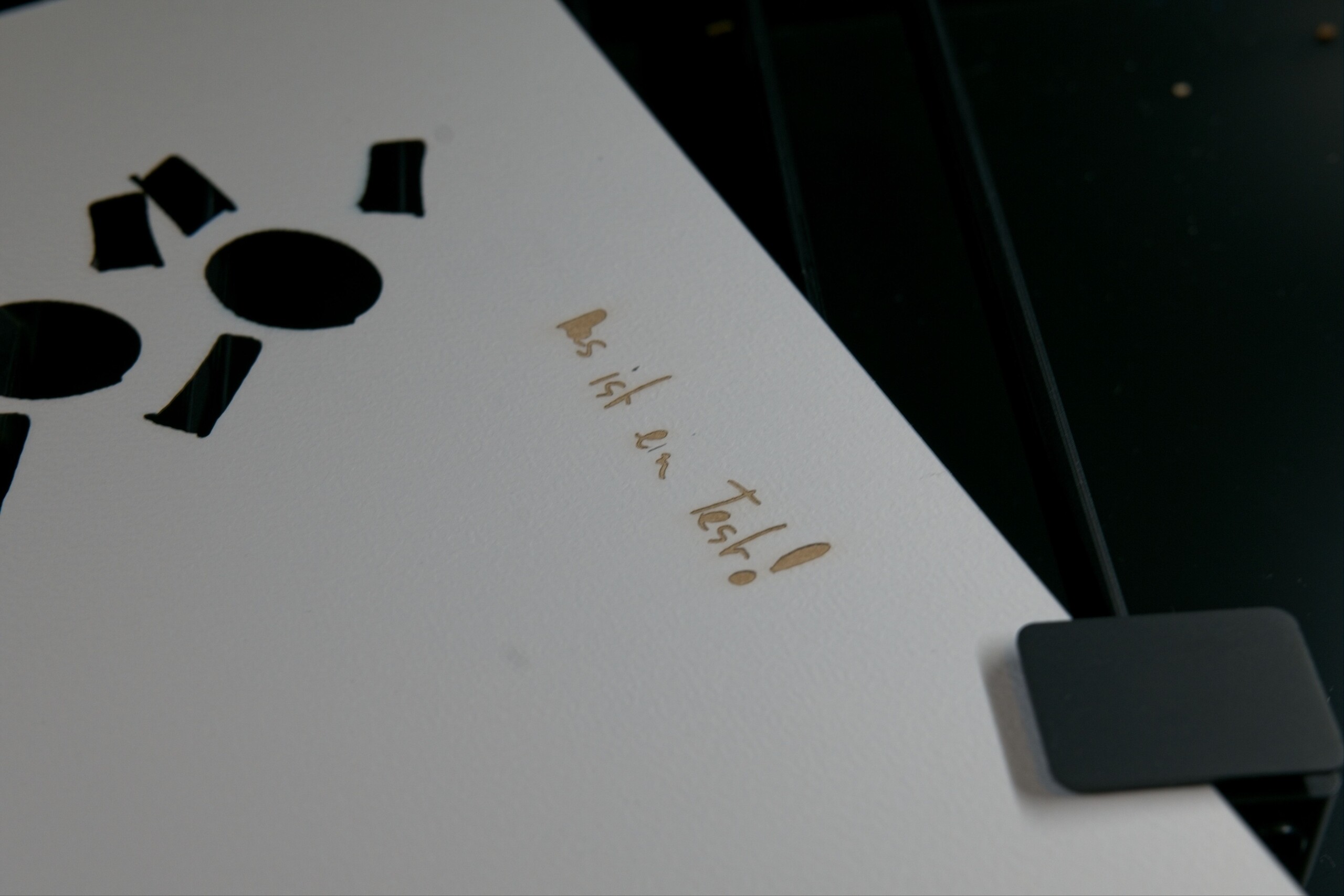
Contour Trace Extraction also provides customizable parameters, including offset adjustments and path smoothing. In practice, this allows you to simply sketch a shape on wood with a pencil and have the R1 cut it out directly. Whether this represents the primary use case for a laser cutter of this caliber is open to debate, but it certainly offers a remarkably low barrier to entry for transferring physical shapes. It even makes for a great family-friendly workflow: children can draw shapes or lettering on cardboard, and the R1 will cleanly cut them out, repeatedly and with high precision.
Transparency
The selection of devices to be reviewed is made by our editorial team. The test sample was provided to the author as a loan by the manufacturer or retailer for the purpose of this review. The lender had no influence on this review, nor did the manufacturer receive a copy of this review before publication. There was no obligation to publish this review. As an independent media company, Notebookcheck is not subjected to the authority of manufacturers, retailers or publishers.
 Add as a preferred source on Google


No comments for this article
