




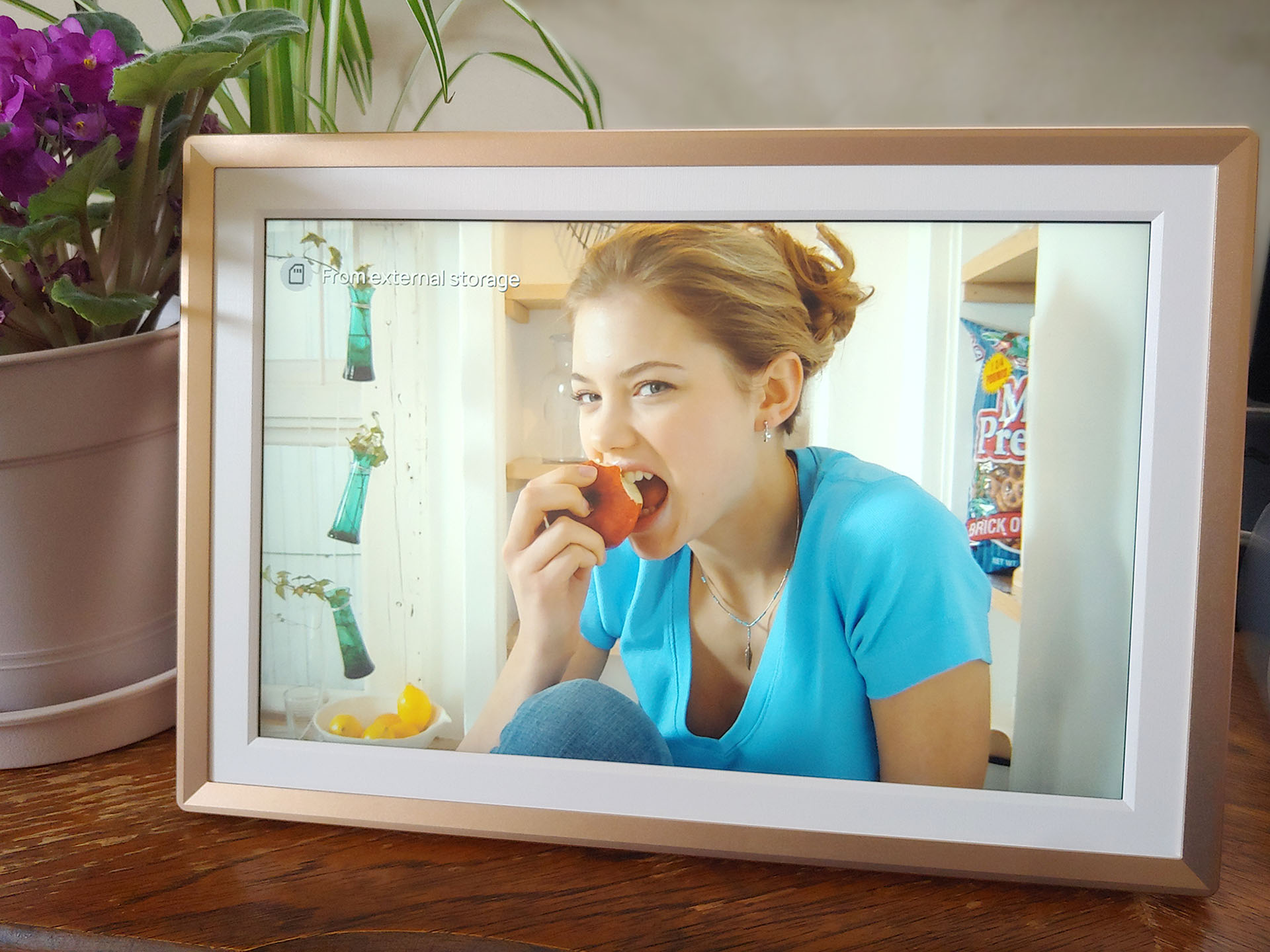
Arzopa D14 digital picture frame hands-on review: Unlimited photo storage
Unlimited photo storage.
The Arzopa D14 digital photo frame replaces traditional frames with a digital display and unlimited storage. Family and friends can add photos and videos remotely, while an SD card slot and USB port allow offline use.David Chien Published 🇳🇱 🇫🇷 ...
Verdict – A versatile picture frame
The Arzopa D14 offers unlimited cloud storage, with shared accounts that let friends and family add photos from anywhere. An SD card slot and USB port also support offline transfers.
Its matte screen reduces reflections but slightly lowers contrast and saturation, and the metal stand must be pushed in firmly to stay secure.
Even so, it’s an easy, cost‑saving way to enjoy photos without printing. Frames can be pre‑loaded with blessings and images for gifting, and businesses can repurpose them for café signage or menus.
Pros
Cons
Price and availability
The D14 picture frame is available from Arzopa for $219.99. Amazon Prime members can buy it for $149.99.

The Arzopa D14 digital photo frame displays an endless stream of pictures stored in the cloud, and new images can be added remotely by friends and family.
Specifications
| Display | 14” 1,920 x 1,200 IPS LCD with 10-point touch |
| 67% sRGB gamut | |
| 300 cd/m2 brightness | |
| Sound | Dual 2-watt speakers |
| 3.5 mm headphone jack | |
| Storage Capacity | 32 GB with unlimited cloud storage |
| Storage Expansion | Up to 128 GB SD card |
| File Compatibility | JPG, JPEG, PNG, WEBP |
| MP4, 3GP (<=1080p, <2 min., <125 MB) | |
| Connectivity | Wi-Fi, USB-A, and USB-C |
| Frame | Plastic |
| Dimensions | 363 x 248.5 x 27 mm (14.3 x 9.8 x 1.1 in.) |
| Weight | 1.1 kg (2.4 lbs.) |
Packaging
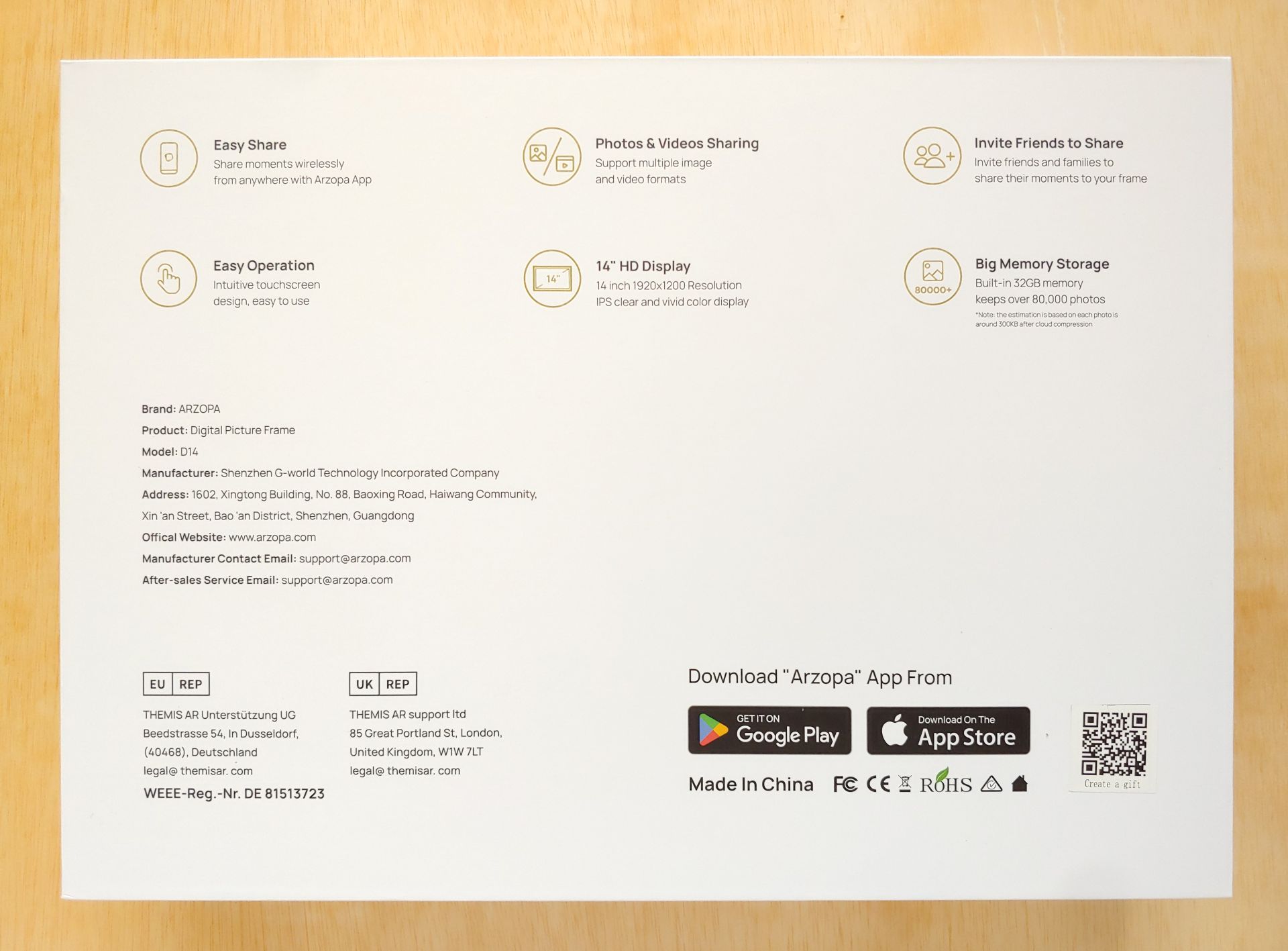
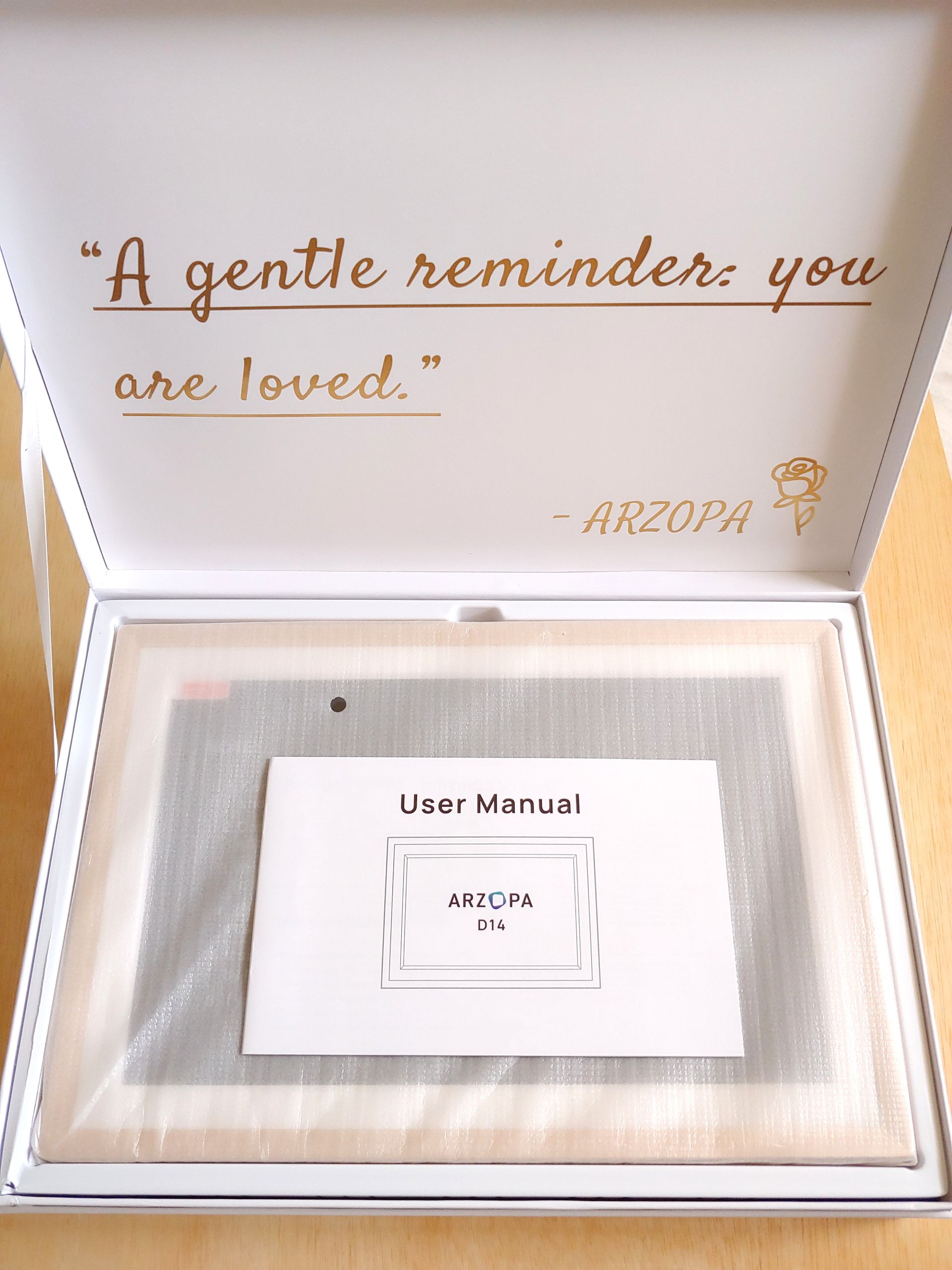
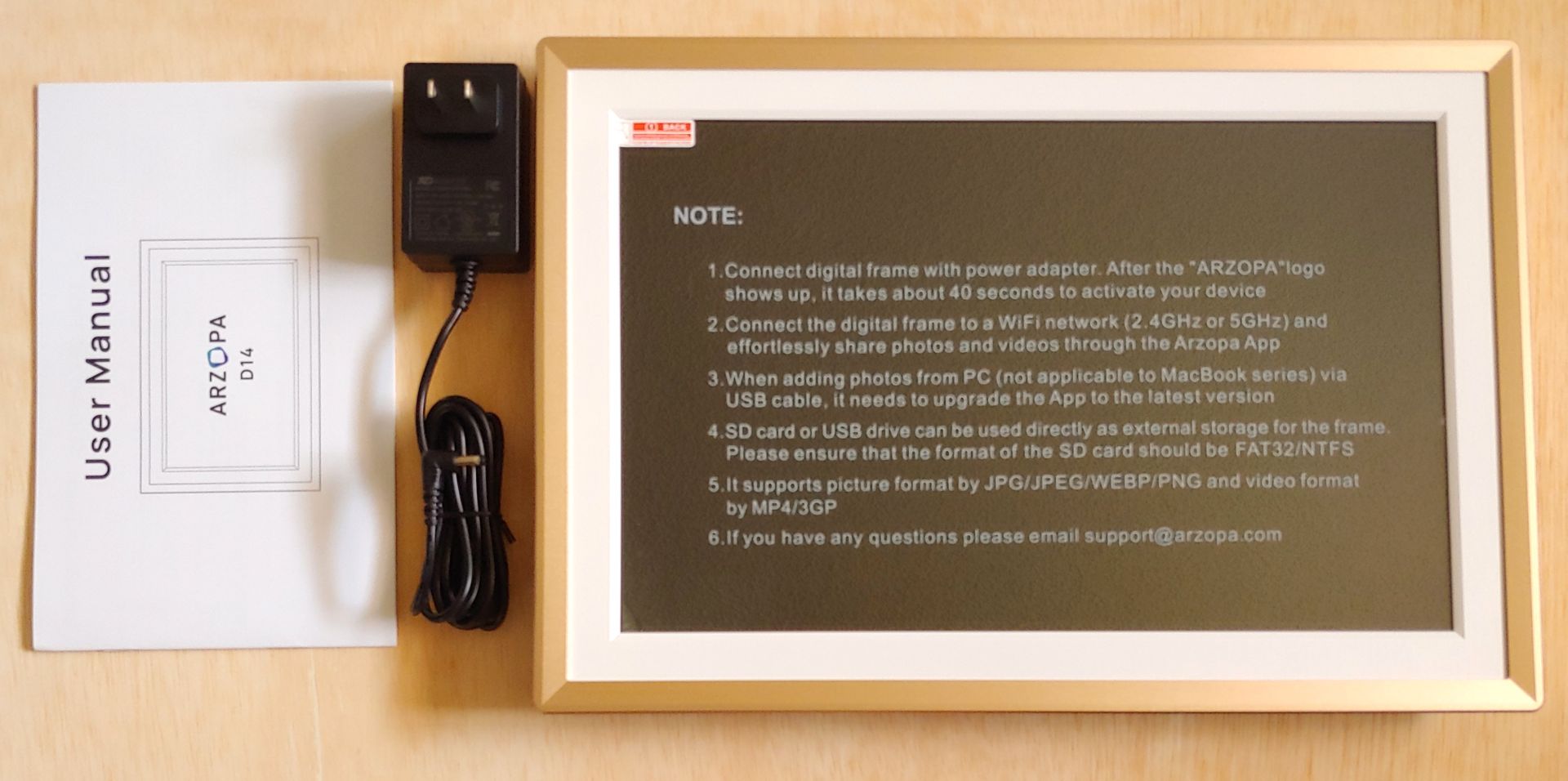
The Arzopa was packaged with an AC adapter and a user manual.
Design
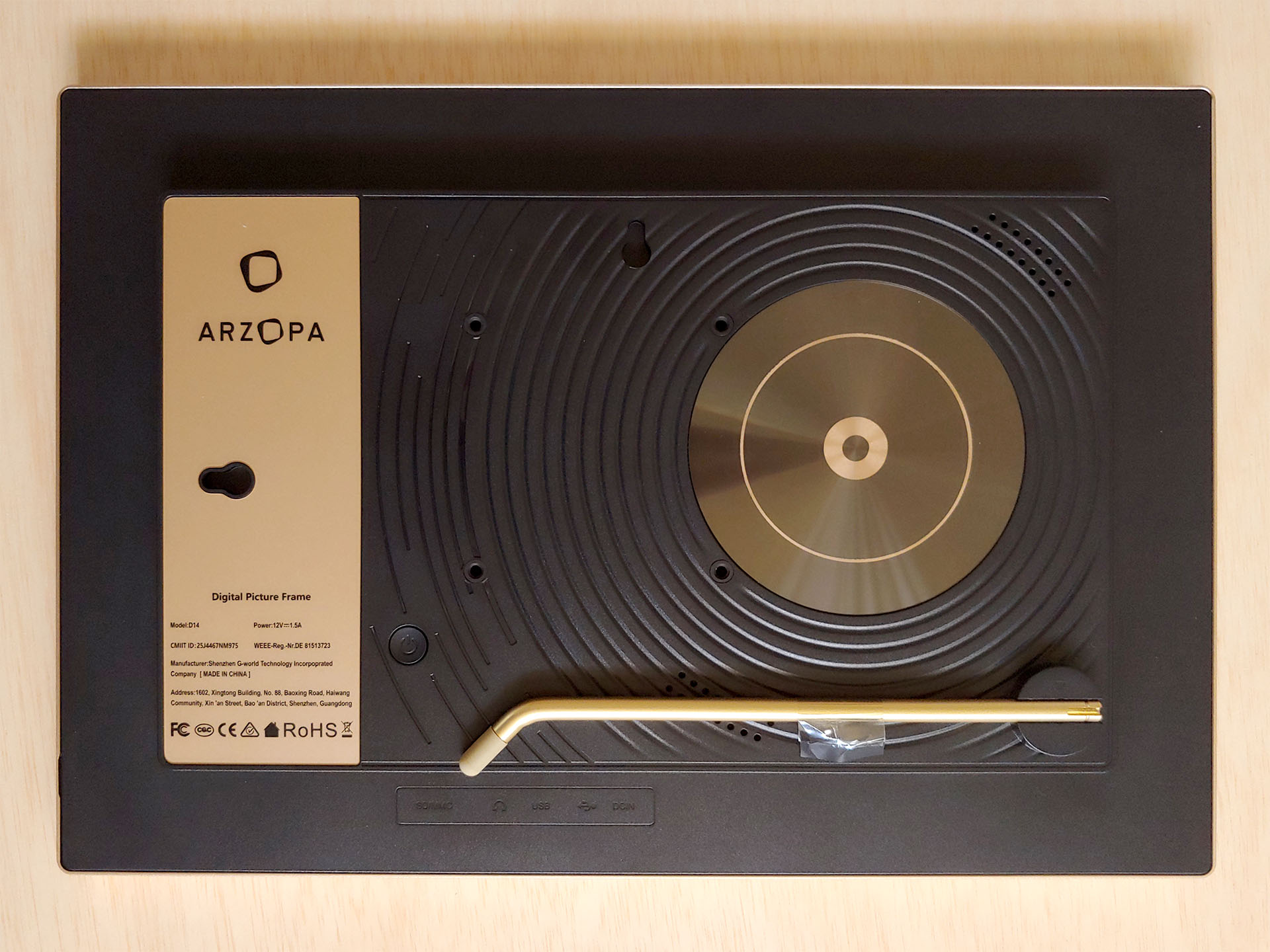
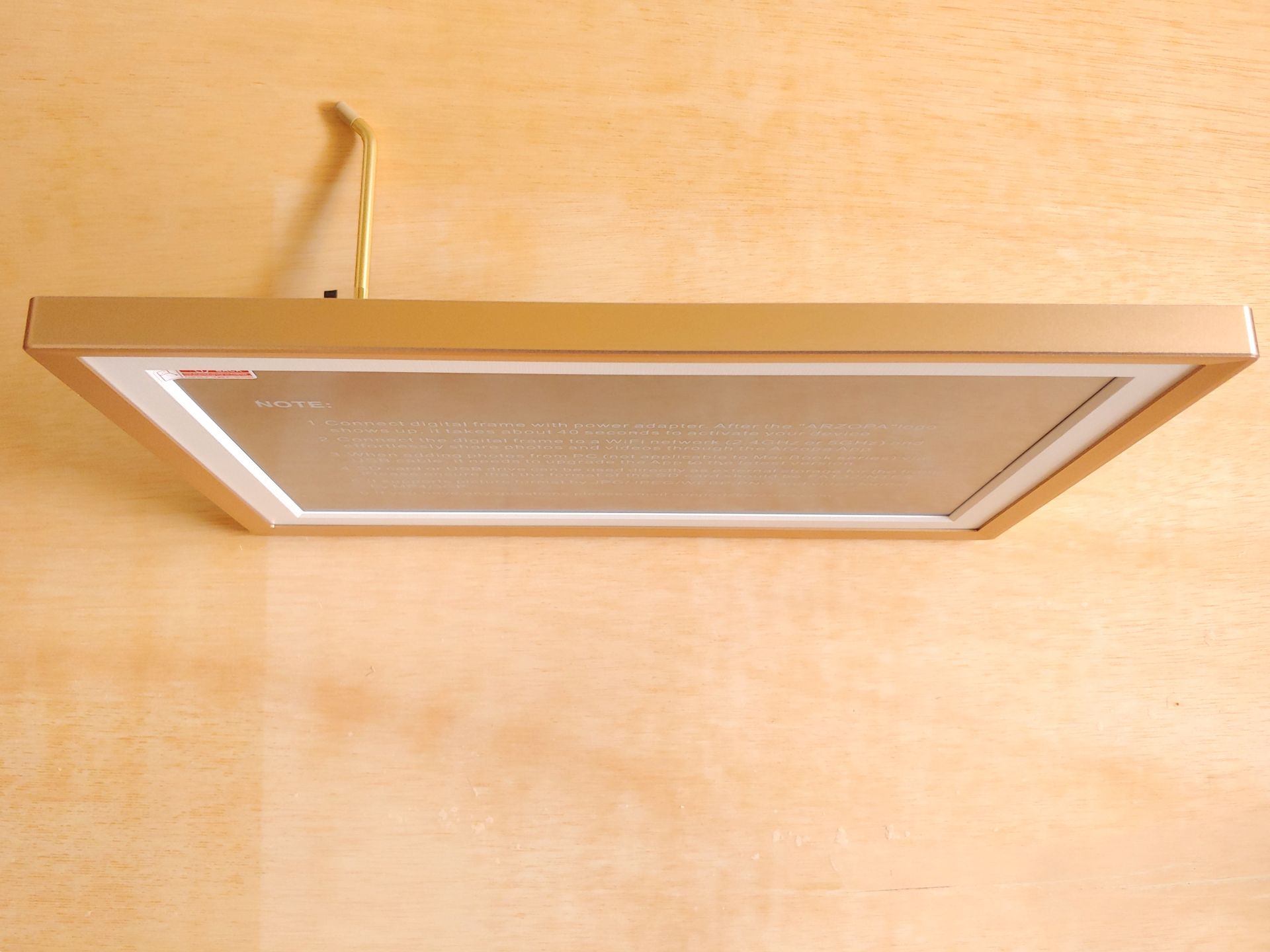
The 14‑inch Arzopa looks like a photo frame and comes with a matte LCD touchscreen that offers decent off‑axis viewing and well‑suppressed reflections. It can sit on a desk using the metal stand or be wall‑mounted.
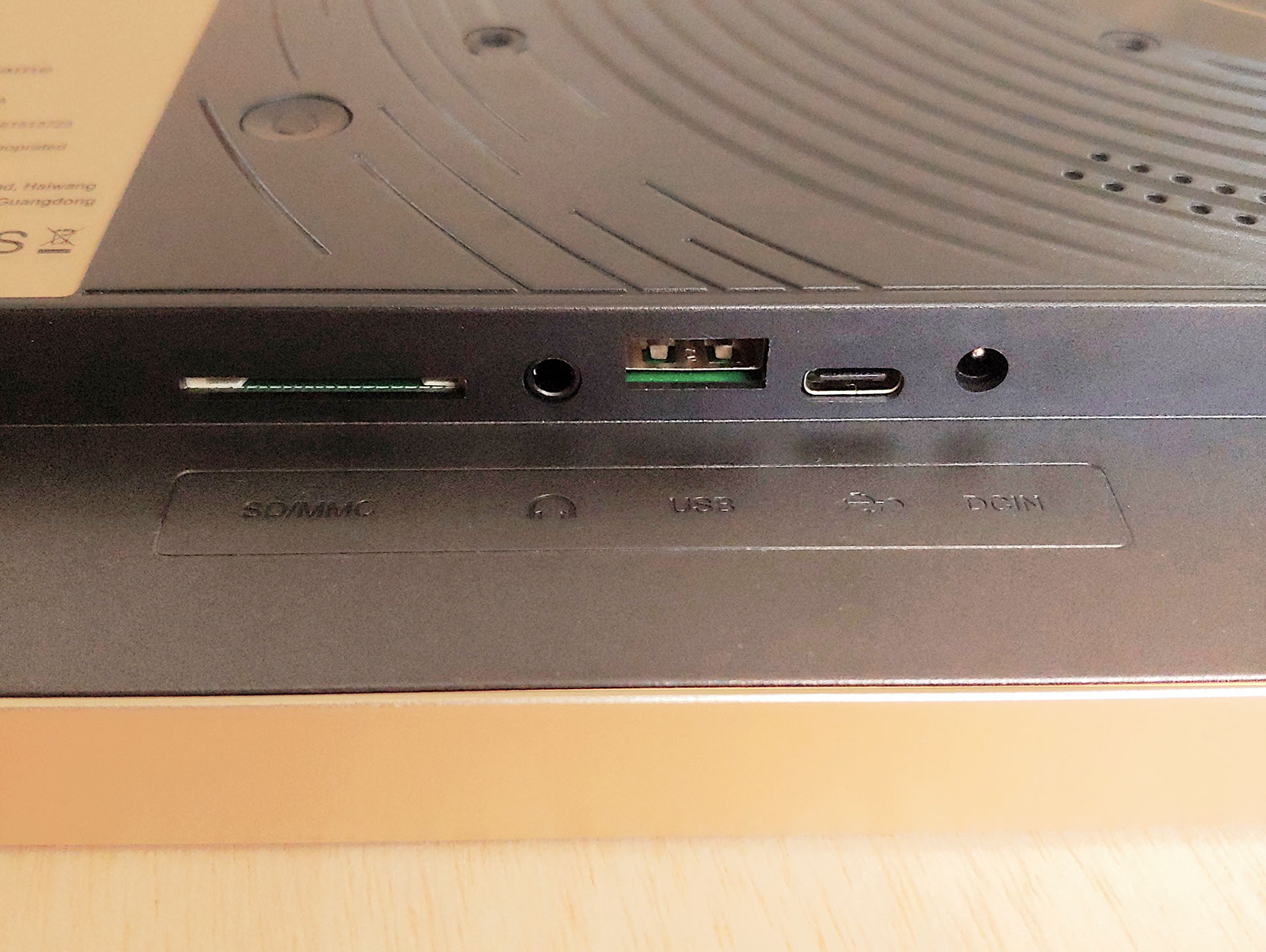
All ports—including power, USB‑A, USB‑C, the SD card slot, and the 3.5 mm headphone jack—are on the back. There’s no power button, so plugging it in turns it on, and shutdown or sleep is handled through the menu.
Initial Setup
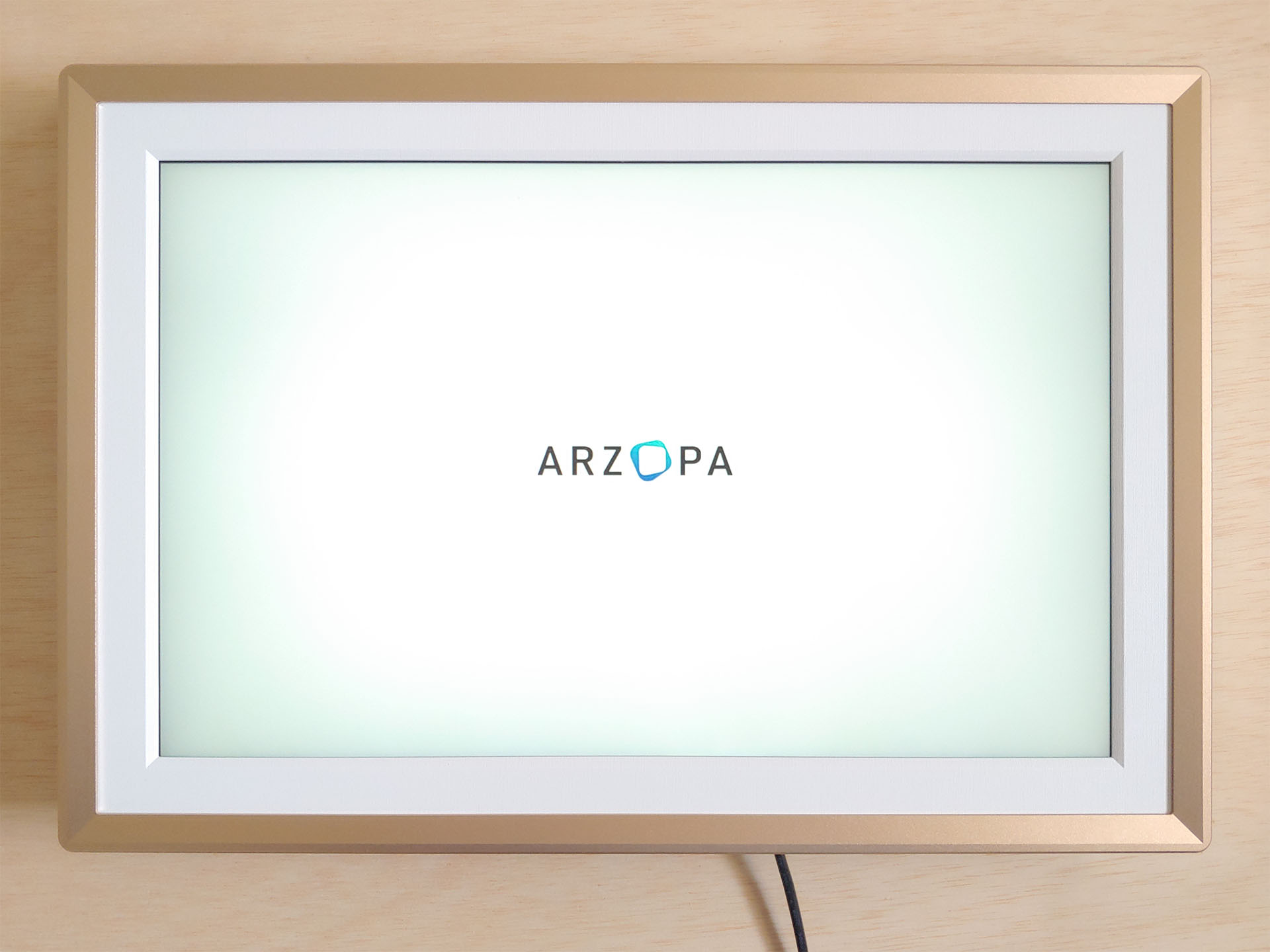
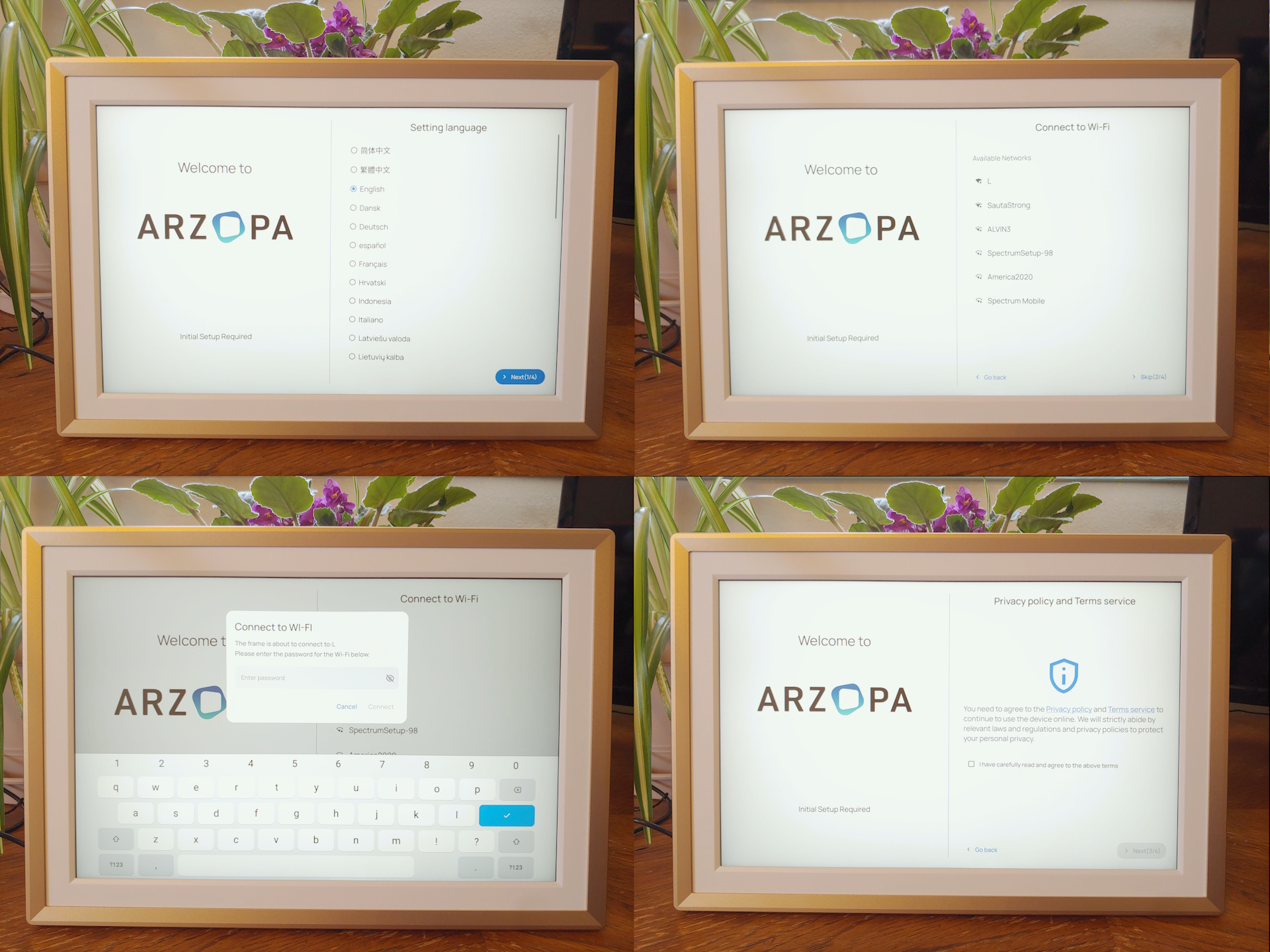
The initial hardware setup consists of several screens, including language selection, optional Wi-Fi setup, agreement to terms of service and privacy policies, and time/date settings. Users can share the on-screen QR code on the last screen with friends and family to access the picture frame or add a gift code to see gifted photos, such as those from a wedding. A firmware update was needed on the review unit and took several minutes to install.
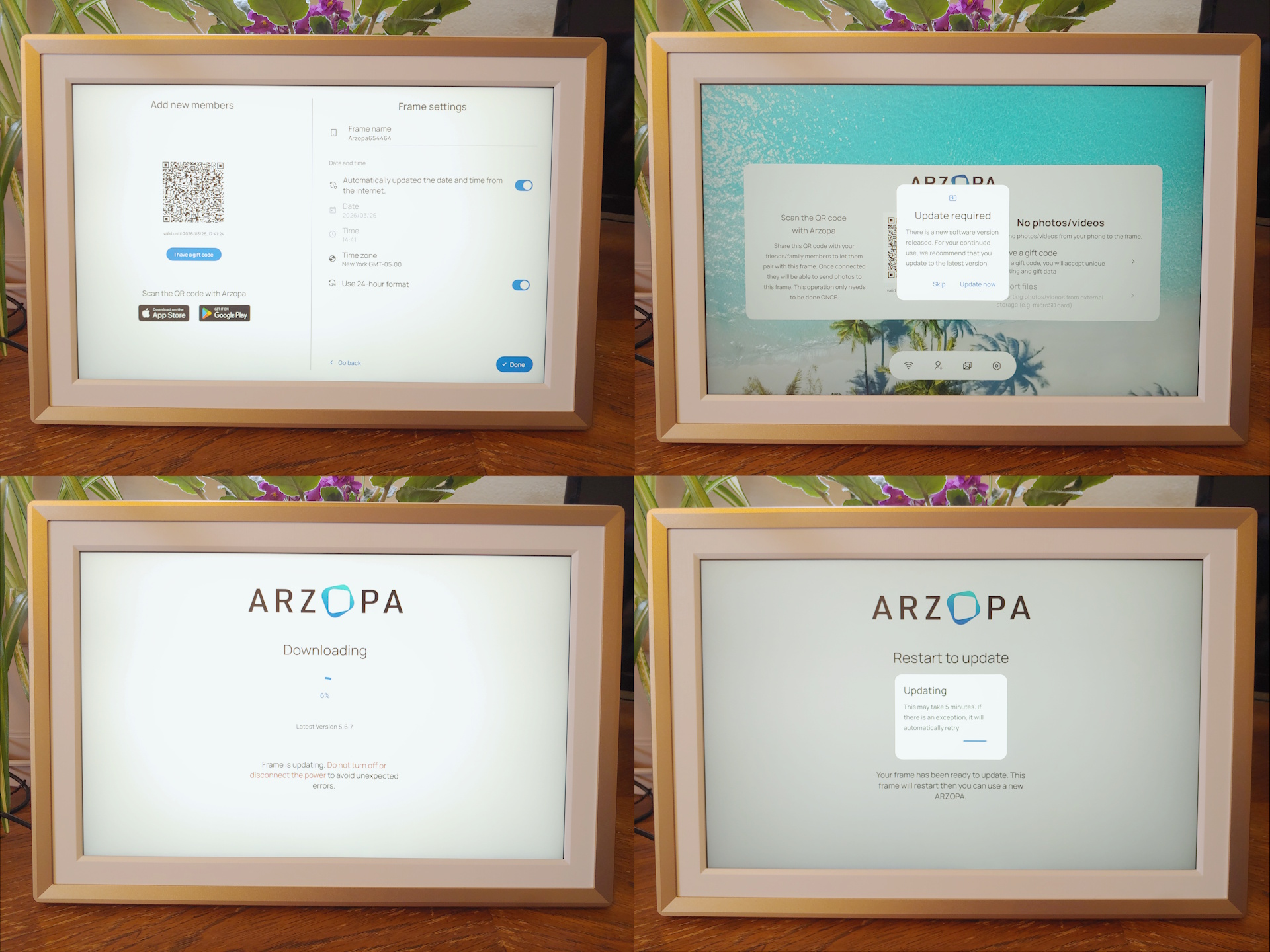
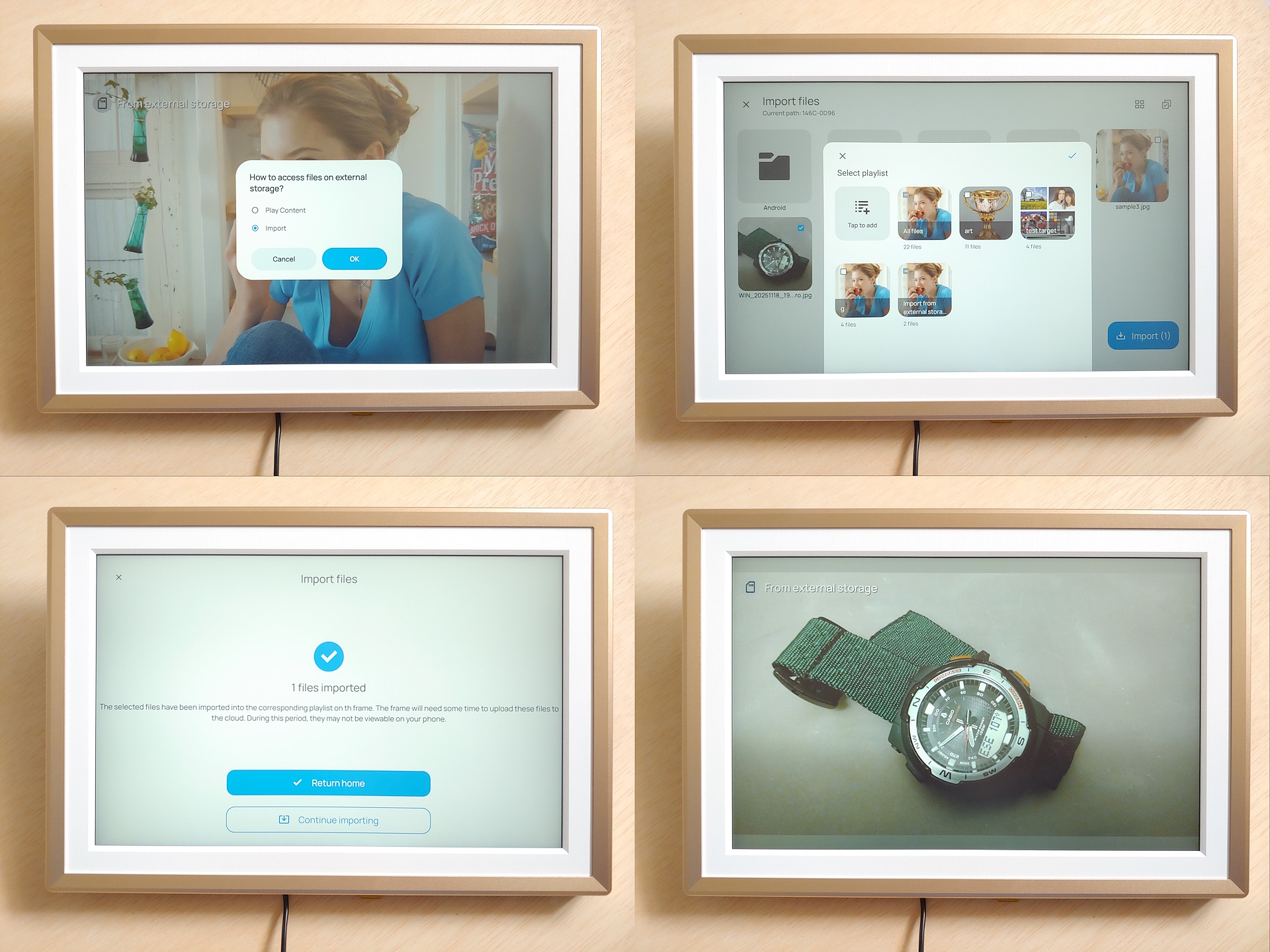
The picture frame can be used offline by copying photos to a USB flash drive or SD card and inserting it into the unit. The Arzopa can play the media or copy it to internal storage. Features that rely on the Internet—such as remote uploads and cloud storage—require installing the smartphone app and pairing it with the frame.
Smartphone app
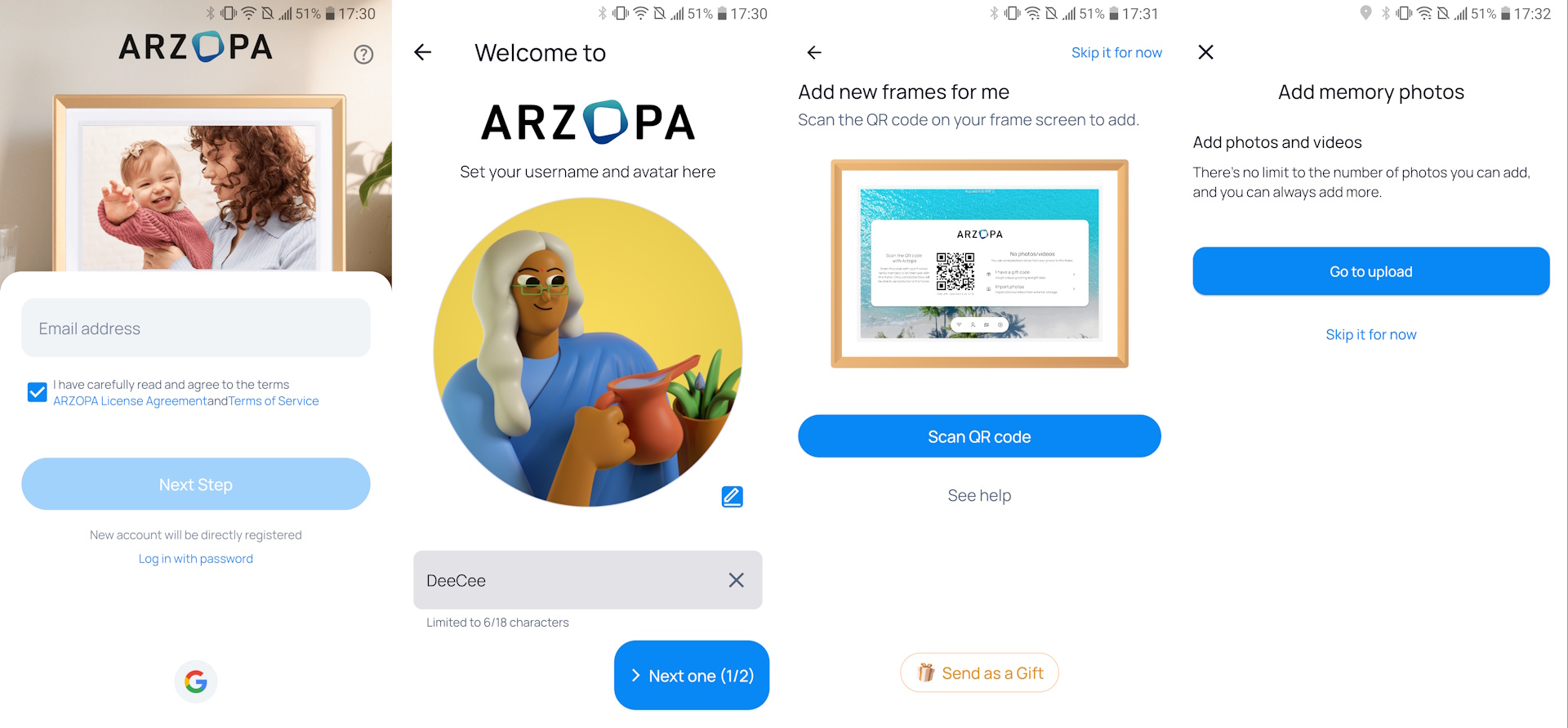
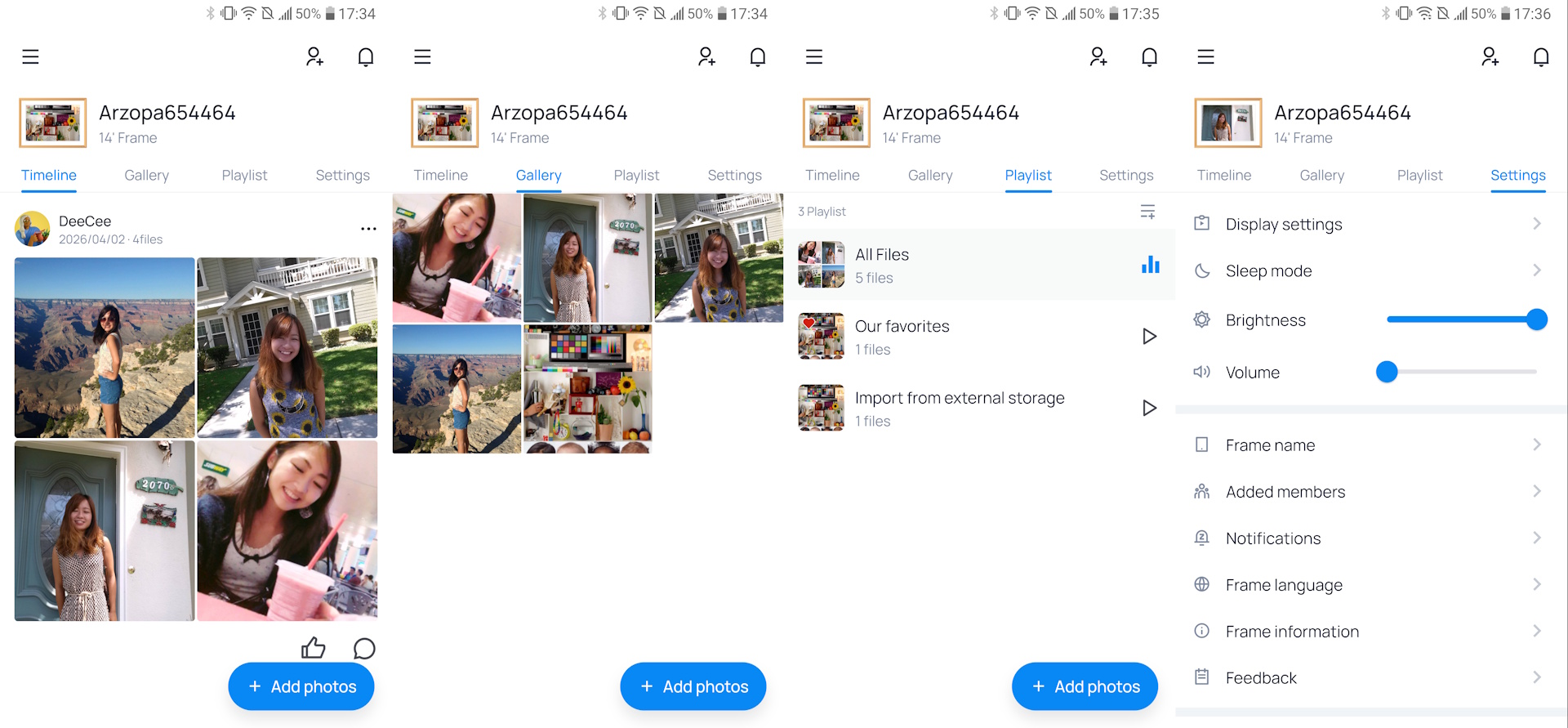
The software is easy to install, and adding a photo takes only seconds. Access to the Arzopa frame can be shared with friends and family, allowing everyone to upload photos remotely through the app. The app also lets buyers preload a blessing and photo before gifting, and owners can add gift codes to import additional event photos.
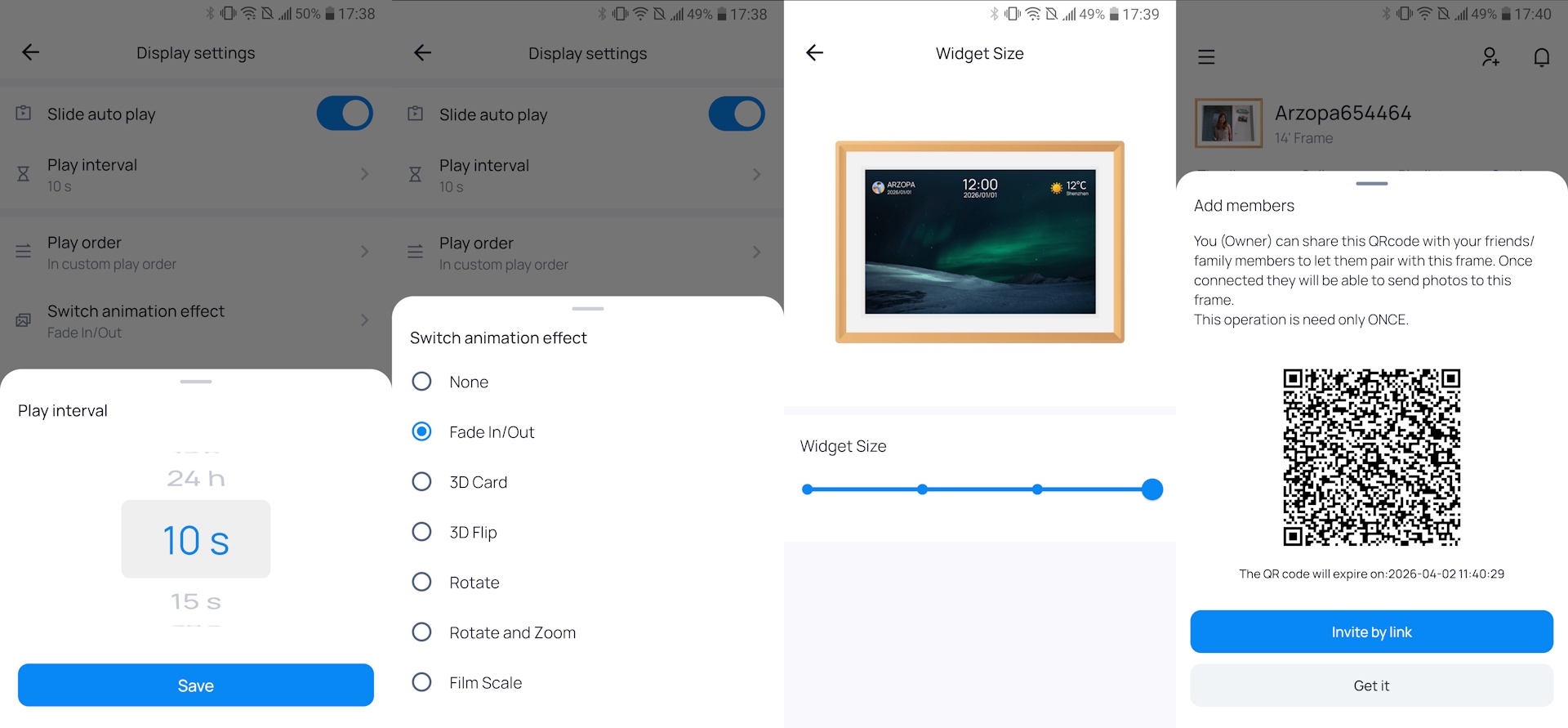
The picture frame includes 32 GB of internal storage plus unlimited cloud storage. Users can add optional captions and crop photos for landscape or portrait orientation, though advanced edits require external apps. Short video clips are also supported.
Interface
The Arzopa interface resembles a simplified Android tablet, making it easy to use for anyone familiar such. The home screen shows the time and date in the upper right, with unlabeled icons for Wi‑Fi, Users, Photos, and System settings along the bottom. Users unfamiliar with tablets may need help learning to use the D14.
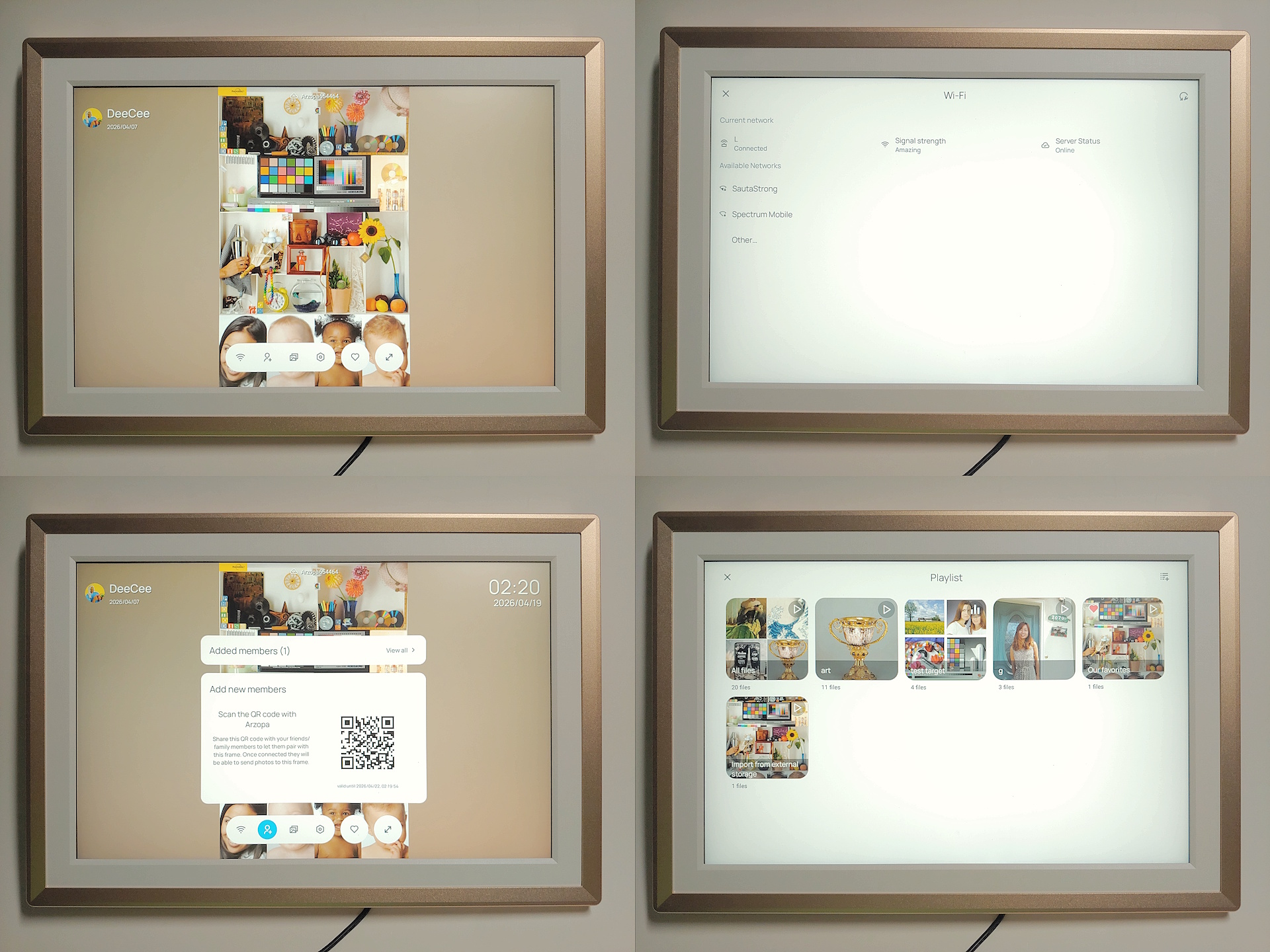
The Wi‑Fi settings make adding a new connection easy, though proxied networks aren’t supported. User settings allow quick addition of new members who can upload photos remotely. The Photos menu lets users play media from an SD card, transfer files over USB, delete items, or reset the frame, with folders available for organizing large libraries. System settings control brightness, volume, photo autoplay, and file management.
Image quality
The image quality will vary depending on lighting and viewing distance, but is in line with the quality of common, matte LCD monitors.
OUTDOORS
The Arzopa will wash out under direct sunlight, which is normal for LCD displays not designed for outdoor use. Indoors is where the picture frame shines.
INDOORS
The Arzopa works best under shaded daylight and artificial lighting found in homes. The image quality is very nice whether lit by light from a nearby shaded window or under artificial lighting. The brightness range is more than sufficient next to a shaded window.
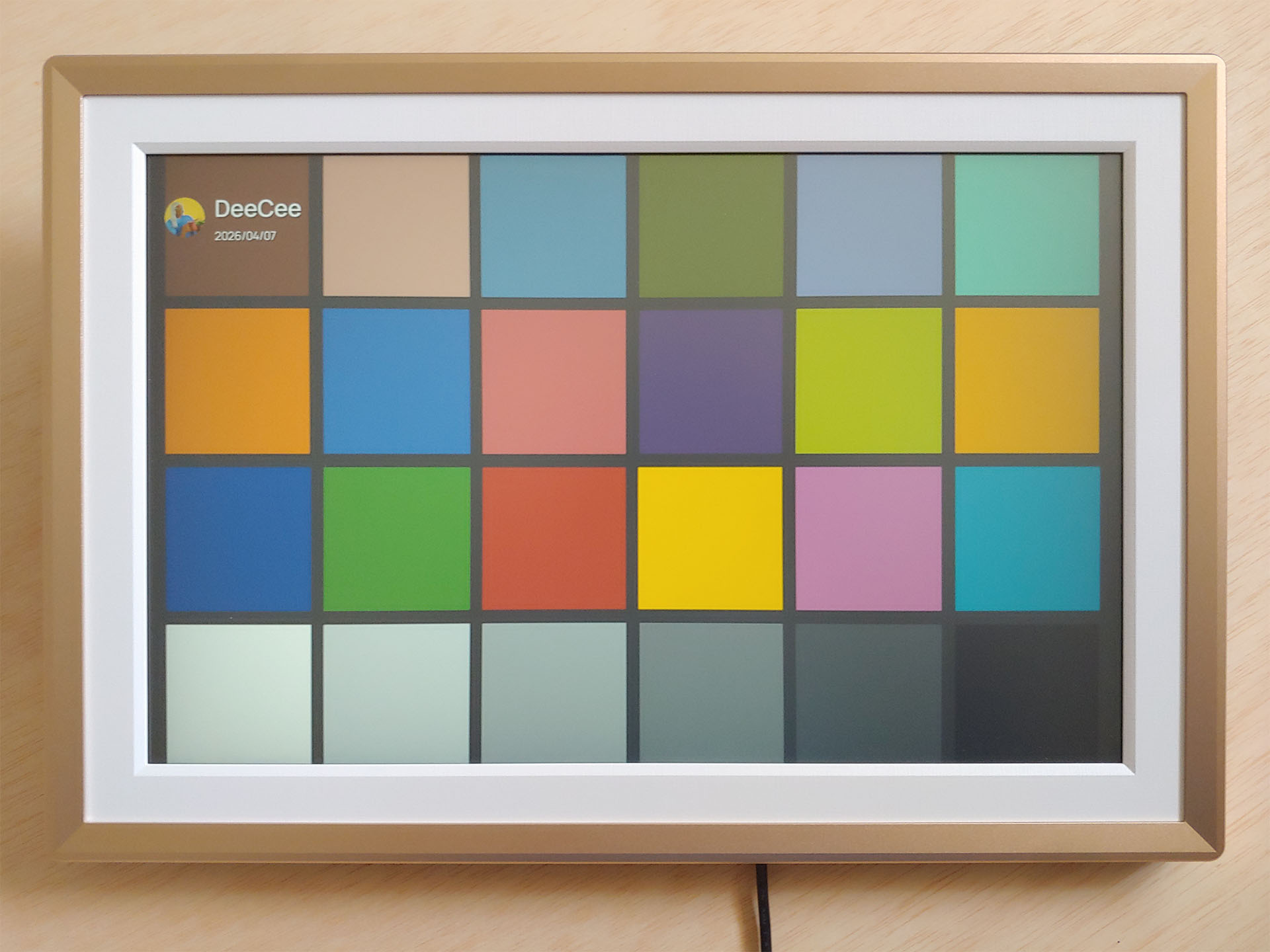
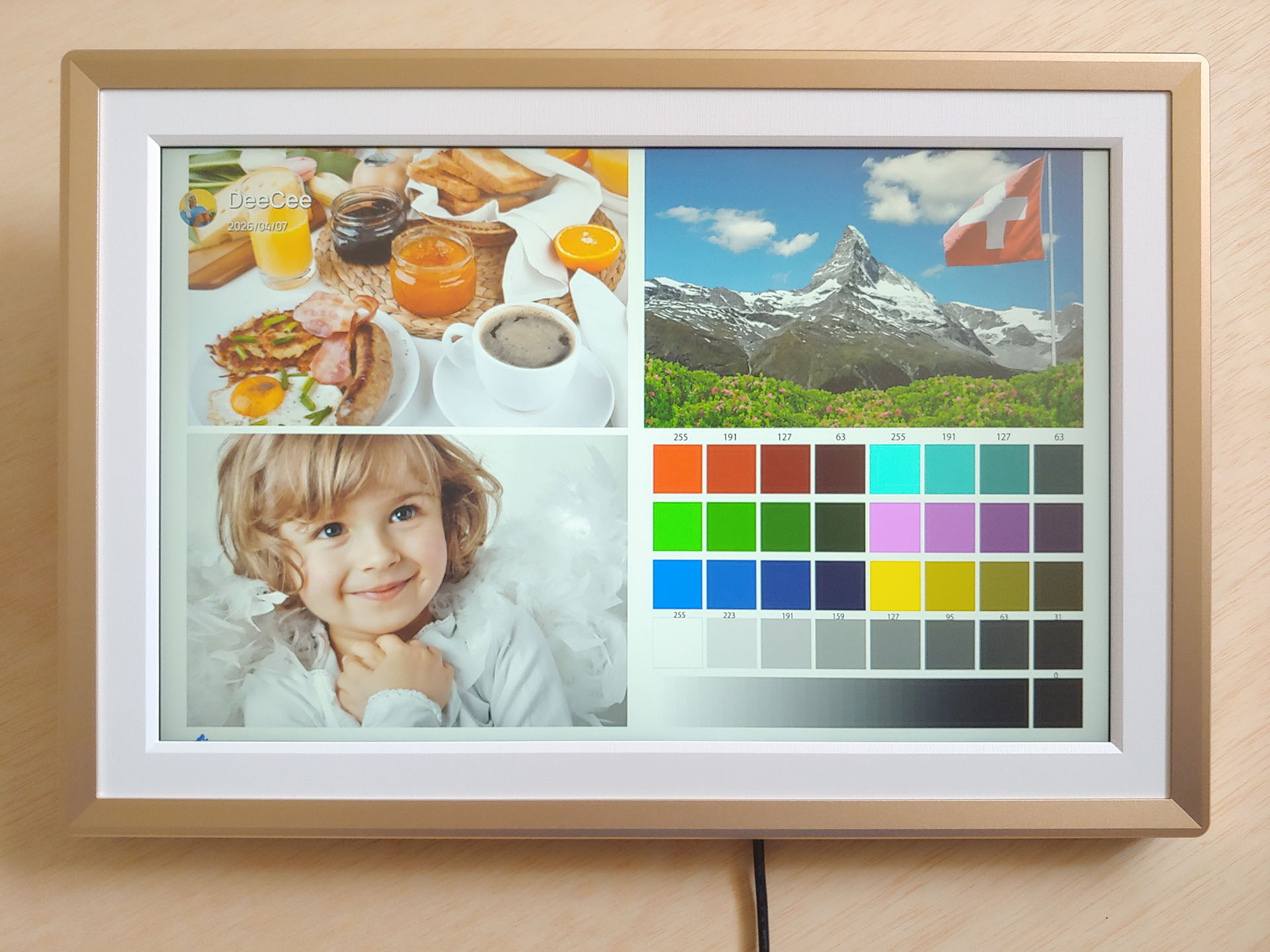
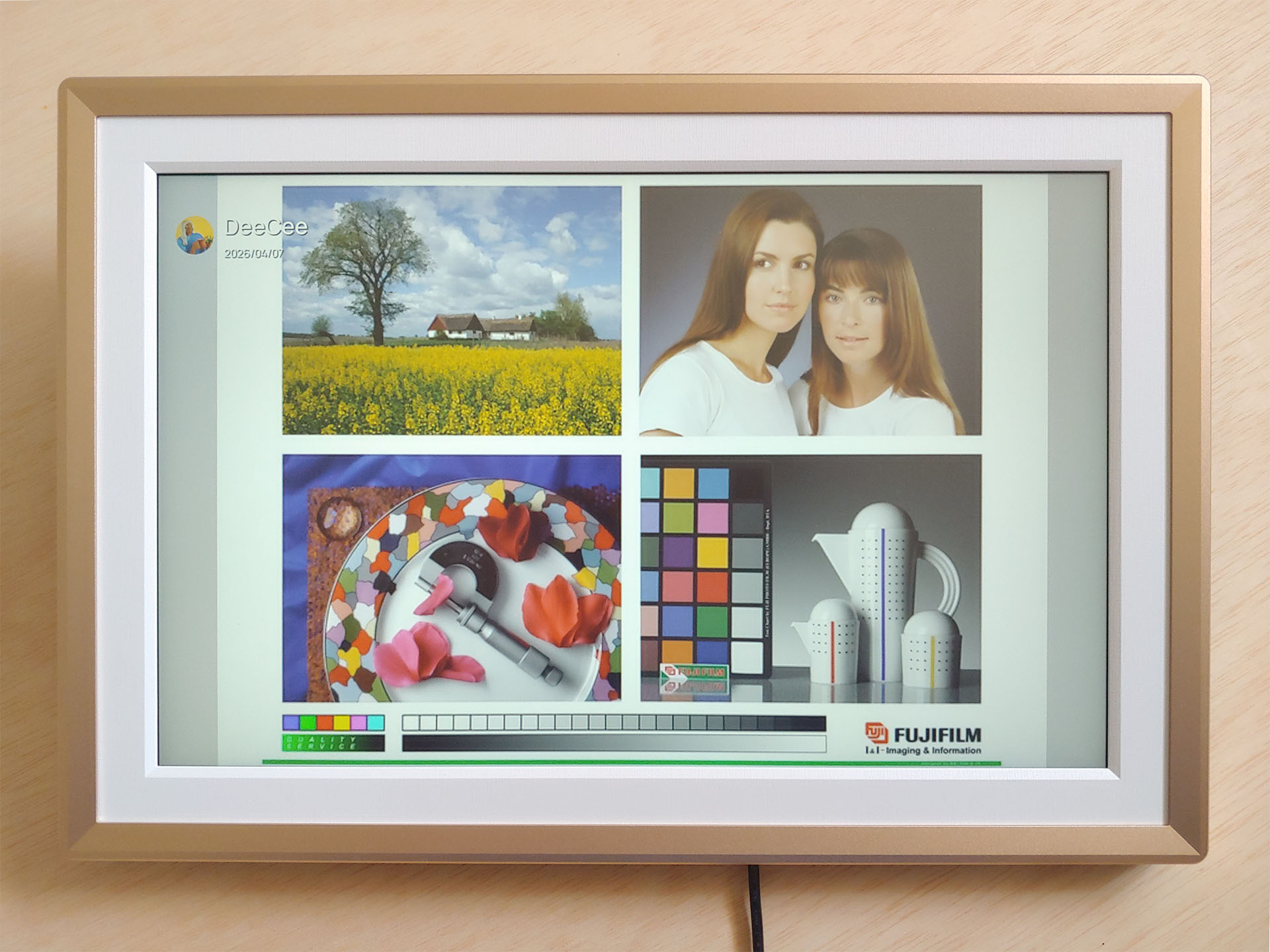
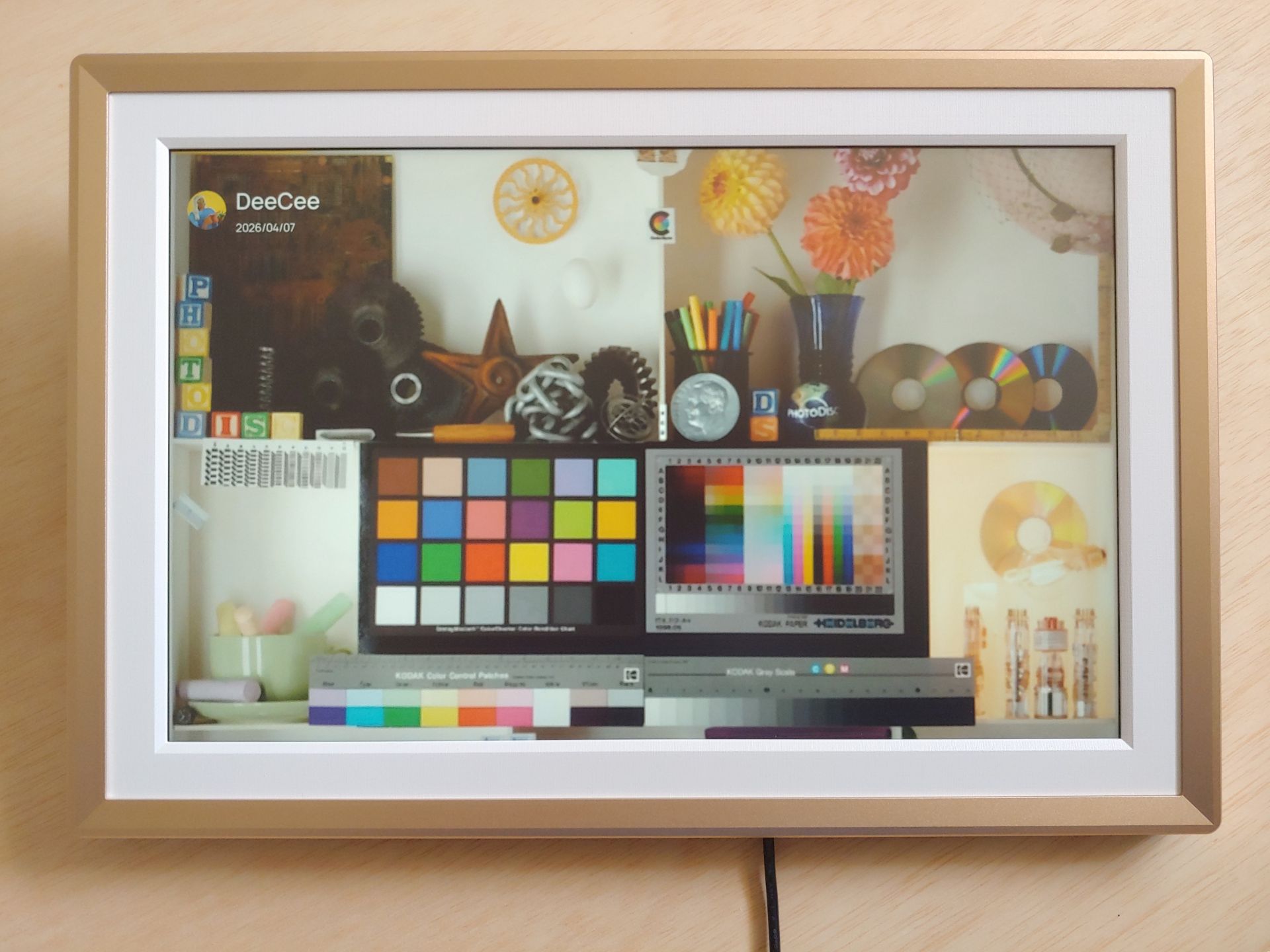
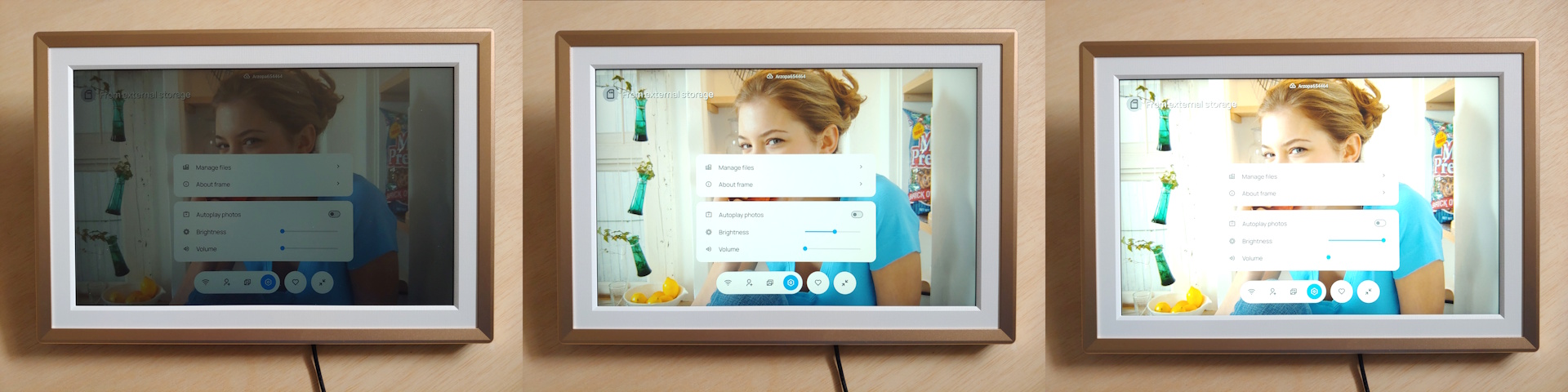
Like all LCD displays, the image color and brightness will shift as one moves off-center to view photos from side. The effect increases with the viewing angle, but images look quite decent up to about 45-degrees off-axis and the transition is smooth. Reflections from lights were also well-controlled.
Digital photos look like they normally do on any matte LCD monitor, so there are no surprises here.
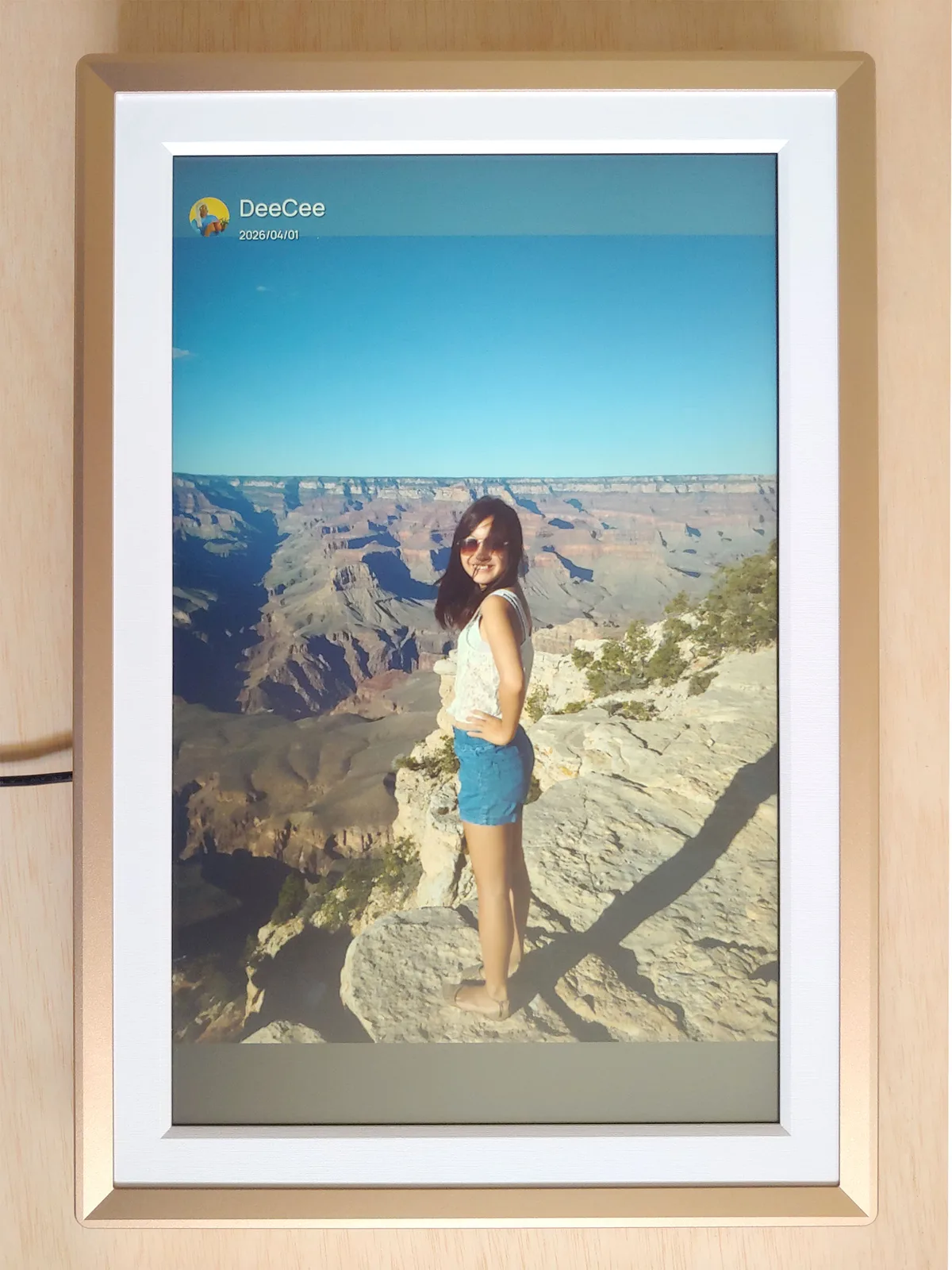
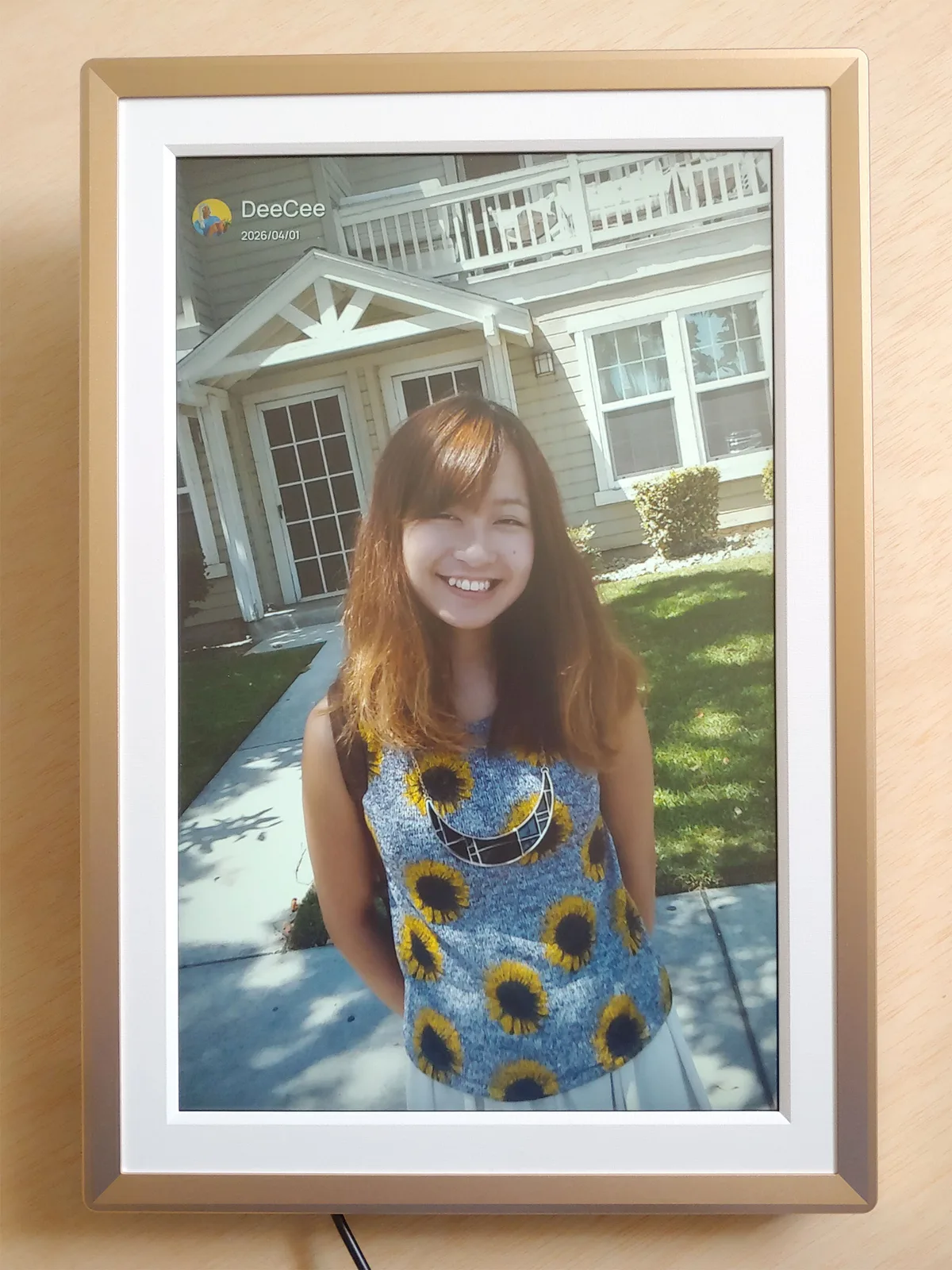
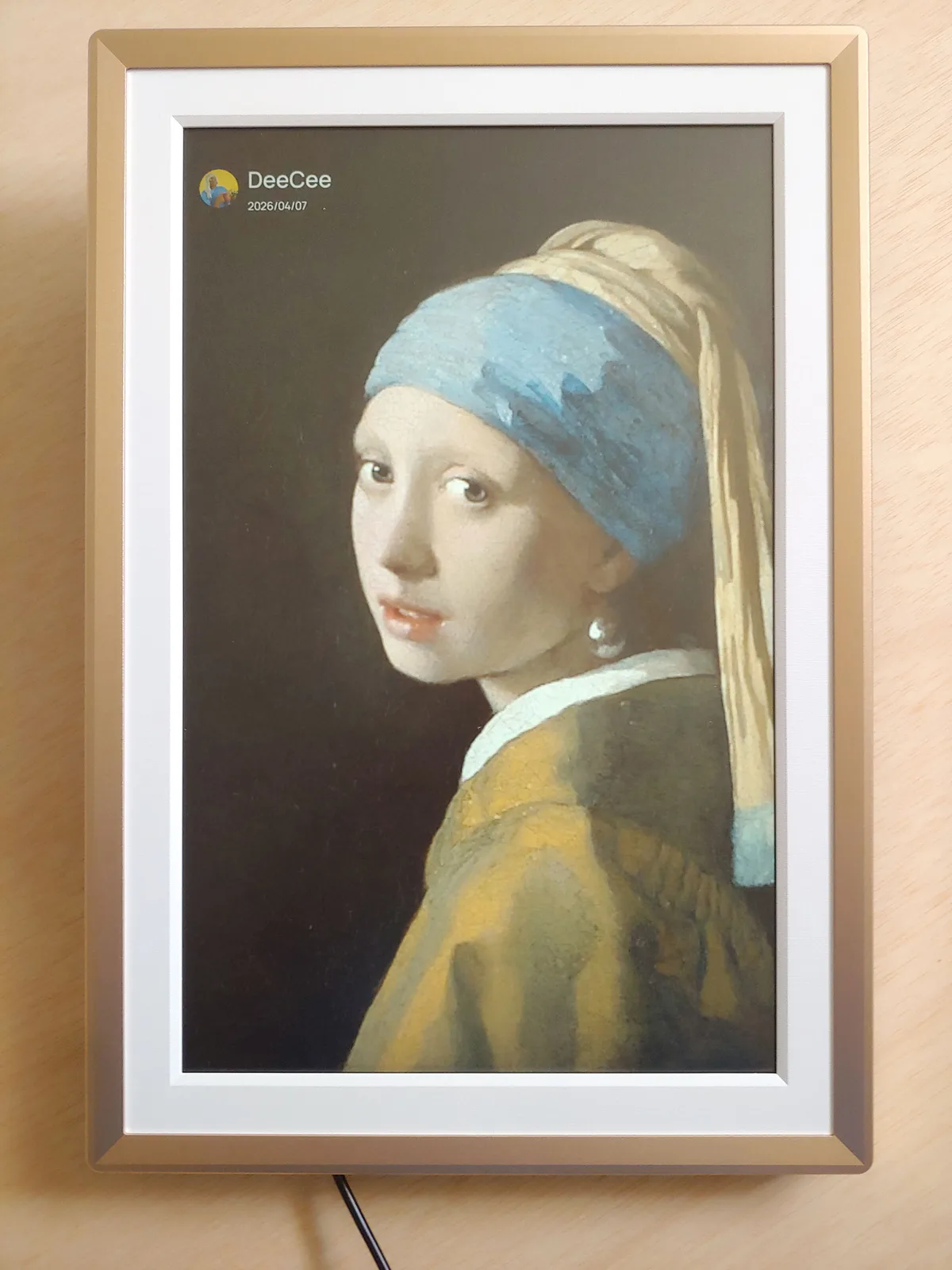
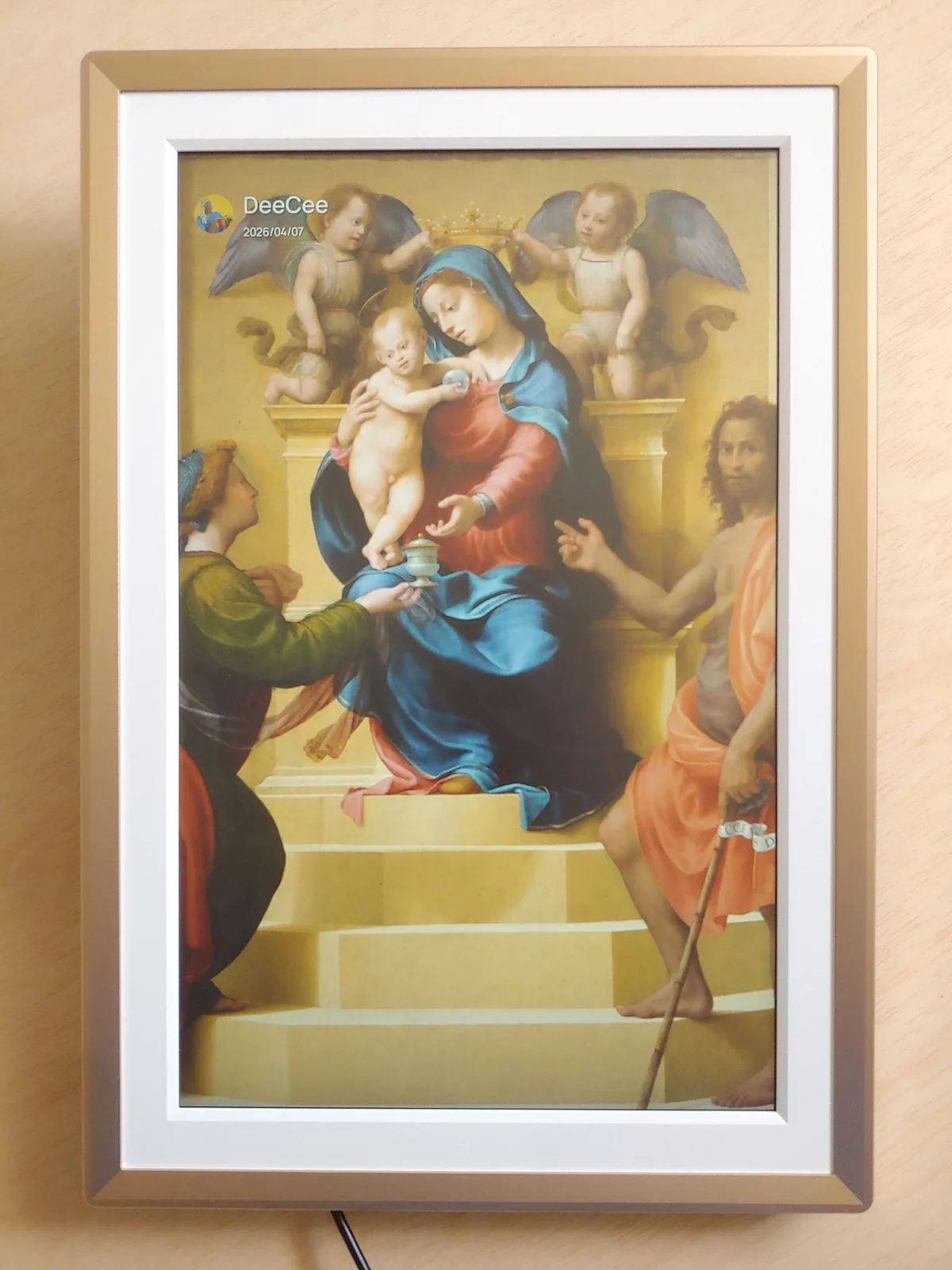
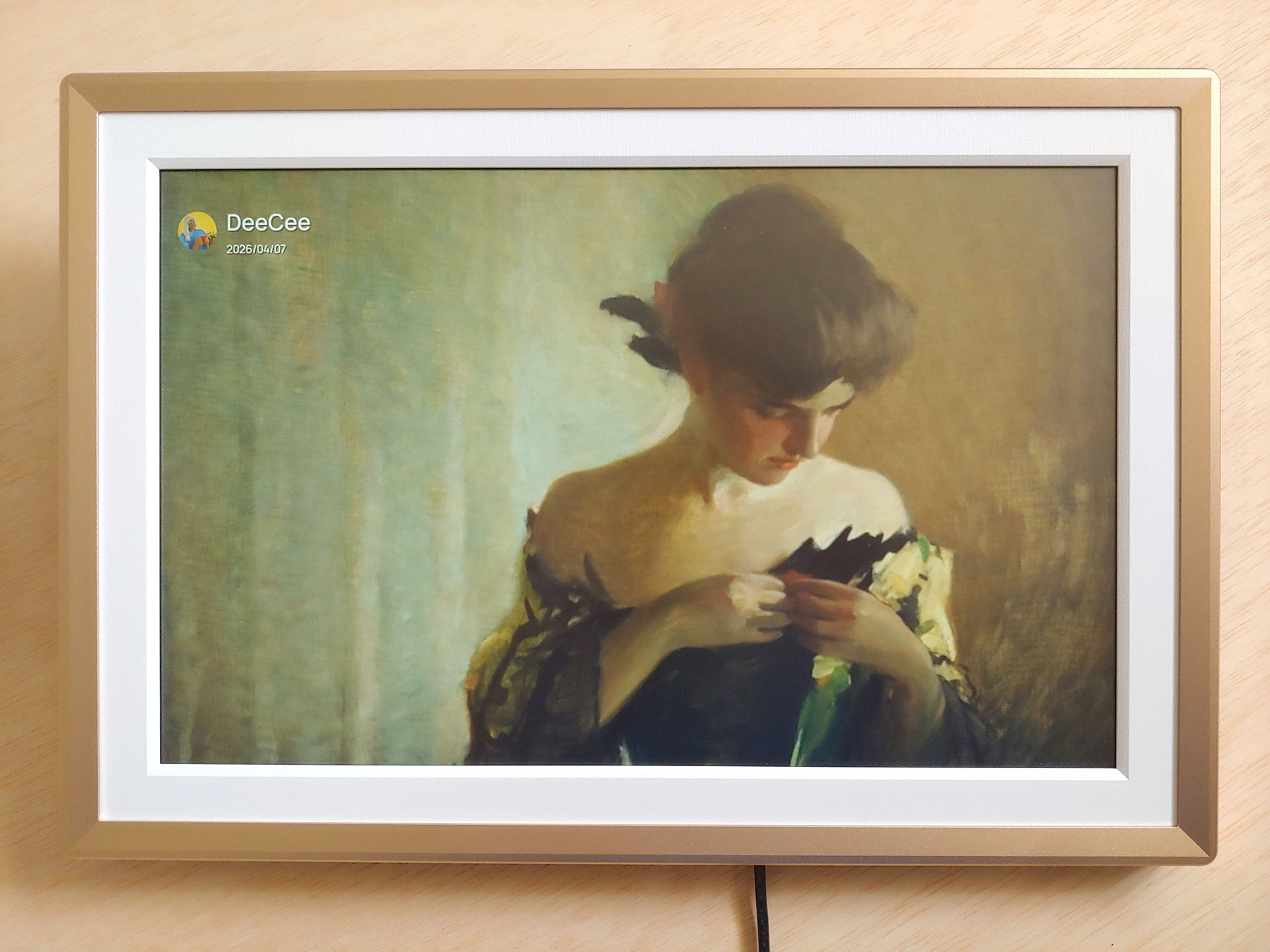
The screen adds a touch of pop to art works such as oil paintings, which appear with somewhat more saturated colors than the originals.
In-use
The Arzopa was easy to use once the initial setup process and app installation were completed.
Thanks to its SD card slot and USB port, photos and videos could be immediately played from a camera card, without the need to upload first. Images can be zoomed to fit the entire image or fill the frame. The ability to create folders was very helpful in organizing photos, allowing users to view select event photos.
However, Xiaomi 200 MP photos could not be directly shown from a flash drive, so these must first be downsized and uploaded using the app.
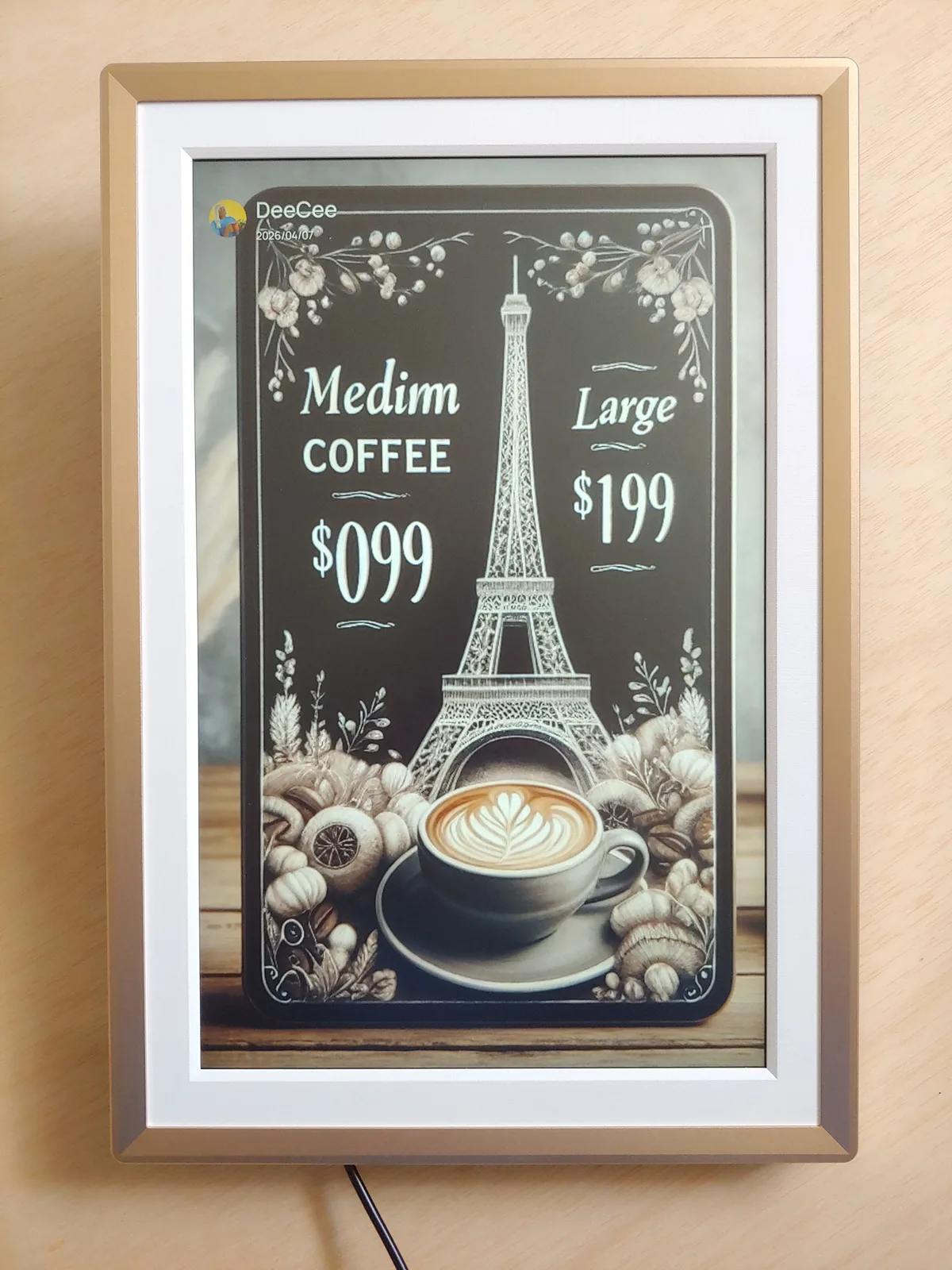
Short videos can be played, and the picture frame can also be used as a digital menu in restaurants.
Conclusion
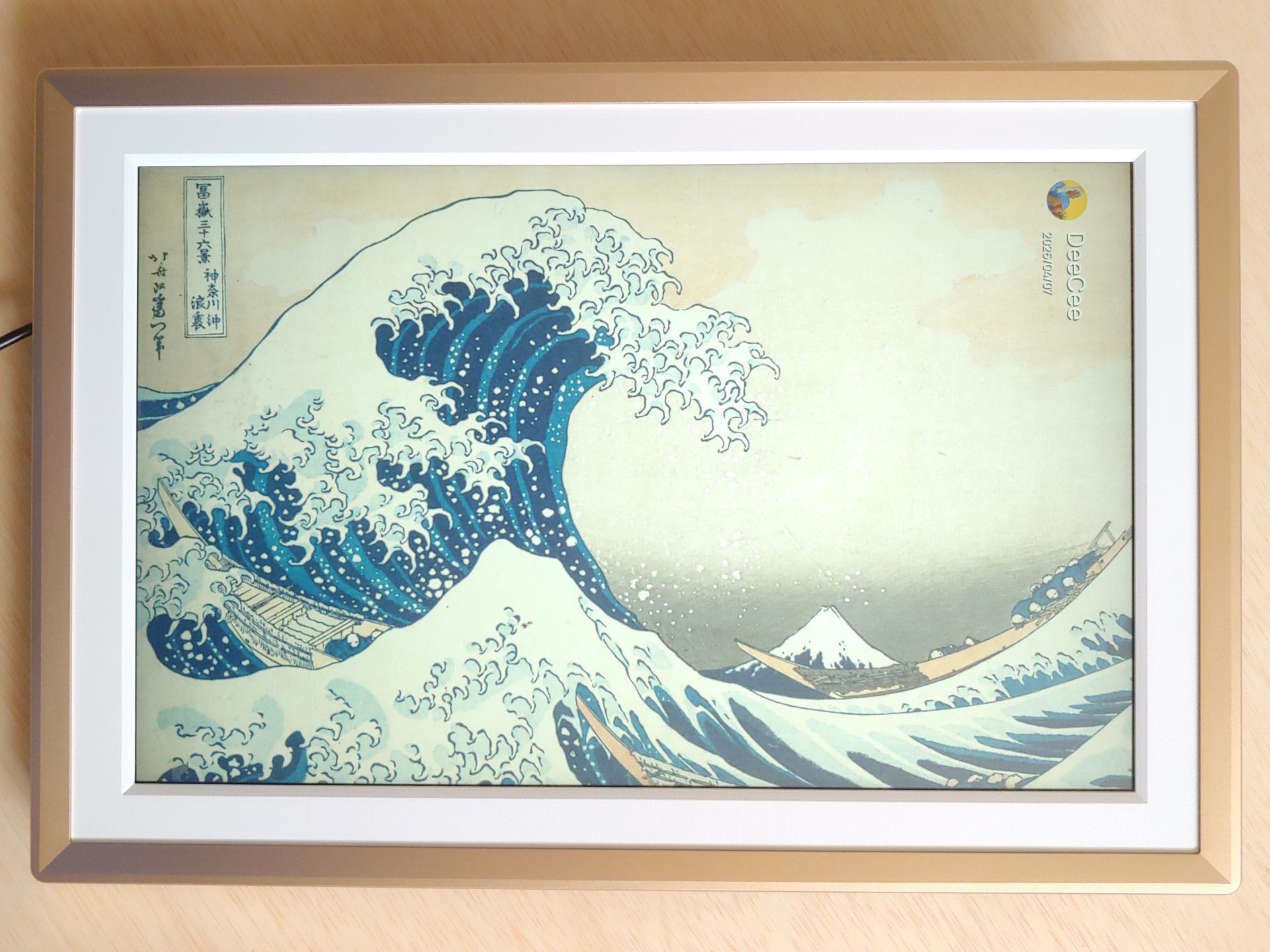
The Arzopa picture frame delivers a convenient way to share and showcase an unlimited number of photos among friends and family and can be used even when offline.
Transparency
The selection of devices to be reviewed is made by our editorial team. The test sample was given to the author by the manufacturer free of charge for the purposes of review. There was no third-party influence on this review, nor did the manufacturer receive a copy of this review before publication. There was no obligation to publish this review. As an independent media company, Notebookcheck is not subjected to the authority of manufacturers, retailers or publishers.
 Add as a preferred source on Google


