Deutsch
 Español
 Français
 Italiano
 Nederlands
 Polski
 Português
 Русский
 Türkçe
 Svenska
 Chinese
 Magyar
Review Samsung R60-Aura T2330 Deesan office notebook
Quiet office notebook.
The Samsung R60-Aura T2330 Deesan is a reasonable and quiet office notebook for starters without unnecessary details. The price performance ratio is alright. The R60-Aura is a robust notebook with bright display, low noise, and normal temperature increase. Furthermore, overall the performance of the R60-Aura is easily sufficient for office work.
Case
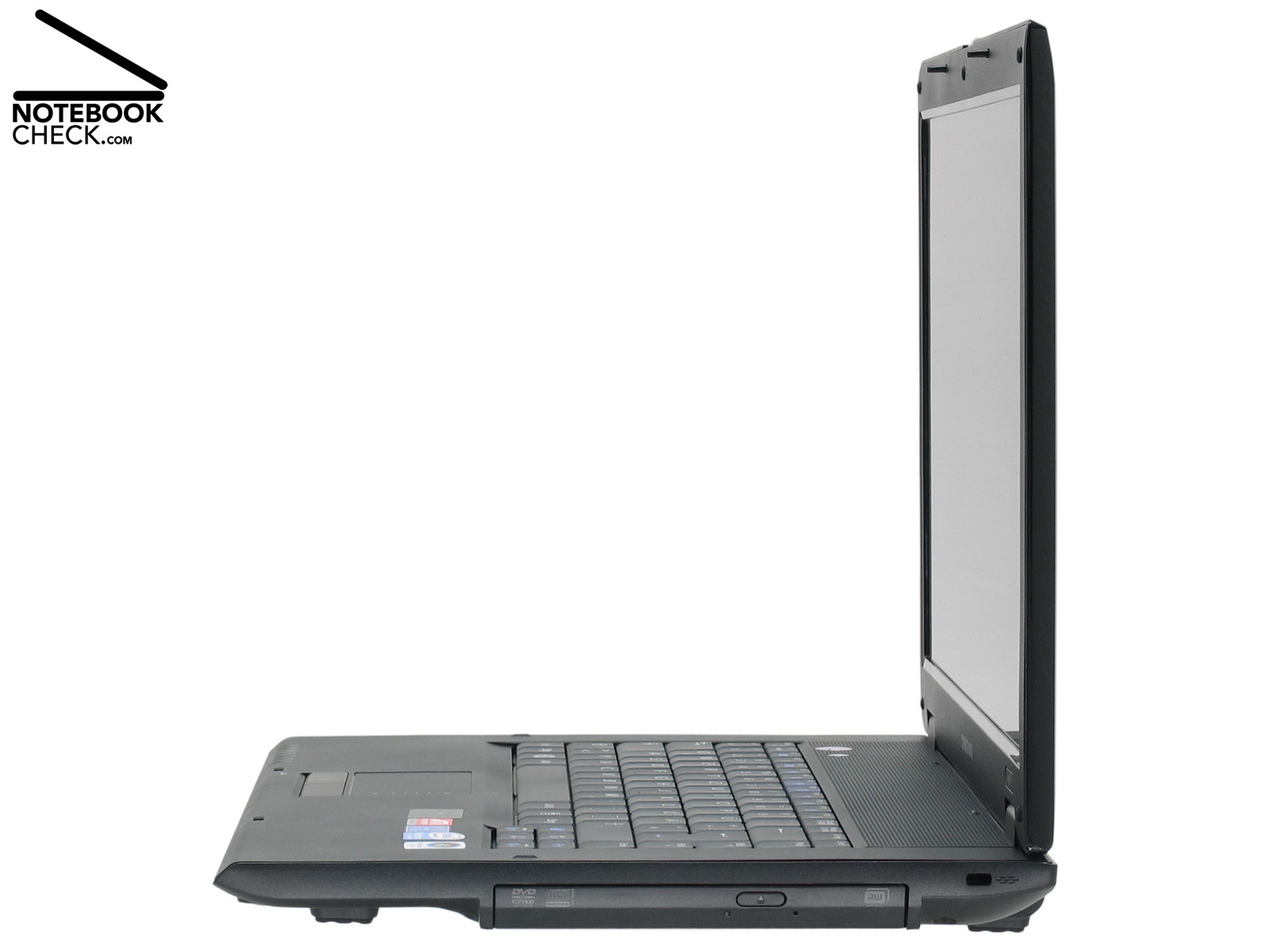
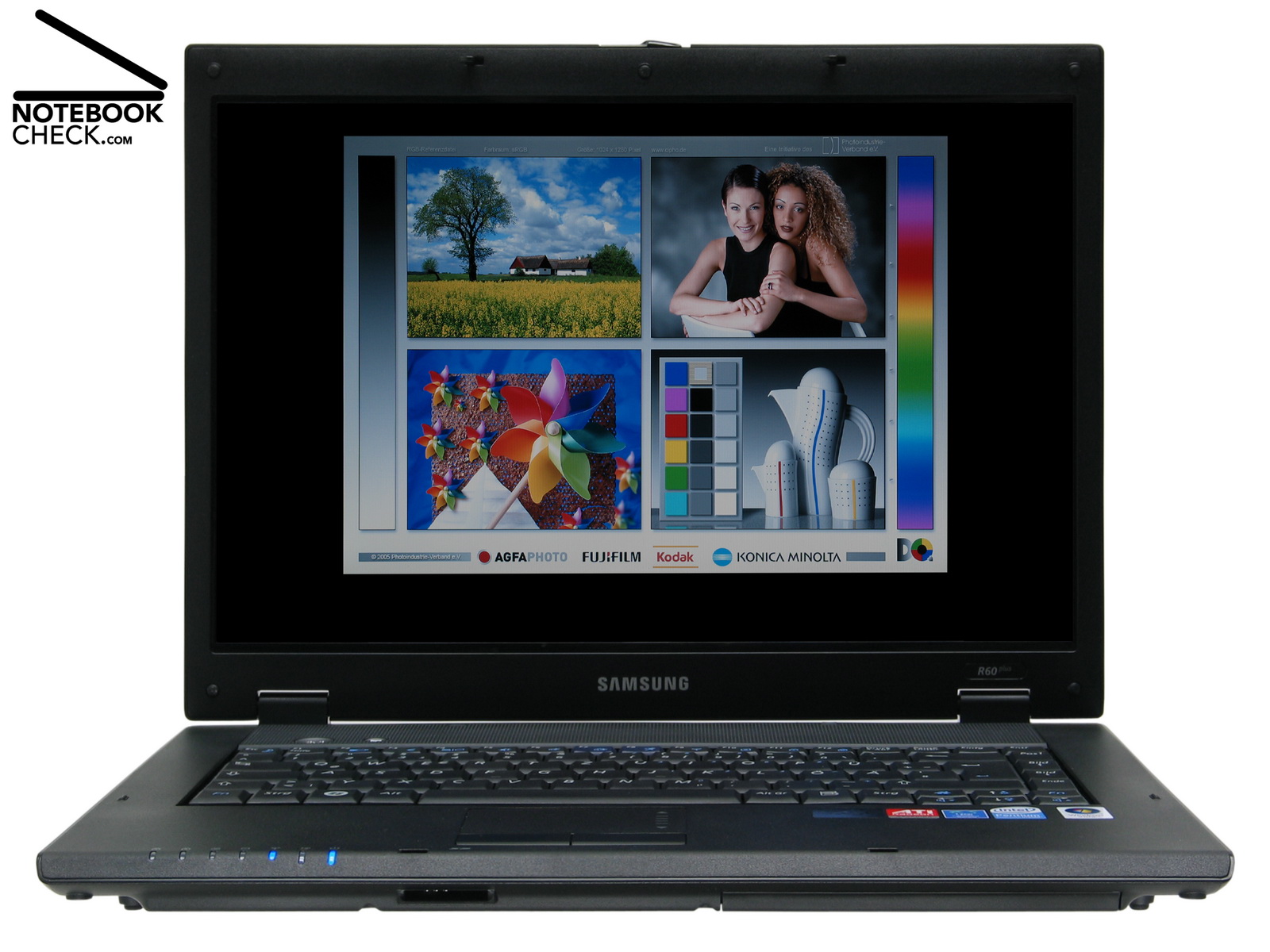
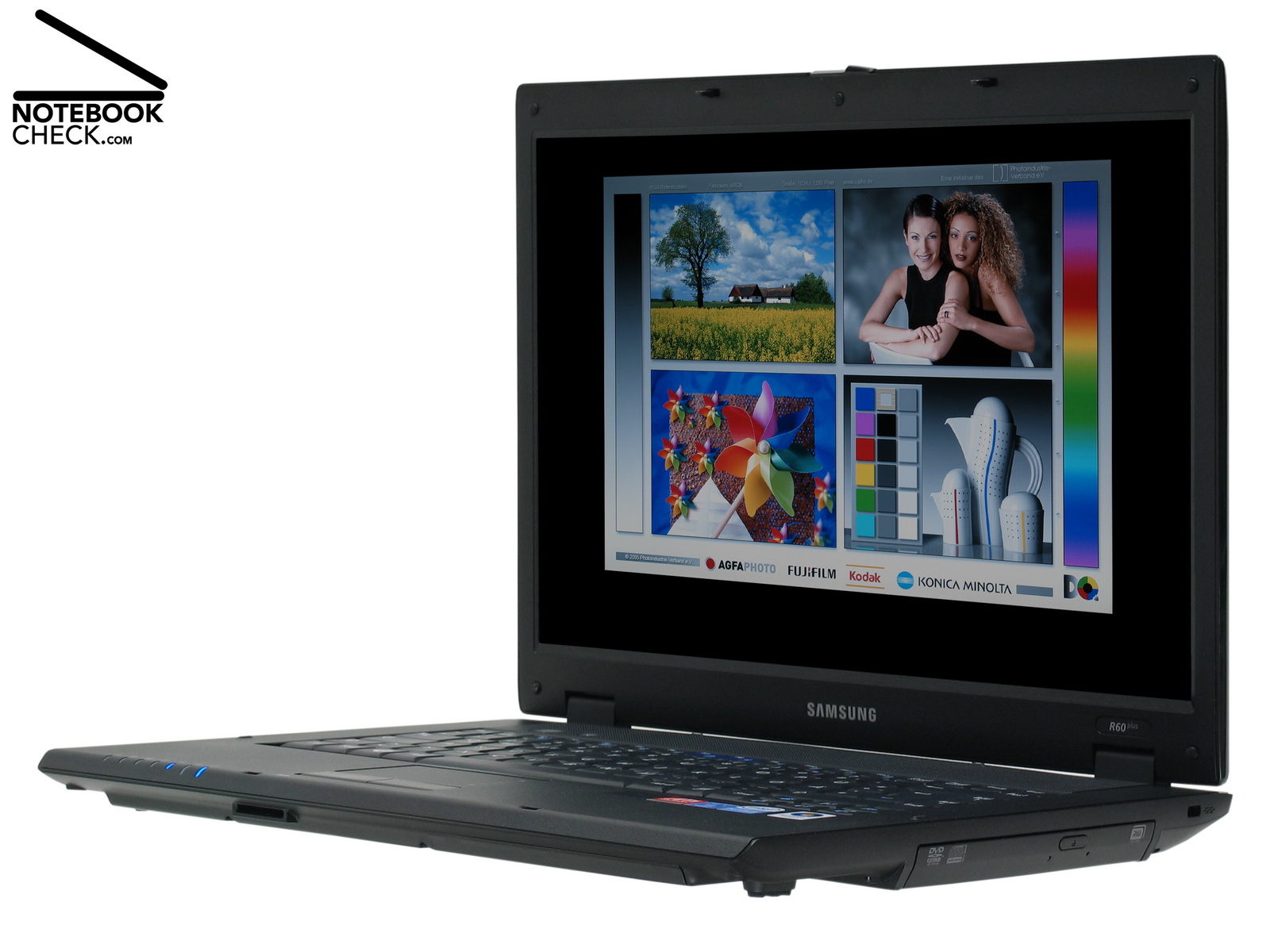
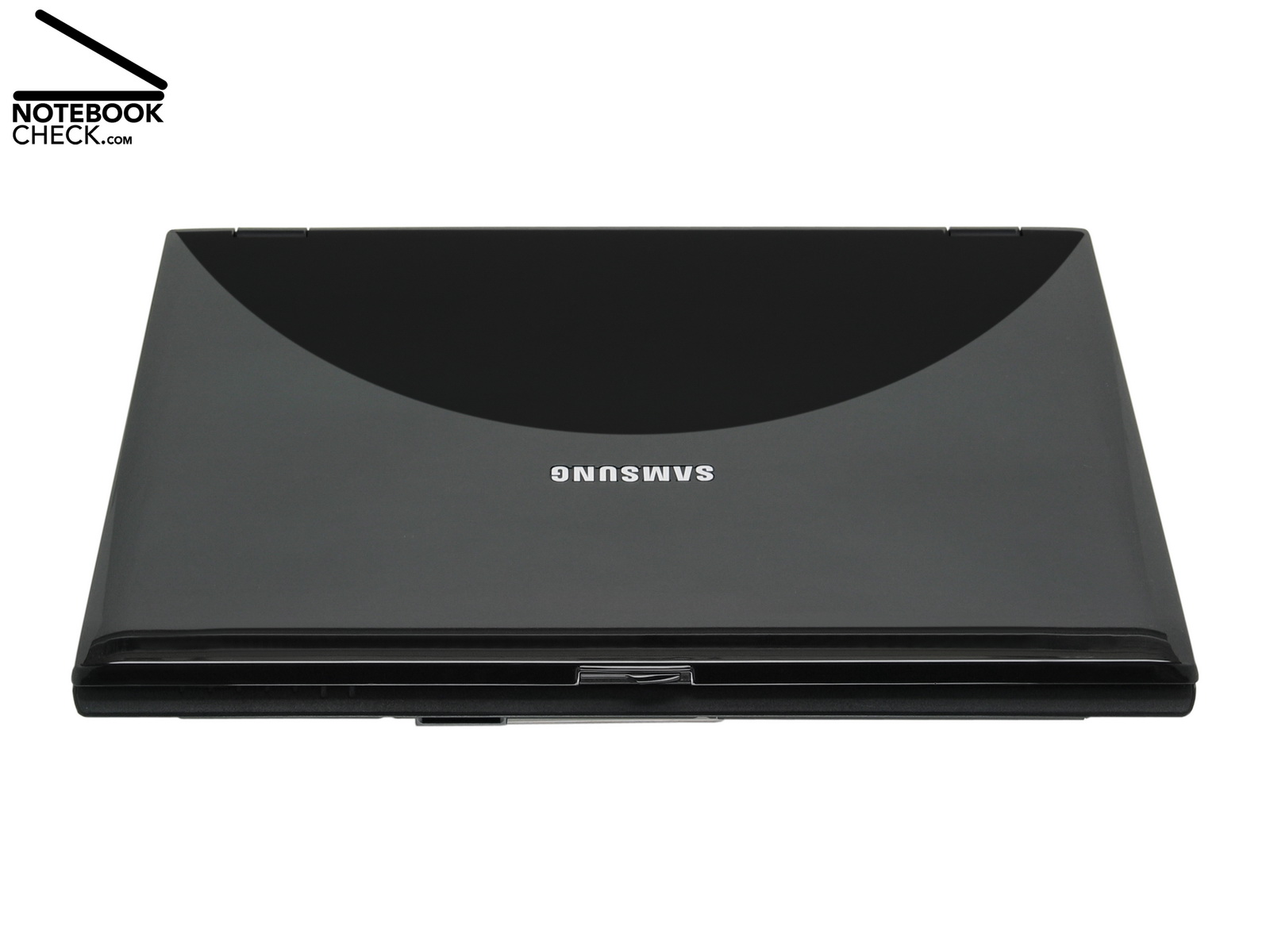
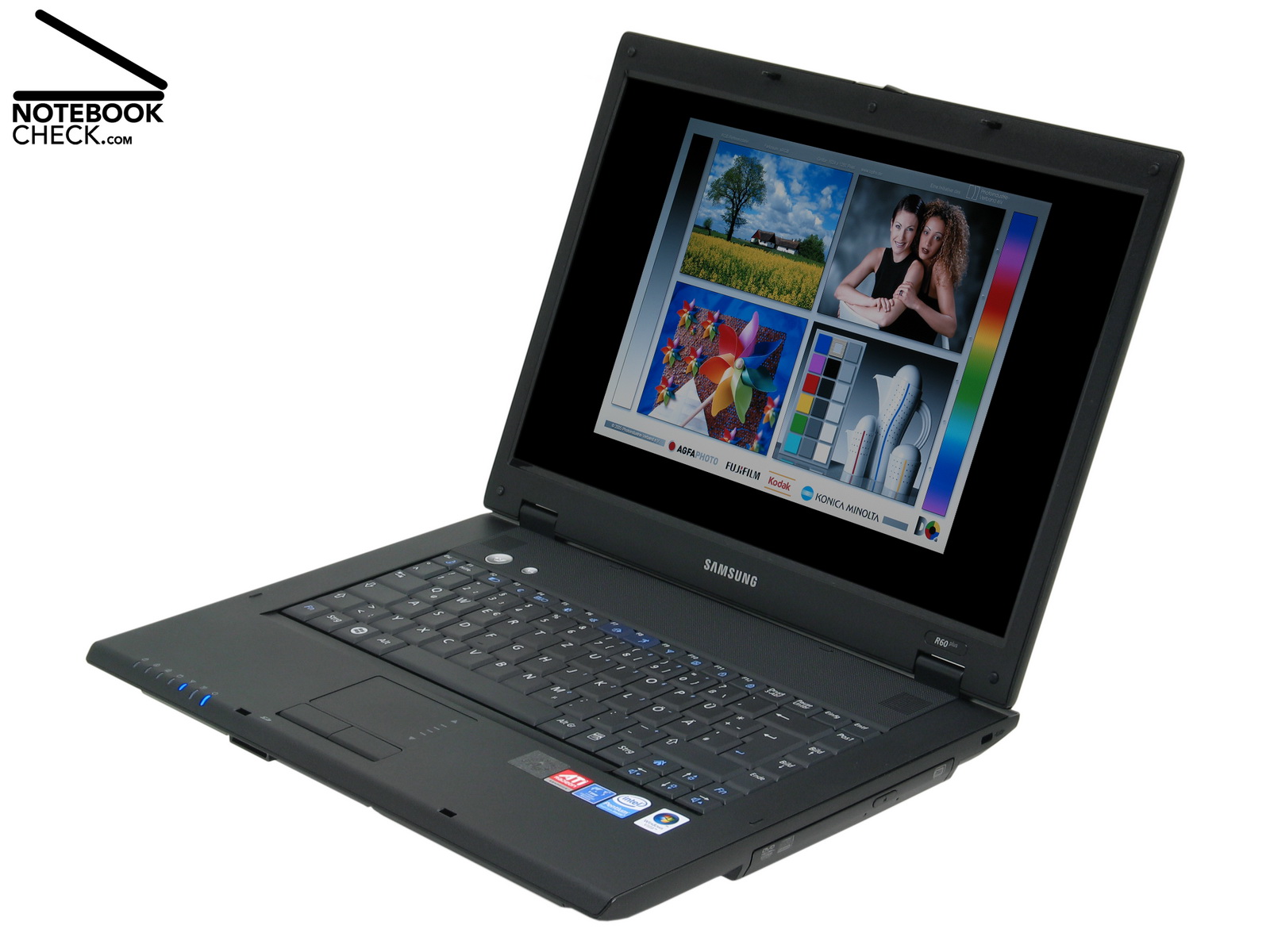
The dimensions of the Samsung R60-Aura T2330 Deesan are typical for 15.4 inch office notebook and amount to 36,0 x 26,6 x 3,2 to 3,6 cm³. Considering its notebook class also its weight of 2,7 kg is nothing outstanding. Look and choice of materials of this dual core notebook are besides a shiny lid decent. There weren't any scratches on the black, glossy LCD lid after our tests, but, it is very sensible to dust, fuzzes, and fingerprints.
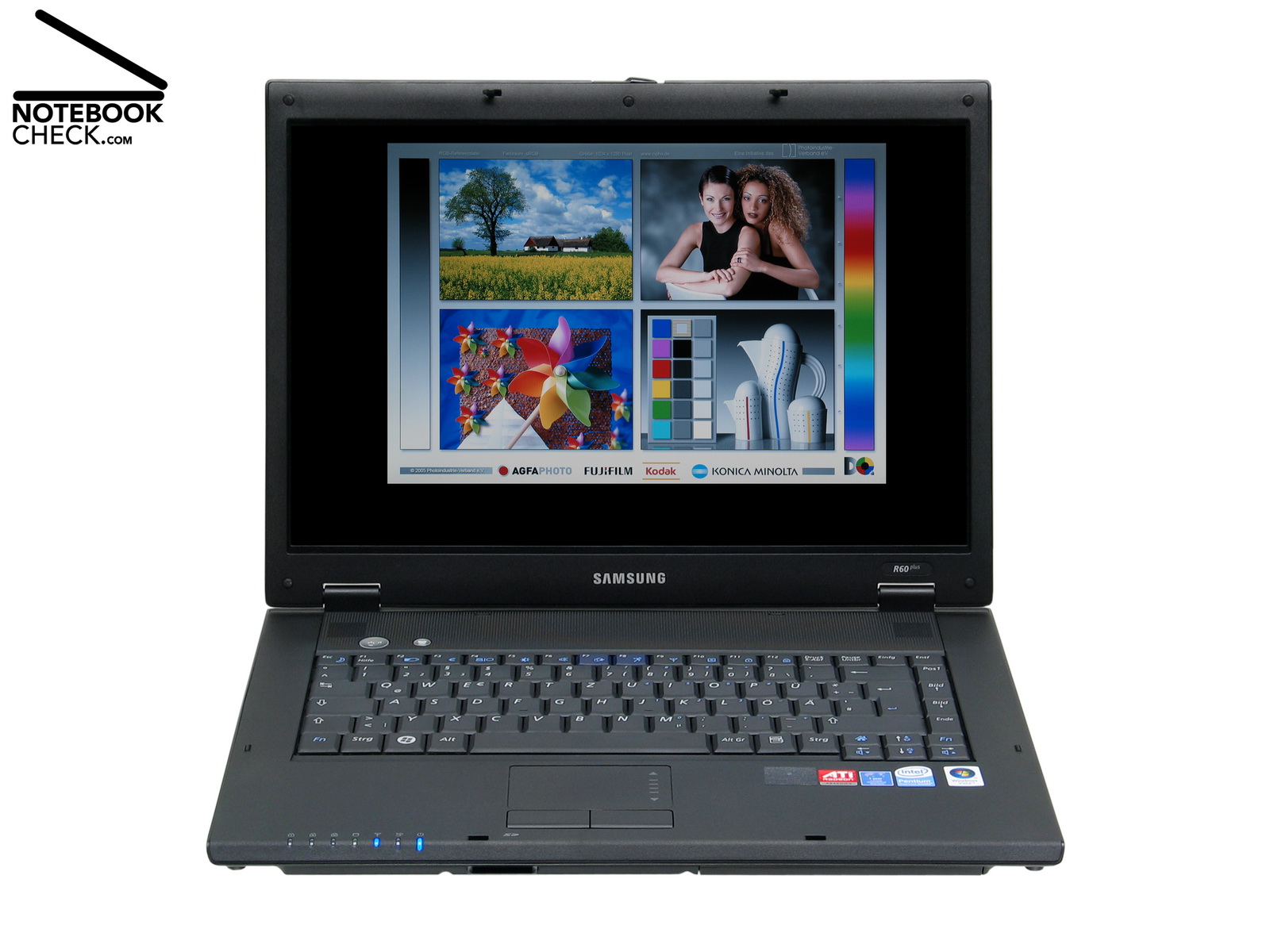
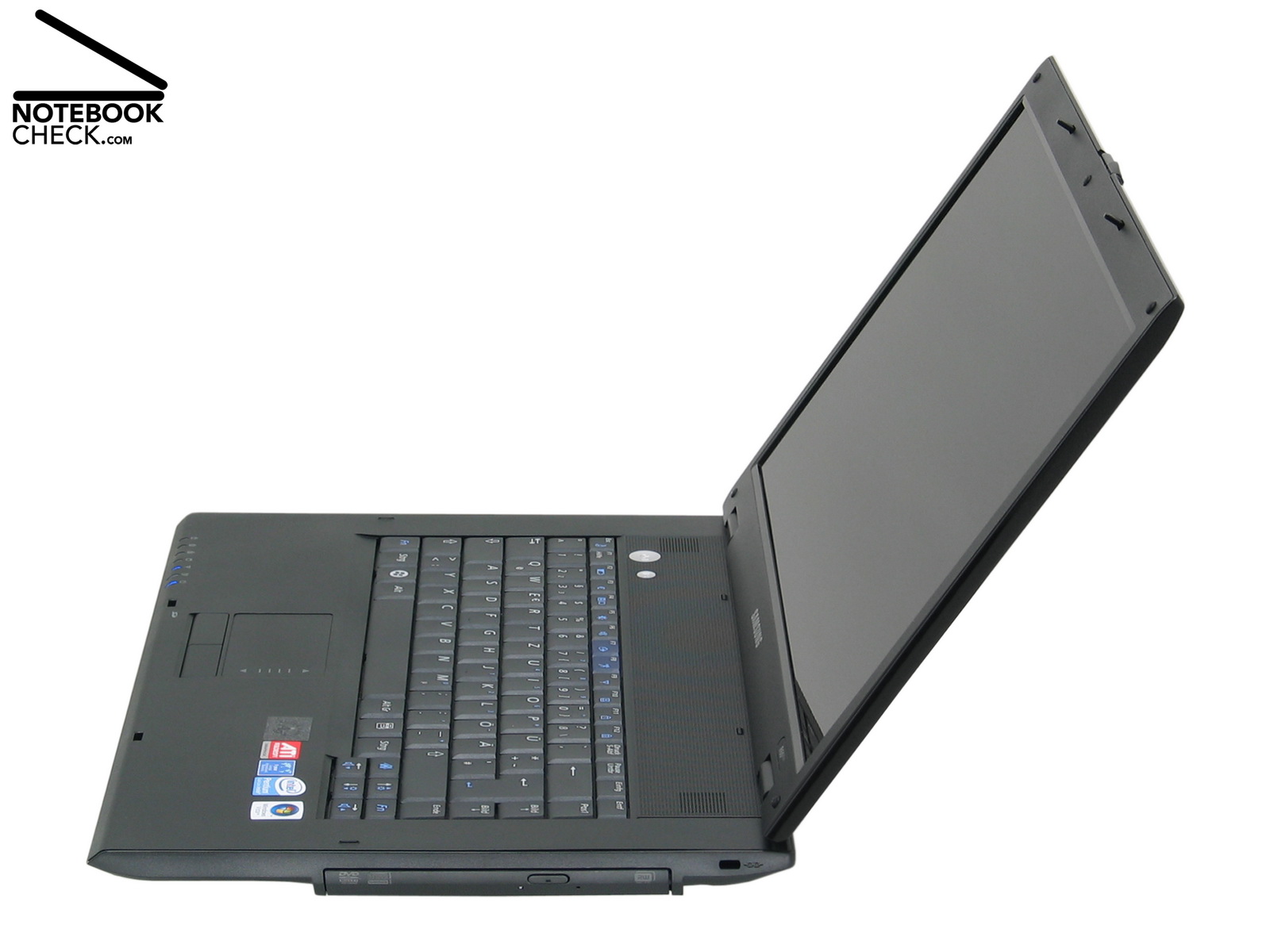
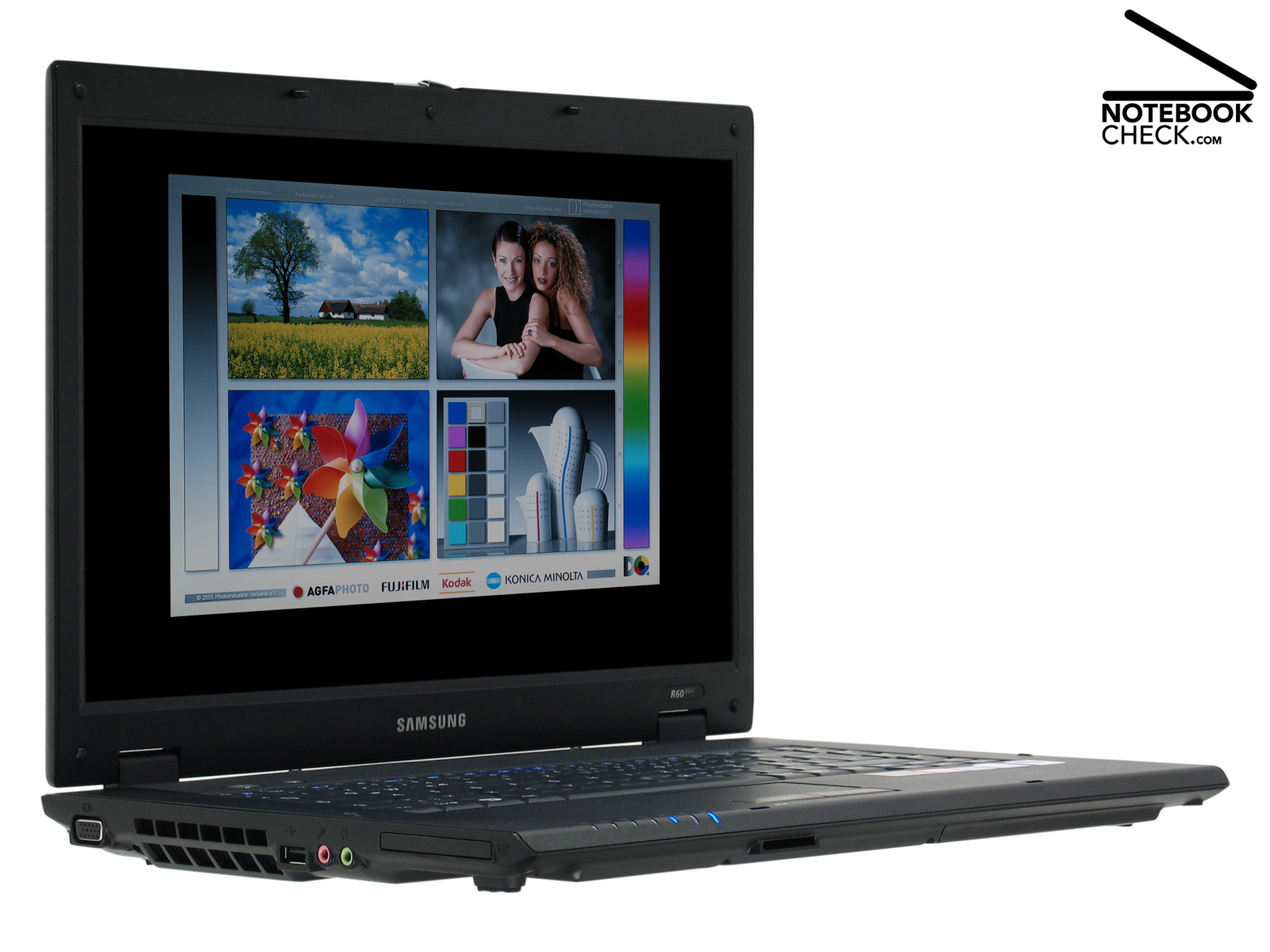
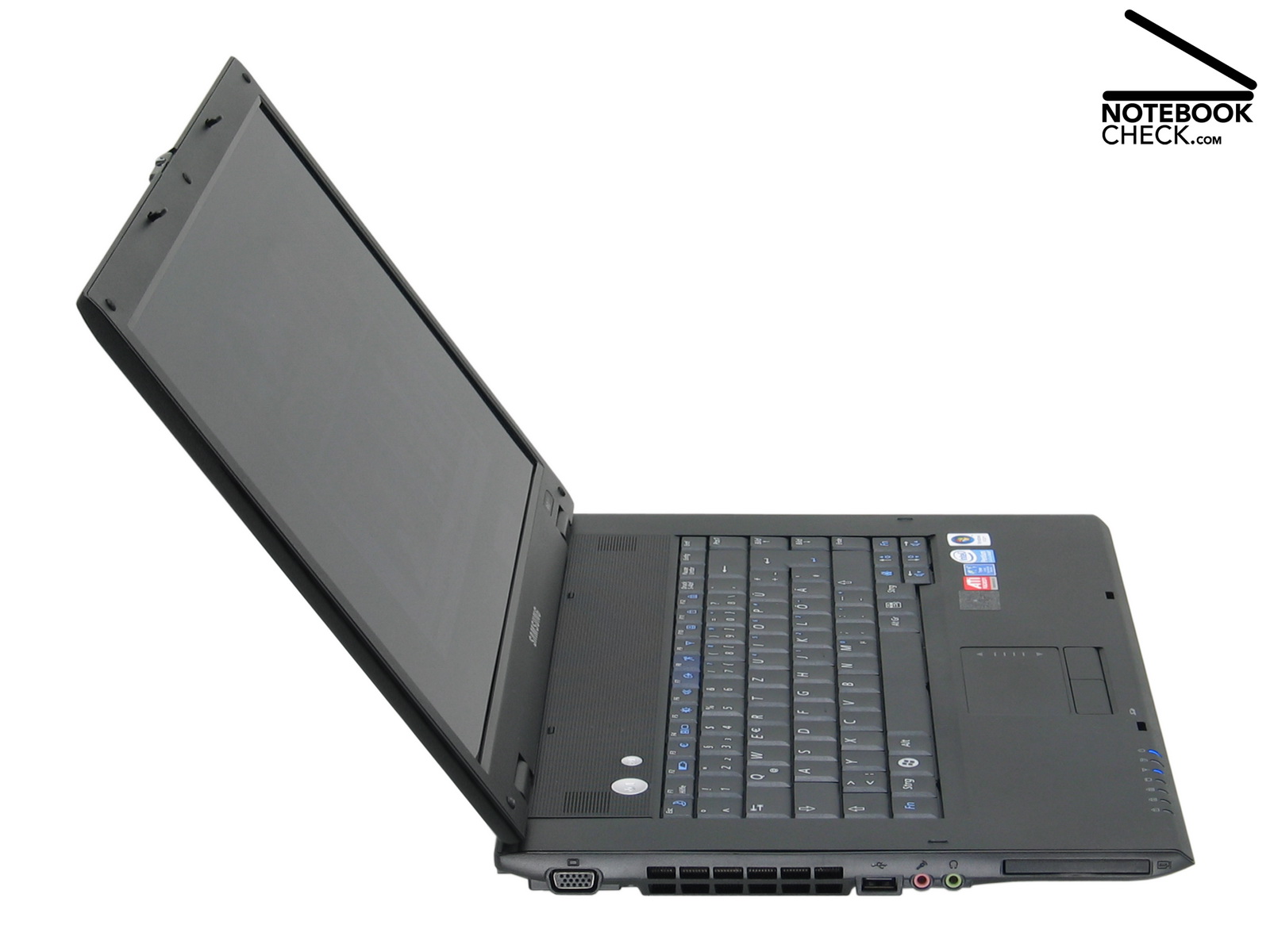
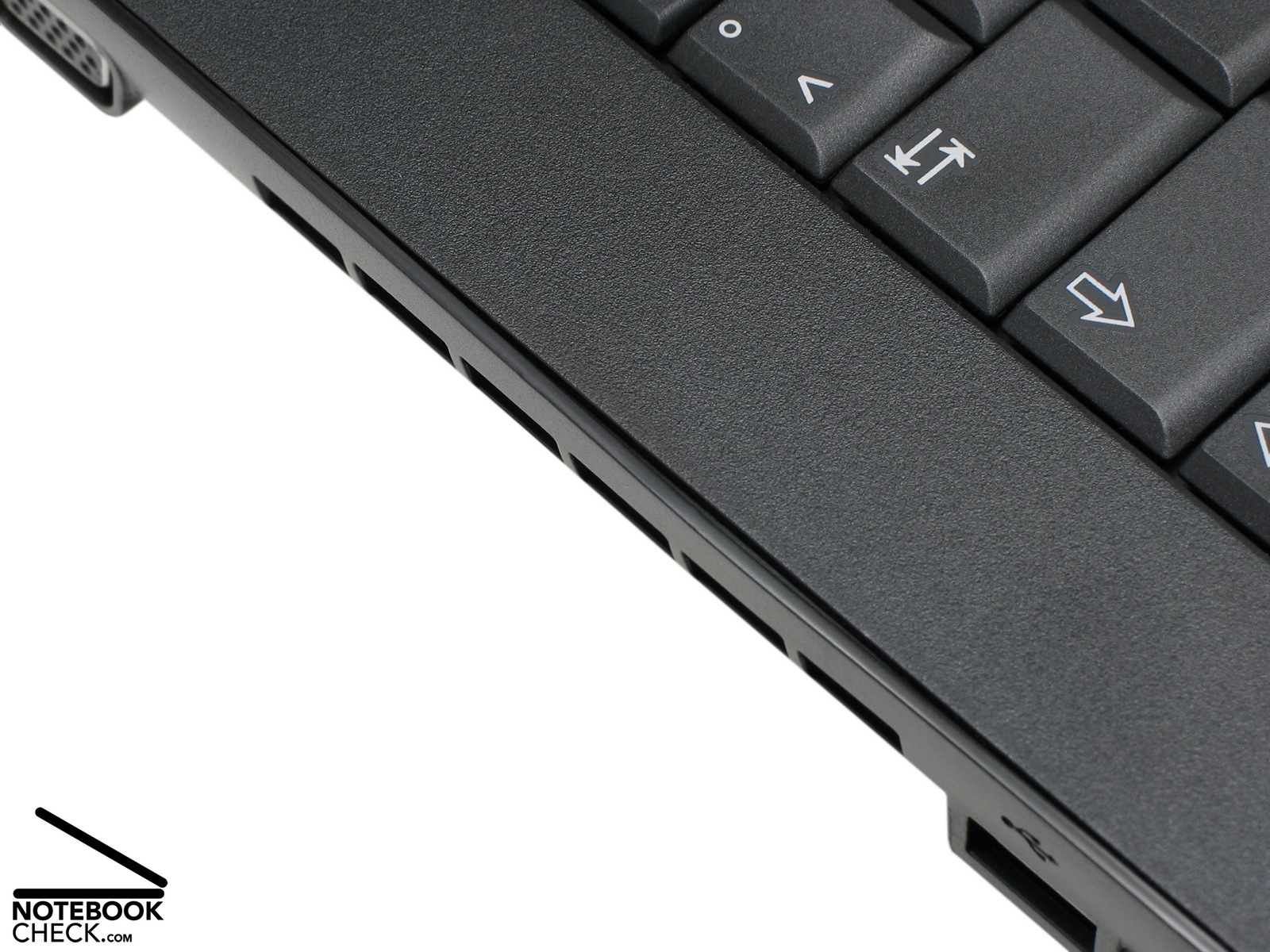
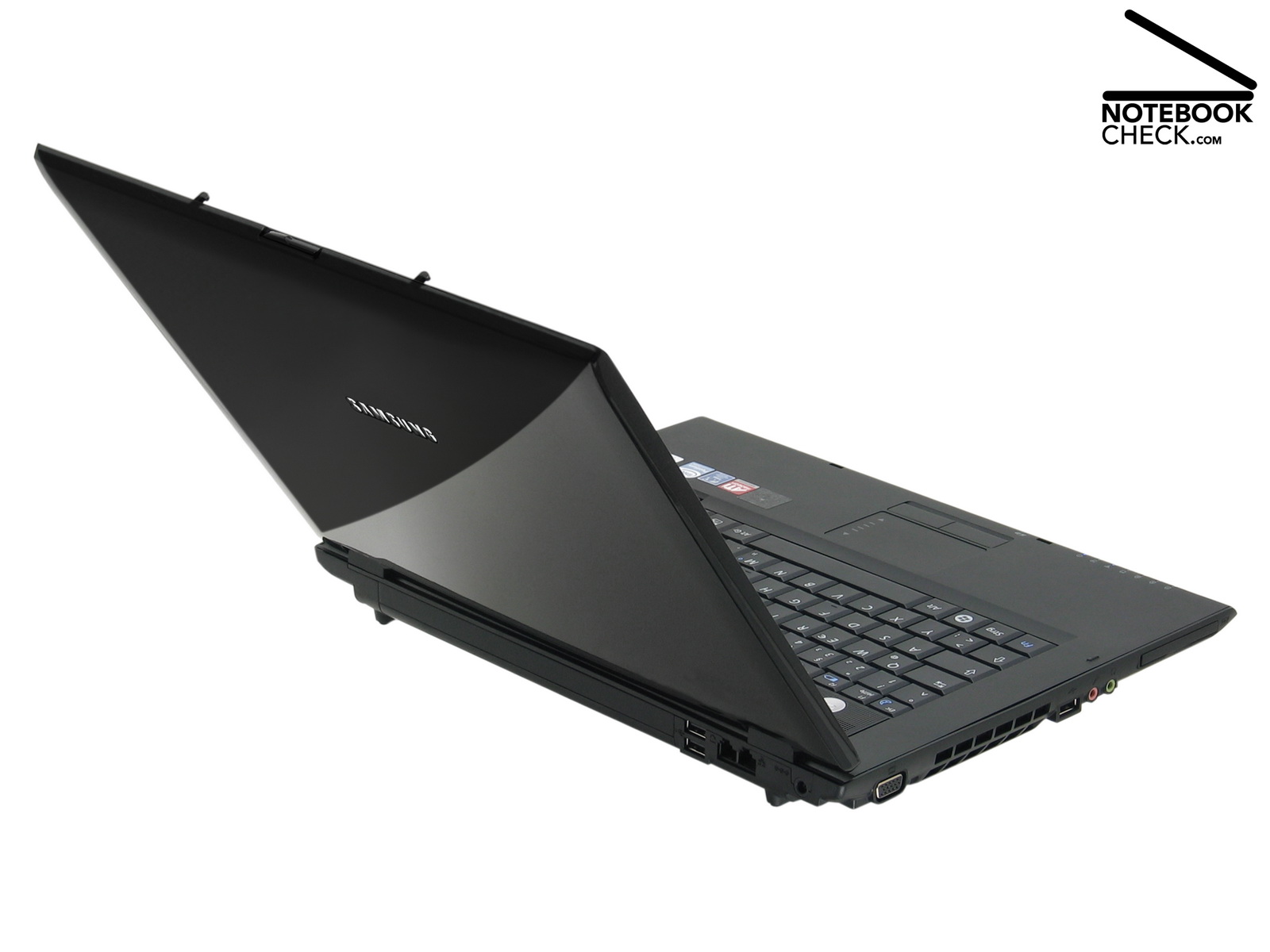
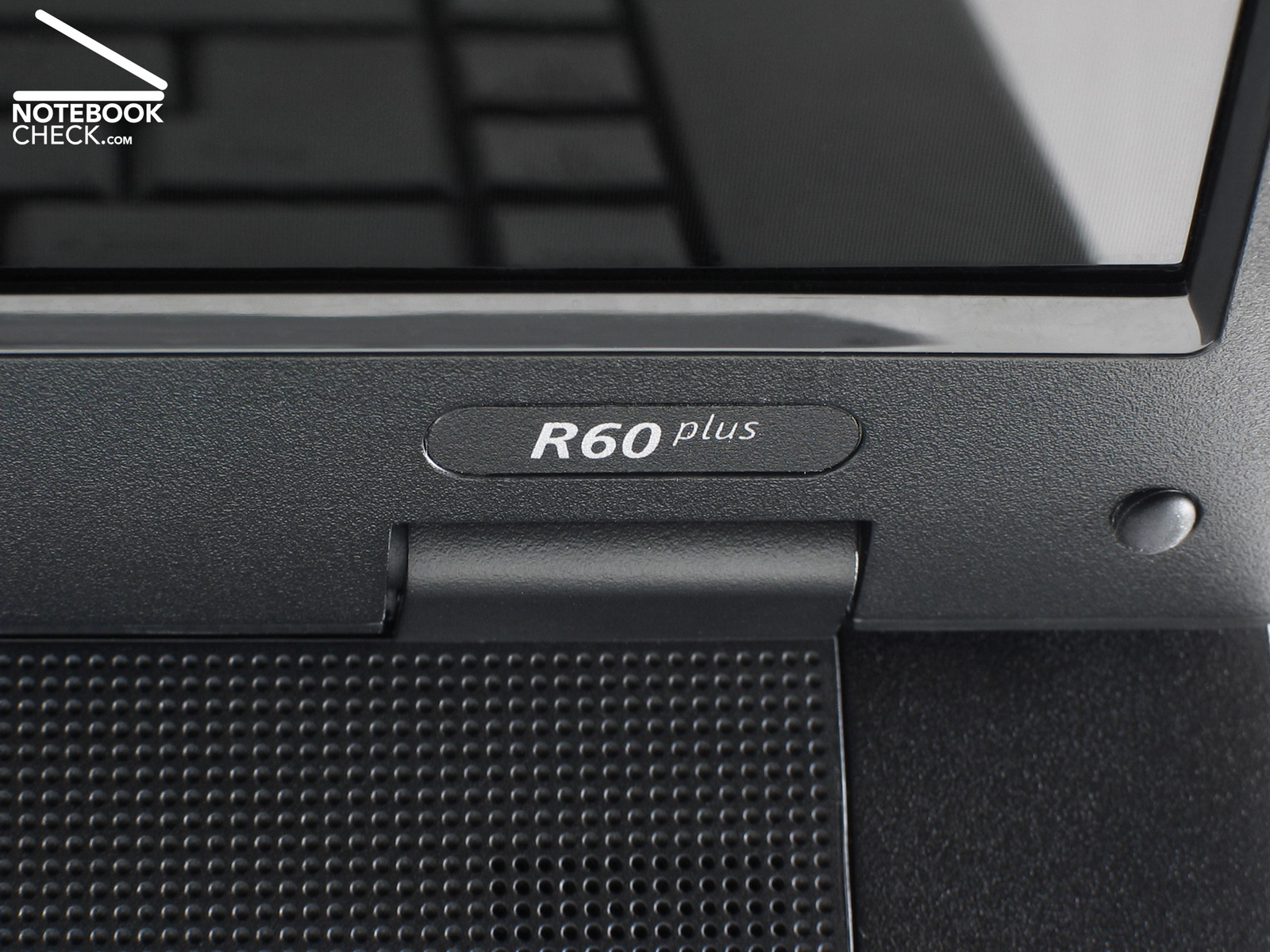
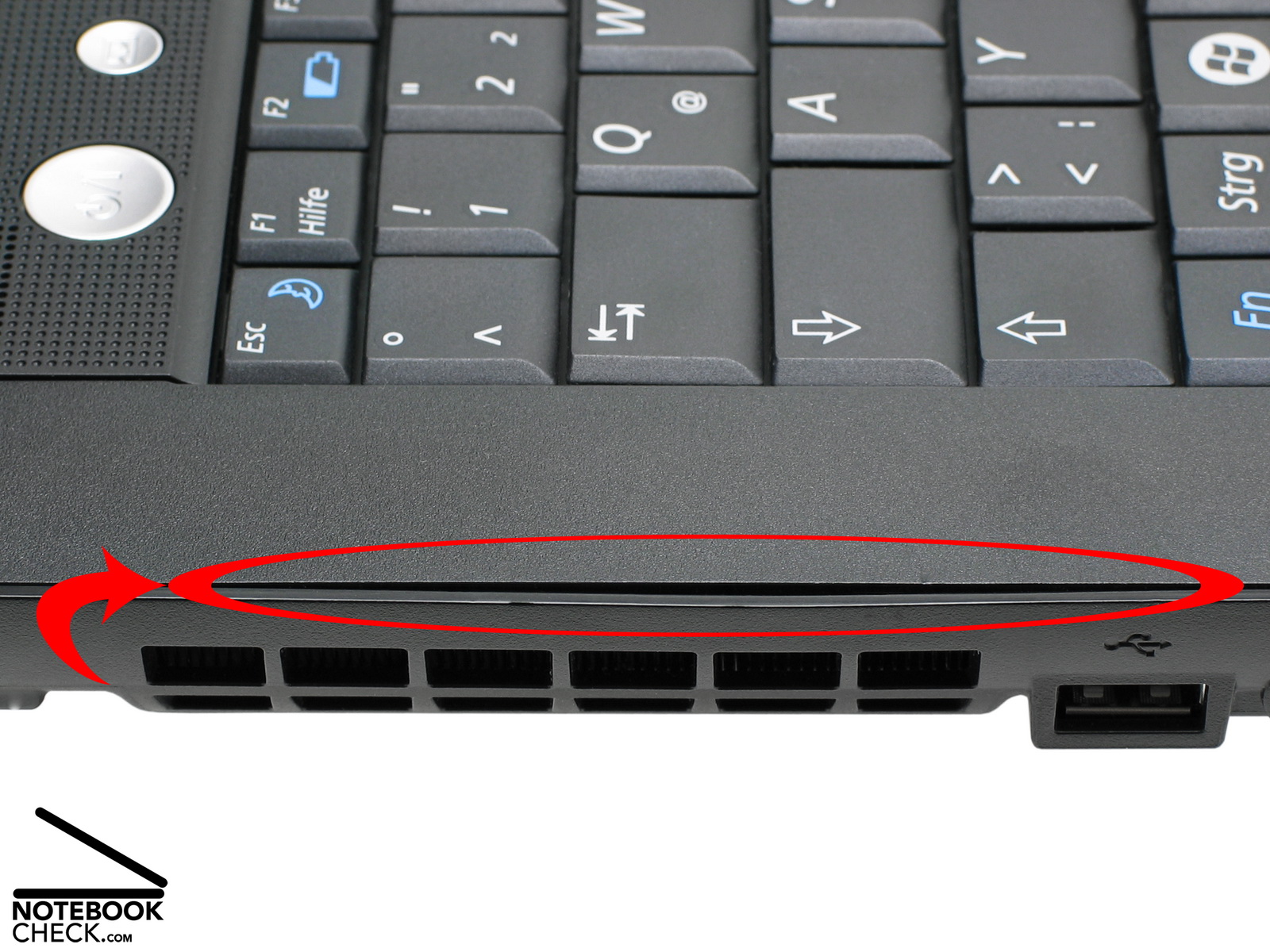
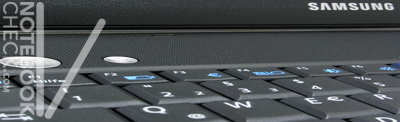
Even if open, the look of the Samsung R60-Aura T2330 Deesan is due to being nearly totally black not really striking. Two round, silver switches (power and AV station) are the only eye-catchers. Even though the case is completely made of plastics it seems very robust and the kind of plastics used are alright for this price class. Scrutinising the junctions, we uncovered that the part at the left side of the case next to the vent holes clearly archs upwards. Considering the low price such flaws are only a minor aspect.
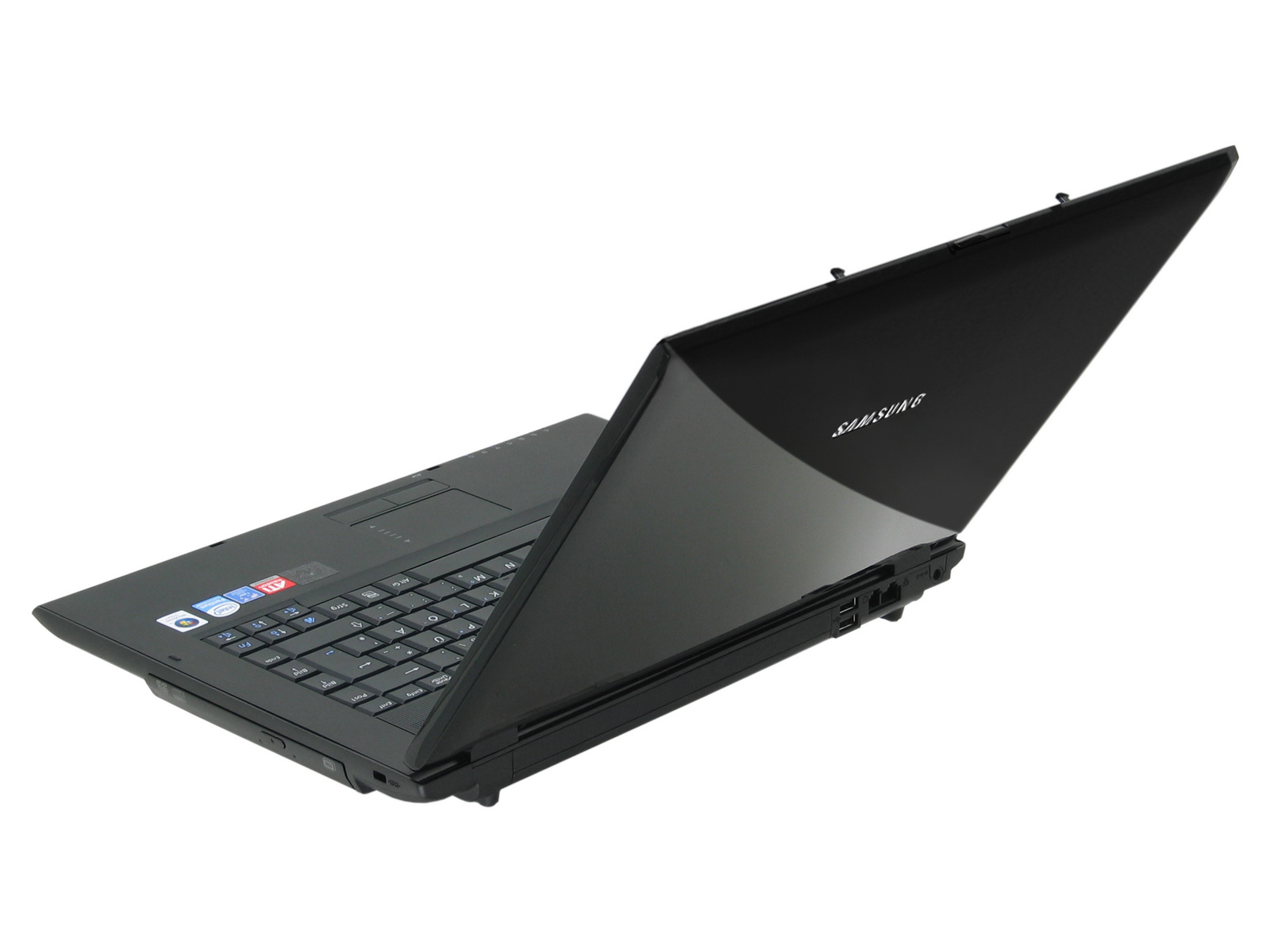
The shiny lid of the R60-Aura T2330 Deesan is attached via hinge, which are able to support any adjusted angle without problems and hardly any see-saw. The sensible screen is properly protected. Moderate force applied to the outside of the lid does not lead to any changes of the display. However, you should take care when touching the inner LCD frame, because it is more sensible to force than other parts of the lid. So, you should not take it to hard when adjusting the opening angle.
In order to save costs the trough of the case is also made of plastics. Its stability is rather passable though. When picking it up, the case hardly yields and you'll hardly hear creaking noises which were typical for plastic cases. Even when applying more force to the palm rest areas there are hardly any creaking noises.
Interface Equipment
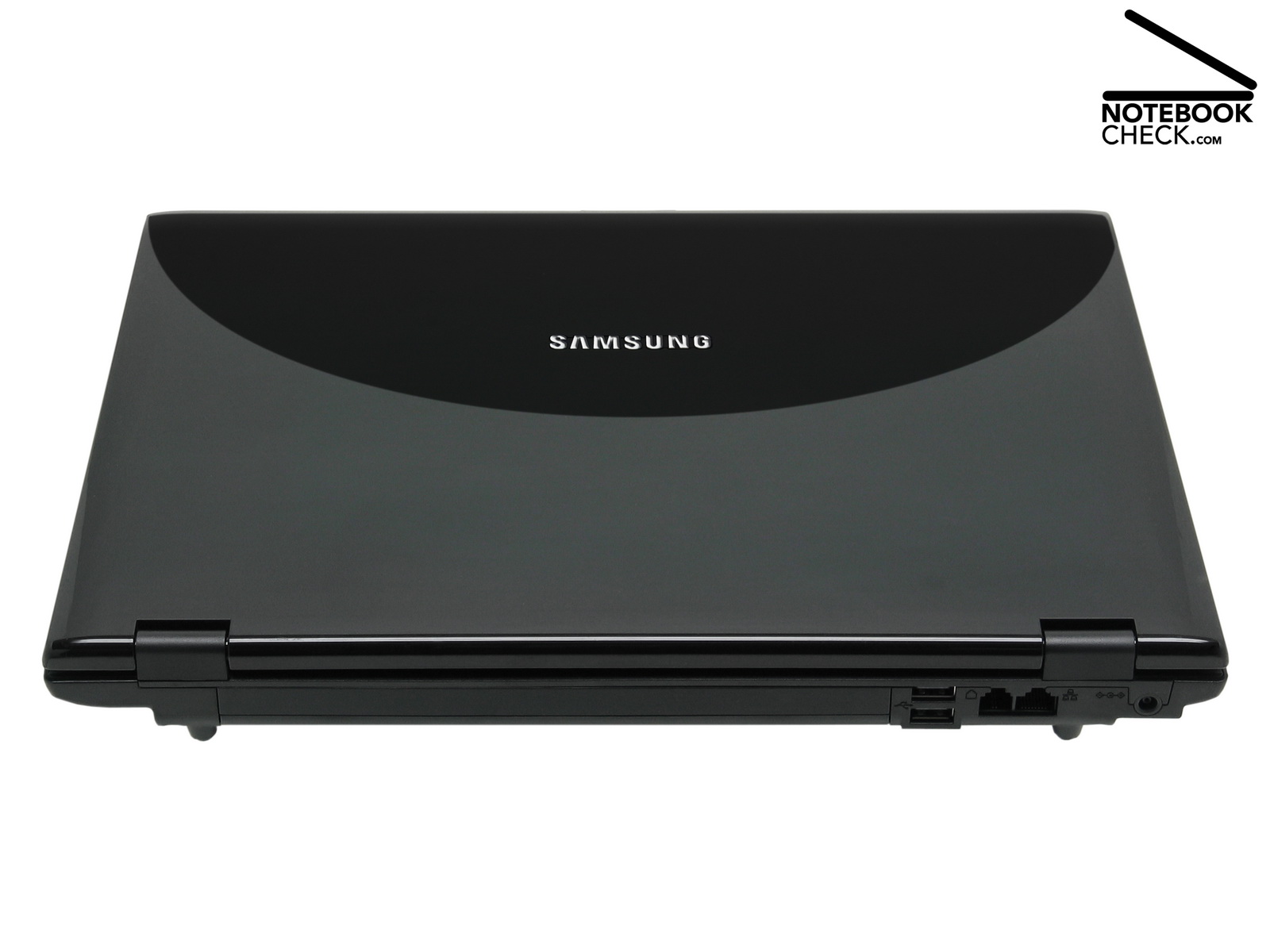
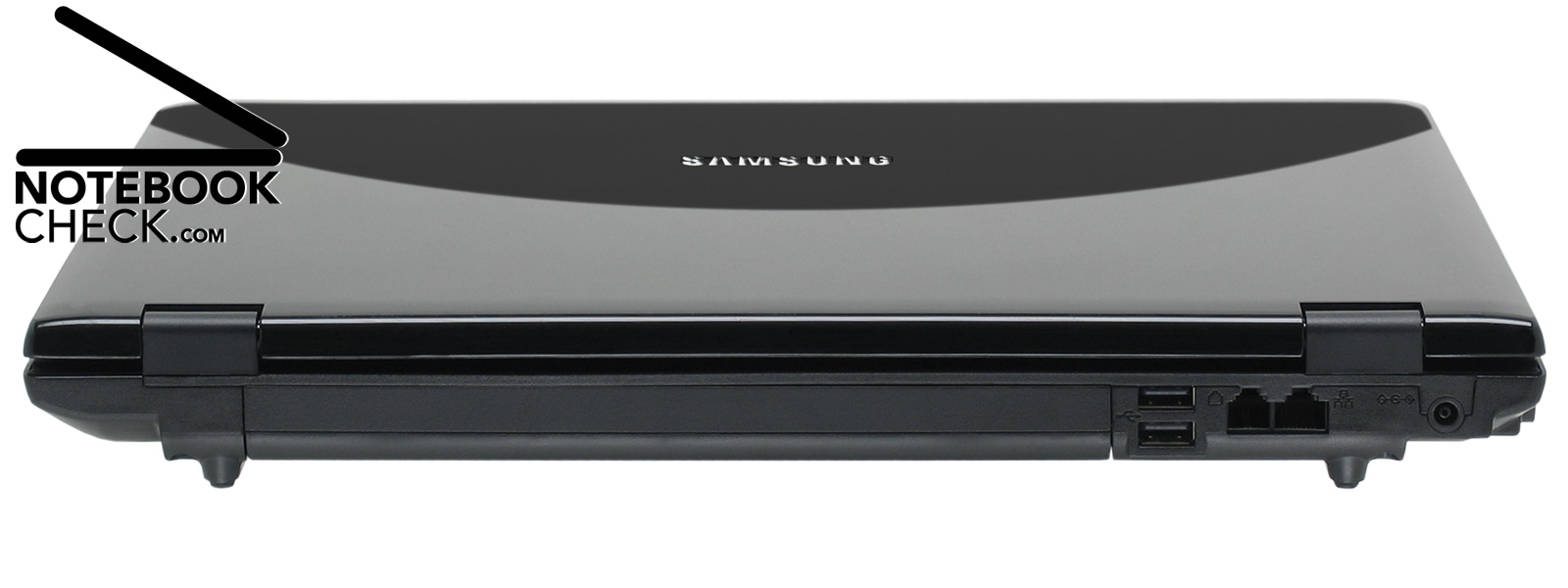
The interface equipment of this reasonable office notebook is not really rich. The Samsung R60-Aura T2330 Deesan has only few interfaces. There is no Gigabit Ethernet for cable networks, a 100-MBit-LAN port is all. Of course the usual 56K modem is also available in this price class. At least it is due to an integrated 802.11b/g-WLAN module possible to use both WLAN standards for communication via radio networks.
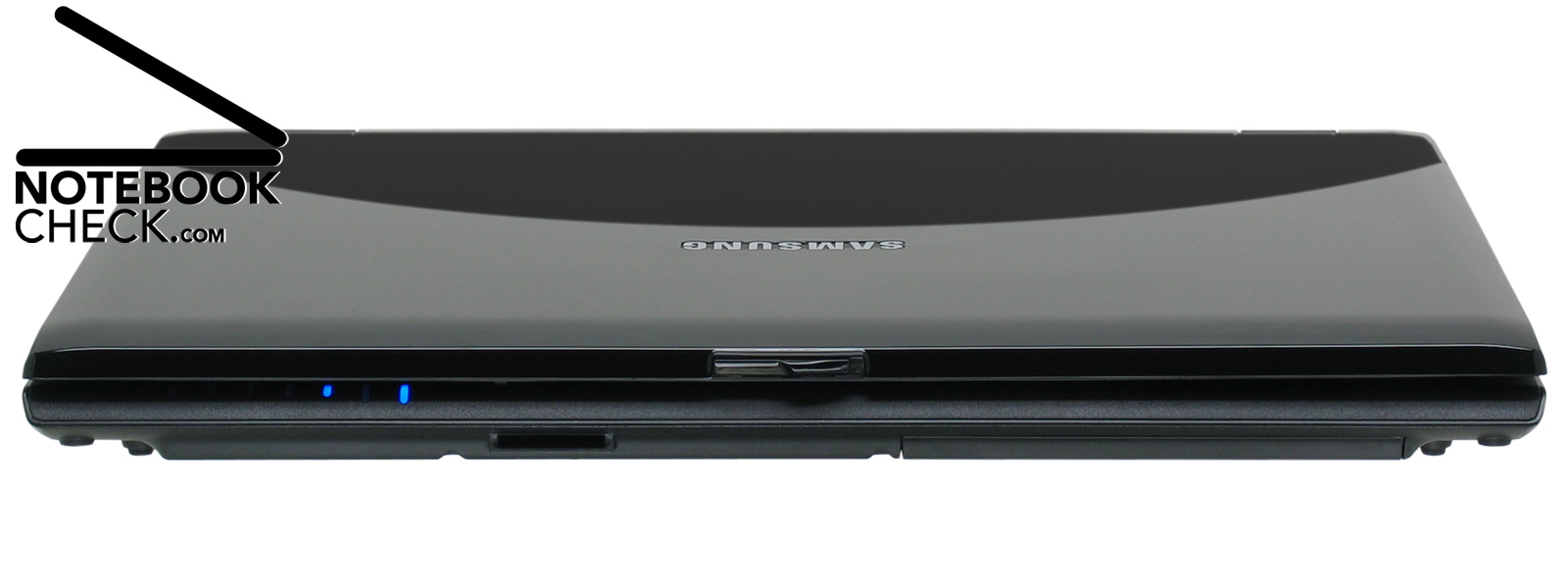
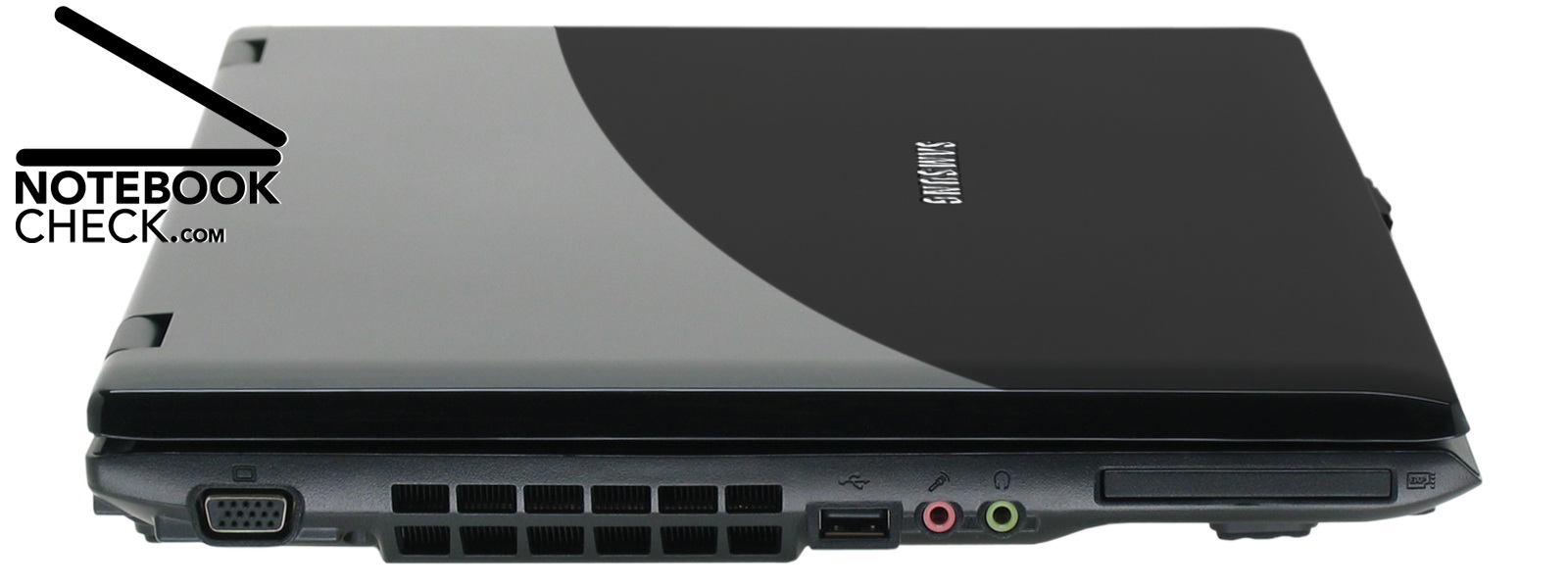
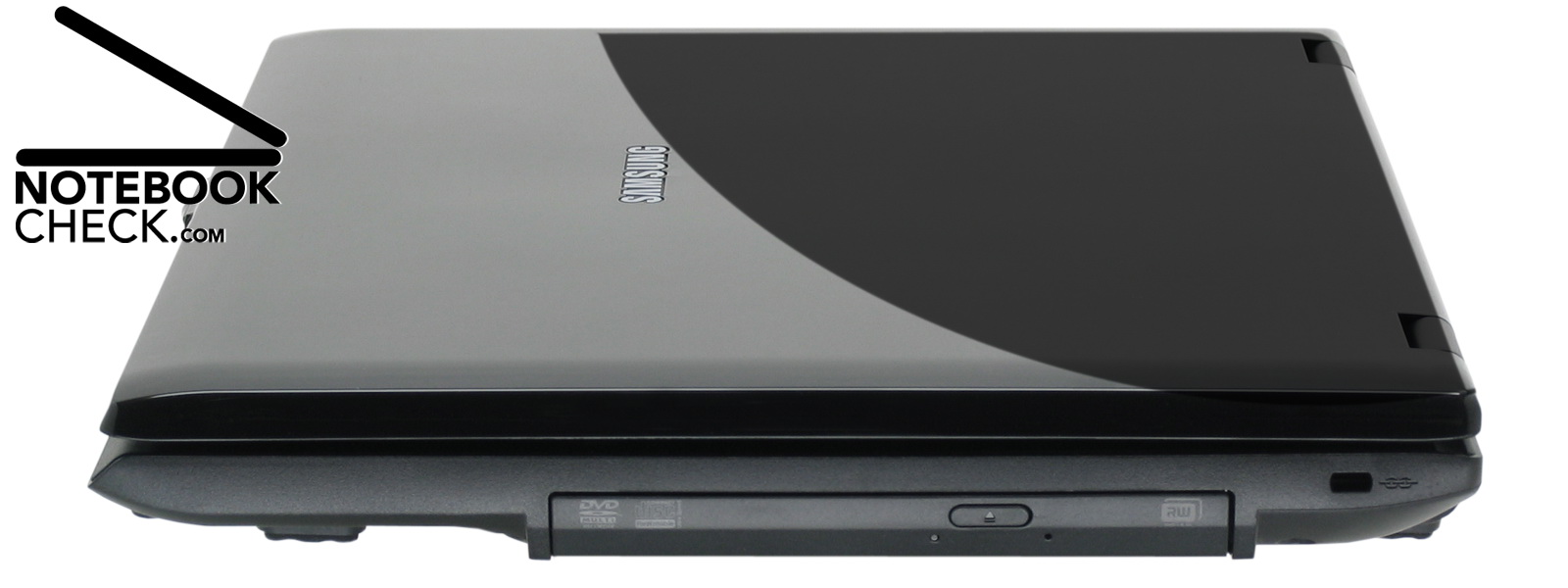
Bluetooth and Infrared for wireless communication with various peripherals like headsets, mobile phones, and PDAs are not available. Furthermore, there are besides three fast USB 2.0 ports, standard ports for microphone and headset and the standard VGA out. Modern DVI or HDMI ports are obviously still a privilege of more expensive notebooks. In addition the Samsung R60-Aura T2330 Deesan has a simple 2in1 card slot for flash memory cards supporting MultiMediaCard (MMC) and SecureDigital (SD) and an up-to-date slot for ExpressCards (54 mm).
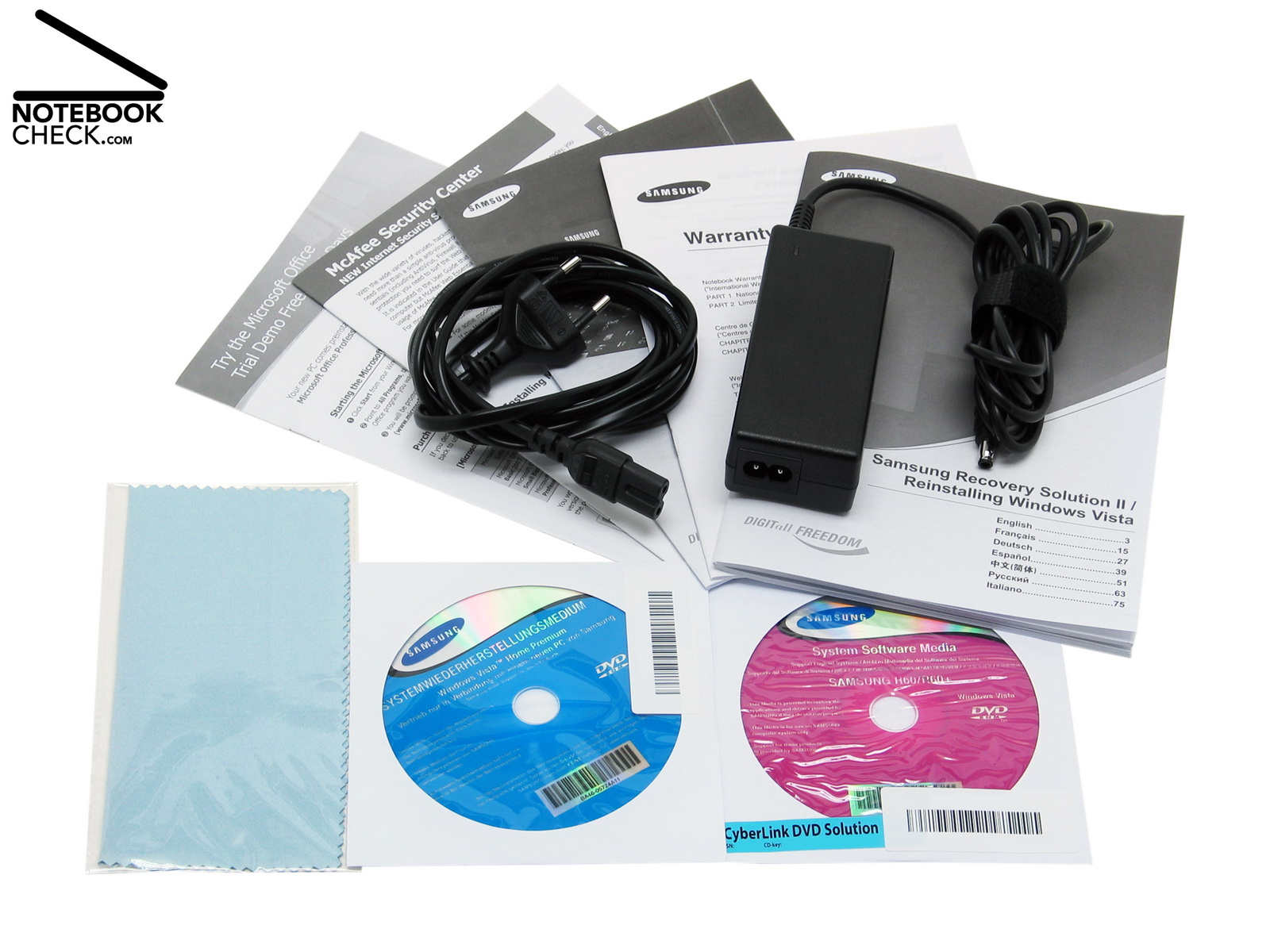
Super: Unlike other manufacturers the R60-Aura T2330 Deesan includes besides manuals also a system recovery CD for Microsofts Vista Home Premium and a system and media software CD. Furthermore, a complete system recovery in case of, e.g., a hard disk crash, is pretty easy, because the R60-Aura provides an additional hard disk image. By means of Samsung's Recovery Solution II it is possible to have a completely usable notebook again after about 13 (!) minutes.
Input Devices

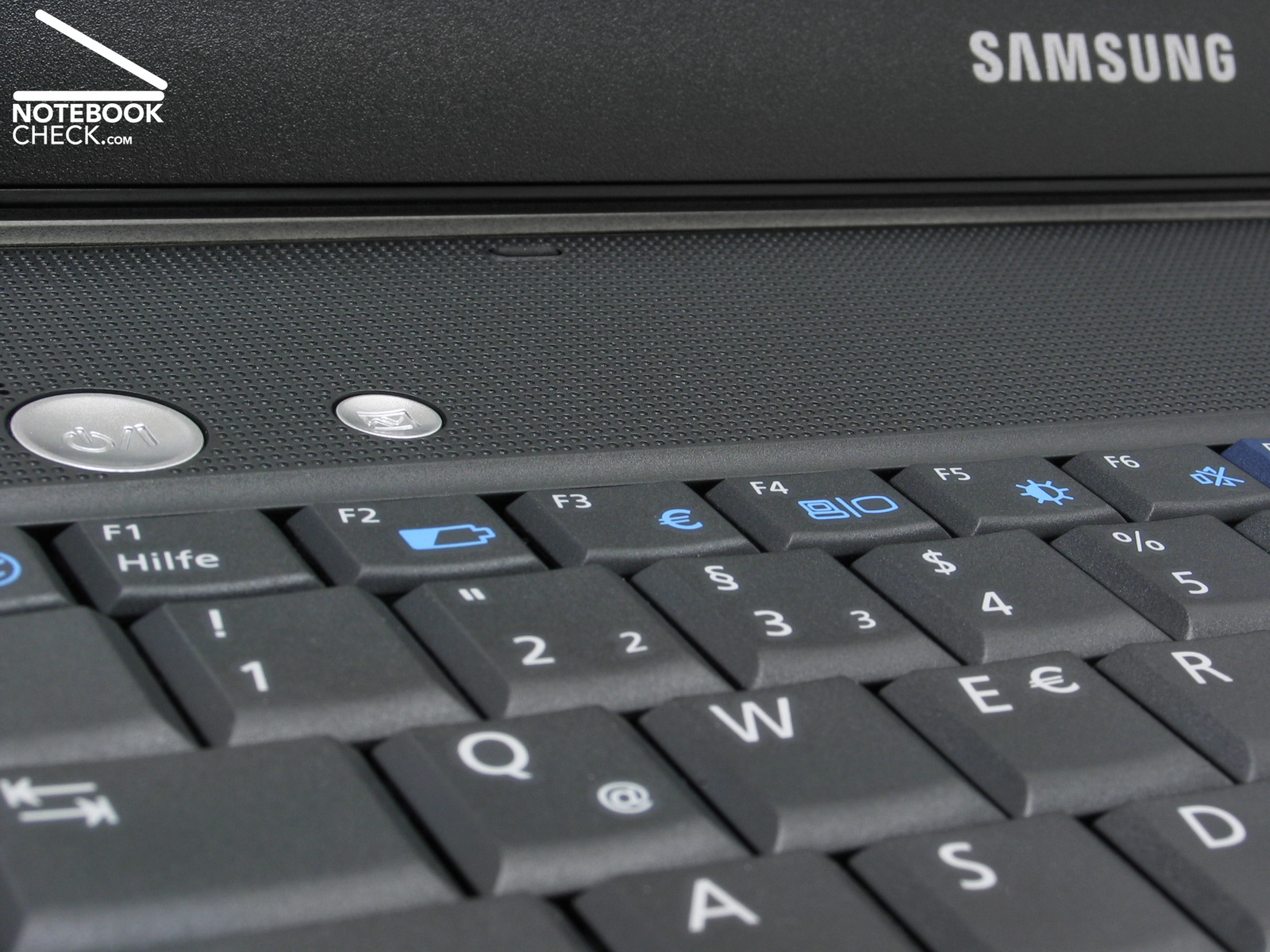
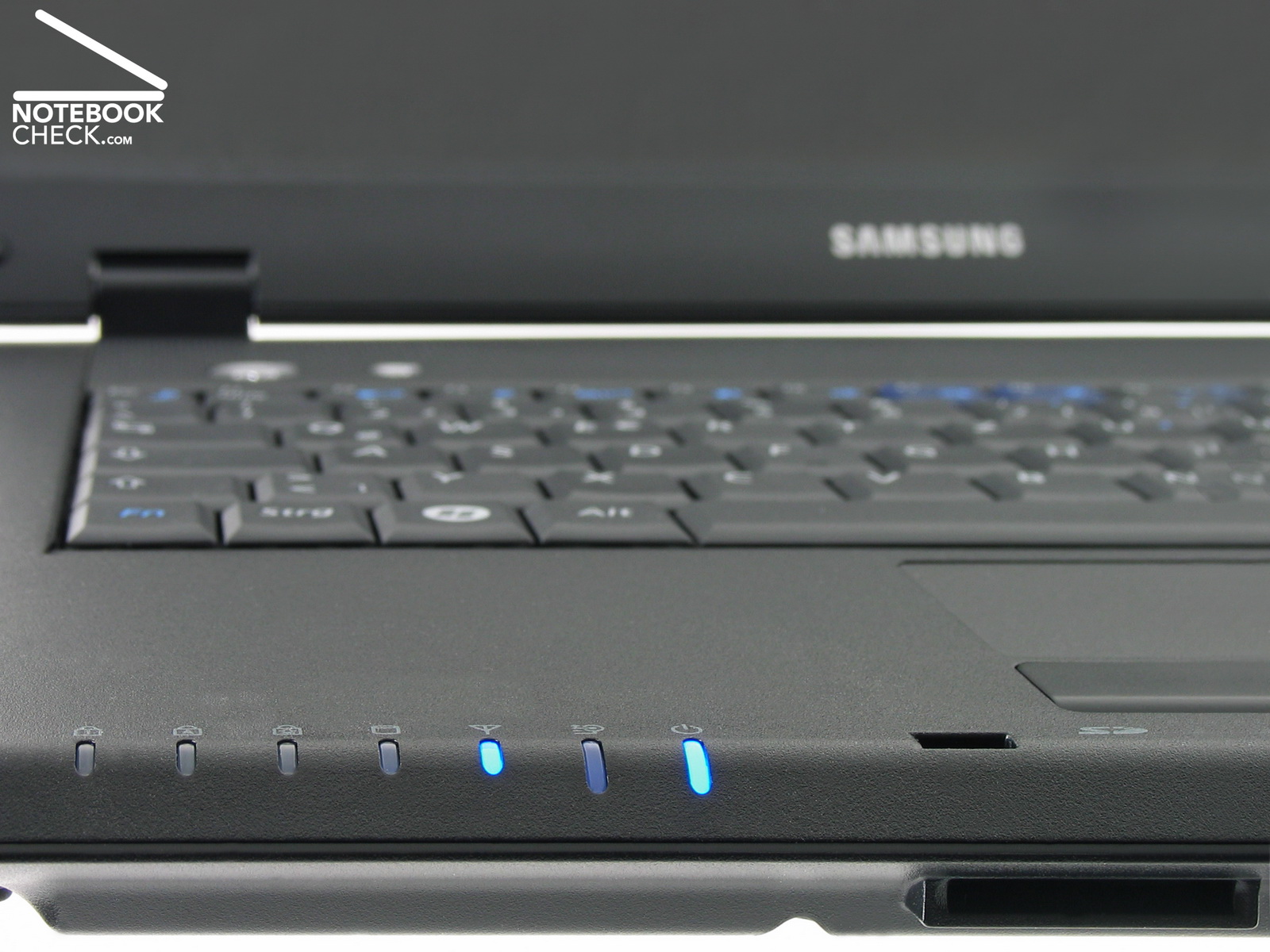
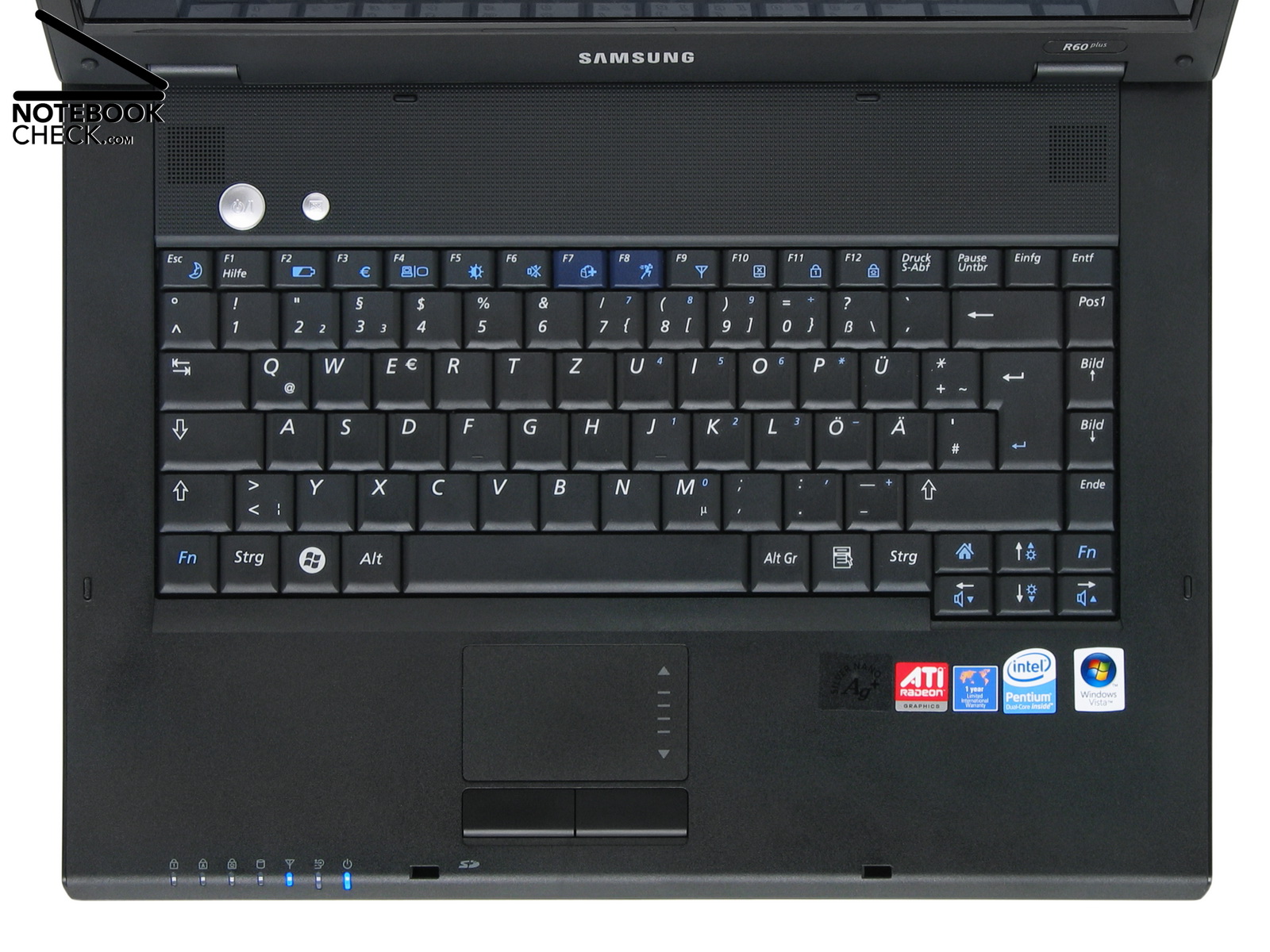
For quick and user-friendly control of various system functions the Samsung provides the 'AV station' key only. It can be used to start the multimedia software by a finger tip. Other frequently used system functions can only be launched via keyboard. In return, the bright and big status displays can also ergonomically be read in usual office environments.
The matte black keyboard consists of 89 keys. Besides reversely orderd Fn/Ctrl keys the keyboard layout conforms to the standard. The effective size of the key heads is 1.4 x 1.5 cm². The haptics of the keys alright and user-friendly. Furthermore, the typing noise is rather low and besides an somewhat louder enter key and a somewhat louder space bar the keys hardly clatter. However, the key heads seem a little bit loosely attached and wobble a little bit, so, their contact to the underneath construction could definitely be tighter.
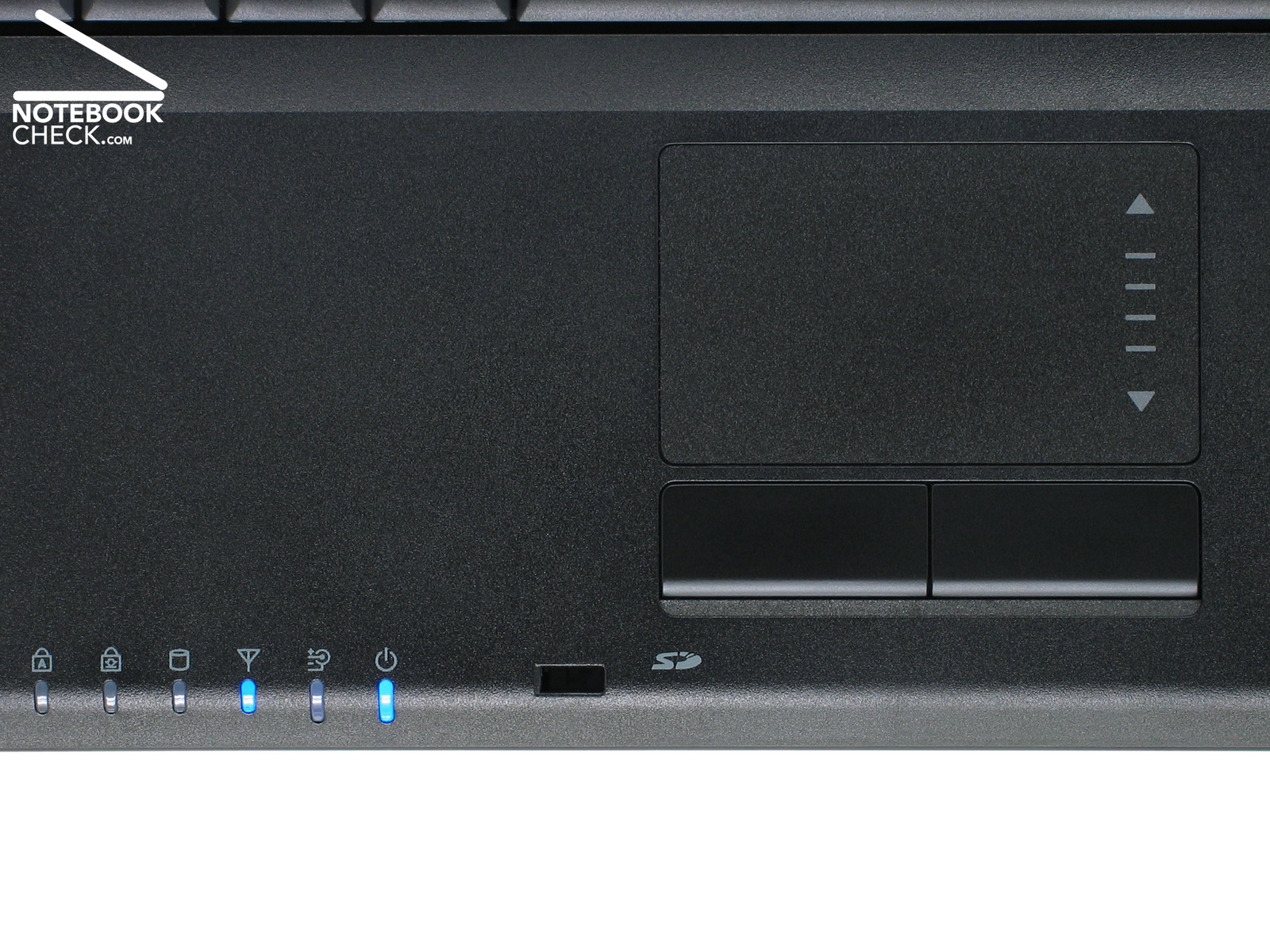
At least the touch pad's size is 7.0 x 4.1 cm². It has a marked vertical scroll area and overall it works precisely. However, we didn't like its two buttons. There clicking noise rattles rather loud. Compared to other notebooks of the same class they also seem a little shaky. Here is definitely some need for optimization.
Display
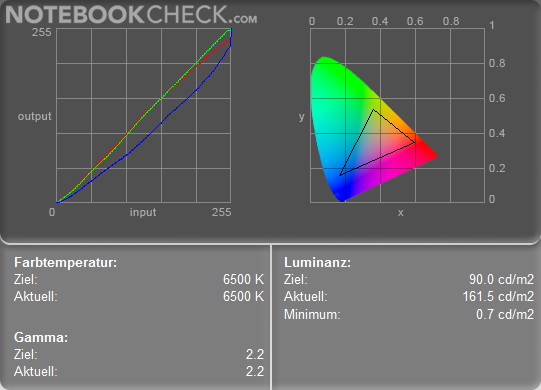
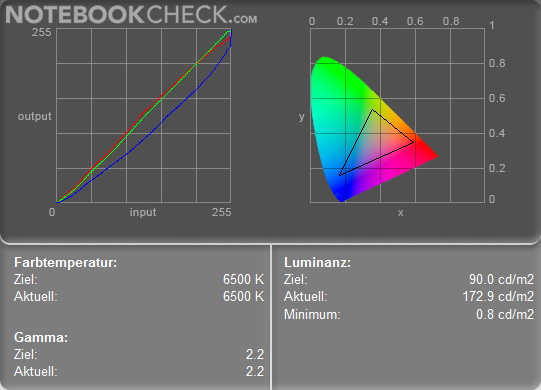
Considering the effective VDU (Visual Display Unit) directive, the Samsung R60 Aura Deesan isn't the notebook of choice, because of its heavily reflecting SuperBright LC display. Despite an average luminance of 147.4 cd/m² reading from this glossy 14.5 inch screen is actually not always trouble-free, all the more next to bright sources of light, e.g., a light-flooded window bank. If you look for an office notebook, you should definitely prefer notebooks with a matte display.
The brightness of this WXGA wide-screen display (1,280x800 pixels) is rather evenly distributed. Maximum and minimum brightness differ in mains operation only by about 13.3 percent. Our subjective impression with bright background colours was also, that the brightness is rather evenly distributed - brilliant! A measured minimum brightness of 0.7 cd/m² and a measured maximum brightness of 161.5 cd/m² give a maximum contrast ratio of moderate 230:1 in mains operation.
| |||||||||||||||||||||||||
Brightness Distribution: 87 %
Contrast: 231:1 (Black: 0.7 cd/m²)
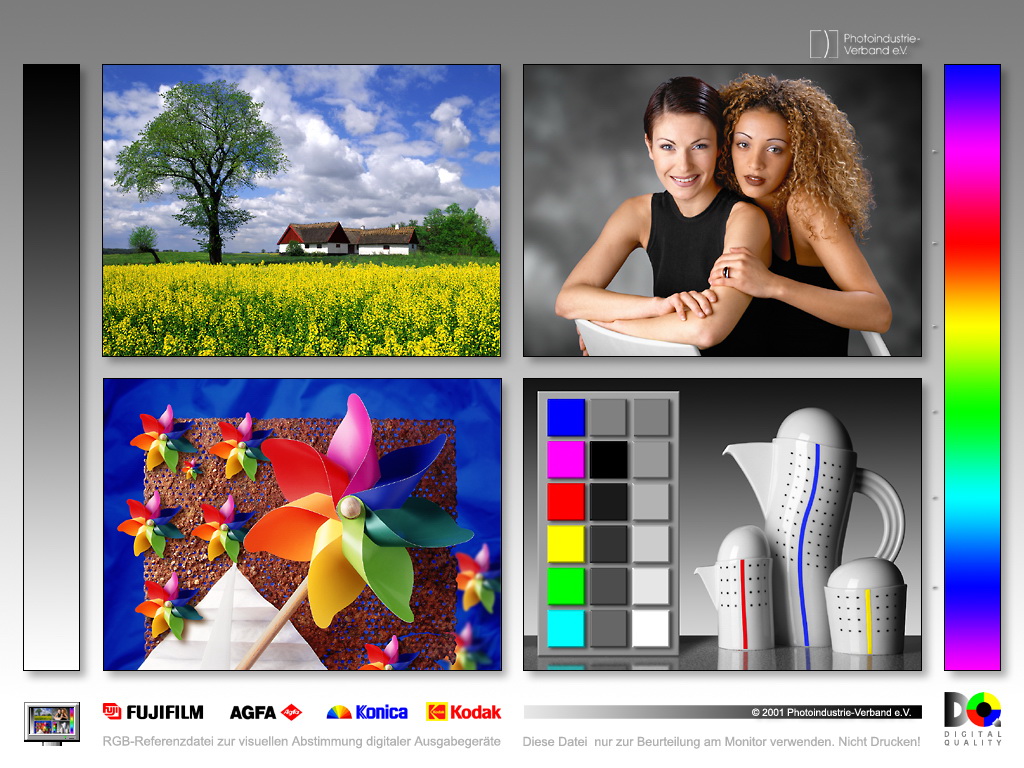
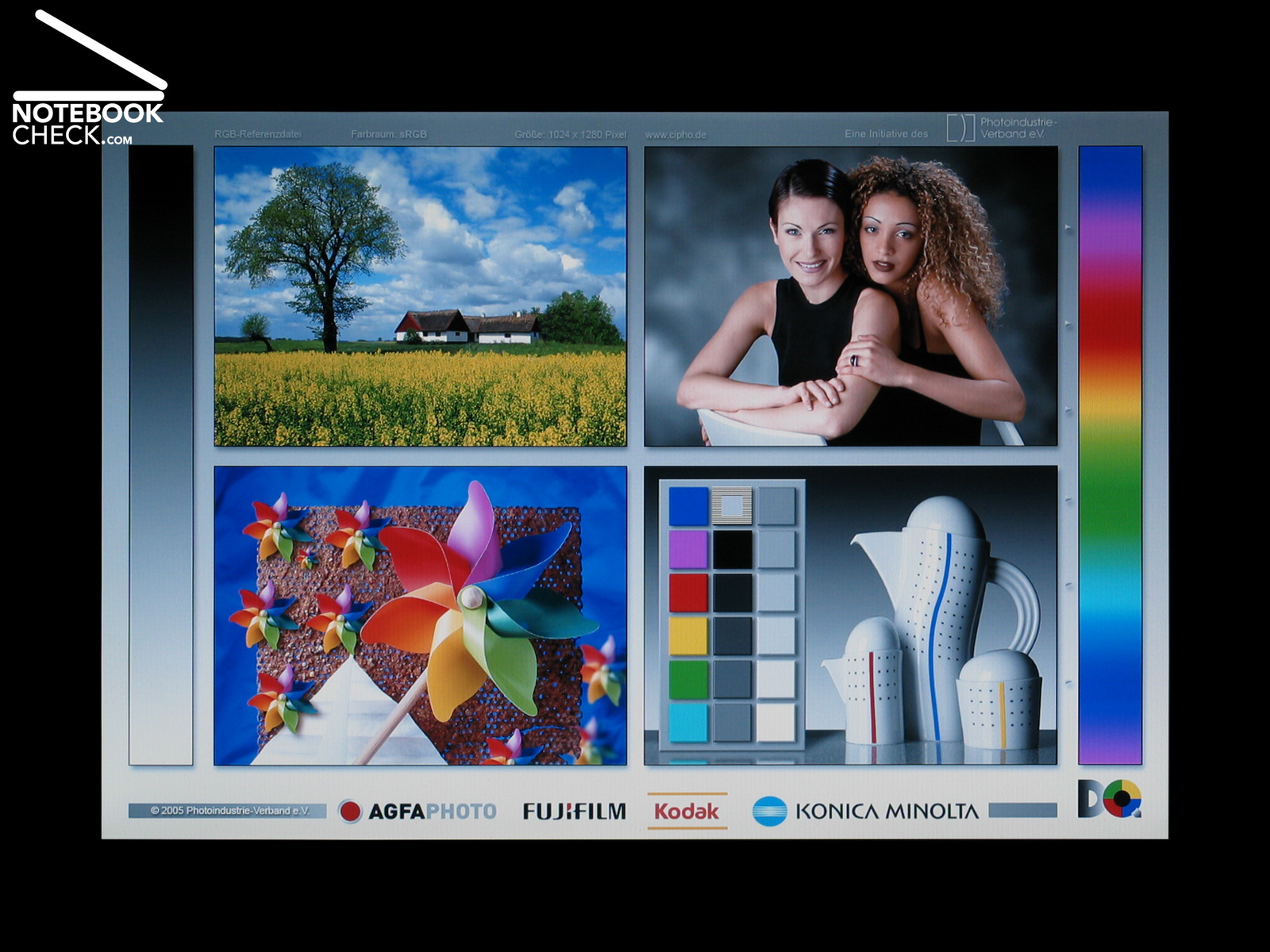
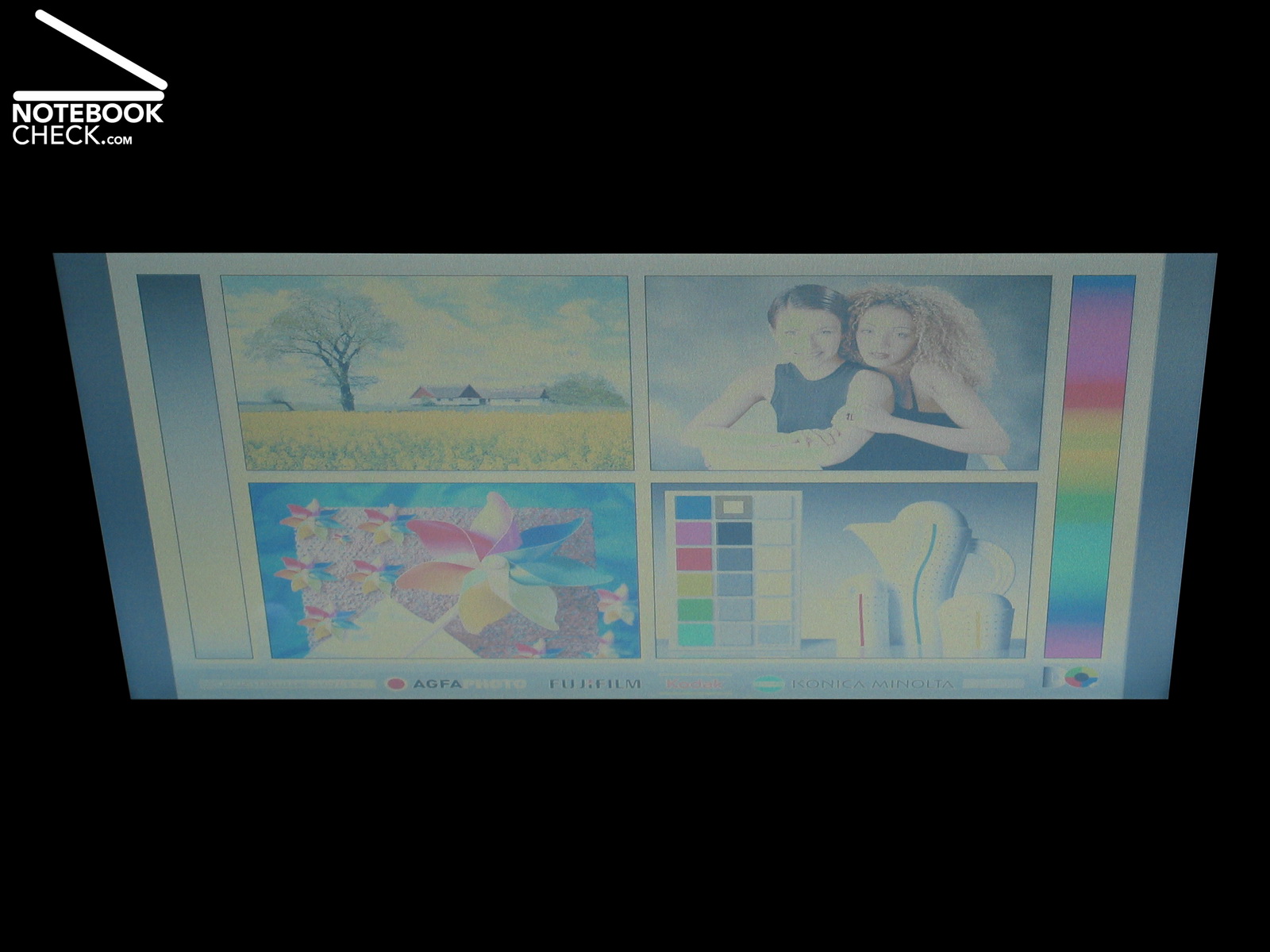
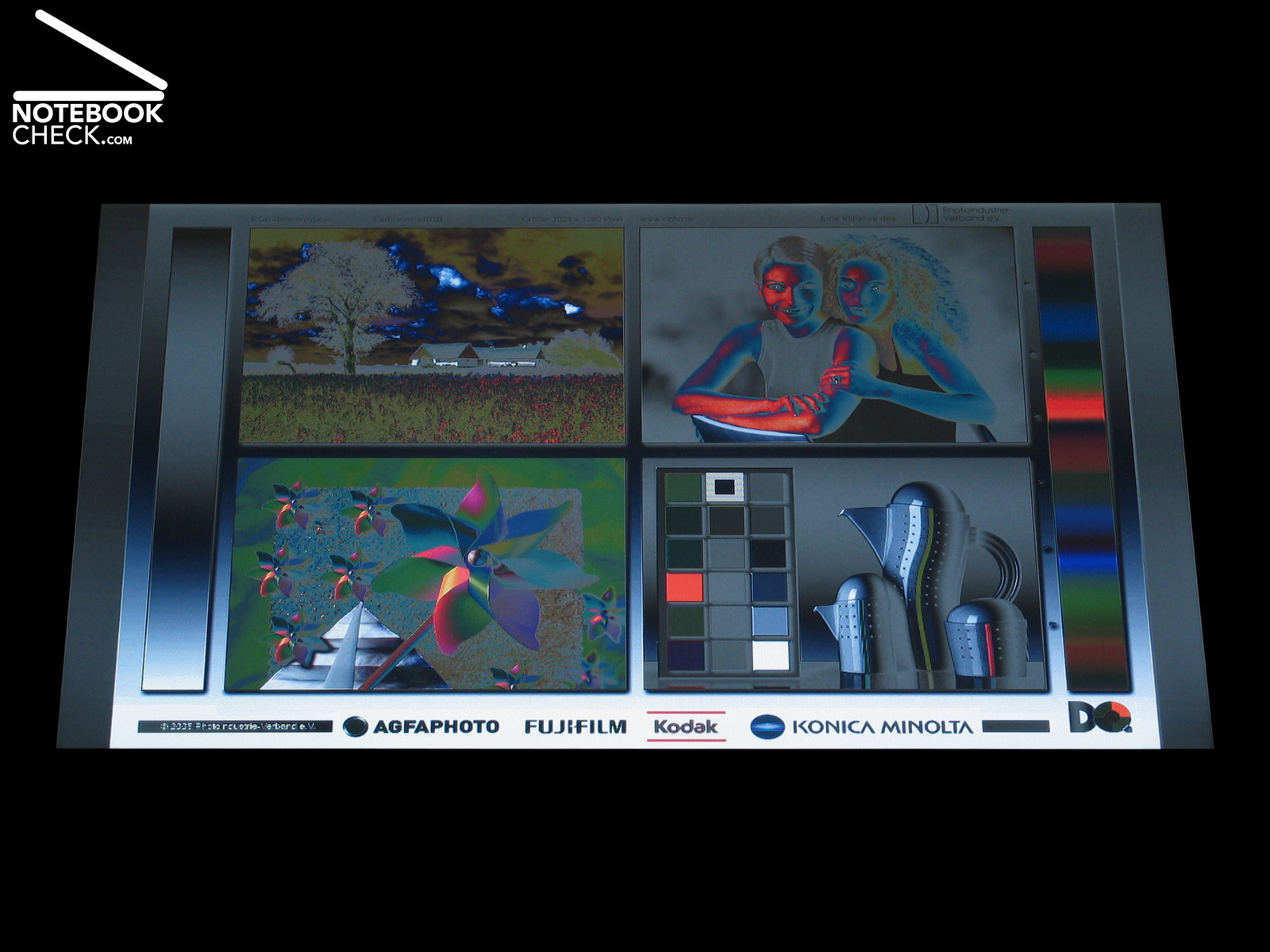
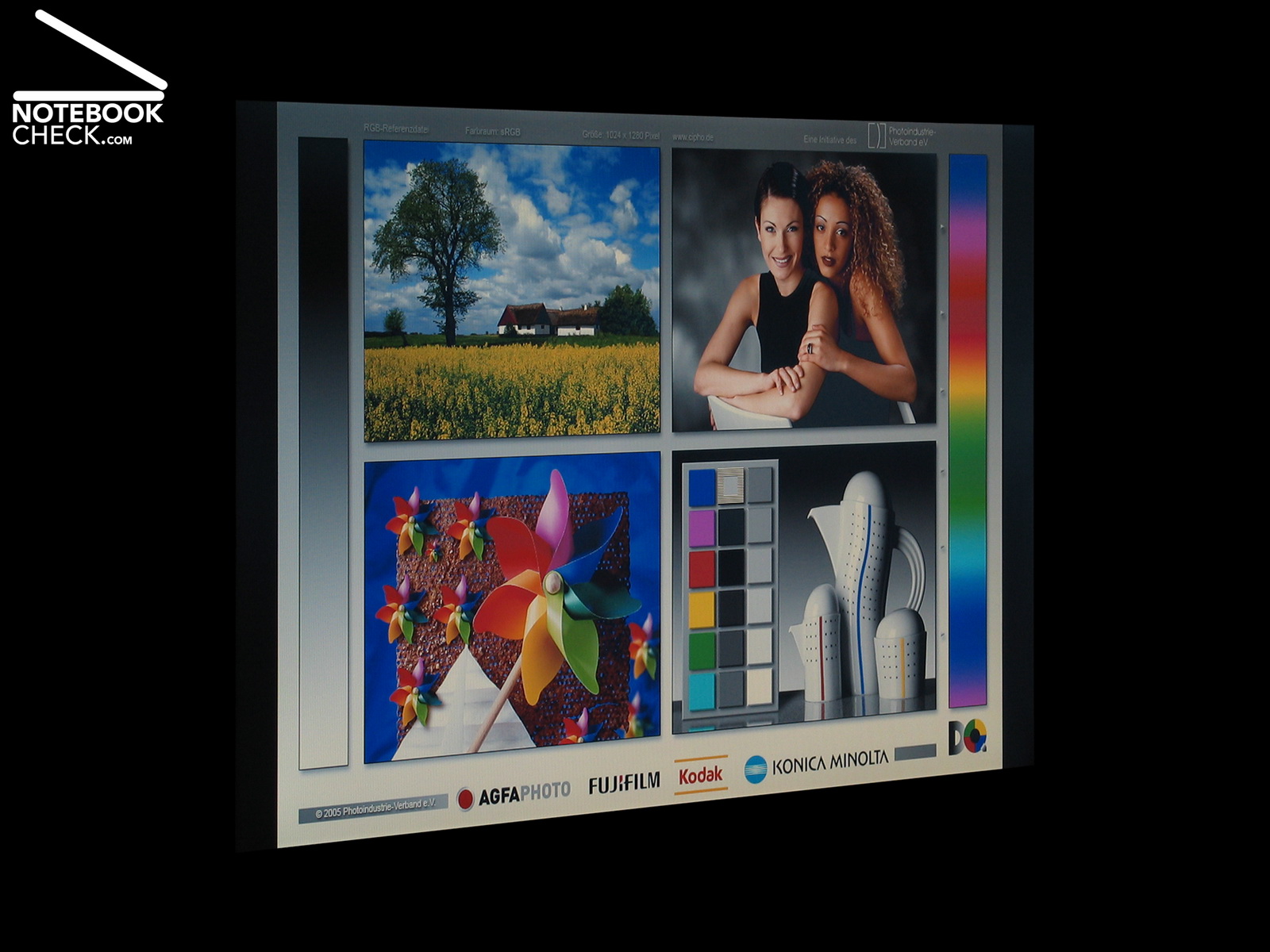
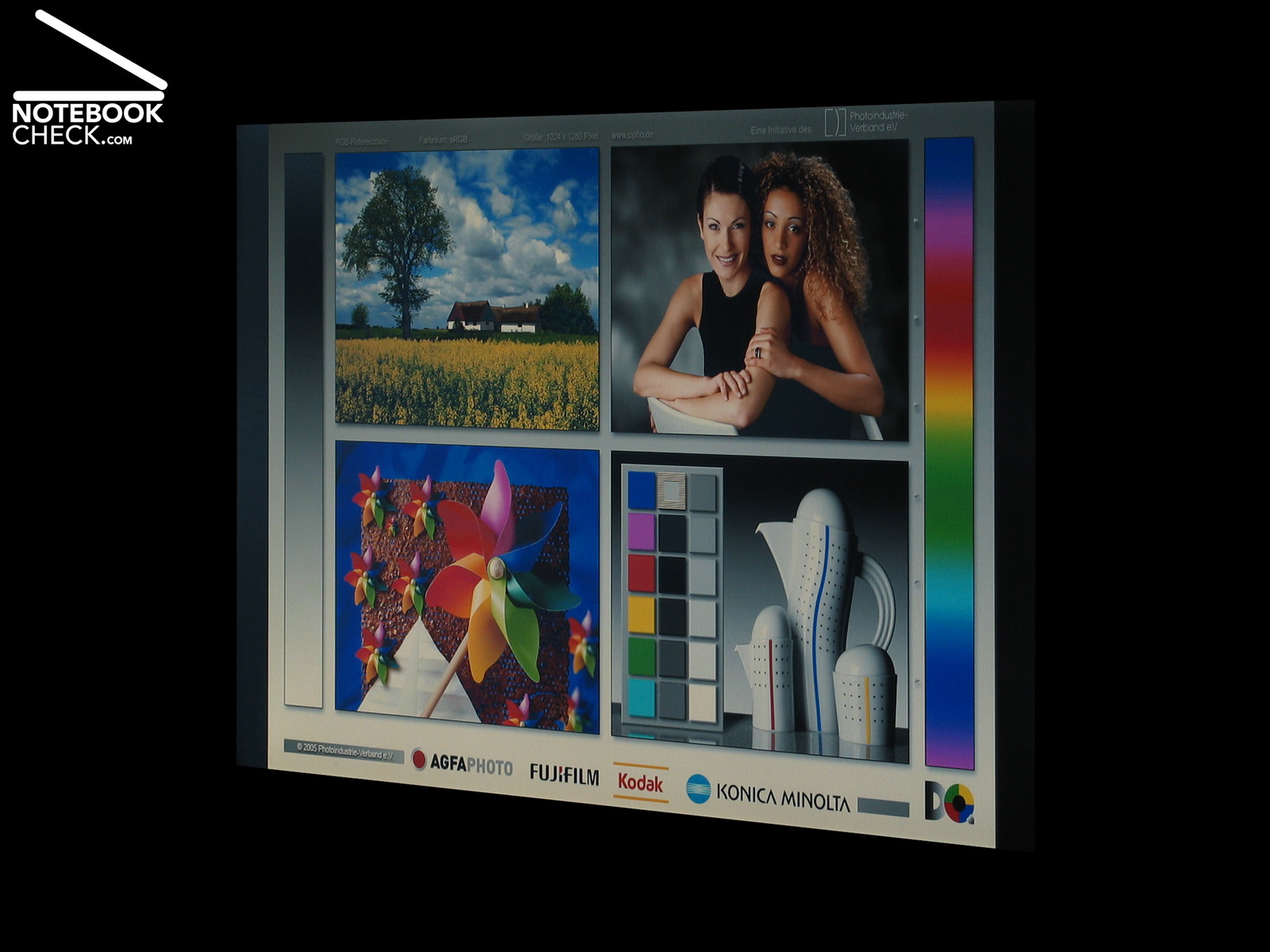
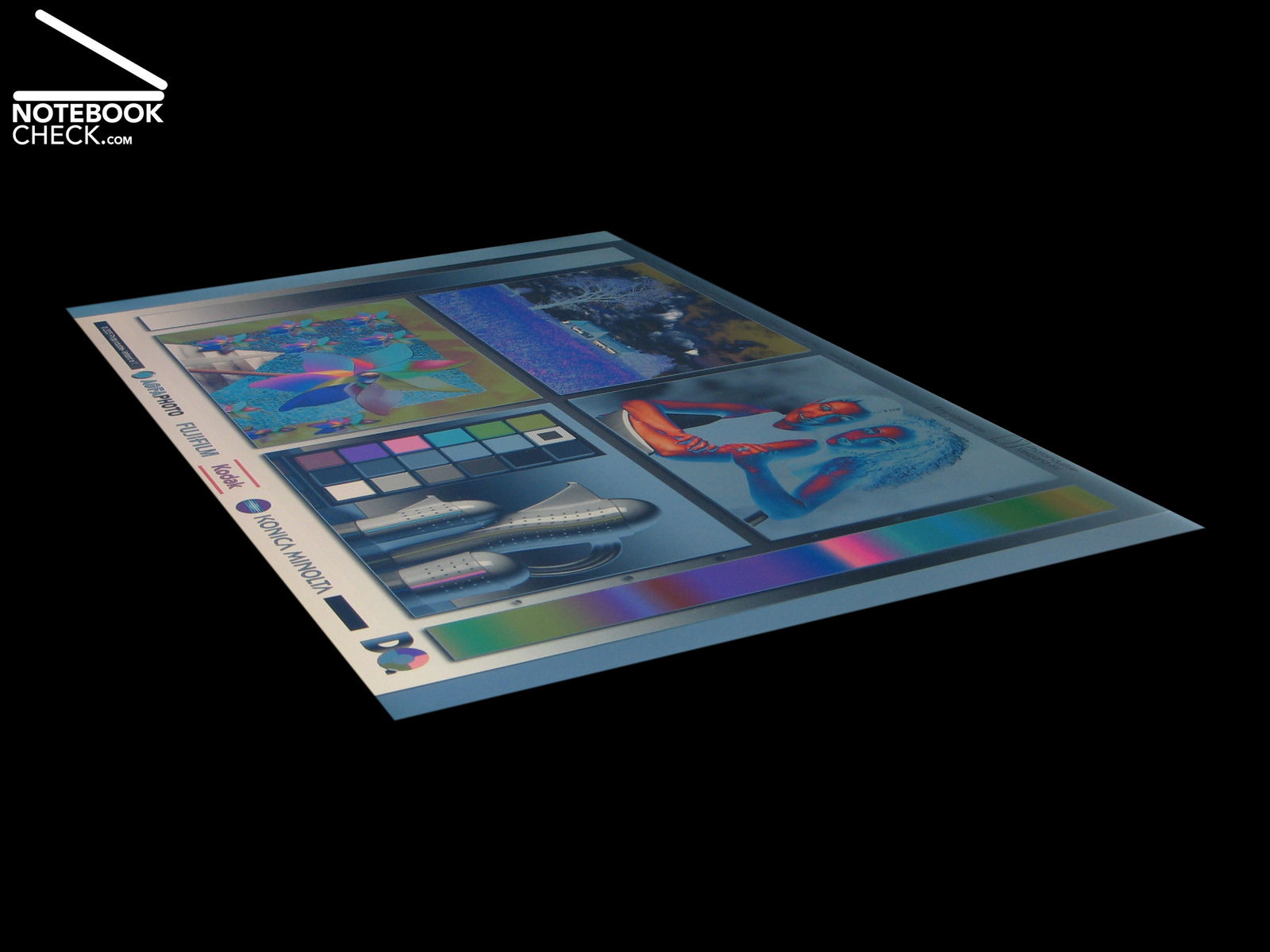
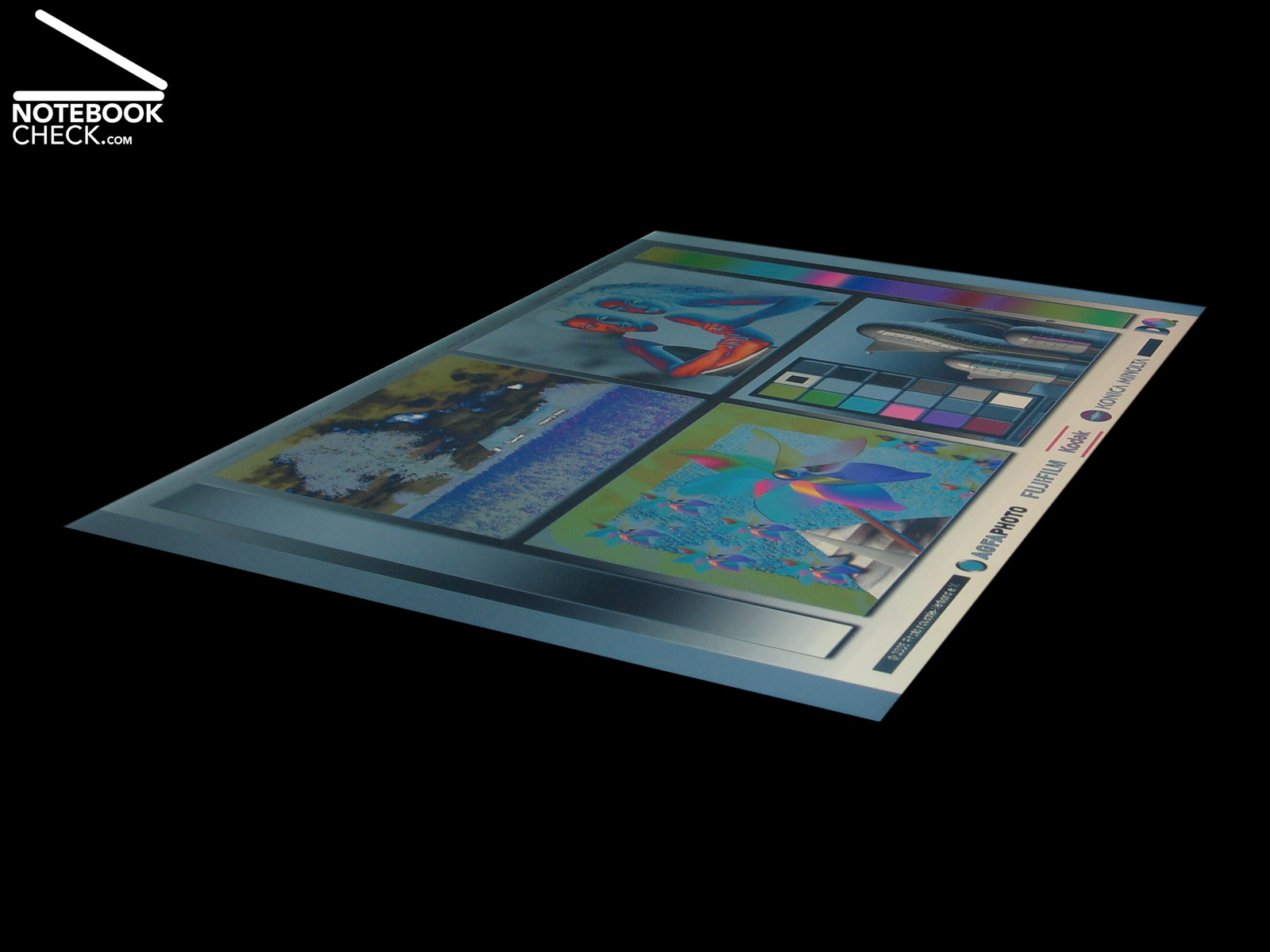
Looking at the reference pictures, we found that they are quite well represented on the reflecting display of Samsung R60-Aura T2330 Deesan. If we directly compare it to our reference display, a 20 inch MVA-LCD Viewsonic VP2030b, the colours of the portrait pictures look alright. However, overall the colours are slightly cold, the pictures seem to have a slightly blue tint. The contrast is good with ideal viewing angles. Outside of the ideal range, the horizontal and vertical viewing angles are fair average compared to similar glossy panels.
Performance
The video card of the R60-Aura T2330 Deesan is an integrated chip by ATI, the Radeon Xpress 1250 for Intel notebooks. It is ATI's first mobile chip set which supports the 'Avivo' technology for faster picture and video processing when the CPU load is low.
The processor is a Dual-Core-Prozessor T2330 by Intel with a clock rate of 1,6 GHz per core. The T2330 comes with 2 MByte second level cache and a 533 MHz FSB. Despite its low clock rate, the T2330 is in combination with the already provided two GB RAM easily sufficient for the pre-installed Microsoft Vista Home Premium and all office applications and light multimedia applications should run smoothly.
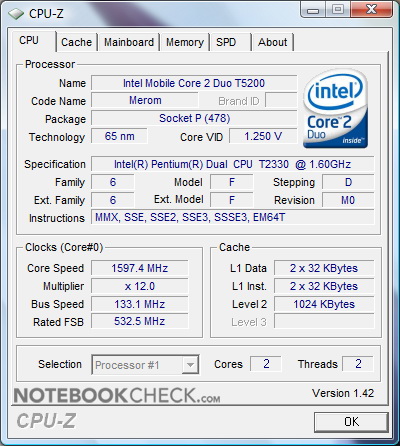
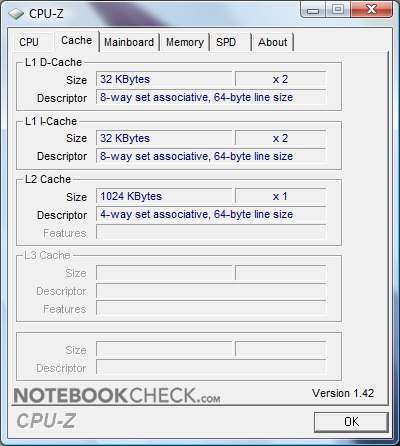
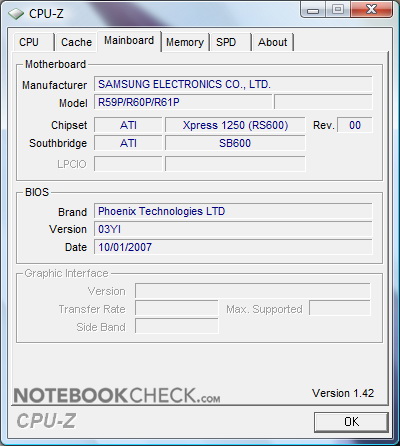
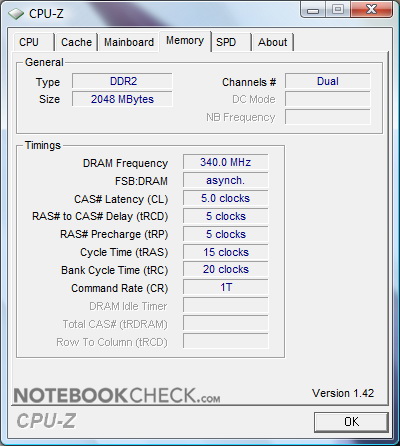
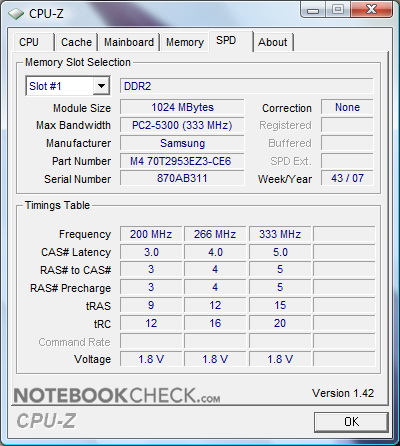
CPU-Z-Information about the Samsung R60-Aura T2330 Deesan (Indication error: Instead of the built-in T2330 CPU-Z detected a T5200)
Typical office notebook with low margins the Samsung R60-Aura Deesan is not equipped with a dedicated video card. Instead the user must be satisfied with the integrated Radeon Express X1250 video chip by ATI. Basically the X1250 is designed for low energy demand and little place requirements. Video power was only a minor aspect.
According to Samsung the X1250 inside the Deesan does not have any dedicated video memory (VRAM). Instead it uses up to 128 MB of valuable RAM. The X1250 is just sufficient for standard office work and simple picture processing. However, you should not even think on (semi-) professional video processing in HD-quality or playing current 3D games. For these fields of operation you should definitely prefer a notebook with dedicated video card.
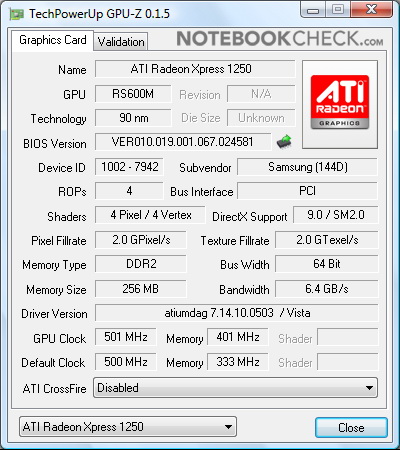
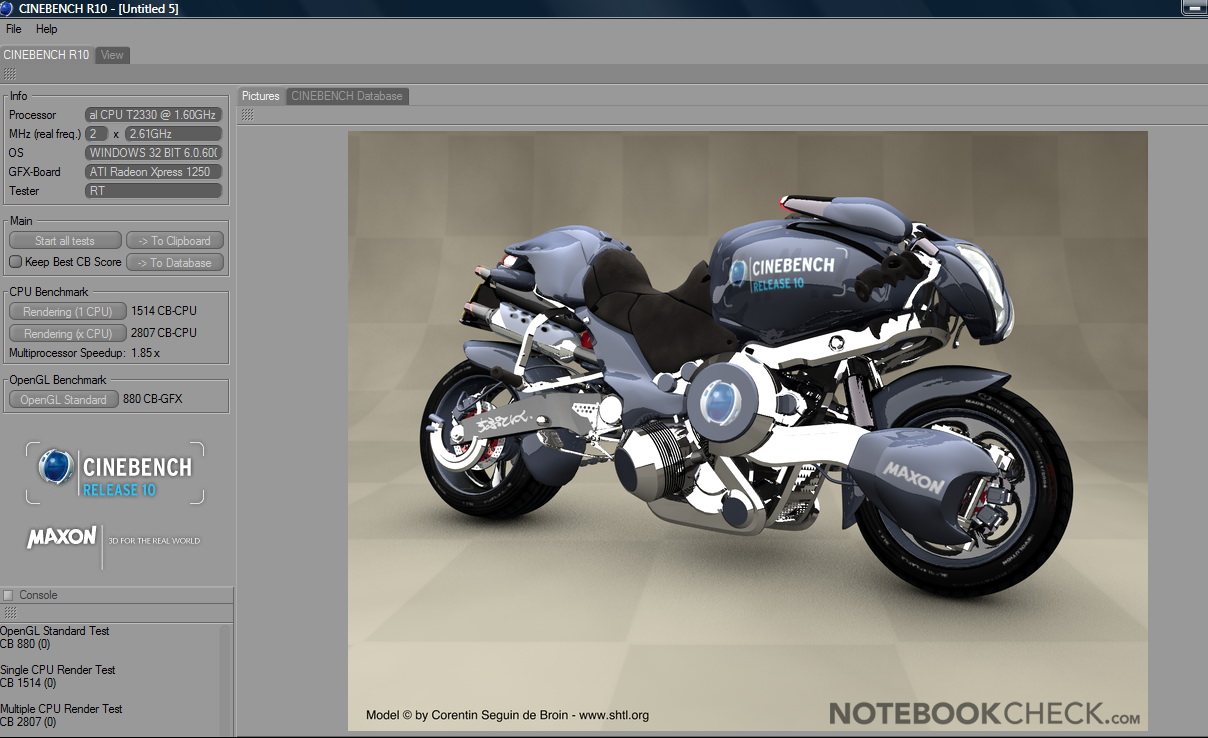
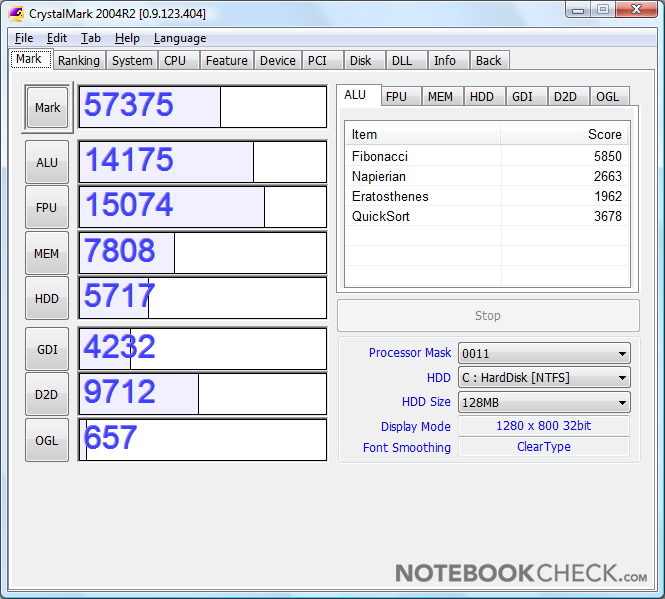
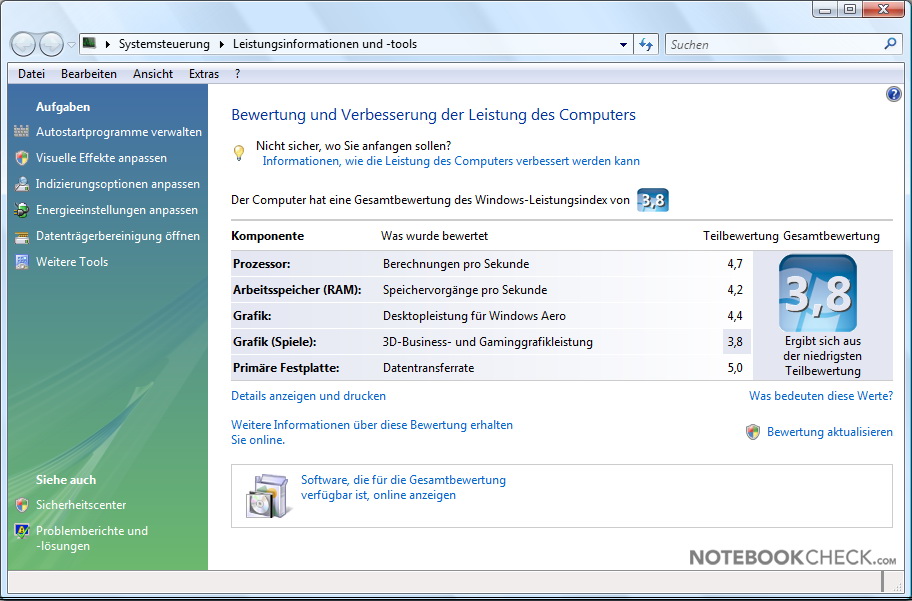
Benchmarks and GPU-Information about the Sony Vaio VGN-SZ61WN/C: GPU-Z, Cinebench R10, Crystalmark 2004, and Vista Performance Index
| Cinebench R10 | |||
| Settings | Value | ||
| Shading 32Bit | 880 Points | ||
| Rendering Multiple CPUs 32Bit | 2807 Points | ||
| Rendering Single 32Bit | 1514 Points | ||
| Crysis - CPU Benchmark | |||
| Resolution | Settings | Value | |
| 800x600 | Low, 0xAA, 0xAF | 14.3 fps | |
| Crysis - GPU Benchmark | |||
| Resolution | Settings | Value | |
| 800x600 | Low, 0xAA, 0xAF | 12.9 fps | |
| F.E.A.R. | |||
| Resolution | Settings | Value | |
| 1024x768 | GPU: max, CPU: max, 0xAA, 0xAF | 7 fps | |
| 800x600 | GPU medium, CPU medium, 0xAA, 0xAF | 23 fps | |
| 640x480 | GPU min, CPU min, 0xAA, 0xAF | 69 fps | |
| World in Conflict - Benchmark | |||
| Resolution | Settings | Value | |
| 800x600 | Medium, 0xAA, 0xAF | 6 fps | |
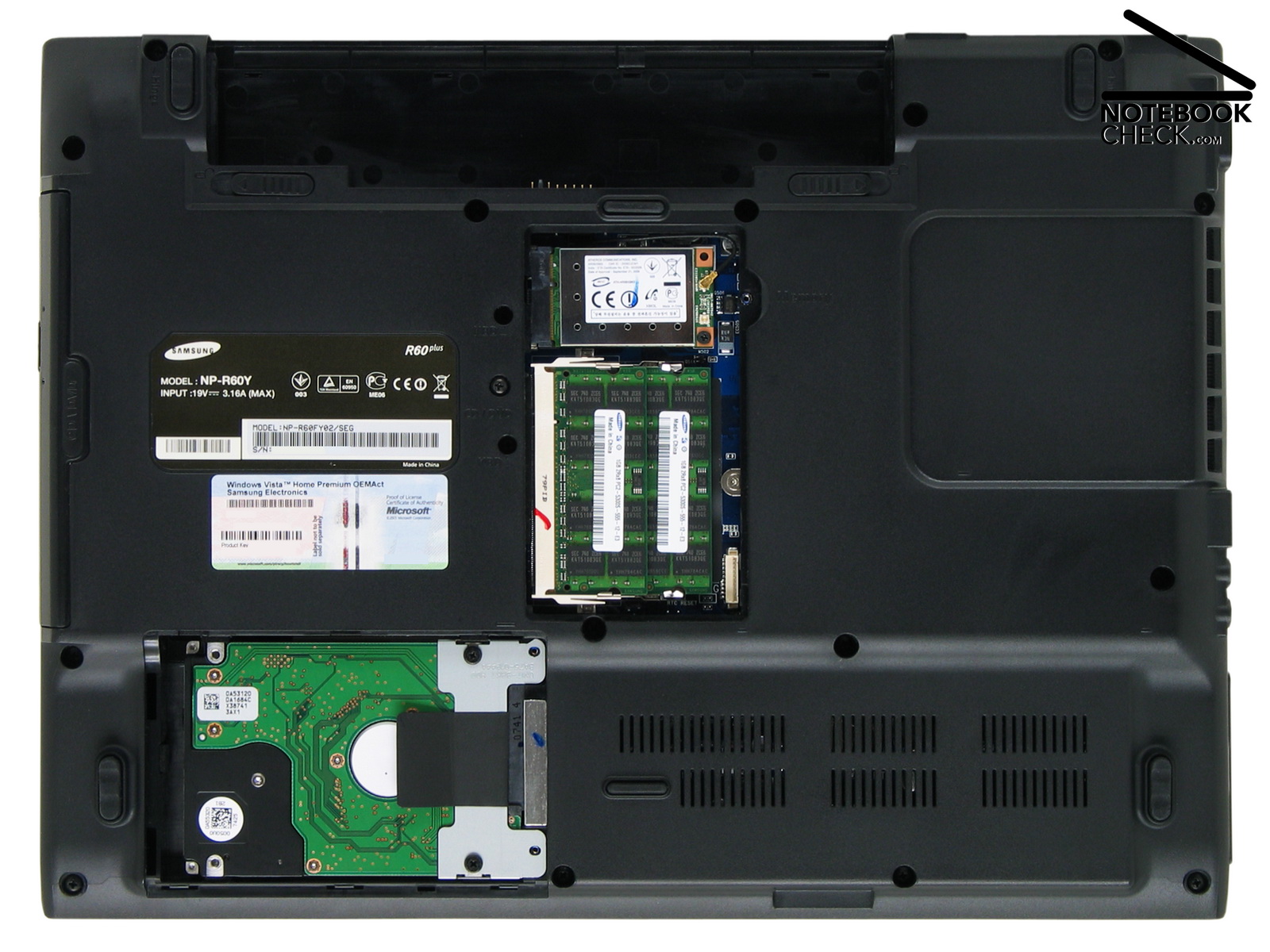
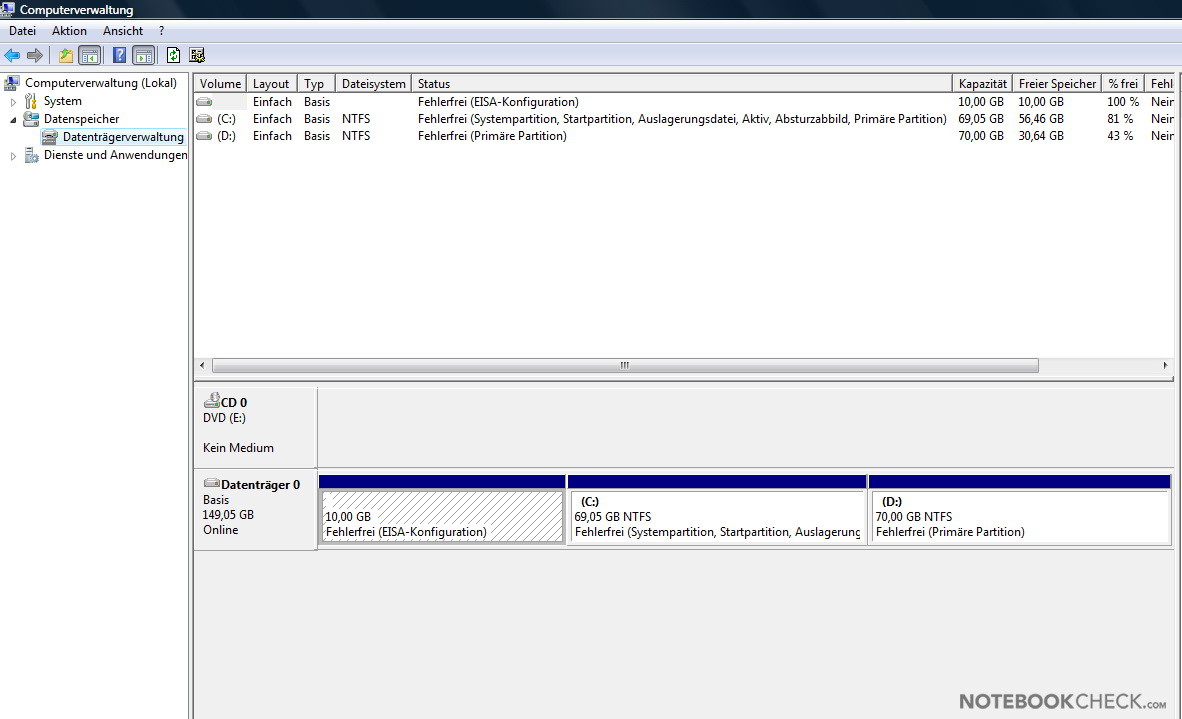
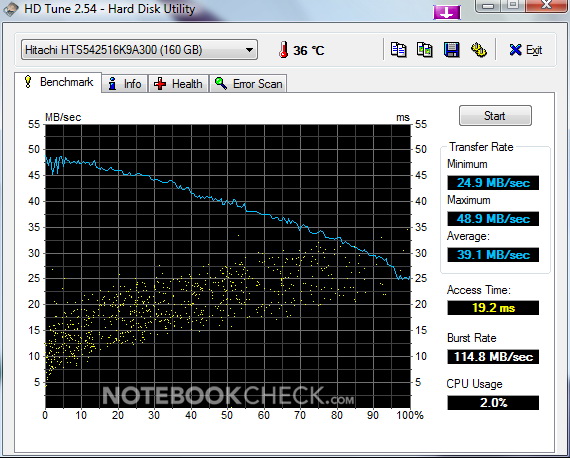
The Samsung R60-Aura is equipped with a Hitachi Travelstar 5K250, HTS542516K9A300, with a capacity of 160 GB. Having with serial ATA interface, 8 MB cache, and a revolutions speed of 5,400 rpm, its benchmark results under Windows Vista are good. HDTune calculated an average transfer rate of 39.1 MB/s. This is close to our 2.5 inch reference hard disk, a Seagate Momentus 7200.1 (ST910021AS) with 7,200 rpm and 40.9 MB/s.
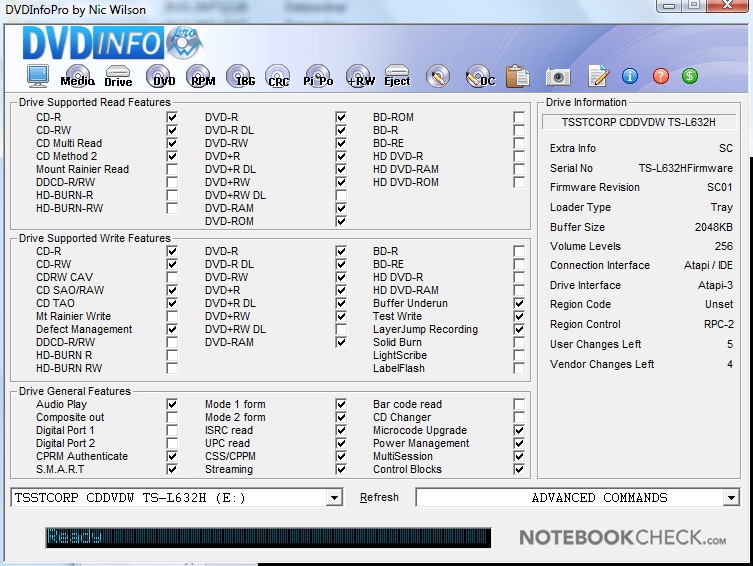
Of course the R60-Aura T2330 Deesan is also equipped with a DVD burner with x8 speed. The TS-L632H (TSSTcorp) supports all important up-to-date formats, among others also DVD-RAM, which is important for professional data backups. According to Samsung the TS-L632H is able to burn and read DVD-RAMs with up to x5 speed.
| 3DMark 2001SE Standard | 6309 points | |
| 3DMark 03 Standard | 2798 points | |
| 3DMark 05 Standard | 1333 points | |
| 3DMark 06 1280x800 Score | 526 points | |
Help | ||
| PCMark 05 Standard | 3619 points | |
Help | ||

| Windows Vista Experience Index | |||
| Settings | Value | ||
| CPU | 4.7 Points | ||
| RAM | 4.2 Points | ||
| GPU | 4.4 Points | ||
| GPU Games | 3.8 Points | ||
| HDD | 5 Points | ||
Emissions
Loudness
Under Windows Vista and with active power saving we measured a minimum noise level of very quiet 34.2 dB(A). So, the small fan works quietly and does not even annoy on very quiet evenings. We were very pleased to find that the noise level is even under full load only 36.6 dB(A). If listening carefully, you can sometimes hear a quiet clicking when the heads are positioned, otherwise also the hard disk is hardly audible. Its noise level ranges from 34.8 to 35.6 dB(A).
Quite the opposite the optical DVD drive TS-L632H is not really quiet. Even if we only watch DVD movies, the noise level is as high as 45.6 dB(A). So, the DVD drive is audible in usual office environments. After having a CD inserted, you can also hear a rasping noise (47.2 db(A)) for a short time. The absolute measured maximum are noisy 50.5 db(A) during access of the TS-L632H. To summarize, the TS-L632 is not really fit for use in a library or lecture room.
Noise Level
| Idle |
| 34.2 / 34.8 / 35.6 dB(A) |
| HDD |
| 34.8 dB(A) |
| DVD |
| 45.6 / 50.4 dB(A) |
| Load |
| 35.6 / 36.6 dB(A) |
 | ||
30 dB silent 40 dB(A) audible 50 dB(A) loud |
||
min:  , med: , med:  , max: , max:  (15 cm distance) (15 cm distance) | ||
Temperature
The temperature of the R60-Aura T2330 Deesan stays always alright. When we did our editorial work with the Deesan, we did hardly notice that it gets warmer. Only the left area of the keyboard got as warm as 35.7°C, which was the maximum we measured at the top side. However, the maximum of 42.1°C measured on the bottom side next to the vents was quite hot.
(+) The maximum temperature on the upper side is 35.7 °C / 96 F, compared to the average of 34.2 °C / 94 F, ranging from 21.2 to 62.5 °C for the class Office.
(±) The bottom heats up to a maximum of 42.1 °C / 108 F, compared to the average of 36.7 °C / 98 F
(+) The palmrests and touchpad are cooler than skin temperature with a maximum of 29.4 °C / 84.9 F and are therefore cool to the touch.
(±) The average temperature of the palmrest area of similar devices was 27.7 °C / 81.9 F (-1.7 °C / -3 F).
Speakers
Considering the Samsung R60-Aura T2330 Deesan is an office notebook the maximum volume of its speakers is quite passable. However, alike other comparable office notebooks, the quality of the sound was not convincing. Furthermore, the plastic cover of the reviewed notebook started to vibrate when we turned the speakers up. In order to enjoy music, we recommend using headphones.
Battery Runtime
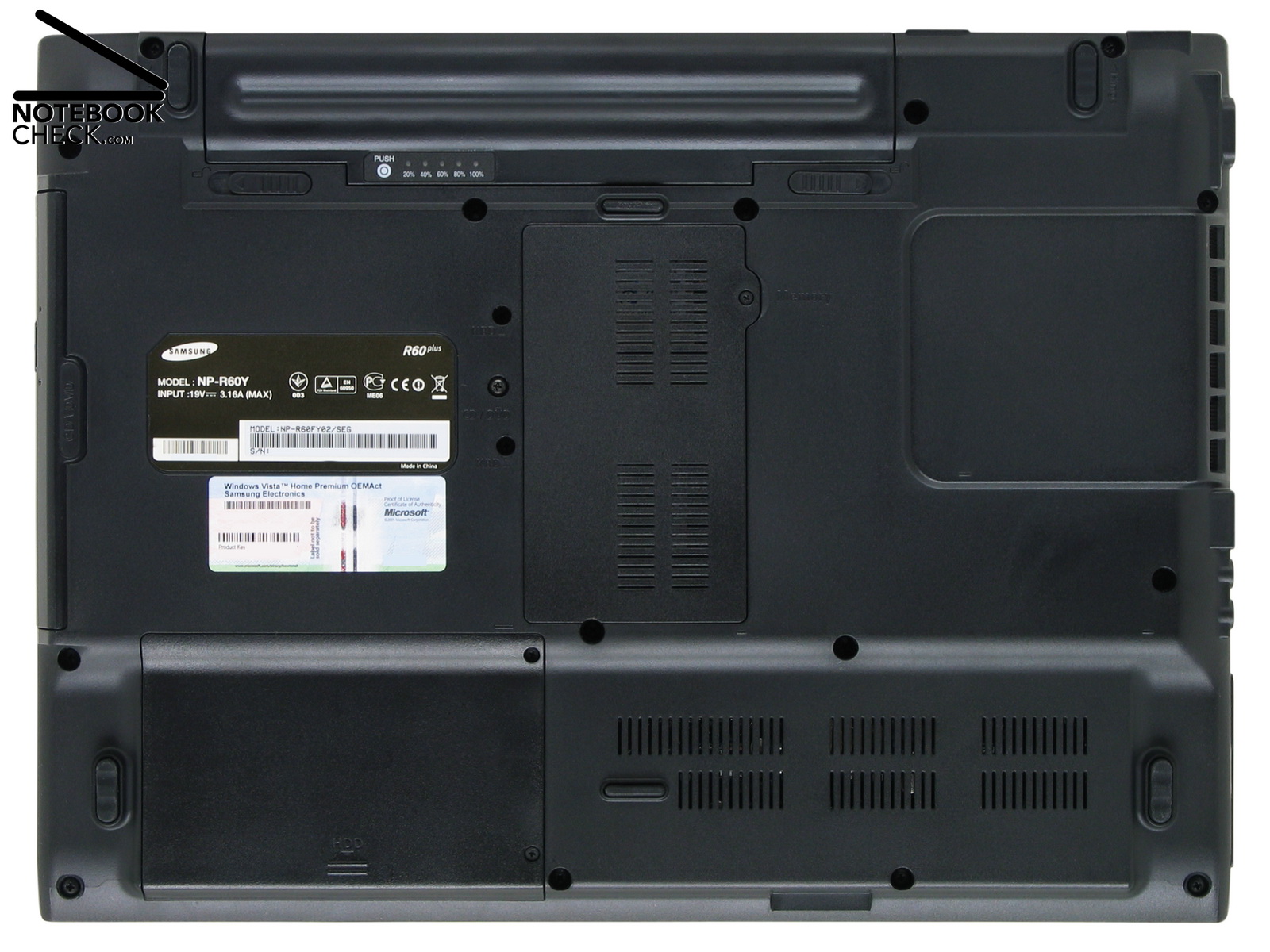
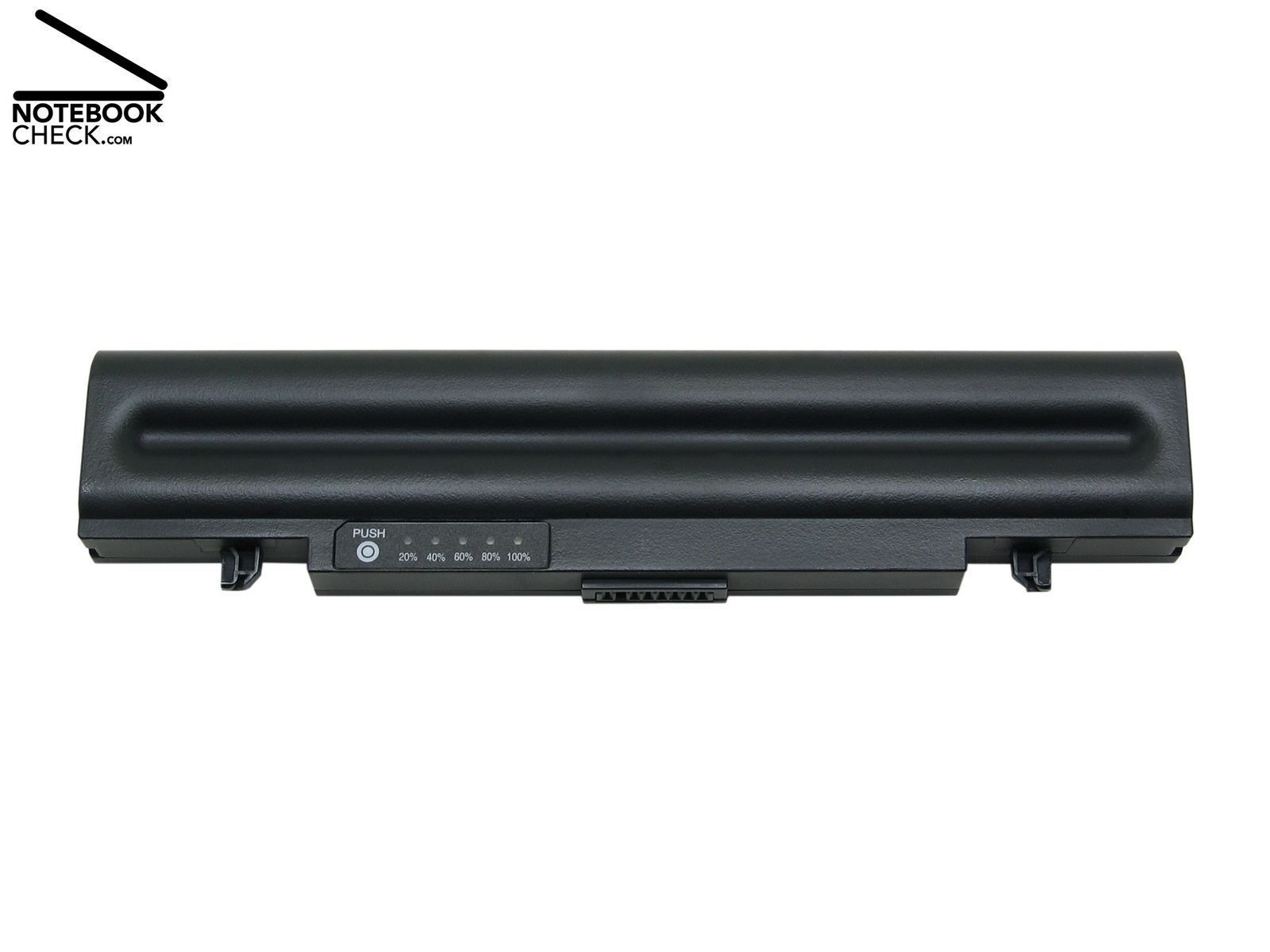
A small 6 cells 44.4 Wh battery provides the Samsung R60-Aura T2330 Deesan with mobile energy. Depending on the demanded performance and brightness of the display it is already emptied after hardly three hours and has to be recharged by plugging it to a power point. When doing editorial work, and with active wireless LAN and brightest display setting, the runtime was only about two hours.
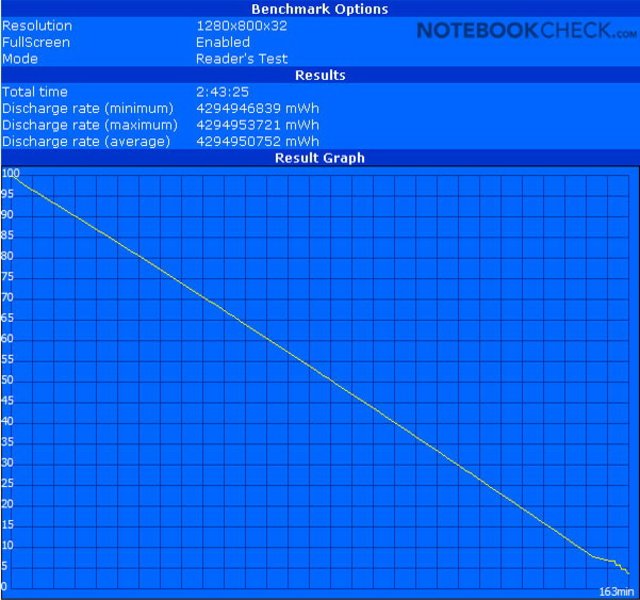
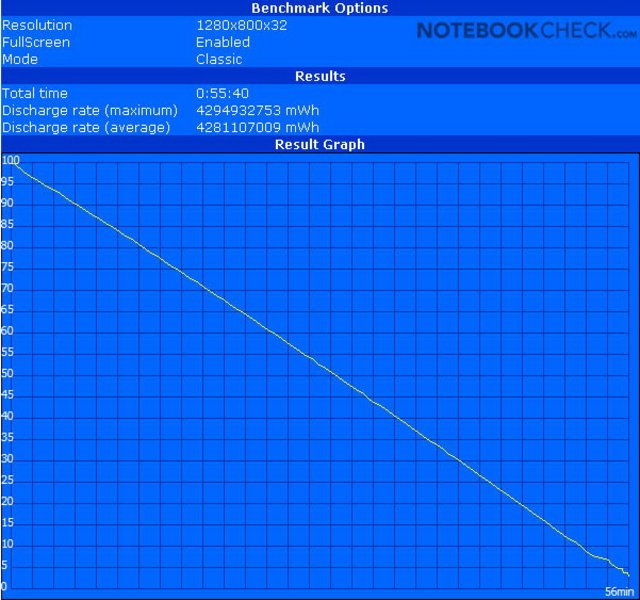
No standard for this notebook class: The battery of the R60-Aura has an indicator display, which is even easily legible if attached. Furthermore, recharging only needs a short time. It took hardly two hours to recharge the battery of the reviewed notebook. According to Samsung the R60-Aura is also available with a 9-cells-battery with 86.58 Wh. It should be possible to about double the runtime with this battery. However, if you travel with both batteries, the weight of the entire notebook including batteries is nearly 3.5kg.
| Off / Standby | 0 / 0 Watt |
| Idle | 16.1 / 23.1 / 27 Watt |
| Load |
36.8 / 60.5 Watt |
   
| |
Verdict
If you buy the Samsung R60-Aura T2330 Deesan you can hardly make any wrong choice. It is a simple notebook for starters with robust equipment and good workmanship, a sufficiently bright display and an attractive price performance ratio. So, it's definitely fit for replacing an old desktop PC. Besides a heavily reflecting display, it has hardly any weaknesses. Due to a low noise level and an overall good performance the R60-Aura is good office notebook.
The available mass storage capacity is easily sufficient for office data. Furthermore, it comes with a modern DVD burner, which support DVD-RAM for creating long-term archives on optical media. System recovery has been made easy too, because everything necessary is provided. Besides recovery CDs, the user can also use the very fast 'Recovery Solution II' which recovers the system by using a HDD image. So, the notebook is fit within minutes after a crash.
If you do not mind a reflecting display and a moderate interface equipment, the Samsung R60-Aura T2330 Deesan is a robust and limited mobile notebook fit for daily office demands.
Many thanks to the company Notebook-Shop, which kindly provided us with the reviewed notebook. Here you can configure and also buy this notebook.