Review Fujitsu Siemens Amilo Xi 1554 Gamer's Notebook
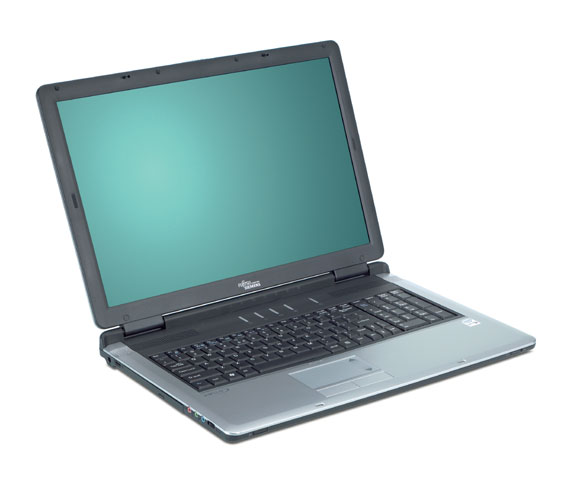
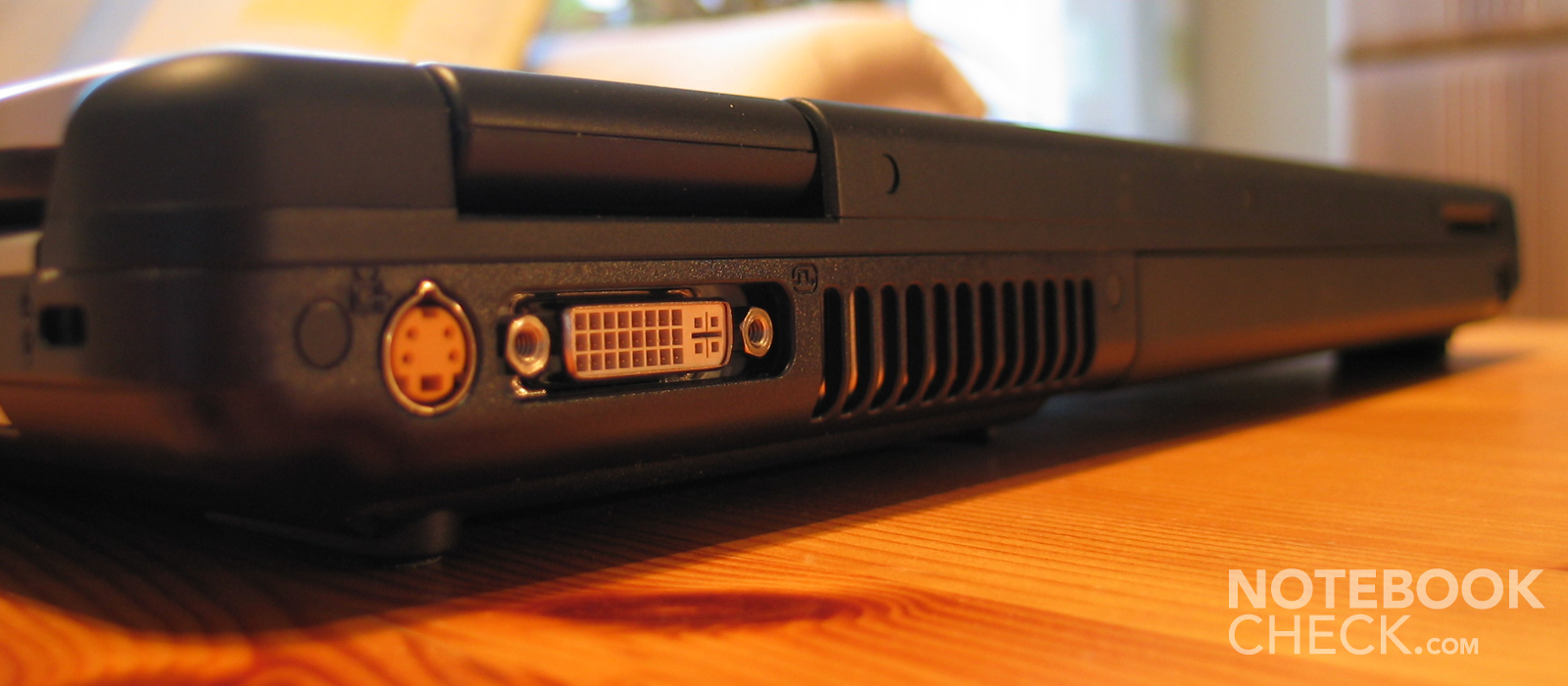
Amilo Xi 1554 is very powerful and capable of replacing a desktop. The high-resolution display and the DVI-I out with HDCP support also make it HD-ready.

Case
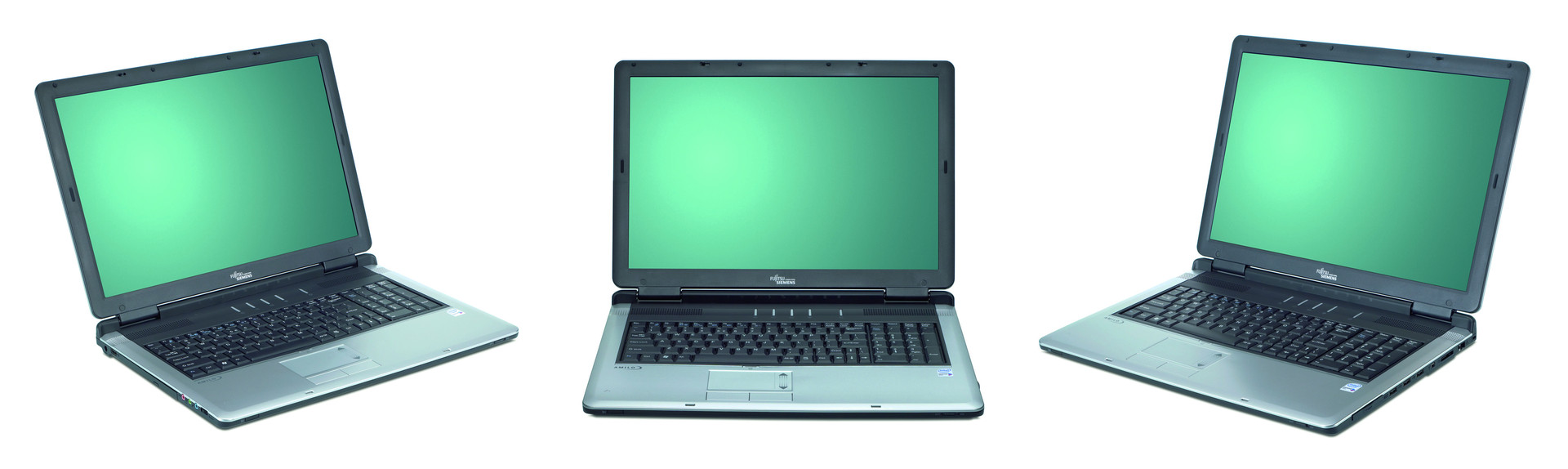
The Fujitsu Siemens Amilo Xi 1554's design is rather decent. Despite it weights 4 kg and, so, is rather heavy, its design lets it appear rather slim and light.
The bottom side is robust, it hardly yields by applying force. This is quite different for the display cover. It is out of a thin plastic, which can be easily pushed in. So, even the display panel is at risk. However, this aspect is not so important, if you use it primarily at your desk - which anyway is the meant main field of operation of a desktop replacement notebook.
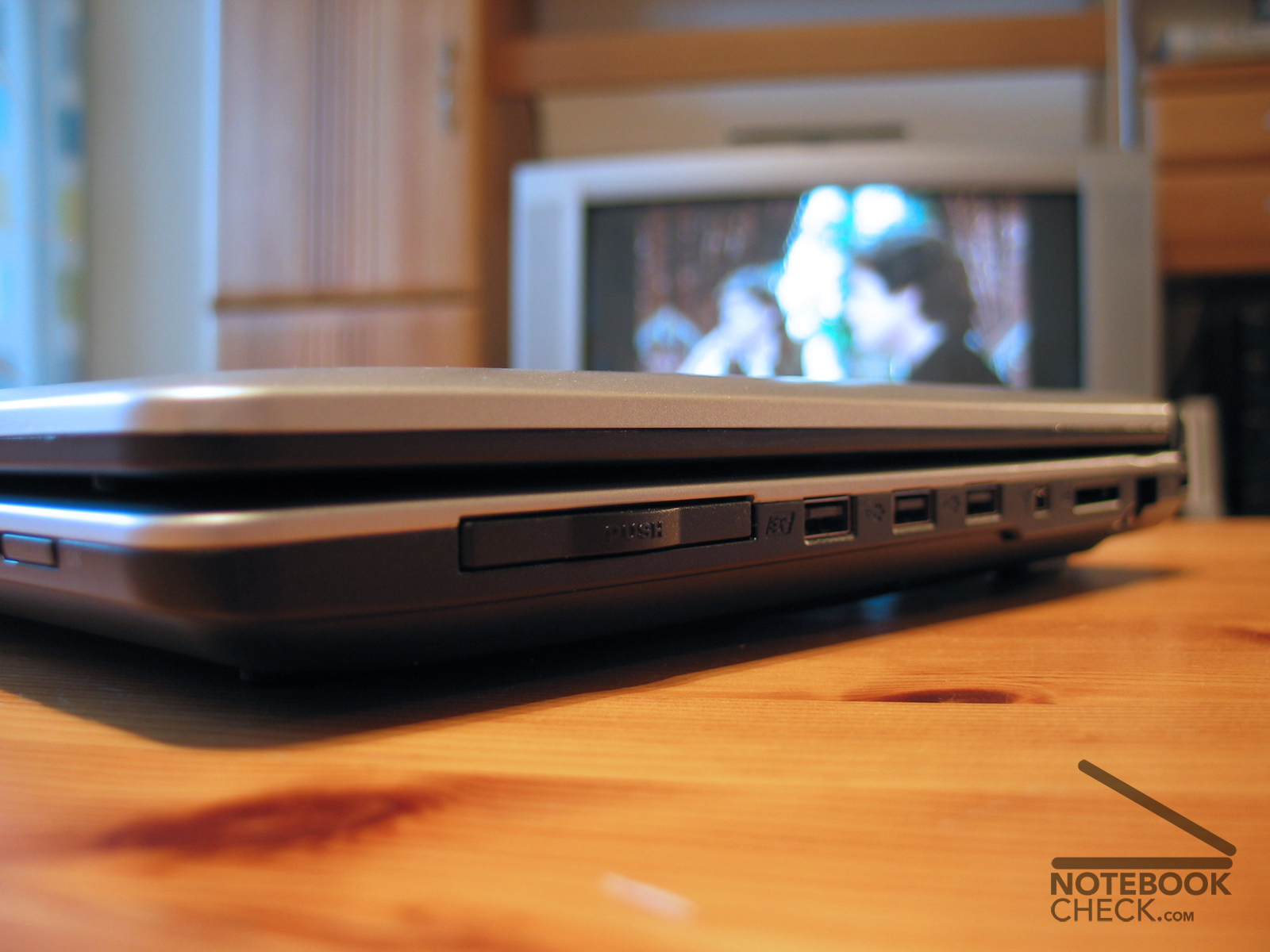
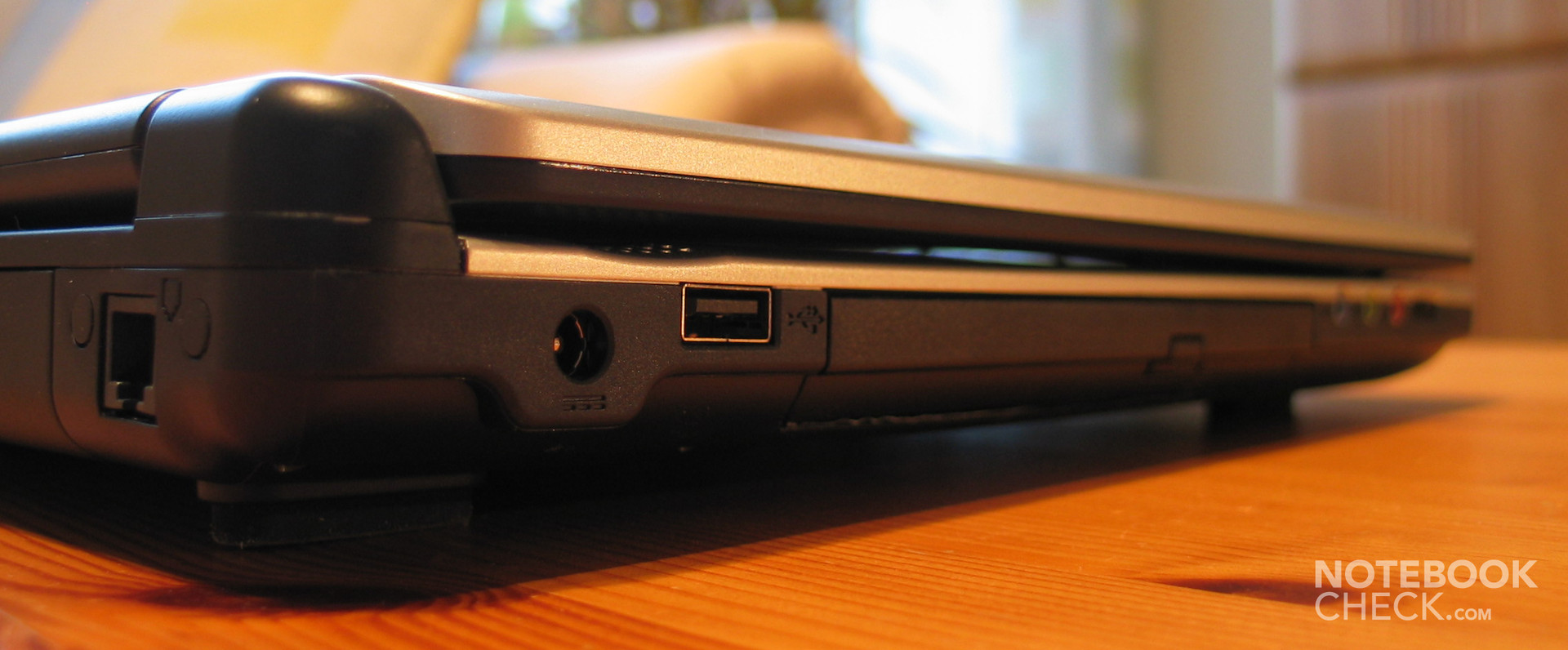
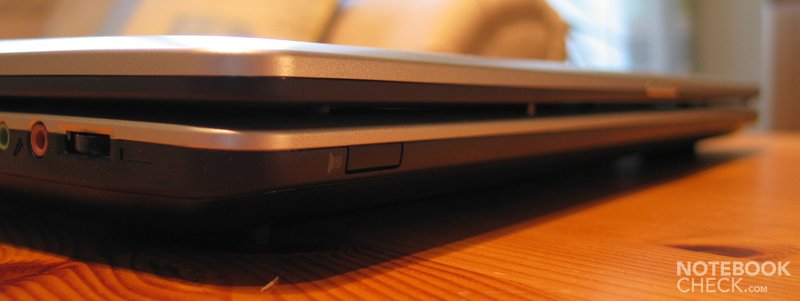
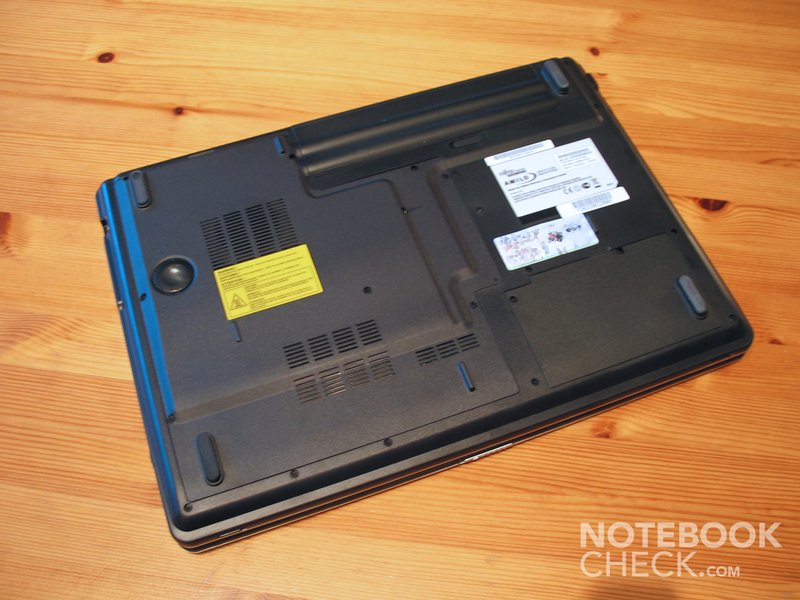
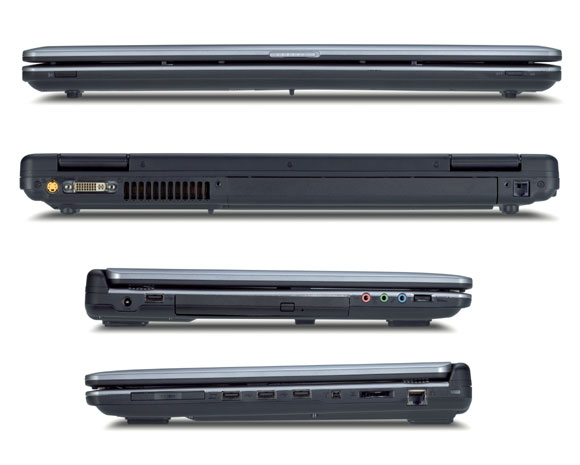
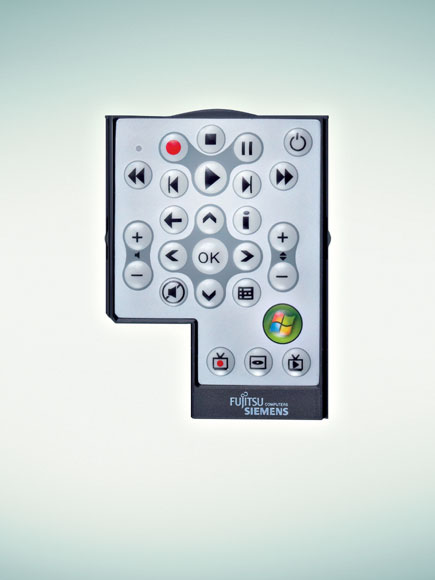
The equipment of the notebook is by all means complete. It's noteworthy, that it is possible to employ two hard disks in combination in a RAID 0/1 bundle (this is already the standard of some of the available models). We also liked the provided remote control (by USB infrared stick, although a cover for an infrared receiver is provided at the notebooks front side).
Input Devices
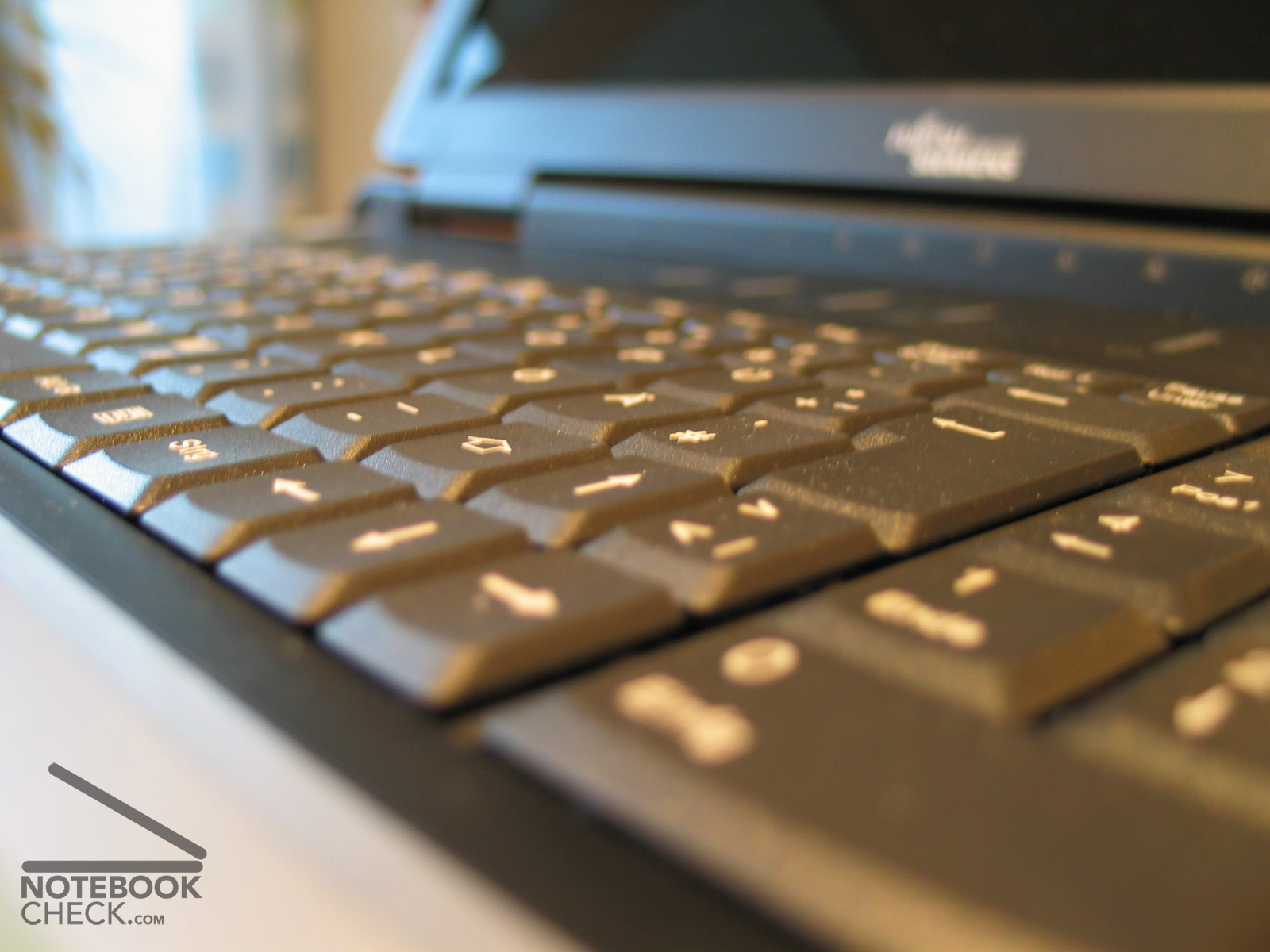
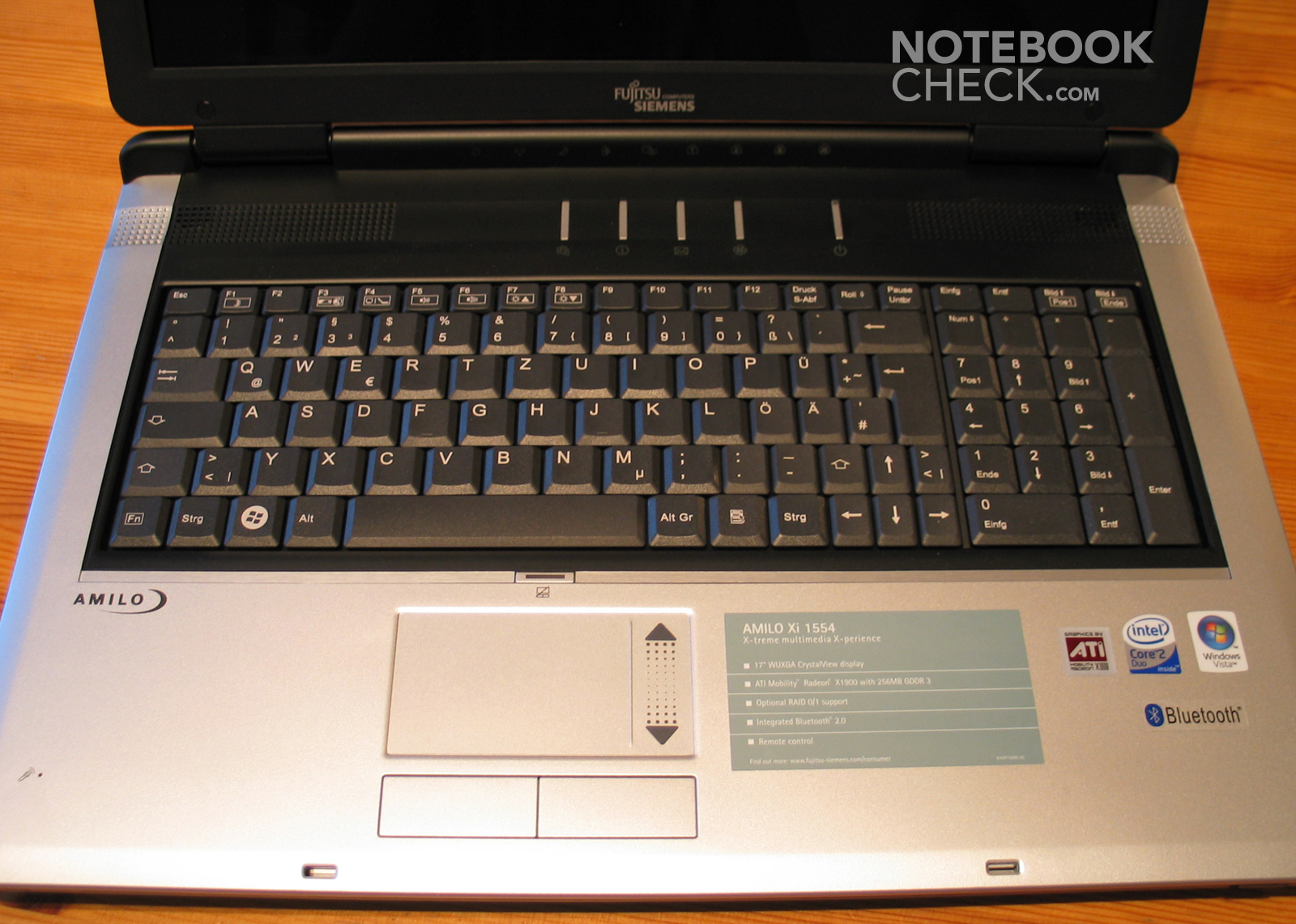
Fujitsu Siemens utilizes the whole width of the multimedia notebook and provides an additional numeric pad (with keys of standard size) for quick number entry. Unfortunately, this narrowed the available space for the rest of the keyboard and, so, the size of some of the keys had to shrink. The user might easily become despaired, especially, by the really too small right shift key, minus, and colon key. Also the cursor keys are very small, which could be uncomfortable for gamers.
A strength is that the keyboard is tightly attached to the case and does not clatter at all. Hitting single keys feels soft, short, and slightly wobbling. I don't feel that this is ideal, however, this is a matter of taste and others might judge differently.
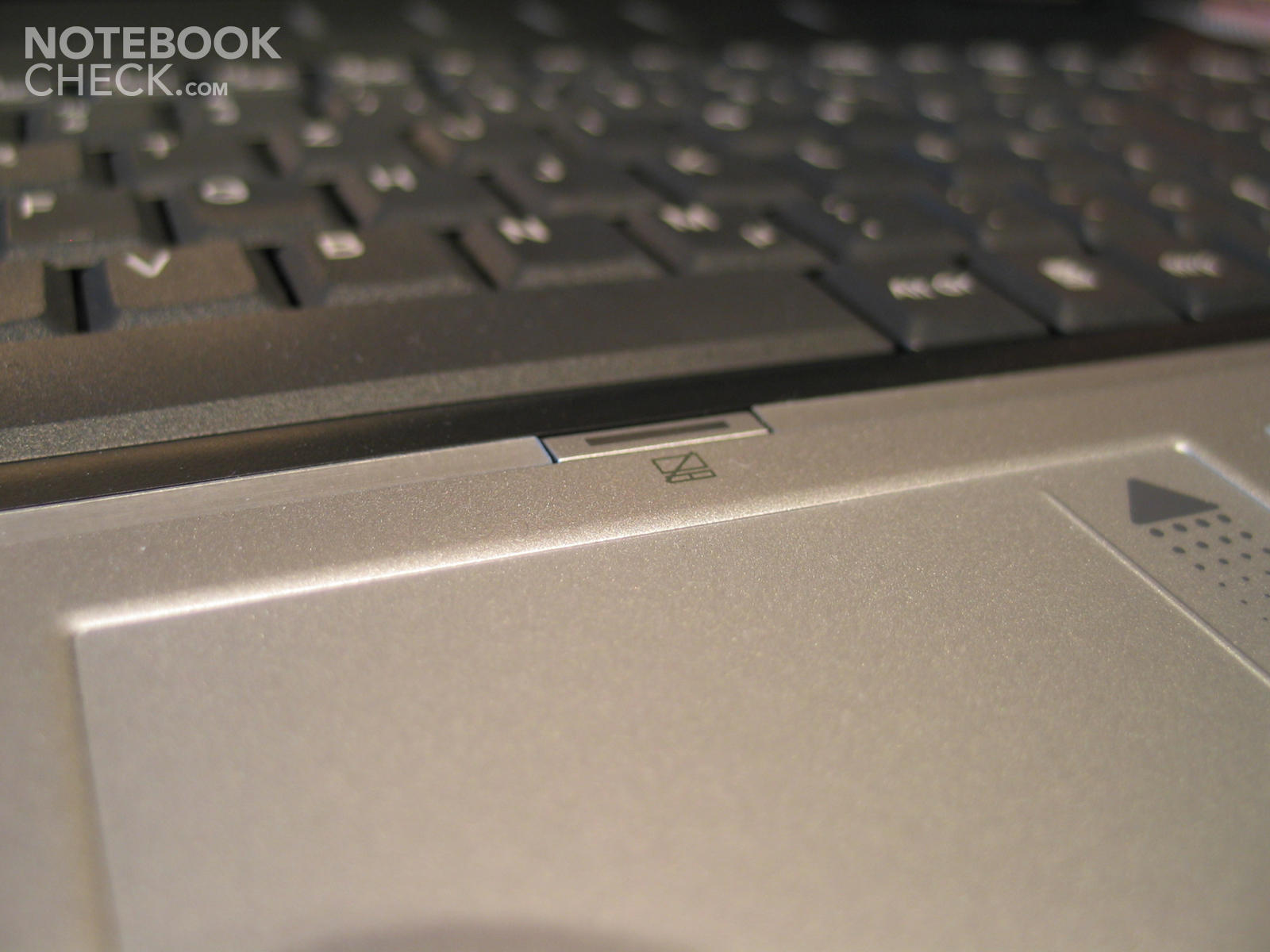
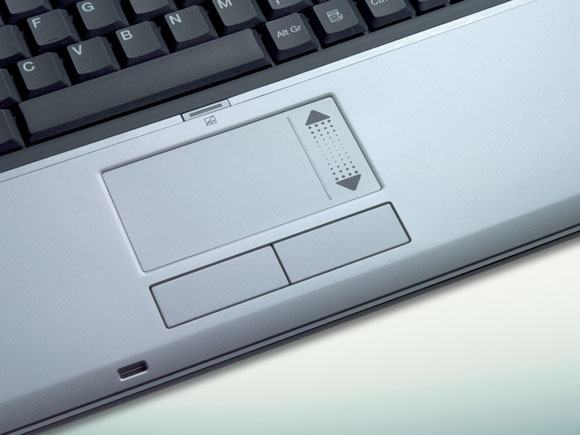
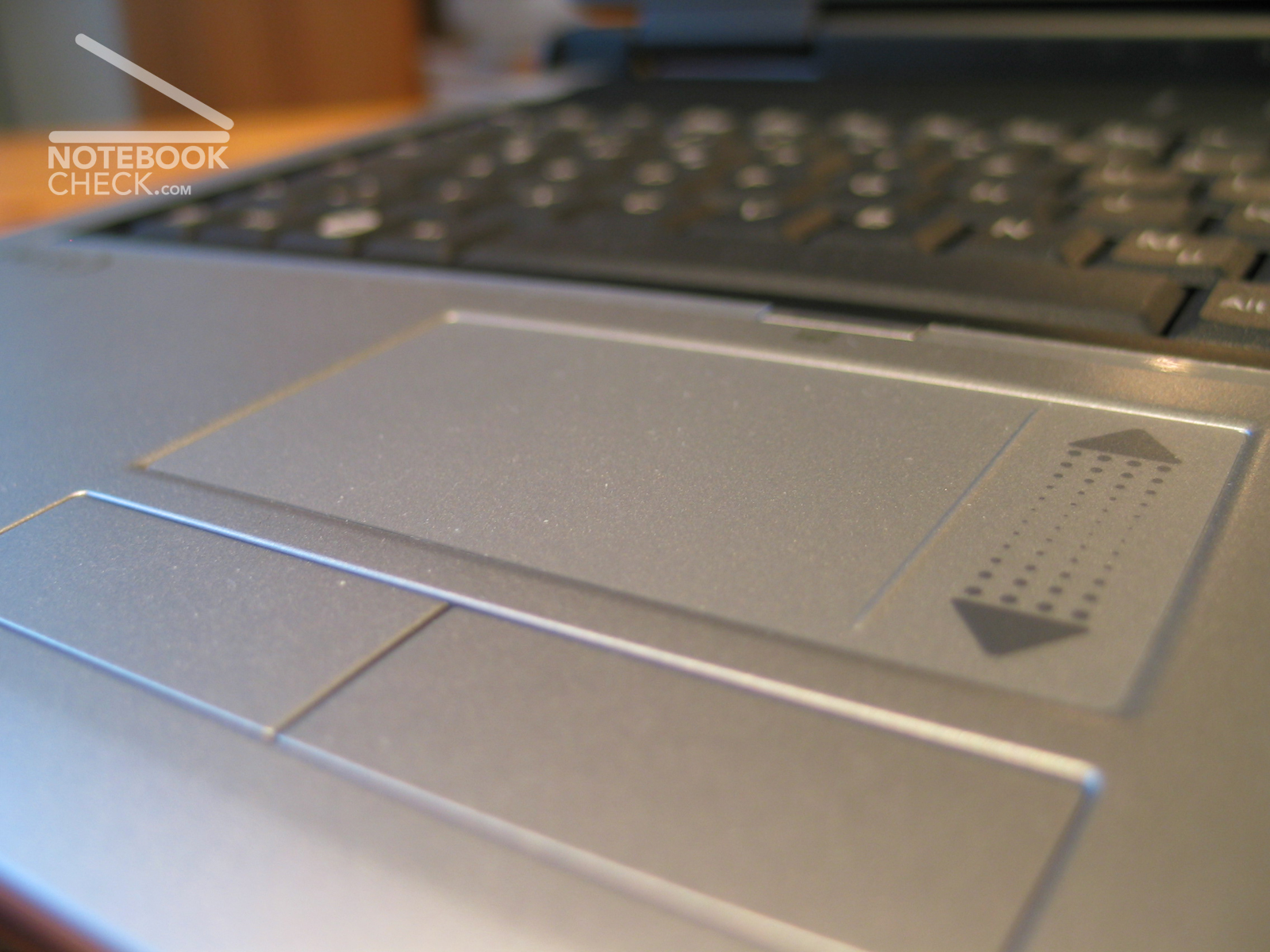
The big, precise touch pad in front of the keyboard provides two user-friendly buttons, and a separated scroll region. In total it gave a good impression and seemed to be comfortable in use.
Display
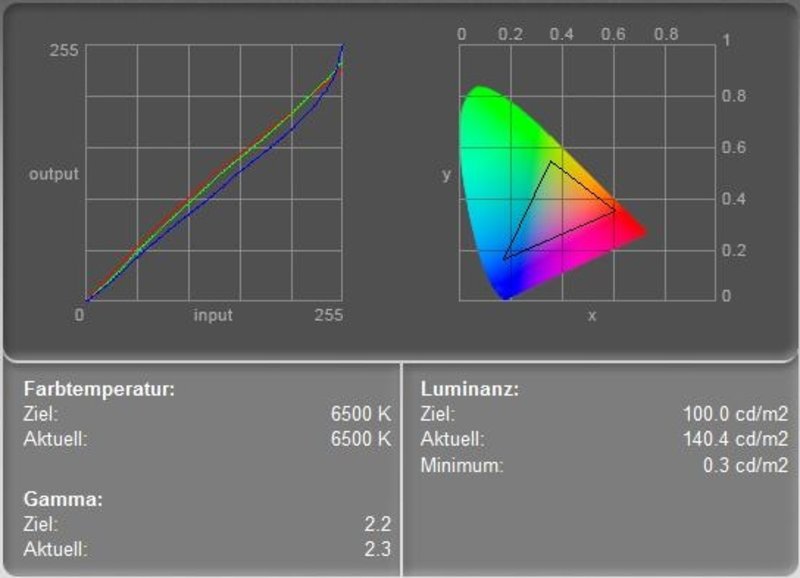
The reflecting 17 inch display in 16:10 format with a HD capable wide-screen resolution of 1920x1200 pixels scored only average regarding brightness. (roughly 130 cd/m²). So, and because of the reflections, it is hardly possible to use it outdoors. However, this is not the main field of operation of a desktop replacement notebook. Still, the FSC Amilo Xi-1554's very good minimum brightness of 0.3 cd/m² leads to a good calculated contrast ratio of 467:1. However, the main weakness is the poor illumination of only 63 % (min 102 and max 162 cd/m²).
The color diagram depicts for the first time an a priori neutral color display. After calibration the panel was only less brightened - very good.
Considering it is a notebook, the panel is rather stable to the vantage point.
Attention: The 17'' inch display's finest resolution of 1920x1200 (133 DpI) could be too fine for some users (However, under Microsoft Vista and XP you can adapt the font size, but, still not perfectly).
| |||||||||||||||||||||||||
Brightness Distribution: 63 %
Contrast: 1:1 (Black: 145.8 cd/m²)
Performance
A desktop replacement notebook should be capable of replacing a desktop. So, high performance is demanded. The equipment with a fast Intel Core 2 Duo processor and a ATI Mobility Radeon X1900 should provide this.
As expected, the performance of the processor is excellent and provides a good office performance. This is also supported by an above-average fast hard disk.
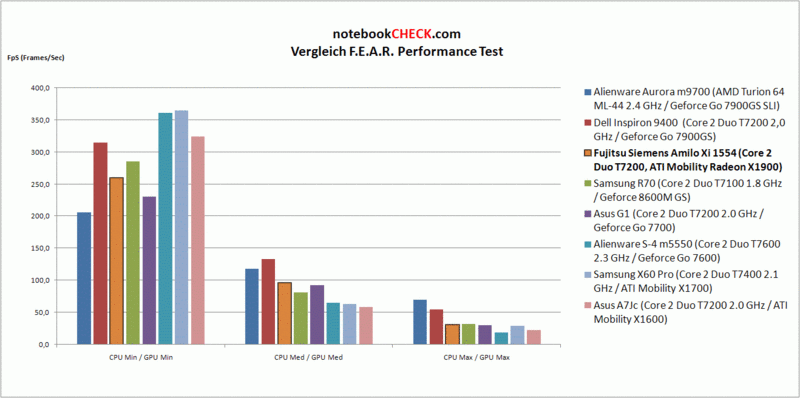
We were especially anxious to the ATI Mobility Radeon X1900, because this graphic adapter was launched late (although news of its appearance were already spread in summer 2006 by grapevine). With 36 pixel pipelines and 8 vertex pipelines it is assumed to provide excellent performance. In the synthetic benchmark 3D Mark 2006 it scored between a NVIDIA GeForce Go 7600 GT and a 7900 GS. In the integrated benchmark with the action shooters F.E.A.R. the X1900 also scored between these two NVIDIA cards, however, its performance was closer to the GT. Despite of these results ATI Mobility Radeon X1900's good game performance is proved. All current games should run smoothly (possibly without anti-aliasing).
| 3DMark 06 Standard Score | 3185 points | |
Help | ||

Emissions
Loudness
A side-effect of good performance are usually bigger emissions. The Amilo Xi 1554's relatively loud fan reaches a noise level of 45.8 dB and also runs time and again in idle mode in order to emit the waste heat. Here, the X1900 video card takes its toll. Without running fan the notebook is rather quiet. Under full load the fan runs all the time, however, the emitted noise is pleasant, but loud.
Noise level
| Idle |
| 32.4 / 41.3 / 41.3 dB(A) |
| HDD |
| 37.9 dB(A) |
| DVD |
| 36.5 / dB(A) |
| Load |
| 0 / 41.3 dB(A) |
 | ||
30 dB silent 40 dB(A) audible 50 dB(A) loud |
||
min:  , med: , med:  , max: , max:  (15 cm distance) (15 cm distance) | ||
Temperature
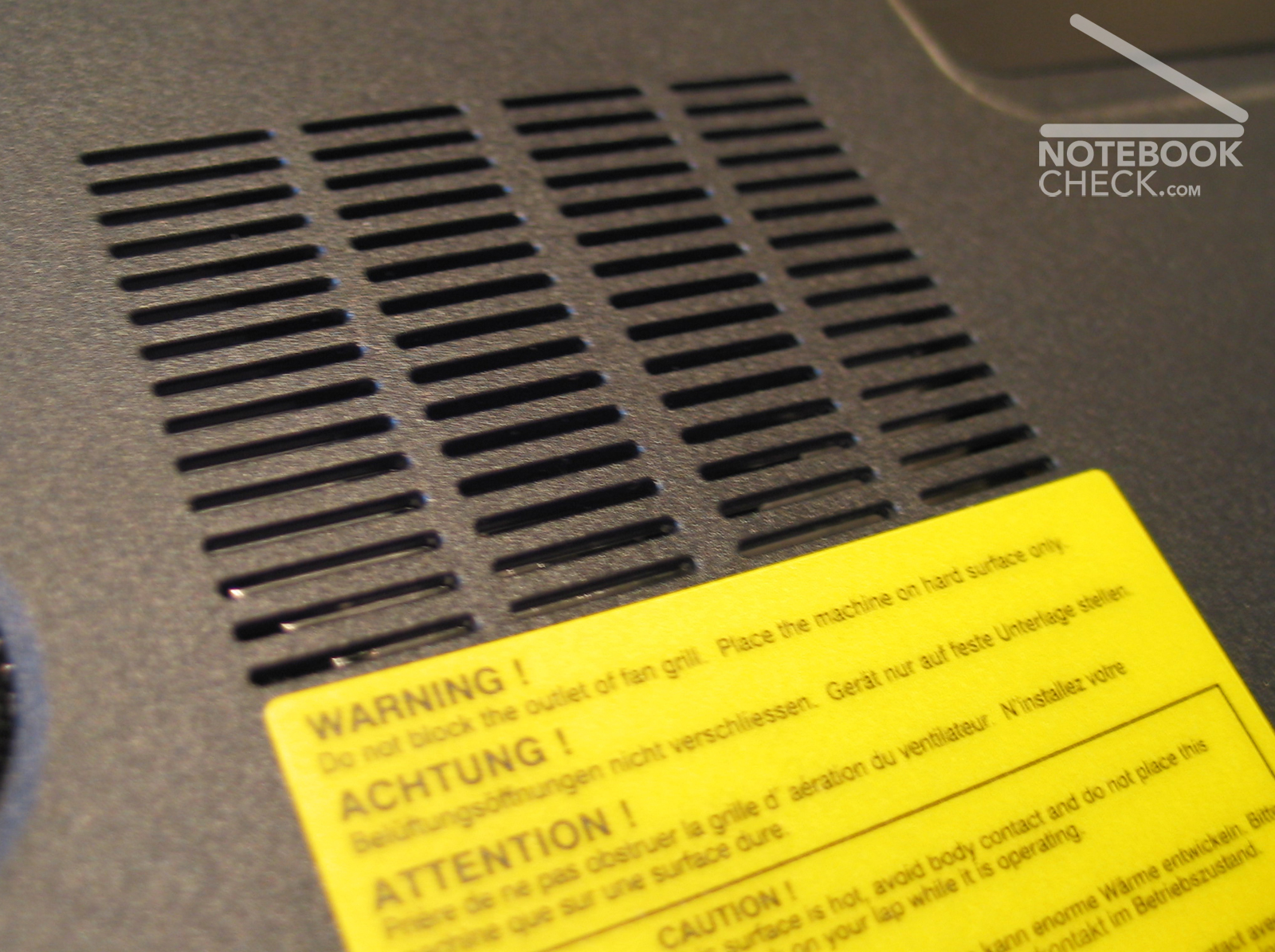
Although surface temperature does not belong to the strengths of the FSC Amilo Xi 1554, a maximum of 40°C at the top side is yet acceptable. However, up to 52°C at the bottom side are clearly too hot. Besides its big weight also its temperature emissions exclude the FSC Amilo Xi 1554 from a longer use at the lap.
Upper side
palmwrist: 40°C max: 42°C avg: 37.3°C hotspot: Center of the keyboard
Bottom side
max: 52°C avg: 39,3°C hotspot: Center of the front
environment: 22
Speakers
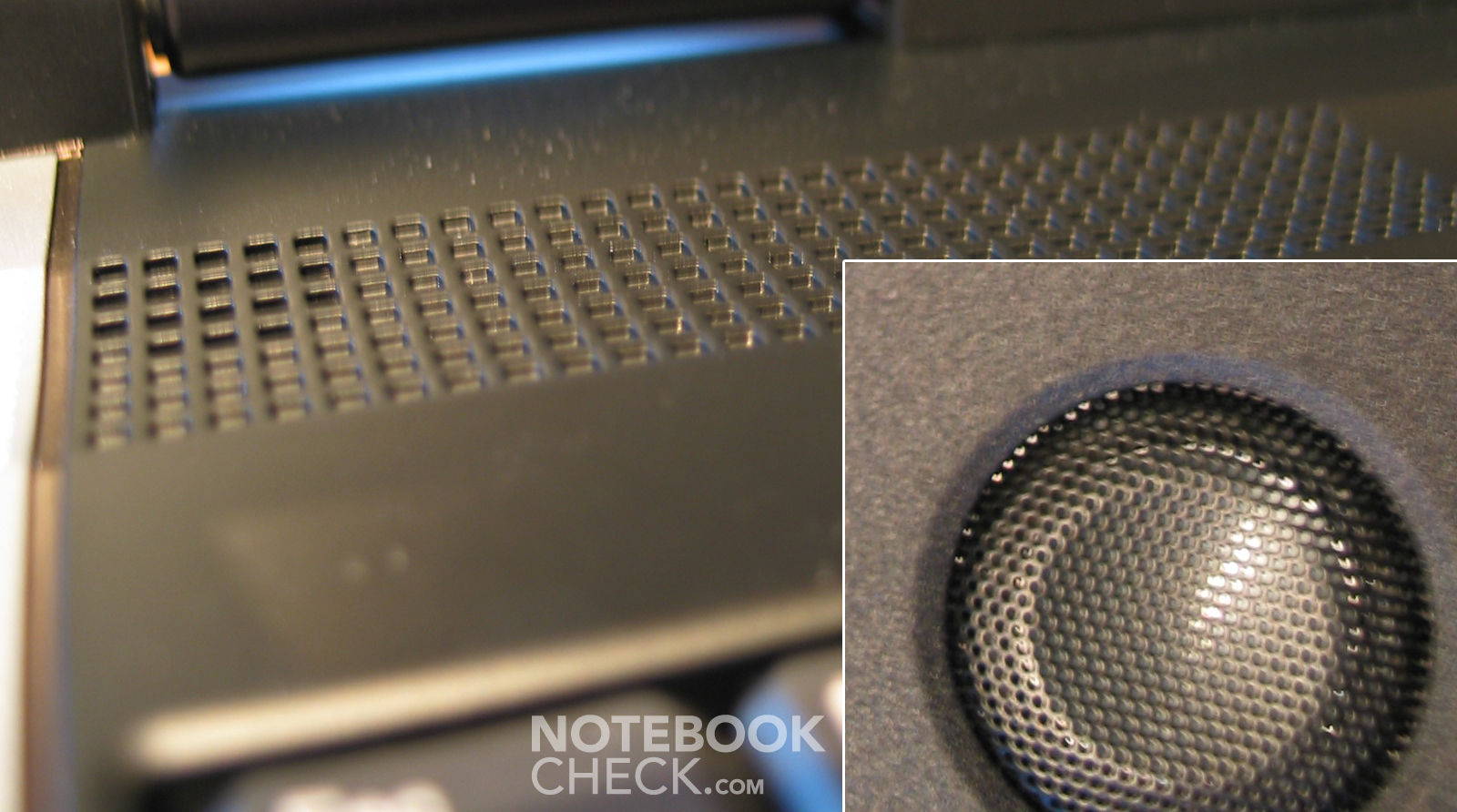
The speakers are placed left and right above the keyboard and a sub-woofer at the bottom side. Together their sound is rather good.
Battery Runtime
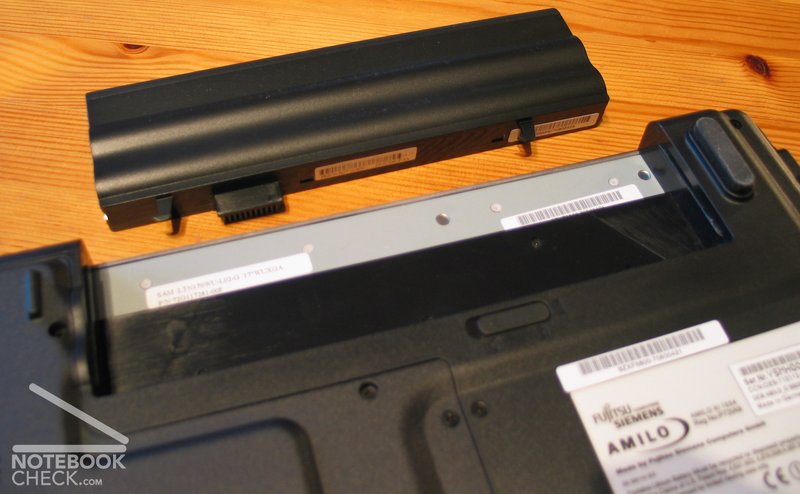
The good performance also takes its toll regarding battery runtime. Even Fujitsu Siemens Computers only specifies a maximum of 120 minutes. We measured 70 minutes during copying files per WLAN. The low battery runtime likely excludes this notebook from intensive mobile use.
Miscellaneous
Noteworthy, that this notebook with pre-installed Windows Vista also came with Nero 7. This combination caused error messages of the Explorer again and again and after making Internet inquiries it seemed that Nero 7 is not really fit for Vista.
A further interesting detail - the provided remote control (which can disappear from sight in the Expresss Card slot) communicates with an USB infrared receiver, although the notebook comes with an infrared cover at its front side.
Verdict
The Fujitsu Siemens Amilo Xi 1554 is a typical desktop replacement notebook. Its weaknesses, like high temperature emissions at the bottom side, short battery runtime, and big weight are, therefore, not that important. The strengths of this Amilo notebook are good performance, a comprehensive equipment, a robust case (besides the display cover), and a high resolution display. In total the Amilo Xi 1554 can be recommended for use at a fixed place.
Many thanks to Thomas Ecker who provided us with the reviewed notebook.
 Add as a preferred source on Google