Review Fujitsu Siemens Amilo Xi2428
Strong multimedia all rounder.
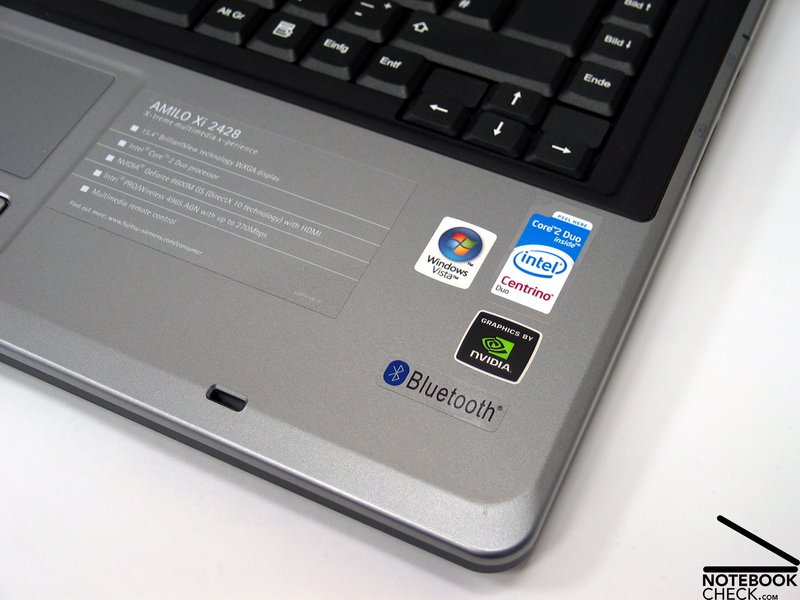
Fujitsu Siemens Computers offers with the Amilo Xi2428 a compact all rounder, equipped with powerful hardware. The rather attractive price gets you an excellent T7700 processor with 2.4 GHz, a nVIDIA Geforce 8600M GS graphic card and a fast 250 gigabyte hard disc plus useful extras like Bluetooth, webcam and HDMI respectively eSATA connection.
Case
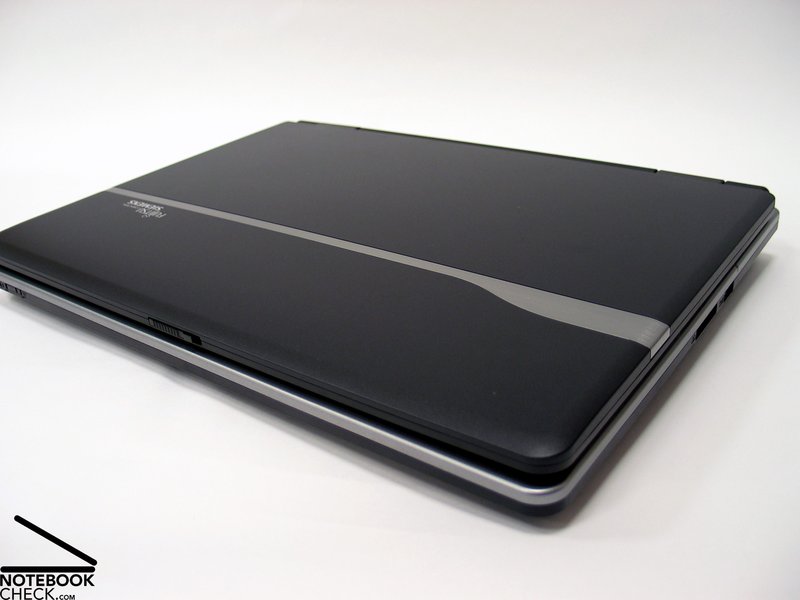
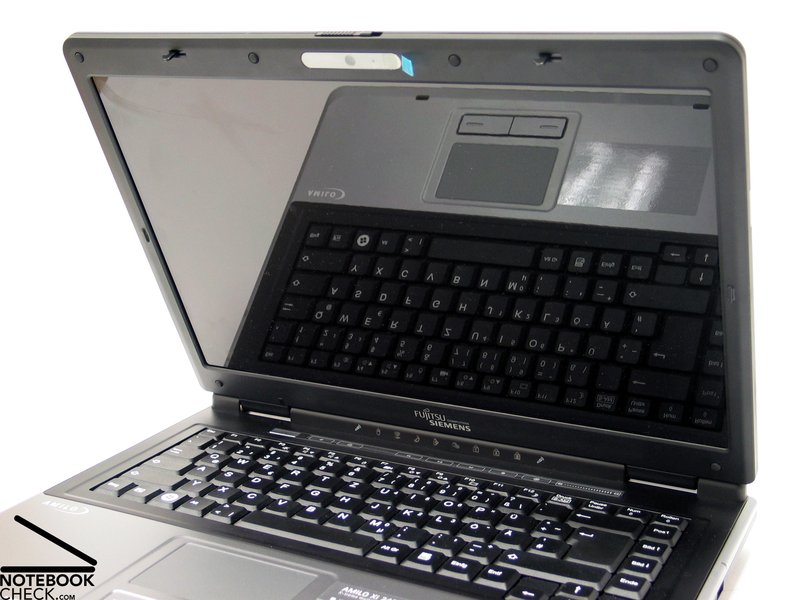
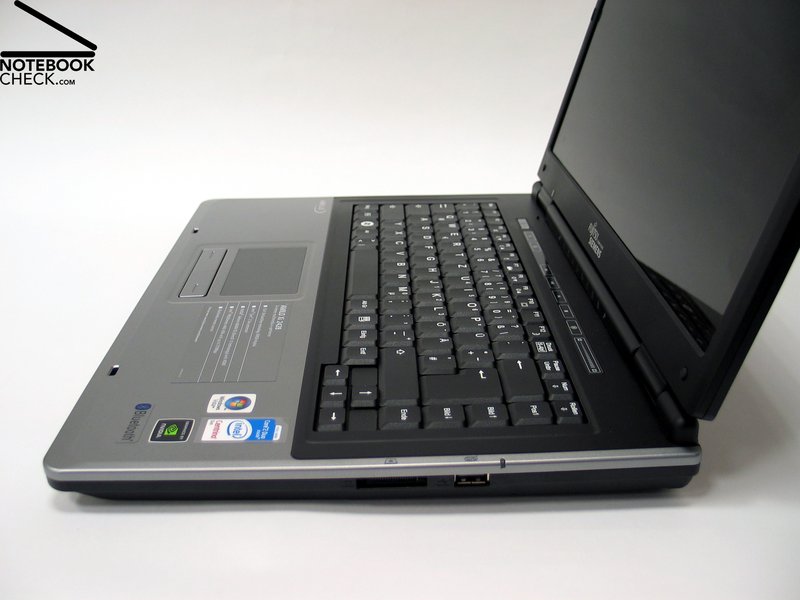
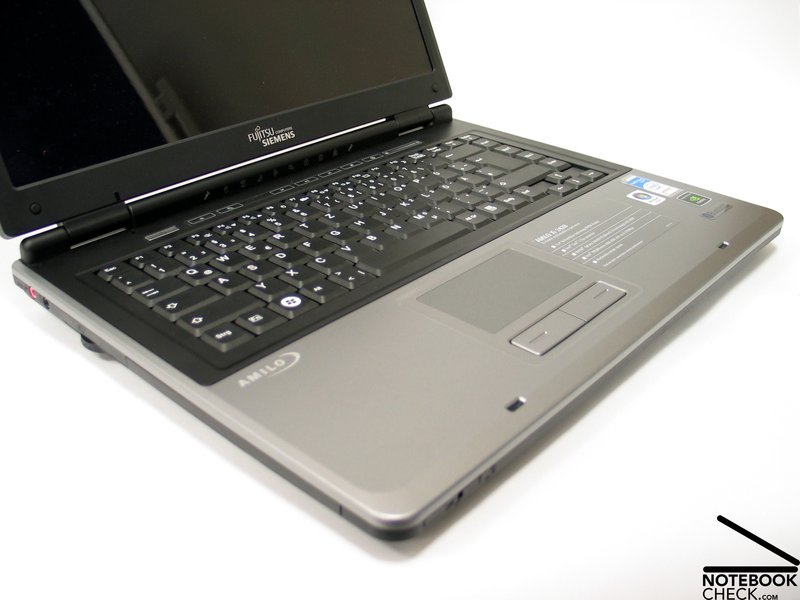
The FSC Amilo Xi2428 presents itself almost in business style, with its simple shaped, black and gray surface parts - This is completely atypical in comparison with todays dominating shiny surfaces, outstanding material components and blinking LED illumination. However, the Amilo is a good choice for those who like it a bit more subtle.
The Xi2428 also convinces regarding the feel of its surface. The display lid with an elegant line shows an almost silky surface. The rest of the notebook leaves a high quality impression during usage as well. The notebooks slim shape adds positively to its appearance.
The stability of the case scores well. The top side of the base unit is rather pressure resistant, though it cannot prevent some light deformations, especially around the DVD drive. The twisting stiffness of the case is good. The display on the other hand is a bit pressure sensitive and has only modest twisting stiffness.
While adjusting the display lid, the display hinges in typical Amilo design, wobble slightly. Also the plastic cover wasn't tight on the case and could be moved a bit. The display lid lies neatly on the base unit while closed. A double hook closing system, with two separated hooks, keeps the lid safely shut during transport. The safety hooks, which are relatively far apart, can be handled through a central slider at the display front edge.
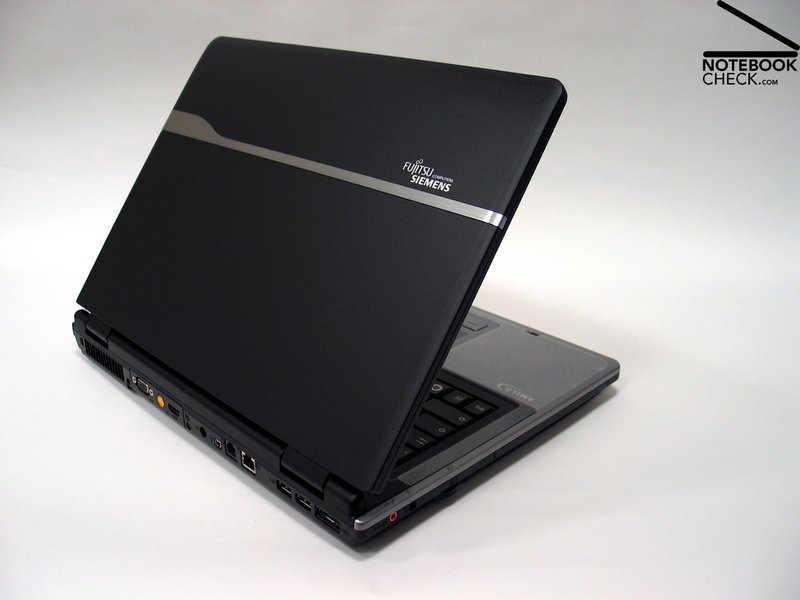
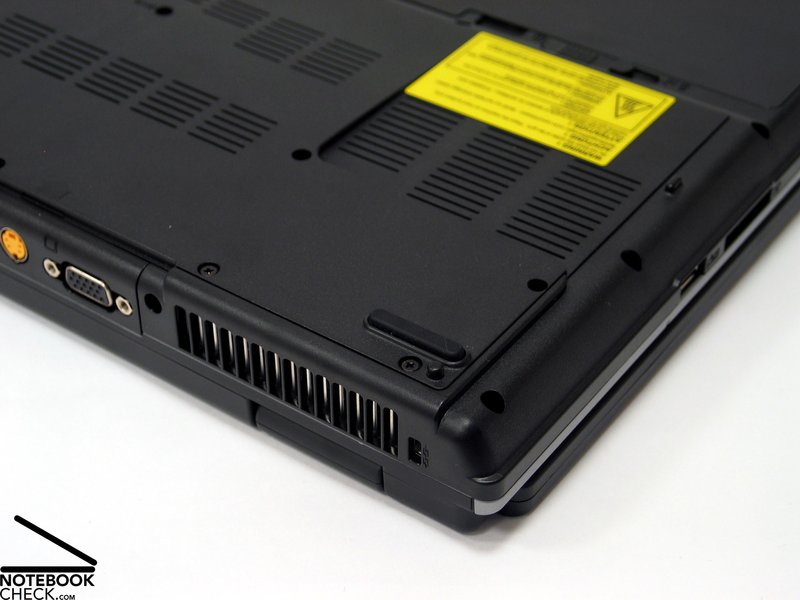
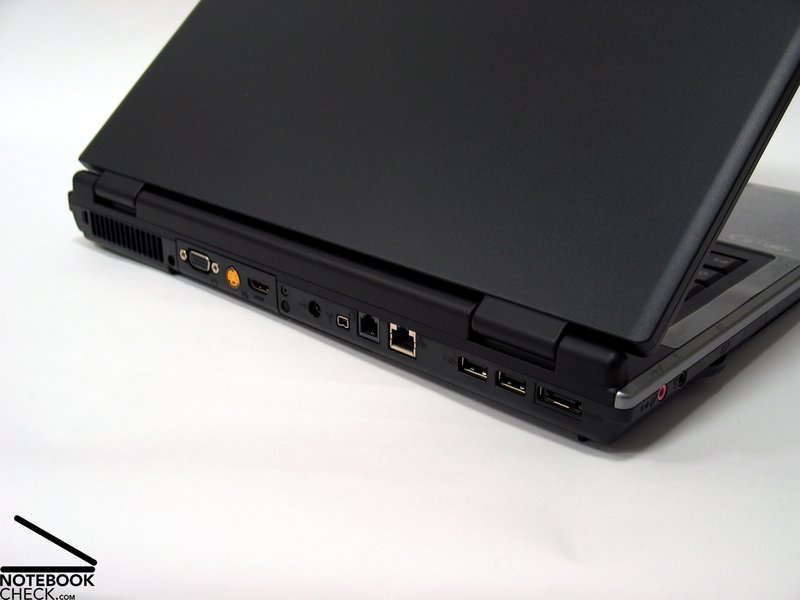
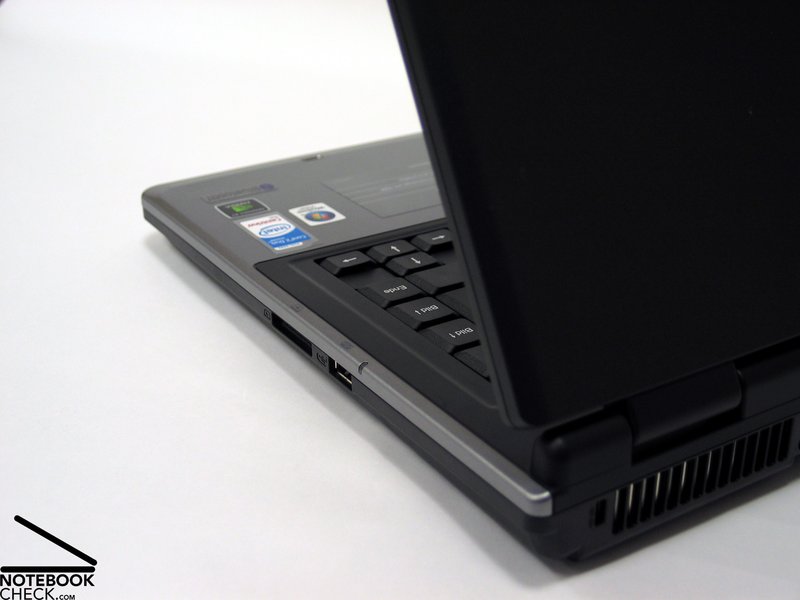
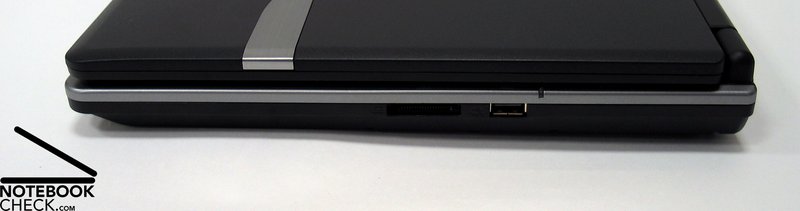
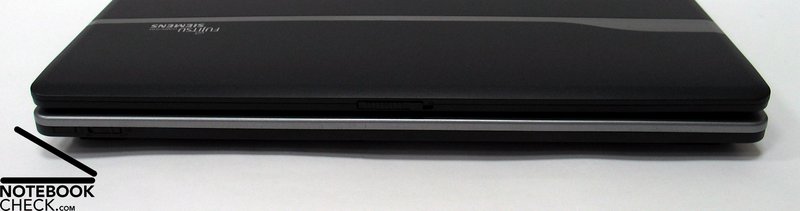
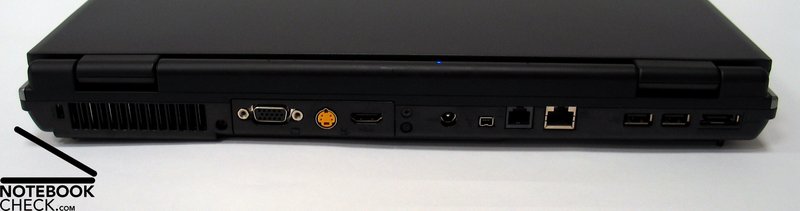
We were very surprised by the extensive interface of the FSC Amilo Xi2428. Next to three USB ports was an eSATA port and a HDMI connection for the transfer of digital audio and image signals with support for the copy protection HDCP. The Amilo Xi2428 also included S-Video, VGA and firewire. The placement of the connections is good. The separate ports are mainly at the back of the notebook. This keeps the area on the left and right free of annoying cable and allows a place saving use on the desk.

Input devices
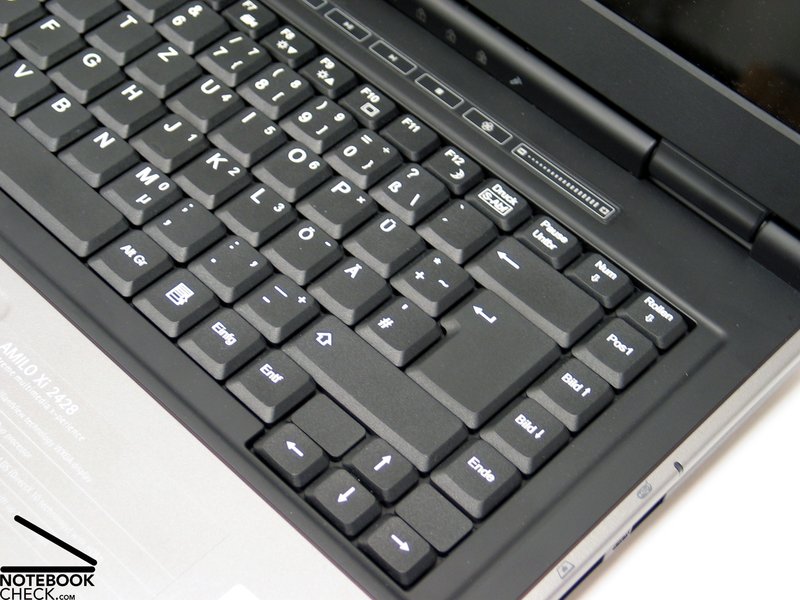
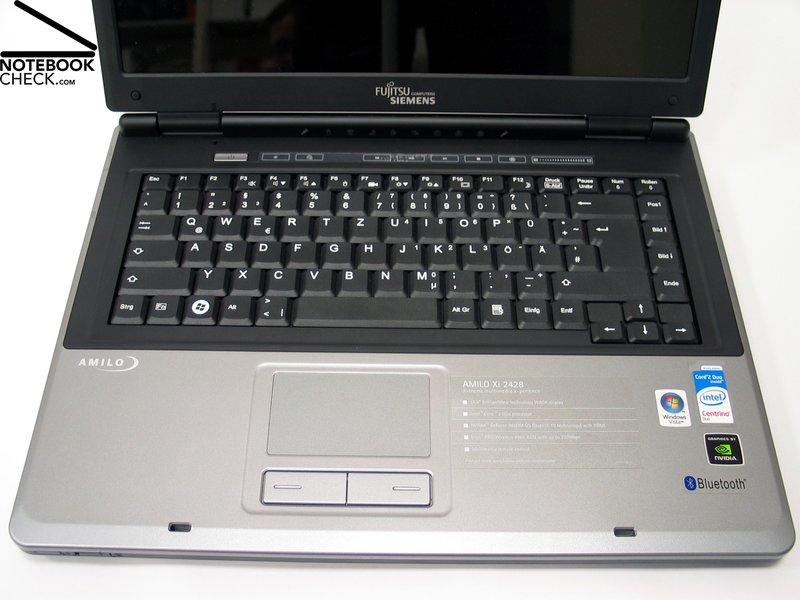
The black keyboard fits optically neatly into the design of the notebook. However, some specific characteristics stand out regarding the key layout. The space key for example, could be slightly short on the left side during usage. This is caused by the [><] key, which was squeezed in next to the space key. As a consequence, the space key was pushed to the right.
The typing feel is marked by a clear pressure point and adequate movement space. Noticeable while using the keyboard, was the slightly loose keyboard unit in the left area. This can cause rattling, especially during hard typing. Apart from that, the clicking noise of the keyboard is acceptable.
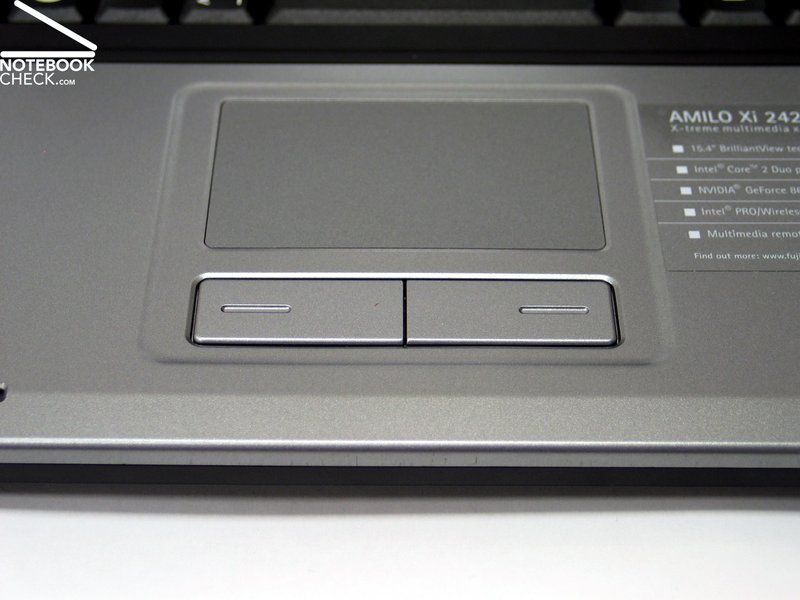
The touch pad is very responsive and there were no particular problems to note. The surface offers good gliding and was neatly embedded into the case. Depending on personal preference, a bit too much pressure is necessary to use the touch pad keys.
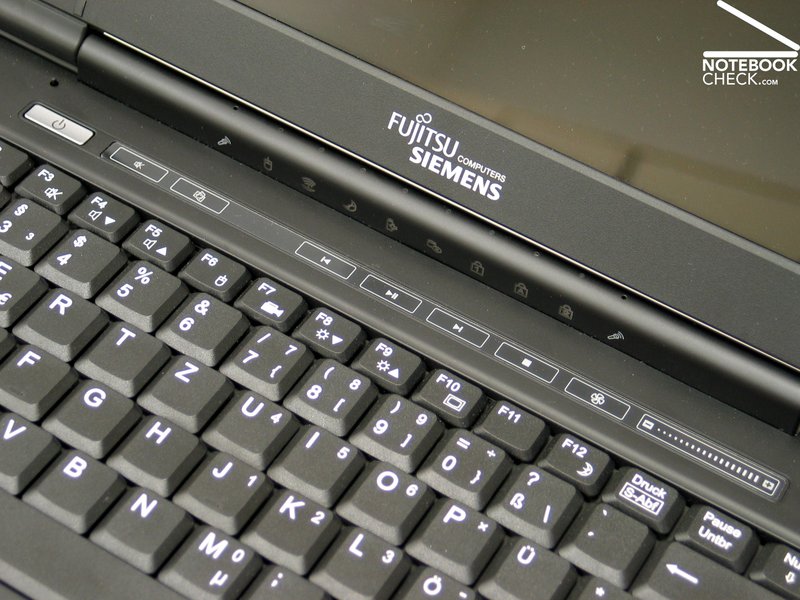
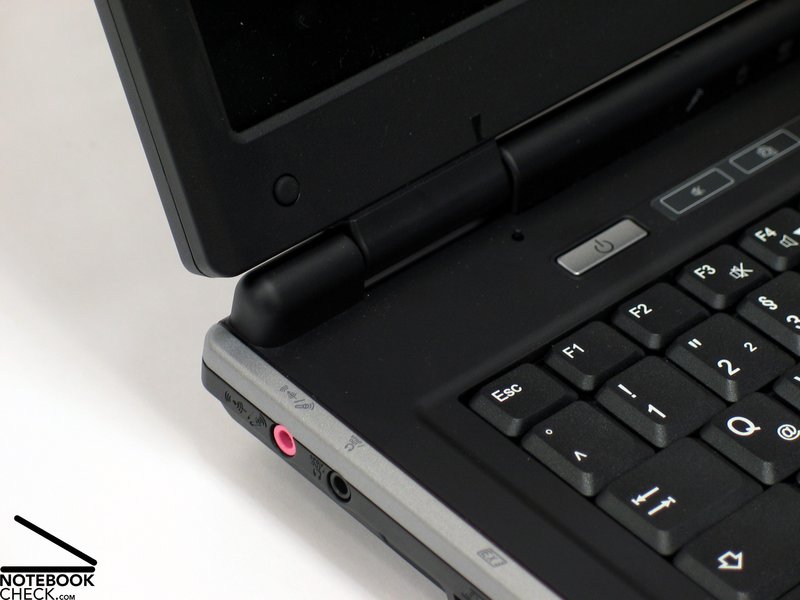
The FSC Amilo Xi2428 includes also a panel with additional buttons above the keyboard. These are implemented as touch sensitive areas and offer control of mediaplayer functions as well as the volume through an elegant finger stroke over the relevant areas.
Display
The Amilo has a Xi2428 15.4" WXGA display with a maximum resolution of 1280x800 pixel. The display with the name "BrilliantView" has a reflective surface, which is typical for consumer notebooks. The WXGA resolution reflects the current standard of this class as well. Displays with higher resolutions are recommended for users with higher requirements regarding overview and working space on the screen.
In our brightness test, the display achieved a good maximum of 198.3 cd/m2 at the central area. A clear decline in brightness towards the upper corners to a minimum of 138.9 cd/m2 is noticeable. Therefore, the WXGA display reaches an illumination of only 70%.
The black value, the lowest possible brightness (black), was 1.02 cd/m2. With a ratio of 194:1, the maximum contrast of the Xi2428 failed to impress as well.
| |||||||||||||||||||||||||
Brightness Distribution: 70 %
Contrast: 194:1 (Black: 1.02 cd/m²)
Although the average brightness of the display is a good 167.2 cd/m2, the notebooks outdoor capability is limited. This is because the reflecting surface of the screen causes annoying reflections, especially in bright light.
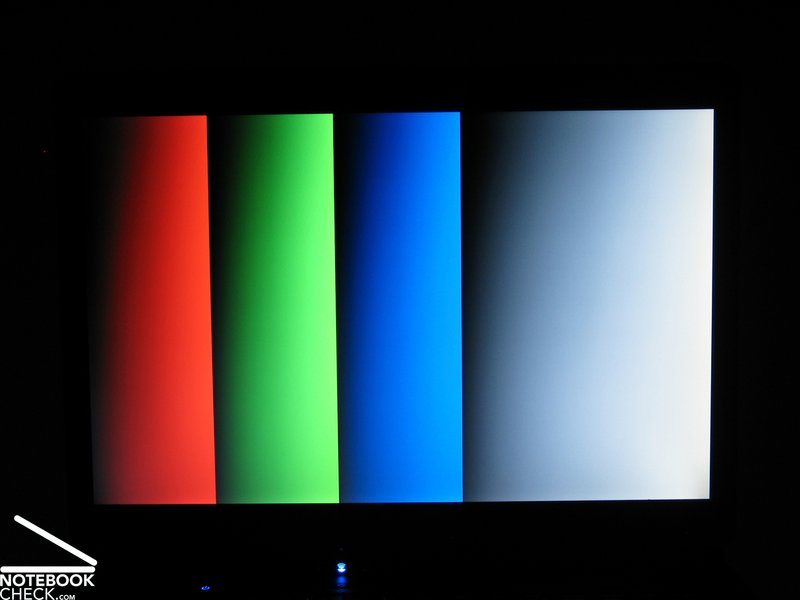
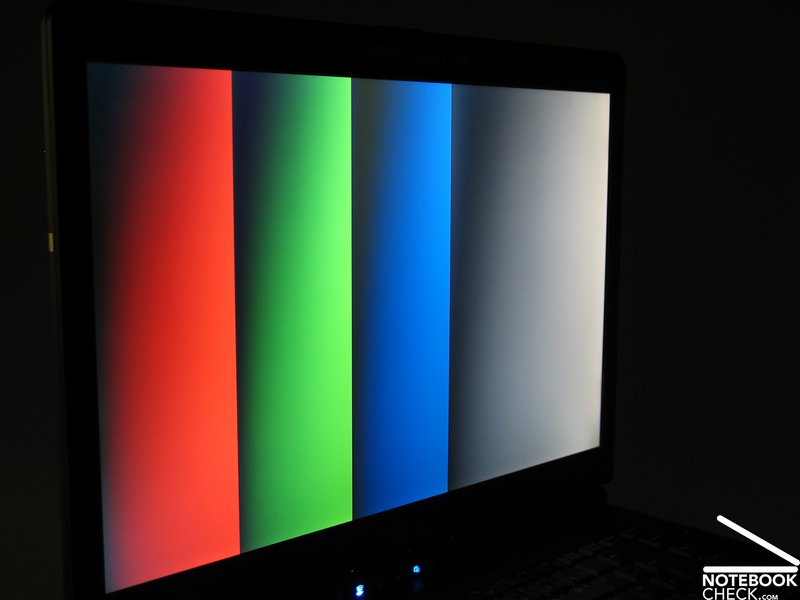
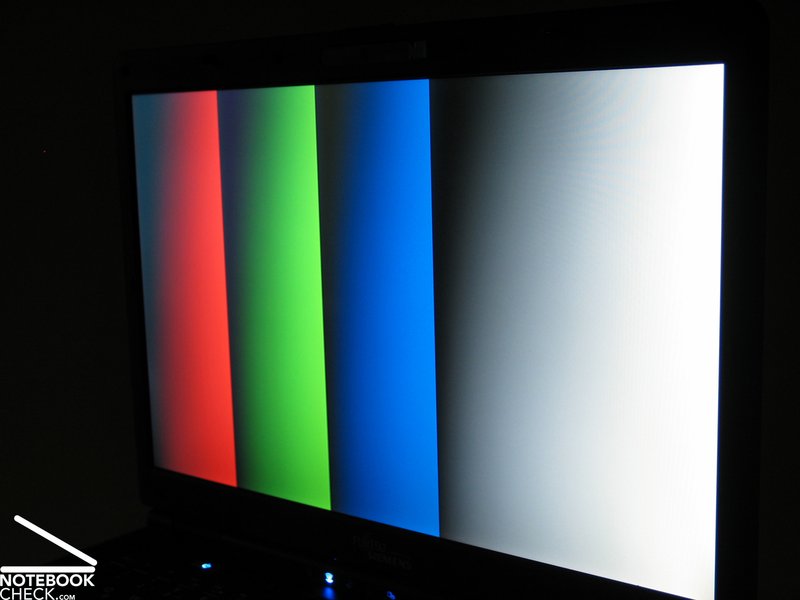
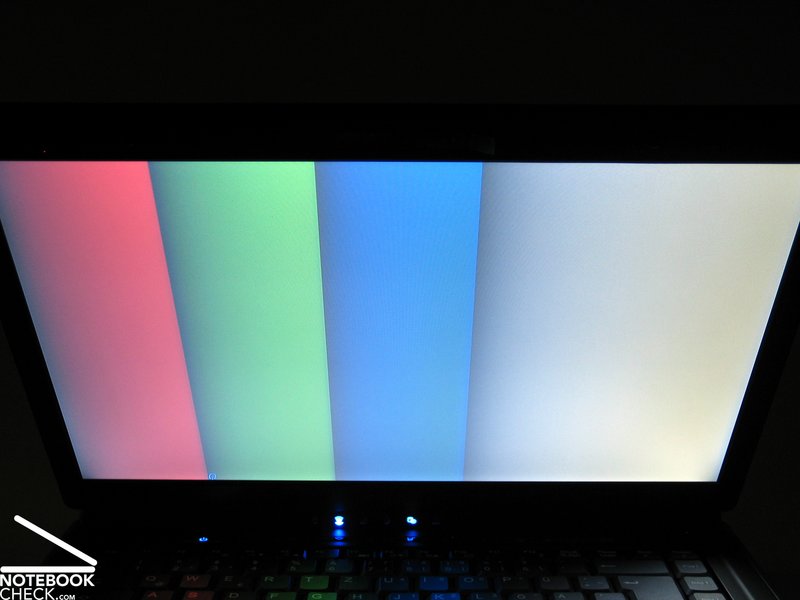
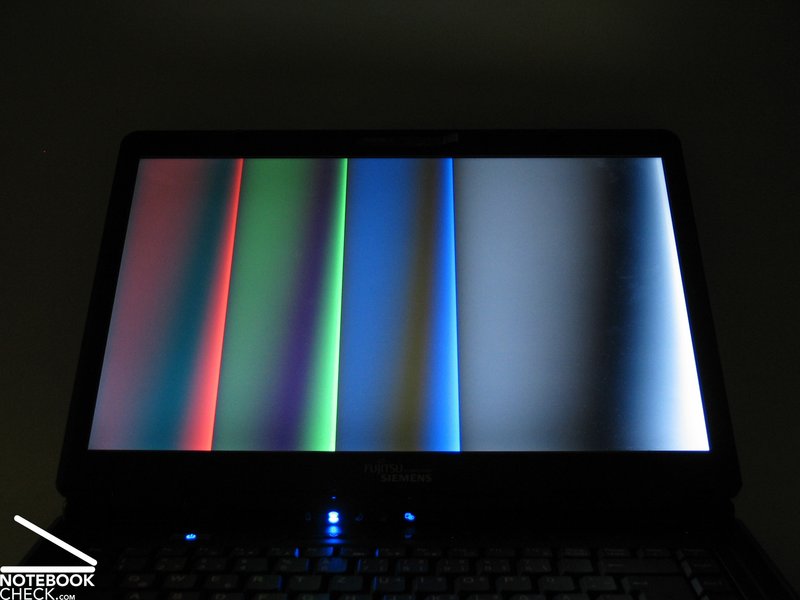
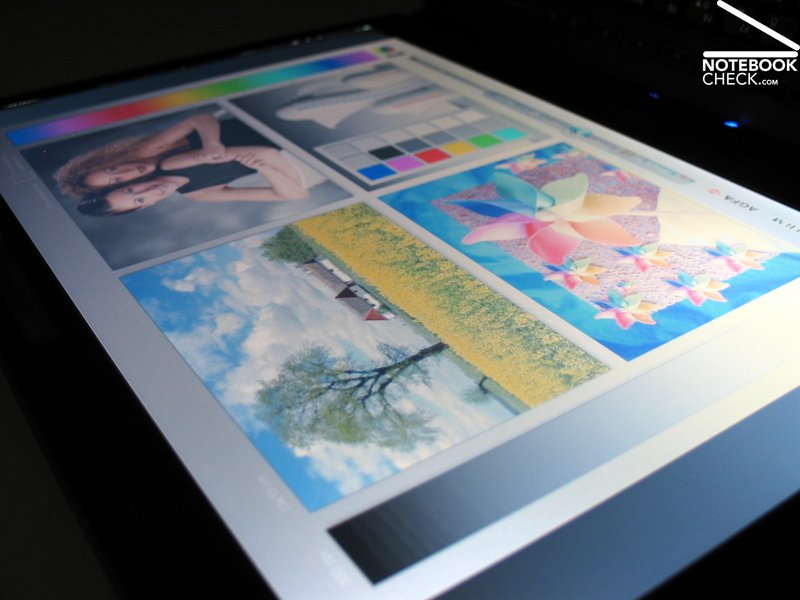
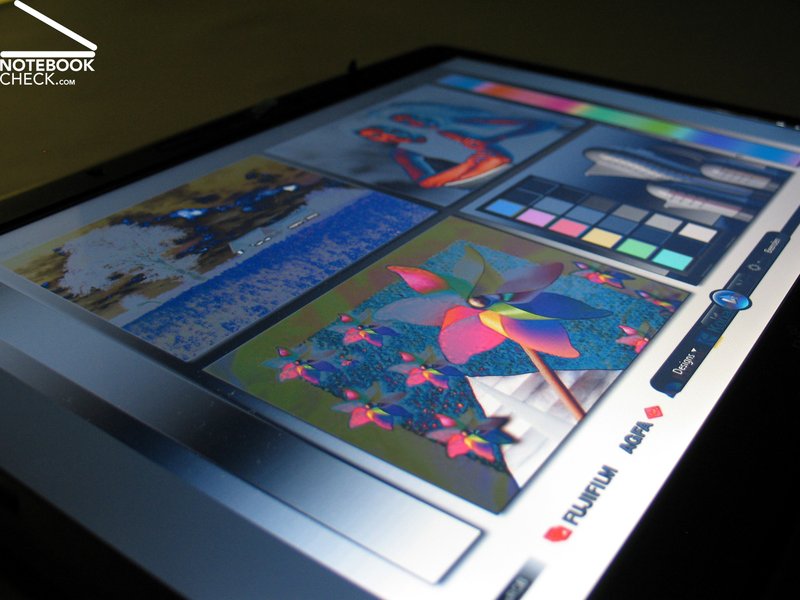
Another downside of the Amilo display is the rather limited viewing angle stability. Appearing reflections in particular are noticeable in vertical and horizontal direction, if the viewing angle is lowered.
Additionally, a quick darkening of the screen can be noticed, if one moves vertically away from the optimal viewing angle. Despite this, the possible stable viewing area is sufficiently large.

Performance
As mentioned at the beginning of this text, one advantage of the FSC Amilo Xi2428 is the extensive equipment of the notebook. Hardware wise we can find a strong T7700 Intel processor with 2.4GHz and 4MB level 2 cache, a powerful graphic card made by nVIDIA, the Geforce 8600M GS with 256MB GDDR2 to be precise and two gigabyte main memory (RAM).
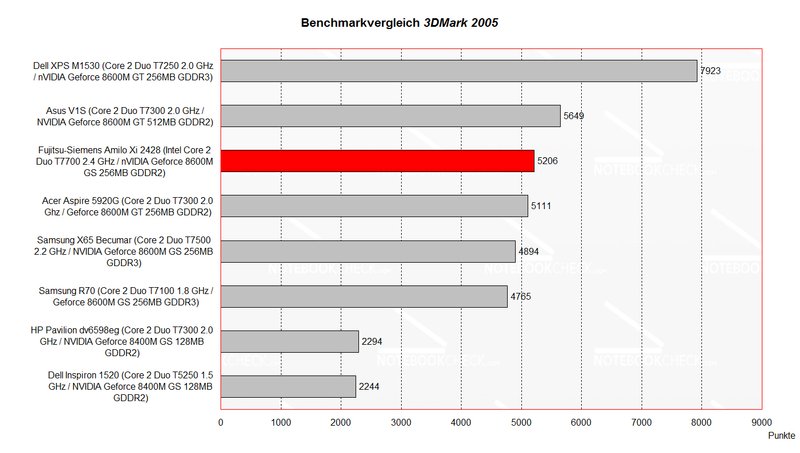
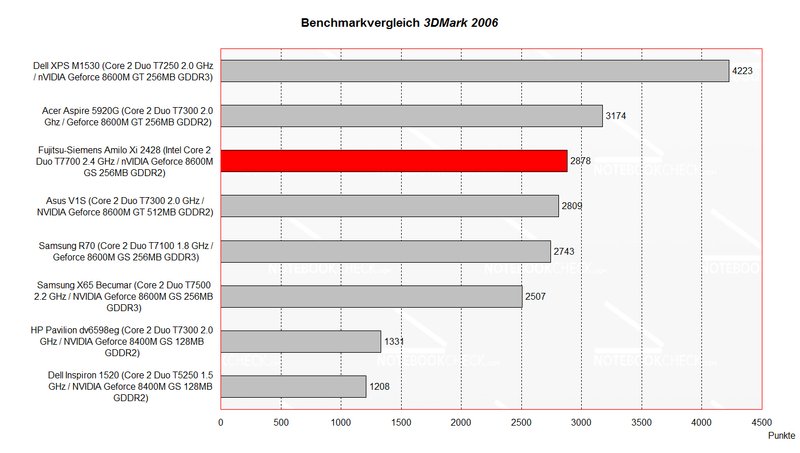
The notebook offers good performance in our 3D Mark benchmark test in the 2005 as well as the 2006 version and can place itself in the middle of comparable notebooks, like the Acer Aspire 5920G or the X65 and the R70 made by Samsung.
Especially the powerful processor (all other comparable notebooks had slower processors), had a positive effect on the result.
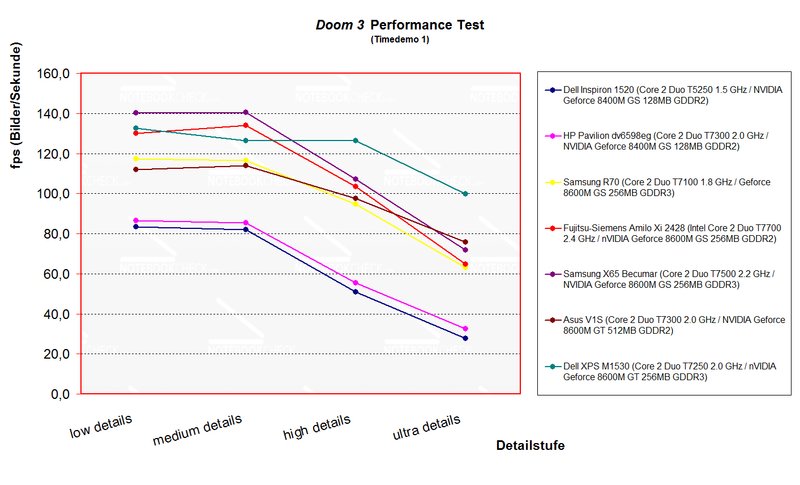
The Doom 3 comparison test, places the Amilo Xi2428 in the middle as well, surrounded by notebooks with similar hardware. Clearly behind are for example the models HP Pavilion dv6598eg and the Dell Inspiron 1520 with Geforce 8400M GS graphic card (approximately 30 frames per second with ultra high details). The Geforce 8600M GS manages in the same situation well playable frame rates of over 60 fps. The exception in the test is the Dell XPS M1530 with similar hardware, which places itself clearly ahead of its competition.
If one of the main uses of the notebook is playing games, the Geforce 8600M GT should be given serious consideration, since the Geforce 8600M GS is essentially an over clocked 8400M GS.
However, the FSC Amilo Xi2428 is actually able to run games properly. The resolution and details have to be lowered though, to achieve smooth frame rates in newer games. DirectX10, like it is used in Crysis and some other games, is out of reach for the Xi2428. The notebooks target audience is therefore rather the casual player, who plays either older games, or accepts the restrictions mentioned above in modern games.
The application performance can be considered as good due to the hardware. Intels T7700 processor is still one of the most powerful mobile processors which are currently available for notebooks. The Xi2428 is thus a good choice regarding computing power.
The hard disc with 250GB space shows also good results in our test. Transfer rate as well as access times are well placed in the middle of the competition. The amount of disc space is also sufficiently large for a notebook.
Therefore, the Amilo Xi2428 is very versatile. From games, to multimedia applications like image or video editing software to classical office tasks like writing texts, creating tables or presentations, the Amilo shouldn't encounter any difficulties.
| 3DMark 05 Standard | 4206 points | |
| 3DMark 06 1280x800 Score | 2878 points | |
Help | ||

| Doom 3 | |||
| Resolution | Settings | Value | |
| 1024x768 | Ultra, 0xAA, 0xAF | 64.6 fps | |
| 800x600 | High, 0xAA, 0xAF | 103.4 fps | |
| 640x480 | Medium, 0xAA, 0xAF | 134 fps | |
| 640x480 | Low, 0xAA, 0xAF | 129.9 fps | |
Noise Level
Noise Level
The notebook presented itself as a rather pleasant companion during the test. The fan was either relatively silent in idle mode with a measured 34.2dB or deactivated which equals a result of 31.0dB.
Although the notebook becomes noticeable louder under load, the noise level stayed at an tolerable 37.3dB. Even after extended periods of heavy load, the noise level was always in acceptable regions.
Noise level
| Idle |
| 31 / 34.2 / 0 dB(A) |
| Load |
| 37.3 / 0 dB(A) |
 | ||
30 dB silent 40 dB(A) audible 50 dB(A) loud |
||
min:  , med: , med:  , max: , max:  (15 cm distance) (15 cm distance) | ||
Temperature
Temperature
The surface temperature test of the Xi2428 didn't turn out so well in comparison. We measured maximum values of 43°C at at the top surface and up to 40°C on the keyboard.
The maximum value was at the bottom side with 46°C. Such hot surface temperatures are problematic during mobile usage of the notebook, if it is kept on the lap. It is therefore recommended, to use the notebook on hard, stable surfaces to guarantee a good air flow through the base unit.
(±) The maximum temperature on the upper side is 42.7 °C / 109 F, compared to the average of 36.8 °C / 98 F, ranging from 21 to 71 °C for the class Multimedia.
(-) The bottom heats up to a maximum of 46.1 °C / 115 F, compared to the average of 39.1 °C / 102 F
(+) The palmrests and touchpad are reaching skin temperature as a maximum (32.7 °C / 90.9 F) and are therefore not hot.
(-) The average temperature of the palmrest area of similar devices was 28.7 °C / 83.7 F (-4 °C / -7.2 F).
Loudspeaker
Loudspeaker
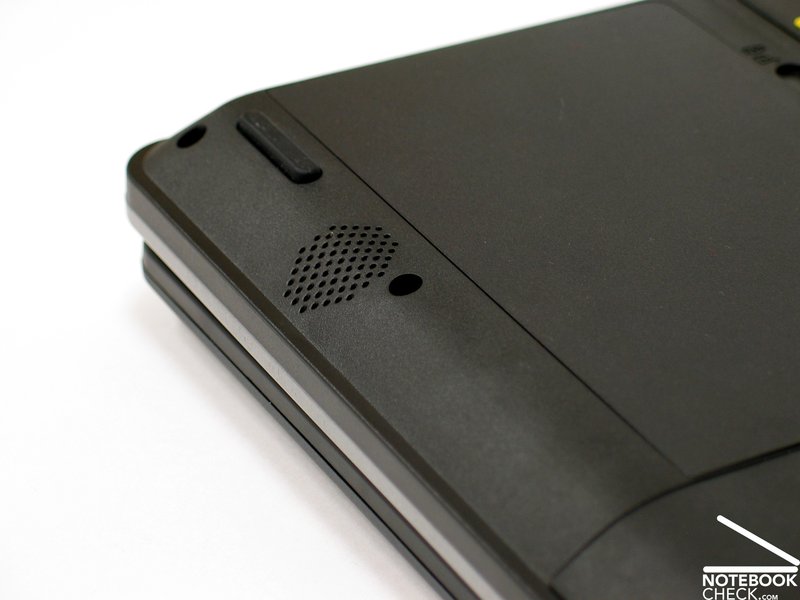
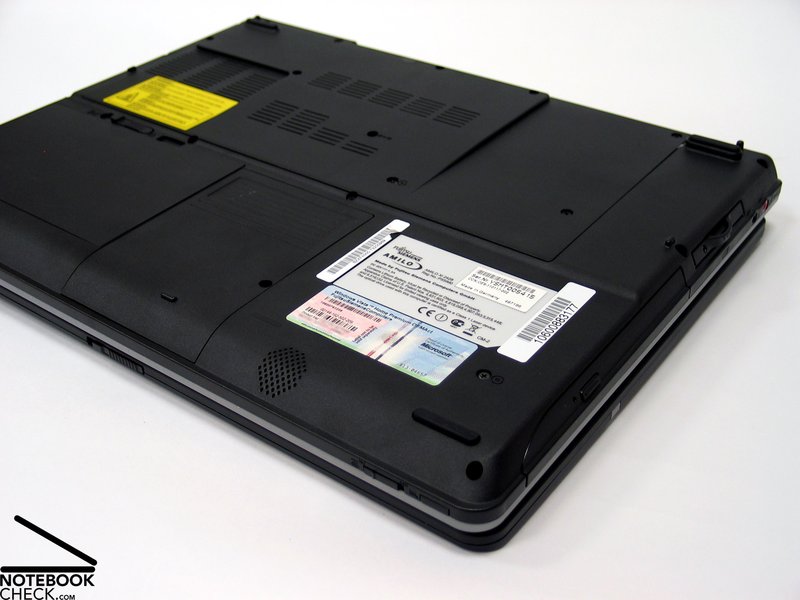
Since the loudspeakers are located at the lower side of the front edge, the base for the laptop is not only important to keep the temperature down, but also to get the best sound quality. The sound of the speakers is good, despite their slightly hidden location.
The Xi2428 also offers the possibility to connect a headset or, according to the producer, to output an optical audio signal through a S/PDIF port, which is identical with the headset port.
Battery life
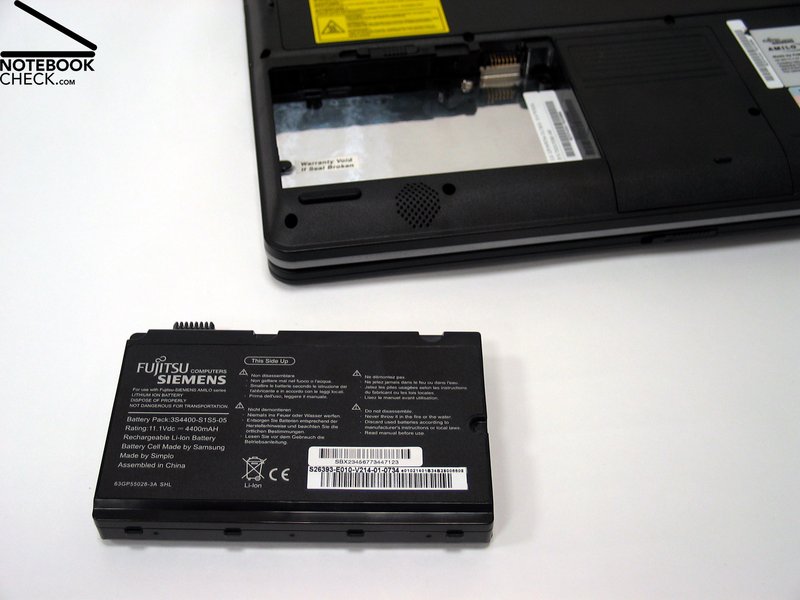
The 4400mAh (49Wh) battery keeps the Amilo Xi2428 running for a maximum of two hours and fifty minutes (in idle mode). Under heavy load it manages only slightly over one hour.
Thus the mobility of the Xi2428 is rather limited. Two to three hours can be expected, depending on the usage.
| Off / Standby | 0 / 0 Watt |
| Idle | 33 / 42 / 55 Watt |
| Load |
80 / 87 Watt |
   
| |
Key:
min: ,
med: ,
max: | |
Conclusion
The Fujitsu-Siemens Amilo Xi2428 presents itself in our test as a well performing multimedia notebook. Its strengths lie in the ports (HDMI port, eSATA connection), sufficient good hardware for multimedia and office application and a low noise level.
The case is spartan and could be mistaken as the case for a business notebook. The feel of the laptop surface is high quality, but it reveals some weaknesses under close inspection, specifically the display hinges.
The keyboard was acceptable although two things stood out negatively during the test. Firstly because the left keyboard area wasn't fitting neatly in the case, which can cause a rattling noise during hard typing and secondly because the space bar was moved to the right noticeable. This was due to the, for this area untypical, [><] button, which was fitted in to the left of the space key.
Although the WXGA display showed good brightness values in the test, we weren't very happy with the panel. The reflective surface can causes reflections on the screen even inside rooms, if the illumination isn't optimal.
Additionally, the viewing angle stability of the screen is limited at best.
As mentioned in the performance test, the Xi2428 performed well. It also managed a good score in the 3DMark benchmark test. All in all it can be described as a well performing all rounder, which is capable of multimedia applications and everyday office use.
Very positive is the low noise level. This creates a pleasant working environment, particularly in idle mode. Clearly worse are the surface temperatures in comparison, which can reach under load up to 47°C at the bottom side.
The battery life with a maximum duration of less than three hours only allows a limited mobile use.
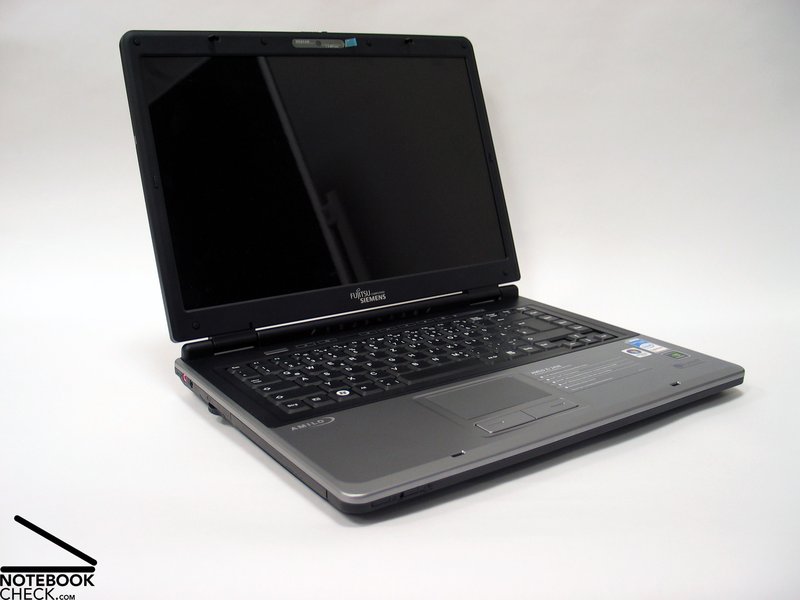
We would like to thank the MediaMarkt Wels, who gave us the sample notebook and where you can buy the Fujitsu-Siemens Amilo Xi2428.
 Add as a preferred source on Google