Review Dell Inspiron 1520 Notebook
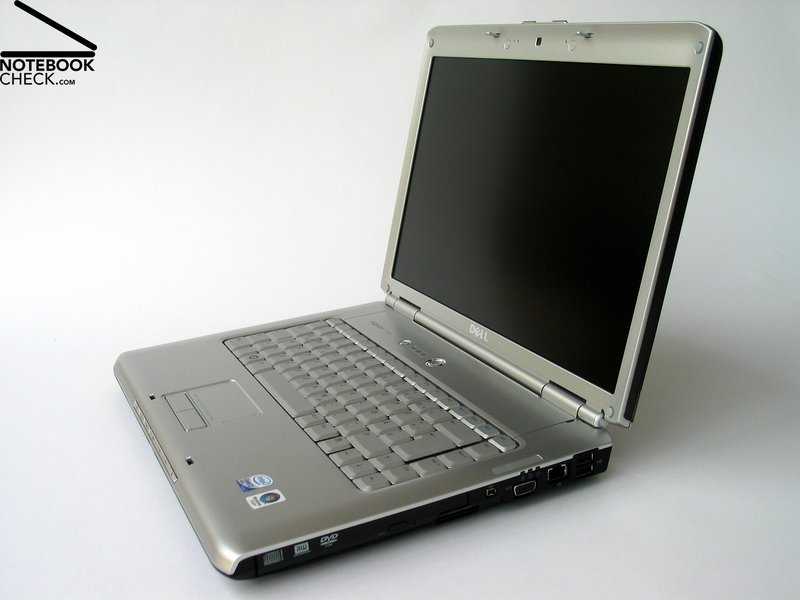
Topseller? Late, but, finally we got the new 15 inch Inspiron 1520 notebook by Dell for a review. It is the successor of the 6400 series and a beginner's multimedia notebook. A variety of different configurations are available, so, the Dell Inspiron 1520 can even be enhanced to a professional multimedia notebook.
Case
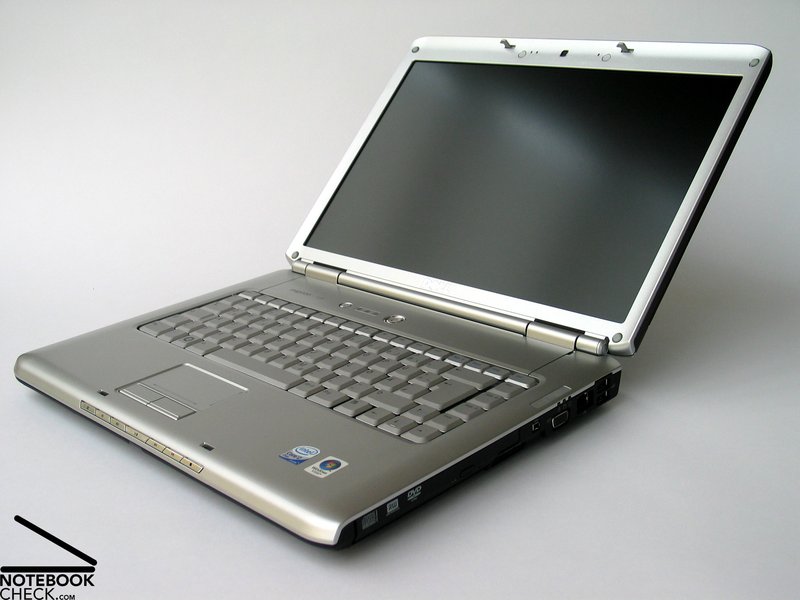
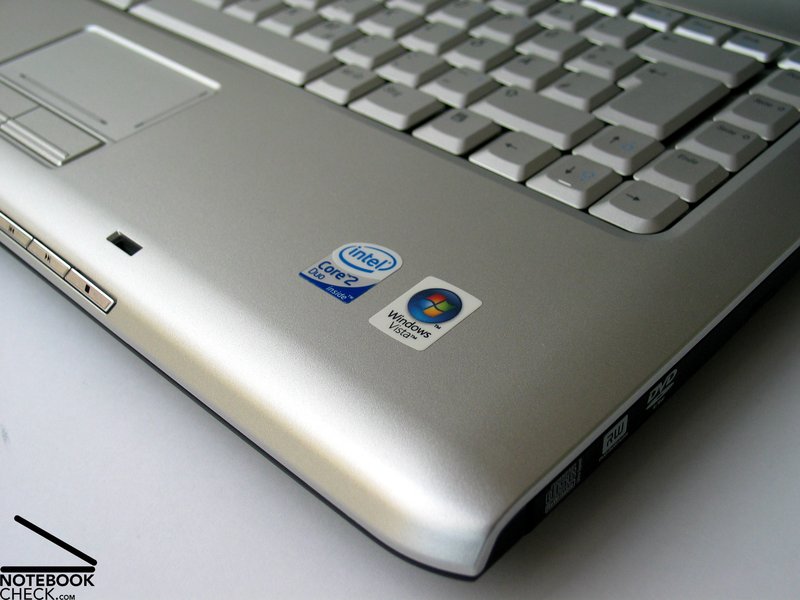
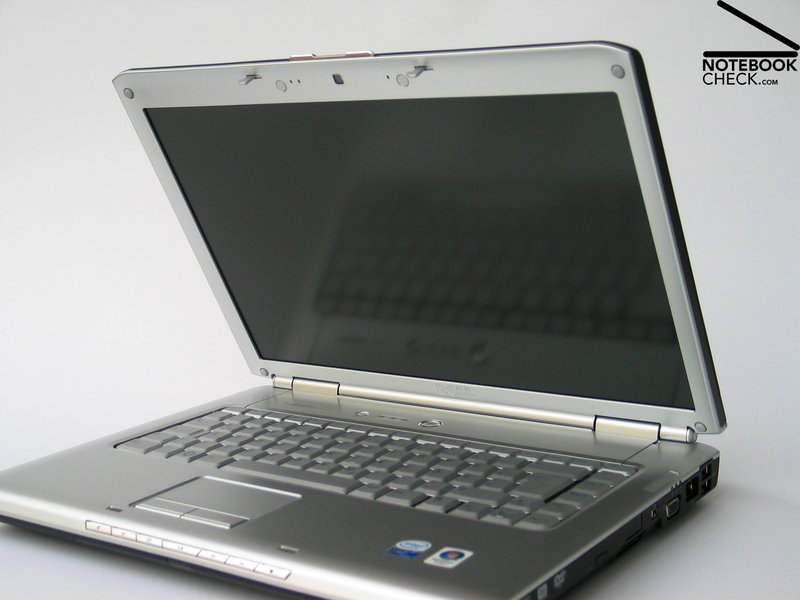
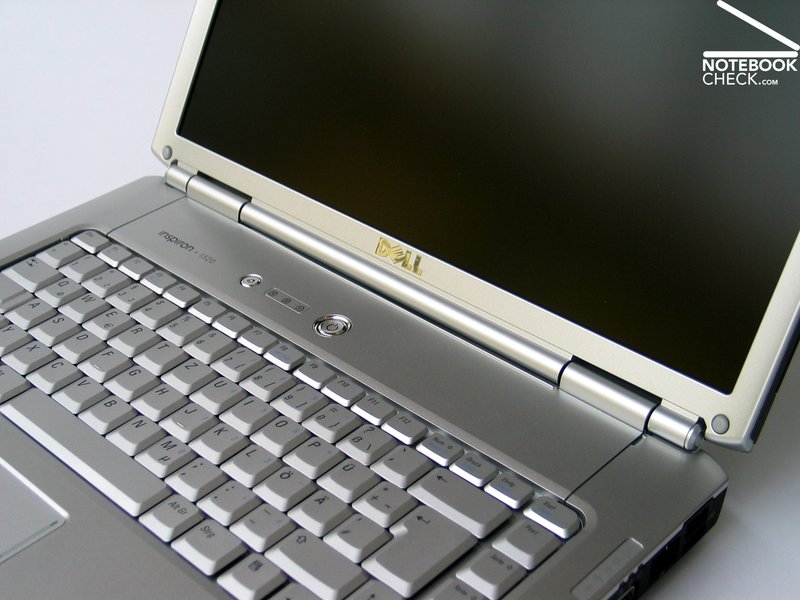
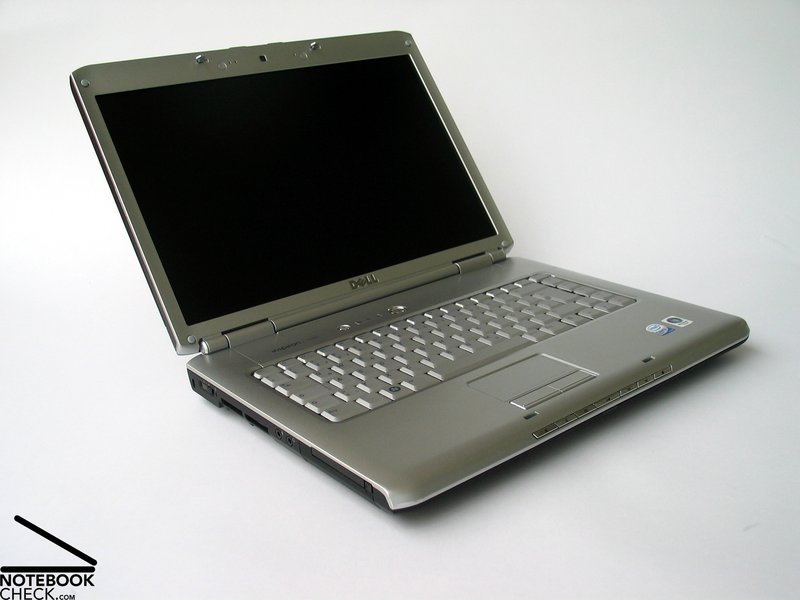
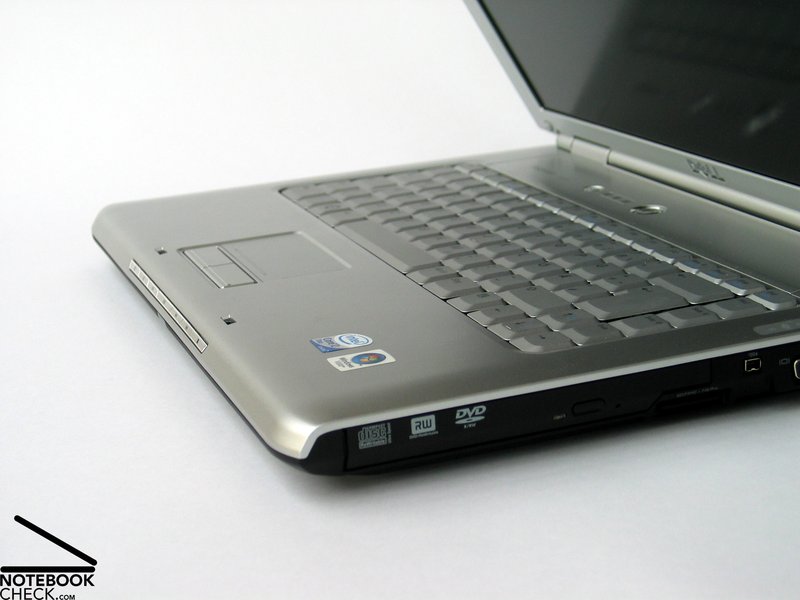
There is no doubt that the Dell Inspiron 1520 is the counterpart of the Inspiron 1720. Considering the outlook only, it is apparently the same notebook, but smaller. It has the same curves and even the same color choice.
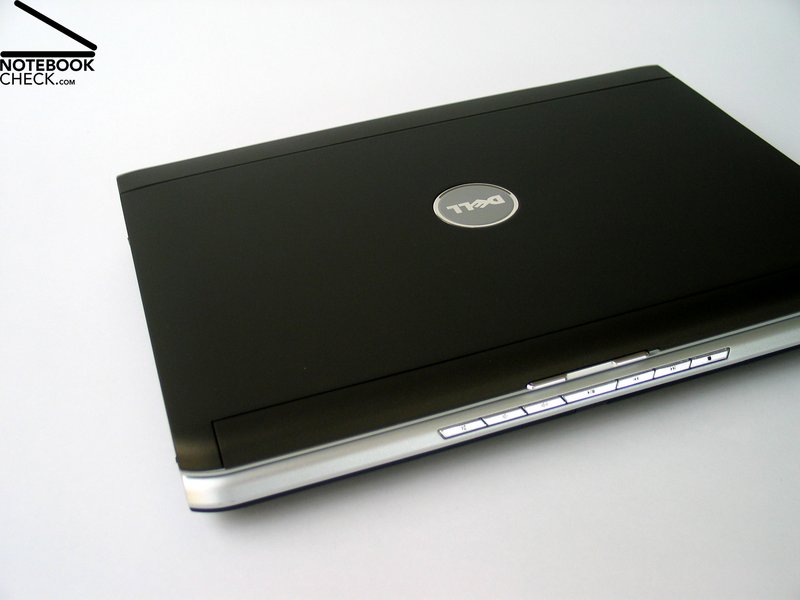
Not absolutely, the design of the display cover can be freely chosen. Therewith Dell follows the increasing shift to individual design.
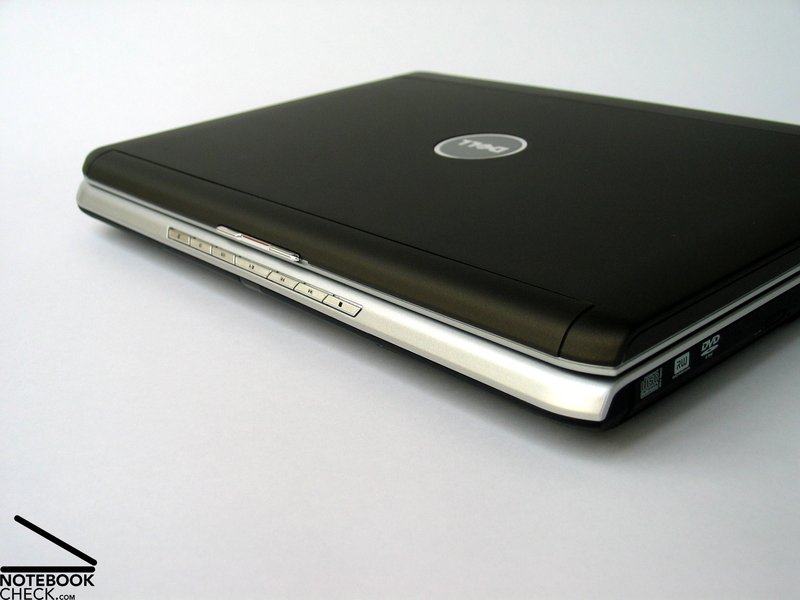
The reviewed notebook had a matte black display cover surface, which felt velvety, nearly rubberized. The coating appeared very robust in contrary to the diverse glossy piano coatings.
The decent silver case has a good flexural rigidity and pressure resistance. Handling the notebook, no creaking noise got evident, besides when pressing the display cover. The size of the gaps above the keyboard could not completely convince. Besides the left gap was bigger than the right one, the size of the gap was generally too big, as its width is more than 1mm.
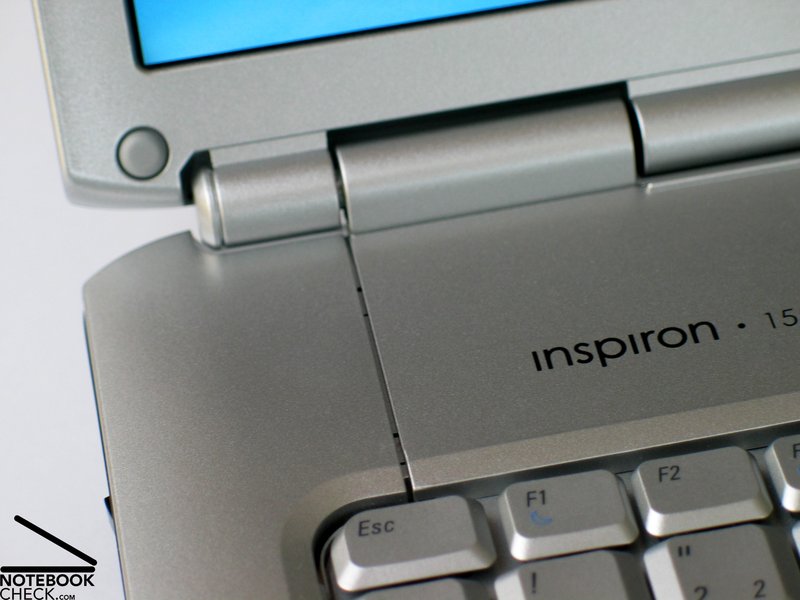
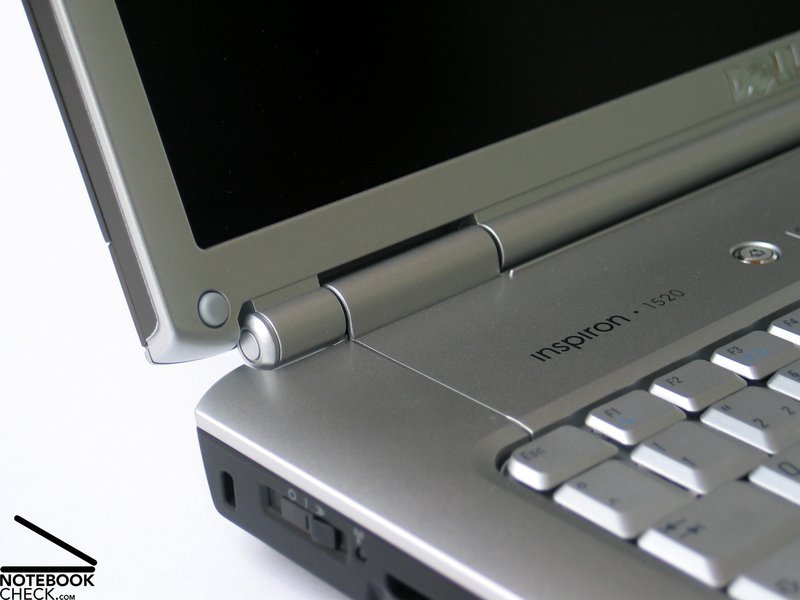
The two hinges were unable to hold the 15'' inch display without some wobbling. Still, they seemed robust and durable. The display in light clamshell design is securely locked by a ramshorn hook. But, you can detect a clear possible wobbling of the display, if closed.
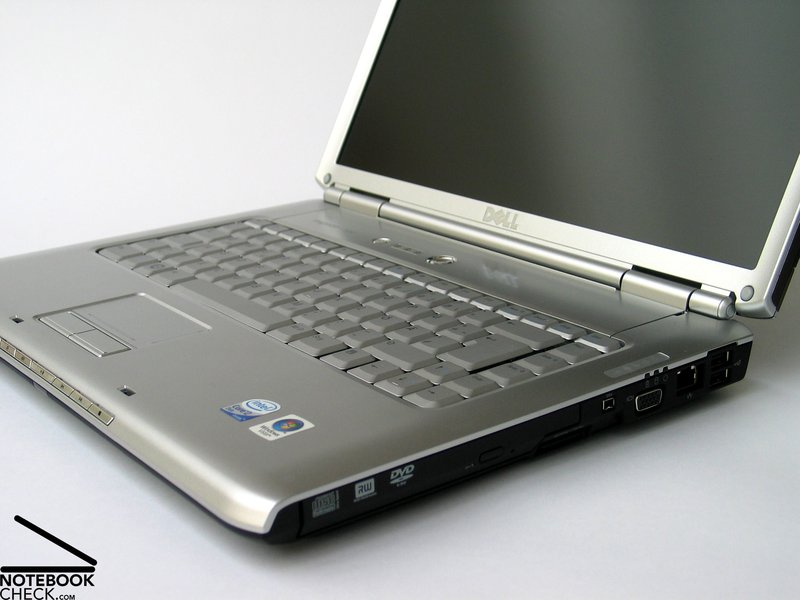
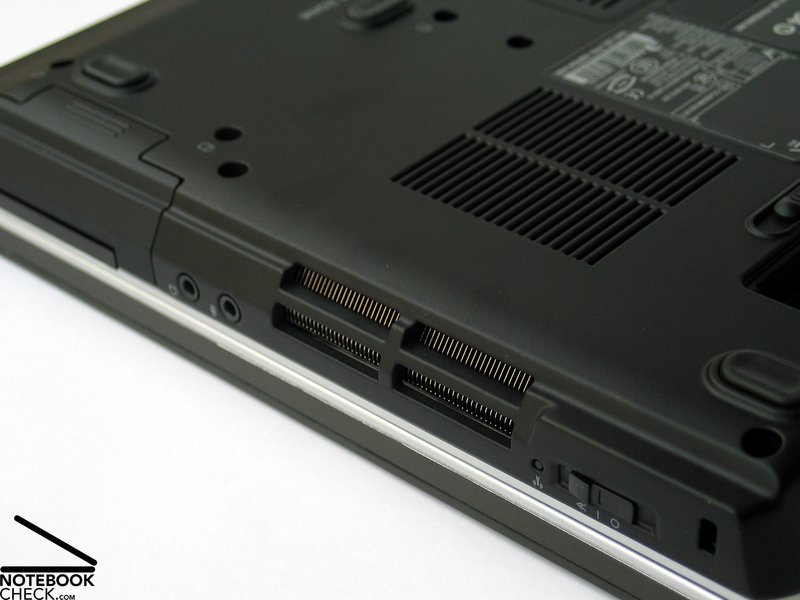
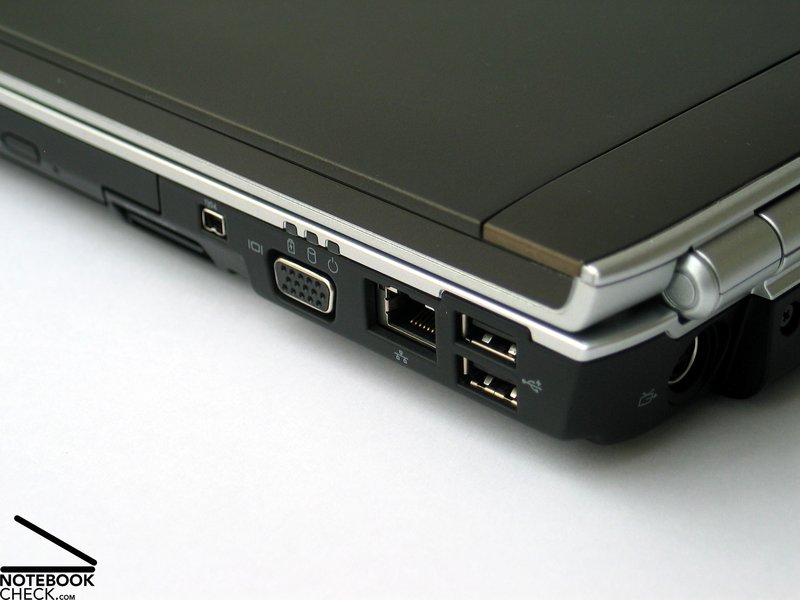
The rather sparely provided interfaces are distributed at the back side and the back parts of the notebook's flanks. This order is user-friendly as the front side and the areas beside the notebook are free of disturbing cable spaghetti.
We especially missed a video port - a digital video out. The size of the plug was the mostly brought forward argument that a DVI could not be provided, but, this excuse won't hold water any longer since the introduction of the HDMI port.
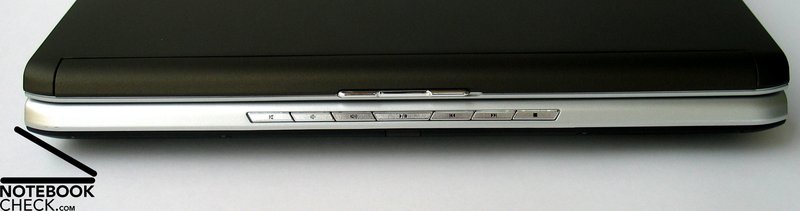
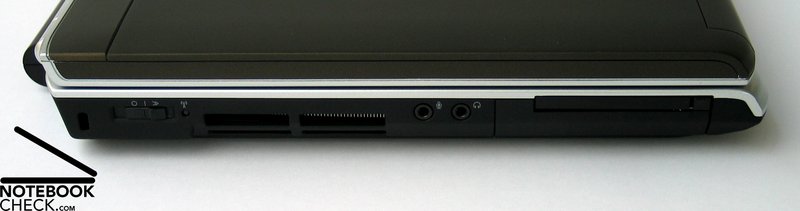
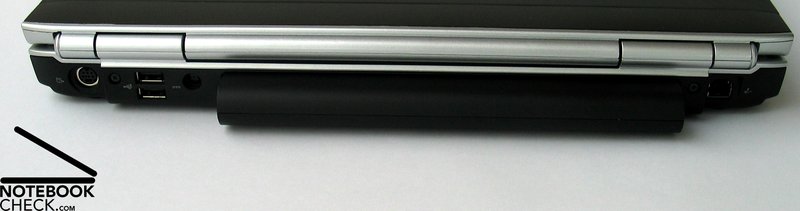
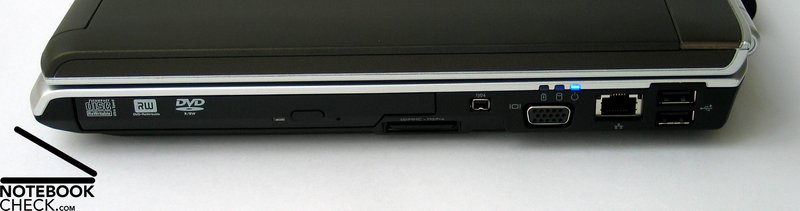
Input Devices
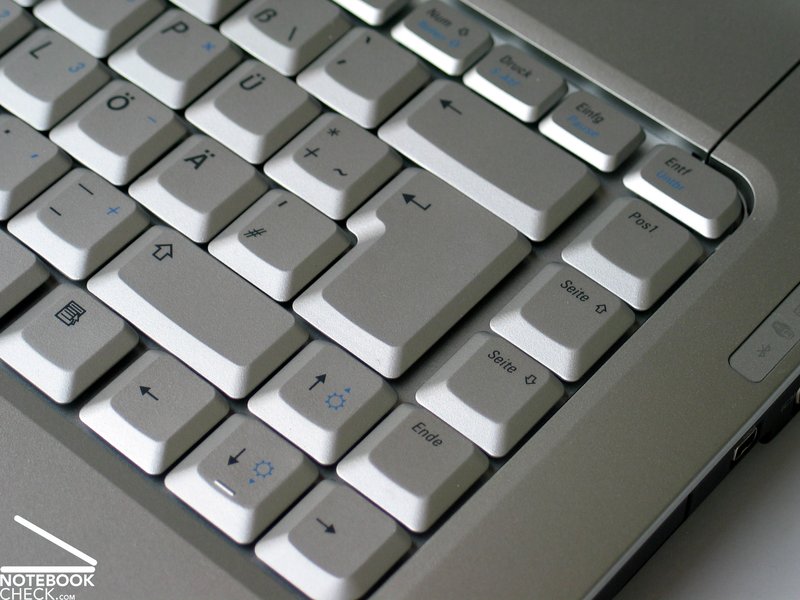
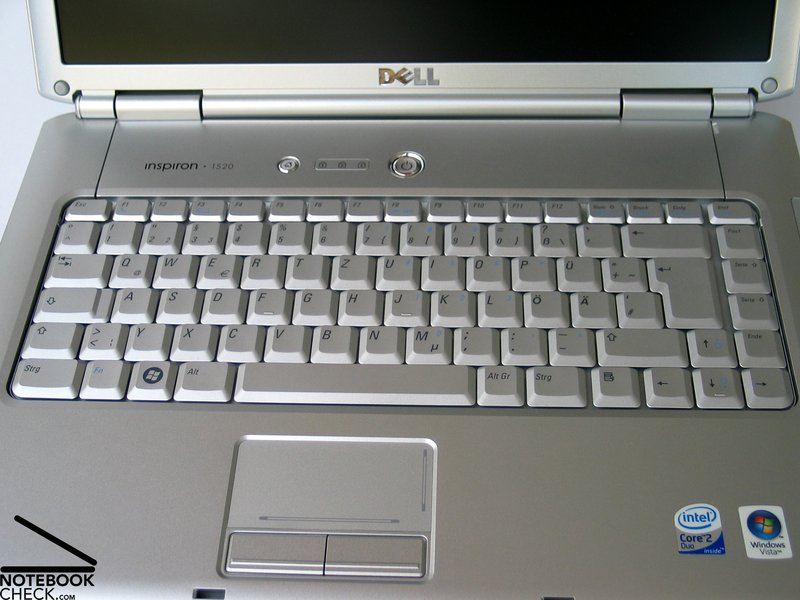
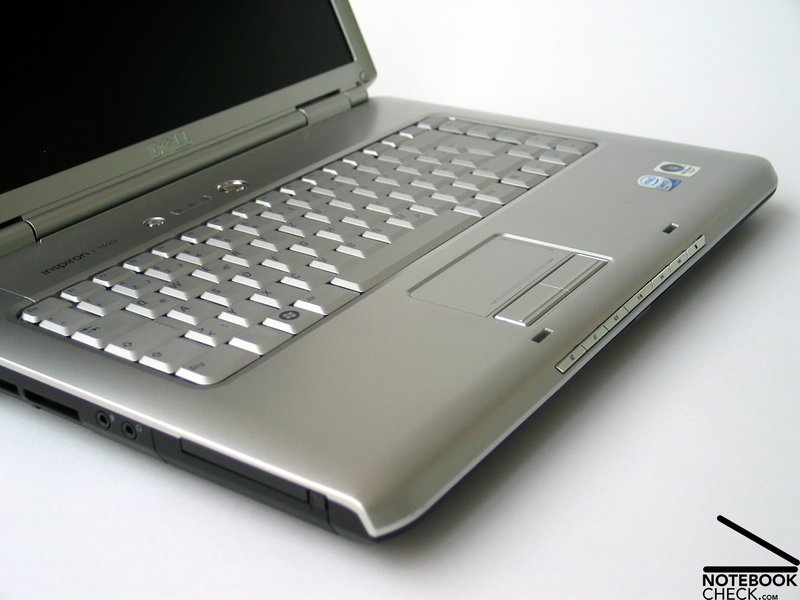
The keyboard of the Dell Inspiron 1520 appears to be rather compact, still it provides a user-friendly layout by a little bit separated groups of keys. Also the size of the single keys is alright.
Typing feels user-friendly. The keys can be softly pressed, still they have a clear point of pressure. The keyboard unit is completely tightly attached to the case, and even when typing fast the noise does not appear disturbing.
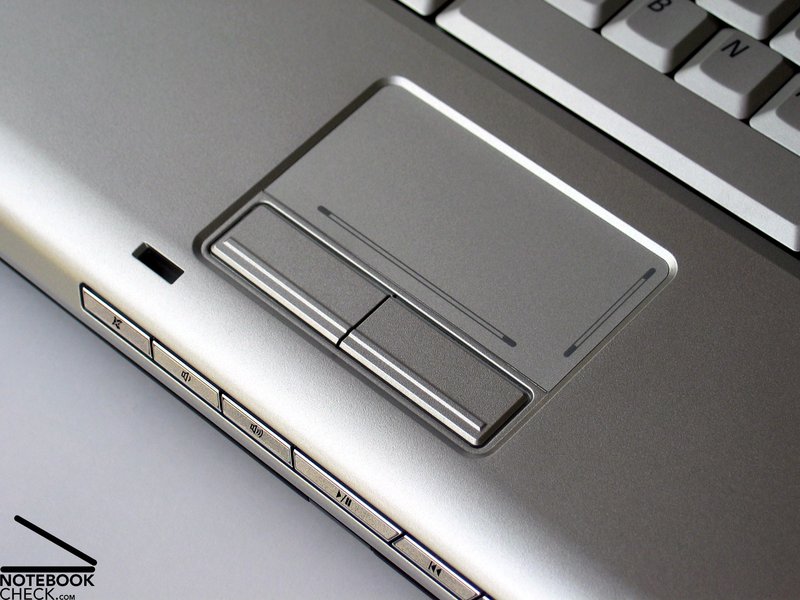
The touch pad is flawless. It has scroll areas for both axis and a comfortable surface. Both of its buttons are user-friendly, because of their long travel.
Display
Besides you can choose the color of the display cover, you can also choose between a variety of different panels. Besides the WXGA version with matt display, the reviewed notebook was equipped with, also a WXGA display with reflecting surface (TruLife), a WXGA+ TruLife panel, and a WSXGA+ display with a resolution of 1680x1050 pixels and TruLife panel are available. The top version costs 98.- Euro more.
Regarding overview, the WXGA+ and WSXGA+ displays are of course interesting versions. Unfortunately, both displays are only available as TruLife version. So, you'll have to live with a reflecting surface in return for a plus of overview.
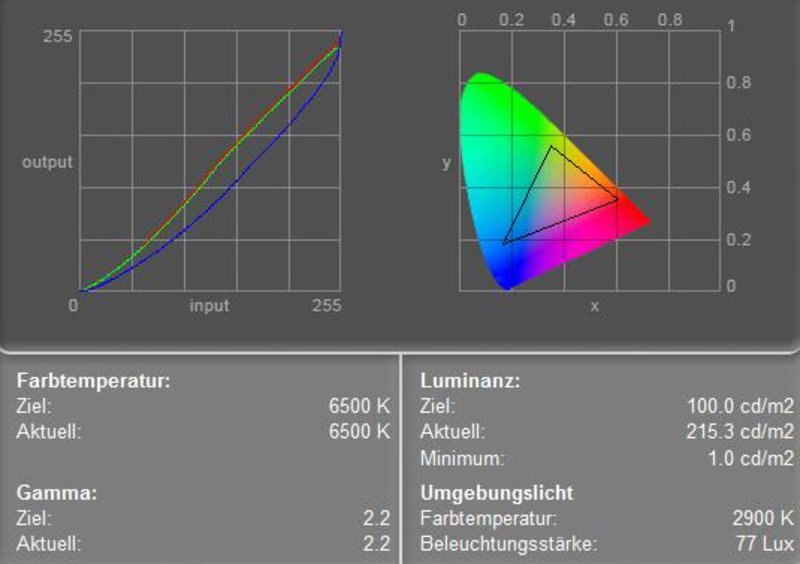
The good maximum brightness of the built-in 1280x800 display was 231.5 cd/m². Also the average brightness of 199.6 cd/m² is alright. The illumination is 73.6%, which is clearly below-average.
| |||||||||||||||||||||||||
Brightness Distribution: 74 %
Contrast: 215:1 (Black: 1 cd/m²)
Because of a measured black value 1.0 cd/m², the maximum representable contrast is 232:1, which is average. We did not detect any anomalies regarding speed of reaction.
The matte display and the good brightness of the WXGA panels make an outdoor usage of the Dell Inspiron 1520 even in bright environments possible.
Vertically, the viewing angles of the reviewed display are rather narrow. Outside the area of operation you'll face heavy darkening or whitening of the display. However, horizontally, the viewing angles are alright. At acuter angles you'll face a slight loss of contrast.

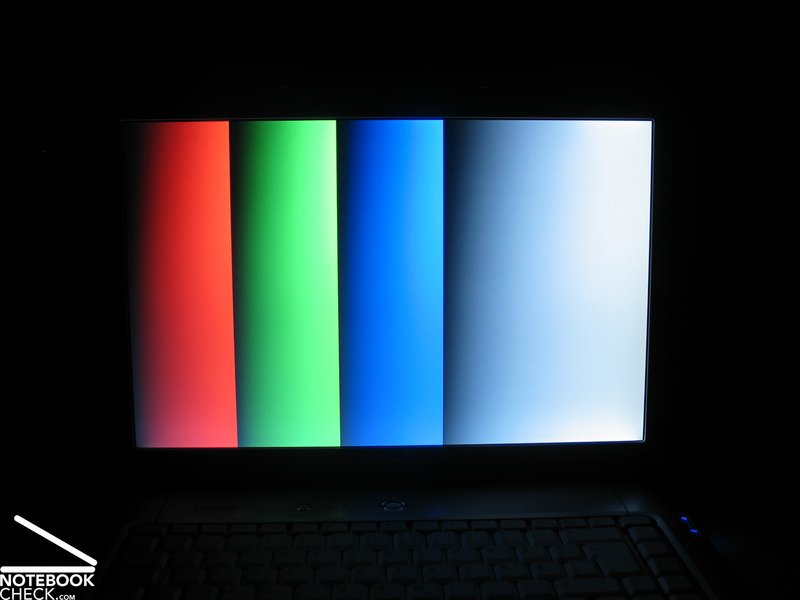
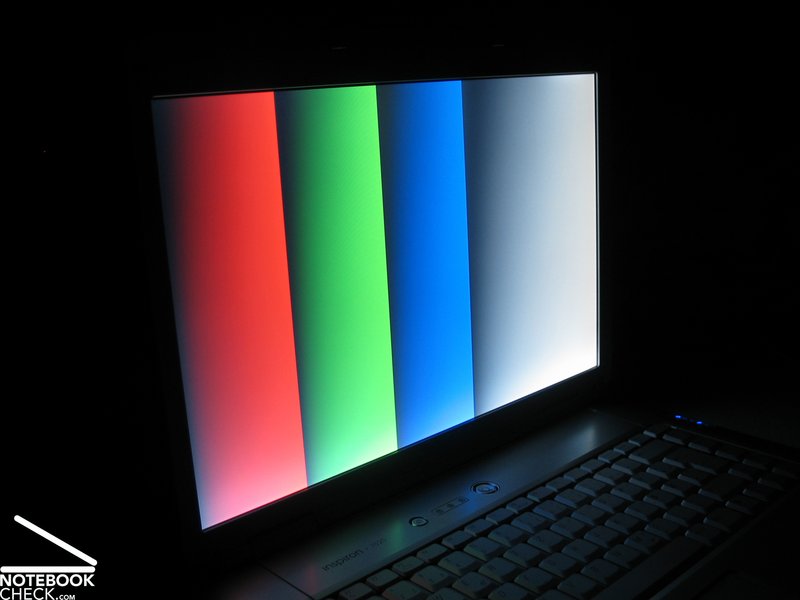
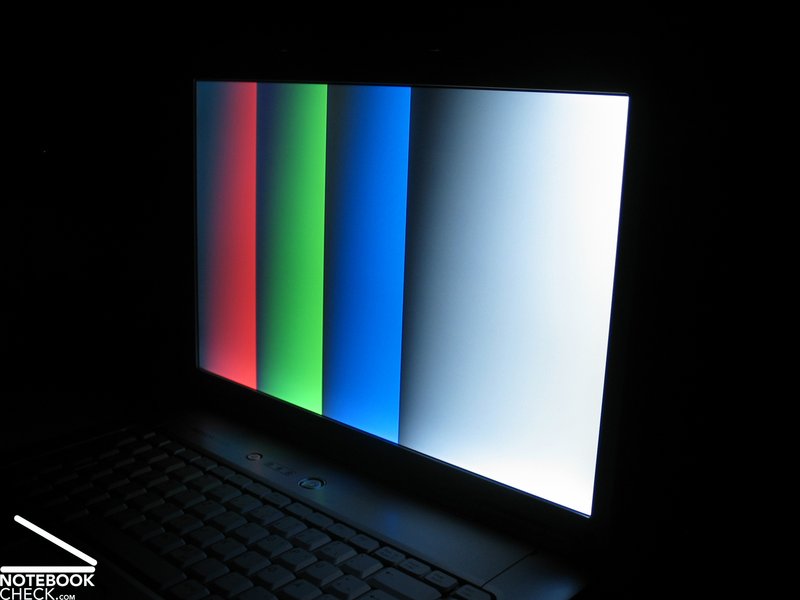
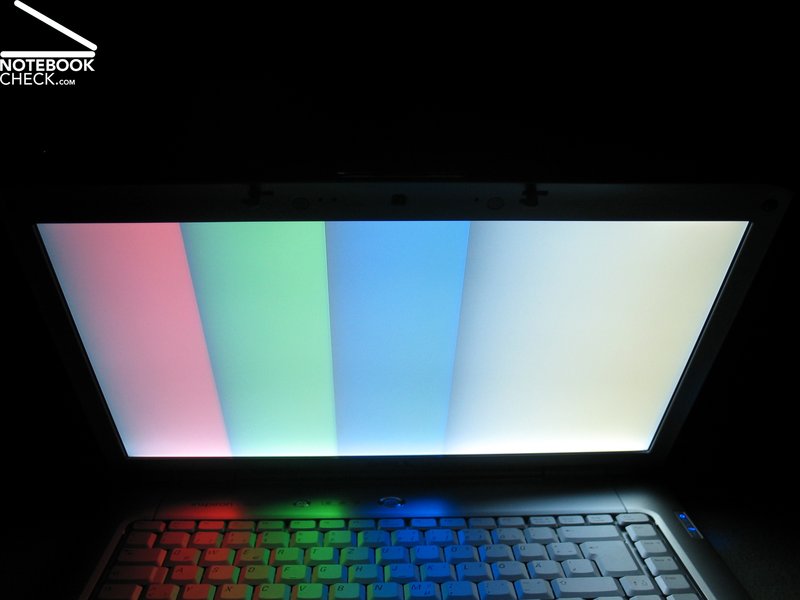
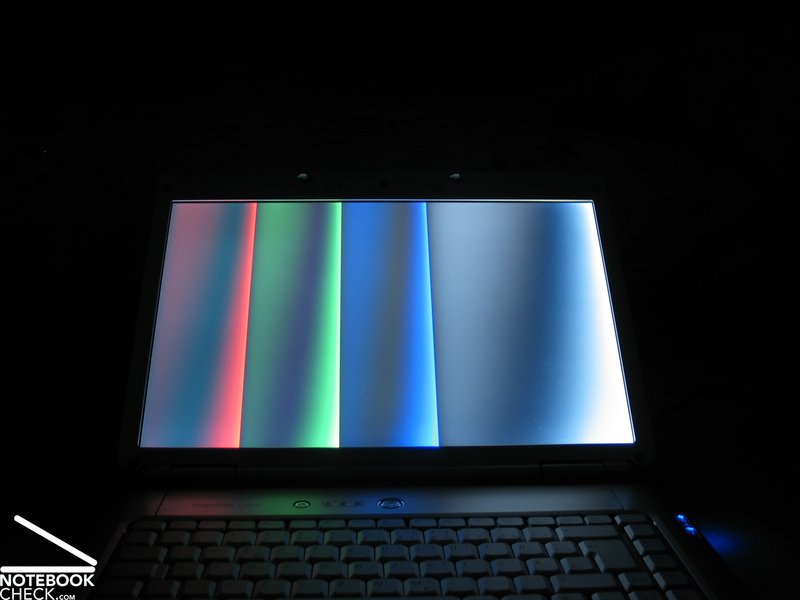
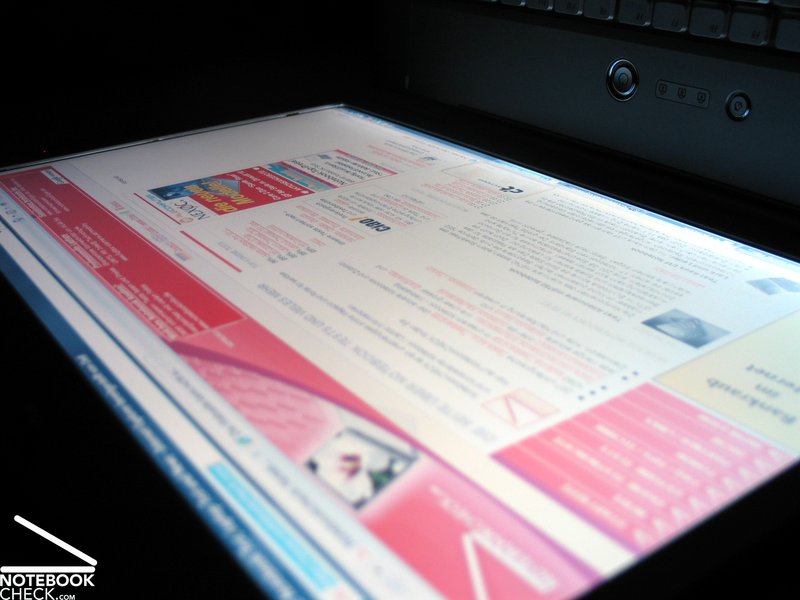
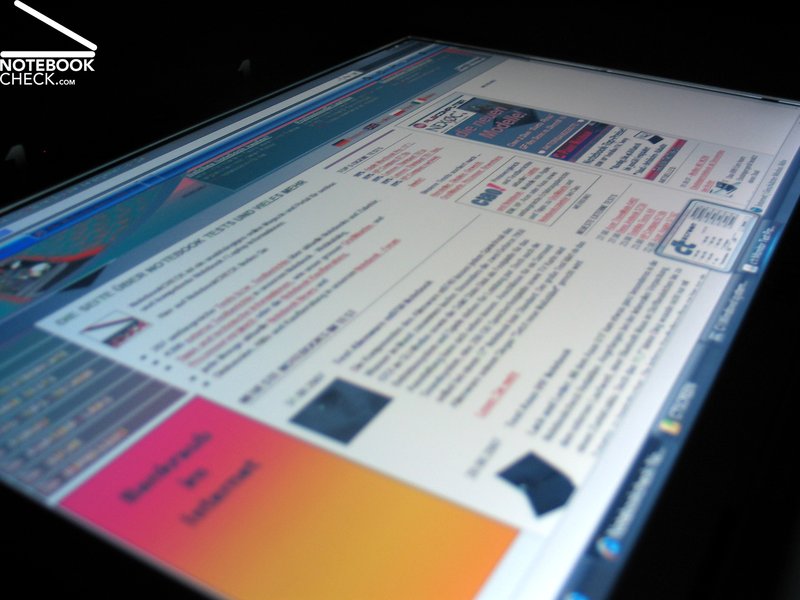
Video of Display's Viewing Angles
Performance
The reviewed Dell Inspiron 1520 was a reasonable base version. So, it was only equipped with a Core 2 Duo T5450 processor with 1.66 GHz and a NVIDIA Geforce 8400 M GS.
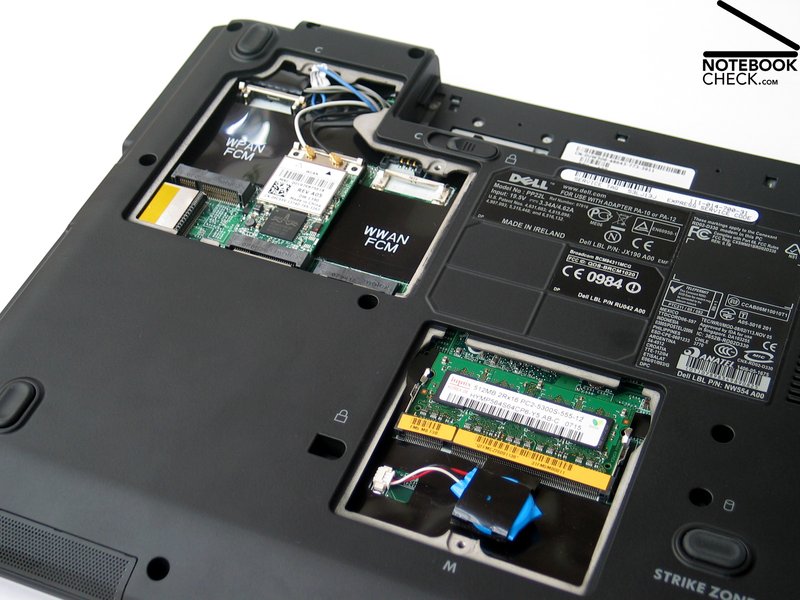
Combined with 120 GB hard disk and 1GB main memory, it was still a useful notebook, which is able to master office tasks as well as light multimedia applications.
However, a variety of upgrade possibilities are also offered. Besides the already mentioned display version, there are also a lot of alternatives regarding performance relevant parts.
E.g., CPUs up to T7500 (2.2 GHz), main memory up to 4 GB, hard disks up to 250GB or faster 7200 rpm models, but, also a clearly more powerful video card, a Geforce 8600M GT with 256MB DDR2 Ram are offered.
So, it gets quickly obvious that also a playable version of the Dell Inspiron 1520 is available without problems. For good gaming performance you could for example choose a T7300 CPU, 2GB main memory, a WXGA+ panel, a fast 160 GB 7200 rpm hard disks and of course the Geforce 8600M GT.
At the time of writing this version of the Dell Inspiron 1520 would cost about 1300.- Euro. Compared to the recommended price of the base equipment of about 800.-, this is a clear increase, but also the performance should clearly increase...
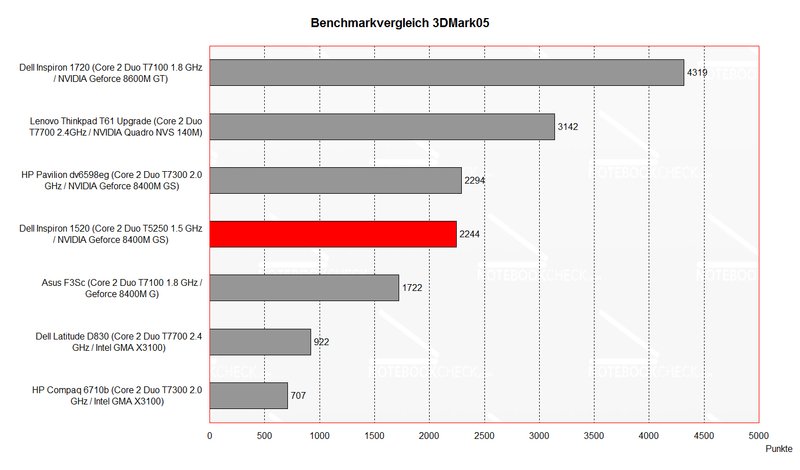
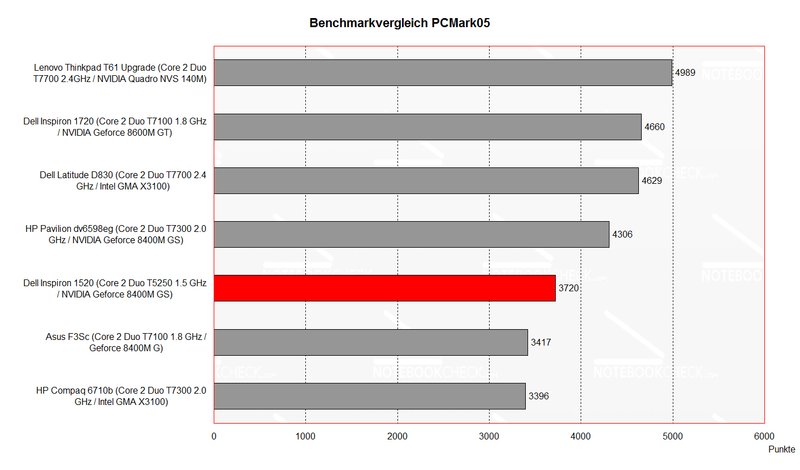
| 3DMark 2001SE Standard | 10921 points | |
| 3DMark 03 Standard | 4199 points | |
| 3DMark 05 Standard | 2244 points | |
| 3DMark 06 1024x768 Score | 1208 points | |
Help | ||
| PCMark 05 Standard | 3720 points | |
Help | ||

| Command and Conquer III | |||
| Resolution | Settings | Value | |
| 1280x800 | high | 14 fps | |
| 1024x768 | high | 16 fps | |
| 800x600 | high | 20 fps | |
Emissions
Loudness
An advantage of the moderate base equipment are surely the low noise and temperature emissions. The notebook was very quiet in idle mode, we measured a noise level of 34.8 dB.
Under load you can hear the 1520 better, but, the maximum of 37.1 dB is still alright, and absolutely not disturbing.
However, the noise of the 120GB hard disk was sometimes disturbing, because it loudly crackled.
Noise level
| Idle |
| 0 / 34.8 / 0 dB(A) |
| HDD |
| 43.3 dB(A) |
| DVD |
| 36.4 / dB(A) |
| Load |
| 37.1 / 0 dB(A) |
 | ||
30 dB silent 40 dB(A) audible 50 dB(A) loud |
||
min:  , med: , med:  , max: , max:  (15 cm distance) (15 cm distance) | ||
Temperature
Also the surface temperature of the Inspiron 1520 is very low. Maxima of 33.1 °C on the top side or 37.1 °C on the bottom side are alright.
(+) The maximum temperature on the upper side is 33.1 °C / 92 F, compared to the average of 36.8 °C / 98 F, ranging from 21 to 71 °C for the class Multimedia.
(+) The bottom heats up to a maximum of 37.1 °C / 99 F, compared to the average of 39.1 °C / 102 F
(+) The palmrests and touchpad are cooler than skin temperature with a maximum of 30.8 °C / 87.4 F and are therefore cool to the touch.
(-) The average temperature of the palmrest area of similar devices was 28.7 °C / 83.7 F (-2.1 °C / -3.7 F).
Speakers
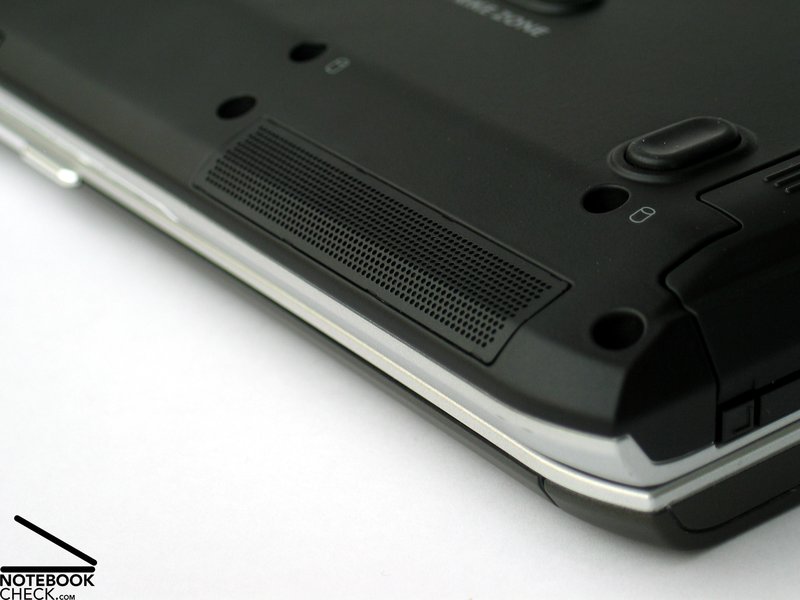
The two speakers at the front edge of the notebook provide good and, if demanded, also loud sound. The sound is alright, and also the basses are rather good. When we checked the audio out, we observed a quiet cheeping and cracking noise, which was clearly superimposed by the played back music, but, was always present.
Battery Runtime
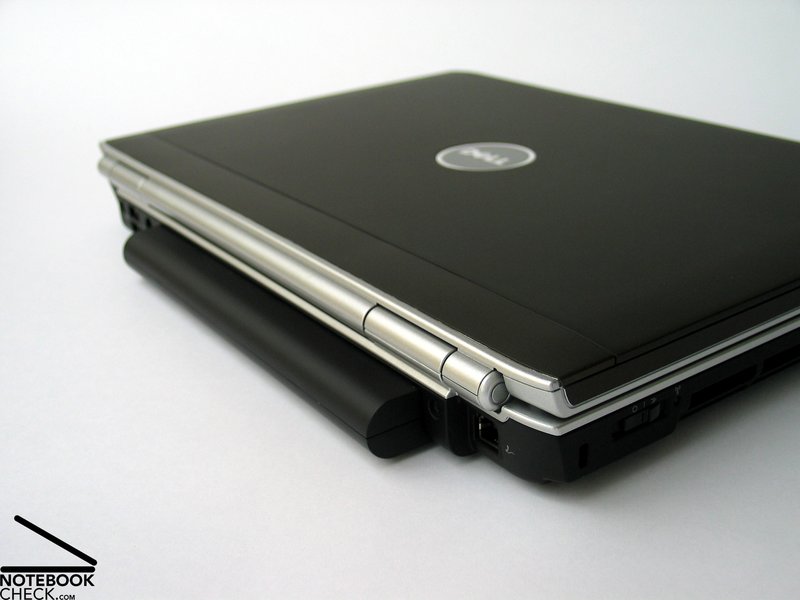
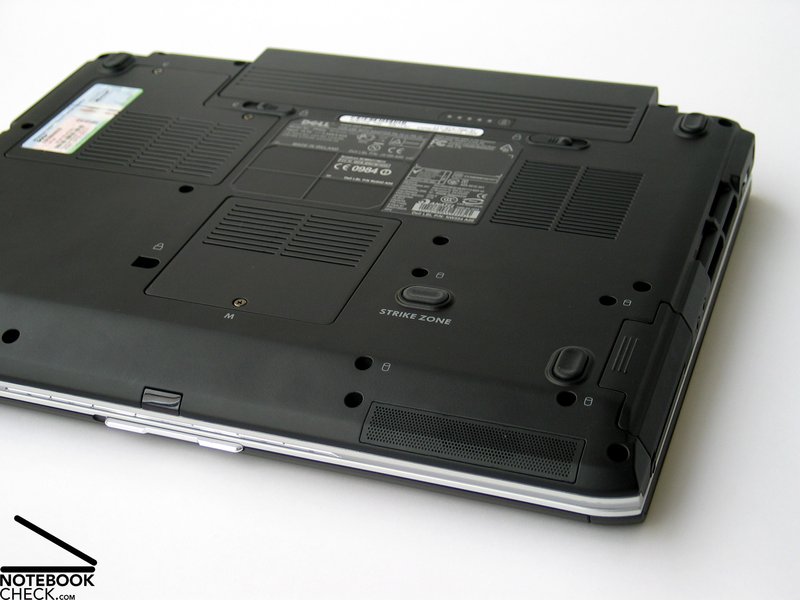
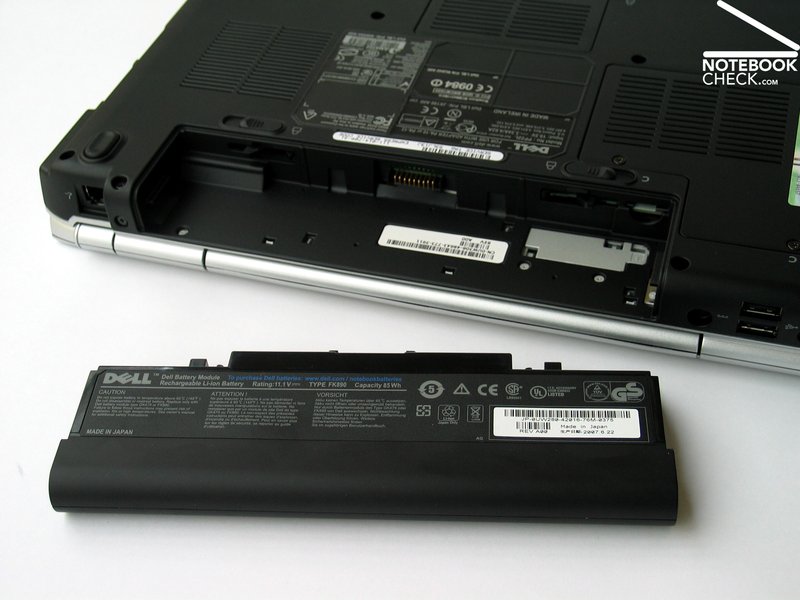
The reviewed Dell Inspiron 1520 was equipped with the optionally available 9 cells battery. Its capacity of 85 Wh combined with the moderate equipment promised a good runtime. This battery upgrade is surely interesting, also because it only costs 35.- Euro. However, the drawback is that the battery protrudes the case.
The measured runtime ranges from a minimum of somewhat above 2.5h to a maximum of above 8 hours with maximum energy saving settings.
Also the runtime with WLAN operation of above 4 hours are a criterion supporting the battery upgrade of the Dell Inspiron 1520.
Verdict
In summary the Dell Inspiron 1520 is a dignified successor of the successful Inspiron 6400 series. The large number of available configurations, which allow an office version and also a gaming version, make the 1520 especially interesting.
The design of the aluminum case can be adapted to the different configurations and the chassis convinces by robustness and flexural rigidity. Besides some smaller weaknesses, most notably the missing digital video out has to be mentioned. This would be a reasonable supplement especially for a compact 15 inch notebook.
The input devices are fit for office work and games and are liked, because of their reasonable layout and user-friendly typing. Also the touch pad is alright.
The built-in WXGA display has the advantage that it is due to a matte surface and good brightness fit for outdoor usage. However, the resolution of the 1280x800 panels could be higher. Regarding this aspect, Dell also offers a variety of alternatives, but they all have a reflecting surface.
Regarding performance the Dell Inspiron 1520 can be individually adapted to your demands. Possible configurations ranges form averagely equipped office notebooks to playable multimedia notebooks.
The emissions of the reviewed office version were very low. More powerful versions will likely have higher emissions.
Finally, also the battery runtime of the Dell Inspiron 1520 is a clear pro, of course also because of the optional 9-cells battery. A runtime of up to 8 hours leaves nothing to be desired and prepares the ground for mobile use.
Über den Testbericht bzw. das Notebook können Sie hier in unserem Forum diskutieren.
 Add as a preferred source on Google