Review Compal FL90 Notebook
Hit of the summer. The Compal FL90 notebook is one of the VBI (Verified by Intel) notebooks. Performance and hardware were considered far more important than the look. Of course, also the price has to be reasonable. The Compal FL90 meets these requirements very well. Although, it might not look as elegant as 'brand notebooks', it is excellently equipped, e.g., with a GeForce 8600M GT video card.
Following review is provided by notebookcheck.pl, our Polish editor team.
Case
The Compal FL90 is a very popular notebook currently offered as part of the VBI (Verified By Intel) program. The products offered as a part of this program have to follow a set of guidelines specified by Intel.
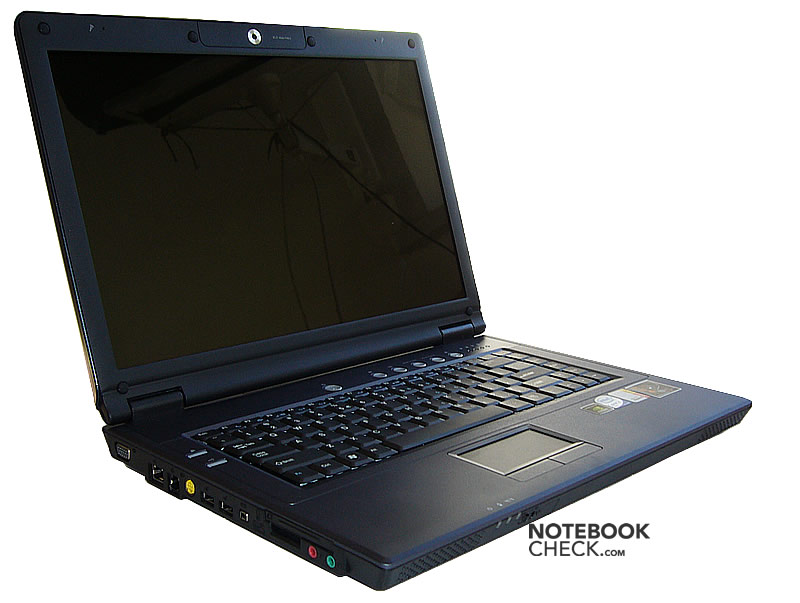
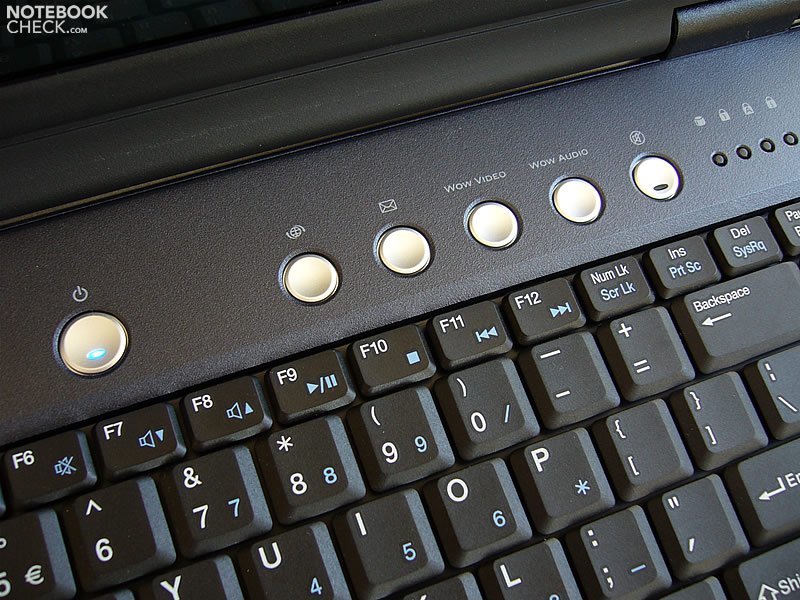
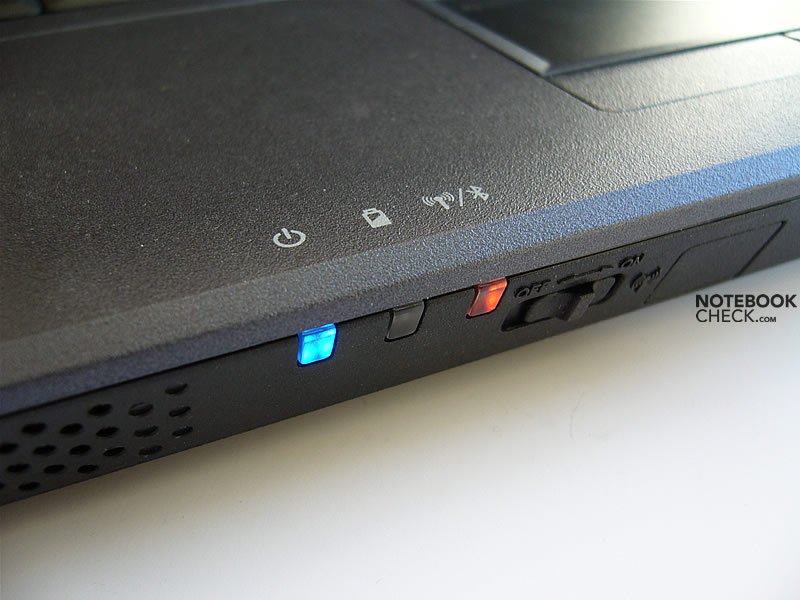
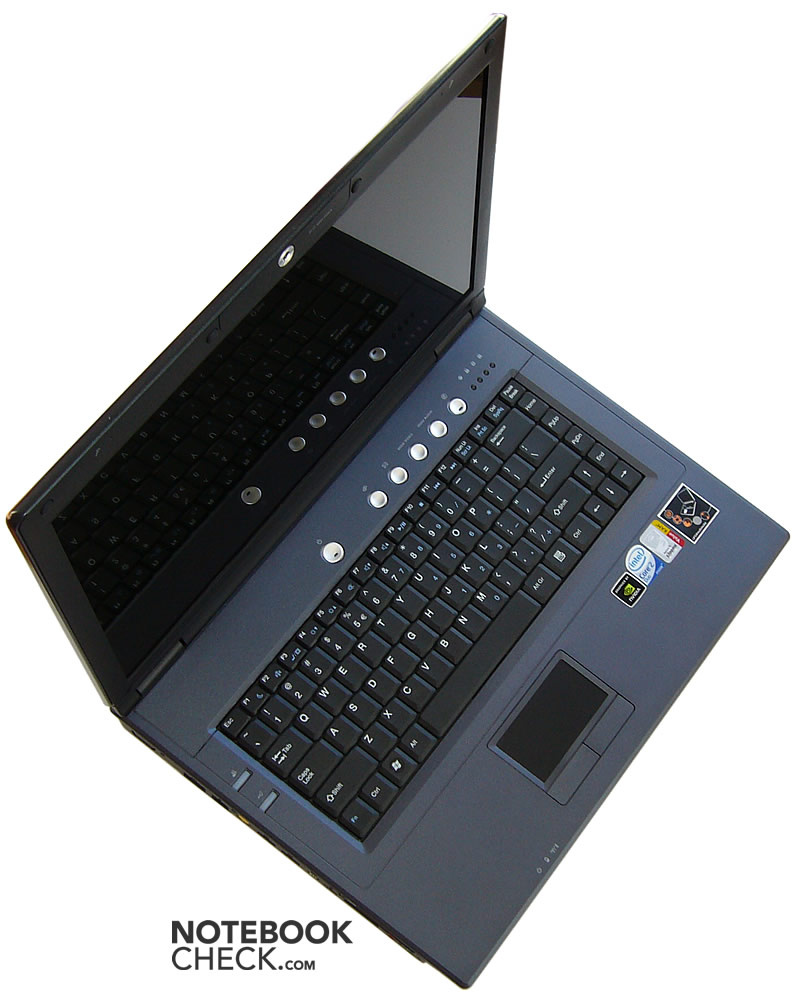
It is often said, that no-names differ from brand laptops basically because the lack of a logo. Be this as it may, the Compal FL90 looks quite nice, but not outstanding. It is a solid notebook, without any fancy, unnecessary details. Nevertheless, some hot keys are provided, and the power button is even equipped with a blue LED.
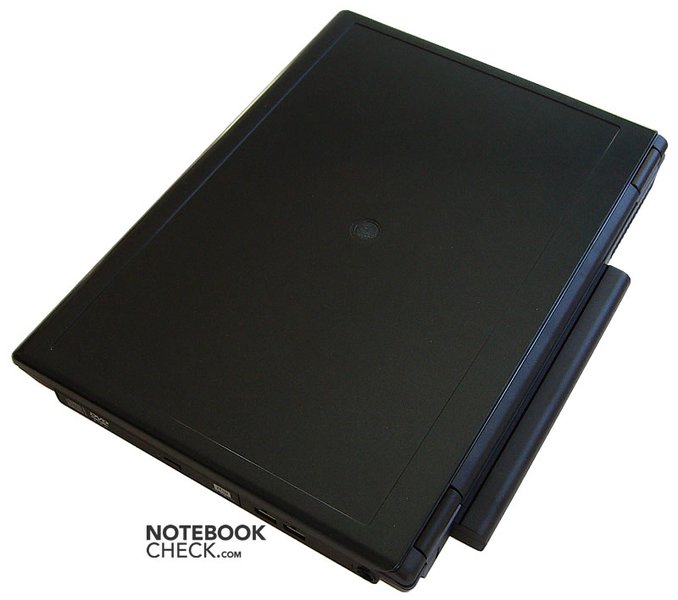
FL90 is mostly dark blue - almost black. The top case is made of matte plastic and the display cover is coated by metallic paint.
In the middle of the display cover there is a round hollow. It's for the logo of the brand under which it will be sold. Furthermore, there is a space for putting a sticker onto the display cover.
Touching the rough surface of the case it gets obvious that this notebook is not designed a top notebook.
The case is solid and sound all around, and in general totally robust. Only the display cover yields a little bit under pressure. However, the cover of the base unit vibrates quite loudly, if you touch it. This especially annoys when using the touch pad.
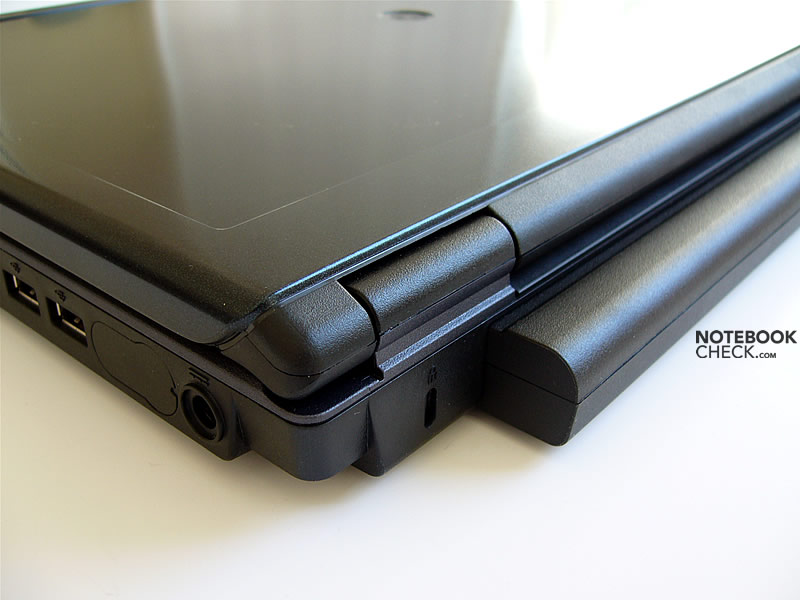
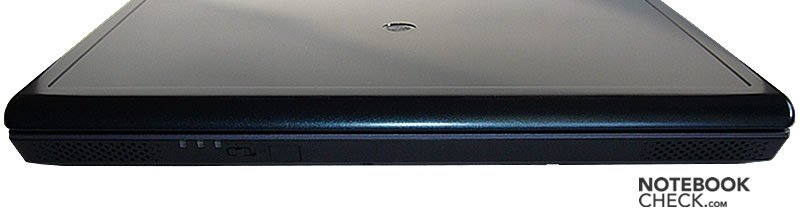
The broad hinges work well and the screen doesn't wobble after adjusting its position.The biggest weakness of the Compal FL90's case is that the transport hook is missing. There isn't even a magnetic mechanism, only the hinges, keep the display more or less closed. If the notebook is held upside down, the display cover will open for about 1.5cm due to gravity. Furthermore, the hinges are designed in a way that makes in impossible to open the notebook with one hand.
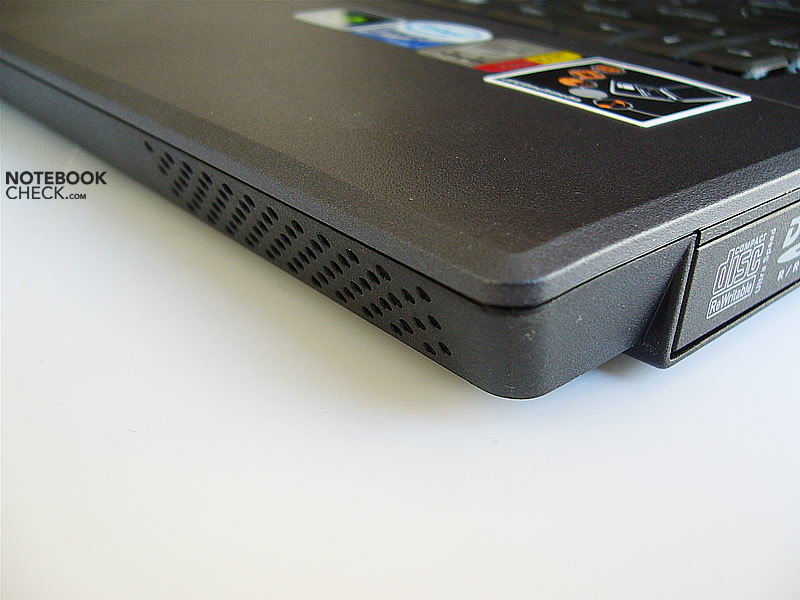
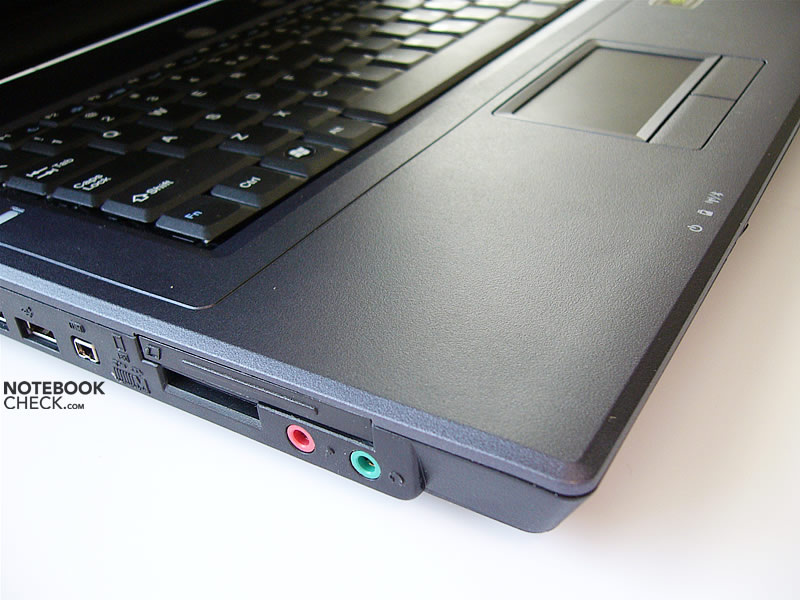
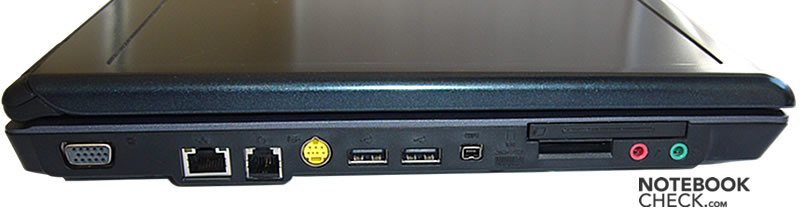
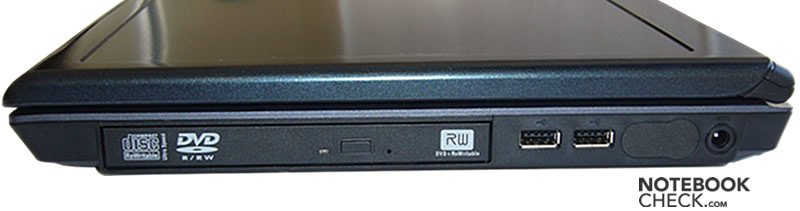
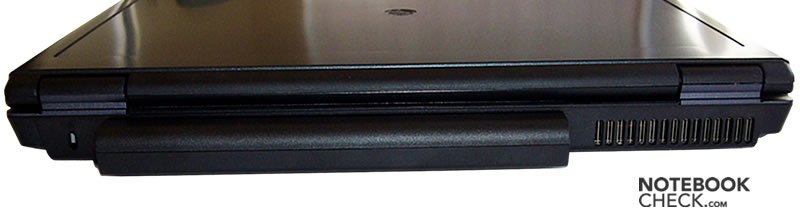
The ports and the vent hole are located at reasonable places.
Input Devices
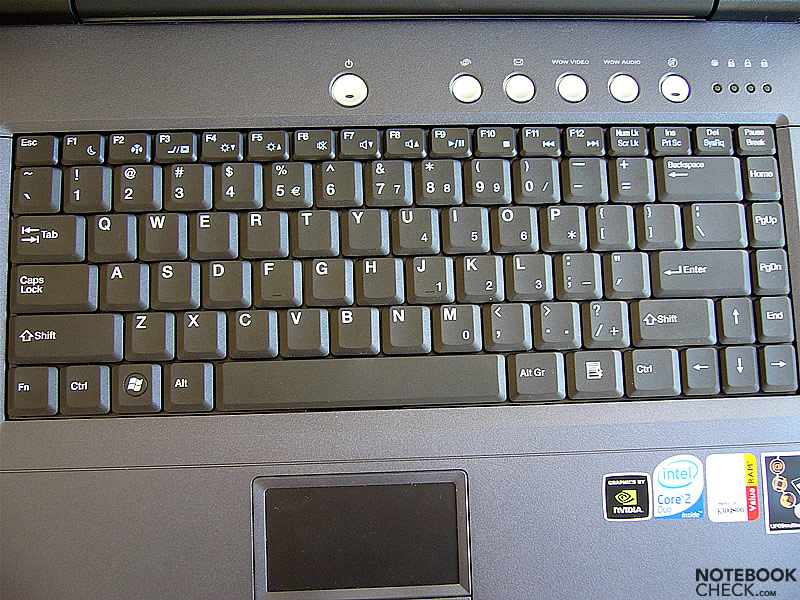
Writing with the Compal's keyboard is very comfortable. It's layout is nice. However, Fn and Ctrl keys are reverse than usual. The cursor keys - although squeezed between other keys - are suprisingly large and easy to use. The size of the keys is generally very good, except of the small enter key.
Typing on this keyboard is rather quiet - only Caps Lock, left Shift, Enter, and space bar are a little louder.
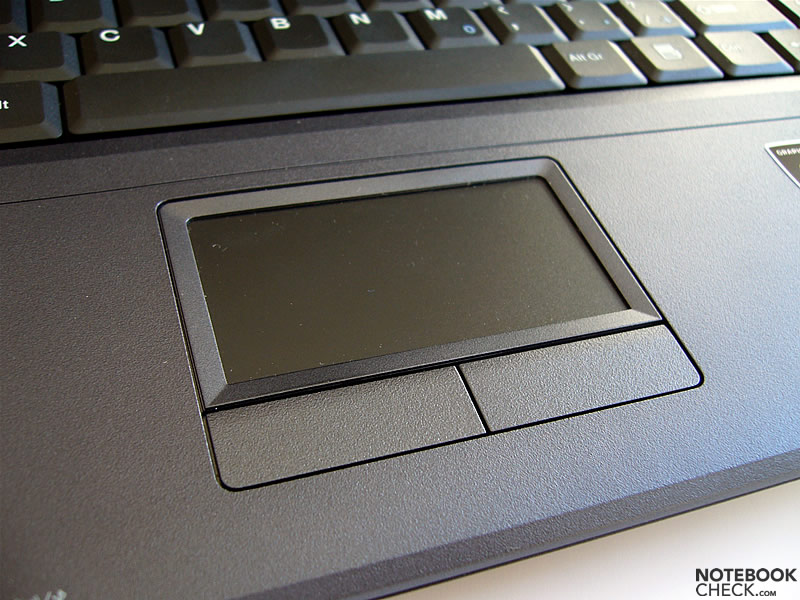
The touchpad's dimensions are 6.8x3.6cm. This means that it isn't big (especially vertically) and has an unusal format. Nevertheless, it is very good touchpad - it's precise, sensitive and has nice sliding properties. The only con is the already mentioned vibration when double-tapped.
Its buttons are hard to press on the edges. We feel that they are quite loud - especialy because of a vibrating sound that is created when pressing them. However, they are quick and precise.
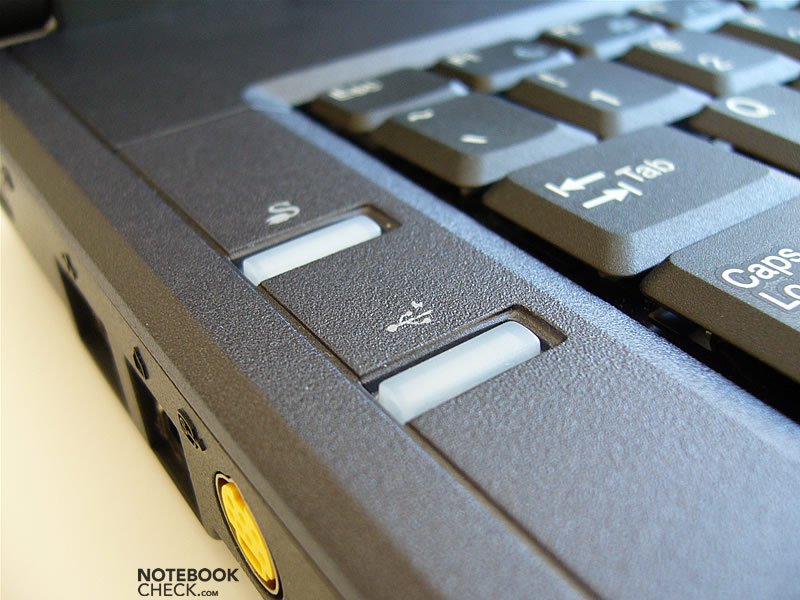
In addition to silver multimedia hot keys above the keyboard, the Compal also provides two more hot keys located at the left side of the case. They are white, and hard to press. One of them (Q-Charging) serves to charge the battery to full, even if an option to charge it to 50/75% is selected. The other (Power USB) allows the USB ports to gain electricity even if the notebook is turned off.
Display
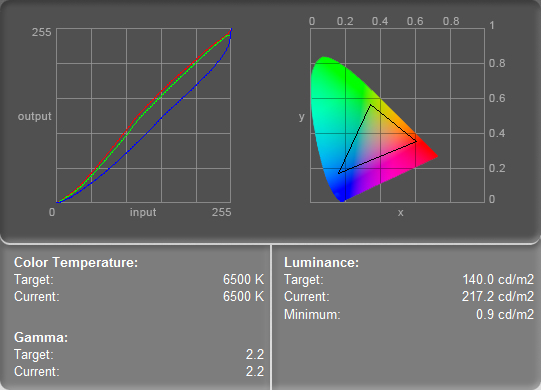
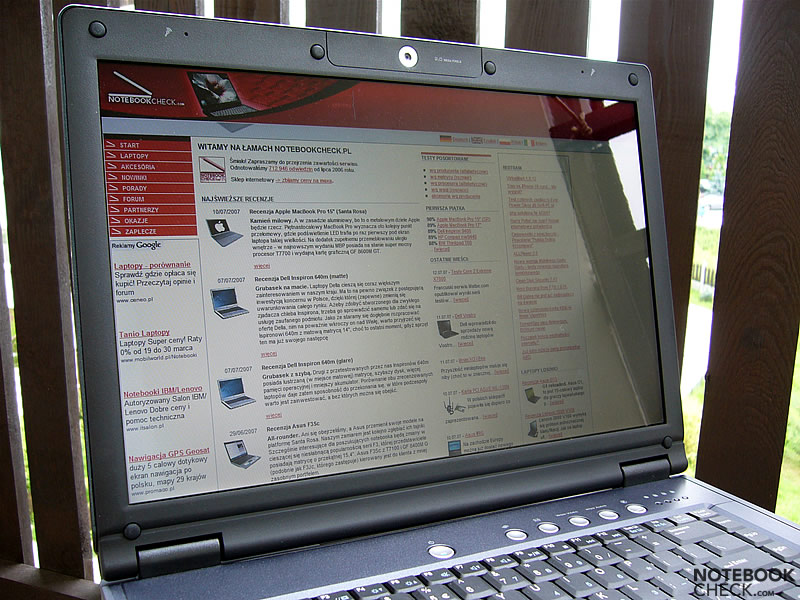
The reviewed Compal came with a glossy 15.4" WXGA screen (1280x800). It has been manufactured by LG.Philips (Some HP Pavilions are, e.g., equipped with the same display). The maximum brightness was 217.2cd/m², which appears to be a very good result, especially compared to other panels by this manufacturer. The illumination is rather poor at 74.3%. The maximum contrast of 241:1 is again alright. Overall the quality of this display is satisfying.
| |||||||||||||||||||||||||
Brightness Distribution: 74 %
Contrast: 241:1 (Black: 0.9 cd/m²)
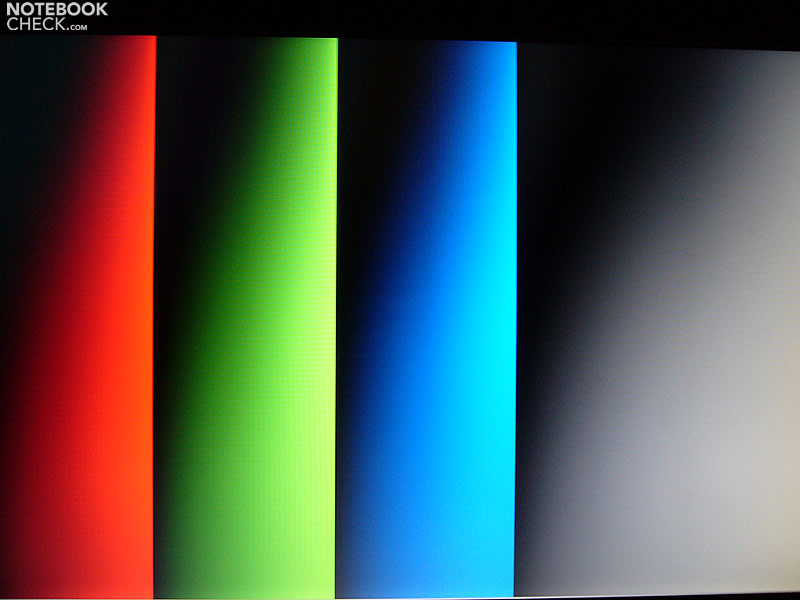
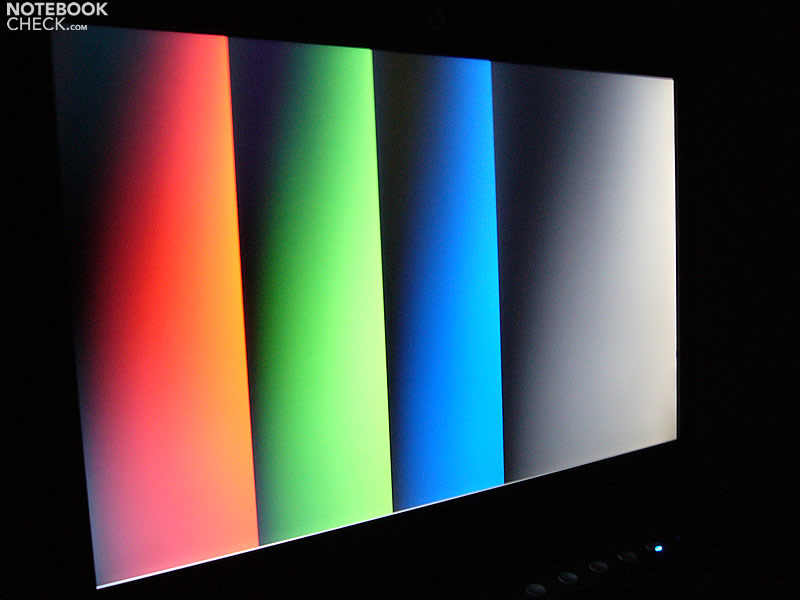
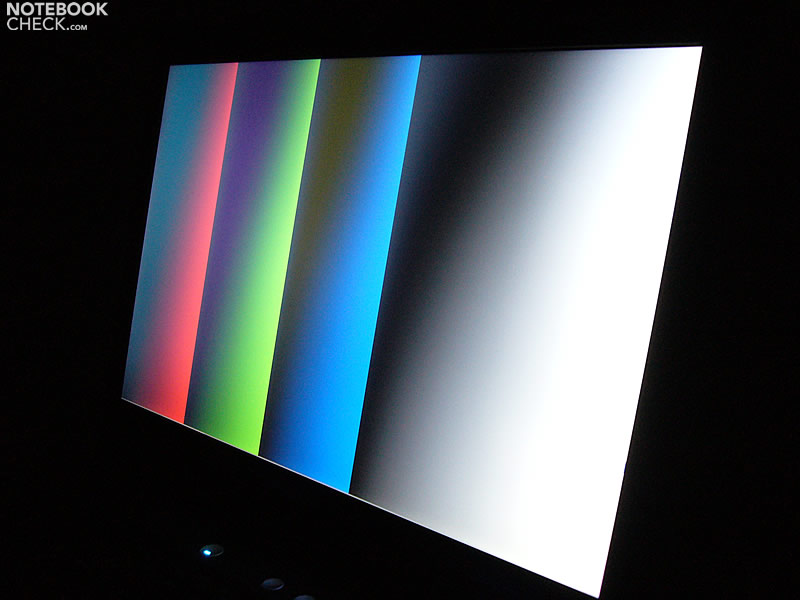
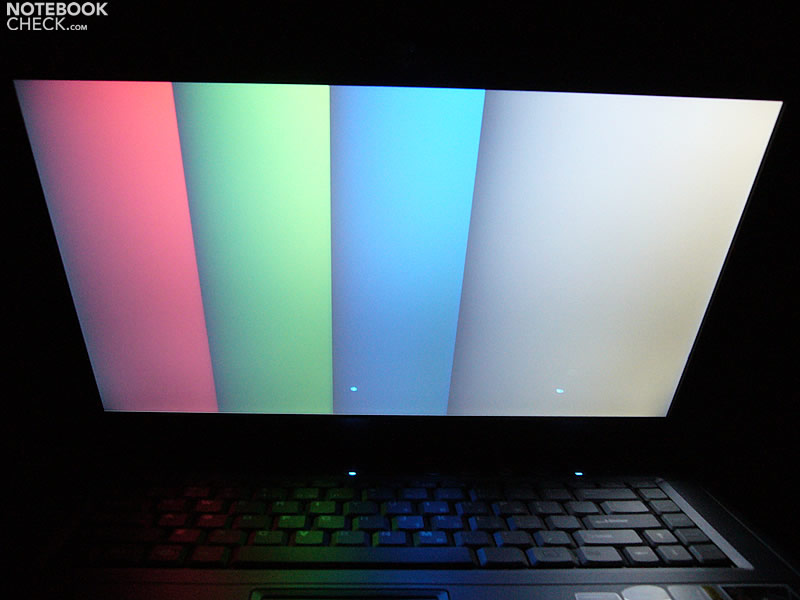
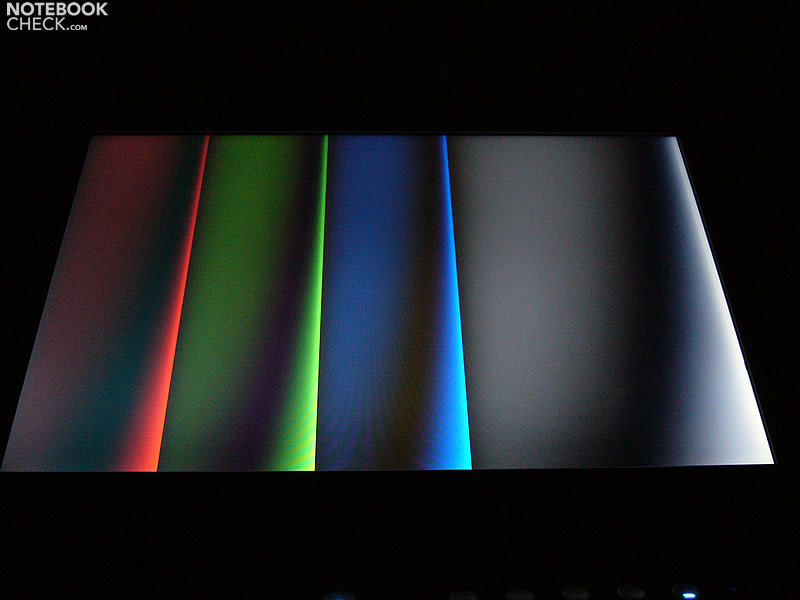
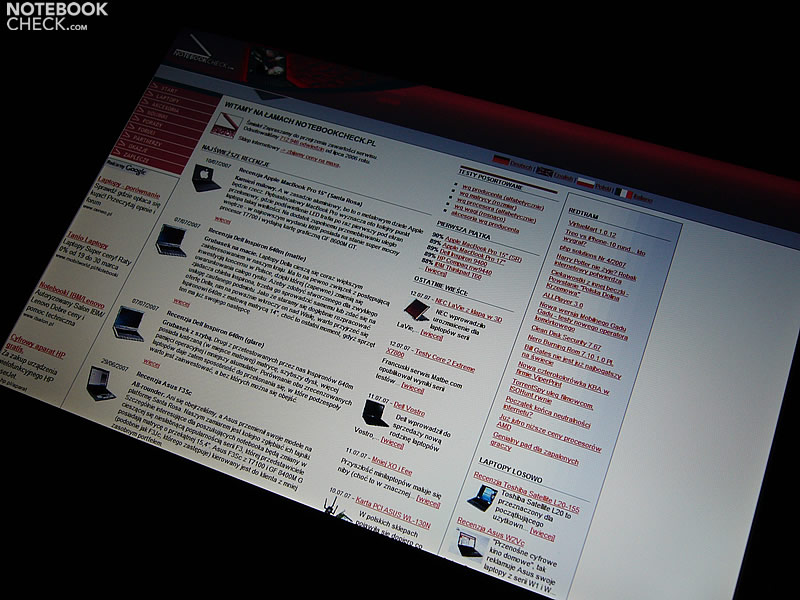
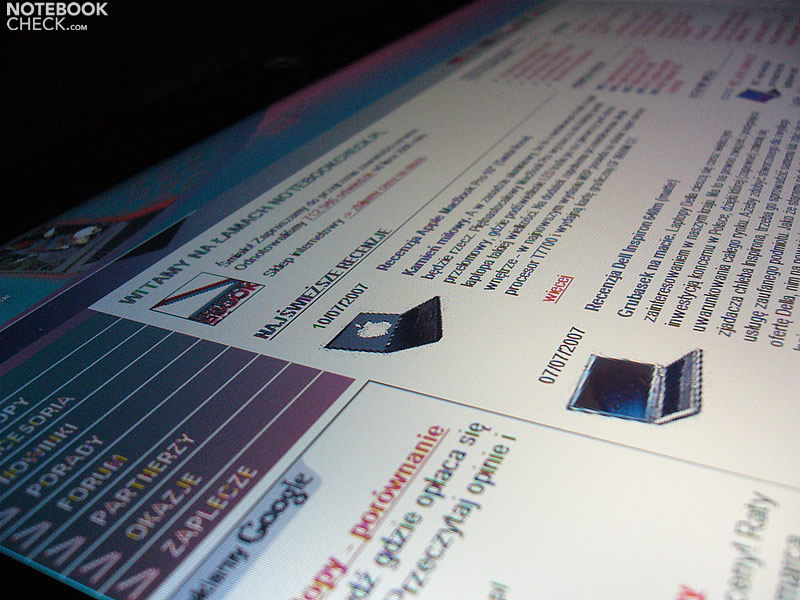
Regarding stability to the vantage point the area of operation is rather narrow. Typical LG.Philips screen black quite quickly becomes gray both vertically and horizontally.

Performance
The reviewed Compal FL90 was equipped with a Core 2 Duo T7300 (2.0GHz) processor. Considering performance/price ratio, this seems to be an optimal choice at the moment.
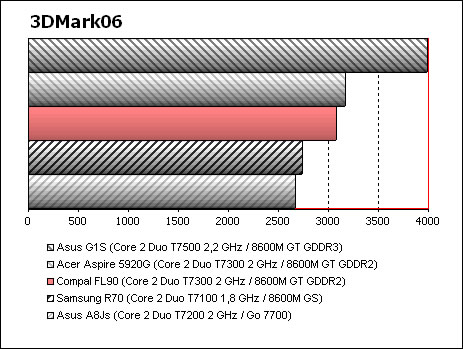
The video card is a GeForce 8600M GT. It is considerably more powerful than the 8600M GS that its competitor, the ASmobile S96S, is equipped with.
Further information about the video card can be found here or in our comparison of mobile video cards. Detailed information about the Core 2 Duo CPU can be found here.
Please also look at our benchmark list of mobile processors or at our benchmark list of mobile video cards, in order to compare this notebook to other configurations.
| 3DMark 2001SE Standard | 20359 points | |
| 3DMark 03 Standard | 8821 points | |
| 3DMark 05 Standard | 5251 points | |
| 3DMark 06 Score Unknown Setting | 3078 points | |
Help | ||
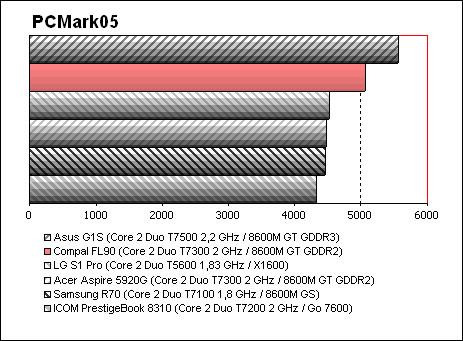
| PCMark 05 Standard | 5075 points | |
Help | ||

Gaming tests (with the help of Fraps):
Company of Heroes
1024x768, high/med details, AA off
19-42fps (34.9fps on average)
1280x800, all maxed out
3-15fps (10.2fps on average) - playable non the less
FIFA 07
demo default settings
54-60fps (57.8fps on average)
Genesis Rising
1280x1024, high details, AA on
76-90fps (81.9fps on average)
Harry Potter: Order of the Phoenix
640x480, balanced details
56-60 fps (58.8fps on average)
Supreme Commander
1024x768, high details, AA off
18-30fps (23fps on average)
Emissions
Loudness
In idle mode the fan start runnning every half minute. Even a single mouse movement will cause the fan to run more frequently. Under load the fan operates continually and occasionally at higher speeds. We measured a maximum noise level of 41.2dB.
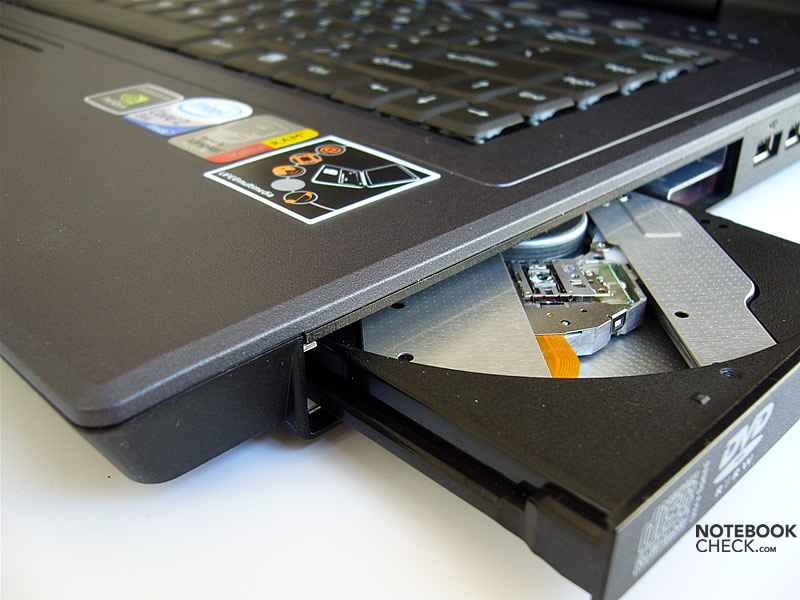
Though the Compal FL90 isn't loud, the dynamic changes of fan speed might annoy. However, this problem can be solved, by a different configuration. The optical drive by TSSTcorp (Toshiba Samsung Storage Technology) is really loud. Its noise level of up to 46dB makes watching DVDs unenjoyable.
Noise level
| Idle |
| 33.5 / 37.5 / 36.1 dB(A) |
| HDD |
| 34.5 dB(A) |
| DVD |
| 46 / dB(A) |
| Load |
| 0 / 41.2 dB(A) |
 | ||
30 dB silent 40 dB(A) audible 50 dB(A) loud |
||
min:  , med: , med:  , max: , max:  (15 cm distance) (15 cm distance) | ||
Temperature
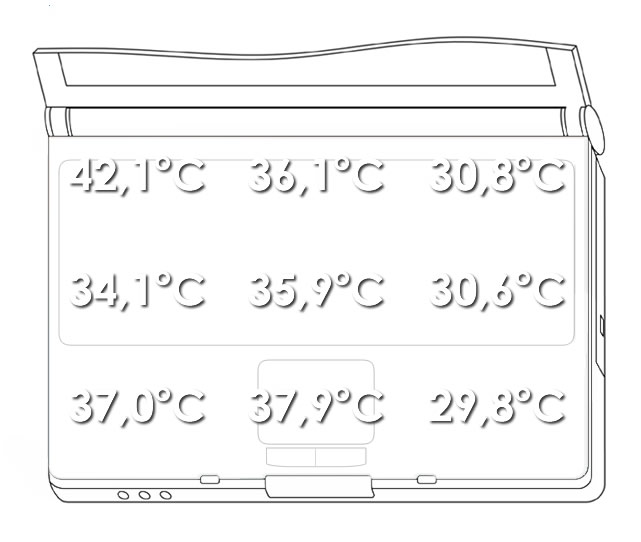
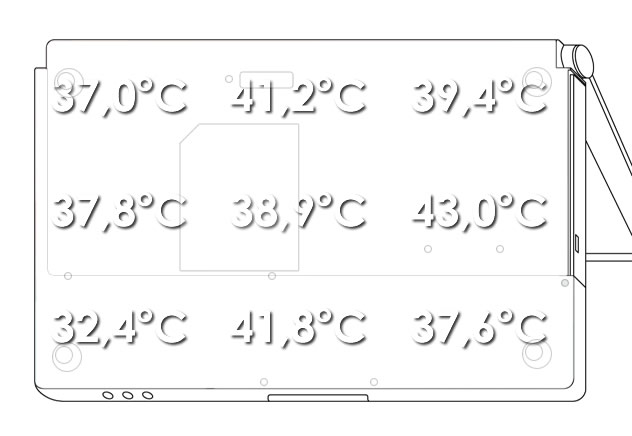
Because of a powerful GPU, the notebook gets considerably warmer under load. The measured maximum was 42°C at the left of the top side directly under the screen next to the vent hole. The other warm spots of the top side are the left palm rest area (37°C) and the touch pad (38°C). The maximum at the bottom side was 43°C.
Upper side
palmwrist: 37,9°C max: 42,1°C avg: 34,9°C
Bottom side
max: 43,0°C avg: 38,8°C
Speakers
The sound quality is relatively good. Even at maximum volume their sound is acceptable.
Battery Runtime
We could test two batteries supported by the FL90.
The first one was a 6-cell, 4800mAh battery, which is the standard equipment. Its runtime ranges from one hour to above three hours. In practice with standard settings and WLAN enabled the runtime will be probably around 2 hours.
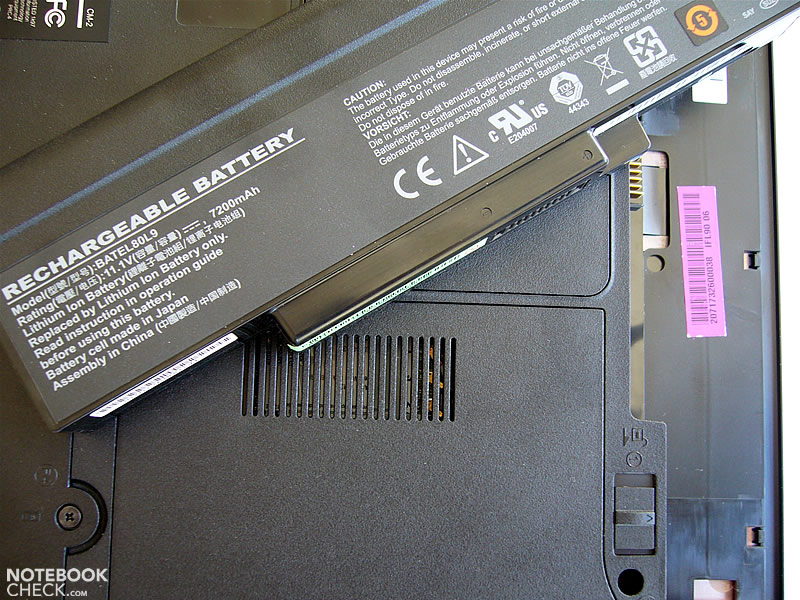
The 9-cell, 7200mAh battery exceeds the case by about 2cm. Its runtime is between 1.5 and 4 hours. So, unplugged regular work should be possible for about 3 hours.
No matter which battery you finally use, the runtime is be no means big.
Standard 4800 mAh battery:
7200 mAh Battery:
| Off / Standby | 0 / 0 Watt |
| Idle | 19.7 / 31.5 / 36.5 Watt |
| Load |
70.4 / 58.1 Watt |
   
| |
Key:
min: ,
med: ,
max: | |
Verdict
The Compal FL90 looks nice and has a good performance. The main pro of this notebook is its powerful GeForce 8600M GT video card. The benchmark tests prove the good performance of this video card. At a closer look the Compal also rates high in other aspects.
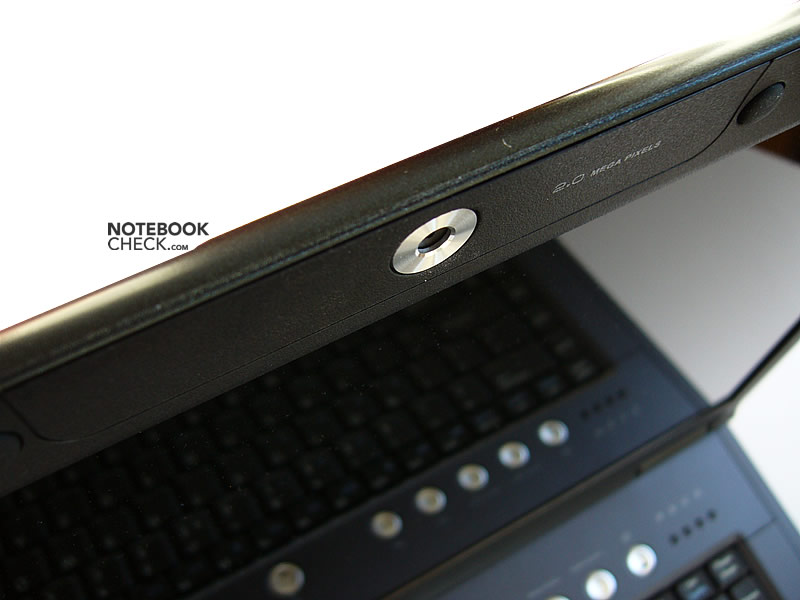
The FL90's quality partly exceeds the quality of many recognized brands. The keyboard is alright. The display, although made by LG.Philips and with narrow viewing angles, has a bright picture. The FL90 also provides an excellent webcam, and good speakers. Furthermore, its noise level is low.
Besides the transport hook is missing, the Compal FL90 is an excellent notebook with very good price/performance ratio.
Thanks to our partners of Notebookcheck Polen, who reviewed this notebook.
 Add as a preferred source on Google