Review Asus Transformer Pad Infinity TF700T Tablet/MID

In the past few months, Asus has stirred up the tablet community with its Transformer Pad series. Foremost amongst these tablets was the Prime TF201, which performed very well in many reviews. Sadly, its aluminum case caused problems with WLAN and GPS reception. The successor, the Transformer Pad TF300T, has a composite material case (and avoids those issues), but it does not have the same level of workmanship or great display as the Prime. The latest addition to the Transformer family is the high-end Transformer Pad Infinity TF700T which corrects all the past mistakes. Asus promises a fantastic design, great workmanship and top class performance.
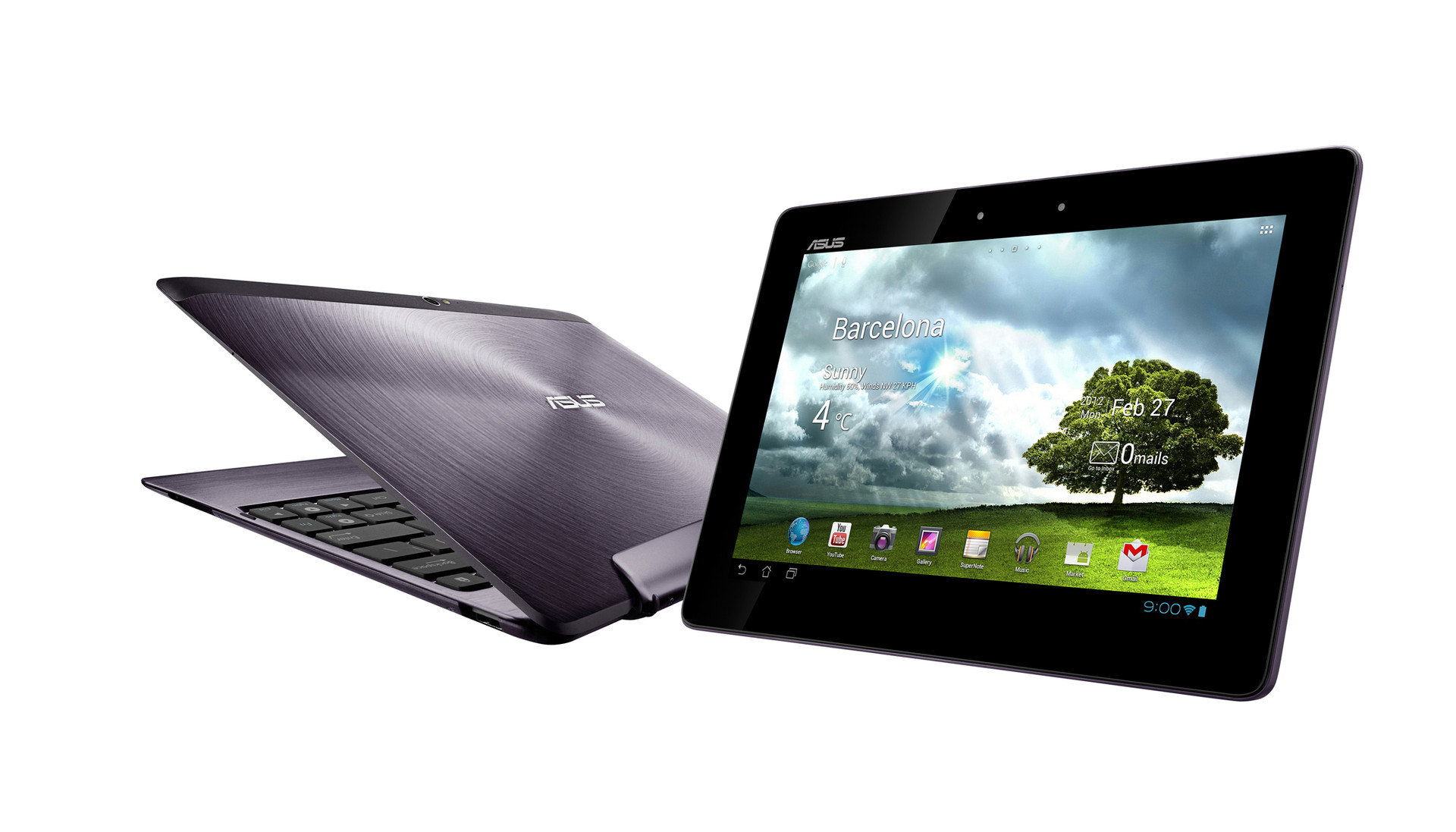
We cannot find any deficiencies in the technical specifications of the tablet. The 10.1 inch display has a resolution of 1920 x 1200 pixels. The model runs on the powerful Nvidia Tegra 3 CPU (4 cores runs at 1.6GHz) and has up to 64GB flash storage. The technical specifications of the Asus Transformer Pad Infinity TF700T are a delight to read, as this is one of the most powerful tablets, on paper at least. In addition, the test model has a great look: an aluminum case with the Asus ZEN design. This design is composed of fine, concentric circles on the case surface, which "simulate the senses". As expected, the Infinity looks great, especially as it is so thin.
The Infinity TF700T would not be a Transformer Pad without a docking keyboard. This Asus model is bundled with a docking keyboard which will make typing easier, add more ports and increase the battery life. Deliveries without the bundled dock will be available in the middle of July. Asus has not announced any news about a 3G or LTE model.
Case
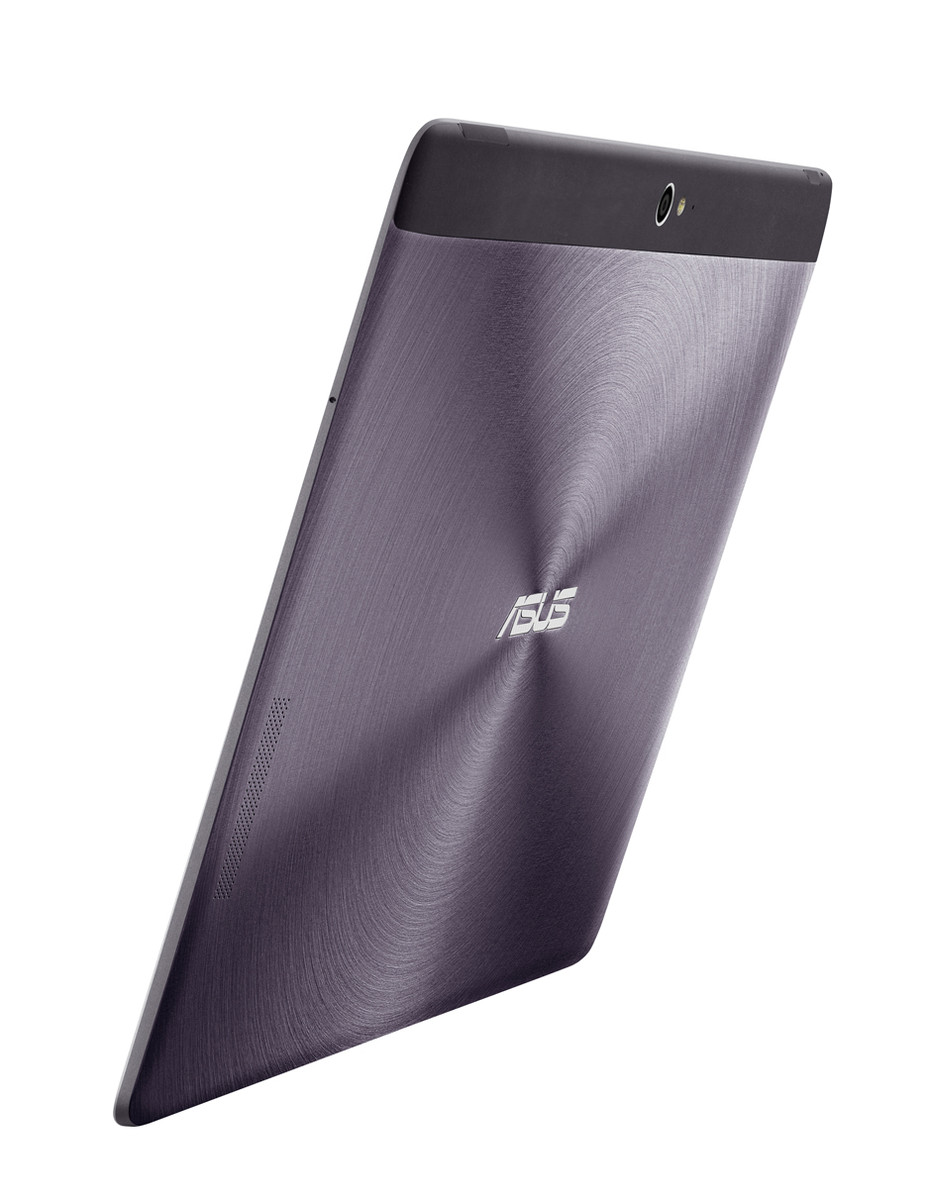
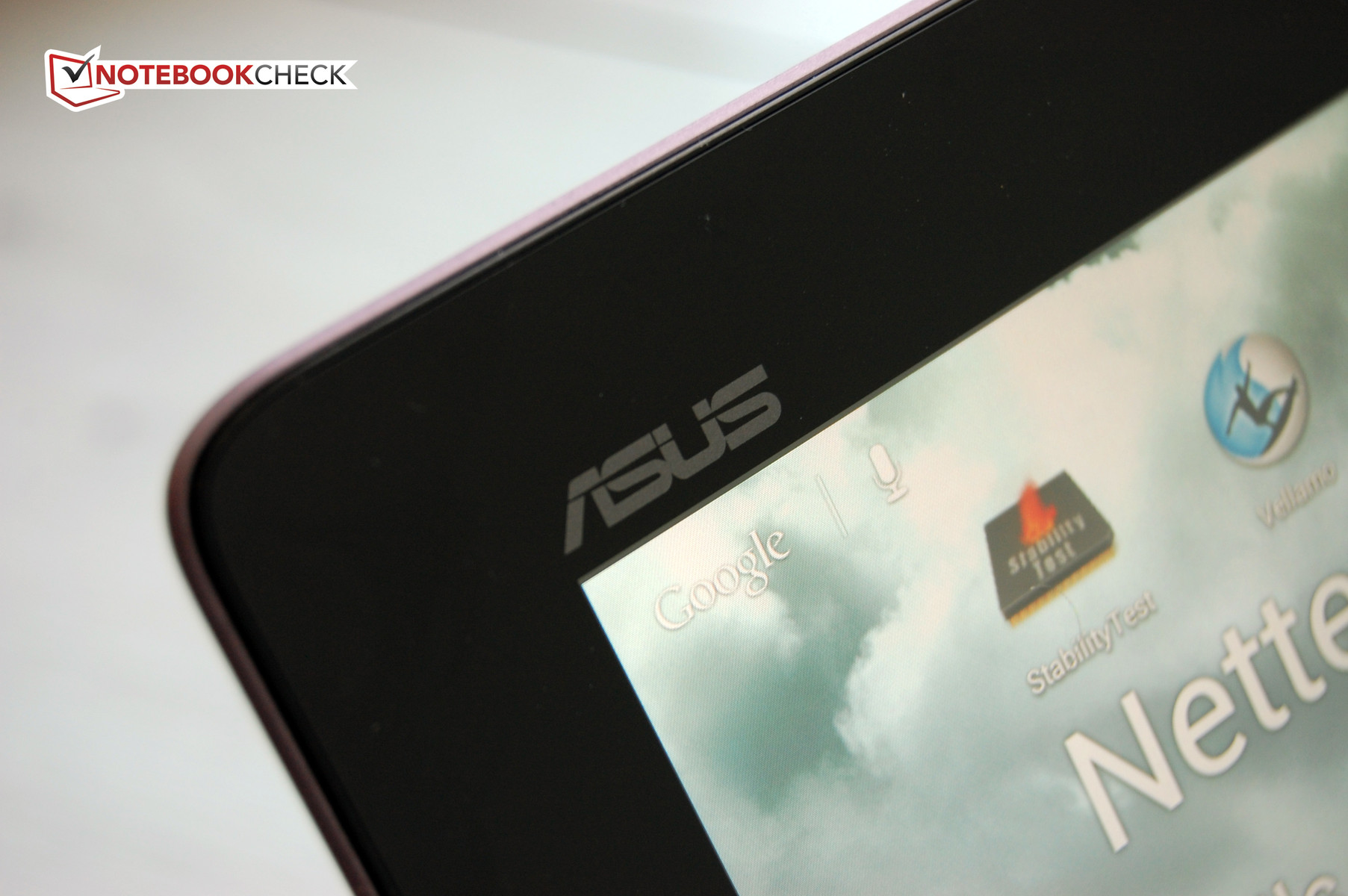
The Asus Transformer Pad TF300T was an experiment with a case made of composites. The Taiwanese manufacturer has reverted to aluminum and copies off of the Prime TF201 for this test model. The new Asus top dog, the Transformer Pad Infinity TF700T, uses the Asus ZEN design, which is made up of concentric circles inscribed on the aluminum surface. Our test model has the product code TF700T-1B130A and comes in amethyst-grey. The slight violet coloration is really nice on the 10.1 inch tablet. The test model neither looks too dull nor too gaudy.
The new iPad may be a slim tablet, but this Asus test model is ultra-slim. The technical specifications state a thickness of 8.5mm, making the tablet a pleasure to hold in the hand. The Asus device weighs 598 grams (~1.32lb.), which is not the lightest tablet in this category.
The workmanship of this review sample is impeccable. Asus maintains the high standard found in the Prime TF201. We found no flaws in the Infinity TF700T - no sharp edges or irregular gaps. The aluminum case is very sturdy and requires a lot of force to deform.
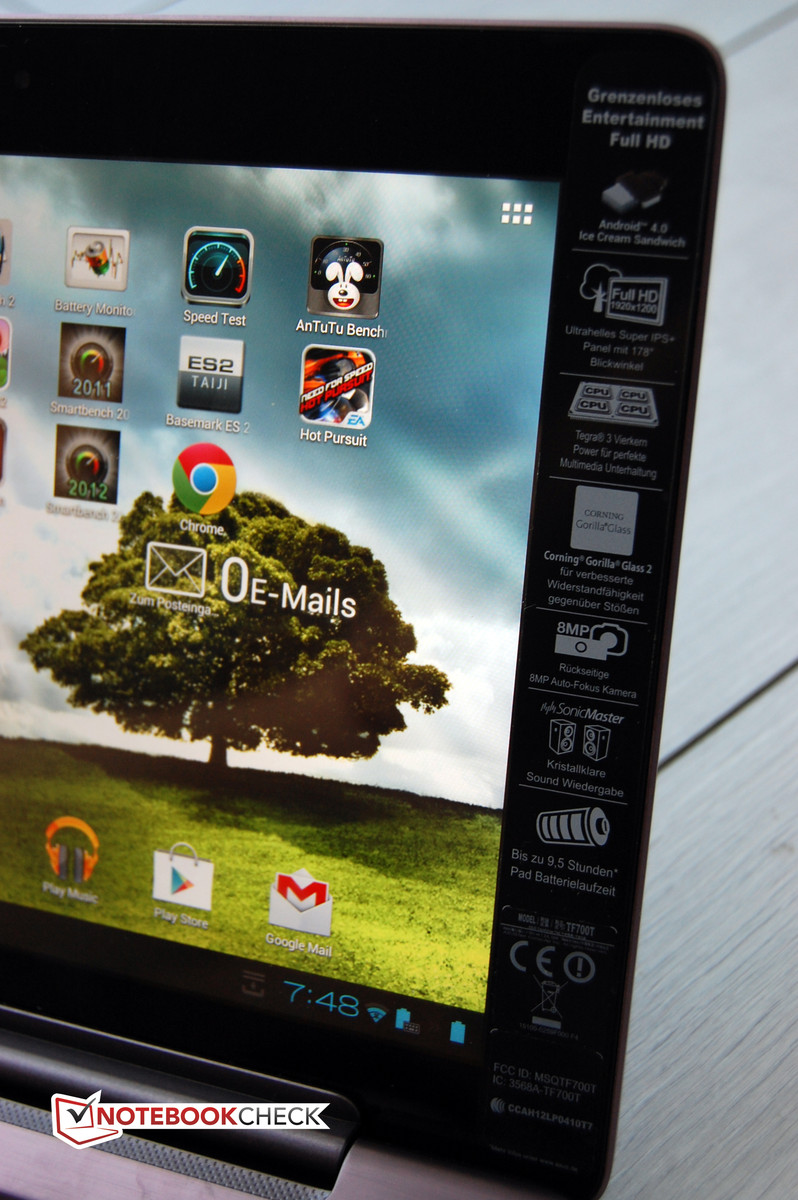
The display is protected by the scratch resistant Corning Gorilla Glass. Asus has installed the second generation of the scratch-resistant glass, which according to Corning, is far slimmer than its predecessor and just as robust.
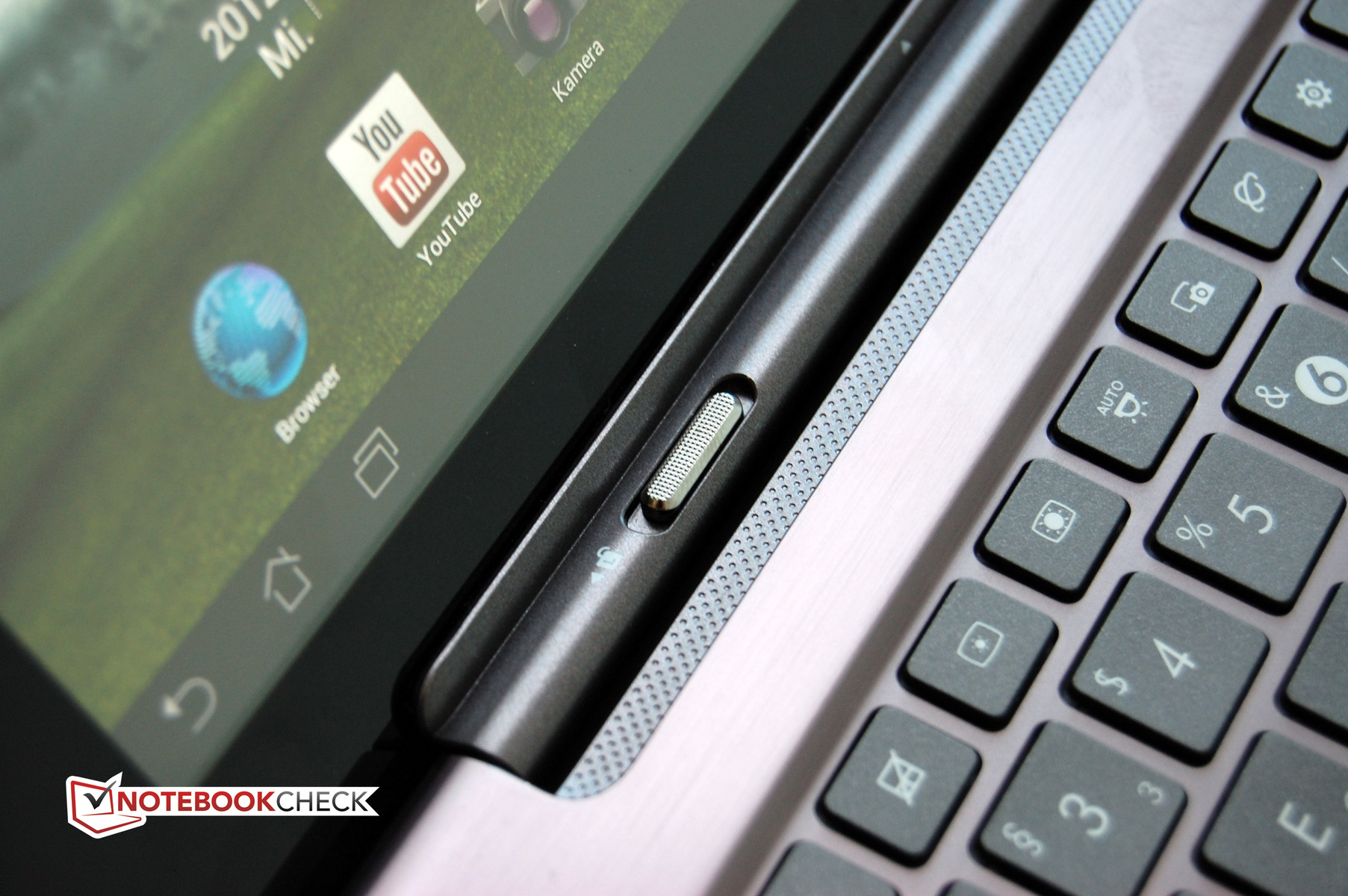
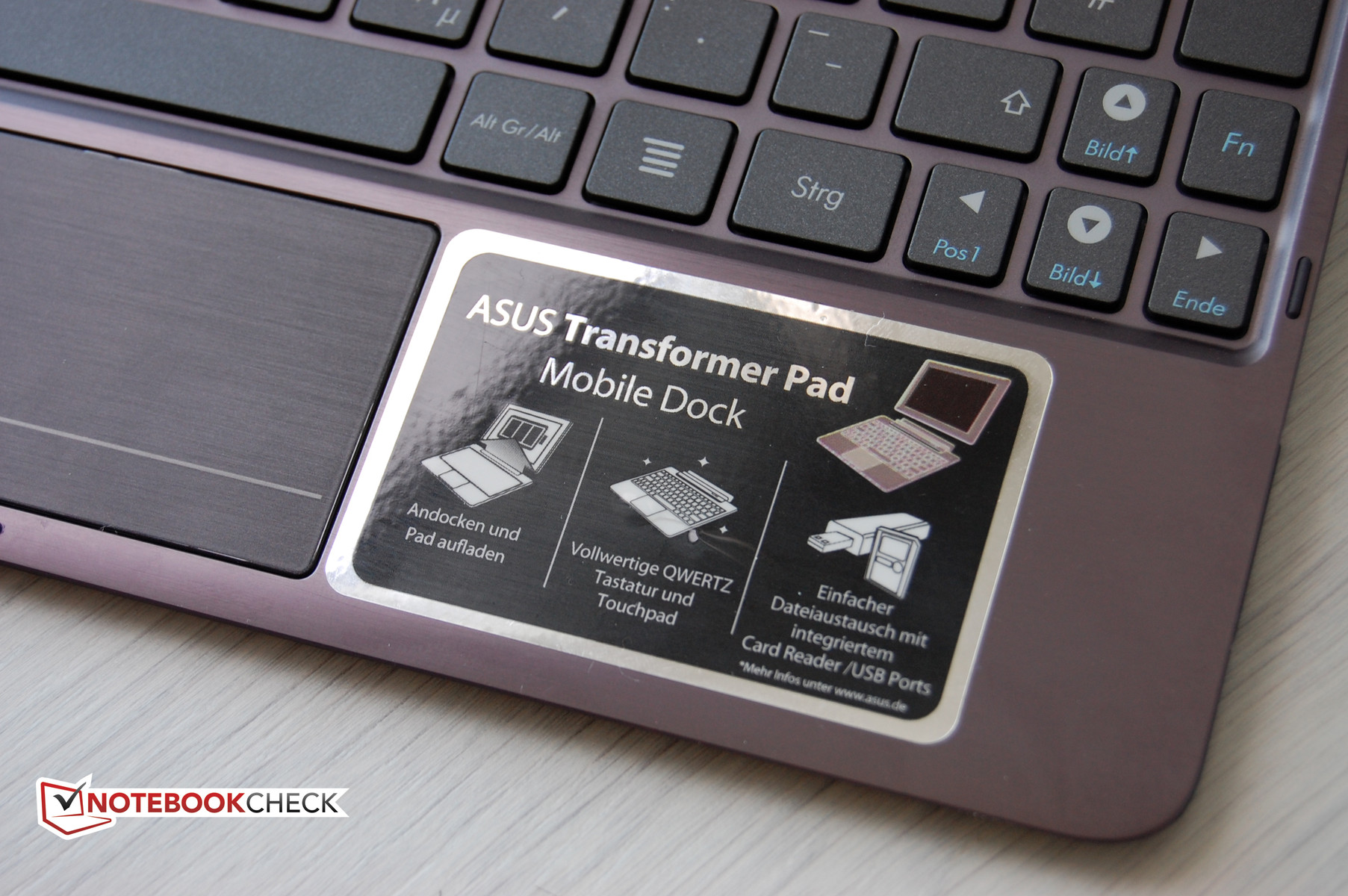
The docking keyboard is bundled with out test model. This keyboard is made of aluminum and is the same color as the tablet. The circles of the ZEN design are not included. Thankfully, the workmanship is the same as that of the tablet. The keyboard weighs 538 grams, which brings the total weight of the docked tablet to about 1100 grams (~2.6lb.). This is similar to the weight of a light netbook. As the docking keyboard contains a second battery, the Asus Infinity should beat any netbook in terms of battery life.
Connectivity
The Asus Transformer Pad Infinity TF700T runs on four cores like many other tablets nowadays. The tablet uses the Nvidia SoC Tegra 3. The tablet stands out thanks to the higher clock frequency of the processor: 1.7GHz (max while one core is running) and 1.6GHz (all four running). As all other models with Tegra 3 SoCs, the Asus Infinity has a fifth core which only kicks in for less-demanding tasks, so as to extend the battery life. The graphics chip with twelve processing cores is also a part of the SoC (System on a Chip). The RAM amounts to 1GB which is typical for tablets.
High resolution is an exceptional feature for a 10.1 inch display. The 1920 x 1200 pixel resolution (16:10) of our test model is only surpassed by the ‘Retina display’ of the new iPad (2048 x 1536 pixels). Asus speaks of a Full-HD resolution, which is not the same resolution as the normal Full-HD. Let us put it this way: the Asus panel displays more than the Full-HD resolution of 1920 x 1080 pixels. This is very promising and the icing on the cake is that the screen is a Super-IPS panel.
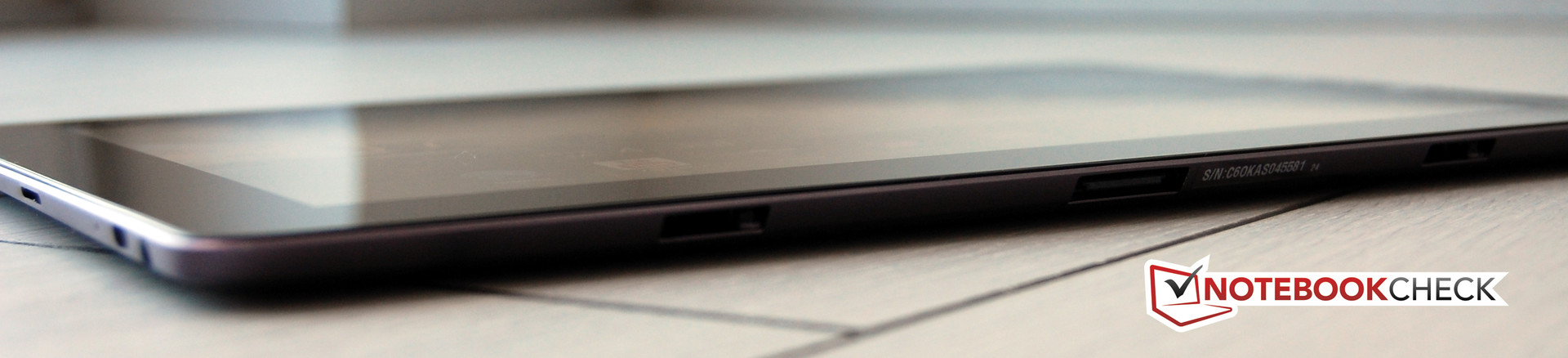
The additional hardware in short: 64GB internal storage, microSD card of up to 32GB supported, an 8MP camera (back) and a 2MP camera (front).
Software
The Transformer Pad TF300T had already gotten on the Android 4.0 train. The Infinity TF700T continues this trend by running on the newest Google OS, Ice Cream Sandwich (ICS). As in the TF300T, our test model is running on the Minor-Release 4.0.3. This means that everything mentioned in the review of the Asus Transformer Pad TF300T about the Google OS and Apps is applicable to our test model.
Communication and GPS
New tablets should have an easy time in the connectivity test. However, many voices spoke out about the poor WLAN and GPS performance in the Asus Transformer Pad Prime TF201. This was indeed the case, as we found in a later test, that the metal case of the Prime TF201 strongly affected the signal.
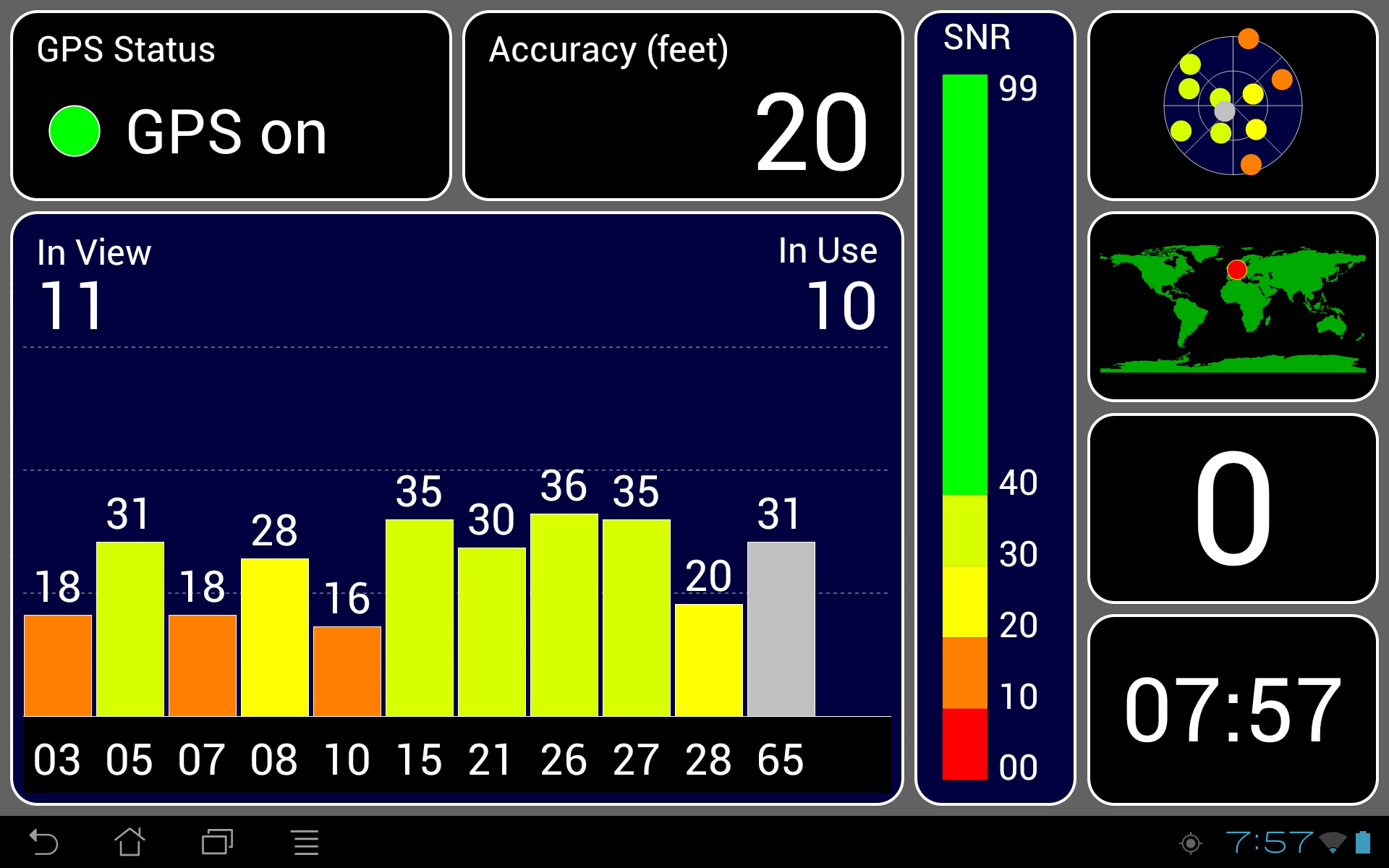
Of course, we have taken our time testing the newest tablet from Asus as it also uses a metal case. The Infinity test model did not have the GPS weakness found in the Prime TF201. In different places (from the countryside to the city and even in the forest), the GPS signal was always perfect. The accuracy was always within 10m.
The wireless hardware is identical to the recently tested Transformer Pad TF300T. The Infinity uses 802.11b/g/n WLAN (only 2.4GHz frequency) and Bluetooth 3.0. A version with a 3G module has not yet been announced by Asus. The TF300T is available with 3G and even LTE. We will need to wait and see if Asus decides to add these features on their flagship model as well. Most users who purchase such an expensive tablet will want to have the freedom to choose.
Cameras and Multimedia
Asus had already installed two cameras in the Transformer Pad TF300T (rear camera - 8MP with auto-focus). The "Infinity" is also equipped with two cameras, one on the back and one in the front, where, instead of a 1.2 MP sensor, the manufacturer has installed a 2MP camera.
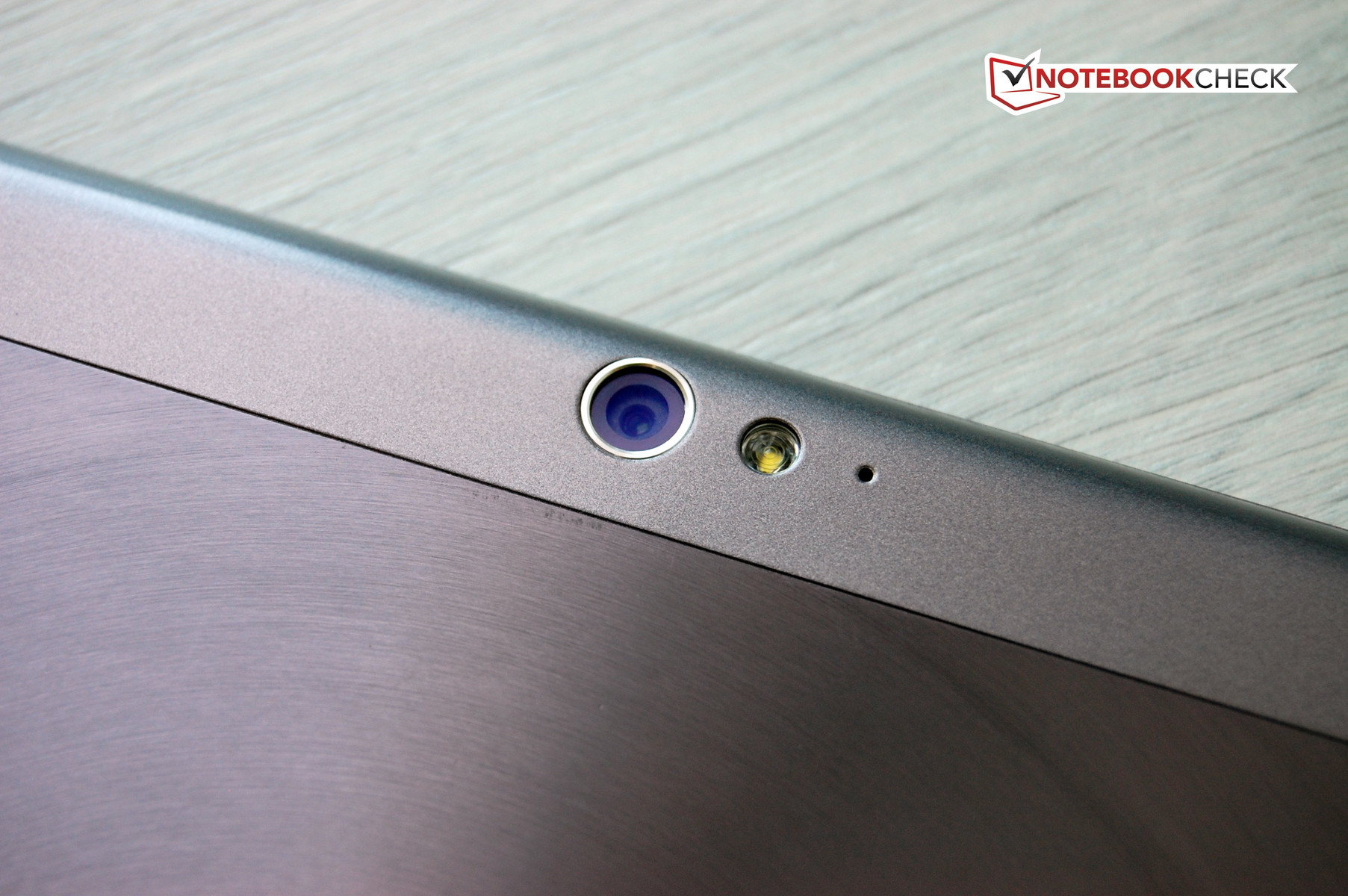
We believe Asus has used the same chip used in the TF300T for our review sample. The "Incredible Camera" has a lens of F2.2 specification which is supposedly very good even in poor lighting conditions. The LED flash was not included in the TF300T, but it is on-board in the Asus Infinity TF700T. This was not a necessary addition. The performance of the flash is not discernible and makes the quality of pictures worse due to flash blowout lowering the quality of the images. Videos can be recorded in Full-HD resolution of 1920 x 1080 pixels by the rear camera.
The second camera is placed in the front (slightly to the right of center). The camera may not take very good pictures but it does perform well for video chatting.
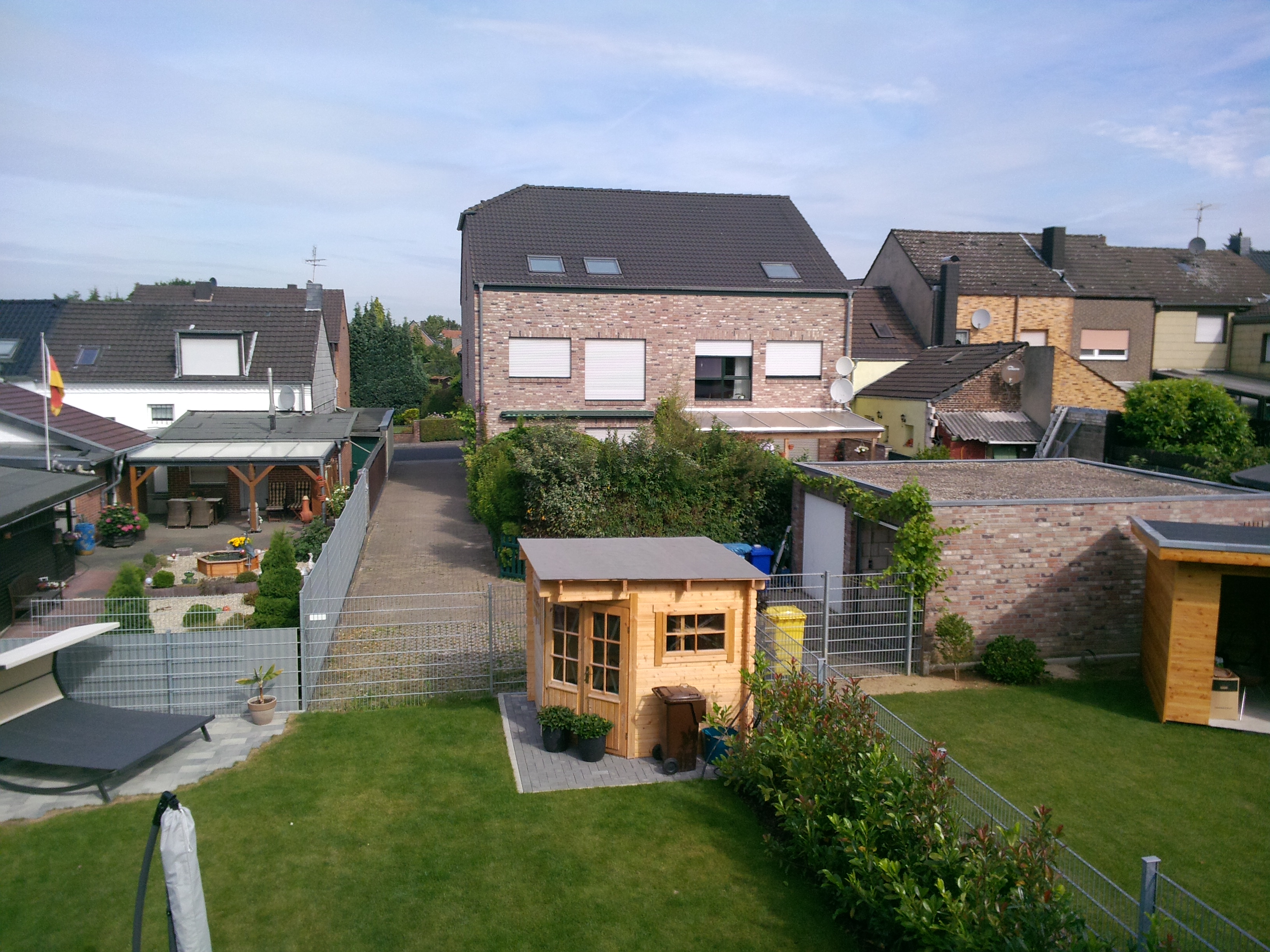
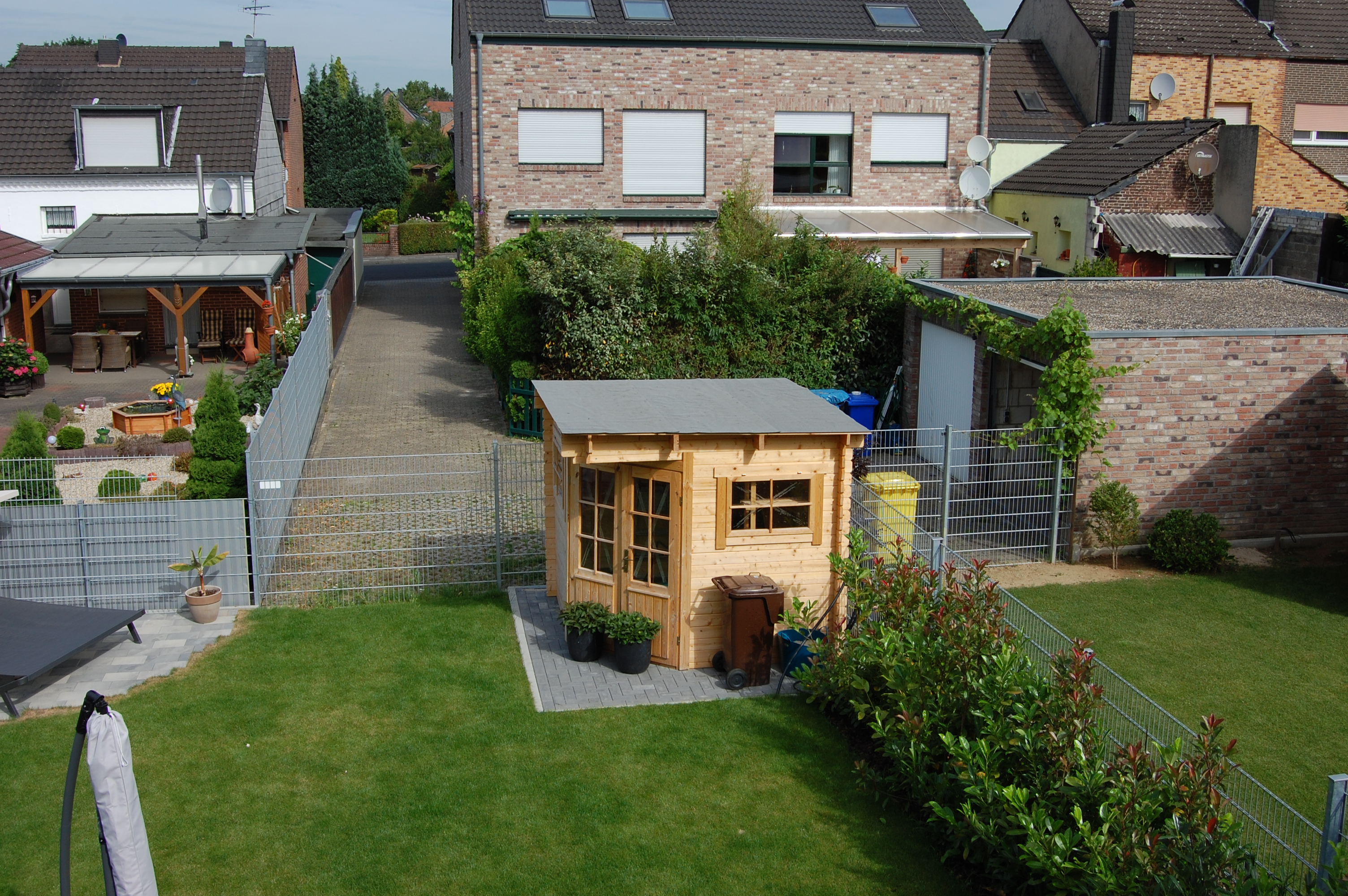
High MP numbers may look good on paper, but they aren’t the whole story. Small sensors installed in the tablets cause problems. The pictures usually lack sharpness and bright colors, which can get much worse in bad lighting conditions. Asus hopes to counter these flaws by installing a rear camera module which can take good pictures even in bad lighting. They manage to do so – partially. The pictures are good enough to be snapshots. However, demanding photographers will want more sharpness and they will complain about the pale colors. As soon as the light drops, the picture quality drops. As such, Asus is not ahead of other tablet manufacturers when it comes to camera performance. The front camera is not suited for taking photos as the pictures seem like they came out of a washing machine.

Watching videos is a lot of fun on the Transformer Pad Infinity TF700T. The display has satisfying black tones and bright colors. Thanks to the high contrast, dark sequences are a delight to watch. The device has no problem playing HD material of any format, which is to be expected of such a potent CPU and GPU combination. The output to a large display via HDMI is also great.
Games
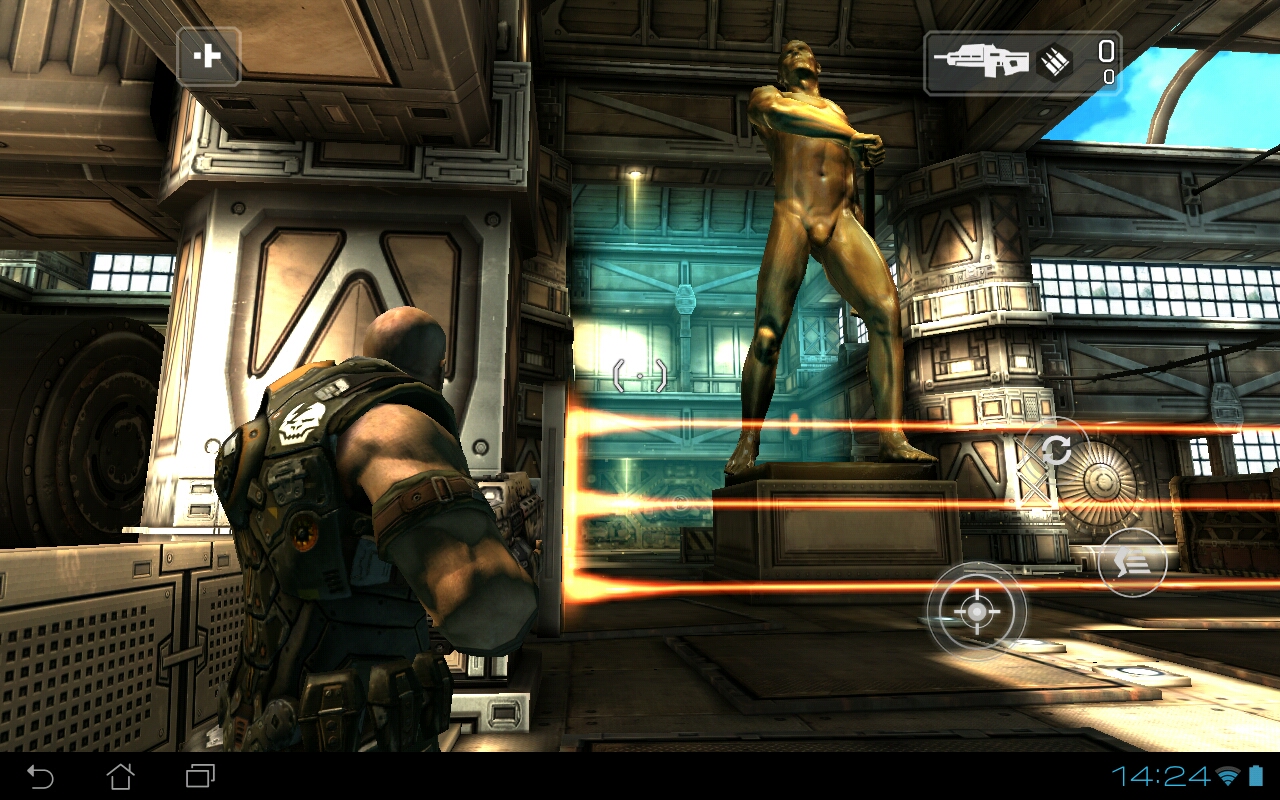
In short, new games, even demanding ones, run fabulously on the Asus tablet. The test model is very powerful thanks to Nvidia's Tegra 3 CPU and the integrated GeForce ULP graphics chip. These components can take on games like ShadowGun and Need for Speed: Hot Pursuit without breaking a sweat.
The gaming experience is enhanced by the excellent screen of the tablet and the great accelerometer integration.

Input Devices and Interface
Google bids farewell to physical buttons on Smartphones and tablets in its newest OS installment, Android 4.0. Despite this, we still have to talk about keys for this test model due to the docking keyboard. Let us start with the tablet itself.
The multi-touch screen is flawless. The finger input is translated quickly and precisely. Thanks to the smooth surface, the user can easily make gestures. Scrolling and quick input with the virtual keyboard do not cause any issues, whereas in the test of the Transformer Pad TF300T, we noticed some flaws (stutters). The only quirk in this test model is the automatic switching (from portrait to landscape and vice versa) of the screen which was too quick for our liking.
Our test model is a bundle of the tablet and the docking keyboard. Till now, this was the only version available. However, according to Asus, the tablet will be available without the docking keyboard starting sometime in July.
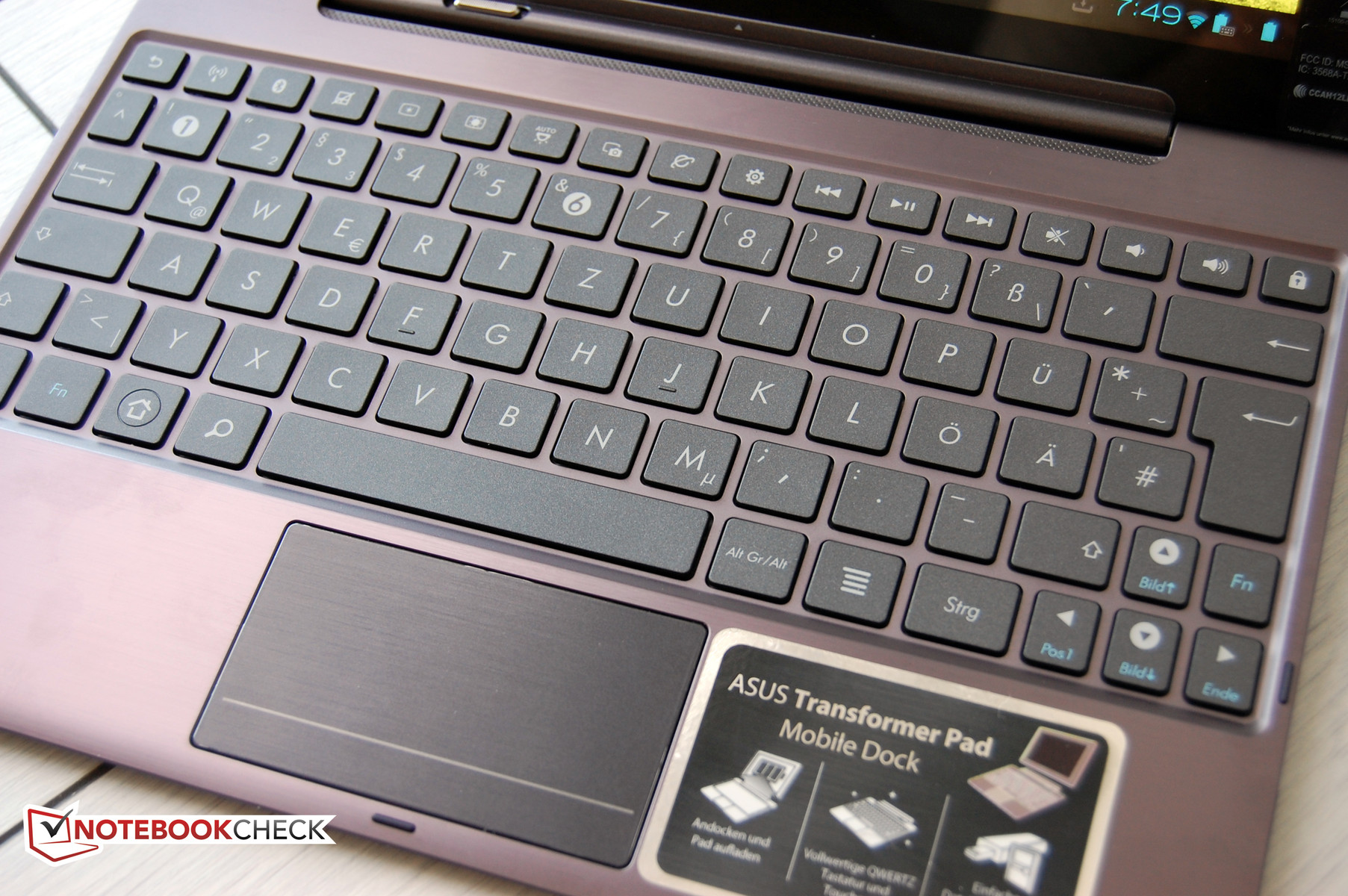
We recommend the reader take a look at the review of the Transformer Pad TF300T to find out more about the docking keyboard, but principally our test model has the same keyboard. The only noteworthy difference is the material used: the aluminum in the Infinitiy TF700T vs the composite material of the TF300T. This means that the docking keyboard of the Infinity is a bit more resistant to wear and tear and harder to push inwards while typing. Otherwise, everything mentioned in the TF300T review is applicable here. The keyboard allows the user to type quickly and provides access to many functions such as toggling WLAN and Bluetooth on/off via the function keys. The touchpad performs well, although it is a bit small.
Display
Possibly the best feature of the Asus Transformer Pad Infinity TF700T is the display which has a resolution of 1920 x 1200 pixels. This panel is Super IPS. This technology had impressed us in the Transformer Pad Prime TF202. The display is extremely bright at 563 cd/m2 (maximum). The sharpness of letters and pictures is great. Photos, which are taken with a good camera, come alive on the test model and are very sharp.
In fact, the Infinity display has no weaknesses. The high brightness is paired with 92% illumination, a great black value of 0.34 cd/m2 for an excellent contrast of 1658:1.
| |||||||||||||||||||||||||
Brightness Distribution: 92 %
Center on Battery: 563 cd/m²
Contrast: 1656:1 (Black: 0.34 cd/m²)
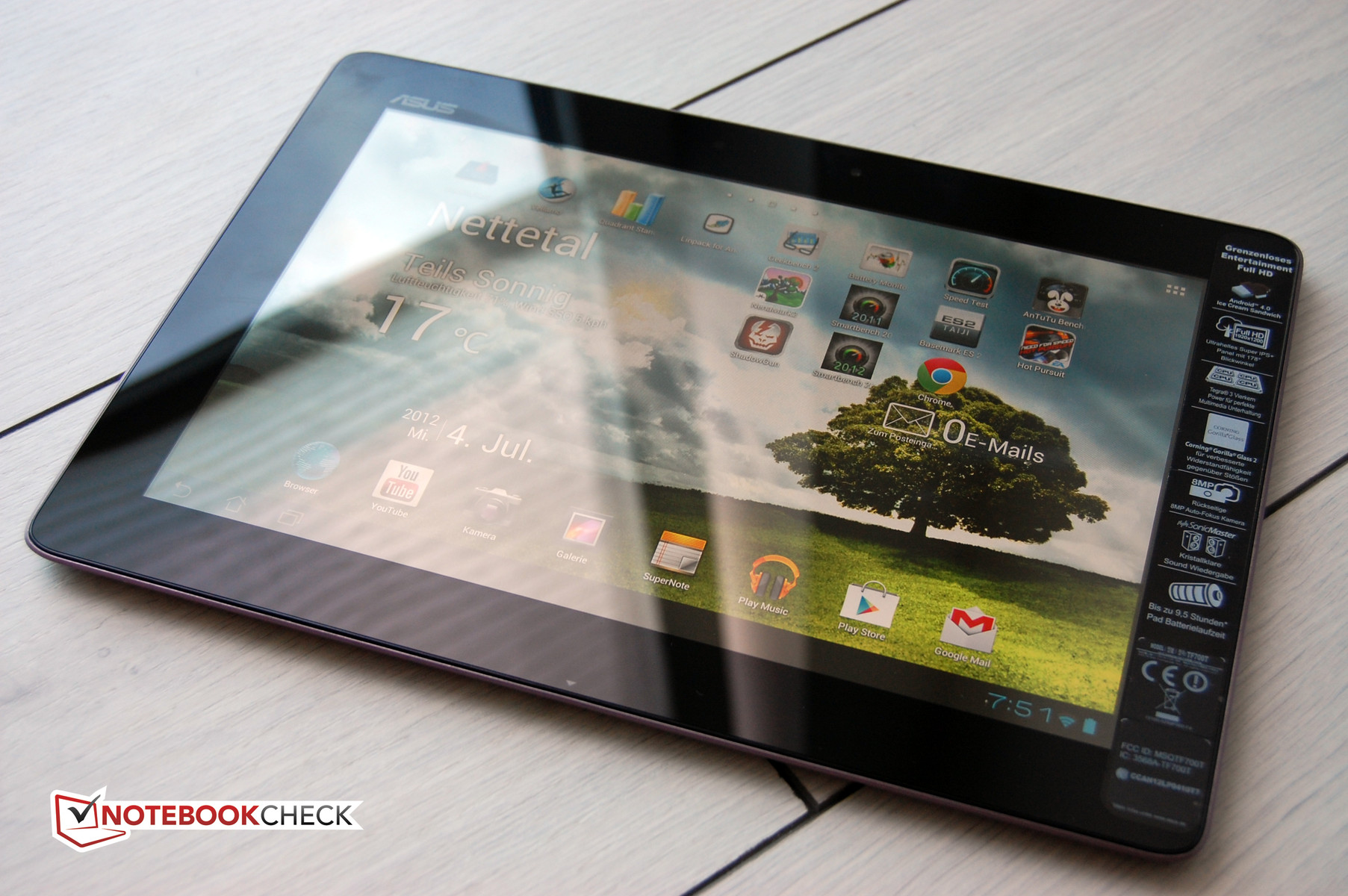
Asus has integrated an additional button next to the brightness adjuster in our test model (as in the Prime TF201). This button sports the caption "IPS+". Pressing this button will make the display much brighter than in normal "IPS" mode. The tablet indicates that this mode is intended for use in direct sunlight, as the Asus Transformer Pad Infinity TF700T has a very reflective display like many other tablets.
Thankfully, the extremely bright display of the Transformer Pad Infinity TF700T can counter this problem. As long as the tablet is held at the right angle, the brightness will always be enough to clearly read the screen. Distracting reflections cannot be prevented due to the glossy screen. Still, trips outdoors are quite fun with the Infinity – even on the sunniest of days.
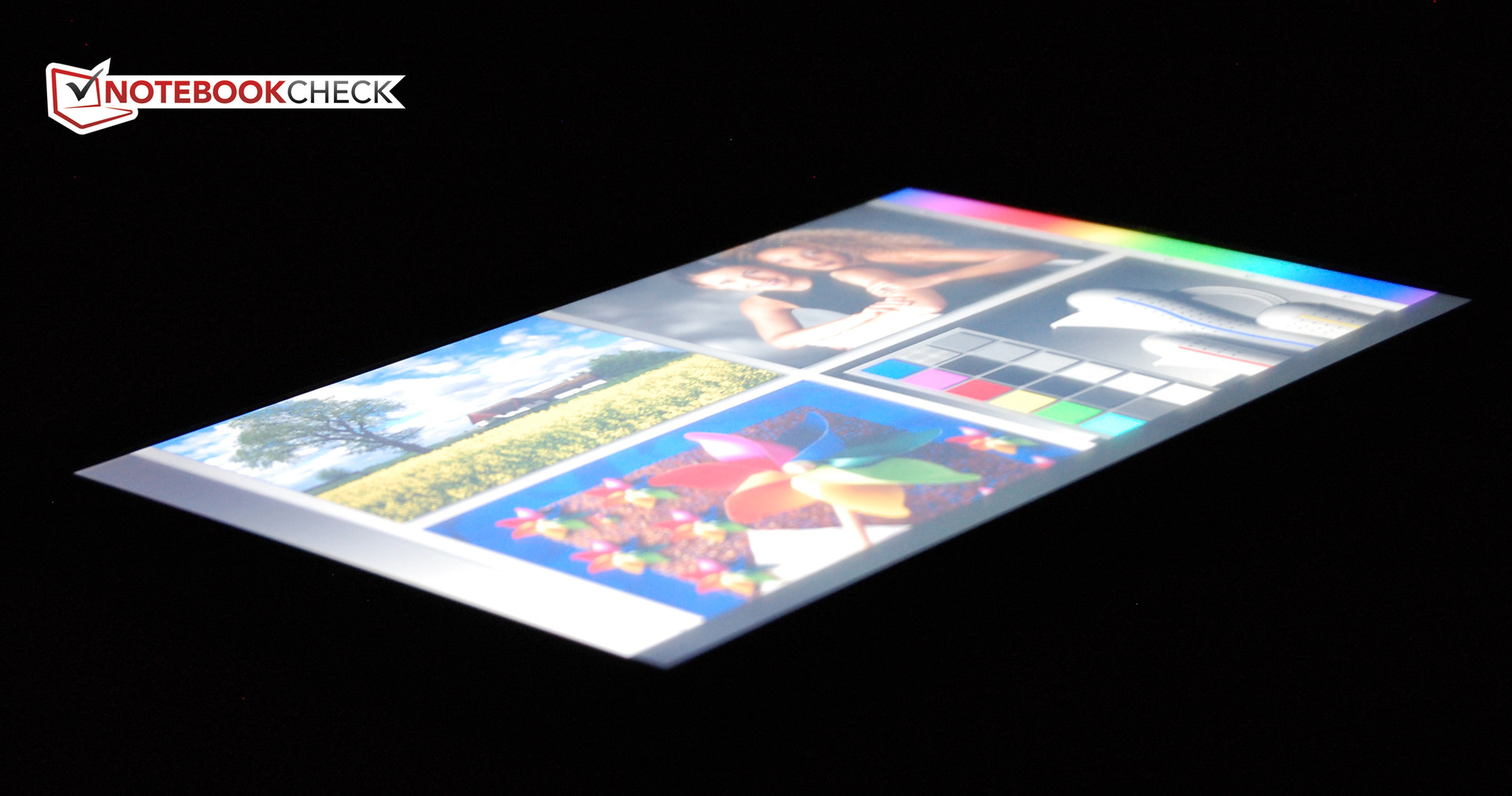
The viewing angle stability of an IPS display is amazing. Asus states a stable viewing angle (horizontally and vertically) of 178º on the Infinity tablet. We believe the manufacturer's specifications without having to measure the exact angles. The panel is slightly more stable horizontally than vertically. However, even looking at the screen from above and below does not change the colors much. The contrast drops slightly, but the panel has more than enough of that. The user will barely ever encounter brightening or inverting of the image.
Performance
If it were a sports car we would say: wait and see the performance on the street. But is the Asus Transformer Tab Infinity TF700T a sports car? In our opinion, it is more like a powerful luxury limousine. This does not change the fact that the Asus tablet needs to prove its performance in our tests.
The hardware is great: a quad-core Nvidia Tegra 3 which runs at 1.6GHz (multi-core) and 1.7GHz (single core), and the integrated Nvidia graphics chip with 12 processing cores promises immense performance. Other tablets with the same hardware, but lower clock frequencies, are already placed amongst the top performing tablets on the market.
The Asus Infinity is by far one of the strongest tablets on the market in most of our tests, with the exception of one: the gaming index of Smartbench 2012. We cannot explain the Smartbench 2012 Gaming Index anomaly. We ran the test multiple times – with and without the power adapter - but the result always came back in the same region. In all other tests, the Asus flagship leaves its tablet competition behind by a considerable amount, and even the new Apple iPad cannot keep up.
We found the scores in the LinPack and AnTuTu benchmarks especially impressive. In both tests, the Infinity took a great lead. At the end of the day, the Asus test model is a true top class performer and no tablet can beat it at the moment.
| Google V8 Ver. 7 - Google V8 Ver. 7 Score (sort by value) | |
| Asus Asus Transformer Pad Infinity TF700T | |
| Apple iPad 3. Gen 2012-03 | |
| Acer Iconia Tab A510 | |
| Asus Eee Pad Transformer Prime TF201 | |
| Samsung Galaxy Tab 2 10.1 | |
| Sunspider - 0.9.1 Total Score (sort by value) | |
| Asus Asus Transformer Pad Infinity TF700T | |
| Apple iPad 3. Gen 2012-03 | |
| Acer Iconia Tab A510 | |
| Asus Eee Pad Transformer Prime TF201 | |
| Samsung Galaxy Tab 2 10.1 | |
* ... smaller is better
| Vellamo Mobile Web Benchmark 1.0.6 - Overall Score (sort by value) | |
| Asus Asus Transformer Pad Infinity TF700T | |
| Acer Iconia Tab A510 | |
| Asus Eee Pad Transformer Prime TF201 | |
| Samsung Galaxy Tab 2 10.1 | |
Emissions
System Noise
The shorter this section is for a tablet, the better. The Asus Transformer Pad Infinity TF700T has earned an exceptionally brief description. The device never makes any noise regardless of load. This is true for the power adapter as well. This is how it should be.
Temperature
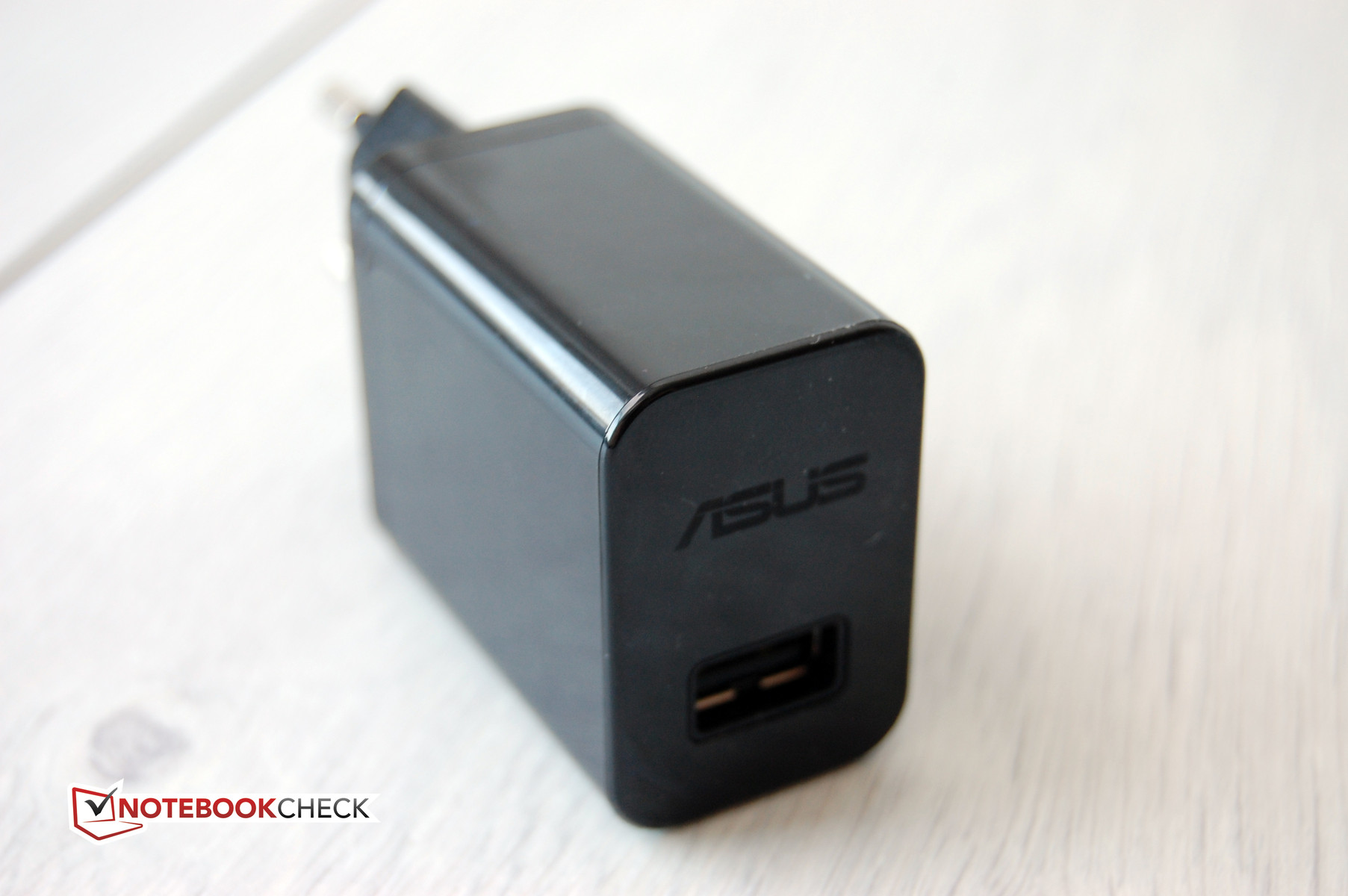
It is quite hard to compete against the Prime TF201 in temperature emissions. The last generation tablet remained cool even at high load and never got hotter than 25ºC. That is amazing. Despite identical aluminum cases, the Infinity cannot keep up. It heats up to 28ºC when idle and 34ºC at full load. These values are still ideal. We did not find any hot spots. The highest temperature the power adapter reached was 63ºC, which is far too high. In comparison, the power adapter of the Prime TF201 from the same manufacturer stayed around 26.3ºC.
(+) The maximum temperature on the upper side is 34.2 °C / 94 F, compared to the average of 33.7 °C / 93 F, ranging from 20.7 to 53.2 °C for the class Tablet.
(+) The bottom heats up to a maximum of 33.2 °C / 92 F, compared to the average of 33.2 °C / 92 F
(+) In idle usage, the average temperature for the upper side is 27.3 °C / 81 F, compared to the device average of 30 °C / 86 F.
Speakers
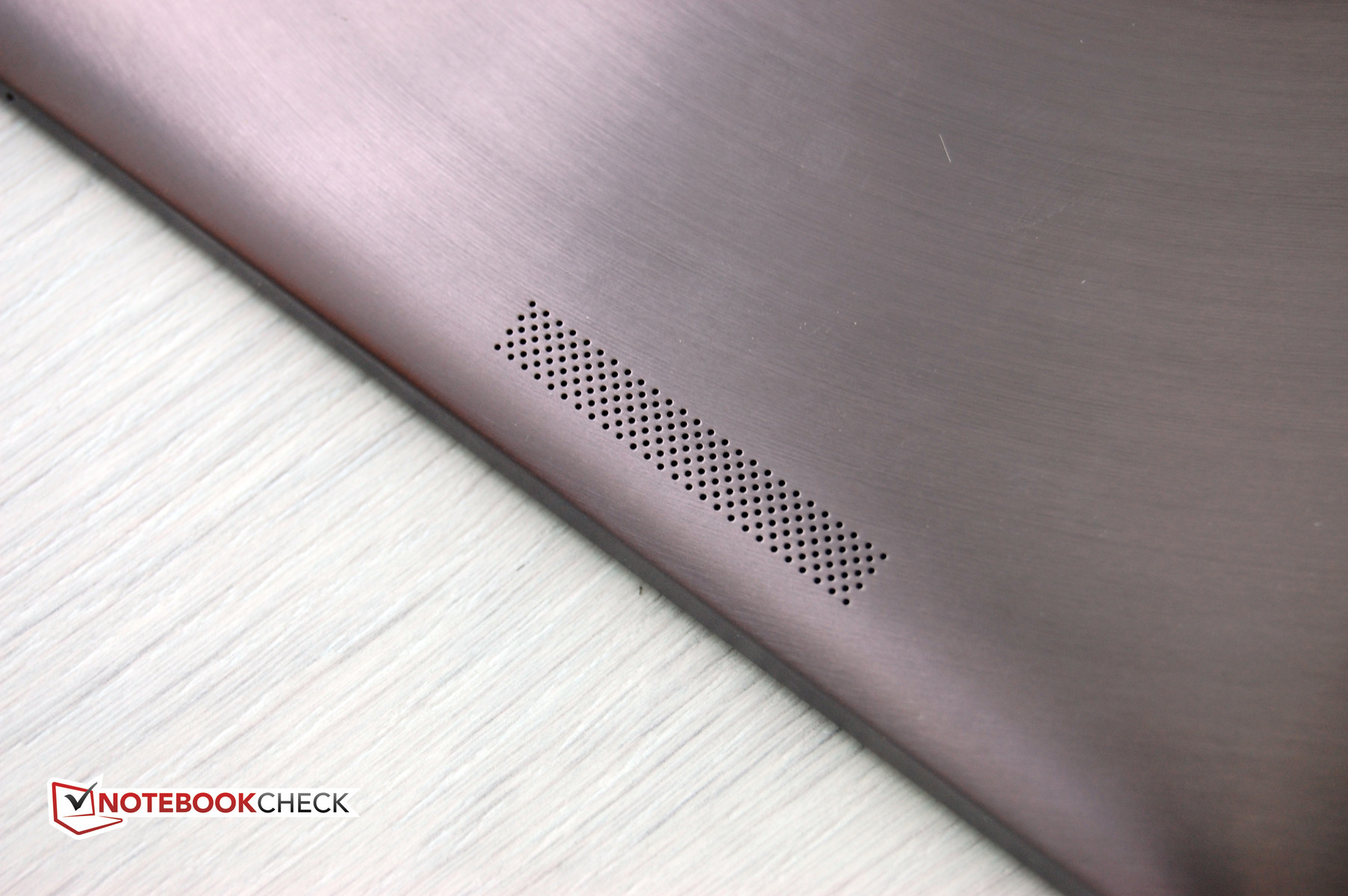
The technical specifications speak of stereo speakers in the tablet which provide "High Definition Audio". This sounds good at first, but a look at the back of the tablet reveals that the test model (like the Prime TF201) has only one opening for speakers. This opening is on the right side and thus it is not surprising that we found the same flaw as in the Prime TF201. "The sound always emanates from the right and could not be considered as stereo output with any audio file in our test."
The sound quality of the speakers is similar to that of modern tablets. It is sufficient for trips and watching videos on YouTube. However, playing music is not fun as the tablet lacks volume and punch. The Infinity has a HDMI interface which delivers video and sound output to a TV/monitor. So buyers who want to use the tablet as a music player should have good external speakers on hand.
Power Consumption
A high-clocked quad-core processor with a powerful graphics chip has an adverse effect on the battery life of a tablet. Asus is of the same opinion as, in contrast to the Transformer Pad TF300T, the test model uses a stronger Lithium-Polymer battery. The 25Wh battery of our test model is as large as the one in the Transformer Prime TF201. The docking keyboard has a second battery which adds 22Wh to the review sample when connected, bringing the total capacity to 47Wh. This is more than what a few Ultrabooks have.
The power consumption of the tablet is moderate for its size. The values of 4.6 - 8.7W while idle cannot compete with the most conservative tablets like the Motorola Xoom 2 or the Transformer Tab TF300T. At full load on the CPU and GPU, the App Stability Test records a maximum power consumption of 12.8W. This is acceptable.
| Off / Standby |   0.2 / 0.3 Watt 0.2 / 0.3 Watt |
| Idle |  4.6 / 7.5 / 8.7 Watt 4.6 / 7.5 / 8.7 Watt |
| Load |
12.7 / 12.8 Watt |
    
| |
Key:
min: ,
med: ,
max: Voltcraft VC 940 | |
Battery Life
The great battery life of the Asus Transformer Pad Prime has got us excited about the battery life of the current Asus flagship, the Infinity. The maximum possible battery life is measured using a script which loads pages of a text document in a browser and simulates the reading of an EBook. The brightness was set to minimum. If available, the power-saver mode is turned on. The TF700T lasts 13 hours and 20 minutes in this test - a great run time. Our surf test is more practical. A server-based script loads a new webpage every 40 seconds. The brightness is set to 150 cd/m2. The end run time is a good 7 hours. Sadly, this places the Asus test model far behind the Apple iPad 3rd Gen. Even the Prime TF201 takes a considerable lead in this test.
The maximum load is simulated using the Stability Test. The Infinity TF700T dies unexpectedly early in 2 hours and 15 minutes. However, this run time is not important in everyday use.
So buyers who require really long battery life should purchase the Asus Transformer Pad Infinity with its docking keyboard. In the WLAN Surf test, the test model lasts an amazing 13 hours and 22 minutes with its dock. This is also the longest run time of a tablet available today.
Verdict
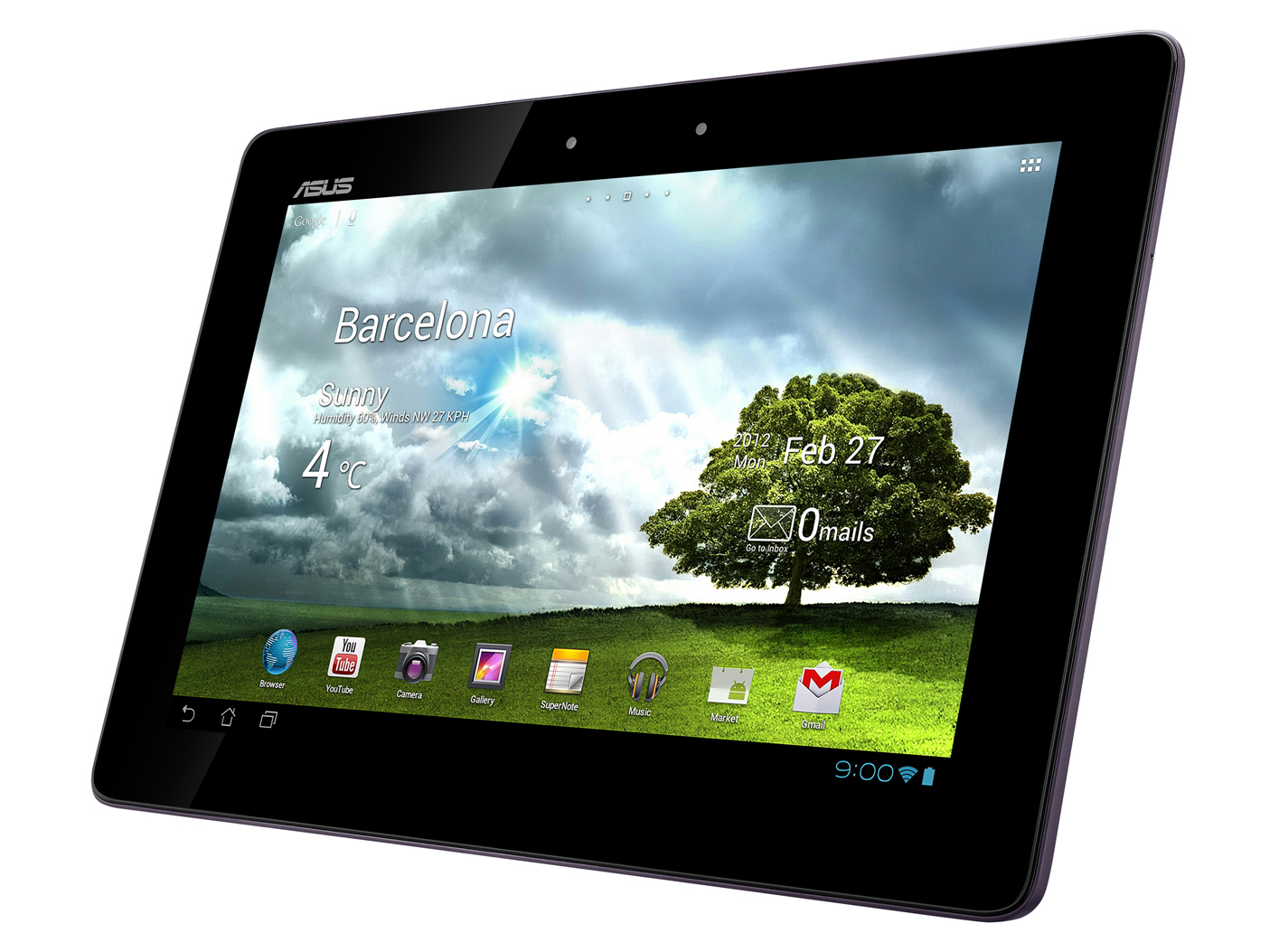
In the past few weeks, we ran a lot of new tablets through our tests. There were no real surprises or highlights. The technical specifications of the various models are too similar, but that is not surprising as the available platforms are limited. Asus has still managed to make us smile. The Asus Transformer Tab Infinity TF700T was an exceptional test device.
The new Asus flagship has few flaws which blemish the otherwise perfect performance. This 10.1 inch device has very high performance, a great display with very high resolution and great hardware. The docking keyboard makes the package complete. The recommended price is EUR 719 (~$875) at the moment. This is a considerable investment, which not every buyer is ready to make, as he/she will not even have the option of a 3G module. This is the main flaw of this device. The other critique is aimed at the cameras. The 8MP camera may look impressive but the picture quality is what matters. The picture quality is only good in when the surroundings are well-lit. We did not like the high temperatures of the power adapter either at over 60ºC which is too hot.
The display deserves special praise. Asus uses the Super IPS panel which has great viewing angles. The screen is bright, has great contrast and is very sharp. The touch screen works well which makes the use of the Transformer Pad Infinity TF700T a real pleasure - indoors and outdoors. And that is what every tablet buyer wants, right?
 Add as a preferred source on Google