Review Asus G1 Notebook
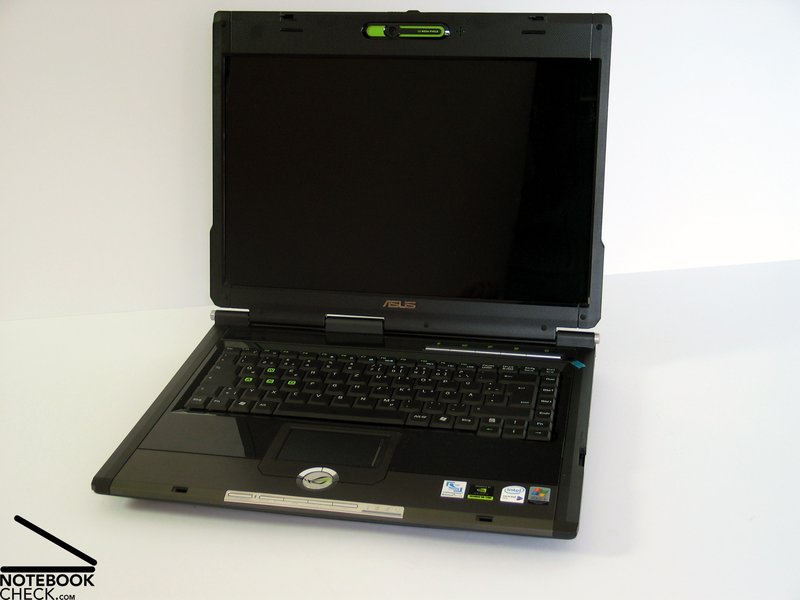
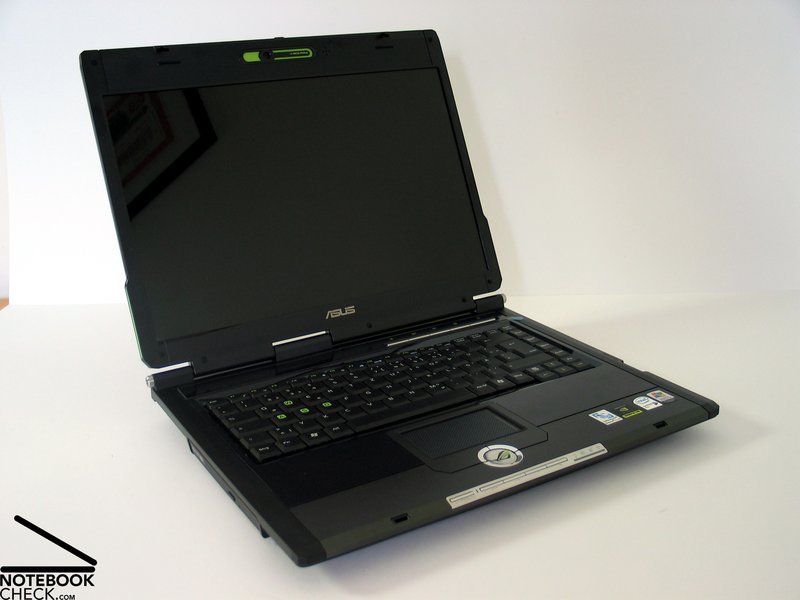
Play your Game! The G1 is the 15 inch version of the Asus G series, which was especially designed for gamers. As required for a gaming notebook the G1 is regarding hardware well-equipped and strikingly designed.

Case
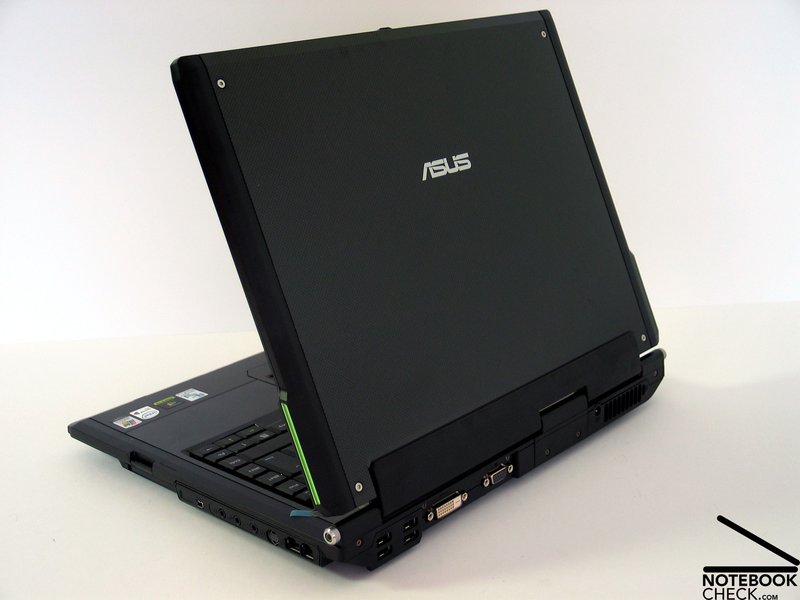
The design of the Asus G1 is very similar to that of the Asus G2P, which is the 17 inch version of the gaming series. Because the colored inlays left and right of the keyboard were omitted, it is not that ostentatious and coltish than the G2P.
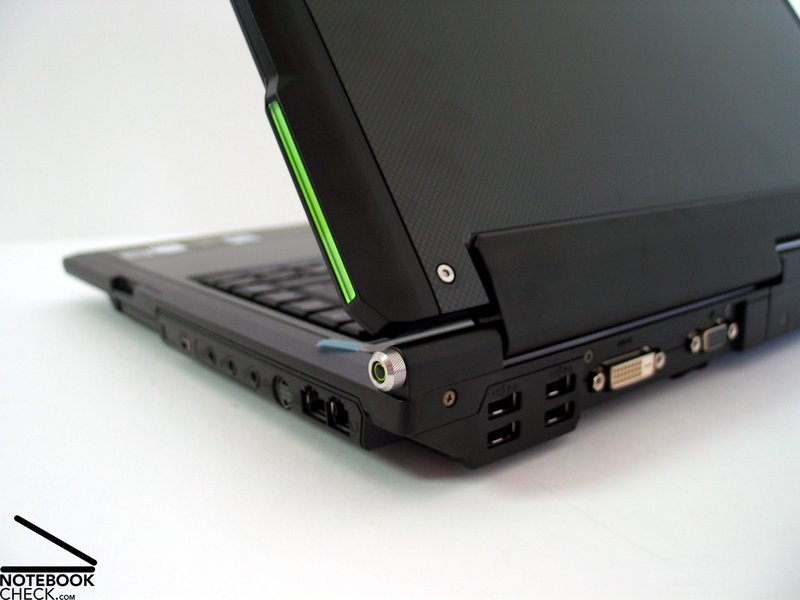
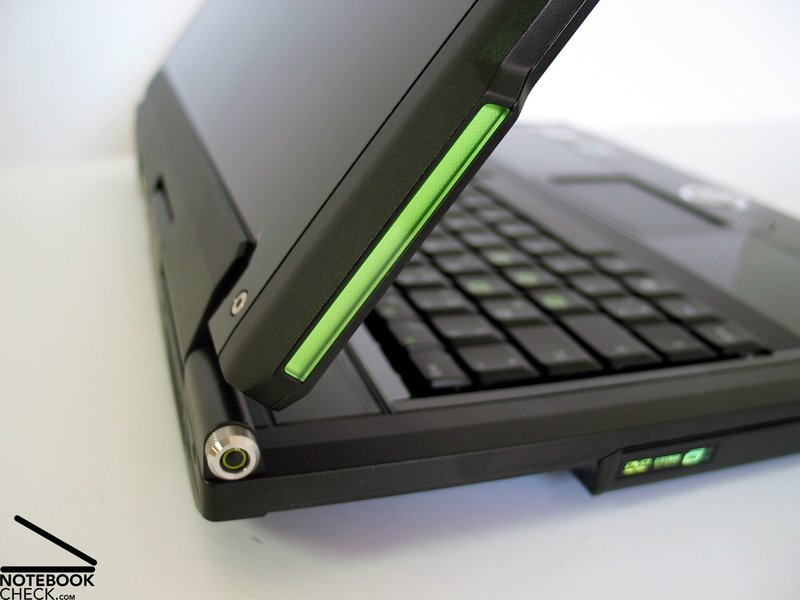
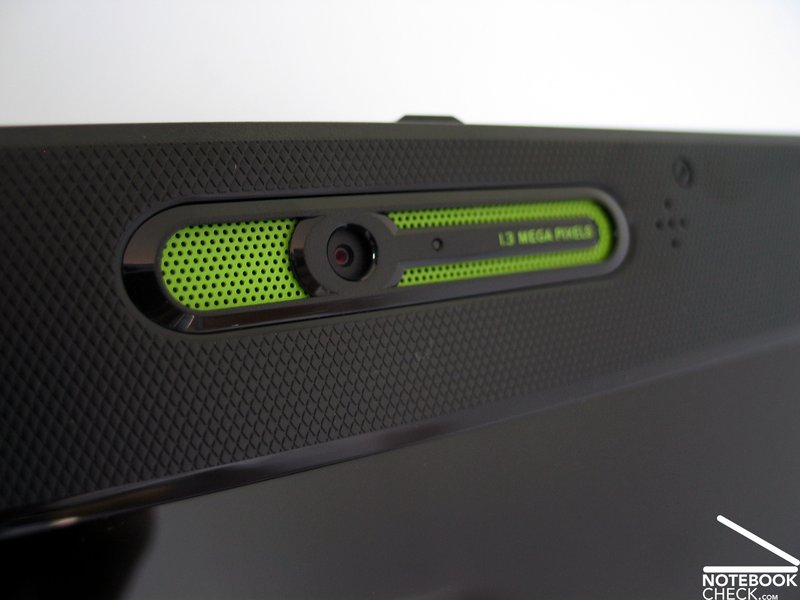
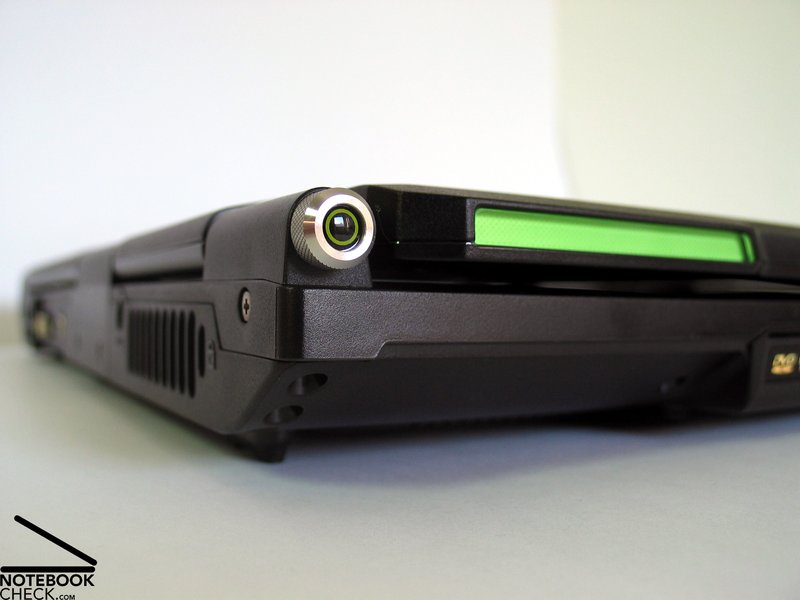
However, the G1 does not completely miss color out. The selected identification color of the G1 is green, more precisely a really bright green. This color is partly used for the keys, but also the web cam and the flashing lights at the edge of the display are colored green. According to the advertising, these flashing lights should boost the playing user (they are coupled to activation of DX9).
We can confirm this. Our aggressions actually increased by the flashing, but we doubt that this is helpful for playing games.
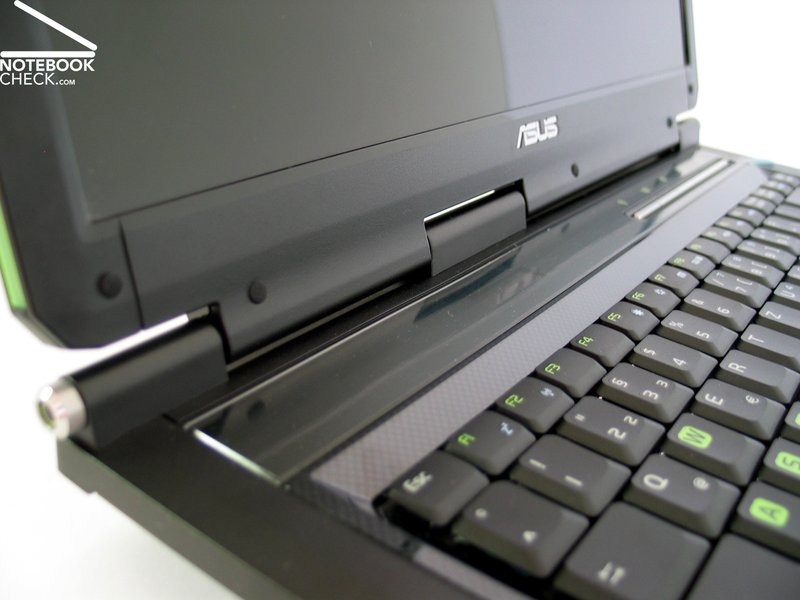
A small, but useful display above the keyboard provides you with some interesting information like e.g., the current time.
Be that as it may. The workmanship of the Asus G1 is alright. The case is very flexural rigid and resistant against applied forces. However, applying very strong forces might lead to slightly creaking noises, but you'll hardly hear any during regular operation.
The outside of the case is mainly out of plastics. It is used with matt appearance and slightly sand blasted surfaces as well as with reflecting and partly transparent appearance for the display cover and the hand ball support. Furthermore, metal is used at some spots, e.g. some screws and at a molding at the front region and at the touch pad (aluminum) .
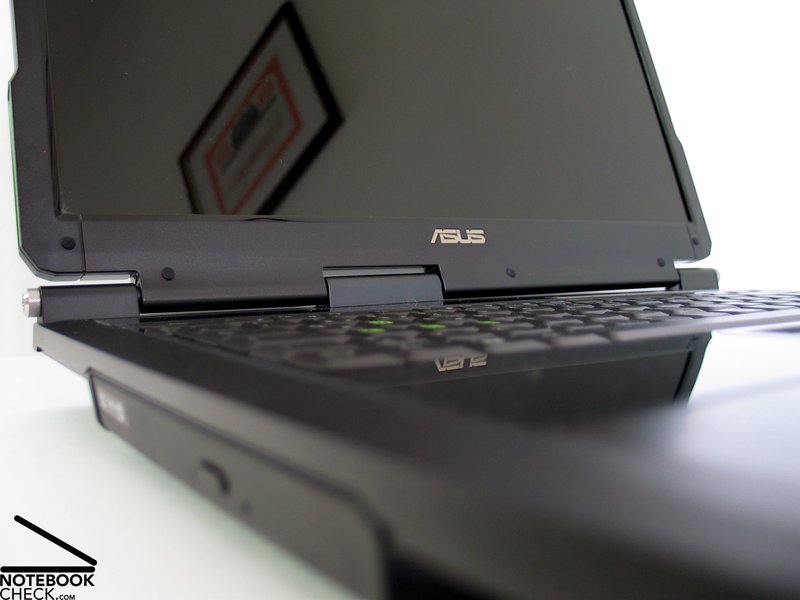
The least stable, but yet sufficiently stable part of the G1 is the display cover. Especially in the center of the back, the display cover can be deflected by only applying moderate force. This hints on that only the outer hinges are actually for holding the display, whilst the one in the center is presumably only used for providing the electronic contacts.
The display can be positioned by applying a comfortable amount of force, and slightly see-saws after adapting the position. Even if closed, the display, which is locked by two hooks, possibly slightly wobbles.
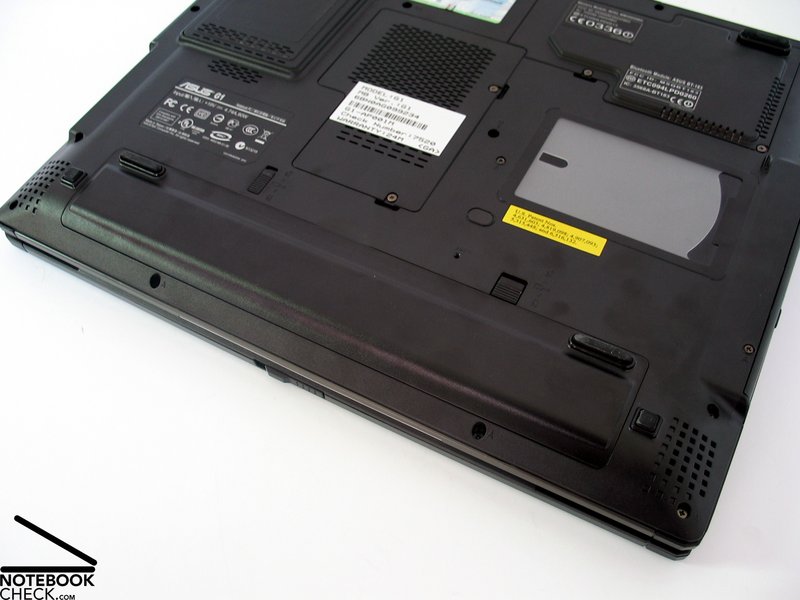
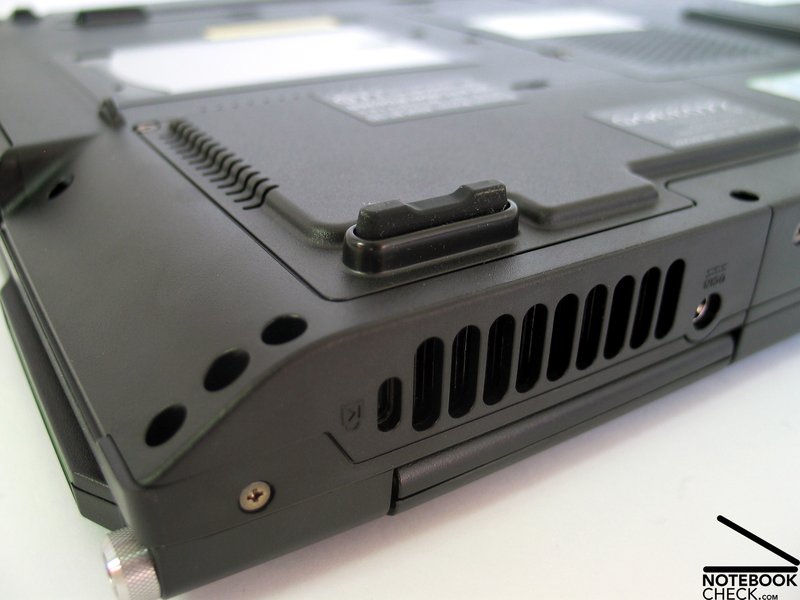
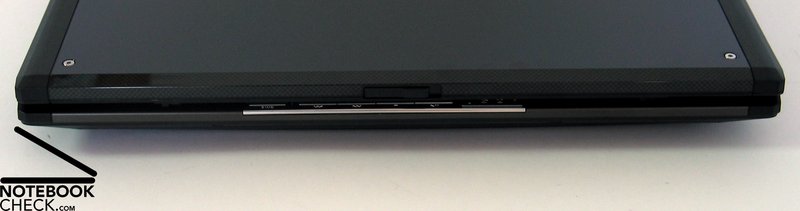
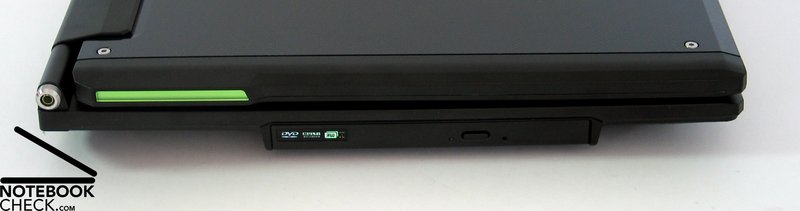
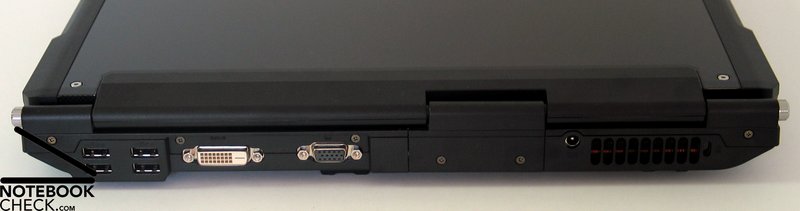
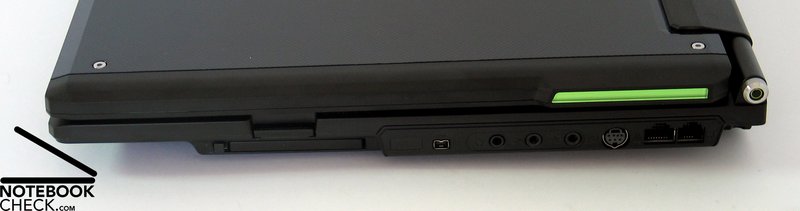
Because the case gets slimmer at the side edges and and at the front edge, most of the ports are placed at the back side and at the right side near the back. The number and kind of provided ports is passable, amongst others there are a DVI port, and 4 USB 2.0 ports.
Input Devices
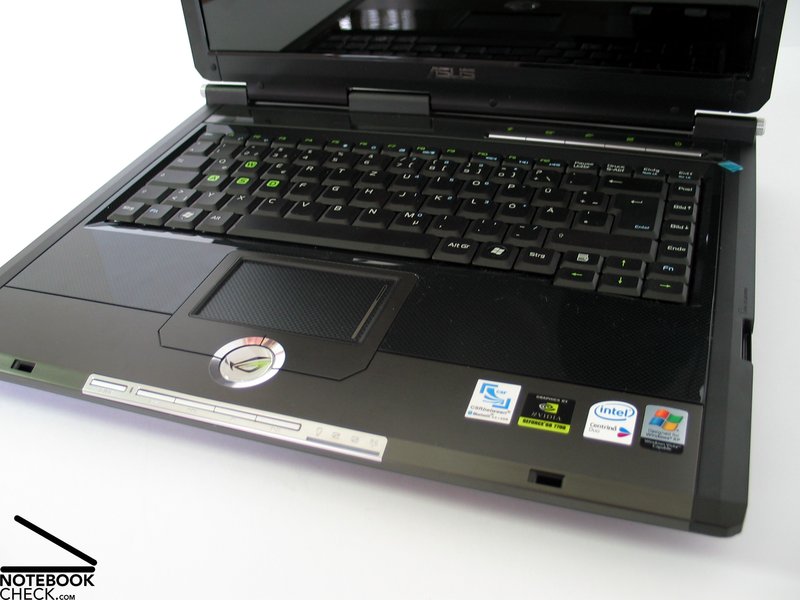
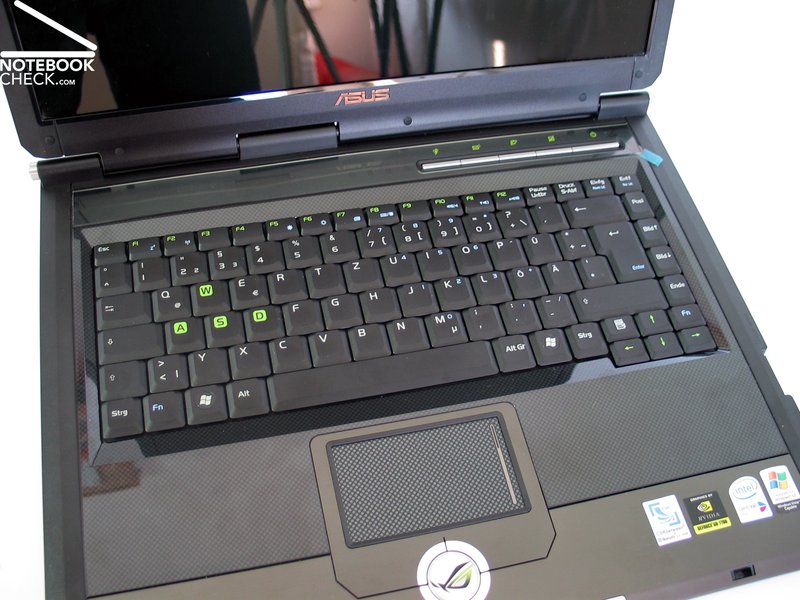
The keyboard of the Asus G1 considerably differs from the G2P's. E.g., its enter key extends over two rows and it provides a second FN key at the right. In turn, the left shift key is a little smaller.
The A-W-S-D keys have again big, colored imprinted digits, but in the contrary to the G2P, the imprint is green. Striking and in similar form also provided by some other new competitor notebooks: a Windows key with round and gleaming Vista-Logo. This notebook provides even two of them. Even if it is convenient, we feel that it is a shame that a dominating operating system also influences the design of case components.
Nothing objects to the keyboard in use. The whole unit is tightly attached to the case. However, its layout is understandably rather dense. Even fast typing did not uncover any weaknesses, you can only hear a slight clicking noise. Typing itself also feels comfortable.
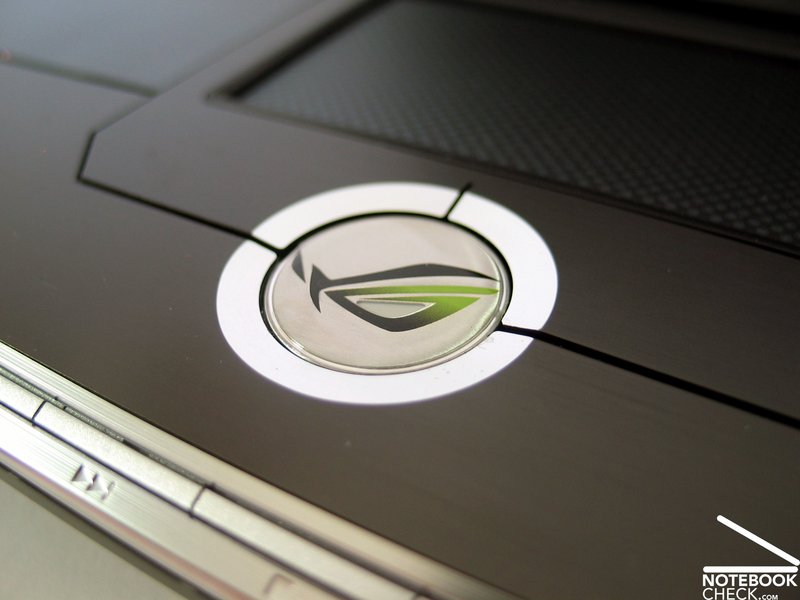
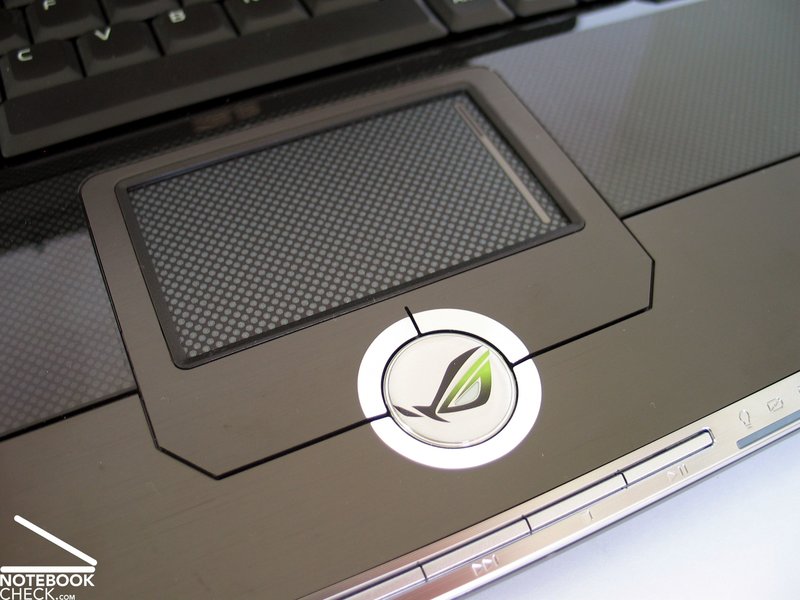
The touch pad has a surface, which is similar to those of the display cover and the hand ball support. Still, its sliding properties rate good up to very good. Regarding response and precisions we could not detect any anomalies.
The pad is edged by an aluminum part, which also contains both of the touch pad's buttons. Despite the challenging choice of material, they can be used in their whole extend without any problems.
Furthermore, the Asus G1 comes with 2 pads providing additional keys. A row of keys is at the front side of the notebook and provides keys for controlling the media player. Another one is right above the keyboard and keeps keys for Asus typical functions, e.g., a mail and browser shortcut key and a key for controlling the performance- or energy settings.
Display
The Asus G1 is equipped with a 1280x800 pixels WXGA Panel with reflecting surface. At the time of writing no alternative display versions were available.
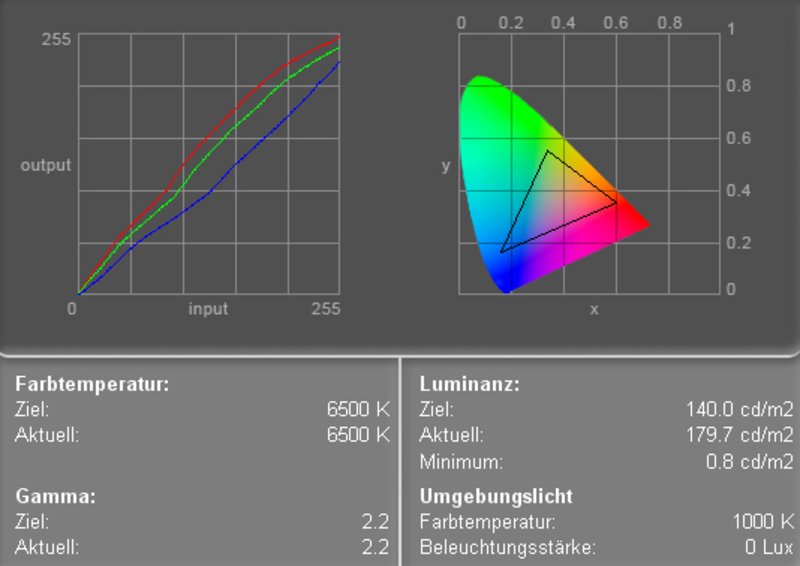
The maximum brightness of the display was measured at very good 180.1 cd/m². Also, the illuminations is very good at 85.4%.
The color diagram depicts an upward deviation of the red color curve and a clear downward deviation of the blue color curve. This leads to warmer colors, because the red colors dominate.
| |||||||||||||||||||||||||
Brightness Distribution: 85 %
Contrast: 225:1 (Black: 0.8 cd/m²)
| |||||||||||||||||||||||||
Brightness Distribution: 67 %
Contrast: 258:1 (Black: 0.7 cd/m²)
| |||||||||||||||||||||||||
Brightness Distribution: 82 %
Contrast: 249:1 (Black: 0.7 cd/m²)
The minimum brightness is 0.8 cd/m². Therefore, the maximum contrast of the display is acceptable at 225:1. The display of the G1 rates grade 7 of the Pixperan test of legibility and is therefore slightly above-average regarding speed of reaction.
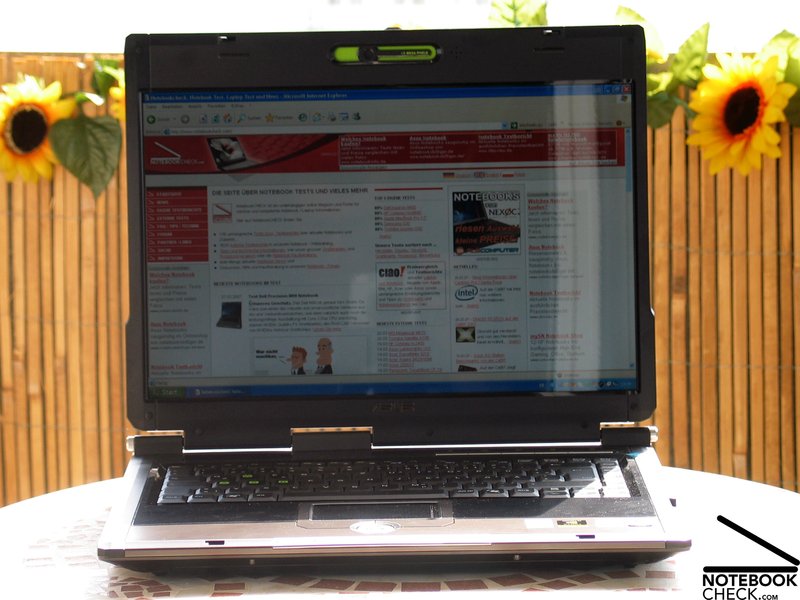
The brightness of the display is with a maximum of 180 cd/m² excellent, and also the illumination is very good. However, the heavy reflecting surface likely causes problems during outdoor usage. You can expect heavy reflections outdoors.
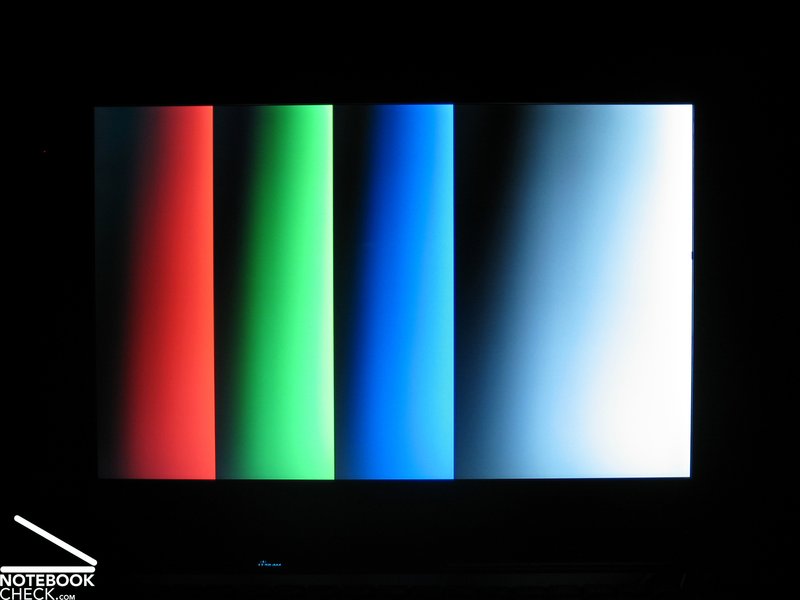
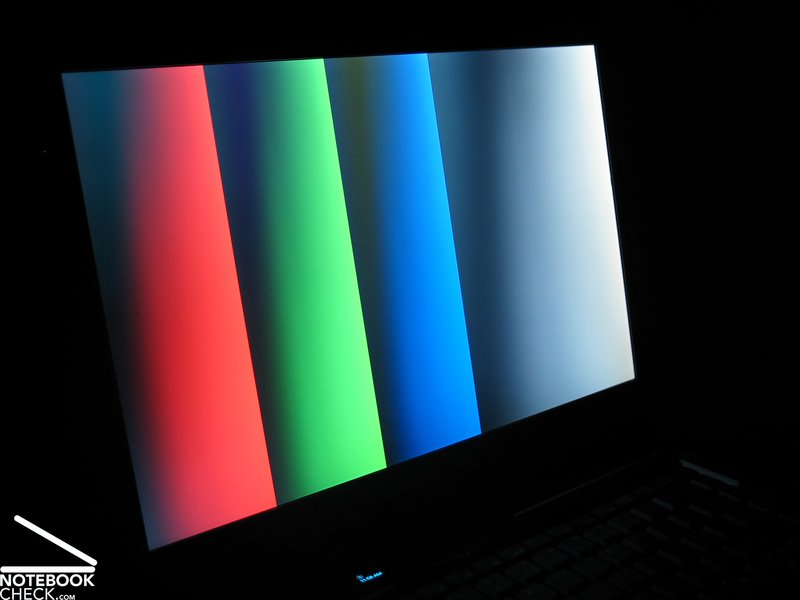
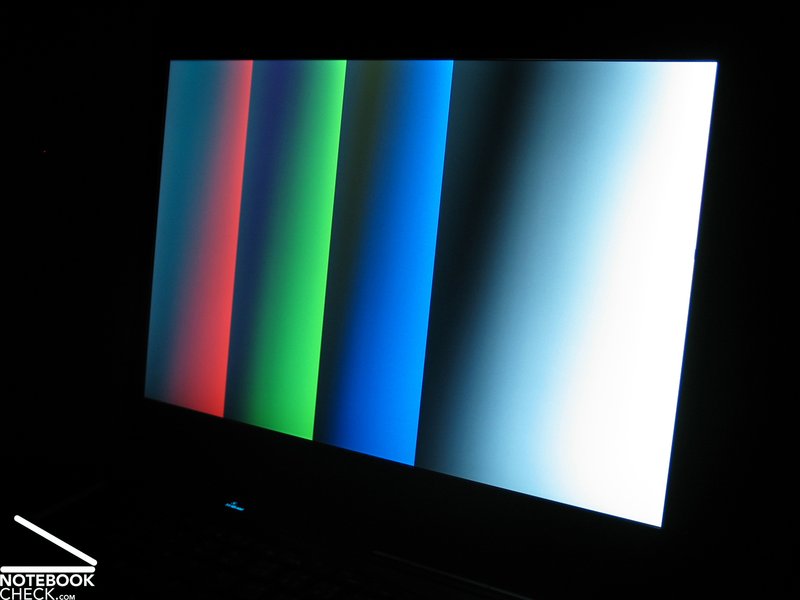
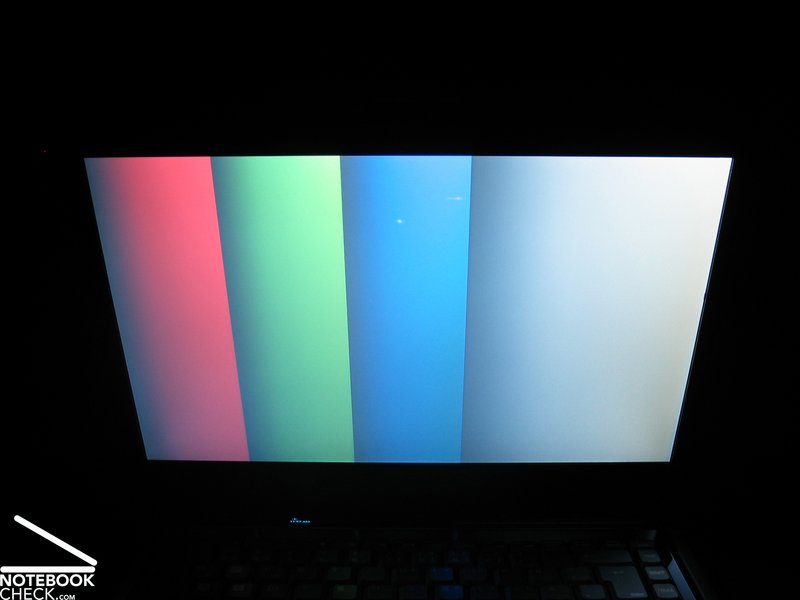
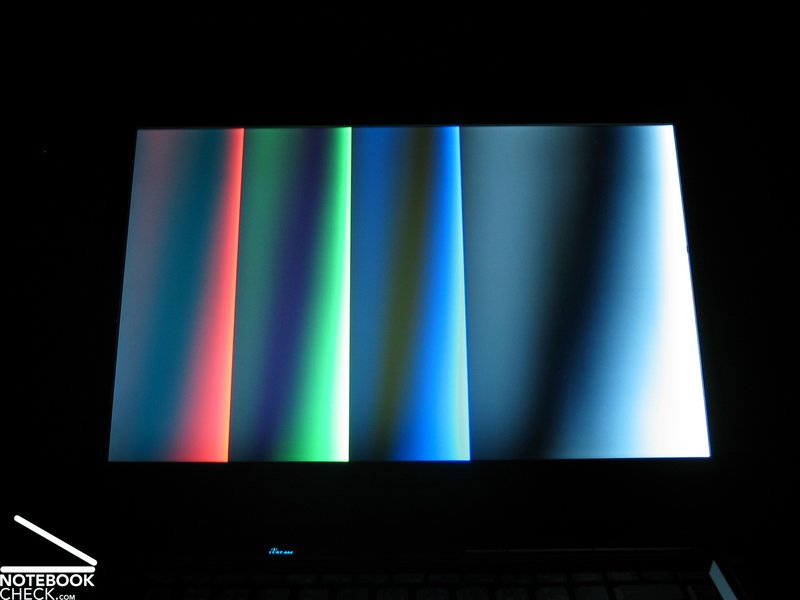
The stability to the vantage point of the display is barely sufficient. Especially vertically, you can soon detect color changes and the usual darkening and lightening. Furthermore, reflections arise at bad lightening conditions.



Performance
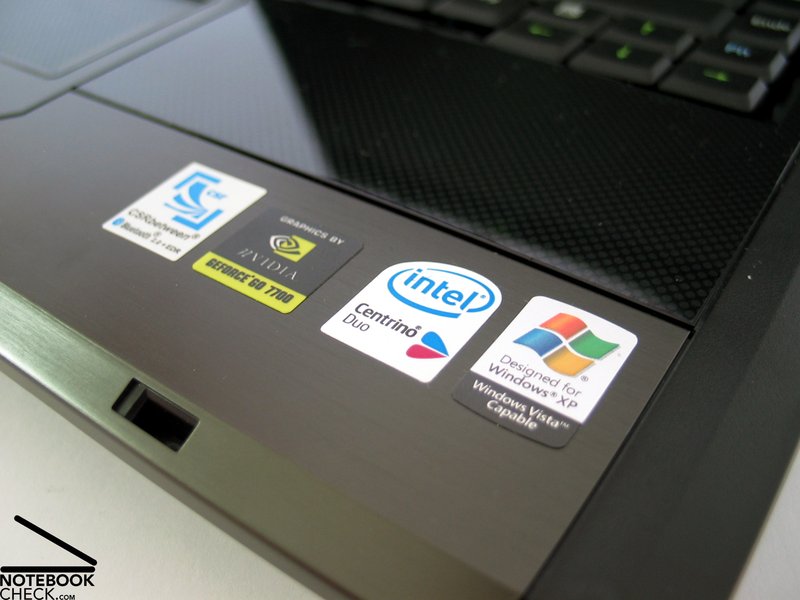
A promoted gaming notebook surely has to be equipped with appropriate hardware to be capable of running current, demanding games. Although the options are limited, because of thermic problems and also space problems in a 15 inch notebook, the Asus G1 taps the full potential and provides a solid basis even for current games by a Geforce 7700 and Core 2 Duo CPU.
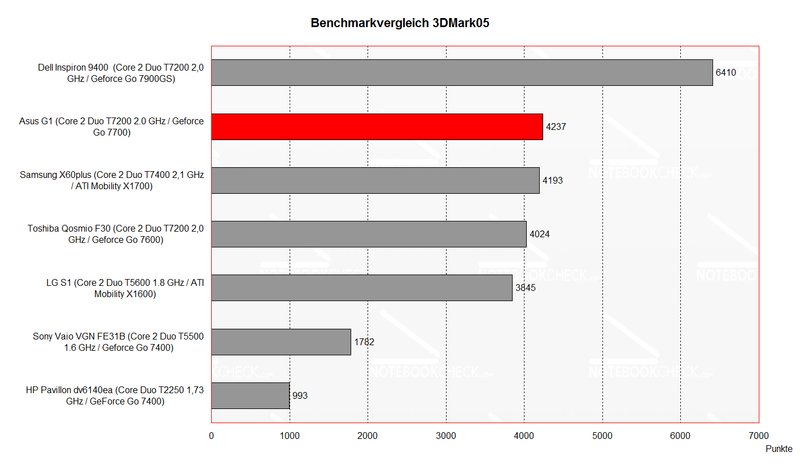
At some of the benchmark and game test this notebook rated really good. Therefore, the G1 should be sufficiently powerful for running even current games without problems. However, you should consider that a NVIDIA Geforce 7700 video card is still a class II video card in our comparision of mobile video cards.
Therefore, you might need to reduce the resolution and the number of details when running brand new graphically demanding games in order to play judder free.
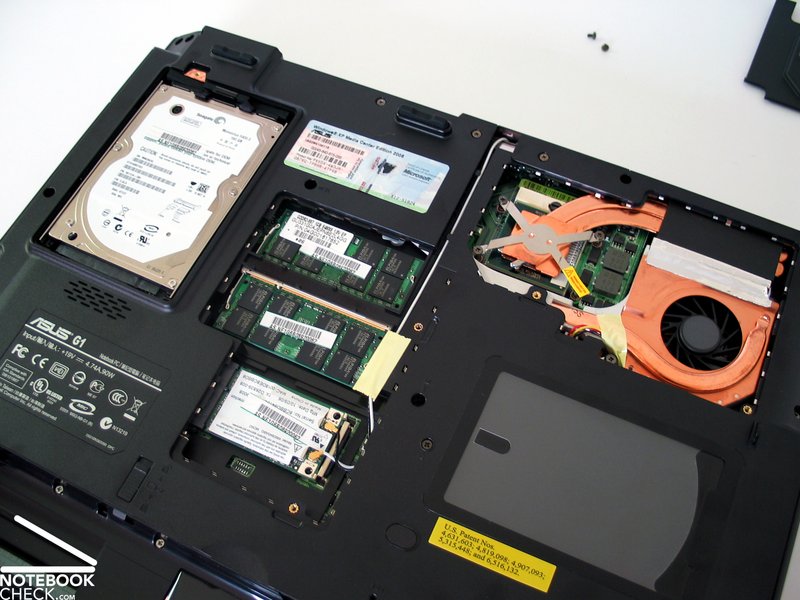
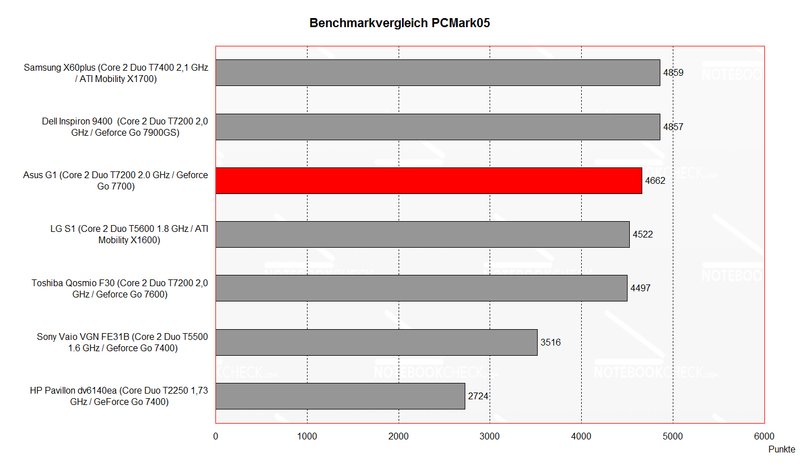
The T7200 CPU with 2.0 GHz performs - as expected - very well. Also the provided 2GB main memory should be sufficient today, also for using the memory demanding Windows Vista without problems.
The Seagate Momentus hard disk with 160GB capacity at 5400 revs rated good. The access time as well as the transfer rates are clearly above average.
Further information about the video card can be found here or in our comparison of mobile video cards. Detailed information about the Core 2 Duo CPU can be found here.
Please also look at our benchmark list of mobile processors or at our benchmark list of mobile video cards, in order to compare this notebook to other configurations.
| 3DMark 2001SE Standard | 22170 points | |
| 3DMark 03 Standard | 9987 points | |
| 3DMark 05 Standard | 4237 points | |
| 3DMark 06 Score Unknown Setting | 2660 points | |
Help | ||
| PCMark 04 Standard | 6549 points | |
| PCMark 05 Standard | 4662 points | |
Help | ||

Further Benchmark Results:
Call of Duty II
Resolution 1024x768, Anti Aliasing off, Shadows on: 25-45fps
Resolution 1280x800, Anti Aliasing off, Shadows on: 20-35fps
- Can be played even at highest possible resolution without problems
Supreme Commander
Resolution 1024x768, Med. Details: 20-30fps - well playable
Resolution 1280x800, Med. Details: 15-20fps - not playable
Emissions
Loudness
The noise of the Asus G1's fan is always present. Even during idle mode the fan steadily runs and causes a noise level of 33.7 dB. We noticed a slight up-and-down of the revolutions, which reminded us on blowing wind at a window. Even if the noise is present all the time you'll likely get used to it.
Under load the fan turned up as expected and reached a maximum noise level of about 39.6 dB. This noise is clearly audible and would annoy, if you won't concentrate on an exciting game at the same time.
Noise level
| Idle |
| 32.4 / 41.3 / 41.3 dB(A) |
| HDD |
| 37.9 dB(A) |
| DVD |
| 36.5 / dB(A) |
| Load |
| 0 / 41.3 dB(A) |
 | ||
30 dB silent 40 dB(A) audible 50 dB(A) loud |
||
min:  , med: , med:  , max: , max:  (15 cm distance) (15 cm distance) | ||
Noise level
| Idle |
| 32.7 / 39.6 / 33.7 dB(A) |
| HDD |
| 33.7 dB(A) |
| DVD |
| 38.5 / dB(A) |
| Load |
| 0 / 39.7 dB(A) |
|
| ||
30 dB silent 40 dB(A) audible 50 dB(A) loud |
||
min: , med: , max: (15 cm distance) | ||
Temperature
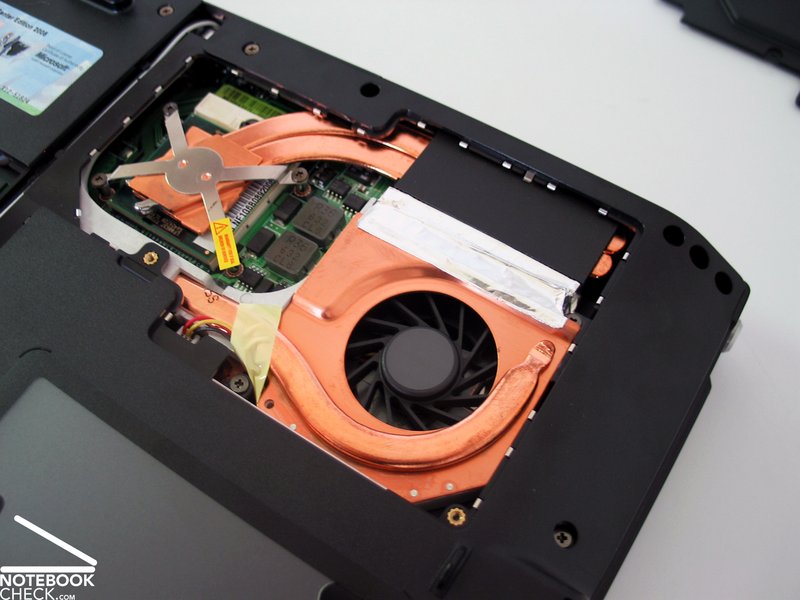
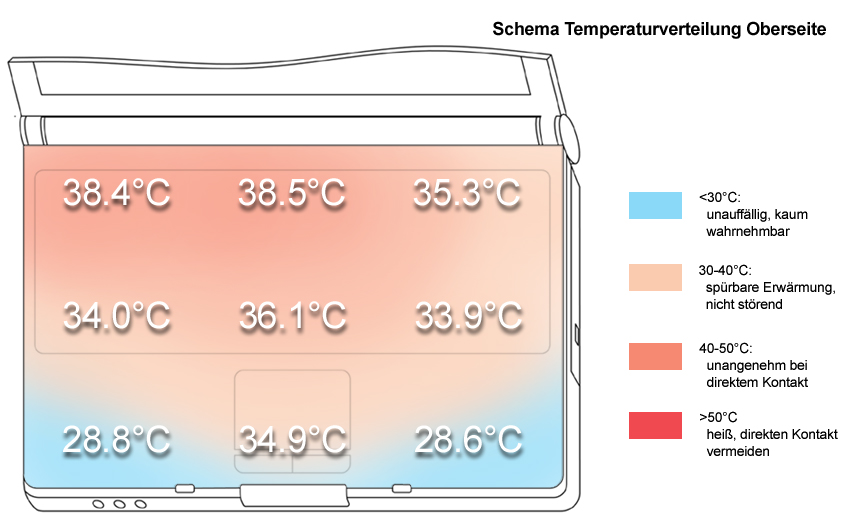
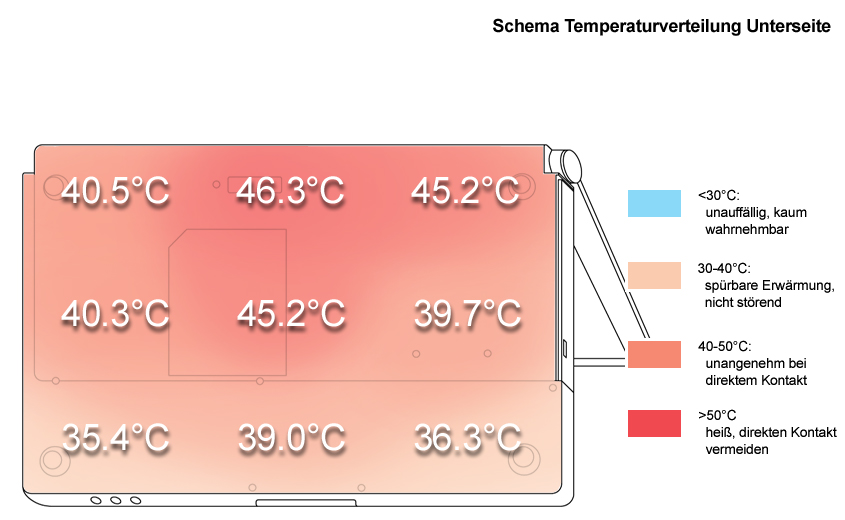
The surface temperature at the top side is alright (maximum: 38.5°C). However, at the bottom side we measured a clear heating. The maximum surface temperature of 46.3°C at the bottom side was measured near the back in the middle.
This is alright, if you use the notebook on a desk, however, if you use it mobile on your lap, it could get somewhat uncomfortable.
Upper side
palmwrist: 28.6°C max: 38.5°C avg: 34.3°C
Bottom side
max: 46.3°C avg: 40.9°C
Speakers
The G1's speakers are left and right at the bottom of the notebook near the front corner. The sound is good, but restrained. Also the basses could be more present. The maximum volume is still sufficient.
Battery Runtime
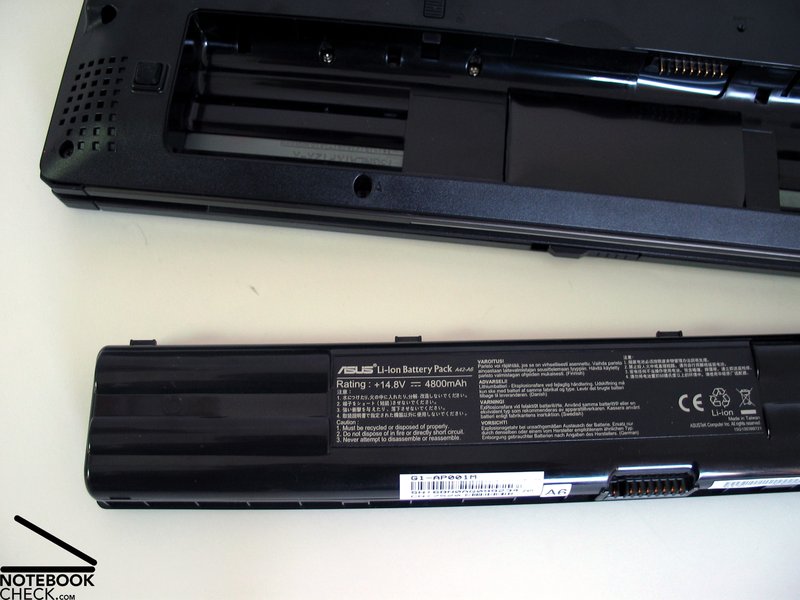
The Asus G1 is equipped with a 4800 mAh lithium ions battery. This ensures a minimum runtime of about 1,5 hours and a maximum runtime of up to 3 hours. Considering the powerful equipment of this notebook, the runtime is alright and you can well use it mobile for some (limited) time.
| Off / Standby | 0 / 0 Watt |
| Idle | 25 / 34.3 / 41.1 Watt |
| Load |
72 / 64.2 Watt |
   
| |
| Off / Standby | 0 / 0 Watt |
| Idle | 30.4 / 37.3 / 40.6 Watt |
| Load |
78.3 / 74.6 Watt |
|
| |
| Off / Standby | 0 / 0 Watt |
| Idle | 21.9 / 27.1 / 27.7 Watt |
| Load |
65.8 / 59 Watt |
|
| |
Key:
min: ,
med: ,
max: | |
Verdict
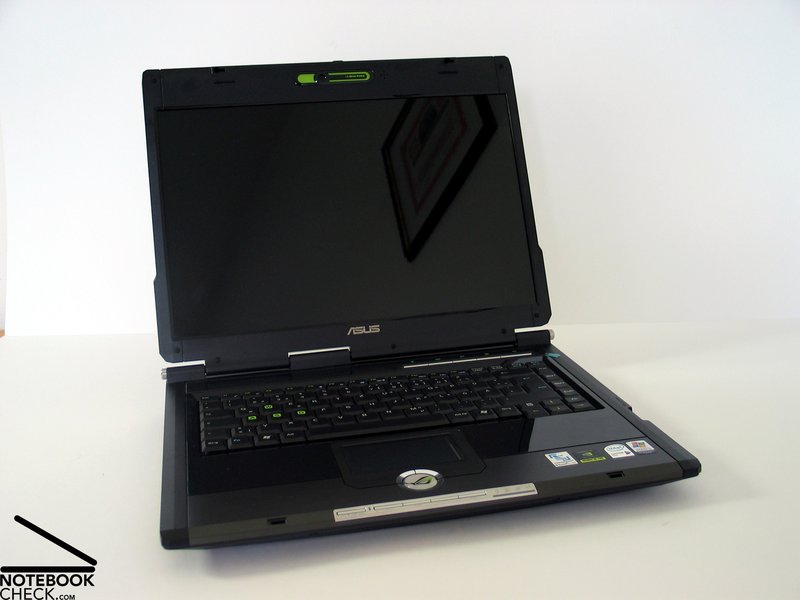
The Asus G1 plays its role of a rather mobile gaming notebook very well. The quality of the case is acceptable, and considering that it is a gaming notebook, also the design is alright. However, we did not really like the flashing lights at the display edge.
Also the input devices are alright and should be sufficiently durable for excessive gaming sessions.
The Asus G1's display has an excellent brightness and a very good illumination. Unfortunately, it heavily reflects and also the vertical stability to the vantage point could be better. However, this should not be too important, if you intent to use this notebook indoors.
The performance of the G1 is sufficient enough to play current games with adequate quality. Still you should not expect unlimited game joy. Despite the performance of the Geforce 7700 video chip is good and currently the most powerful video card used in 15 inch multimedia notebooks, a high-end video card with top performance is only available in 17" and bigger notebooks.
The Asus G1 has clear emissions regarding surface temperatures and also noise. This is not so important during playing games, however, during idle mode or office mode you need to get used to it.
This notebook's battery runtime is between 1,5 and 3 hours, which is rather passable and makes a mobile use possible.
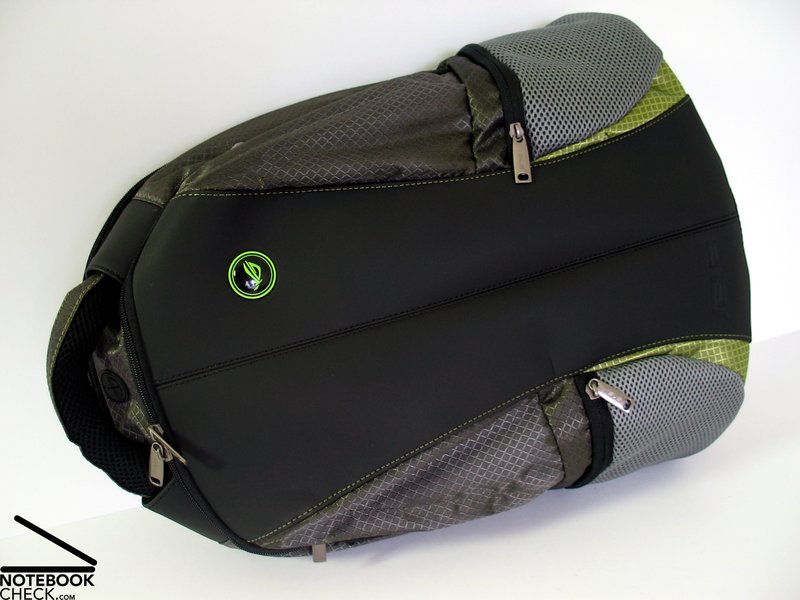
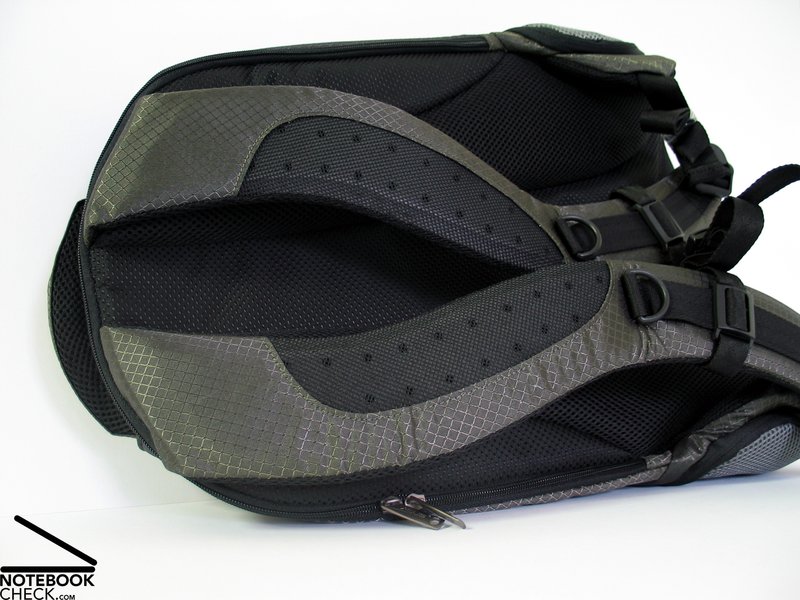
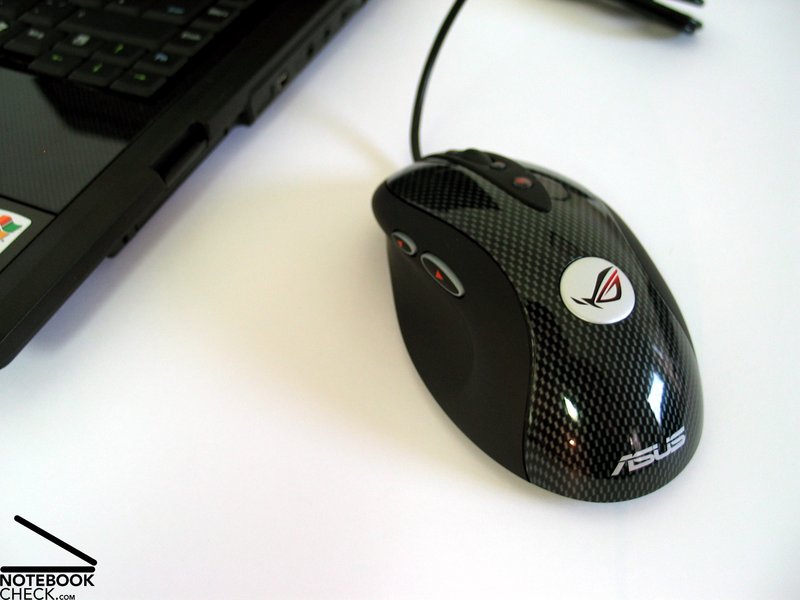
Furthermore, we want to mention that this notebook is comprehensively equipped. E.g, an elegant knapsack in Asus G1 design. Furthermore, an excellent Logitech MX518 mouse also in Asus G design.
Lots of thanks to the company Notebook-Shop.de, which provided us with the notebook for our review. Here you can configure and also buy this notebook.
 Add as a preferred source on Google