Deutsch
 Español
 Français
 Italiano
 Nederlands
 Polski
 Português
 Русский
 Türkçe
 Svenska
 Chinese
 Magyar
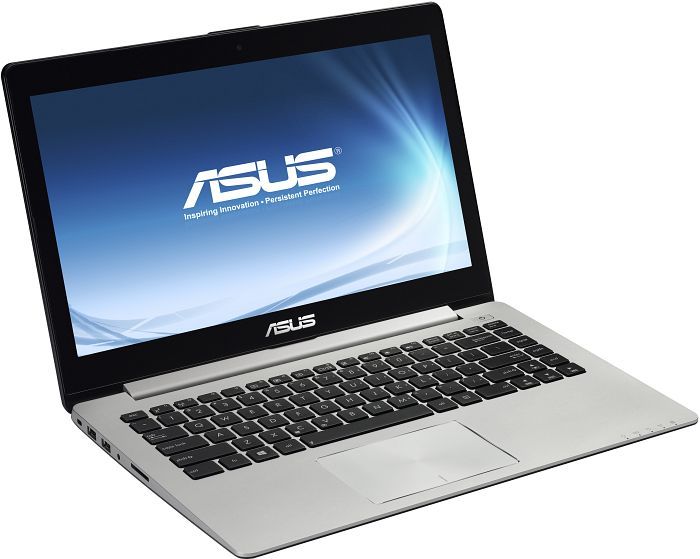
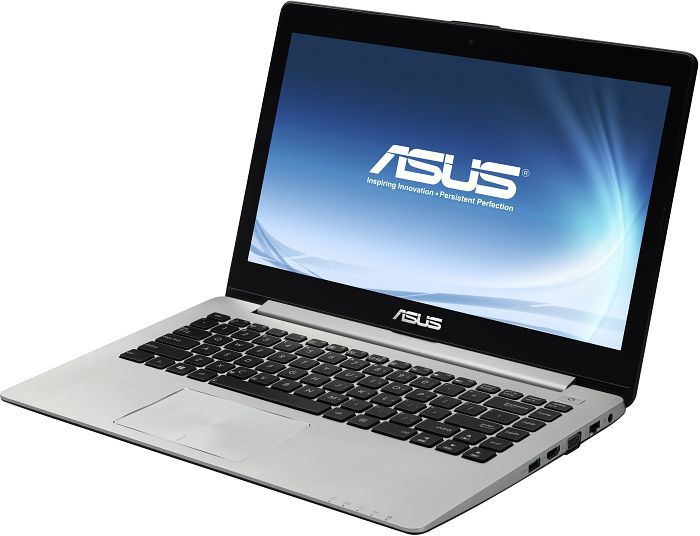
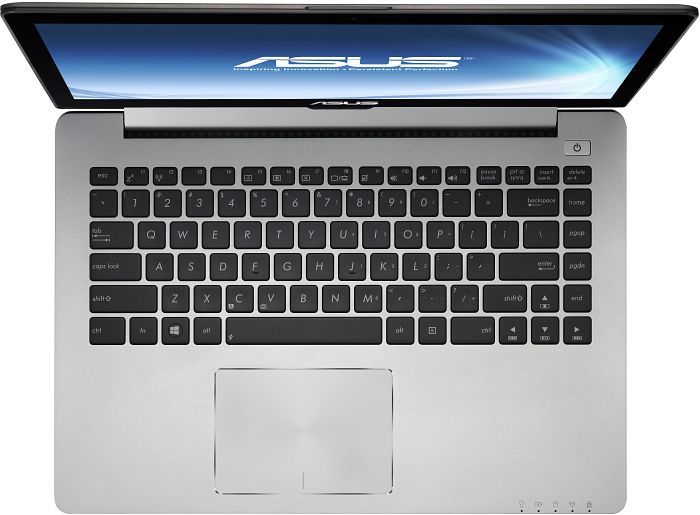
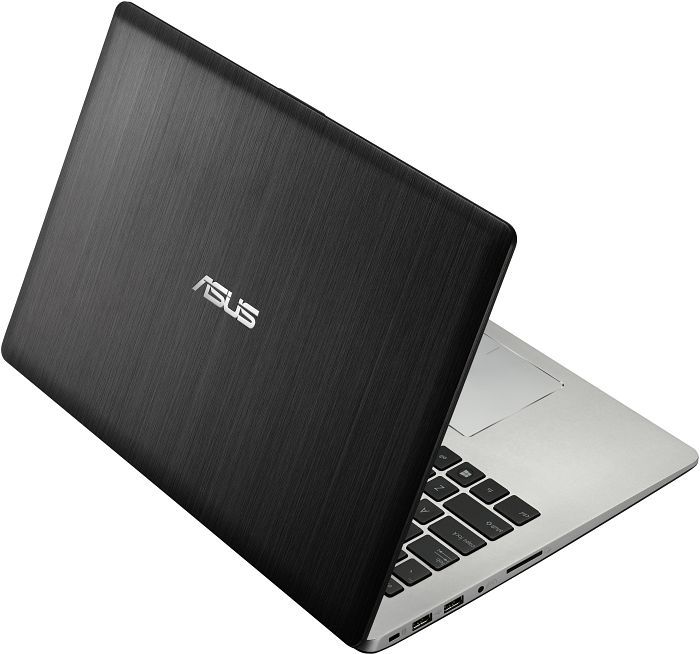
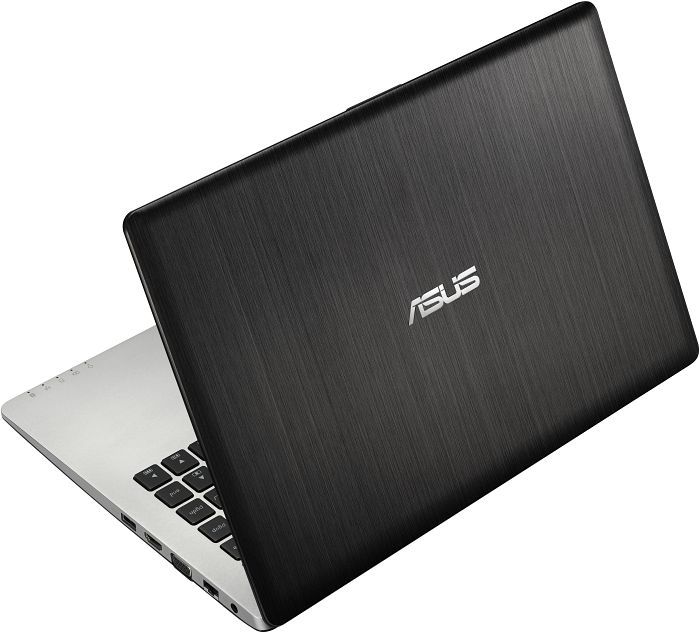
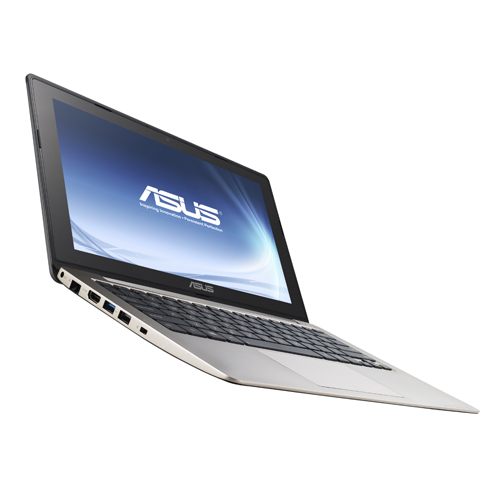
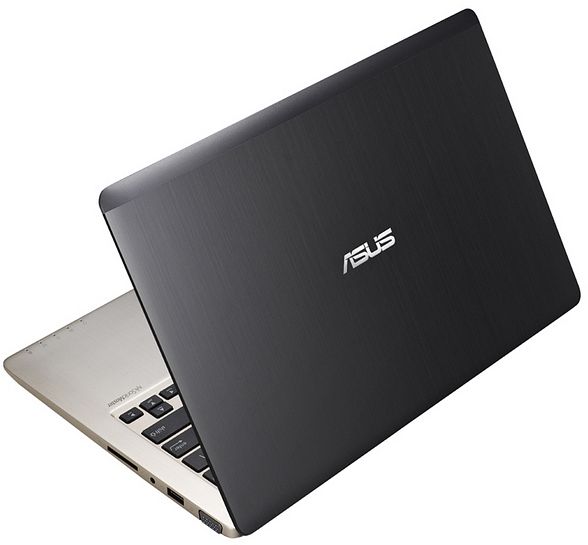
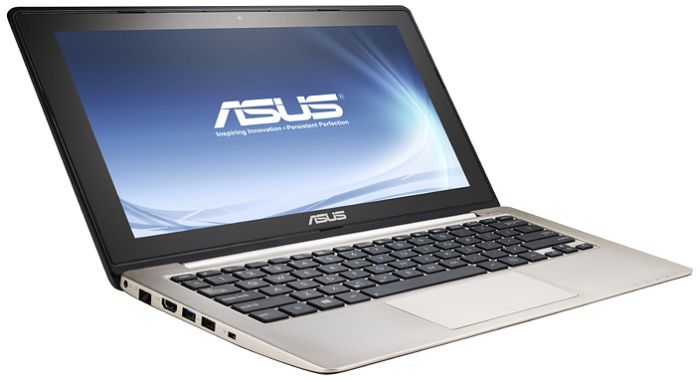
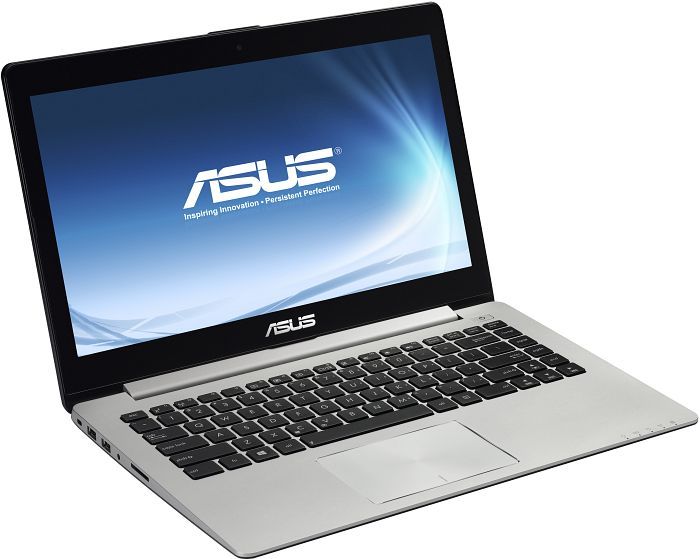
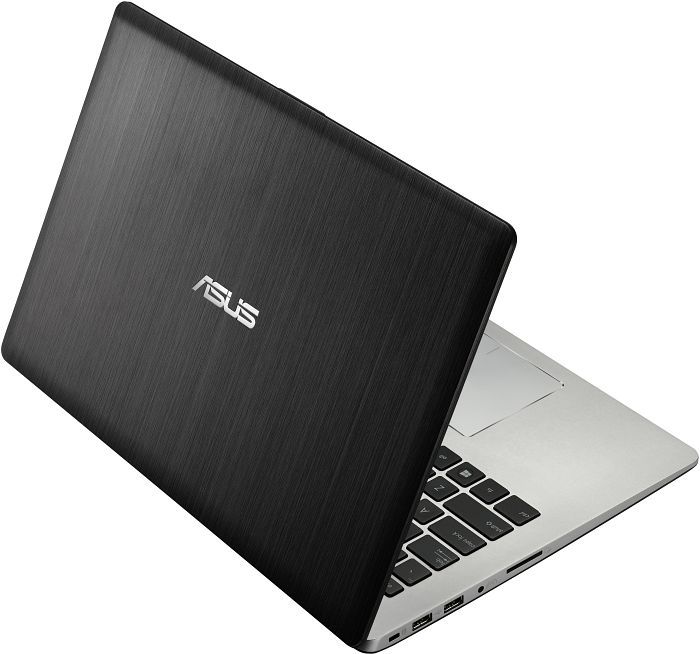
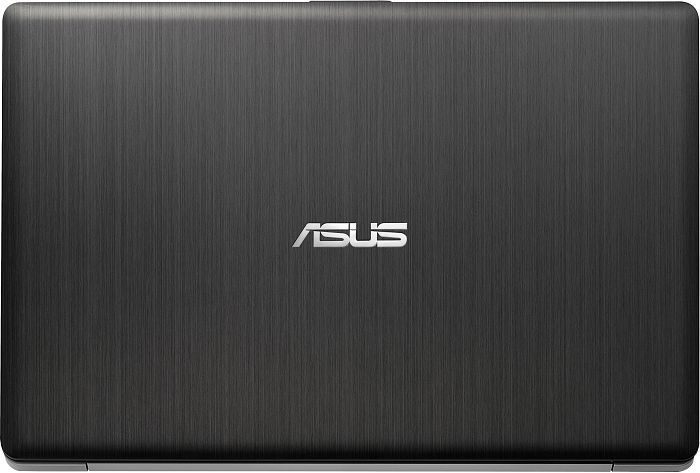
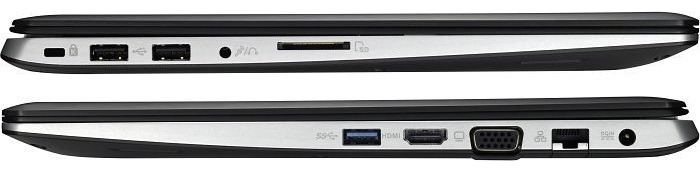
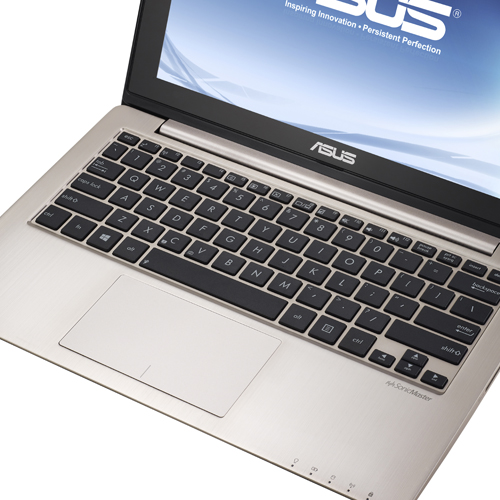
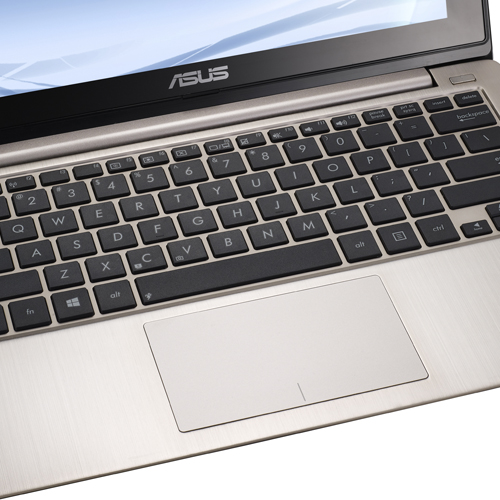
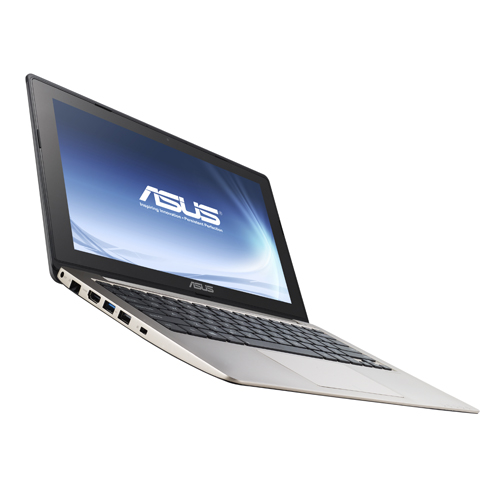
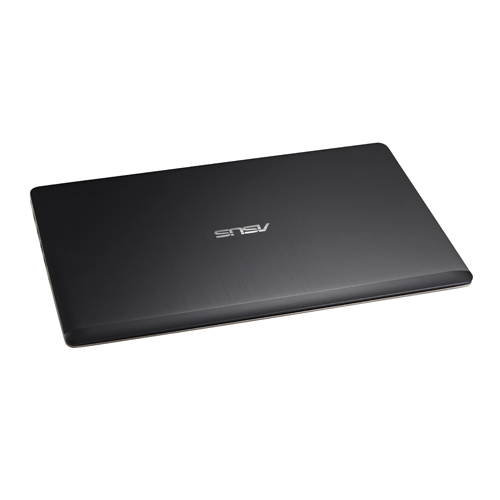
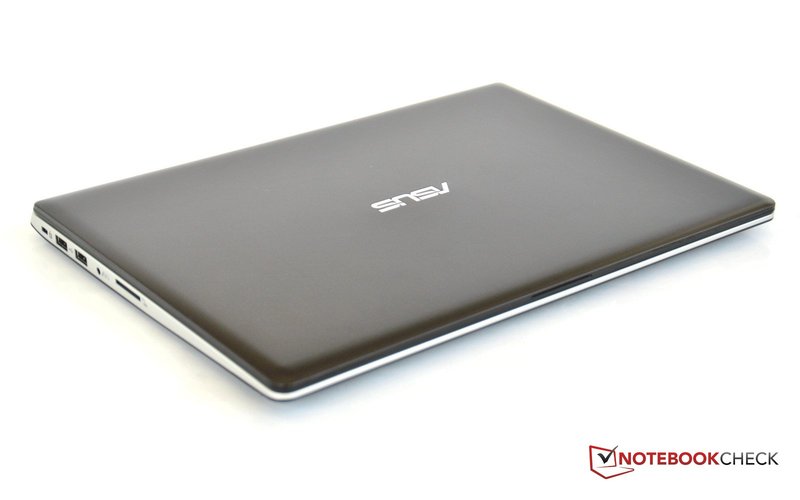
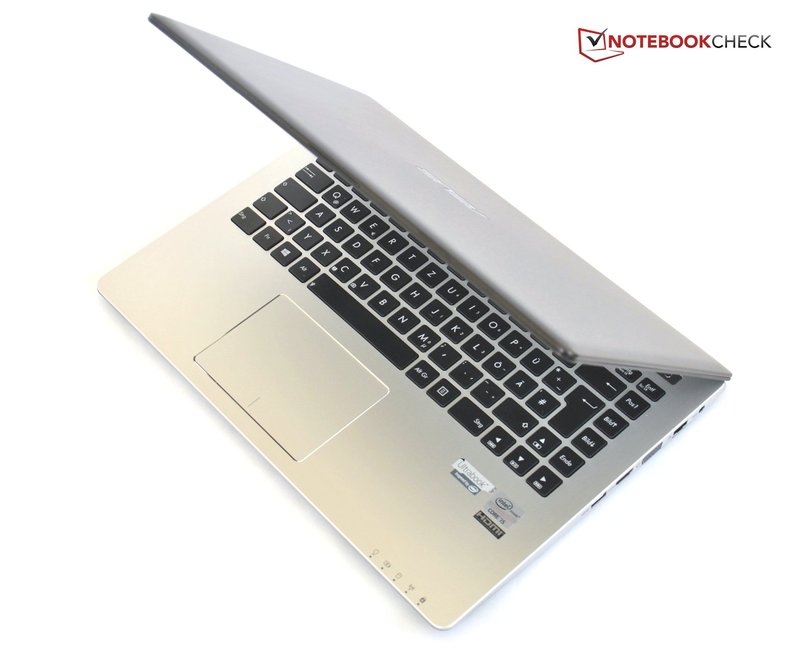
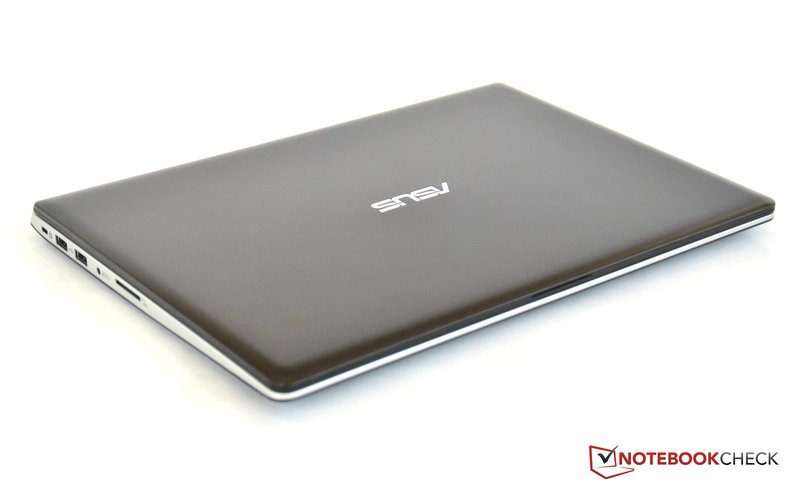
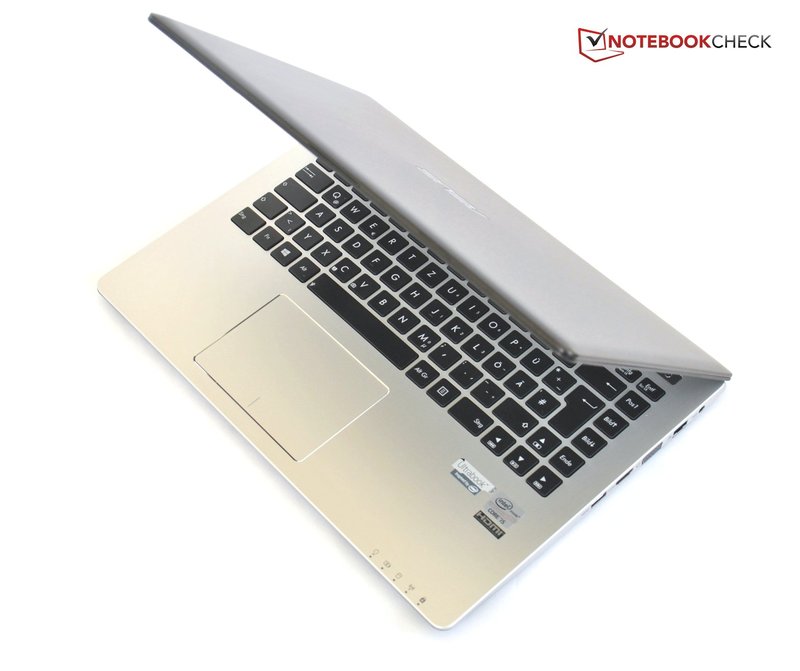
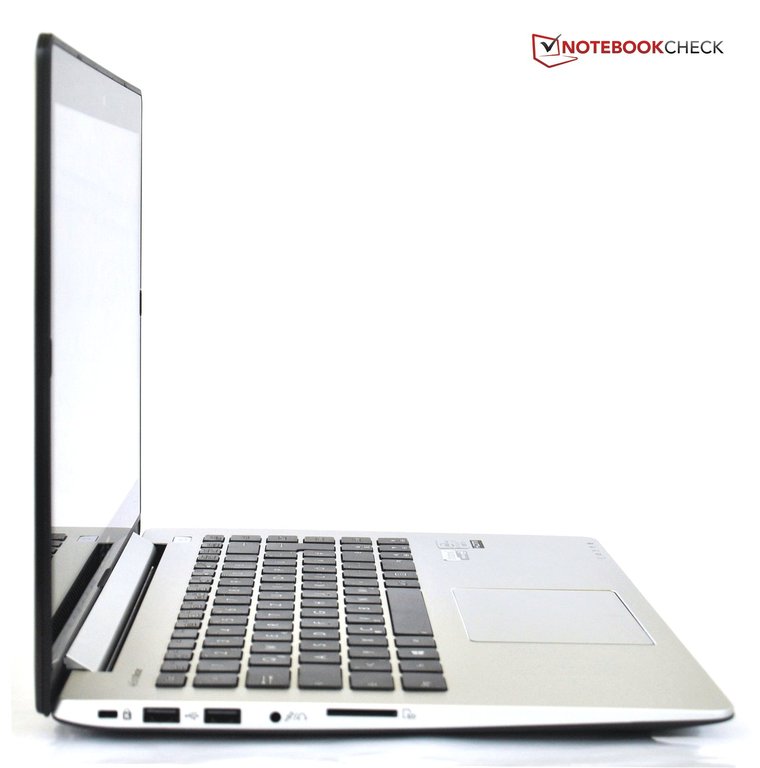
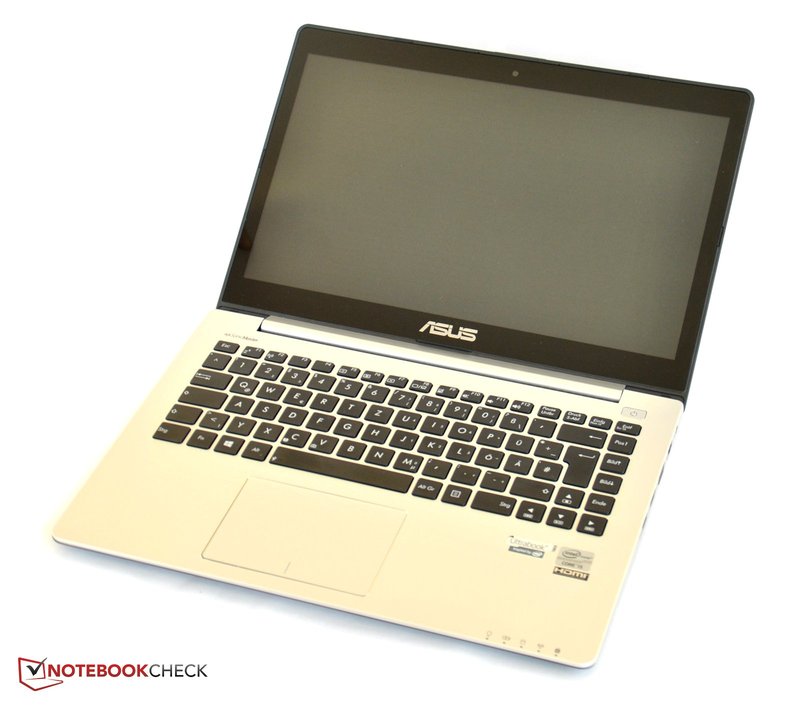
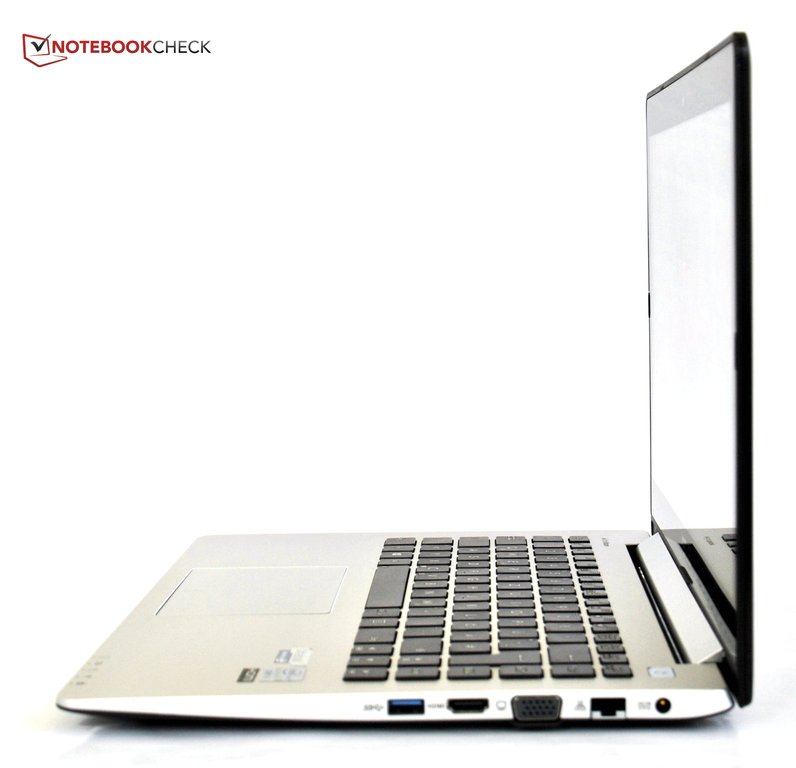
Asus VivoBook S400 Series
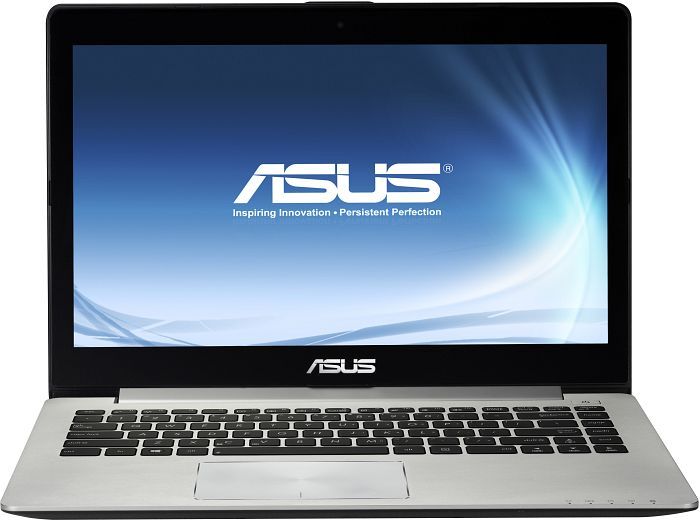 Processor: Intel Core i3 3217U, Intel Core i5 3317U, Intel Core i7 3517U
Graphics Adapter: Intel HD Graphics 4000
Display: 14.00 inch, 14.10 inch
Weight: 1.8kg, 1.86kg, 1.9kg
Price: 600, 700, 750, 800, 900 euro
Average of 19 scores (from 22 reviews)
Asus VivoBook S400CA-CA006H
Specifications
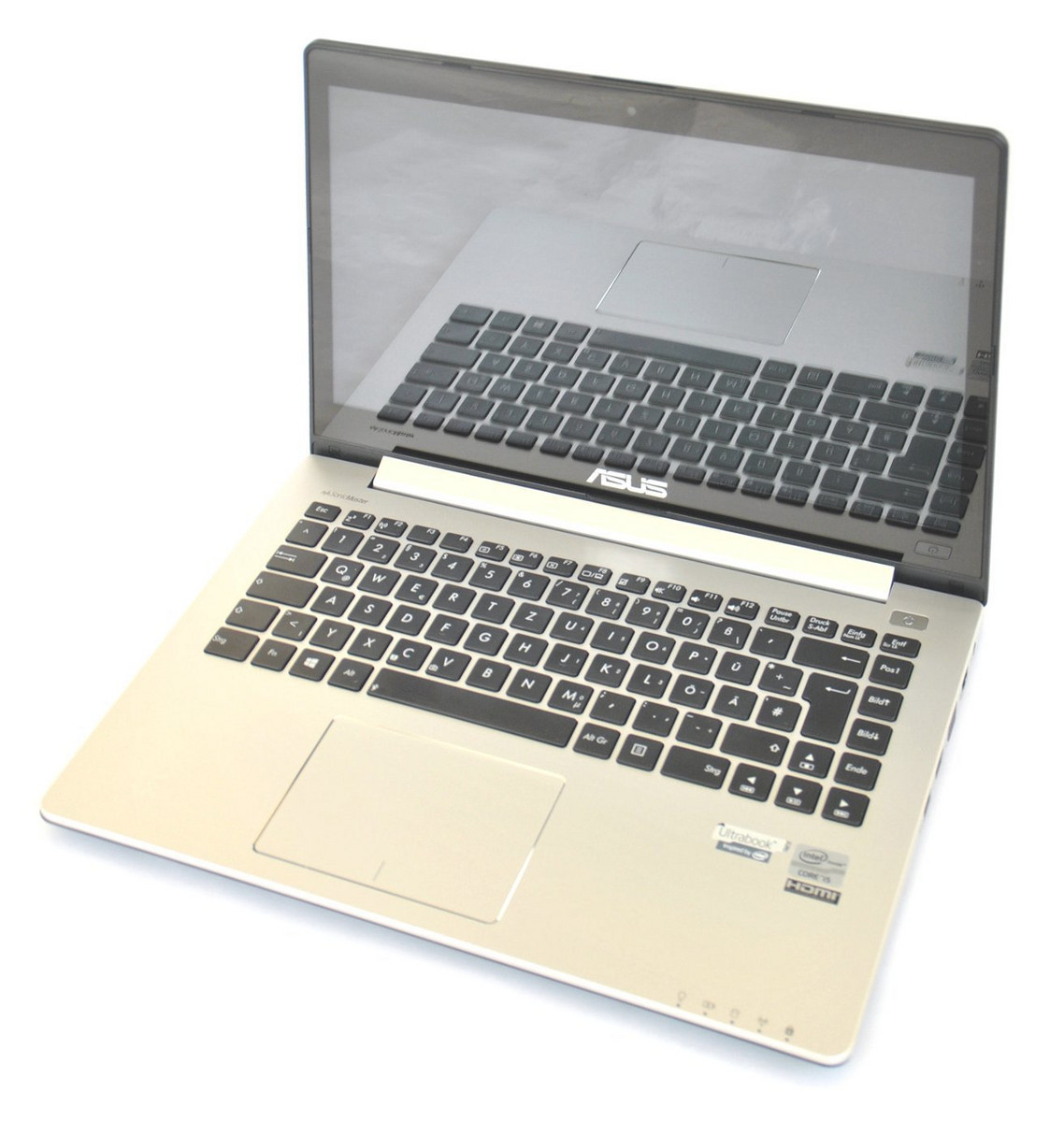 Notebook: Asus VivoBook S400CA-CA006H
Processor: Intel Core i5 3317U
Graphics Adapter: Intel HD Graphics 4000
Display: 14.00 inch, 16:9, 1366 x 768 pixels
Weight: 1.86kg
Price: 750 euro
Links: Asus homepage Asus notebook section
Pricecompare
Average Score:
Reviews
Windows 8 Book. The VivoBook S400CA provides the ideal symbiosis for Windows 8: Conventional notebook and touchscreen combined. This allows traditional programs and apps in the tiled layout to both be used as they were intended. The question is whether this makes the VivoBook a well-rounded package?
Foreign Reviews
Source: Benchmark.pl
 PL→EN Archive.org version
Single Review, online available, Medium, Date: 08/01/2013
Rating: Total score: 81% performance: 90% display: 90% mobility: 90% workmanship: 90% ergonomy: 90% emissions: 90%
Source: Benchmark.pl
PL→EN Archive.org versionSingle Review, online available, Medium, Date: 08/01/2013
Rating: Total score: 81% performance: 90% display: 90% mobility: 90% workmanship: 90% ergonomy: 90% emissions: 90%
Asus VivoBook S400CA-DH51T
Specifications
 Notebook: Asus VivoBook S400CA-DH51T
Processor: Intel Core i5 3317U
Graphics Adapter: Intel HD Graphics 4000
Display: 14.00 inch, 16:9, 1366 x 768 pixels
Weight: 1.8kg
Price: 800 euro
Links: Asus homepage Asus notebook section
Pricecompare
Average Score:
Reviews
Source: Notebookreview.com
 Archive.org version
The ASUS S400CA Touch Ultrabook seems like quite a good deal on the surface: $699 buys a touch screen, Windows 8, an attractive design and good battery life. We found it also bought a solid selection of ports, reasonable build quality and relatively good sounding speakers. What it doesn't buy is a satisfactory user experience. We'd recommend spending a bit more for a computer with a better quality display before recommending the ASUS S400CA. There's not enough substance here to allow us to give it a full recommendation.
Comparison, online available, Medium, Date: 12/12/2012
Rating: Total score: 60% price: 50% performance: 50% features: 80% mobility: 80% workmanship: 80%
Source: Comp Reviews
Archive.org versionWith its base features and price tag, the ASUS VivoBook S400CA-DH51T is not that different from most other ultrabooks. What sets it apart from them though is the 14-inch touchscreen display which is very beneficial to the Windows 8 experience but at a price similar to competing 14-inch ultrabooks.
Single Review, online available, Short, Date: 11/27/2012
Rating: Total score: 80%
Foreign Reviews
Source: PC Welt
 DE→EN Archive.org version
Single Review, online available, Medium, Date: 12/17/2012
Rating: Total score: 78% performance: 78% features: 86% display: 76% mobility: 65% ergonomy: 80% emissions: 95%
Source: HardwareLuxx
DE→EN Archive.org versionPositive: convincing ultrabook; touchscreen - windows 8
Single Review, online available, Very Long, Date: 12/07/2012
Asus VivoBook S400CA-040H
Specifications
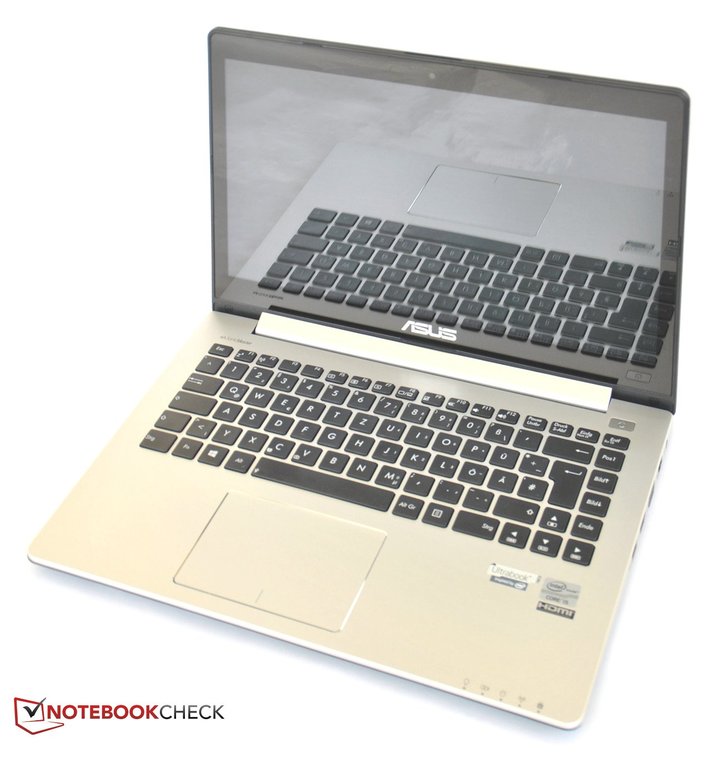 Notebook: Asus VivoBook S400CA-040H
Processor: Intel Core i7 3517U
Graphics Adapter: Intel HD Graphics 4000
Display: 14.10 inch, 16:9, 1366 x 768 pixels
Weight: 1.8kg
Price: 800 euro
Links: Asus homepage Asus notebook section
Pricecompare
Average Score:
Reviews
Source: Techtree.com
Archive.org versionThe ASUS S400CA is a very good performer in all regular computing tasks, thanks to its Core i7 CPU with sufficient RAM and hybrid drive system. However, its display quality is nothing to write home about with poor viewing angles. Nevertheless, it is as responsive as you would expect of a Windows 8 capacitive multi-touch screen. The large 14"screen size is comfortable to view and move from a desktop in case you are planning to do that, and it is not too heavy either. Unlike its other laptops, ASUS doesn't provide a carry bag along that would have made it easier to carry around.
Single Review, online available, Long, Date: 07/17/2013
Rating: Total score: 70% price: 60% performance: 80% features: 70% workmanship: 80%
Source: Tech Advisor
Archive.org versionThis model is very much about the Windows 8 experience. It looks good, the touchscreen works superbly, and the laptop is itself light and nimble. As an overall system, the Asus is a model you'll want to come back to.
Single Review, online available, Very Short, Date: 11/30/2012
Rating: Total score: 70%
Foreign Reviews
Source: Techno Zoom
 IT→EN Archive.org version
Positive: Touchscreen; configure options; Asus SonicMaster technology; the weight.
Comparison, online available, Short, Date: 10/28/2012
Asus VivoBook S400CA-UH51
Specifications
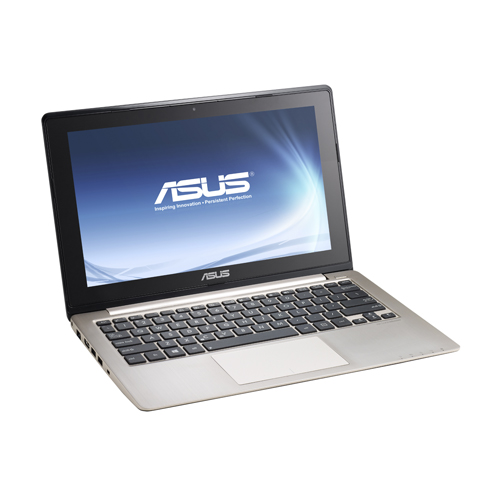 Notebook: Asus VivoBook S400CA-UH51
Processor: Intel Core i5 3317U
Graphics Adapter: Intel HD Graphics 4000
Display: 14.00 inch, 16:9, 1366 x 768 pixels
Weight: 1.8kg
Price: 700 euro
Links: Asus homepage Asus notebook section
Pricecompare
Average Score:
Reviews
Source: Techradar
Archive.org versionWe are disappointed by a few aspects of the VivoBook S400C: notably the battery life and touchpad gestures, but the overwhelming sense is that the S400C is a very good laptop. It doesn't break the bank and doesn't provide unnecessary expensive hardware. The spec sheet features a decent level of equipment that runs Windows 8 smoothly and should provide you with the power you need. And it's a beautifully appointed laptop for the money. It looks almost like an Ultrabook as well; your friends just won't believe that it was only £500.
Single Review, online available, Short, Date: 01/20/2013
Rating: Total score: 80%
Source: Computer Shopper
Archive.org versionNo matter how you feel about Windows 8, it's hard to deny that the operating system is best experienced with a touch screen. The Asus VivoBook S400CA is not only tap- and gesture-ready, but it's the most affordable touch-screen laptop we've seen to date (mid-January 2013). That's not to say the S400CA is perfect, not with its pedestrian display and poor battery life.
Single Review, online available, Long, Date: 01/18/2013
Rating: Total score: 80%
Source: PC Mag
Archive.org versionCompared to other laptops, the Asus VivoBook S400CA-UH51 comes in with great bang for the buck due to its high-performance processor, large amount of storage, touch screen, and above all its sub $700 price. The VivoBook far outperforms ultrabooks priced at the $899 or above. While it doesn't have the battery life (or pricing) to unseat our budget laptop Editors' Choice, the Acer Aspire V5-571-6891, the VivoBook S400CA-UH51 certainly has the chops to become our new Editors' Choice for entry-level ultrabooks with touch screen. In the ultrabook category, it's worth noting that the mainstream EC costs almost $200 more, where you would expect more battery life to be part of the equation. At the entry level, the Asus simply gives users what they need for a better Windows 8 experience, at a fair price.
Single Review, online available, Very Short, Date: 12/27/2012
Rating: Total score: 80%
Source: IT Reviews
Archive.org versionWith its touch screen, and reasonable price, the Asus VivoBook S400CA-UH51 is the ultrabook to cut your Windows 8 teeth on. The Asus VivoBook S400CA-UH51 is one of the least expensive ways to get a fully functional Windows 8 ultrabook. It's a touch-screen ultrabook that gets the pricing and feature set right.
Single Review, online available, Medium, Date: 12/27/2012
Rating: Total score: 80%
Source: CNet
Archive.org versionWindows 8 may have one foot solidly planted in the future, but in the present it needs to be a reliable OS for everyday computers, too. You get a decent 14-inch laptop package in the Asus VivoBook, especially given that it has a touch screen, but it doesn't add up to anything particularly impressive that you can't get elsewhere either with better design or for a lower price.
Single Review, online available, Long, Date: 12/12/2012
Rating: Total score: 74% performance: 80% mobility: 70%
Source: Laptop Mag
Archive.org versionThe $699 ASUS VivoBook S400CA-UH51 represents a pretty solid value for students, mainstream users and those who have been waiting to pull the trigger on their first Windows 8 machine. This is the lightest and thinnest Ultrabook we've seen that has a 14-inch touch screen. However, while five hours of battery life isn't terrible, other Windows 8 touch screen notebooks last longer on a charge. We also wish the keyboard had a firmer feel.
Single Review, online available, Long, Date: 12/04/2012
Rating: Total score: 60%
Foreign Reviews
Source: VNReview
 VN→EN Archive.org version
Positive: Good sensitive touch screen and touchpad; good design; price. Negative: Relatively heavy and thick; average battery life; easy to be dirty.
Single Review, online available, Short, Date: 12/05/2012
Asus VivoBook S400E-CA040H
Specifications
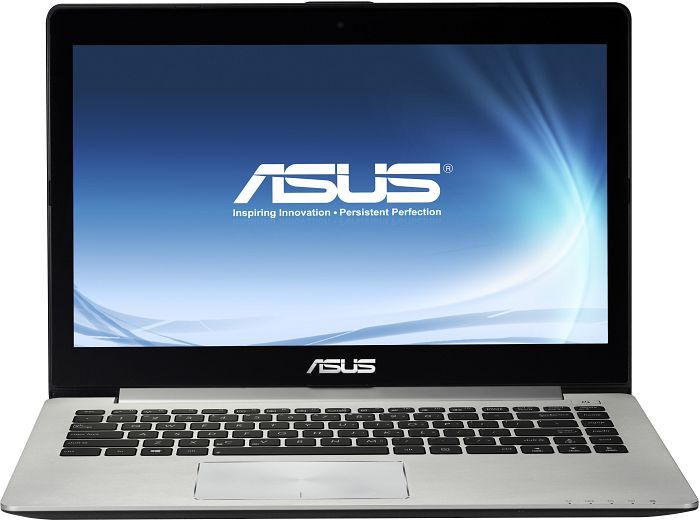 Notebook: Asus VivoBook S400E-CA040H
Processor: Intel Core i7 3517U
Graphics Adapter: Intel HD Graphics 4000
Display: 14.00 inch, 16:9, 1366 x 768 pixels
Weight: 1.8kg
Price: 800 euro
Links: Asus homepage Asus notebook section
Pricecompare
Average Score:
Reviews
Source: PC Pro
Archive.org versionThere are plenty of areas where Asus could improve the VivoBook S400E – the display, the slight bounce in the keyboard, the overall weight – but for £700, those flaws are easy to forgive. It isn’t an Ultrabook, but the VivoBook S400E is a handsome, powerful all-rounder, and a perfect introduction to the touch-friendly aspects of Windows 8.
Single Review, online available, Short, Date: 01/31/2013
Rating: Total score: 83% price: 100% performance: 67% features: 67% workmanship: 67%
Source: CNet
Archive.org versionThe Asus S400's Intel Core i7 processor puts on a good show, tackling the most demanding of tasks without argument. The metal shell might not be particularly pretty, but it's sturdy and helps give it a more expensive feel than you might expect for the relatively reasonable price. The responsive touchscreen is extremely handy for getting the most out of Windows 8, but it's sadly let down by an unimpressive resolution and lacklustre colours.
Single Review, online available, Medium, Date: 01/22/2013
Rating: Total score: 80%
Asus VivoBook S400E-CA038H
Specifications
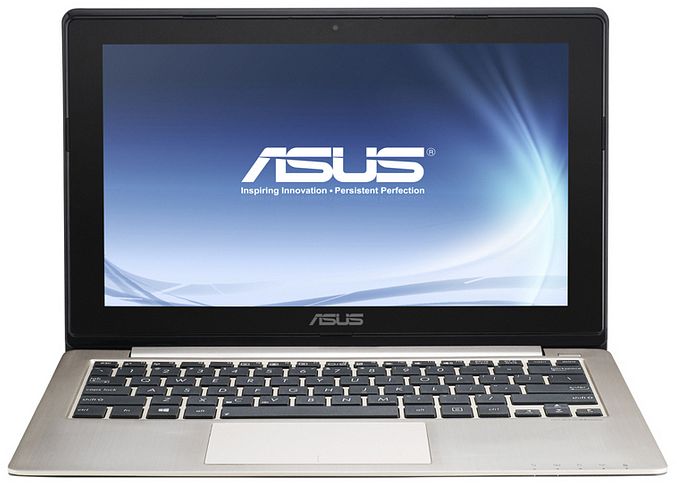 Notebook: Asus VivoBook S400E-CA038H
Processor: Intel Core i3 3217U
Graphics Adapter: Intel HD Graphics 4000
Display: 14.00 inch, 16:9, 1366 x 768 pixels
Weight: 1.9kg
Links: Asus homepage Asus notebook section
Pricecompare
Foreign Reviews
Source: 3DNews.ru
 RU→EN Archive.org version
Positive: The touch screen works so well; aluminum cover; very good touchpad.
Single Review, online available, Medium, Date: 01/10/2013
Asus VivoBook S400CA-CA012H
Specifications
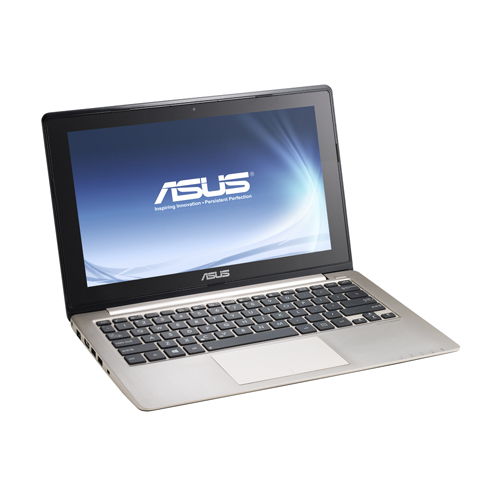 Notebook: Asus VivoBook S400CA-CA012H
Processor: Intel Core i5 3317U
Graphics Adapter: Intel HD Graphics 4000
Display: 14.00 inch, 16:9, 1366 x 768 pixels
Weight: 1.8kg
Price: 900 euro
Links: Asus homepage Asus notebook section
Pricecompare
Average Score:
Reviews
Source: Good Gear Guide
Archive.org versionThe ASUS VivoBook S400C offers plenty of value for money, especially if you can find it for just over $800. It has a strong CPU, good storage, a decent touchscreen and keyboard and a good range of built-in ports. Battery life is also relatively long. It's good for students and even business users who want something inexpensive to do double duty at home and at the office.
Single Review, online available, Medium, Date: 02/24/2013
Rating: Total score: 80%
Asus VivoBook S400CA-CA028H
Specifications
 Notebook: Asus VivoBook S400CA-CA028H
Processor: Intel Core i7 3517U
Graphics Adapter: Intel HD Graphics 4000
Display: 14.00 inch, 16:9, 1366 x 768 pixels
Weight: 1.8kg
Price: 800 euro
Links: Asus homepage Asus notebook section
Pricecompare
Average Score:
Reviews
Source: Think Digit
Archive.org versionLike its bigger screen sibling, the more affordable S400CA walks the same path of very good build quality and fairly good performance. The touchscreen has added a bit of bulk to the entire package, which does take away from the actual ultrabook experience. But, it is still lighter than a notebook!
Single Review, online available, Medium, Date: 07/25/2013
Rating: Total score: 80% price: 70% performance: 80% features: 70% workmanship: 80%
Asus VivoBook S400CA-CA002H
Specifications
Notebook: Asus VivoBook S400CA-CA002HProcessor: Intel Core i3 3217U
Graphics Adapter: Intel HD Graphics 4000
Display: 14.00 inch, 16:9, 1366 x 768 pixels
Weight: 1.8kg
Price: 600 euro
Links: Asus homepage Asus notebook section
Pricecompare
Average Score:
Reviews
Source: APC Mag
Archive.org versionWhile the VivoBook uses lower-end hardware, it’s at a level where Windows 8 is fast and responsive, without power you don’t need going to waste. Thanks to the quality build and slim form, you could easily convince people it’s an ultrabook. Amazingly, if you shop around you can pick up the S400CA for under $700, which in our books makes it a great bargain.
Single Review, online available, Very Short, Date: 08/07/2013
Rating: Total score: 70%
Comment
Asus: ASUSTeK Computer Inc. is a major Taiwanese computer hardware manufacturer based in Taipei, founded in 1989. Under the Asus brand name, the company manufactures a wide range of products, including laptops, desktops, motherboards, graphics cards, monitors, smartphones and networking equipment, complete systems and PC components for end users.
Under the ROG (Republic of Gamers) brand name, ASUS manufactures gaming laptops known by gamers for their powerful specifications, dedicated graphics cards, high refresh rate displays and advanced cooling systems.
Beyond gaming, a wide range of notebooks are offered for different needs and budgets, from ultra-slim and lightweight ultrabooks to versatile 2-in-1 convertibles and budget-friendly options. In 2023, Asus had a 7% global market share of the PC market.
Customer satisfaction with ASUS notebooks concerns performance, the features, and the good price-performance ratio of ASUS notebooks. However, as with any brand, there are occasional reports of problems such as overheating, driver compatibility, or build quality issues.
Non demanding games should be playable with these graphics cards.
Intel HD Graphics 4000: Processor graphics card in the high end Ivy Bridge models. Offers a different clock speed in the different CPU models (ULV to desktop quad core) and therefore a different performance.
» Further information can be found in our Comparison of Mobile Graphics Cards and the corresponding Benchmark List.
Intel Core i5:
3317U: Ivy-Bridge-based ULV-CPU in Q2 2012. Offers a core clock of 1.7 - 2.6 GHz and an HD 4000 GPU (350 - 1050 MHz). The TDP is rated at 17 W.
Intel Core i7: The Intel Core i7 for laptops is based on the LG1156 Core i5/i7 CPU for desktops. The base clock speed of the CPUs is relatively low, but because of a huge Turbo mode, the cores can dynamically overclock to up to 3.2 GHz (920XM). Therefore, the CPU can be as fast as high clocked dual-core CPUs (using single threaded applications) but still offer the advantage of 4 cores. Because of the large TDP of 45 W / 55 W, the CPU is only intended for large laptops.
3517U: Fast Ivy-Bridge-based ULV-CPU in Q2 2012. Offers a core clock of 1.9 - 3.0 GHz and an HD 4000 GPU (350 - 1150 MHz). The TDP is rated at 17 W.
Intel Core i3:
3217U: Ivy-Bridge-based ULV-CPU in Q2 2012. Offers a core clock of 1.8 GHz (no Turbo Boost) and an HD 4000 GPU (350 - 1050 MHz). The TDP is rated at 17 W.
» Further information can be found in our Comparison of Mobile Processsors.
14.00:
14 inch display size represents a middle ground between the small subnotebook formats and the screens of the standard 15 inch laptops.
The reason for the popularity of mid-sized displays is that this size is reasonably easy on the eyes, provides good resolutions with usable detail sizes, yet does not consume too much power and the devices can still be reasonably compact.
In the past, 14-inch devices were very rare, but now they are the standard for laptops after the 15-inchers.
» To find out how fine a display is, see our DPI List.
No weight comment found (one expected)!
76.42%: This rating is not earth-shattering. This rating must actually be seen as average, since there are about as many devices with worse ratings as better ones. A purchase recommendation can only be seen with a lot of goodwill, unless it is about websites that generally rate strictly.
» Further information can be found in our Notebook Purchase Guide.