




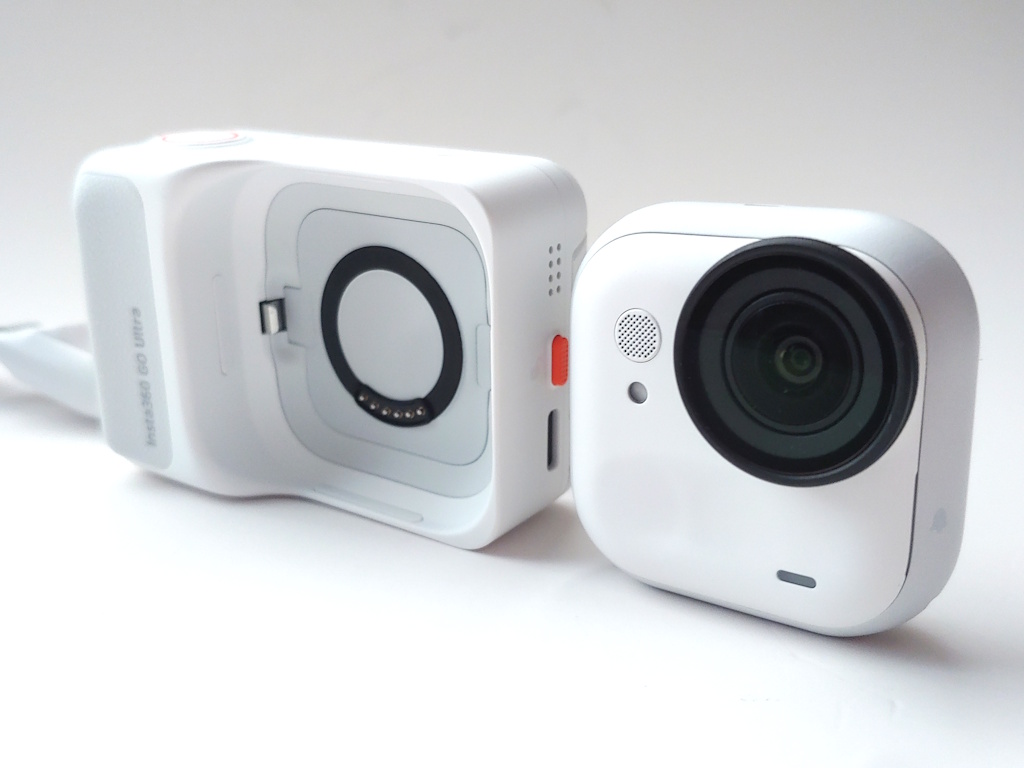
Insta360 Go Ultra hands-on: Detachable action camera with versatile mounting options, but notable issues
Glitchy yet versatile.
The Insta360 Go Ultra action cam separates for shooting videos and photos, but camera and app issues hinder its recommendation.David Chien Published 🇳🇱 🇫🇷 ...
Verdict
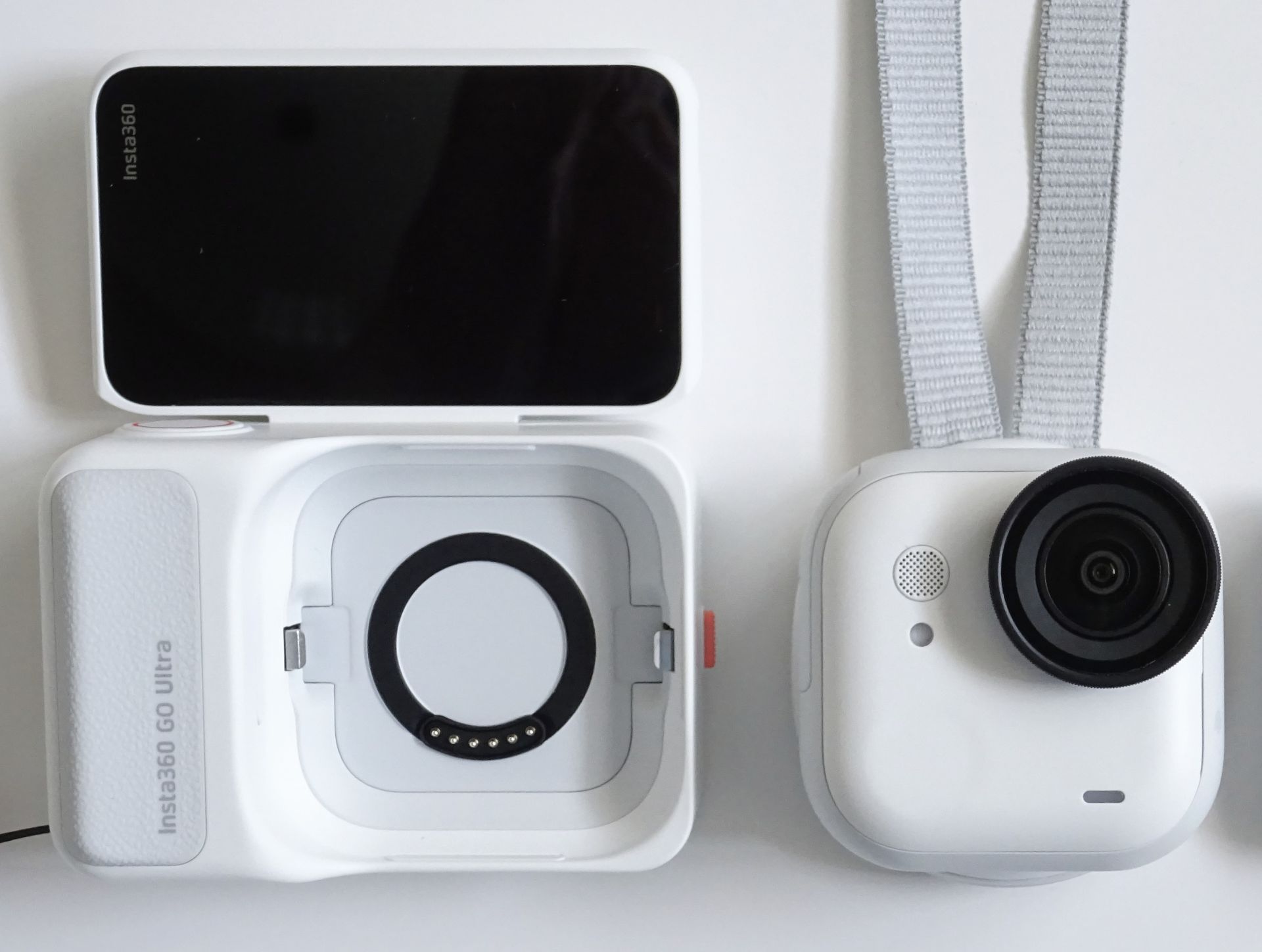
The Insta360 Go Ultra targets creators who want an action camera for vlogging, sports, and outdoor adventures, with a wide range of mounting options. Its flip‑up touchscreen and detachable camera enable creative shooting angles.
However, some clips freeze during in‑camera playback, and edited videos may show random horizontal lines when exported from the smartphone app, which can be avoided by editing on a laptop. Photo and video exposure can vary greatly, and auto color temperature isn't reliable.
Coupled with a short runtime and high price, the Insta360 Go Ultra is not a good first choice despite good daylight video quality.
Pros
Cons
Price and availability
The Go Ultra is available in various bundles as low as $449.99 from Amazon in white or black.

The Insta360 Go Ultra provides creators with a detachable 4K camera, enabling shots from difficult angles or locations, even underwater.
Specifications
| Lens | f/2.85, 14.27 mm (35 mm equiv.) |
| Sensor | 1/1.28" |
| Video | Up to 4K; 1080p at 240 fps |
| Photo | 50 MP |
| Bitrate | 180 Mbps |
| Codecs | H.264 / H.265; JPG / DNG |
| Display | 2.5" flip‑up touchscreen |
| Storage | microSD up to 2 TB |
| Connectivity | Bluetooth 5.4; Wi‑Fi 802.11ax; USB‑C |
| Runtime | 70 min (camera), 200 min (with pod) |
| Charging | 20 min (camera), 40 min (pod) |
| Durability | IPX8 camera (10 m), IPX4 pod |
| Weight | 52.9 g (camera), 108.5 g (pod) |
Packaging
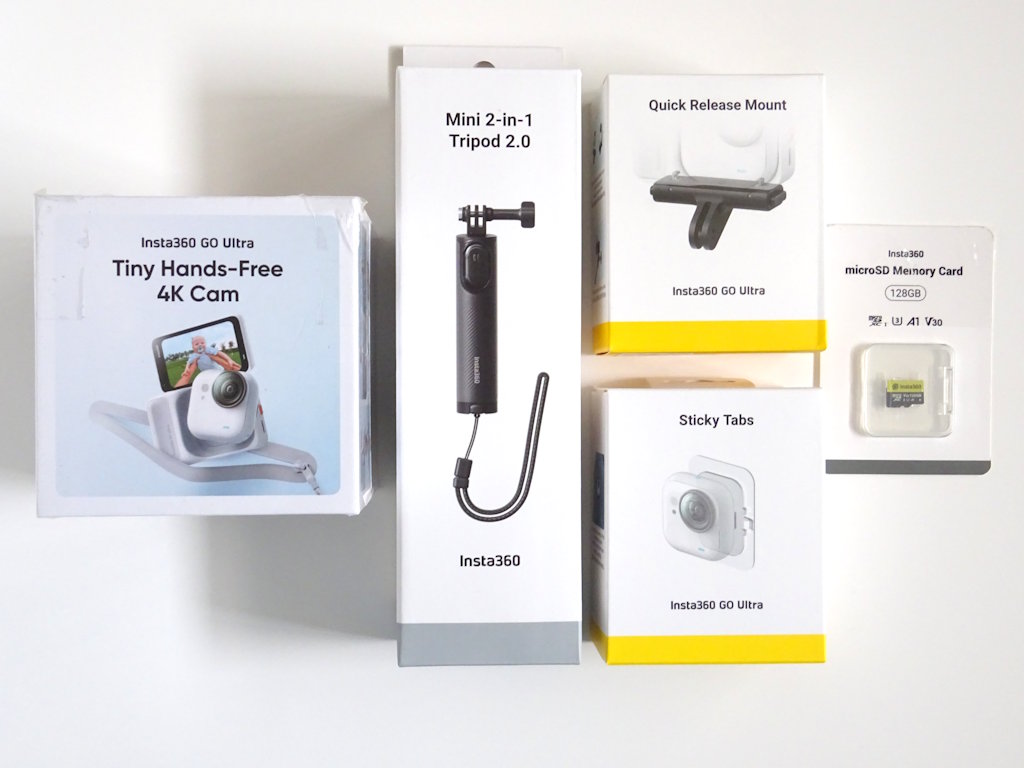
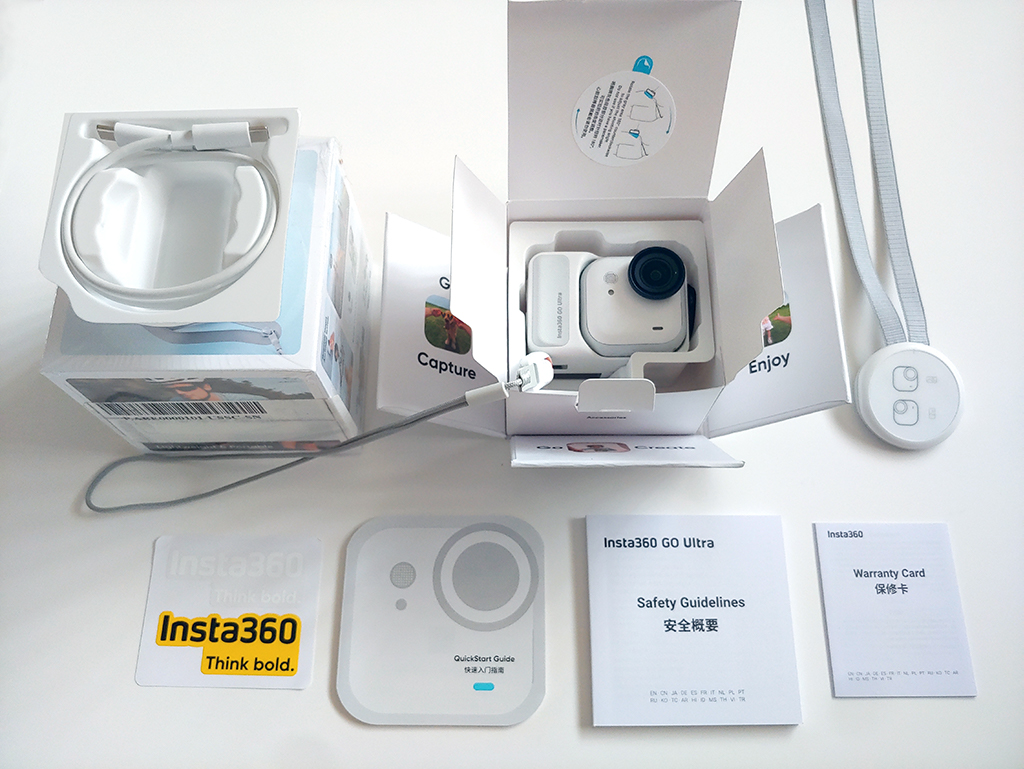
The camera included documentation, a strap, a magnetic pendant, a magnetic hat clip, a charging cable, and a pre‑installed lens protector. Optional accessories were provided.
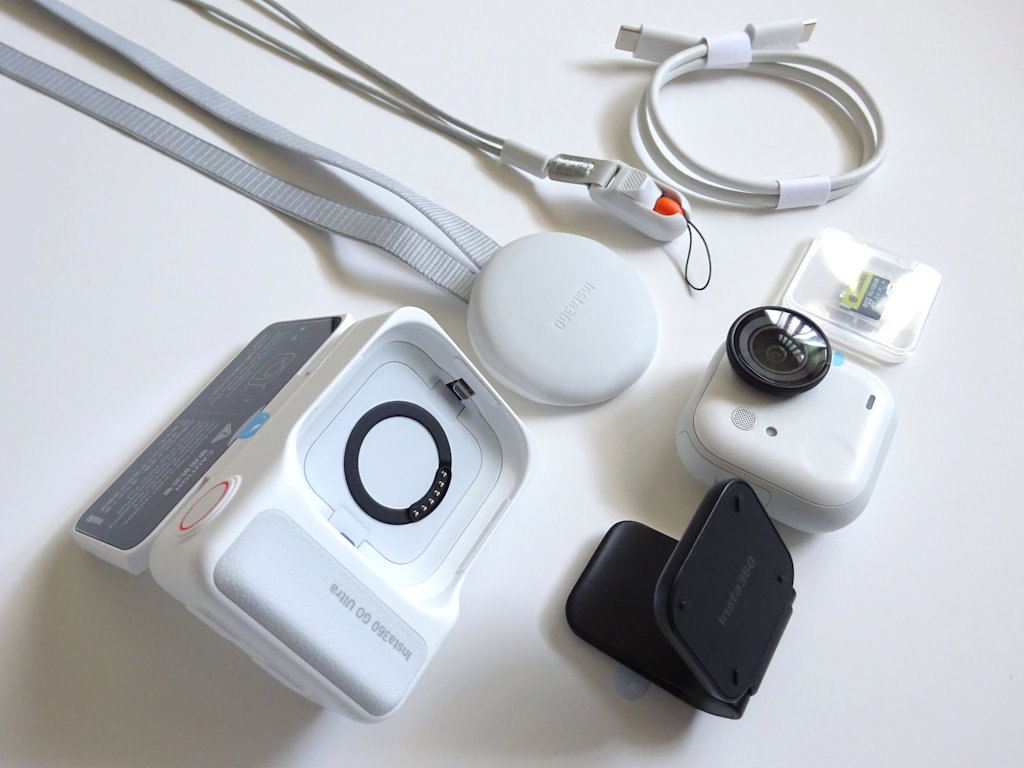
Design
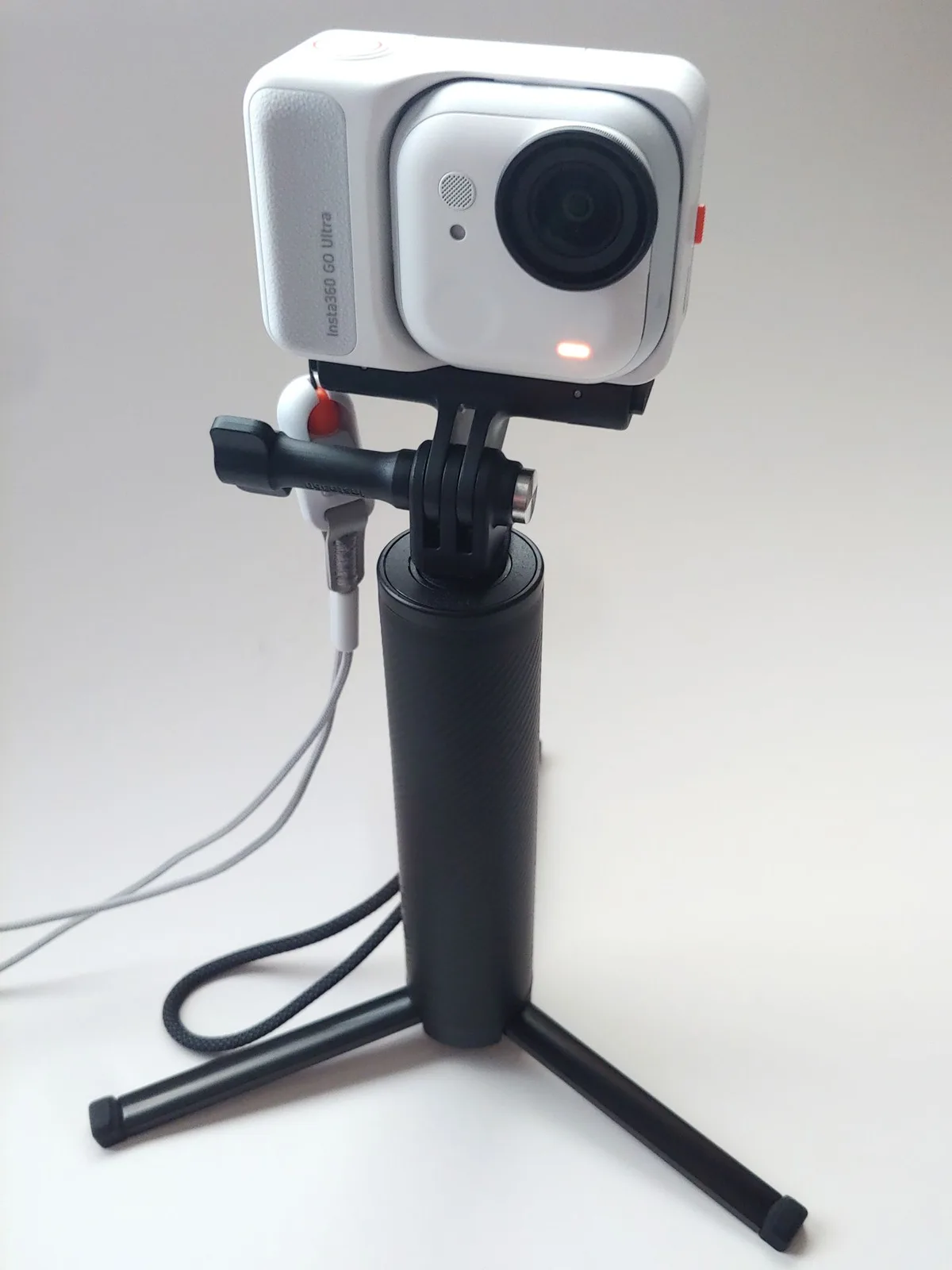
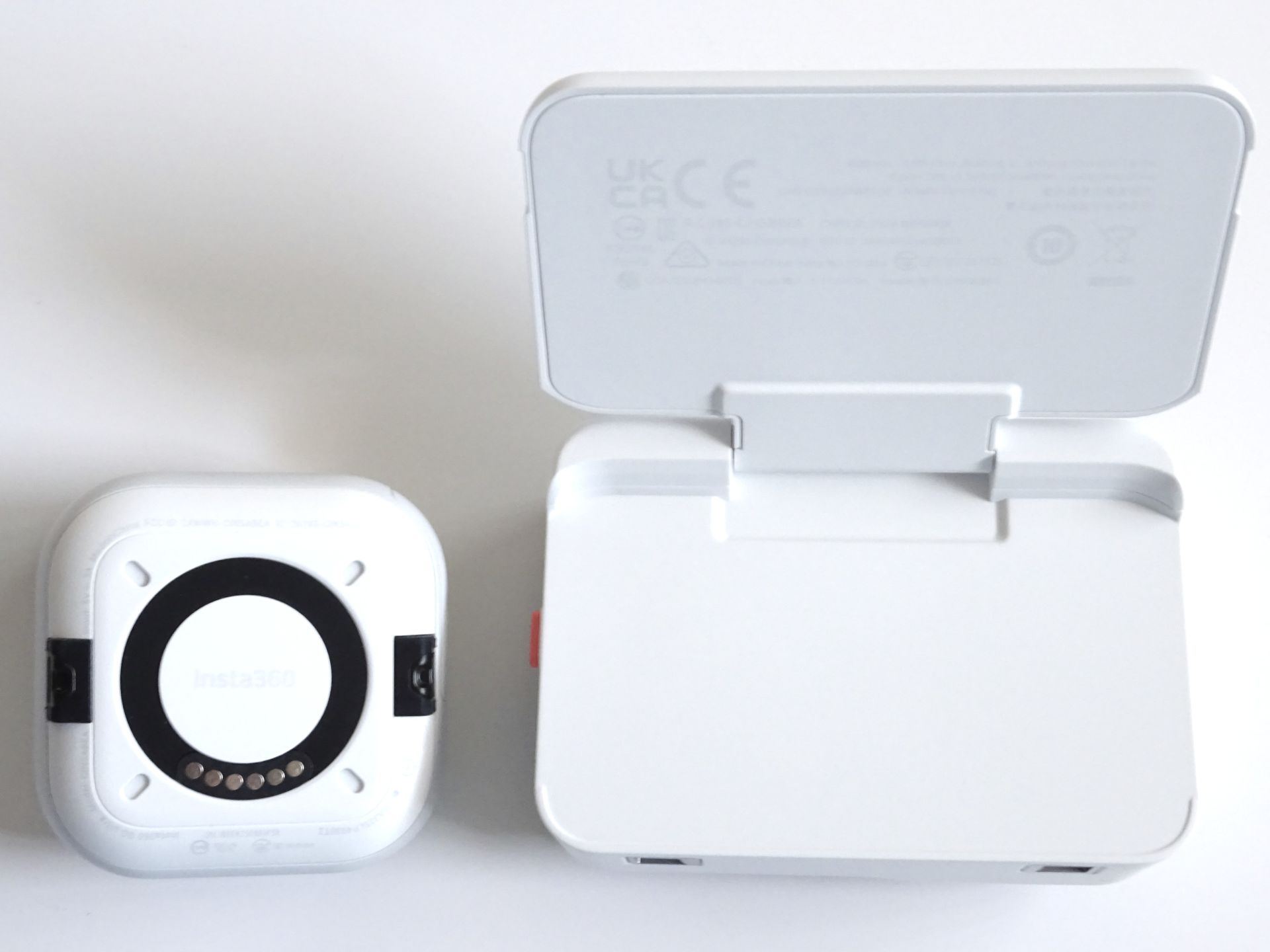
The detachable camera has a button and a pre‑installed lens protector that magnetically docks with two safety latches to the action pod, which has a top shutter button, a side power/quick‑action button, and a speaker, USB‑C port, and latch switch on the opposite side. Both units feature indicator lights.
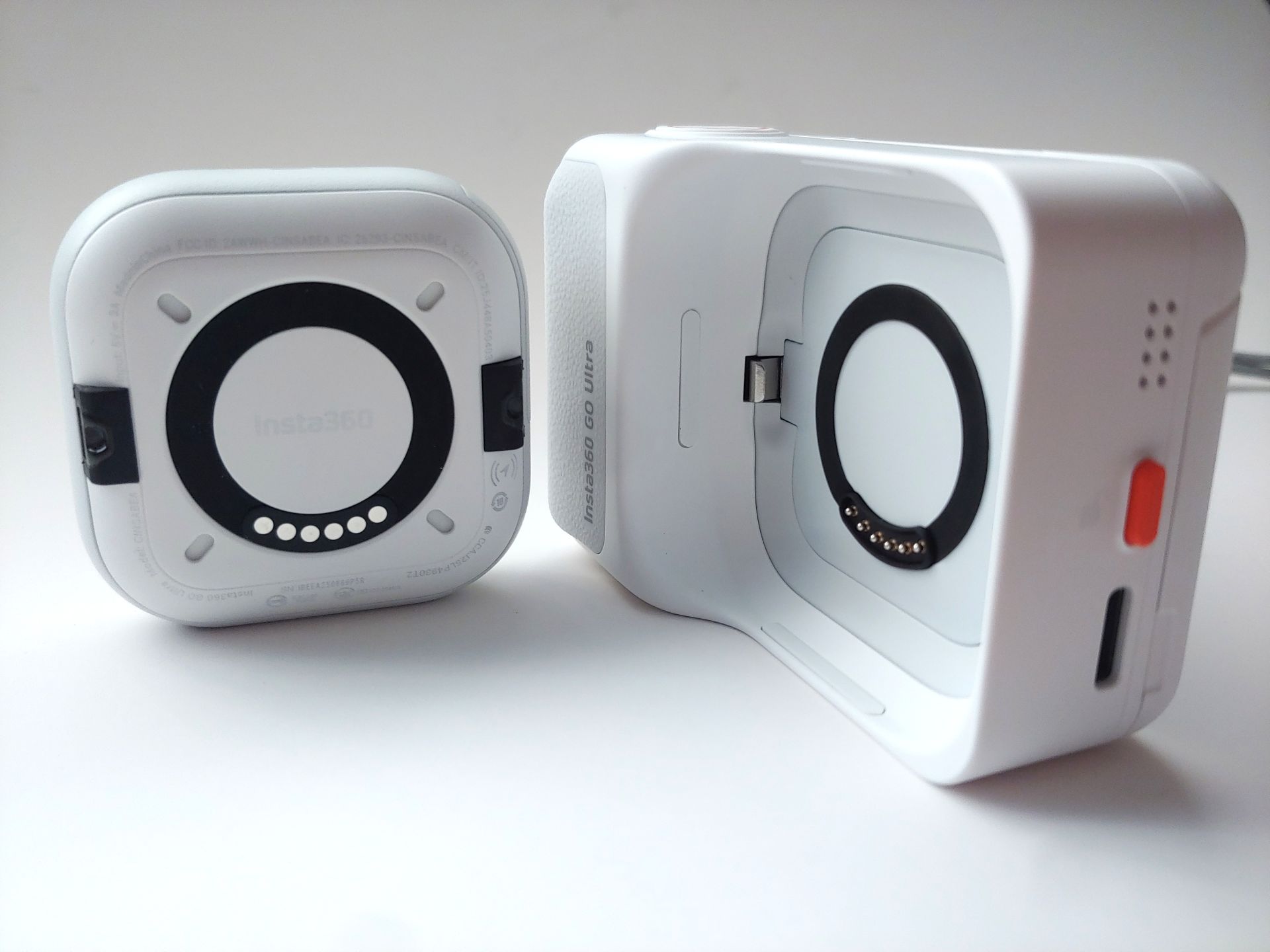
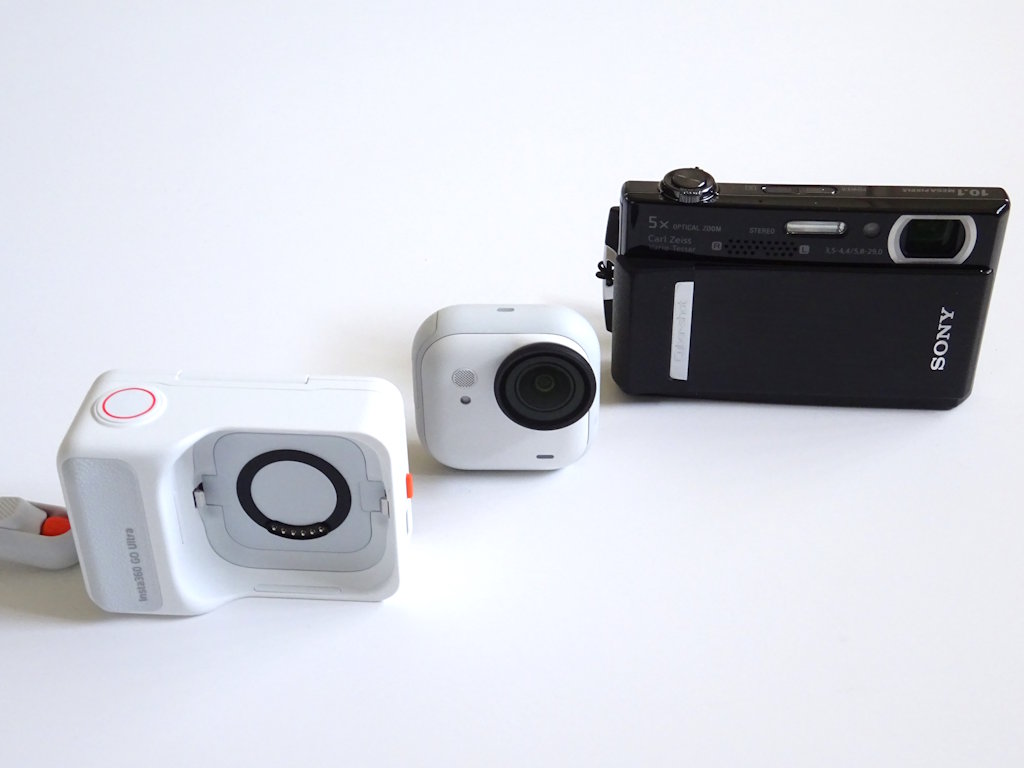
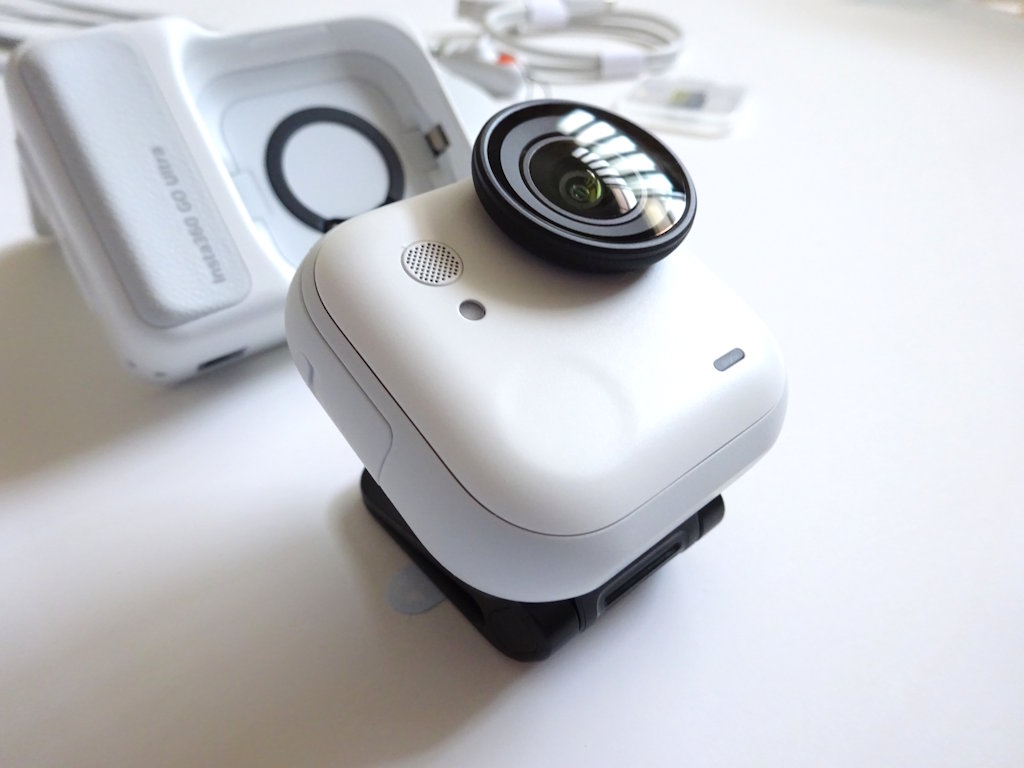
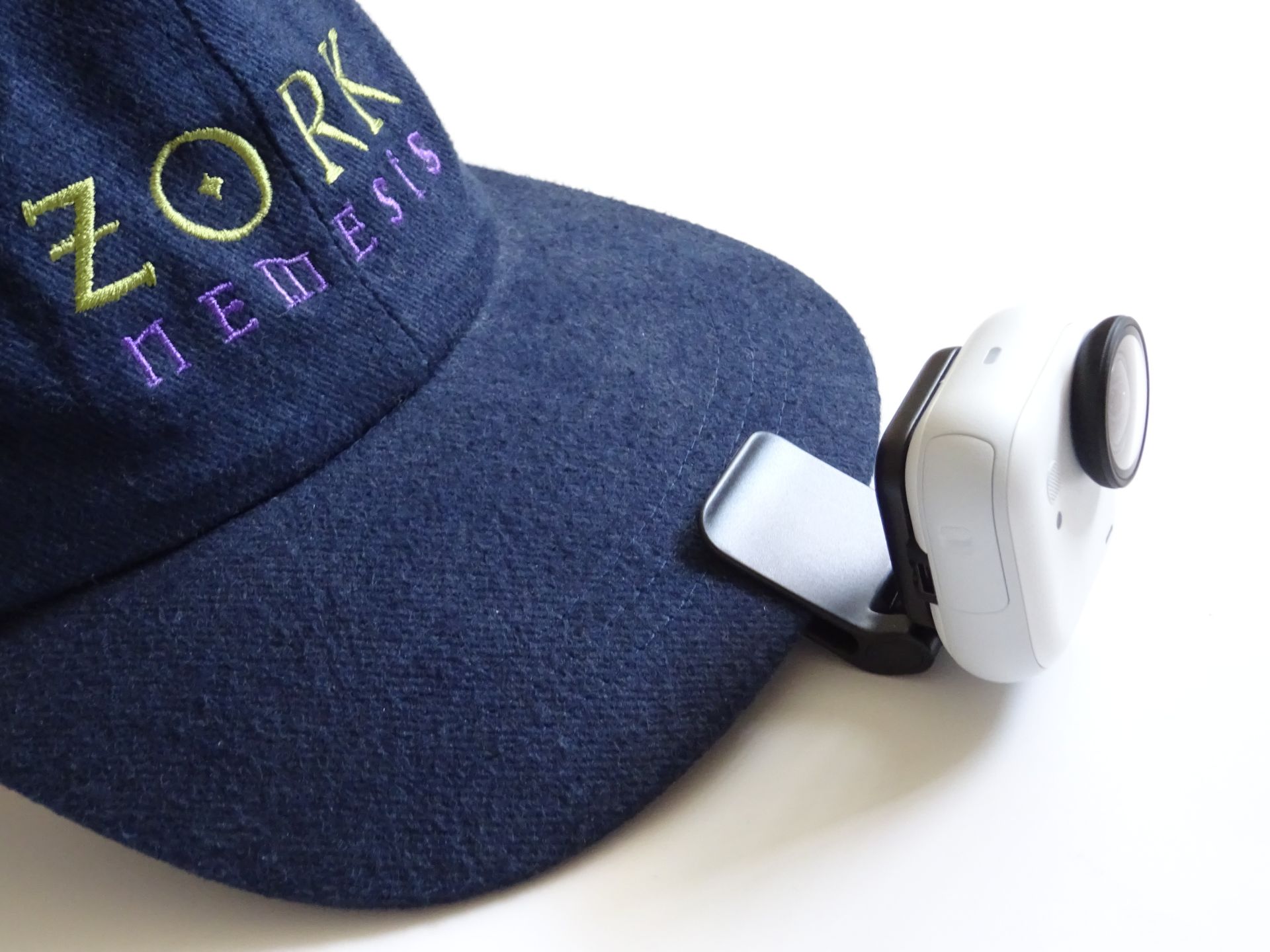
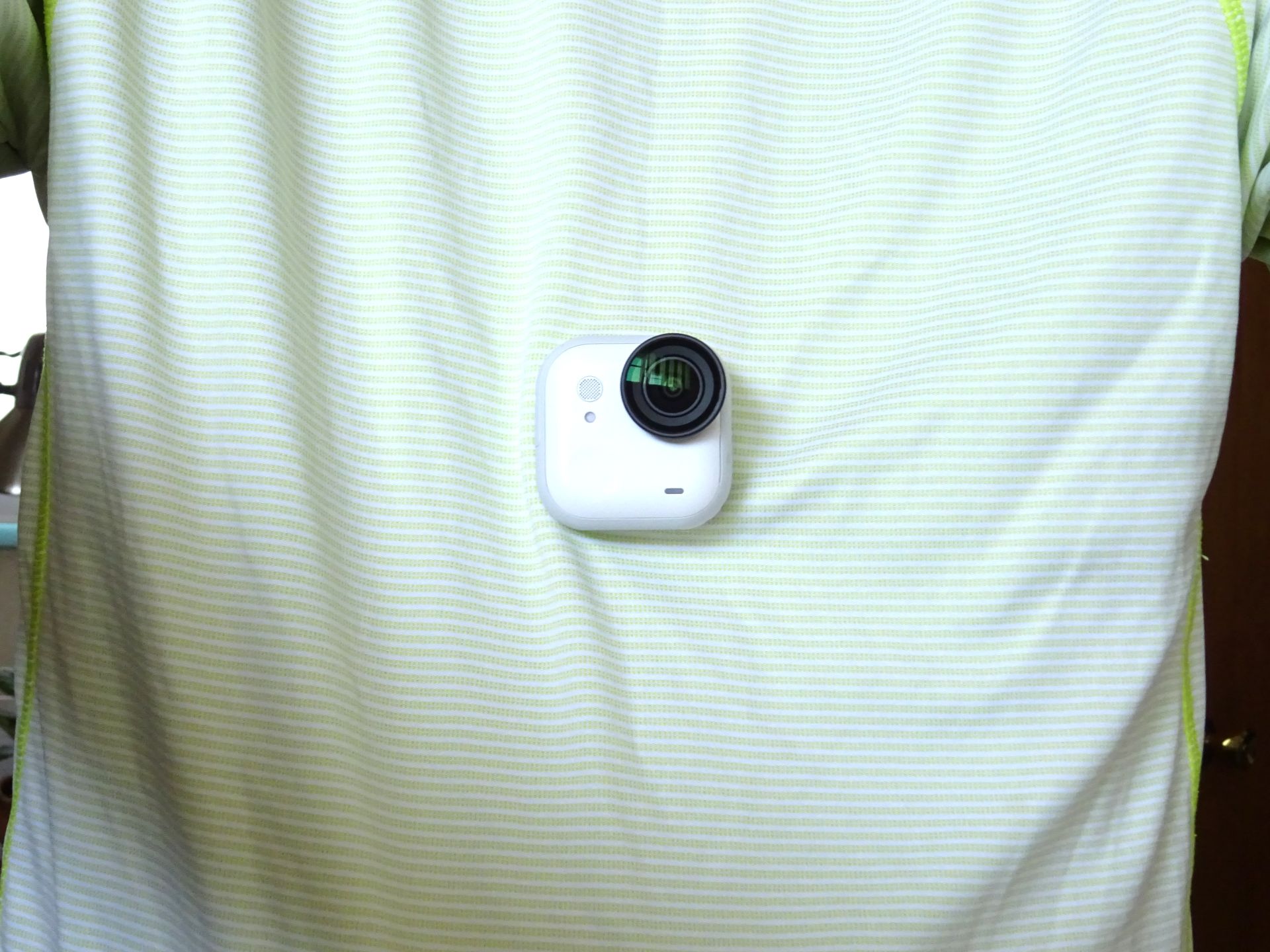
A magnet and two latch holes on both the camera and body enable versatile mounting.
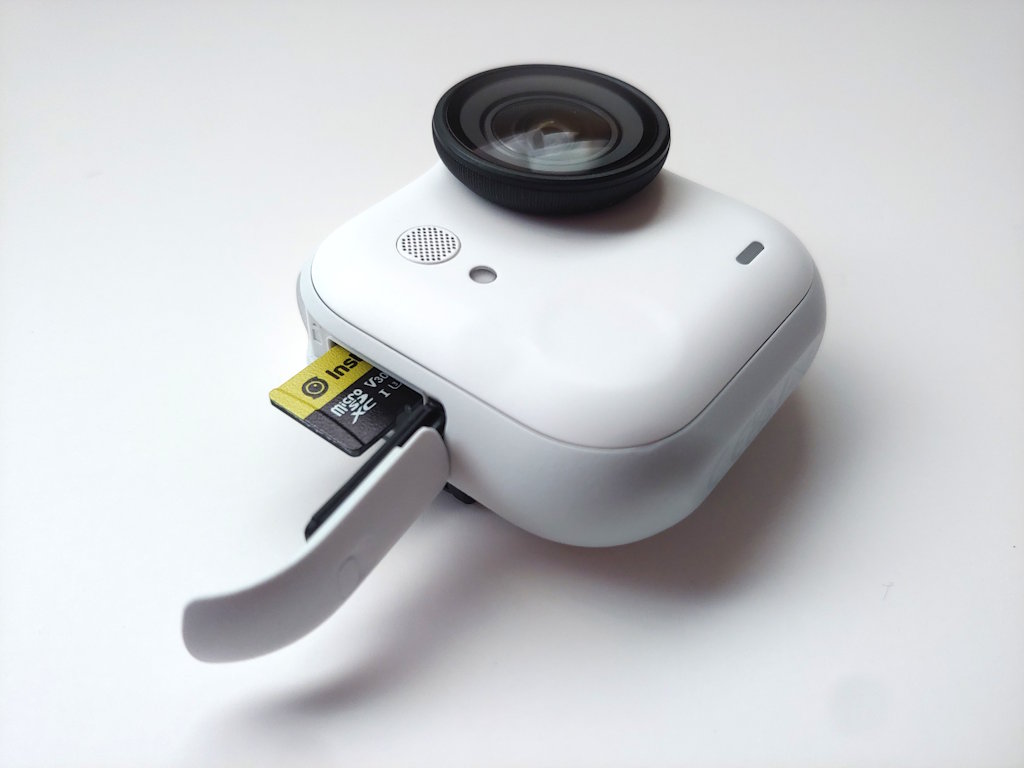
The camera has a hard‑to‑open card door and can only be charged when docked.
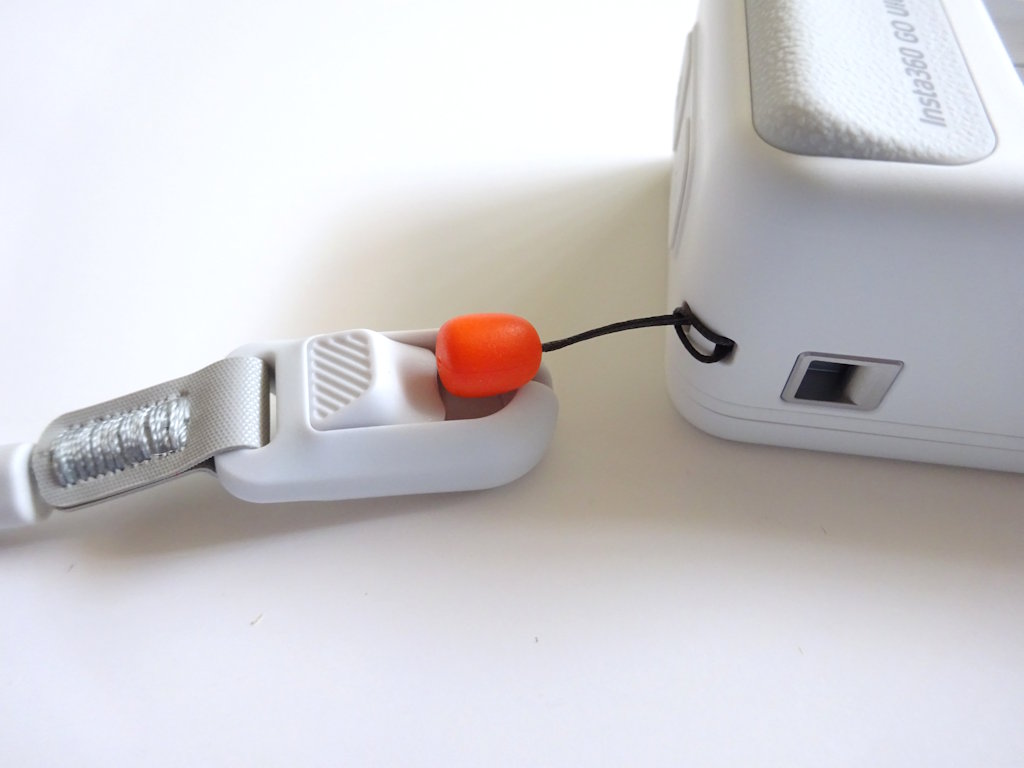
A quick‑release strap attaches to the camera or pod. The pod has a grip, but there’s no good thumb rest unless the display is slightly tilted up. The display only tilts upward, so users must hold the camera upside down to see it overhead.
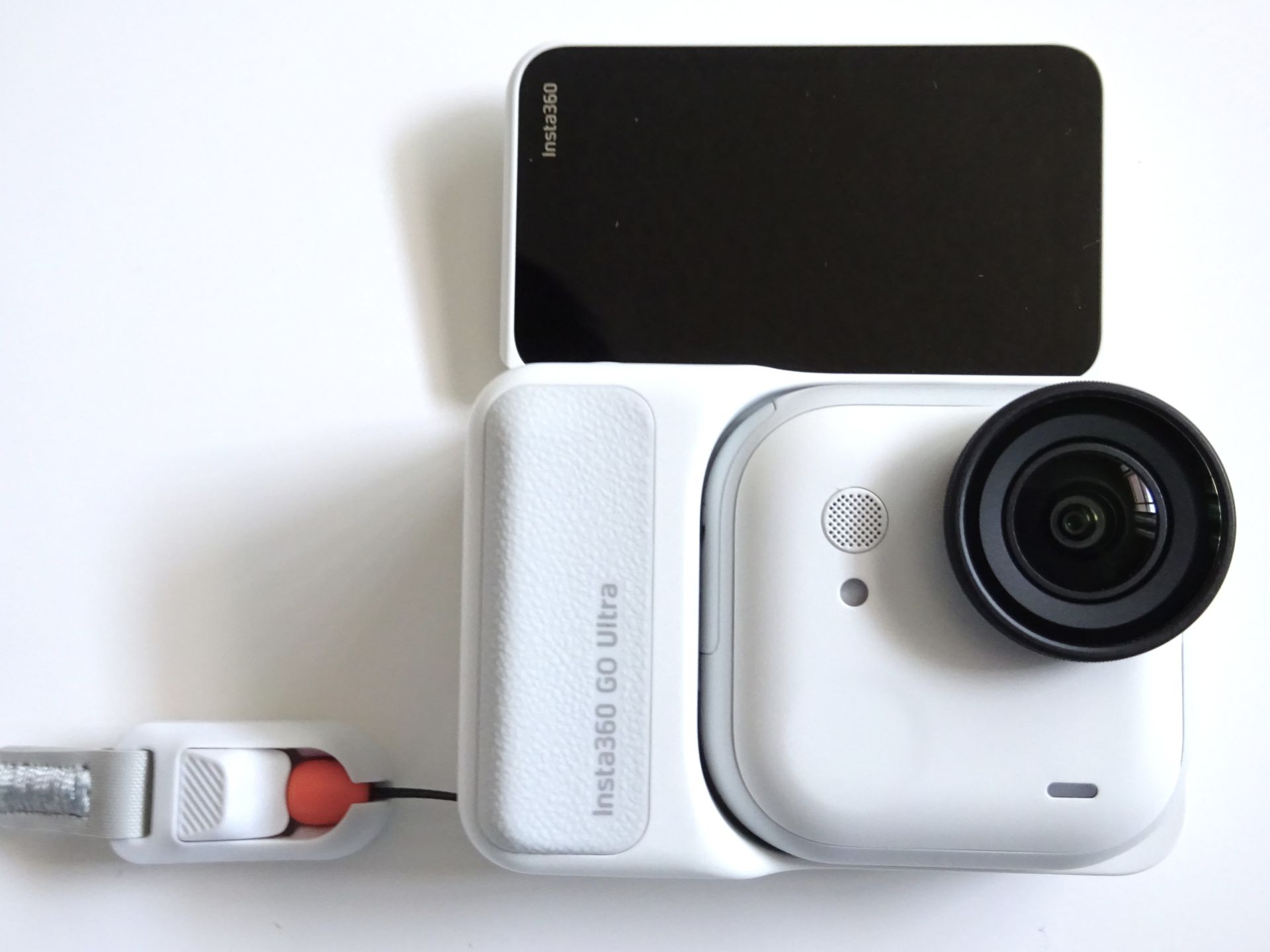
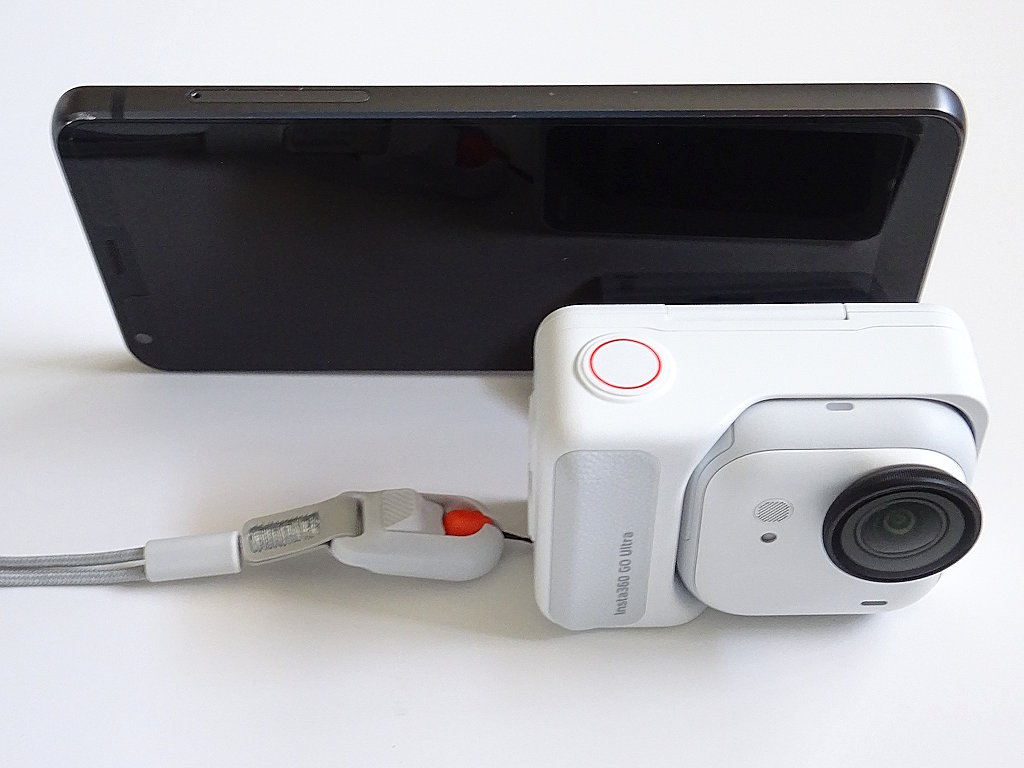
The complex interface has touchable icons and swipe in menus from all four sides. Some menus do not use the full screen, forcing unnecessary scrolling. Battery percentages require tapping to view. After entering Clip Highlighting mode, there was no way to leave without marking a clip besides shutting down the camera.
The pod can recharge the camera but not vice versa. The camera can record without a working pod. Battery life was under 1.5 hours and dropped further with higher frame rates, AI scene or gesture control detection, high stabilization enabled, and other features active.
Setup
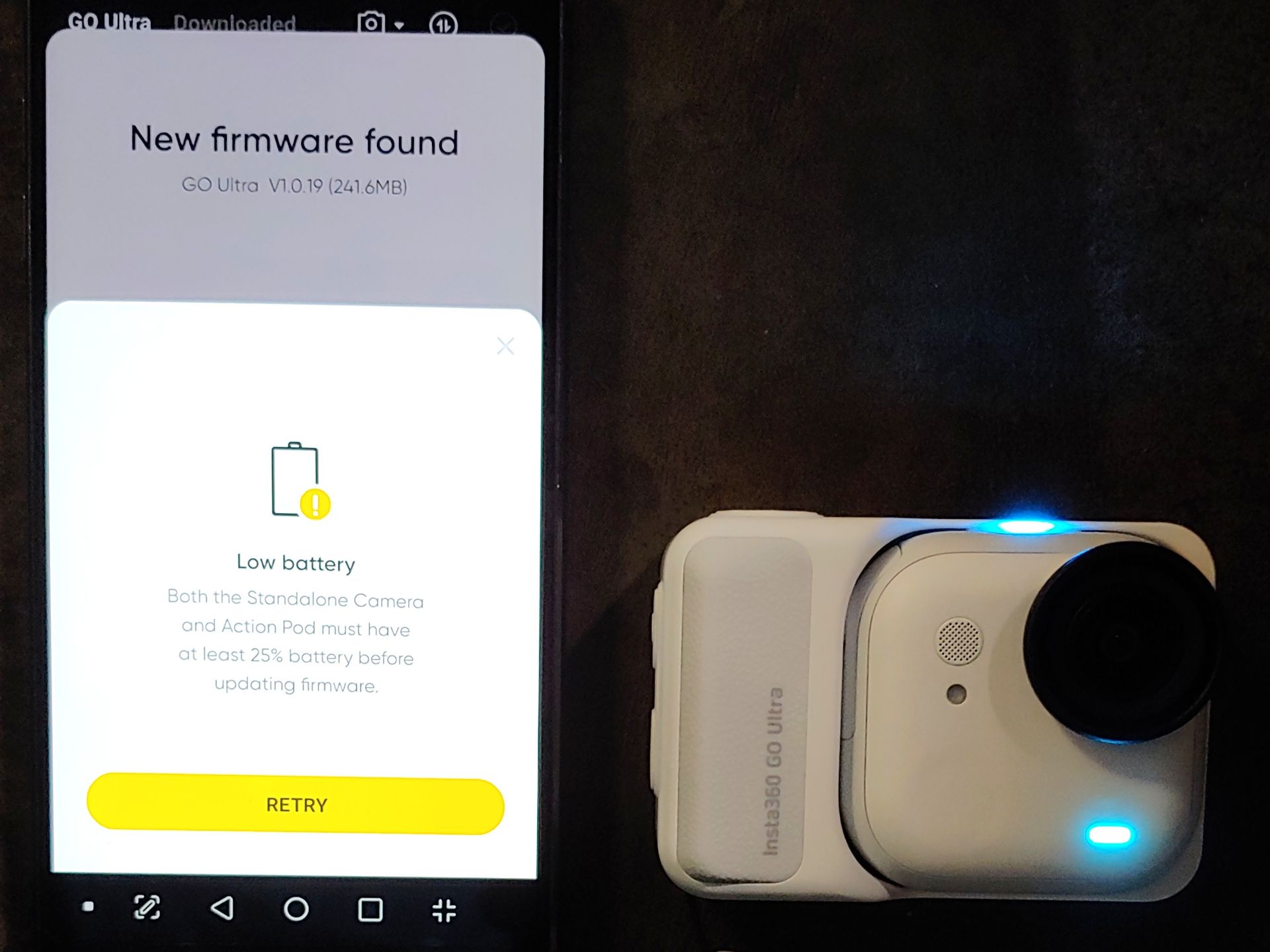
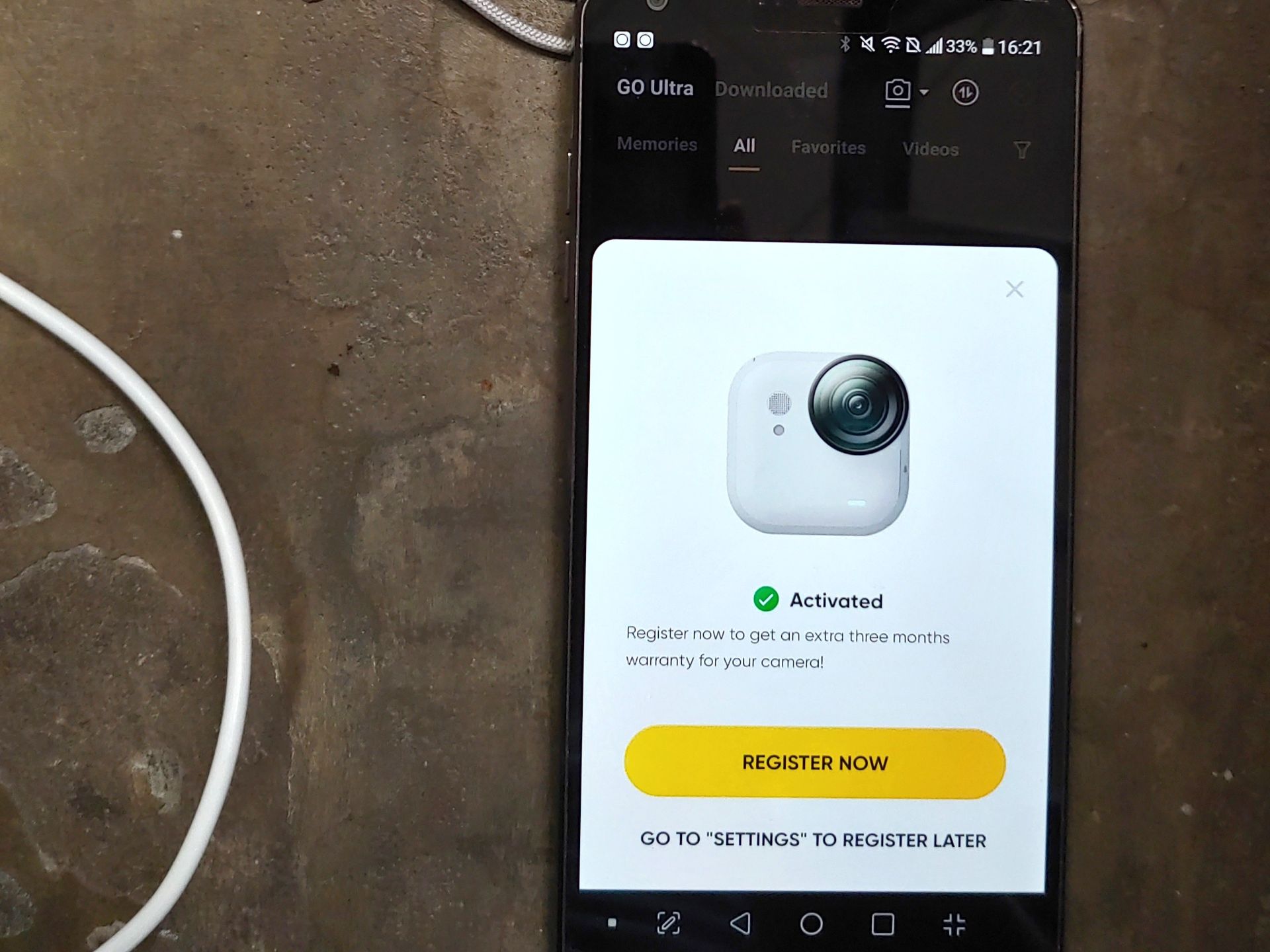
The Go Ultra requires mandatory online activation and setup, preventing immediate use at off‑grid events. The 1.4 GB Android app needs 5~ GB free space and the mandatory firmware update won’t install with low battery, so initial setup took 34 minutes.
App
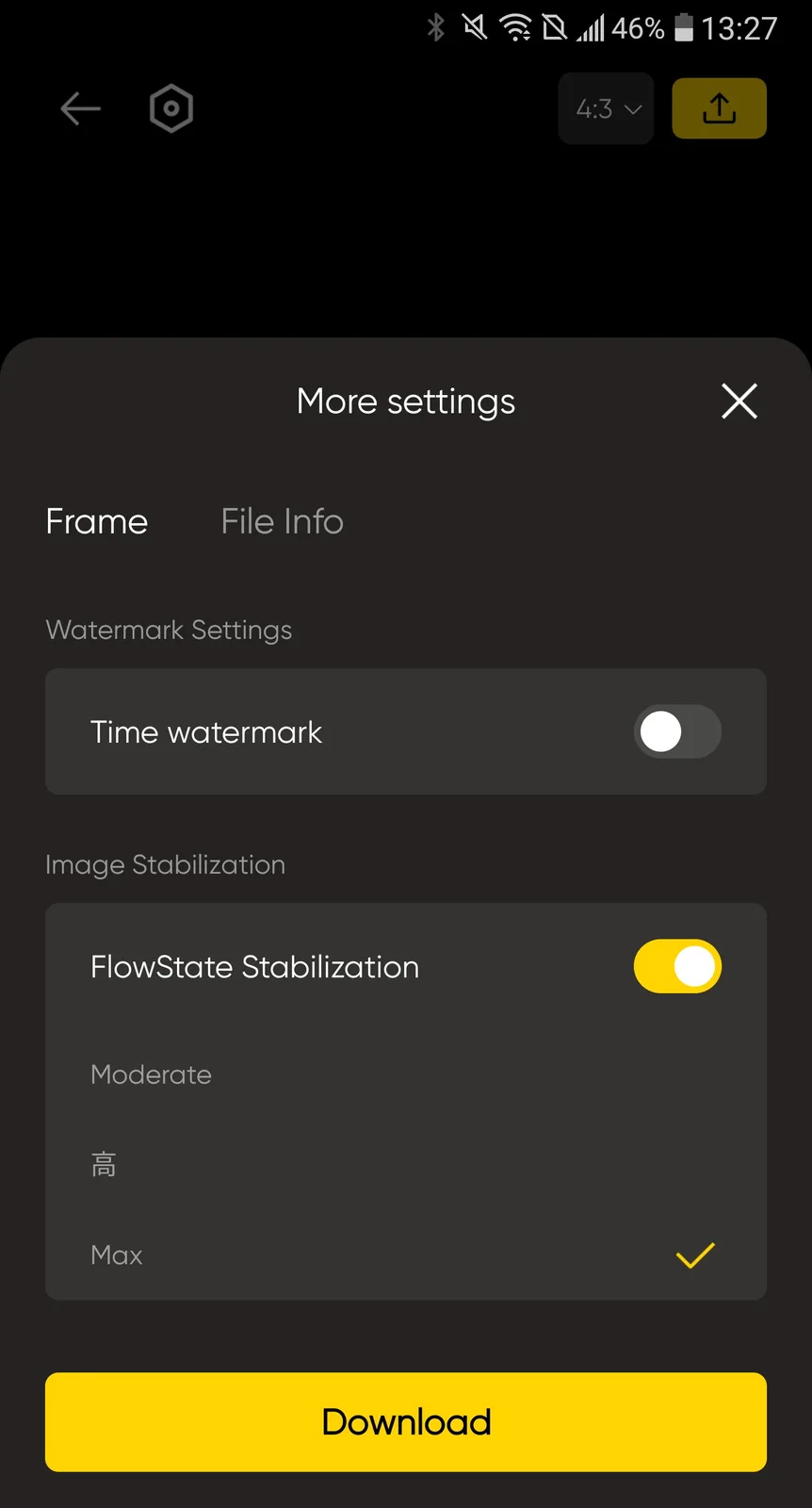
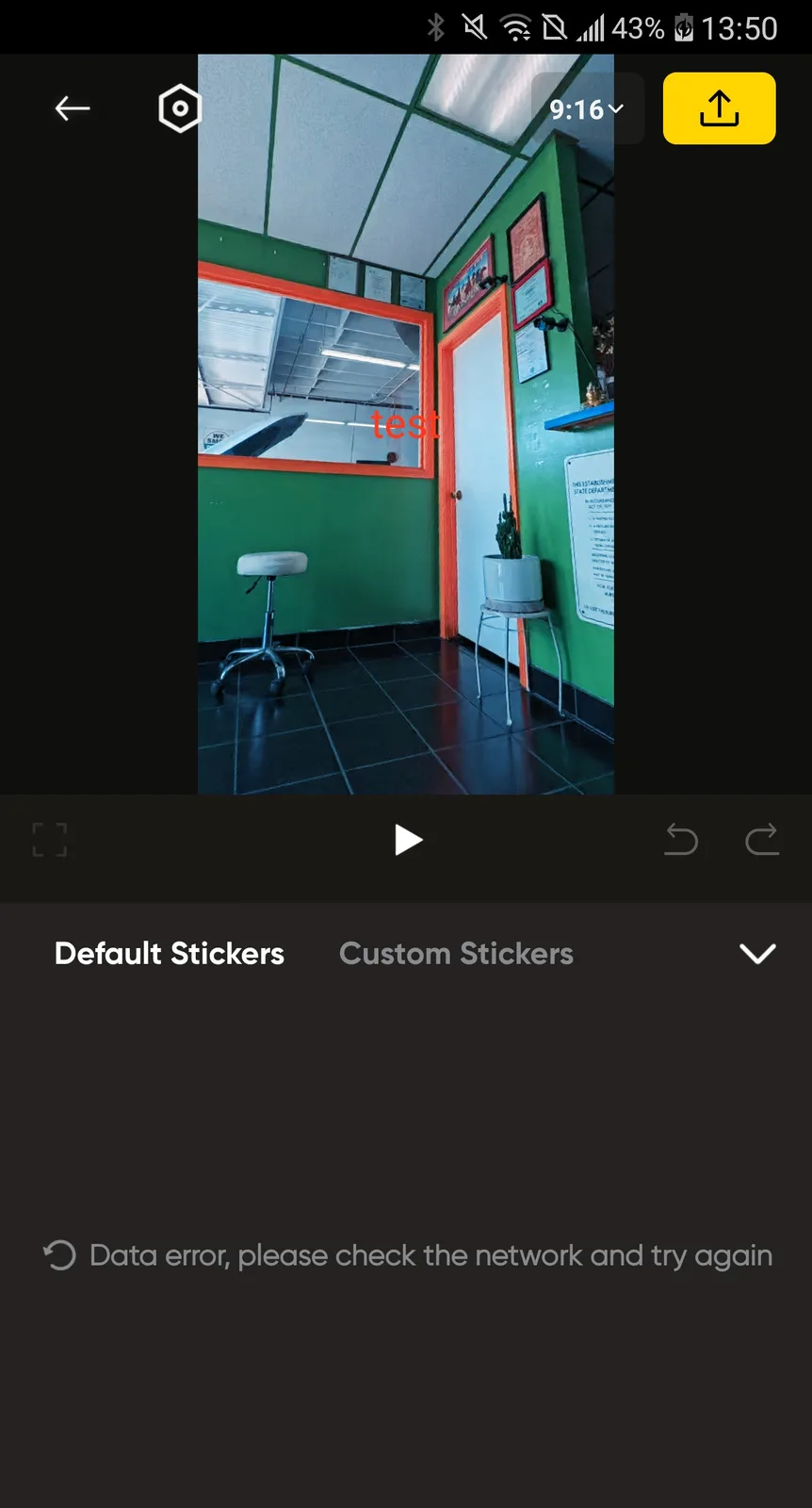
The app is easy to use for editing, sharing, and discovering content, though it can lag unless Proxy mode is enabled, and some elements require Internet downloads. There is no text outline or shadows, hindering legibility.
Exports can be shared with the Insta360 community. The app may consume all phone storage until force‑closed, and Chinese text appeared despite the English setting.
Sound quality
The mic handles loud music without distortion well, but strong winds can be heard even with Wind NR on.
Voice intelligibility decreases with increasing surrounding noise, but the camera can use wireless mics.
Image quality
The Go Ultra performs best in daylight offering good sharpness, stabilization, exposure, and backlight and flare control.

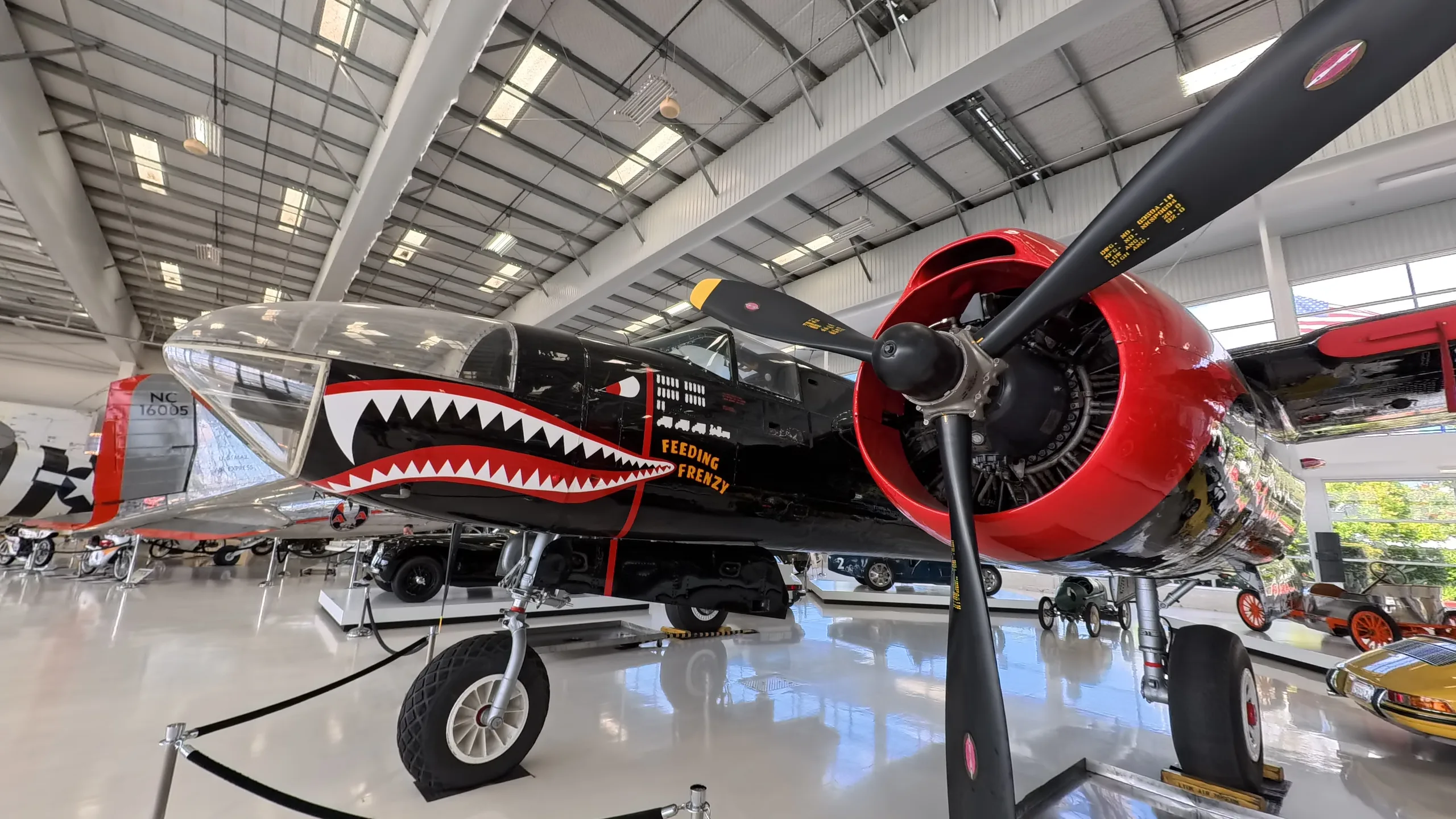
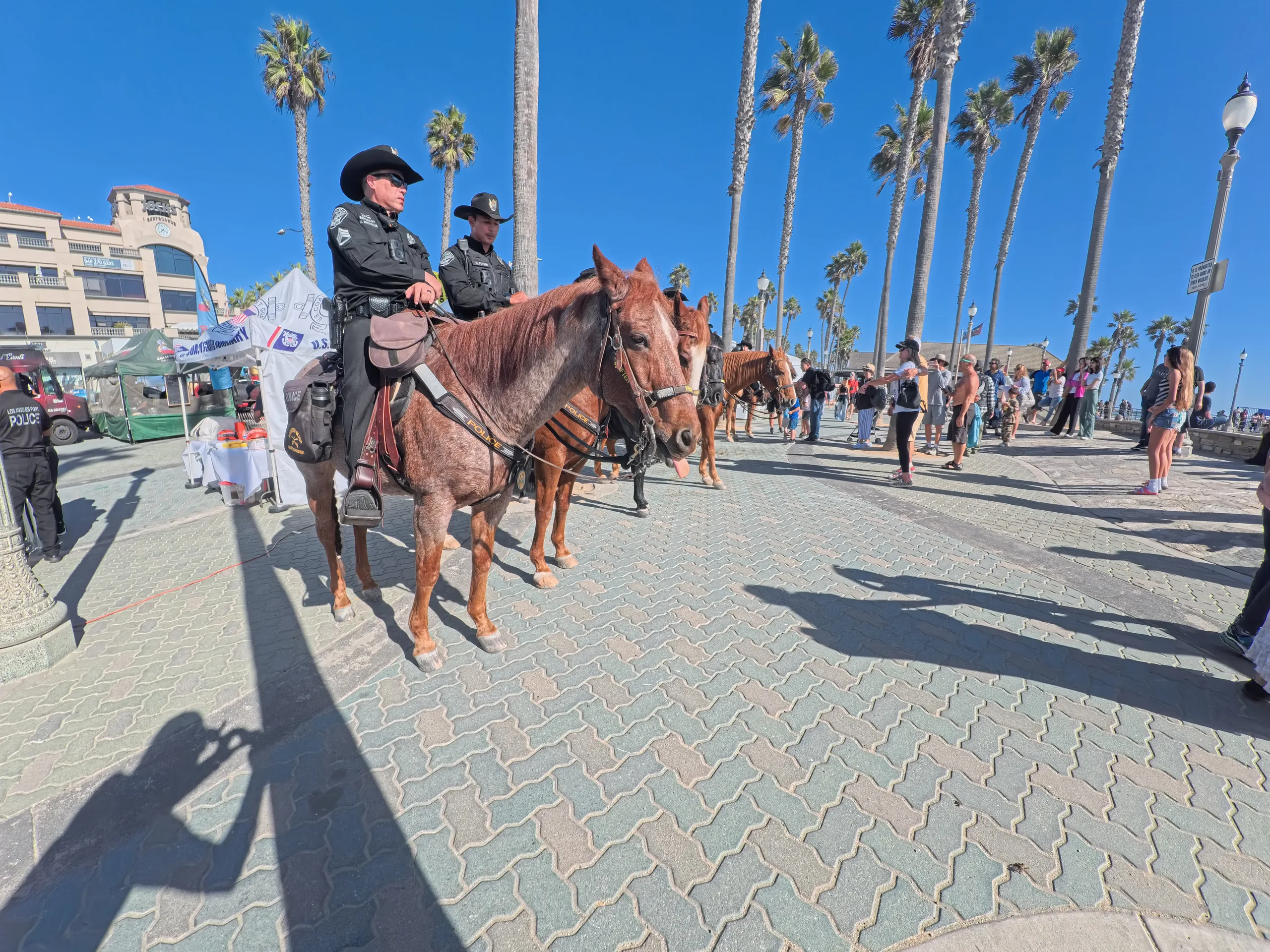
(Video samples have been re-encoded and resized in WebM format.)
Enabling Active HDR, High Stabilization, and 45° horizon lock creates better videos.
2× digital zoom is available.
The pendant mount produced shakier clips than the cap mount or selfie stick when running. The action pod can be mounted separately for remote monitoring.
Without the optional macro lens, the camera can't focus on plated food, but is fine for DIY recordings.
The Go Ultra can function as a dashcam using Loop Recording mode, and video effect modes like Timelapse work as expected.
Low‑light quality drops in Standard mode, with odd shadow artifacts next to photos on the wall in one case. Switching to Pure Video mode eliminates the artifacts and improves quality. Artificial lights may strobe during movement.
Foreground trees were blurrier in a 2K 240fps golf video than background trees, but looked fine when filmed in 4K 60fps. The wide-angle lens makes it difficult to track small golf balls.
Videos tended to crush shadows, while photos tended to blow out highlights.
Video mode
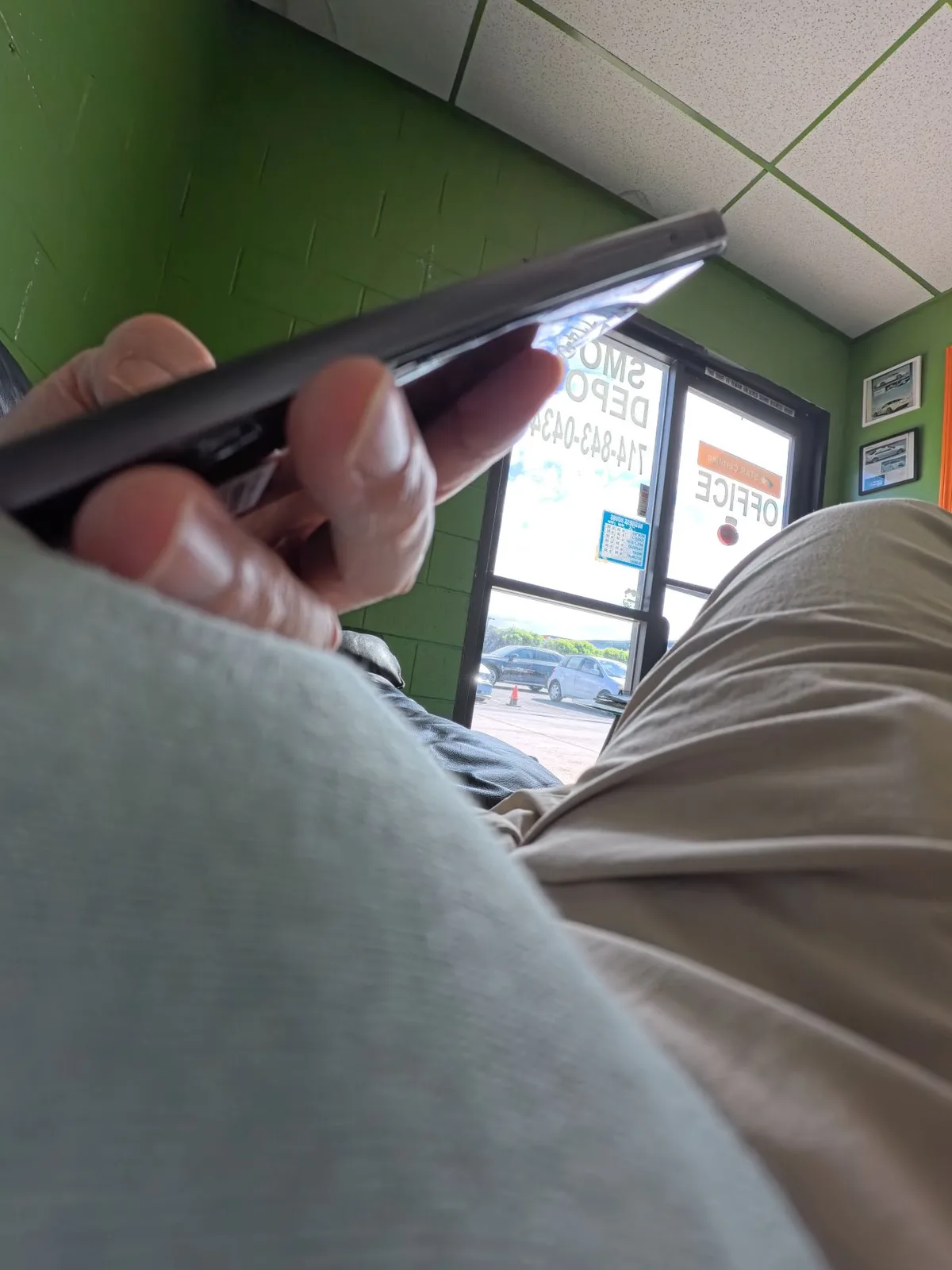
The white balance required manual adjustment during a rainy day and struggled indoors, especially under artificial lighting. Once, a path shifted frequently between cool and warm while biking.



The Go Ultra survived multiple drops and hard crashes, with the camera occasionally detaching from the pod. The replaceable, pre-installed filter protects the lens, and a screen protector is recommended.
Glitches
Horizontal lines appeared randomly in edited videos exported from the smartphone app, which can be avoided by editing on a laptop. During playback, videos sometimes showed blocky artifacts or froze, which were fixed by rebooting. These issues—reported to the company—occurred on two units using five microSD cards and two phones across multiple app and firmware updates. They remain unresolved.
Once, the camera suddenly could not see the microSD card it had just been recording to—a “no card” error. An Insta360 representative had to perform a hard reset and then a software reset to make it work again. The card tested fine.
Conclusion
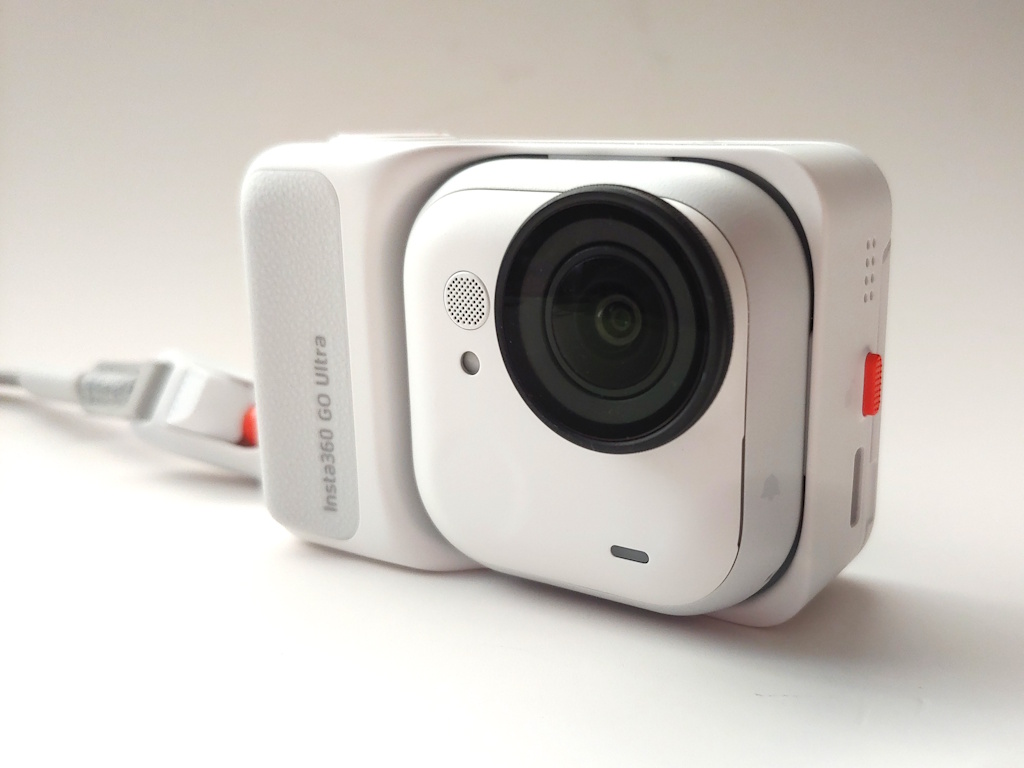
The Insta360 Go Ultra stands out for its detachable waterproof camera, giving it broad mounting flexibility while delivering satisfying daylight videos, but notable issues hinder its recommendation.
Transparency
The selection of devices to be reviewed is made by our editorial team. The test sample was given to the author by the manufacturer free of charge for the purposes of review. There was no third-party influence on this review, nor did the manufacturer receive a copy of this review before publication. There was no obligation to publish this review. As an independent media company, Notebookcheck is not subjected to the authority of manufacturers, retailers or publishers.
 Add as a preferred source on Google


