




CheckMag | How I vibe coded a running beats app while running
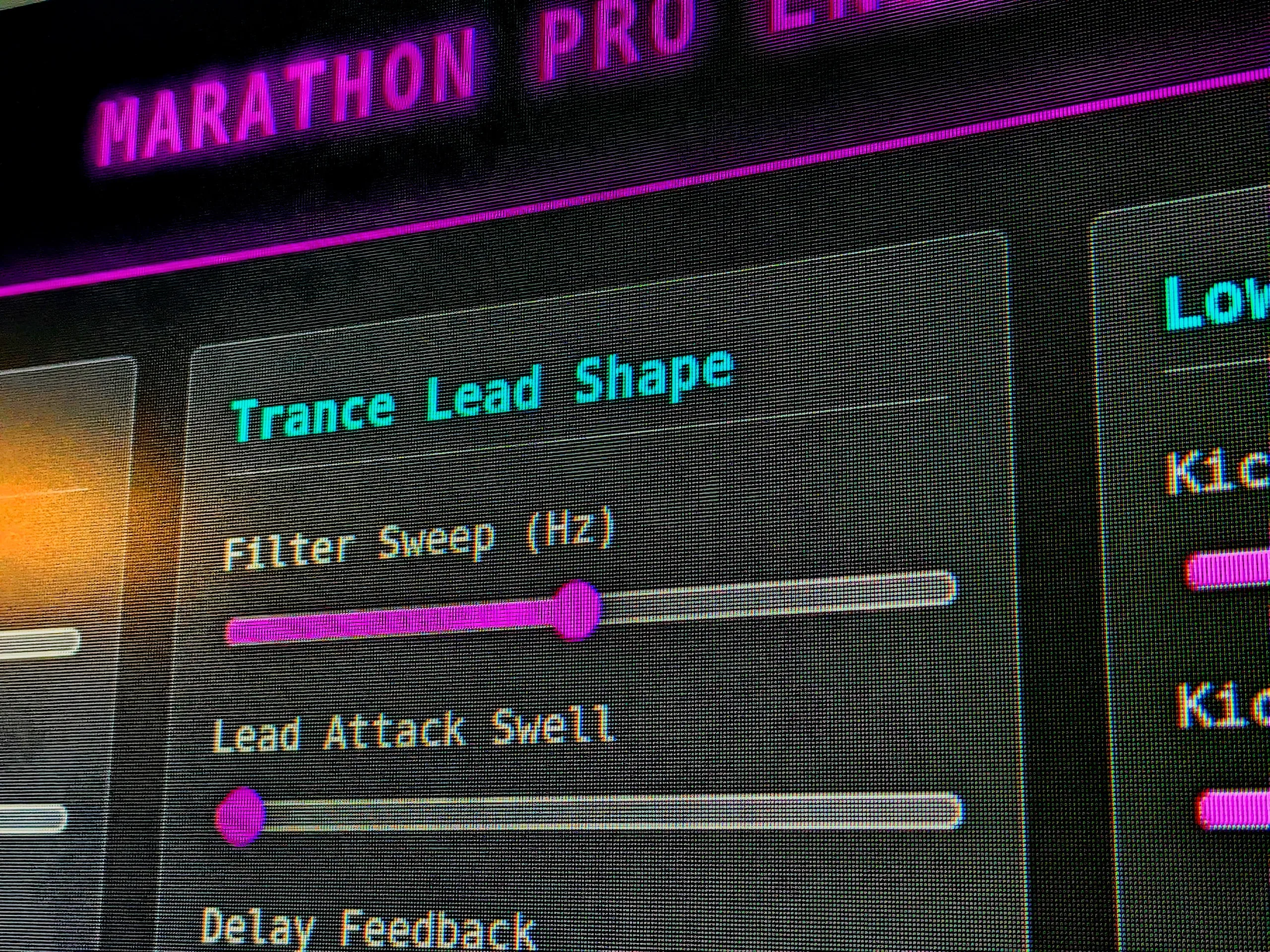
Web apps have become my go-to when using AI to code. They're simple to deploy, easy to read and modify, and work on most devices with a web browser. So, when I found myself struggling to find the right music during a run, I was curious whether it would be possible to create a random, high-BPM beat generator before I finished my route. After a few revisions and a few close calls with tripping, I arrived at a working prototype that was surprisingly useful.
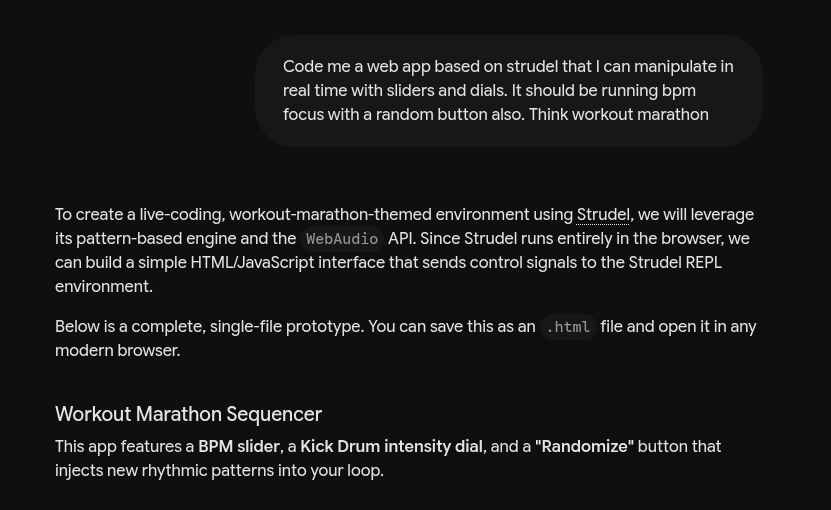
Thankfully, prompt engineering has come a long way. Despite a request that read with typos and sentence fragments, Gemini was able to take my initial request for a Strudel REPL-based app that would take input from sliders and dials to create a randomized beat to run to. For those unfamiliar with Strudel REPL, it is an open-source code-based platform that lets users live-code music. Unfortunately, I quickly realized that pulling in the necessary dependencies and general music generation were not going to be possible within my time frame or by reading the code with one eye and looking at my feet with the other.
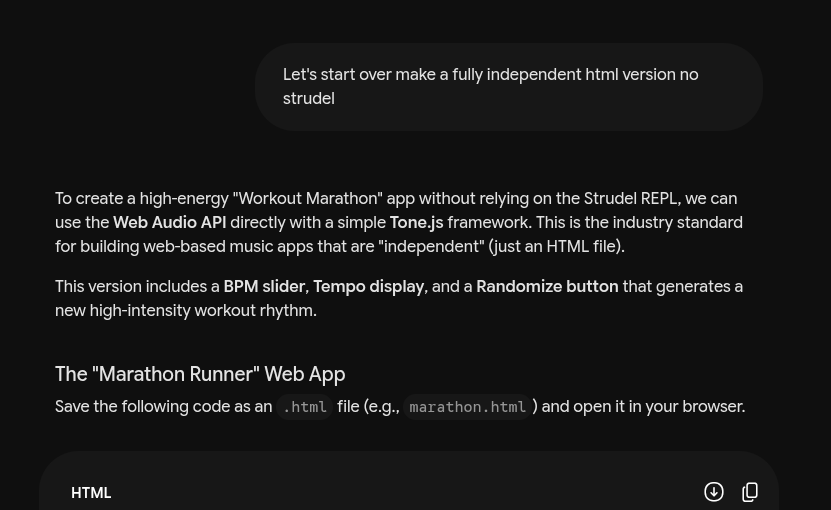
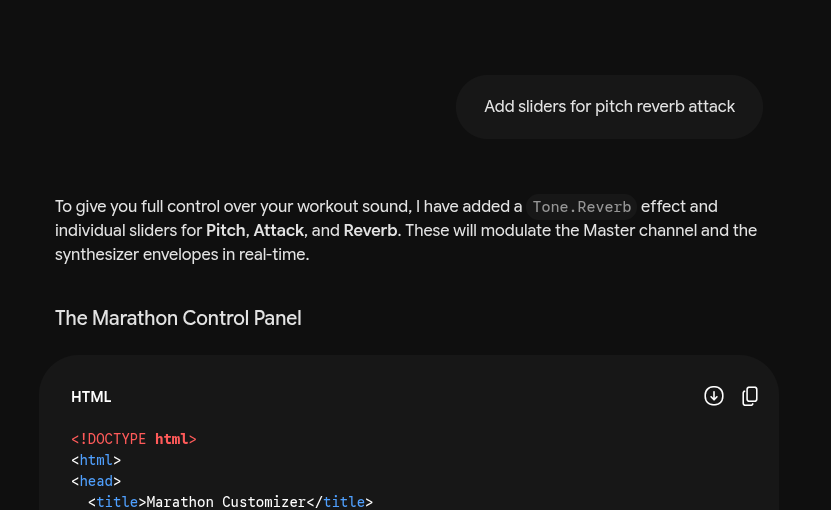
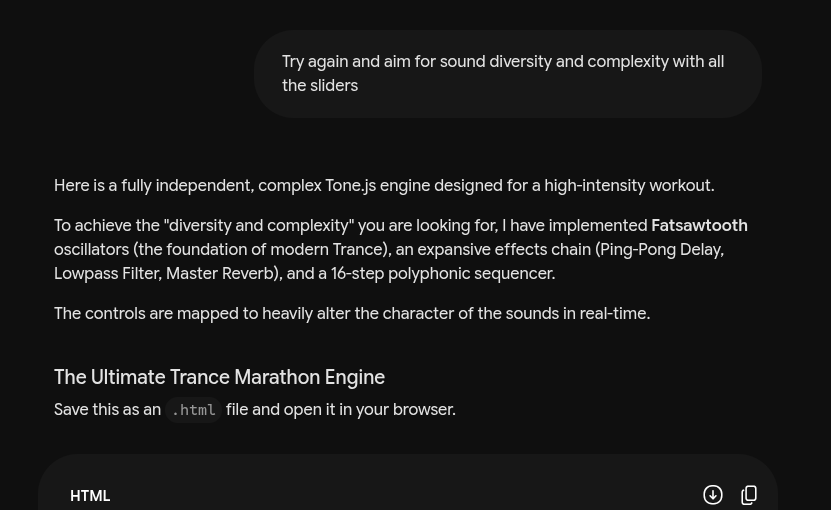
Pivoting, I decided to ask Gemini to go full front-end stack, and that's when things started to work out. However, in my haste, I didn't realize that I was working with the much less capable 3.1 Flash-light version of Gemini, and while it was giving me working results, it was not incorporating sliders, dials, or tones I was looking for in a trance sound kit, and instead was giving me what equated to a souped-up metronome. With the more appropriate "Pro" selected, I finally got a multi-tonal synth going where I could set the BPM, randomize tones, and, most importantly, control pitch, reverb, and attack to create on-demand breakdowns. While not perfect, this was exactly the type of music experience I was looking for, and I am simply in awe of what is now possible, even in the most active of situations. Curious users can find and test the prototype below.
Source(s)
 Add as a preferred source on Google


