



Claude artifacts become desktop apps: What full access lets them do
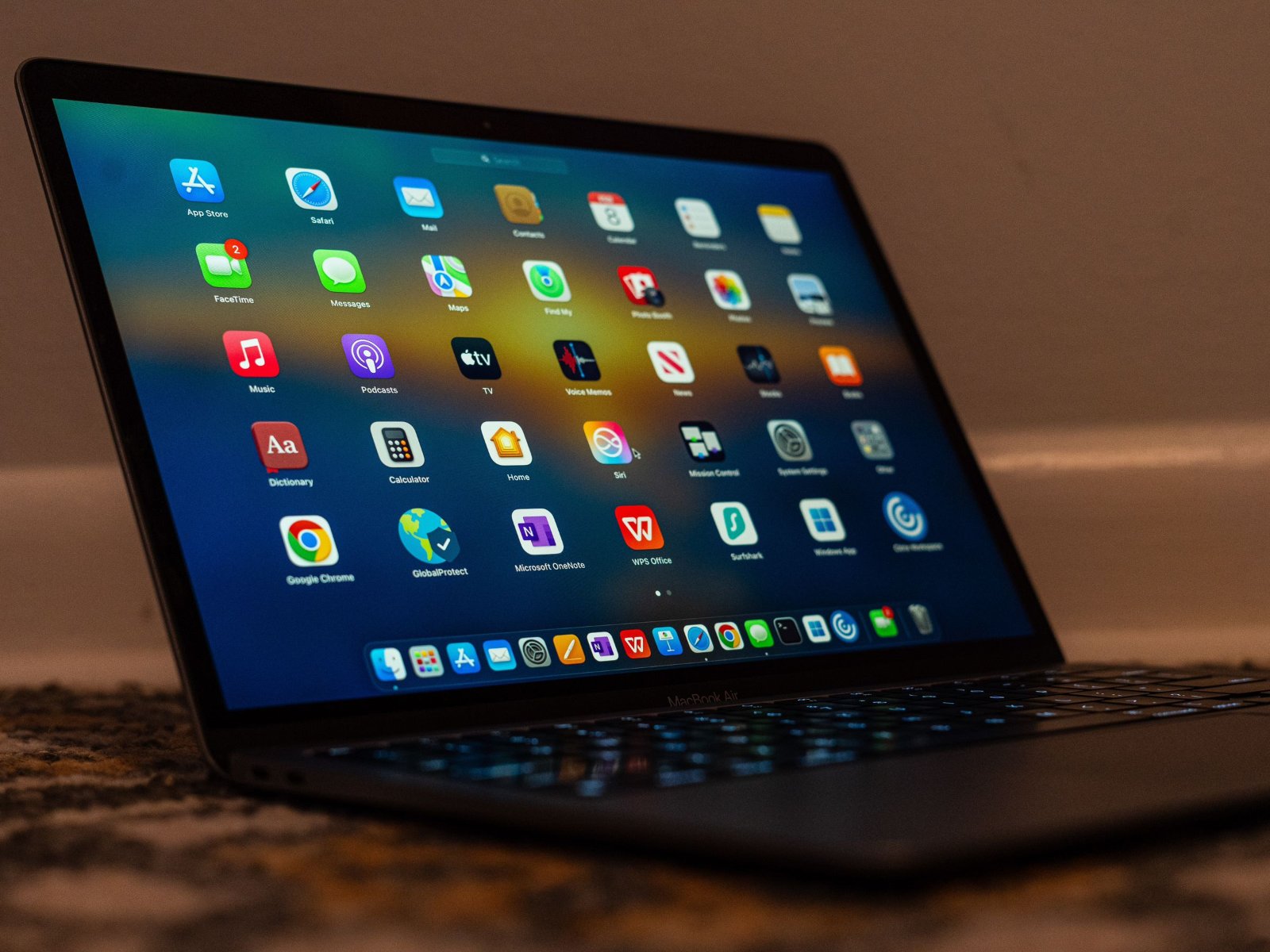
Claude can now turn the small tools it builds into desktop apps for Mac and Windows. Since November 24, an artifact such as a timer, a tracker or a tool that renames photos can be installed as an app of its own via "Install as app." It gets its own icon and window and opens like any other program. According to the Claude Help Center, the feature is rolling out in beta on the Free, Pro, Max, Ultra, Team and Enterprise plans. It requires Claude for Mac or Windows version 6.28899.0 or later.
Three levels of access, one of them full
Without further approval, an installed app can only do what it could do in a browser. Anything beyond that requires a request, which you answer with "Allow" or "Don't allow." Apps can ask to show notifications, to "respond to key combinations while you use other apps," to float over other windows or to add a menu bar item on macOS or a system tray icon on Windows. An app allowed to float over other windows can also read where the mouse cursor is on your screens.
The highest level is called "Full access to this computer." It lets an app run programs and read, change or delete your files without asking each time. Anthropic states that it "doesn't review apps before you install them" and recommends granting full access only if you trust everyone who wrote the app. On the Free, Pro, Max and Ultra plans, any other user counts as outside your organization, so an app shared by a friend generally cannot request full access at all. Team plans have the feature on by default, but full access stays off until an admin enables it. On Enterprise plans, the whole feature is off until an owner turns it on.
Each approval covers one version
An "Allow" applies to one version of the app. After any update, including your own edits, Claude asks again. Code that an app loads from another website can change without a new request, however. To revoke a permission on a Mac, click the app's name in the menu bar. On Windows, right-click the title bar. Both lead to a "Permissions" option. Turning off full access stops the programs the app started, but it does not undo changes the app has already made to your files. If you lose access to a shared app, Anthropic says it can take up to about 20 minutes before its programs stop.
Usage limits and where the apps are not available
Building an app and every request it sends to Claude count toward your plan's usage limits. You need to be online and signed in to the Claude desktop app to open one. Linux, the web and mobile are not supported at launch. Artifacts made from templates such as Docs, Slides and Sheets cannot be installed, and organizations with HIPAA-ready configurations do not get the feature. Google has a similar push on the desktop and now lets Gemini operate apps on the Mac. In early November, Postman added itself to Claude Code and Codex without asking.
Source(s)
Claude Help Center: Install an artifact as an app, permissions and limits
Anthropic: Turn artifacts into Mac and Windows apps (Nov 24, 2026)
SiliconANGLE: Anthropic turns Claude artifacts into desktop apps (Nov 24, 2026)
Fonearena: Claude artifacts can be installed as Mac and Windows apps (Nov 25, 2026)
 Add as a preferred source on Google


